
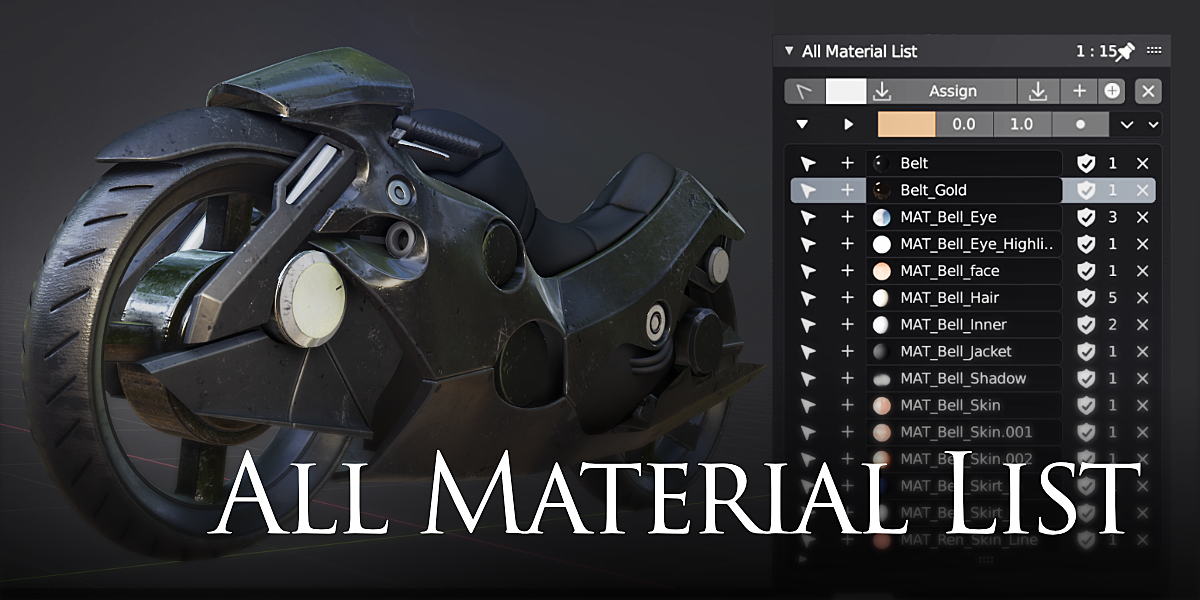
All Material List for Blender
all material list addon
All Material List v2.7.7 for Blender – Comprehensive Material Manager & Organizer
Version: V2.7.57
File Size:1 MB
Download All Material List v2.7.7 for Blender on Windows, Mac, and Linux, a powerful material management add-on that gives you complete control over all materials in your scene. View, organize, edit, and apply materials from a centralized interface—perfect for artists working on complex scenes with dozens or hundreds of materials.
Key Features of All Material List v2.7.7:
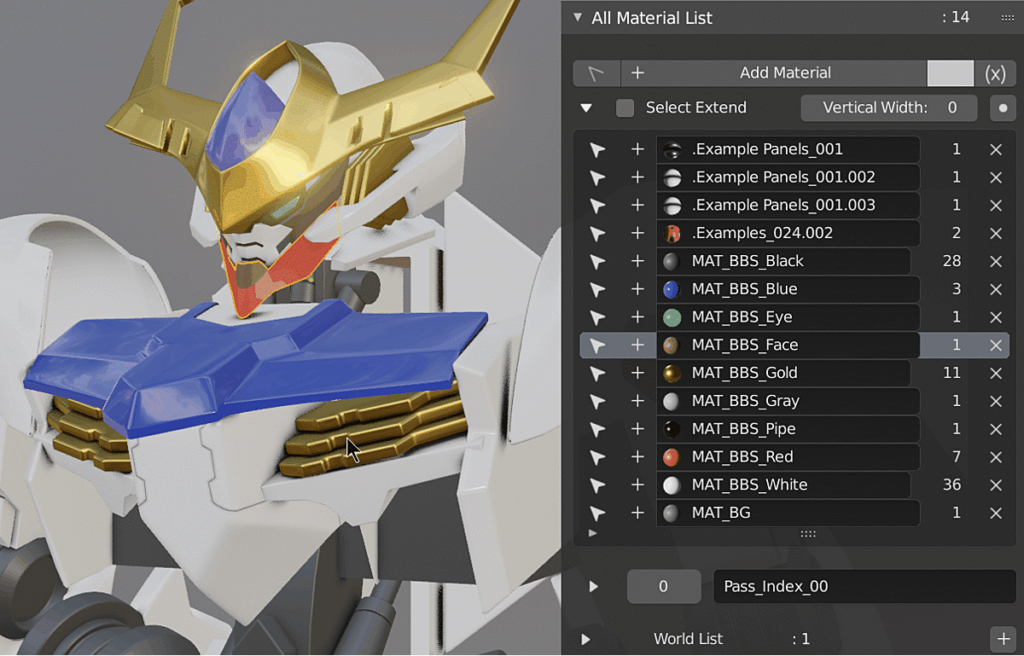
- Centralized Material Browser: View all materials in your scene in a single, organized list
- Quick Material Selection: Select objects by material with one click
- Batch Material Operations: Assign, replace, or remove materials from multiple objects simultaneously
- Material Search: Find materials instantly by name or property
- Material Statistics: View polygon count and object count per material
- Unused Material Cleanup: Identify and remove materials not assigned to any object
- Material Export: Export materials to external libraries for reuse
- Material Replace: Replace one material with another across entire scene
- v2.7.7 Updates: Enhanced search, improved performance, and Blender 4.0+ compatibility
Perfect For:
- Environment artists managing complex scenes with many materials
- Game developers organizing material libraries for assets
- Architectural visualization professionals handling large material sets
- Character artists managing multiple shaders on characters
- Anyone needing efficient material management in Blender
System Requirements:
- Blender 3.6, 4.0, 4.1, 4.2, 4.3
- Windows 10/11 (64-bit), macOS, or Linux
- 4GB RAM minimum (8GB+ recommended)
- 10MB available disk space
Installation:
- Download the add-on zip file
- In Blender, go to Edit > Preferences > Add-ons
- Click “Install” and select the downloaded zip file
- Enable the add-on by checking the box next to “All Material List”
Note: All Material List v2.7.7 transforms material management in Blender, providing centralized control over all materials in your scene. The batch operations, unused material cleanup, and material replacement tools make it essential for artists working on complex scenes with extensive material libraries. Designed for Blender 3.6 and above.

List all materials and more data in your project
Display Material / Image / Light / Camera / World / Scene / Action in a list and improves data management efficiency.
Rename, Select, Assign, Delete, Check for path, Broken links, etc.
In addition, there are viewport color setting functions and auxiliary functions for materials and images.
Material List
Simple node parameter settings, pop-up menus, replacements, joins, regular expression filters, and more.
Image List
Lists information such as file path, broken link status, image size, and file type, and streamlines the management of image data.
Viewport Color
Functions related to viewport color. Makes objects easier to identify.
Can be used like 3ds Max.
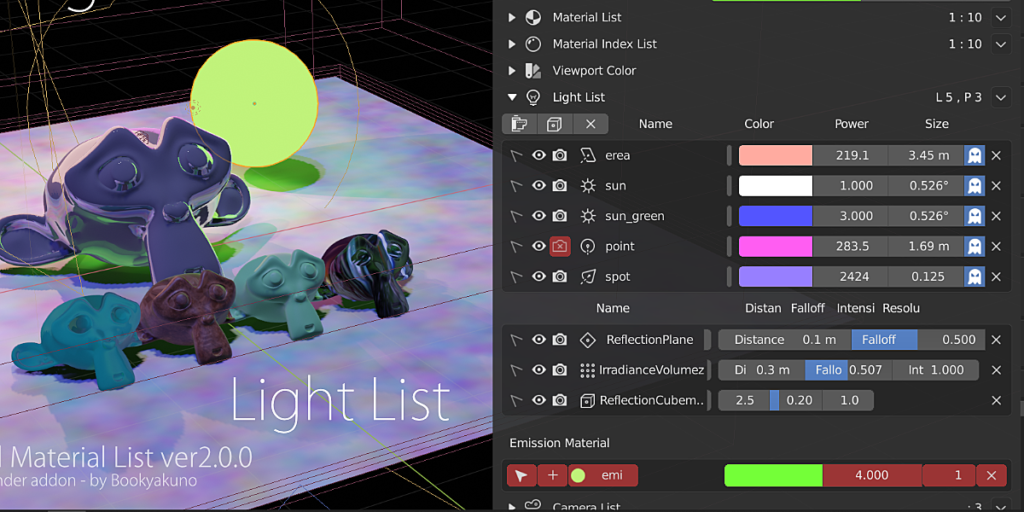
Light List
Lists with Lights, Light probes, and Emission nodes material.
Supercharge your 3D creation workflow with premium selection of Blender Add-ons. Whether you are modeling intricate characters, sculpting realistic environments, or animating cinematic sequences, the right add-on can transform how you work inside Blender. Our curated collection includes powerful tools for UV unwrapping, procedural texture generation, rigging automation, rendering optimization, and more—each rigorously tested for compatibility with the latest Blender versions. Eliminate tedious manual processes and unlock advanced functionality that lets you focus on what matters most: bringing your creative vision to life. Explore our full range of professional Blender plugins today and take your 3D projects to the next level.
➡️ ➡️ For more Blender Plugins 😀 😀
Reviews
There are no reviews yet.