
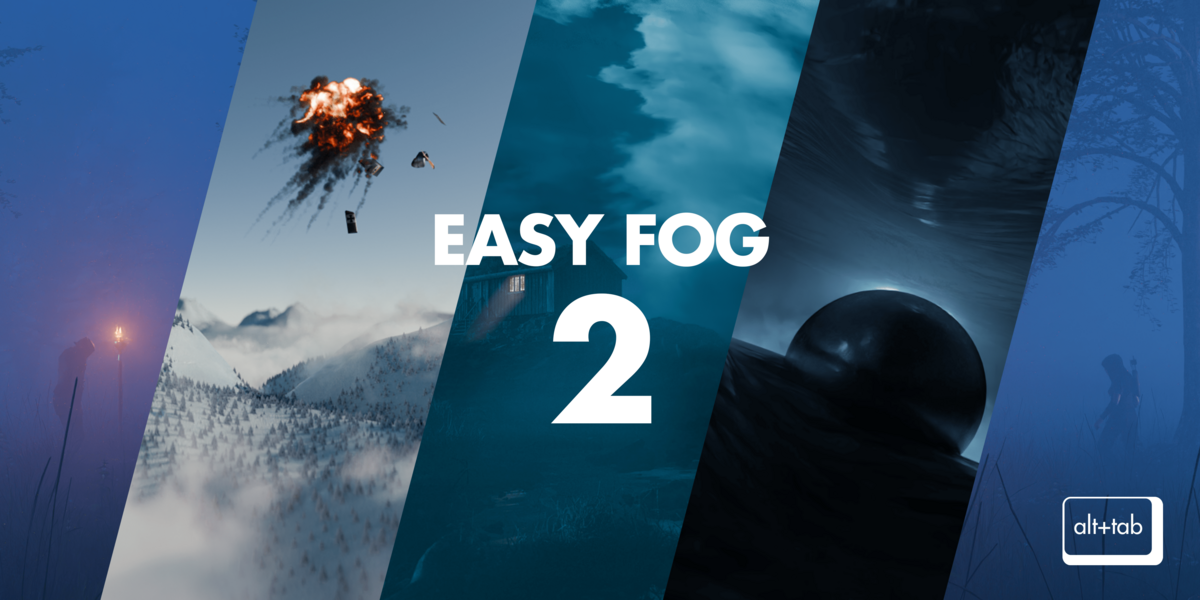
Alt Tab Easy Fog 2 for Blender
Alt Tab Easy Fog 2 v2.5.0 for Blender
The Ultimate Volumetric Fog and Atmospheric Effects Tool for Blender
Download Alt Tab Easy Fog 2 v2.5.0 today. Consequently, you can instantly add stunning, realistic atmospheric depth to any Blender scene. Because environmental storytelling relies heavily on mood and lighting, having a dedicated volumetric fog tool is absolutely essential.
Nevertheless, building complex volumetric shader networks from scratch takes hours of tedious node work. Fortunately, Easy Fog 2 eliminates this bottleneck completely. Moreover, it provides a completely procedural, drag-and-drop system that works natively in Cycles and Eevee. In short, you can create breathtaking atmospheric environments in seconds.
Comprehensive Procedural Fog Library
The core of this addon lies in its extensive collection of ready-to-use atmospheric presets. For instance, it includes everything from dense ground mist and rolling clouds to subtle, cinematic light shafts. Furthermore, each preset is fully procedural, meaning it works at any scale without relying on external texture files.
Additionally, you can easily blend different fog types together to create unique atmospheric conditions. Since the materials use simple, intuitive sliders, you can instantly adjust density, color, and height. Consequently, your scenes will have a rich, cinematic depth that draws the viewer in.
Advanced Lighting and Volumetric Controls
Professional atmosphere design demands precise control over how light interacts with the environment. Therefore, Easy Fog 2 provides robust volumetric parameters. For example, you can adjust the scattering and absorption values to perfectly match the time of day.
Furthermore, the addon includes powerful noise controls. This allows you to introduce organic movement and swirling patterns into your fog. Additionally, you can animate the fog to create dynamic weather effects or creeping mist. Since every parameter is keyframable, you maintain complete creative authority over the mood of your scene. Thus, your renders will look incredibly atmospheric.
Seamless Workflow and Asset Browser Integration
Creative exploration requires fast, responsive tools. Accordingly, Easy Fog 2 integrates natively into Blender’s Asset Browser. For instance, you simply drag and drop your desired fog volume directly into your 3D viewport.
Furthermore, the addon includes a dedicated panel in the N-sidebar for quick adjustments. Additionally, it supports Blender’s Geometry Nodes for advanced scattering and distribution. Since the workflow is completely non-destructive, you can experiment freely without affecting your original geometry. Consequently, you can iterate rapidly and achieve polished results quickly.
Perfect for Environment Artists and 3D Generalists
This addon is particularly well-suited for environment artists creating moody, cinematic landscapes. Similarly, architectural visualizers will appreciate the ability to add realistic atmospheric depth to their exteriors. Additionally, 3D generalists and concept artists can use the tool to quickly block out lighting scenarios. Ultimately, Alt Tab Easy Fog 2 v2.5.0 accelerates your entire environment creation pipeline.
System Requirements and Compatibility
Alt Tab Easy Fog 2 v2.5.0 supports Blender versions 4.2, 4.3, 4.4, and 4.5. It works on both Windows and macOS operating systems. Because the fog is fully procedural, no external texture files are required. You will need a standard workstation with at least 8GB of RAM, though 16GB is recommended for heavy volumetric rendering.
Installation and Usage Guide
To install, first download the ZIP file from your library. Next, open Blender and navigate to Edit > Preferences > Add-ons. Then, click Install and select the downloaded ZIP file. After that, enable the Alt Tab Easy Fog 2 addon.
Finally, open the Asset Browser to drag your desired fog preset directly into your scene. Thus, your atmospheric workflow will be ready instantly.
What is Included Inside?
The pack contains the complete Alt Tab Easy Fog 2 v2.5.0 addon for Blender. Furthermore, it includes the comprehensive procedural fog library and advanced lighting and volumetric controls. Additionally, you receive seamless Asset Browser integration and full animation support. Ultimately, you receive everything needed for professional atmospheric effects.
Final Thoughts on the Addon
Effortless atmospheric design evokes profound creative freedom. Therefore, this addon provides the ultimate foundation for your environment workflows. You can add cinematic fog and mood to any scene with unprecedented speed and realism. Consequently, your creative vision becomes a stunning reality.


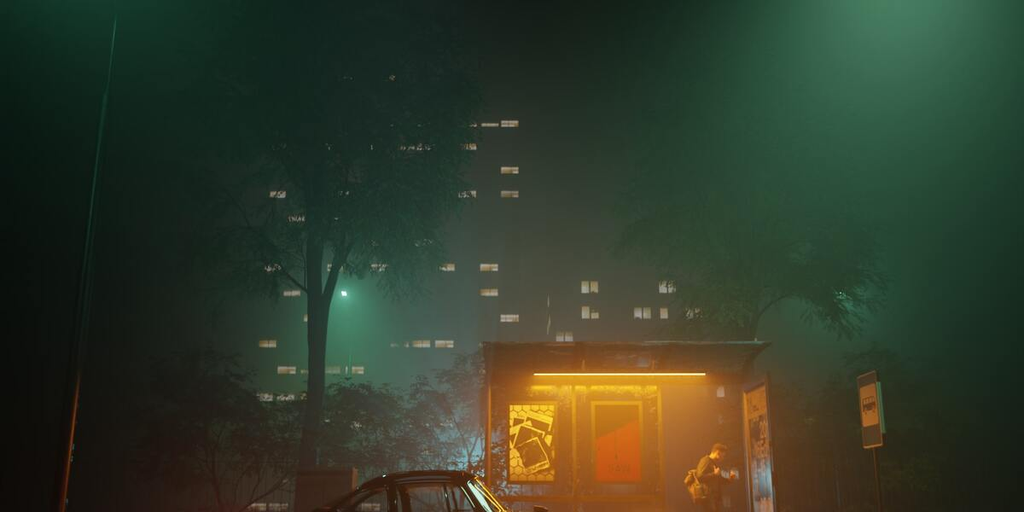
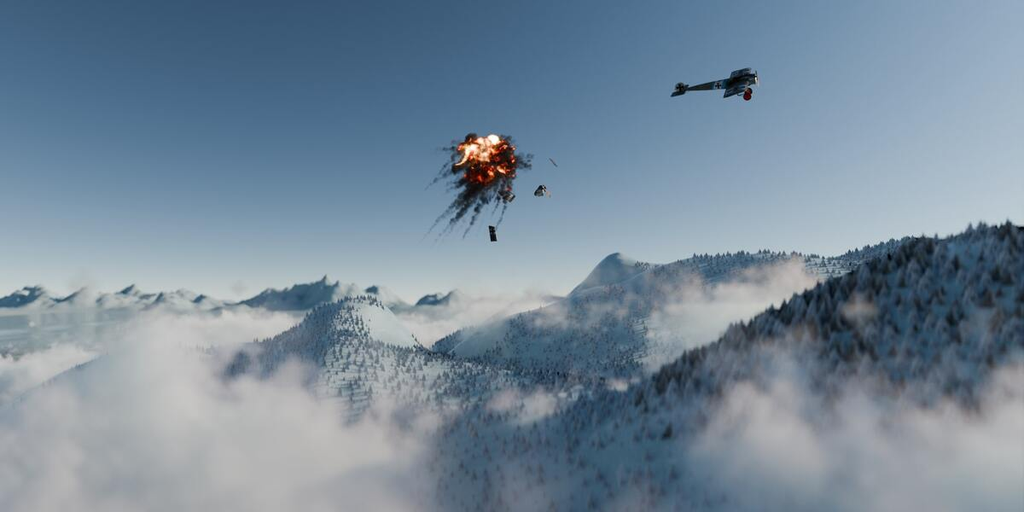
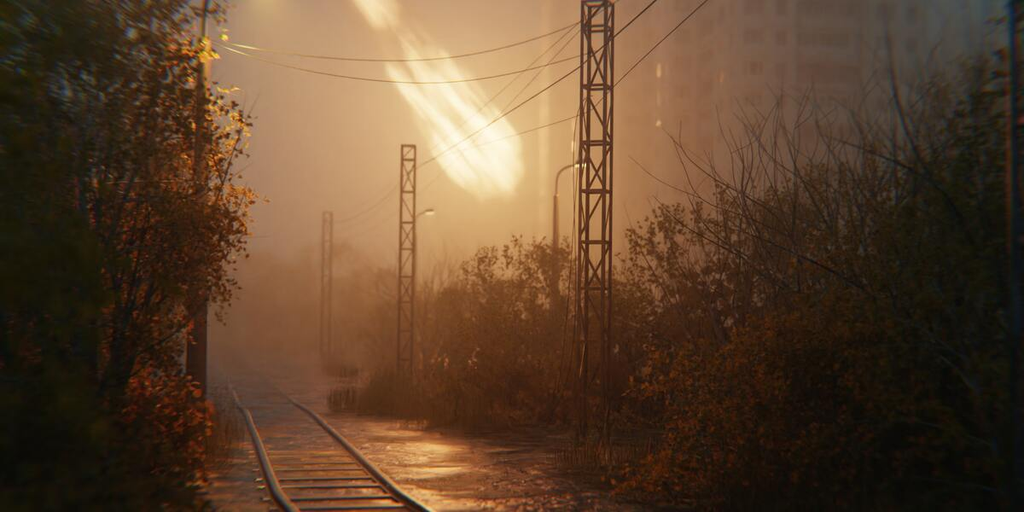

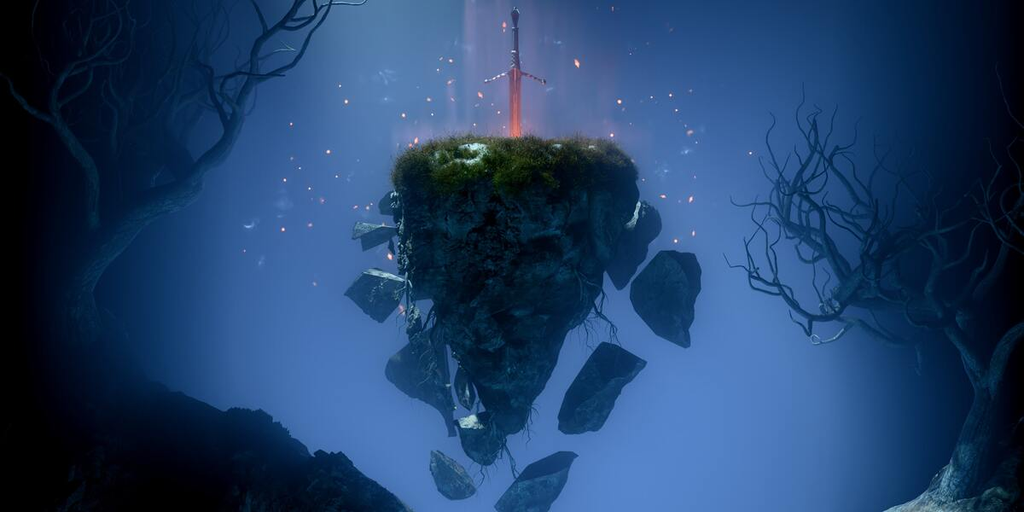

Alt Tab Easy Fog 2
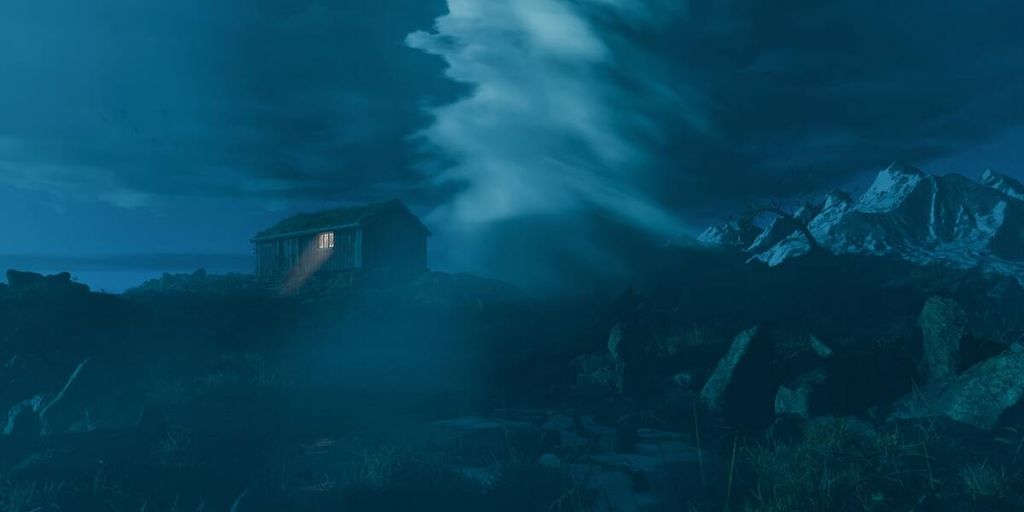
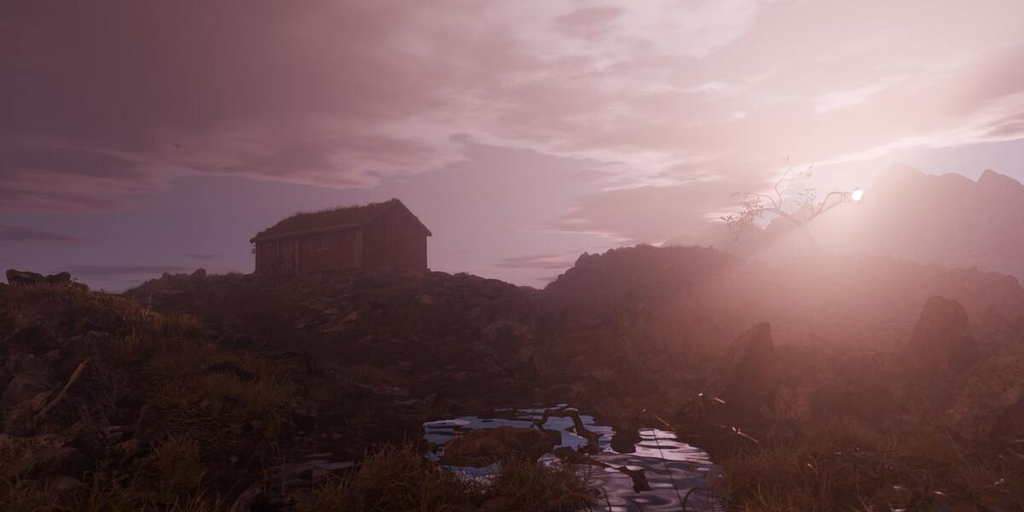
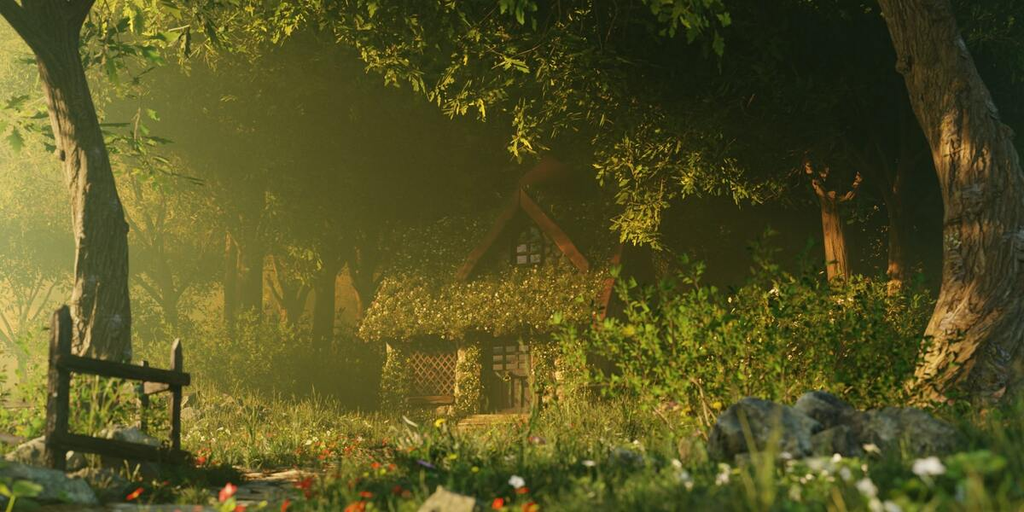
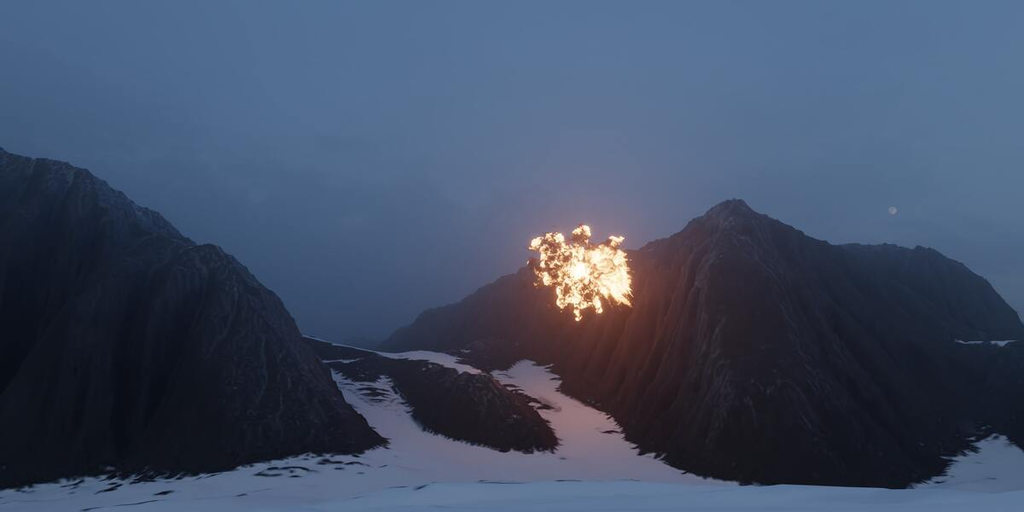
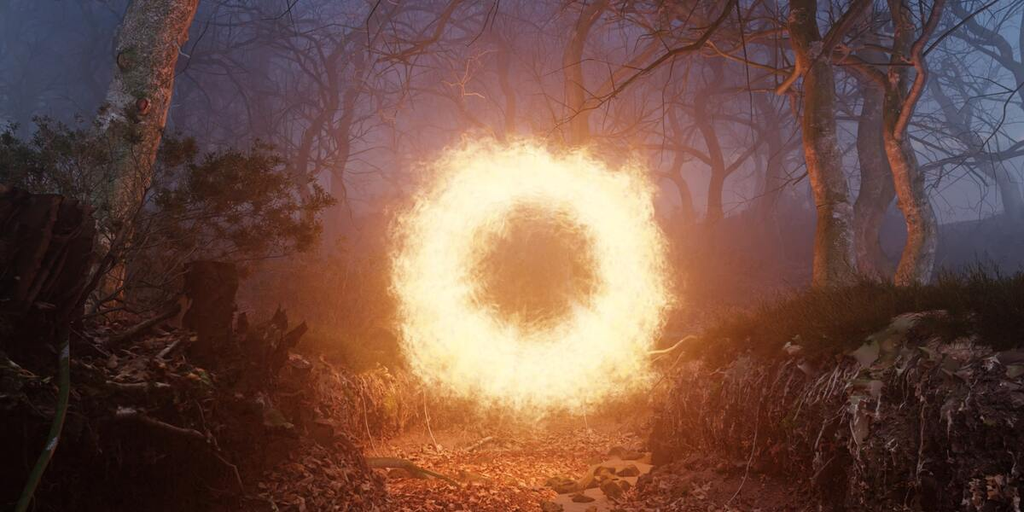
Created by a couple of blender geeks who just love making awesome tools, Alt Tab Easy Fog 2 is here to kick your volumetric game up a notch. Perfect for anyone, from weekend creators to professional artists, this addon makes adding clouds, smoke, explosions and all sorts of foggy effects to your scenes a breeze.
Made with Alt Tab Easy Fog 2
Features
- 50+ procedural volume presets
- 100+ Static VDB volumes
- 100+ Animated VDB’s in Packs: Realistic looking explosions, smokes & fires to light up your scene.
- Easy to use UI
- Controls for density, color, noise textures and texture mapping
- One Click Pack Installation via the in-addon marketplace
Showing 212 of 259 files
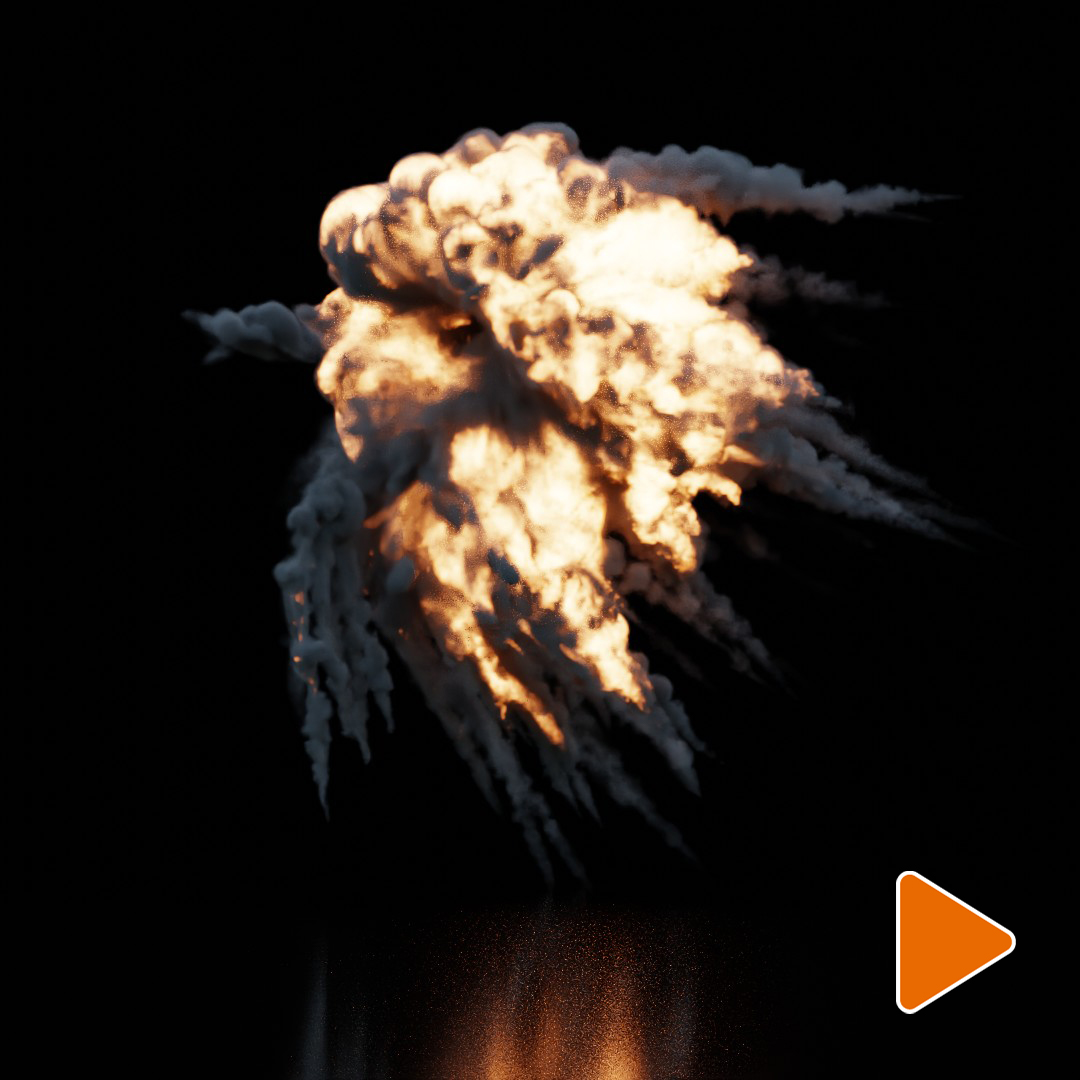
Aerial Explosion 1
Explosions
Aerial Explosion.1
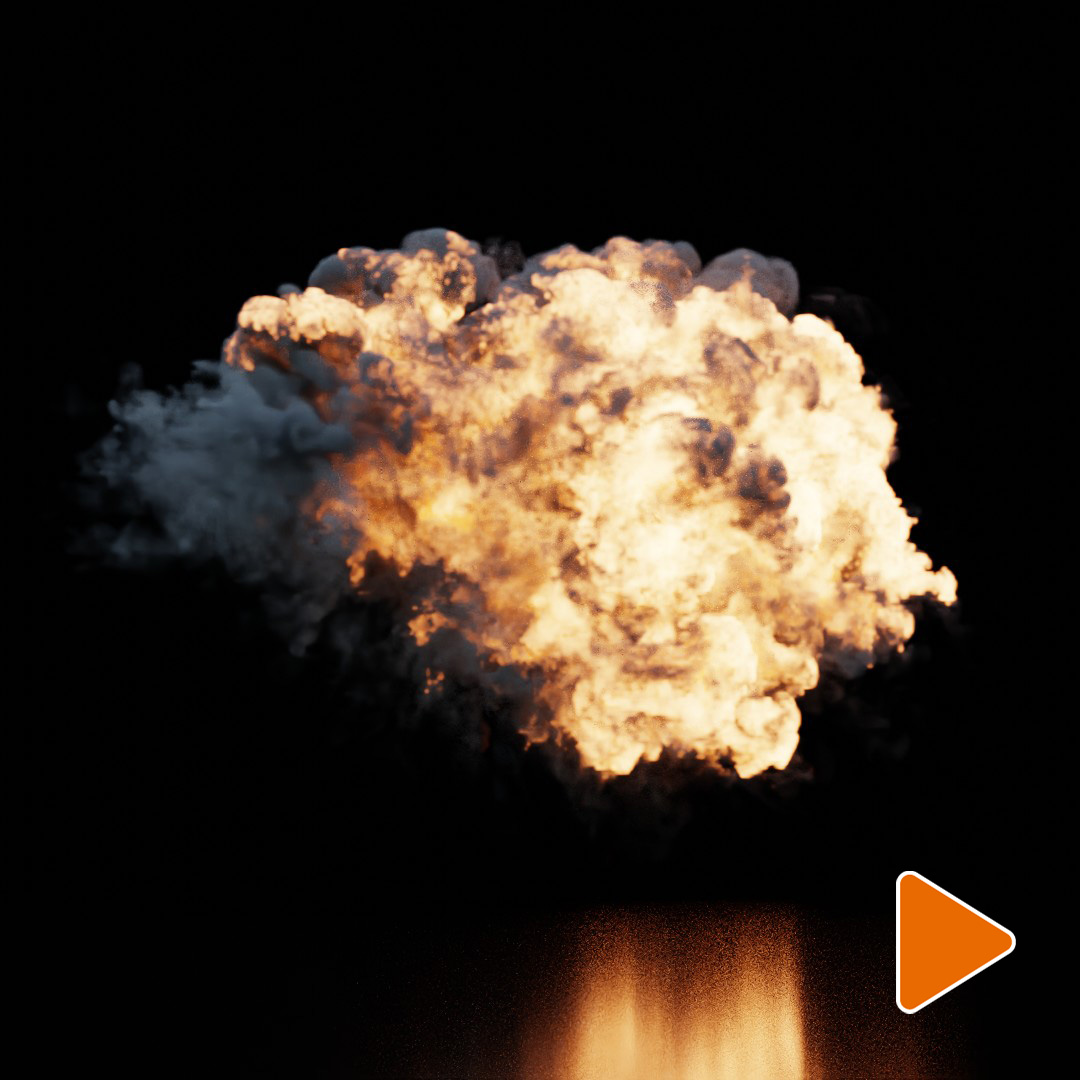
Aerial Explosion 2
Explosions
Aerial Explosion.1
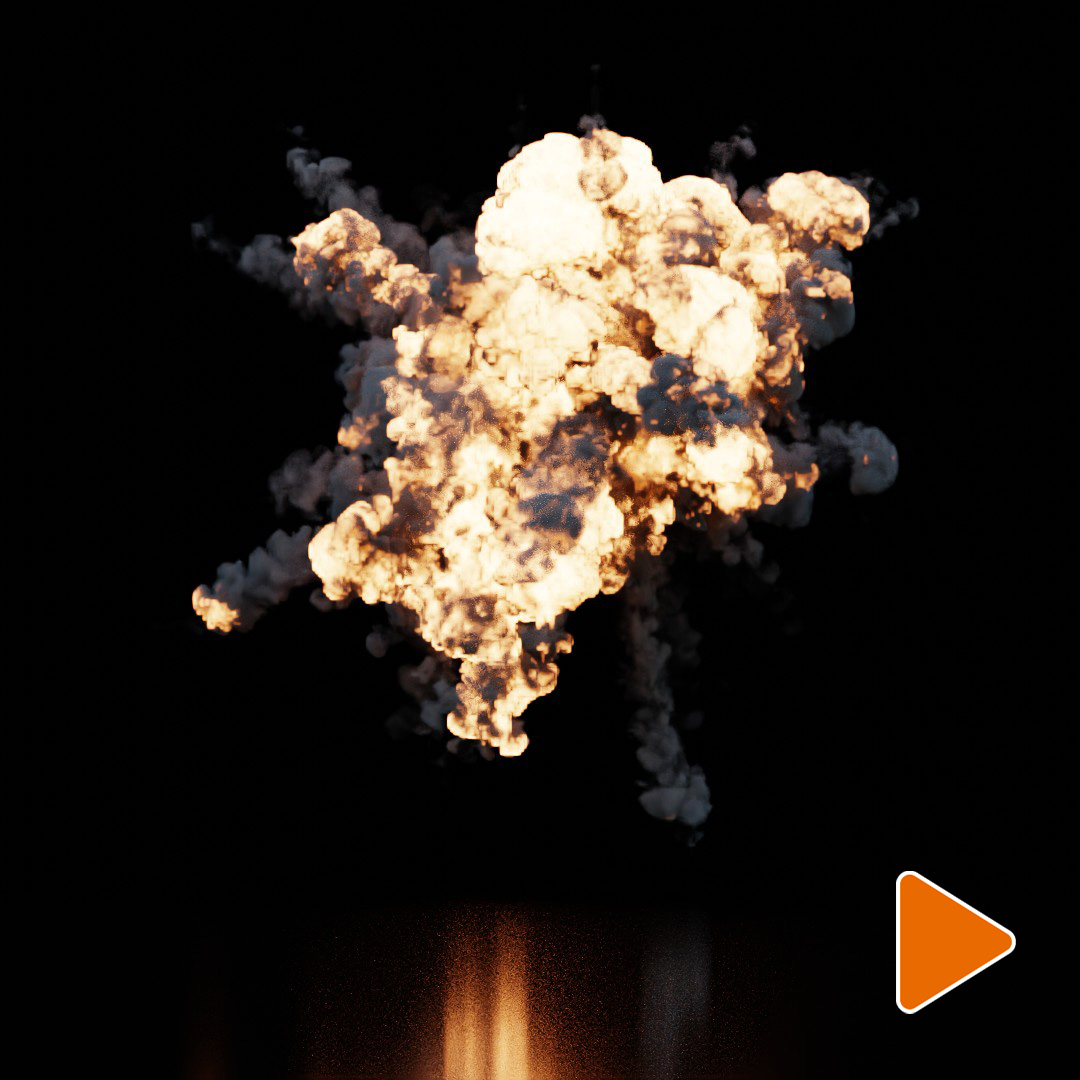
Aerial Explosion 3
Explosions
Aerial Explosion.1
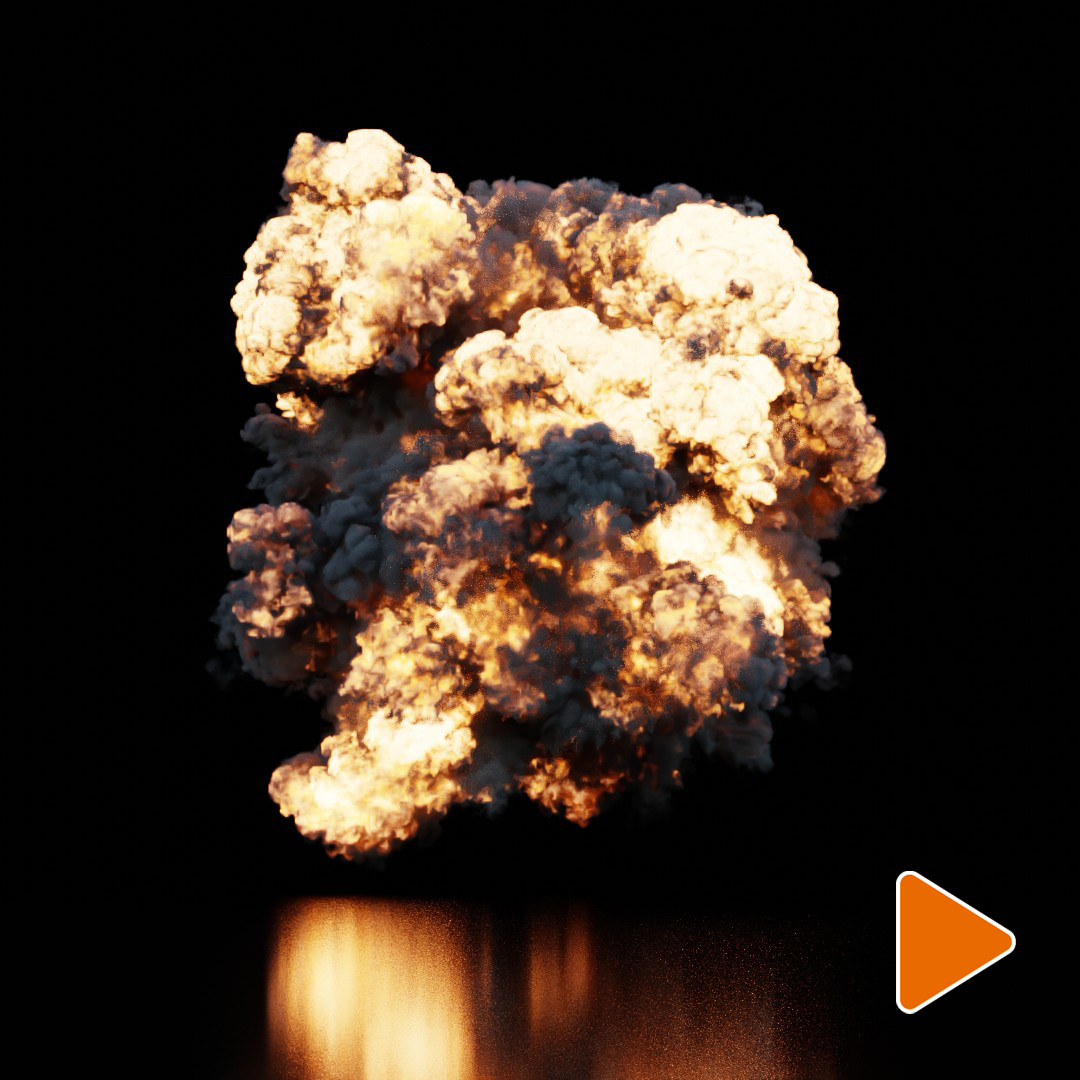
Aerial Explosion 4
Explosions
Aerial Explosion.1
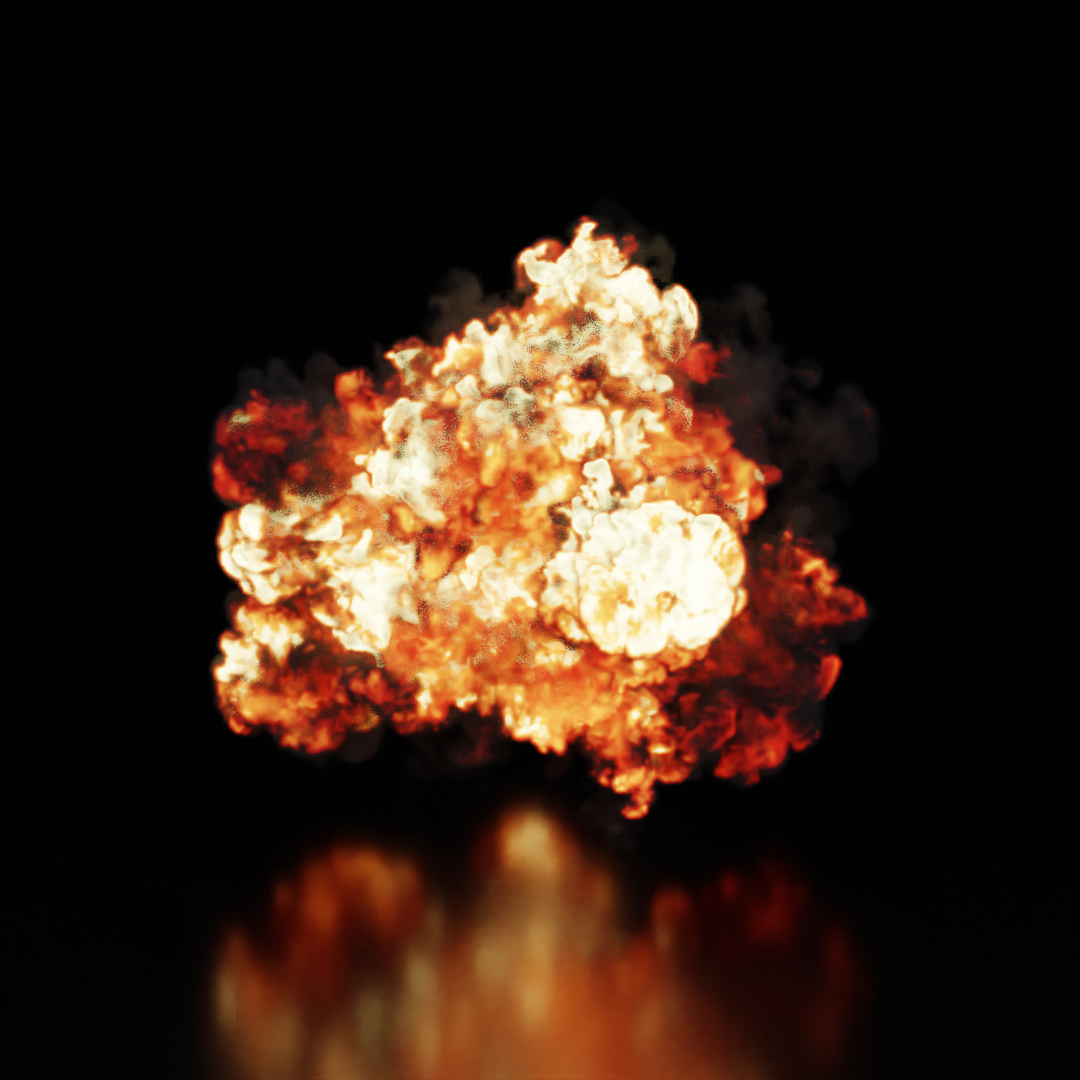
Aerial Explosion1
Explosions
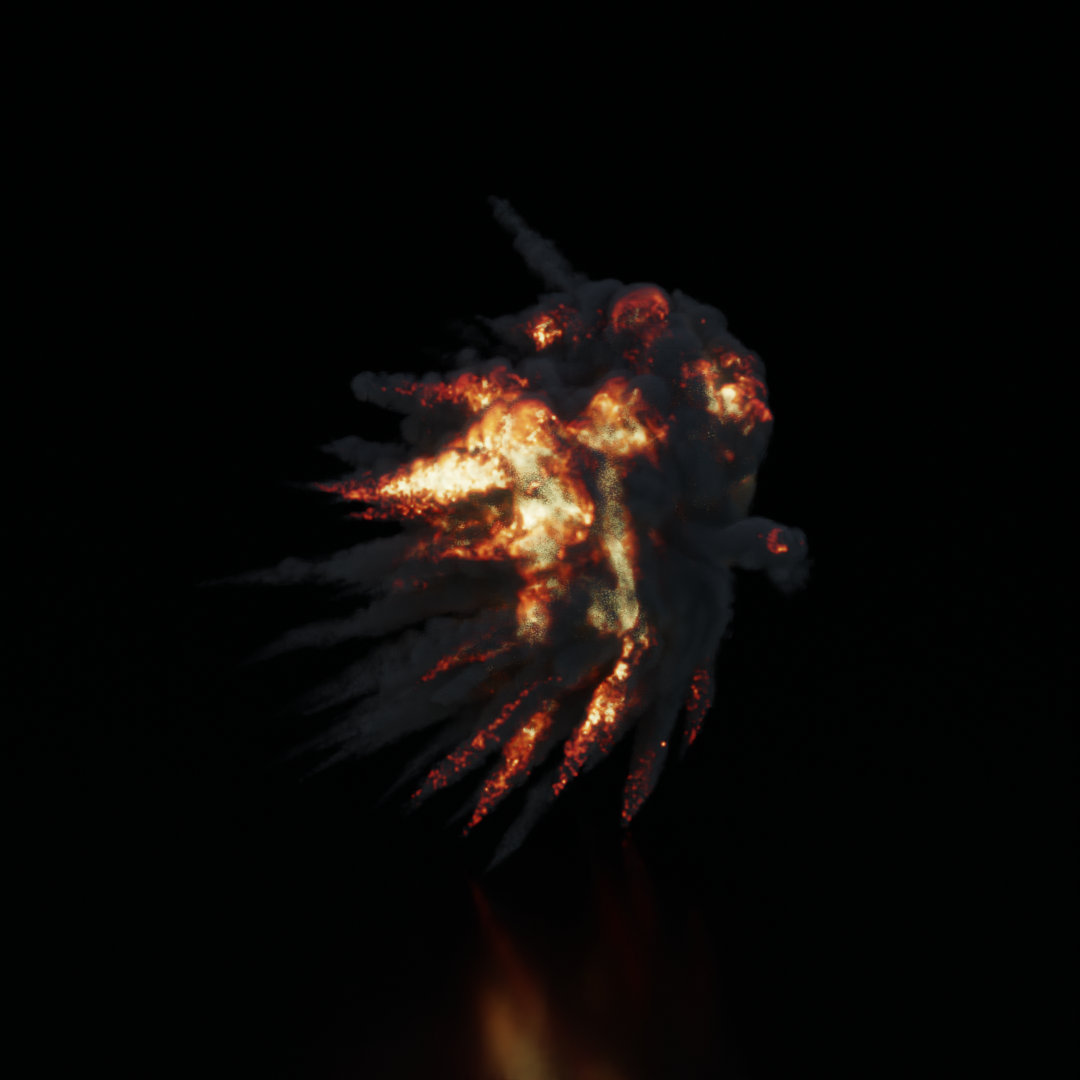
Aerial Explosion10
Explosions
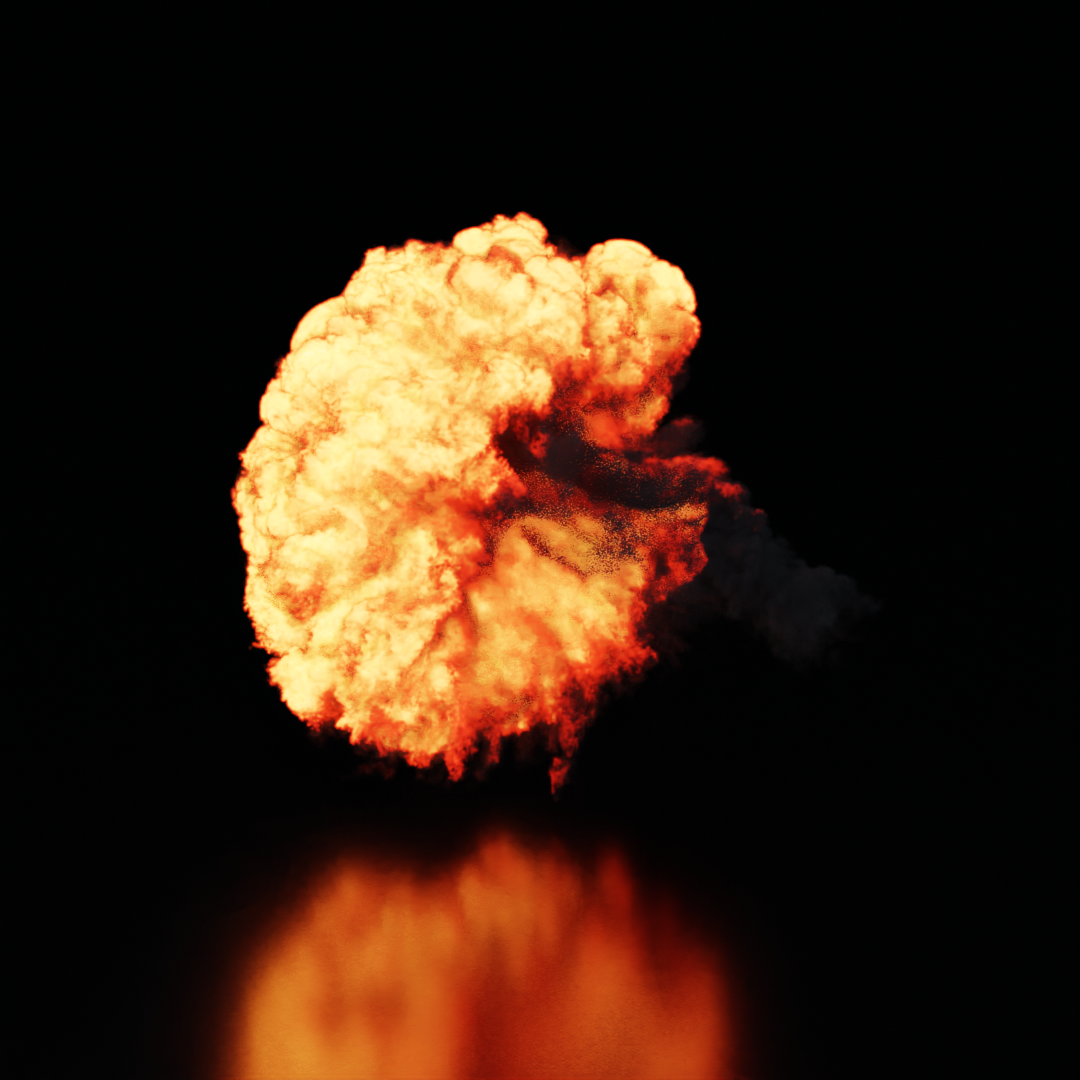
Aerial Explosion11
Explosions
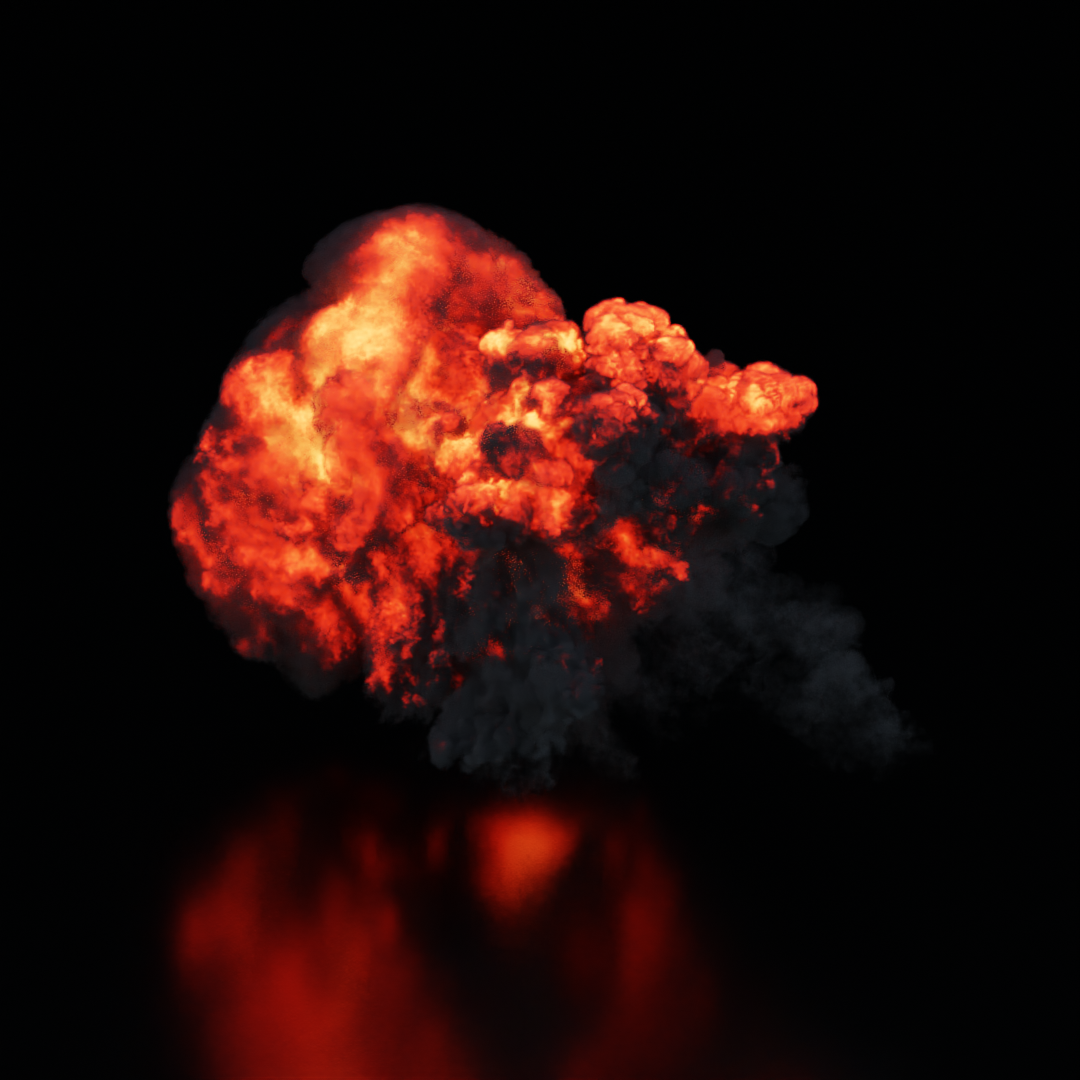
Aerial Explosion12
Explosions
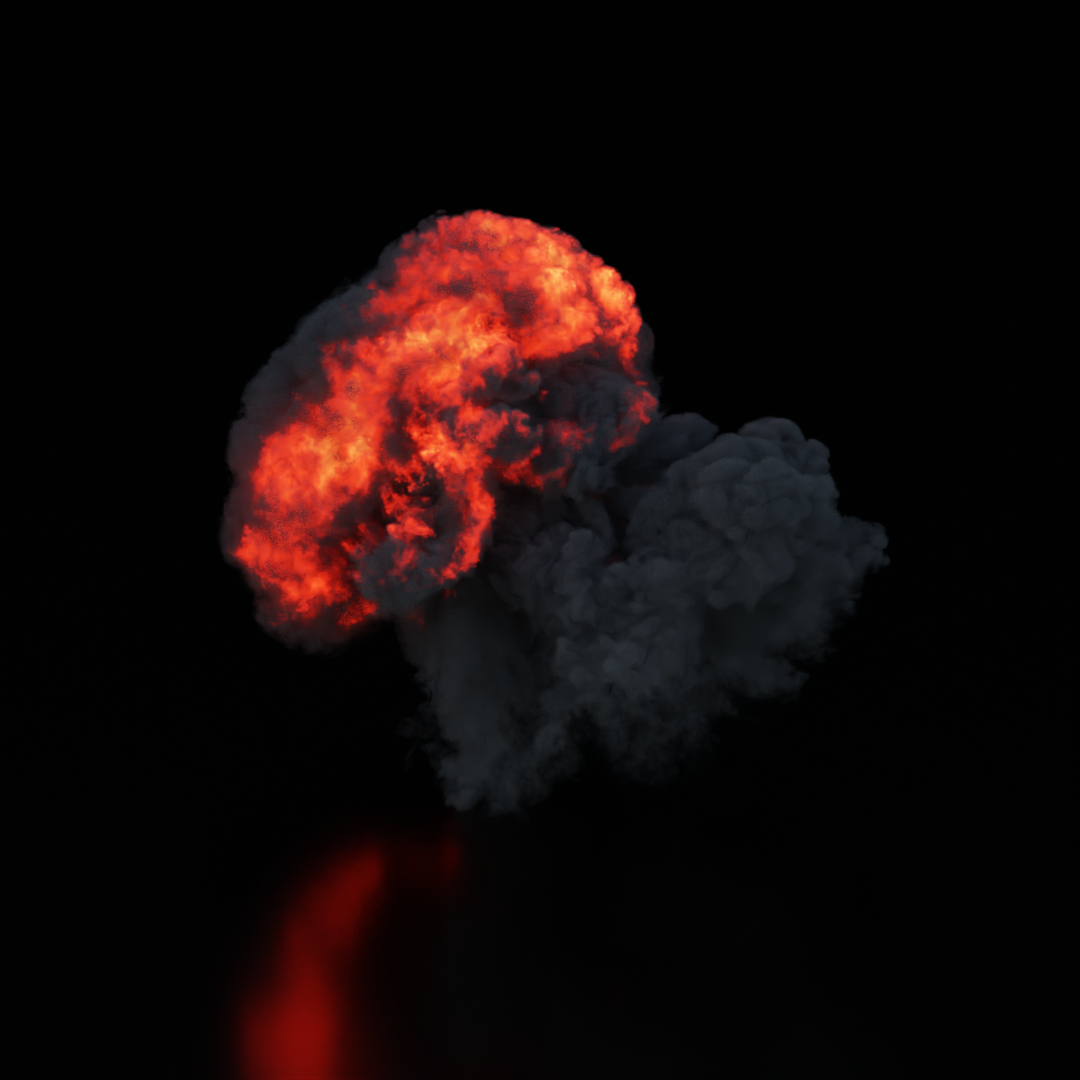
Aerial Explosion13
Explosions
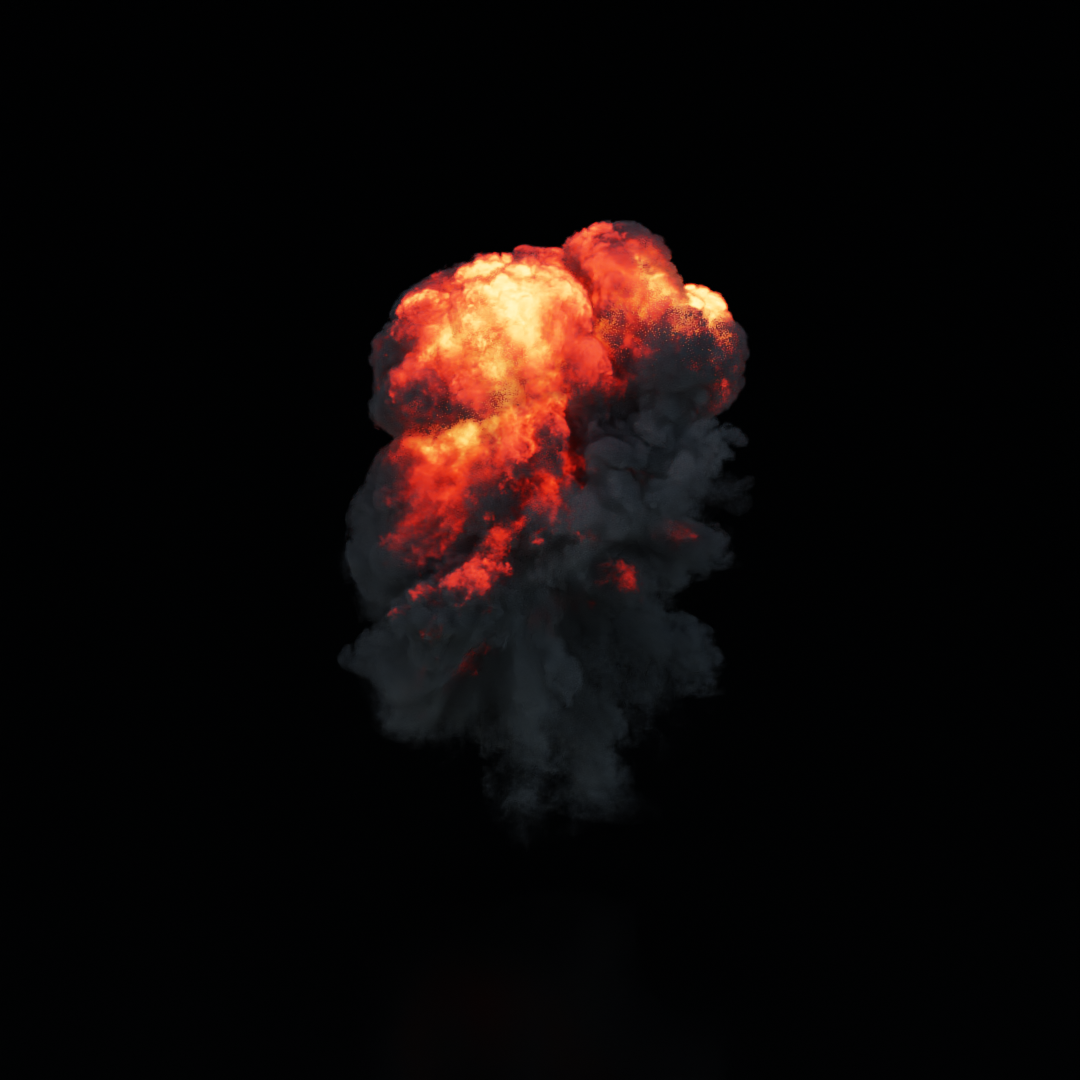
Aerial Explosion14
Explosions
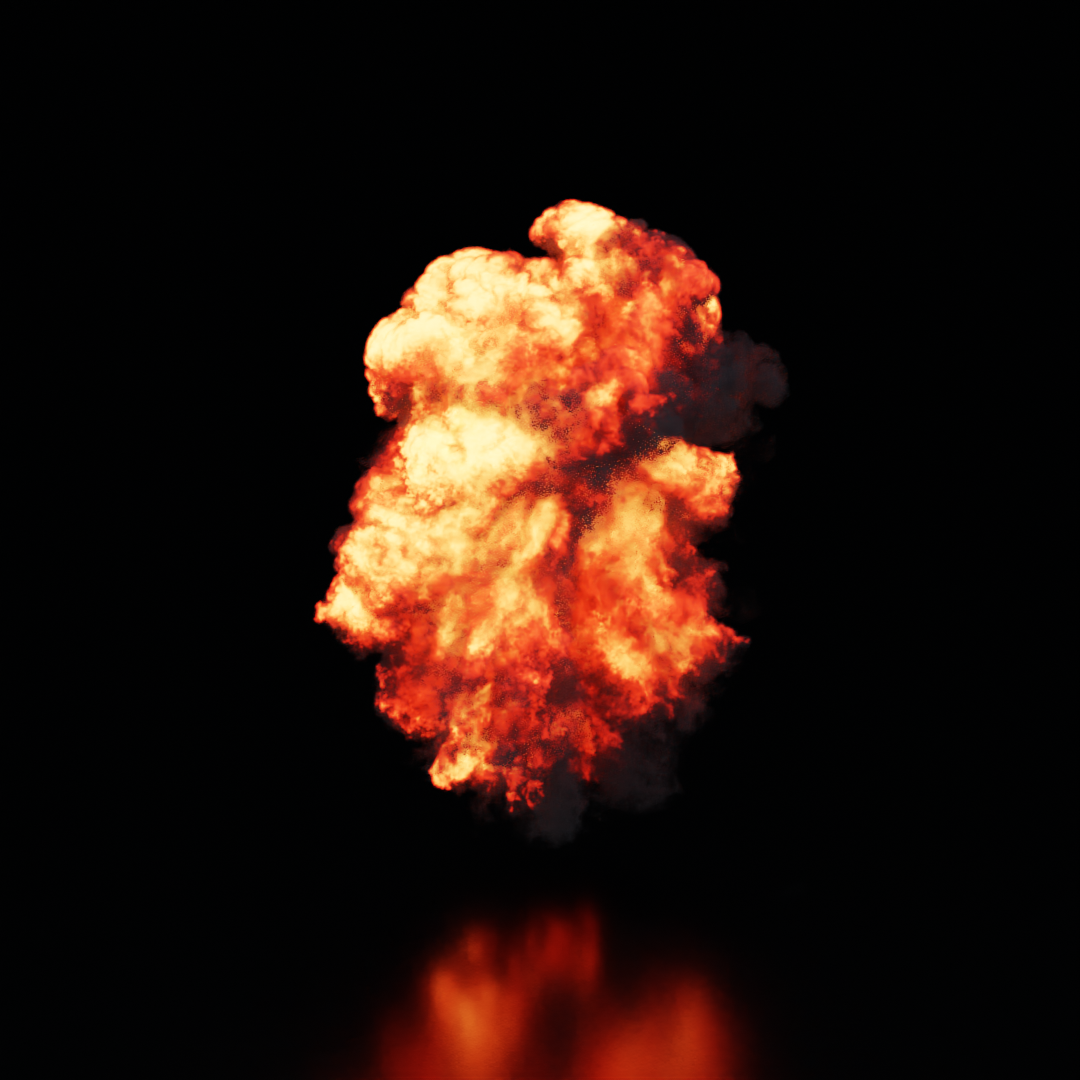
Aerial Explosion15
Explosions
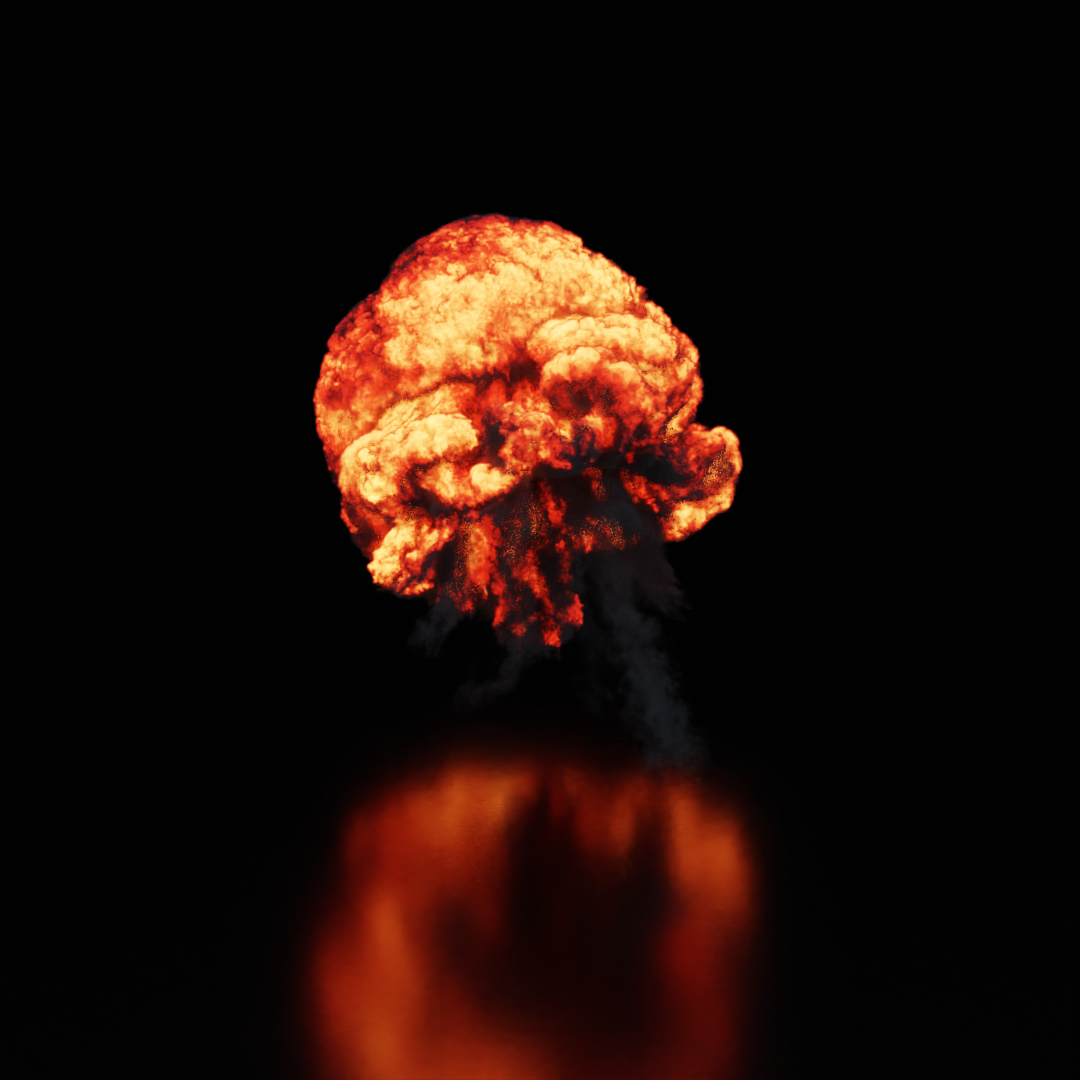
Aerial Explosion16
Explosions
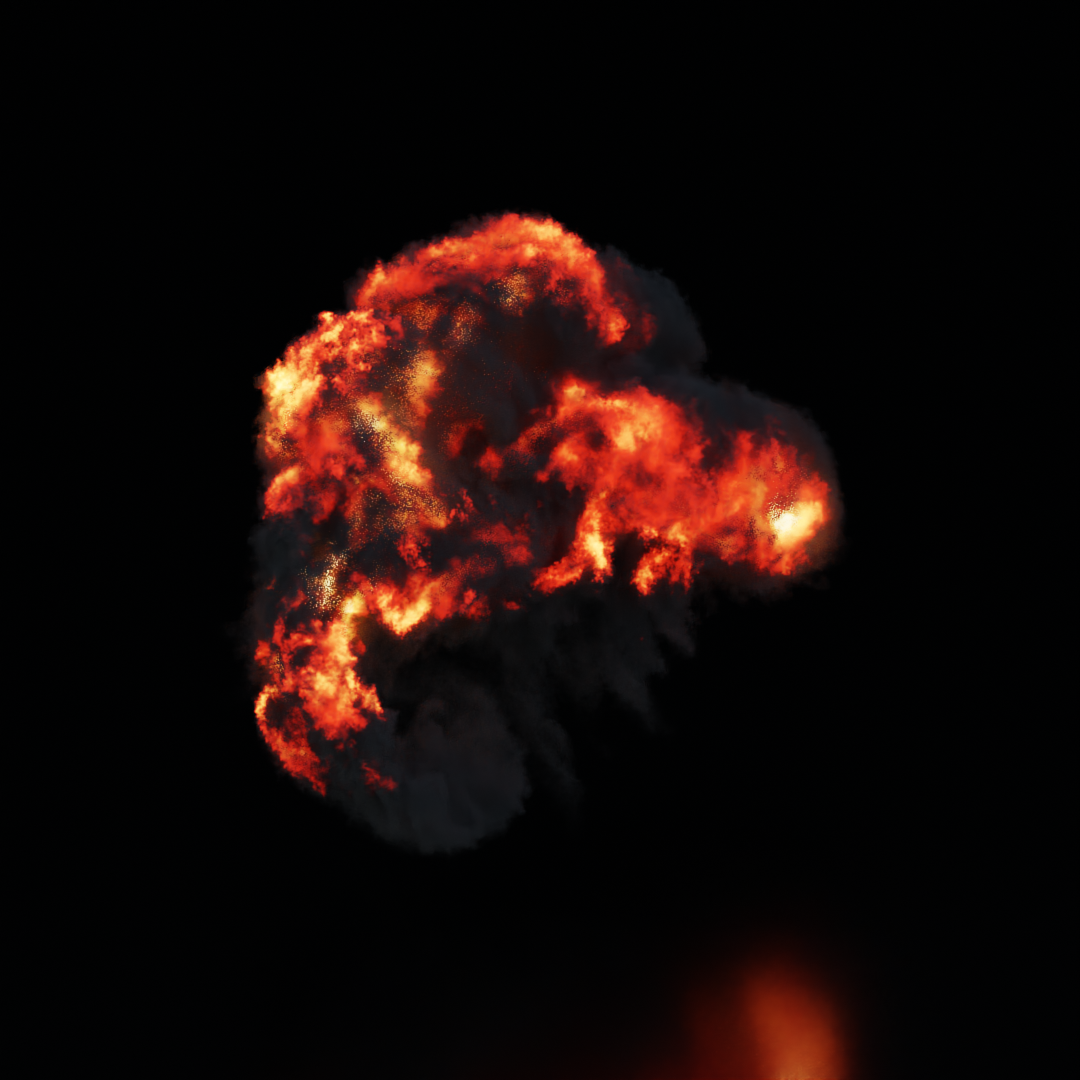
Aerial Explosion17
Explosions
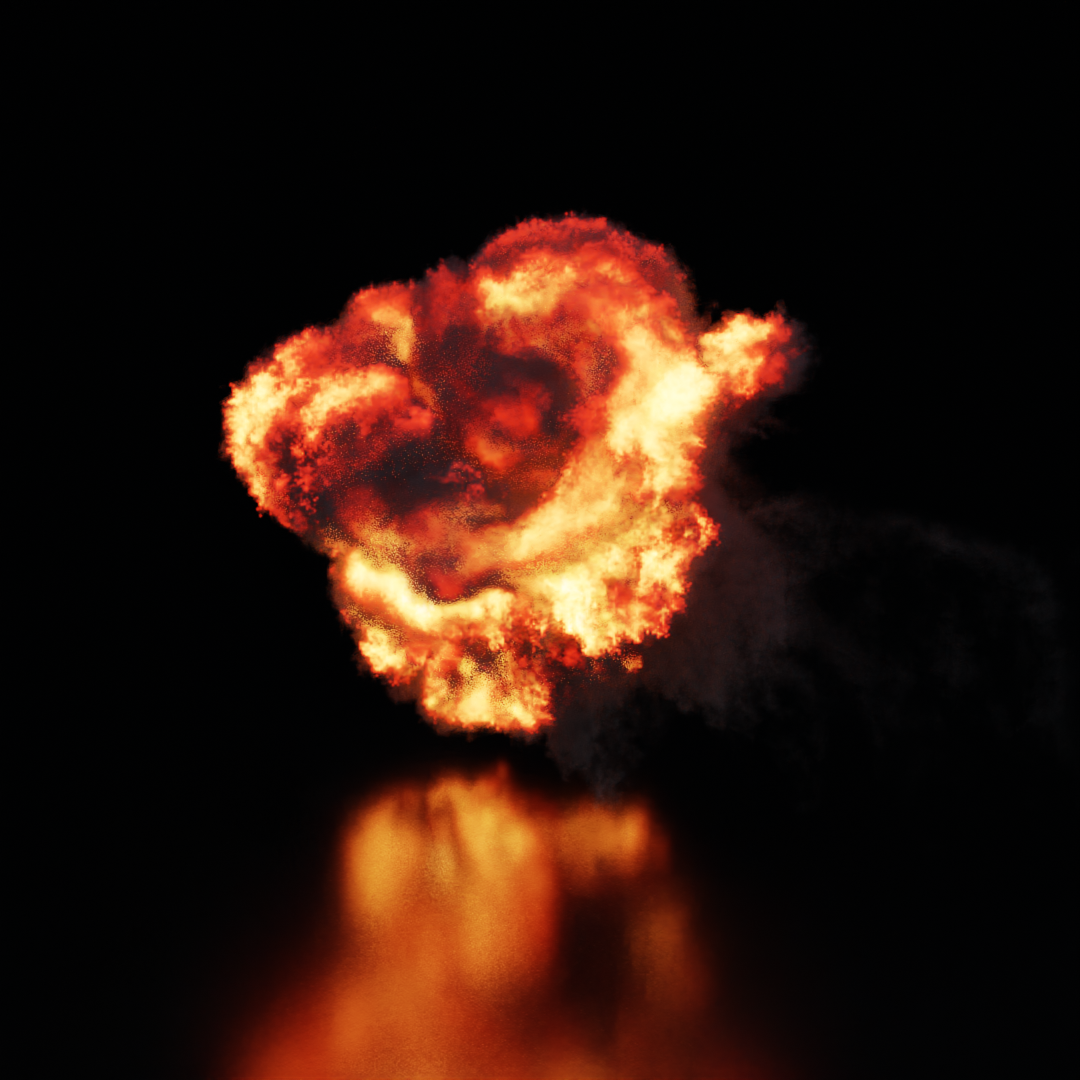
Aerial Explosion18
Explosions
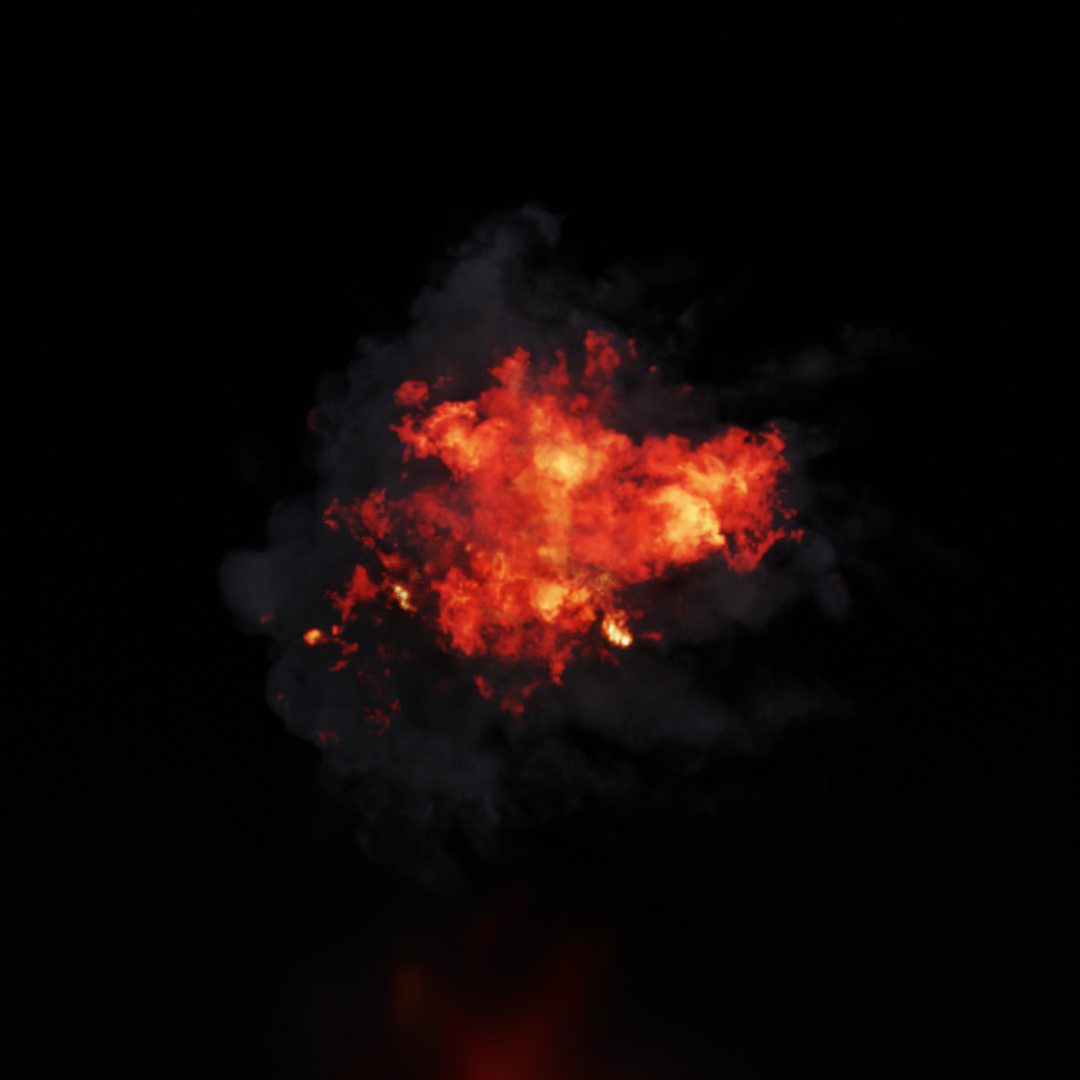
Aerial Explosion19
Explosions
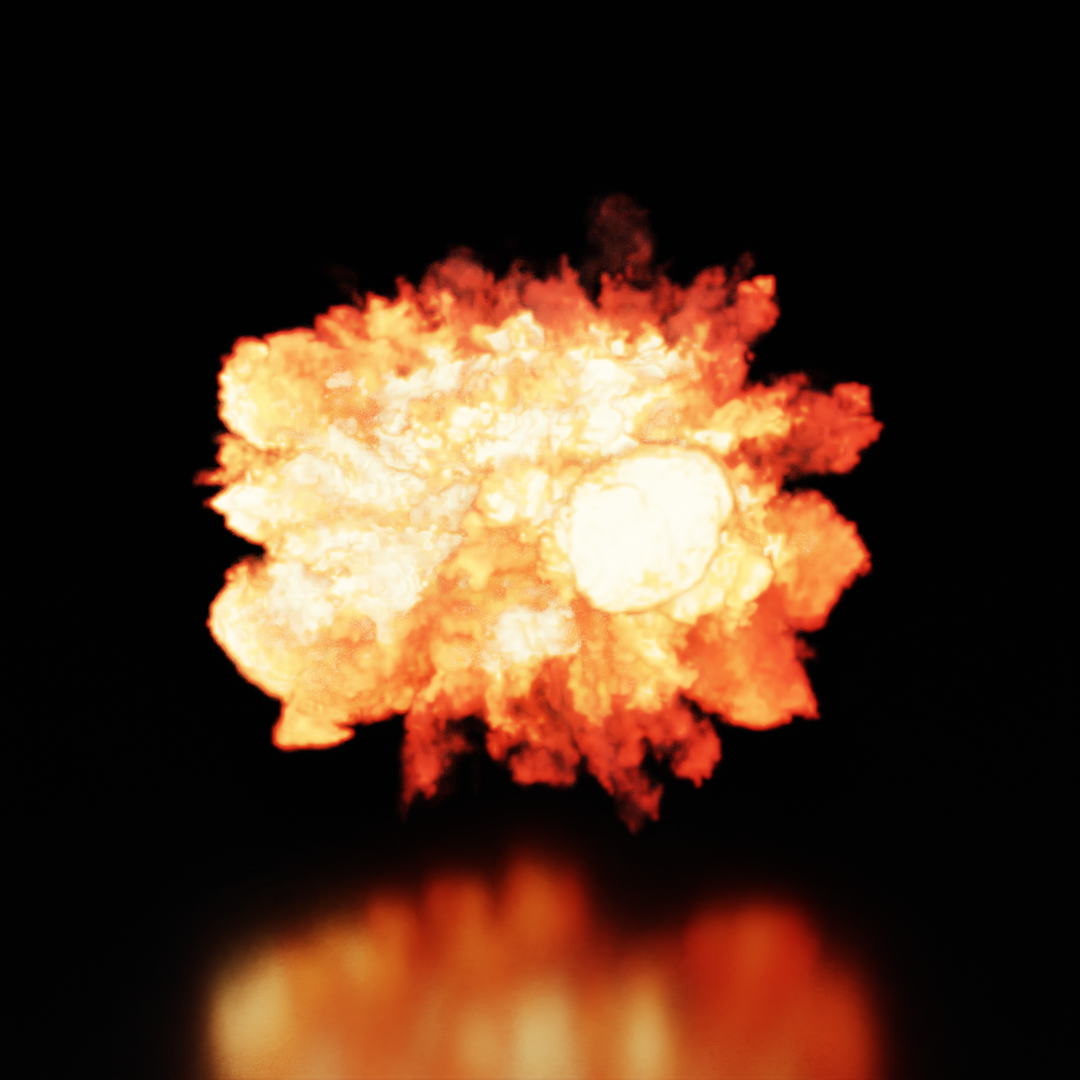
Aerial Explosion2
Explosions
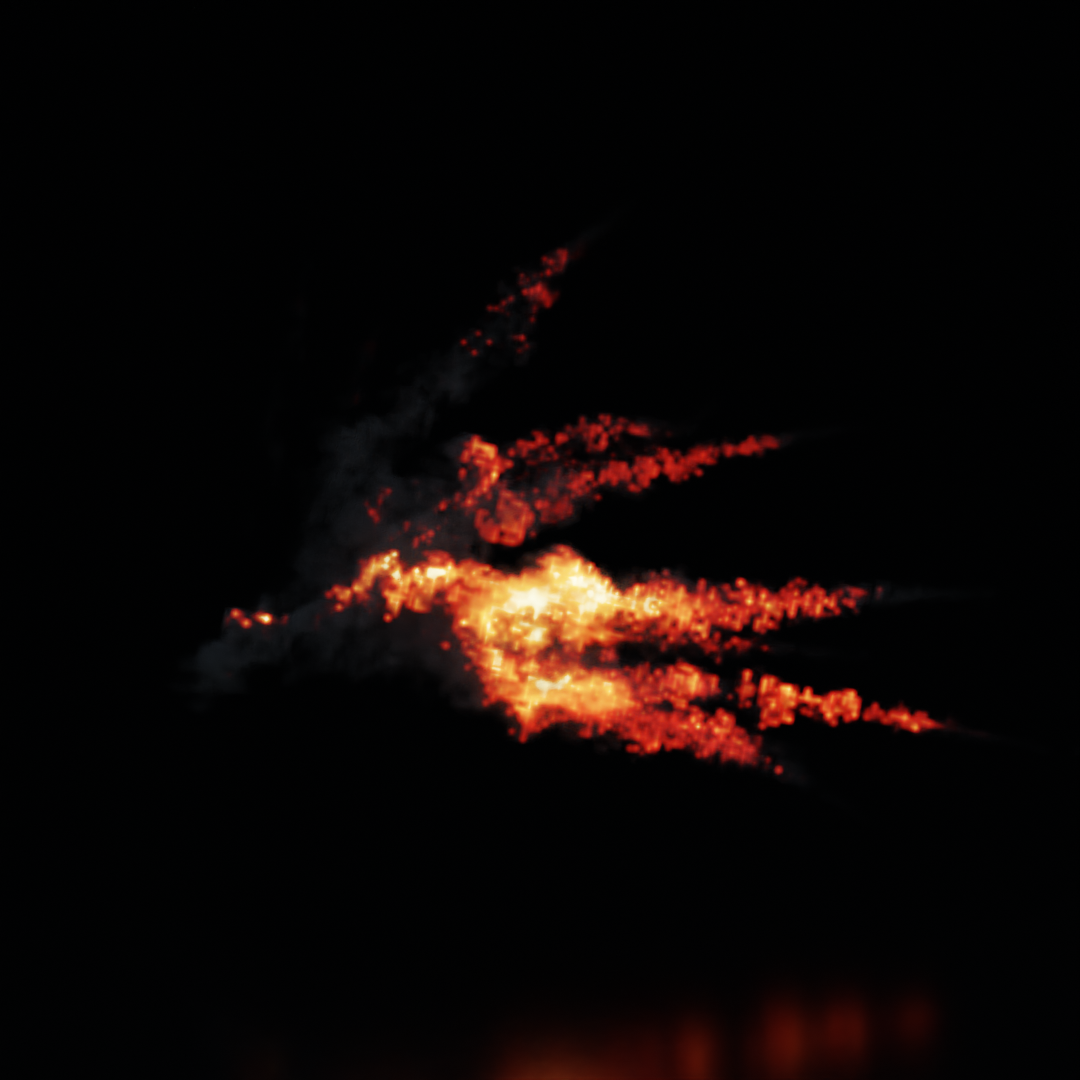
Aerial Explosion20
Explosions
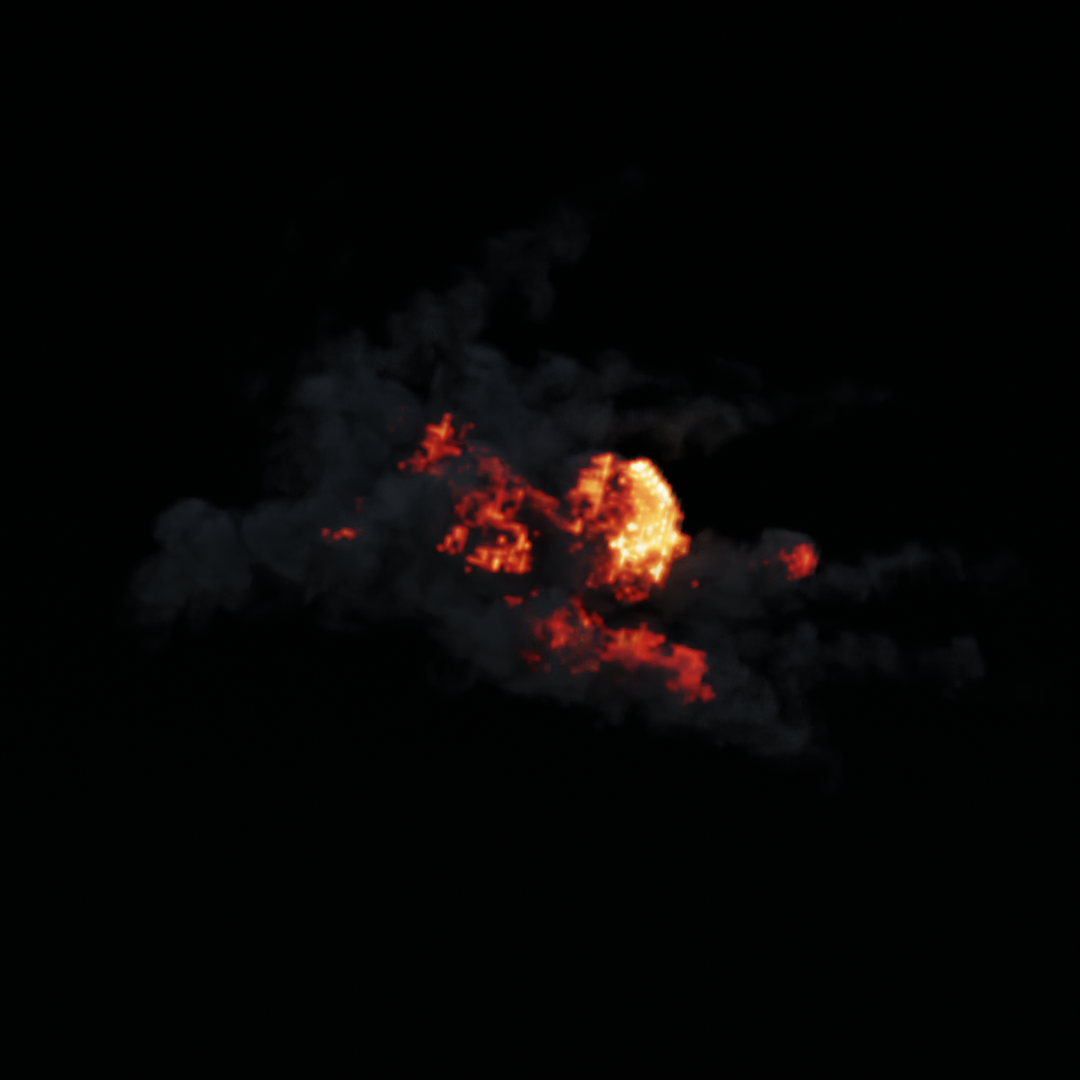
Aerial Explosion21
Explosions
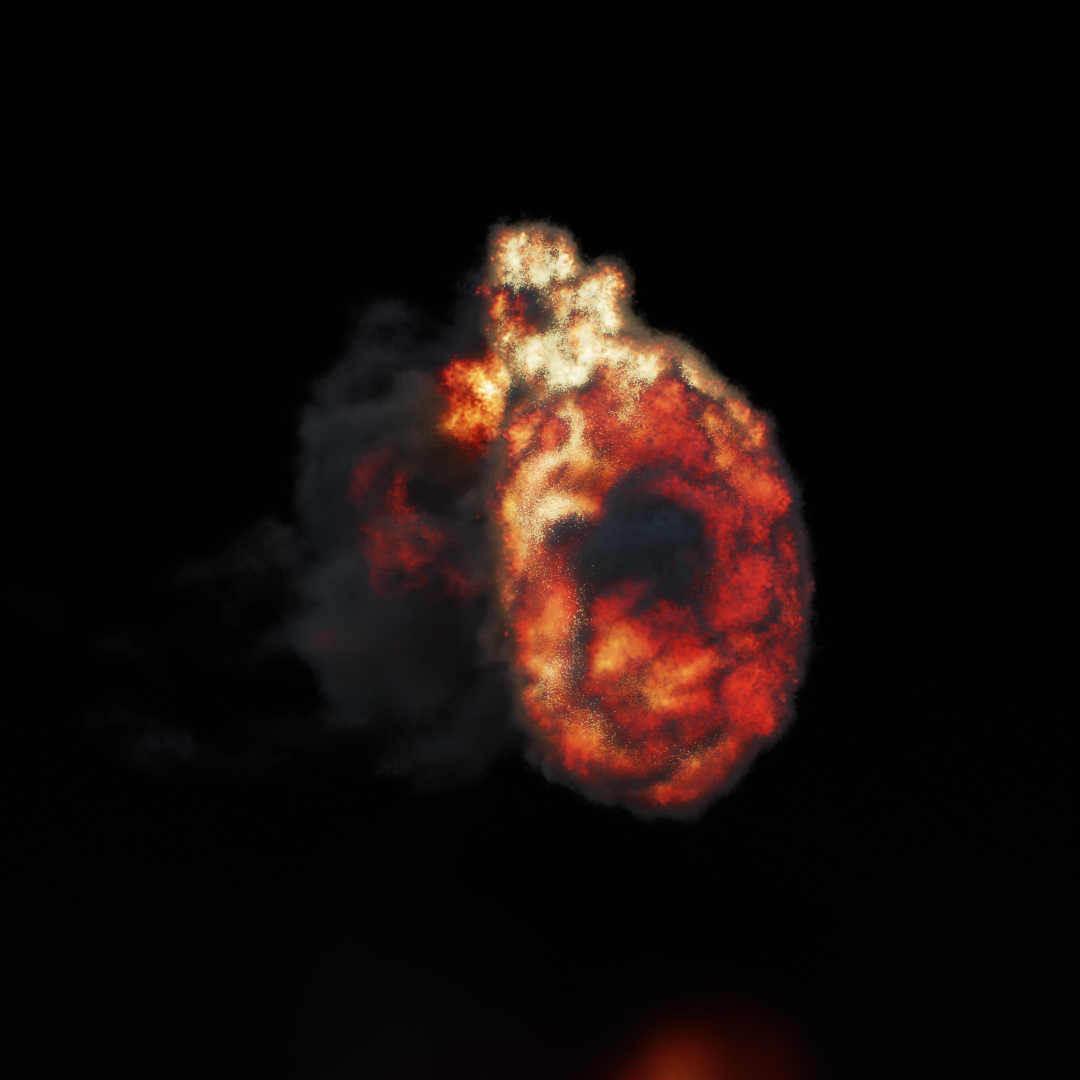
Aerial Explosion22
Explosions
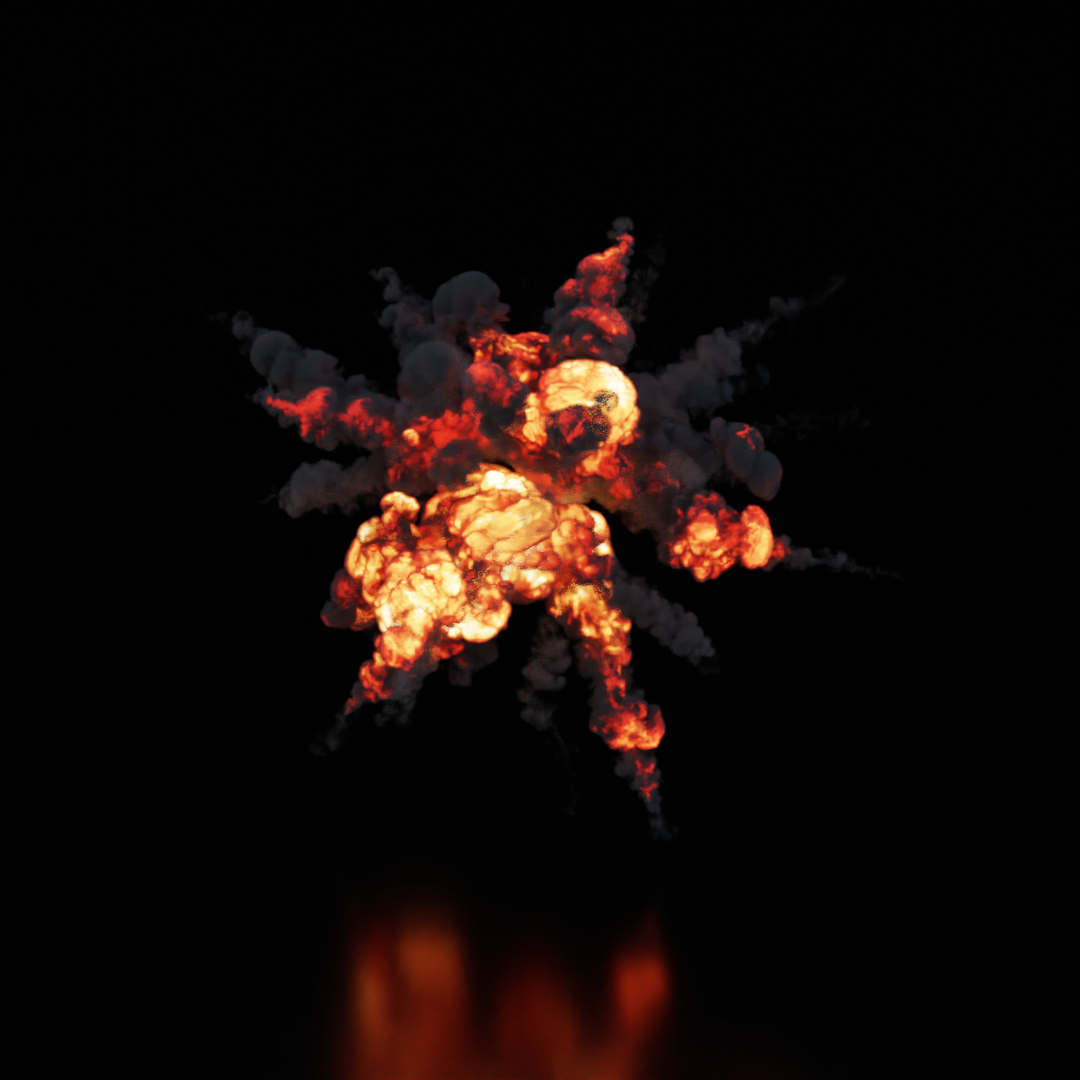
Aerial Explosion23
Explosions
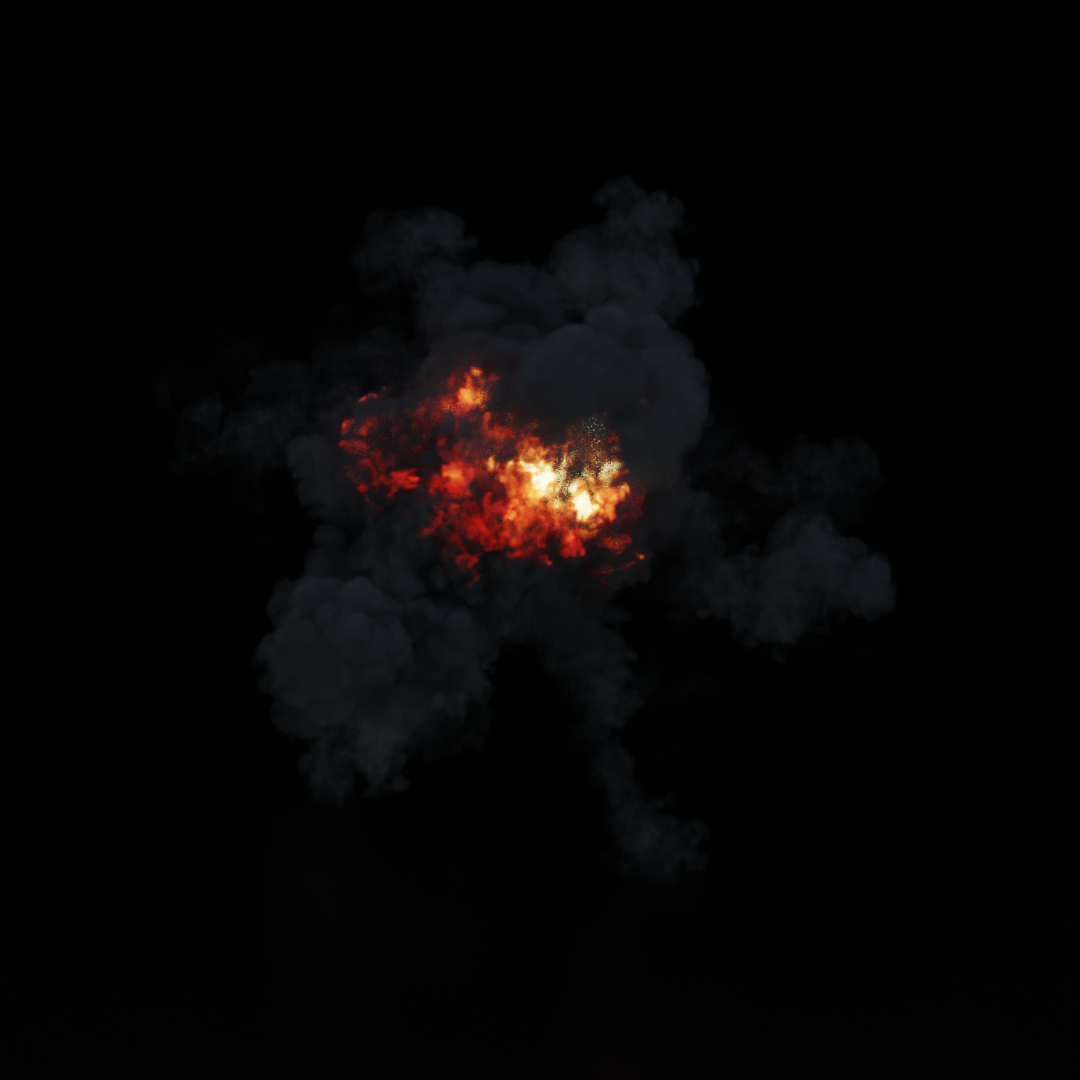
Aerial Explosion24
Explosions
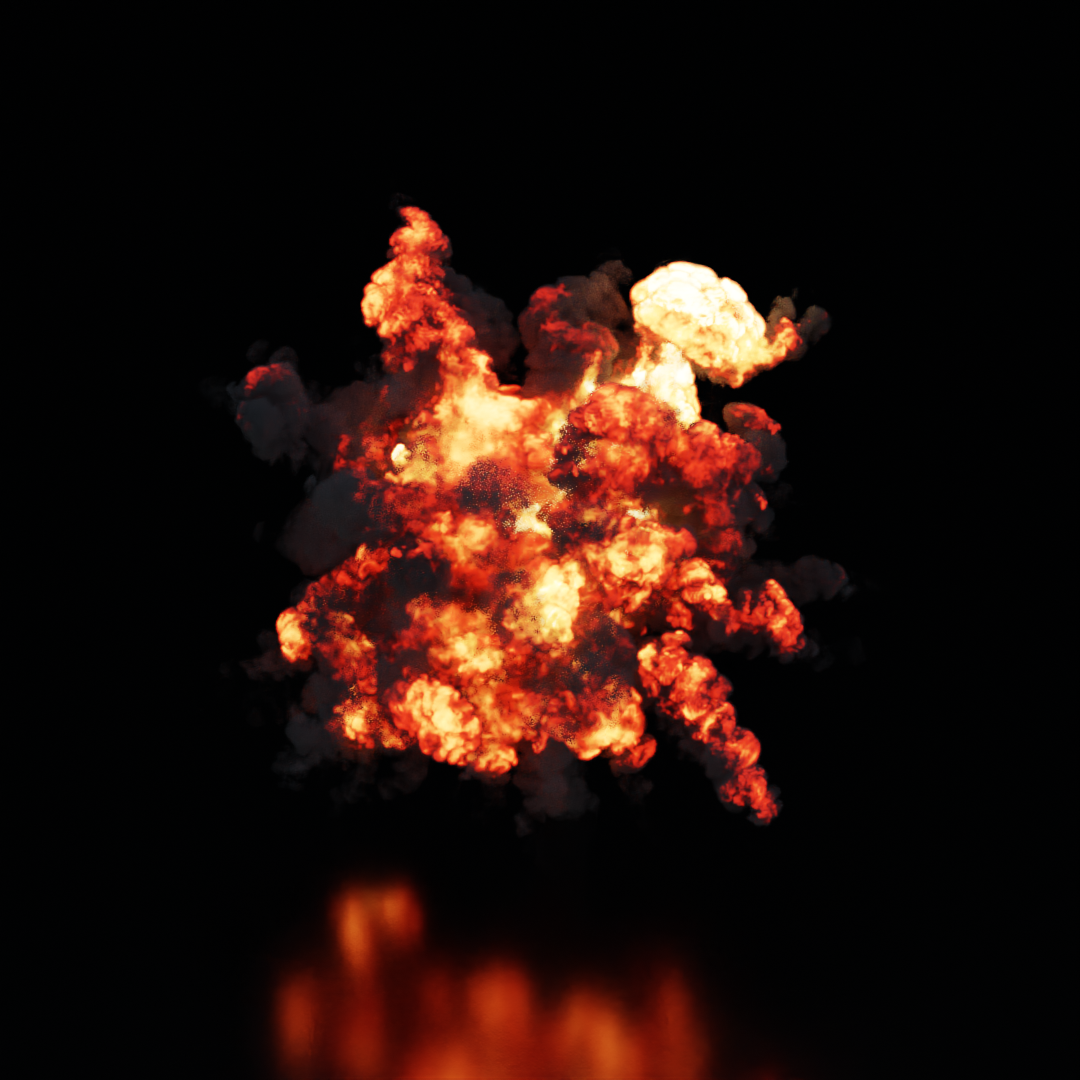
Aerial Explosion25
Explosions
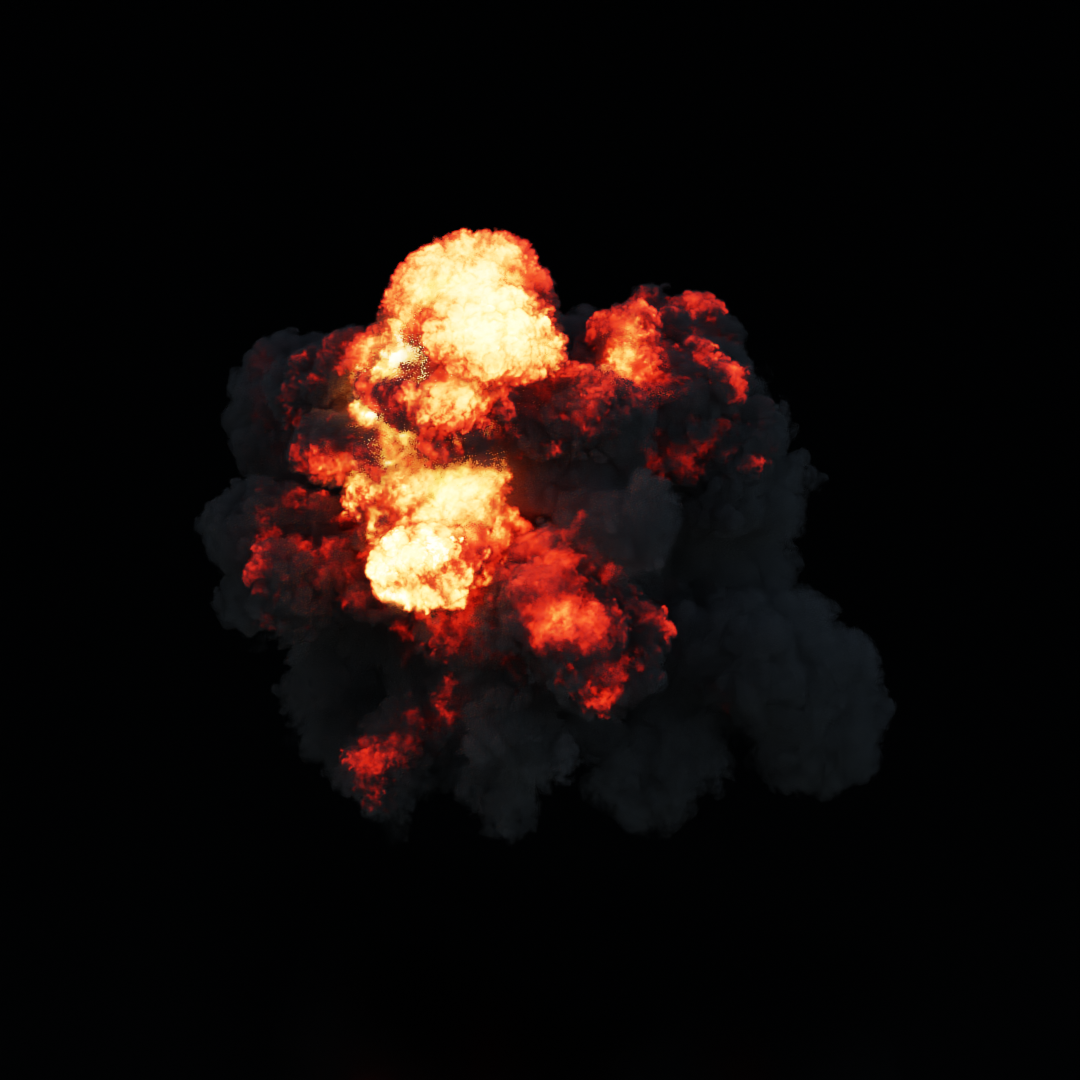
Aerial Explosion26
Explosions
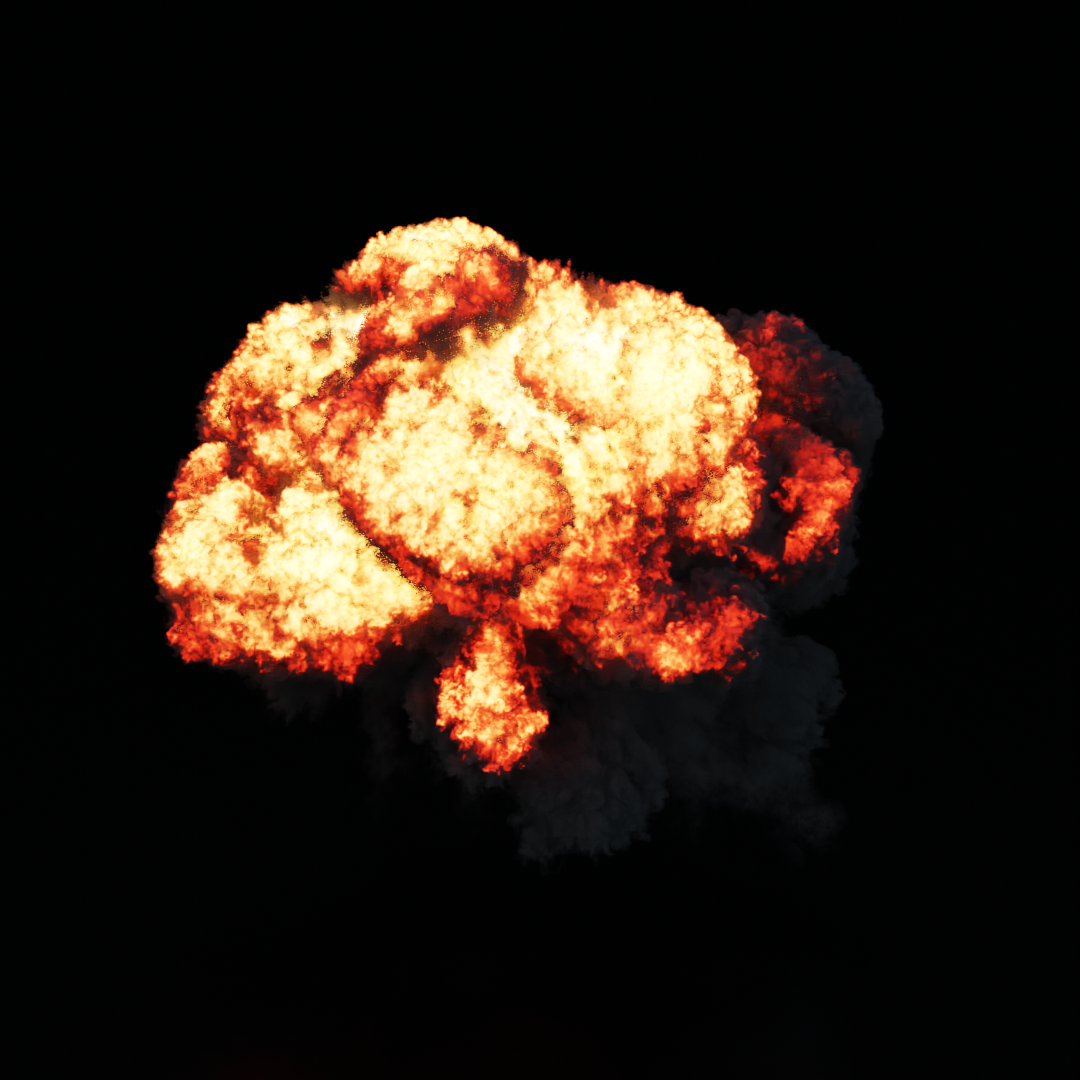
Aerial Explosion27
Explosions
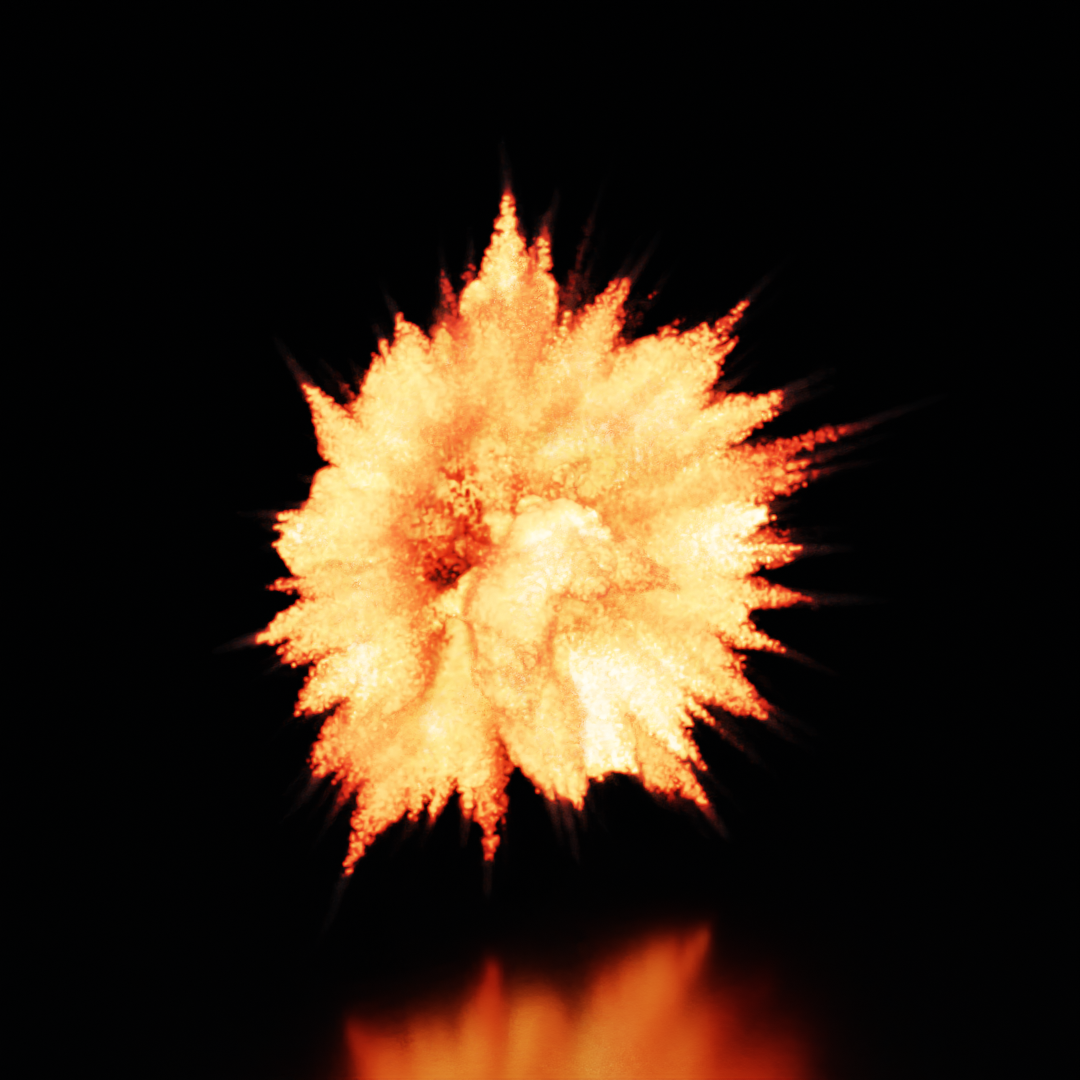
Aerial Explosion28
Explosions
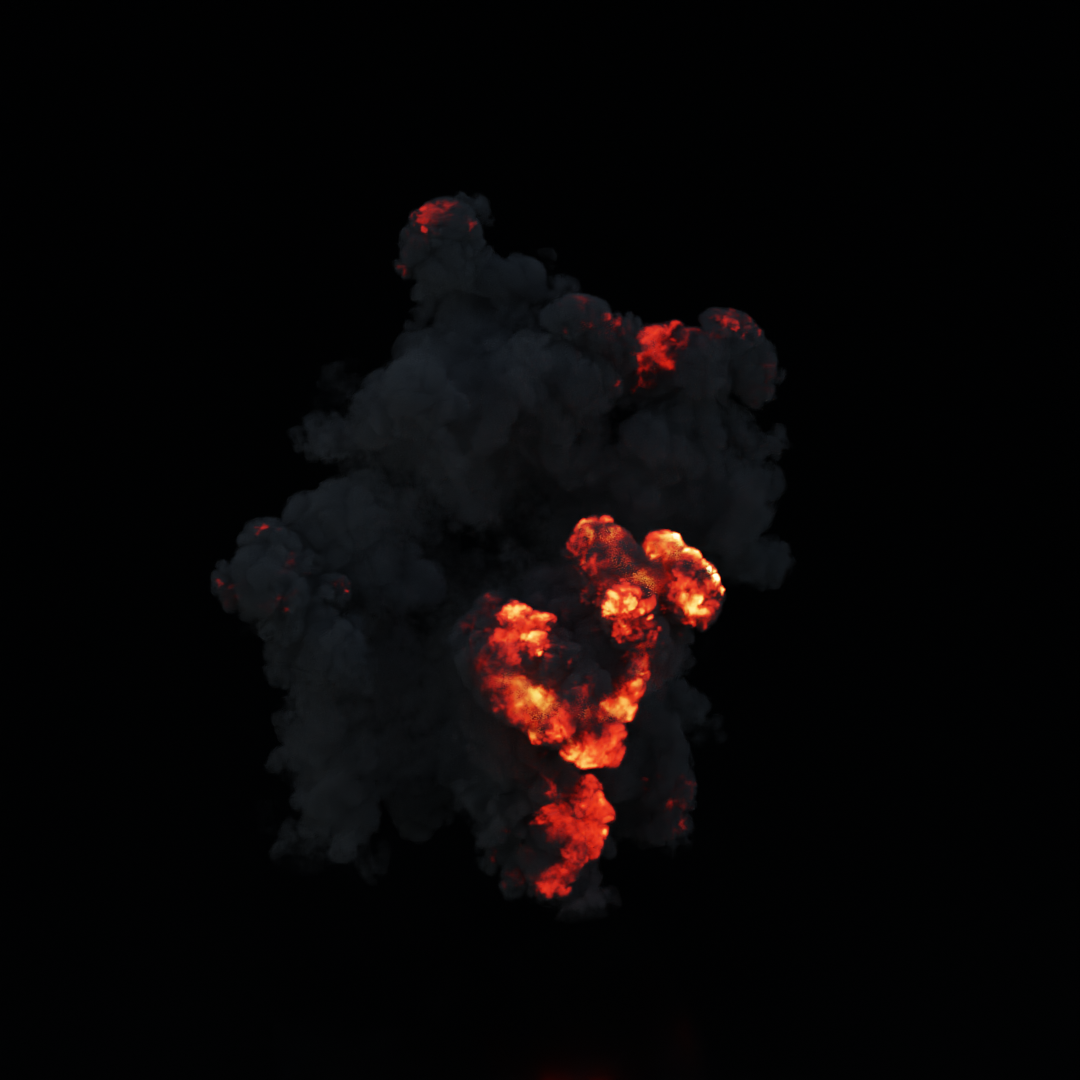
Aerial Explosion29
Explosions
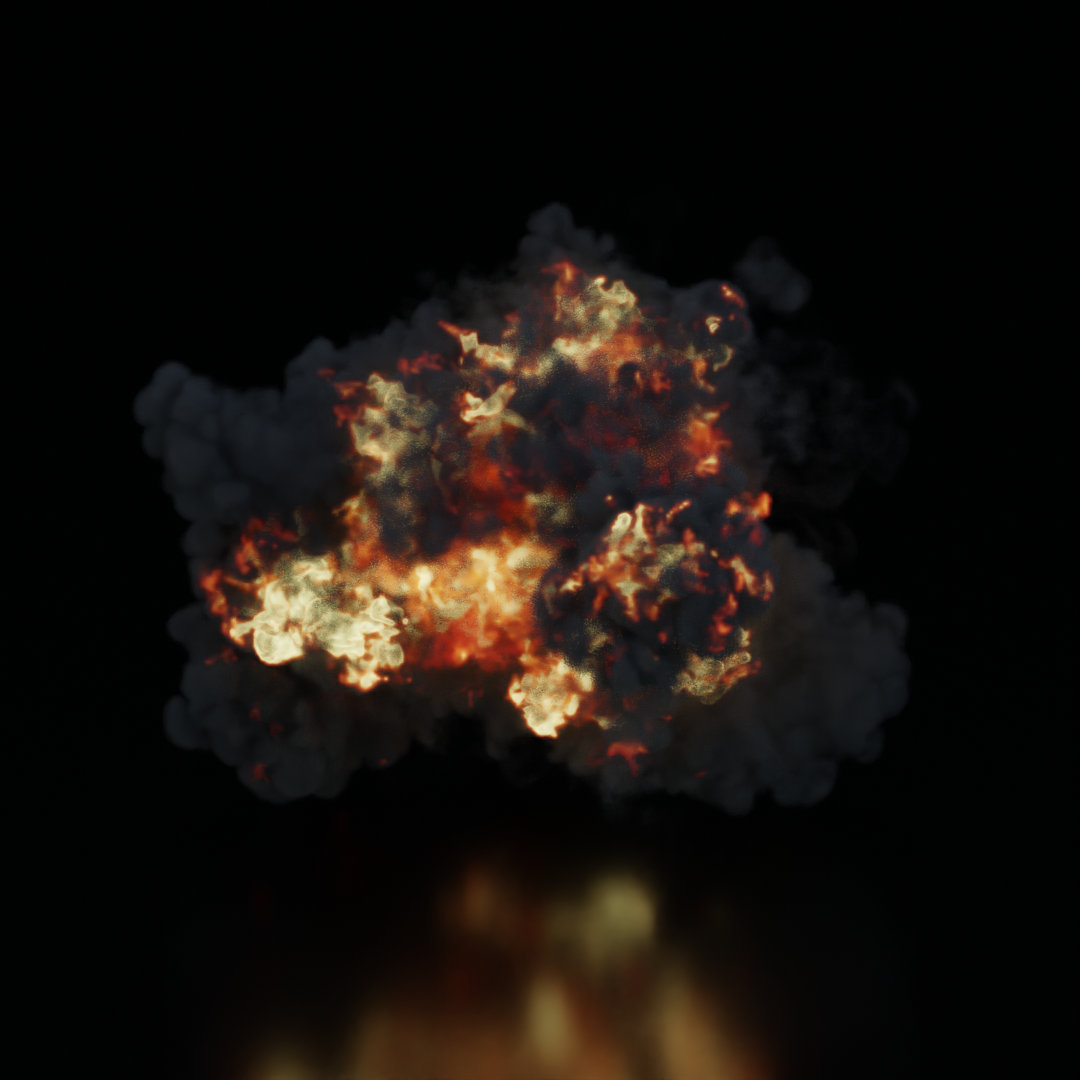
Aerial Explosion3
Explosions
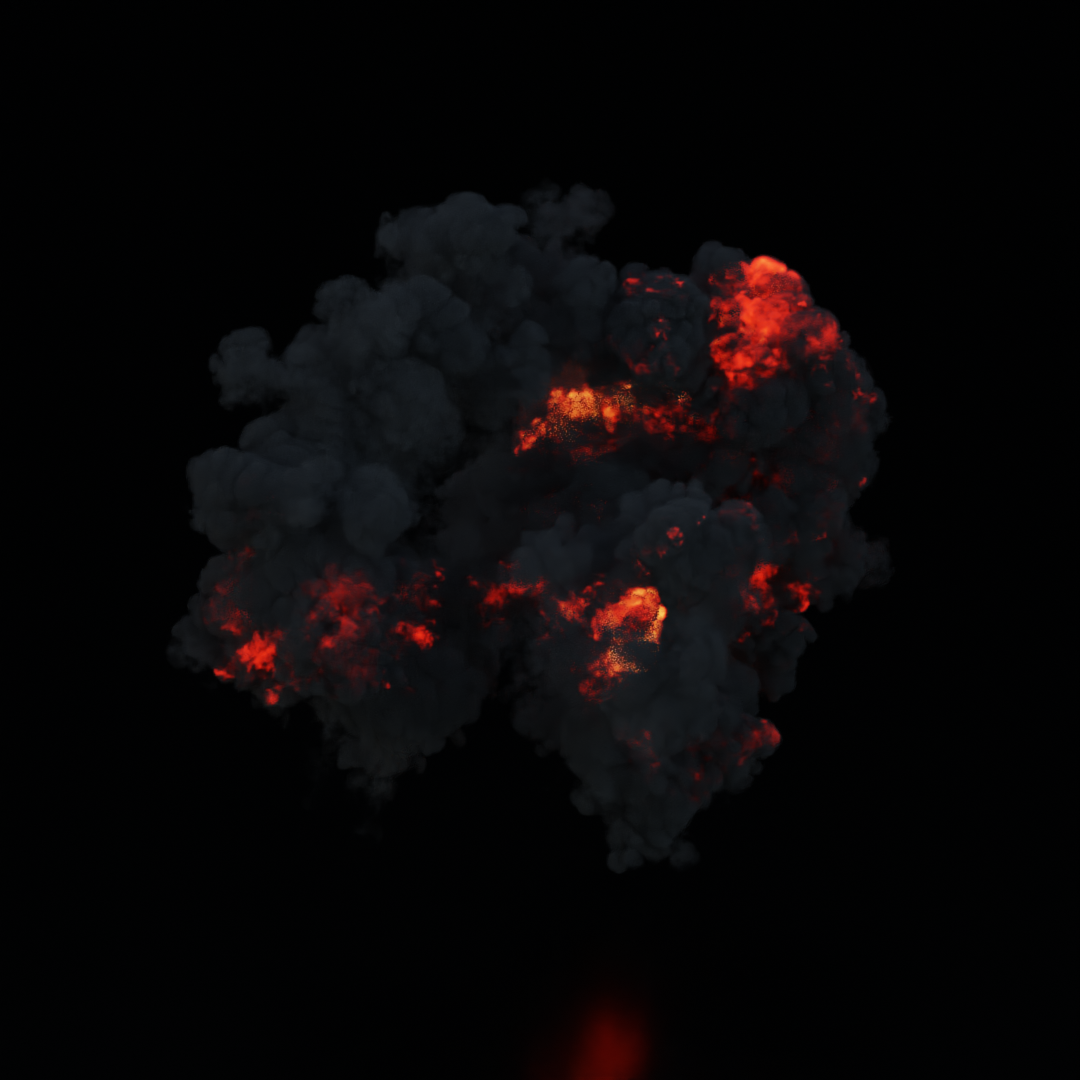
Aerial Explosion30
Explosions
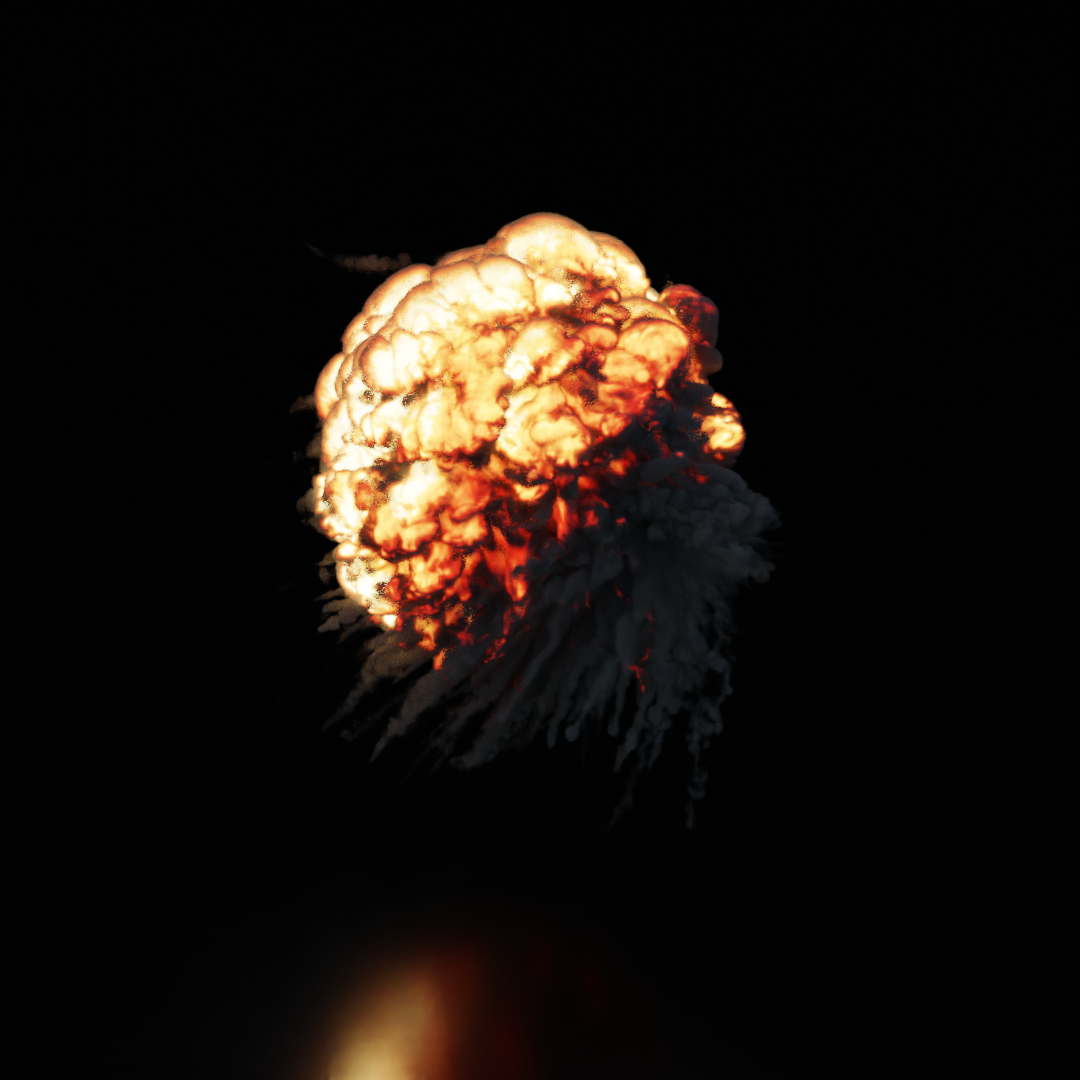
Aerial Explosion4
Explosions
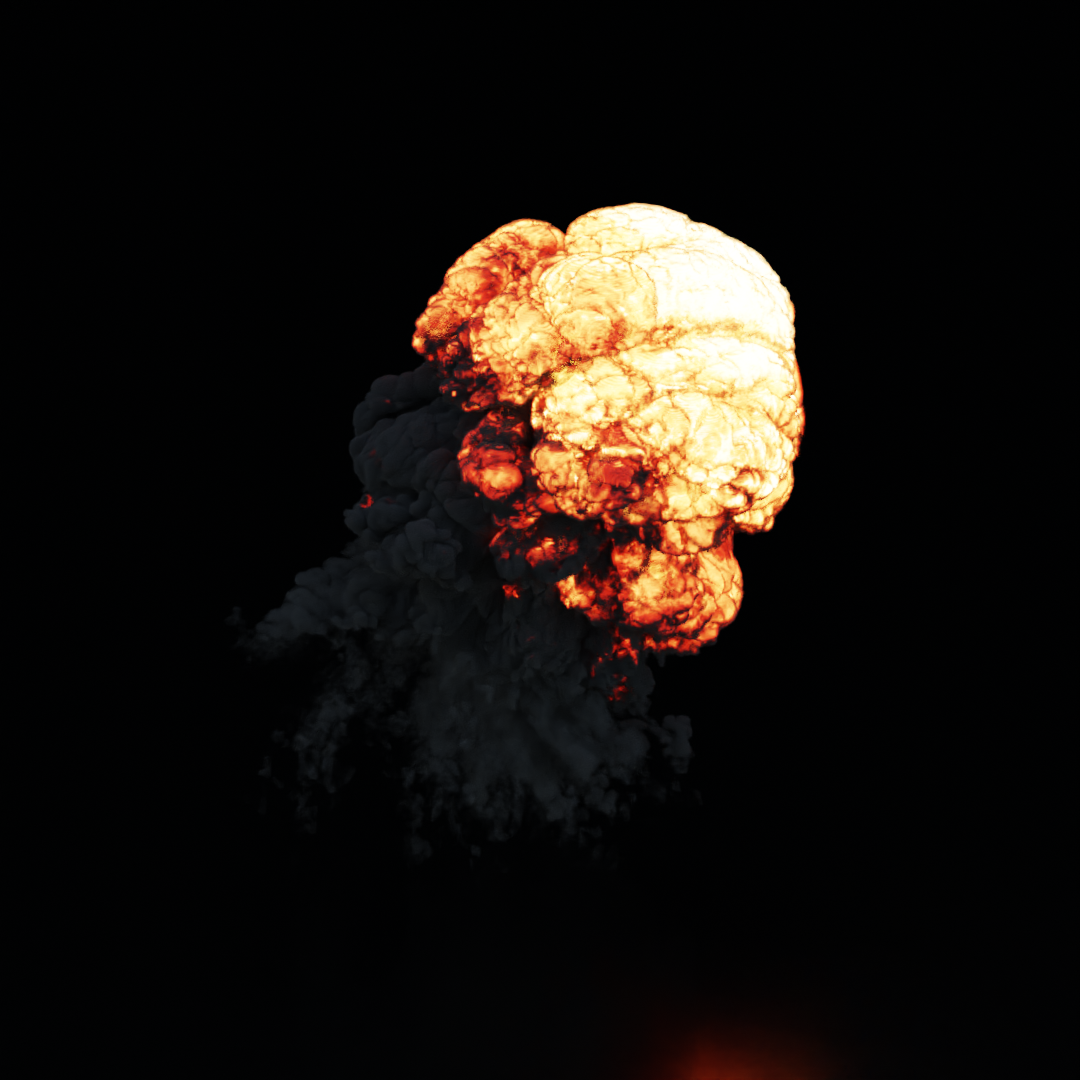
Aerial Explosion5
Explosions
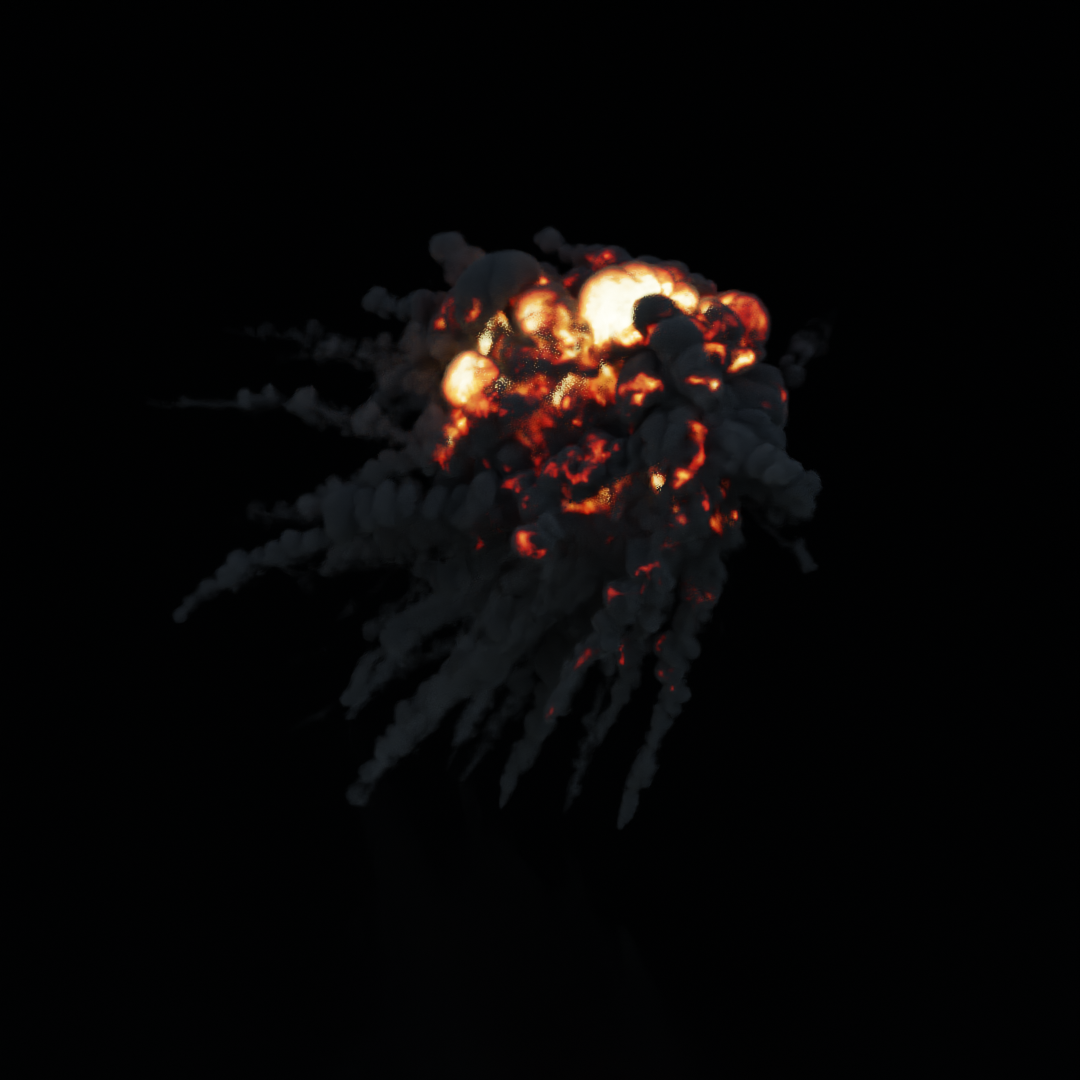
Aerial Explosion6
Explosions
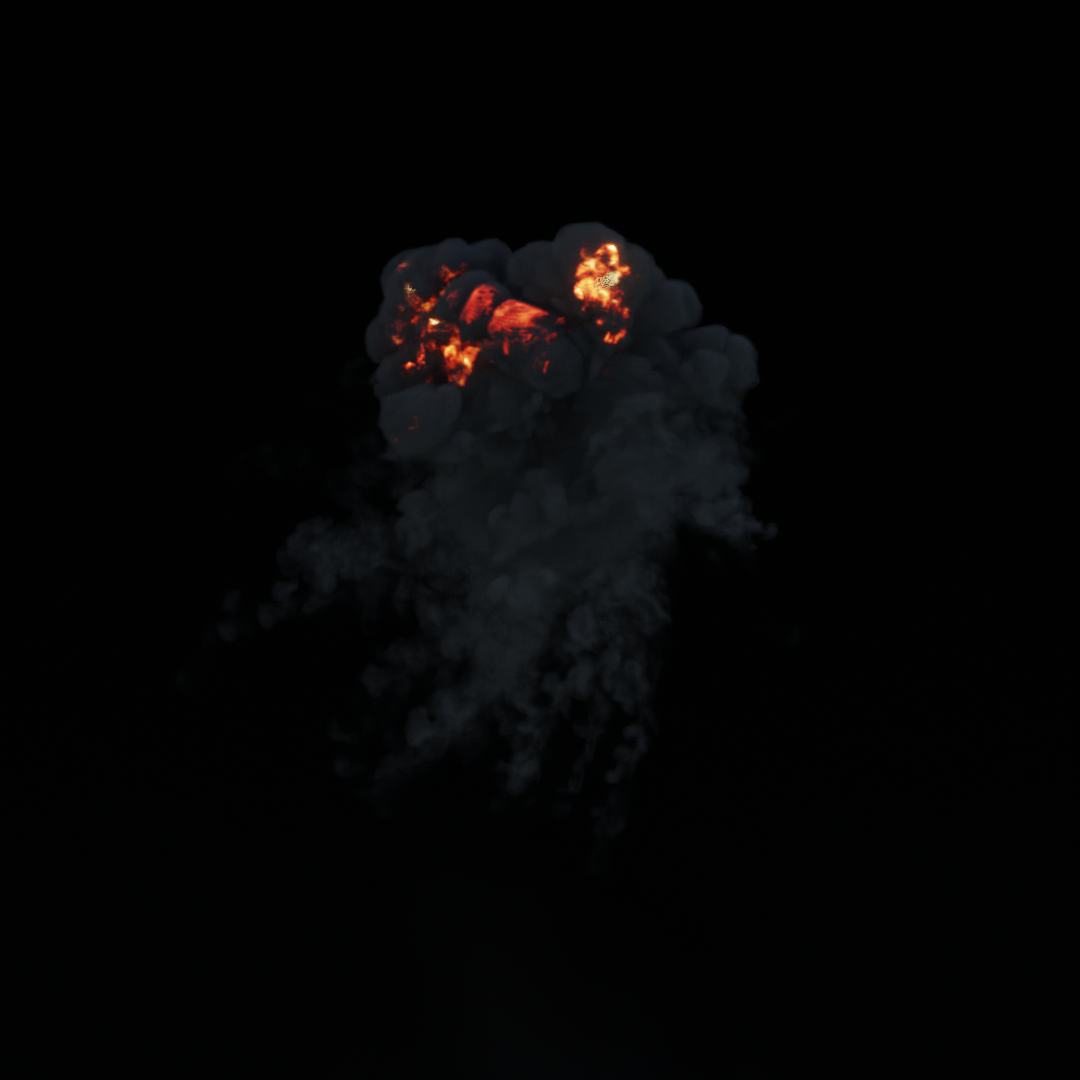
Aerial Explosion7
Explosions
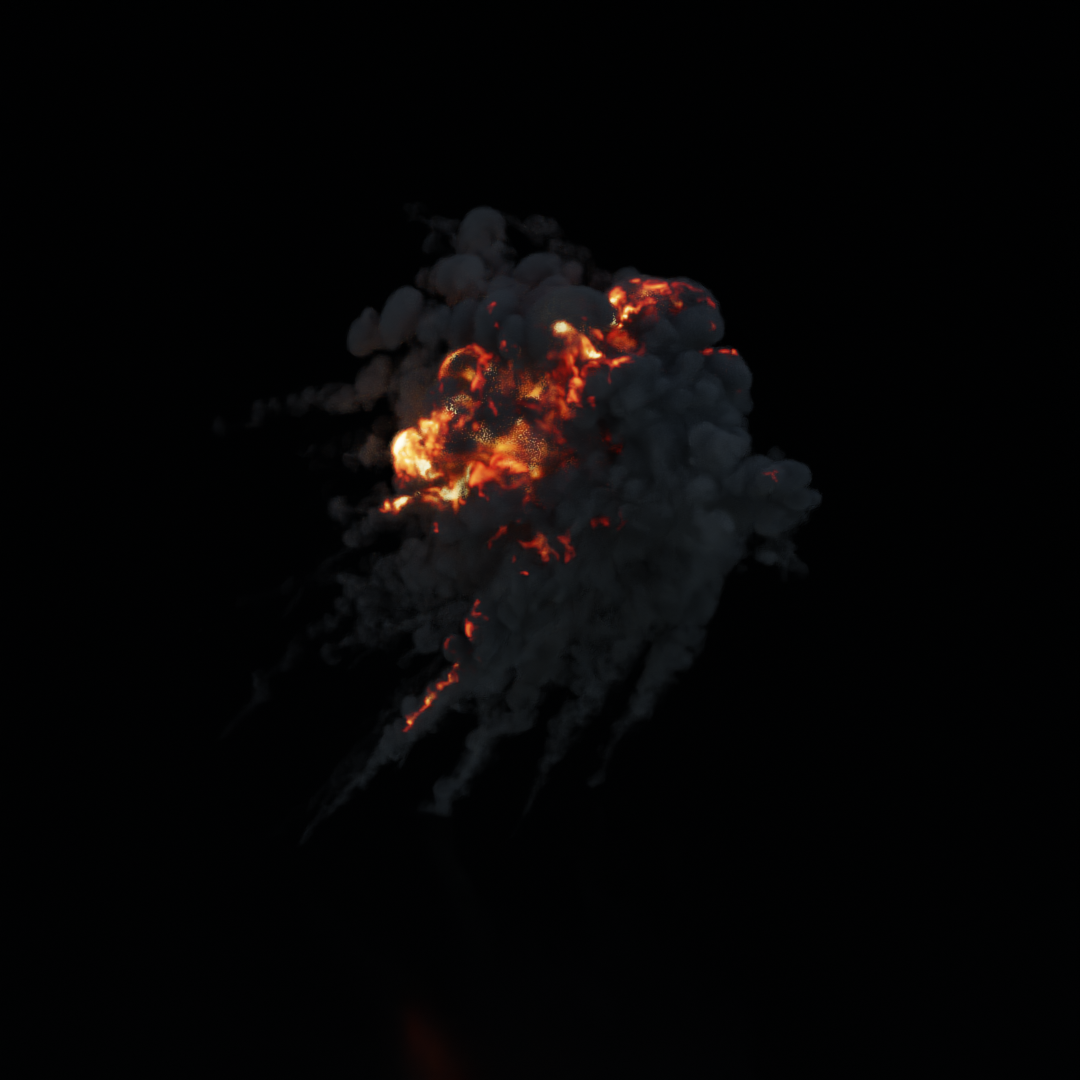
Aerial Explosion8
Explosions
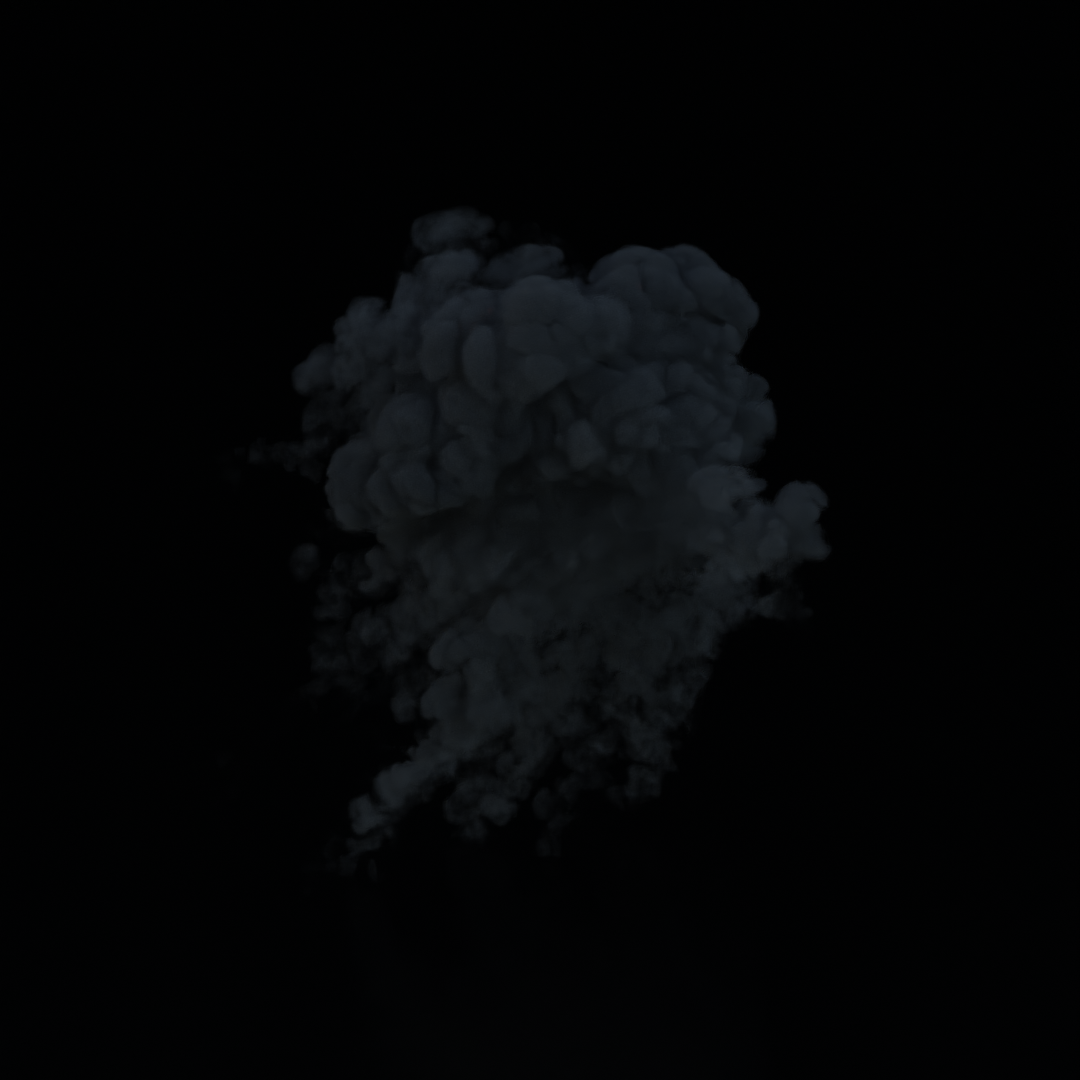
Aerial Explosion9
Explosions
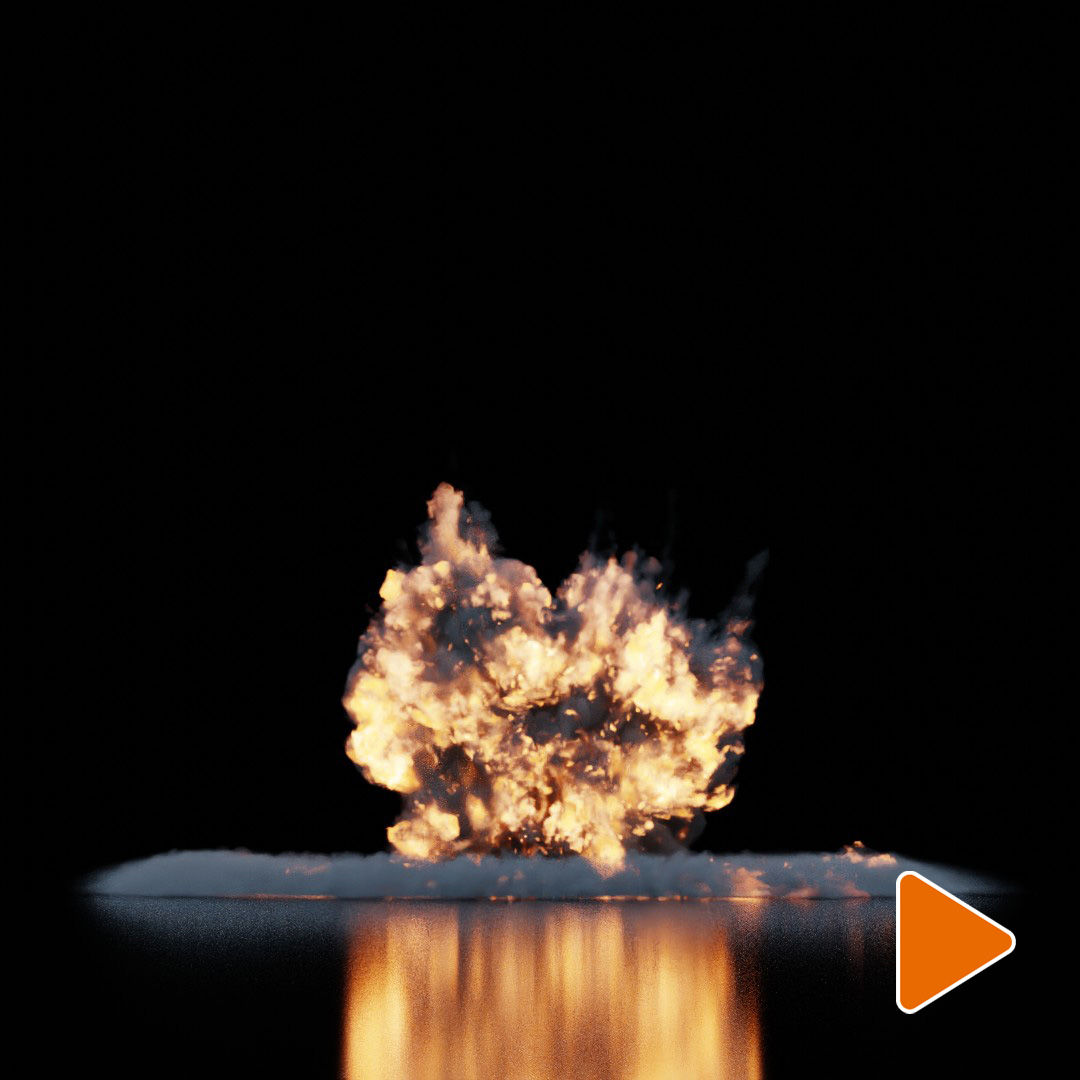
Artillery Strike
Explosions
Ground Explosion.1
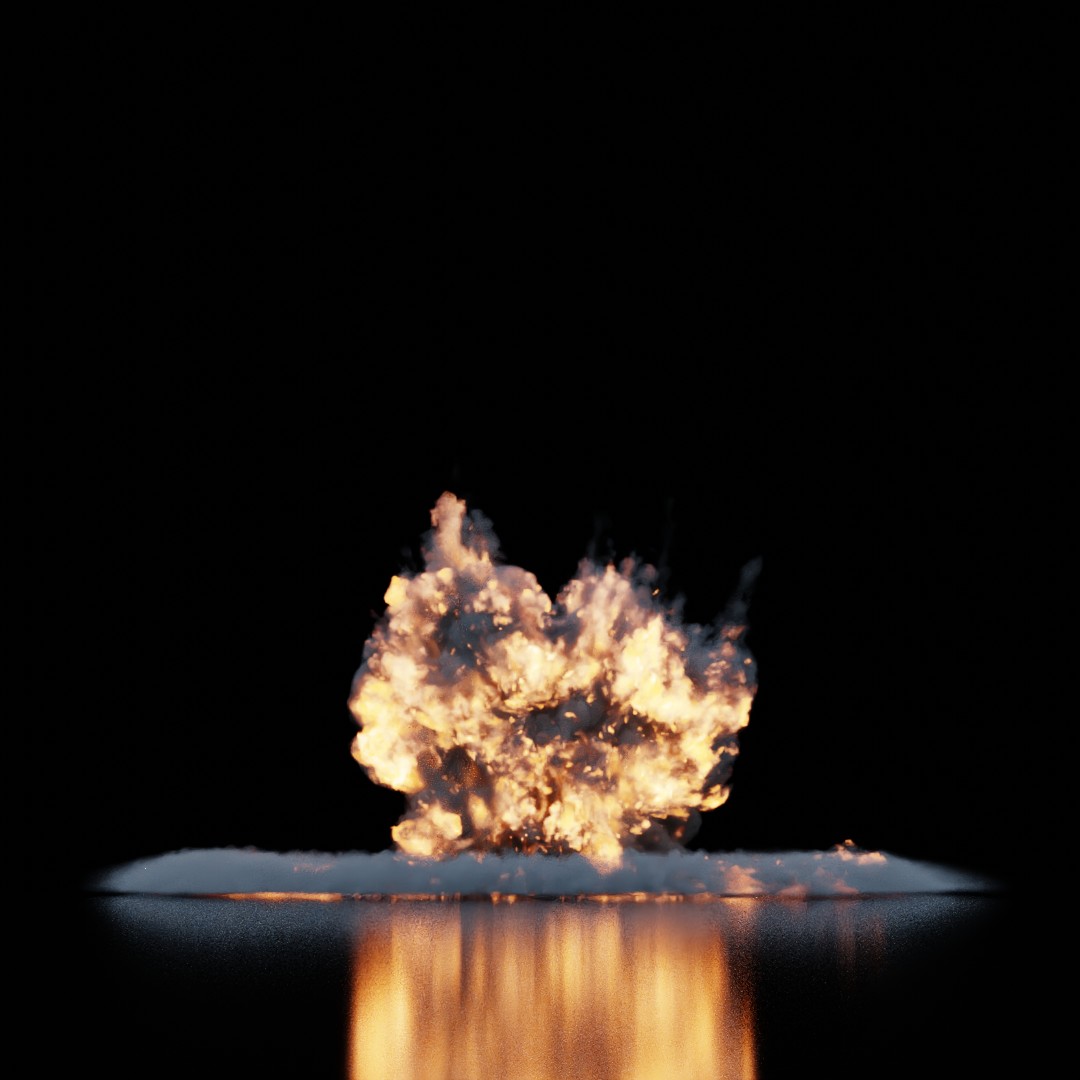
Artillery Strike
Explosions
Ground Explosion.1
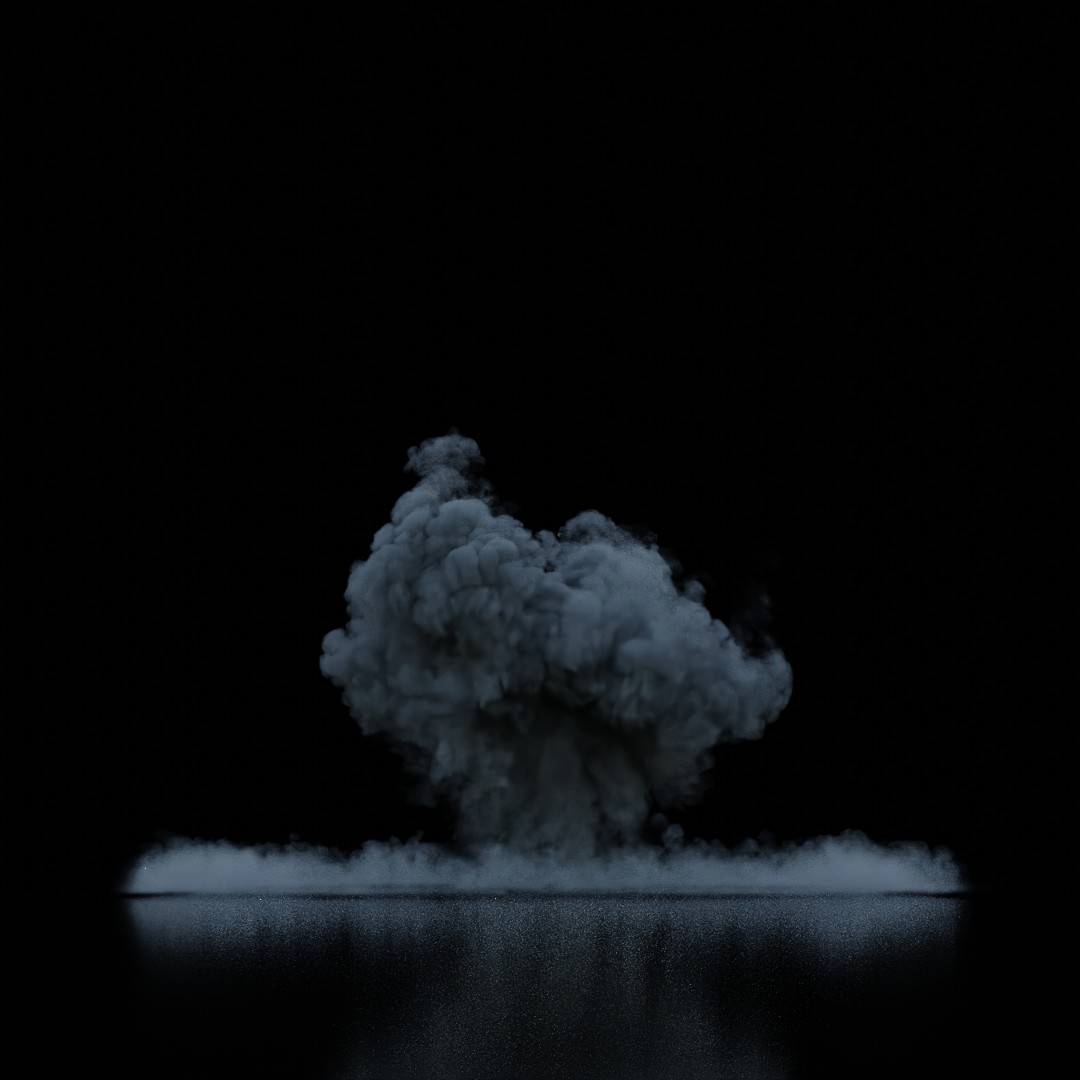
Artillery Strike 2
Explosions
Ground Explosion.1
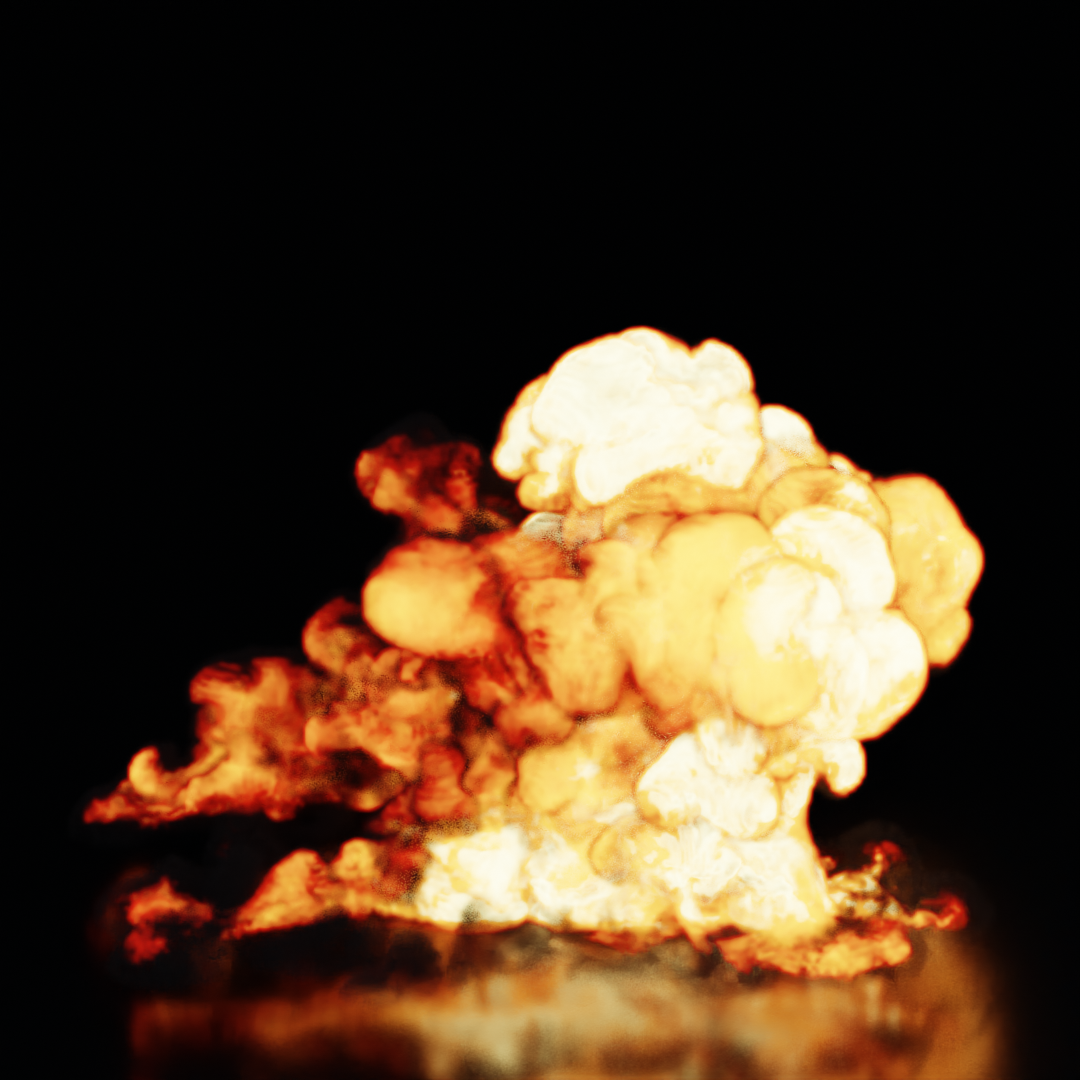
Big Ground Explosion1
Explosions
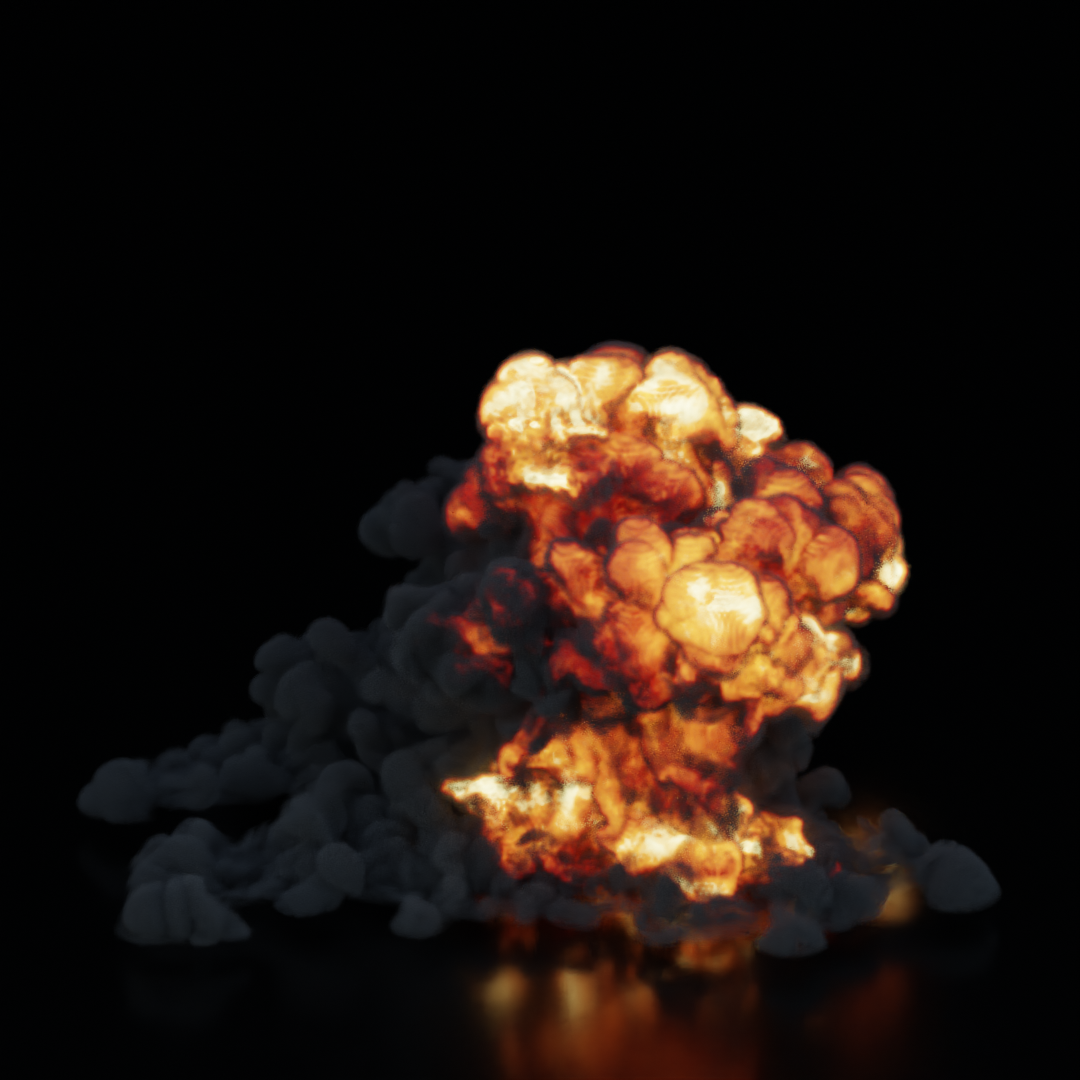
Big Ground Explosion2
Explosions
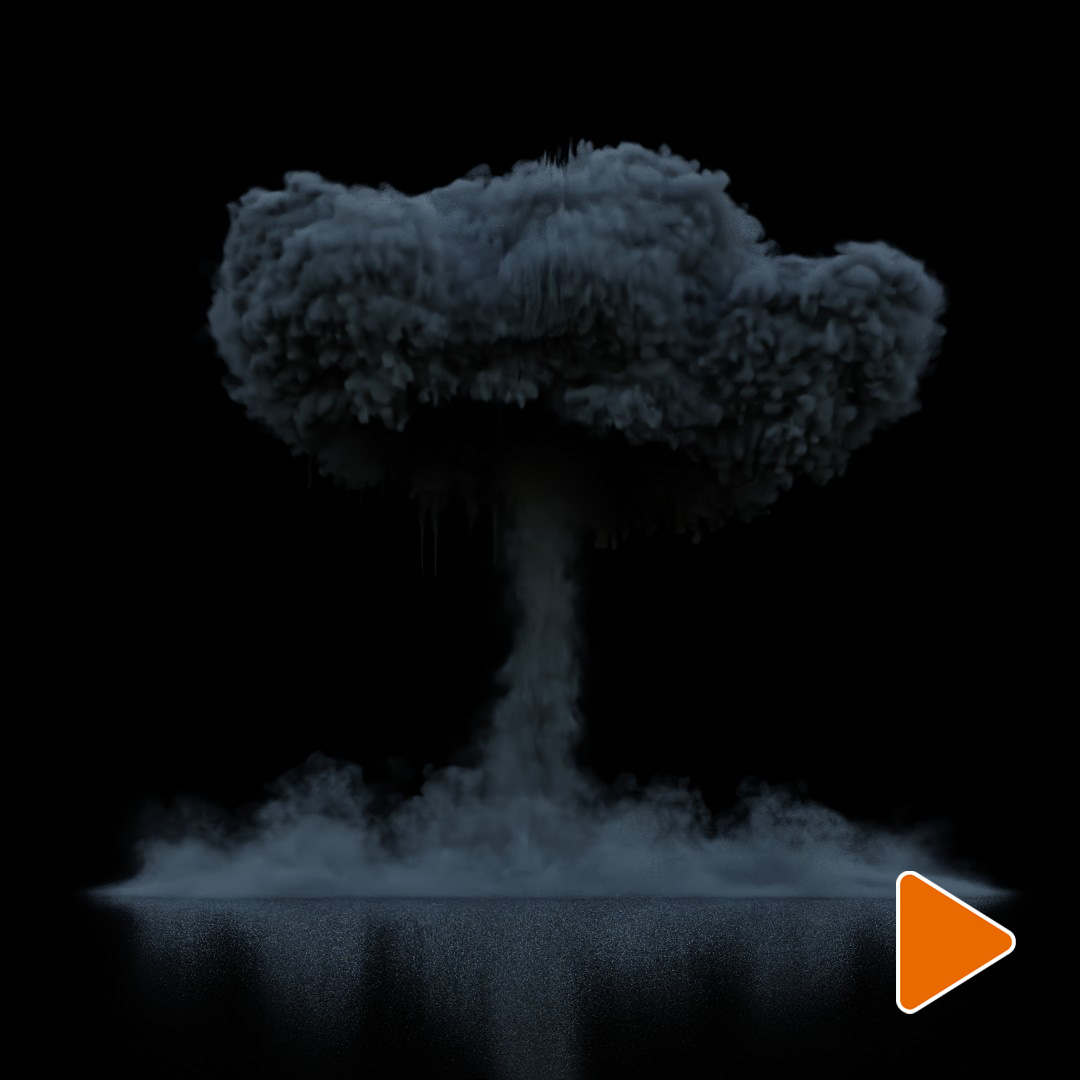
Big Nuke
Explosions
Nuclear.2
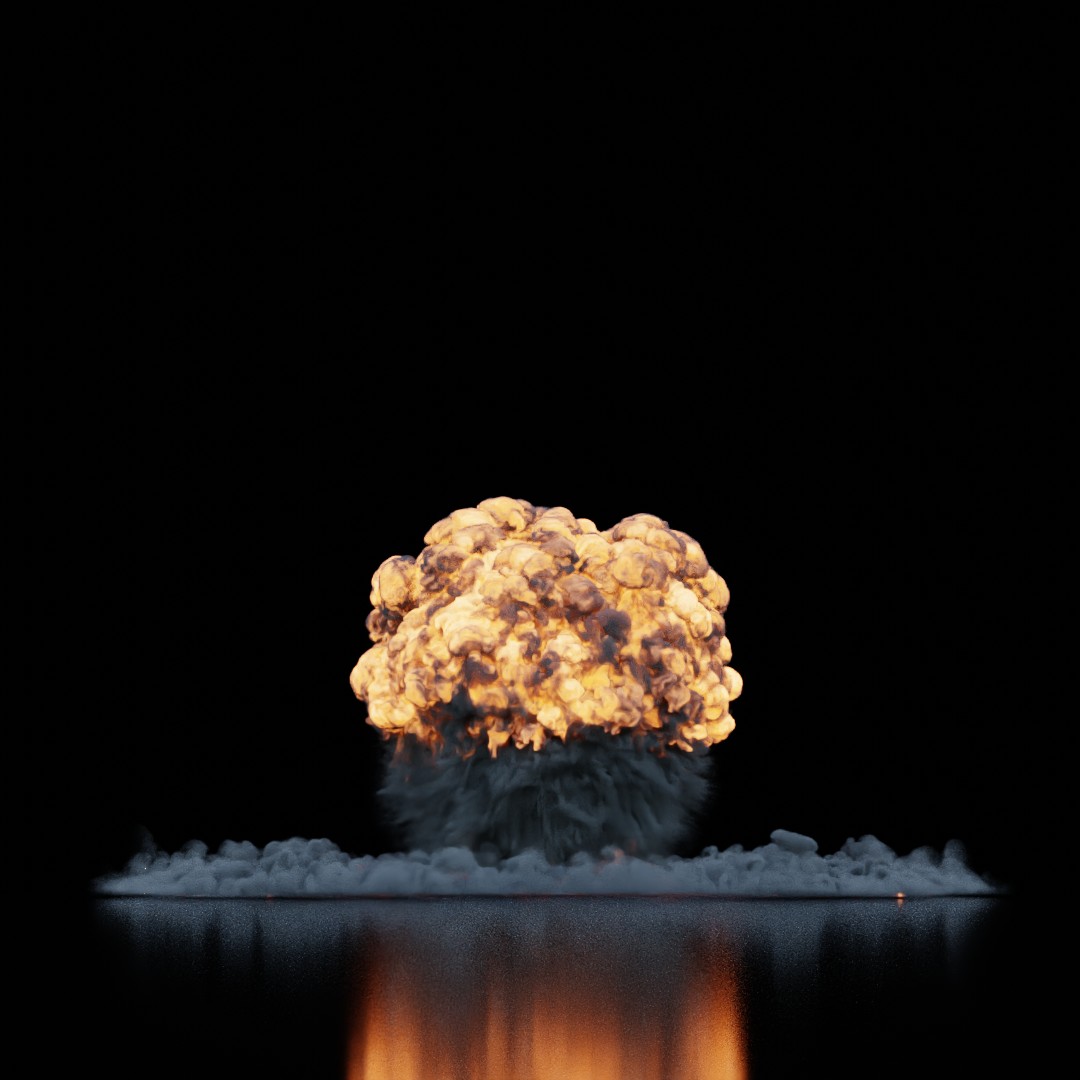
Big Nuke
Explosions
Nuclear.2
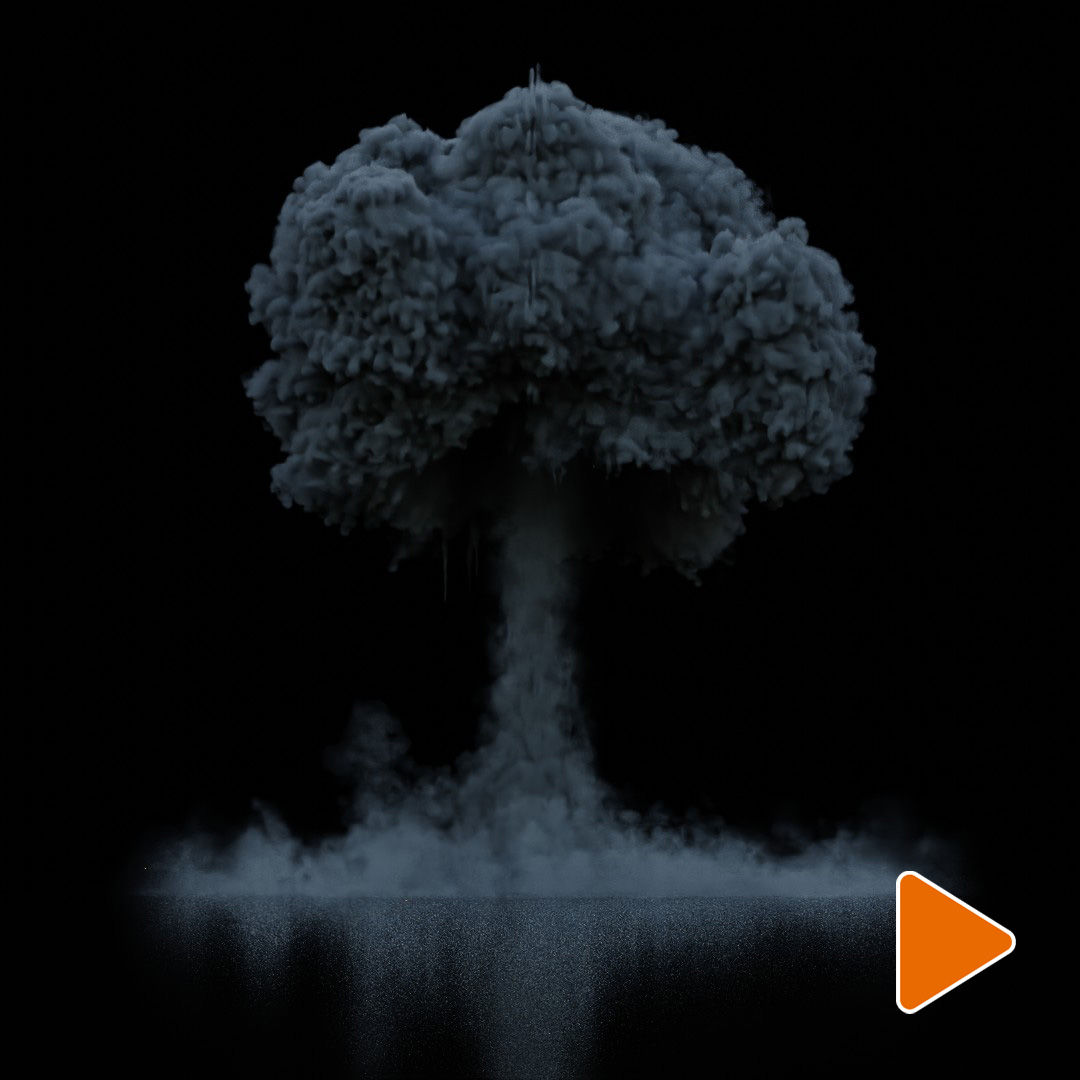
Big Nuke 2
Explosions
Nuclear.2
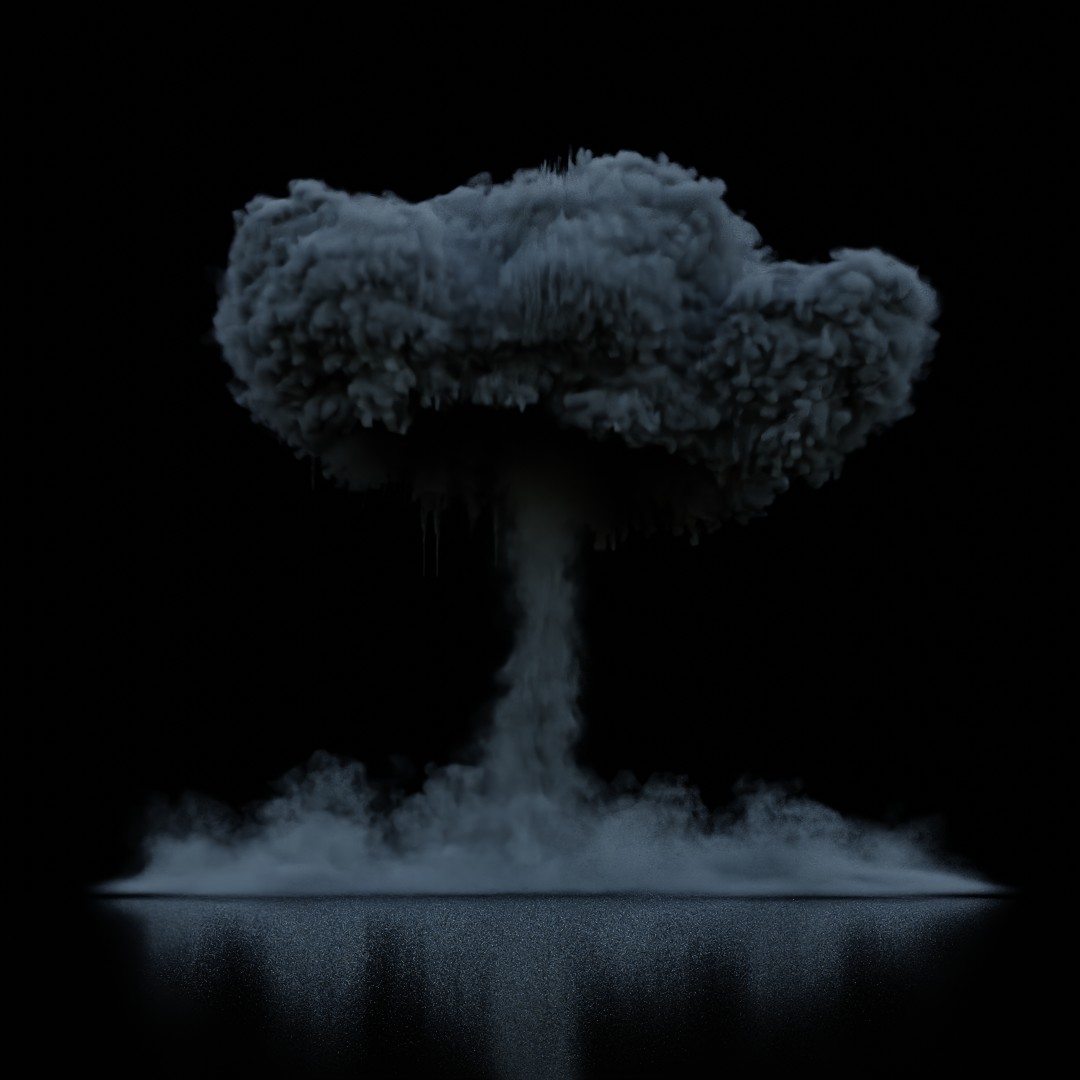
Big Nuke 2
Explosions
Nuclear.2
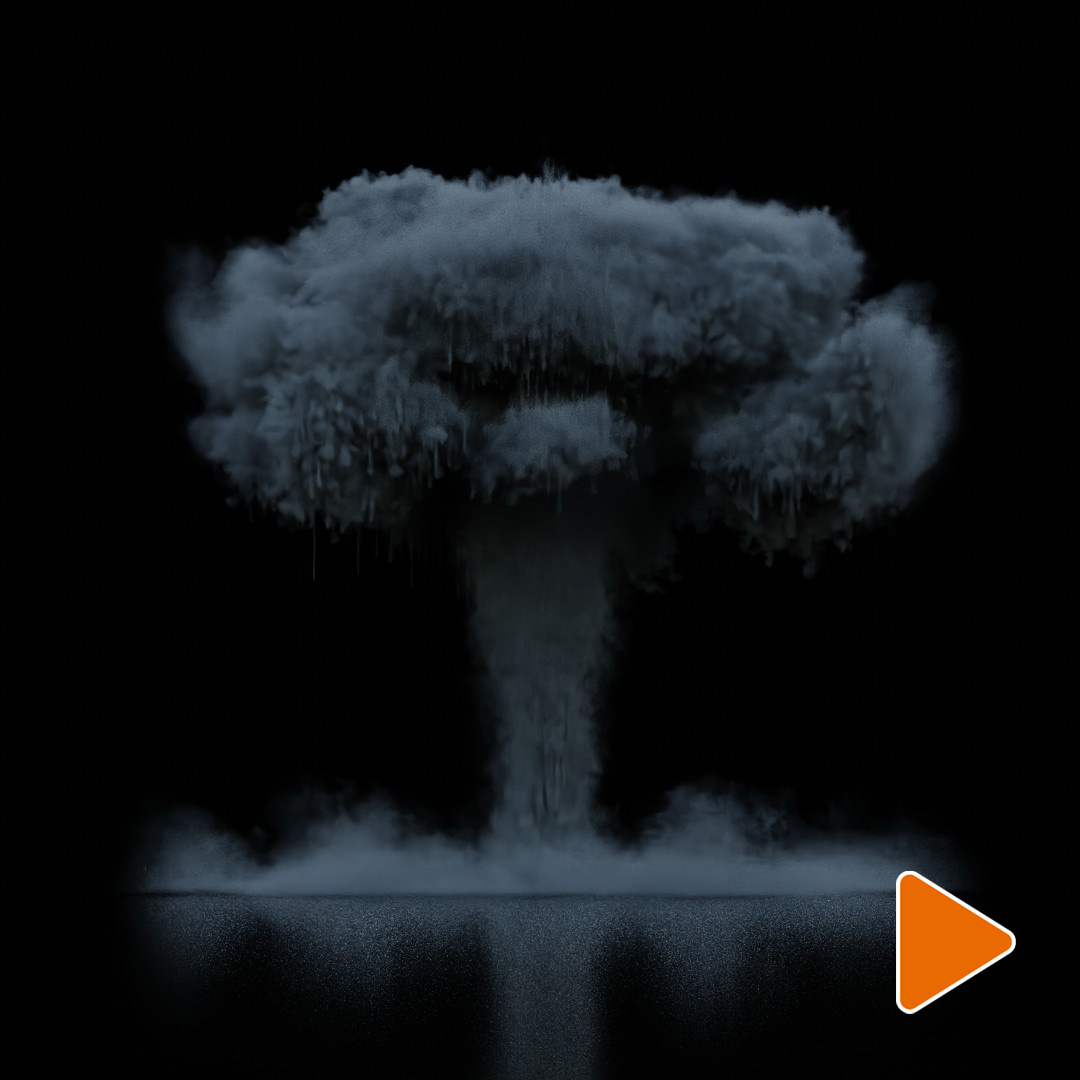
Big Nuke 3
Explosions
Nuclear.2
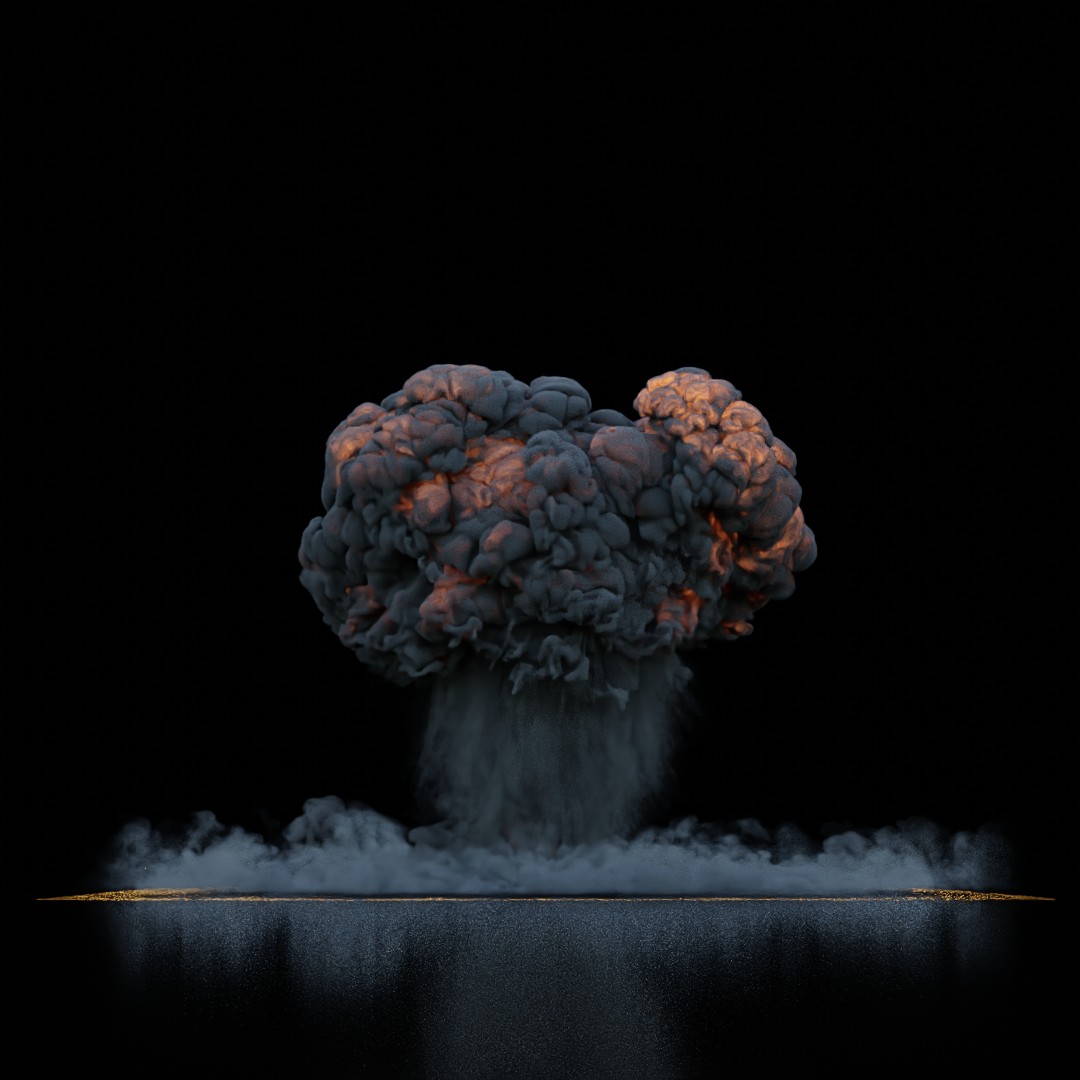
Big Nuke 3
Explosions
Nuclear.2
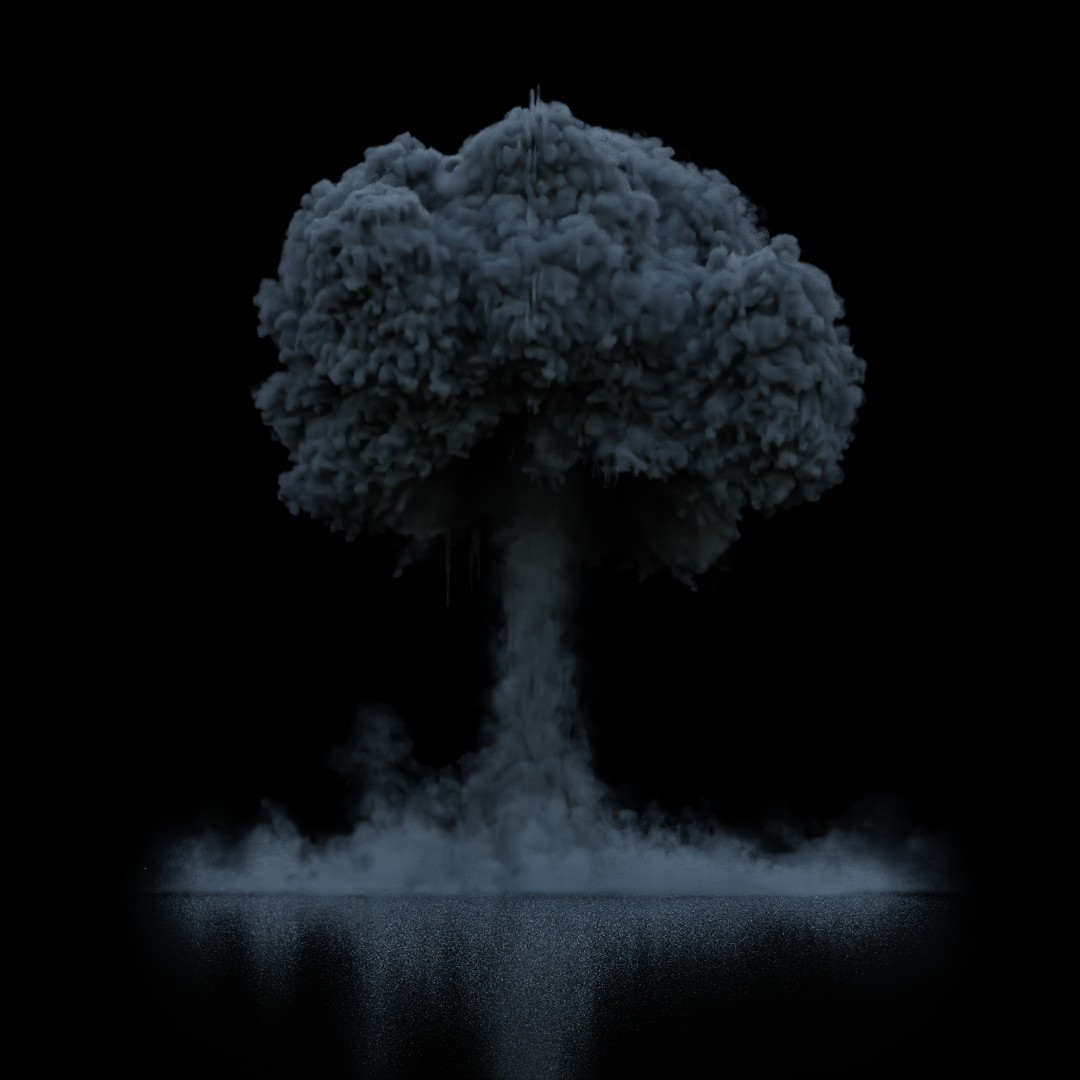
Big Nuke 4
Explosions
Nuclear.2
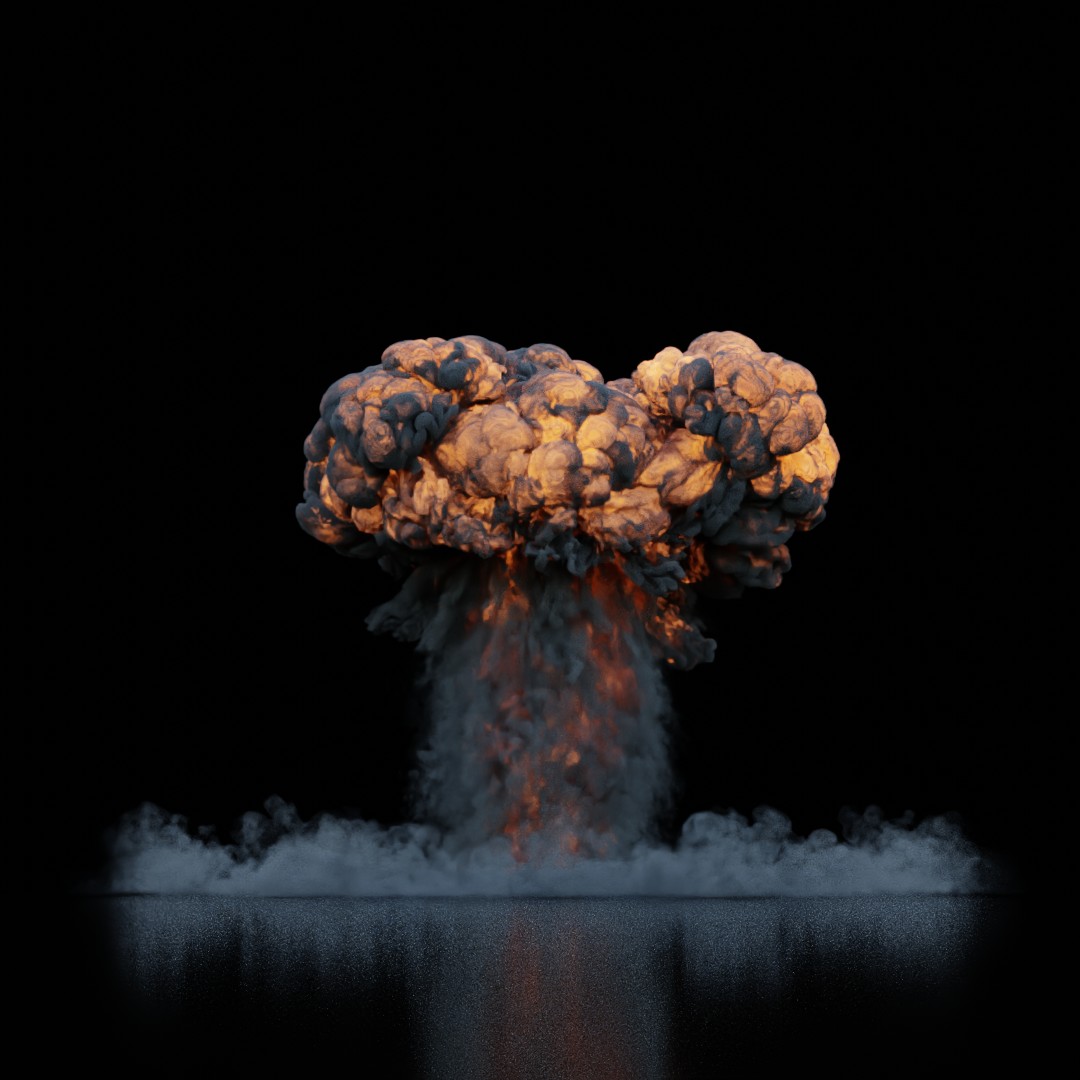
Big Nuke 5
Explosions
Nuclear.2
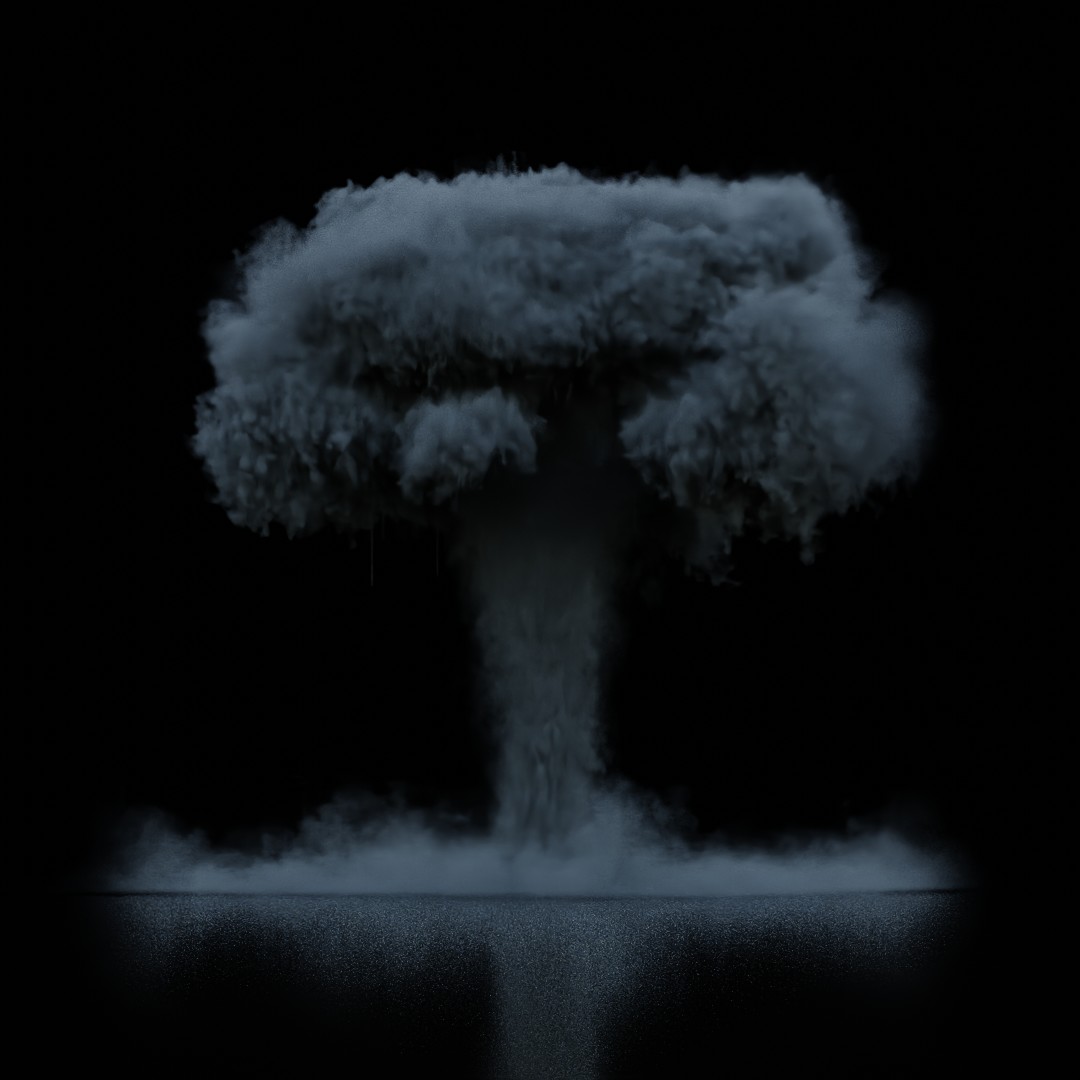
Big Nuke 6
Explosions
Nuclear.2
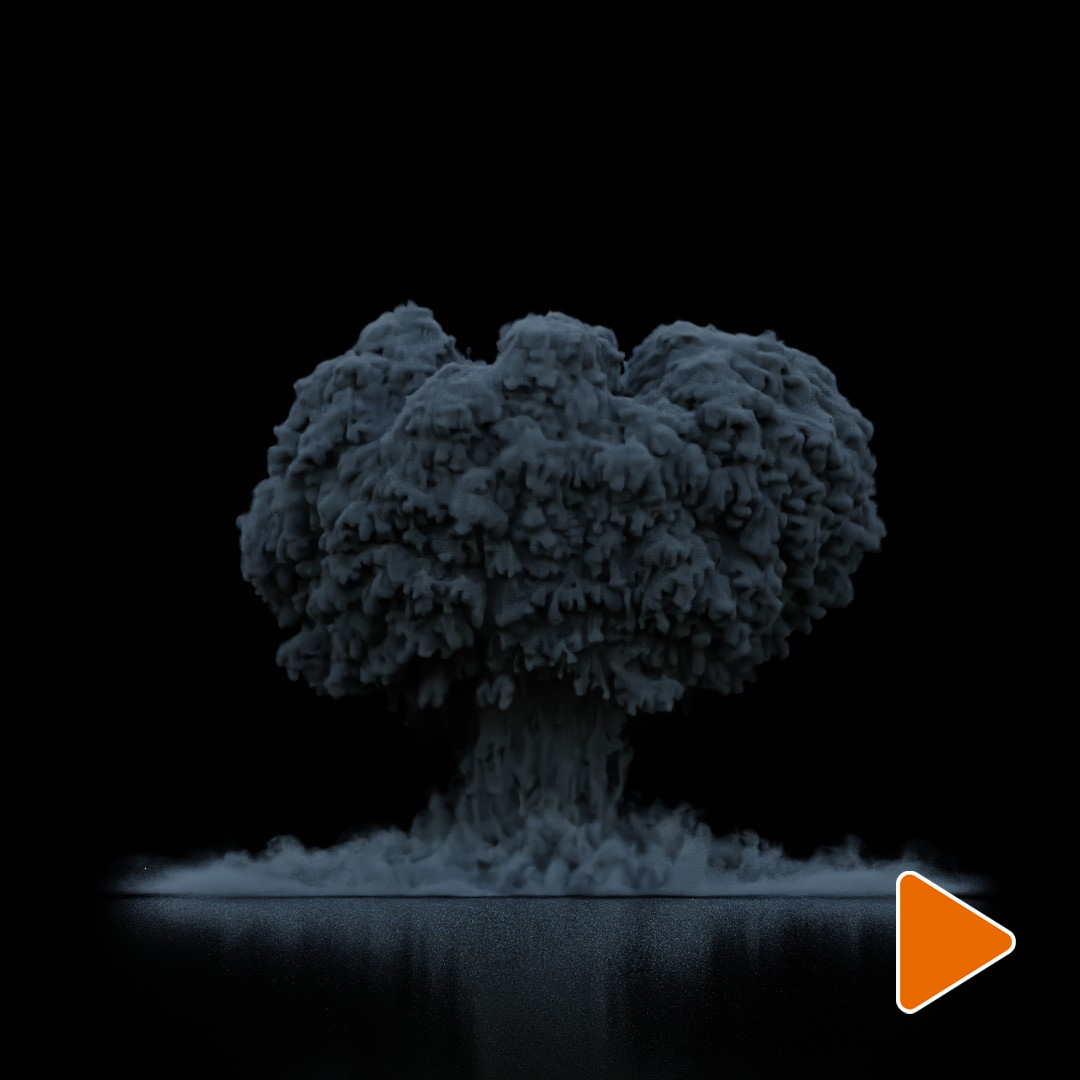
Big Nuke Stubby
Explosions
Nuclear.1
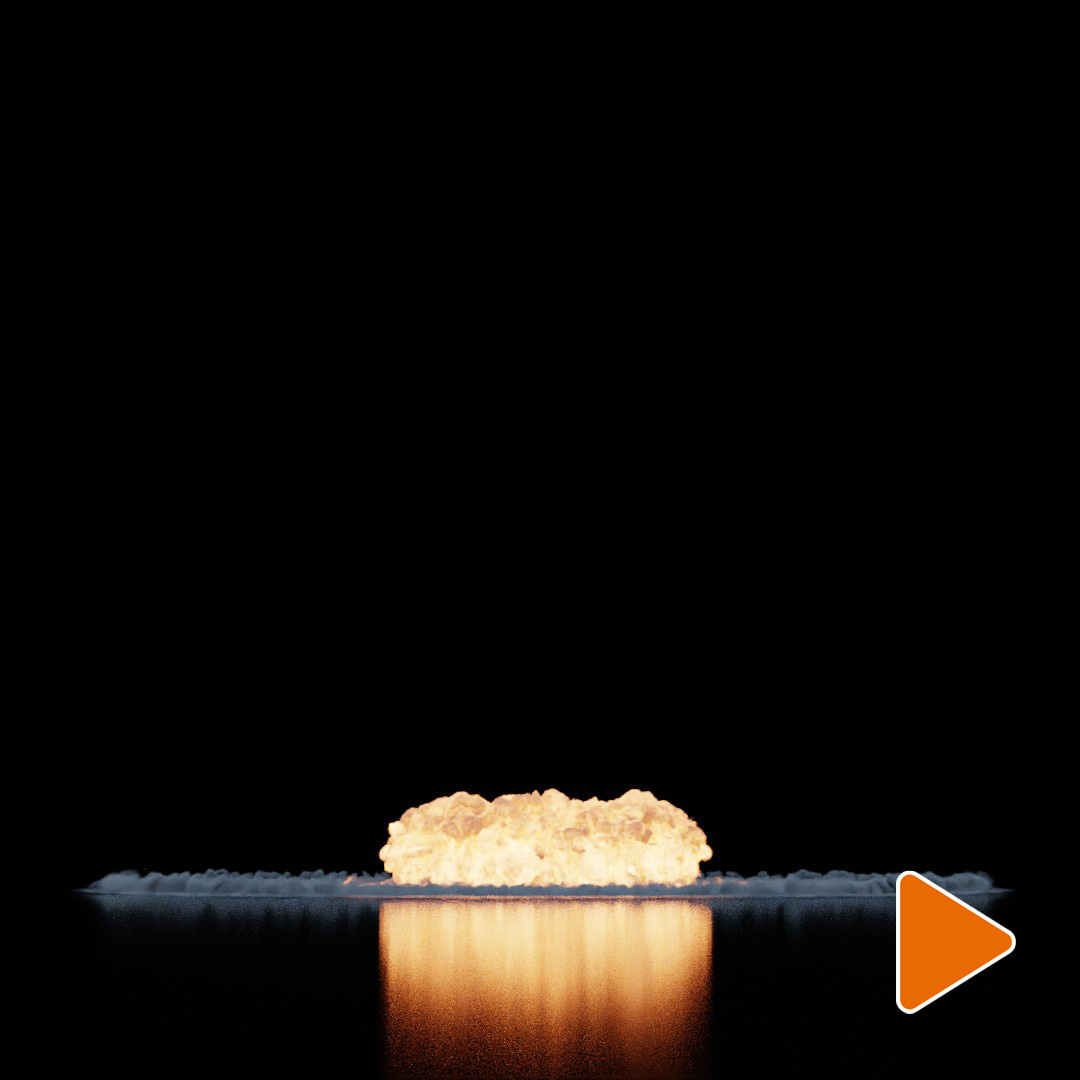
Bomb
Explosions
Ground Explosion.1
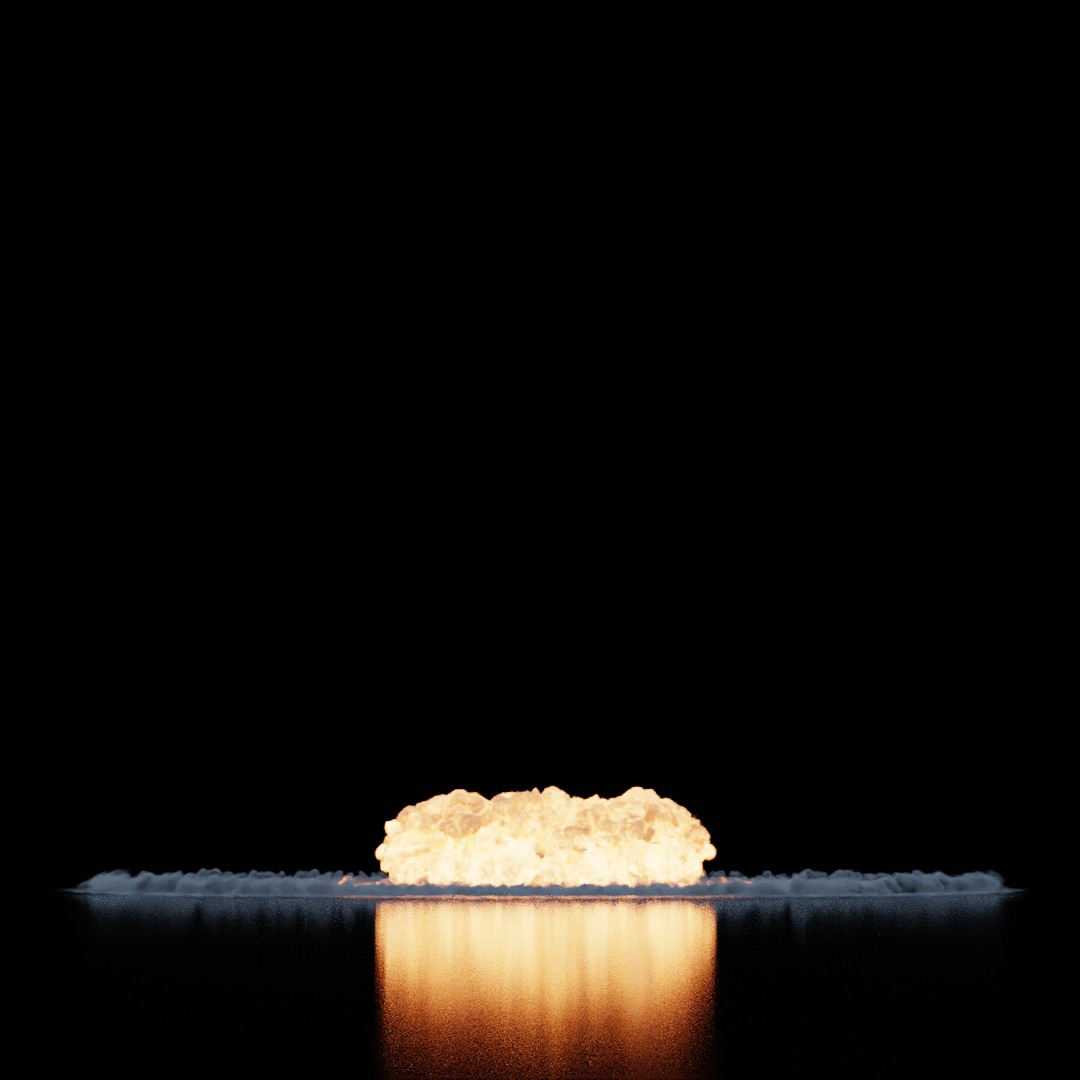
Bomb
Explosions
Ground Explosion.1
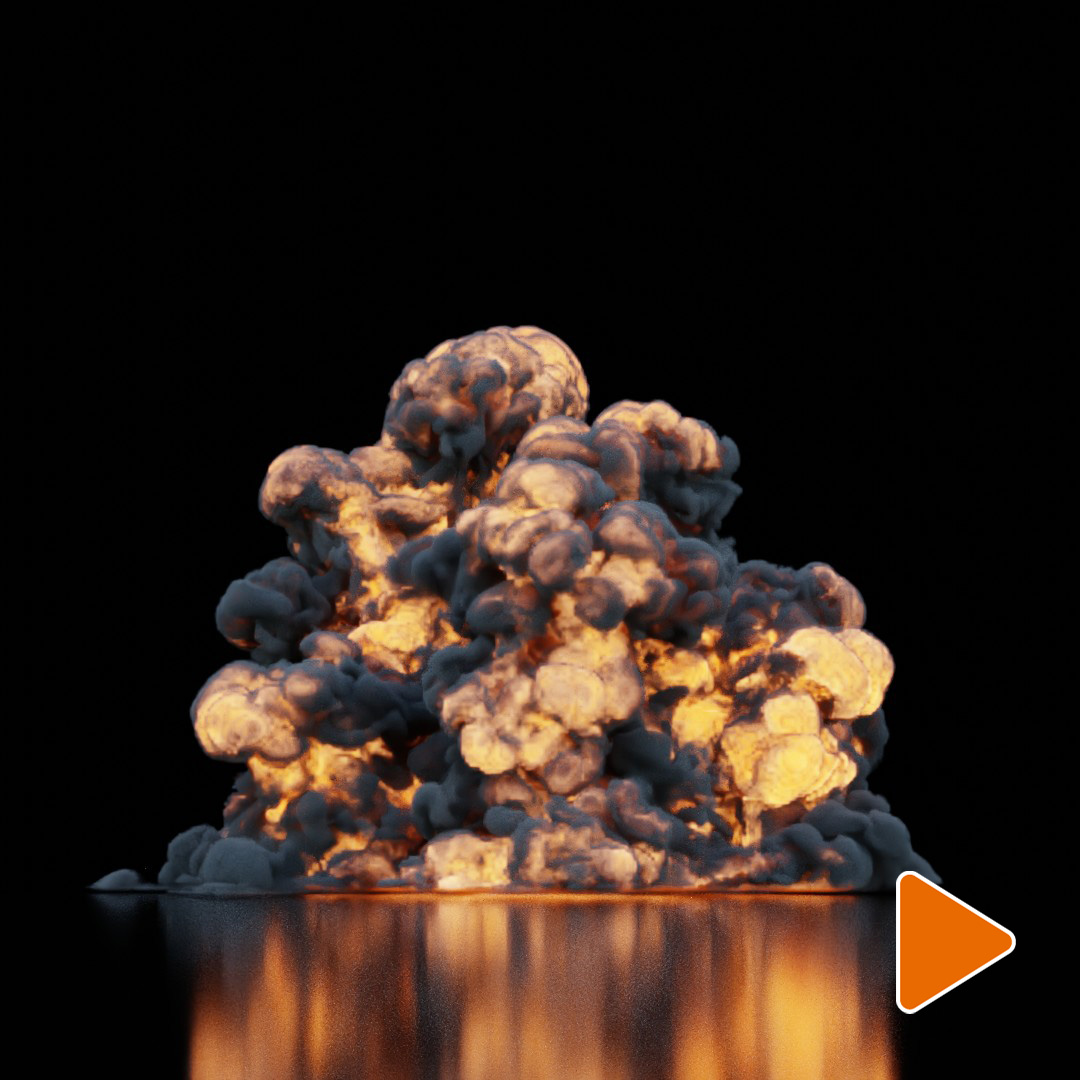
Ground Explosion 1
Explosions
Ground Explosion.1
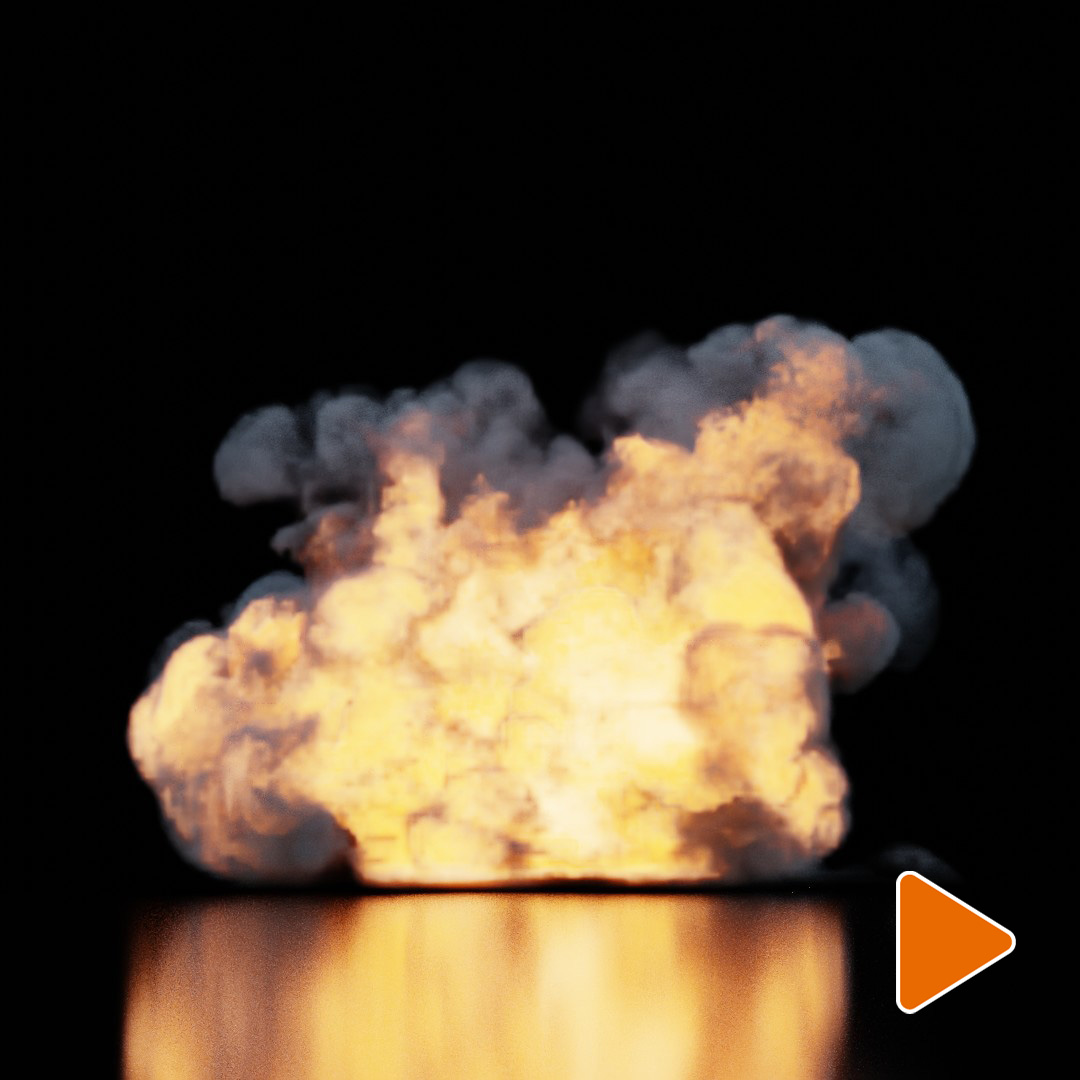
Ground Explosion 2
Explosions
Ground Explosion.2
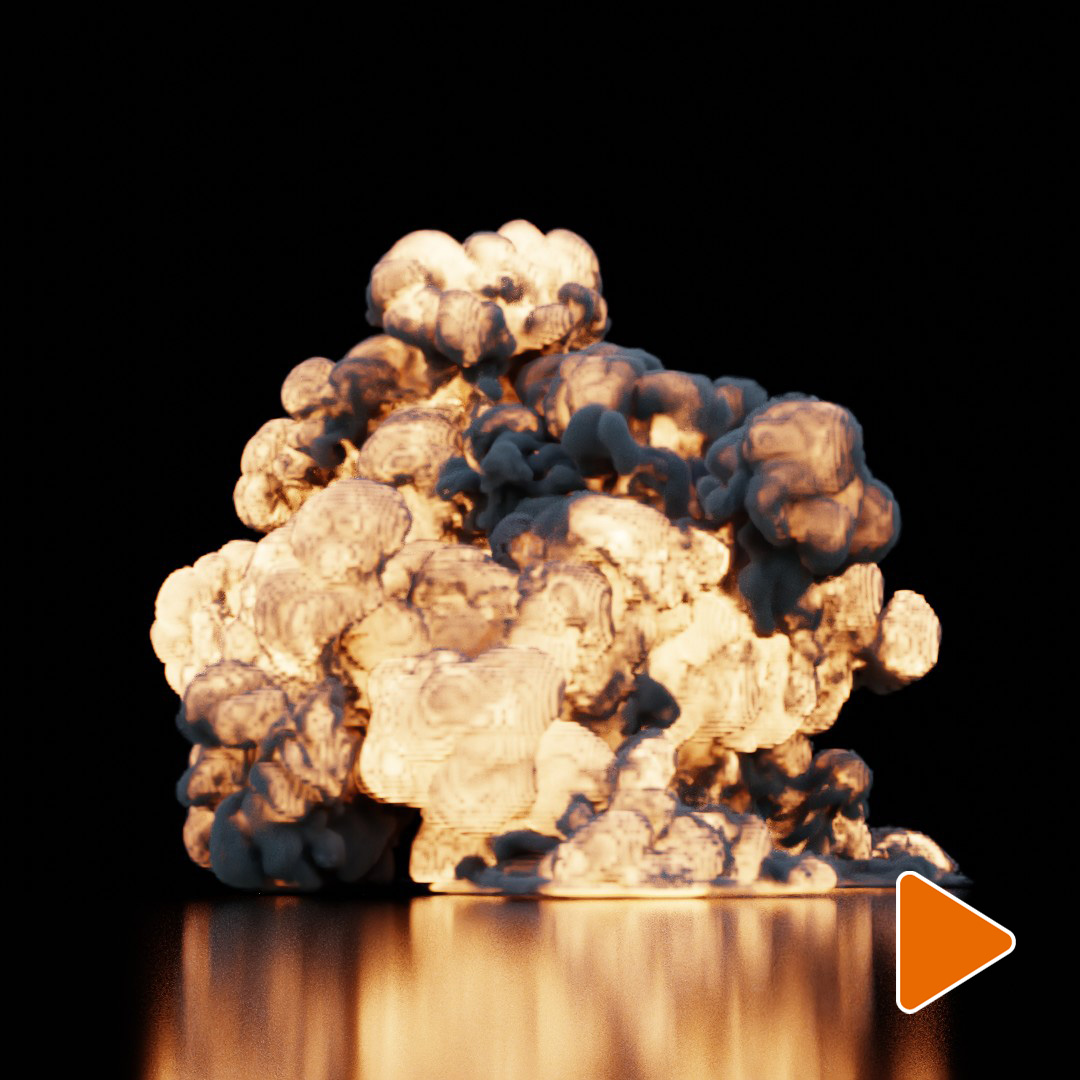
Ground Explosion 3
Explosions
Ground Explosion.2
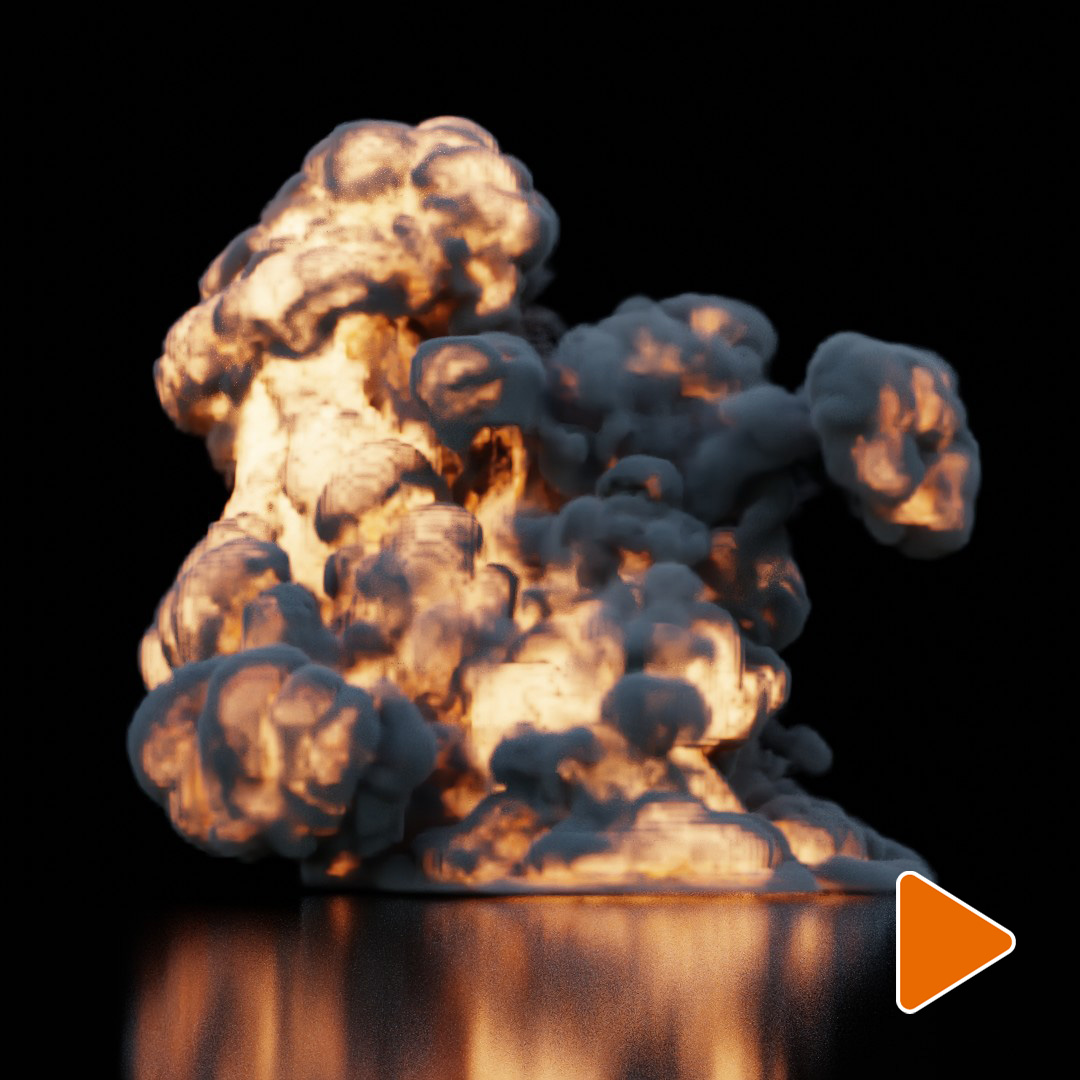
Ground Explosion 4
Explosions
Ground Explosion.2
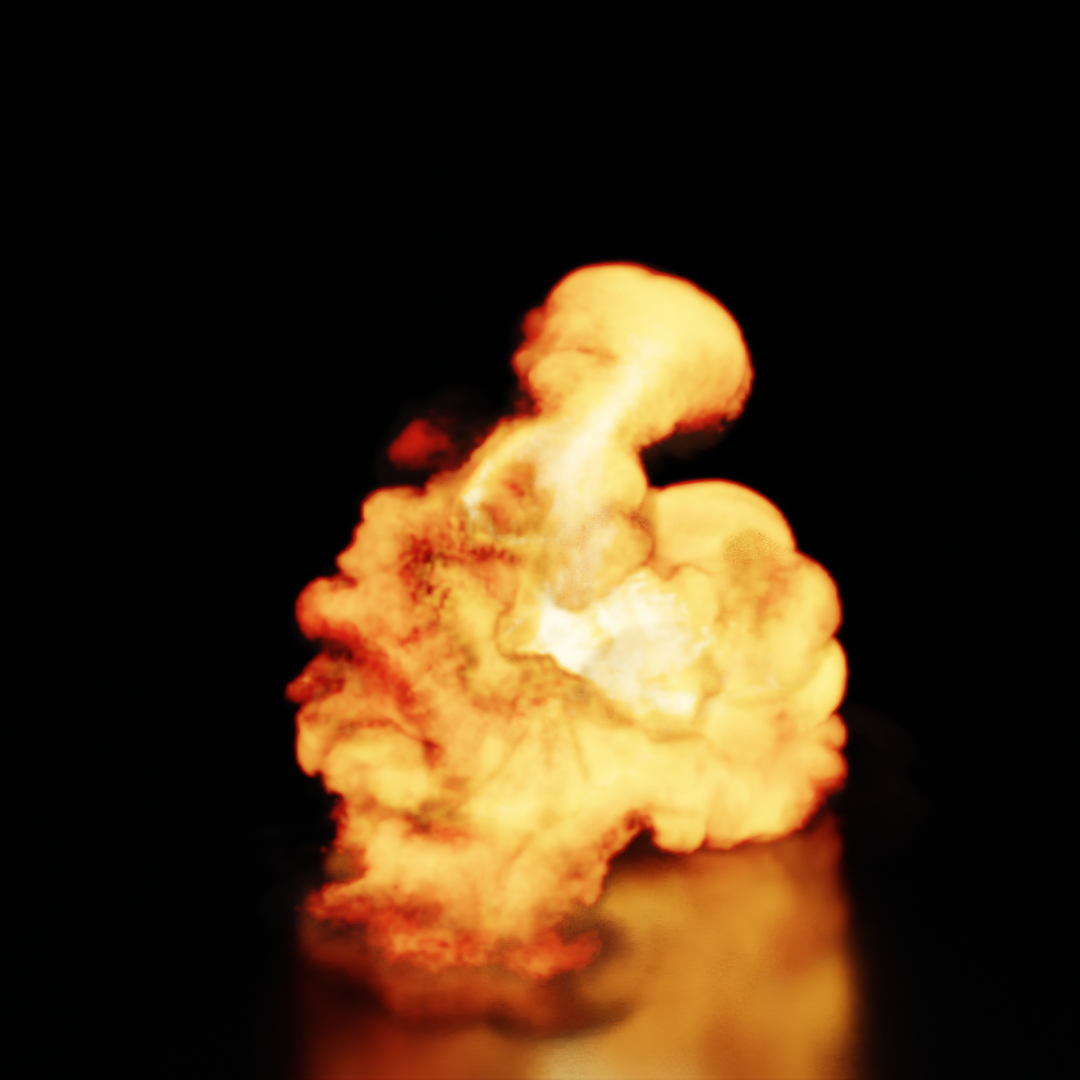
Ground Explosion1
Explosions
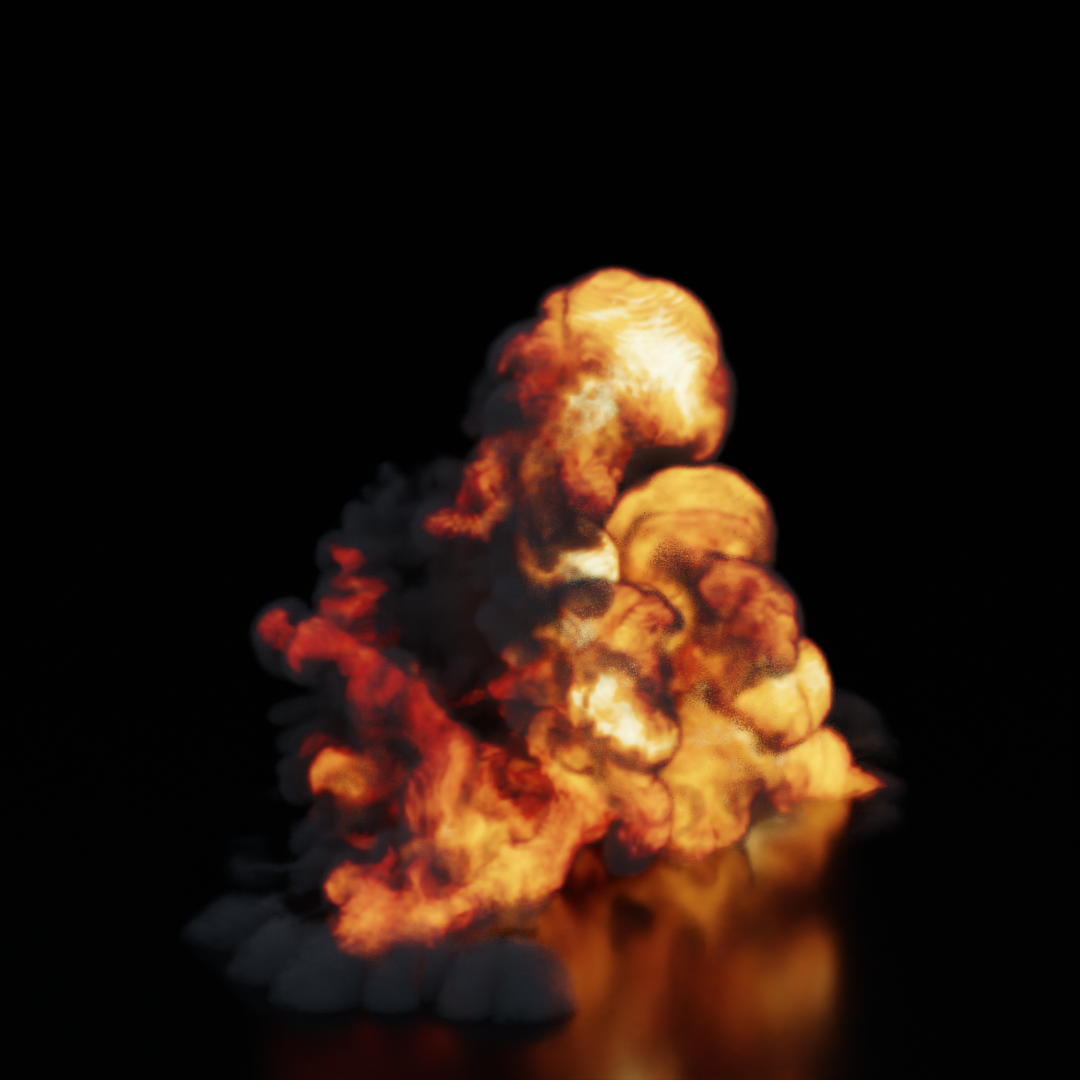
Ground Explosion2
Explosions
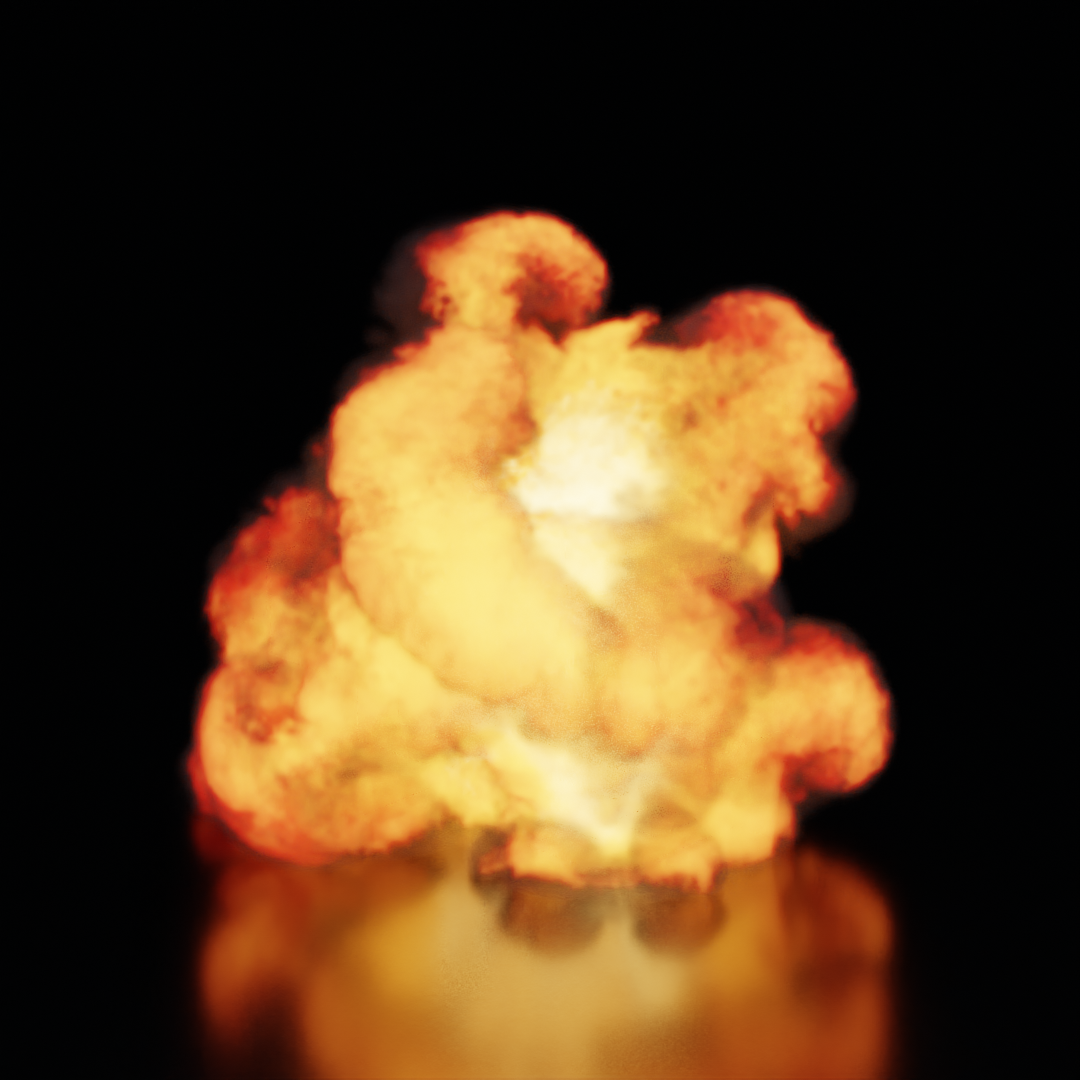
Large Ground Explosion1
Explosions
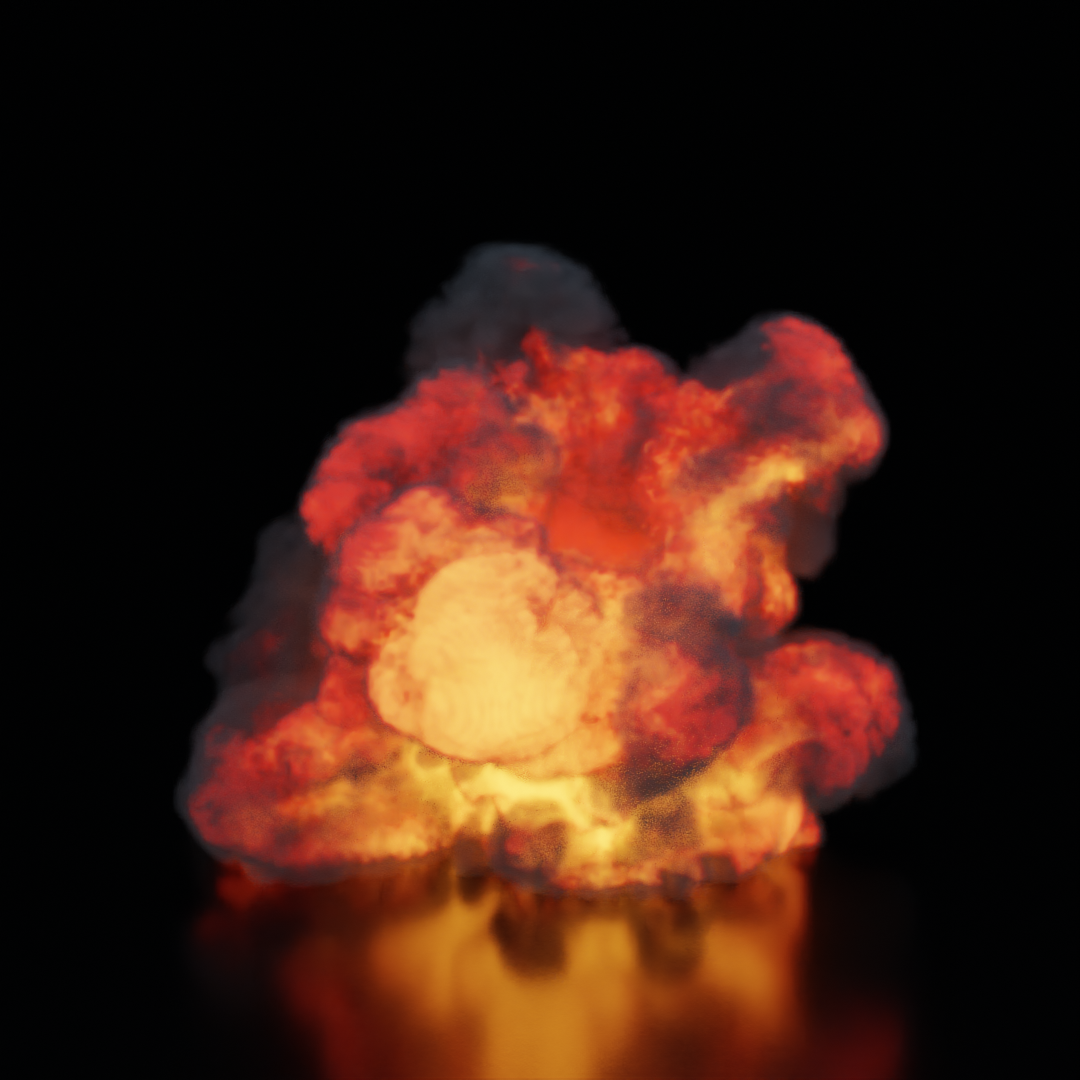
Large Ground Explosion2
Explosions
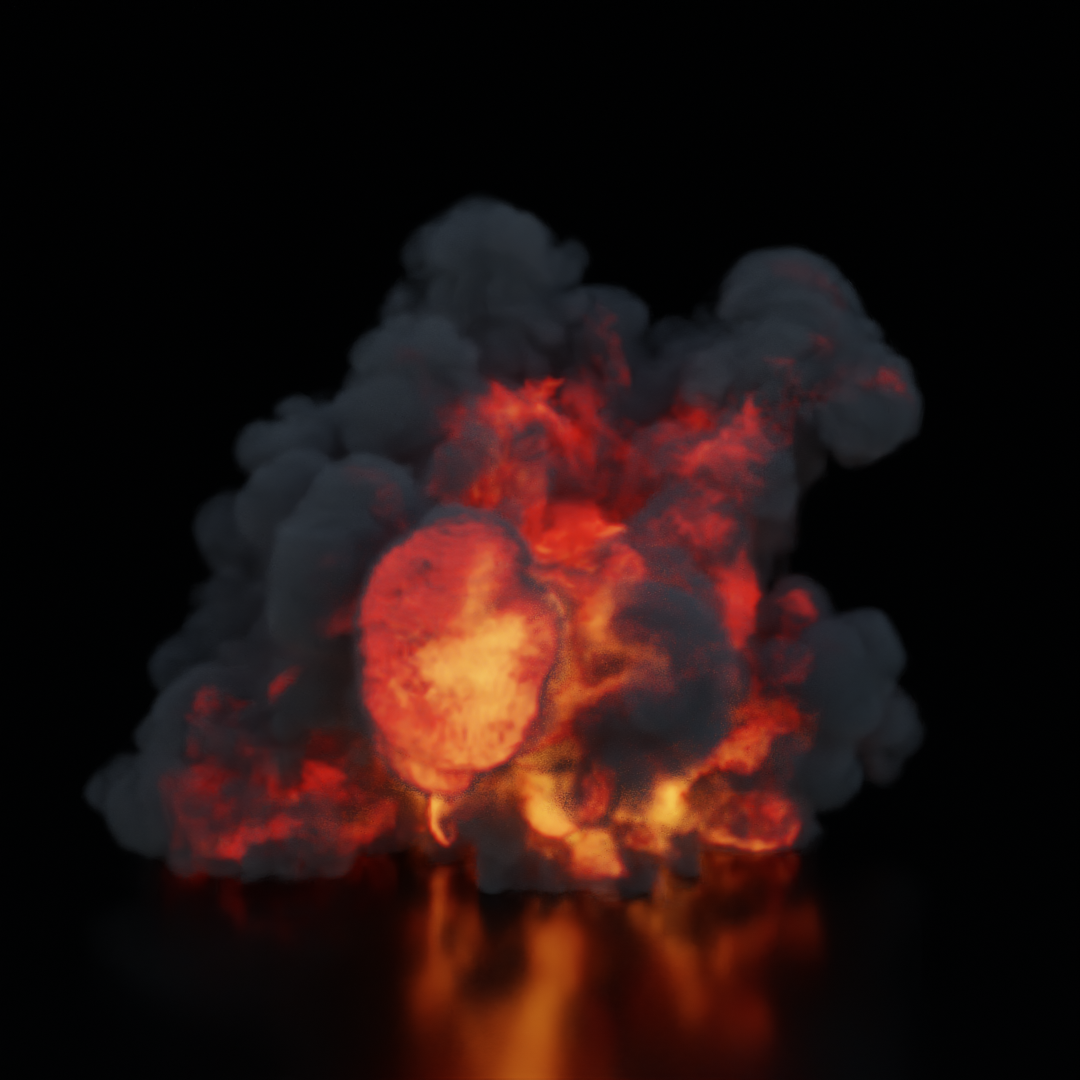
Large Ground Explosion3
Explosions
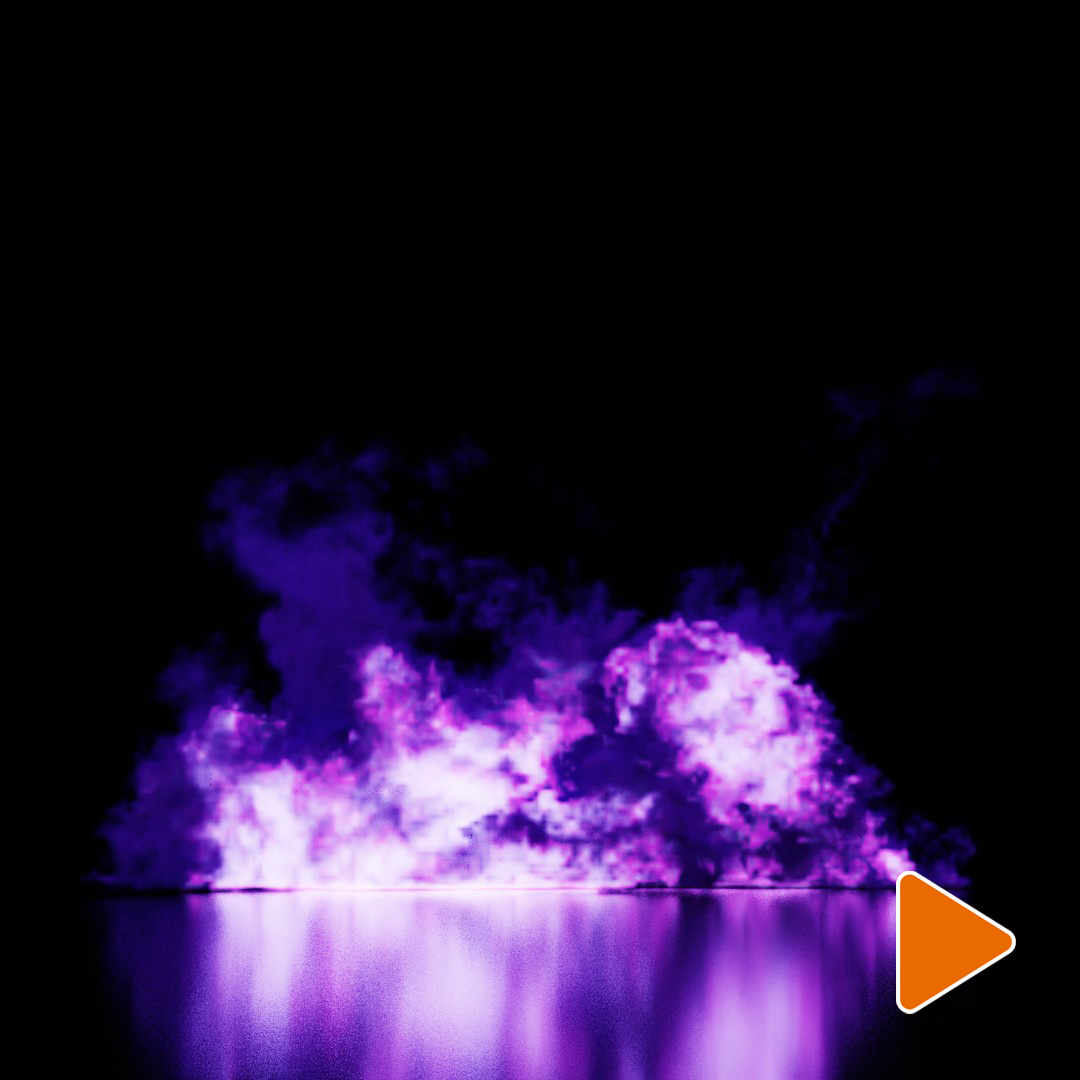
Magic Explosion
Explosions
Magic.1
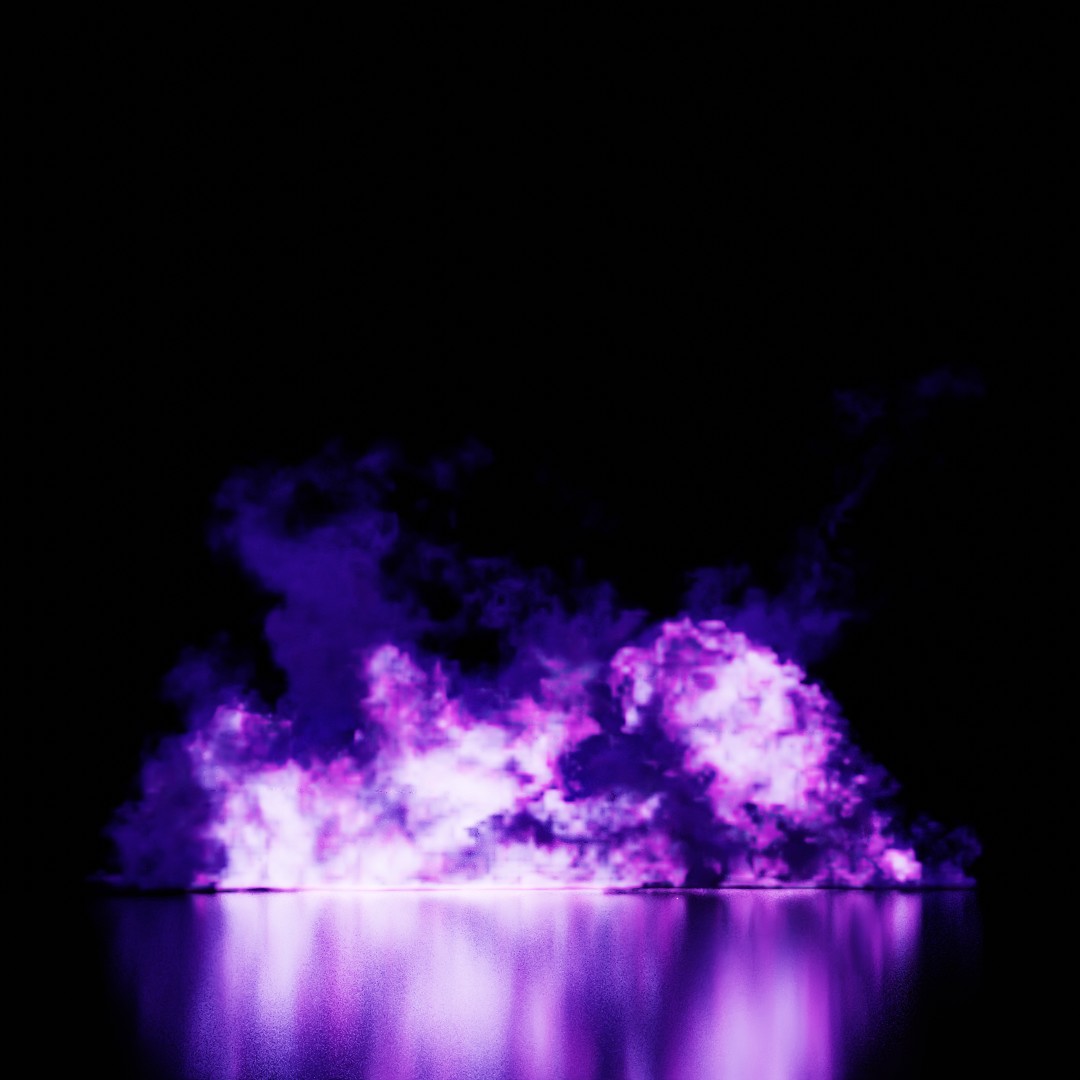
Magic Explosion
Explosions
Magic.1
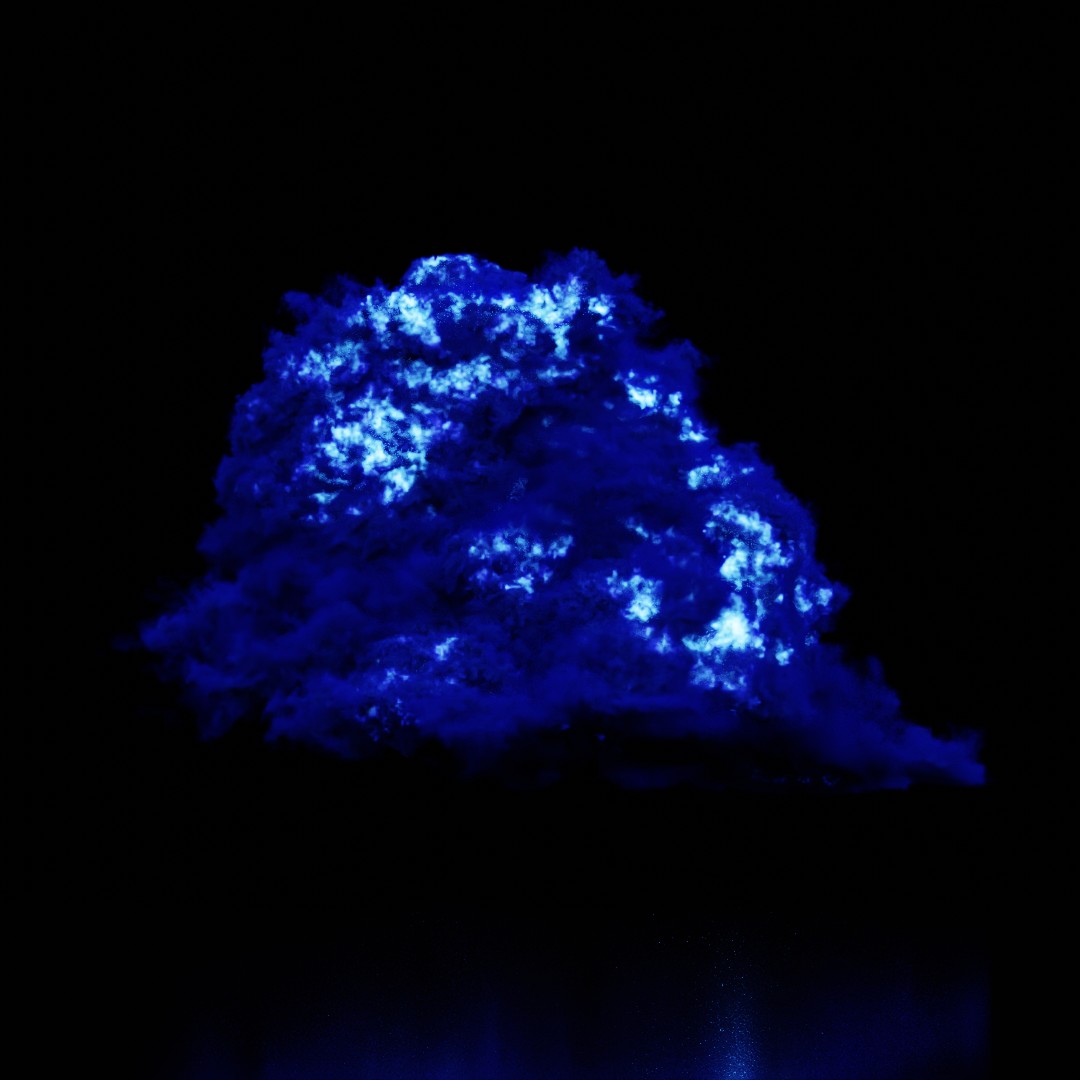
Magic Explosion 10
Explosions
Magic.2

Magic Explosion 2
Explosions
Magic.1
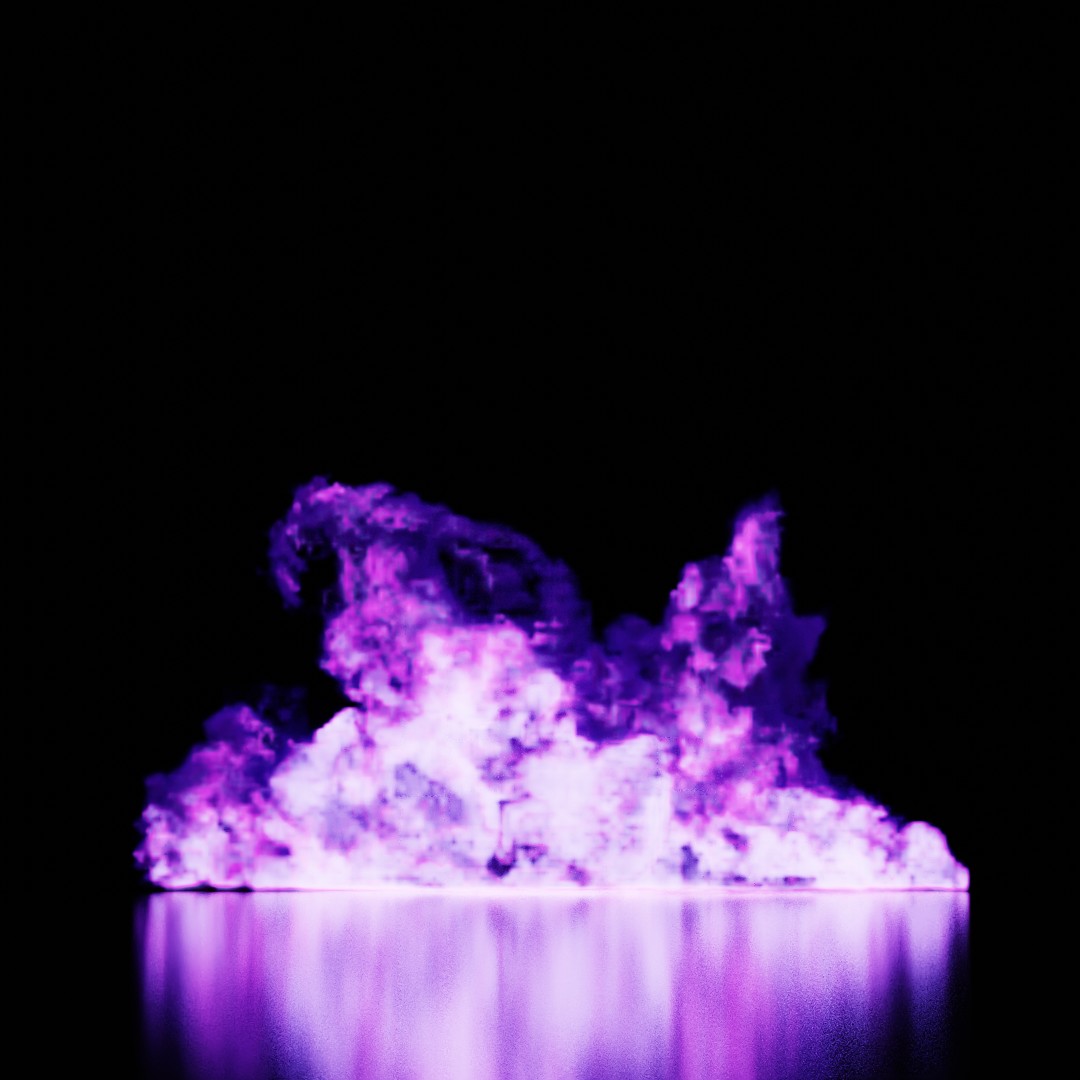
Magic Explosion 2
Explosions
Magic.1
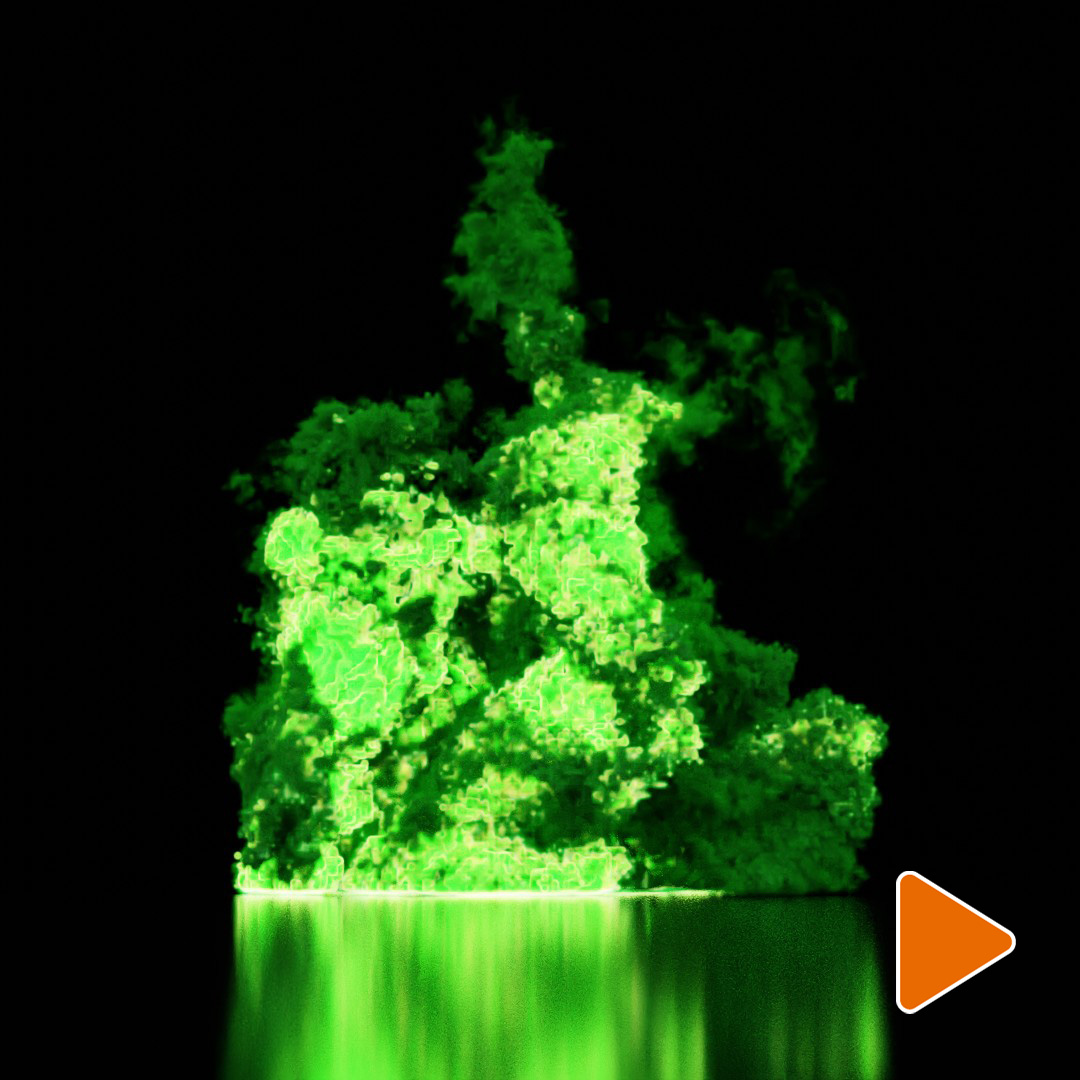
Magic Explosion 3
Explosions
Magic.1
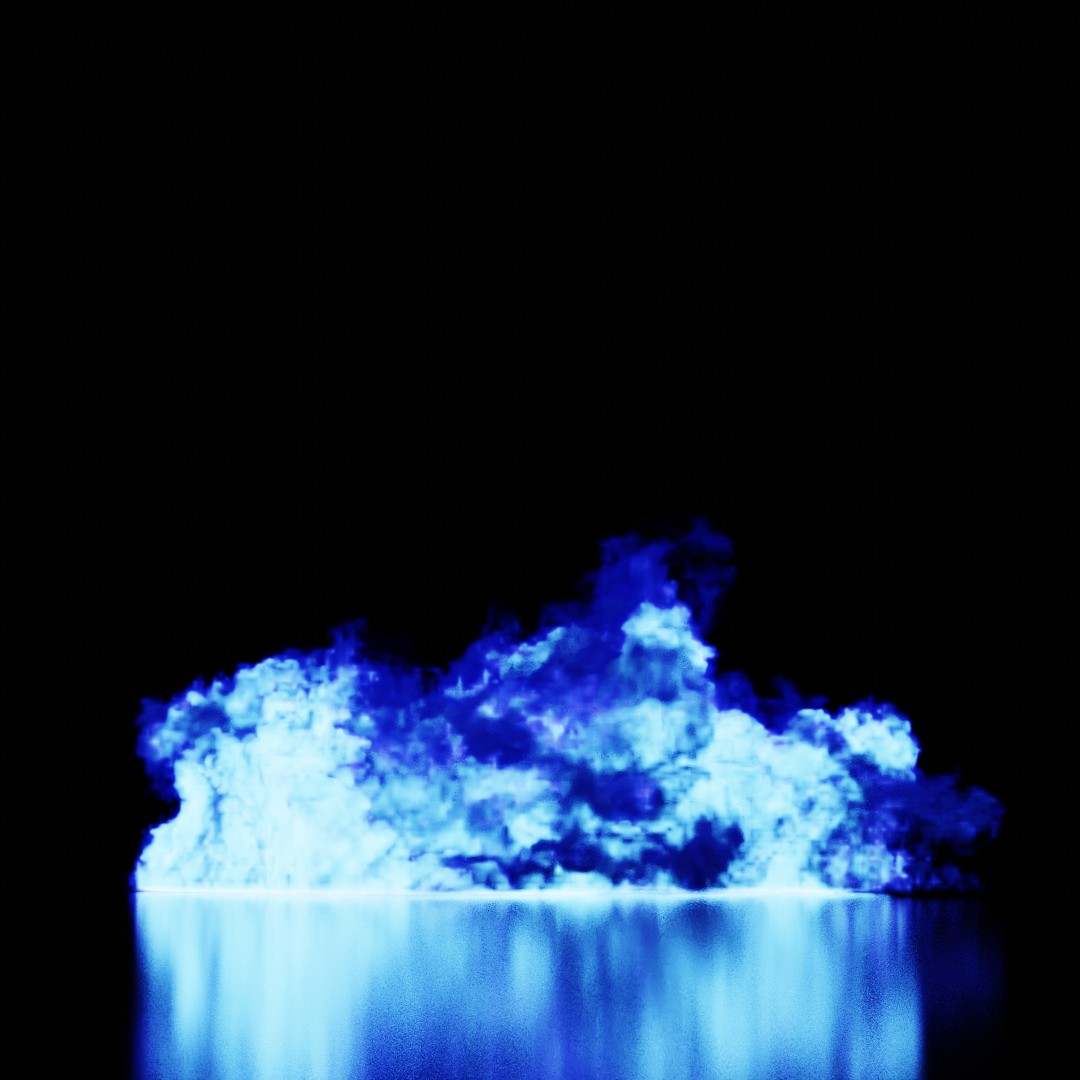
Magic Explosion 3
Explosions
Magic.1
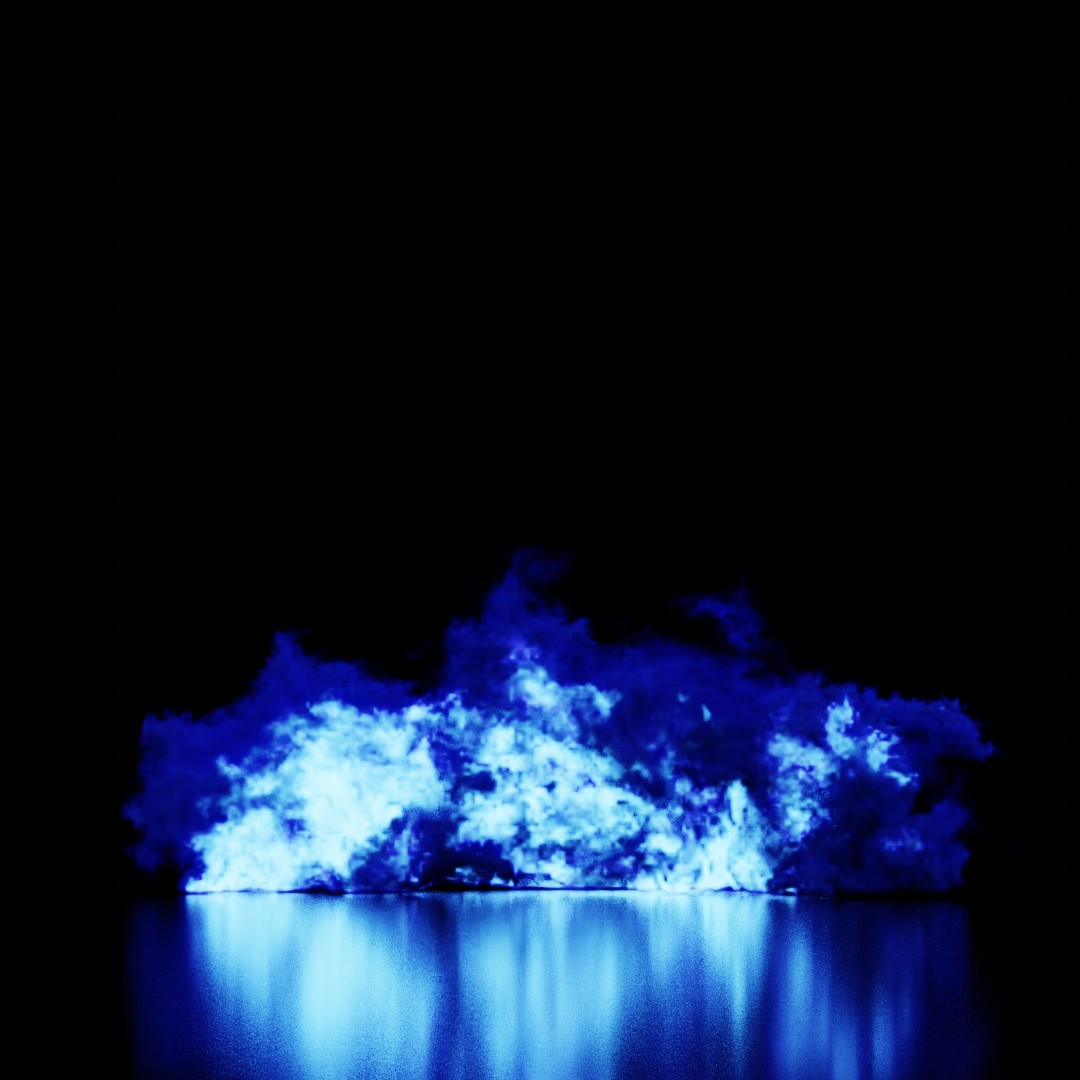
Magic Explosion 4
Explosions
Magic.1
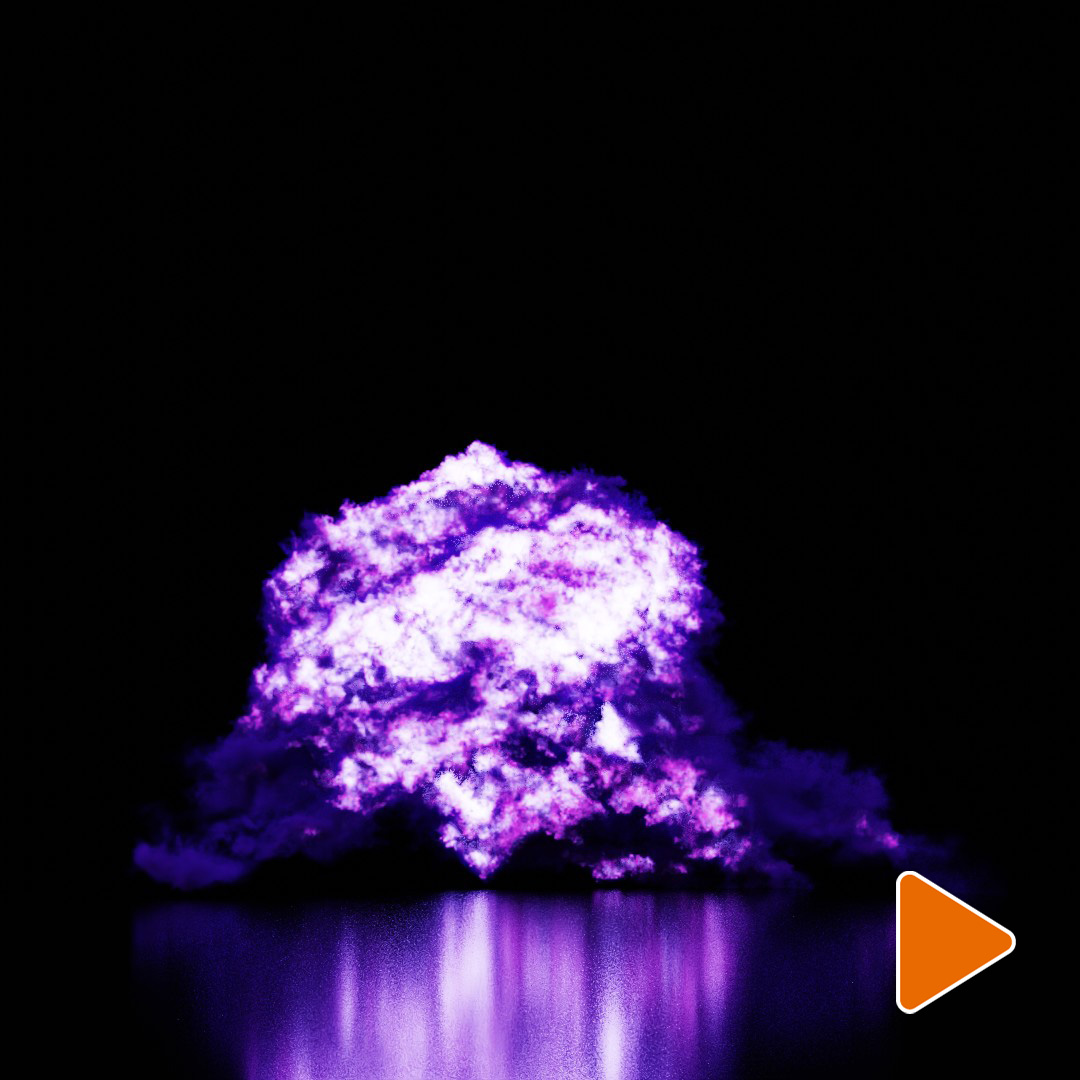
Magic Explosion 4
Explosions
Magic.2
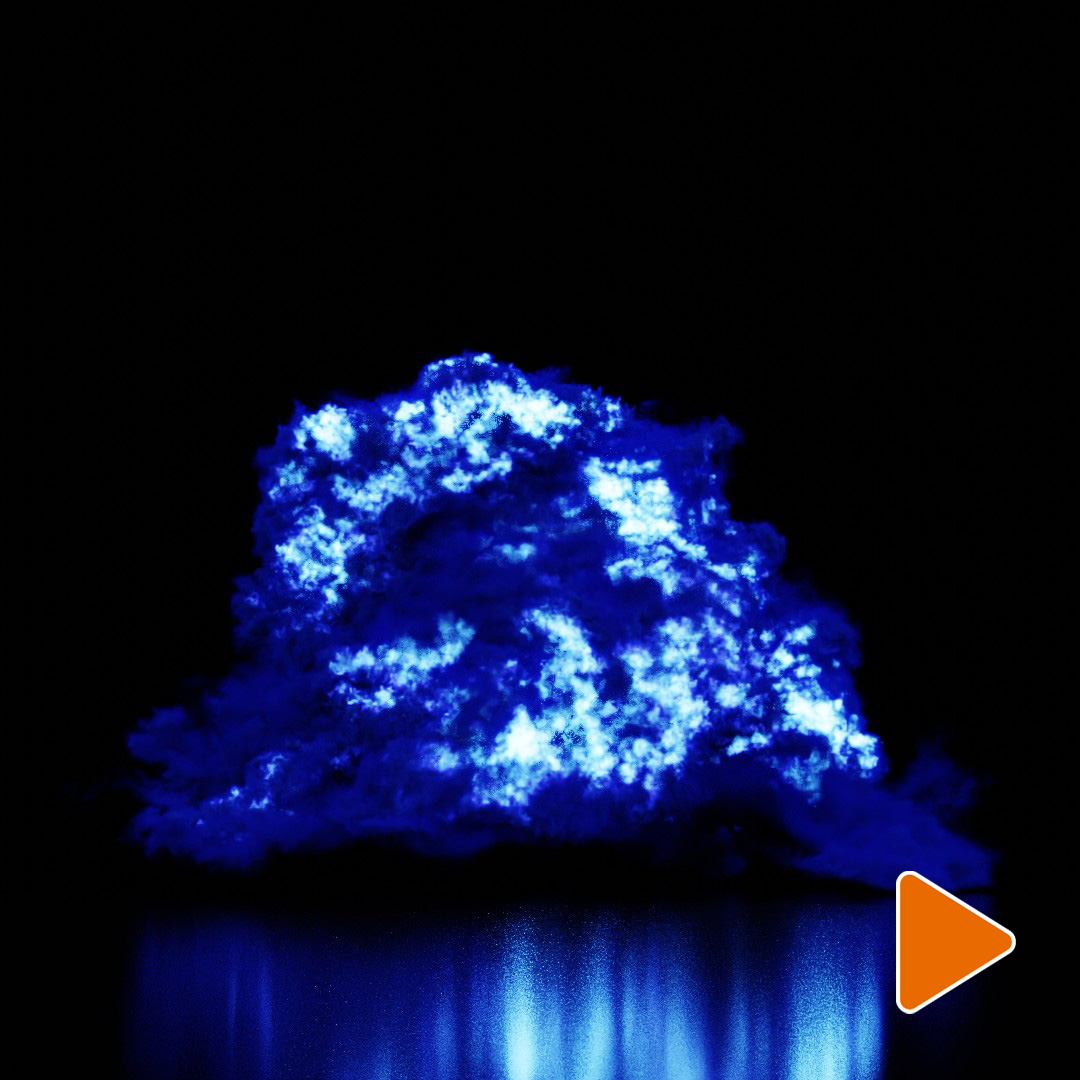
Magic Explosion 5
Explosions
Magic.2
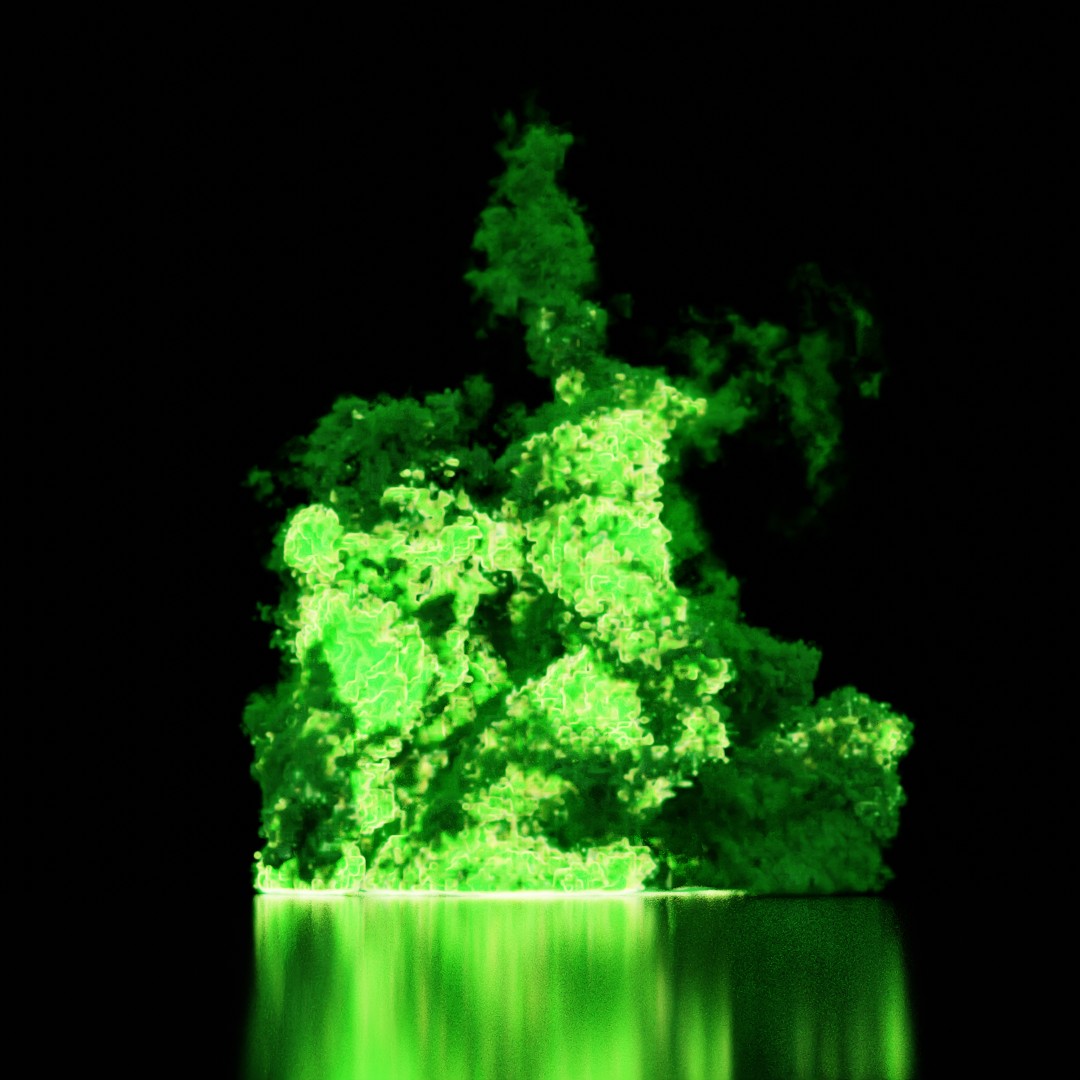
Magic Explosion 5
Explosions
Magic.2
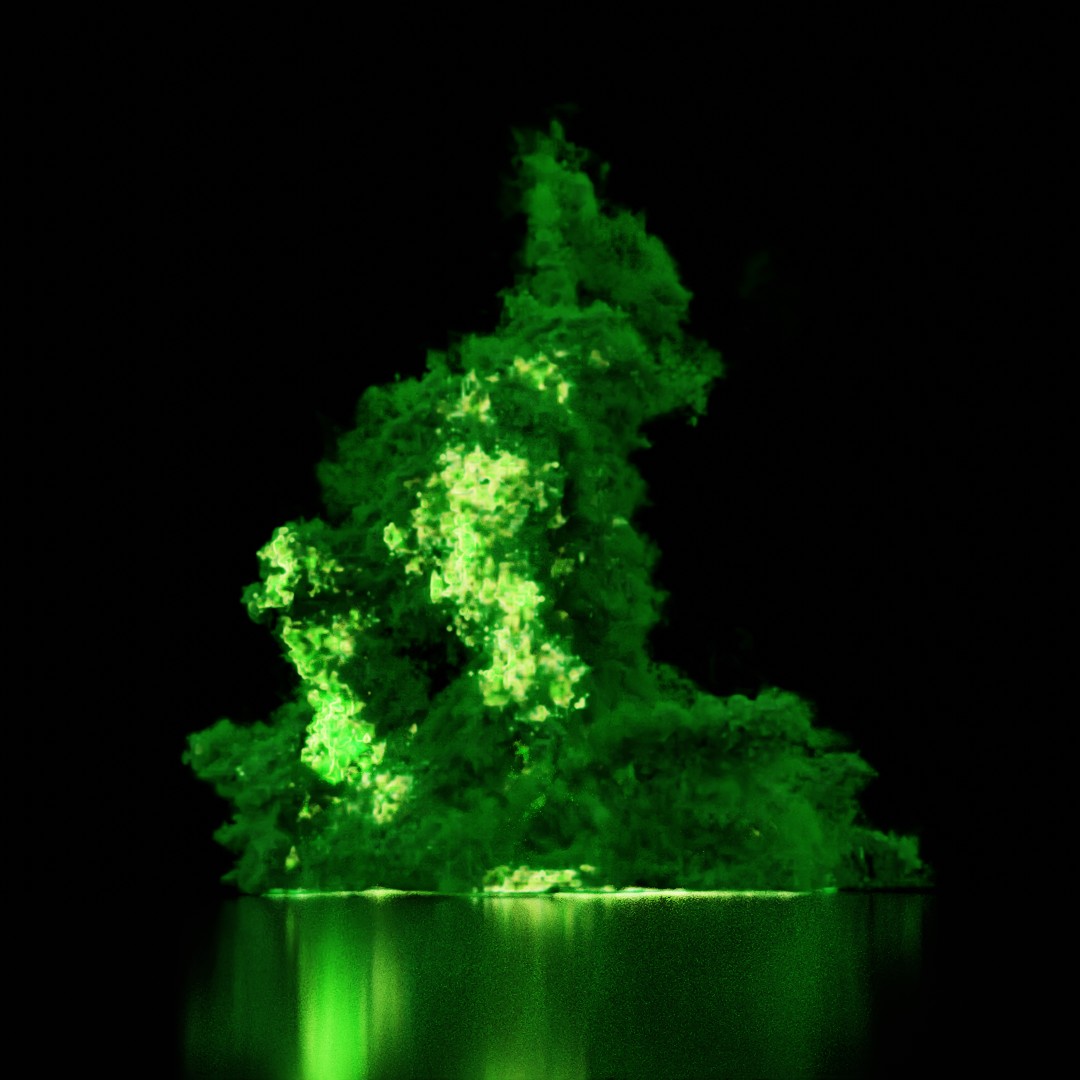
Magic Explosion 6
Explosions
Magic.2
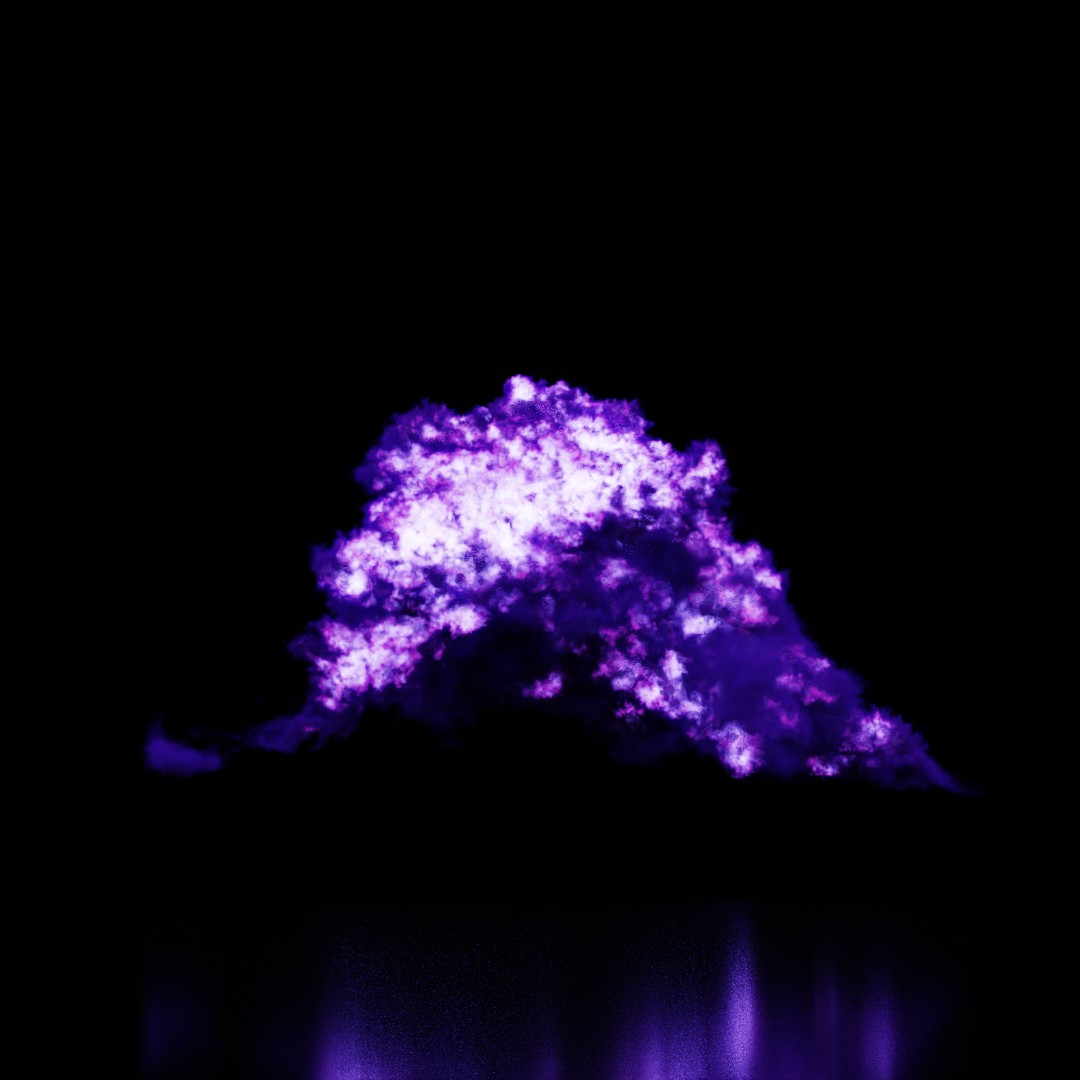
Magic Explosion 7
Explosions
Magic.2
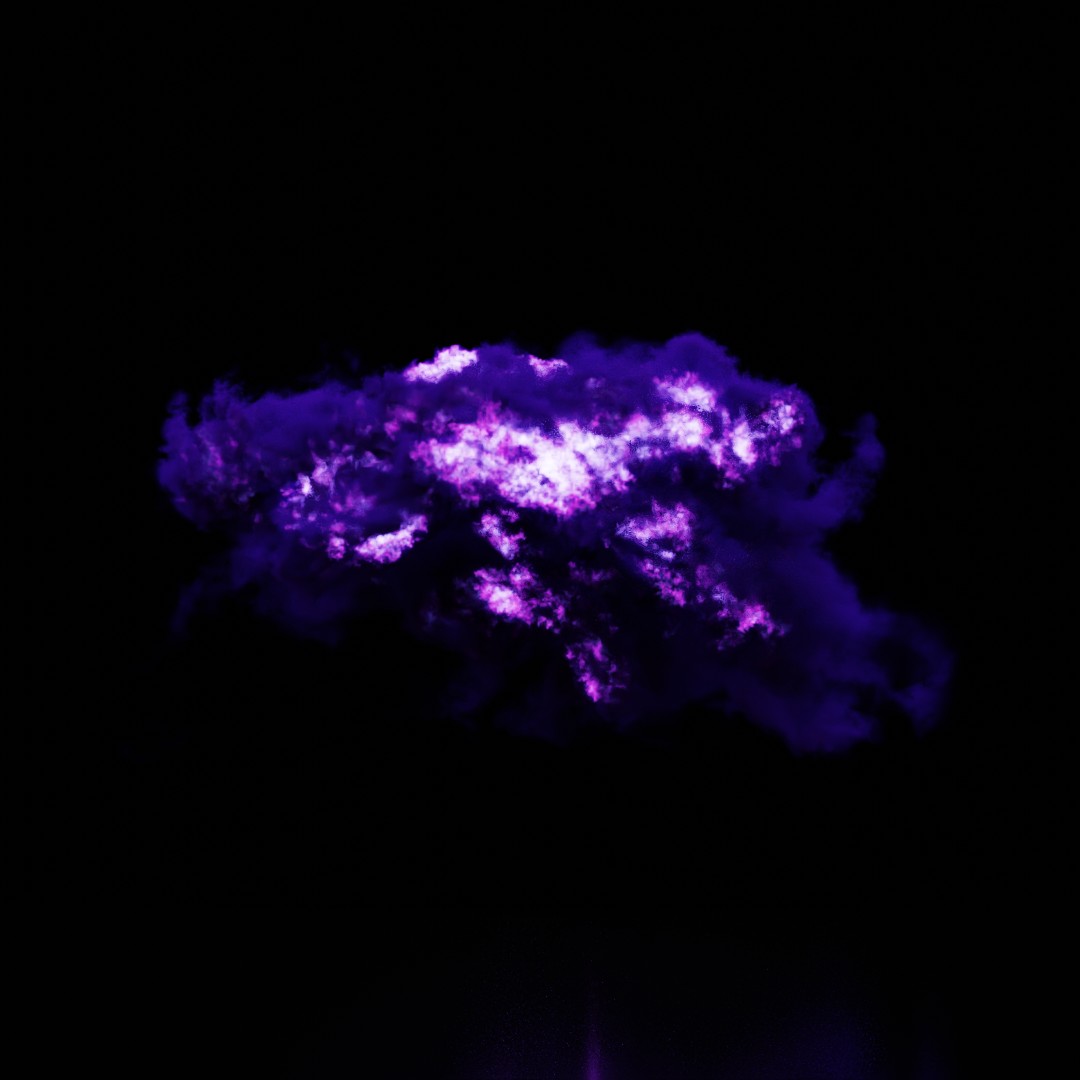
Magic Explosion 8
Explosions
Magic.2
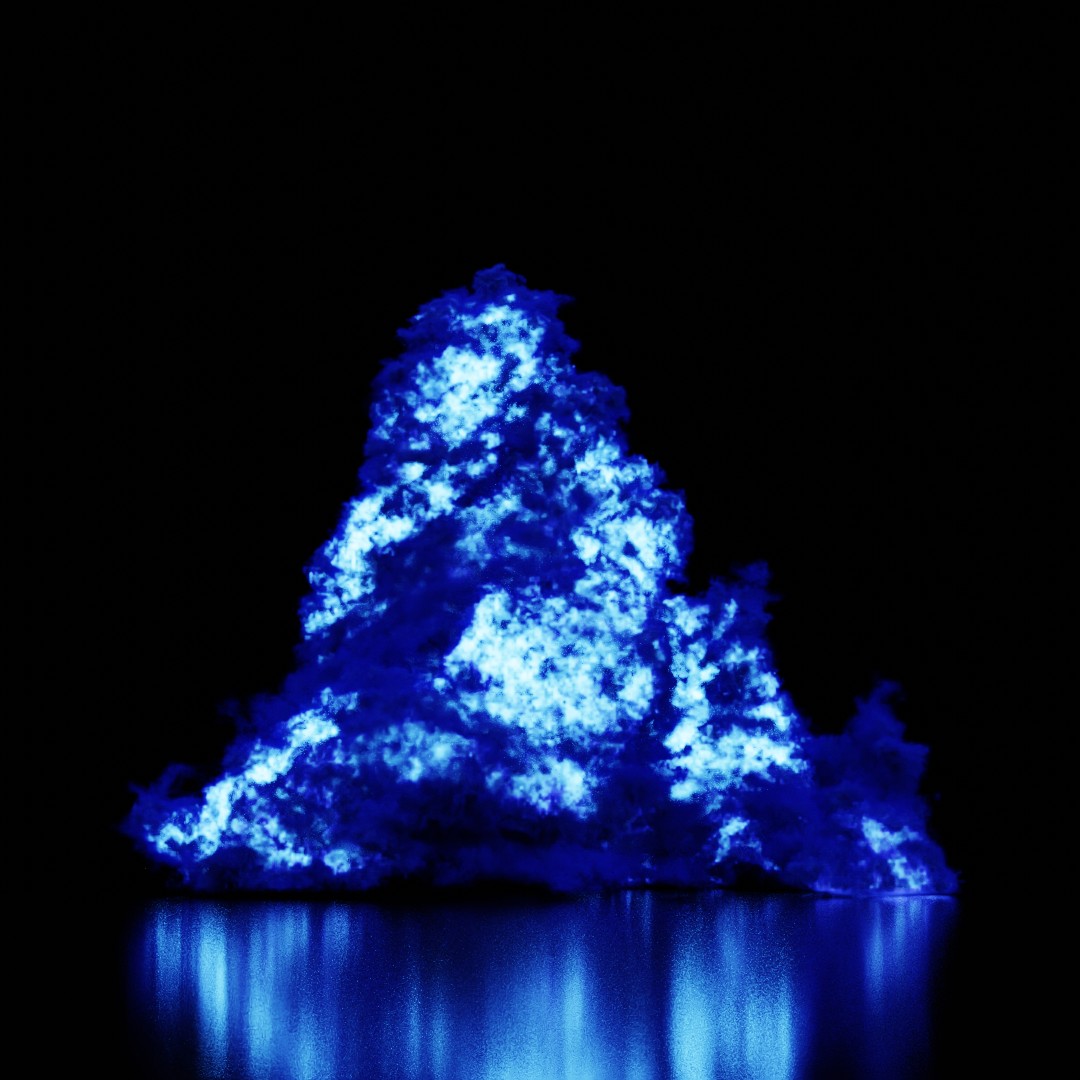
Magic Explosion 9
Explosions
Magic.2
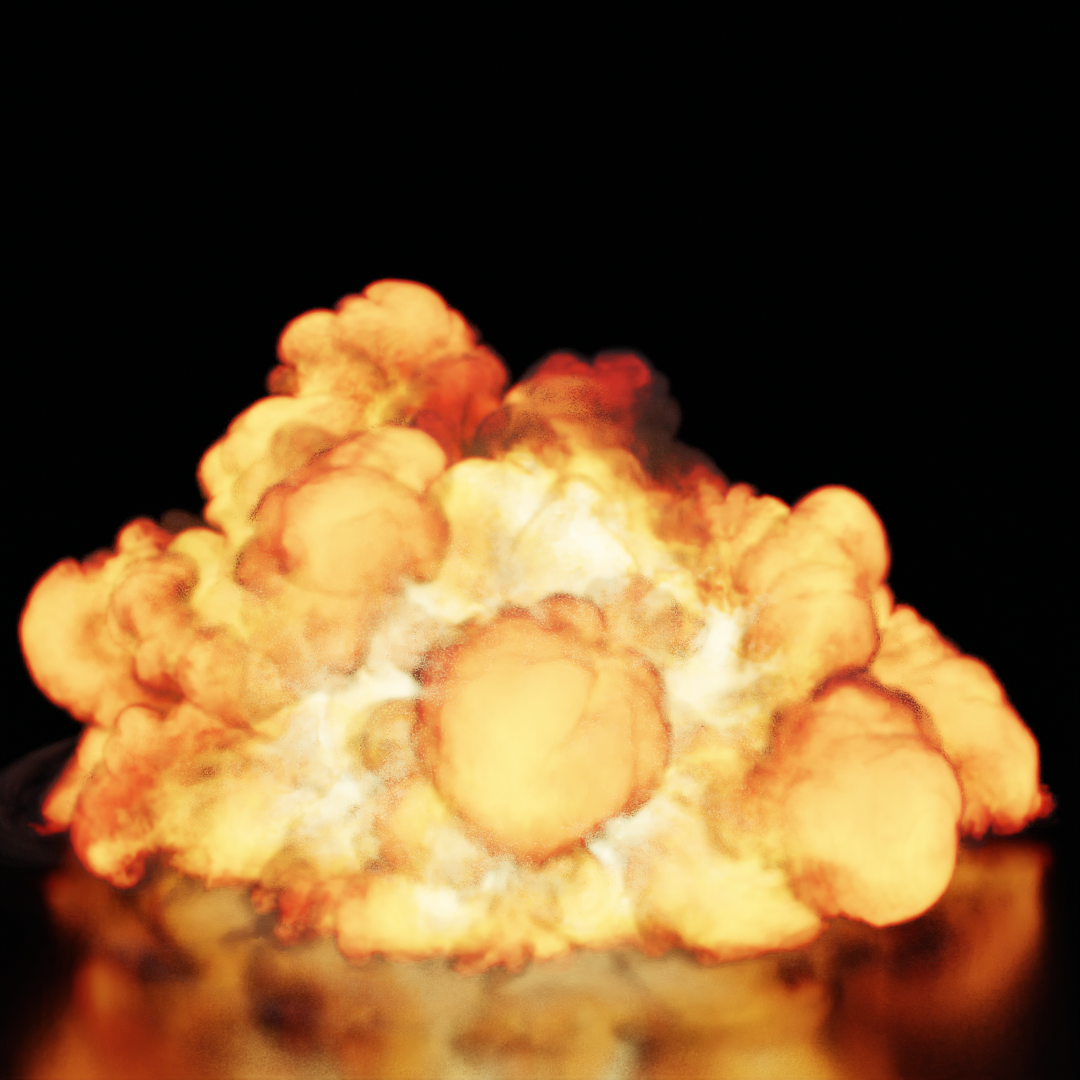
Massive Ground Explosion1
Explosions
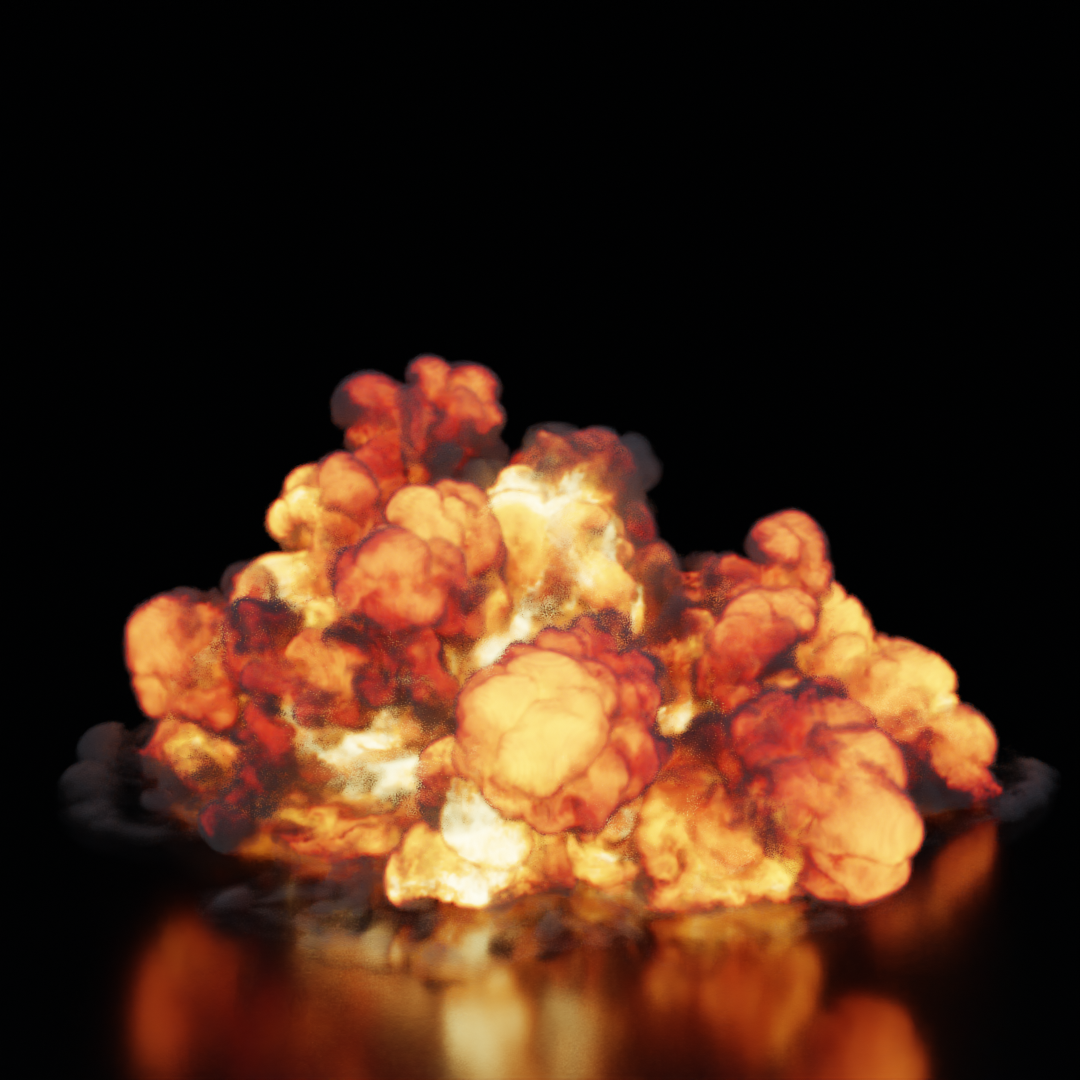
Massive Ground Explosion2
Explosions
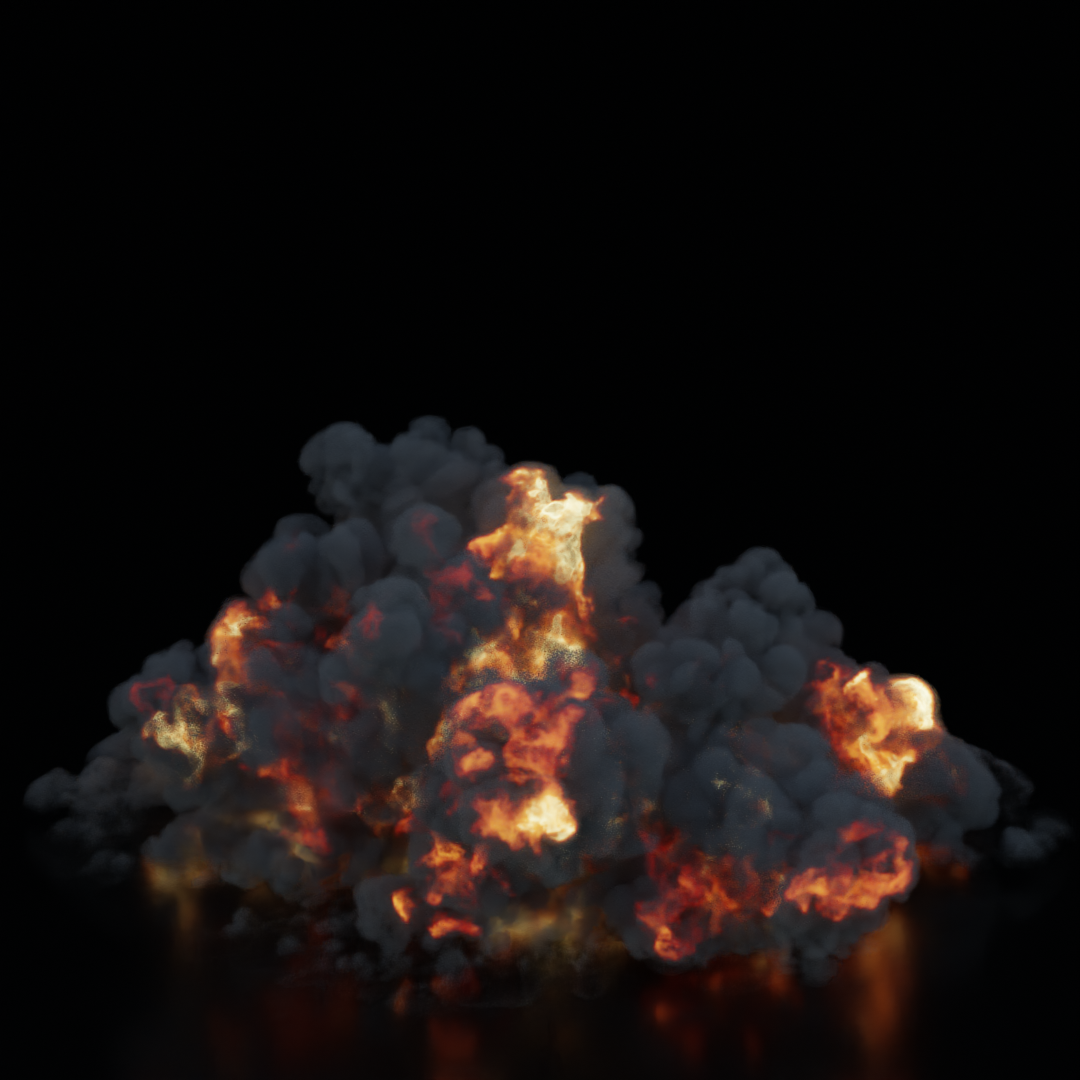
Massive Ground Explosion3
Explosions
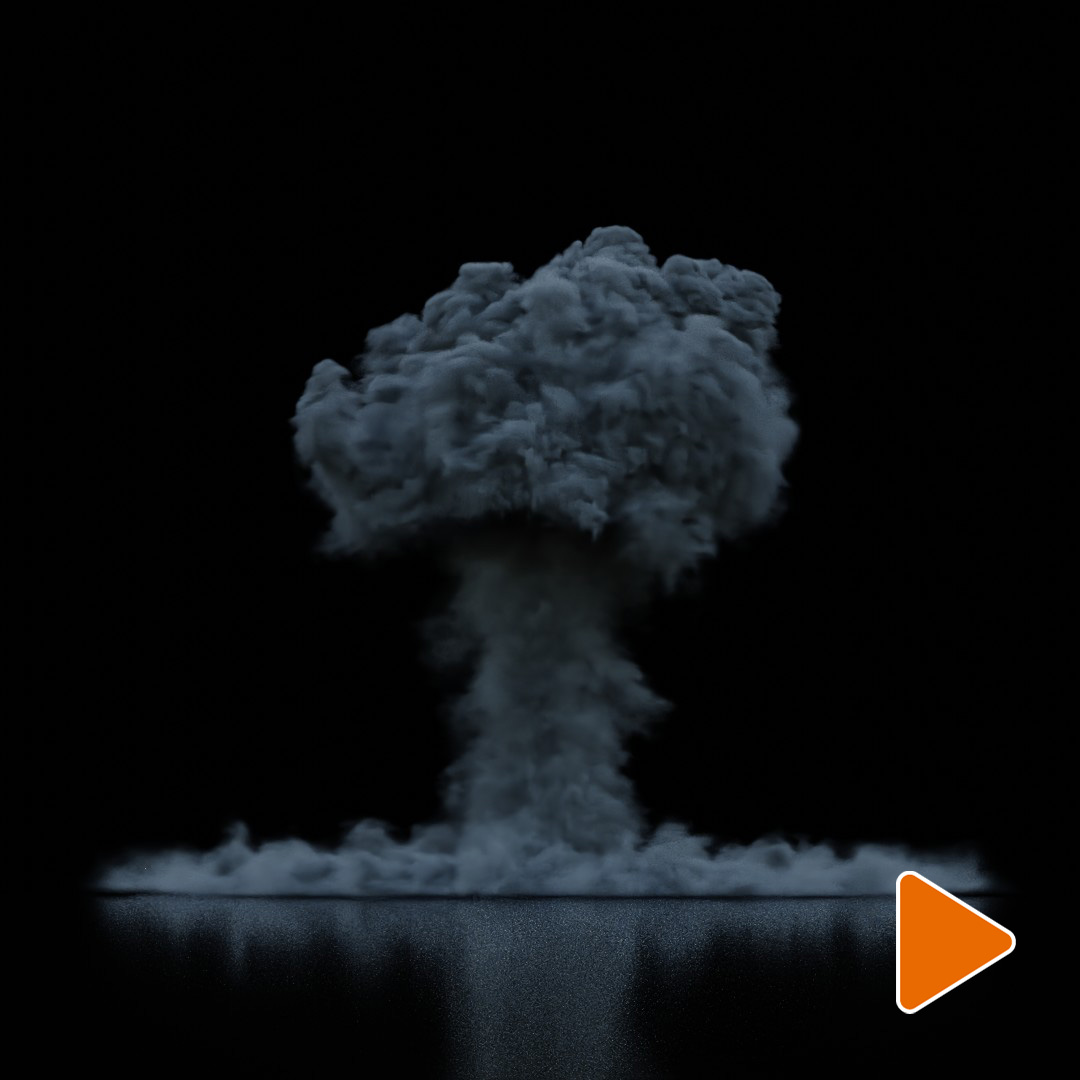
Nuke
Explosions
Nuclear.1
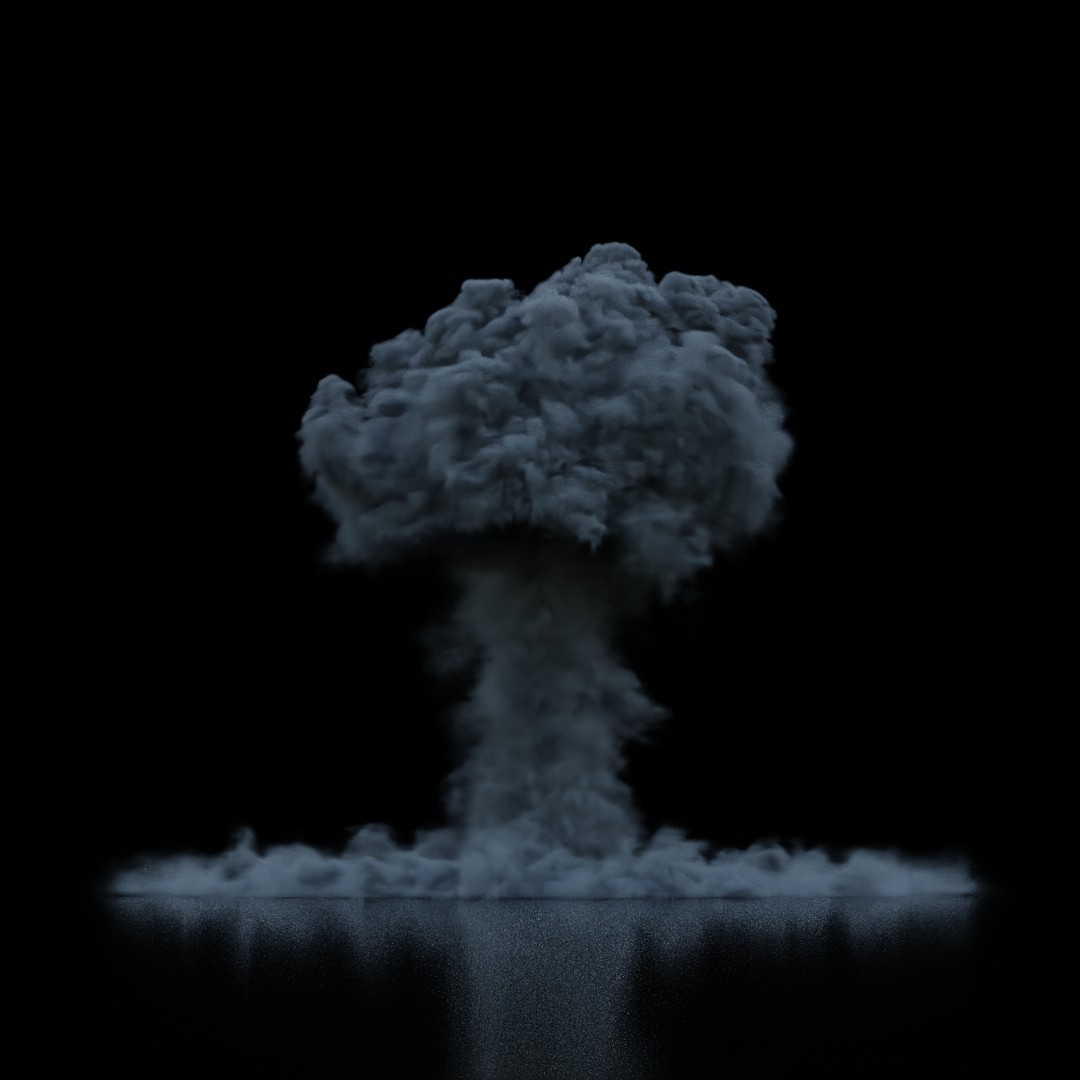
Nuke
Explosions
Nuclear.1
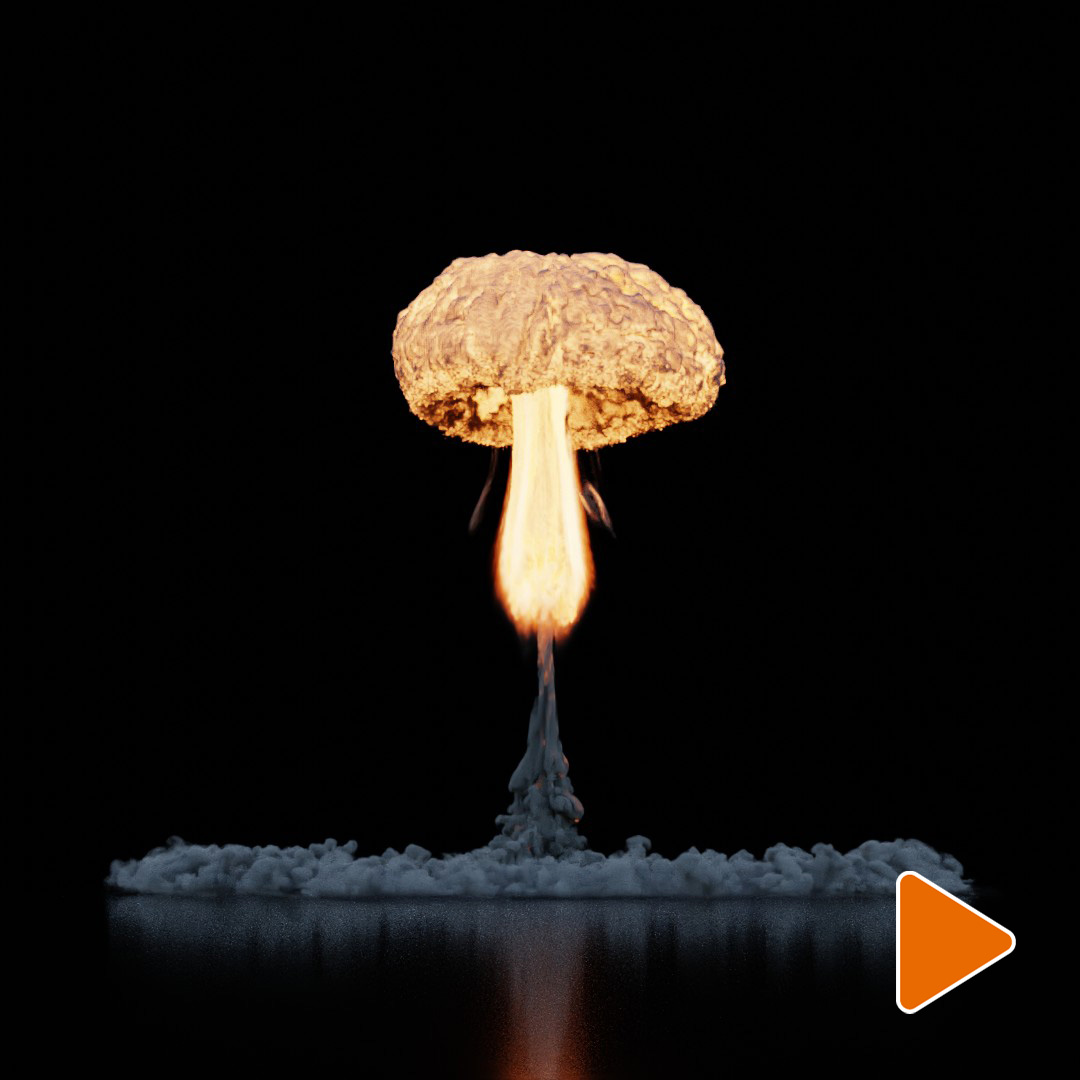
Nuke 2
Explosions
Nuclear.1
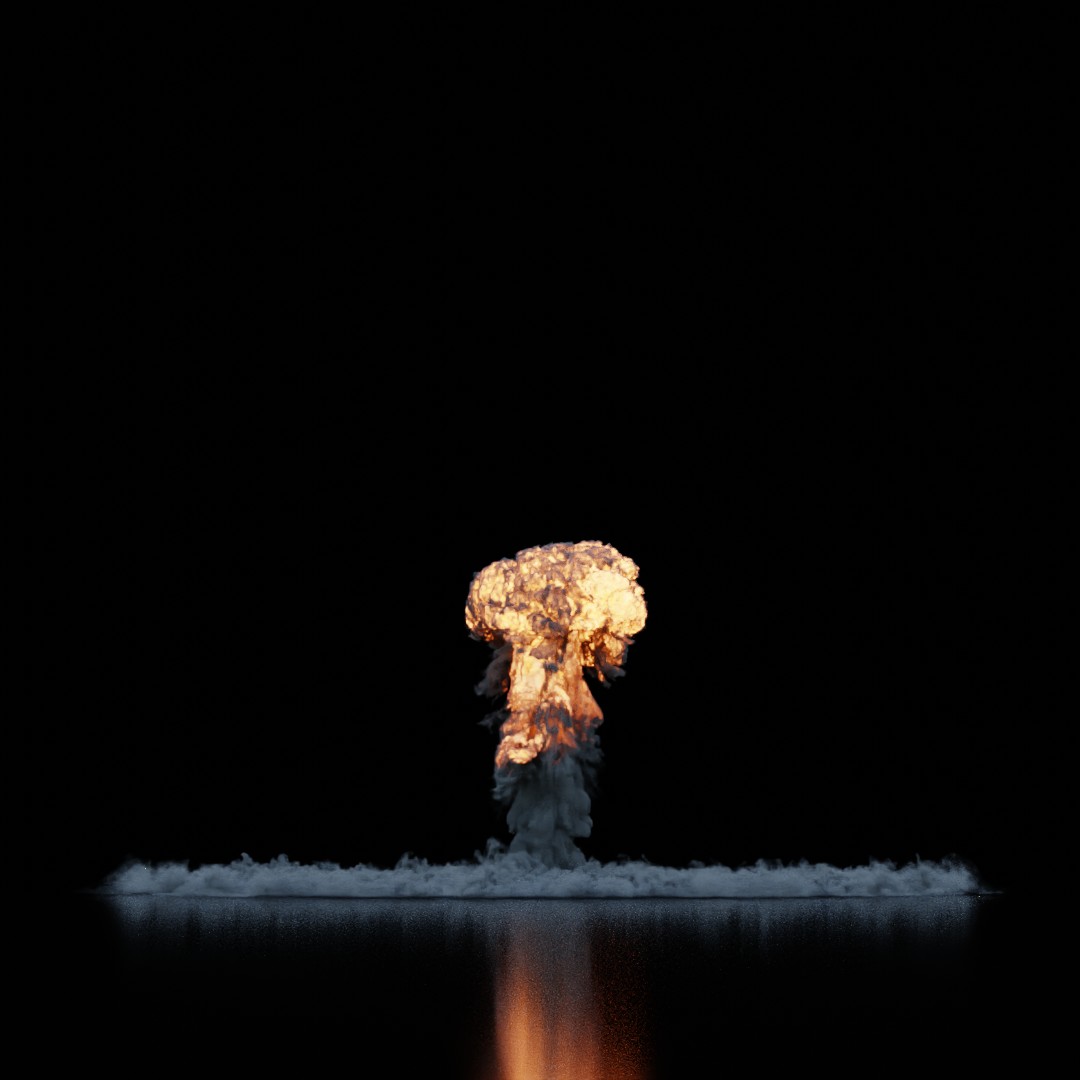
Nuke 2
Explosions
Nuclear.1
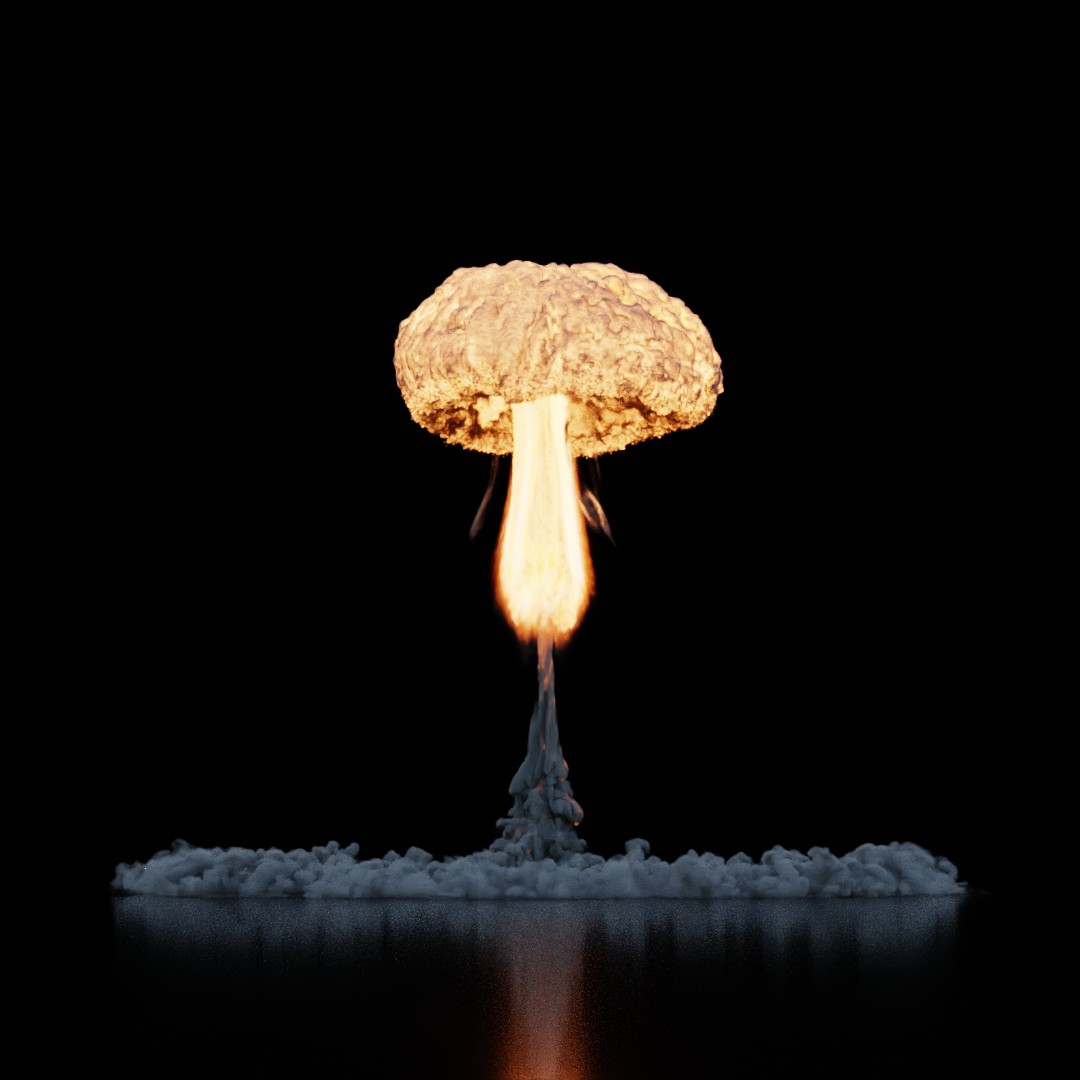
Nuke 3
Explosions
Nuclear.1
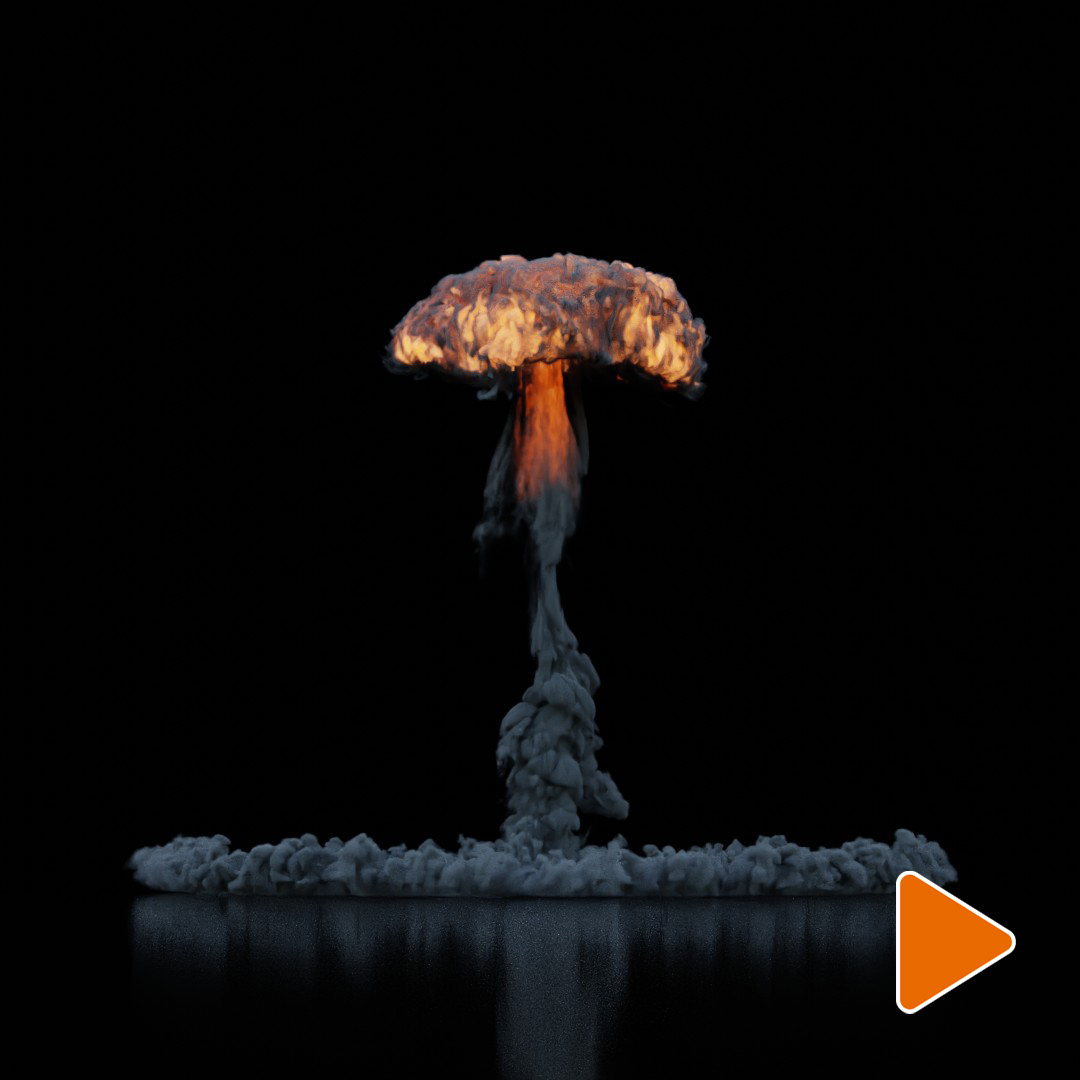
Small Nuke
Explosions
Nuclear.1
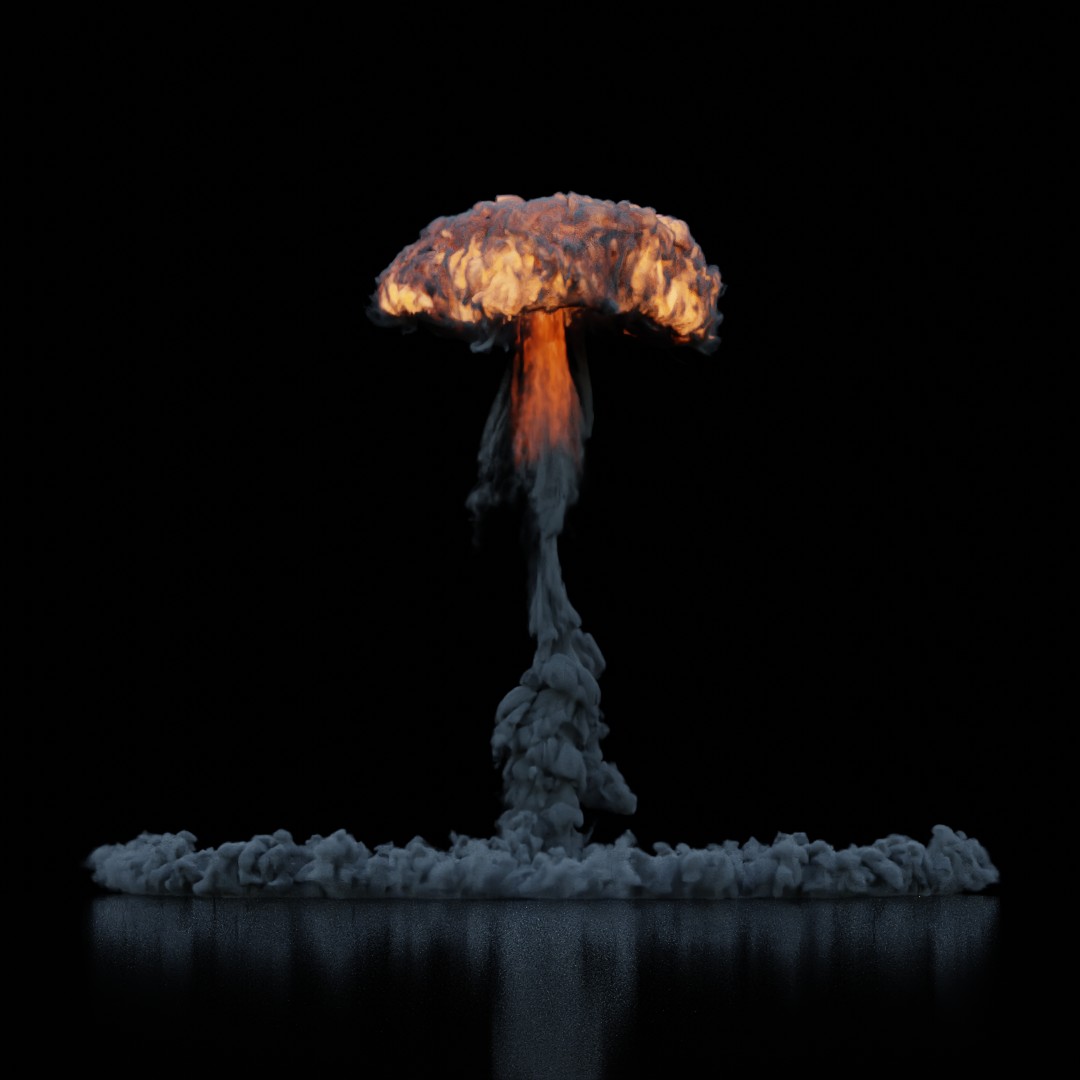
Small Nuke
Explosions
Nuclear.1
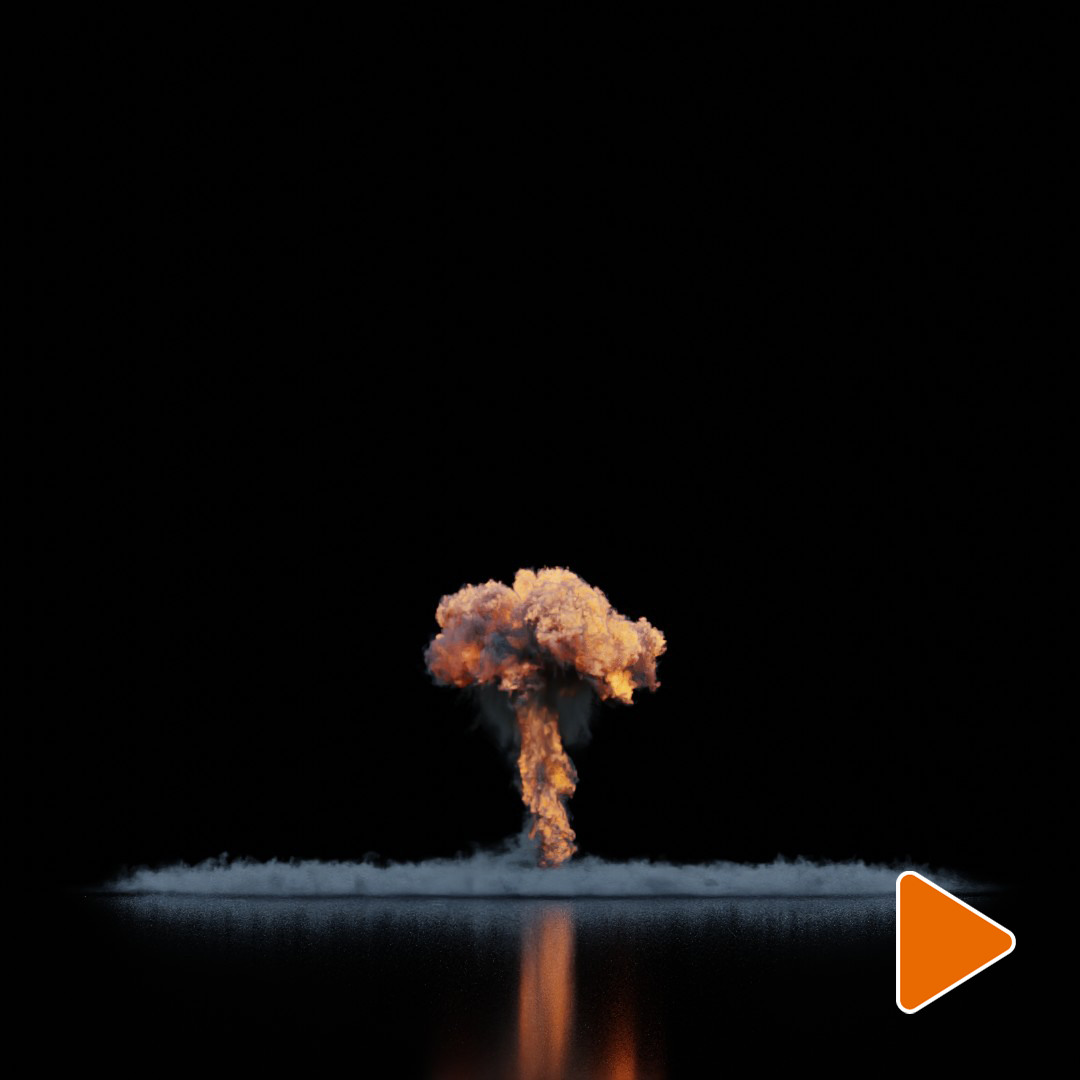
Small Nuke 2
Explosions
Nuclear.1
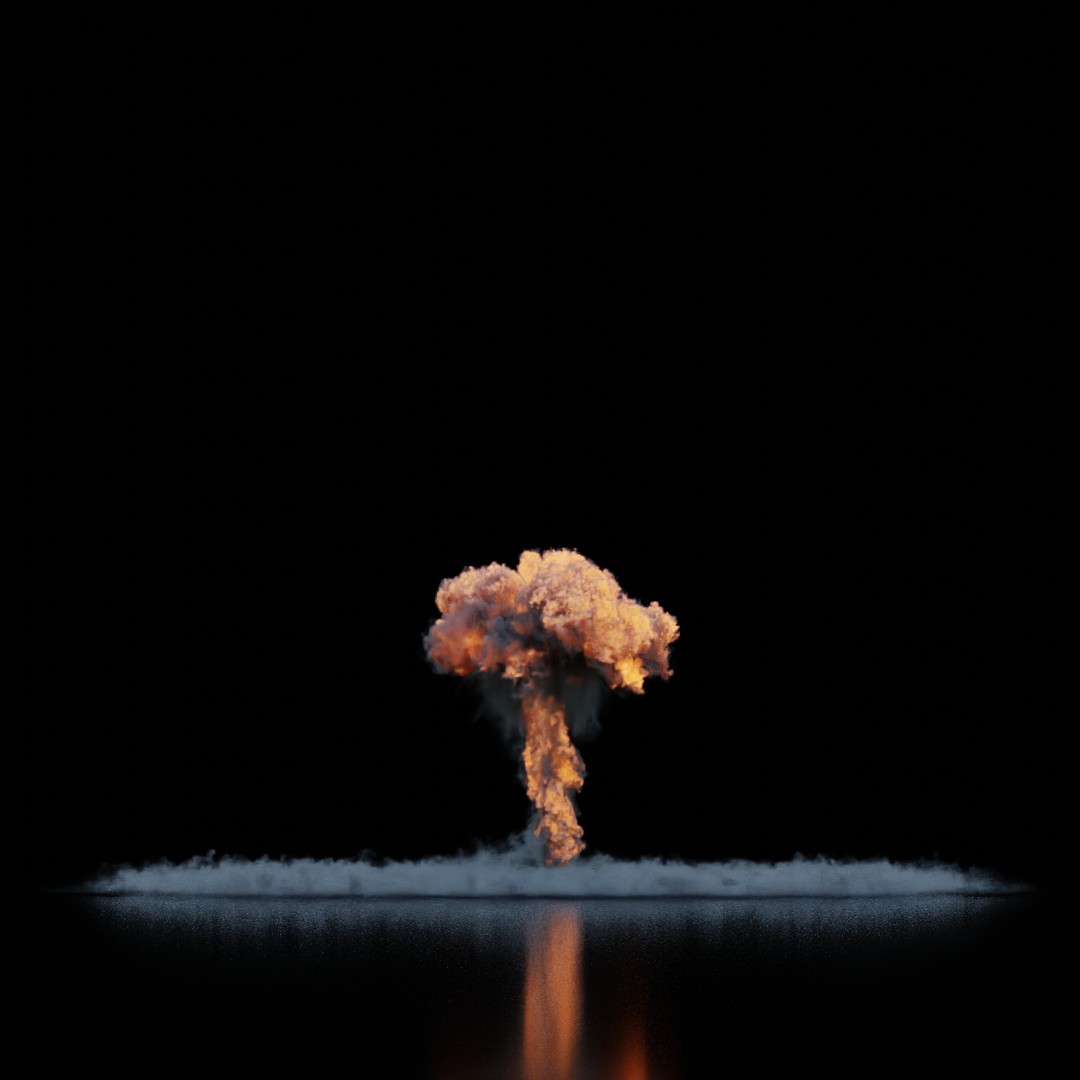
Small Nuke 2
Explosions
Nuclear.1
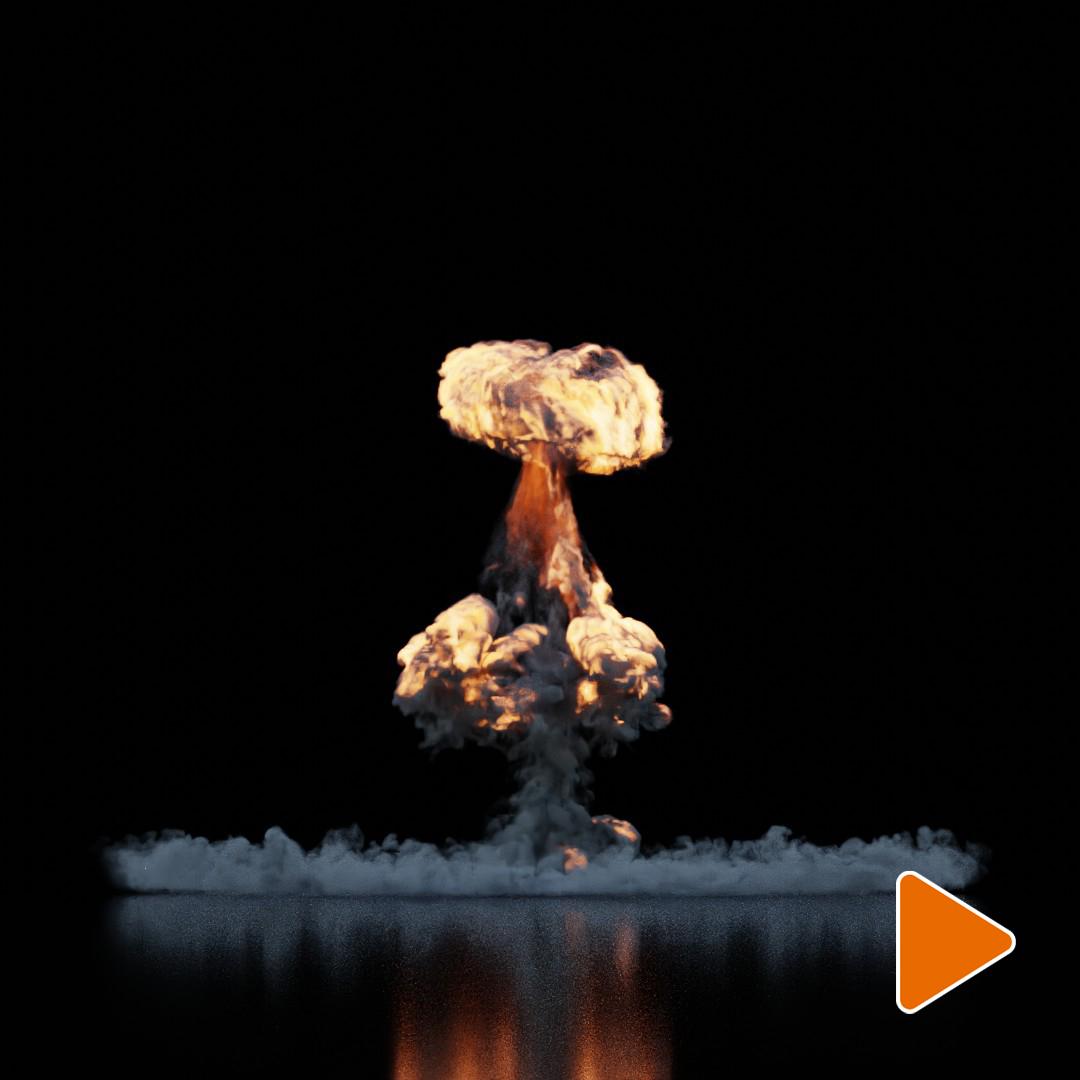
Small Nuke Cylinder
Explosions
Nuclear.1
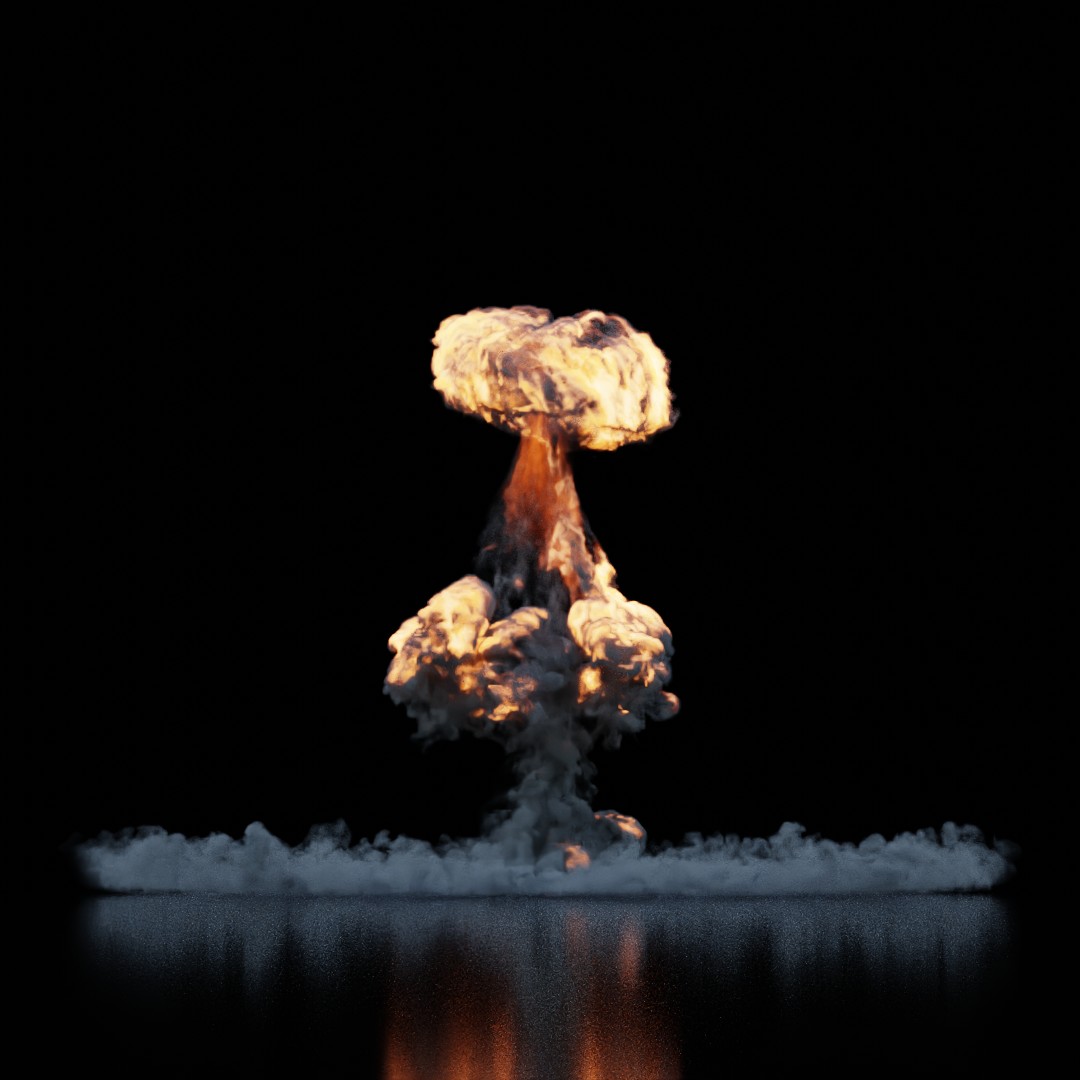
Small Nuke Cylinder
Explosions
Nuclear.1
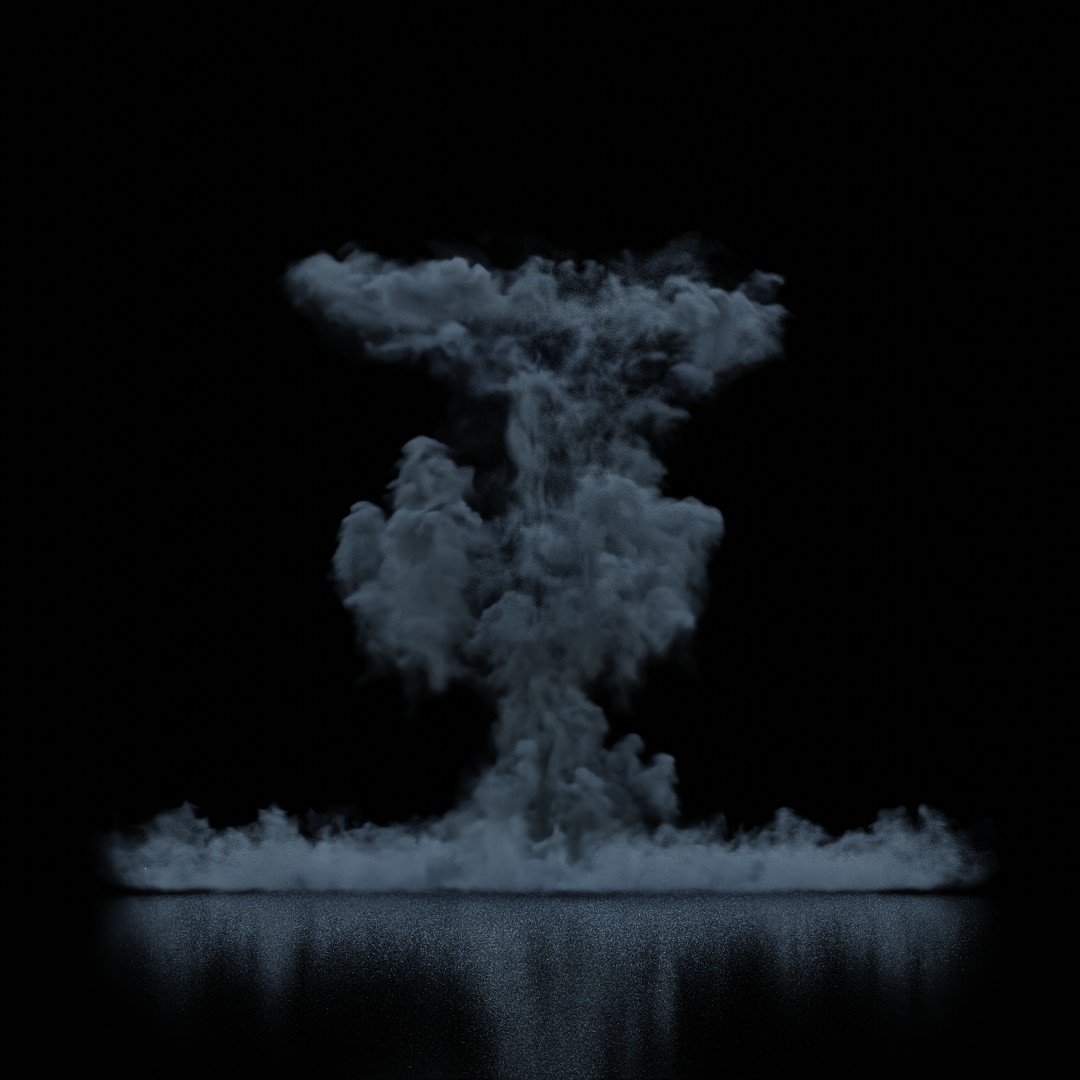
Small Nuke Cylinder 2
Explosions
Nuclear.1
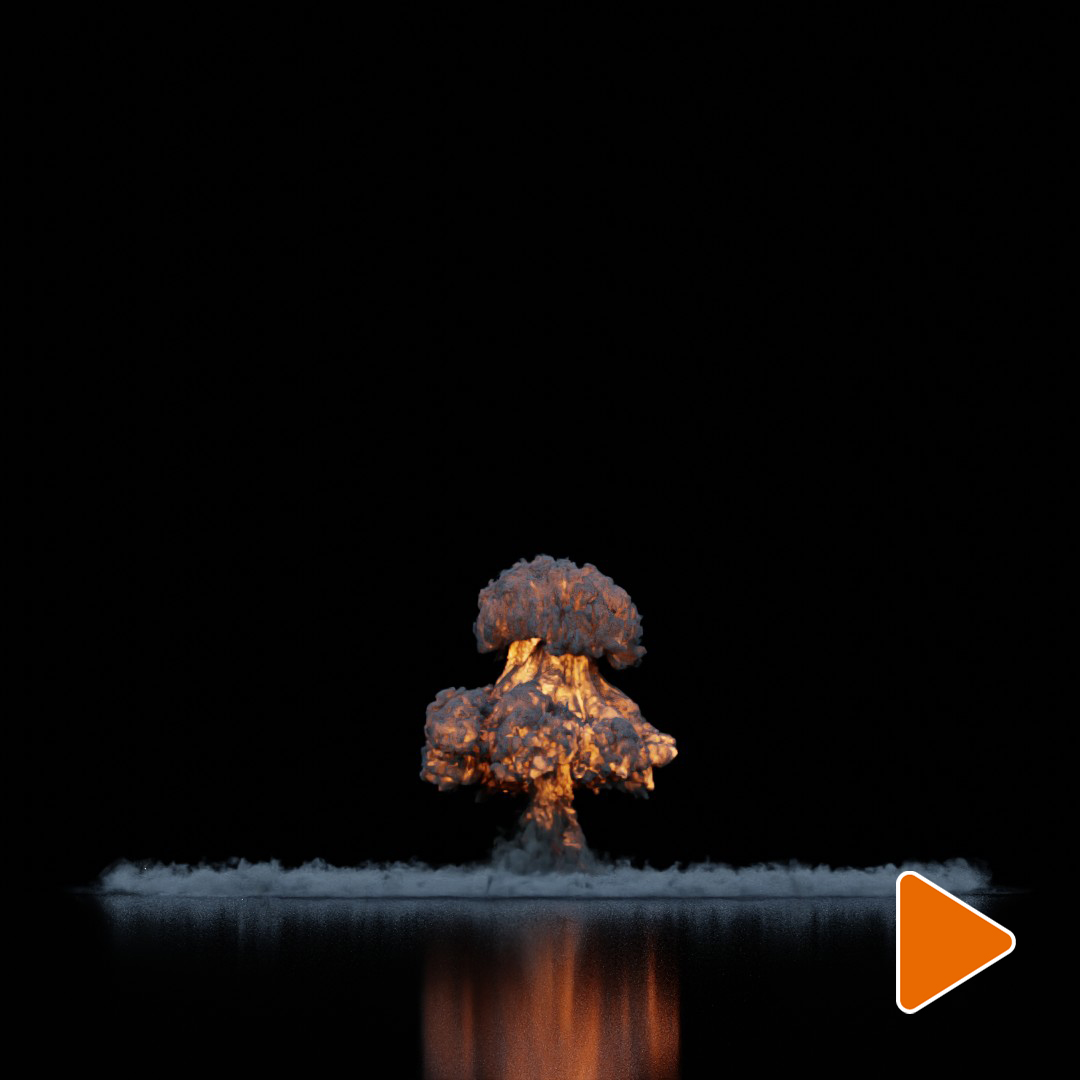
Small Nuke Stubby
Explosions
Nuclear.1
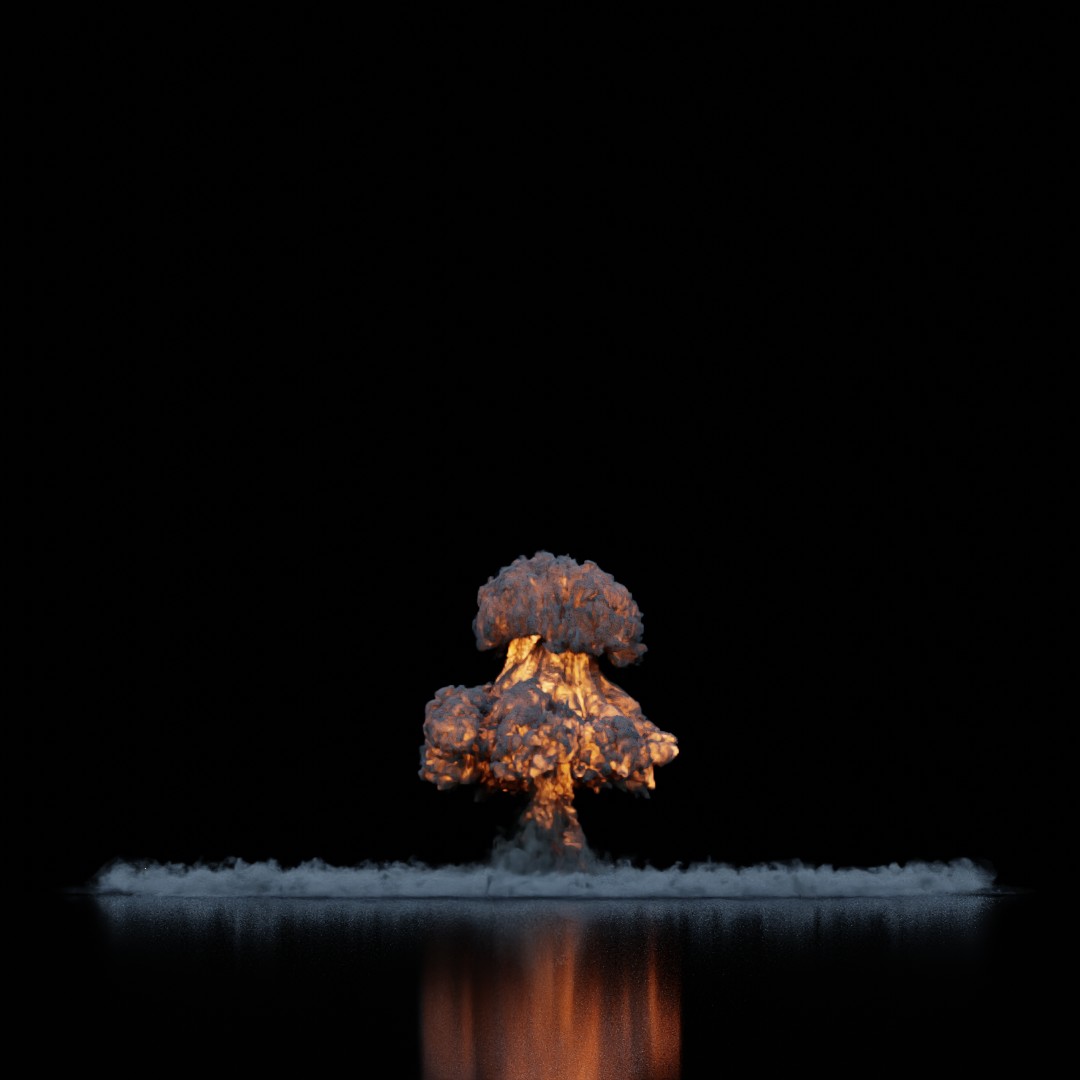
Small Nuke Stubby
Explosions
Nuclear.1
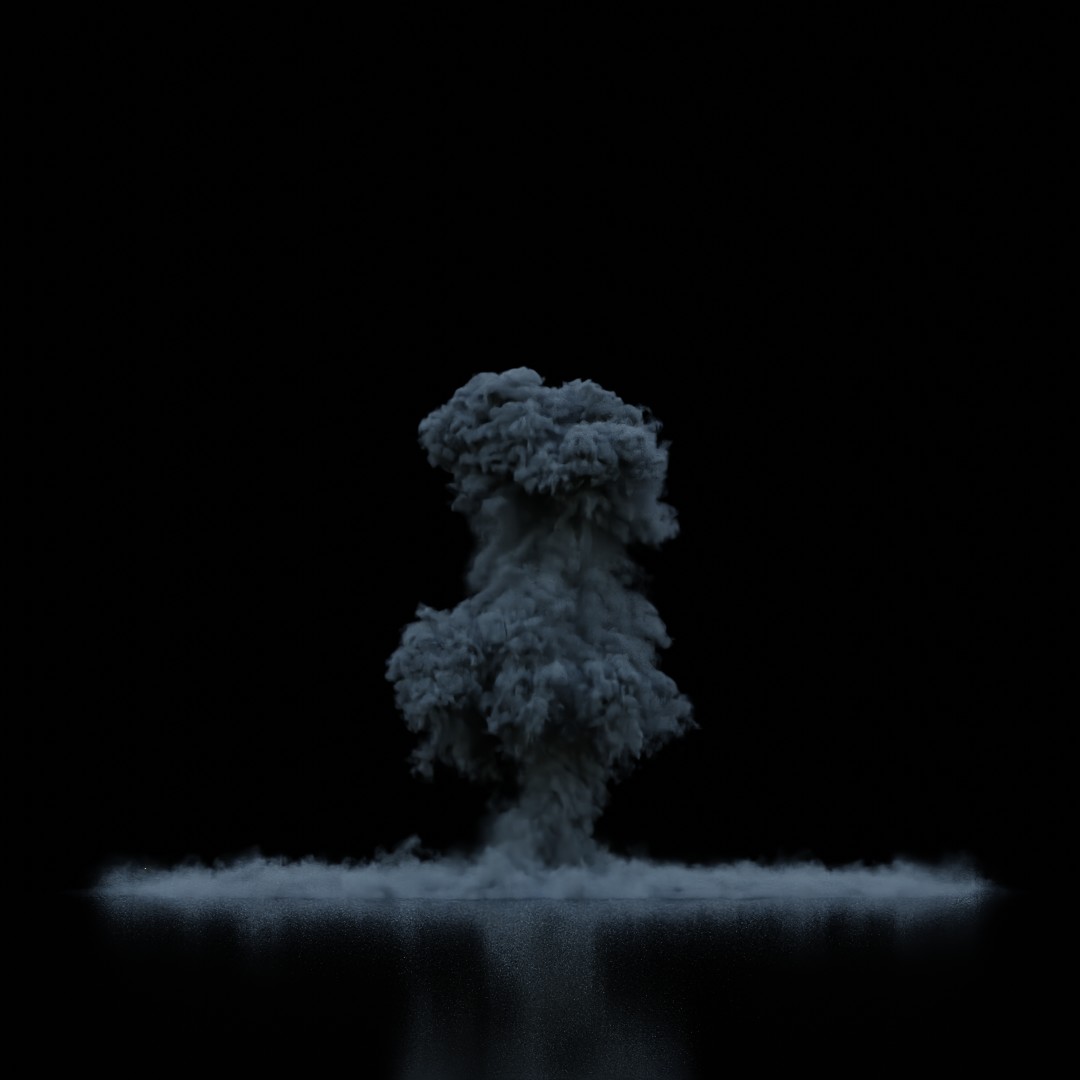
Small Nuke Stubby 2
Explosions
Nuclear.1
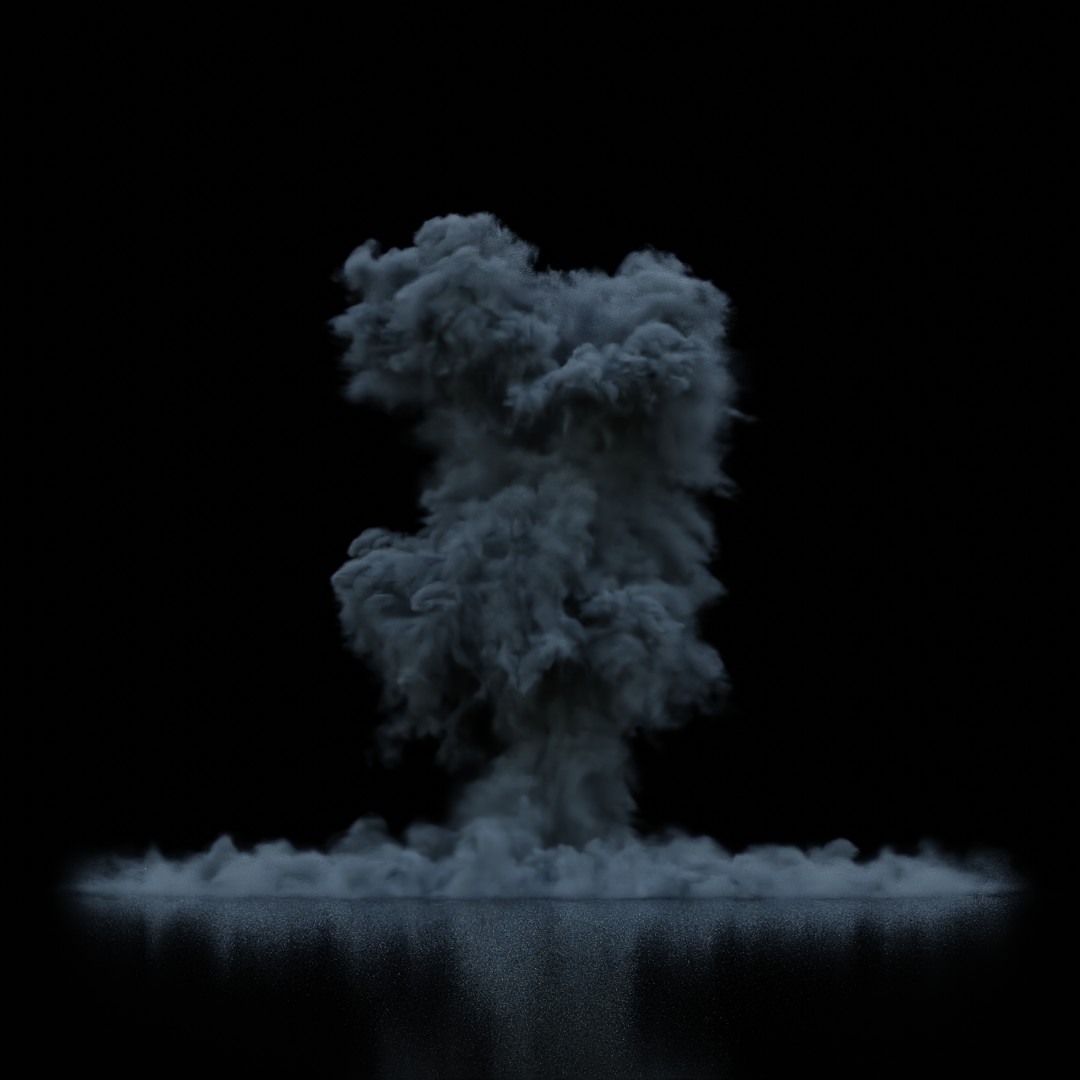
Small Nuke Stubby 3
Explosions
Nuclear.1
Bubbling Steam
Smokes
Smoke.2
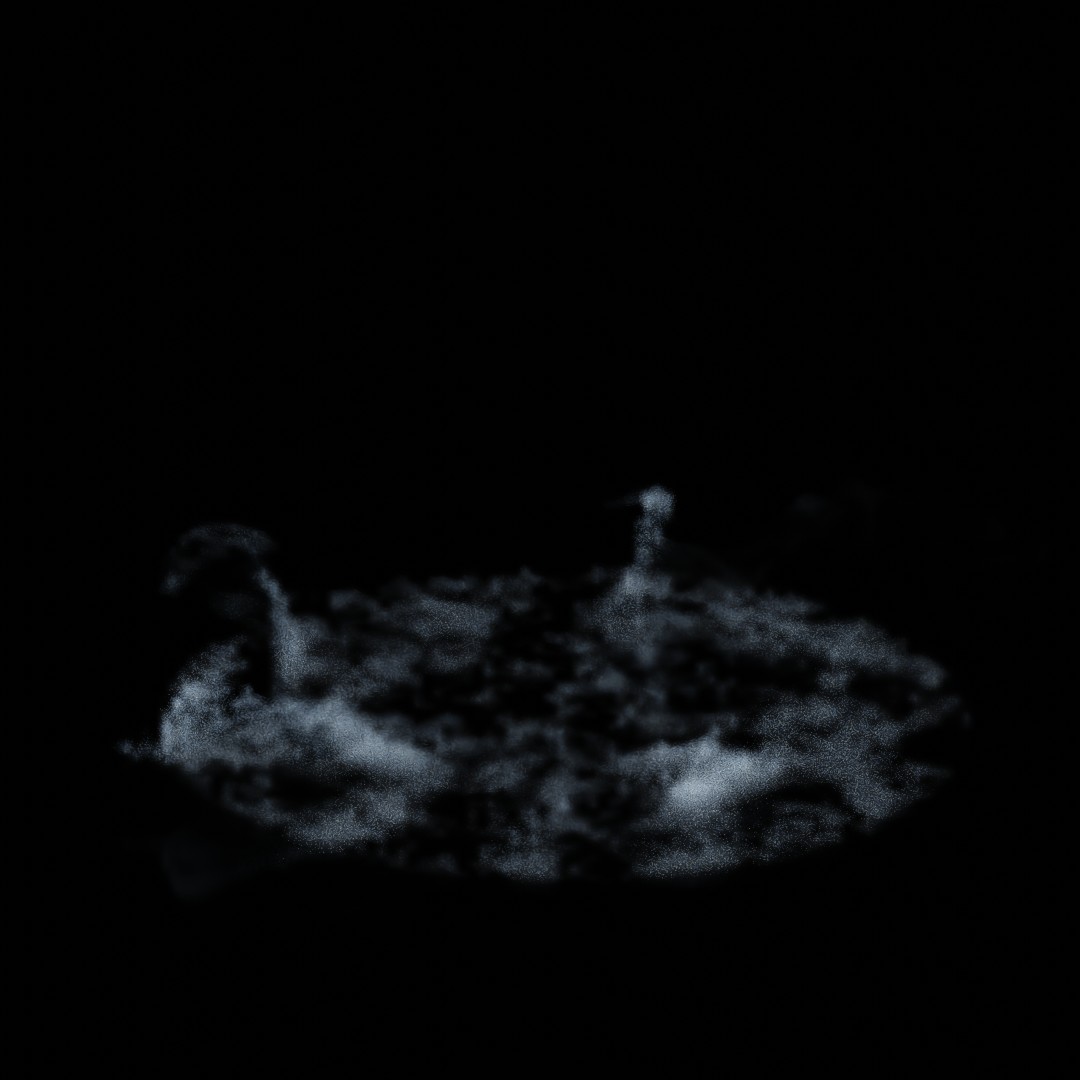
Bubbling Steam
Smokes
Smoke.2

Candle Smoke
Smokes
Smoke.2

Candle Smoke Still
Smokes
Smoke.2
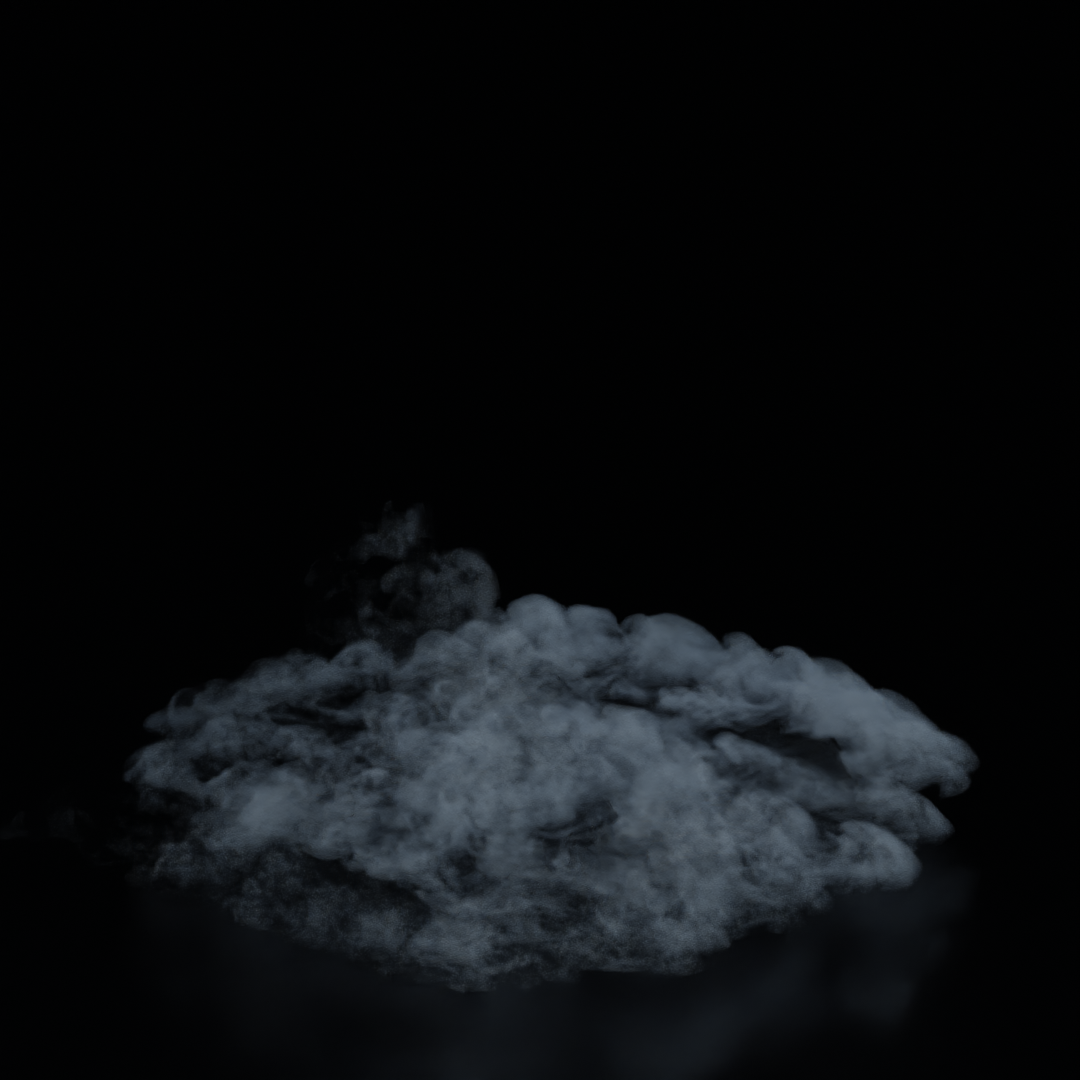
Falling Smoke1
Smokes
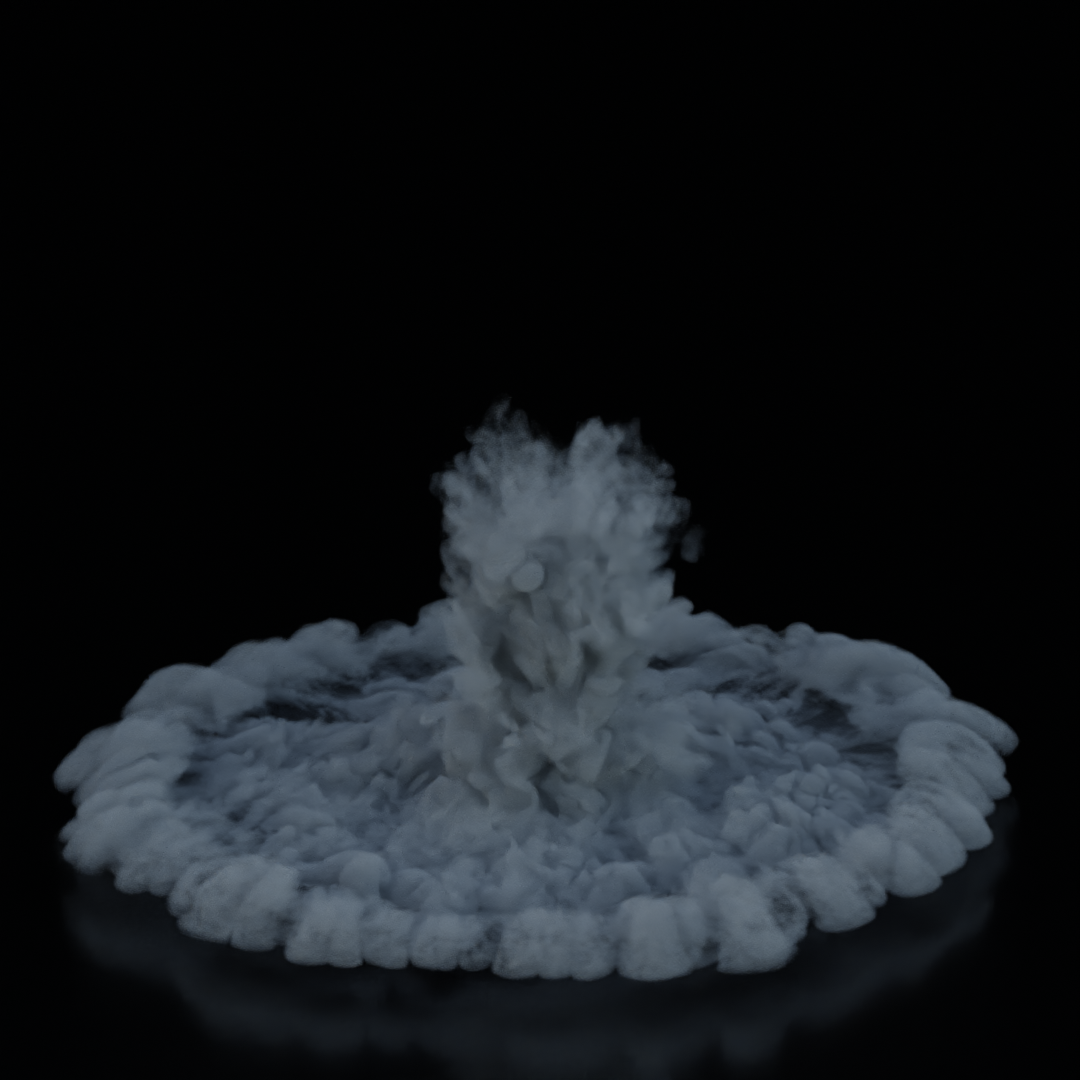
Falling Smoke2
Smokes

Ground Smoke
Smokes
Smoke.1
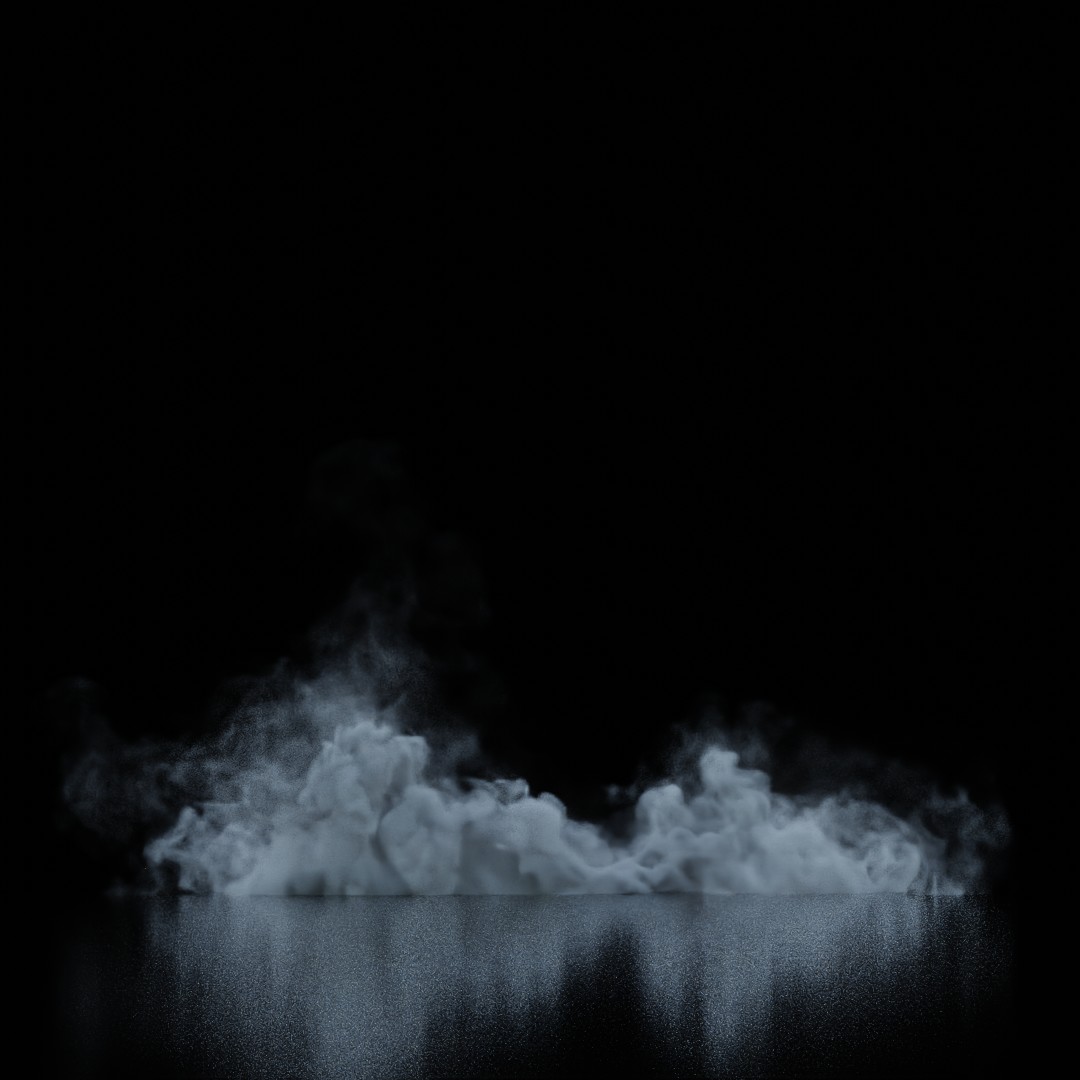
Ground Smoke
Smokes
Smoke.1
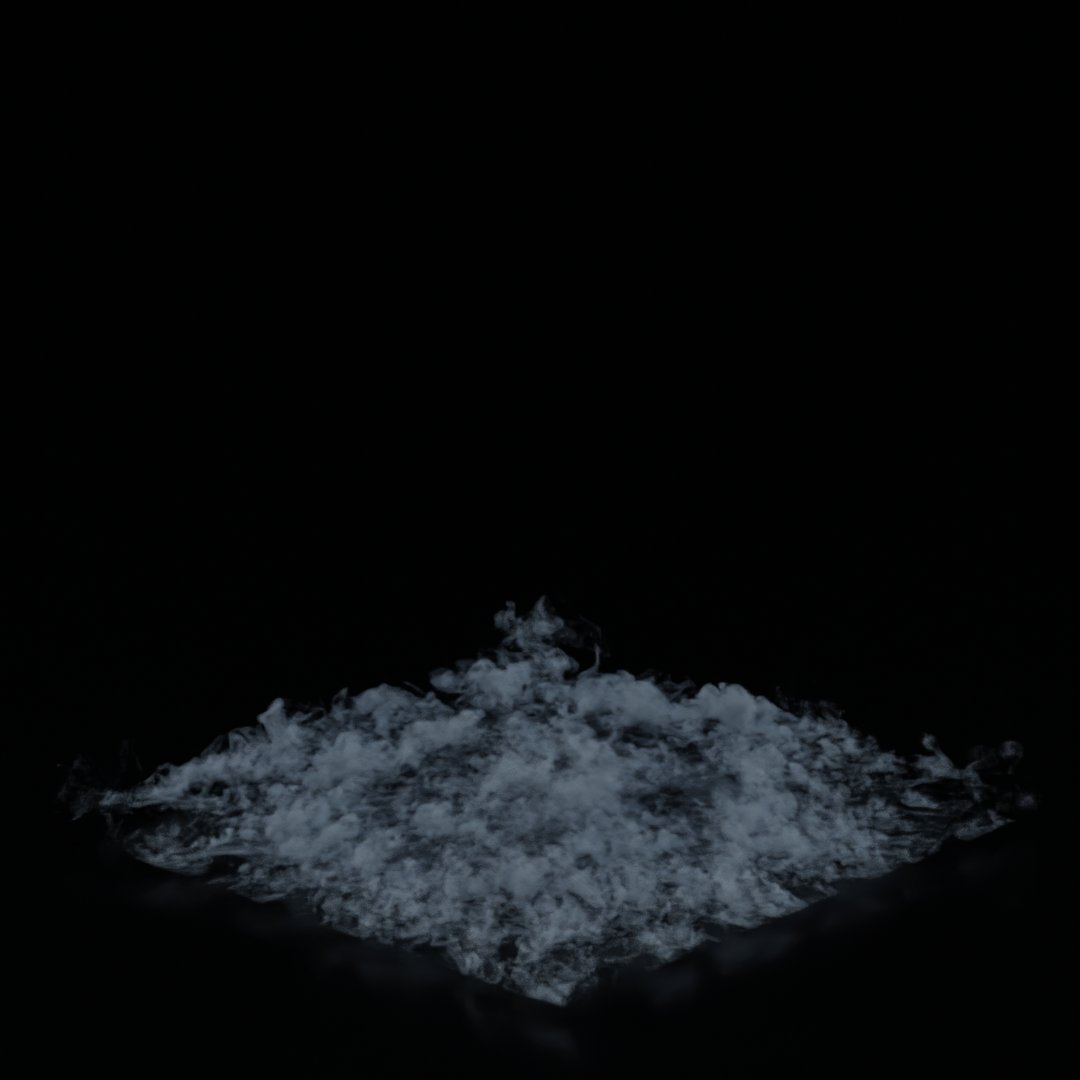
Ground Smoke1
Smokes
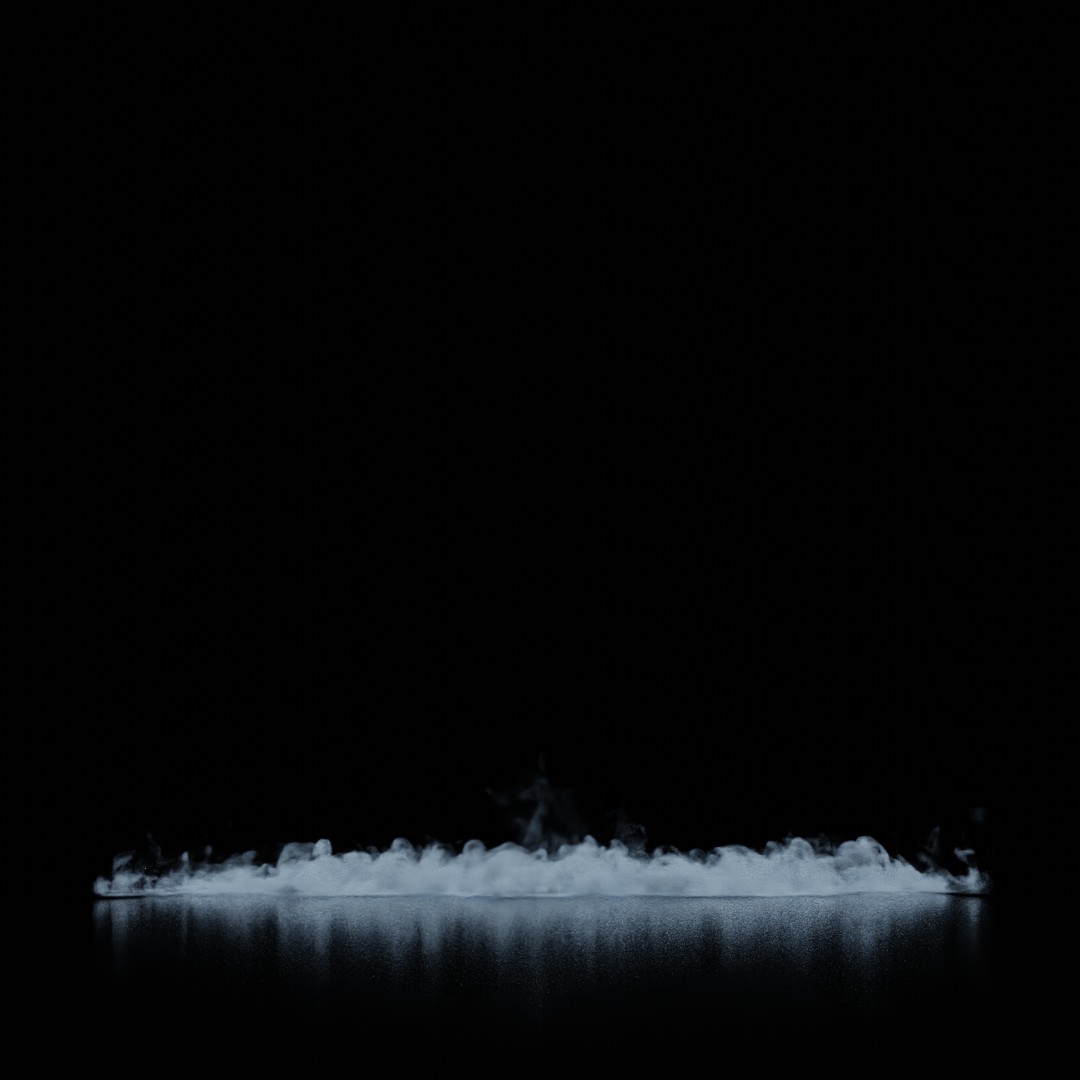
Ground Smoke1
Smokes
Smoke.1
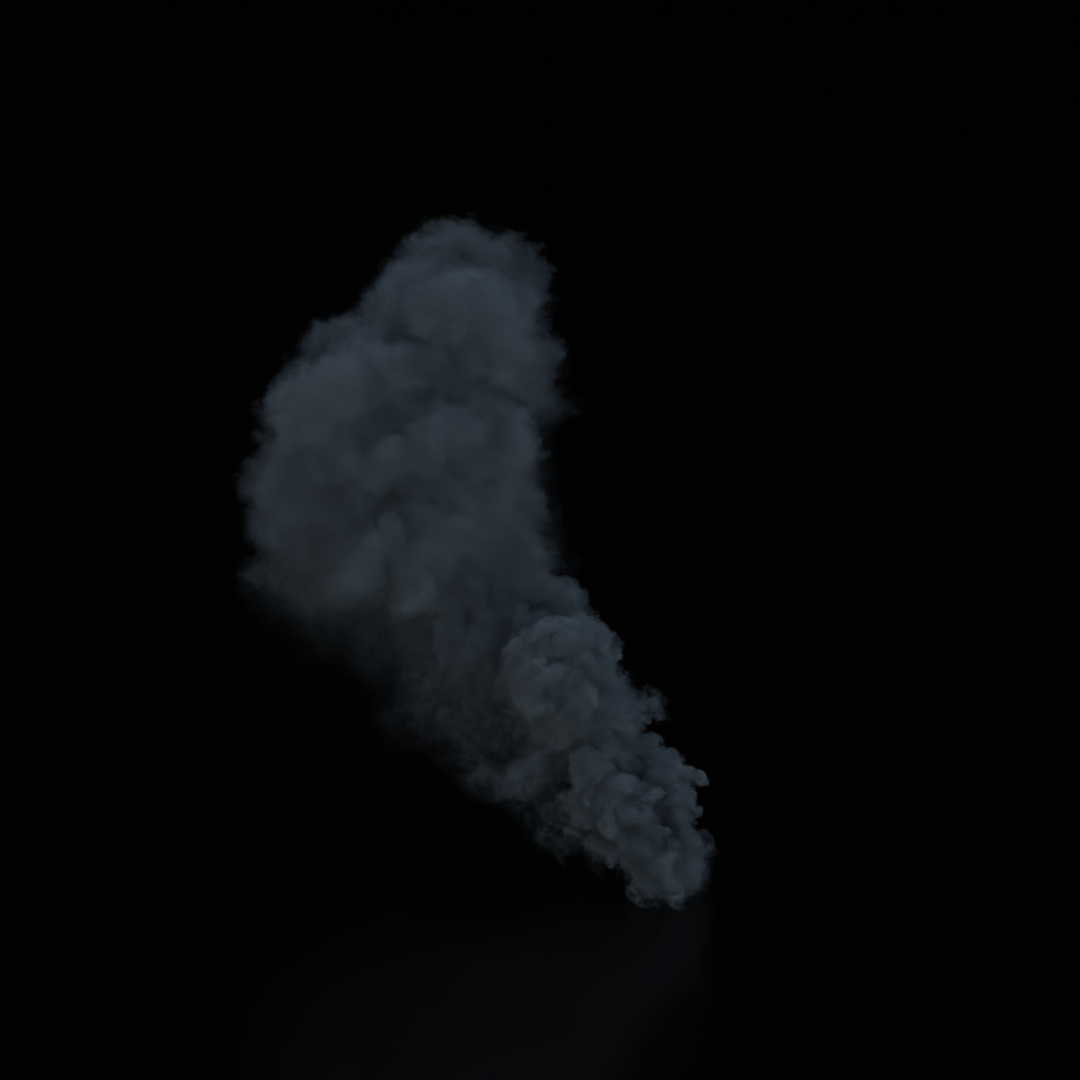
Heavy Smoke1
Smokes
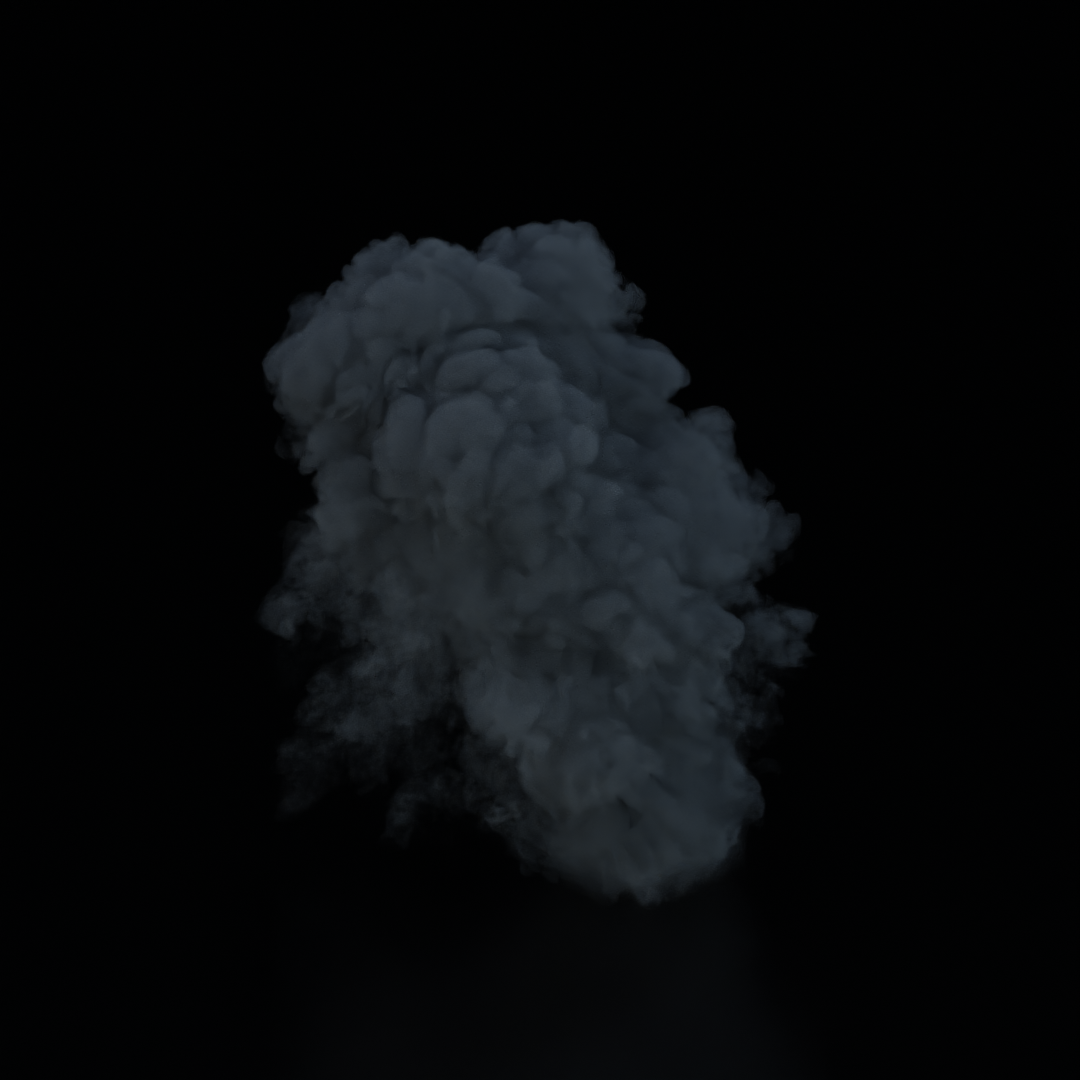
Heavy Smoke2
Smokes
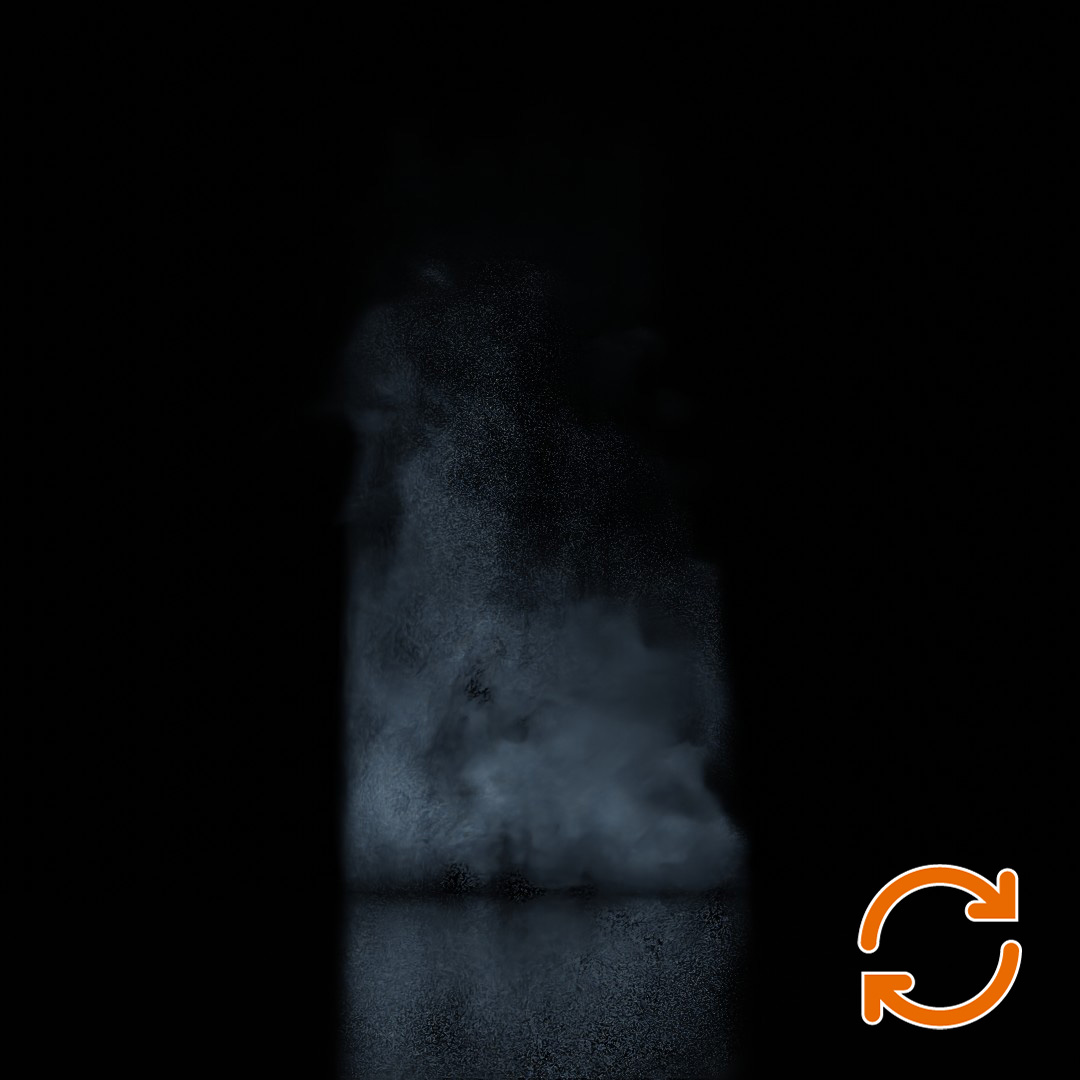
Kitchen Ventilator
Smokes
Smoke.2
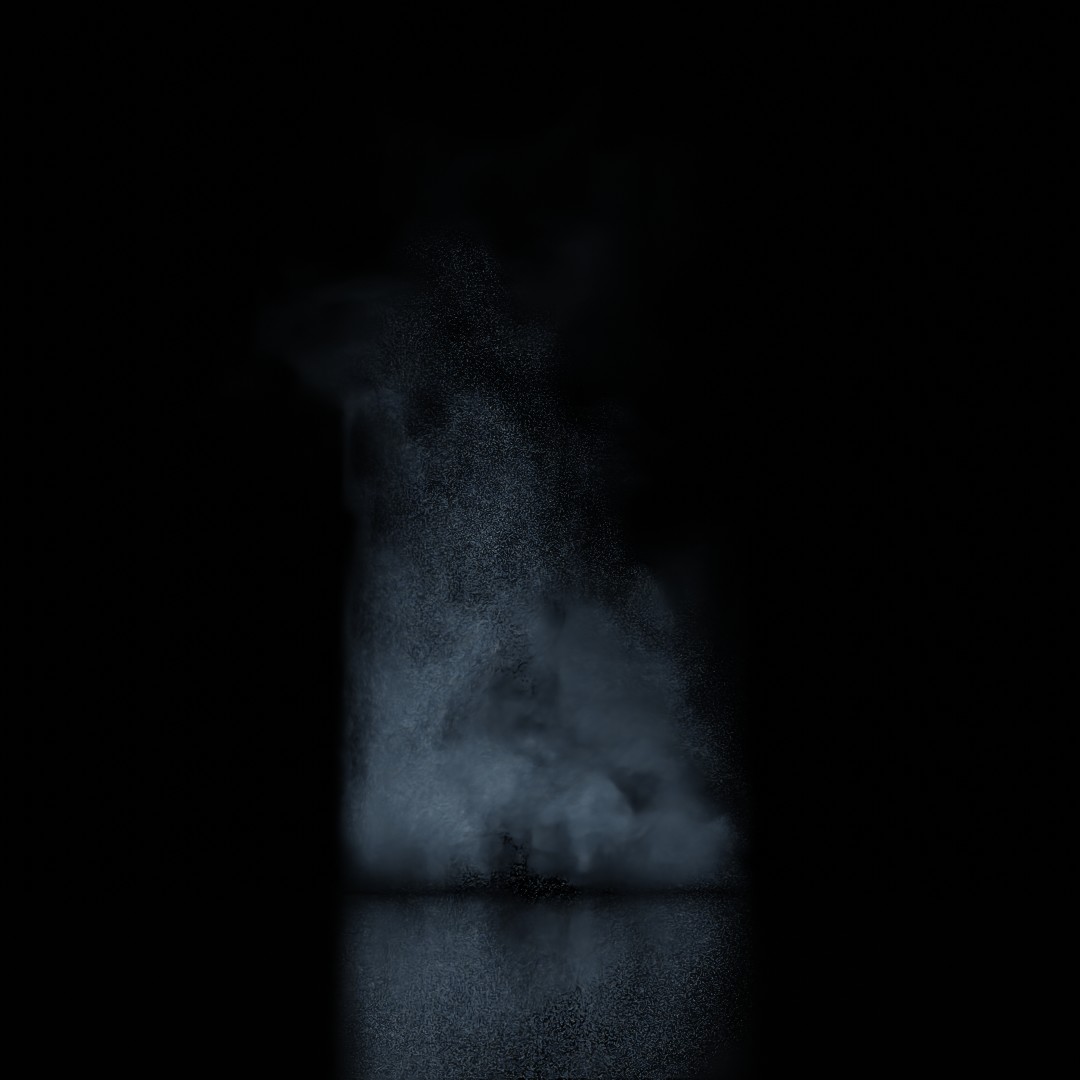
Kitchen Ventilator
Smokes
Smoke.2
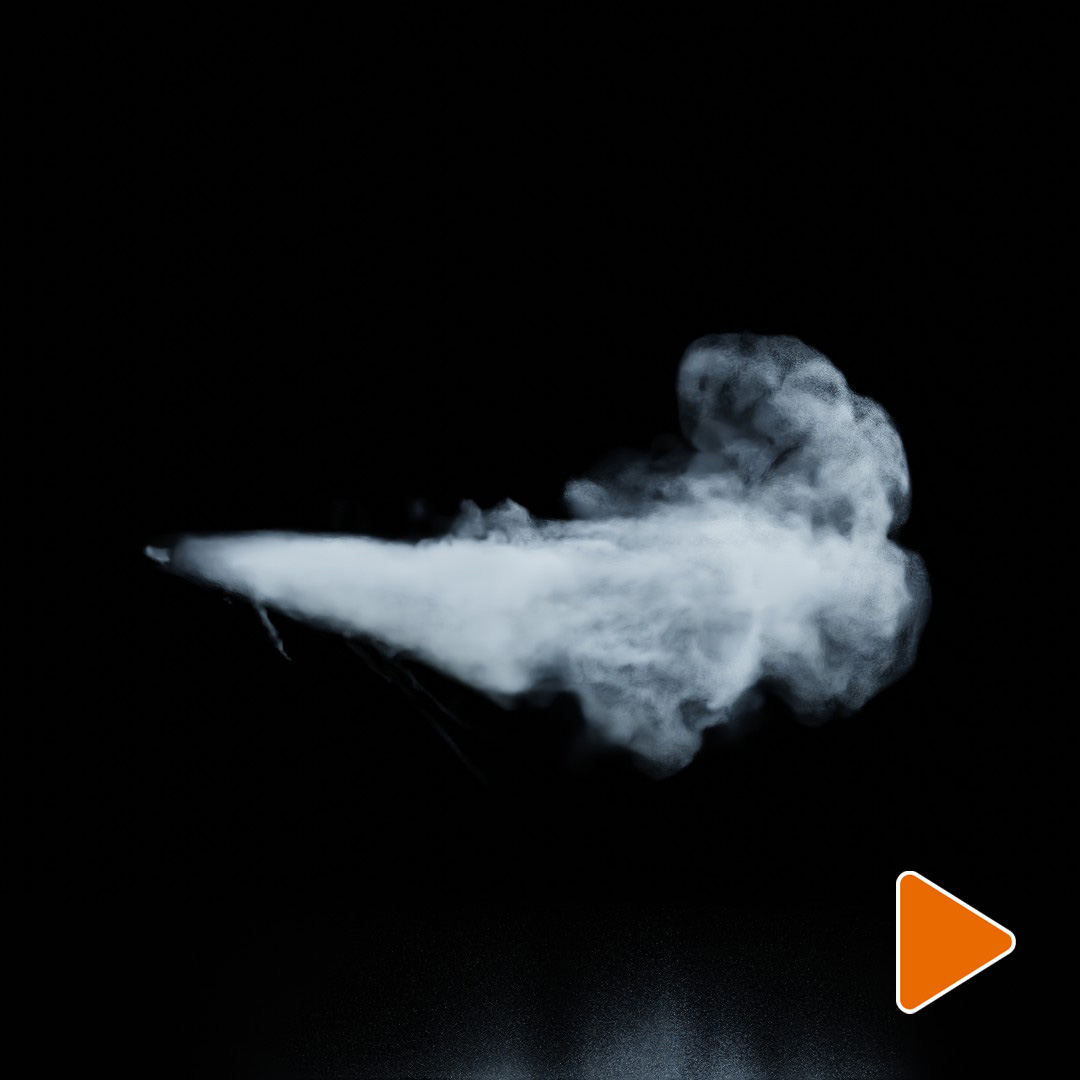
Pipe Leak
Smokes
Smoke.2
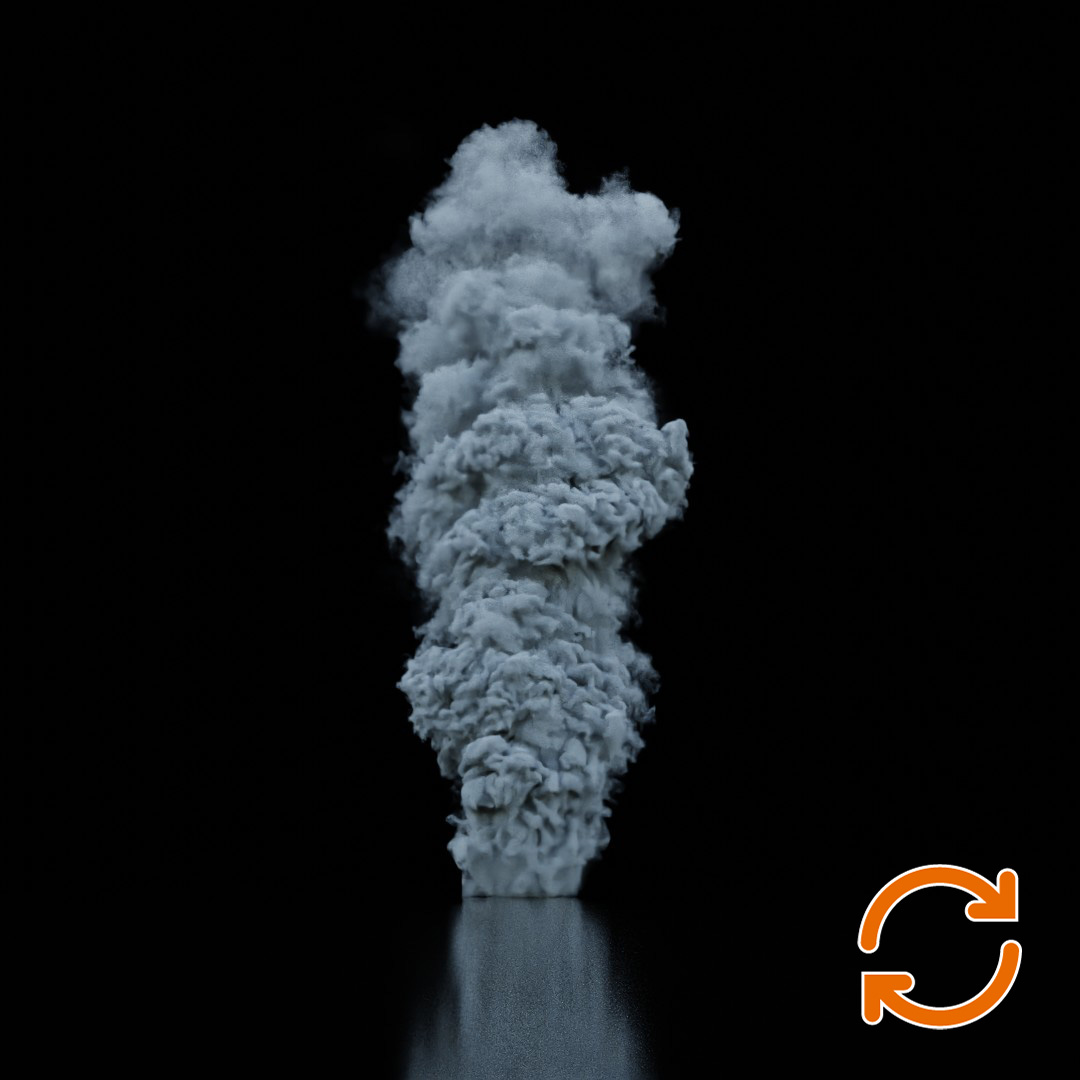
Rising Smoke
Smokes
Smoke.1
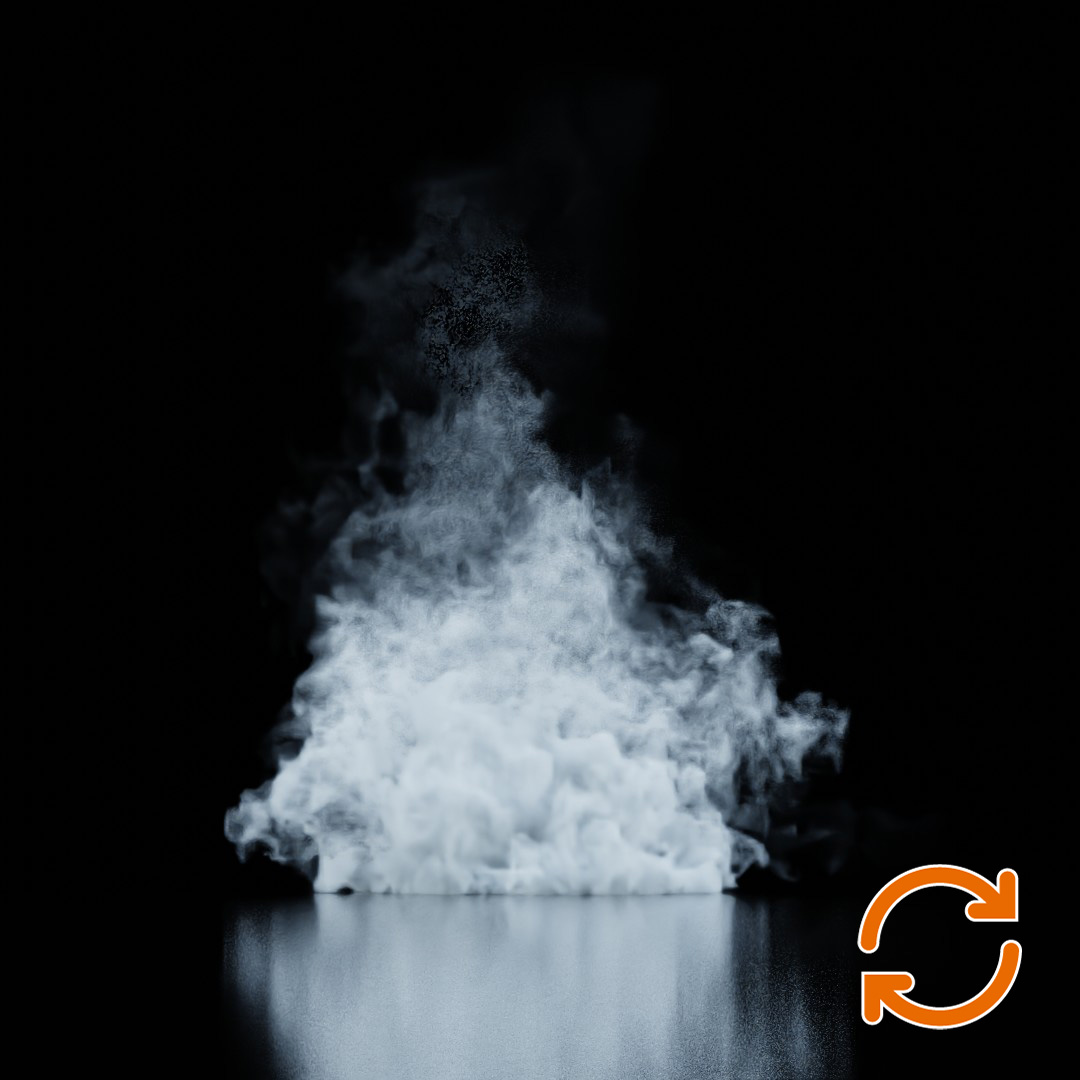
Rising Steam
Smokes
Smoke.2
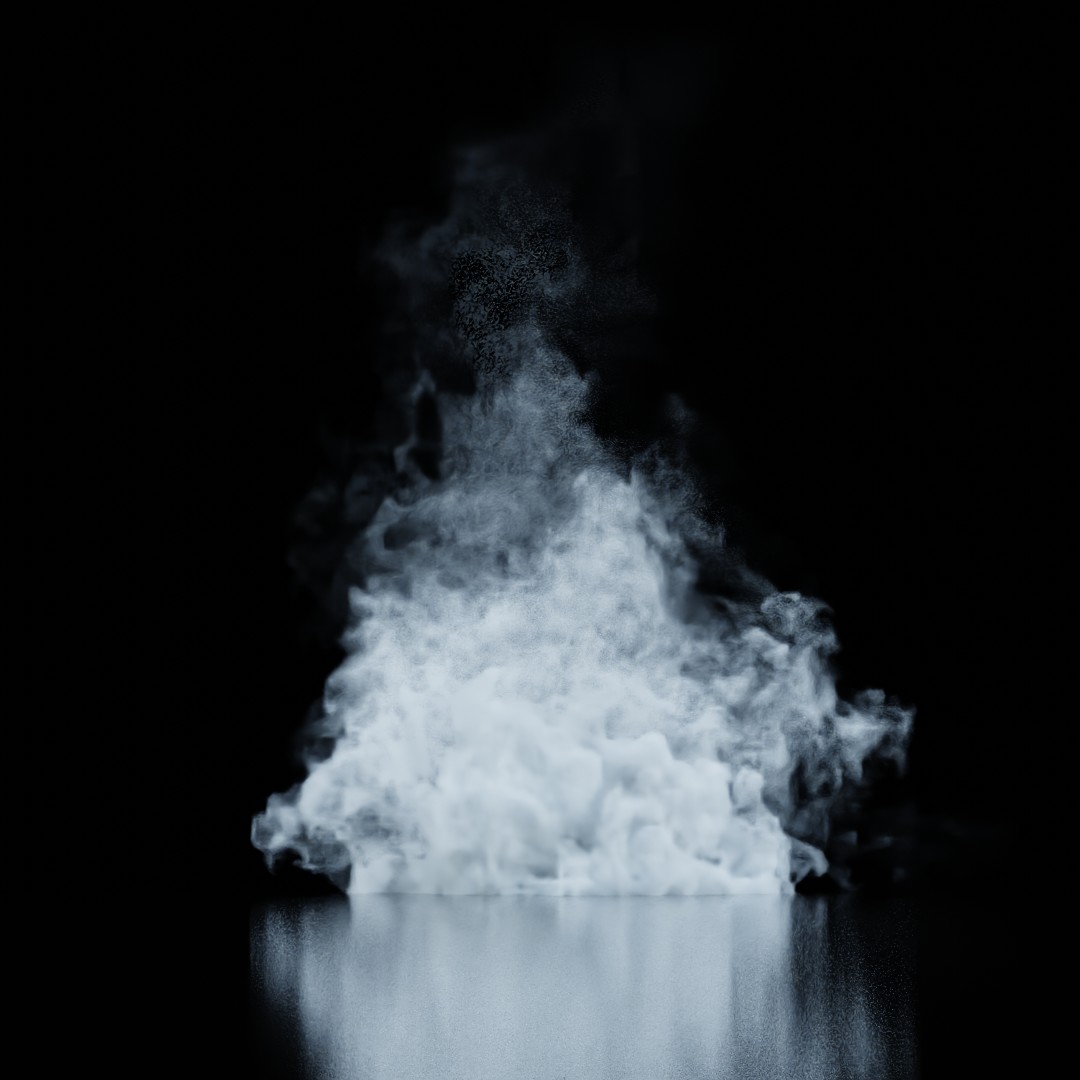
Rising Steam
Smokes
Smoke.2

Rolling Ground Smoke
Smokes
Smoke.1
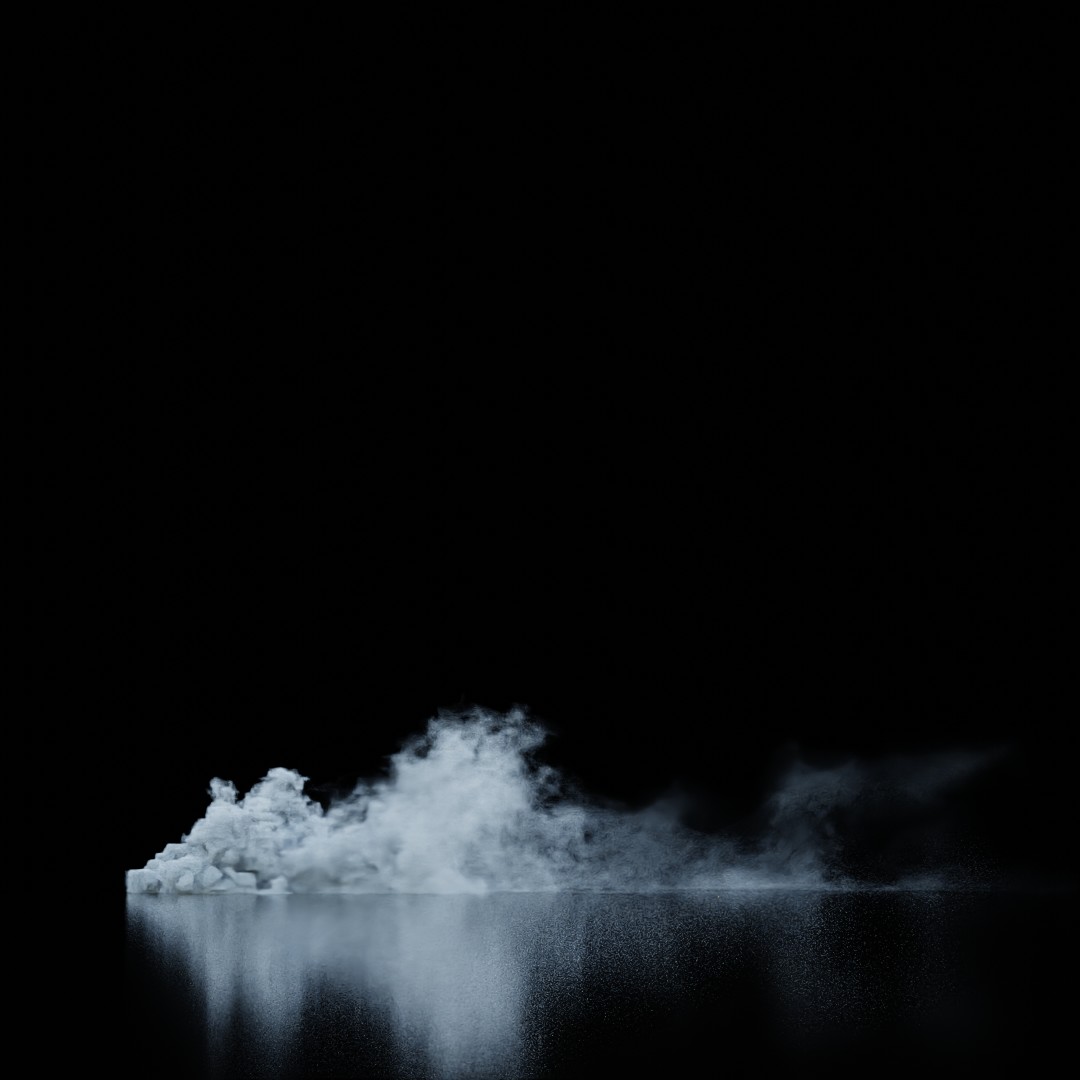
Rolling Ground Smoke
Smokes
Smoke.1
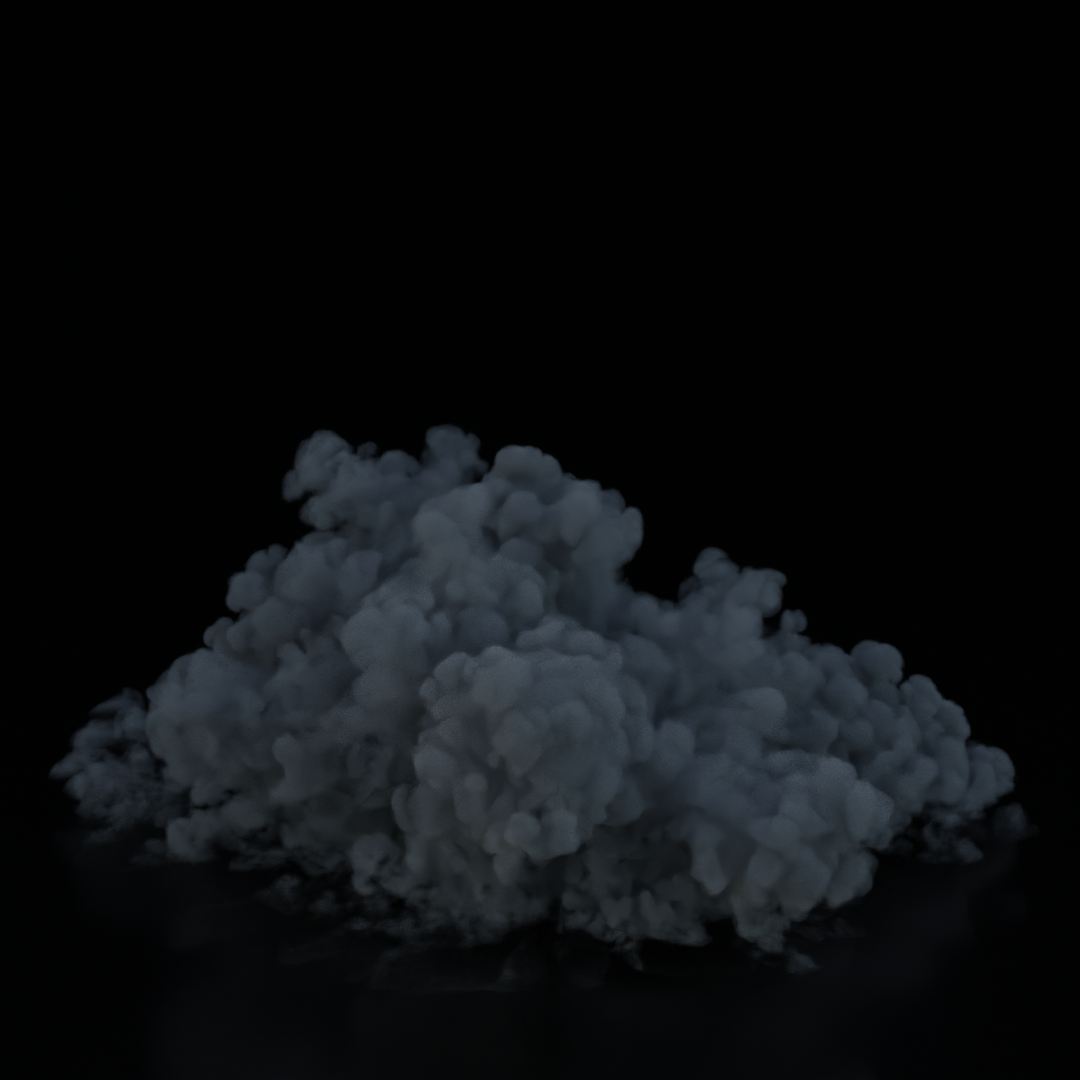
Smoke Cloud1
Smokes
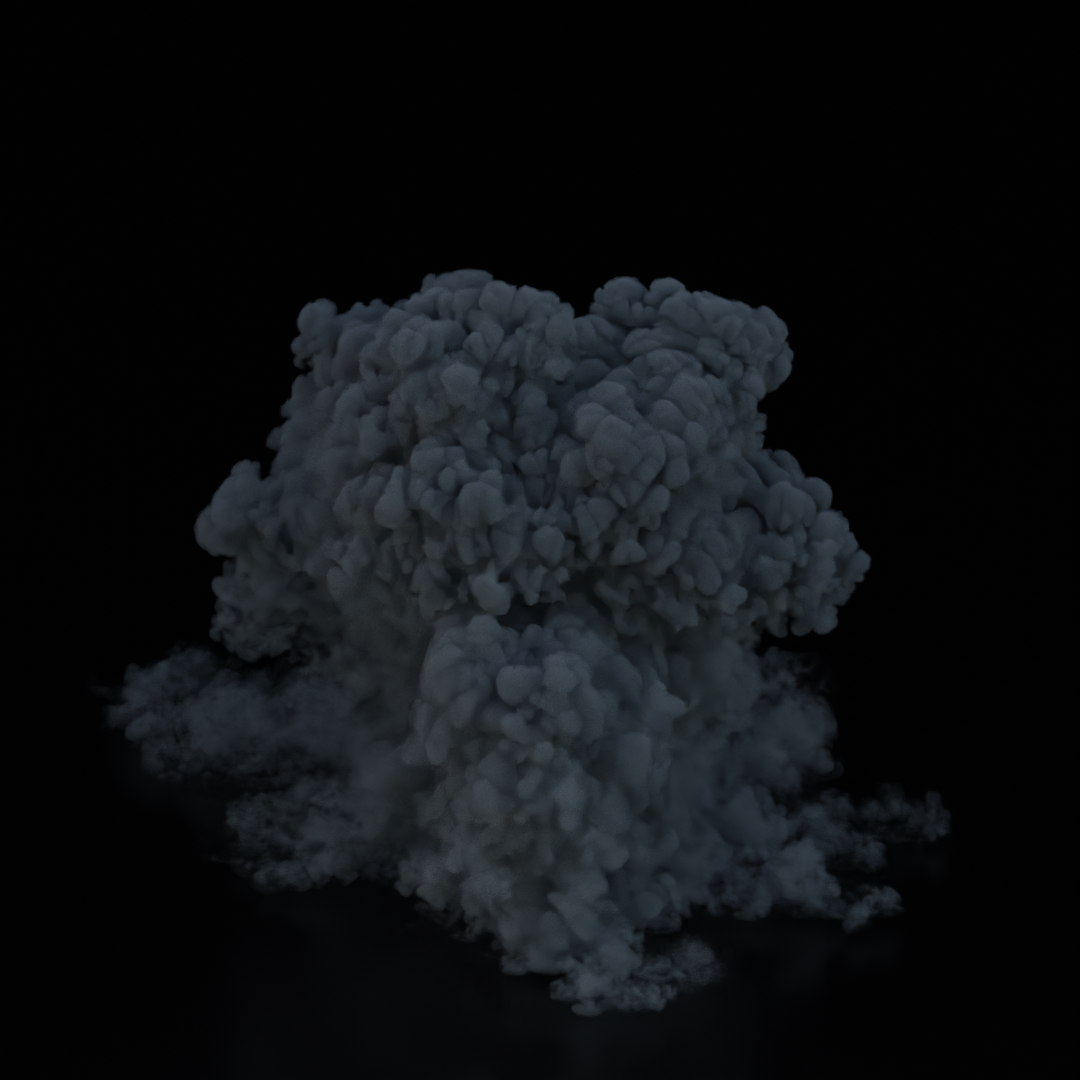
Smoke Cloud10
Smokes
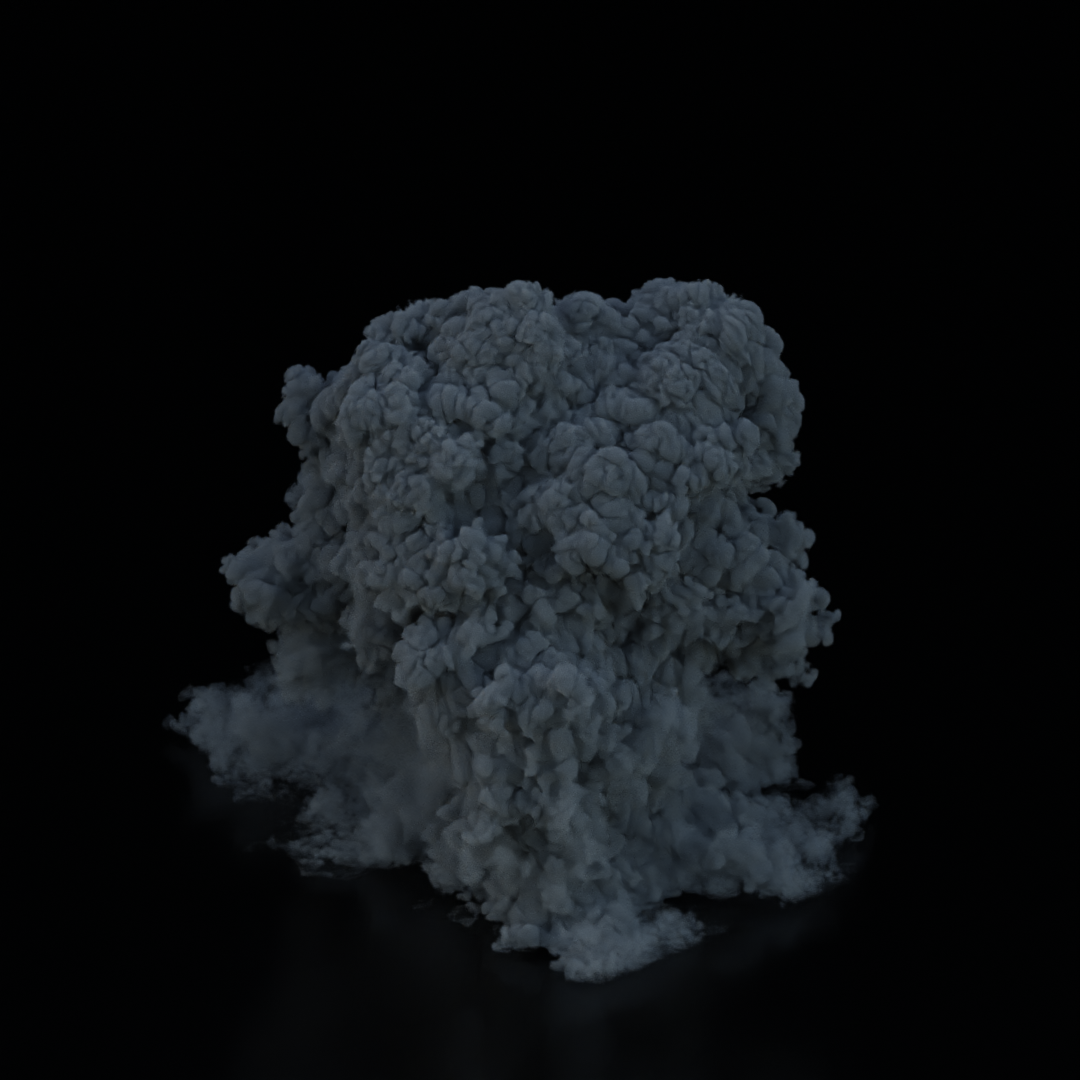
Smoke Cloud11
Smokes
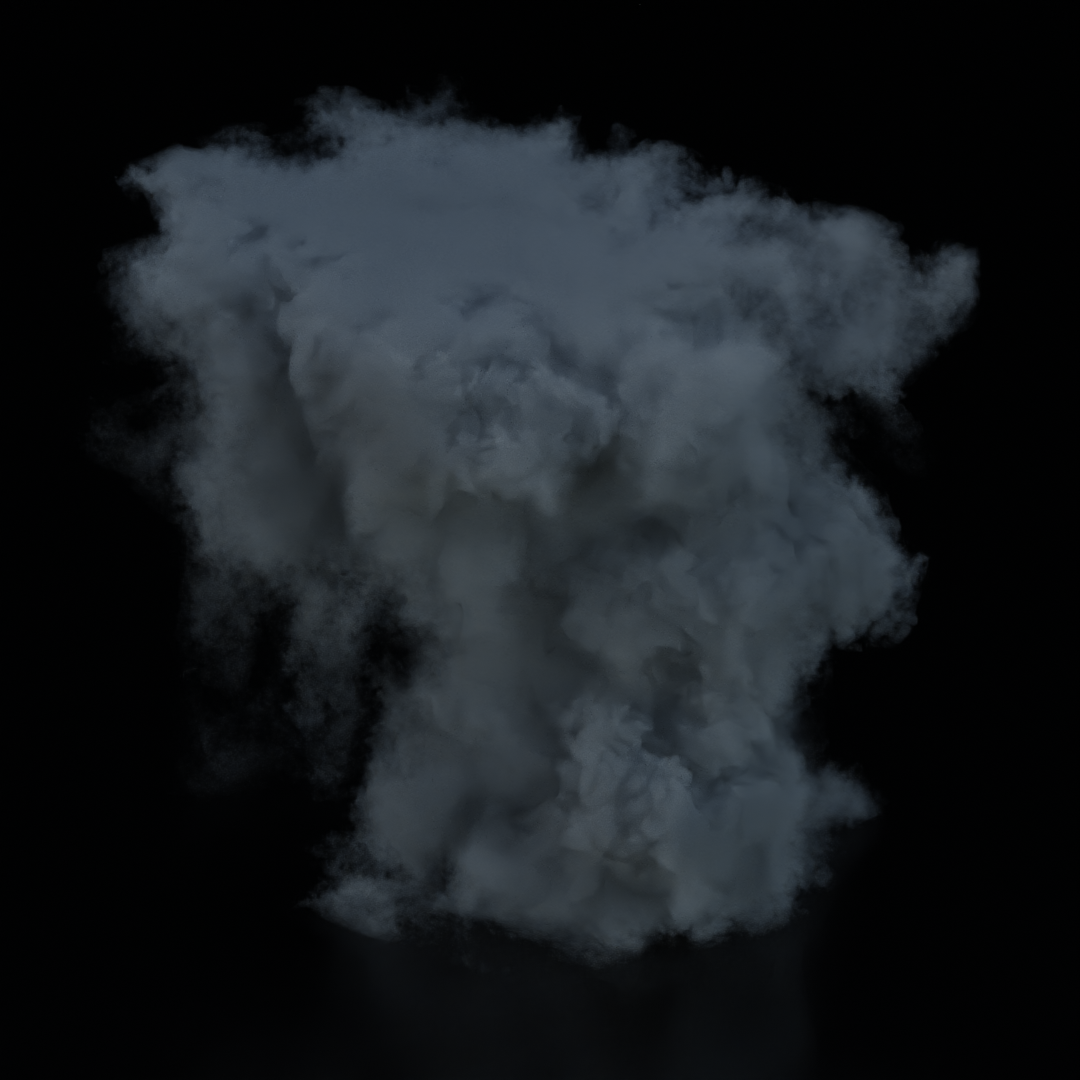
Smoke Cloud12
Smokes
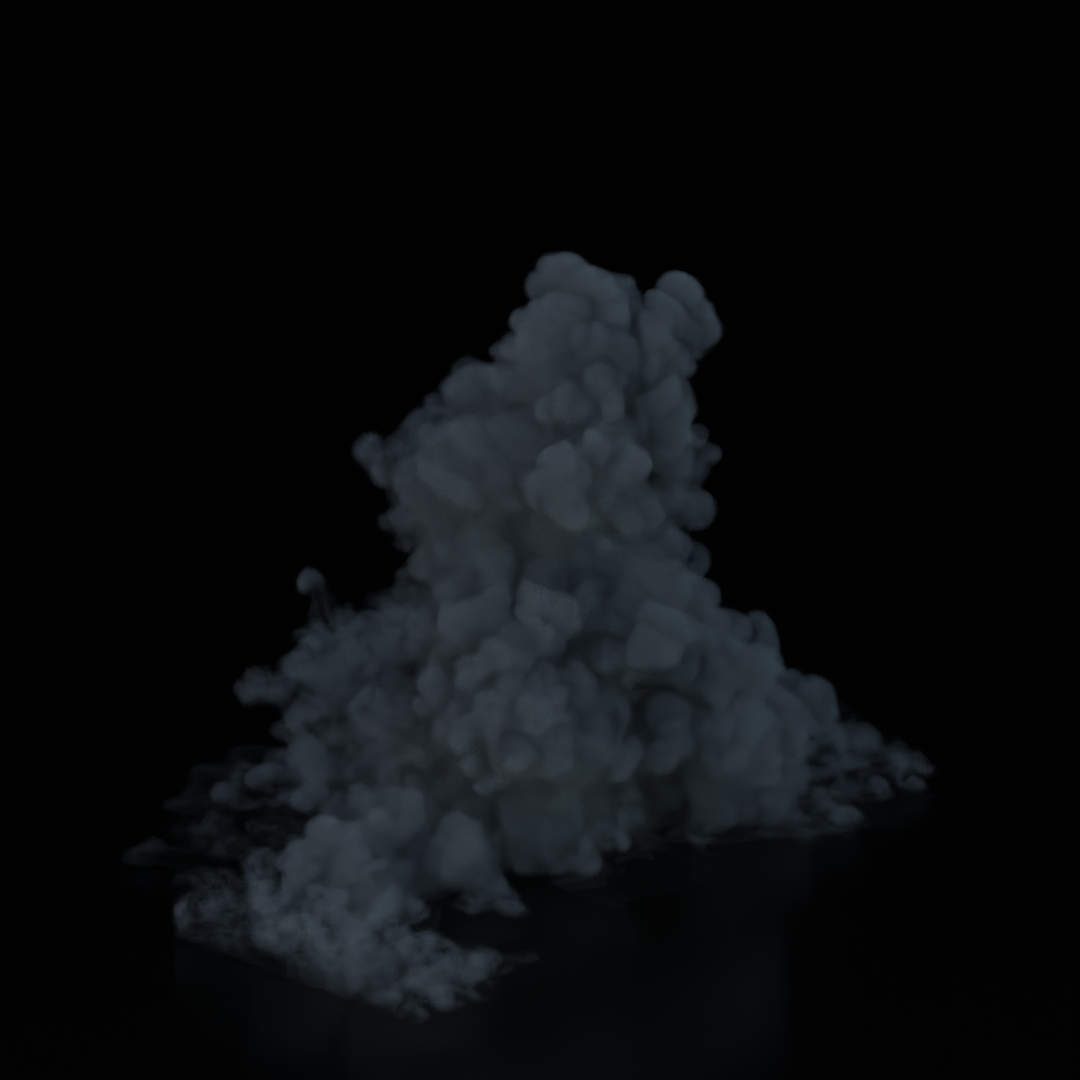
Smoke Cloud13
Smokes
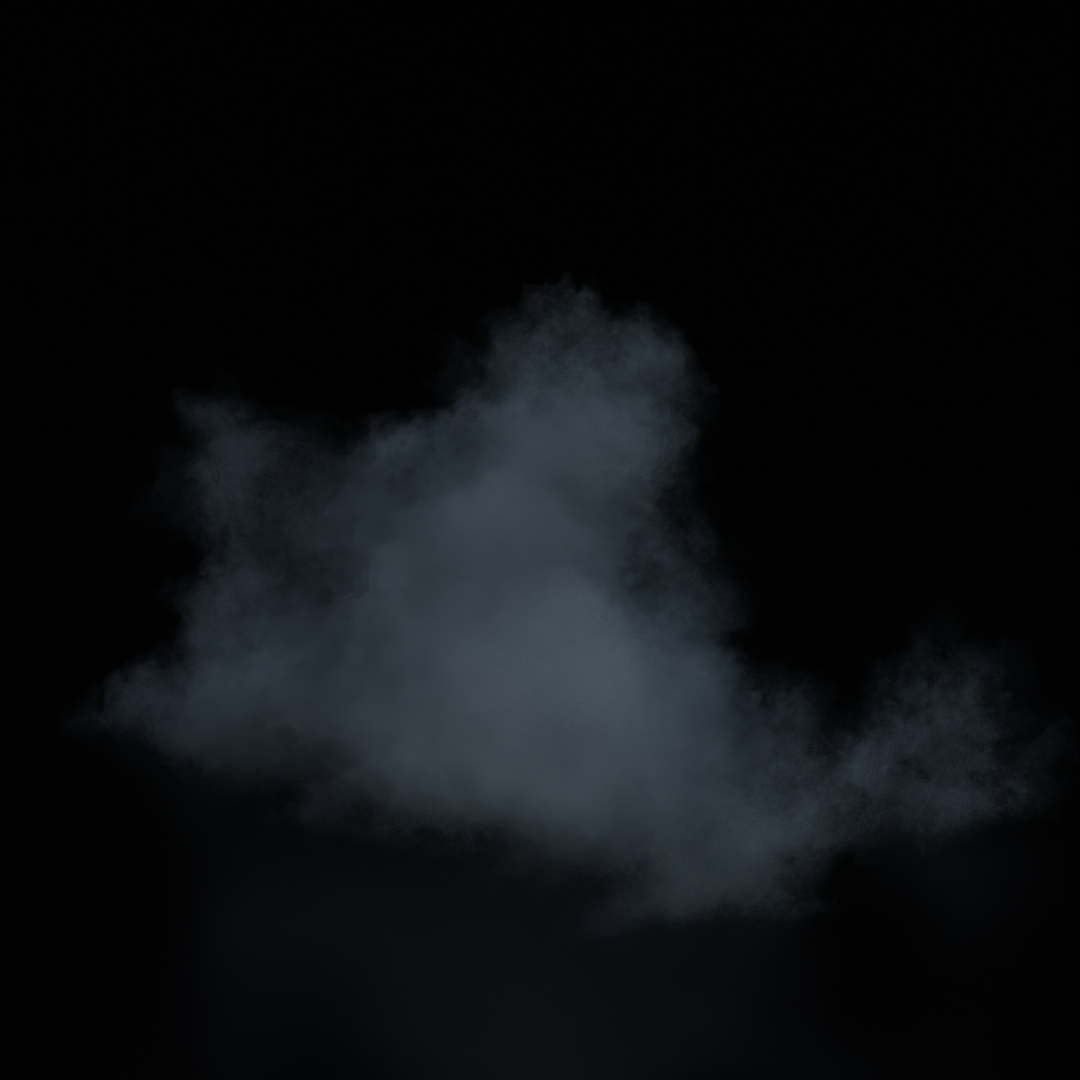
Smoke Cloud2
Smokes
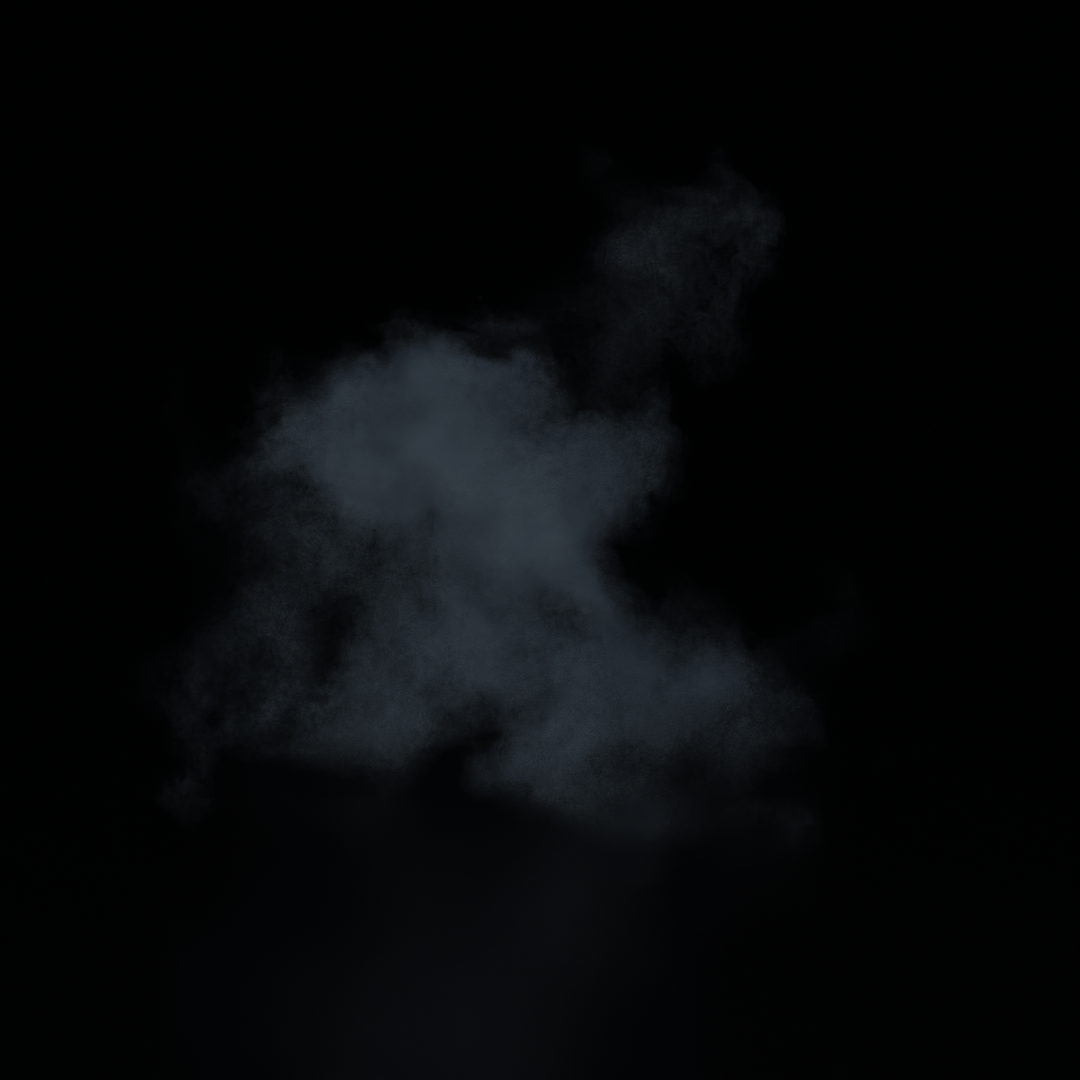
Smoke Cloud3
Smokes
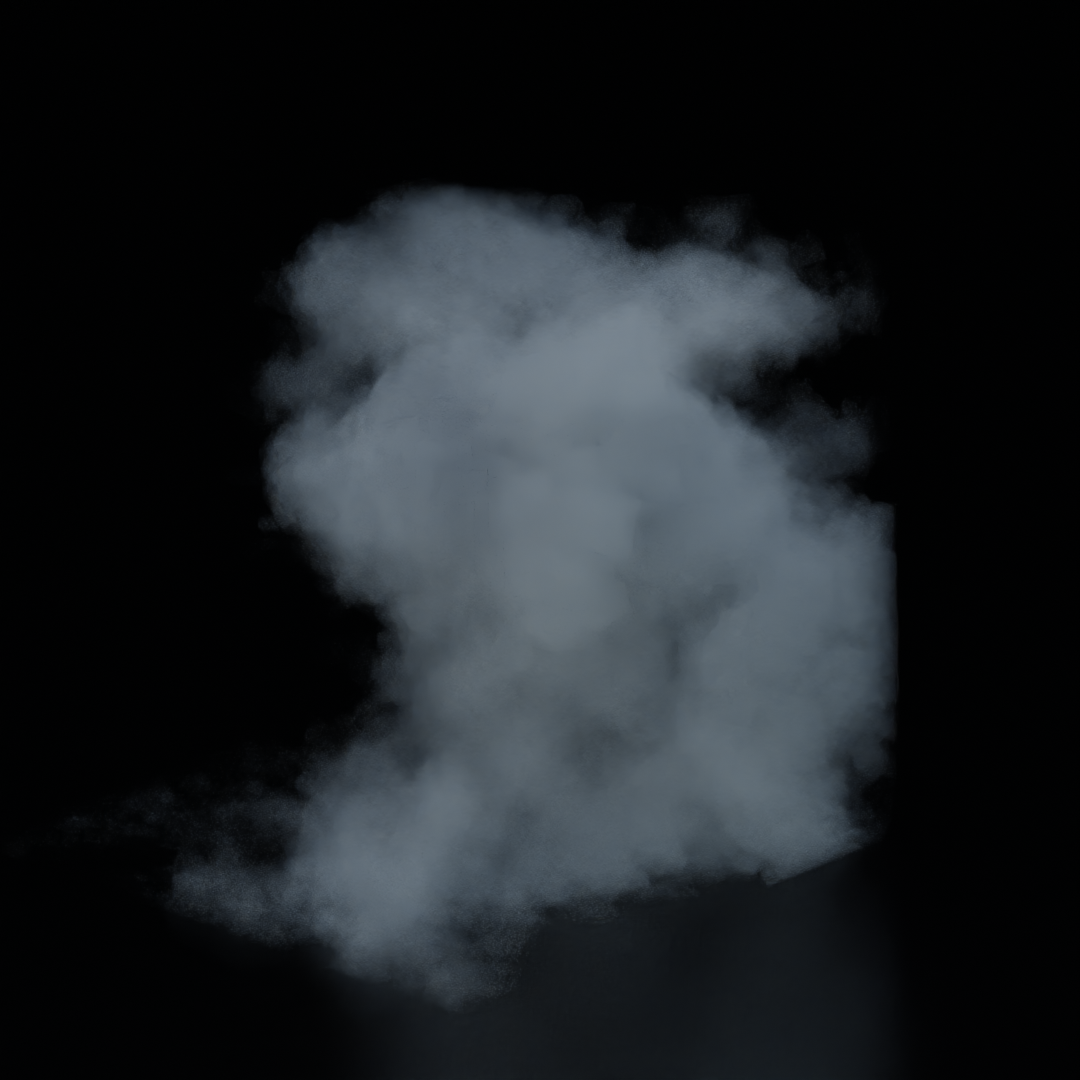
Smoke Cloud4
Smokes
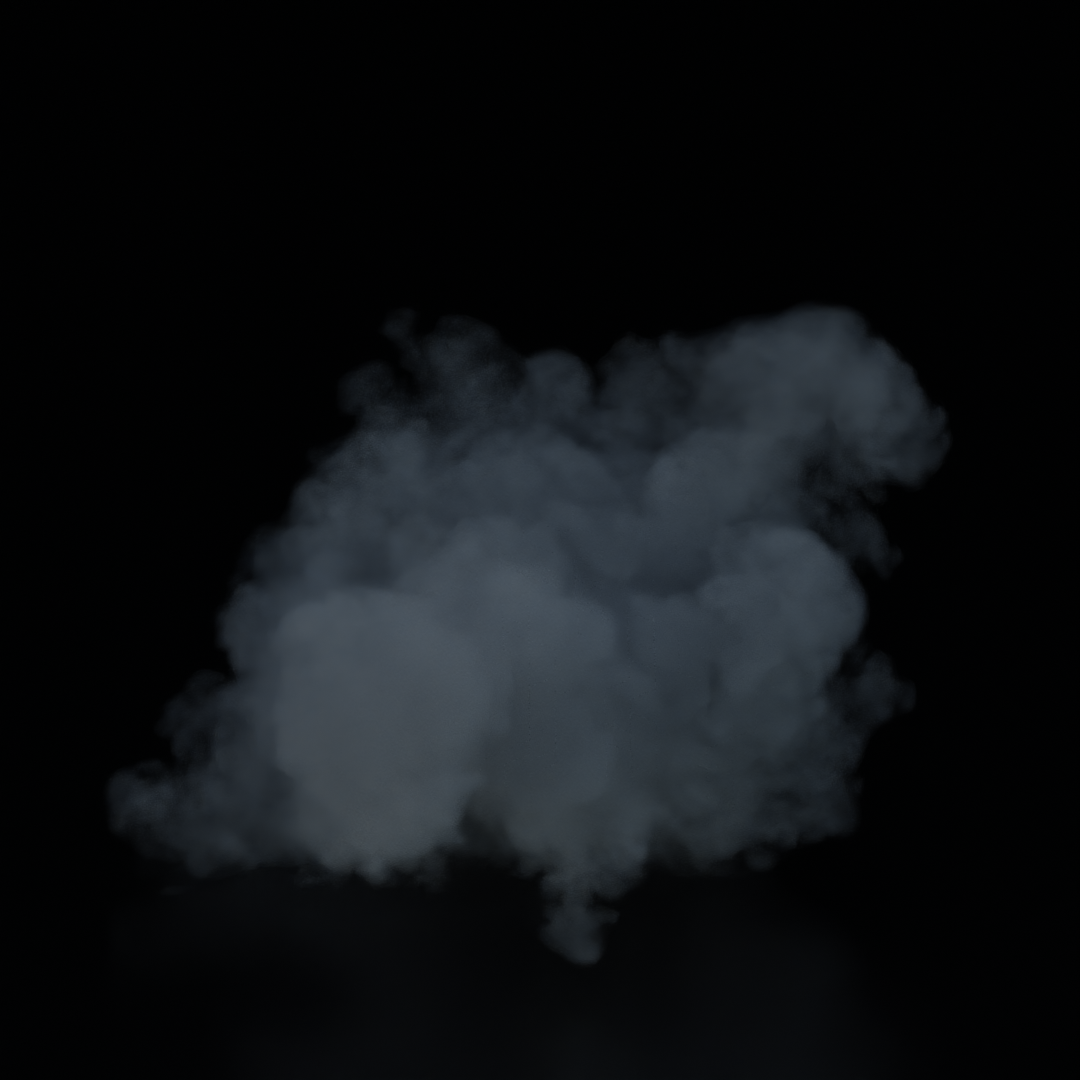
Smoke Cloud5
Smokes
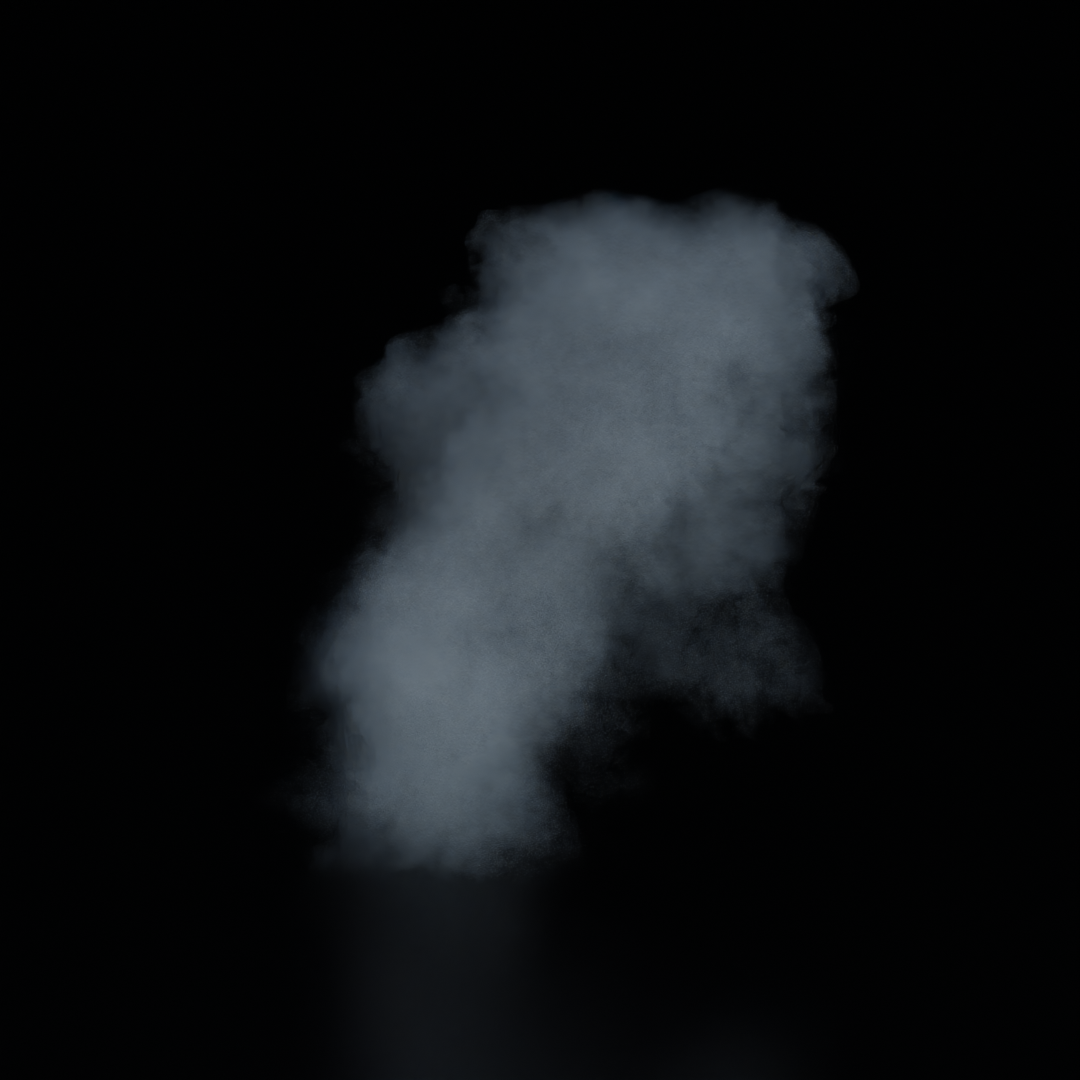
Smoke Cloud6
Smokes
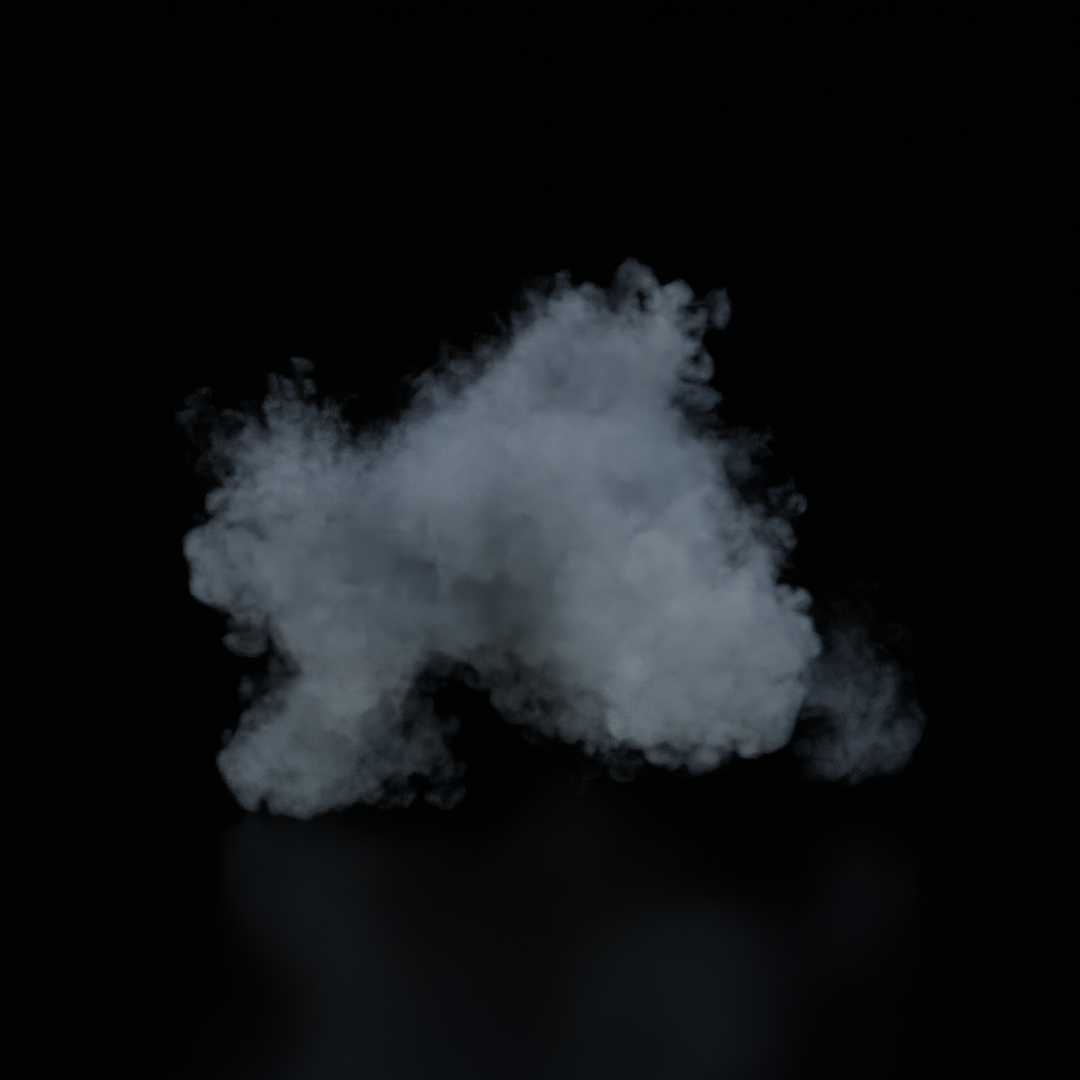
Smoke Cloud7
Smokes
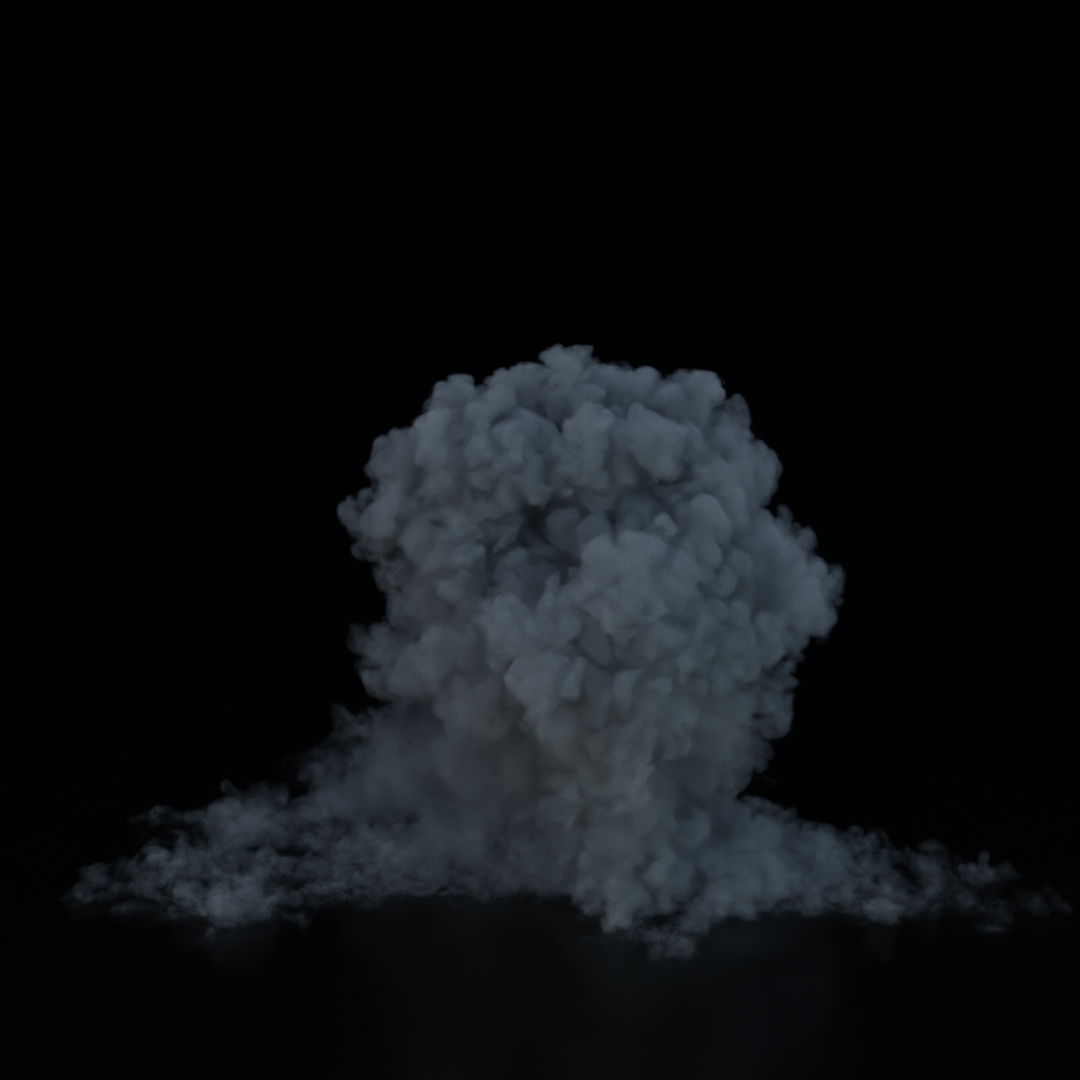
Smoke Cloud8
Smokes
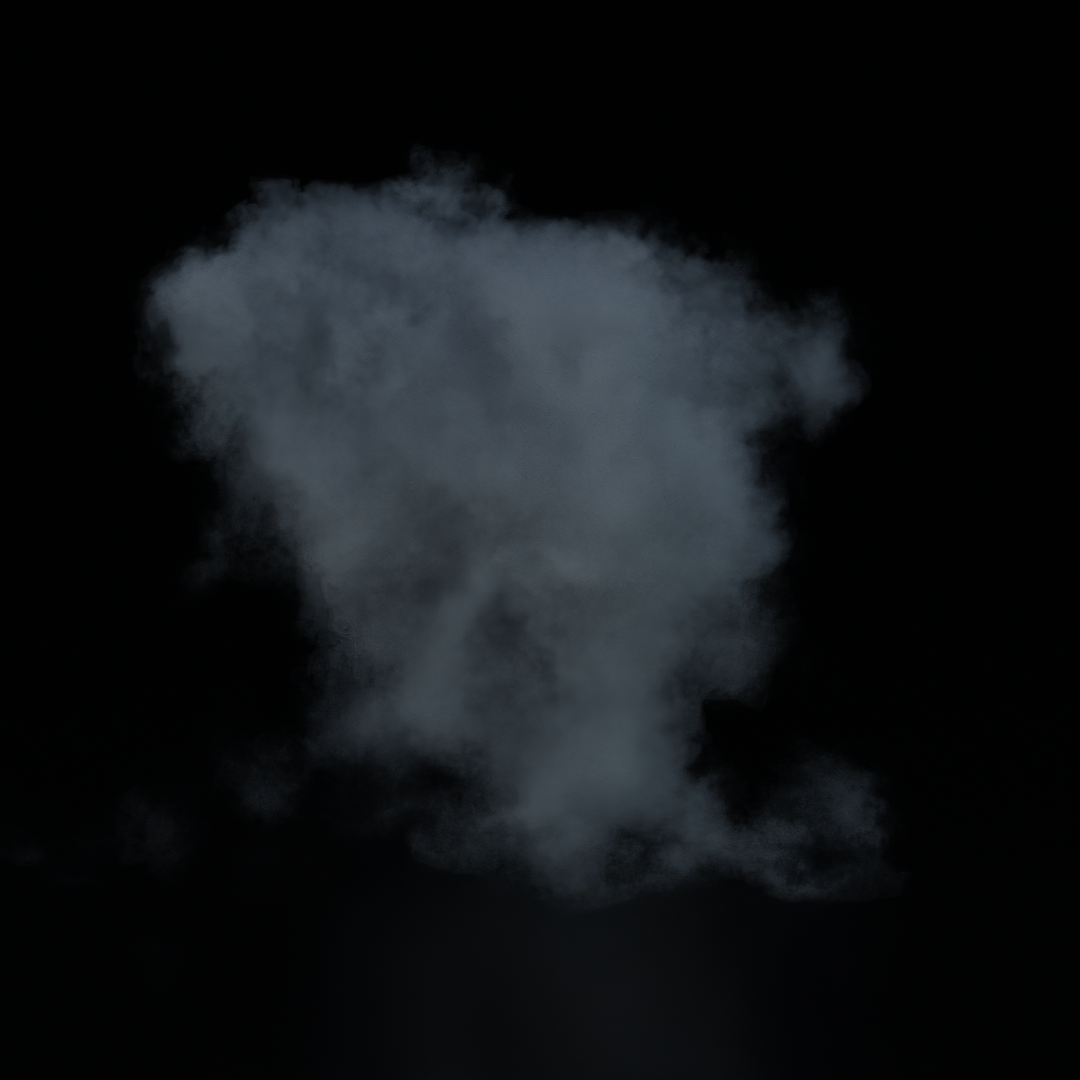
Smoke Cloud9
Smokes
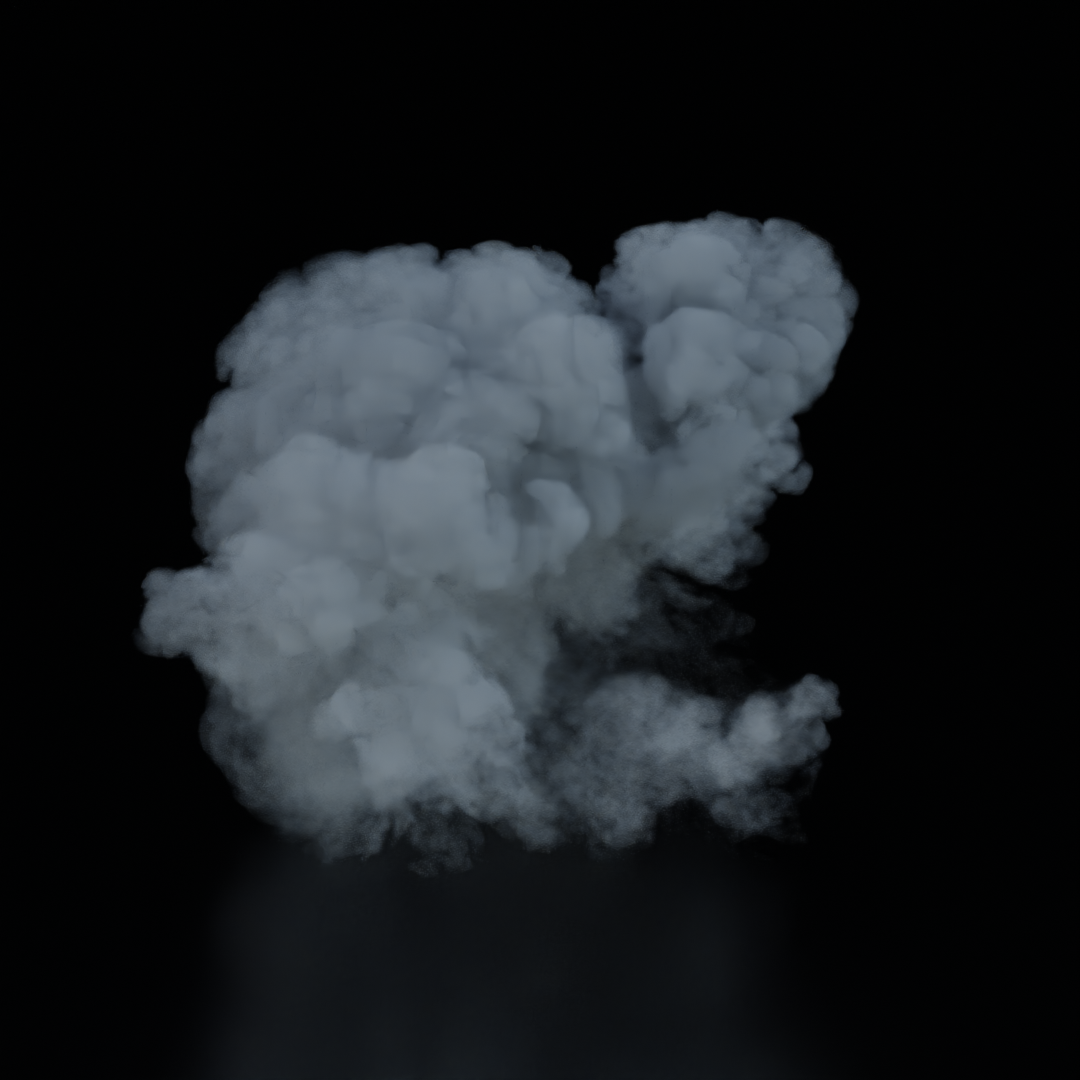
Smoke Puff1
Smokes
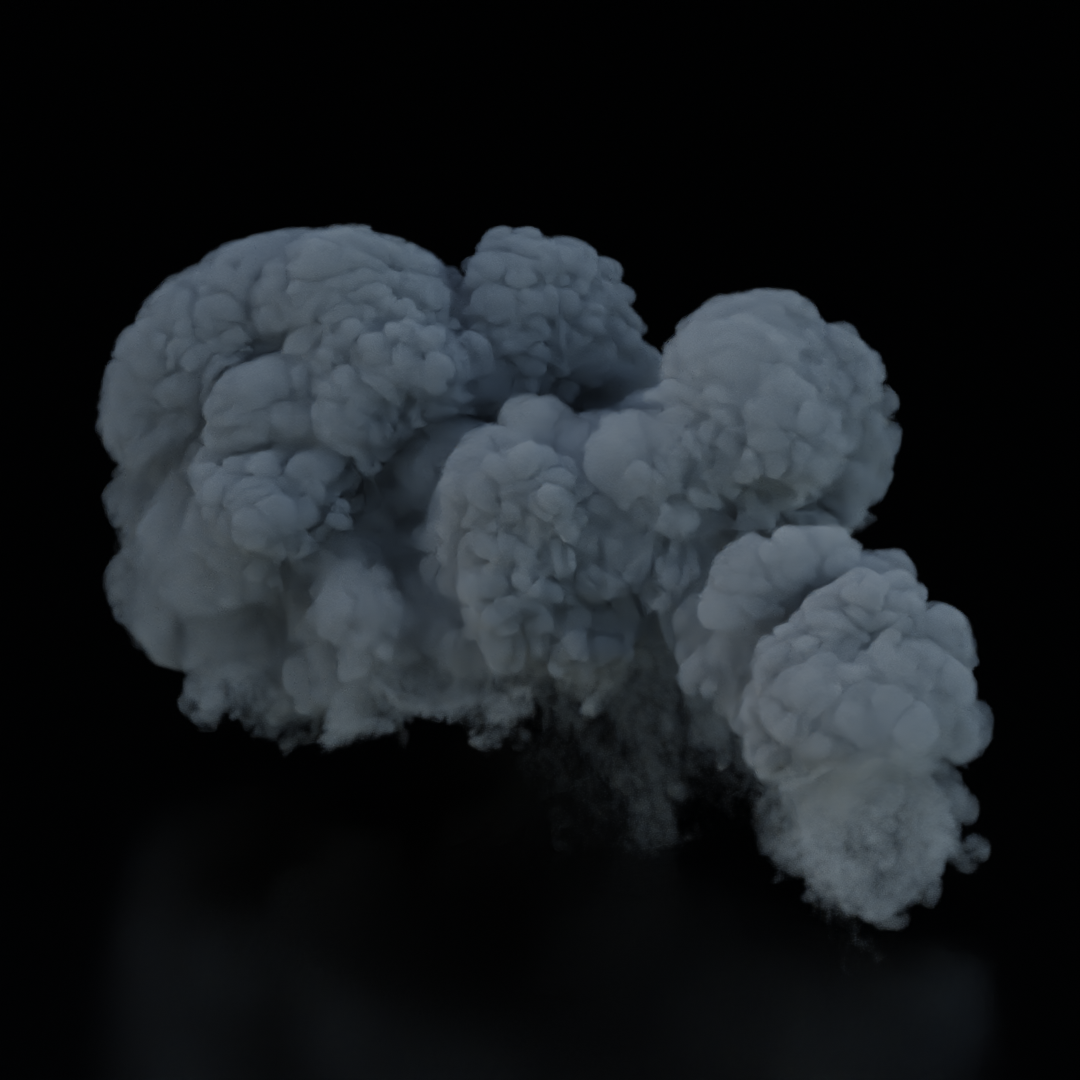
Smoke Puff2
Smokes
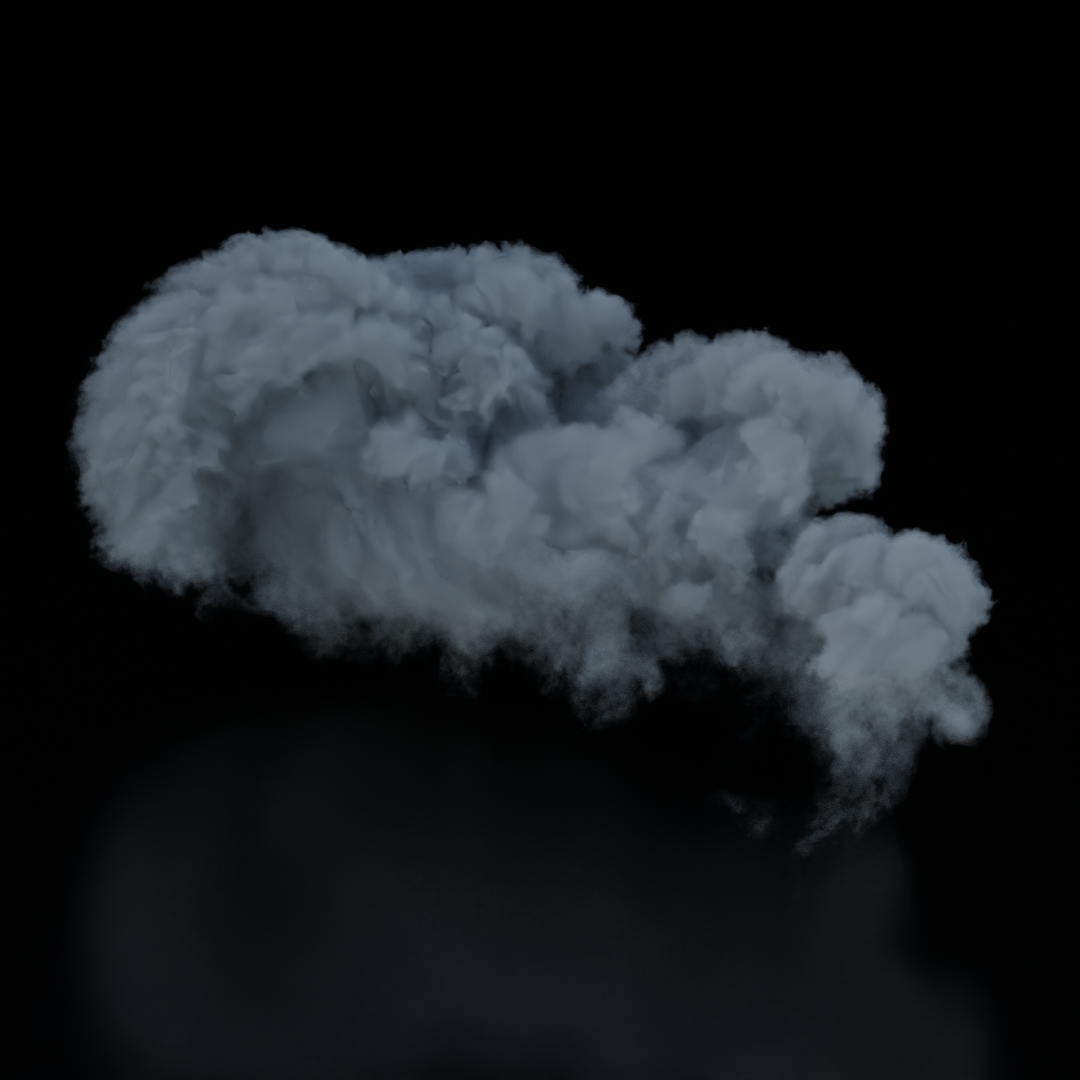
Smoke Puff3
Smokes
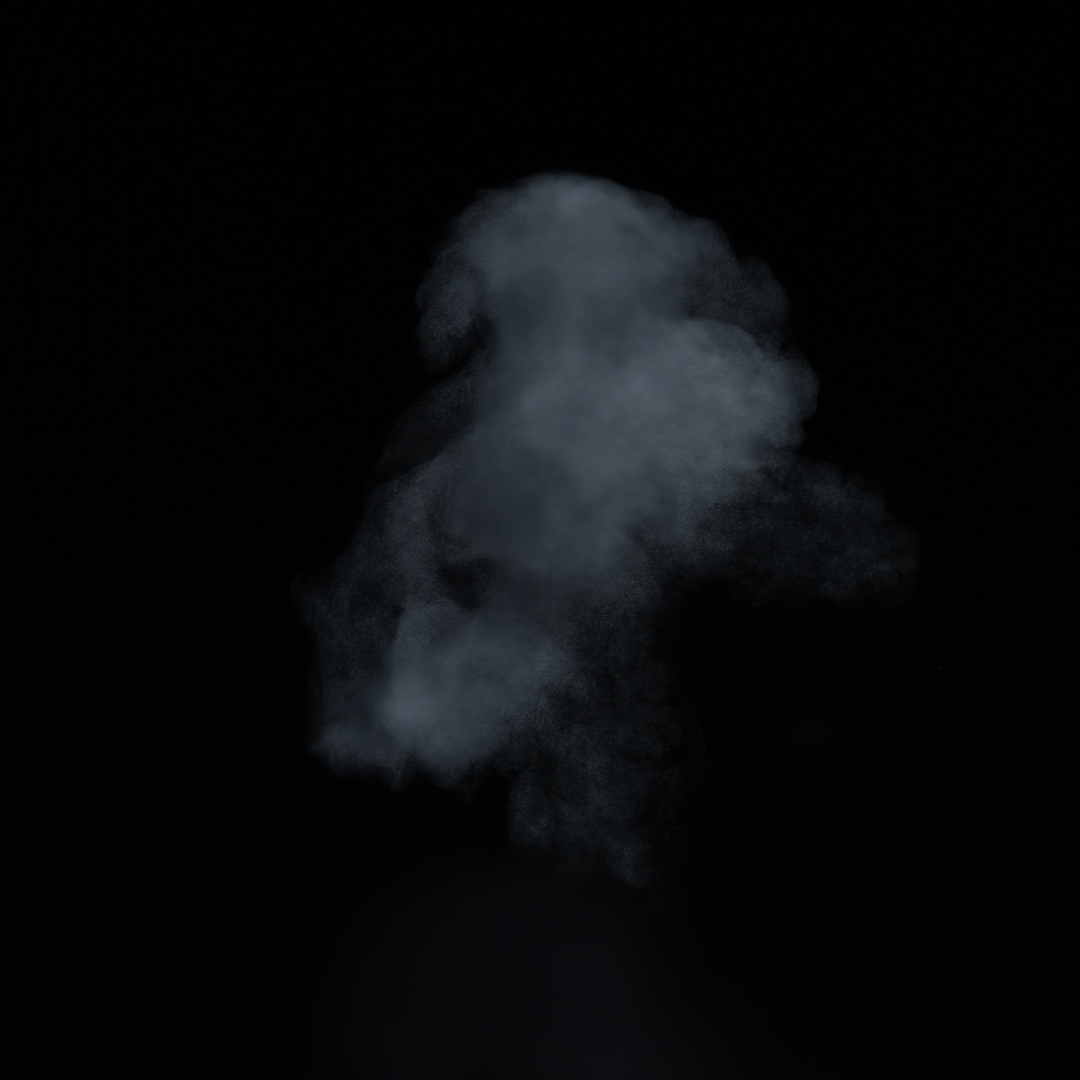
Smoke Puff4
Smokes
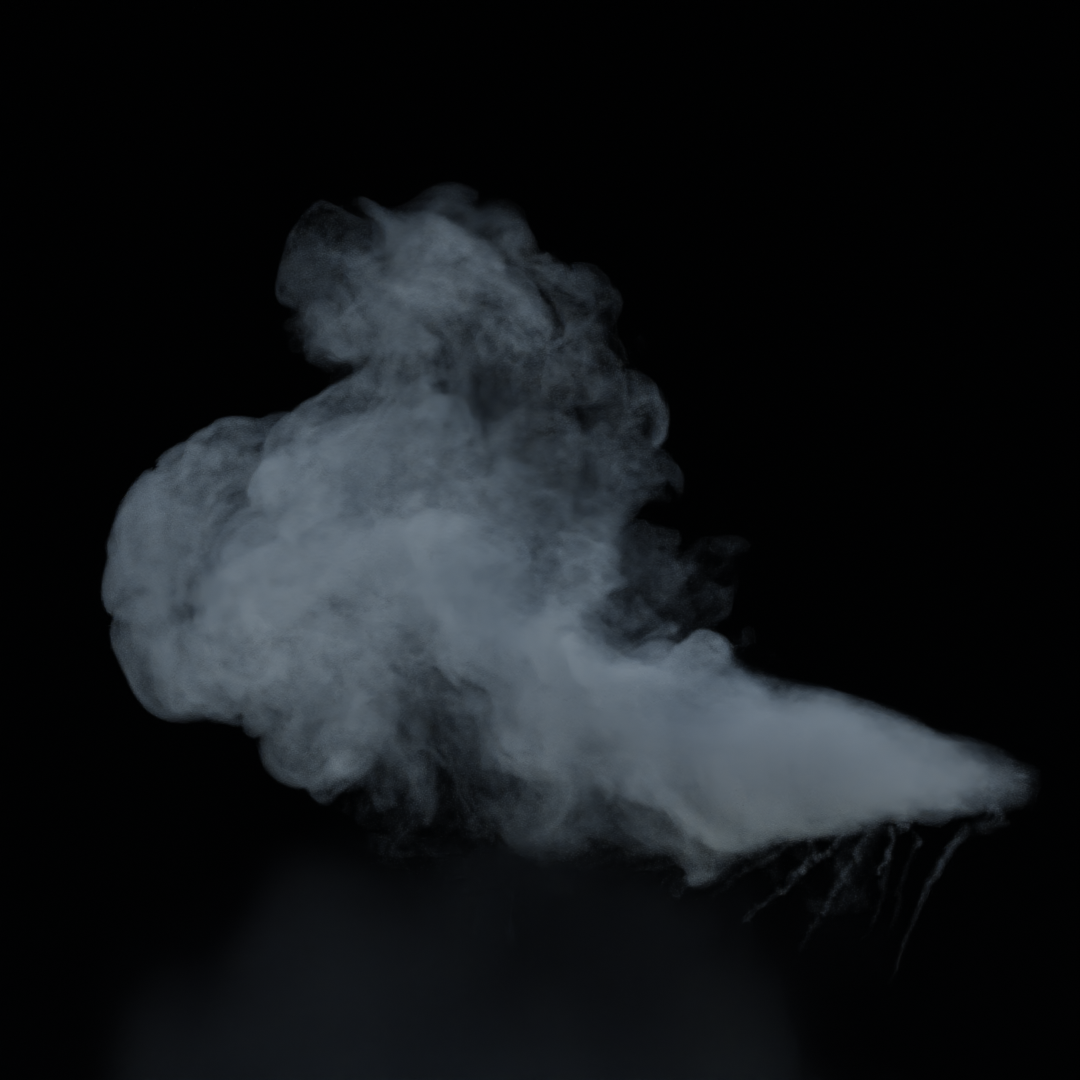
Smoke Puff5
Smokes
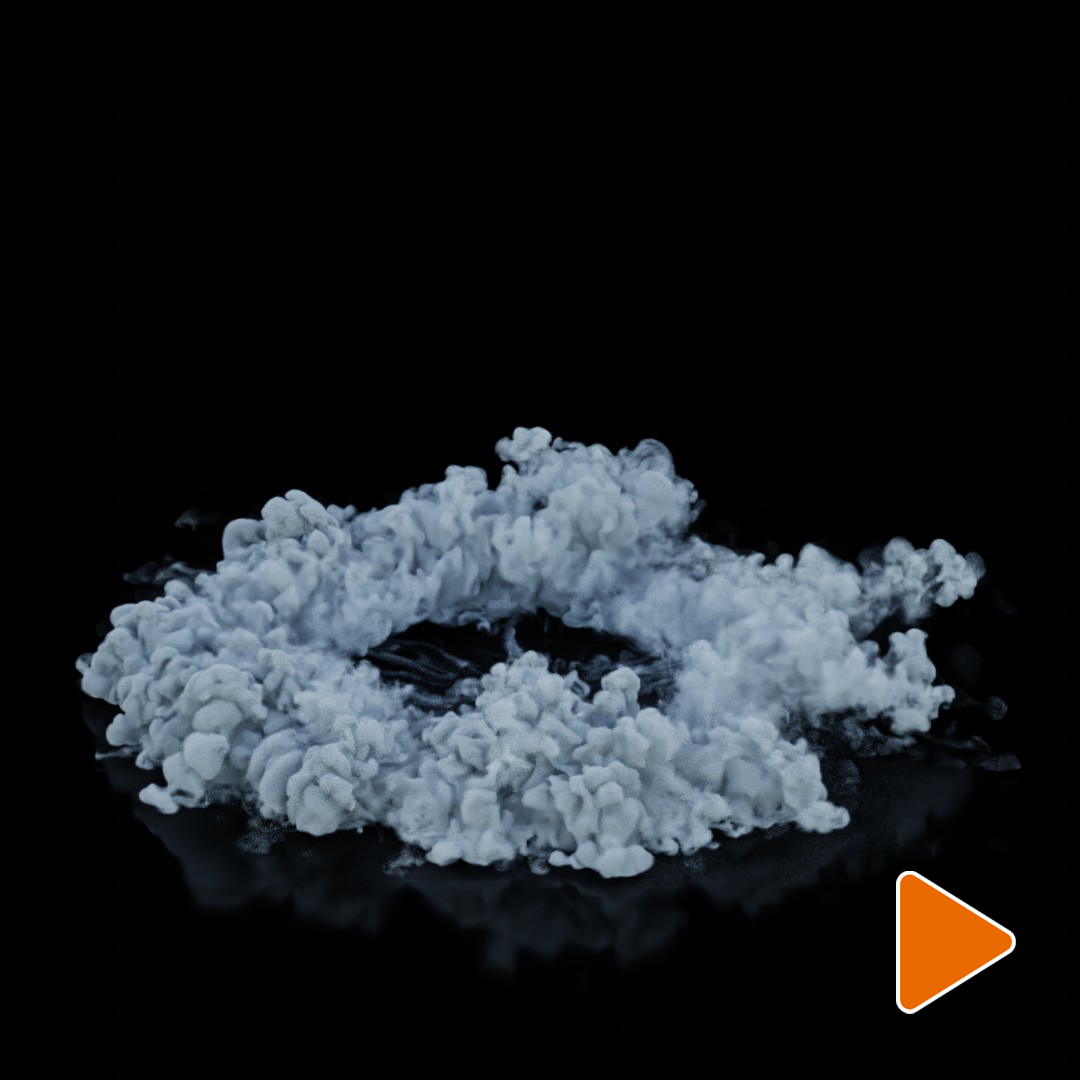
Smoke Shockwave
Smokes
Smoke.3
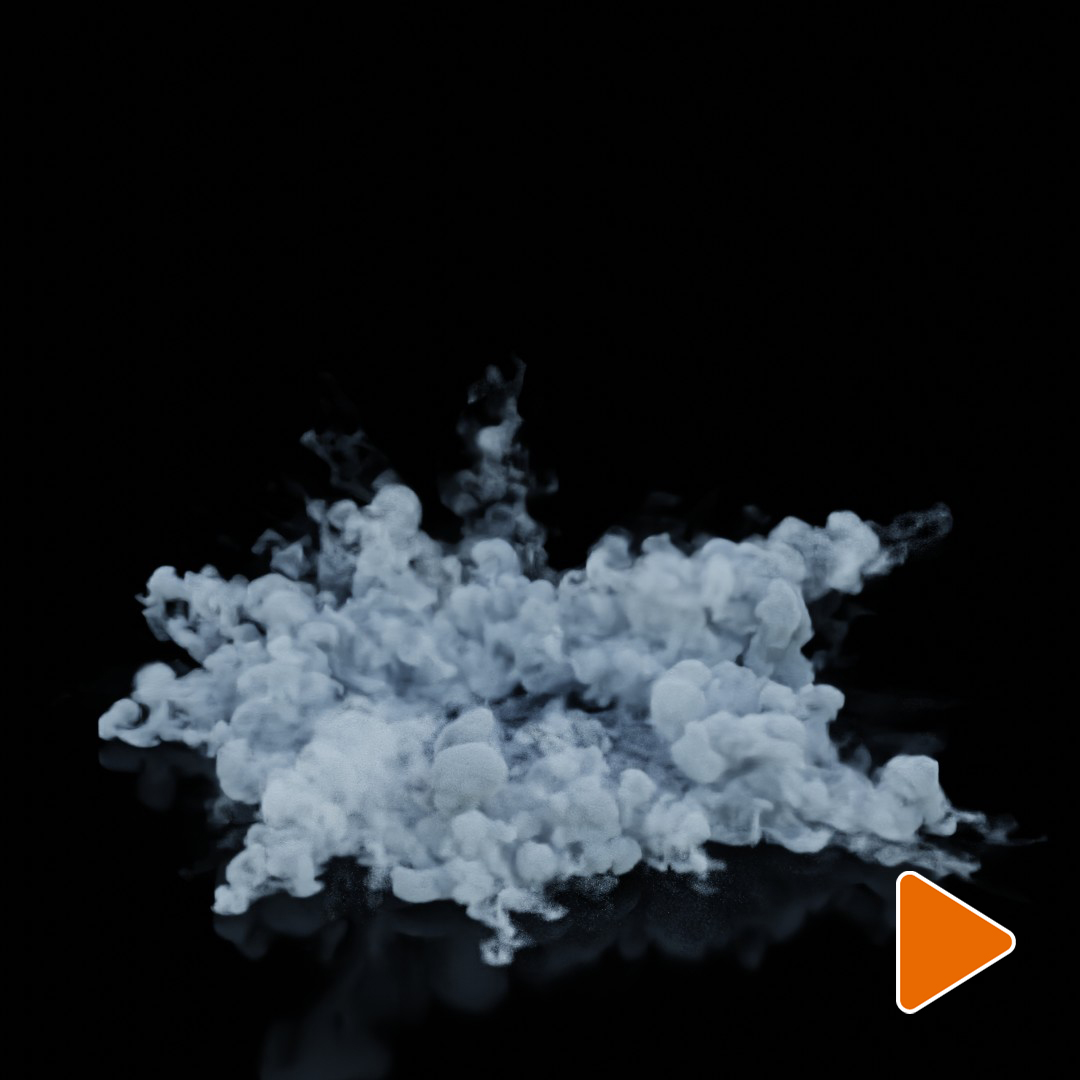
Smoke Shockwave 2
Smokes
Smoke.3
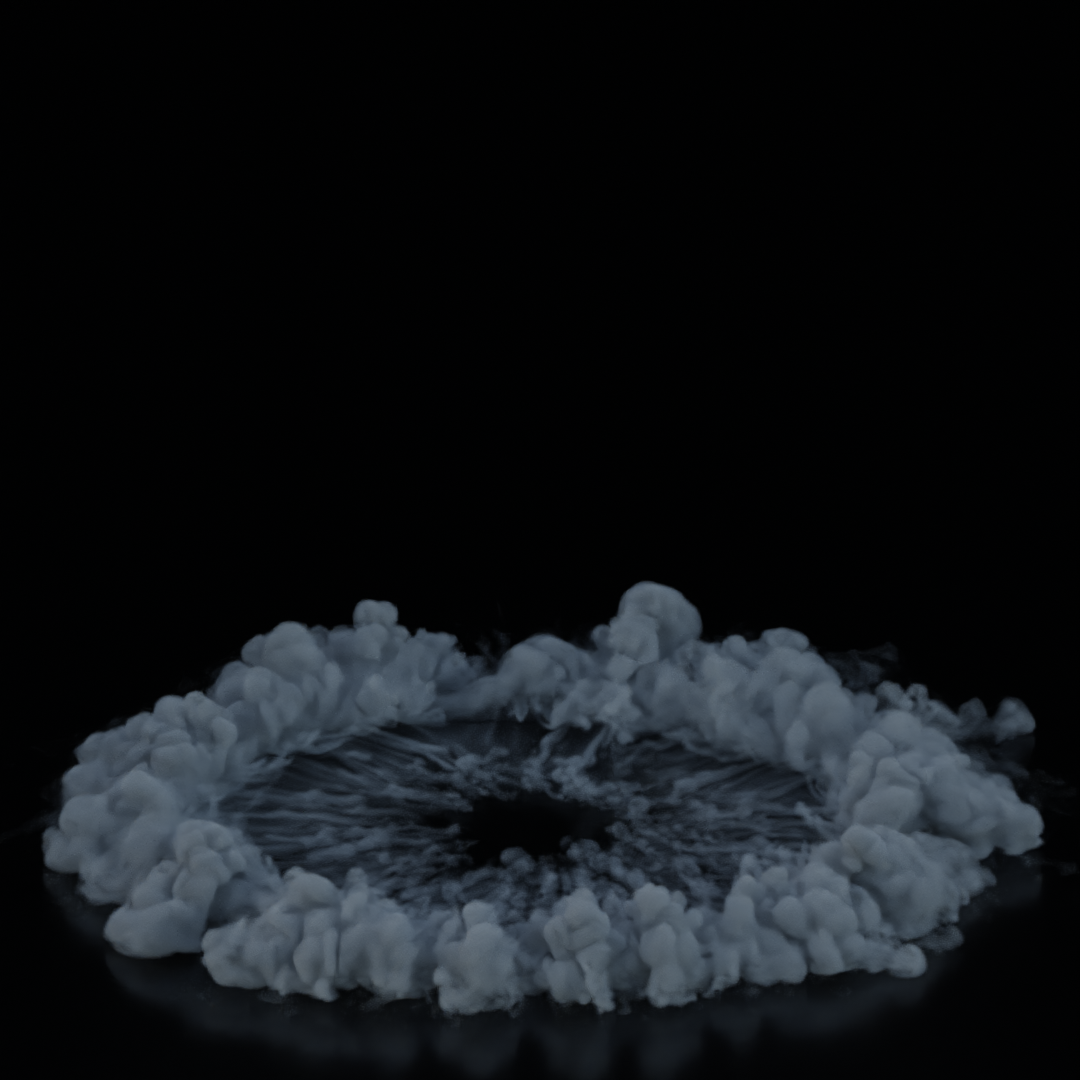
Smoke Shockwave1
Smokes
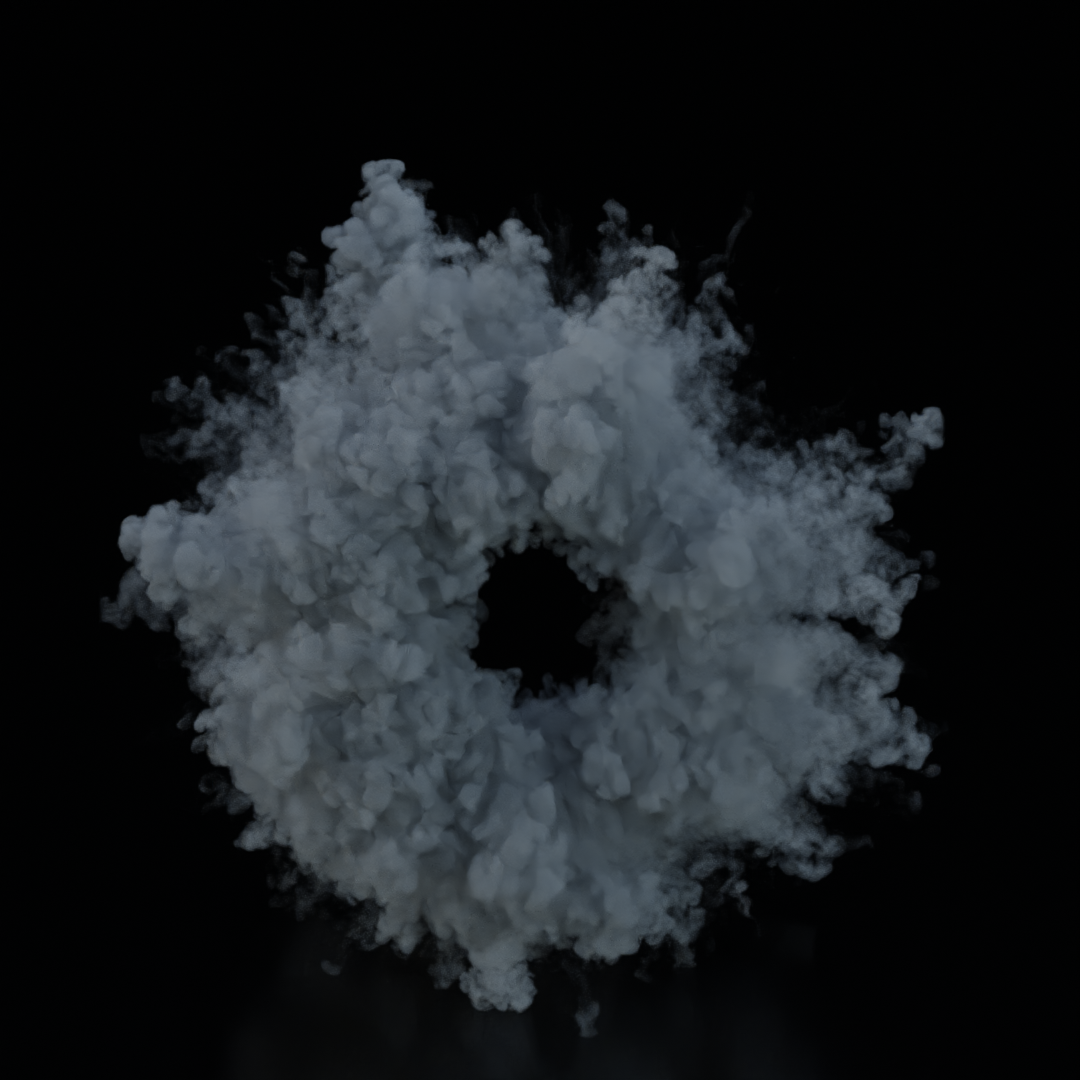
Smoke Shockwave2
Smokes
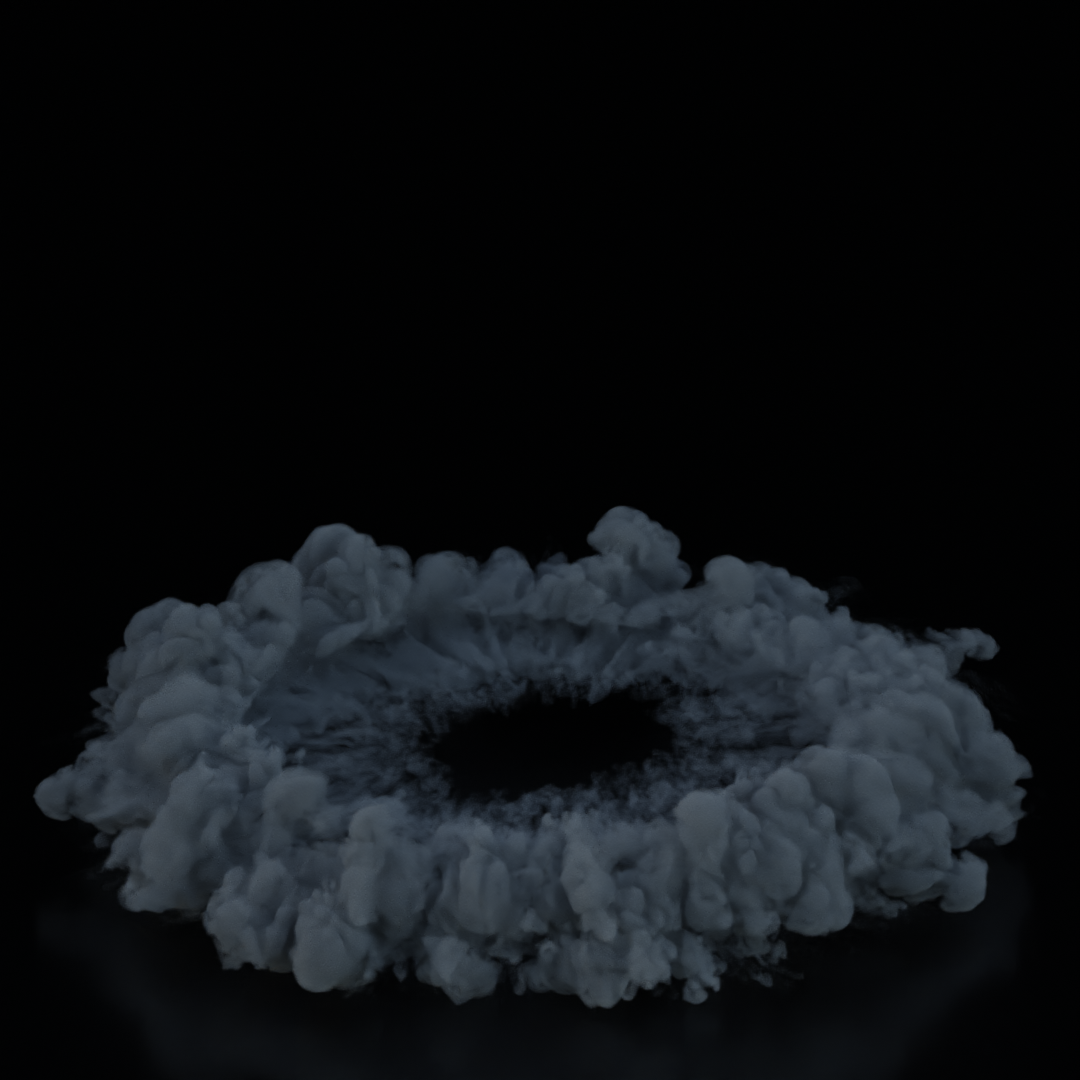
Smoke Shockwave3
Smokes
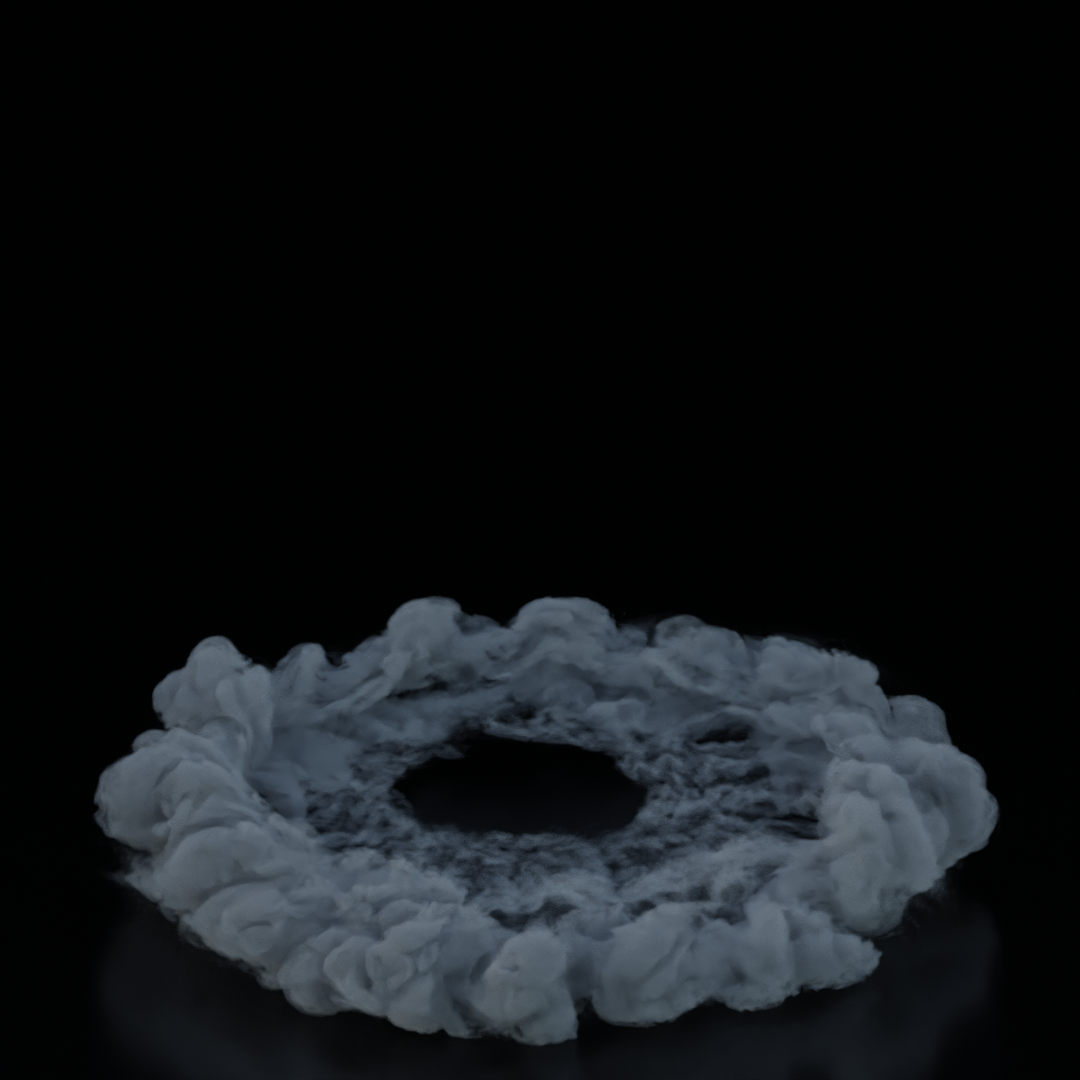
Smoke Shockwave4
Smokes
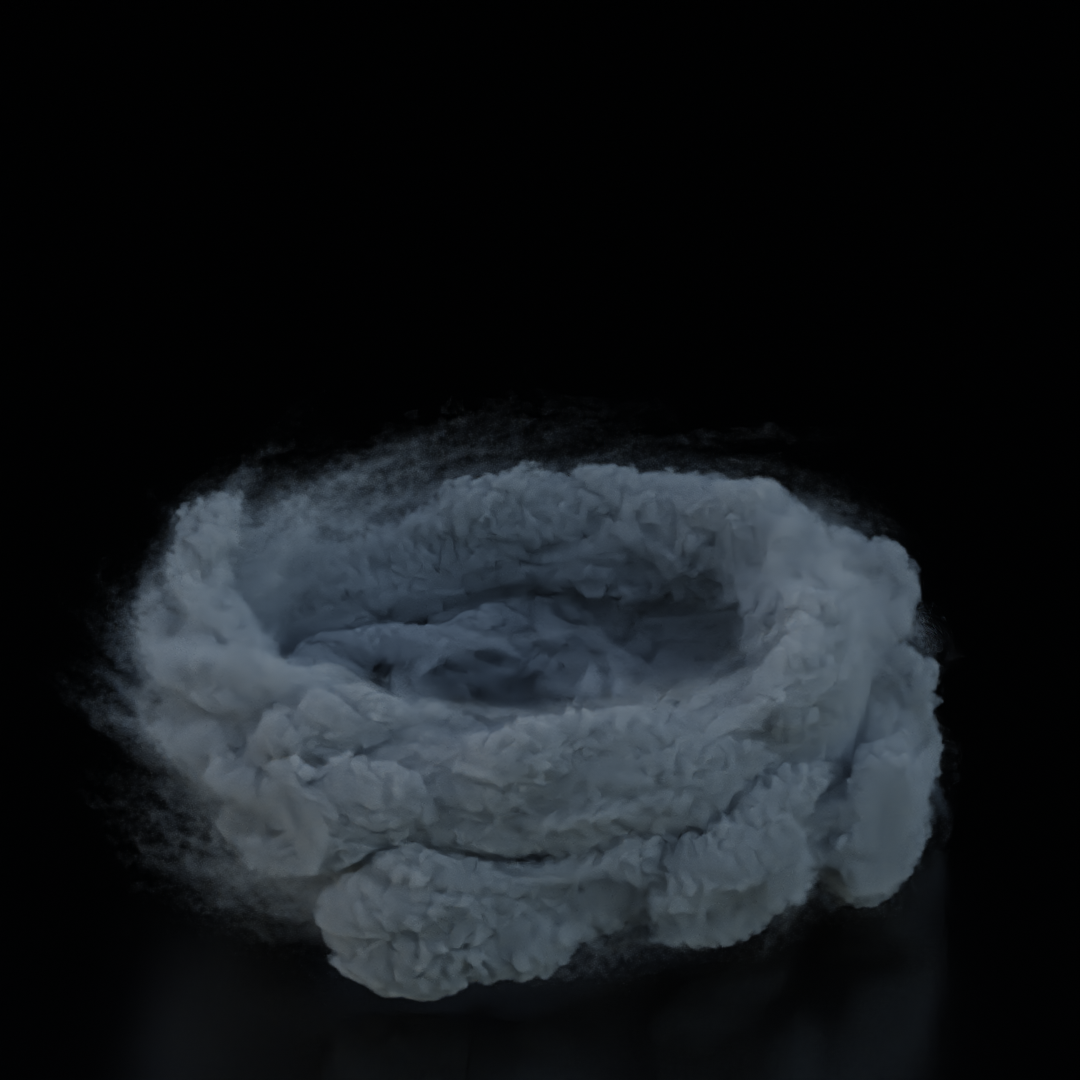
Smoke Shockwave5
Smokes
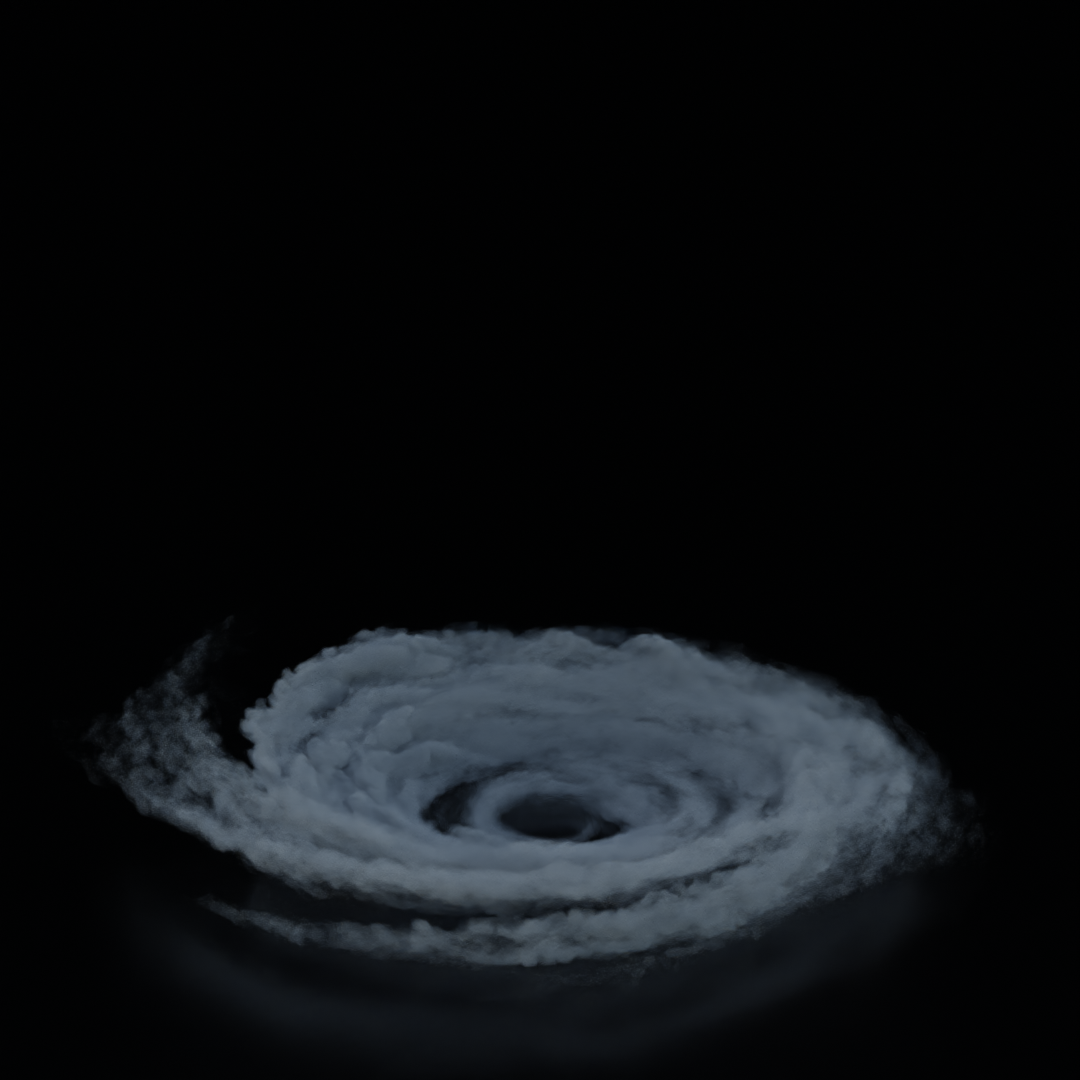
Smoke Shockwave6
Smokes
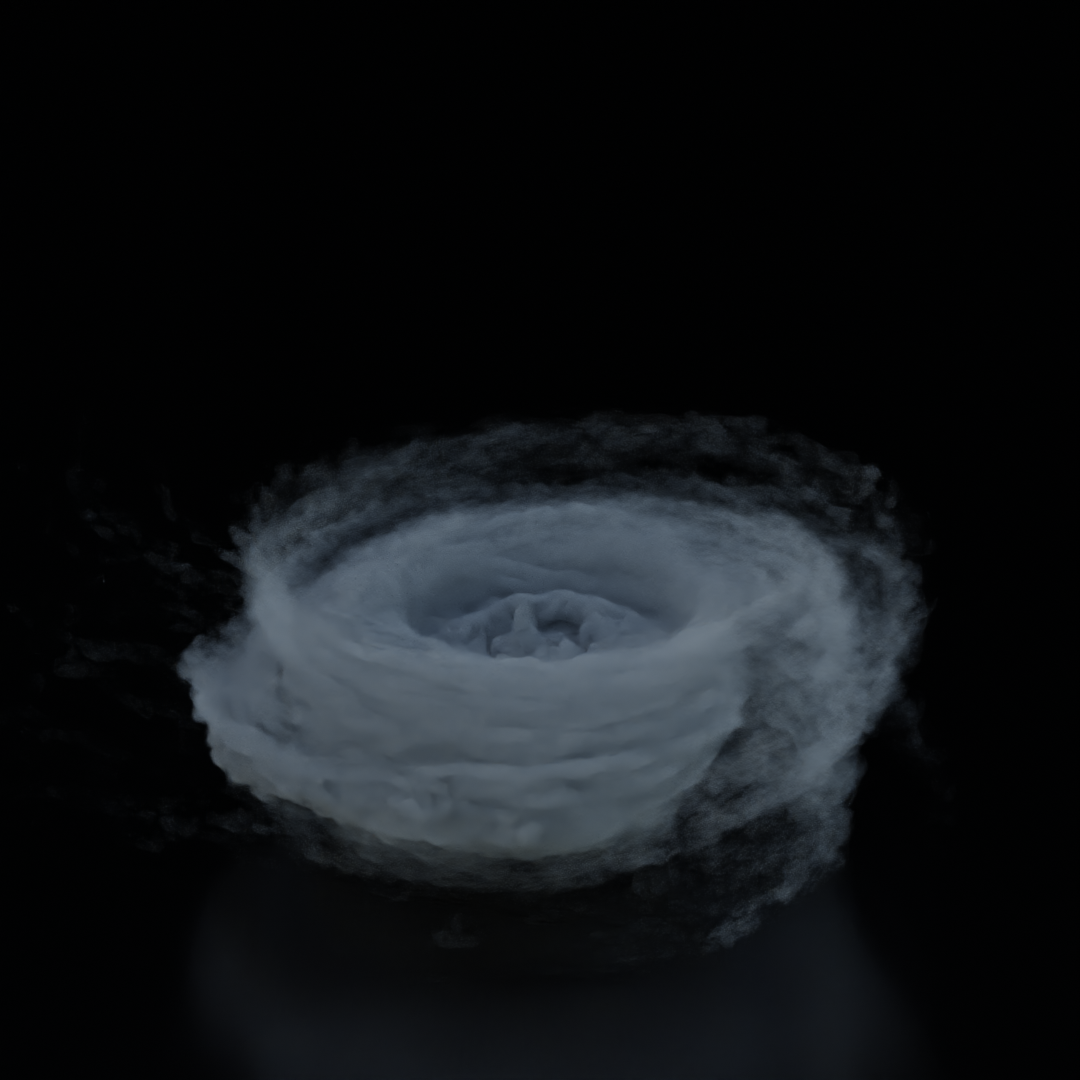
Smoke Shockwave7
Smokes
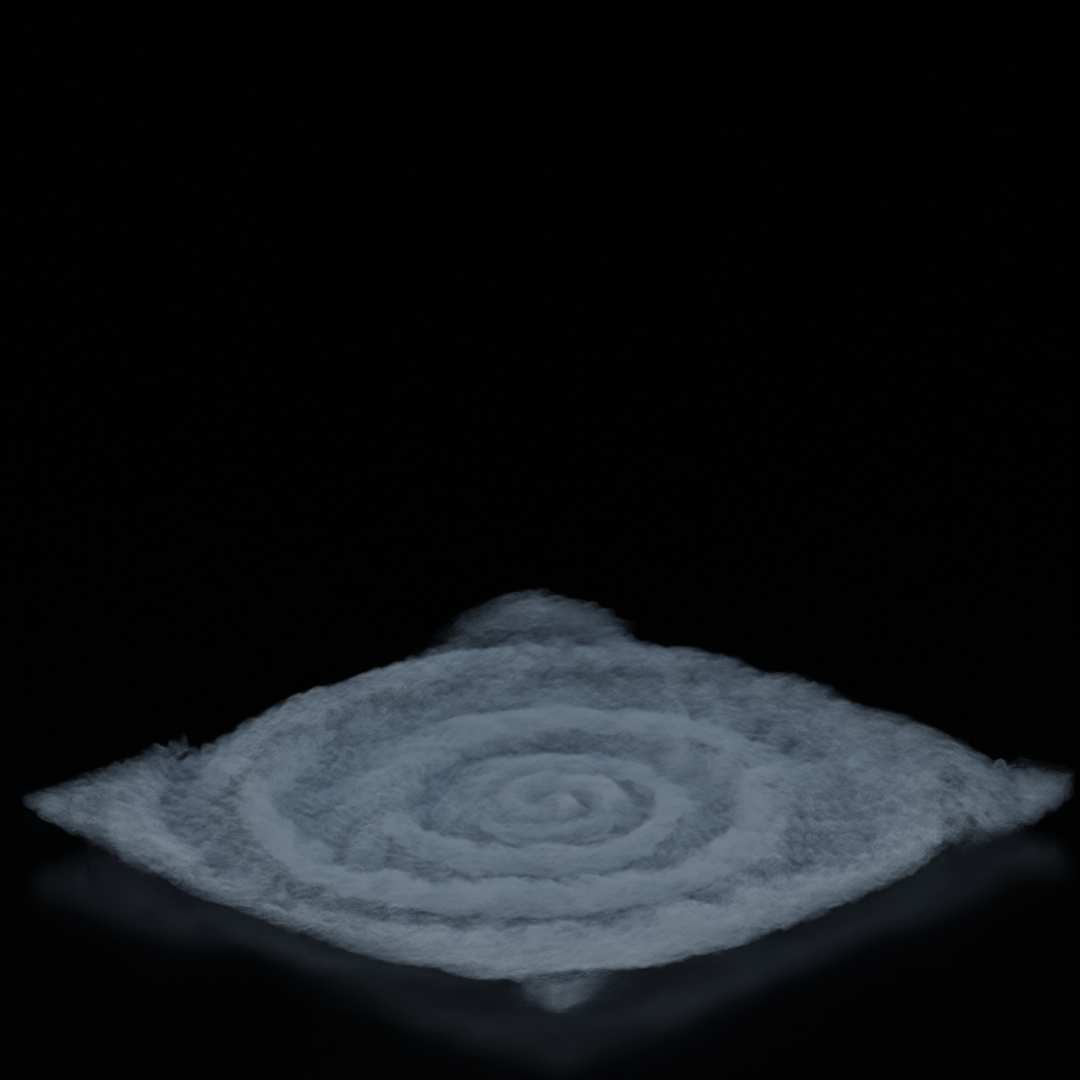
Smoke Shockwave8
Smokes
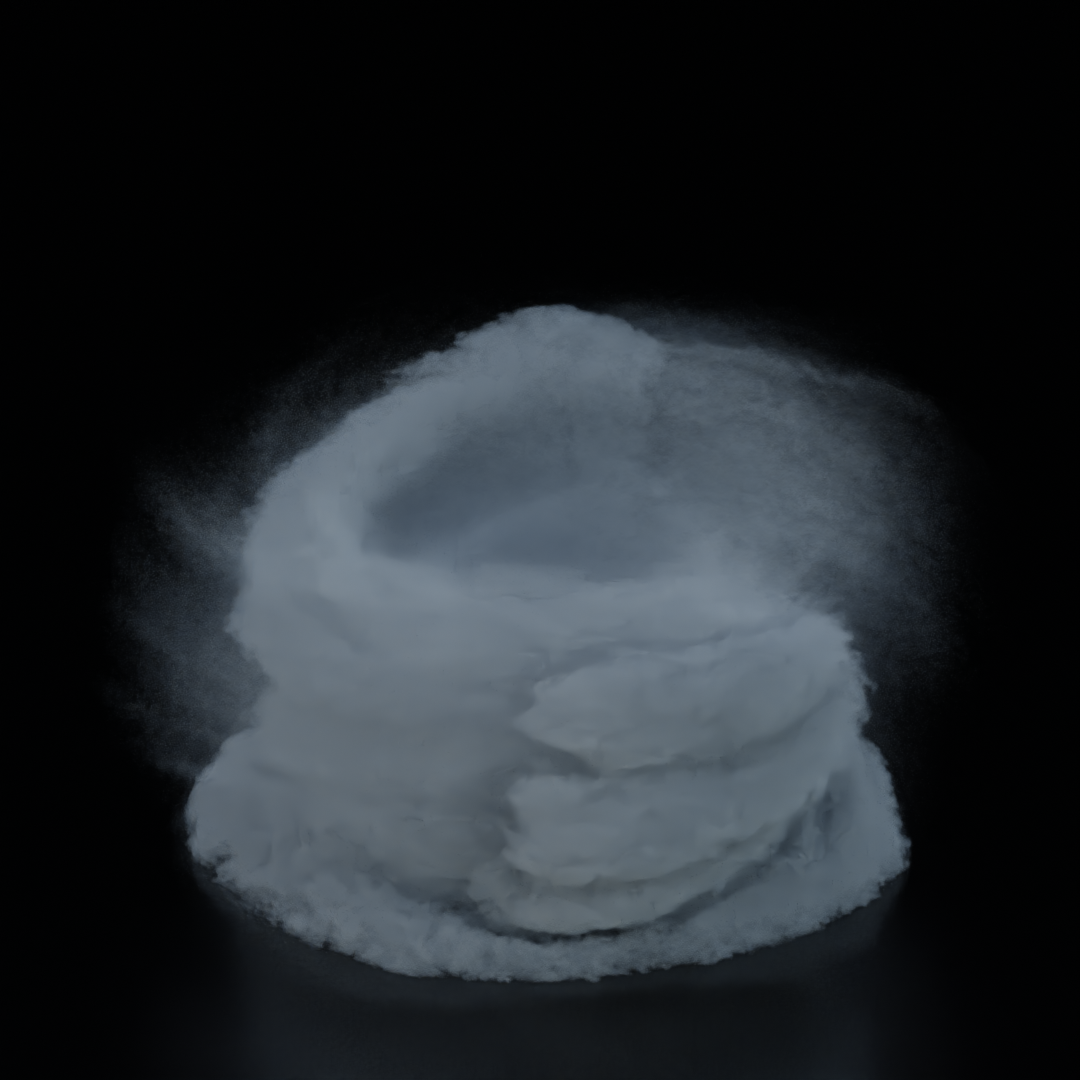
Smoke Shockwave9
Smokes
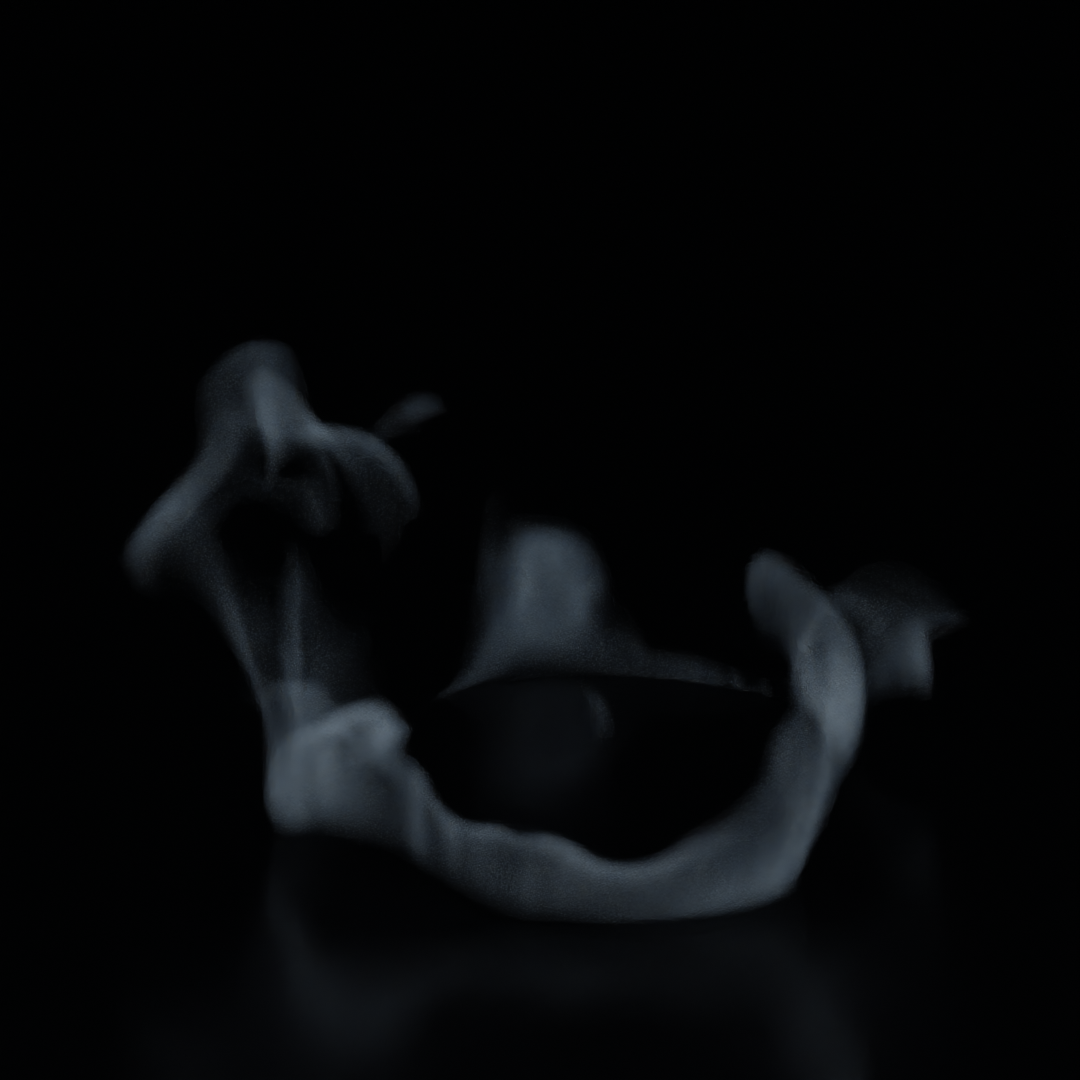
Smoke Splash1
Smokes
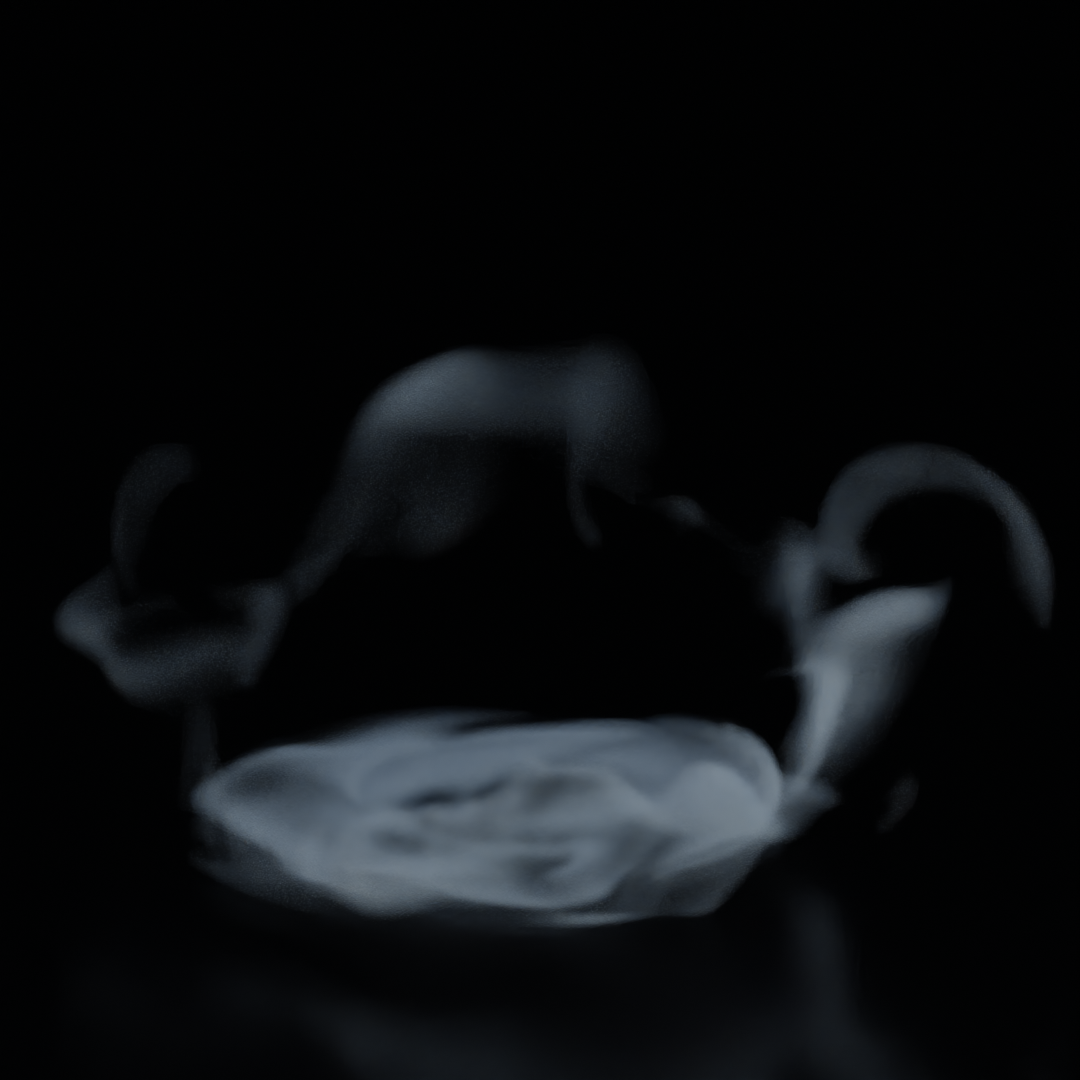
Smoke Splash2
Smokes
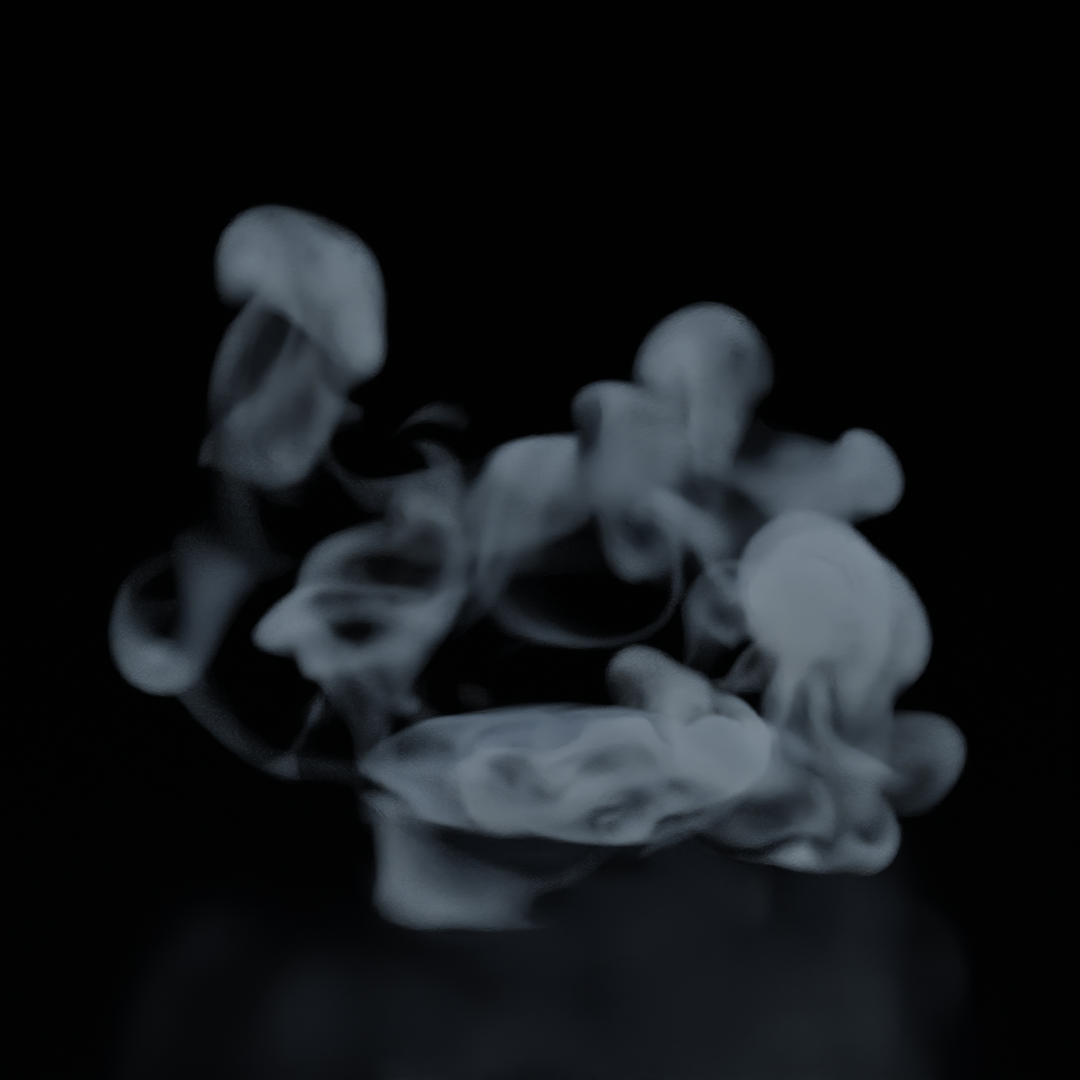
Smoke Splash2 Dense
Smokes
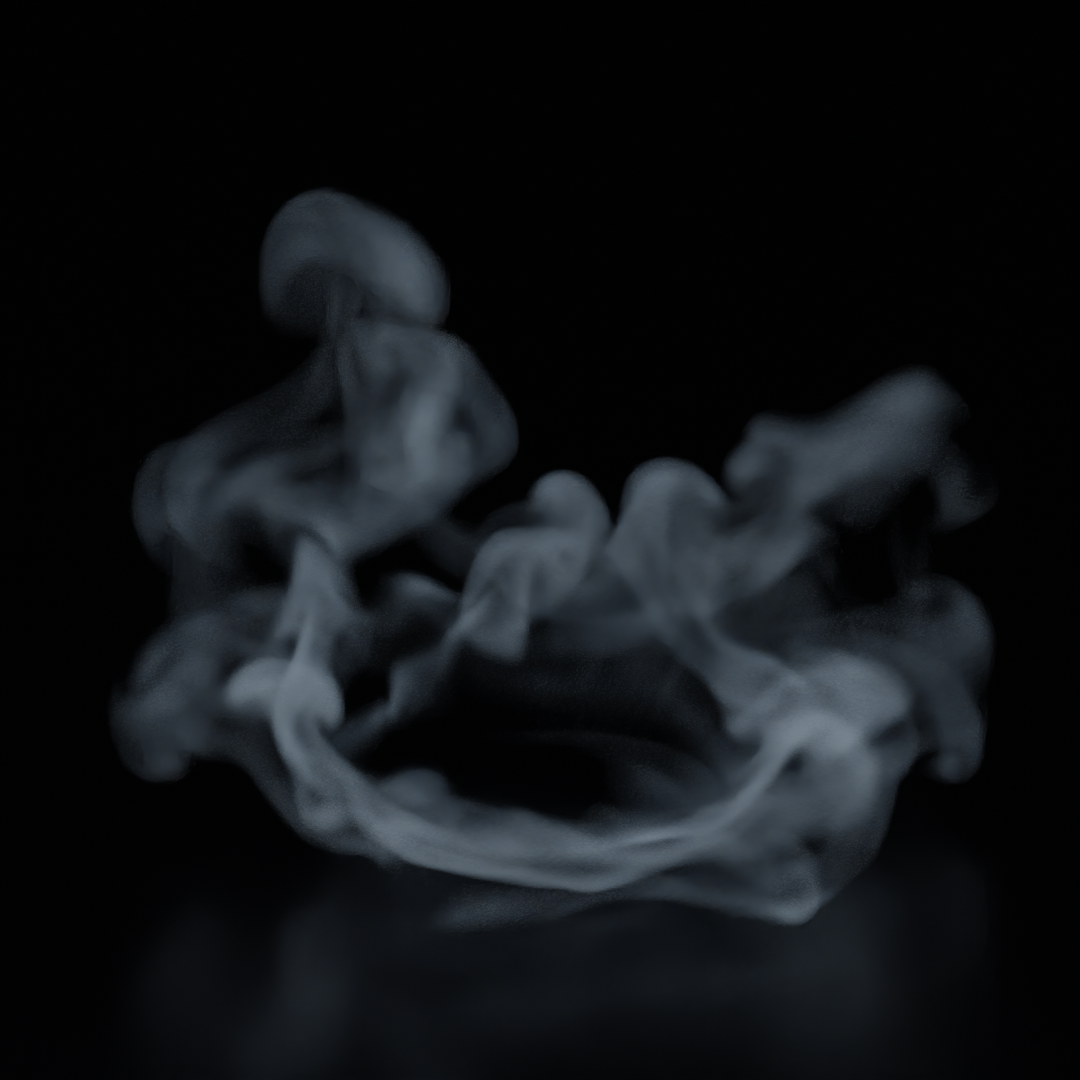
Smoke Splash3
Smokes
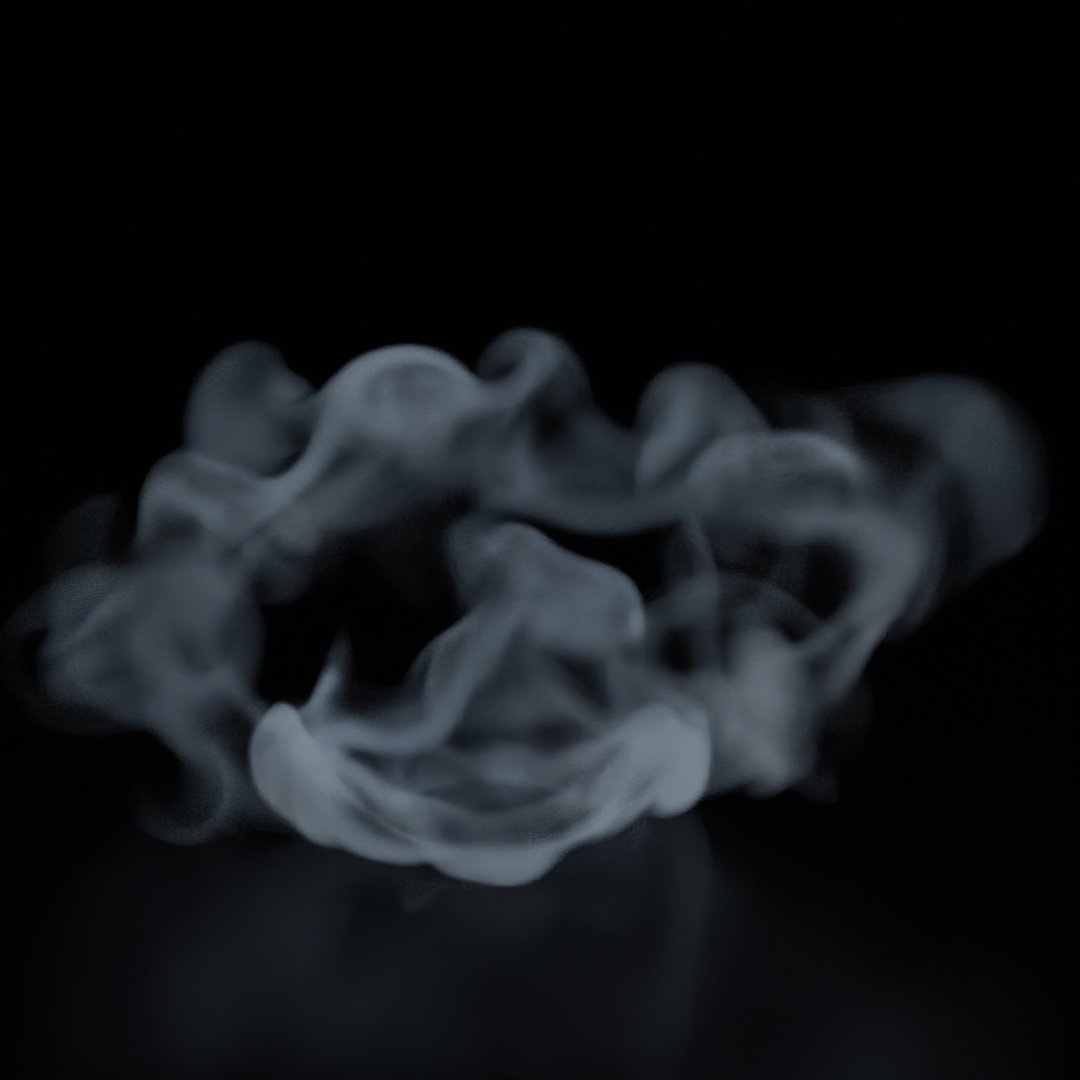
Smoke Splash4
Smokes
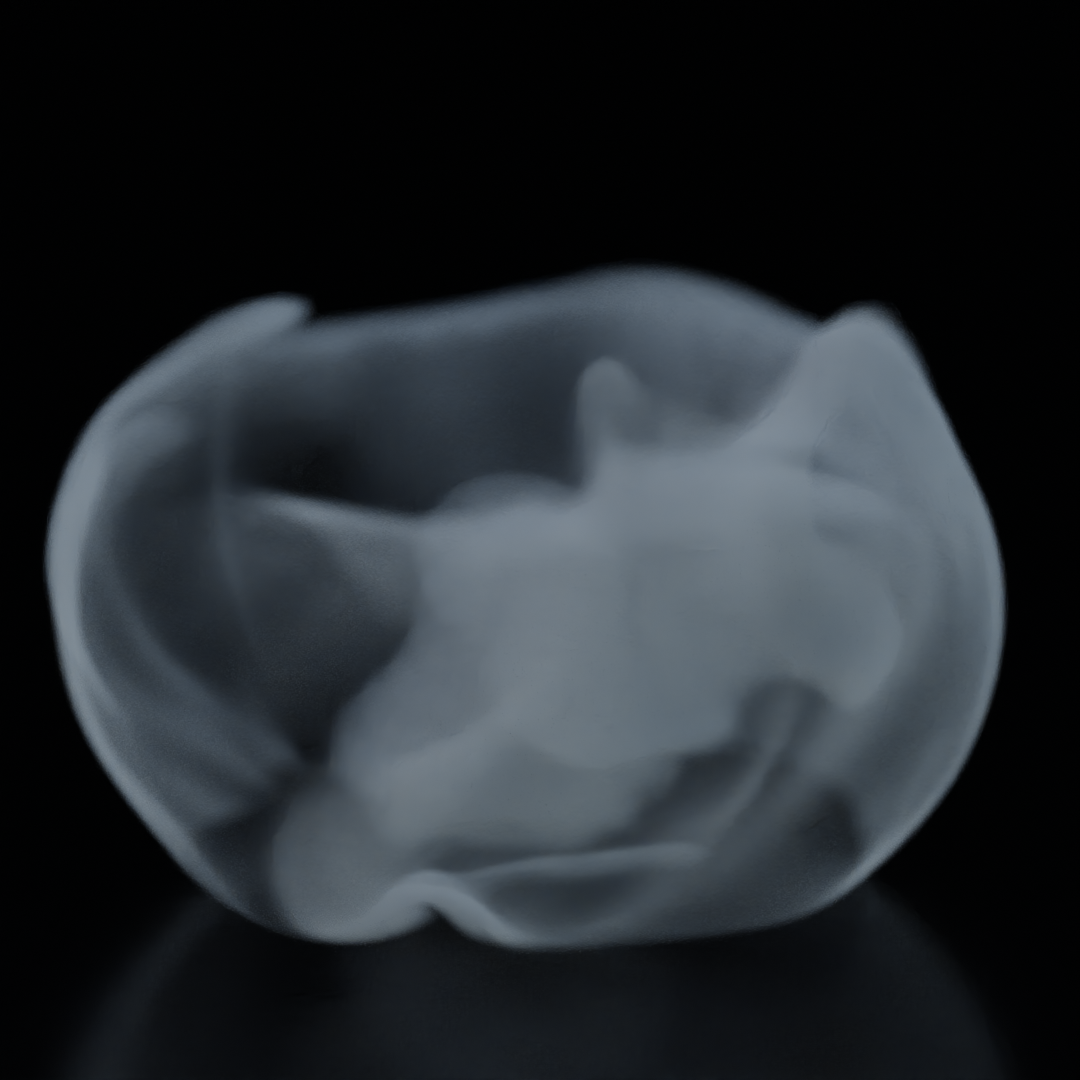
Smoke Splash5
Smokes
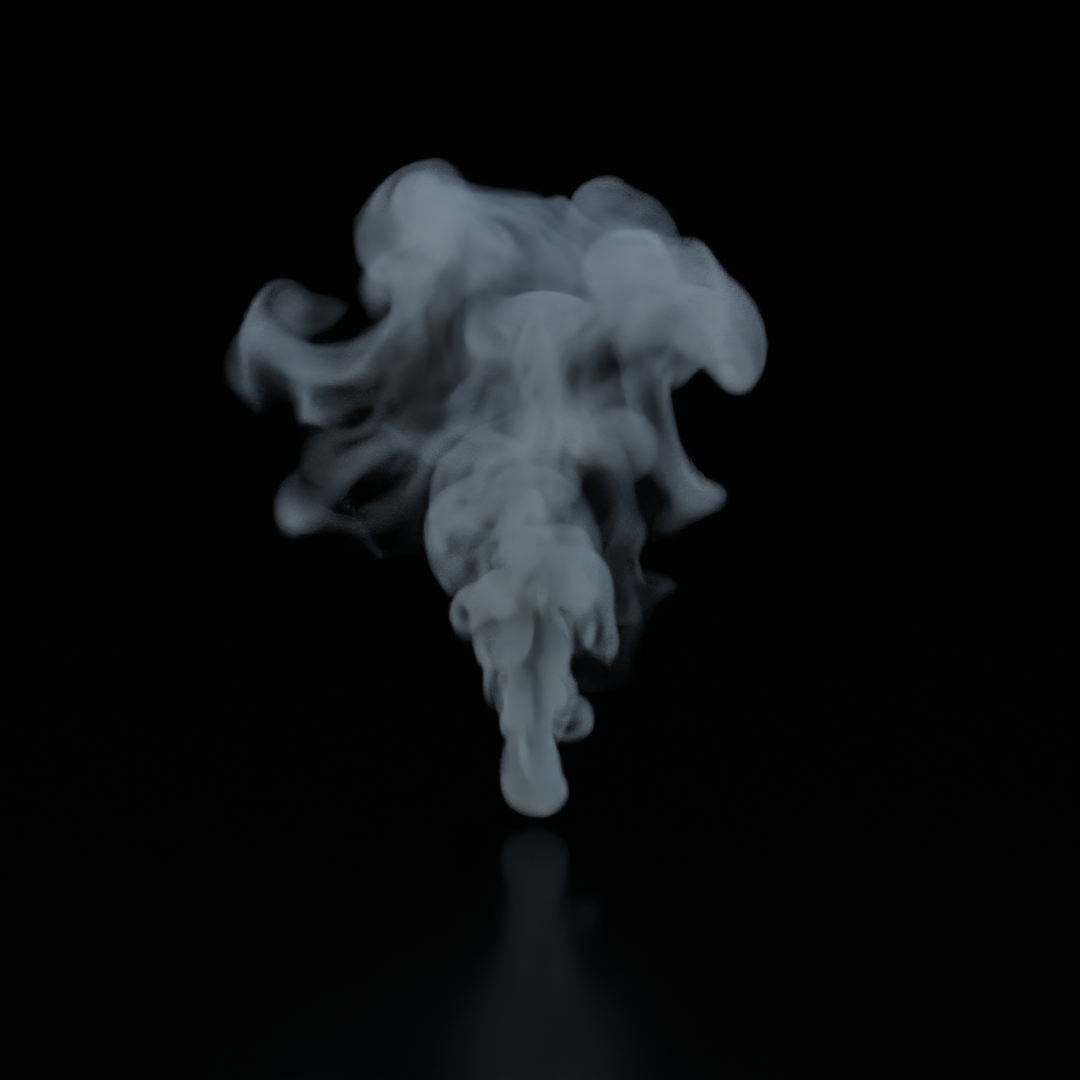
Smoke Splash6
Smokes
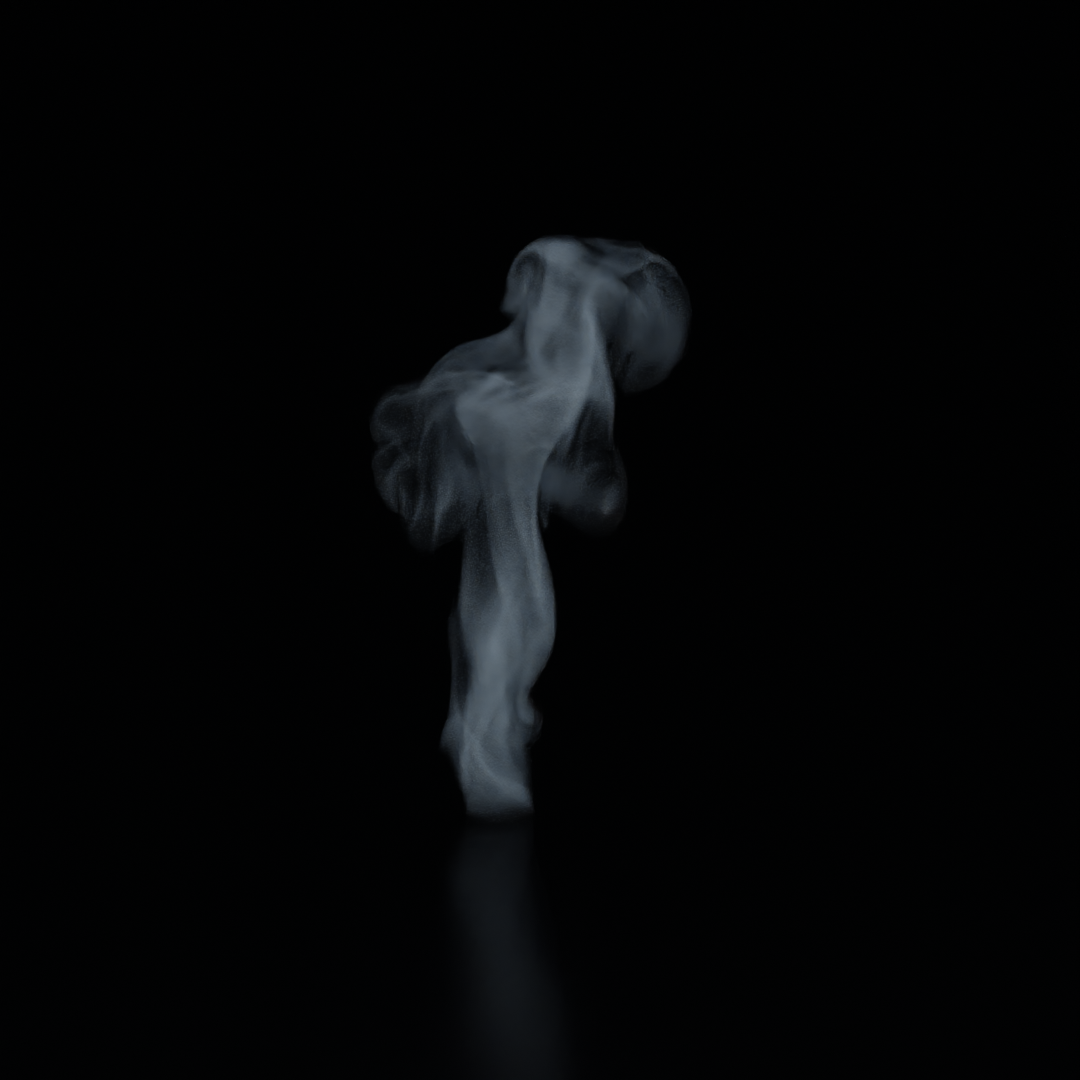
Smoke Whisp1
Smokes
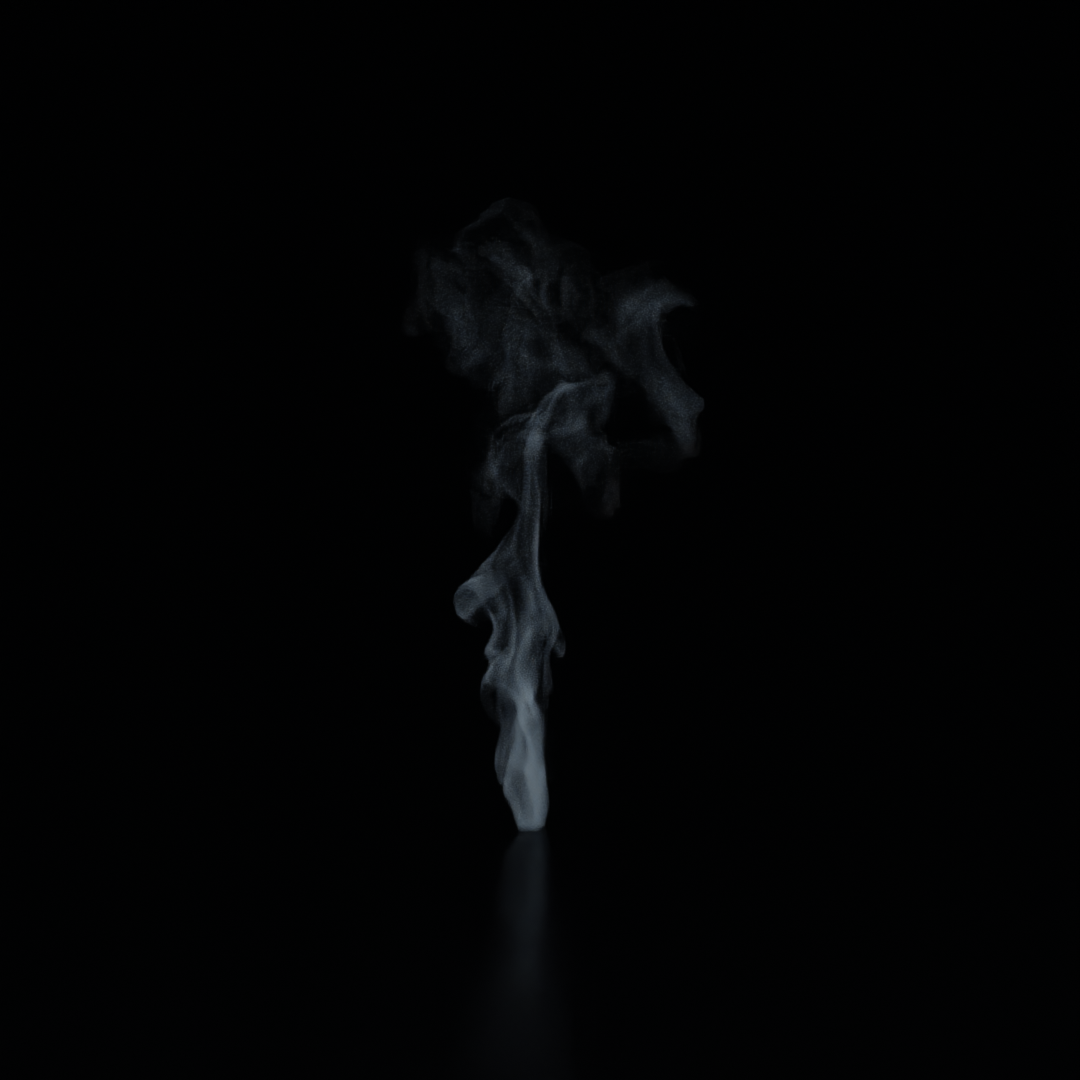
Smoke Whisp2
Smokes
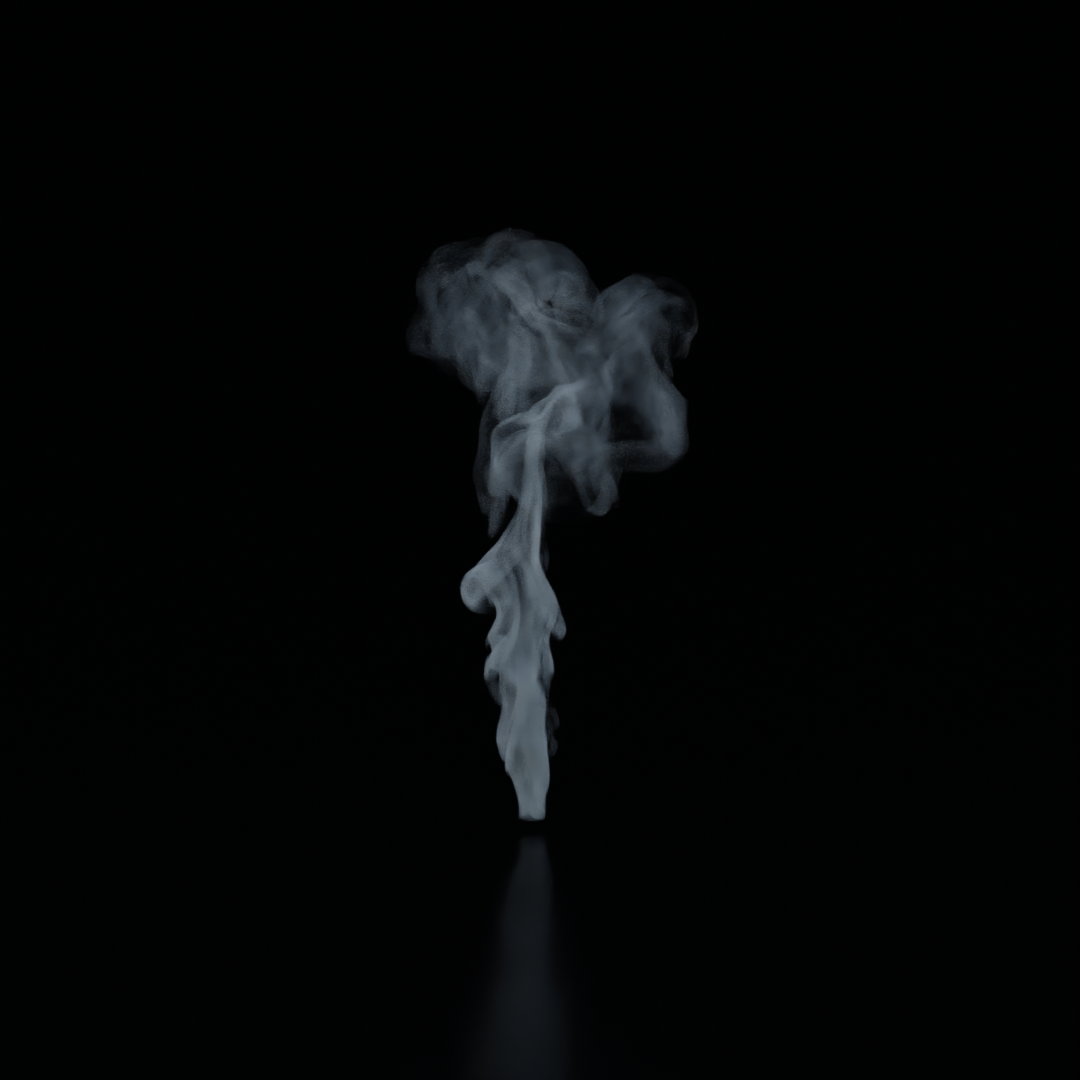
Smoke Whisp2 Dense
Smokes
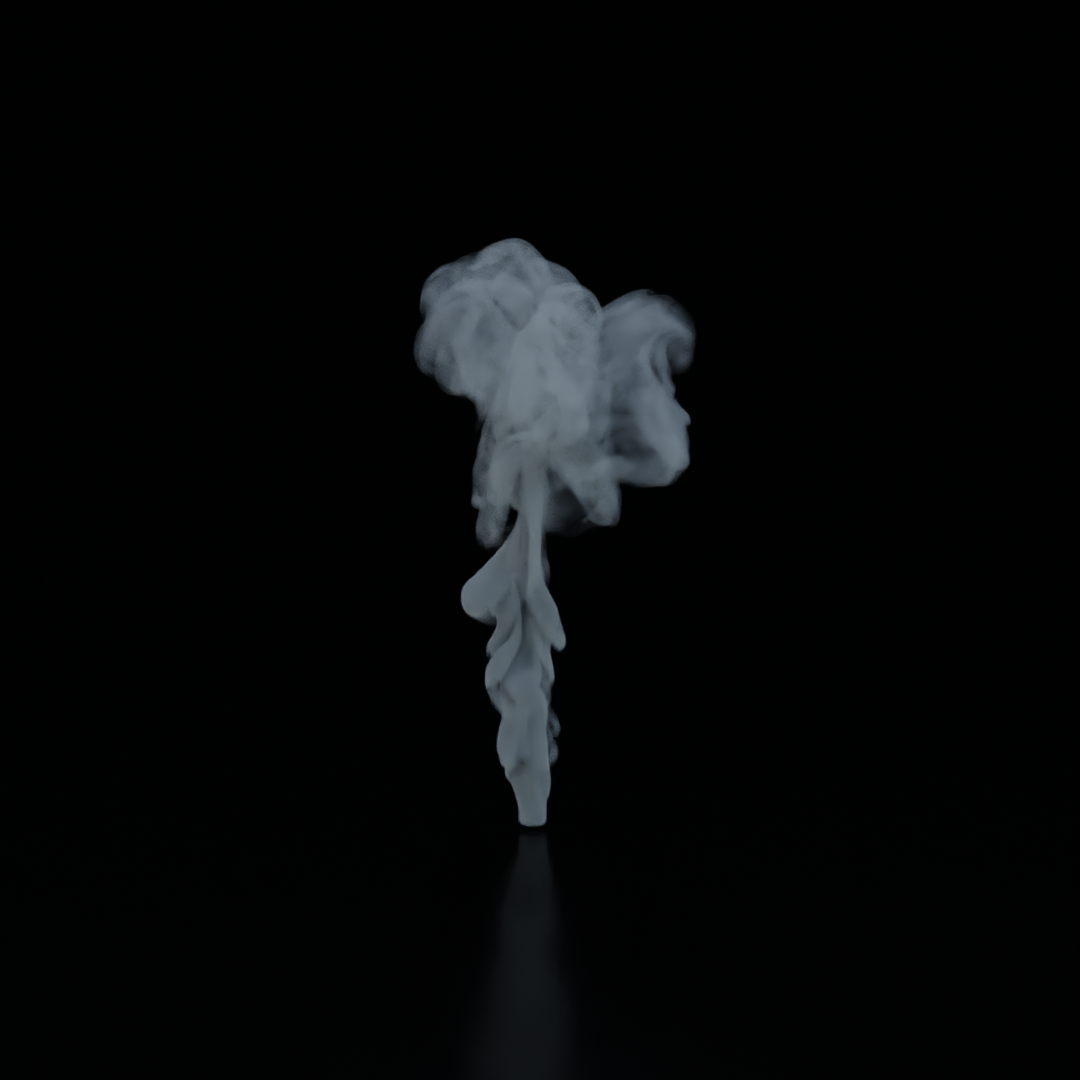
Smoke Whisp2 Denser
Smokes
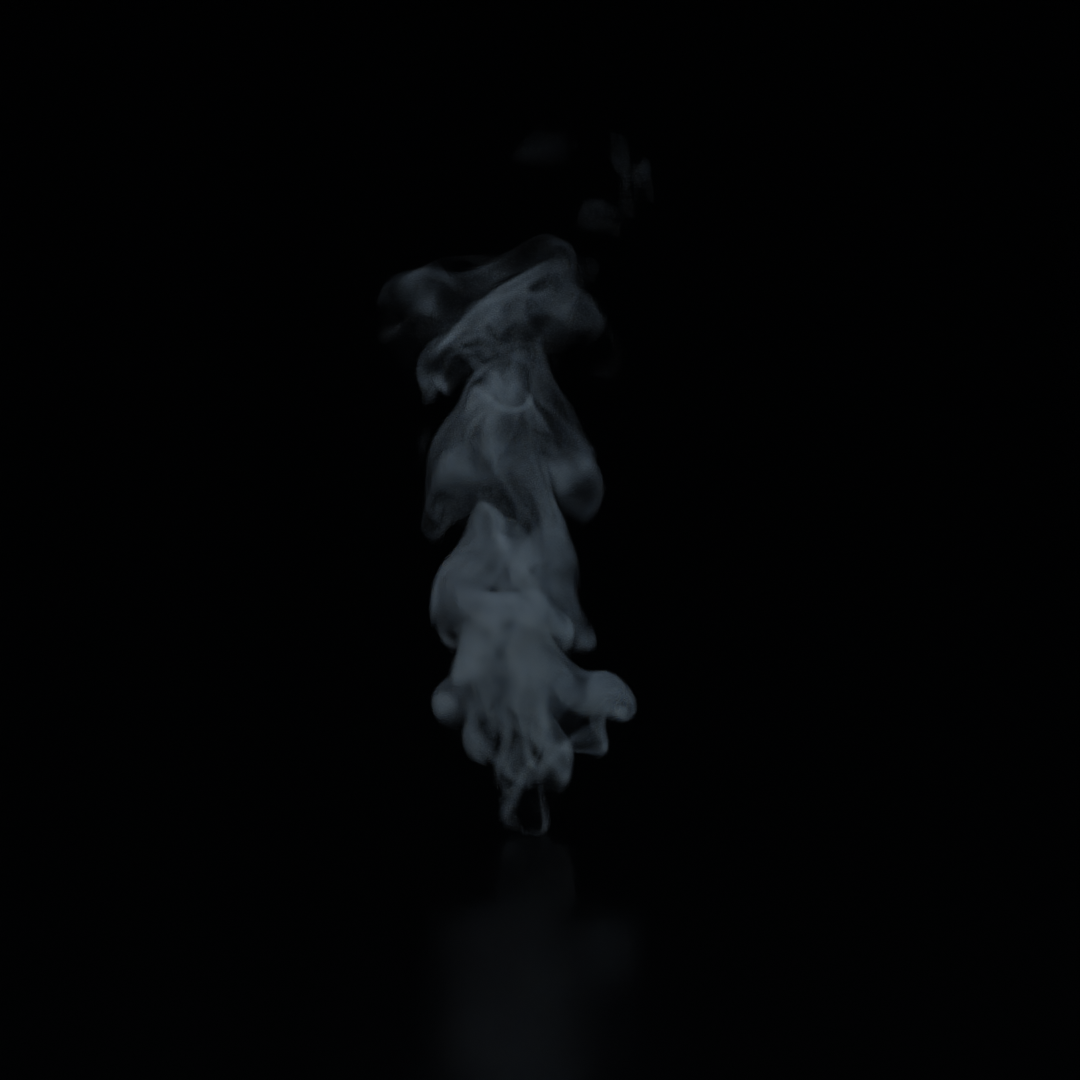
Smoke Whisp3
Smokes

Smoke Worms
Smokes
Smoke.3
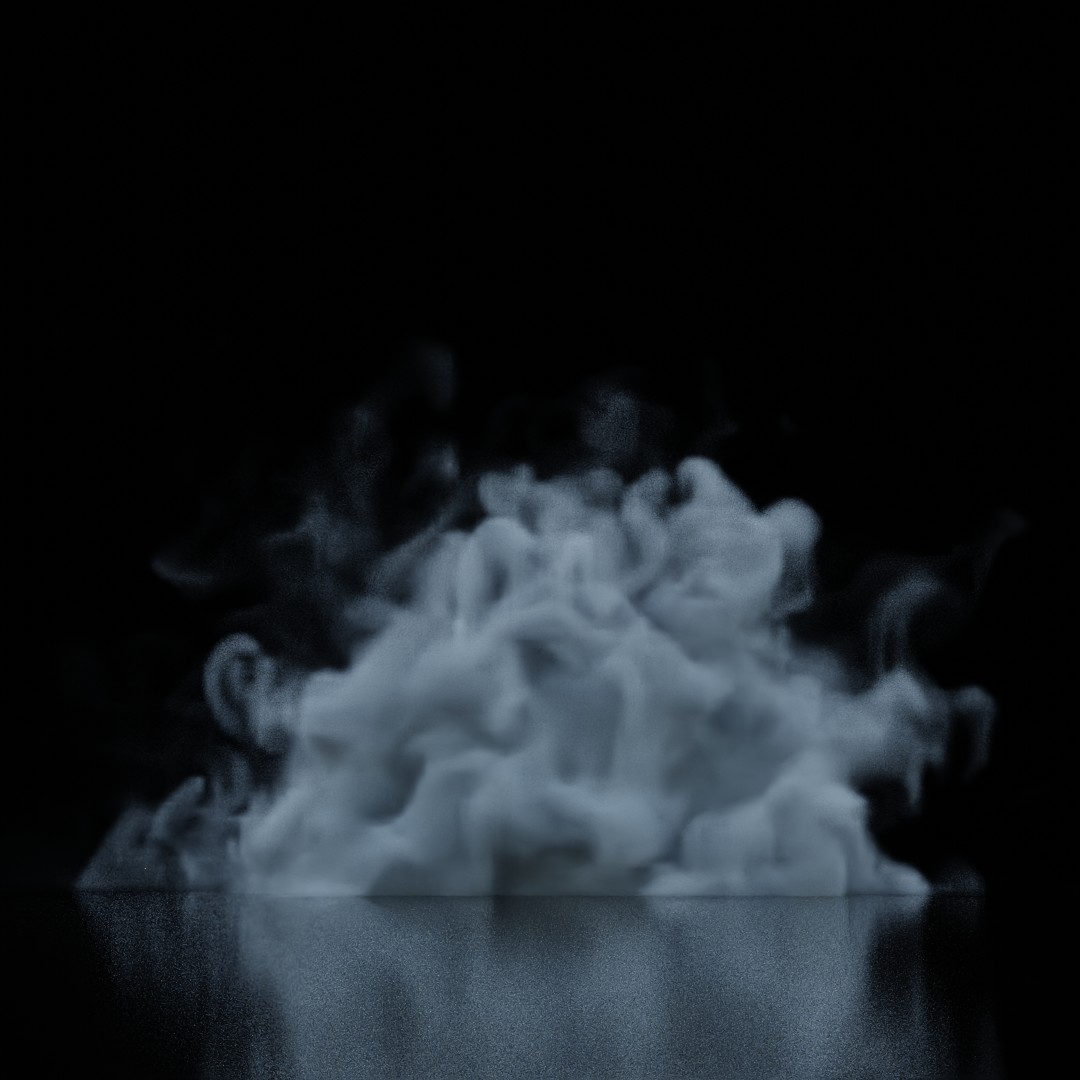
Smoke Worms
Smokes
Smoke.3
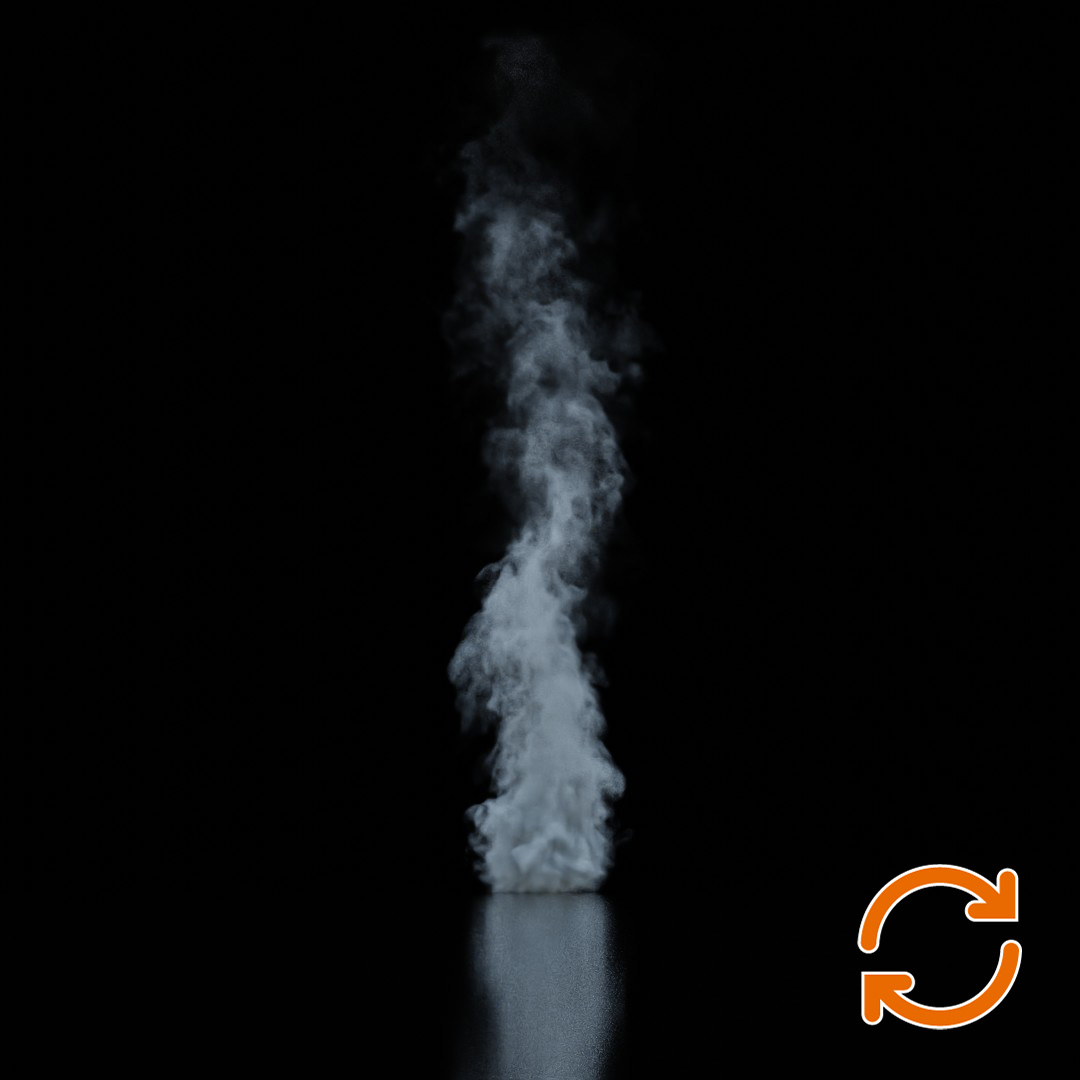
Steady Smoke
Smokes
Smoke.1
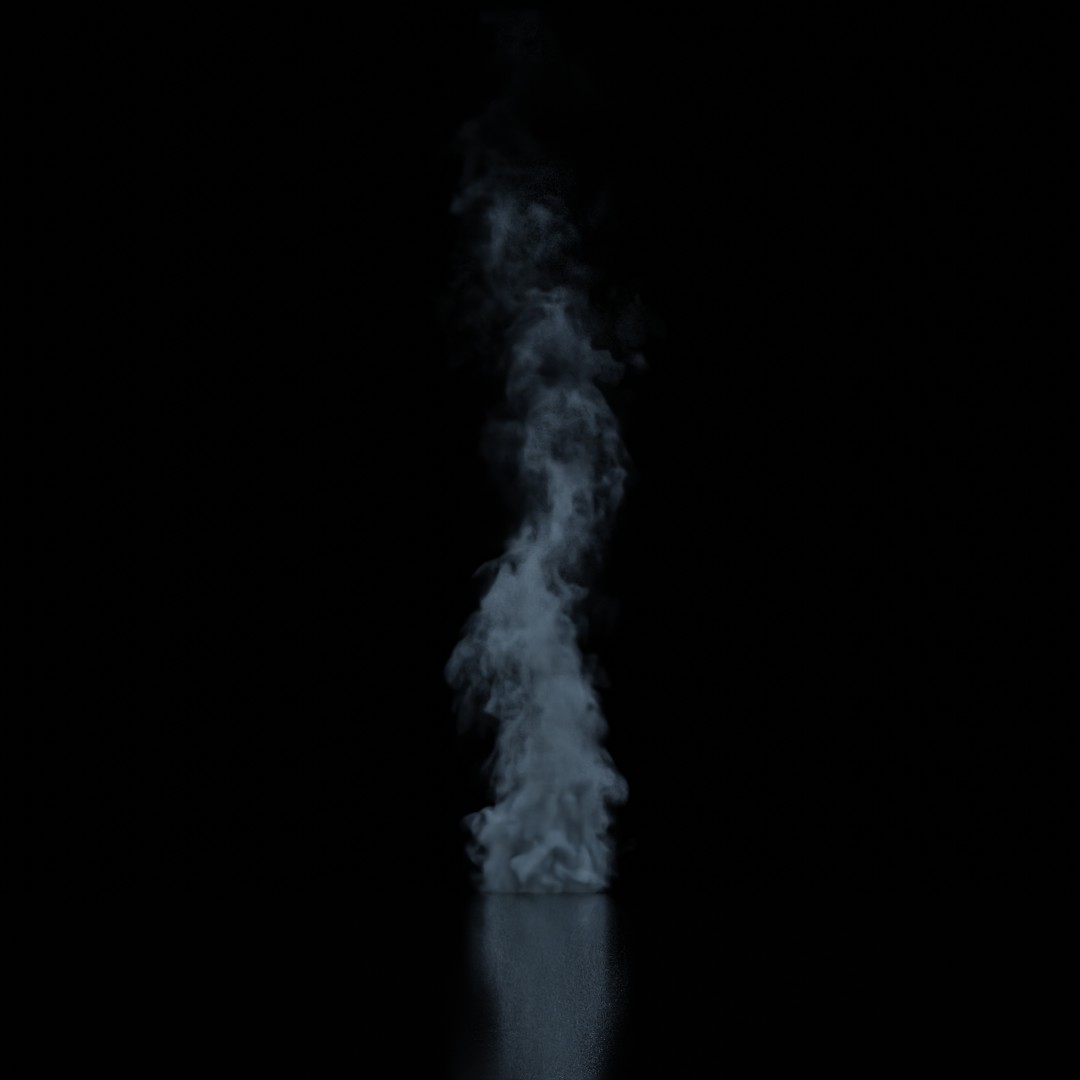
Steady Smoke
Smokes
Smoke.1
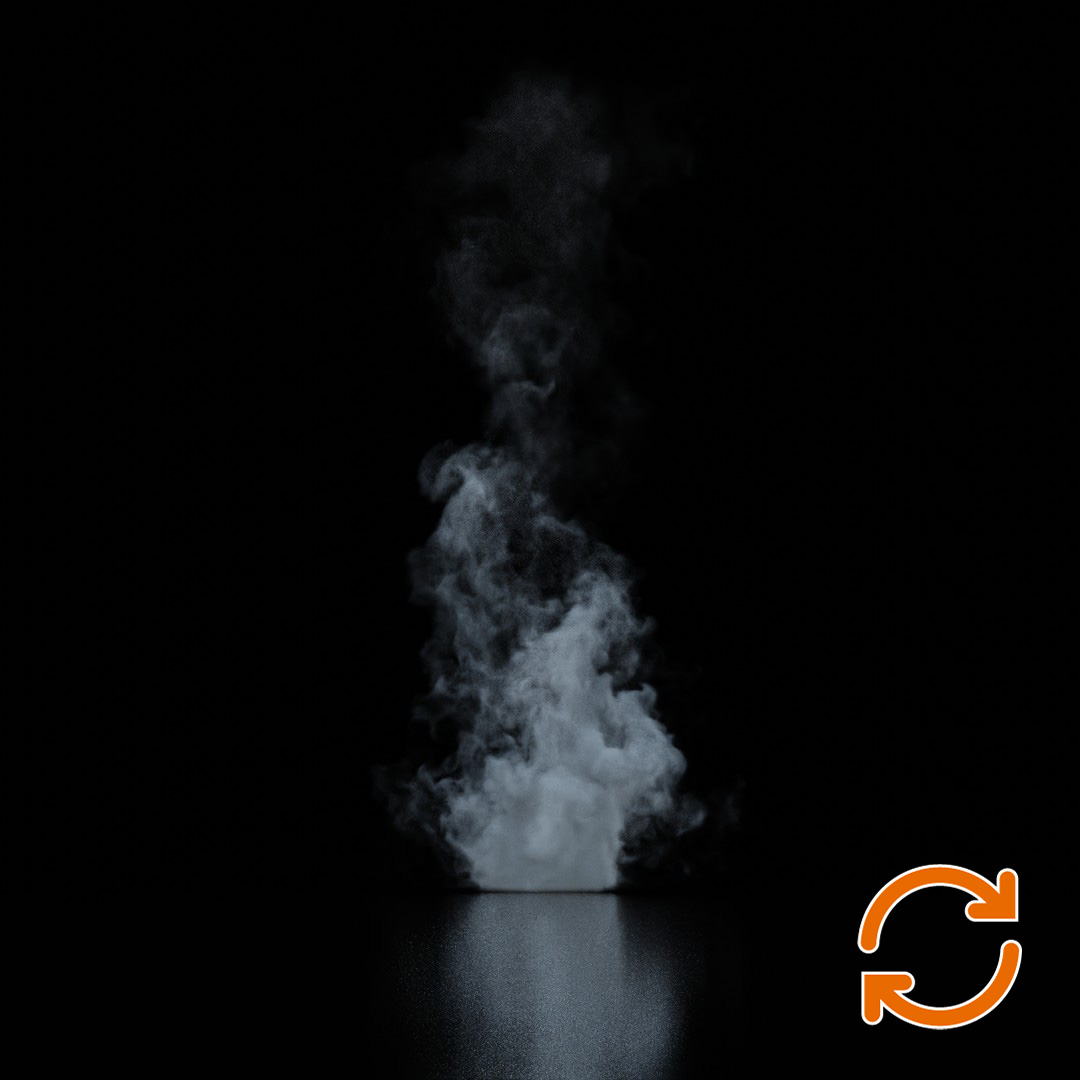
Steady Smoke 2
Smokes
Smoke.1
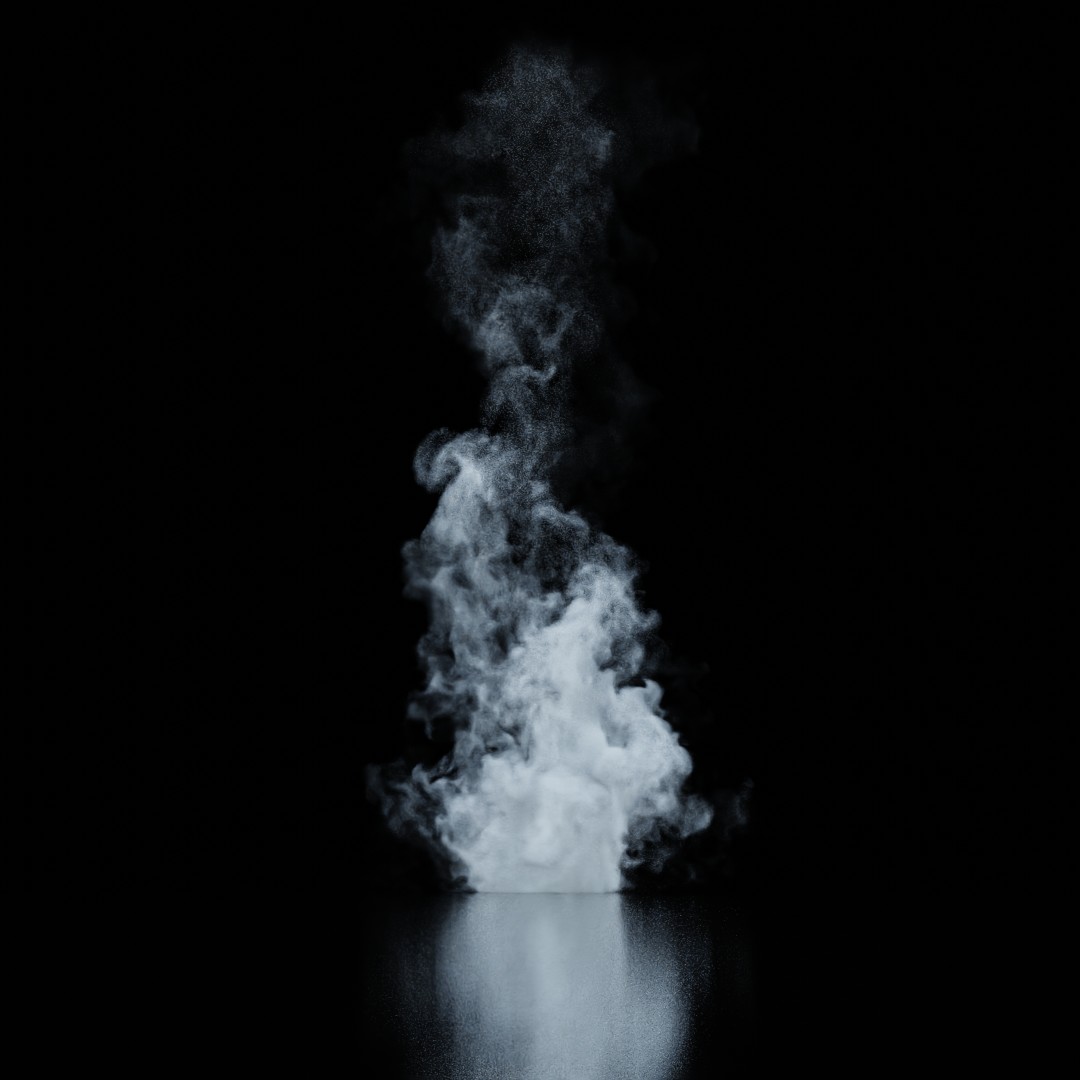
Steady Smoke 2
Smokes
Smoke.1
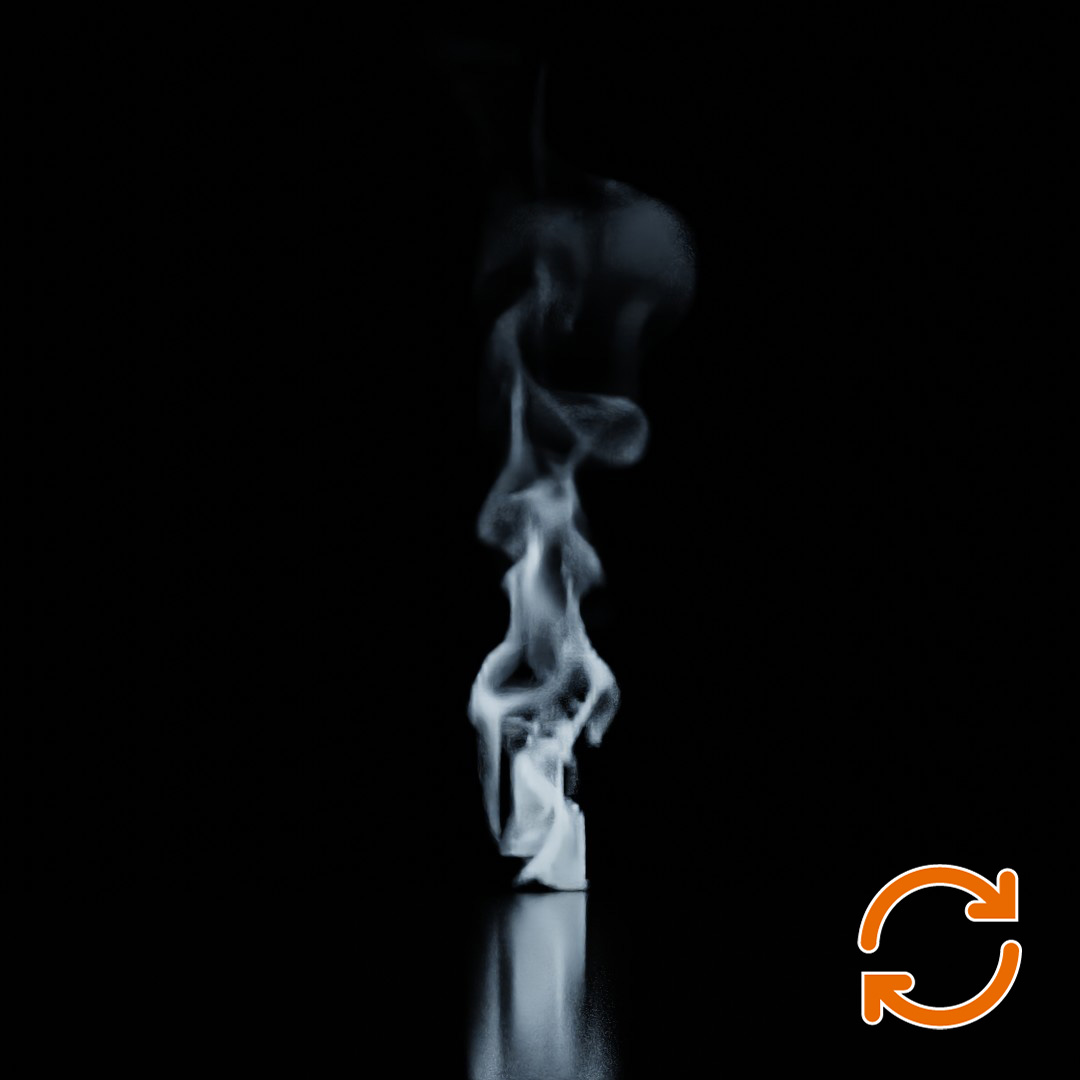
Thin Smoke Rising
Smokes
Smoke.2
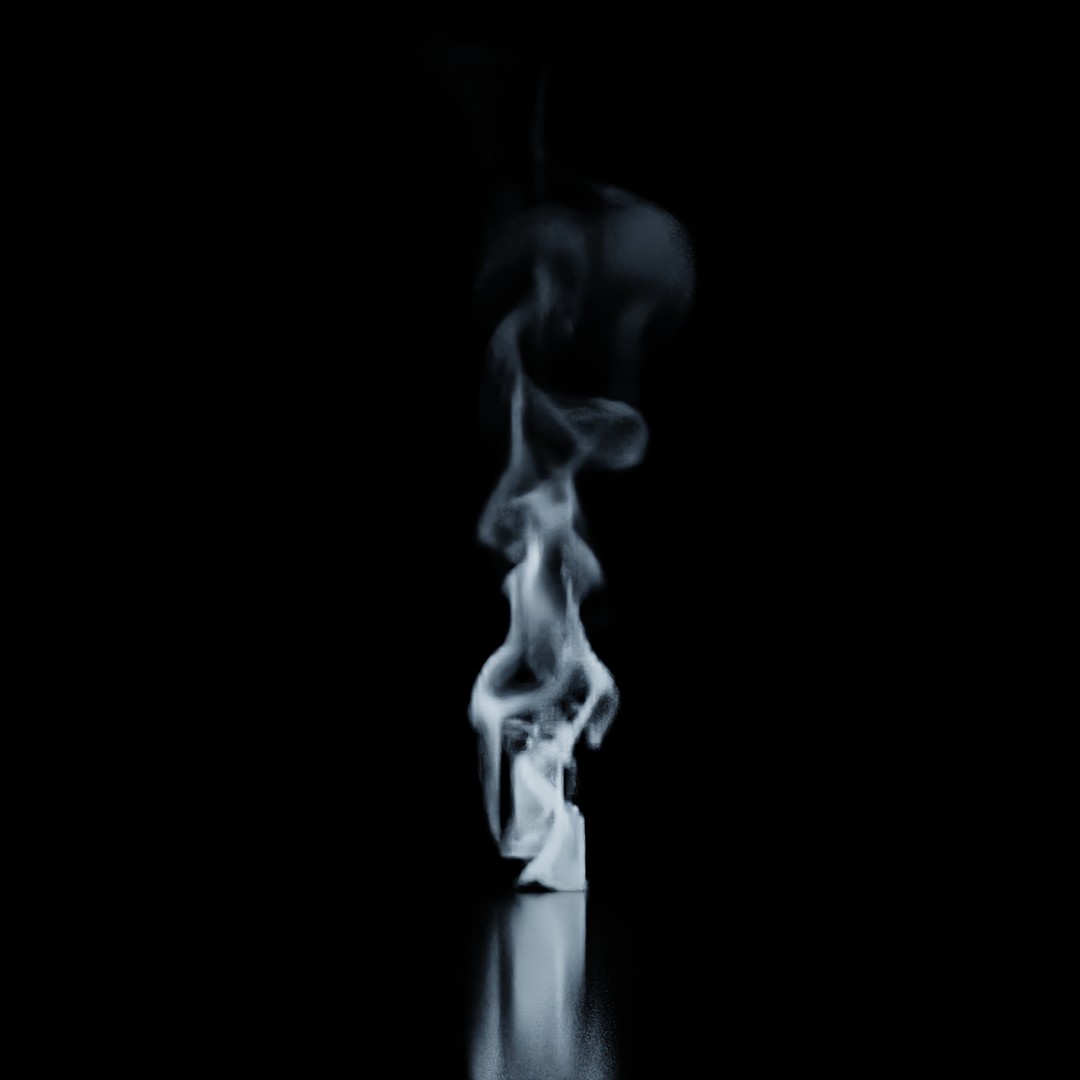
Thin Smoke Rising
Smokes
Smoke.2
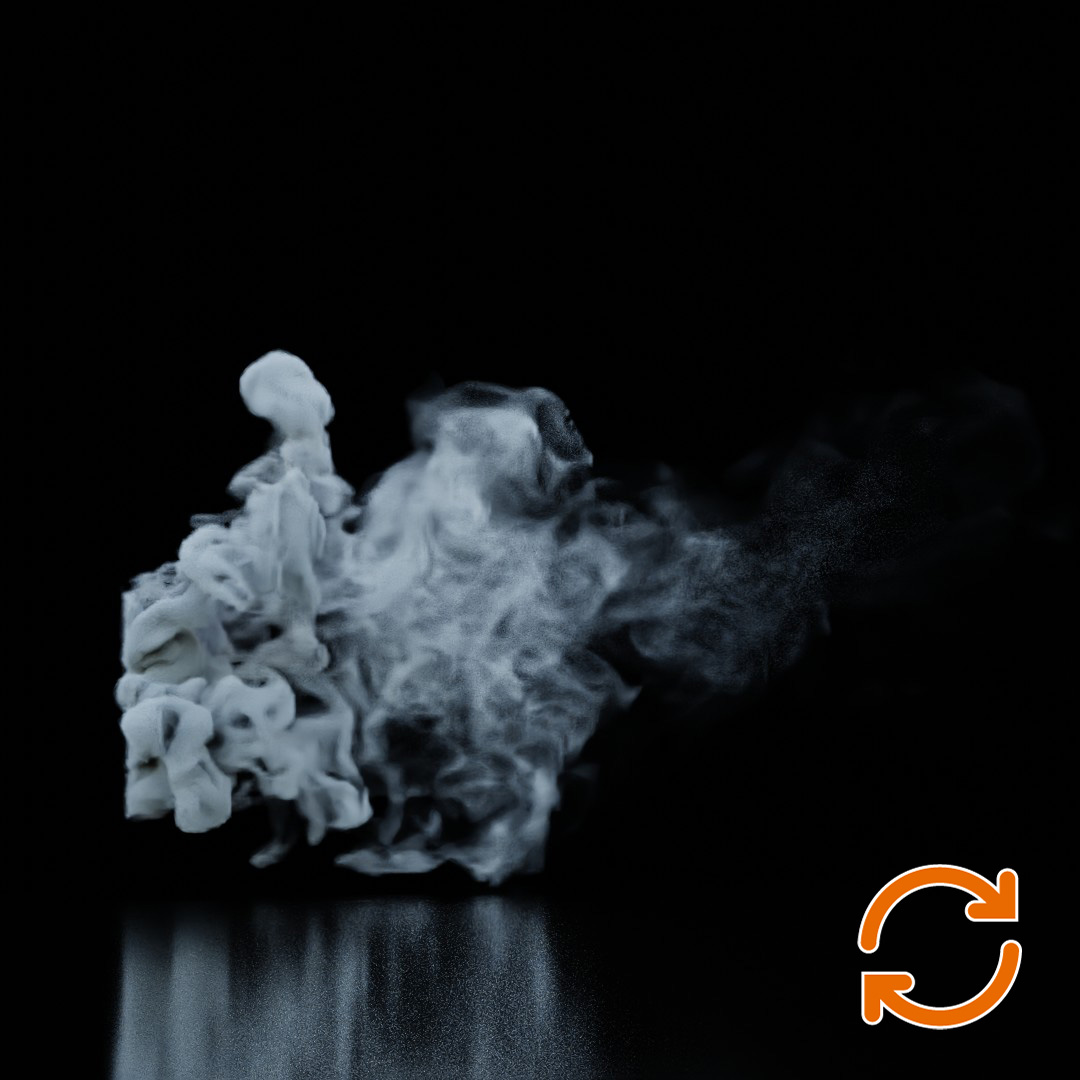
Traveling Whispy Smoke
Smokes
Smoke.2

Traveling Whispy Smoke
Smokes
Smoke.2
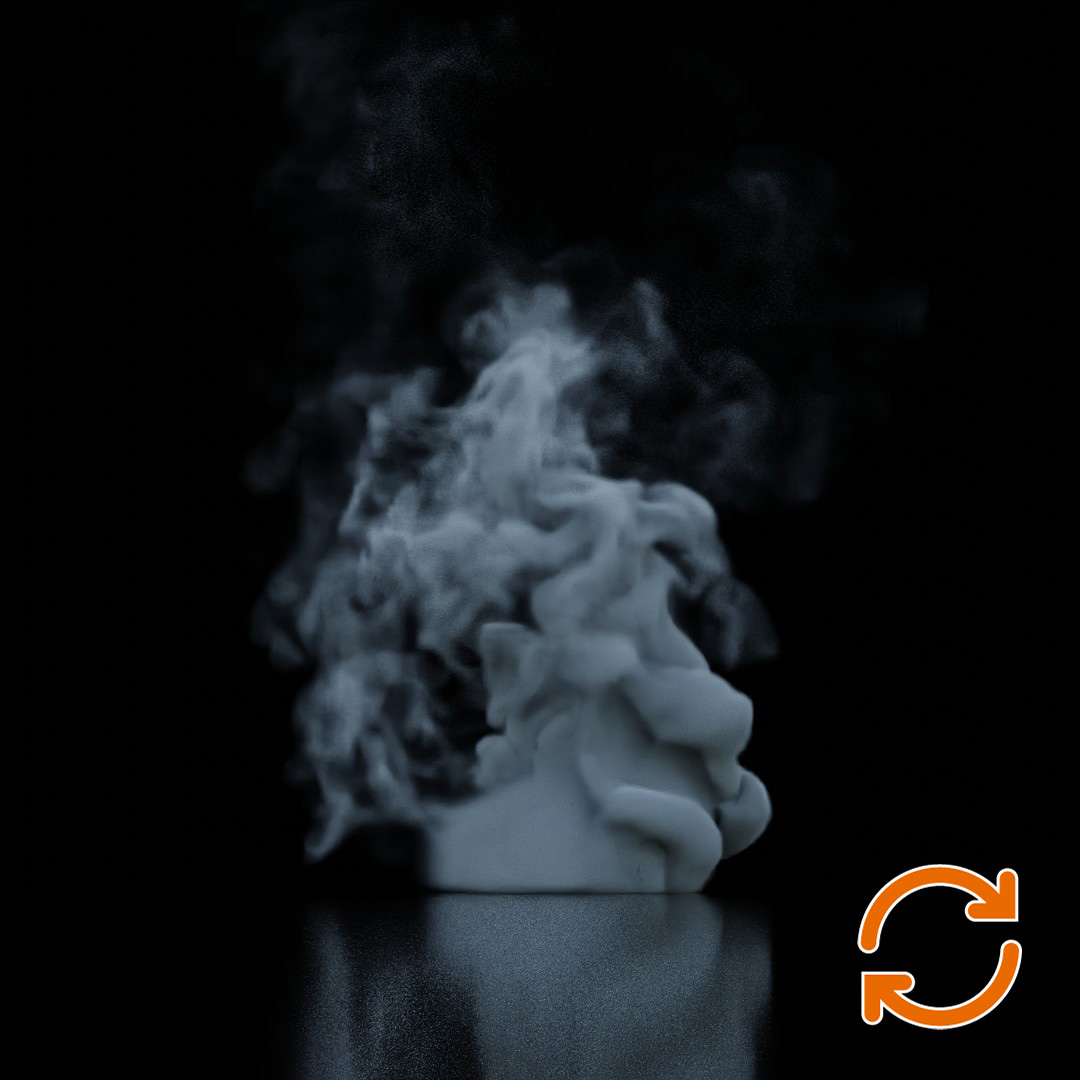
Turbulent Smoke
Smokes
Smoke.2
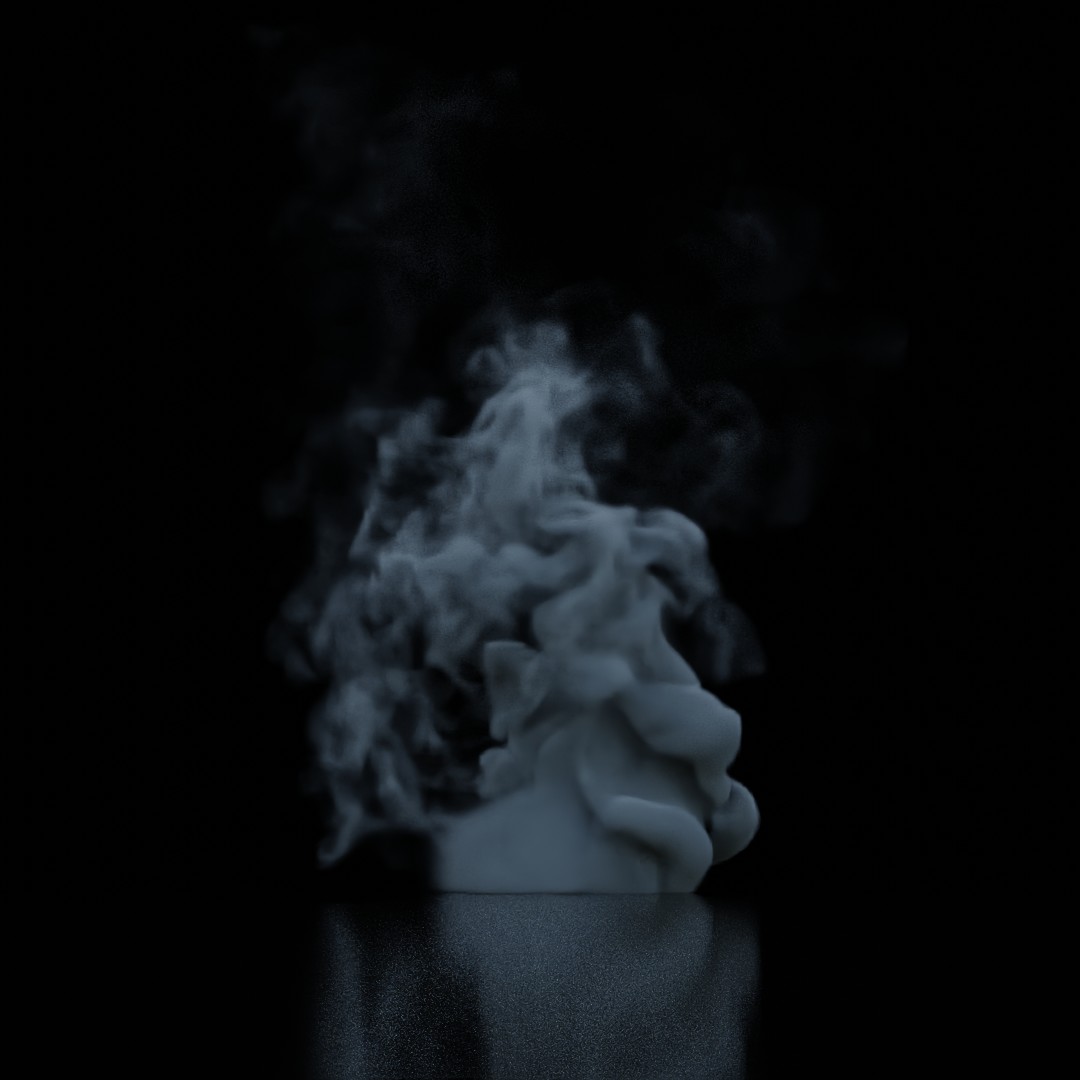
Turbulent Smoke
Smokes
Smoke.2
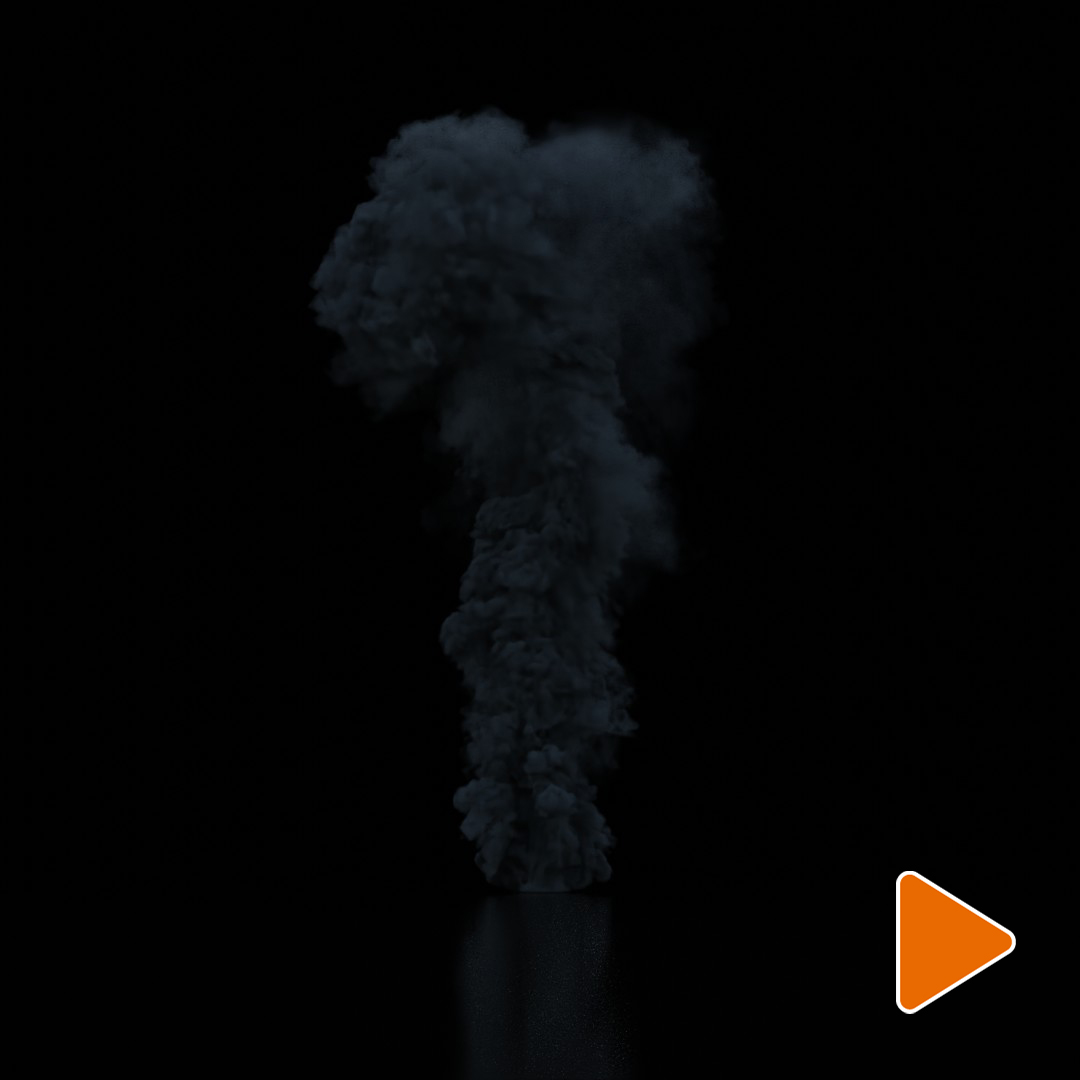
Volcanic Smoke
Smokes
Smoke.3
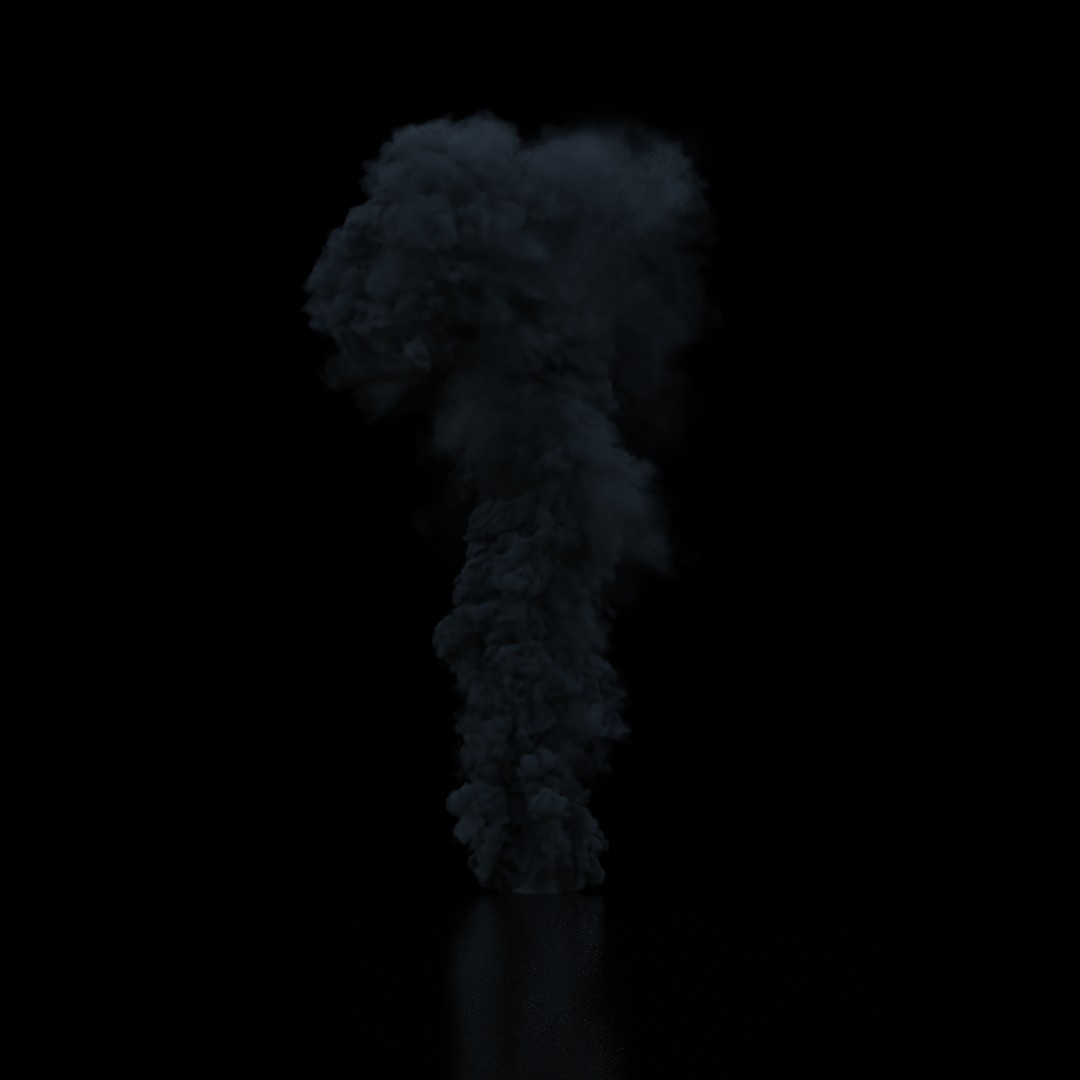
Volcanic Smoke
Smokes
Smoke.3

Candle Fire
Fire
Fire.1
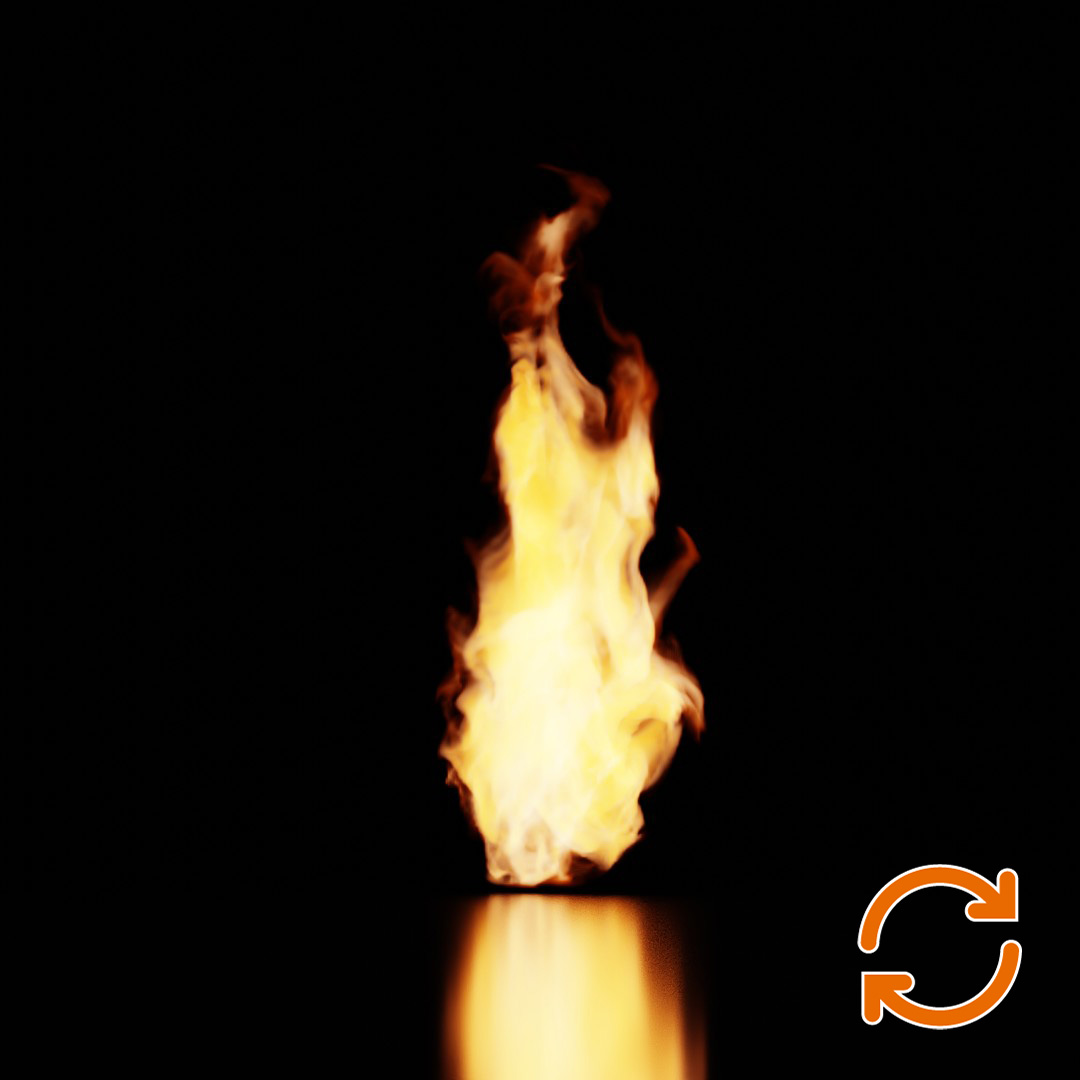
Fire 1
Fire
Fire.1

Fire 2
Fire
Fire.1
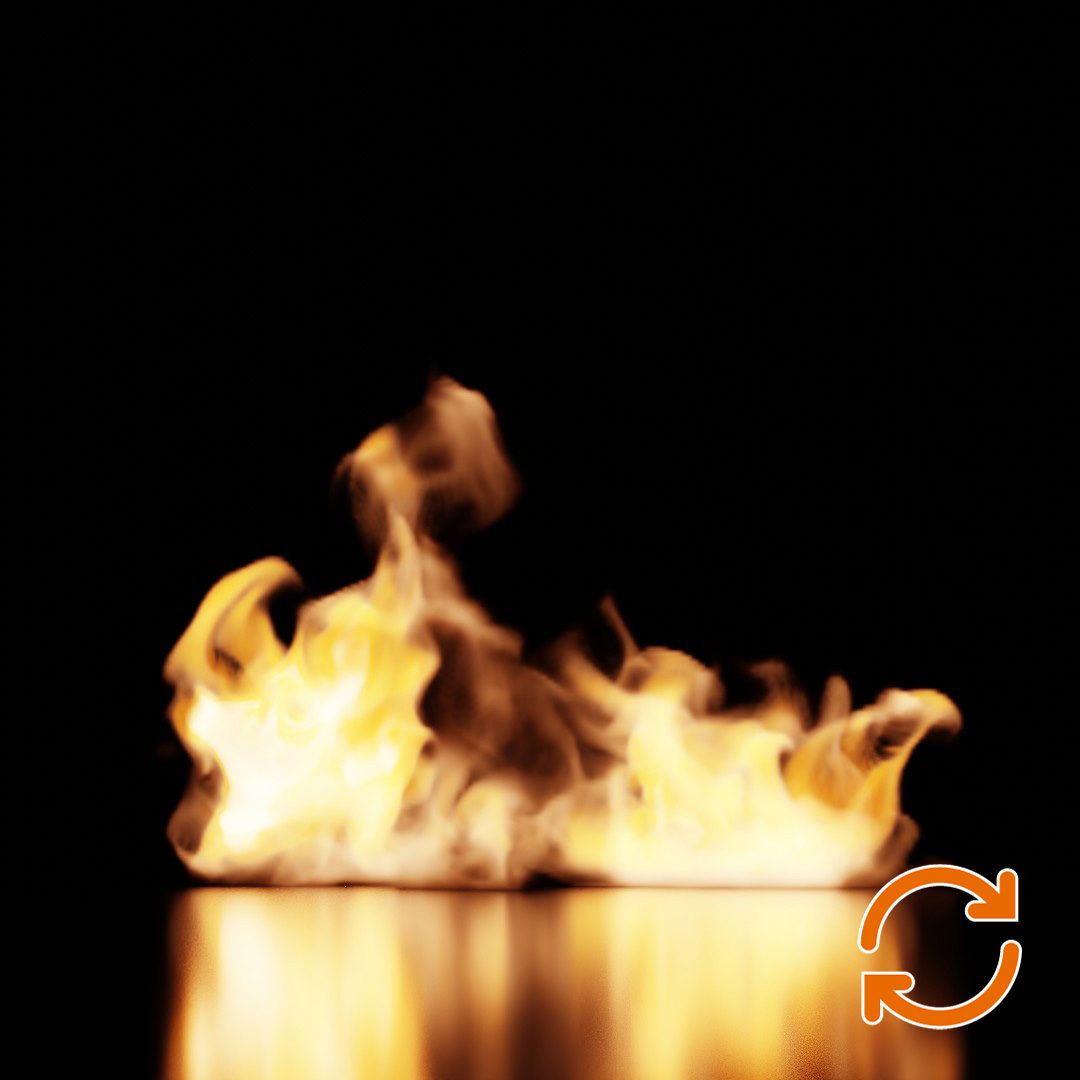
Fire 3
Fire
Fire.1
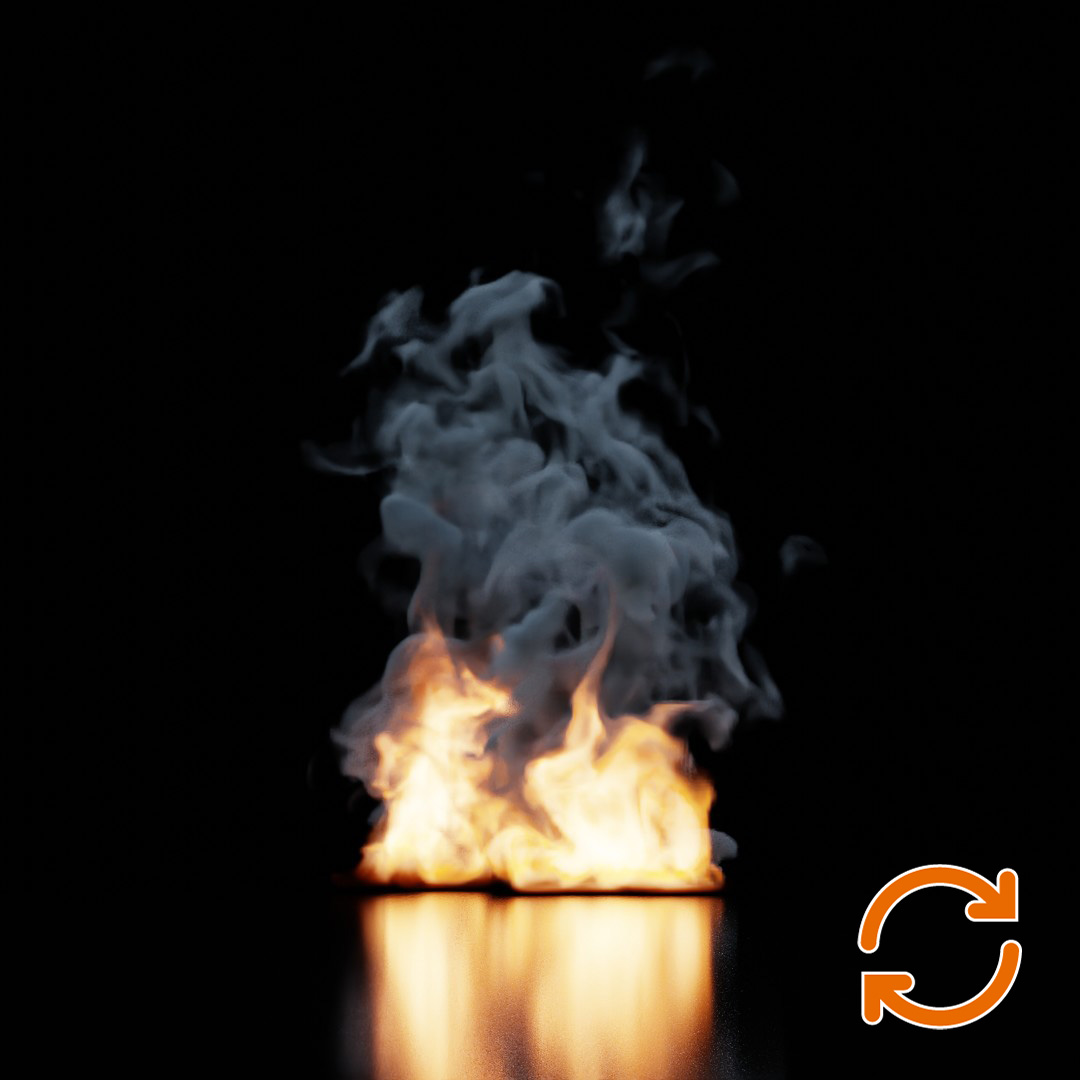
Fire 4
Fire
Fire.1

Fire Spiral
Fire
Fire.1
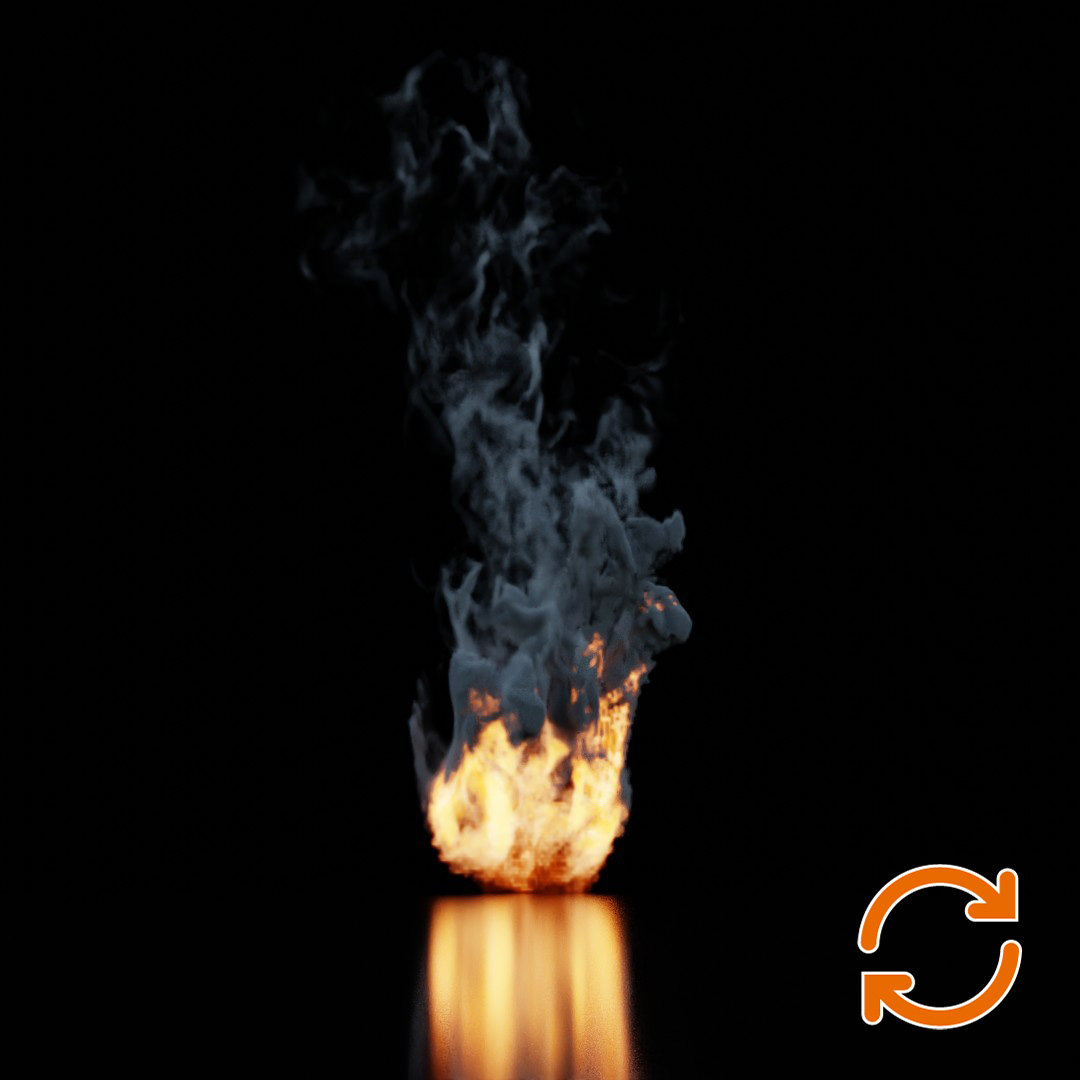
Fire Torch
Fire
Fire.1
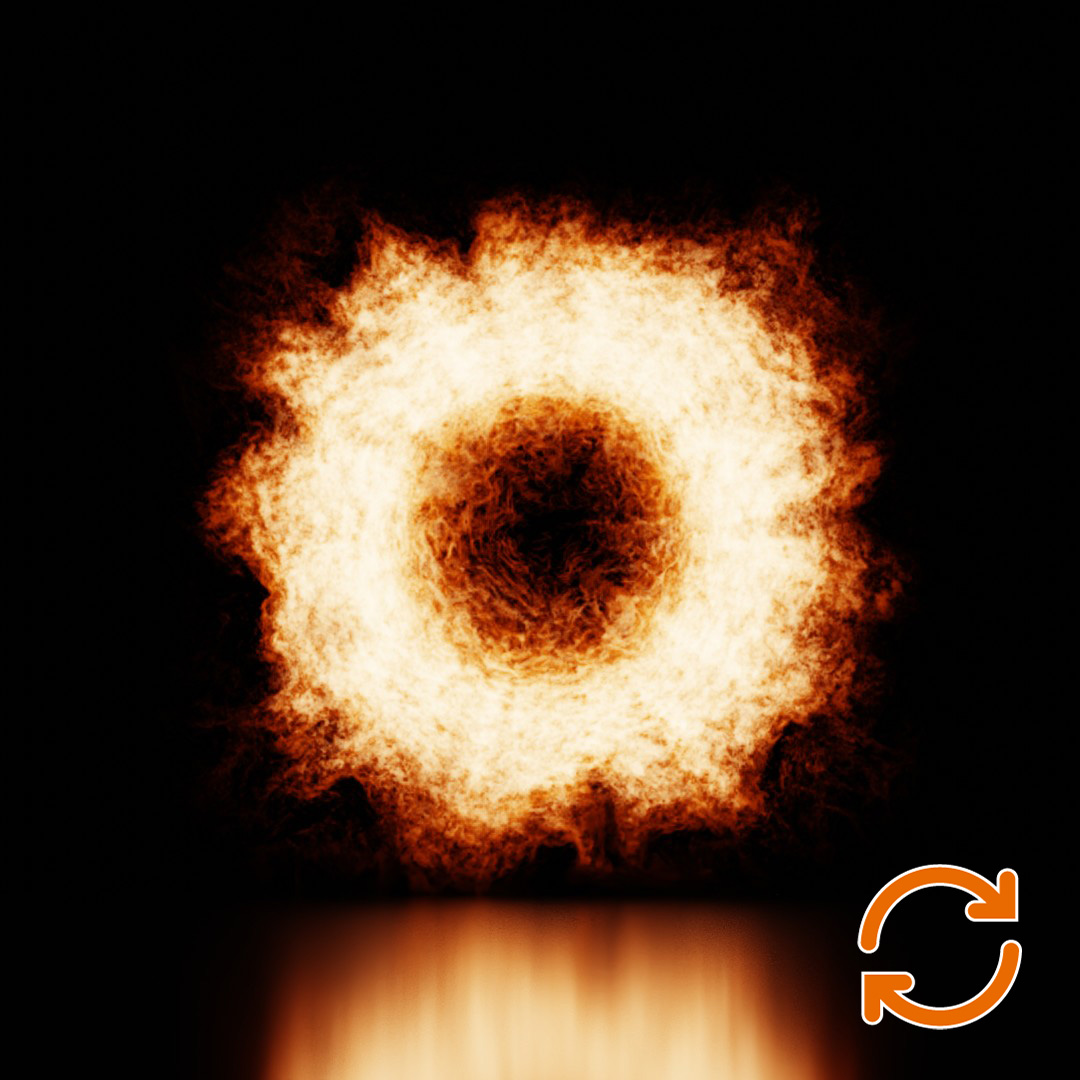
Flaming Orb
Fire
Magic.1
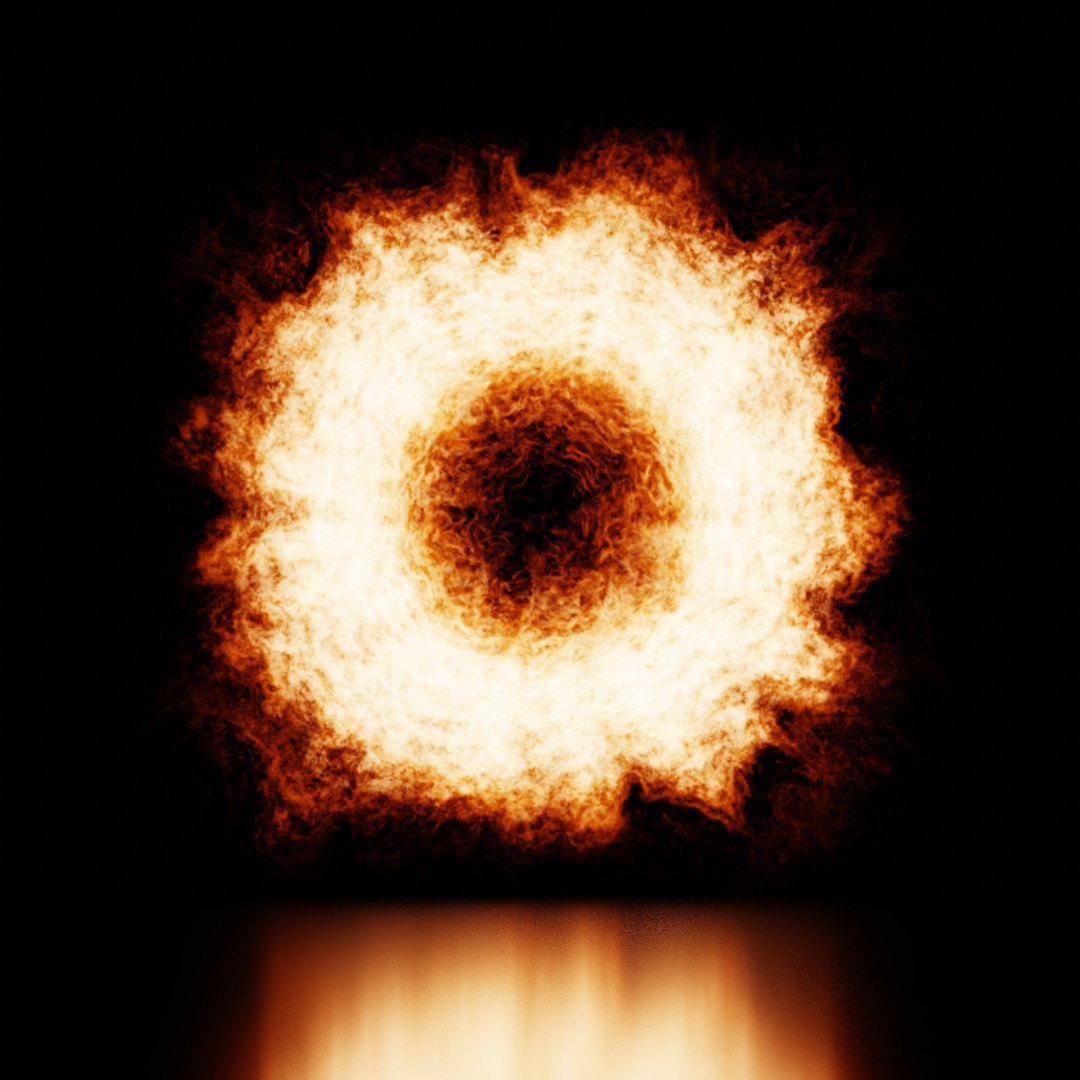
Flaming Orb
Fire
Magic.1
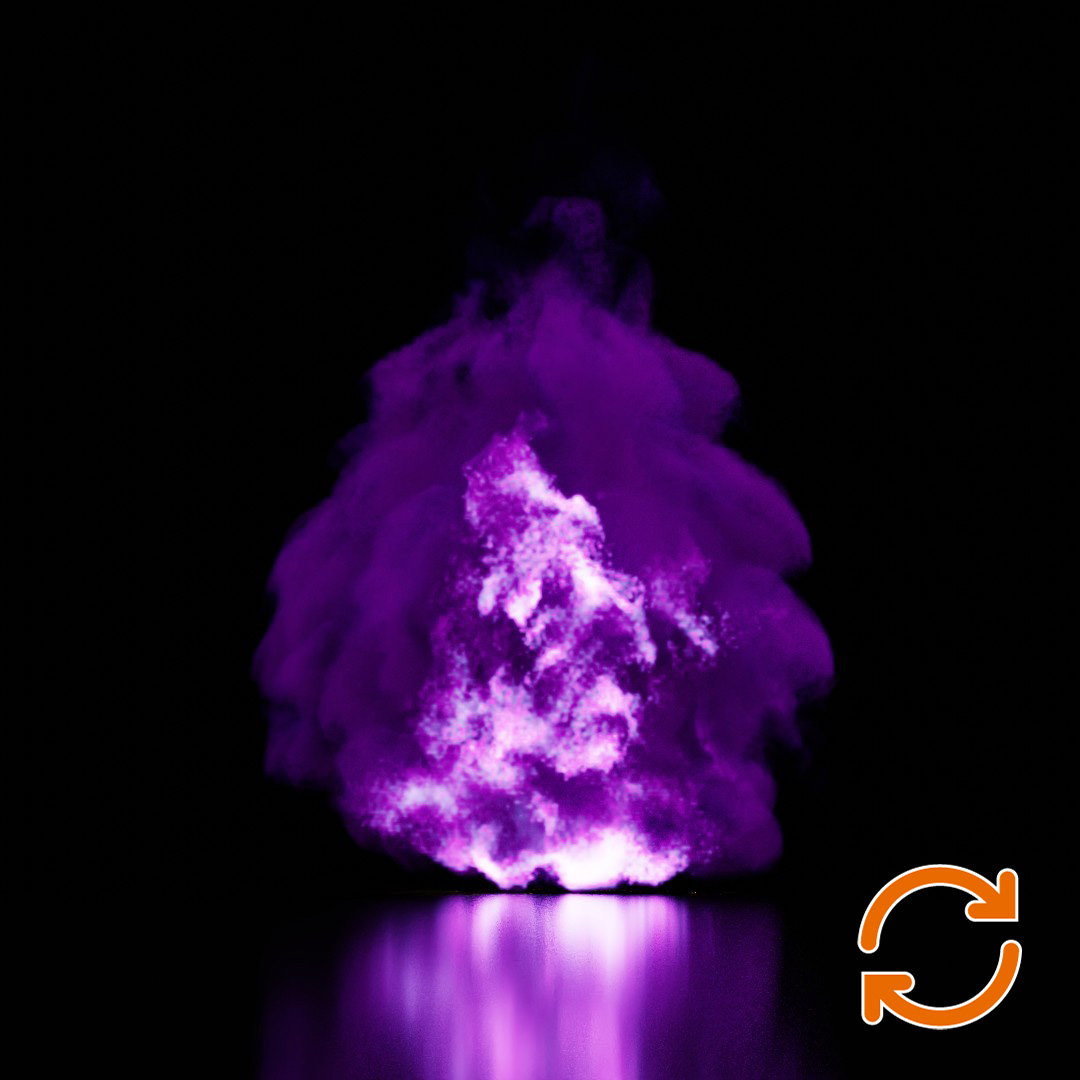
Magic Flame
Fire
Magic.1
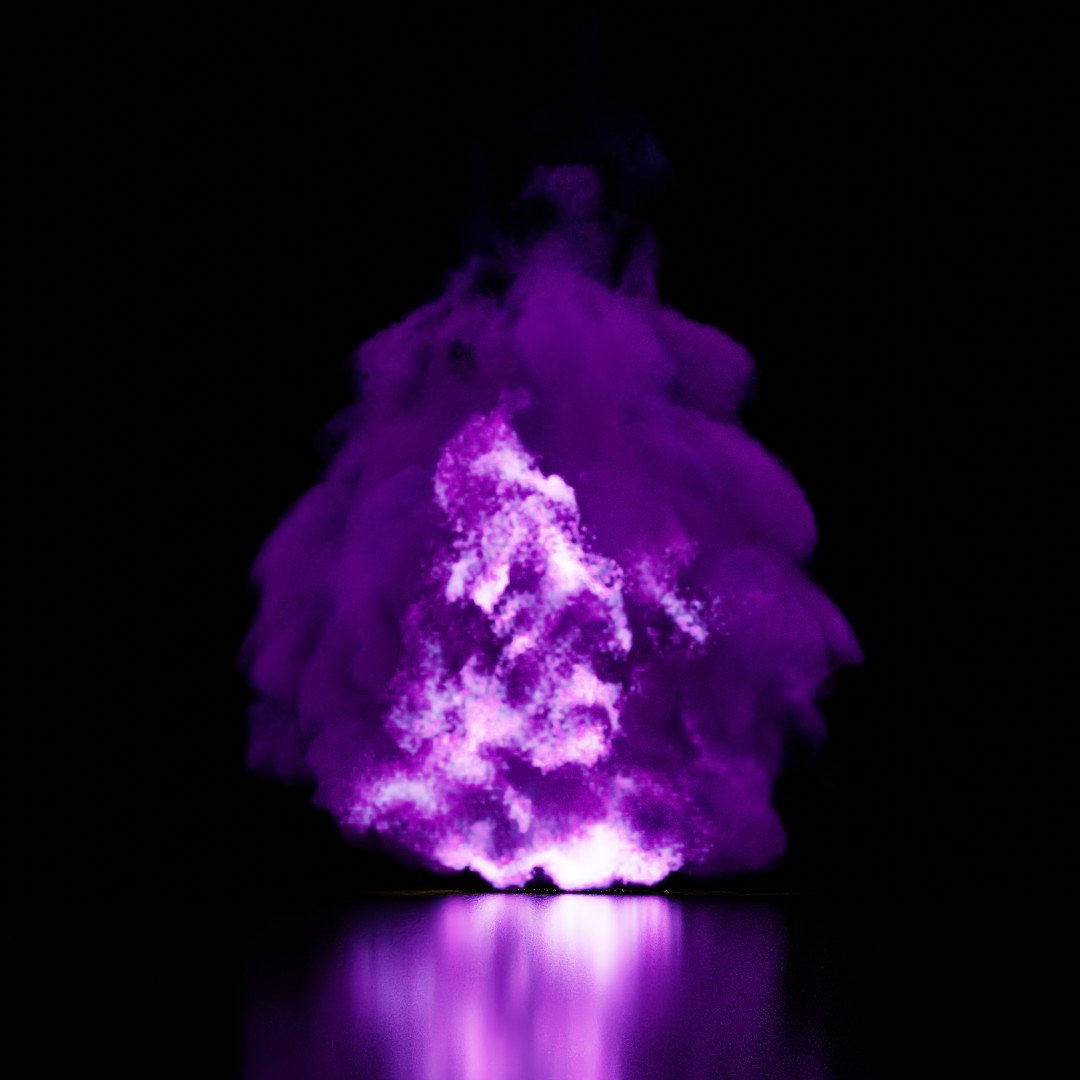
Magic Flame
Fire
Magic.1
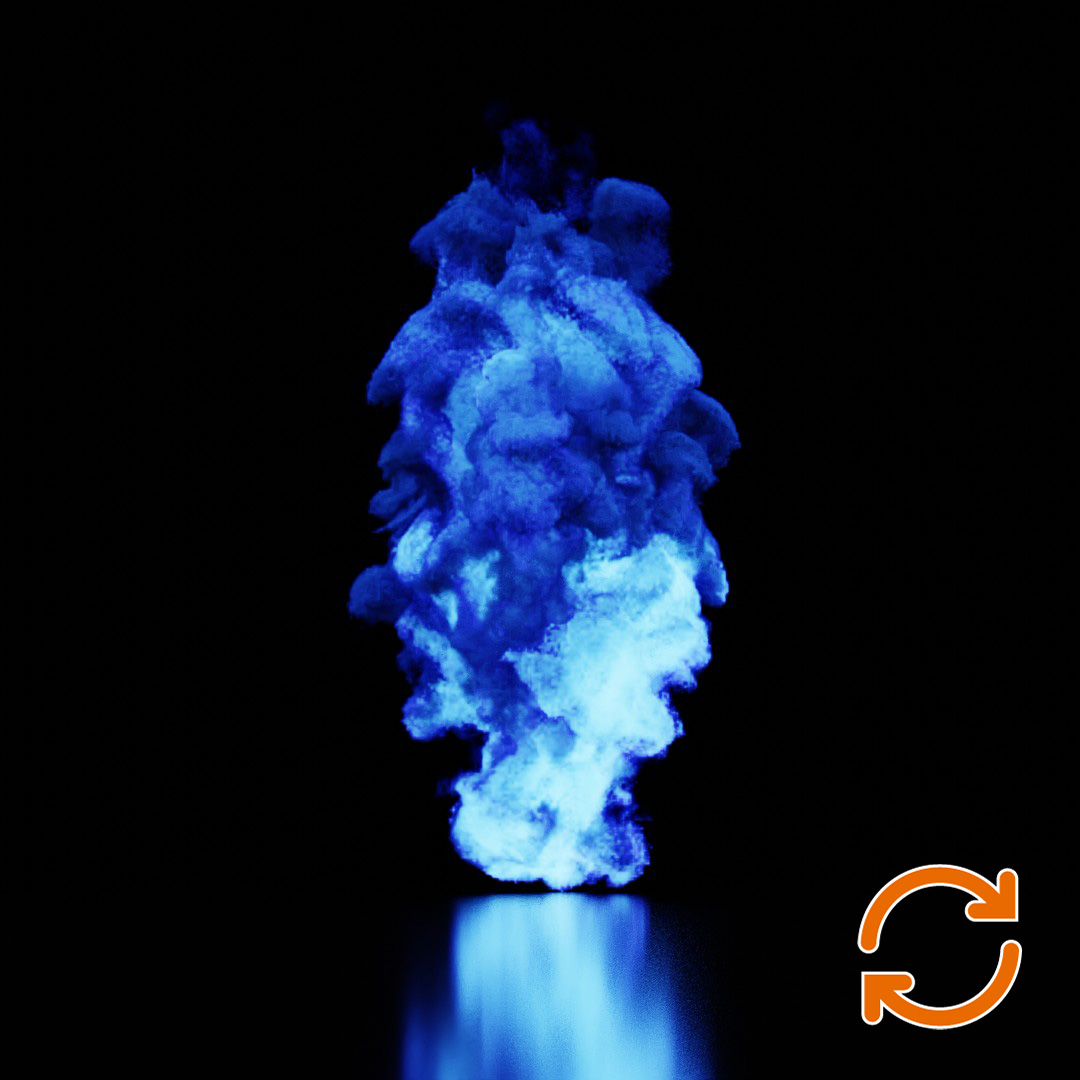
Magic Flame 2
Fire
Magic.1
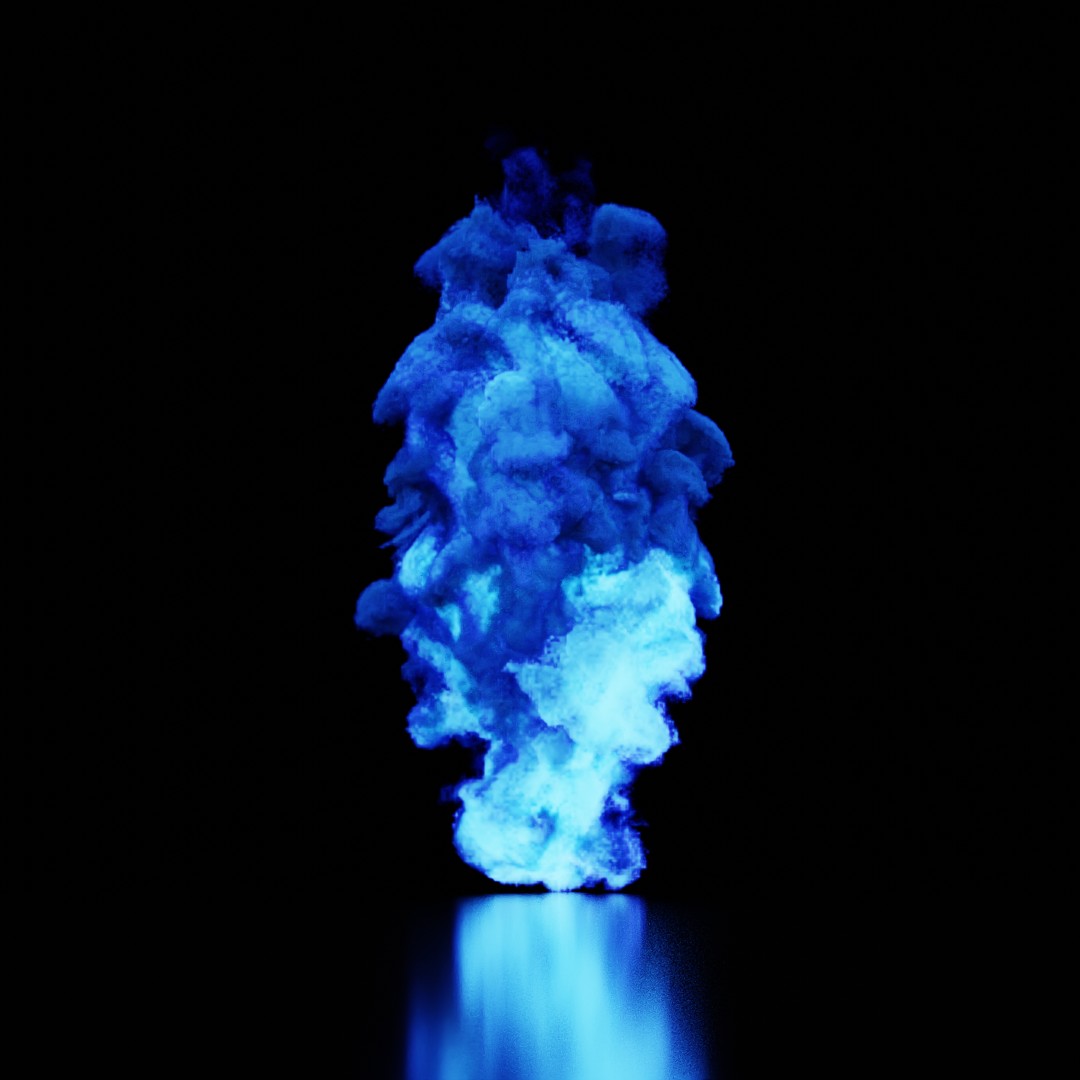
Magic Flame 2
Fire
Magic.1
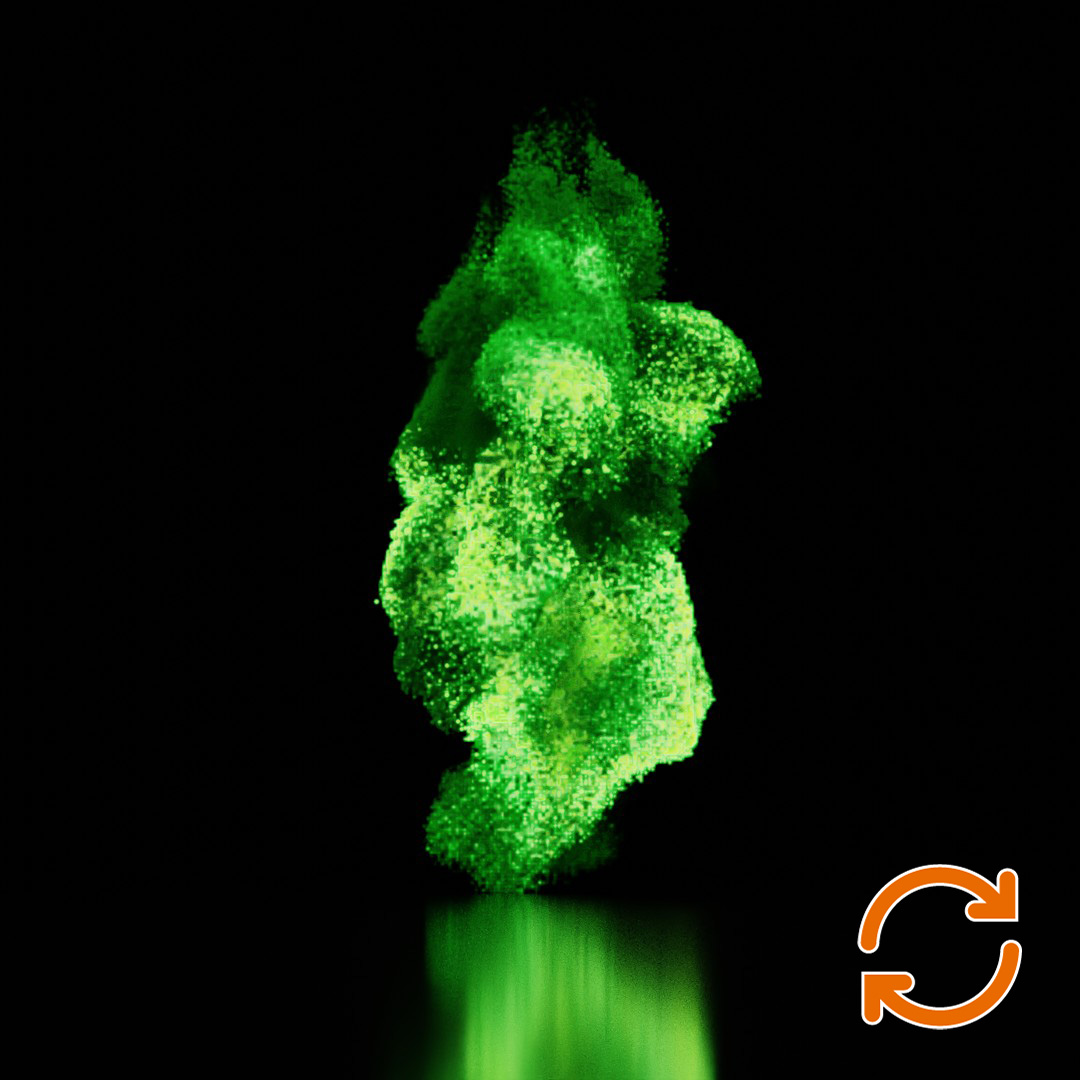
Magic Flame 3
Fire
Magic.2
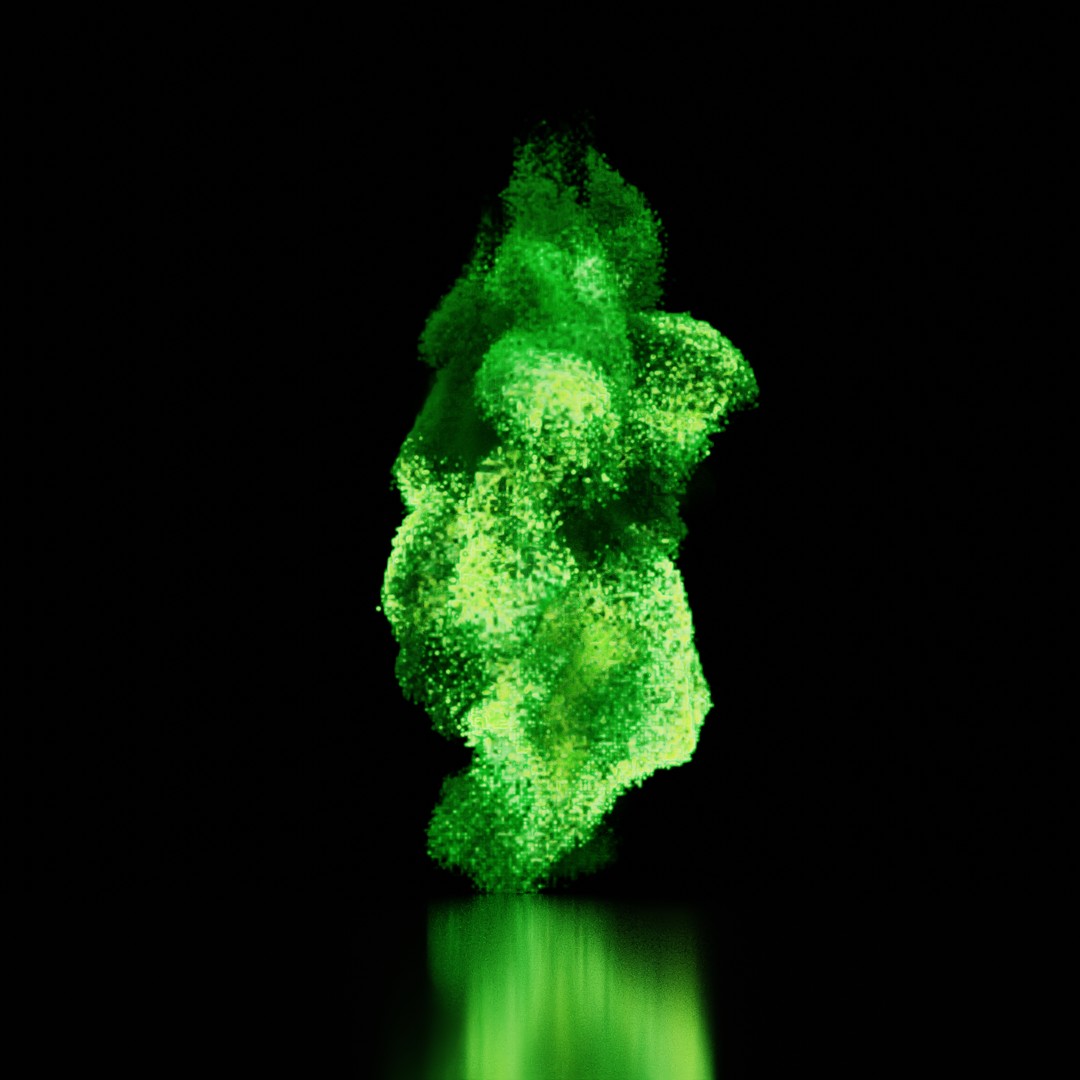
Magic Flame 3
Fire
Magic.2
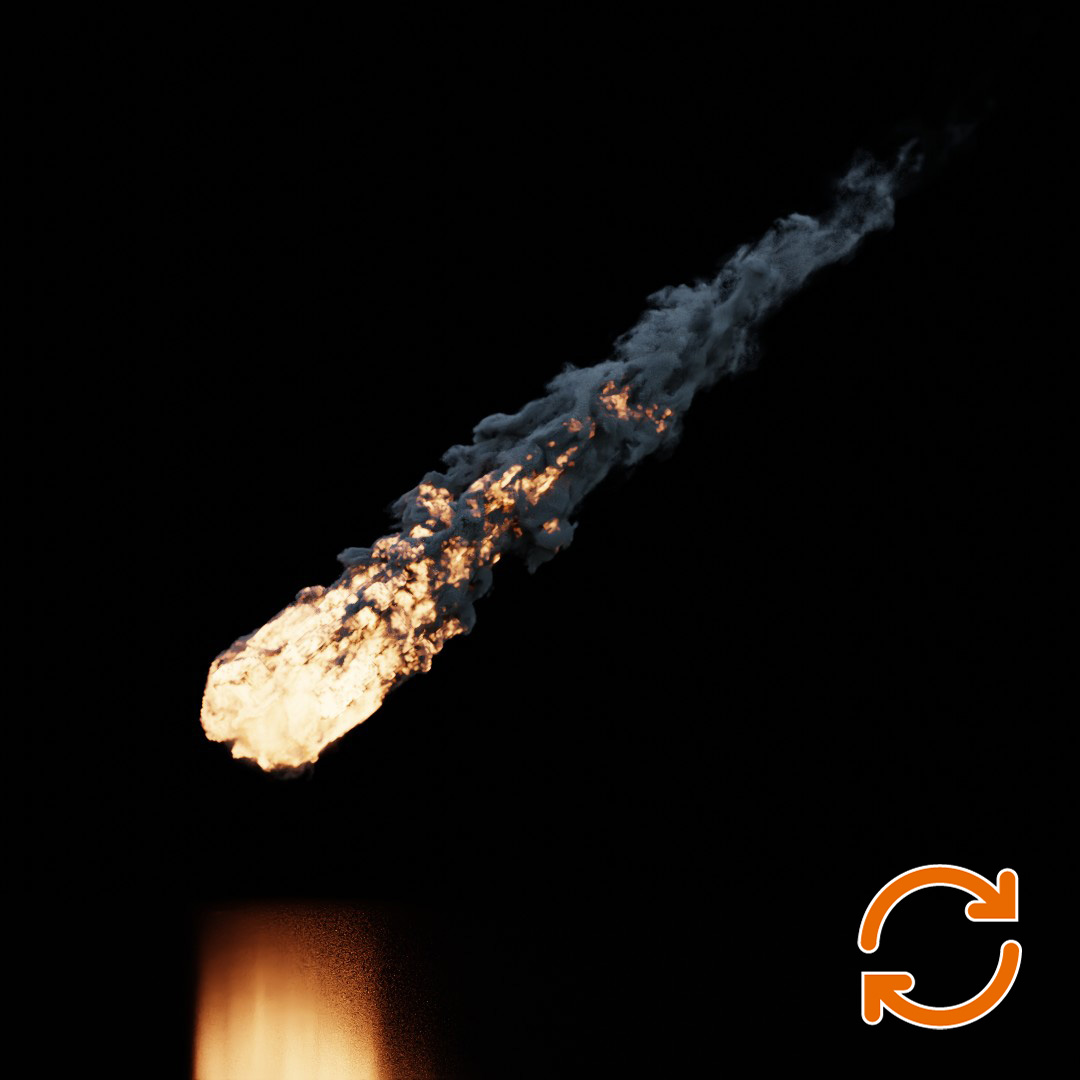
Meteor
Fire
Fire.1
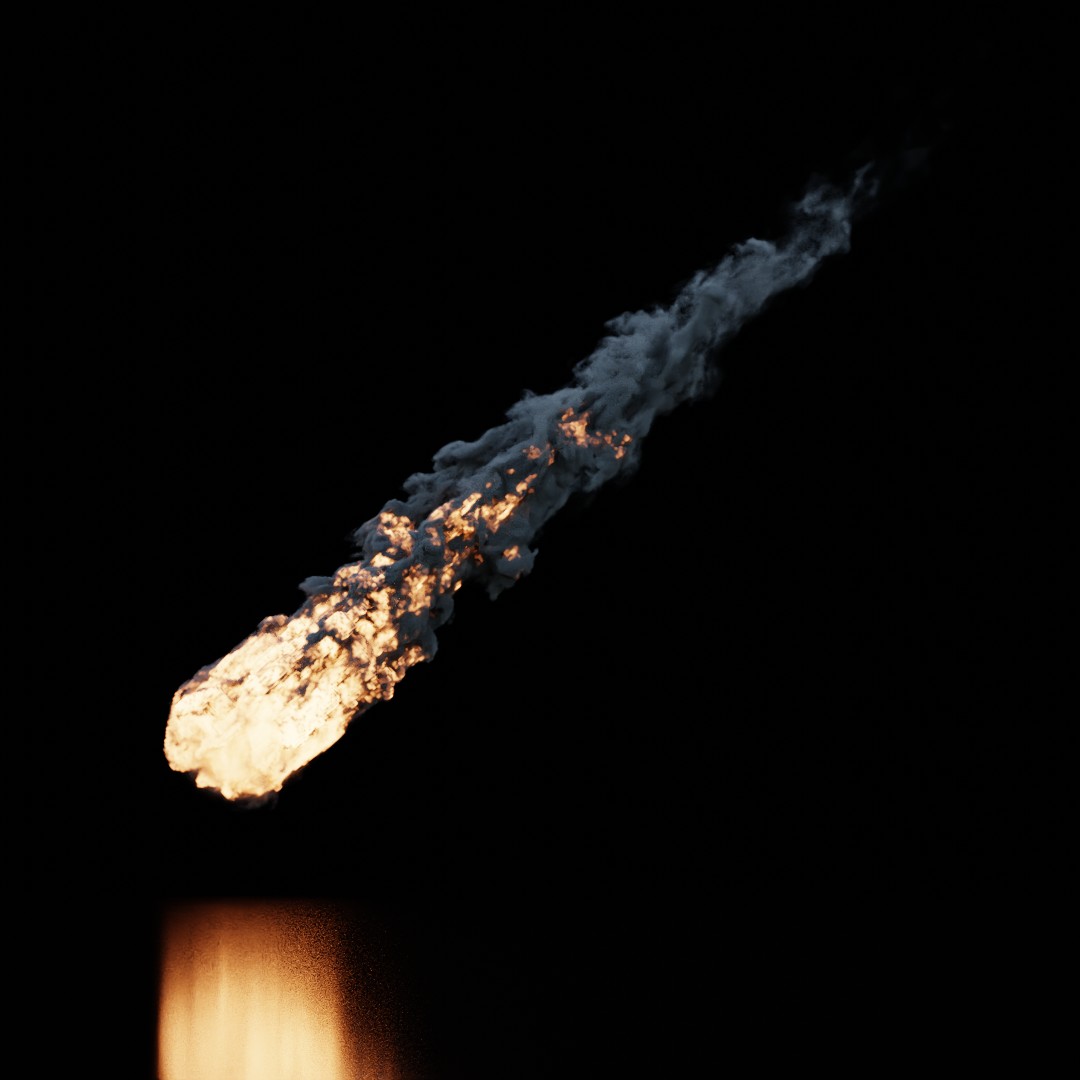
Meteor
Fire
Fire.1
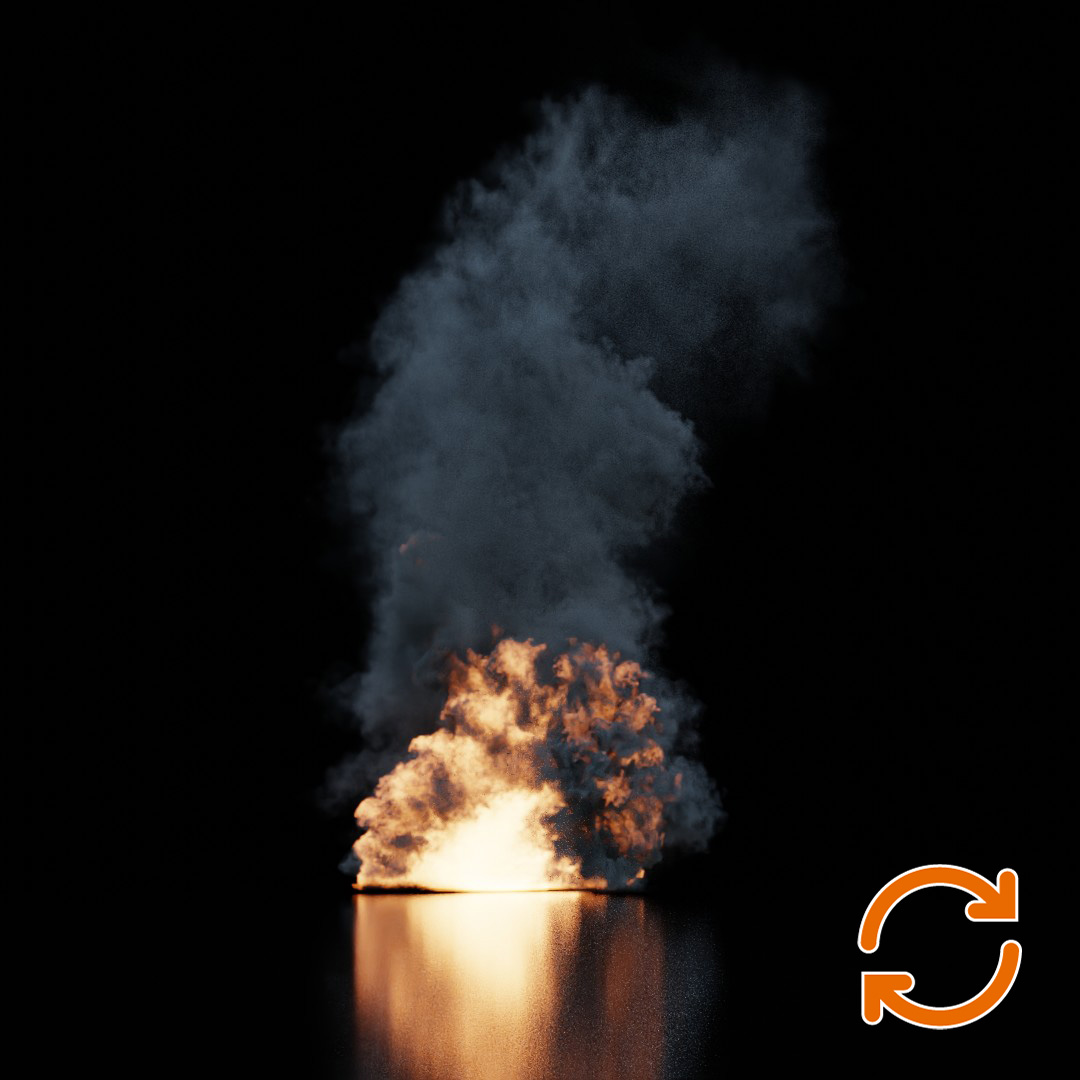
Oil Fire
Fire
Fire.1
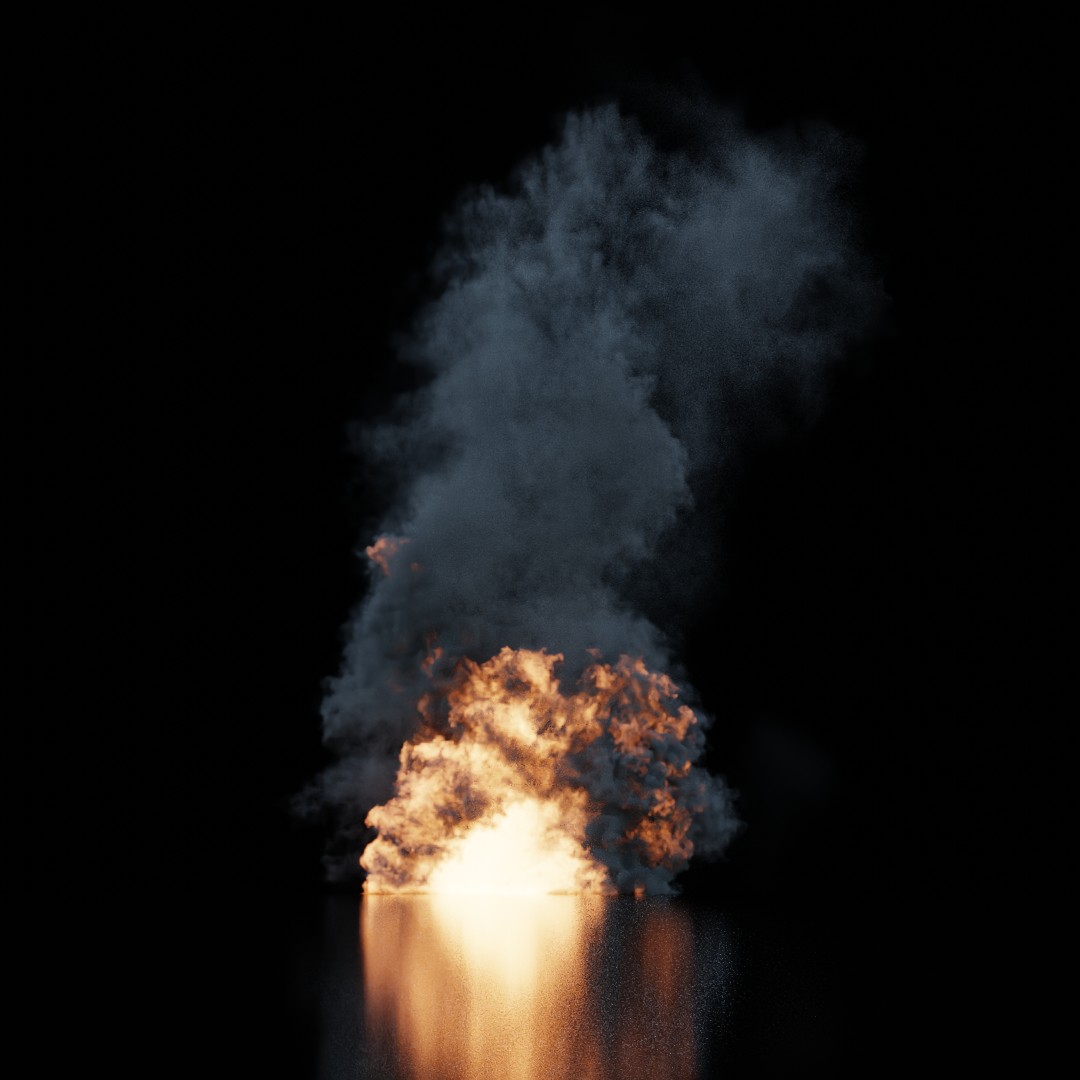
Oil Fire
Fire
Fire.1
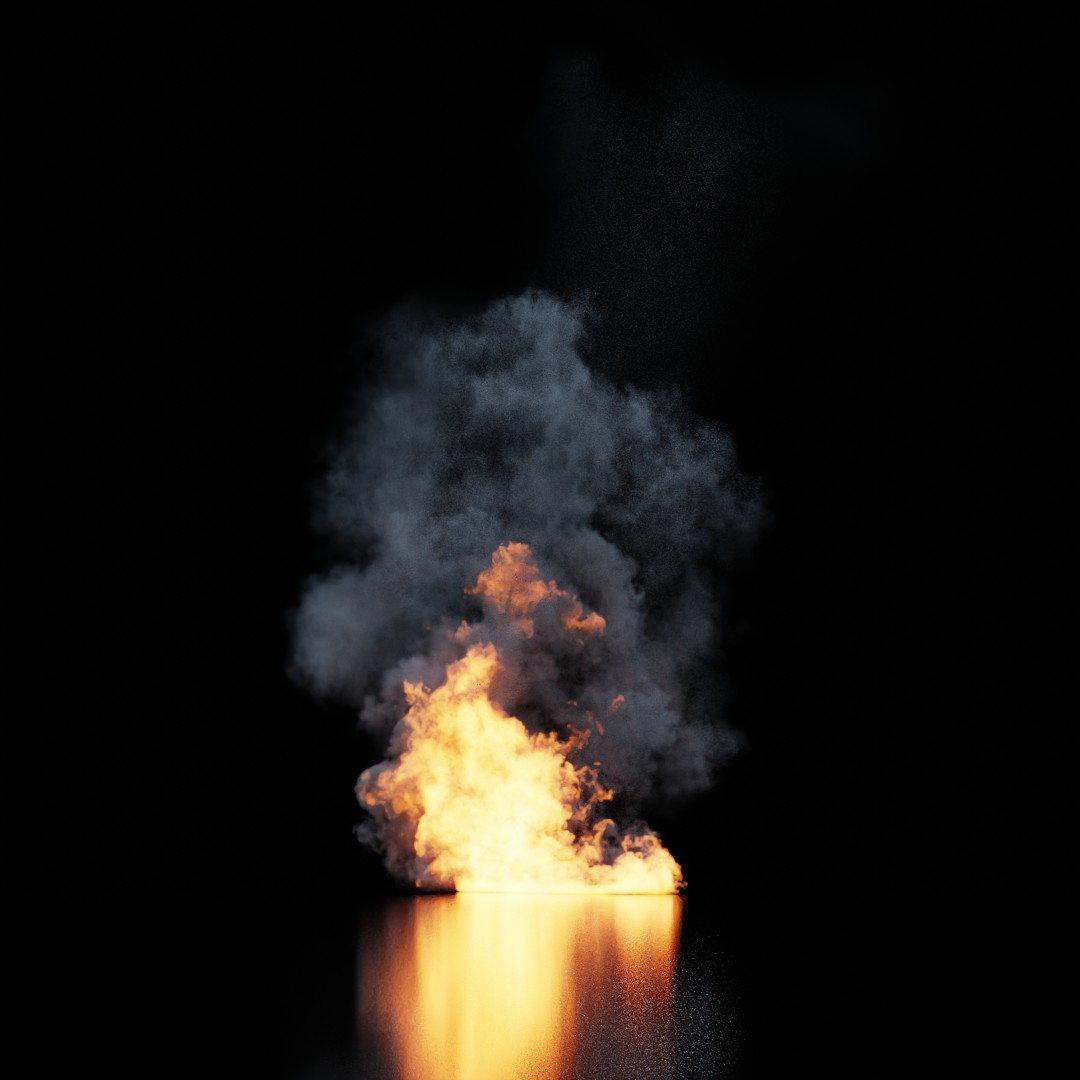
Oil Fire 2
Fire
Fire.1
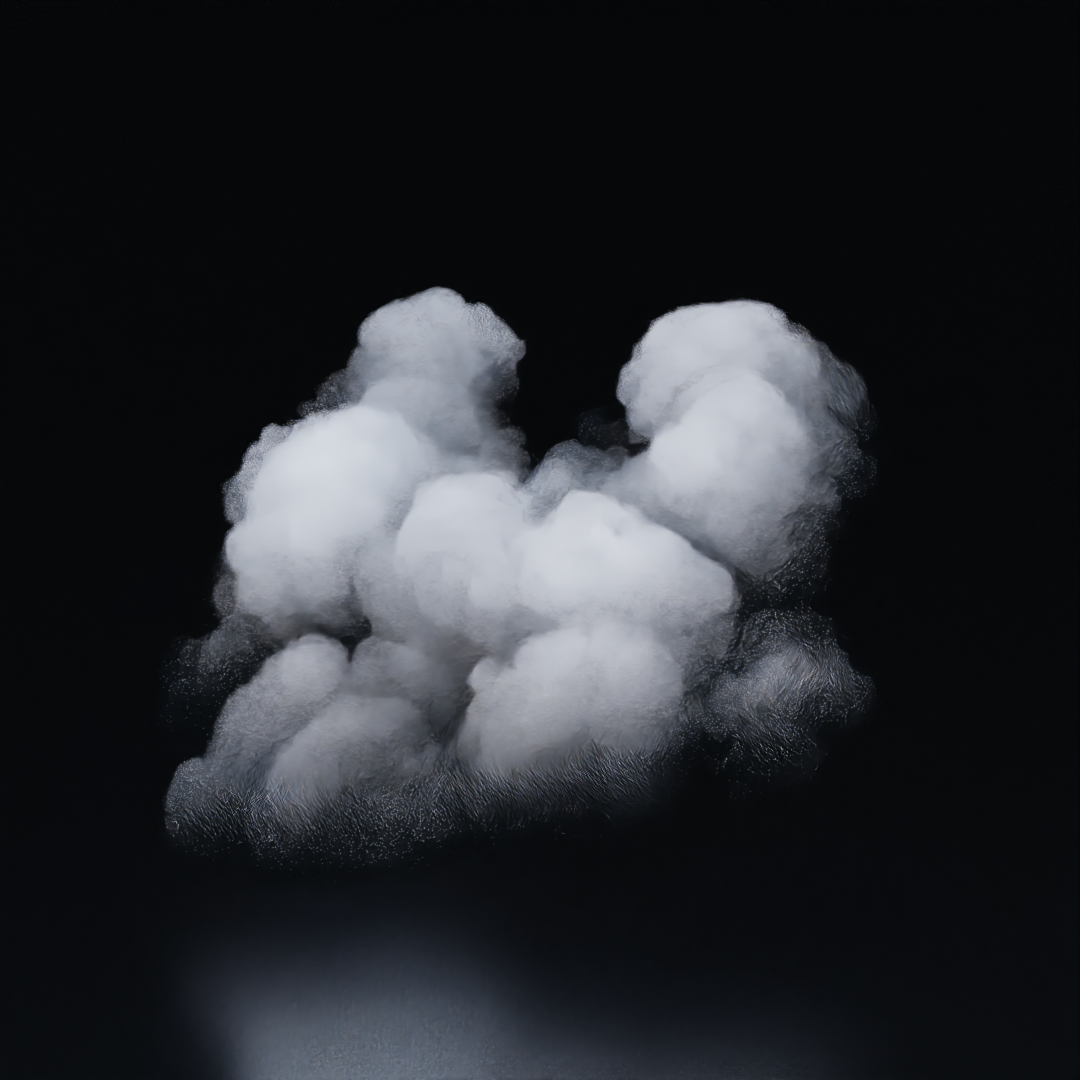
Cloud1
Clouds
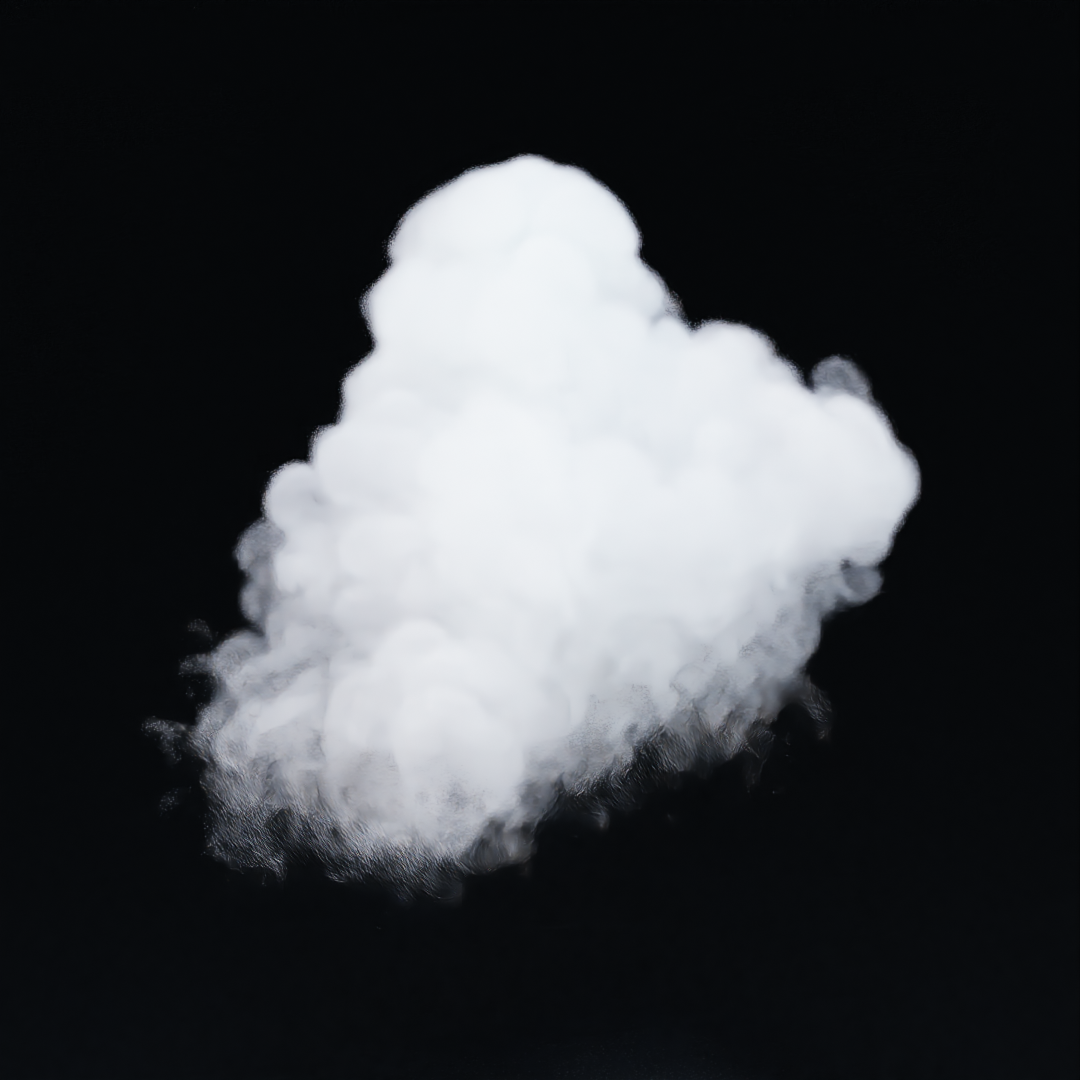
Cloud10
Clouds
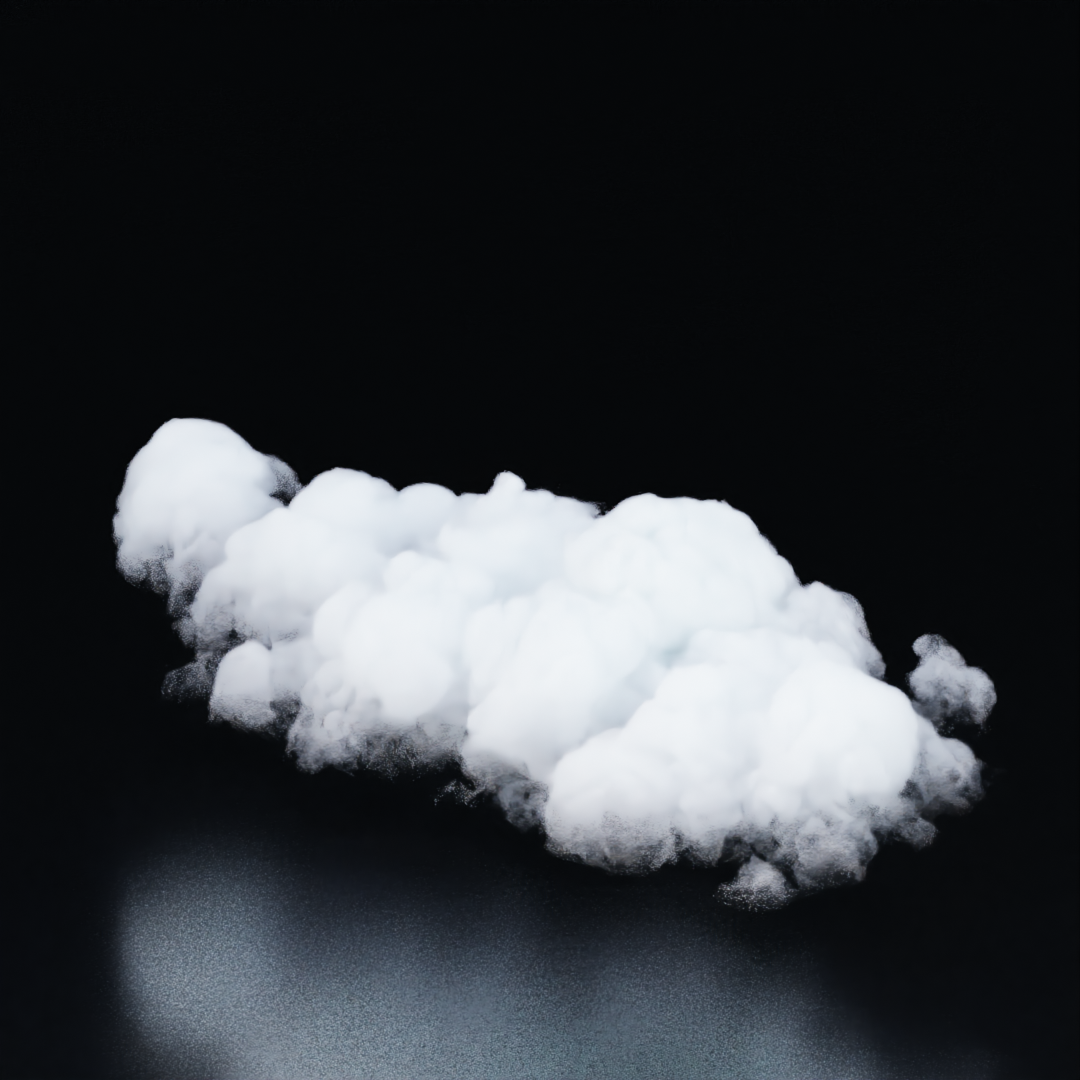
Cloud11
Clouds
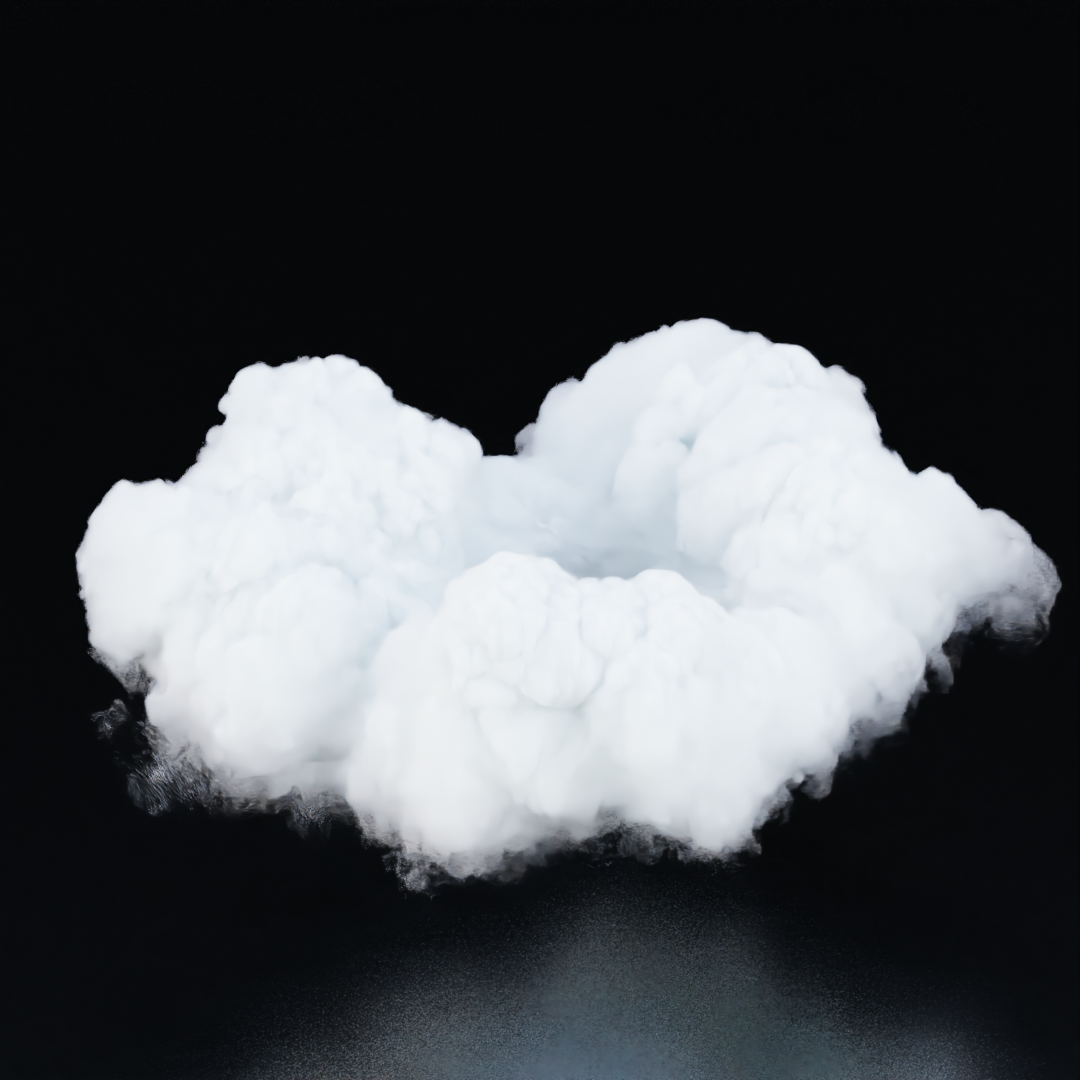
Cloud12
Clouds

Cloud13
Clouds
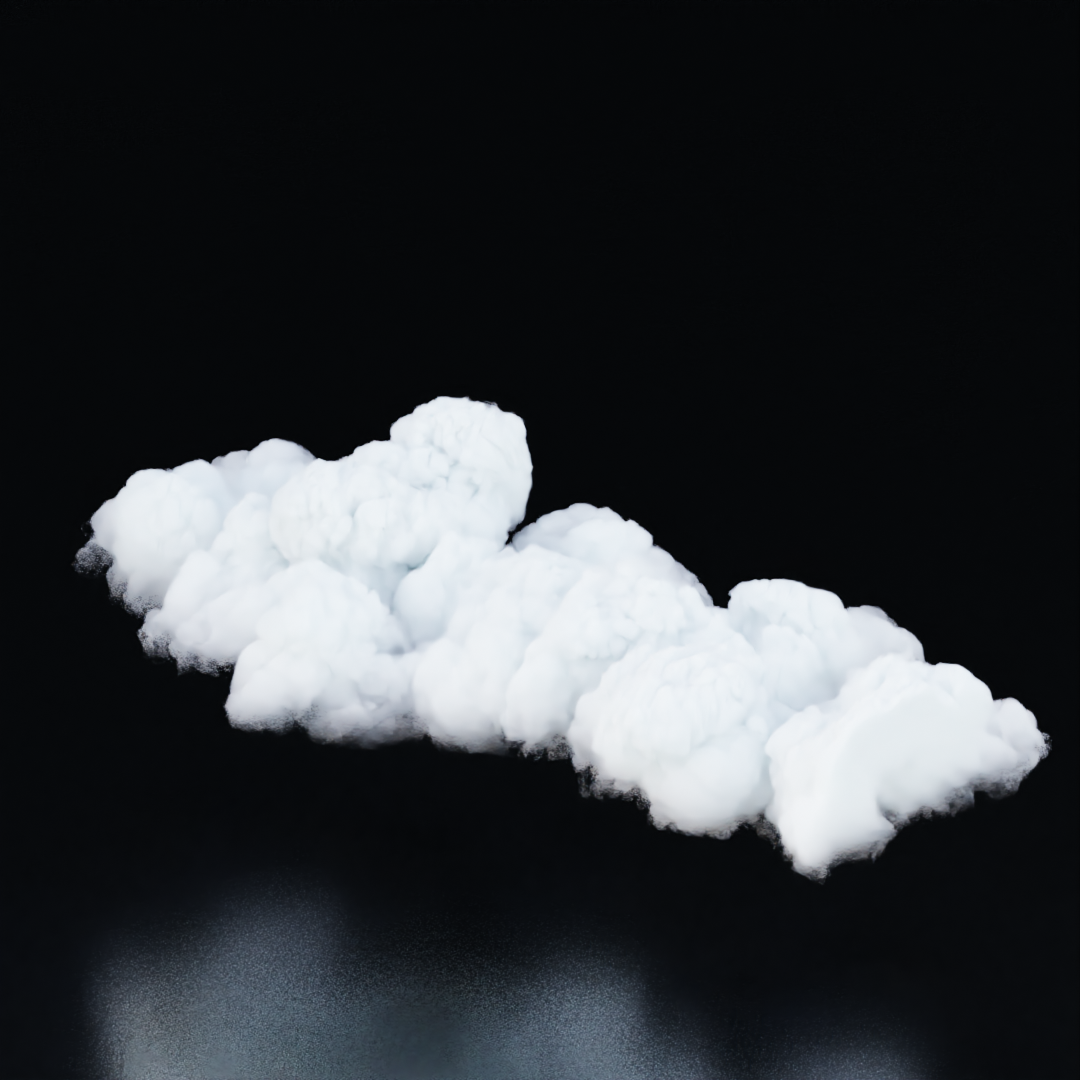
Cloud14
Clouds
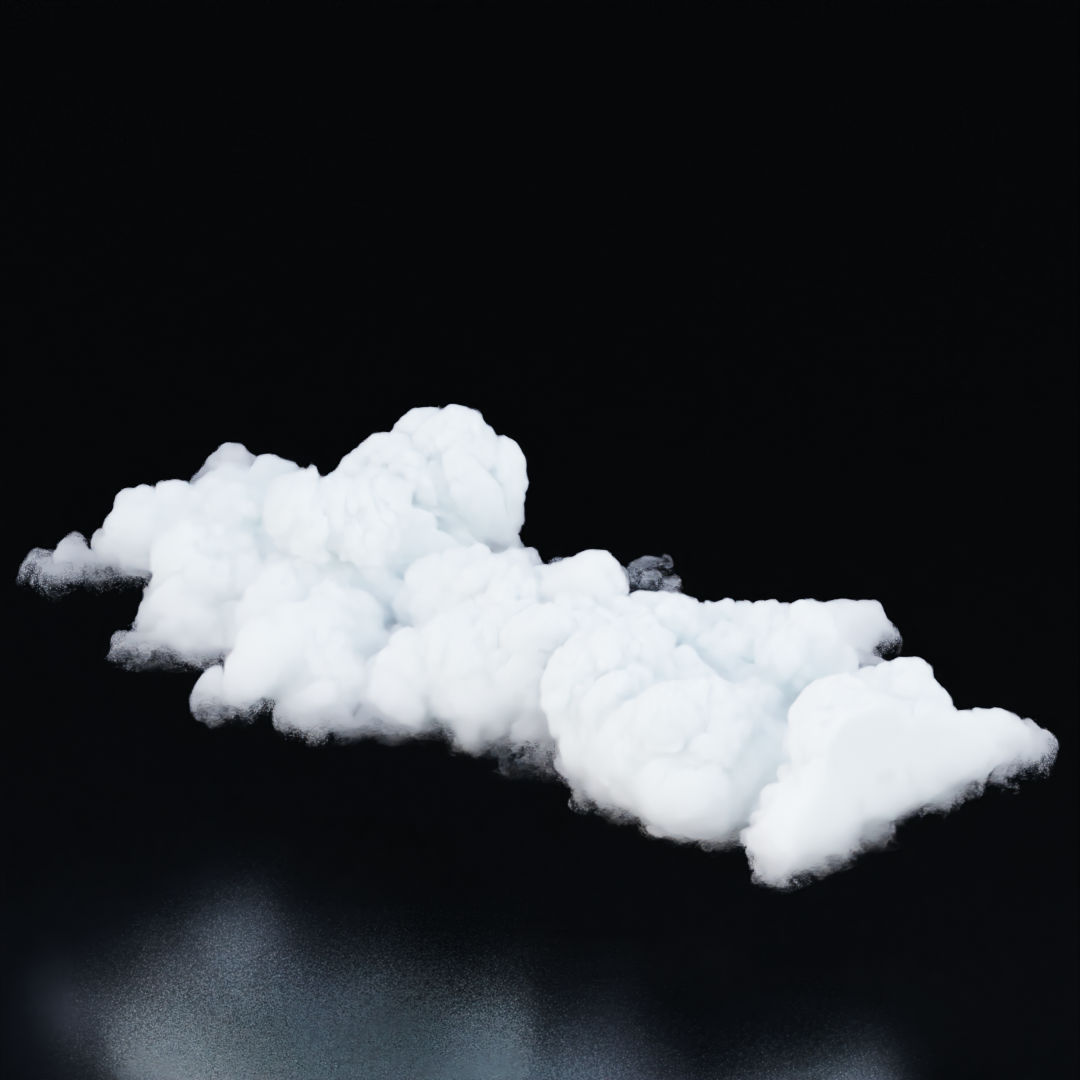
Cloud15
Clouds

Cloud16
Clouds

Cloud17
Clouds

Cloud18
Clouds

Cloud19
Clouds

Cloud20
Clouds

Cloud21
Clouds

Cloud22
Clouds

Cloud23
Clouds

Cloud24
Clouds

Cloud3
Clouds
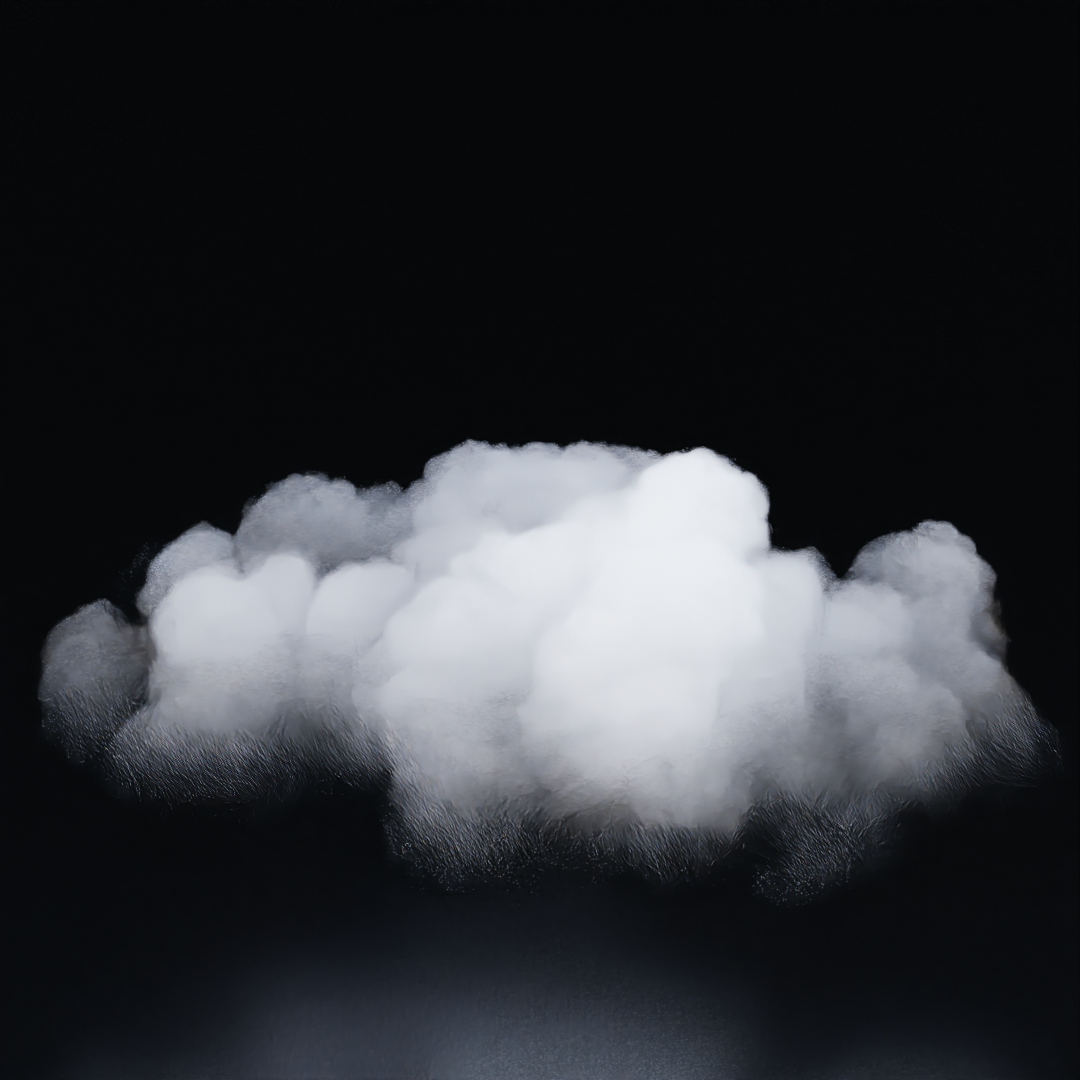
Cloud4
Clouds

Cloud5
Clouds
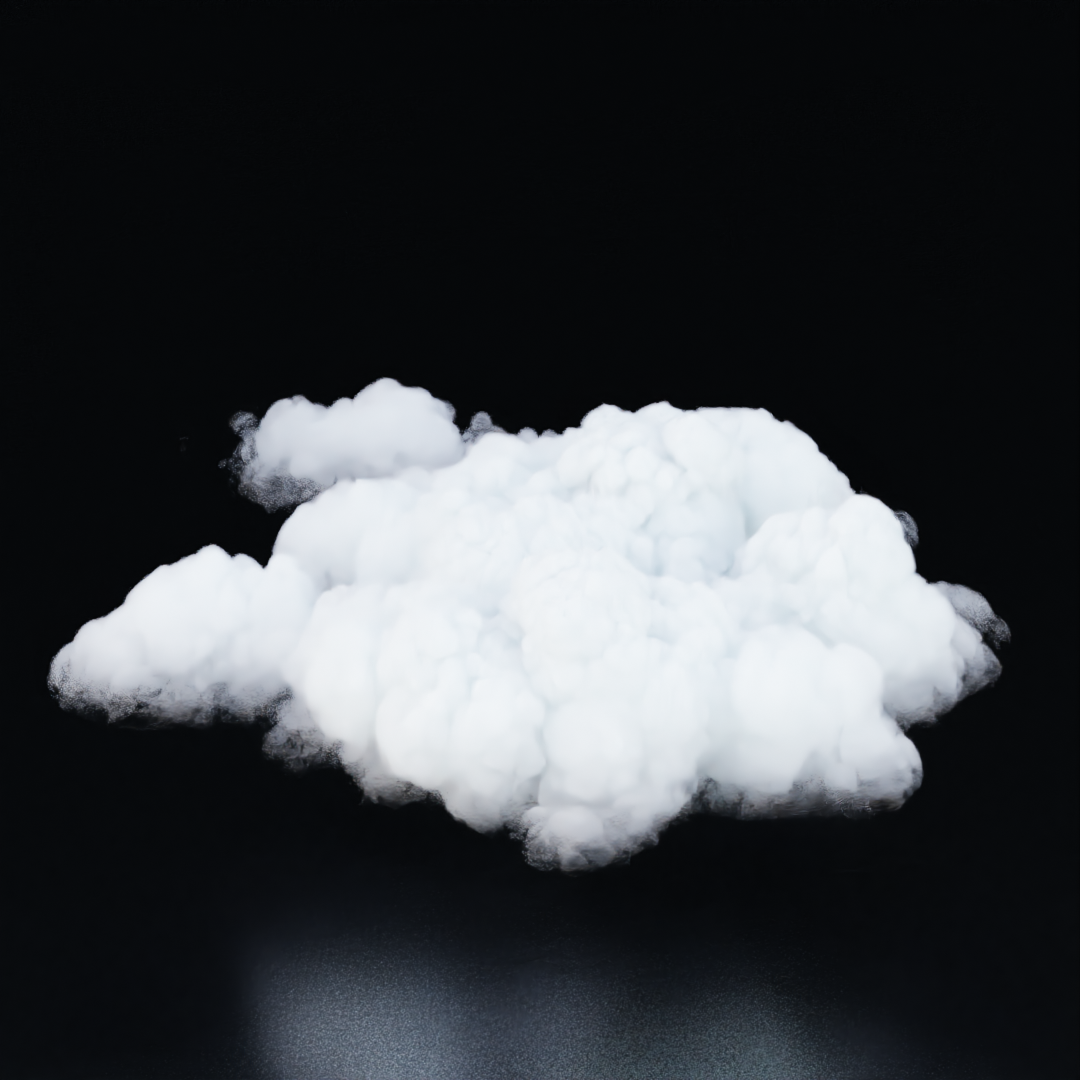
Cloud6
Clouds

Cloud7
Clouds

Cloud8
Clouds
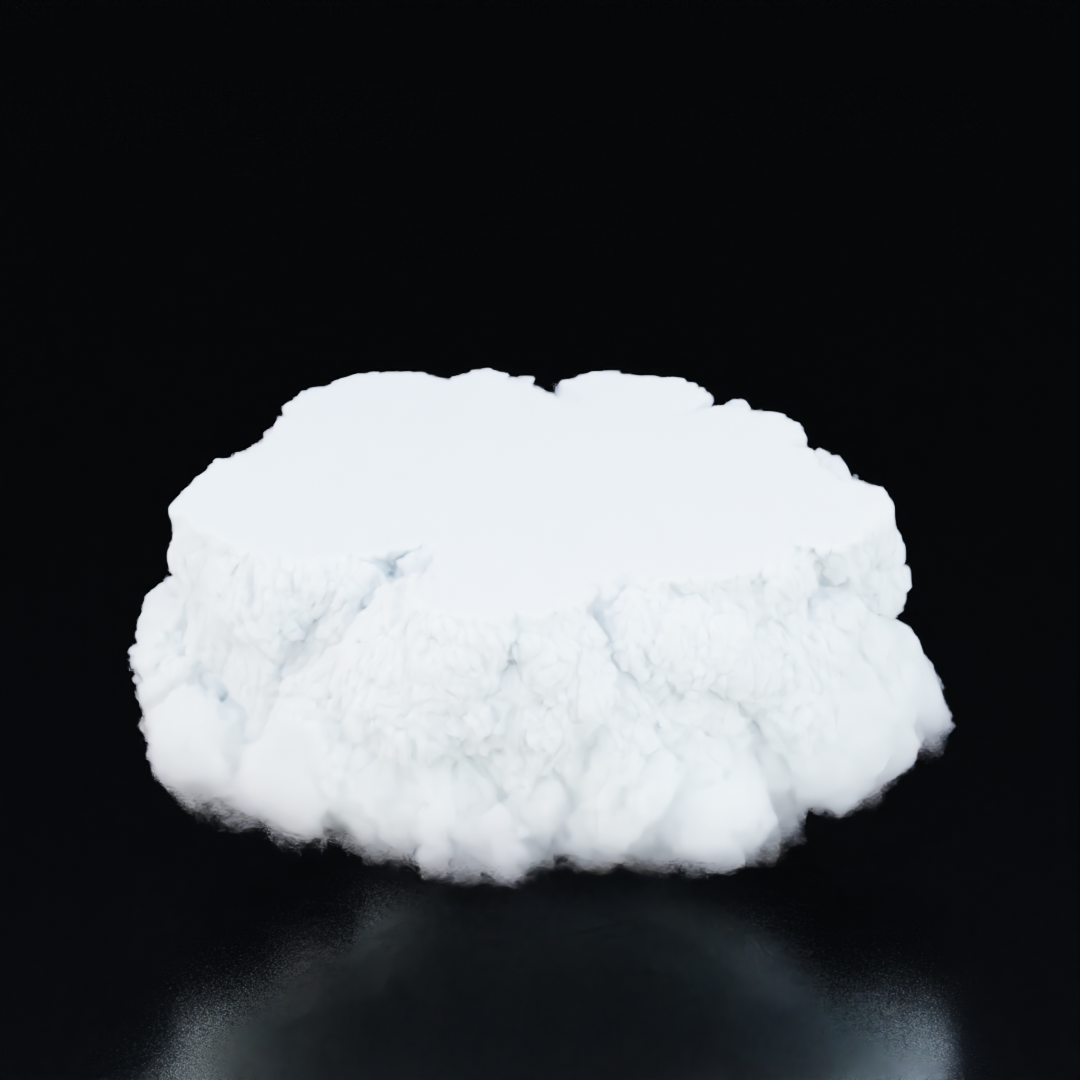
Cloud9
Clouds
UI
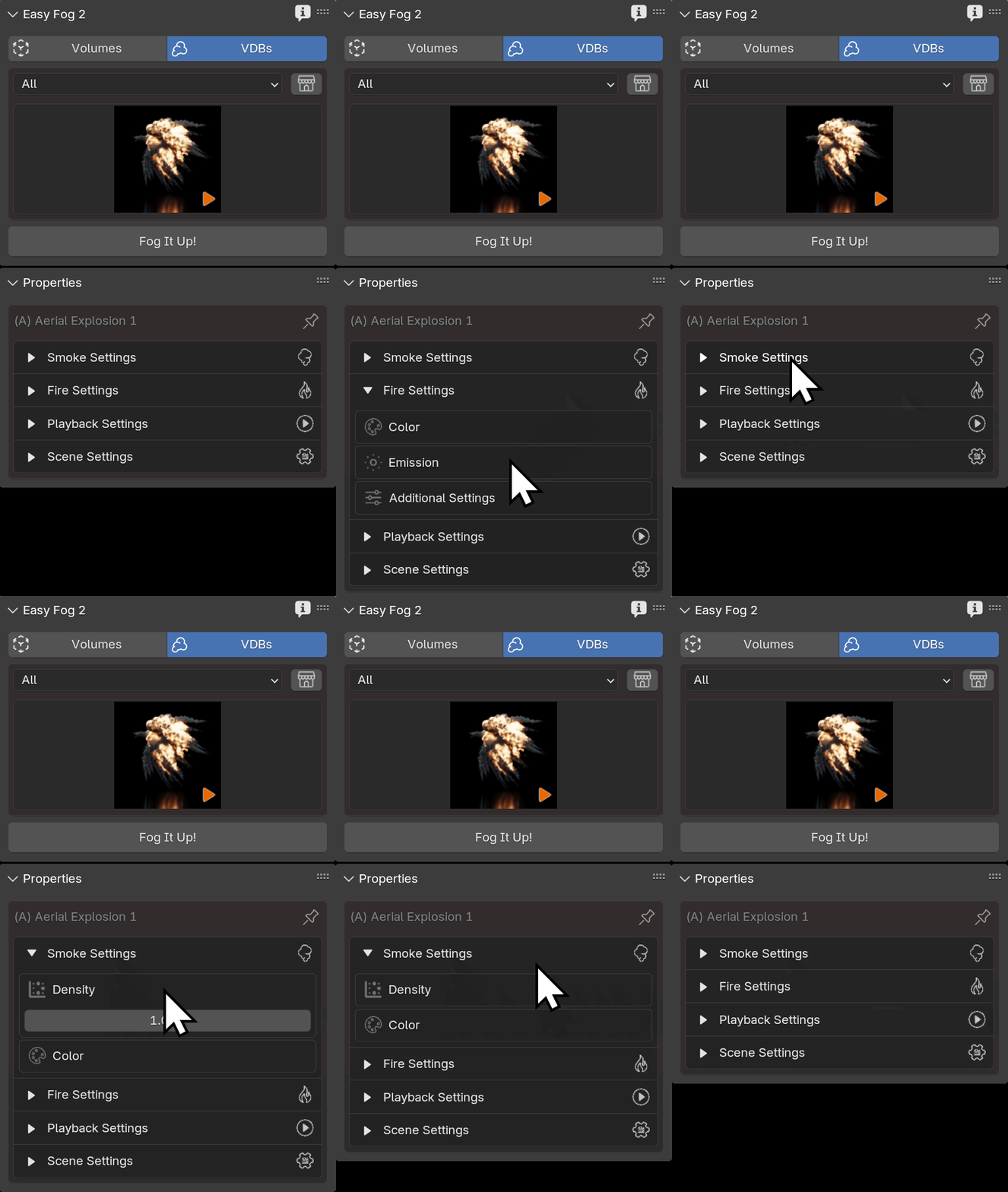
Browse and select presets using thumbnails that show exactly what you’re getting.The properties panel displays all material settings in categorized dropdowns for easy access & adjustability.Every preset comes with real-time controls for density, color, emission, fire settings, smoke settings and textures, allowing you to adjust any asset and create unique variations.
High Quality Animated Assets
Packs
Download new themed asset packs directly through the addon with one-click installation. Get notified when new packs are available for download straight from within the addon.
Made With Easy Fog 2
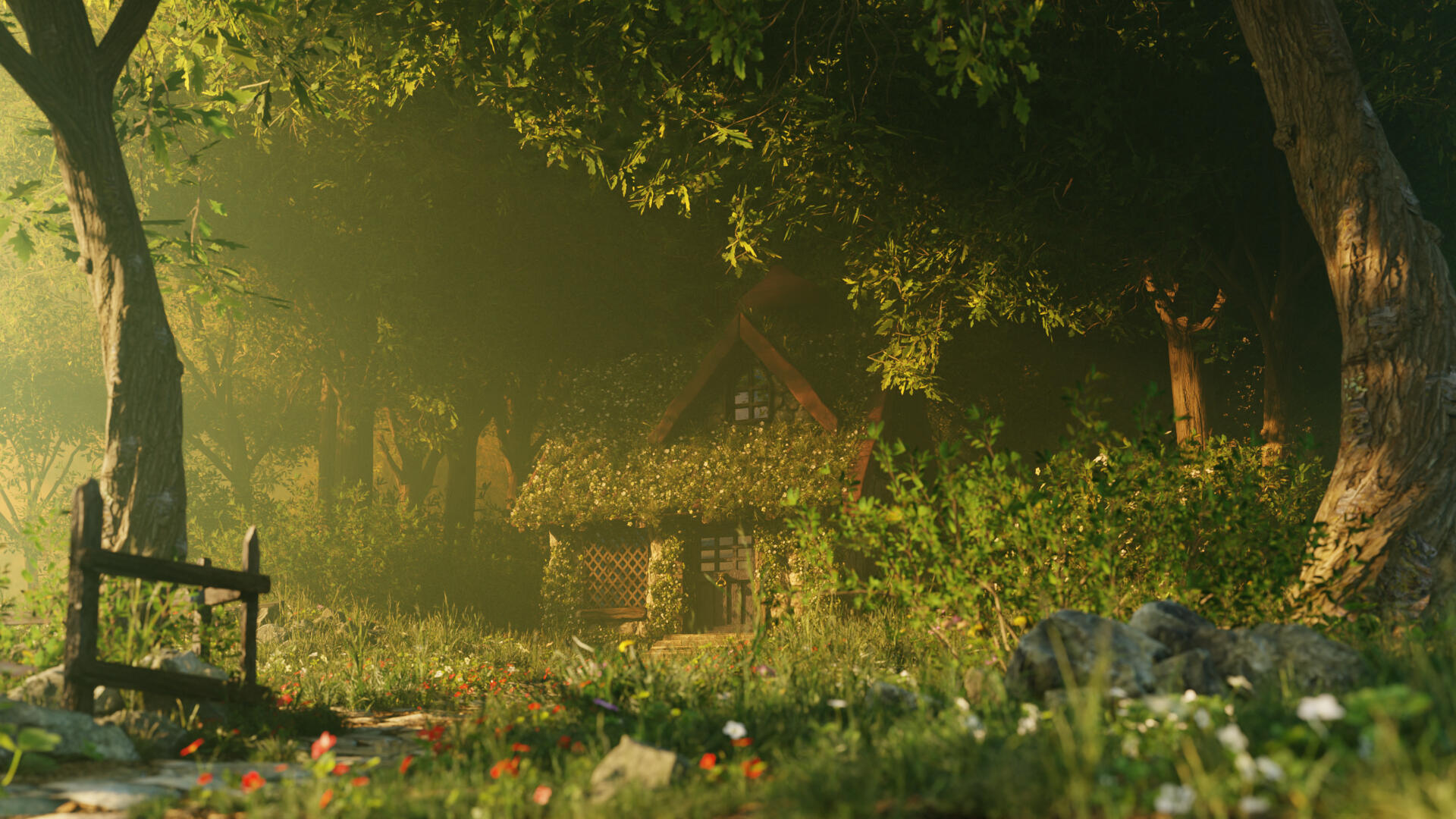

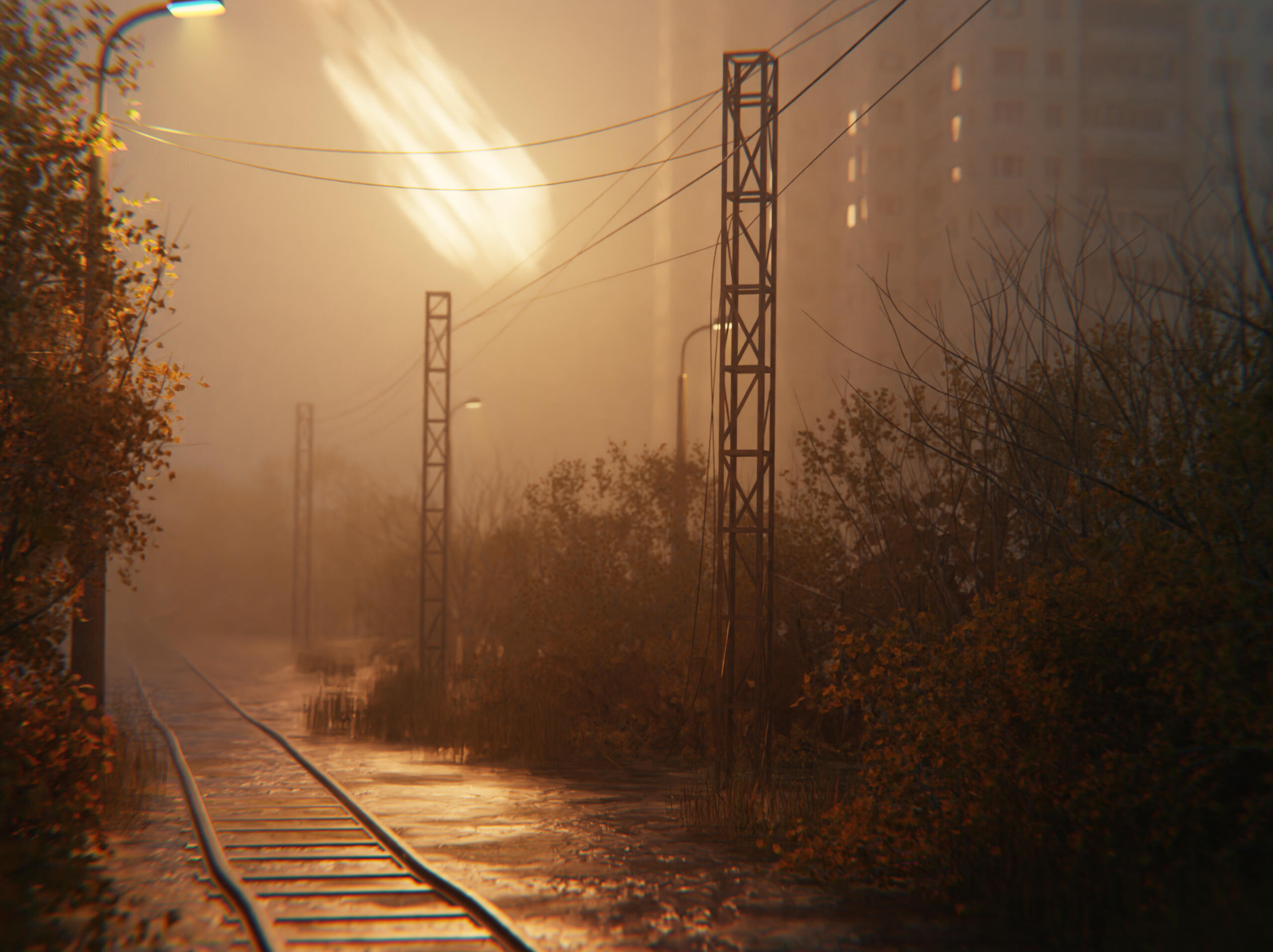


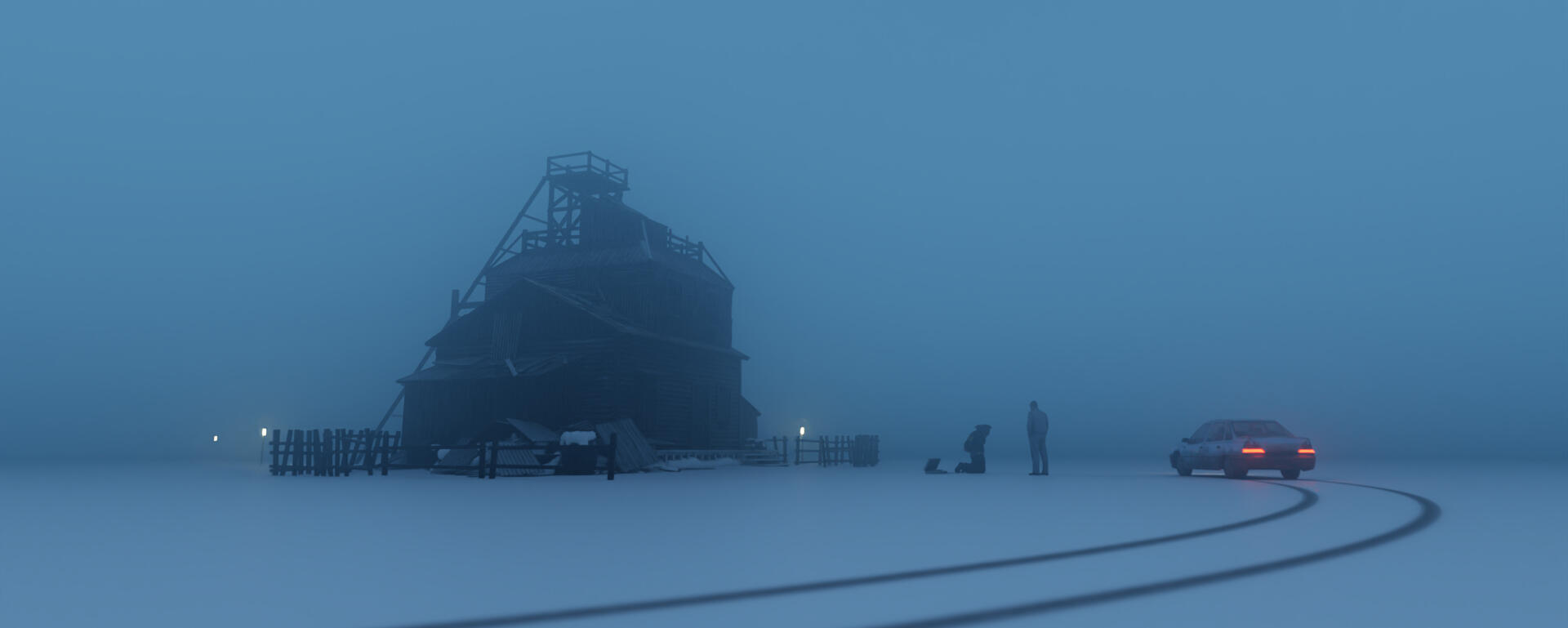




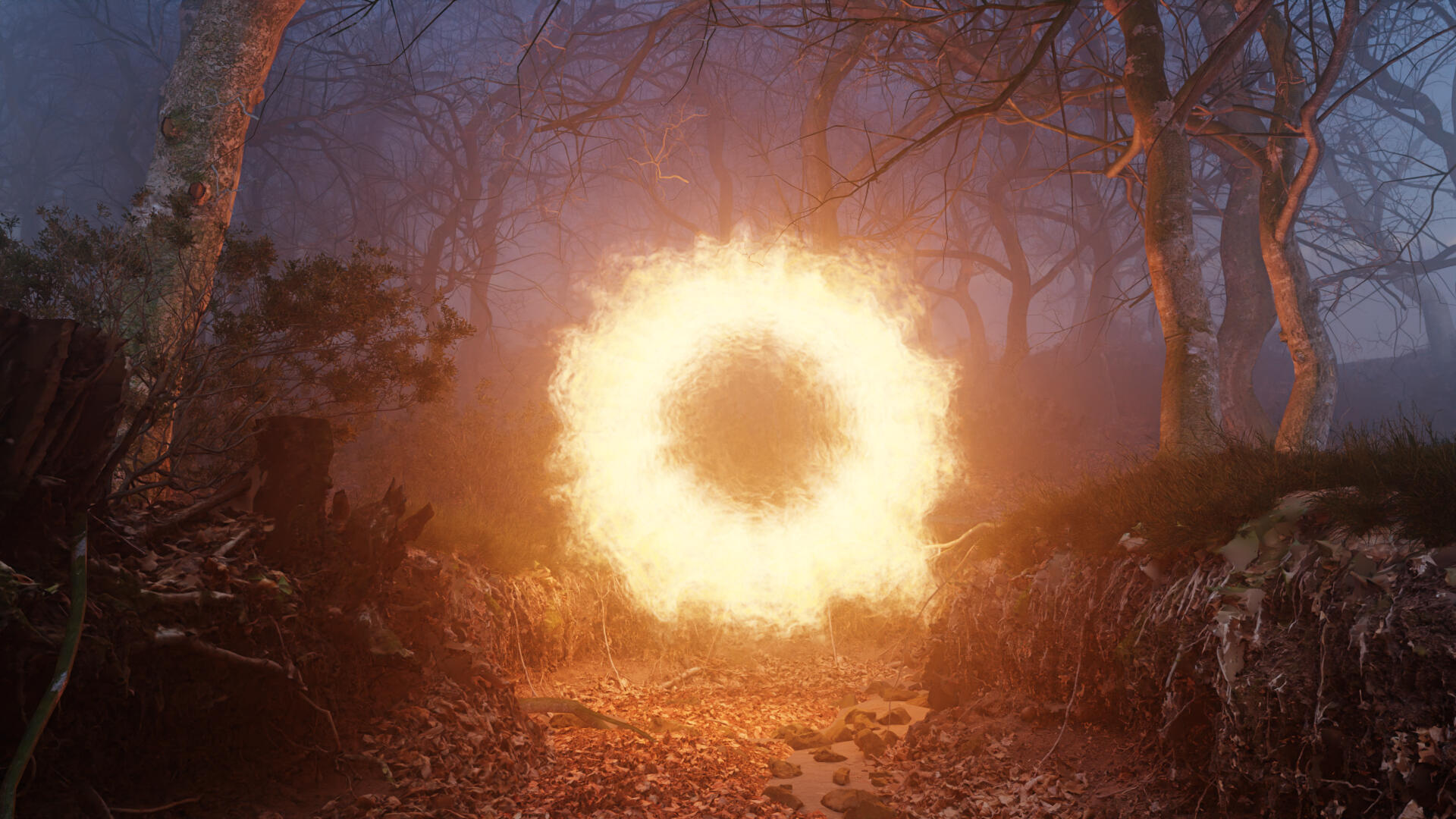
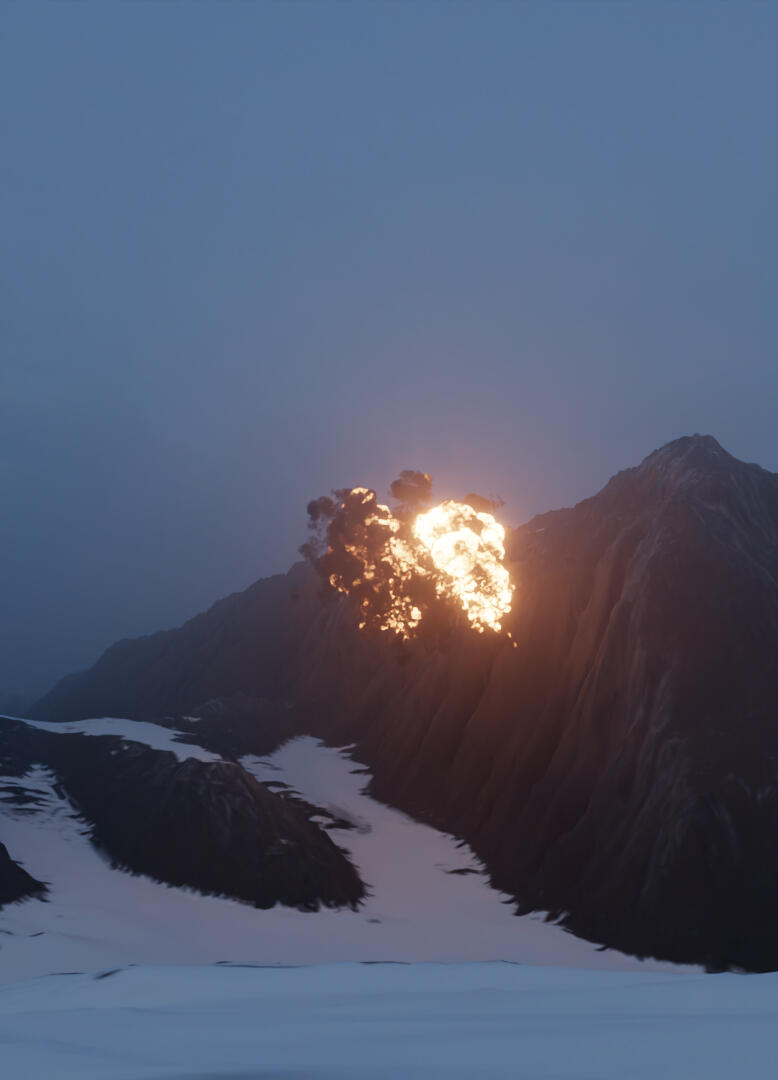

Supercharge your 3D creation workflow with premium selection of Blender Add-ons. Whether you are modeling intricate characters, sculpting realistic environments, or animating cinematic sequences, the right add-on can transform how you work inside Blender. Our curated collection includes powerful tools for UV unwrapping, procedural texture generation, rigging automation, rendering optimization, and more—each rigorously tested for compatibility with the latest Blender versions. Eliminate tedious manual processes and unlock advanced functionality that lets you focus on what matters most: bringing your creative vision to life. Explore our full range of professional Blender plugins today and take your 3D projects to the next level.
➡️ ➡️ For more Blender Plugins 😀 😀
Reviews
There are no reviews yet.