
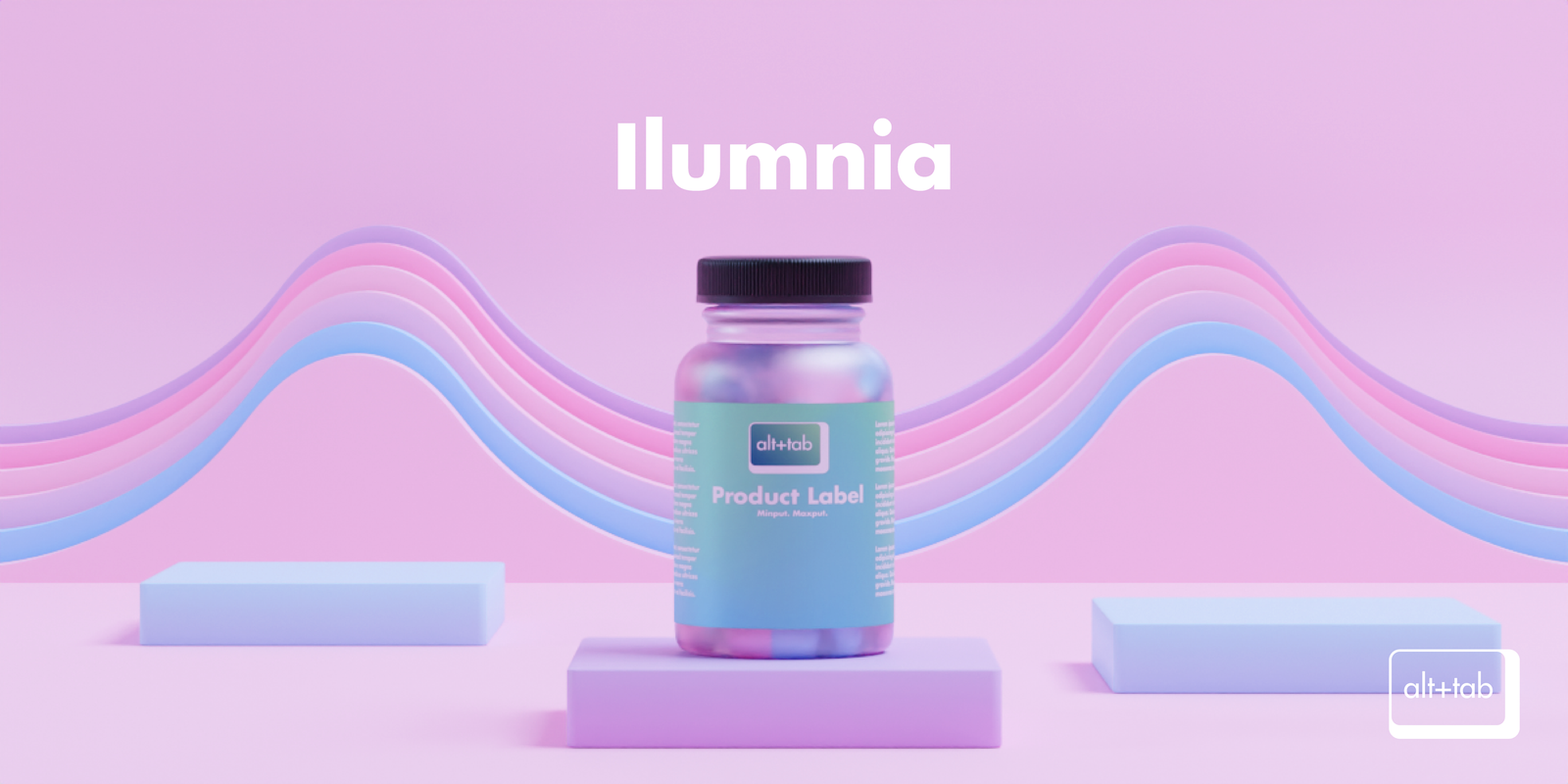
Alt Tab Ilumina Point Asset Library
Alt Tab Ilumina Point Asset Library for Blender
The Ultimate Product Showcase and Scene Lighting Preset Library
Versions: v1.0
File Size: 512 MB
Download the Alt Tab Ilumina Point Asset Library today. Consequently, you can instantly populate your 3D scenes with professional-grade lighting and layout presets. Because product visualization demands perfect studio setups, having a comprehensive asset library is absolutely essential.
Nevertheless, building complex lighting environments from scratch takes hours of tedious adjustment. Fortunately, this library eliminates that bottleneck completely. Moreover, it provides a massive collection of ready-to-use scenes and color schemes. In short, you can achieve stunning product renders with a simple drag-and-drop.
Comprehensive Scene and Color Preset Collection
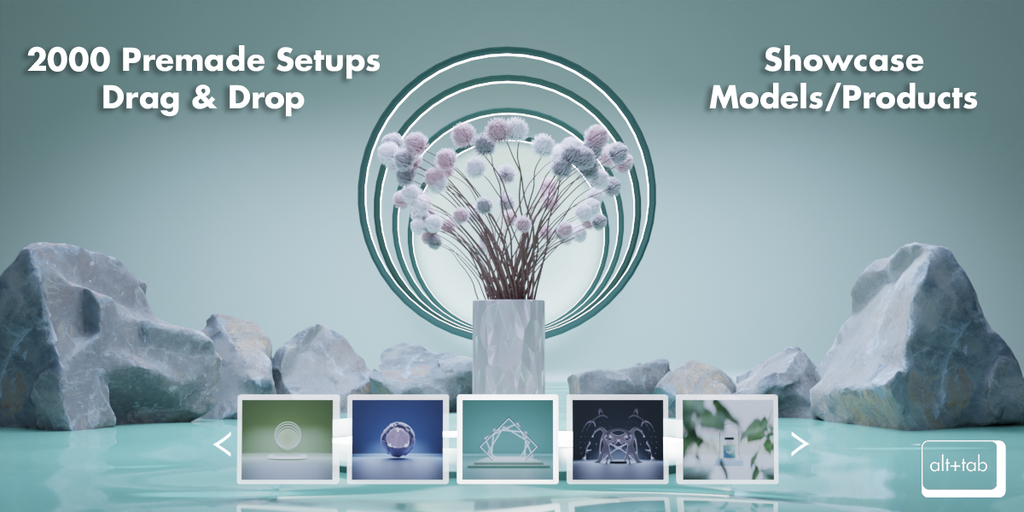
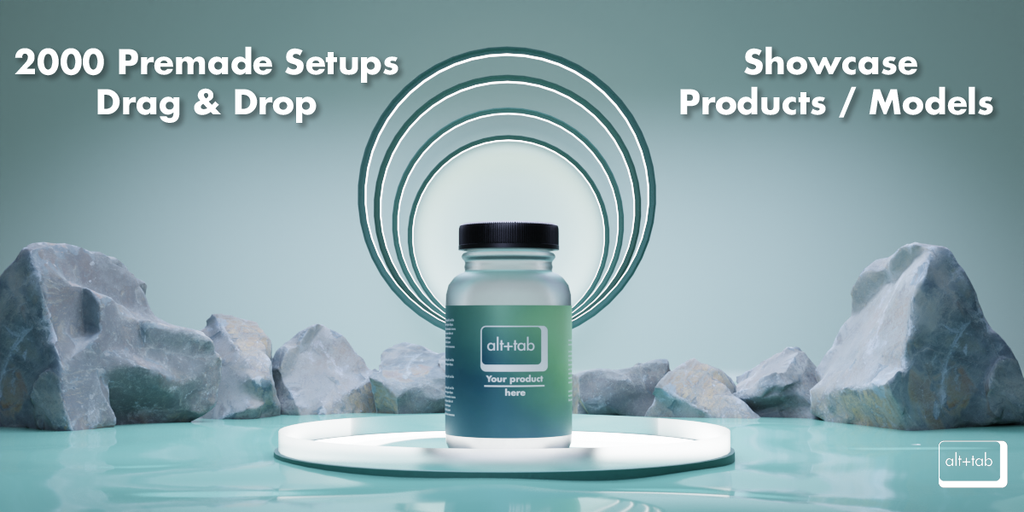
The core of this library lies in its incredible variety. For instance, it includes 50 distinct scene setups designed specifically for showcasing products and models . Furthermore, each scene features 40 unique color combinations, resulting in a total of 2,000 hand-crafted visual variations .
Additionally, the lighting and environment settings come pre-configured for immediate rendering. Since the presets are fully editable, you can easily customize the materials and lights to match your specific project . Consequently, your product presentations will always look fresh and professional.
Seamless Asset Browser Integration
Professional workflows demand speed and efficiency. Therefore, this library integrates natively with Blender’s Asset Browser. For instance, you simply drag your desired scene preset directly into your viewport .
Furthermore, the camera comes included with the layout, meaning you do not need to manually position your shot . Additionally, you can use the settings without the background shapes to create a clean, lit backdrop for your own models . Since the installation is straightforward, you can set up your asset path in Blender’s preferences and start creating instantly .
Broad Compatibility and Free Demo
Creative exploration should be accessible to everyone. Accordingly, the library supports a wide range of Blender versions, from 3.0 all the way to 4.2 . It works seamlessly on both Windows and macOS operating systems .
Furthermore, the creators offer a free demo version. This allows you to experience the quality and workflow before committing to the full purchase . Additionally, purchasing the full library grants you access to all future updates . Consequently, your investment grows as the library expands over time.
Perfect for Product Designers and 3D Artists
This library is particularly well-suited for product designers creating e-commerce visuals and marketing materials. Similarly, 3D artists working on commercial renders will appreciate the massive time savings. Additionally, anyone showcasing a modeling portfolio will find these presets invaluable for presenting their work in the best possible light . Ultimately, the Alt Tab Ilumina Point Asset Library accelerates your entire visualization pipeline.
System Requirements and Compatibility
The library supports Blender versions 3.0 through 4.2 . It is compatible with Windows and macOS. You will need a standard workstation with at least 8GB of RAM. The compressed download is approximately 663 MB, and it expands to roughly 7 GB once unzipped .
Installation and Usage Guide
To install, first download and unzip the asset folder. Next, open Blender and navigate to Edit > Preferences > File Paths. Then, add the unzipped folder to your Asset Libraries. Finally, open the Asset Browser in your workspace and drag your chosen scene directly into the viewport . Thus, your professional showcase workflow will be ready instantly.
What is Included Inside?
The pack contains the complete Alt Tab Ilumina Point Asset Library. Furthermore, it includes 50 pre-built scenes with 40 color variations each, totaling 2,000 presets. Additionally, you receive the lighting setups, cameras, and environment assets ready for drag-and-drop use. Ultimately, you receive everything needed for professional product visualization.
Final Thoughts on the Library
Effortless scene setup evokes profound creative freedom. Therefore, this library provides the ultimate foundation for your product rendering workflows. You can generate stunning showcases with unprecedented speed and variety. Consequently, your creative vision becomes a stunning reality.
Alt Tab Ilumnia
Welcome to Alt Tab Ilumnia, the epitome of ease and versatility in 3D scene creation. Crafted for Blender, our comprehensive collection is designed to accelerate your product visualization workflow while enhancing your creative flexibility. Whether you are showcasing your modeling skills or delivering commercial product renders, Alt Tab Ilumnia empowers you to do so swiftly and easily.
Why use presets?
They offer a great starting point for your projects, saving you considerable time that would otherwise be spent setting up scenes from scratch. They allow artists to focus more on their unique design elements, enhance productivity, and maintain a smooth workflow. With the added flexibility of customization, presets like ours can significantly boost your creativity and efficiency in 3D design.
Ease of Use.
With Blender’s intuitive asset browser, you can effortlessly Drag & Drop any of our carefully crafted setups into your scene.
*All presets include a pre-positioned camera
Customizability
You can edit any scene and modify as much as you want.
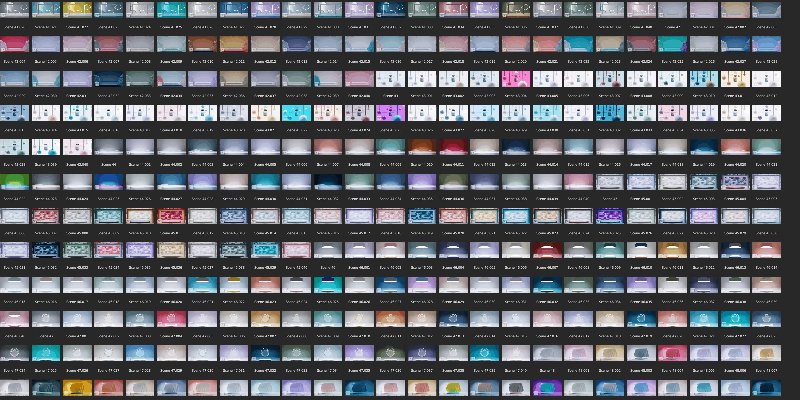
Each scene in Alt Tab Ilumnia comes with 40 distinct color variants, providing a total of 2,000 handcrafted options at your disposal. This feature significantly simplifies and accelerates your coloring workflow
Supercharge your 3D creation workflow with premium selection of Blender Add-ons. Whether you are modeling intricate characters, sculpting realistic environments, or animating cinematic sequences, the right add-on can transform how you work inside Blender. Our curated collection includes powerful tools for UV unwrapping, procedural texture generation, rigging automation, rendering optimization, and more—each rigorously tested for compatibility with the latest Blender versions. Eliminate tedious manual processes and unlock advanced functionality that lets you focus on what matters most: bringing your creative vision to life. Explore our full range of professional Blender plugins today and take your 3D projects to the next level.
➡️ ➡️ For more Blender Plugins 😀 😀
Reviews
There are no reviews yet.