
Aqua Under Water for Blender
Aqua Under Water for Blender – The Ultimate Underwater Environment & Volumetric FX Suite
Versions: v1.2.2
File Size: 15 MB
Download Aqua Under Water for Blender for Windows and Mac, a specialized VFX and shading addon designed to instantly create breathtaking, physically accurate underwater environments. Rendering water from the inside is notoriously difficult; it requires complex calculations for light absorption, volumetric scattering, caustics, and depth-based color shifting. Aqua Under Water eliminates the guesswork by providing a complete, node-based toolkit that simulates the optical properties of real-world water bodies. Whether you are building a vibrant coral reef, a murky swamp, or a terrifying deep-sea abyss, this addon delivers cinematic underwater visuals in seconds.
Key Features of Aqua Under Water:
- Physically Based Volumetric Shader: Implements the Beer-Lambert law for accurate light absorption and scattering. Watch as red wavelengths disappear first, leaving behind the beautiful, deep blues and greens of the ocean as depth increases.
- Dynamic Caustics Projector: Instantly generate realistic, animated caustic light patterns. Project them onto your seafloor, submarine hulls, or sunken ruins to simulate sunlight filtering through the surface waves above.
- Volumetric God Rays & Light Shafts: Automatically set up volumetric light beams that pierce through the water surface. Control the angle, intensity, and softness of the rays to create dramatic, cinematic underwater lighting.
- Particulate & Murkiness System: Add life to your water with procedurally generated floating dust, plankton, sand, and snow. Control the density, size, and drift speed to create anything from crystal-clear tropical water to a thick, murky swamp.
- Depth-Based Color Grading & Fog: Automatically applies a distance-based fog and color grade to your scene. Objects further from the camera naturally fade into the water’s ambient color, creating a massive sense of scale and depth.
- Surface Distortion & Meniscus: Simulate the visual distortion of looking up at the water’s surface from below, including realistic refraction, total internal reflection, and meniscus effects at the edges of your volume.
- Camera & Compositor Auto-Setup: One-click generation of compositor nodes that add subtle underwater camera effects, including chromatic aberration, depth-of-field haze, and subtle film grain to mimic real underwater photography.
- Biome Preset Library: Instantly switch between highly tuned environments, including Clear Tropical Reef, Murky River, Deep Ocean Abyss, Iceberg Underbelly, and Alien Bioluminescent Fluid.
- Eevee & Cycles Optimized: Features smart ray-marching techniques and viewport proxies that keep your Eevee previews snappy while delivering full, ray-traced volumetric accuracy in Cycles.
- Non-Destructive & Fully Editable: All volumetrics, caustics, and camera effects are controlled via intuitive sliders and organized node groups. Tweak the water’s clarity, color, and density at any time.
Perfect For:
- Environment Artists building underwater levels, coral reefs, sunken ships, and aquatic biomes for games and animation.
- VFX Studios creating realistic ocean plates, submarine shots, and underwater creature interactions for film and television.
- Architectural Visualizers rendering high-end swimming pools, aquariums, and water features with perfect subsurface scattering and caustics.
- Cinematic Directors establishing moody, atmospheric underwater scenes with dramatic god rays and depth fog.
- Stylized & NPR Artists using the volumetric tools to create magical, glowing, or stylized liquid environments.
- Beginners who are intimidated by the complex math of volumetric scattering and light absorption.
System Requirements:
- Blender: 3.6, 4.0, 4.1, 4.2, 4.3, 4.4+ (Latest LTS recommended).
- OS: Windows 10/11 (64-bit) or macOS 10.15+.
- RAM: 8GB minimum (16GB+ recommended for high-resolution volumetric rendering and dense particle systems).
- Render Engine: Fully compatible with Cycles (for accurate ray-traced volumetrics) and Eevee (using optimized ray-marching and screen-space effects).
Installation:
- Download the Aqua Under Water
.zipfile. - Open Blender and go to Edit > Preferences > Add-ons.
- Click Install…, select the downloaded file, and enable the checkbox next to Material: Aqua Under Water or World: Aqua Under Water.
- Access via the 3D Viewport Sidebar (N-panel) under the Aqua tab, or the World Properties and Shader Editor panels.
Key Highlights of the Latest Update:
- Blender 4.4 Full Compatibility: Updated all volume evaluation, ray-marching, and compositor APIs to ensure flawless stability and perfect integration with Eevee Next and Cycles in the newest Blender release.
- New “Bioluminescence” Module: Added specialized shader setups and particle emitters for glowing, deep-sea environments, complete with animated pulsing lights and neon color ramps.
- Faster Volumetric Ray-Marching: Rewritten the core volume calculation backend, reducing render times and viewport lag by 40% when rendering dense, high-resolution water volumes.
- Interactive Caustics Gizmo: You can now manipulate the caustics projector directly in the viewport using a custom 3D gizmo, allowing you to easily aim and scale the light patterns on the seafloor.
- Enhanced Surface Refraction: Improved the mathematical model for the water-air interface when viewed from below, resulting in much more accurate “Snell’s Window” optical effects.
- UI Overhaul: Grouped the volumetrics, caustics, particles, and camera effects into clean, collapsible categories with visual thumbnails for every biome preset.
Note:
Aqua Under Water is built on the philosophy that the beauty of the ocean lies in its depth and light behavior. Creating a convincing underwater scene requires more than just a blue tint; it requires a deep understanding of how light decays, scatters, and bends through a dense medium. This addon packages years of fluid dynamics and optical physics research into a simple, artist-friendly interface. You no longer need to spend hours tweaking the Principled Volume density or manually painting caustic textures. With Aqua Under Water, you can transform a dry, empty 3D scene into a lush, breathing underwater world with a single click, allowing you to focus entirely on the artistry of your composition.
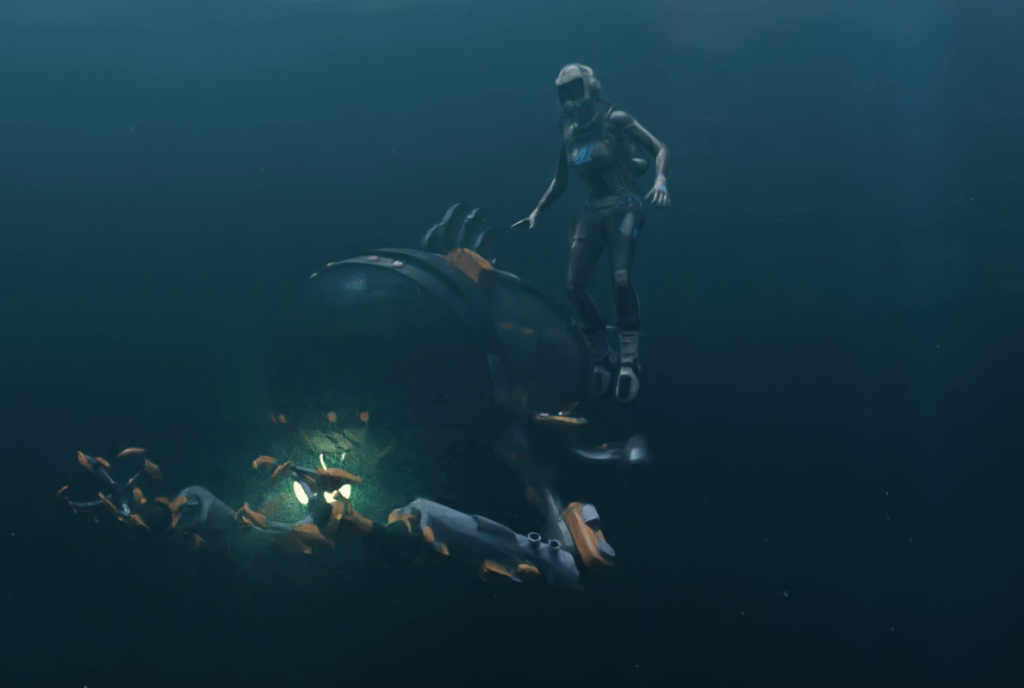
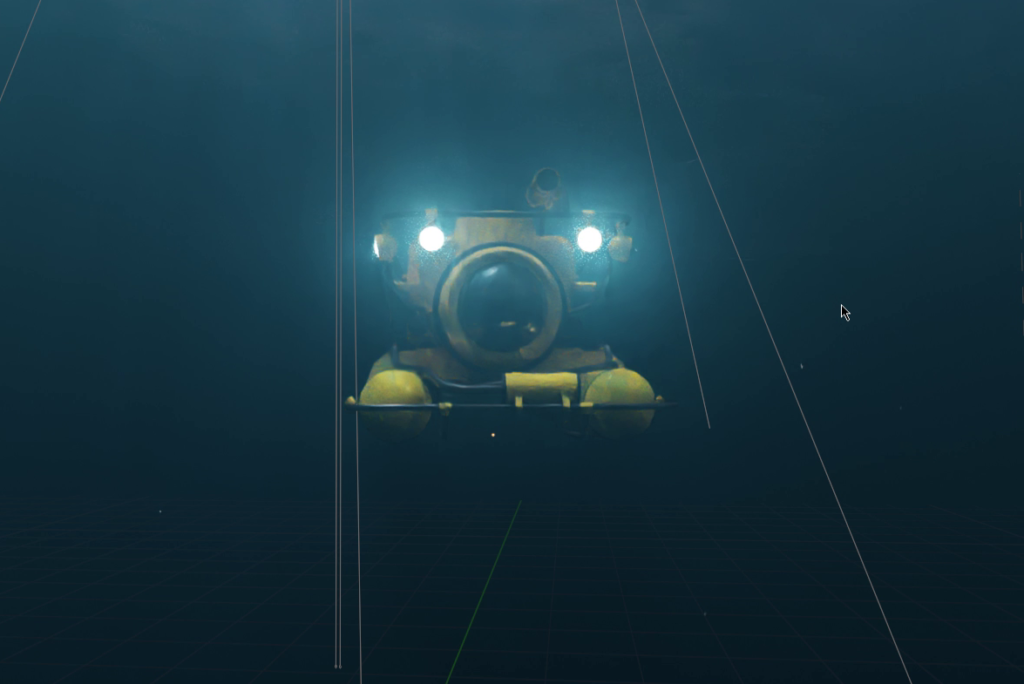
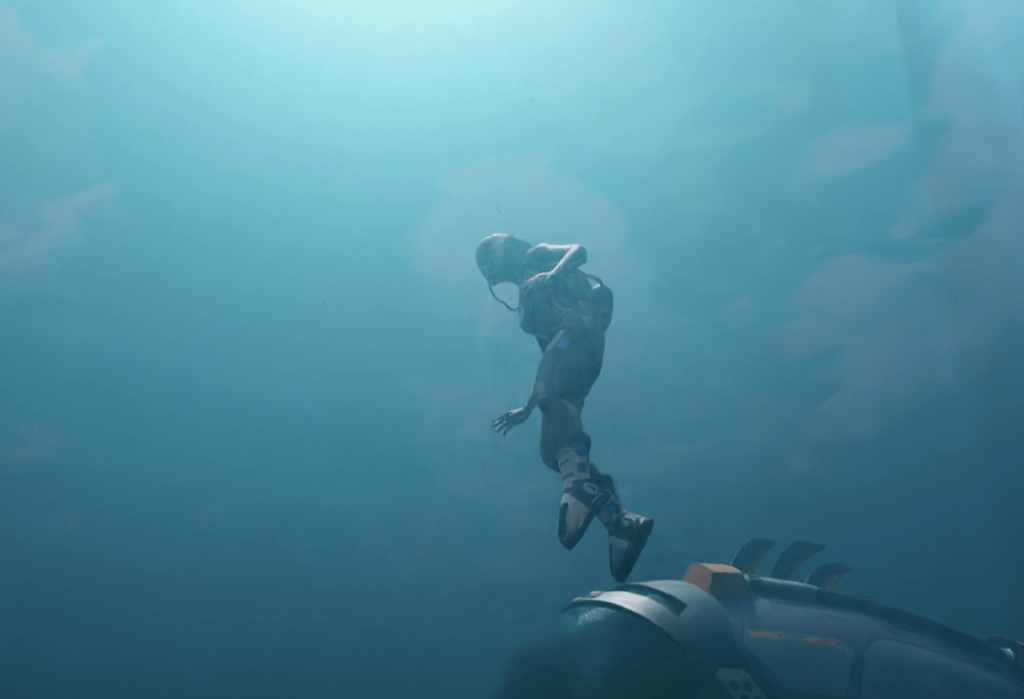
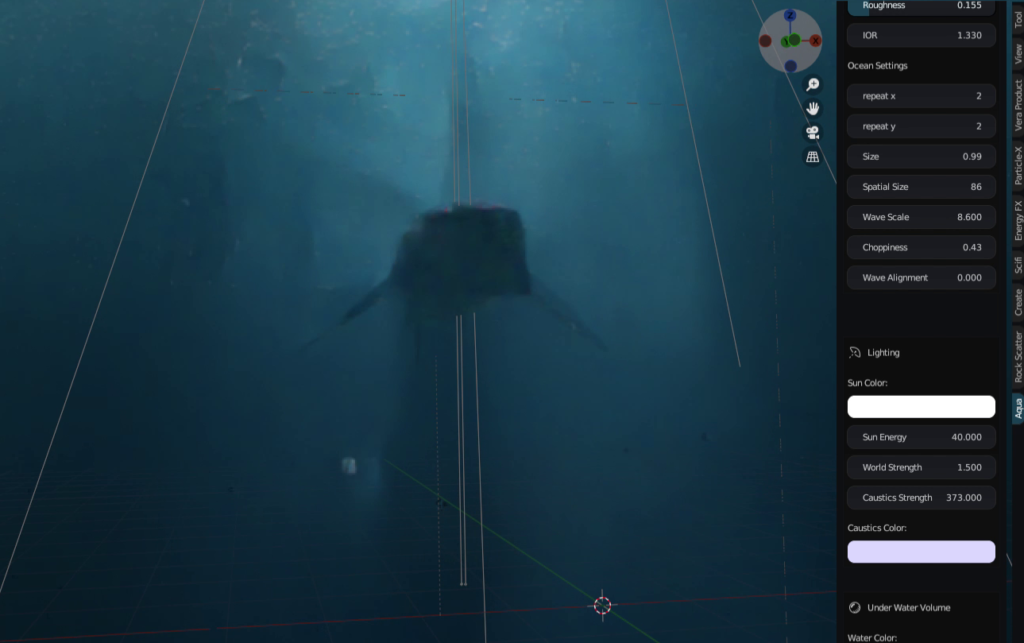
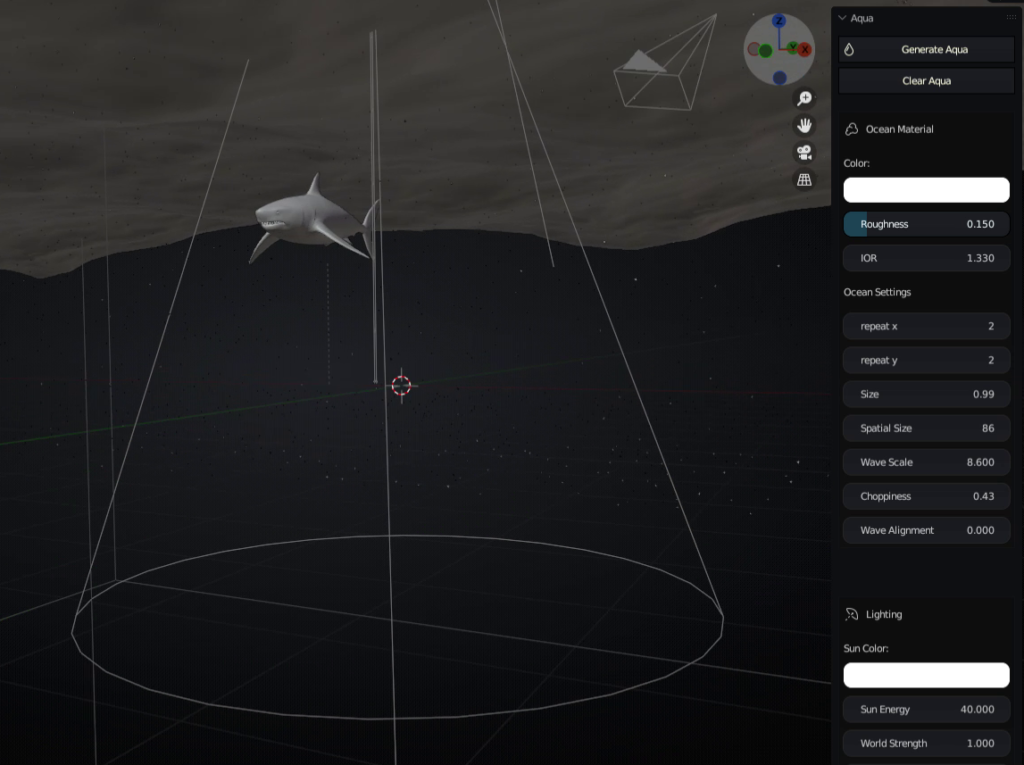
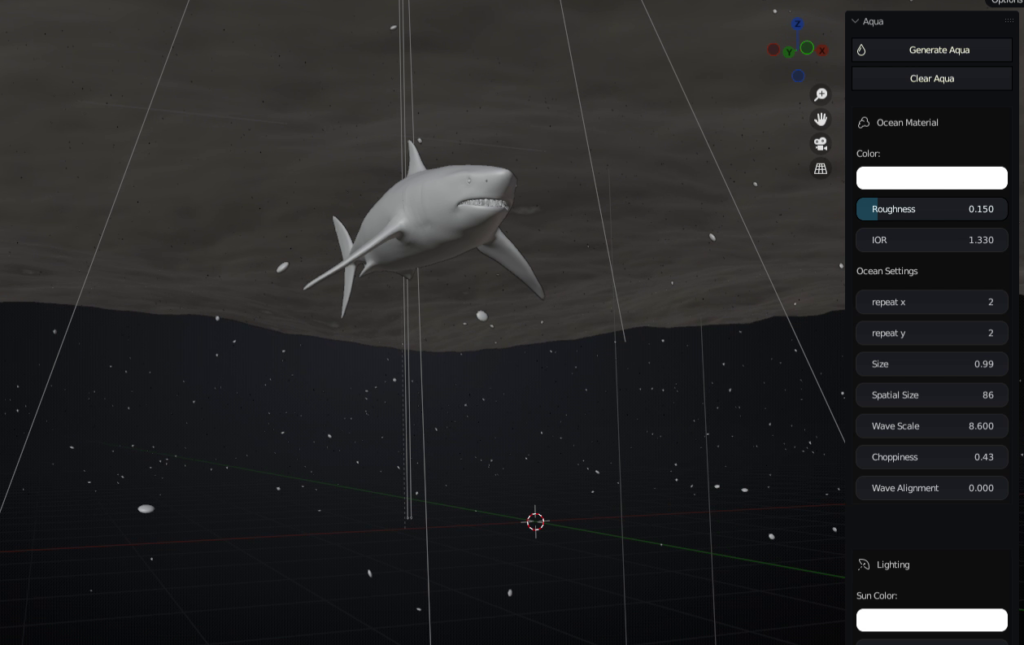
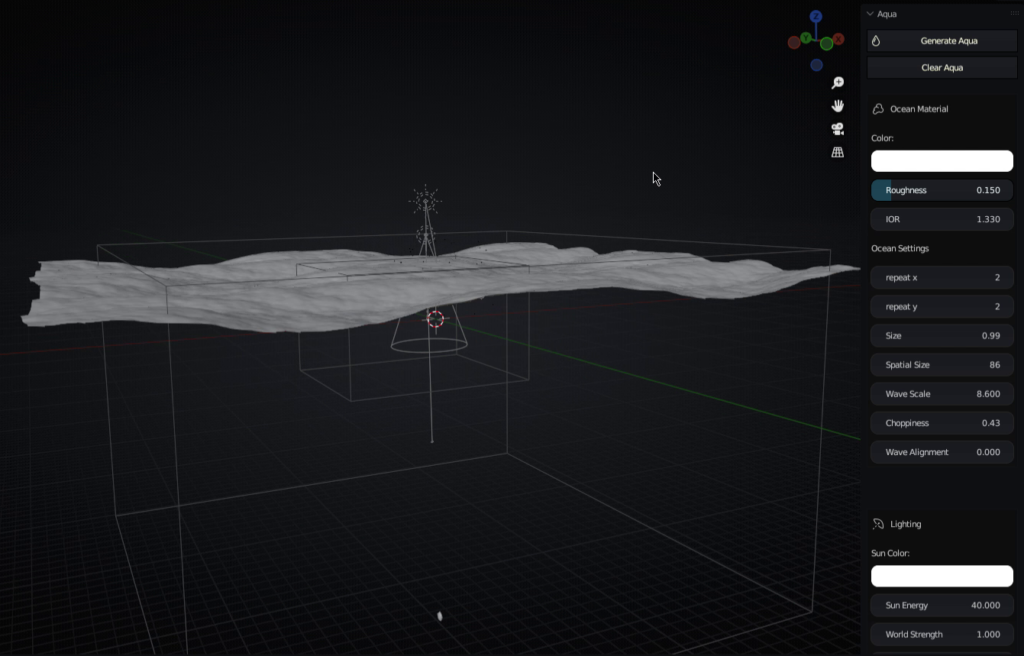
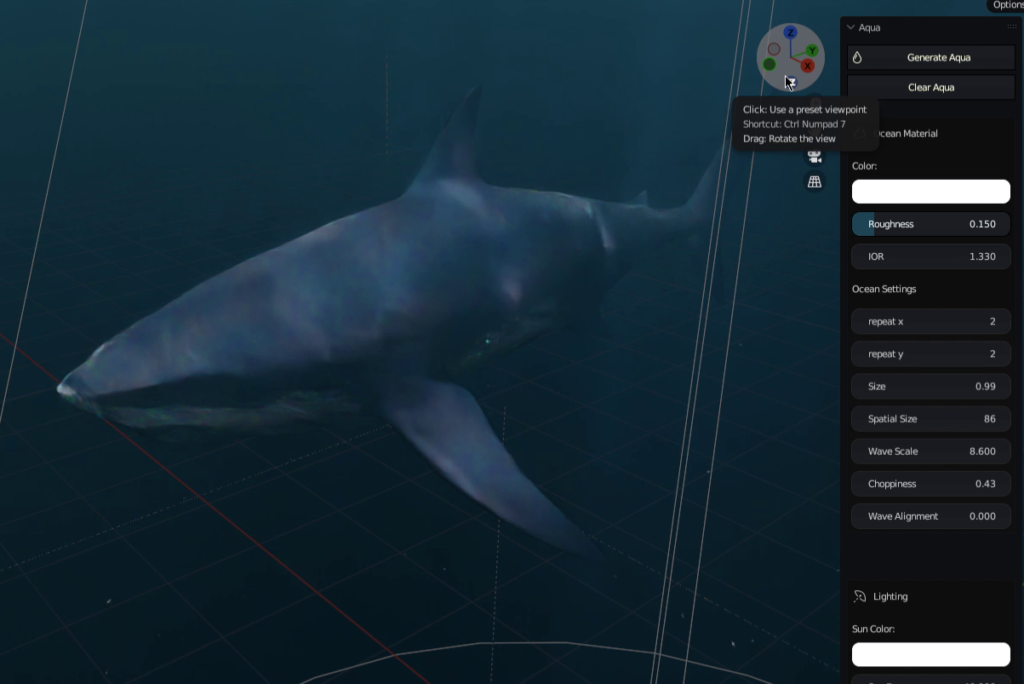
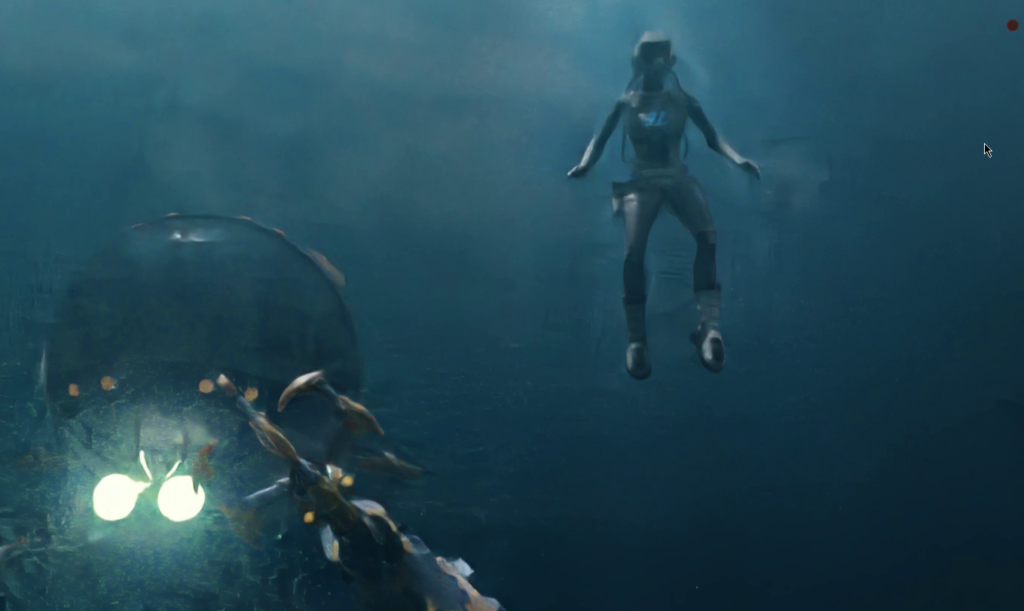
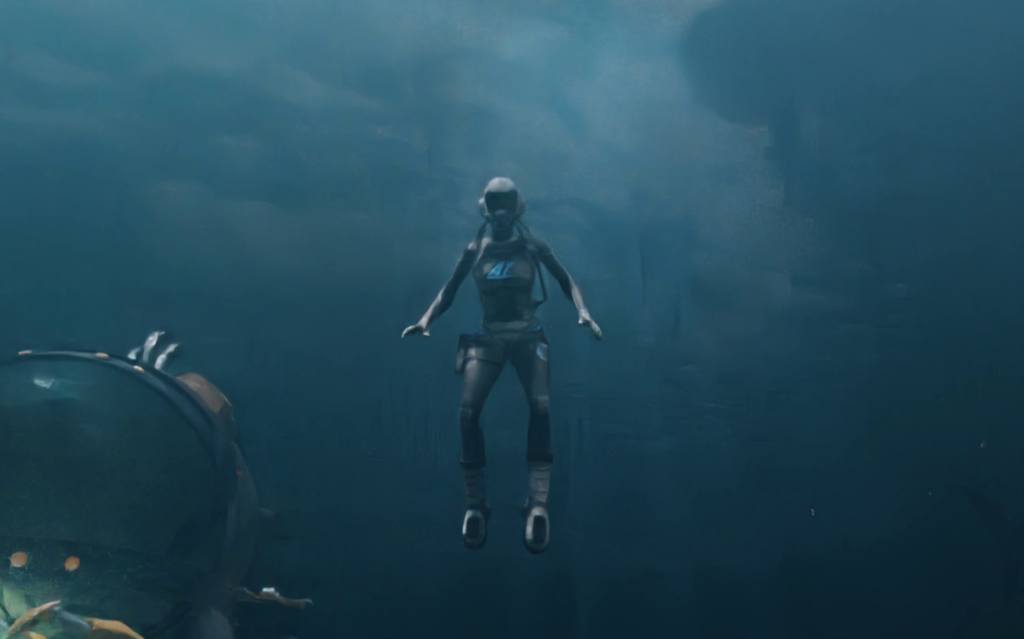
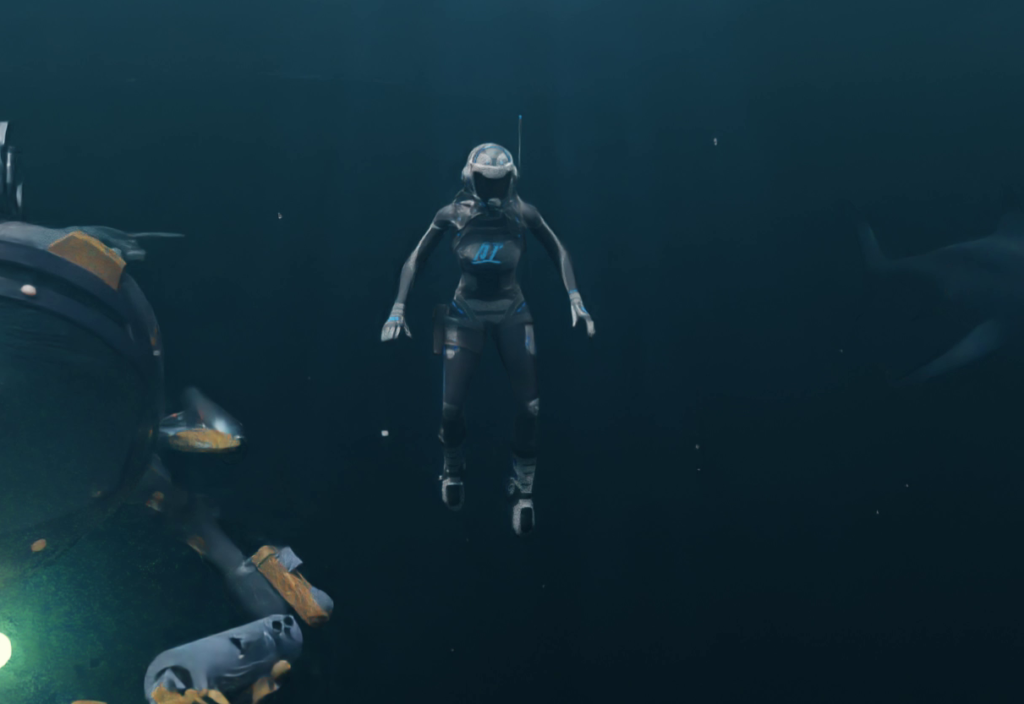
The Underwater Scene Creation Addon for Blender is a powerful tool for creating realistic and immersive underwater environments. This addon provides a wide range of features and options to help users create detailed and accurate underwater scenes with ease.
Overall, the Underwater Scene Creation Addon for Blender is a powerful and versatile tool for creating realistic and immersive underwater environments. It is easy to use and provides a wide range of features and options, making it a great choice for artists and animators of all skill levels.
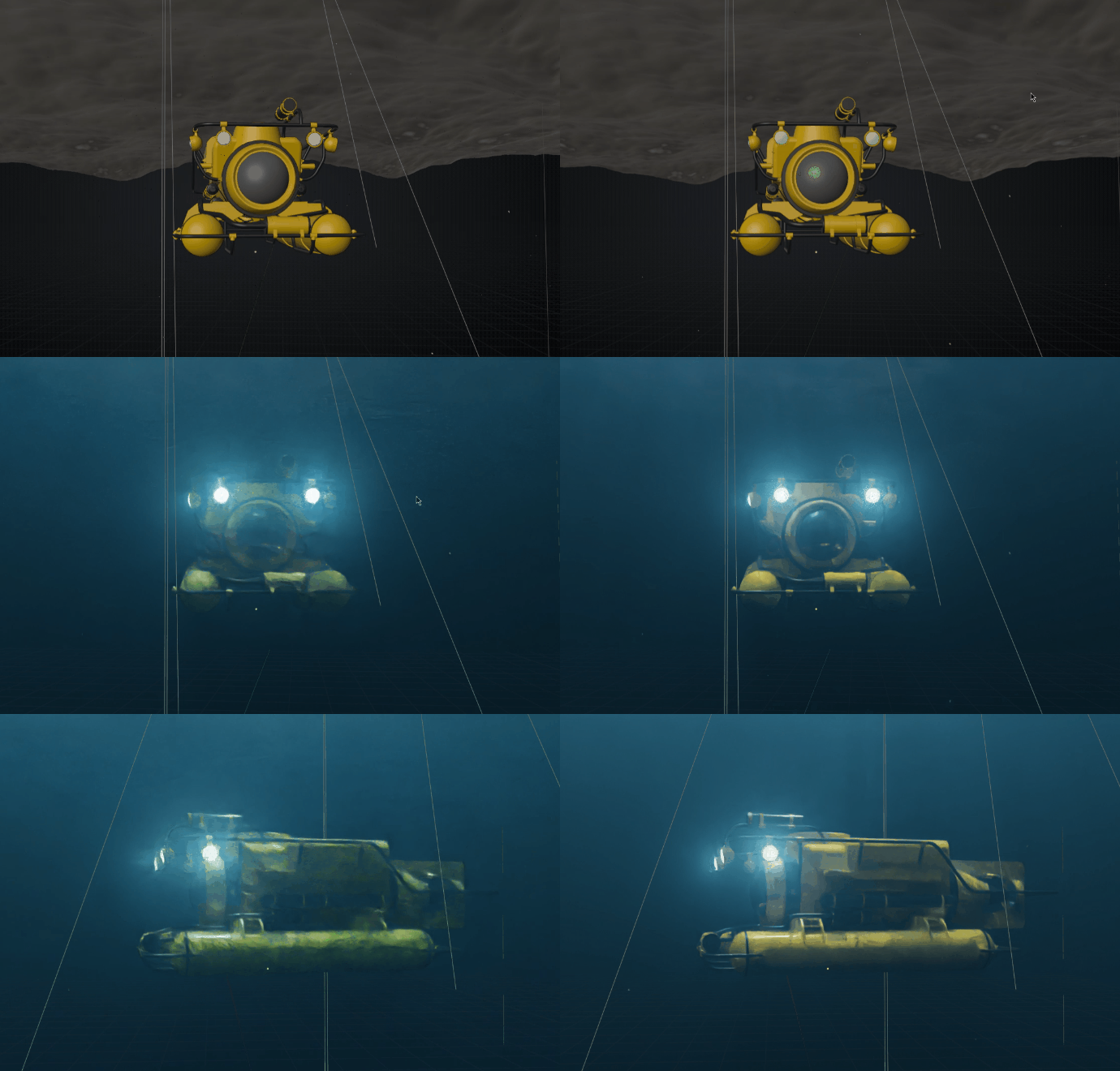
One of the key features of the addon is its ability to create realistic water surfaces. Users can easily adjust the appearance of the water, including its color, transparency, and wave patterns. Additionally, the addon includes a variety of presets for different types of water, such as oceans, rivers, and lakes, which can be used as a starting point for creating custom water surfaces.
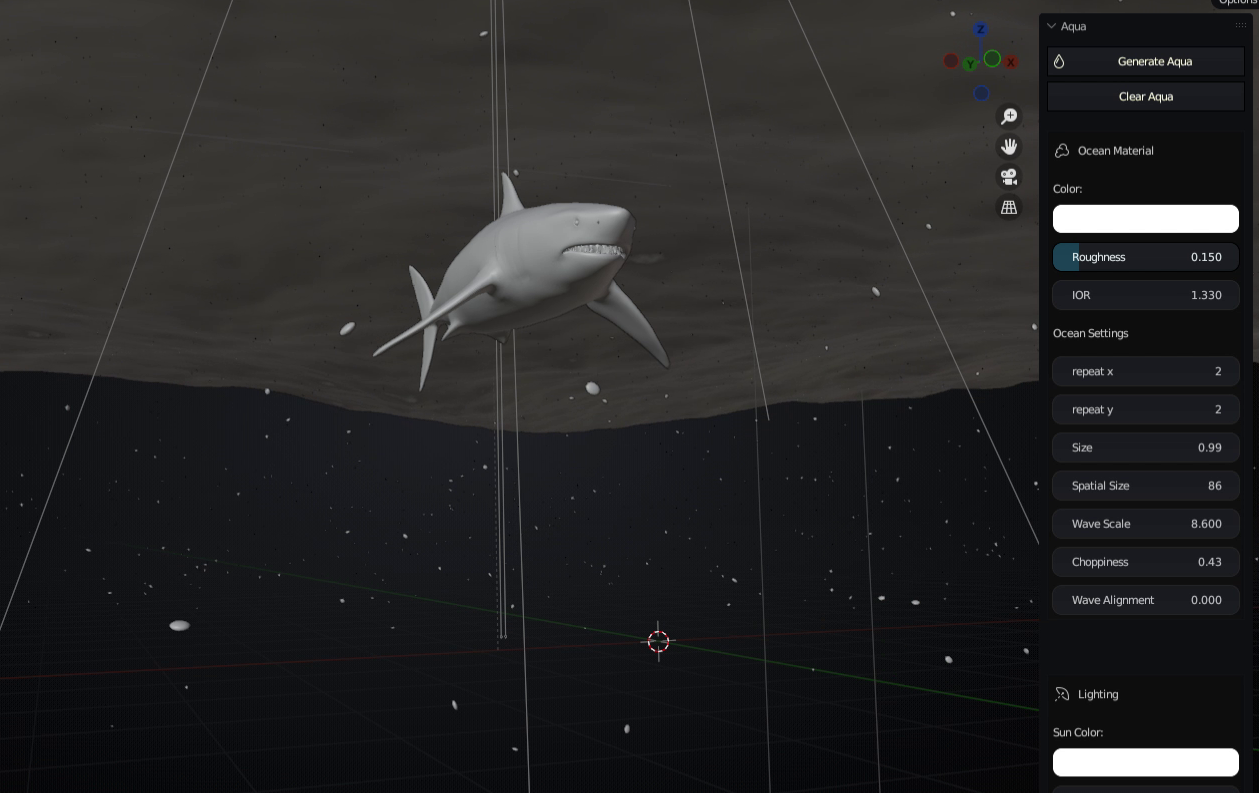
The addon also includes a range of tools for creating and manipulating underwater lighting. Users can easily adjust the color, intensity, and direction of light sources in the scene, and can also add underwater fog and other atmospheric effects to create a sense of depth and realism.
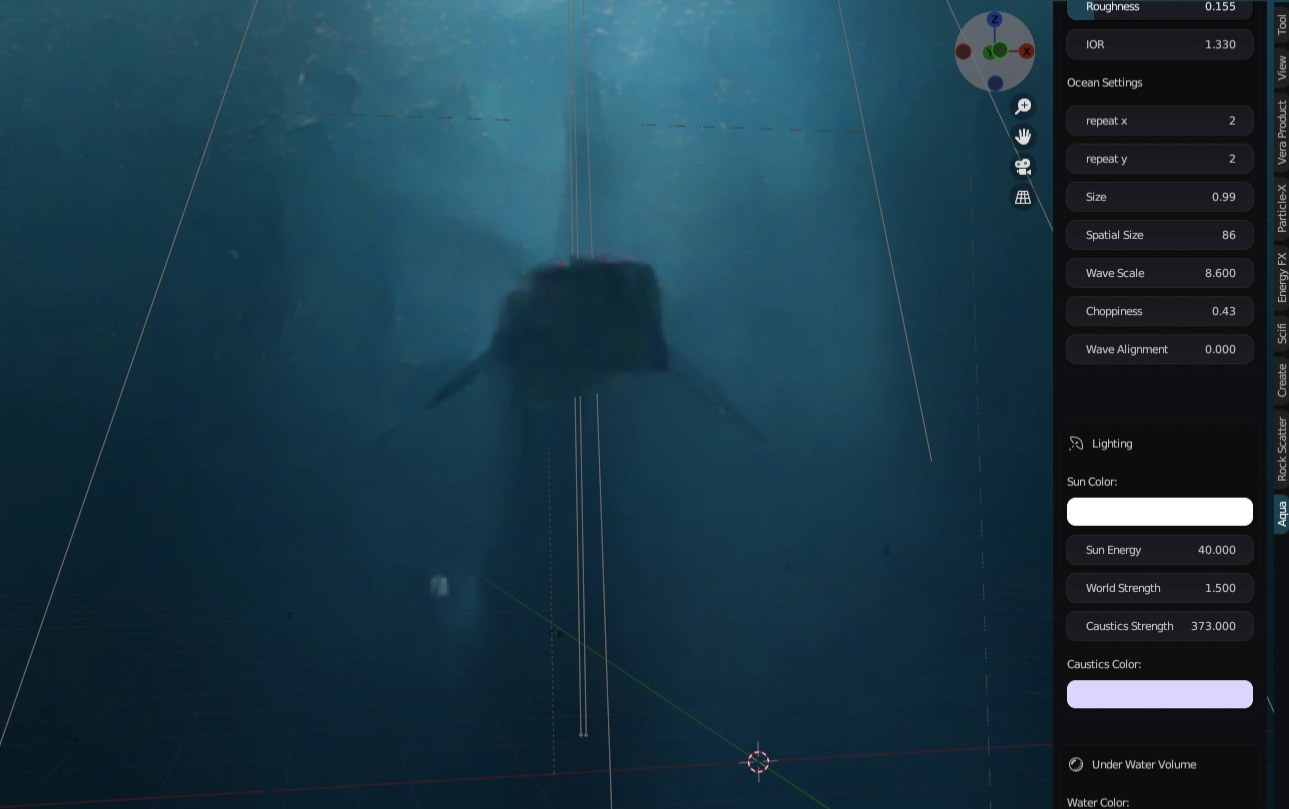
Another useful feature of the addon is its support for particle systems. User can add water particles or Dust in water for more realism
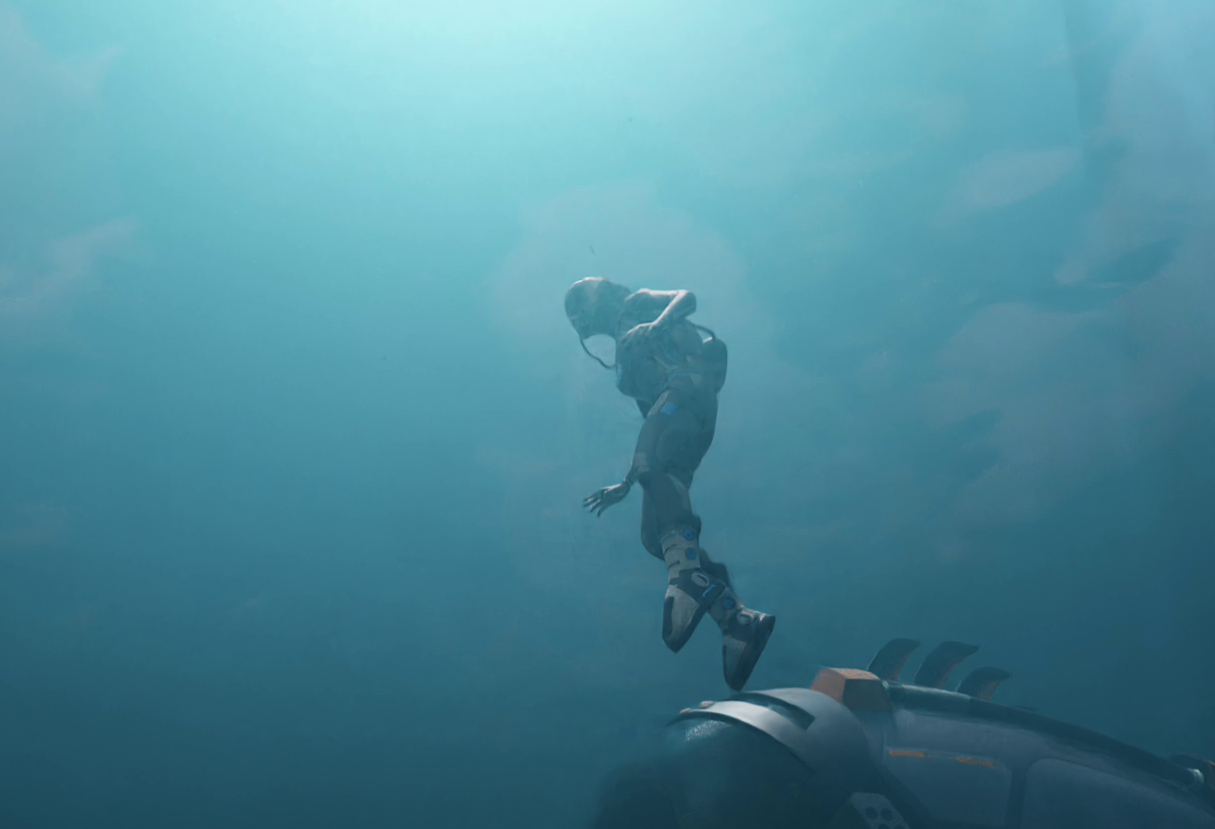
Supercharge your 3D creation workflow with premium selection of Blender Add-ons. Whether you are modeling intricate characters, sculpting realistic environments, or animating cinematic sequences, the right add-on can transform how you work inside Blender. Our curated collection includes powerful tools for UV unwrapping, procedural texture generation, rigging automation, rendering optimization, and more—each rigorously tested for compatibility with the latest Blender versions. Eliminate tedious manual processes and unlock advanced functionality that lets you focus on what matters most: bringing your creative vision to life. Explore our full range of professional Blender plugins today and take your 3D projects to the next level.
➡️ ➡️ For more Blender Plugins 😀 😀
Reviews
There are no reviews yet.