
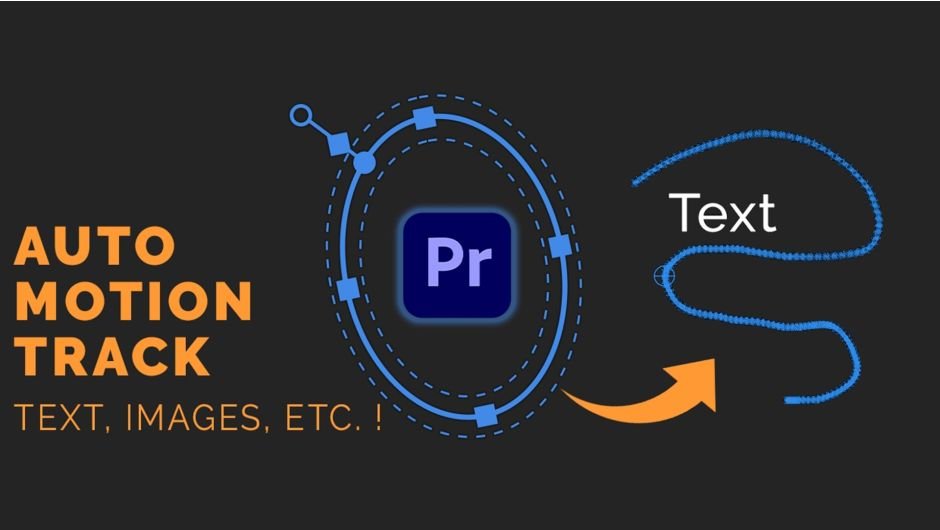
Auto Motion Tracker For Objects for After Effects
Download Auto Motion Tracker For Objects V1.2.1, a powerful Premiere Pro extension that converts tracked mask paths into transform effect keyframes. This essential tool enables automatic motion tracking for text, images, and graphics directly within Premiere Pro, eliminating the need to switch to After Effects for complex tracking work.
Key Features of Auto Motion Tracker For Objects V1.2.1:
- Mask-to-Transform Conversion: Transform tracked mask path keyframes into position/scale/rotation keyframes
- Native Workflow: Leverages Premiere Pro’s built-in mask tracking capabilities
- Layer Attachment: Attach any element (text, logos, images) to follow moving objects in footage
- Footage Stabilization: Apply tracking data to stabilize shots around moving subjects
- No AE Required: Complete complex tracking tasks without leaving Premiere Pro
- Simple Workflow: Apply tracking data to source clips and add transform effects
- Nested Clip Support: Advanced stabilization through nested clip workflows
- Professional Results: Smooth, accurate tracking for production work
- Multi-Version Support: Compatible with Premiere Pro 2024, 2023, 2022, 2021, 2020
- Cross-Platform: Works on both Windows and macOS systems
Perfect For:
- Video editors needing quick object tracking without After Effects
- Motion graphics artists attaching graphics to moving subjects
- Documentary editors tracking faces or objects for privacy masking
- Commercial producers attaching logos to moving vehicles or products
- Any Premiere Pro user needing automated tracking capabilities
System Requirements:
- Adobe Premiere Pro 2020 through 2024 (both Windows and Mac)
- 4GB RAM minimum (8GB+ recommended)
- 50MB available disk space
Footage stabilization using the tracked mask. Extension for Adobe Premiere Pro that lets you convert keyframes of a tracked Mask Path to a Transform effect, so anything can follow movement in the scene! Those keyframes can also be used to STABILIZE your footage!
Automatic motion tracking of masks has been a feature built-into Adobe Premiere Pro for a long time, but it was never possible to stick to it something like a motion graphics layer, so that it will follow the movement of objects in the shot.
But with this extension you can convert the keyframes of ”Mask Path” into keyframes of position/scale/rotation in a ”Transform” effect!
So now you can have automatic motion tracking something like a text, image or literally anything without the need to go into After Effects!
Since version 1.2.0 the keyframes can also be used to conveniently STABILIZE your footage around the subject.

The plugin can also be used to stabilize footage. Just apply the tracking data to the source clip itself, then add a second transform effect to it and rotate the clip by 180 degrees in that second transform. Then nest the clip, rotate it back 180 degrees and scale up if needed! Here’s is the stabilization effect:

Tutorial


Compatibility
Premiere Pro
2025, 2024, 2023, 2022, 2021, 2020
Elevate your motion graphics workflow with premium collection of After Effects plugins. Whether you are a seasoned professional or just starting your VFX journey, powerful tools designed to streamline complex tasks, unlock creative possibilities, and save you hours of rendering time. From stunning glitch effects and seamless transitions to advanced 3D extrusion and text animation tools, each plugin in our library is rigorously tested for compatibility with the latest versions of Adobe after Effects. Enhance your video production value today and download industry-leading plugins that help you create breathtaking visuals without the technical headaches. Browse our full range and find the perfect extension to supercharge your editing suite now.
➡️ ➡️ For more after effects Plugins 😀 😀
➡️ ➡️ System requirements AE
Reviews
There are no reviews yet.