
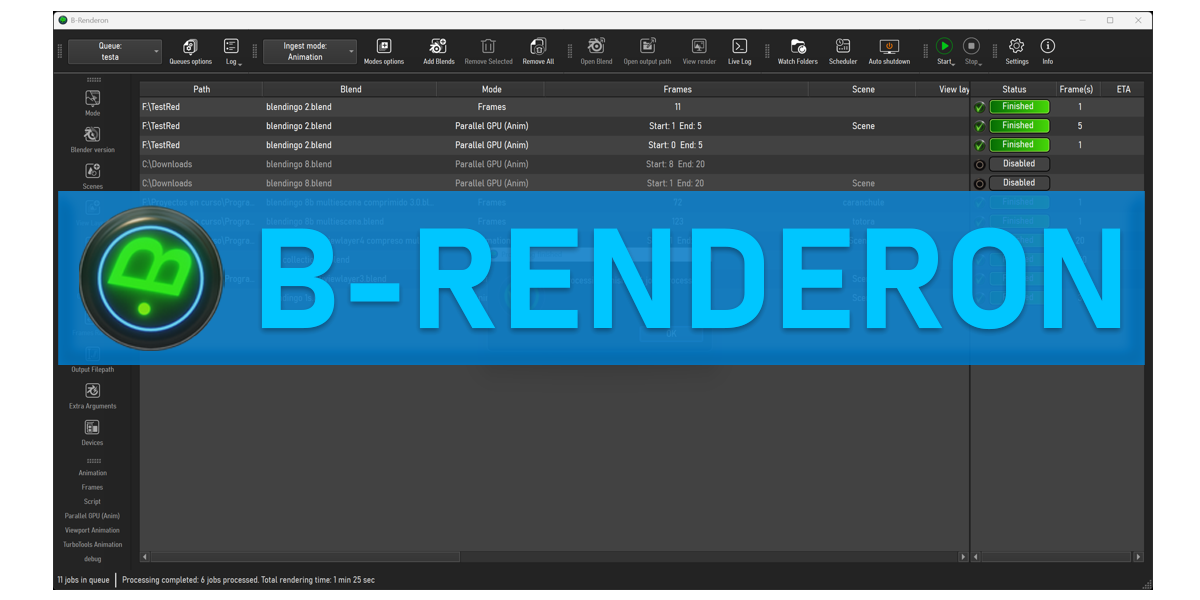
B Renderon for Blender
B Renderon v4.0 for Blender
The Ultimate Render Management Tool
Download the B Renderon v4.0 addon today. Therefore, you can manage renders instantly. Because complex projects require batch processing, you need proper tools. However, manual render queueing takes many frustrating hours. Consequently, this powerful addon solves that problem completely. Furthermore, it provides a fast, automated workflow. Thus, you can start batch rendering in seconds.
Fast Batch Processing
First, the core of this addon is speed. Specifically, it queues multiple camera angles instantly. Furthermore, you can set custom resolution steps easily. Additionally, the tool applies render layers seamlessly. Thus, you can build endless output variations quickly. Moreover, you can customize file naming perfectly. Consequently, your 3D renders will process highly professionally.
Advanced Queue Management Features
Ultimately, large projects require advanced queue control. Therefore, this addon includes smart scheduling tools. Specifically, you get easy priority sorting features. Furthermore, the algorithms preserve render settings perfectly. Additionally, the tools simulate realistic render farm distribution. Consequently, your batch jobs will become incredibly efficient. Thus, the workflow reacts beautifully to your input.
Real-Time Optimization and Performance
However, heavy rendering can slow down your system. Therefore, the addon is perfectly optimized for performance. Specifically, it utilizes efficient native background processing. Consequently, you can render complex scenes easily. Meanwhile, your viewport frame rate remains completely stable. Ultimately, this ensures a smooth and fast workflow.
Perfect for 3D Professionals
Additionally, this addon is ideal for 3D generalists. Furthermore, it suits animation studios perfectly. Moreover, freelance artists will love the rapid setup. Ultimately, it accelerates your entire rendering production pipeline.
System Requirements and Formats
Specifically, the addon requires Blender 3.6 or newer. Furthermore, it supports both Cycles and Eevee engines. Additionally, you get regular free updates from the developer. Therefore, it works across all major operating systems. Moreover, you will need a standard workstation. Thus, 16GB of RAM is highly recommended. Consequently, a modern GPU ensures smooth background processing.
Installation and Usage Guide
First, download the zip file from your library. Next, open Blender and go to Edit Preferences. Then, select Add-ons and click Install. After that, enable the B Renderon addon. Finally, add your scenes to the queue. Thus, your automated renders will start quickly.
What is Included Inside?
Specifically, the pack contains multiple queue presets. Furthermore, it includes smart batch processing algorithms. Additionally, you get several file naming variants. Moreover, there are detailed video tutorial guides. Ultimately, you receive everything for professional render management.
Final Thoughts on the Addon
Ultimately, precise rendering evokes profound professional quality. Therefore, this addon provides the ultimate creative foundation. Furthermore, you can build detailed animation sequences. Alternatively, you can create complex architectural walkthroughs. Consequently, your rendering vision becomes a stunning reality.
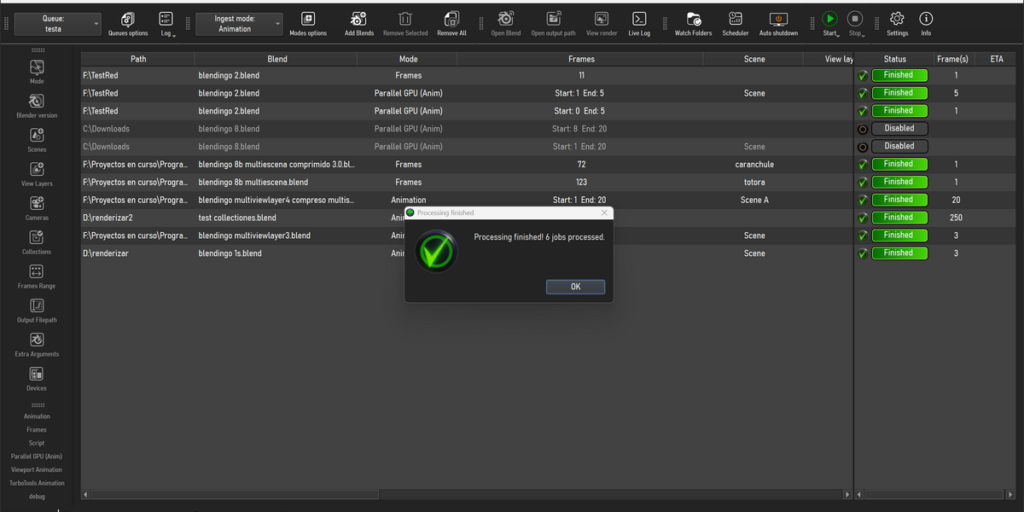

NOTE
1) Currently, there are builds for Windows and Ubuntu (both 64 bits) available. If you want to buy B-renderon but are on a different platform/linux distribution, please check with me via p.m. first.Thanks
2) For now, B-renderon is incompatible with Blender installations from the Microsoft Store. Please use the official Blender.org version, portable builds, or the Steam version instead.
Why I created it?
I work every day at a small animation studio, using Blender (among other software), and then I come home and use Blender some more for personal projects. Both at my job and at home, I found that I, and the other animators I work with, were relying more and more on command line scripts to render, both because of performance improvement (i.e. less memory consumption, less rendering-crashes with some add-ons, and generally faster renders) and because we often times need to leave multiple blend files to render overnight or over the weekend.
But writing command line scripts can be quite tedious and error prone (typing errors are often times lead to a render missed). That’s why I developed B-Renderon, a standalone program with a nice and handy graphical interface to render multiple blend files from command line, without bothering with (or even seeing, unless you want to) the command line.
While developing it, several ideas came to mind to expand and improve upon it, and it ended up being something definitely cooler and more useful than I had envisioned.


Who can benefit from it?
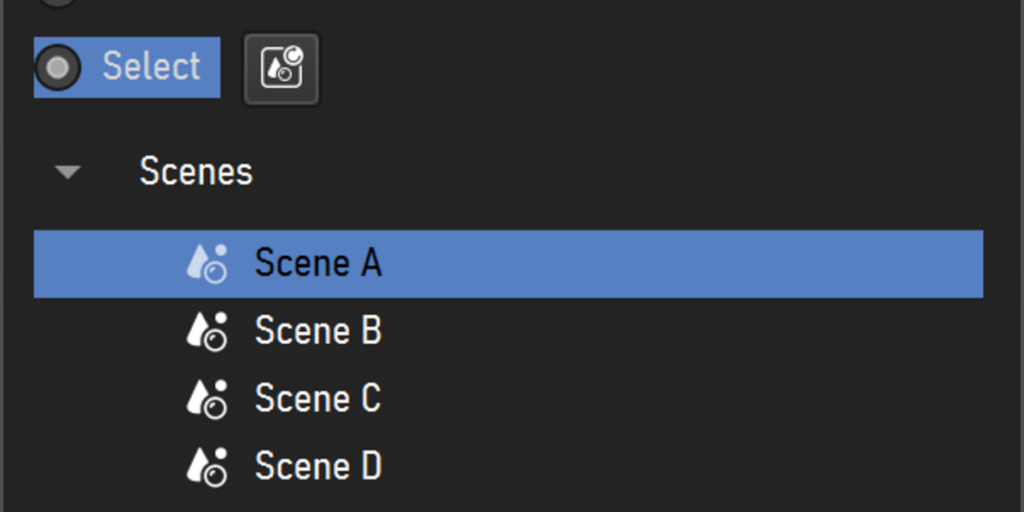
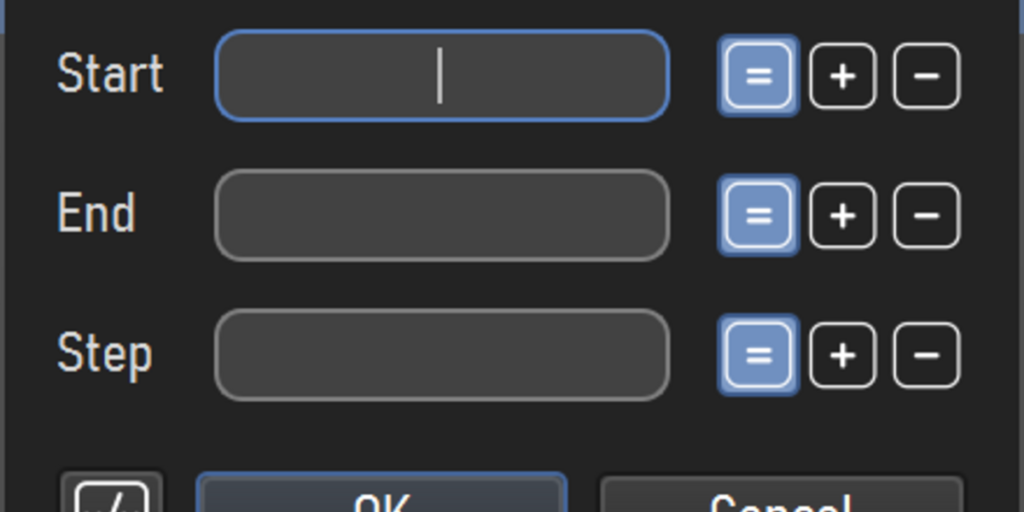
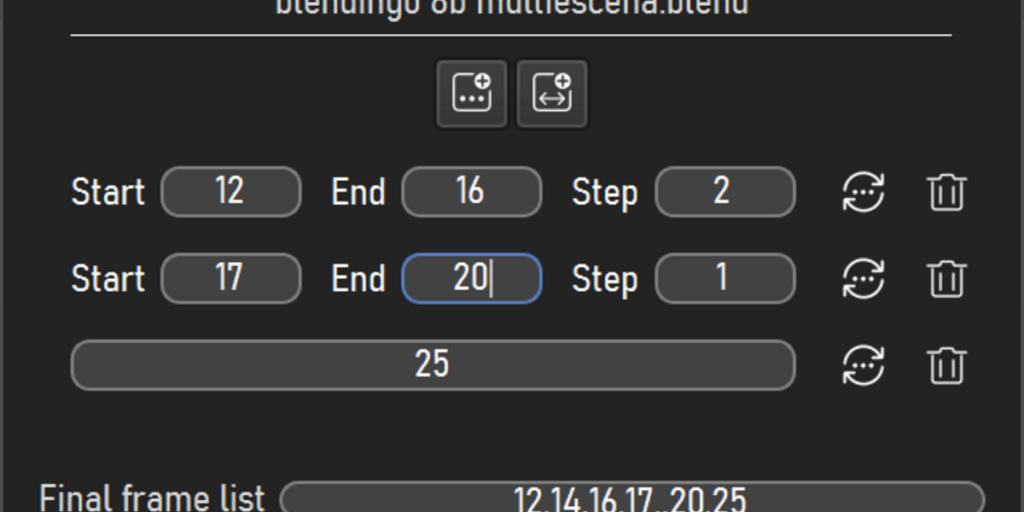
In my opinion, pretty much everyone using Blender on the supported platforms, and making renders with it, would benefit from using B-Renderon. In my experience, once you have adopted a tool like B-Renderon in your rendering workflow, it ranges from being handy to feeling indispensable, depending on the projects you are dealing with. Simply dragging and dropping a bunch of blends onto B-Renderon, hitting render, and coming the next day to see them all rendered is just satisfying. And the flexibility of being able to easily batch render blends scenes / cameras / viewlayers or different blends with different blender versions, or to quickly set up different frame ranges and render them, to name a few, turns tedious processes into a breeze. It can also help immensely in systems with multiple GPUs, to speed up rendering using different gpu’s in parallel instances rendering different frames at the same time.
With B-renderon you can
• Batch render blends, scenes, view layers, cameras
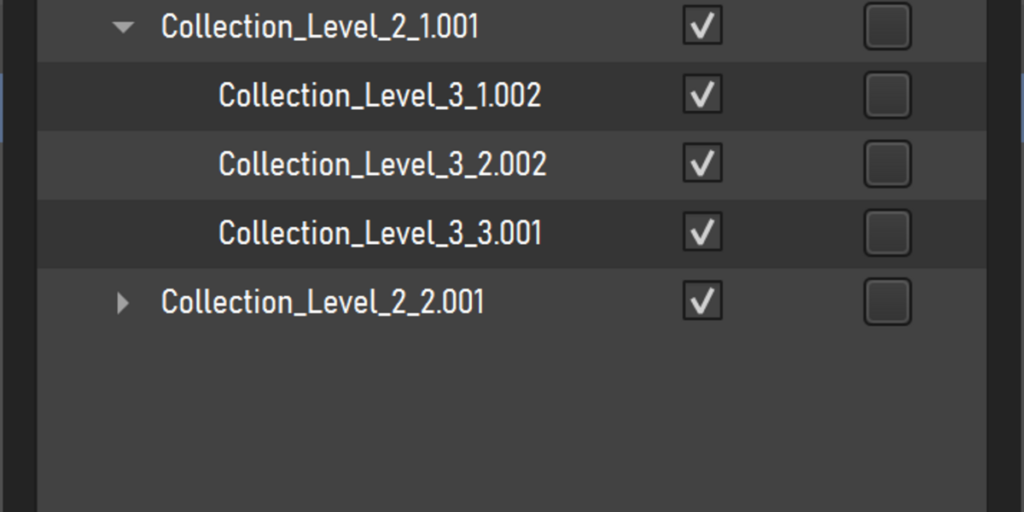
• Toggle specific collections on/off for each job
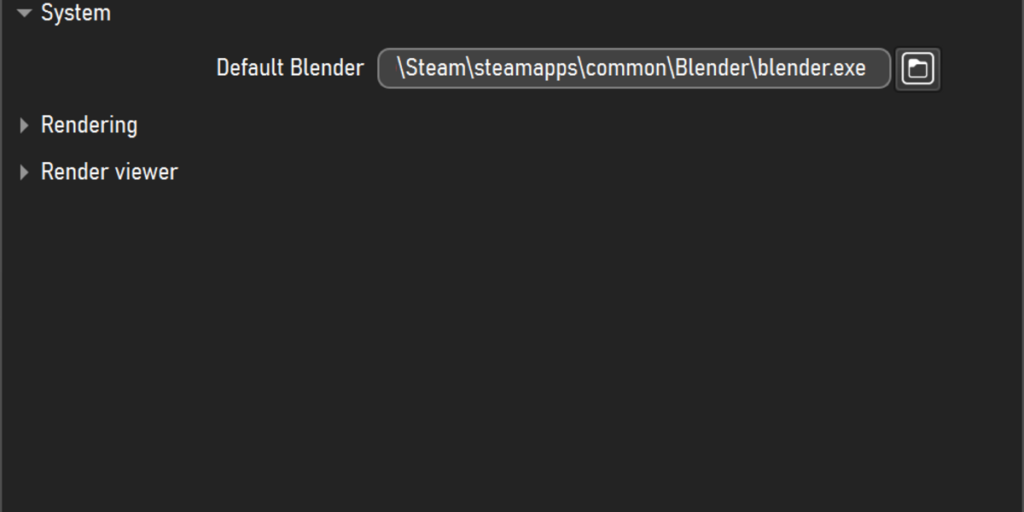
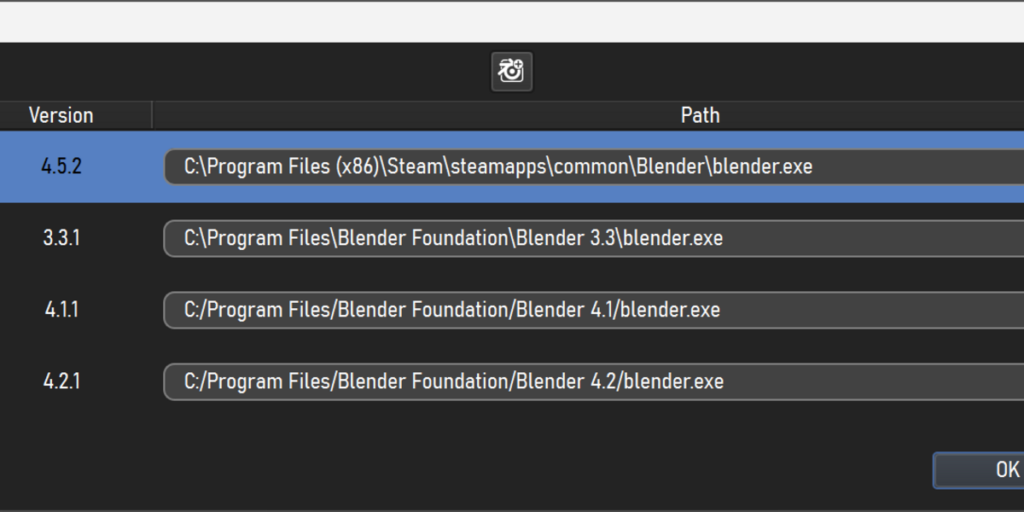
• Assign different blender versions to different jobs in the queue
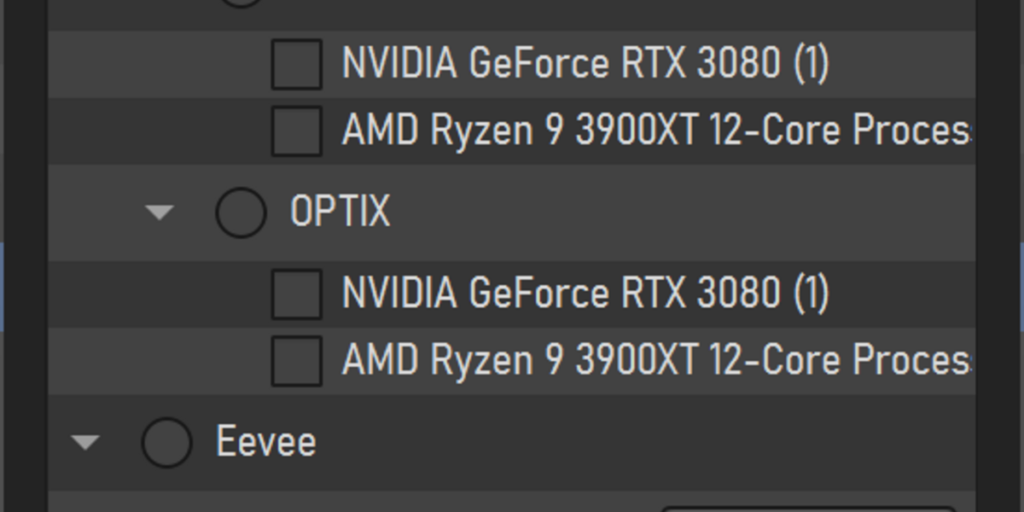
• Render different jobs with different devices in parallel where supported
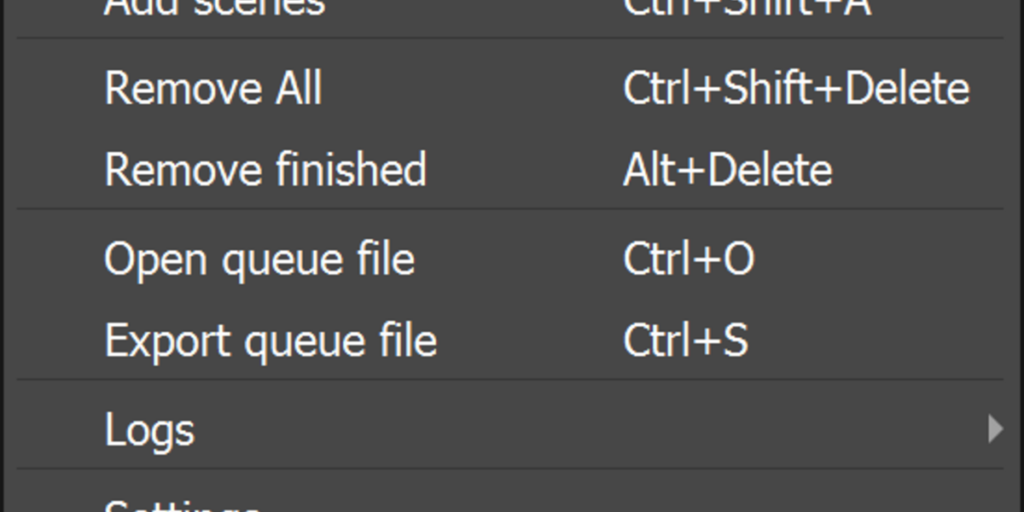
• Create different named queues and quickly switch between them
• Check persistent log file for each queue with useful information such as Start and End time and date of every render, average rendering time per frame, total queue processing time, scene name and amount of rendered frames for each job.
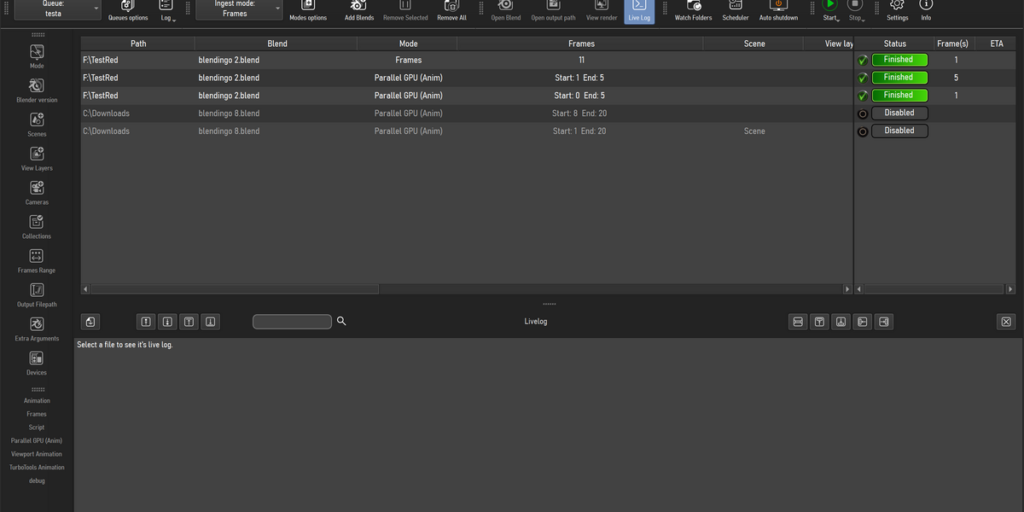
• See Blender’s live log per job during and after rendering
• Quickly open blends in your queue with the appropriate blender version, or browse the blend path or the output path.
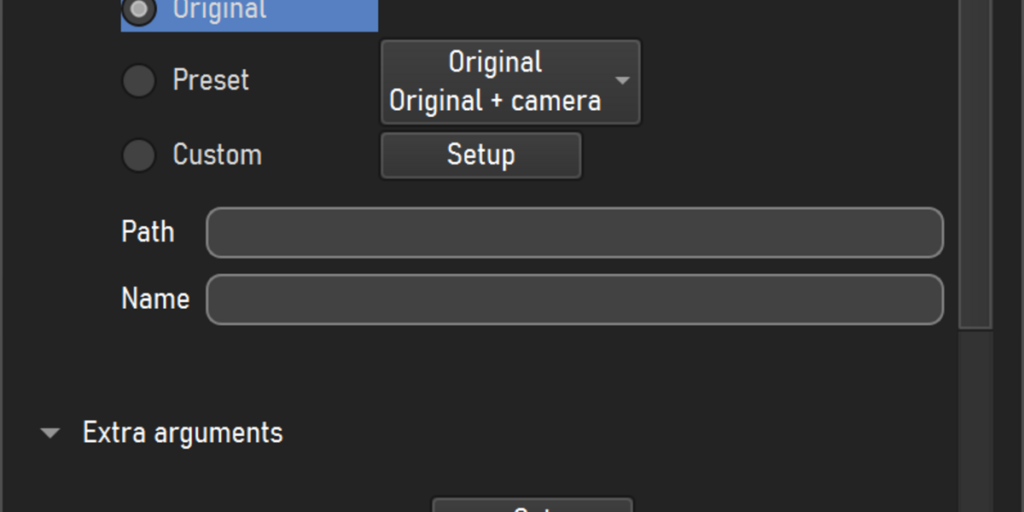
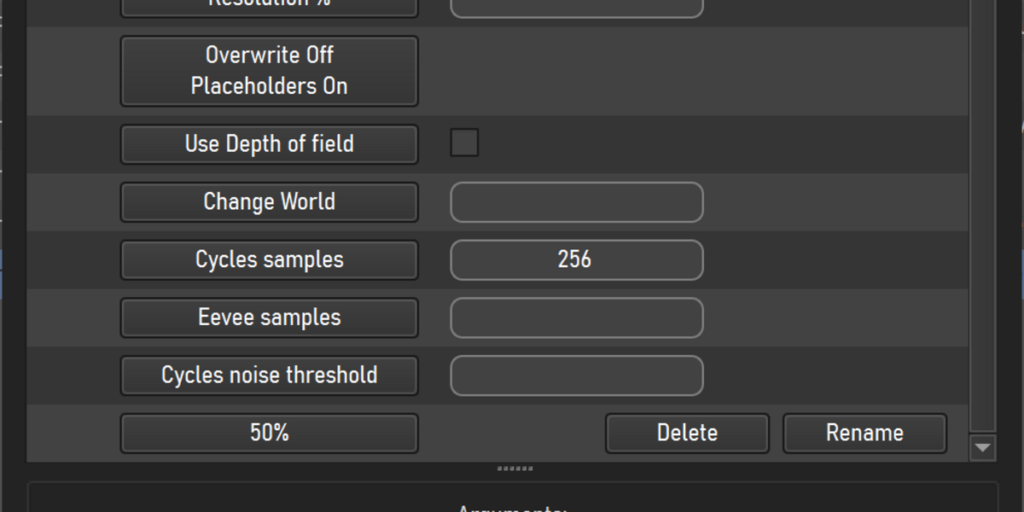
• Add extra command-line arguments, in case you want to, for example, change the render engine, resolution, execute a python command, etc.
• Assign external blender rendering scripts to each job.
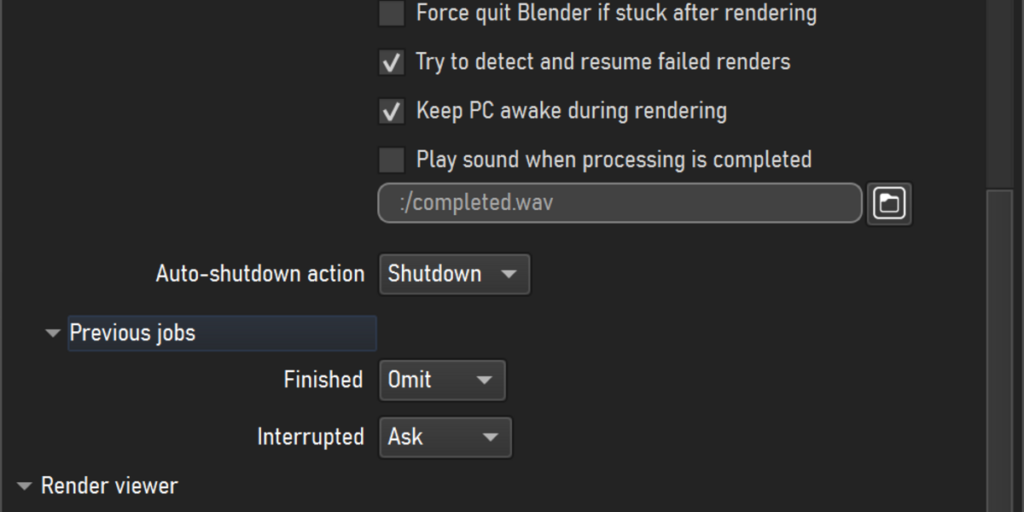
• Automatically shutdown the pc after all renders are completed.
• During rendering, the STOP button has a context menu with options to stop after the current item in the queue is completed or after the current frame is saved.
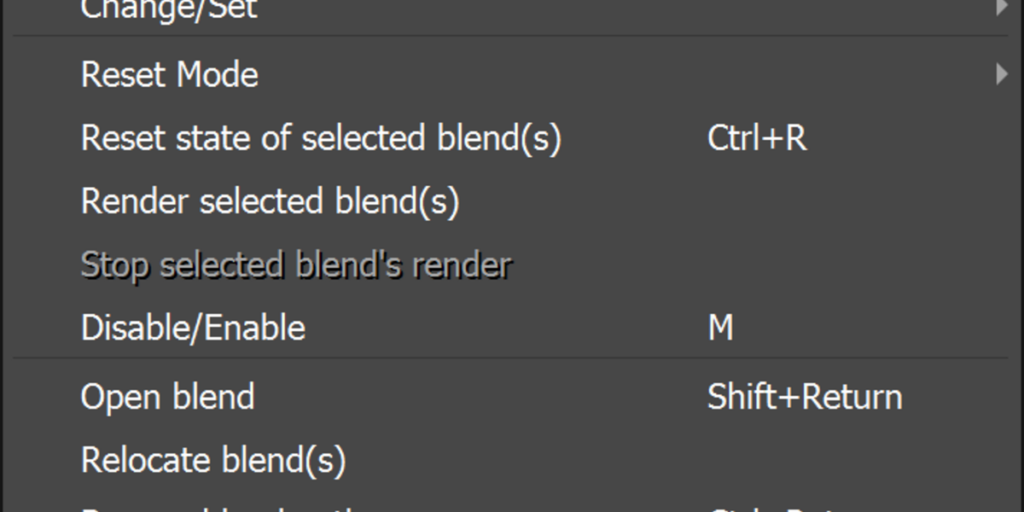
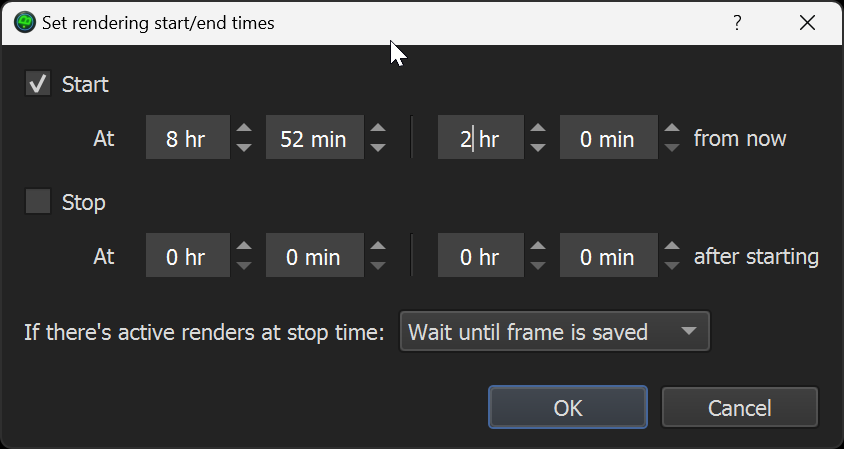
• Use the built-in image viewer to check rendered frames / sequences, or set an external viewer Set automatic render start and or end times.
• Pause renders and resume them later, starting from the next frame after the last saved one
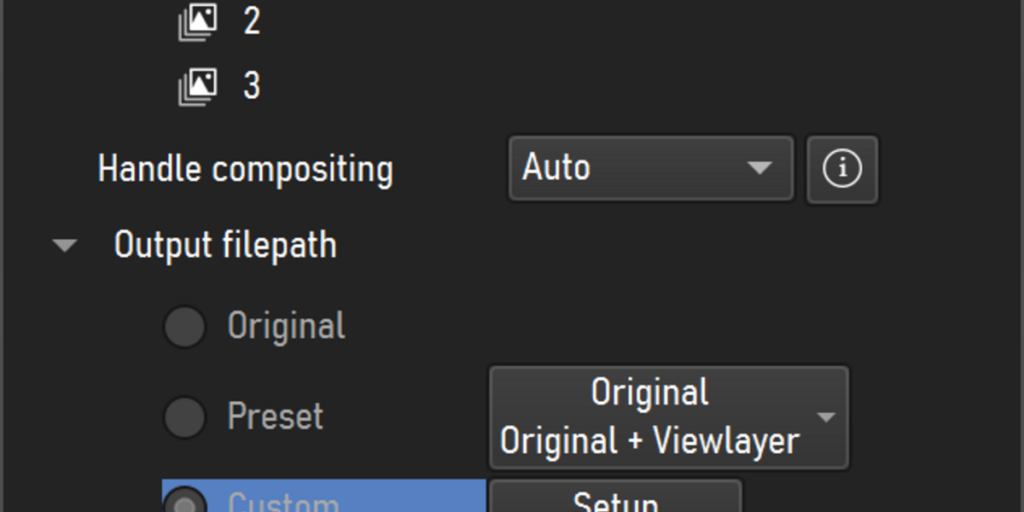
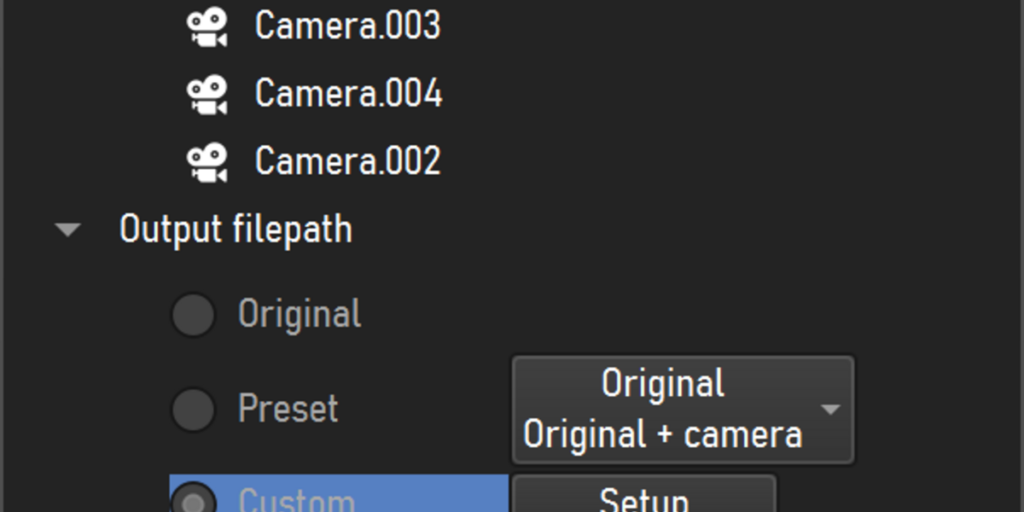
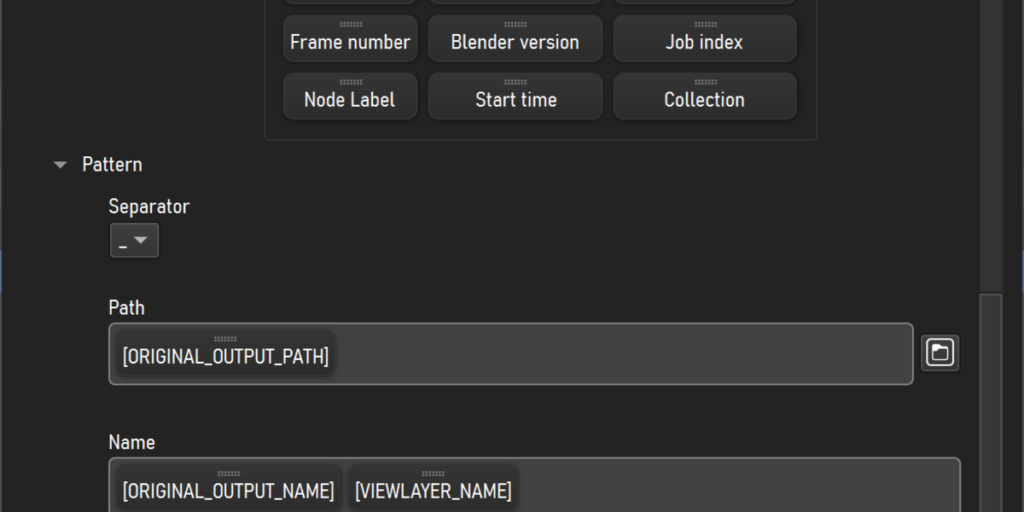
• Set output file path patterns with tokens. This feature is independent from blender’s 4.5+ builtin file path pattern feature, it works on any blender version and can be combined with the built in feature. There’s a big variaty of tokens available. Patterns can be turned into presets.
• Set folders as “watchfolders” so any new blend files that get added to those folders get automatically picked up by B-renderon and rendered
• Automatically detect failed renders (i. e. blender crashes, or runs out of gpu memory, etc) and try to resume them (optional setting).
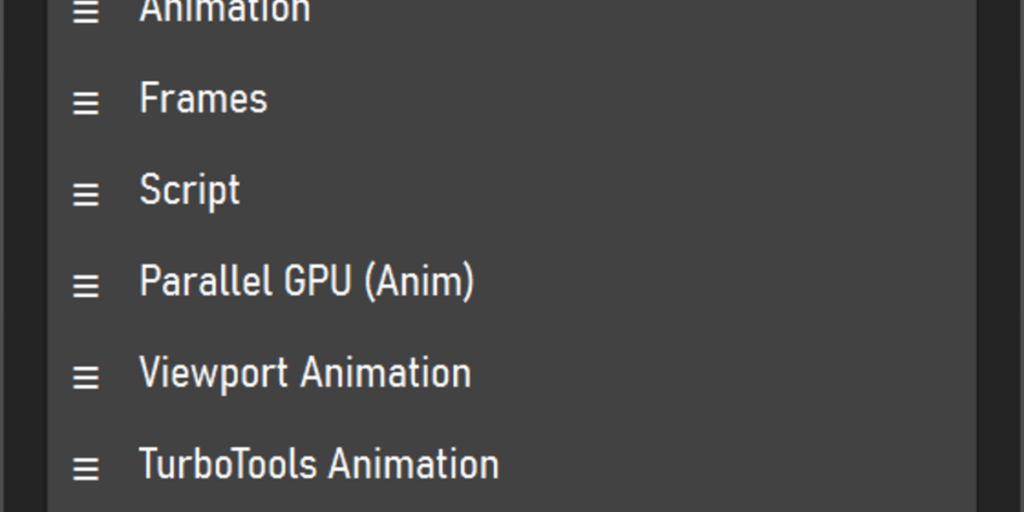
• Create your own rendering modes to automatically set up the parameters you need to newly added jobs
• During rendering, see relevant info of the selected job’s current progress in the statusbar, such as average rendering time per frame, estimated time remaining, total rendering time for already completed jobs, etc.
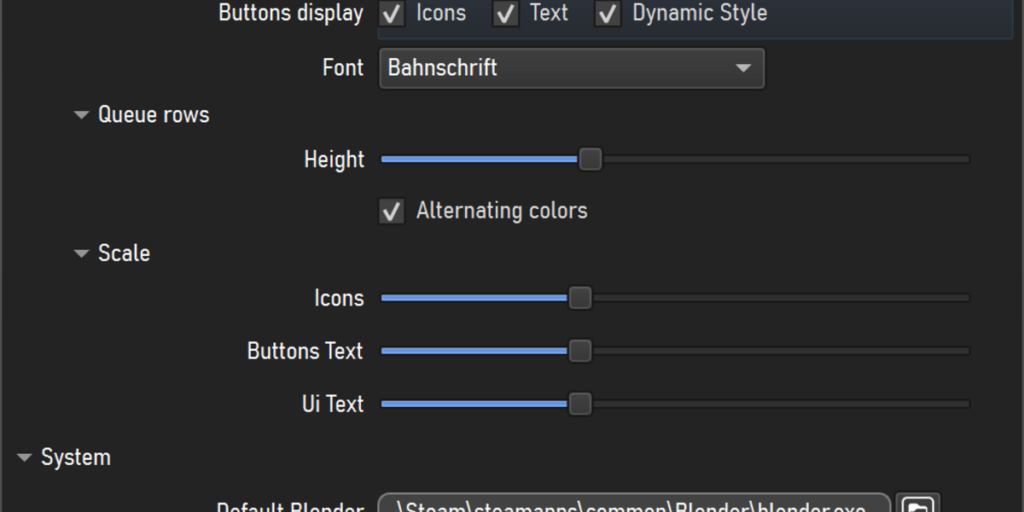
• Drag and drop toolbars to reorder them to your liking, hiding those you don’t need
• Reorder queue columns, hiding the ones you don’t need
• Create your own themes


How does it work?
B-Renderon doesn’t actually open your blend files*. It just manages the settings and parameters that you set up throughitss interface, and, when you hit “Render”, it starts spawning background blender instances, with the settings you choose as command line arguments, waiting for each of them to finish before starting the next one. During rendering, it extracts useful info from blender’s live log for storing in B-Renderon’s log and to know the amount of frames rendered so far at every moment.
Notice that, since the actual rendering is done by Blender, you need to have it in your computer in order to render.


Suported Platforms and Languages
Currently, builds for Windows and Ubuntu are available. If you would like to use B-renderon on some other distribution, please send me a p.m.
The interface language can be set English, Spanish or Chinese
Supercharge your 3D creation workflow with premium selection of Blender Add-ons. Whether you are modeling intricate characters, sculpting realistic environments, or animating cinematic sequences, the right add-on can transform how you work inside Blender. Our curated collection includes powerful tools for UV unwrapping, procedural texture generation, rigging automation, rendering optimization, and more—each rigorously tested for compatibility with the latest Blender versions. Eliminate tedious manual processes and unlock advanced functionality that lets you focus on what matters most: bringing your creative vision to life. Explore our full range of professional Blender plugins today and take your 3D projects to the next level.
➡️ ➡️ For more Blender Plugins 😀 😀
Reviews
There are no reviews yet.