
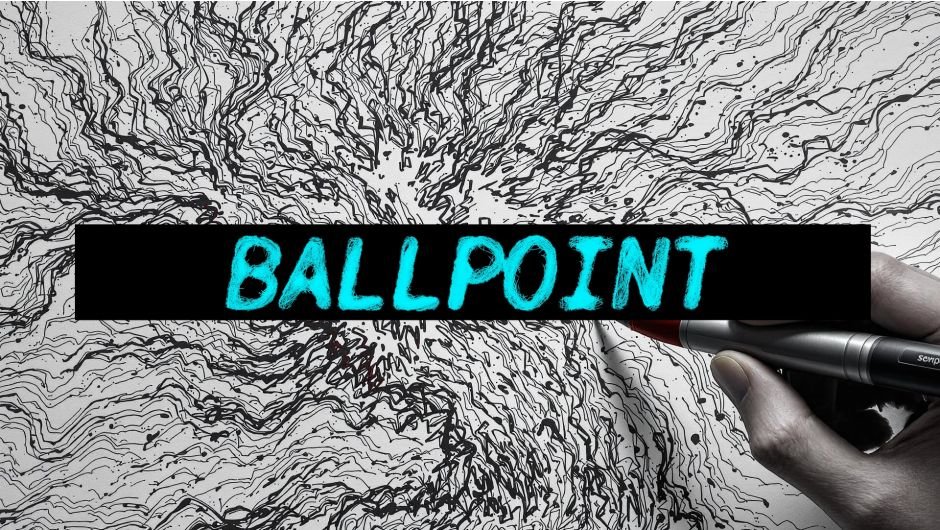
Ballpoint for After Effects
Ballpoint v1.5.1 for After Effects and Premiere Pro
The Ultimate GPU-Accelerated Video-to-Sketch Plugin
Download Ballpoint v1.5.1 today. Consequently, you can instantly transform your footage into dense, expressive linework reminiscent of hand-sketched drawings on aged notebook paper . Because motion designers and video editors frequently need to create unique, artistic looks for their projects, having access to a versatile sketching tool is absolutely essential. Nevertheless, achieving authentic ballpoint pen aesthetics through manual effects and complex layering can be incredibly time-consuming. Fortunately, Ballpoint eliminates this bottleneck completely. Moreover, this powerful GPU-accelerated plugin uses reactive strokes that reveal motion, detail, and texture, inspired by the raw charm of ballpoint pen doodles and technical drawings . In short, you can create stunning sketch effects with unparalleled speed and creative control.
Real-Time GPU-Accelerated Performance
The core of this plugin lies in its exceptional real-time performance and interactivity. For instance, as you tweak parameters, the results update instantly without the need to wait for rendering, allowing you to sketch out your desired look live . Furthermore, every element is fully keyframable, and many settings are brush-sensitive, enabling you to modulate complexity, flow, and texture directly in the timeline . Since the plugin leverages GPU acceleration, you can enjoy a lag-free, fully interactive experience even with complex projects. Consequently, you can experiment freely and iterate on creative decisions rapidly.
Diverse Artistic Styles and Presets
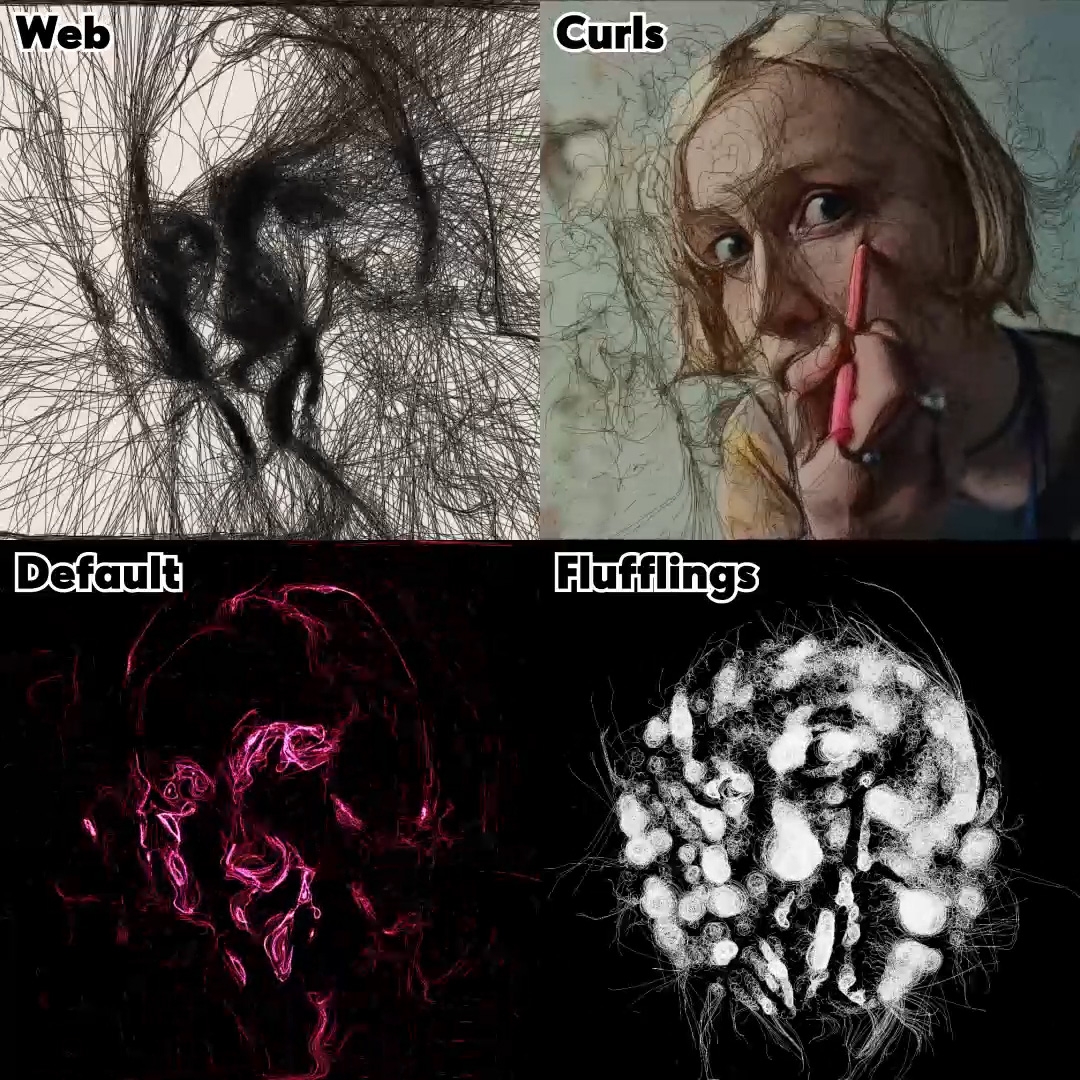
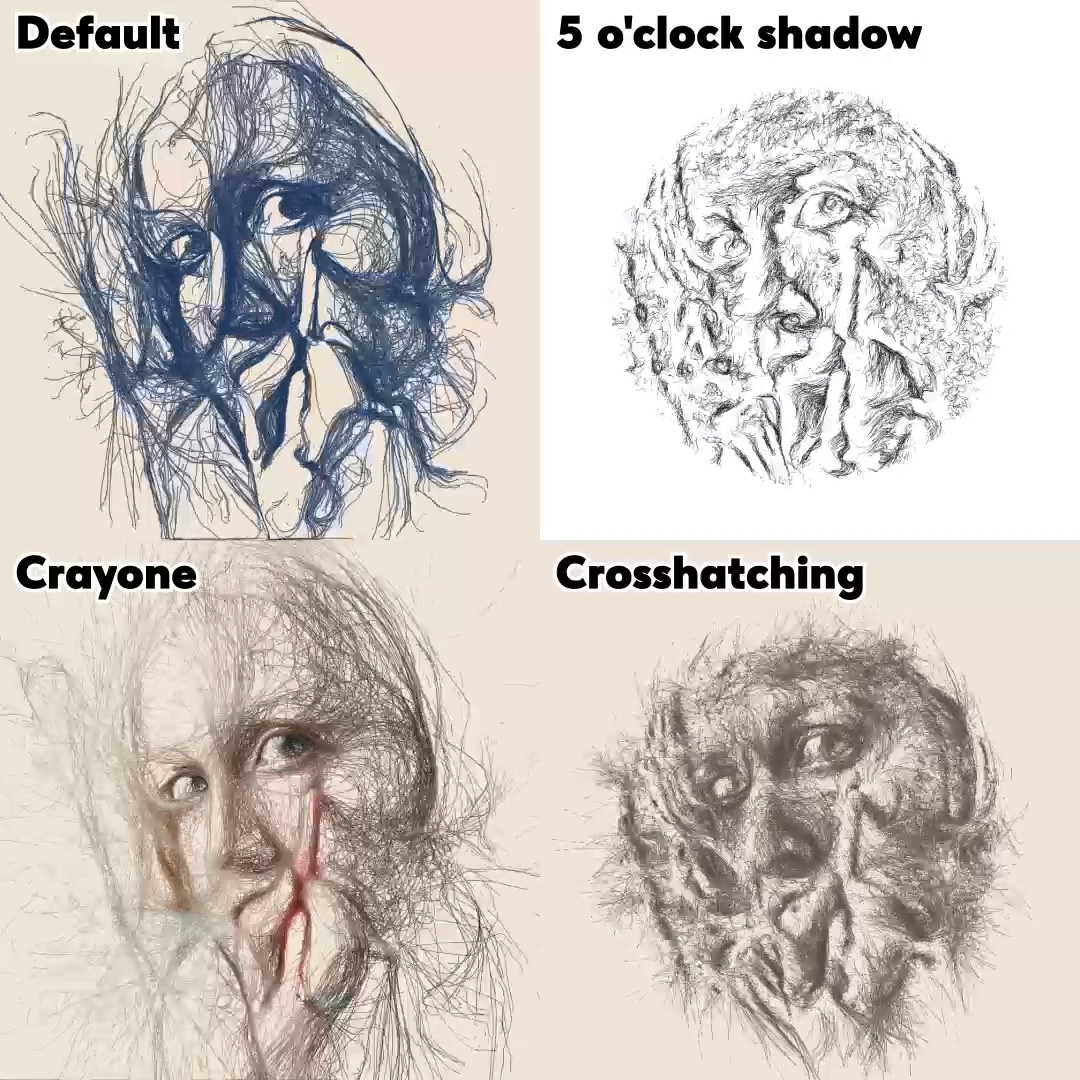
Professional artists demand versatility and creative options. Therefore, Ballpoint includes distinct styles like Robocop, Curls, or Web, each offering a unique feel ranging from frantic and mechanical to loose and organic . Additionally, the plugin features 8 presets that can be easily switched via the Effect Controls panel, allowing you to explore different looks quickly . Whether you’re aiming for a punk zine aesthetic, a forensic diagram, or a dreamy ink illustration, Ballpoint gives you the tools to achieve your vision . Thus, your creative possibilities are virtually limitless.
Versatile Compatibility and Broad Application
Ballpoint is designed to integrate seamlessly across your entire post-production toolkit. For example, the plugin is compatible with After Effects, Premiere Pro, Media Encoder, DaVinci Resolve, and Nuke/NukeX, ensuring you can apply the same stunning sketch effects regardless of your preferred software . Furthermore, it supports a comprehensive range of versions across multiple hosts, including After Effects 2020 through 2026 and Premiere Pro 2020 through 2026 . This broad compatibility makes Ballpoint an indispensable tool for both individual artists and collaborative studio environments.
Perfect for Motion Designers, Video Editors, and VFX Artists
This plugin is particularly well-suited for motion designers who want to add a hand-drawn, artistic touch to their projects. Similarly, video editors and VFX artists will appreciate the ability to create dynamic sketch effects for transitions, title sequences, and visual storytelling. Additionally, anyone looking to experiment with unique, non-photorealistic rendering styles will find Ballpoint an invaluable creative tool. Ultimately, Ballpoint v1.5.1 accelerates your entire post-production and creative workflow.
System Requirements and Compatibility
The plugin supports After Effects, Premiere Pro, and Media Encoder versions 2020 through 2026, as well as DaVinci Resolve 18-21 and Nuke/NukeX 12.0-17.0, on both Windows and macOS operating systems . You will need a standard workstation with at least 8GB of RAM and a compatible GPU for optimal performance.
Installation and Usage Guide
To install, first download the plugin folder from your library. Next, close Adobe After Effects or Premiere Pro if they are running. Then, copy the Ballpoint folder to your MediaCore folder (typically /Library/Application Support/Adobe/Common/Plug-ins/7.0/MediaCore on macOS) . After installation, launch your host application and locate Ballpoint in the Effects panel. Finally, apply the effect to your footage, select your desired preset from the Effect Controls panel, adjust the parameters to fine-tune the look, and enjoy your professional sketch effect. Thus, your artistic post-production workflow will be ready instantly.
What is Included Inside?
The pack contains the complete Ballpoint v1.5.1 plugin folder for After Effects, Premiere Pro, Media Encoder, DaVinci Resolve, and Nuke . Furthermore, it includes the GPU-accelerated processing engine, 8 presets, and the comprehensive style selection system . Ultimately, you receive everything needed for professional, artistic sketch effects.
Final Thoughts on the Plugin
Effortless, real-time sketch effects evoke profound creative freedom. Therefore, this plugin provides the ultimate foundation for your motion design and video editing workflows. You can transform ordinary footage into stunning, hand-drawn works of art with unprecedented speed and control. Consequently, your creative vision becomes a stunning reality.
Precise strokes of a ballpoint pen radically change the way you look at familiar things. This GPU plugin for AE and Premiere turns your videos into sketches on an old piece of paper
Ballpoint Texture Engine
Ballpoint is a GPU-accelerated plugin for After Effects and Premiere that transforms your footage into dense, expressive linework — like it was hand-sketched on aged notebook paper. Inspired by the raw charm of ballpoint pen doodles and technical drawings, Ballpoint redraws your frames using reactive strokes that reveal motion, detail, and texture in a completely new light. Choose from distinct styles like Robocop, Curls, or Web, each with a unique feel ranging from frantic and mechanical to loose and organic.
GPU Accelerated
Ballpoint is fully interactive. As you tweak parameters, the results update in real-time — letting you sketch out your look live without waiting for renders. From bold outlines to chaotic scribbles, every element is keyframable, and many settings are brush-sensitive, so you can modulate complexity, flow, and texture directly in the timeline. Whether you’re aiming for a punk zine, a forensic diagram, or a daydream in ink, Ballpoint gives you the pen — and lets you take full control.
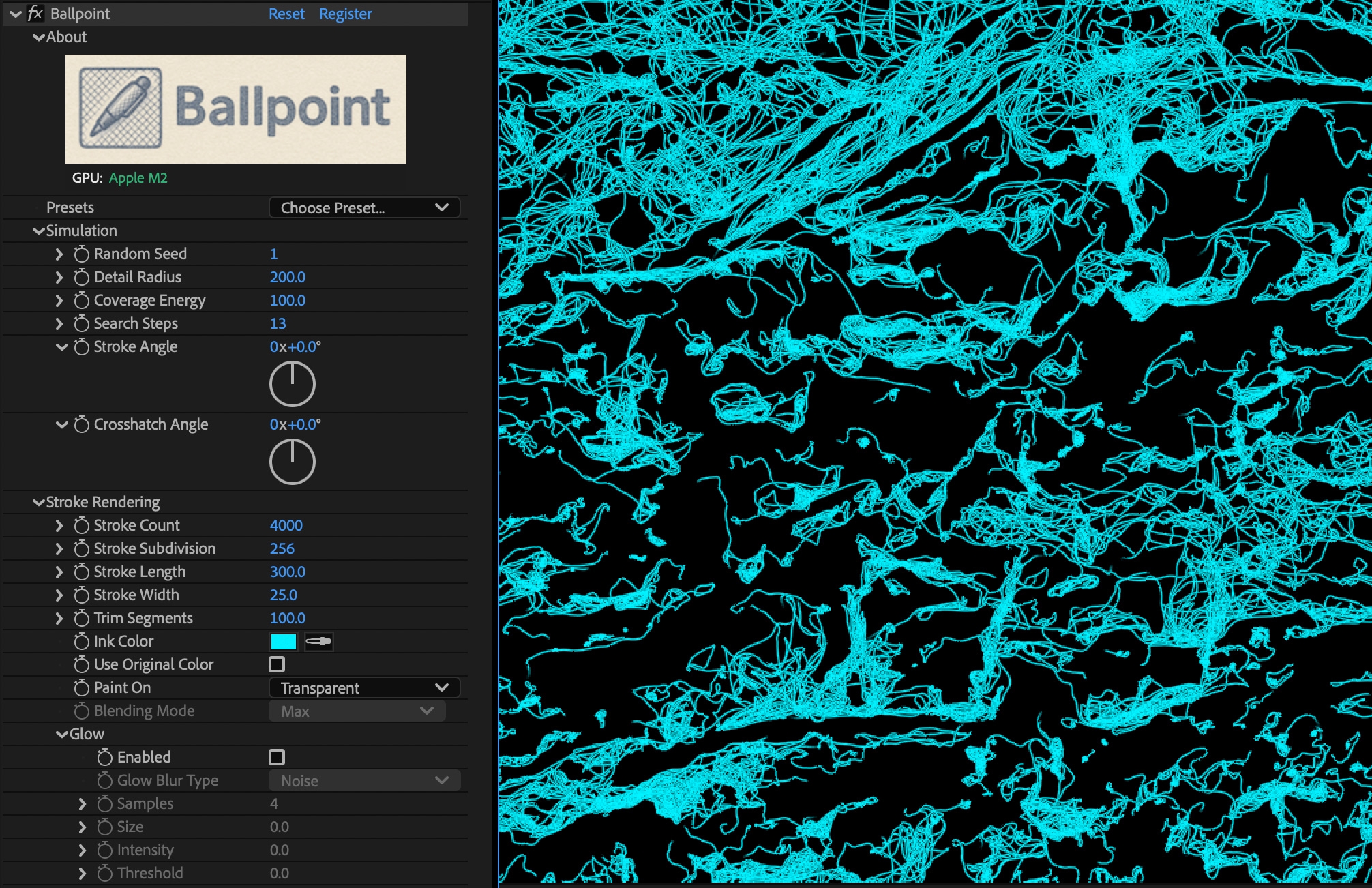
Great for Reveal Animations
Presets Included!
Tutorial
Requirements
✅ After Effects
✅ Windows
✅ Mac Intel & Silicon, with MacOs 12.0+
❌ Computers with no OpenCL/OpenGL support
Compatibility
After Effects
2026, 2025, 2024, 2023, 2022, 2021, 2020
Elevate your motion graphics workflow with premium collection of After Effects plugins. Whether you are a seasoned professional or just starting your VFX journey, powerful tools designed to streamline complex tasks, unlock creative possibilities, and save you hours of rendering time. From stunning glitch effects and seamless transitions to advanced 3D extrusion and text animation tools, each plugin in our library is rigorously tested for compatibility with the latest versions of Adobe after Effects. Enhance your video production value today and download industry-leading plugins that help you create breathtaking visuals without the technical headaches. Browse our full range and find the perfect extension to supercharge your editing suite now.
➡️ ➡️ For more after effects Plugins 😀 😀
➡️ ➡️ System requirements AE
Reviews
There are no reviews yet.