

Bezier Mesh Shaper for Blender
bezier mesh shaper addon
Bezier Mesh Shaper v0.9.66 for Blender – Advanced Curve-Based Mesh Deformation Tool
Version: V0.9.66
File Size: 5 MB
Download Bezier Mesh Shaper v0.9.66 for Blender on Windows, Mac, and Linux, a powerful mesh deformation add-on that uses bezier curves to reshape, bend, and deform 3D geometry. Perfect for hard-surface modelers, character artists, and product designers who need precise, non-destructive mesh deformation along custom curves.
Key Features of Bezier Mesh Shaper v0.9.66:
- Curve-Based Deformation: Bend, twist, and reshape meshes along bezier curves with real-time preview
- Non-Destructive Workflow: All deformations remain editable without modifying original geometry
- Multi-Axis Control: Deform along X, Y, or Z axes independently
- Profile Control: Adjust deformation intensity, falloff, and twist along the curve
- Real-Time Preview: See deformation results update instantly as you edit curves
- Edge Preservation: Maintain hard edges and sharp details during deformation
- Symmetry Support: Mirror deformations across symmetry axes
- Animation Ready: Animate curve shapes and deformation parameters over time
- v0.9.66 Updates: Enhanced curve handling, improved performance, and Blender 4.0+ compatibility
Perfect For:
- Hard-surface modelers creating curved mechanical parts and structures
- Character artists posing and deforming organic models
- Product designers shaping curved product surfaces
- Motion graphics artists creating flowing ribbon effects
- Anyone needing precise curve-based mesh deformation
System Requirements:
- Blender 3.6, 4.0, 4.1, 4.2, 4.3
- Windows 10/11 (64-bit), macOS, or Linux
- 4GB RAM minimum (8GB+ recommended)
- 15MB available disk space
Installation:
- Download the add-on zip file
- In Blender, go to Edit > Preferences > Add-ons
- Click “Install” and select the downloaded zip file
- Enable the add-on by checking the box next to “Bezier Mesh Shaper”
Note: Bezier Mesh Shaper v0.9.66 provides professional curve-based mesh deformation tools for Blender, allowing you to bend, twist, and reshape geometry along bezier curves with real-time preview. The non-destructive workflow and edge preservation make it essential for hard-surface modelers, character artists, and product designers. Designed for Blender 3.6 and above.
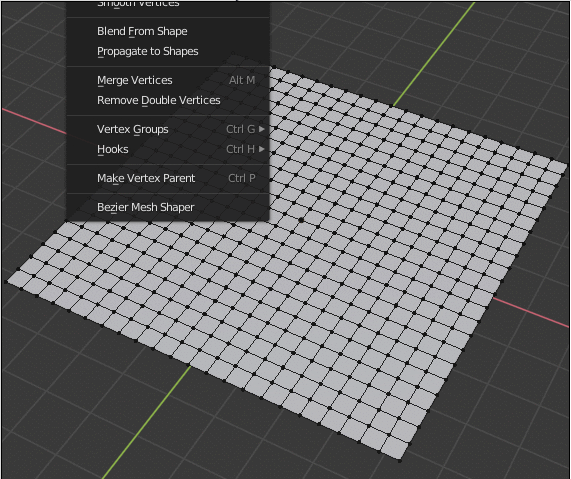

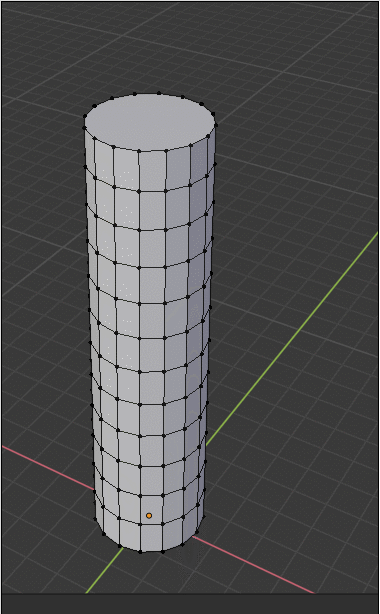
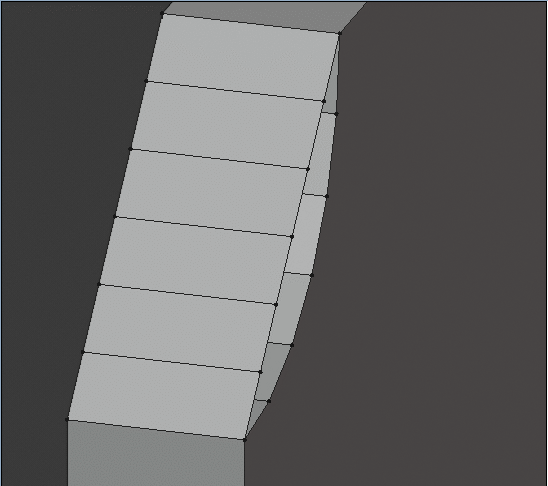
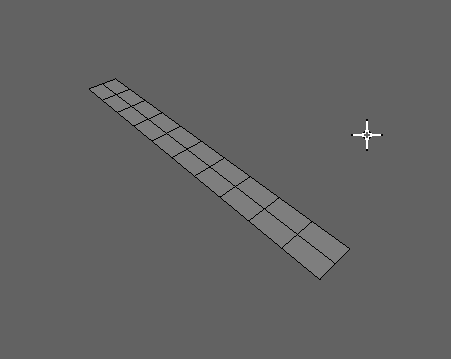
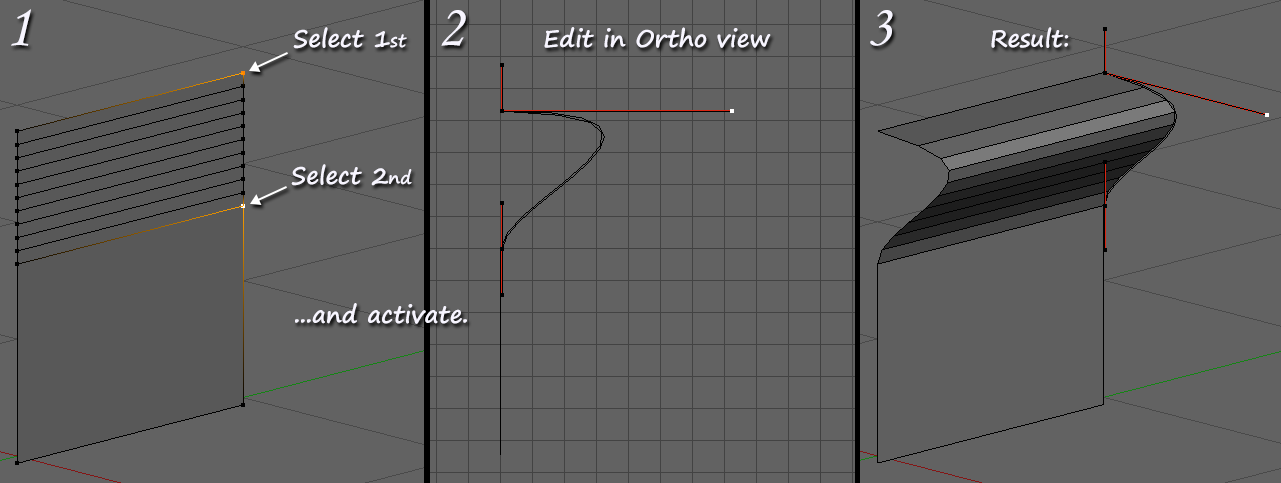
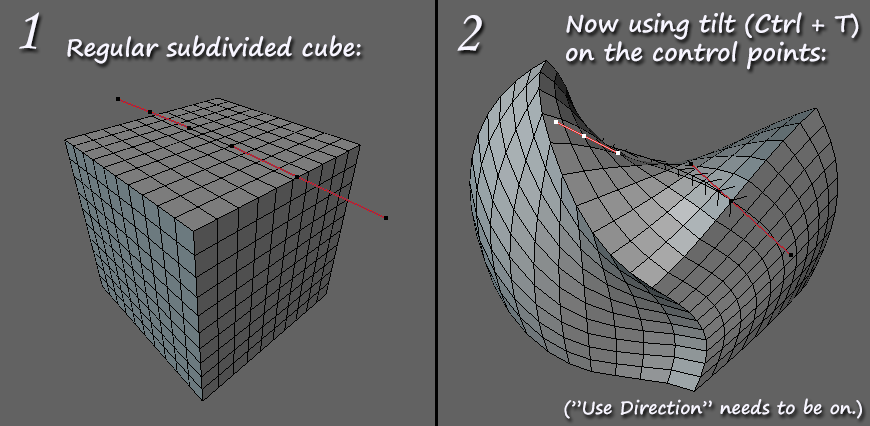
This is a modeling tool for that lets you use curves to deform your mesh and make beautiful shapes.
It’s useful for blocking and polishing forms of organic and hard surface meshes.
All Blender versions are supported, including the latest release.
The easiest way to use it is to just select some vertices and call the tool, like this:

Supercharge your 3D creation workflow with premium selection of Blender Add-ons. Whether you are modeling intricate characters, sculpting realistic environments, or animating cinematic sequences, the right add-on can transform how you work inside Blender. Our curated collection includes powerful tools for UV unwrapping, procedural texture generation, rigging automation, rendering optimization, and more—each rigorously tested for compatibility with the latest Blender versions. Eliminate tedious manual processes and unlock advanced functionality that lets you focus on what matters most: bringing your creative vision to life. Explore our full range of professional Blender plugins today and take your 3D projects to the next level.
➡️ ➡️ For more Blender Plugins 😀 😀
Reviews
There are no reviews yet.