
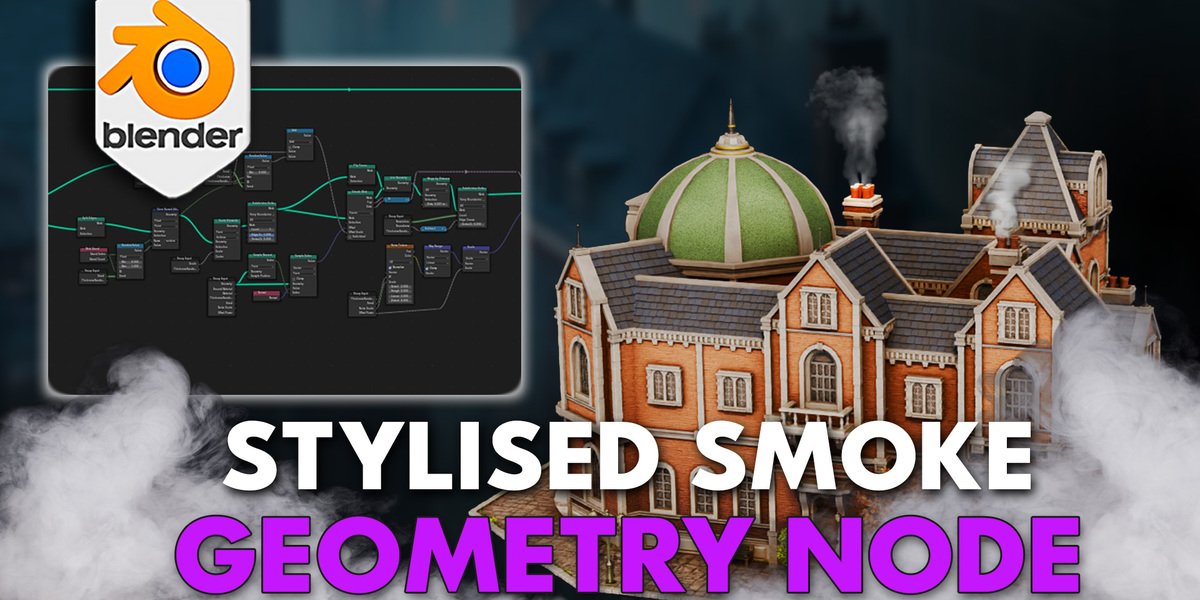
Blender 4 3DT Smoke Generator Geometry Node
3dt smoke generator geometry node
Blender 4 3DT Smoke Generator Geometry Node – Procedural Volumetric Smoke & Fog System
Versions: v1.0
File Size: 310 KB
Download 3DT Smoke Generator Geometry Node for Blender 4 on Windows, Mac, and Linux, a powerful procedural smoke and fog generation system built entirely with Geometry Nodes. Create realistic volumetric smoke, mist, fog, steam, and atmospheric effects with complete node-based control—perfect for environment artists, VFX professionals, and motion designers.
Key Features of 3DT Smoke Generator:
- Procedural Smoke: Generate volumetric smoke with adjustable density, turbulence, and dissipation
- Fog & Mist: Create atmospheric fog, ground mist, and volumetric haze effects
- Steam & Vapor: Simulate steam rising from vents, hot surfaces, and water
- Wind Influence: Smoke and steam respond to wind direction and strength
- Shape Controls: Adjust smoke shape, clustering, and billowing characteristics
- Color Gradients: Animate smoke color over time or by density
- Performance Optimized: Efficient volumetric generation for real-time preview
- Animation Ready: Animate all parameters for dynamic smoke effects
- Blender 4 Native: Built entirely with Blender 4’s Geometry Nodes system
Perfect For:
- Environment artists adding atmospheric smoke and fog to scenes
- VFX professionals creating volumetric effects for film and animation
- Game developers prototyping environment effects
- Motion designers adding atmospheric depth to motion graphics
- Anyone needing procedural volumetric effects in Blender
System Requirements:
- Blender 4.0, 4.1, 4.2, 4.3
- Windows 10/11 (64-bit), macOS, or Linux
- 8GB RAM minimum (16GB+ recommended for complex effects)
- GPU recommended for viewport performance
- 20MB available disk space
Installation:
- Download the node group .blend file
- Append the node group to your project (File > Append > NodeTree)
- Apply the modifier to any mesh to generate smoke and fog effects
- Adjust parameters to customize appearance and behavior
Note: 3DT Smoke Generator is a procedural volumetric smoke and fog system built entirely with Blender 4’s Geometry Nodes, offering complete node-based control over atmospheric effects. The wind influence, shape controls, and animation-ready parameters make it essential for environment artists and VFX professionals needing realistic smoke, fog, and steam. Designed for Blender 4.0 and above.


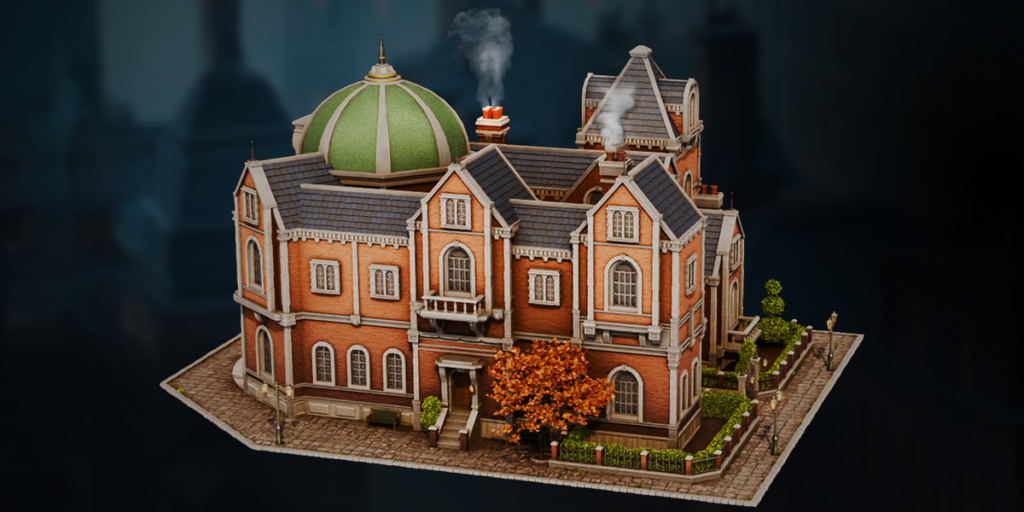
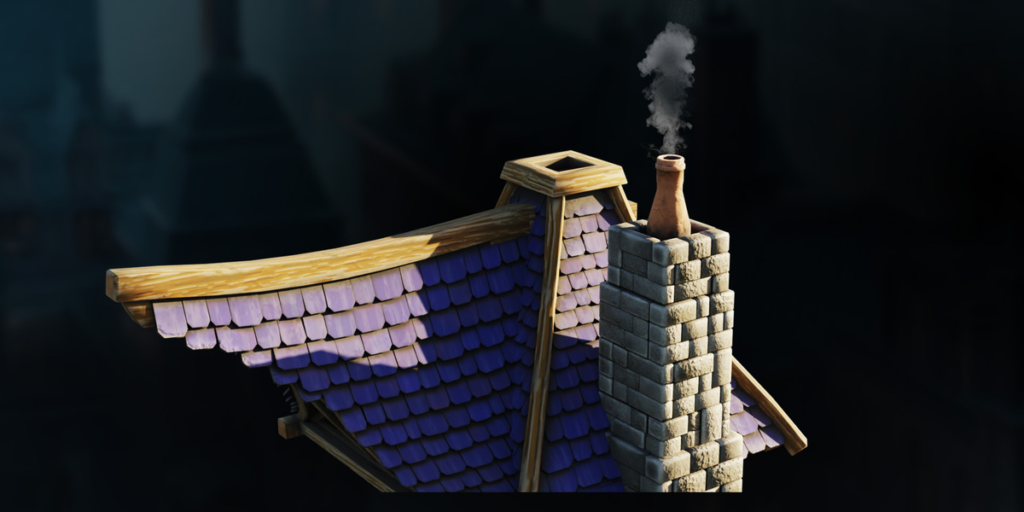
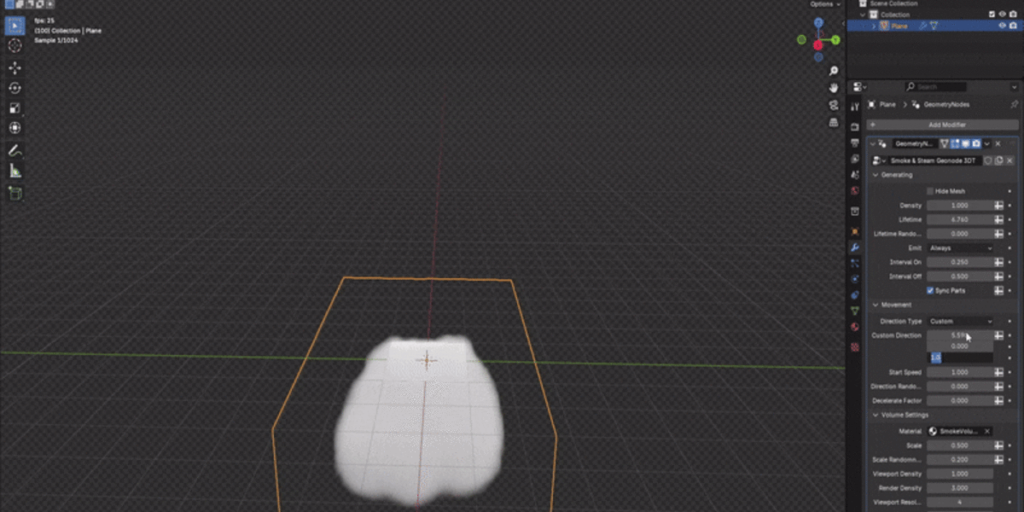
Introducing the ‘Blender 4 3DT Smoke Generator Geometry Node’ 💨
https://cdn.iframe.ly/api/iframe?url=https%3A%2F%2Fyoutu.be%2F3YAN8fMdeAg&key=31708e31359468f73bc5b03e9dcab7da
Looking to add dynamic, customizable smoke effects to your 3D scenes effortlessly?
Preview on YouTubeSupport us on Patreon
The Blender 4 3DT Smoke Generator Geometry Node is your ultimate tool for crafting mesmerizing smoke effects, from lifelike chimney puffs to surreal industrial emissions. With granular controls and powerful presets, it’s a dream come true for 3D geeks who love tweaking every detail to perfection.
Whether you’re simulating atmospheric realism or conjuring up stylized fantasy effects, this Geometry Node setup ensures your smoke behaves exactly how you envision it—because why settle for ordinary when you can craft extraordinary?
Check out our comprehensive geometry node map below 👇
🚩 What Problems Does the Blender 4 3DT Smoke Generator Geometry Node Solve?
- Time-Consuming Setup: Manual smoke creation often involves tedious adjustments, taking away valuable time from your creative process.
- Balancing Realism & Performance: Achieving the right look without sacrificing performance can be challenging and technical.
- Lack of Customization: Many tools offer limited options, making it hard to adapt smoke effects to your specific needs.
- Inconsistent Results: Manual tweaks often lead to variations that disrupt the overall look of your project.
- Complex Direction Control: Guiding smoke flow naturally or creatively can require multiple, intricate steps.
The Blender 4 3DT Smoke Generator Geometry Node eliminates these headaches, automating , motion, and style, so you can focus on creativity rather than technical hurdles. With its intuitive setup and versatile presets, it ensures stunning results every time.
Key Features
The ultimate tool for creating smoke effects in Blender, tailored to fit any environment or project.
Key Benefits of the Blender 4 3DT Smoke Generator Geometry Node
✔️ Intuitive Workflow: Control smoke density, direction, and lifetime from a single setup.
✔️ Non-Destructive Edits: Customize presets without affecting other scene elements.
✔️ Versatility: Ideal for stylized animations, cinematic VFX, or game assets.
✔️ Optimization: Manage resolution settings to balance quality and performance.
Imagine the Possibilities
- Atmospheric Scenes: Add chimney smoke to cottages, steam to industrial pipes, or fog to mystical landscapes.
- Dynamic Effects: Create smoke that flows naturally along surfaces or bursts in intervals for storytelling.
- Stylized or Realistic: Adapt to any vision, from vibrant fantasy to gritty realism.
💨 Why Choose the Blender 4 3DT Smoke Generator Geometry Node?
This tool isn’t just about creating smoke—it’s about empowering your creativity. Designed for all skill levels, it provides effortless control and versatility, whether you’re crafting atmospheric scenes, cinematic VFX, or immersive game environments.
- Simplifies Complex Processes: Automates smoke creation for quick, professional results.
- Streamlines Workflow: Keeps you in the creative flow with easy-to-use controls.
- Delivers Versatility: Perfect for stylized fantasy settings, realistic industrial zones, or anything in between.
With the Blender 4 3DT Smoke Generator Geometry Node, bring your projects to life with customizable, high-quality smoke effects that fit any creative style.
Supercharge your 3D creation workflow with premium selection of Blender Add-ons. Whether you are modeling intricate characters, sculpting realistic environments, or animating cinematic sequences, the right add-on can transform how you work inside Blender. Our curated collection includes powerful tools for UV unwrapping, procedural texture generation, rigging automation, rendering optimization, and more—each rigorously tested for compatibility with the latest Blender versions. Eliminate tedious manual processes and unlock advanced functionality that lets you focus on what matters most: bringing your creative vision to life. Explore our full range of professional Blender plugins today and take your 3D projects to the next level.
➡️ ➡️ For more Blender Plugins 😀 😀
Reviews
There are no reviews yet.