
Blender AI Library Pro for Blender
blender ai library pro addon
Blender AI Library Pro v1.2.0 – AI-Powered Texture Generation & Material Creation Suite
Versions: v1.2.0
File Size: 34 KB
Download Blender AI Library Pro v1.2.0 for Blender on Windows, Mac, and Linux, a comprehensive AI-powered toolkit for generating textures, materials, and HDRI environments directly in Blender. Create custom PBR textures, seamless materials, and lighting environments from text prompts—all without leaving your 3D workspace.
Key Features of Blender AI Library Pro v1.2.0:
- Text-to-Texture: Generate seamless PBR textures from text descriptions for instant material application
- HDRI Generation: Create custom HDRI environments for realistic lighting and reflections
- Style Transfer: Apply artistic styles to existing textures and materials
- Upscaling: Enhance low-resolution textures to 4K using AI upscaling
- Material Variation: Generate unlimited variations of existing materials
- Batch Generation: Create multiple texture variations for comparison
- Local Processing: Run AI models locally on your hardware—no cloud dependency
- Preset Library: Built-in prompts for common texture types—metal, wood, fabric, stone, and more
- v1.2.0 Updates: New texture generation models, enhanced HDRI creation, and Blender 4.0+ compatibility
Perfect For:
- Texture artists generating custom PBR materials on demand
- Environment artists creating unique HDRI lighting environments
- Game developers prototyping material looks for assets
- 3D artists needing quick texture generation without external software
- Anyone wanting AI-powered texture creation in Blender
System Requirements:
- Blender 3.6, 4.0, 4.1, 4.2, 4.3
- Windows 10/11 (64-bit), macOS, or Linux
- NVIDIA GPU with 6GB+ VRAM recommended for optimal performance
- 8GB RAM minimum (16GB+ recommended)
- 500MB available disk space
Installation:
- Download the add-on zip file
- In Blender, go to Edit > Preferences > Add-ons
- Click “Install” and select the downloaded zip file
- Enable the add-on by checking the box next to “Blender AI Library Pro”
Note: Blender AI Library Pro v1.2.0 brings powerful AI generation capabilities directly into Blender, allowing artists to create custom textures, materials, and HDRI environments from text prompts. The local processing ensures privacy and no recurring fees. Perfect for texture artists, environment designers, and anyone needing AI-powered asset creation. Designed for Blender 3.6 and above. Compatible GPU recommended for optimal performance.
Note: This add-on connects to online AI services and requires an active internet connection to work.
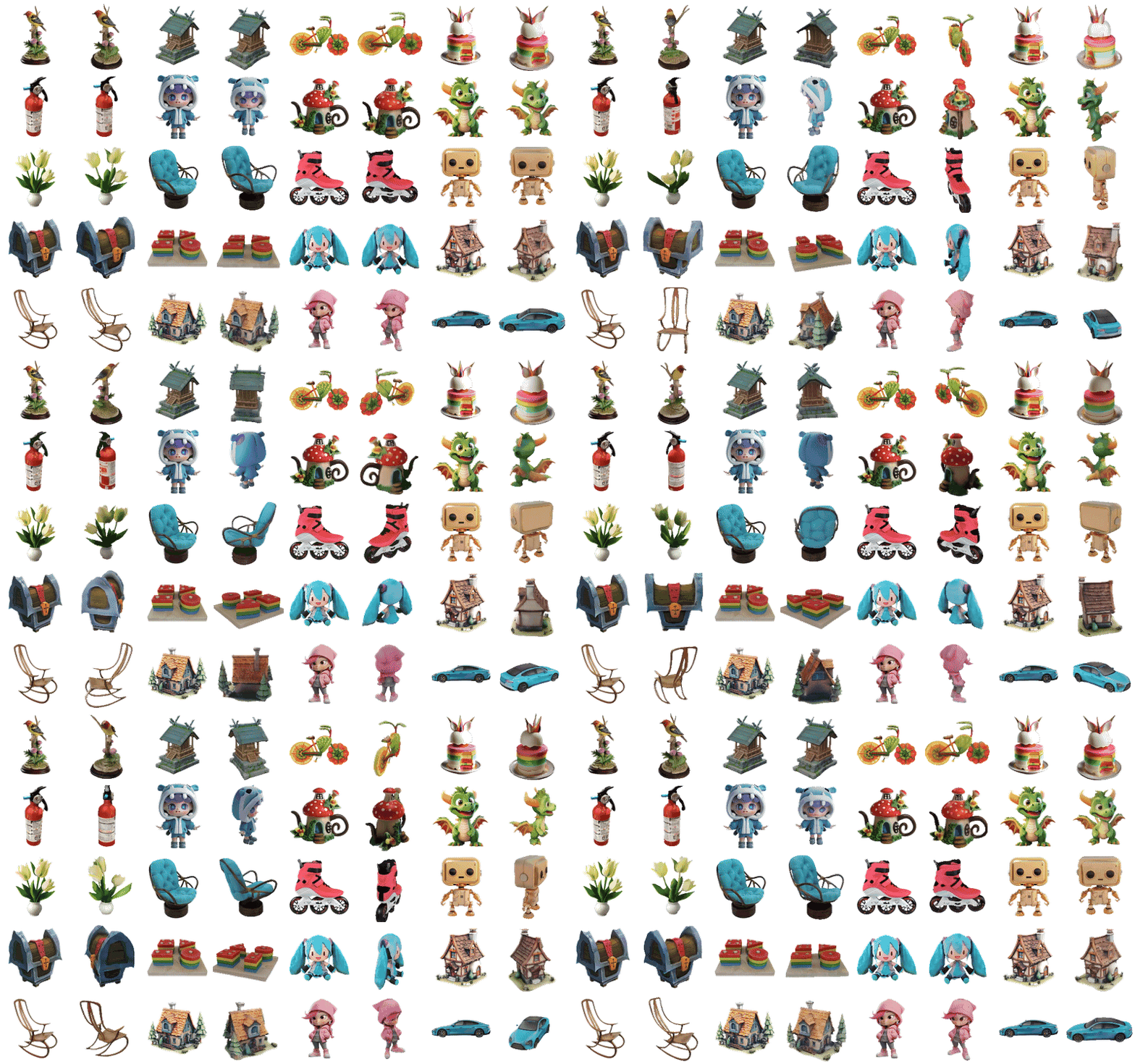
Unlock the full potential of Blender with Blender AI Library Pro, a cutting-edge addon that integrates a suite of advanced AI tools into your Blender environment. This powerful addon enables seamless creation of 3D models, PBR materials, and HDRIs from text and images, making your 3D design process faster and more intuitive than ever.

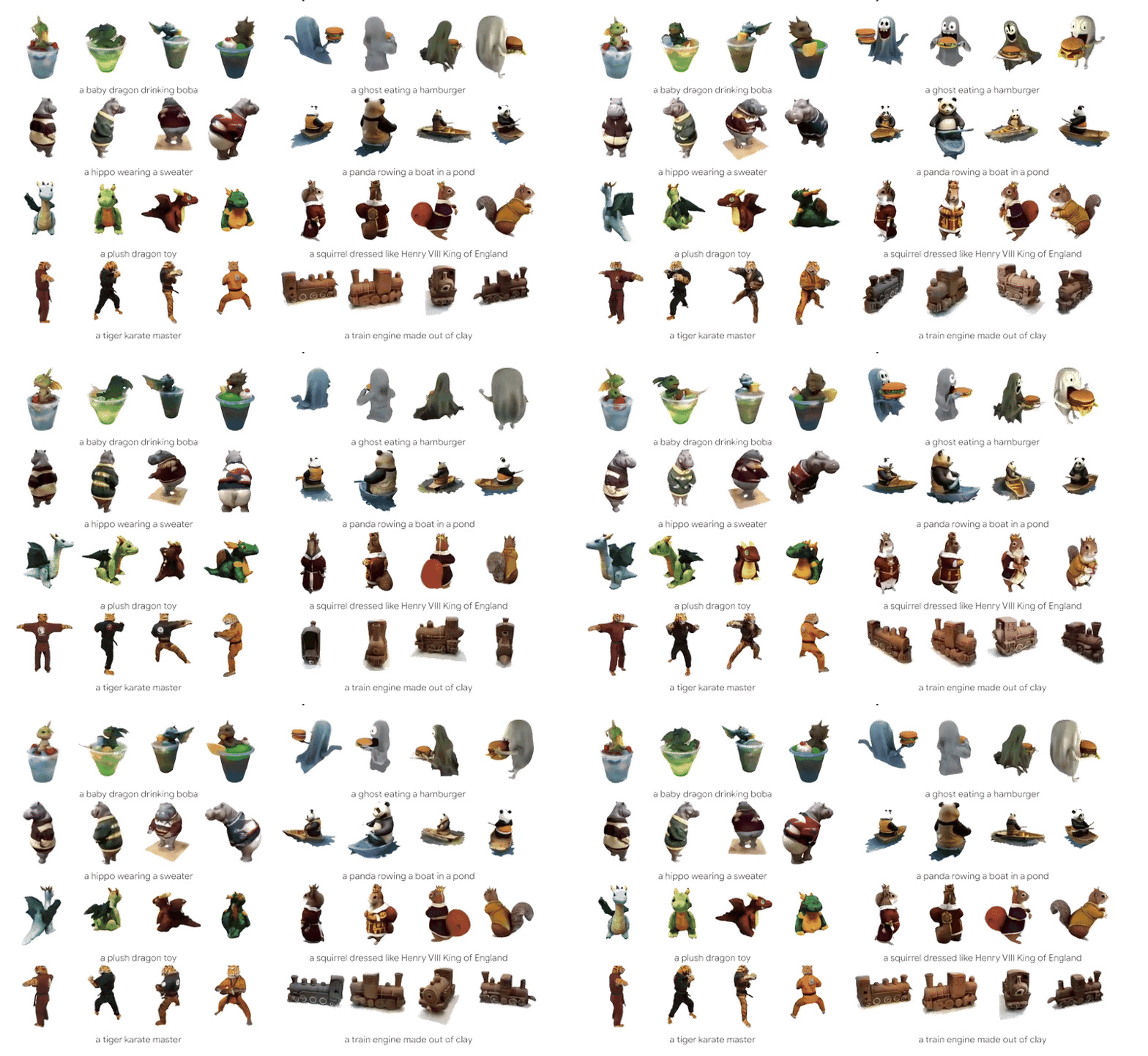
Generate detailed 3D models directly from text descriptions using the latest I technology.
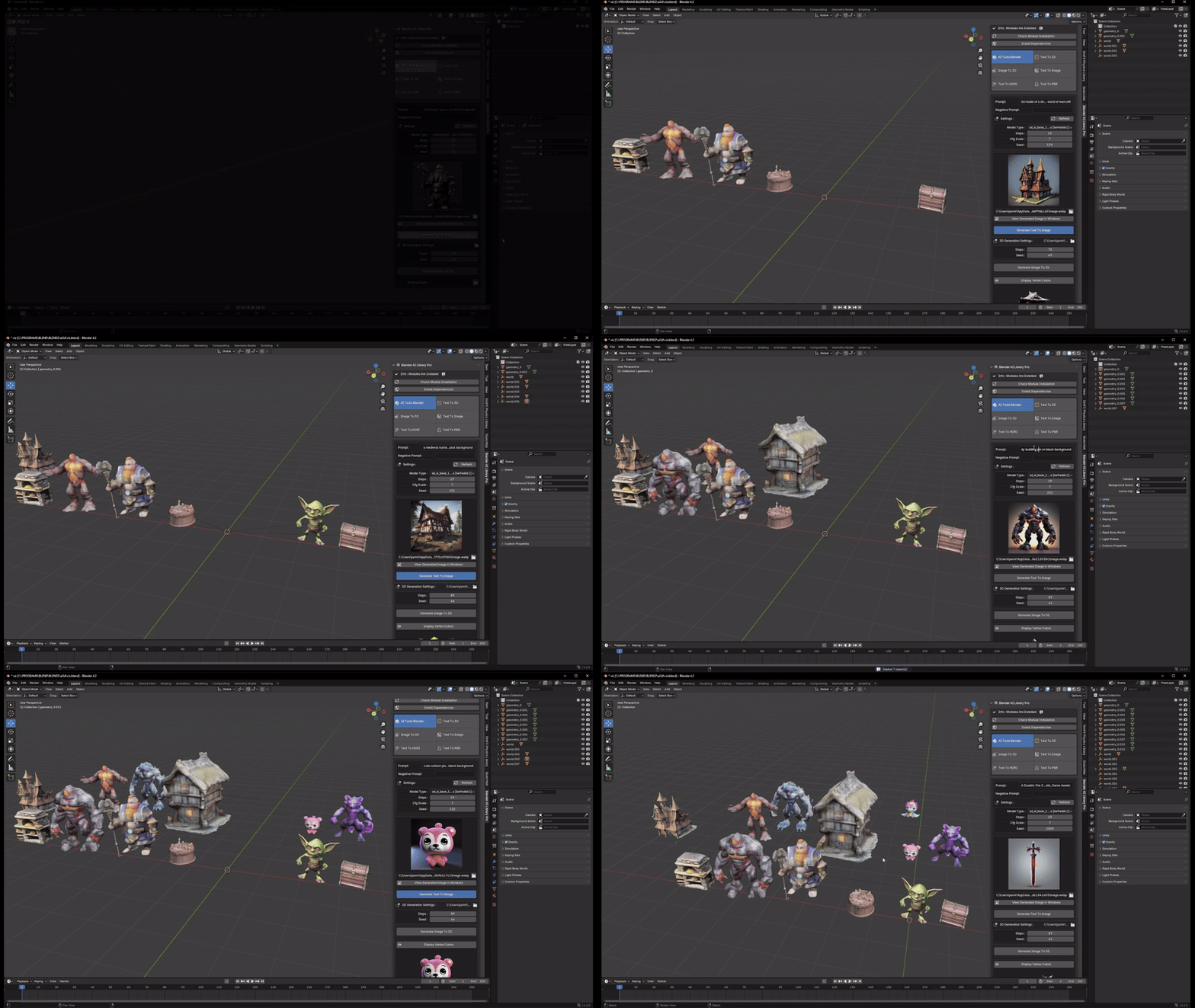

Create high-quality images from textual prompts with advanced AI algorithms.


Convert images into 3D models effortlessly, enhancing your design capabilities.
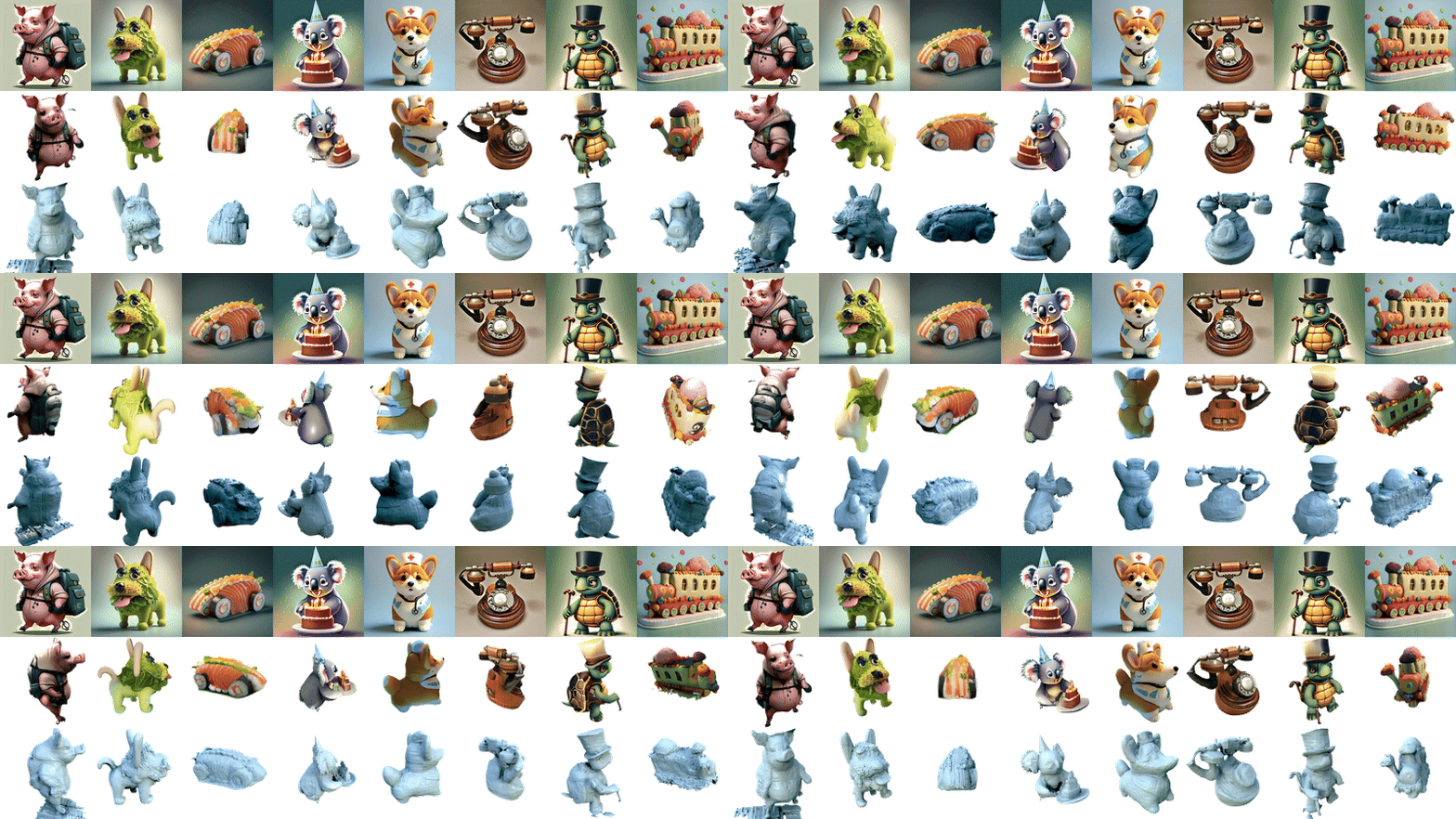

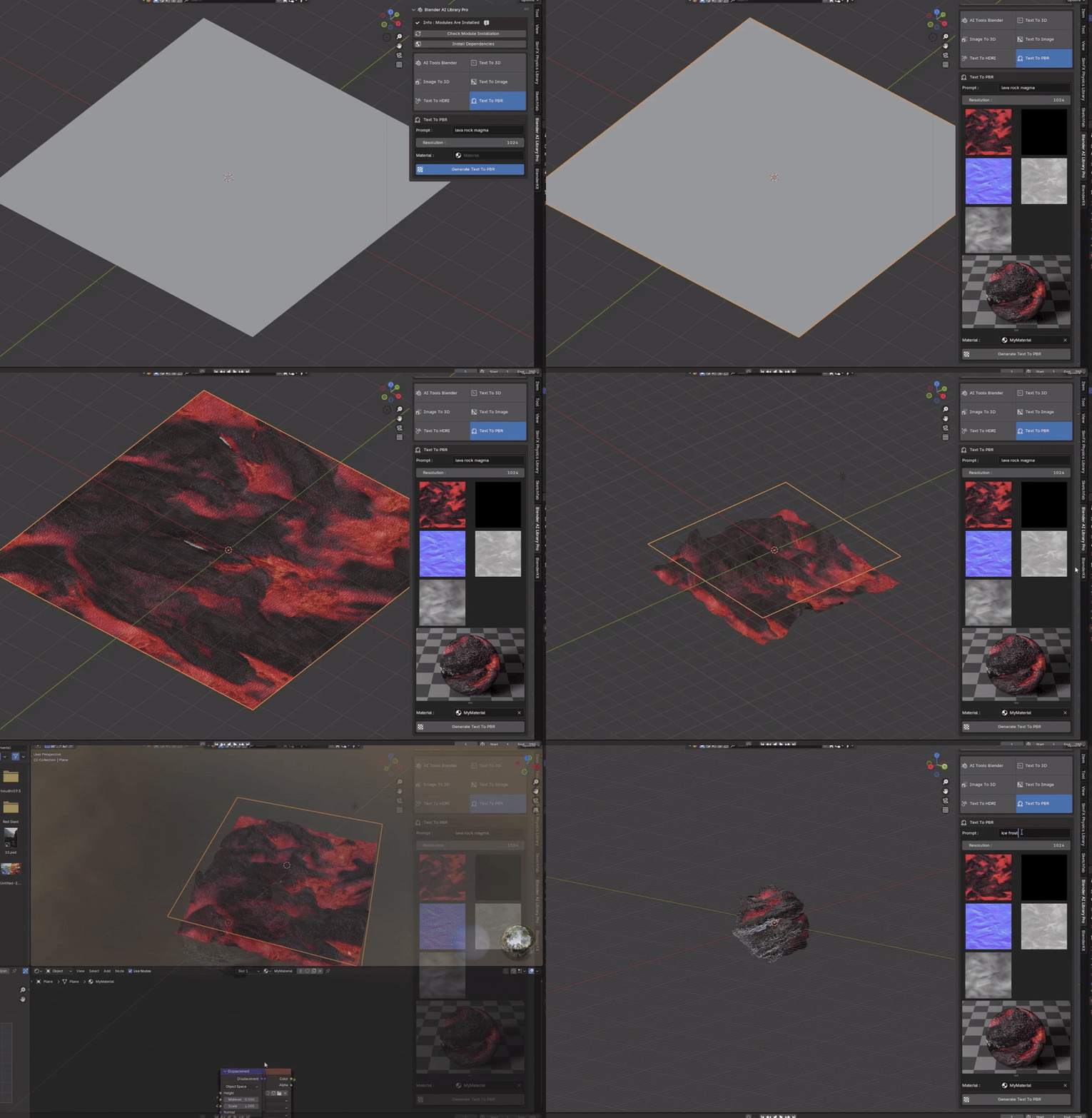
Automatically generate Physically Based Rendering (PBR) materials from text for realistic textures.
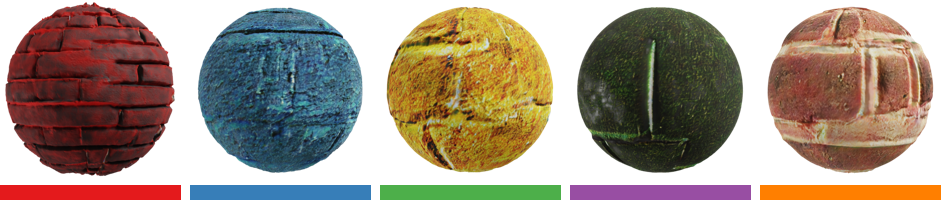

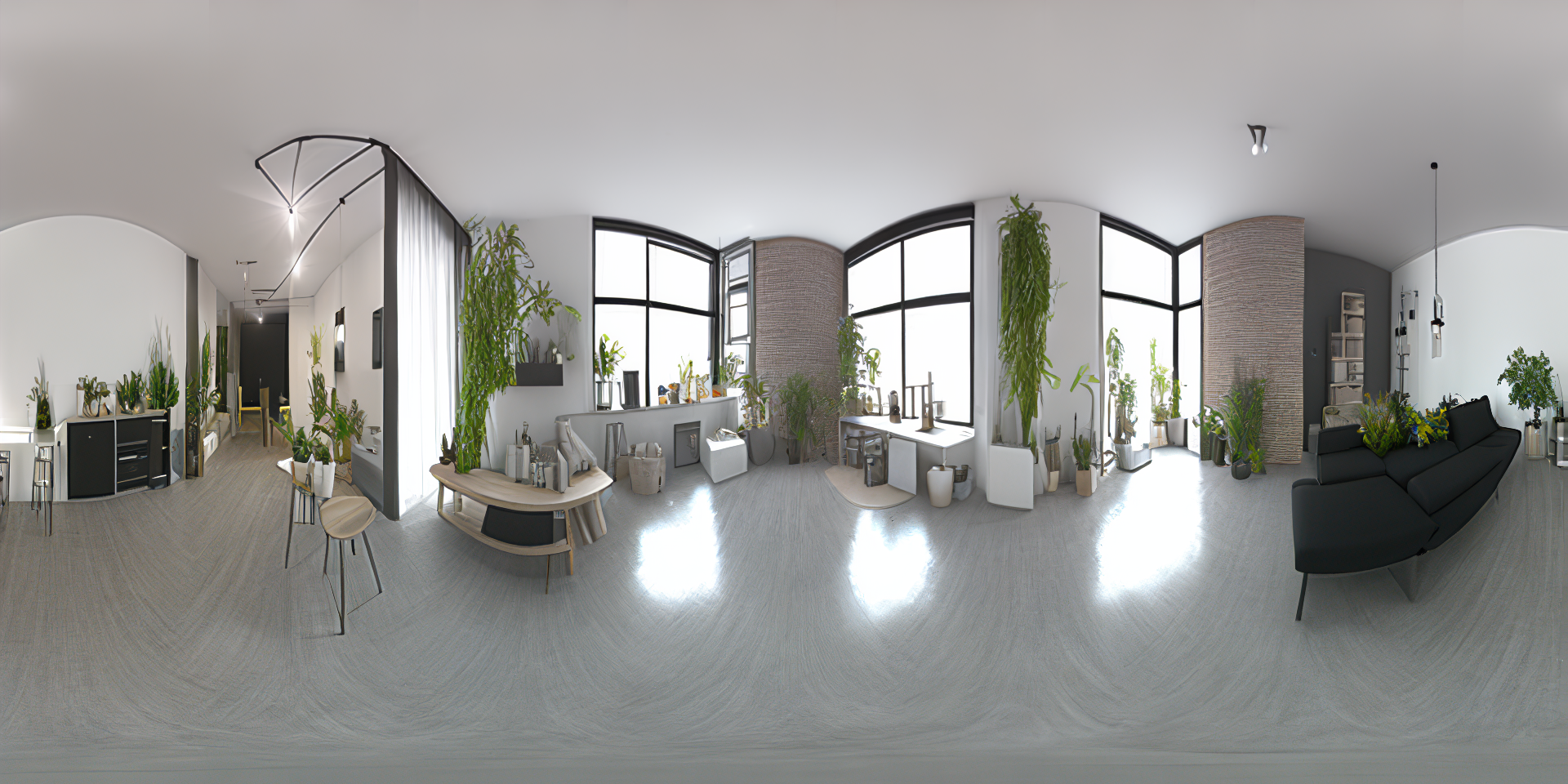
Create high dynamic range images from text to enhance your scene lighting.

InstantMesh AI


Efficiently convert 2D inputs into 3D meshes with precision.Stable Diffusion AI

Utilize a range of Stable Diffusion AI models for diverse image and texture generation needs.OpenAI Shap-E

Leverage OpenAI’s Shap-E model for cutting-edge shape and model generation.
Blender AI Library Pro is fully integrated into Blender, providing an intuitive interface for effortless usage. Whether you’re an experienced artist or a beginner, this addon streamlines your workflow and opens up new creative possibilities. Save time, boost productivity, and push the boundaries of your 3D projects with Blender AI Library Pro.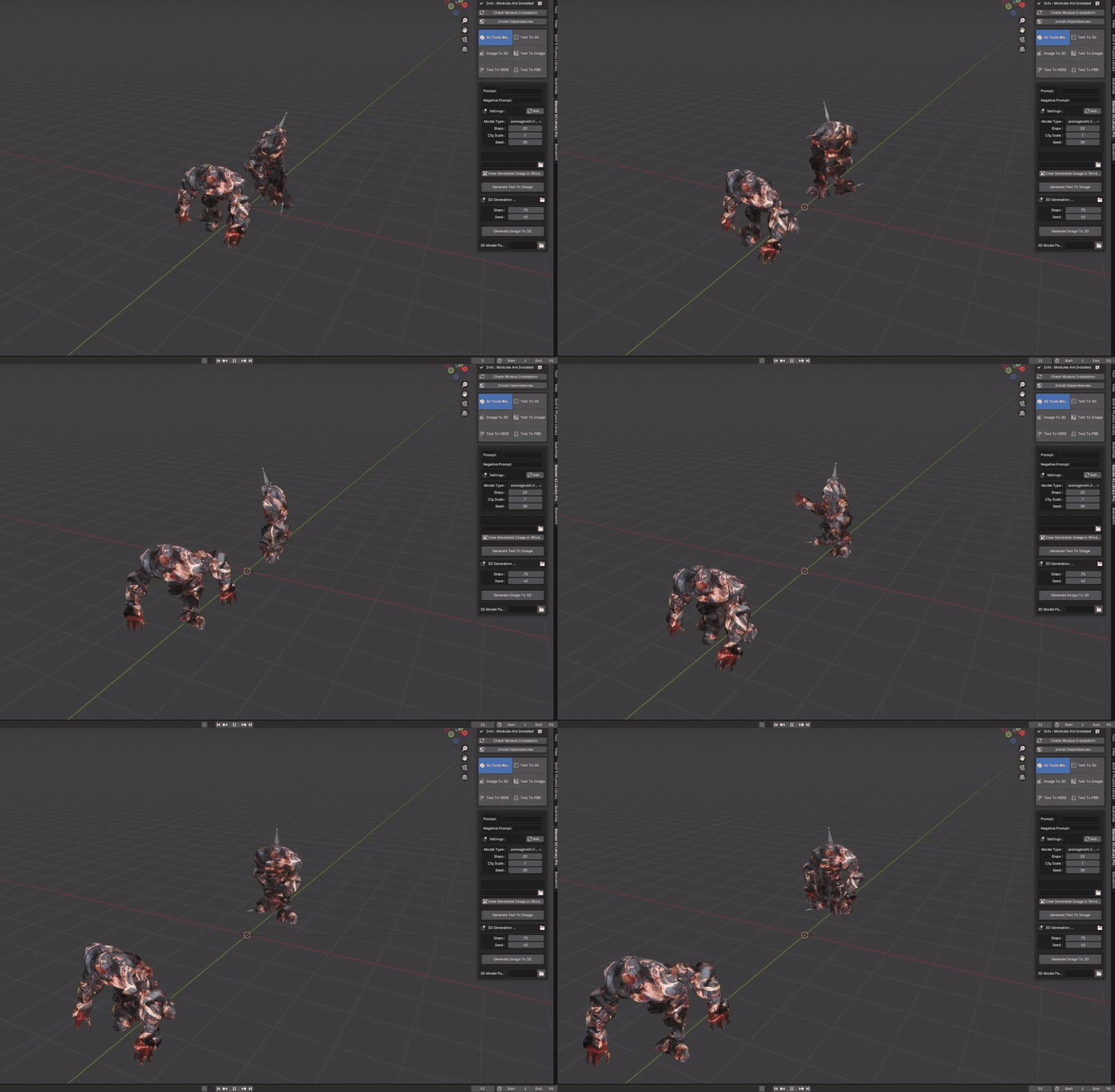
https://www.youtube.com/embed/g3tin0V5B0s
Get the Addon Now
Please Note: The addon has been developed and tested on only Windows. We will make it compatible in the other type of Operating Systems in the future.The addon is not working well If you have downloaded Blender from Steam. Please download Blender from the official Blender website.
⬇️ Installation Steps:🔧 Step 1: Run Blender as AdministratorEnsure that you are running Blender with administrative privileges to allow the installation of necessary files.📁 Step 2: Install the AddonGo to “Edit>Preferences>Install From Disk” and select the installed zip file.📦 Step 3: Install DependenciesClick the ⬇️ Install Dependencies button. Blender may seem to freeze, but it is installing the required files.“>✅ Step 4: Check Module InstallationClick the 🔍 Check Module Installation button. You should see “Modules Are Installed”. You should run the addon without any problems.Generate the image of what you want by clicking the 🖼️ Generate Text to Image button. If you reach the desired look, then click the “>🔄 Generate Image to 3D Model button. Blender will process for approximately 1 minute, and then you should see the 3D model in your viewport.Internet Connection Required: Please note that this addon requires an active internet connection to function properly.
Info : Please send me any problem occurs. I will fix as quick as possible.


You Can Check My Other Blender Procedural Addons Below:
Supercharge your 3D creation workflow with premium selection of Blender Add-ons. Whether you are modeling intricate characters, sculpting realistic environments, or animating cinematic sequences, the right add-on can transform how you work inside Blender. Our curated collection includes powerful tools for UV unwrapping, procedural texture generation, rigging automation, rendering optimization, and more—each rigorously tested for compatibility with the latest Blender versions. Eliminate tedious manual processes and unlock advanced functionality that lets you focus on what matters most: bringing your creative vision to life. Explore our full range of professional Blender plugins today and take your 3D projects to the next level.
➡️ ➡️ For more Blender Plugins 😀 😀
Reviews
There are no reviews yet.