

BlenderBIM for Blender
BlenderBIM v231104 for Blender – The Ultimate OpenBIM Authoring & IFC Suite
Versions: v231104
File Size: 84 MB
Download BlenderBIM v231104 for Blender on Windows and Mac, a professional-grade addon that transforms Blender into a full-featured OpenBIM authoring tool capable of creating, editing, and validating Industry Foundation Classes (IFC) data. With native IFC import/export, parametric building element creation, and comprehensive quantity takeoff tools, BlenderBIM v231104 transforms how architects, engineers, and contractors manage building information, eliminating the need for expensive proprietary CAD software while ensuring full compliance with open standards.
Key Features of BlenderBIM v231104:
Native IFC 2×3 & IFC4 Support: Full read/write capability for the global openBIM standard, allowing seamless data exchange with Revit, ArchiCAD, Tekla, and Solibri without data loss
Parametric Building Elements: Create walls, slabs, columns, beams, doors, and windows with real-world construction properties (material layers, fire ratings, load bearing) directly in Blender
Automated Quantity Takeoff: Instantly calculate areas, volumes, lengths, and counts for cost estimation and material scheduling based on accurate IFC geometry data
Rich Data Management: Edit all IFC attributes, classifications (Uniclass, OmniClass), and property sets (Psets) via an intuitive panel without touching code or spreadsheets
Drawing & Documentation Generation: Automatically generate 2D CAD drawings, sections, and elevations from your 3D BIM model with annotation support for construction documentation
Collision Detection & Validation: Built-in tools to check for model errors, clash detection, and IFC schema validation to ensure deliverables meet strict industry requirements
Collaborative Workflow: Supports linking multiple IFC files for multi-disciplinary coordination (Architectural, Structural, MEP) within a single Blender session
Enhanced Stability v231104: Improved handling of complex curved geometry in IFC4, faster loading times for large hospital/airport models, and bug fixes for material layer set editing
Cross-Platform Support: Works flawlessly on both Windows and Mac systems including Apple Silicon M1/M2/M3 chips
Perfect For:
Architects seeking a free, open-source alternative to Revit or ArchiCAD for BIM delivery
Structural engineers needing precise data exchange for analysis and detailing
Contractors using BIM for 4D scheduling, 5D cost estimation, and site logistics
Government agencies mandating openBIM (IFC) deliverables for public infrastructure projects
Anyone committed to avoiding vendor lock-in and promoting open data standards in AEC
System Requirements:
Blender 3.6, 4.0, 4.1, 4.2, 4.3+ (Latest LTS recommended)
Windows 10/11 (64-bit) or macOS 10.15+
8GB RAM minimum (16GB+ recommended for large building models)
Python 3.10+ (Included with modern Blender versions)
Installation:
Open Blender and go to Edit > Preferences > Add-ons:
Click “Install…” and select the downloaded .zip file for BlenderBIM
Enable the checkbox next to “BIM: BlenderBIM”
Access via the Scene Properties panel > BIM Tab or the Top Menu > BIM
Note: Version v231104 includes significant updates to the “Drafting” module, allowing for automated dimensioning and tagging that stays linked to the 3D model, ensuring your construction documents update automatically when the design changes.
Bonsai
An add-on for beautiful, detailed, and data-rich OpenBIM with Blender


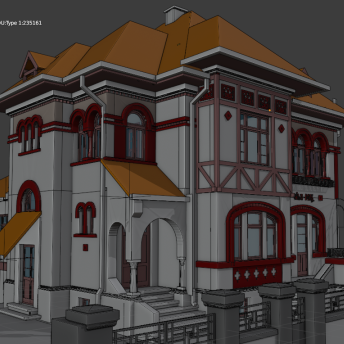
Author IFC models
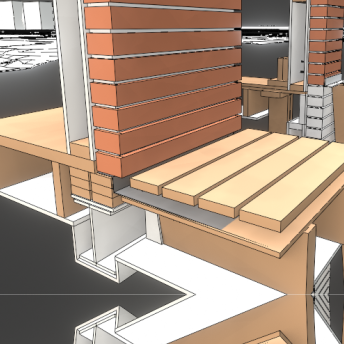
Drawing generation
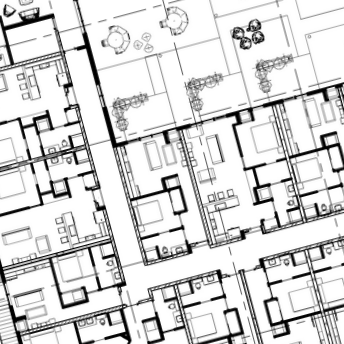
Structural analysis
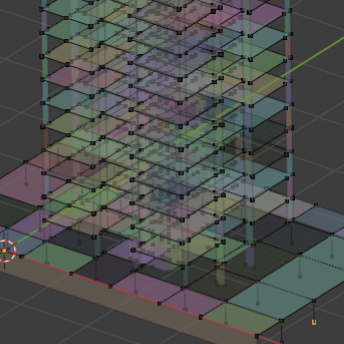
MEP systems
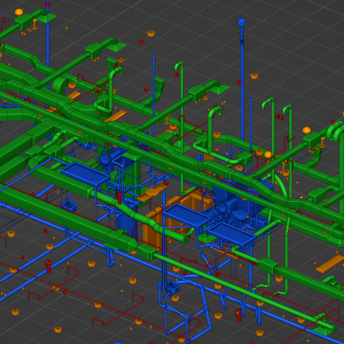
Costing and scheduling
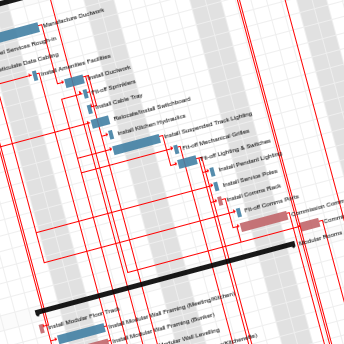
Facility management
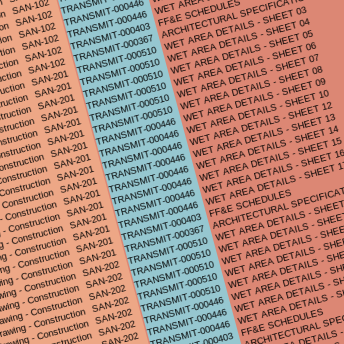
Live building sensors
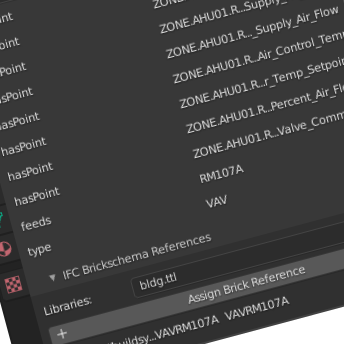
Supercharge your 3D creation workflow with premium selection of Blender Add-ons. Whether you are modeling intricate characters, sculpting realistic environments, or animating cinematic sequences, the right add-on can transform how you work inside Blender. Our curated collection includes powerful tools for UV unwrapping, procedural texture generation, rigging automation, rendering optimization, and more—each rigorously tested for compatibility with the latest Blender versions. Eliminate tedious manual processes and unlock advanced functionality that lets you focus on what matters most: bringing your creative vision to life. Explore our full range of professional Blender plugins today and take your 3D projects to the next level.
➡️ ➡️ For more Blender Plugins 😀 😀
Reviews
There are no reviews yet.