
Blendit for Blender
blendit addon
Blendit v1.7.1 for Blender – Professional Parametric Modeling & Blend Shapes Tool
Version: V1.7.1
File Size: 10 MB
Download Blendit v1.7.1 for Blender on Windows, Mac, and Linux, a powerful parametric modeling add-on that creates smooth blend shapes, morphing surfaces, and transitional geometry between objects. Perfect for character artists, product designers, and motion graphics creators who need seamless shape blending and morphing effects.
Key Features of Blendit v1.7.1:
- Shape Blending: Create smooth transitions between different mesh shapes with adjustable blend parameters
- Parametric Morphing: Animate morphing effects between objects with full keyframe control
- Surface Blending: Blend surfaces between separate mesh islands to create continuous geometry
- Profile Blends: Blend between different cross-section profiles along paths
- Edge Blending: Smoothly blend edge loops between meshes with matching topology
- Real-Time Preview: See blending results update instantly as you adjust parameters
- Non-Destructive: All blends remain adjustable without modifying source geometry
- Animation Ready: Keyframe blend parameters for dynamic morphing animations
- v1.7.1 Updates: Enhanced blending algorithms, improved performance, and Blender 4.0+ compatibility
Perfect For:
- Character artists creating facial blend shapes and morph targets
- Product designers transitioning between design iterations
- Motion graphics artists creating smooth shape morphing animations
- VFX professionals generating transitional geometry effects
- Anyone needing parametric shape blending in Blender
System Requirements:
- Blender 3.6, 4.0, 4.1, 4.2, 4.3
- Windows 10/11 (64-bit), macOS, or Linux
- 4GB RAM minimum (8GB+ recommended)
- 15MB available disk space
Installation:
- Download the add-on zip file
- In Blender, go to Edit > Preferences > Add-ons
- Click “Install” and select the downloaded zip file
- Enable the add-on by checking the box next to “Blendit”
Note: Blendit v1.7.1 provides professional parametric blending and morphing tools for Blender, allowing you to create smooth transitions between shapes, blend surfaces, and animate morphing effects. The real-time preview and non-destructive workflow make it essential for character artists, product designers, and motion graphics creators. Designed for Blender 3.6 and above. Good. Finish.
Blendit v1.7.1
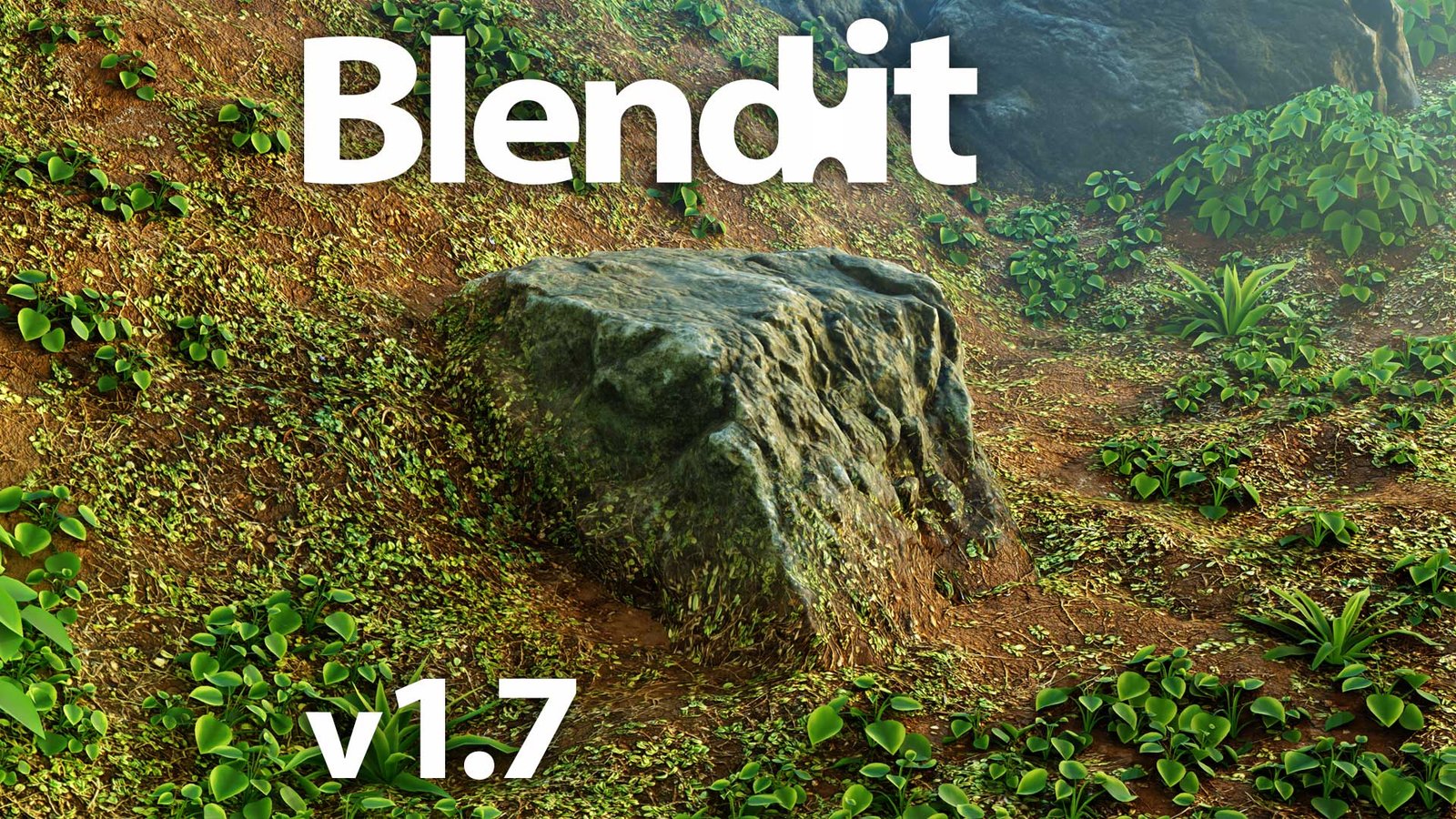
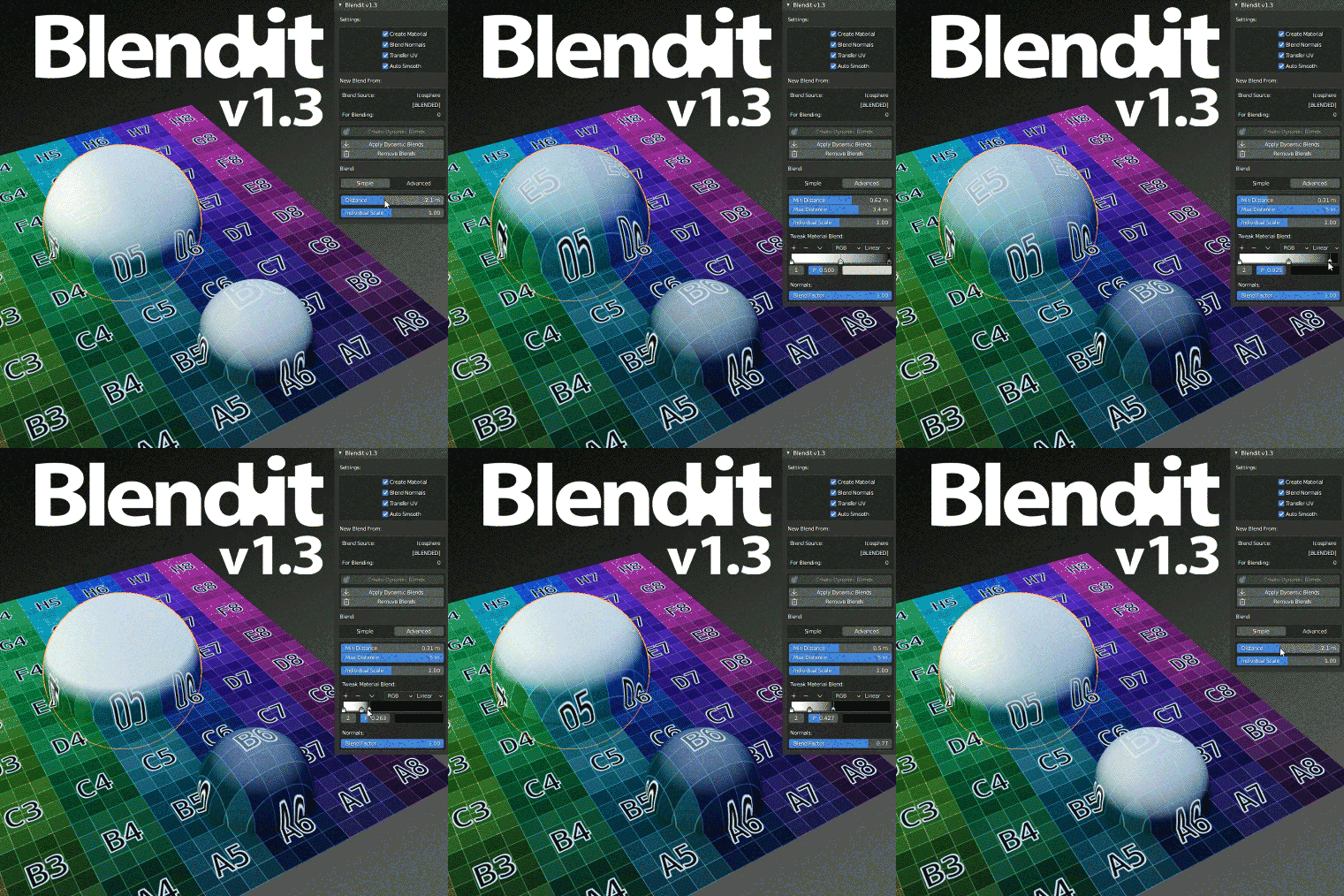
Full dynamic one-click solution for material blending of objects.
Main features:
- Easily create material blend of selected objects with active
- Non-destructive operations: create, apply, remove material blends
- Option of executing the operations for all blends of source object
- Real-time dynamic blends works in viewport, Eevee and Cycles
- Option automatic create material from blended objects
- Option to Blend Normals of objects
- Easily tweak individual blend of object
- Easy tweaking of all blends of source object
- Blend styles: Height maps blending, Noise and Custom texture masking
- Preserve texture scale from source object with mapping options:
- World space: Geometry node – Position output
- Object space: Texture Coordinate node – Object output
- UV v1: Texture Coordinate node – UV output + Blendit Transfer UV
- UV v2: UV Map node + Blendit Transfer UV
Limitations:
- Only one blend per object supported
- Two source objects can’t be blended together
- The add-on only works with the first material slot
- You shouldn’t rename Blend materials for proper functionality
- You shouldn’t remove original materials for proper functionality
- You shouldn’t rename Blendit modifiers for proper functionality
- The quality of the blend depends on mesh density and topology
- Only an UV map with Active Render can be transferred
- Multi-user material doesn’t support different blend source objects
- Auto Smooth turns on when Blend Normals is used
- You must use UV mapping and Transfer UV to blend Normal maps
- Used simple inaccurate blending of normal maps
- Automatic connected Displacement and Volume outputs aren’t supported
- Limited support for input nodes depending on the source object
- Blender 2.90.x bug, crash when switching to UV Edit of source object
- Blender 2.90.x bug, crash when switching to Edit Mode of source object
- Mappings inside node groups are not affected
- Using AutoSmooth with Blend Normals in Cycles may cause terminator artifacts
- Smooth linear blending gradients of solid colors are difficult to set
- The use of subsurface scattering in the source material may show seam for Cycles
Supercharge your 3D creation workflow with premium selection of Blender Add-ons. Whether you are modeling intricate characters, sculpting realistic environments, or animating cinematic sequences, the right add-on can transform how you work inside Blender. Our curated collection includes powerful tools for UV unwrapping, procedural texture generation, rigging automation, rendering optimization, and more—each rigorously tested for compatibility with the latest Blender versions. Eliminate tedious manual processes and unlock advanced functionality that lets you focus on what matters most: bringing your creative vision to life. Explore our full range of professional Blender plugins today and take your 3D projects to the next level.
➡️ ➡️ For more Blender Plugins 😀 😀
Reviews
There are no reviews yet.