
BlendRef Addon for Blender
BlendRef v1.1 for Blender – The Ultimate In-Viewport Reference Image Manager
Versions: v1.1
File Size: 1.5 MB
Download BlendRef v1.1 for Blender on Windows and Mac, a streamlined addon designed to manage, display, and manipulate reference images directly within your 3D workspace without cluttering the scene outliner. With advanced opacity controls, axis locking, and instant image importing, BlendRef v1.1 transforms how you model from concept art or blueprints, eliminating the need to constantly alt-tab to external viewers or struggle with Blender’s native background image limitations.
Key Features of BlendRef v1.1:
Instant Image Import: Drag and drop multiple reference images (JPG, PNG, EXR) directly into the viewport or load them via a dedicated file browser panel
Smart Axis Locking: Automatically aligns images to the perfect Front, Side, Top, or Perspective view, with options to lock them to specific axes so they don’t move when you rotate the camera
Opacity & Visibility Controls: Adjust transparency sliders for individual images or groups instantly, allowing you to fade references in and out while modeling over them
Image Grouping & Organization: Organize references into logical folders or groups (e.g., “Character Front,” “Environment Concepts”) to keep complex projects tidy and accessible
Non-Destructive Display: References are displayed as viewport overlays, meaning they never render, never appear in exports, and never interfere with lighting or physics simulations
Multi-View Support: Display different images simultaneously in different orthographic views (e.g., front view shows concept art, side view shows blueprint) for accurate 3D tracing
Quick Alignment Tools: Built-in gizmos to scale, rotate, and pan reference images precisely to match your scene scale or grid without switching tools
Enhanced Workflow v1.1: Improved image caching for faster loading of high-resolution boards, better handling of transparent PNGs, and new keyboard shortcuts for rapid toggling
Cross-Platform Support: Works flawlessly on both Windows and Mac systems including Apple Silicon M1/M2/M3 chips
Perfect For:
Concept artists translating 2D sketches into 3D models with precision
Character modelers needing simultaneous front and side views for accurate proportions
Hard surface designers tracing over engineering blueprints or CAD screenshots
Architectural visualizers aligning models to site photos or floor plans
Anyone tired of managing messy “Empty” objects just to hold reference pictures
System Requirements:
Blender 3.6, 4.0, 4.1, 4.2, 4.3+ (Latest LTS recommended)
Windows 10/11 (64-bit) or macOS 10.15+
4GB RAM minimum (8GB+ recommended for large reference boards)
No external dependencies required
Installation:
Open Blender and go to Edit > Preferences > Add-ons:
Click “Install…” and select the downloaded .zip file for BlendRef
Enable the checkbox next to “Interface: BlendRef”
Access via the 3D Viewport Sidebar (N-panel) > BlendRef Tab or the View Menu
Note: Version 1.1 introduces a “Sync Zoom” feature that automatically scales your reference images when you zoom in/out in the viewport, ensuring your blueprint stays perfectly aligned with your model at any magnification level.
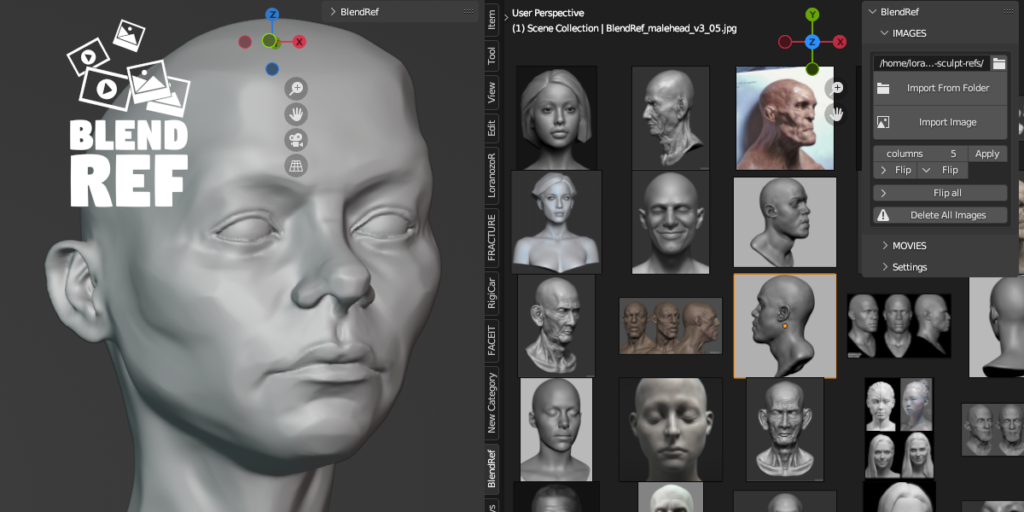
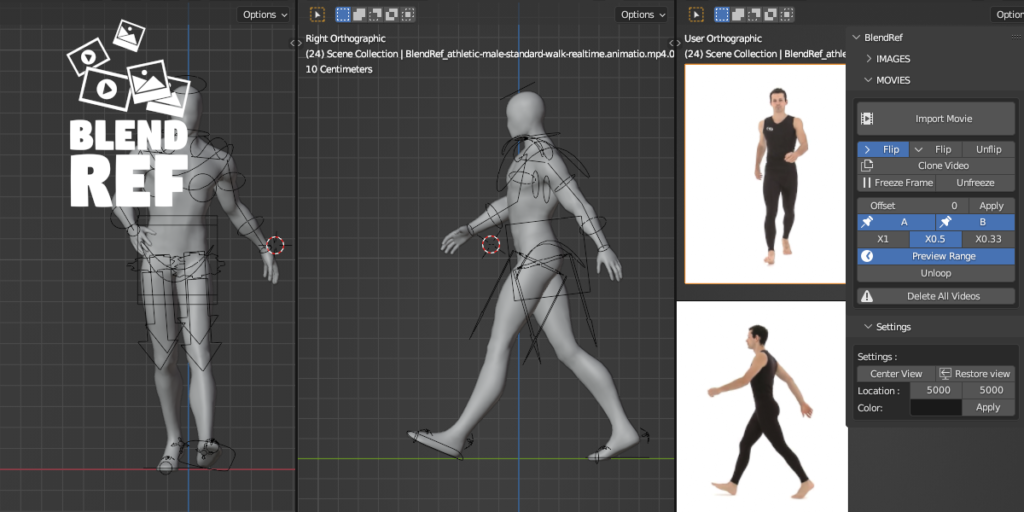
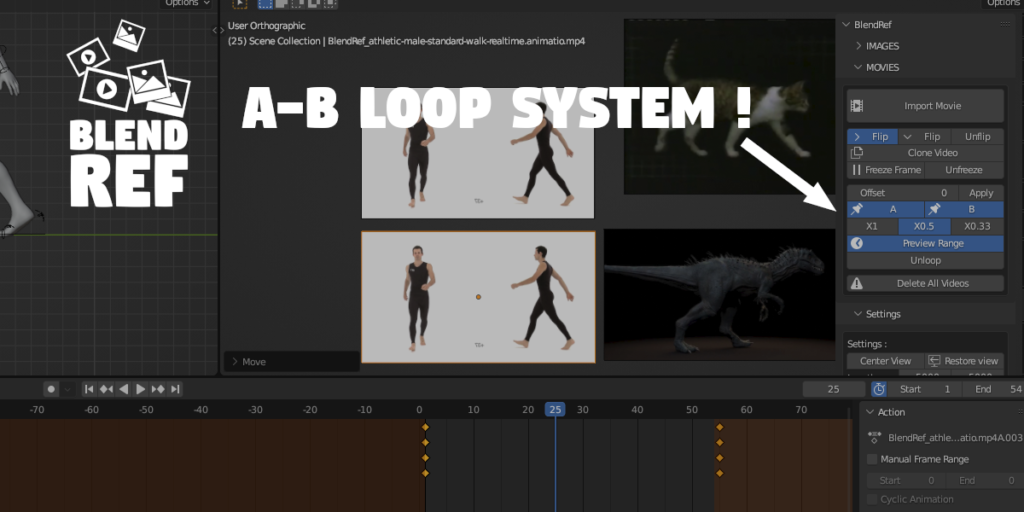
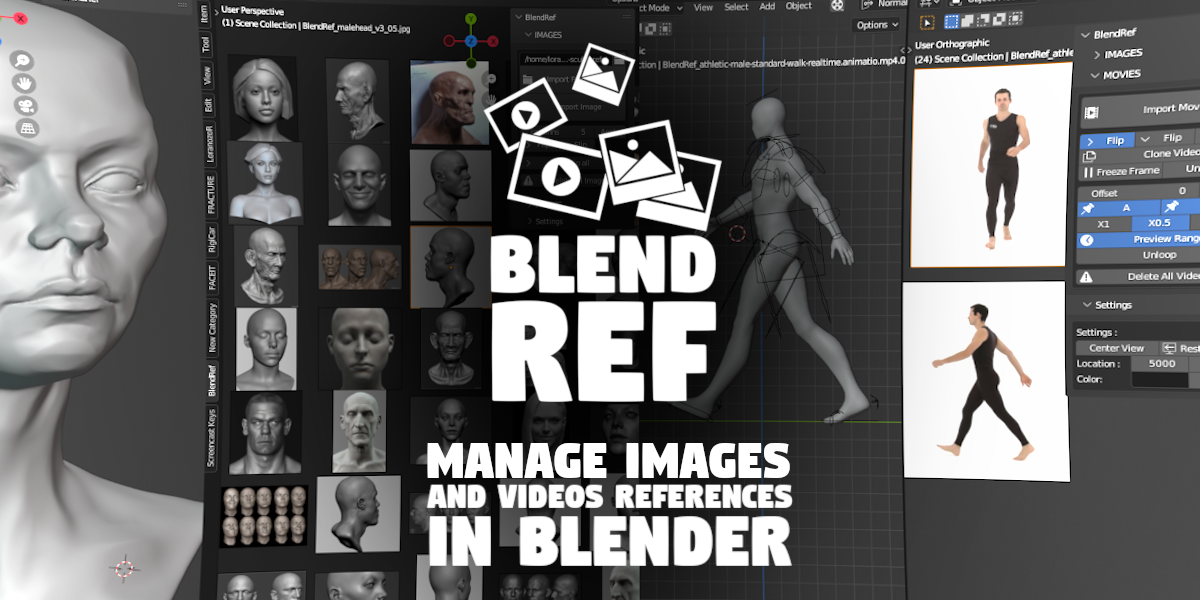
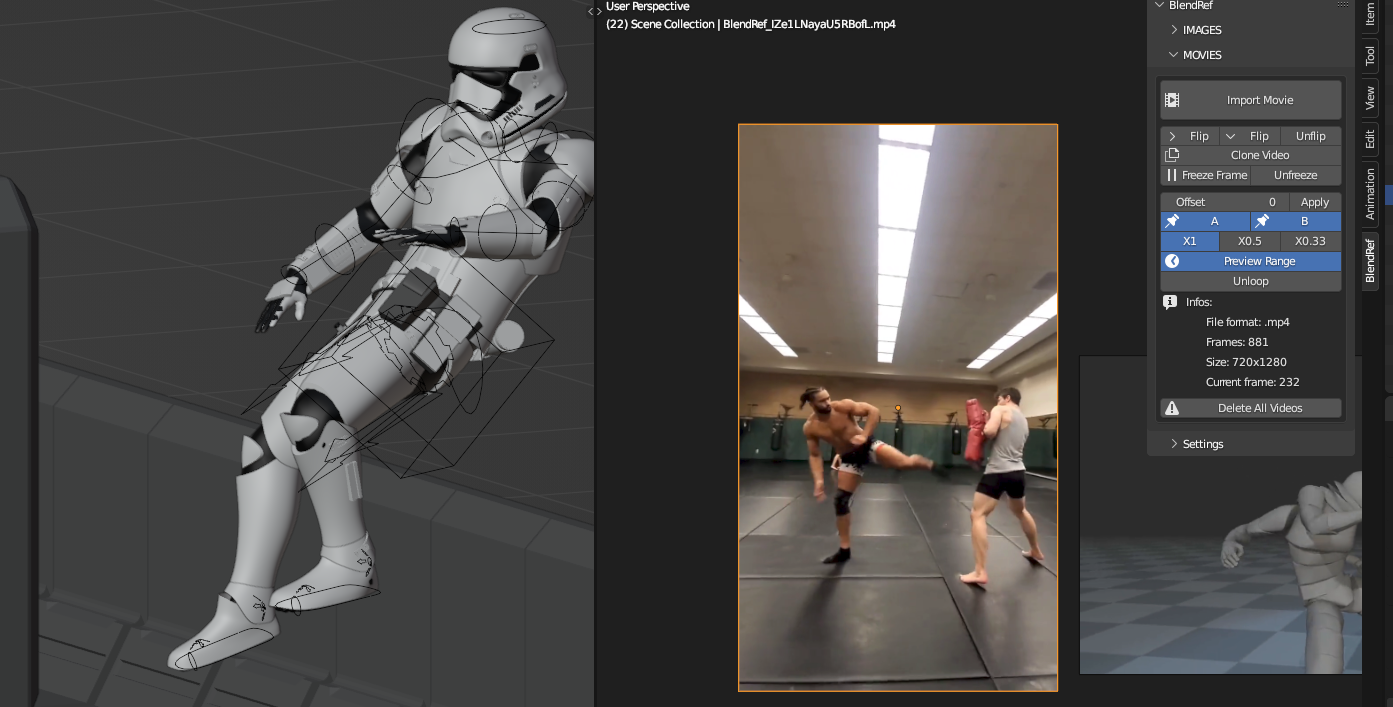
BlendRef is a blender add-on for images and videos references managing in the viewport while sculpting, animating or modeling. The image part is similar to BeeRef or PureRef apps but, in blender! No need to put a forced app over your viewport, it’s part of it. No need to click on the app to zoom or move a image, you don’t leave Blender interface. The video part is very efficient for animation references. You can loop and slow down any segment! You can now add text to better sort your references. Know that everything is kept in specifics collections so you can easily bring your ref from a blend file to another by simply append the collections!
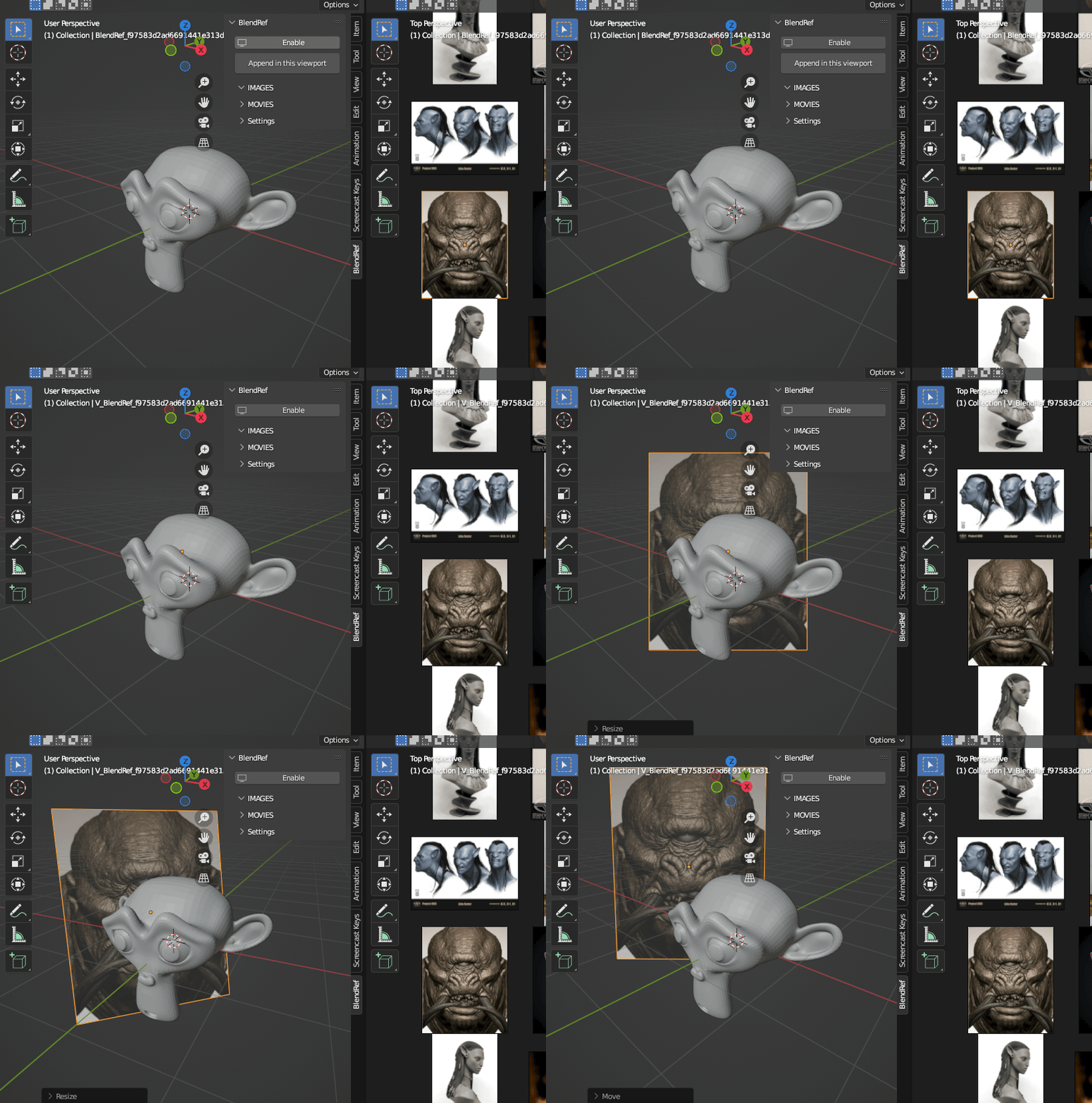
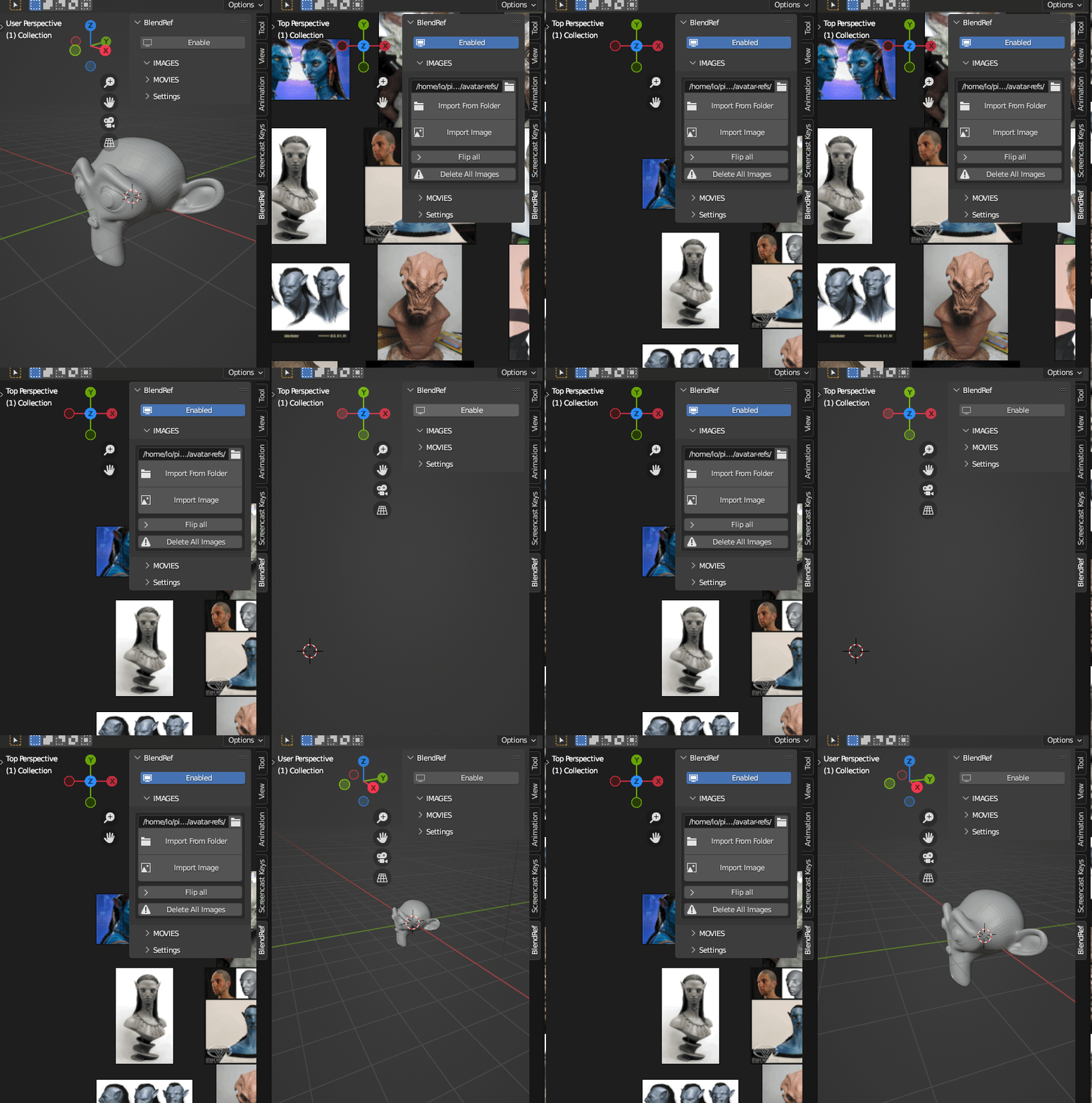
1.1 Update
– gif and webm import as movies
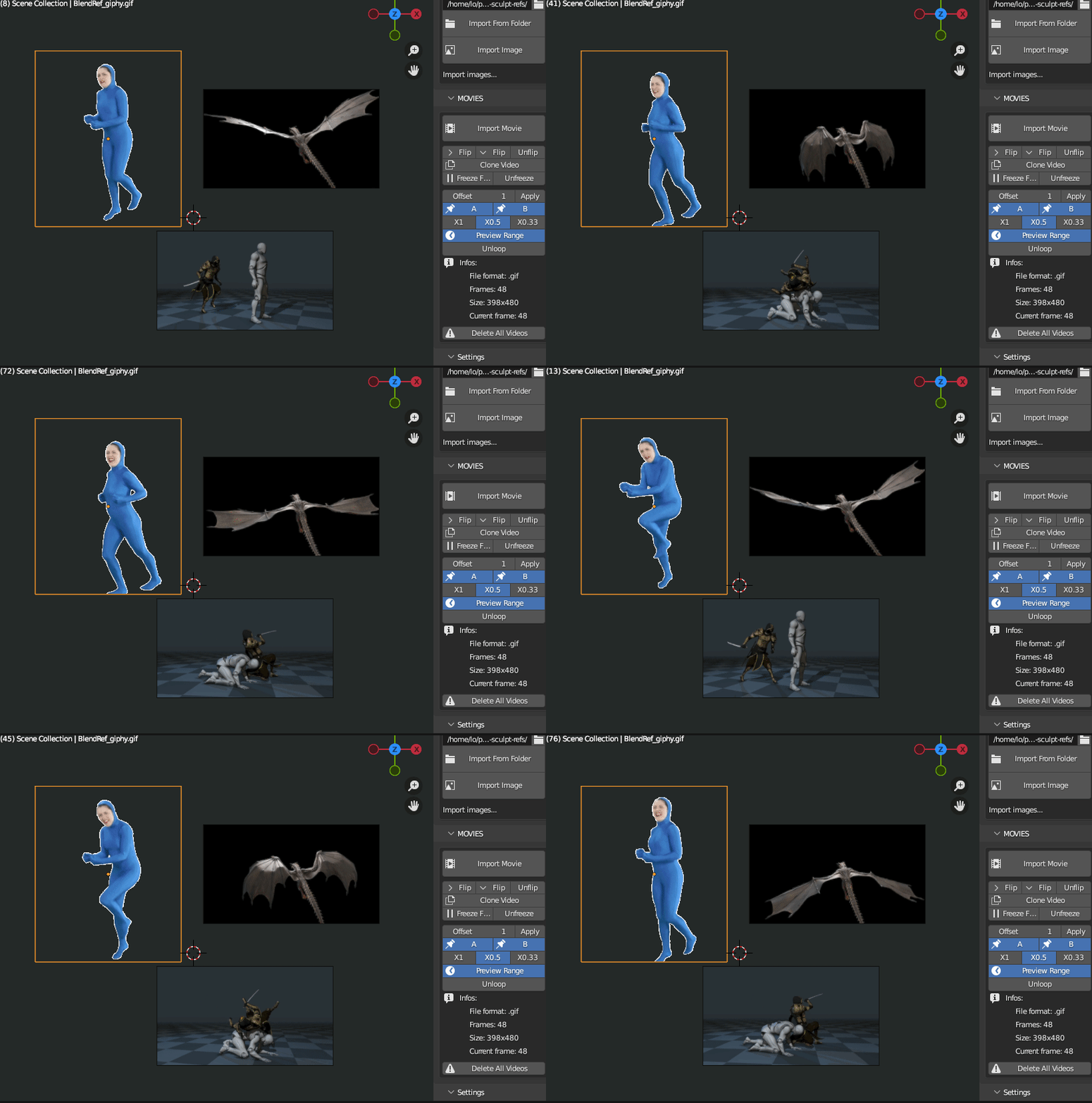
– media infos: display size, format, number of frames…
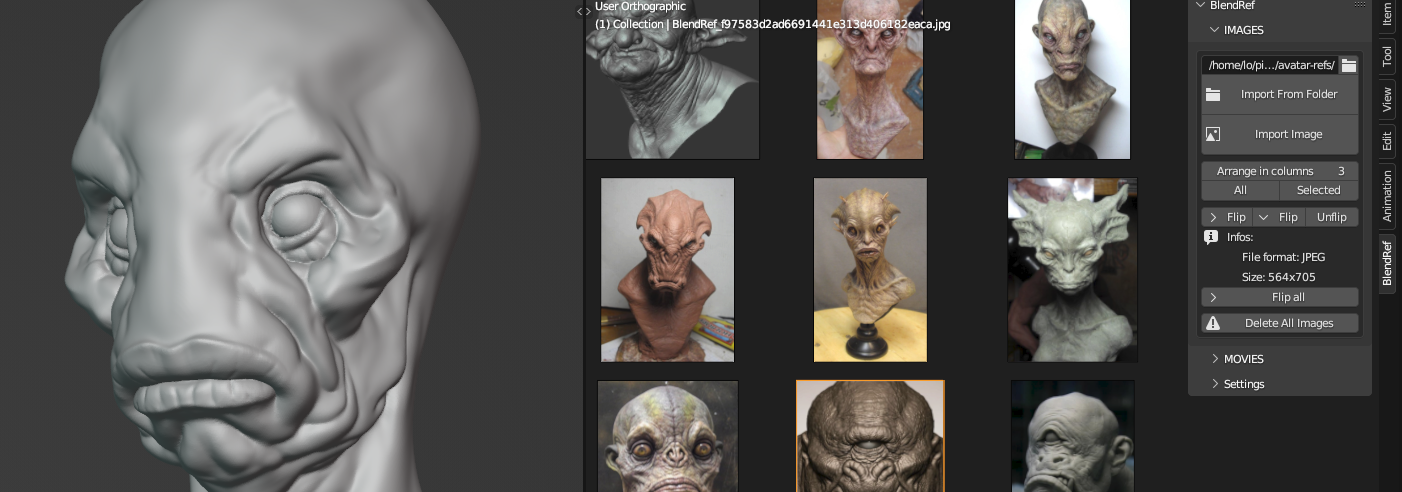
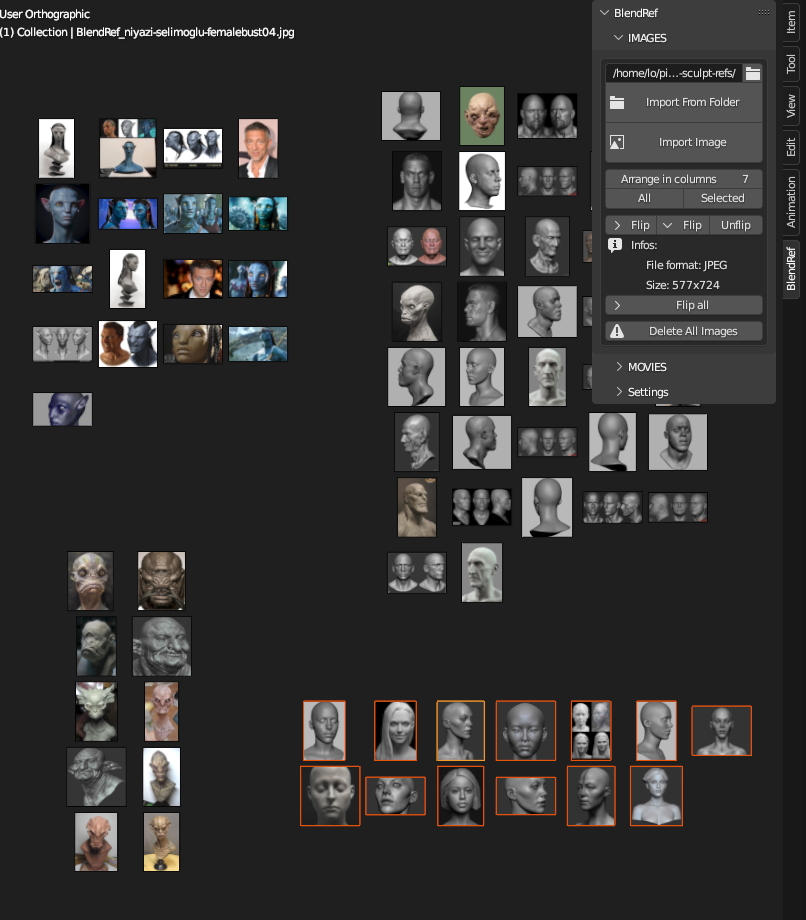
– Arrange selected or all in columns make space organisation easier and faster
– Preview range follow you speed switching, no need to disable then enable it again.
– + some debugs
Simple to use
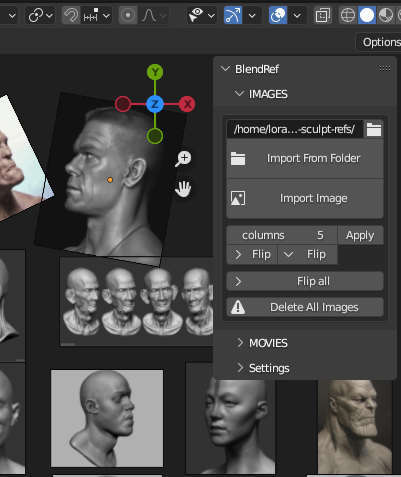
- Just choose a folder or individual image to import
- Arrange the images in columns
- flip it horizontally or vertically
- rotate and scale it
Powerful tool
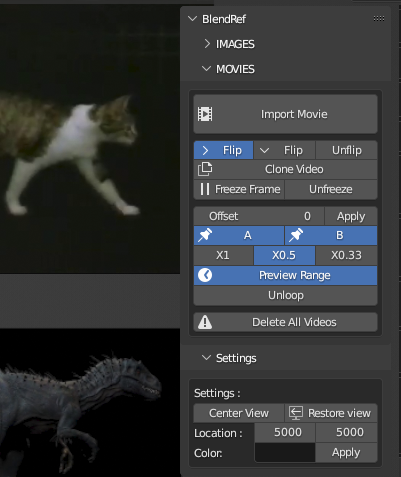
- A to B loop
- slowmotion
- flip horizontally or vertically
Supercharge your 3D creation workflow with premium selection of Blender Add-ons. Whether you are modeling intricate characters, sculpting realistic environments, or animating cinematic sequences, the right add-on can transform how you work inside Blender. Our curated collection includes powerful tools for UV unwrapping, procedural texture generation, rigging automation, rendering optimization, and more—each rigorously tested for compatibility with the latest Blender versions. Eliminate tedious manual processes and unlock advanced functionality that lets you focus on what matters most: bringing your creative vision to life. Explore our full range of professional Blender plugins today and take your 3D projects to the next level.
➡️ ➡️ For more Blender Plugins 😀 😀
Reviews
There are no reviews yet.