

Blooming Flowers for Blender
blooming flowers addon
Blooming Flowers V2 for Blender – Procedural Flower & Plant Animation System
Versions: v2.0
File Size: 182 MB
Download Blooming Flowers V2 for Blender on Windows, Mac, and Linux, a powerful procedural flower generation and animation system that creates blooming flowers, growing plants, and animated botanical scenes. Perfect for motion graphics artists, environment designers, and VFX professionals needing organic growth animations.
Key Features of Blooming Flowers V2:
- Procedural Flower Generation: Create daisies, roses, tulips, sunflowers, lilies, and custom flower types
- Bloom Animation: Animate flowers from closed bud to full bloom with adjustable speed and timing
- Petal Controls: Adjust petal count, shape, curvature, overlap, and color gradients
- Stem & Leaf Growth: Animate stems and leaves growing from ground alongside flowers
- Wind Animation: Add natural swaying and organic motion to flowers and leaves
- Color Animation: Animate petal colors over time for seasonal or magical effects
- Instancing System: Generate entire fields of flowers with performance optimization
- Material Library: Built-in materials for petals, stems, and leaves
- V2 Updates: New flower types, enhanced bloom controls, and Blender 4.0+ compatibility
Perfect For:
- Motion graphics artists creating time-lapse growth animations
- Environment designers populating scenes with vegetation
- VFX professionals adding botanical elements to shots
- Product visualizers creating cosmetic and botanical product scenes
- Anyone needing procedural flower generation and bloom animation
System Requirements:
- Blender 3.6, 4.0, 4.1, 4.2, 4.3
- Windows 10/11 (64-bit), macOS, or Linux
- 4GB RAM minimum (8GB+ recommended)
- 30MB available disk space
Installation:
- Download the add-on zip file
- In Blender, go to Edit > Preferences > Add-ons
- Click “Install” and select the downloaded zip file
- Enable the add-on by checking the box next to “Blooming Flowers V2”
Note: Blooming Flowers V2 provides procedural flower generation and bloom animation for Blender, allowing you to create growing botanical scenes with adjustable flower types, petal controls, and wind animation. Perfect for time-lapse effects, nature scenes, and organic motion graphics. Designed for Blender 3.6 and above.
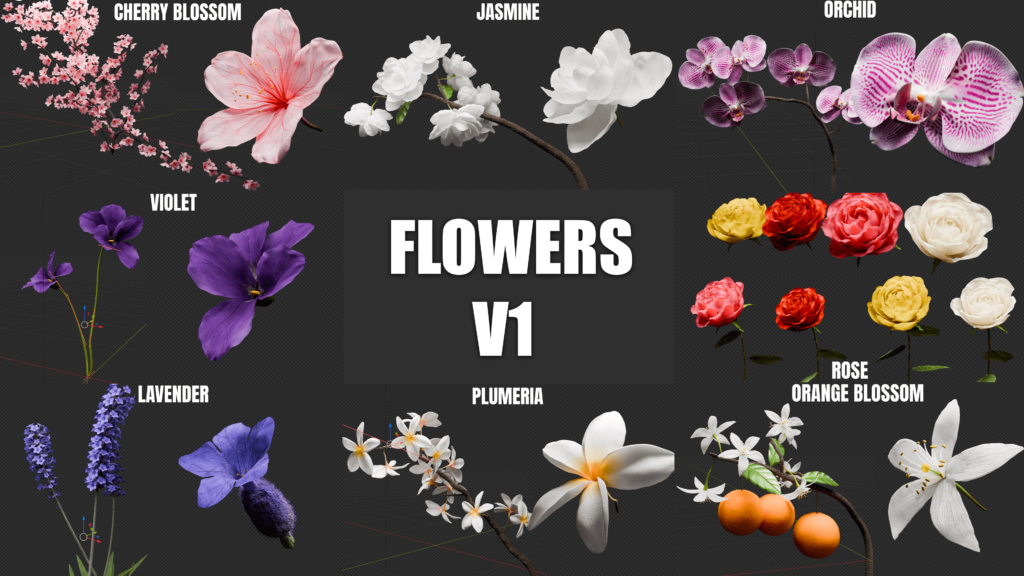

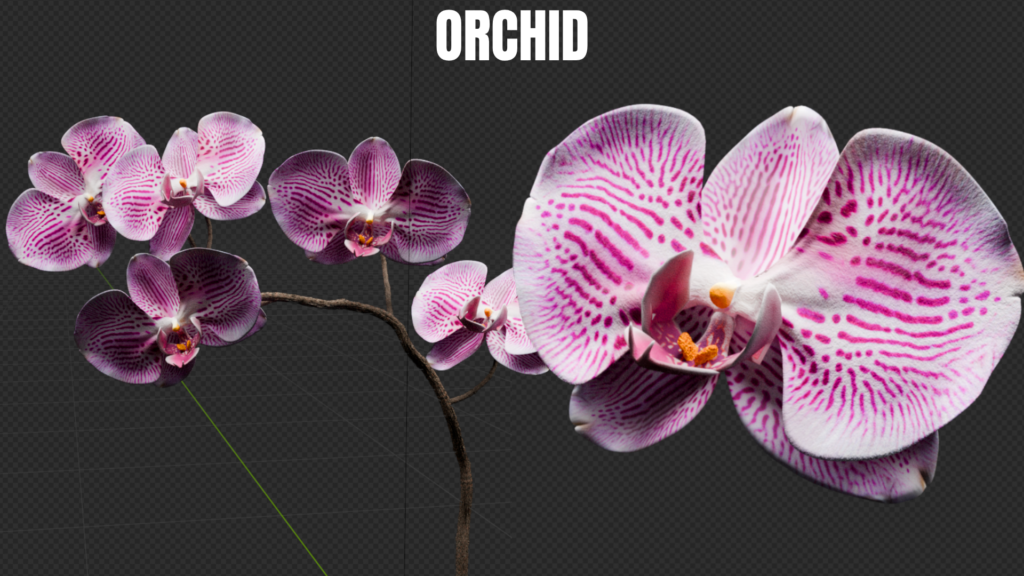
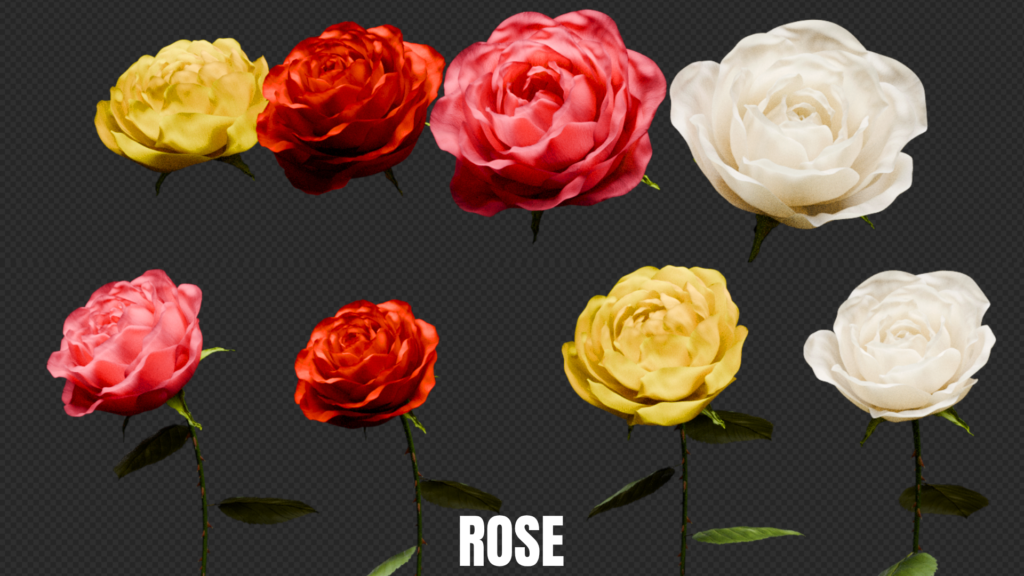
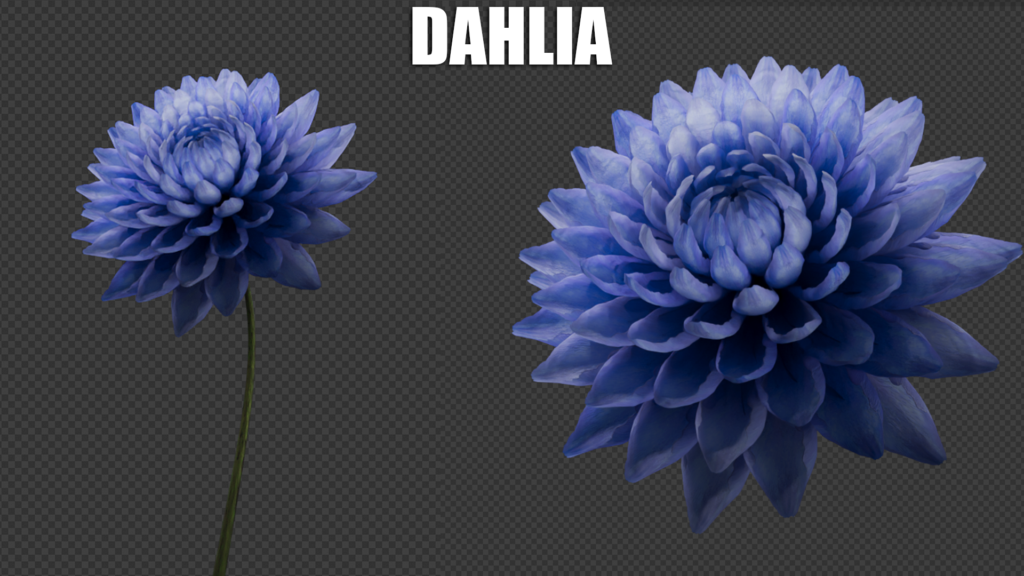
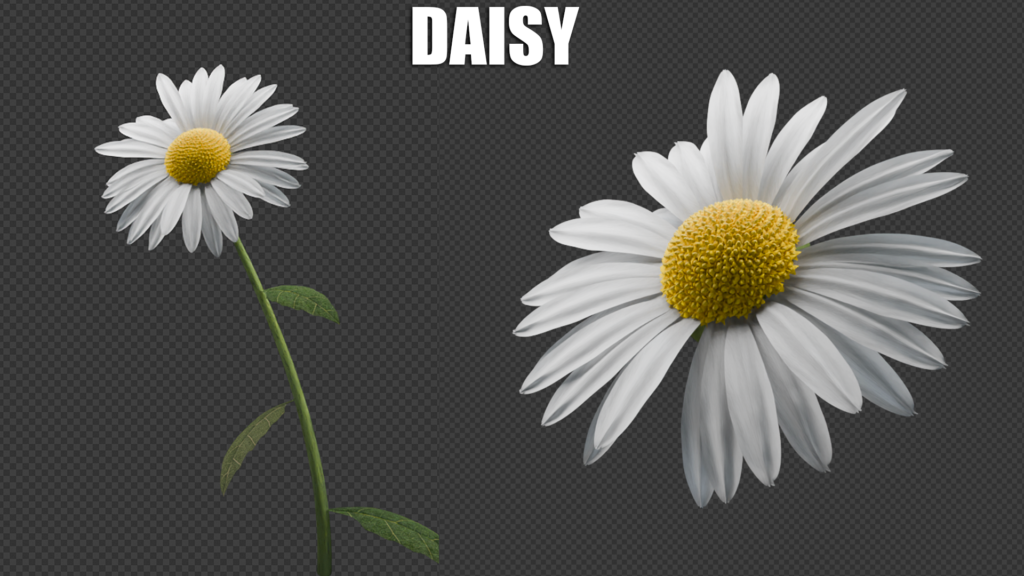
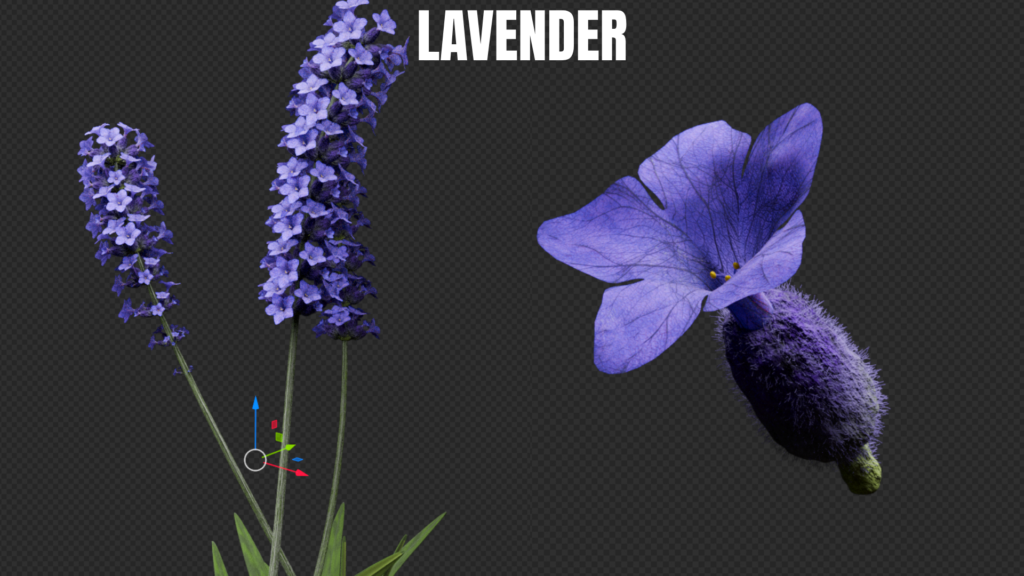
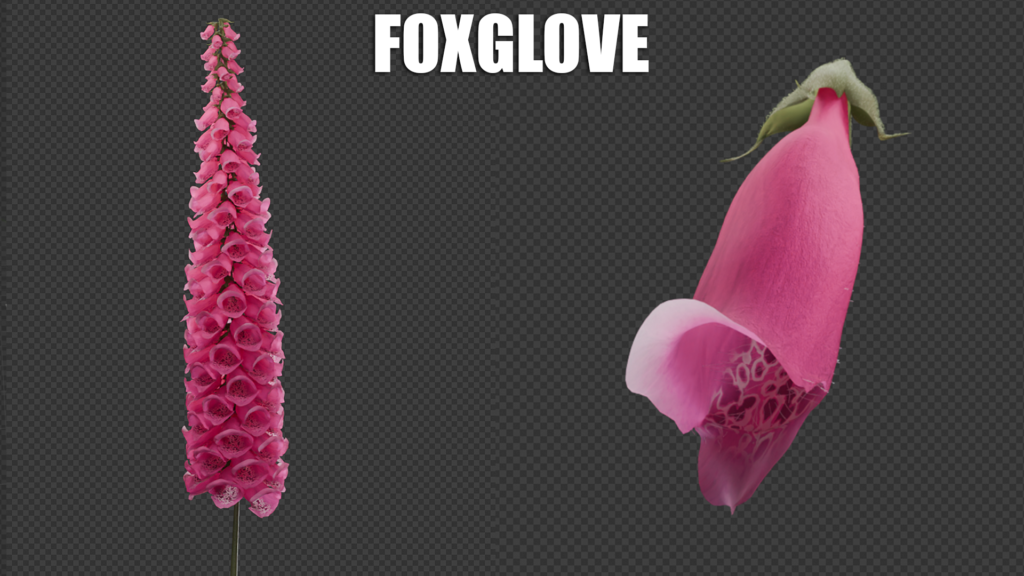

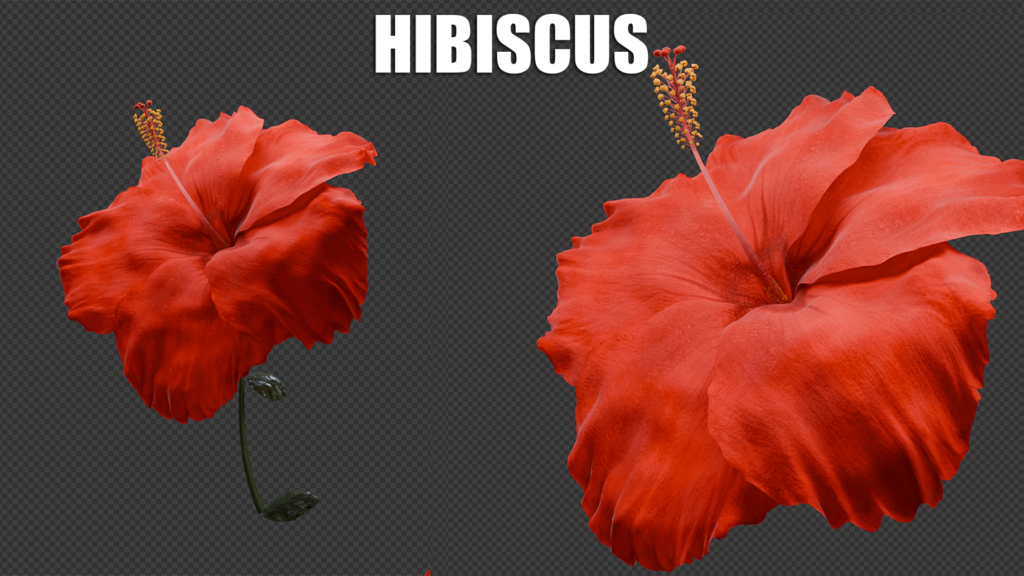
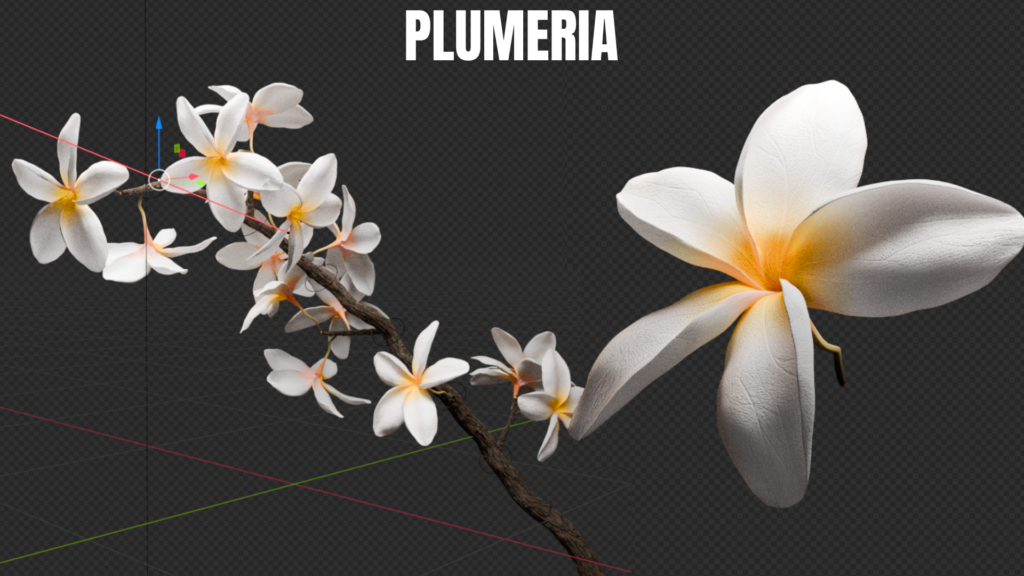
BLOOMING FLOWERS ANIMATED ASSET PACK
A fully customizable set of realistic blooming flowers on curves!
Packs of 8 blooming flowers including
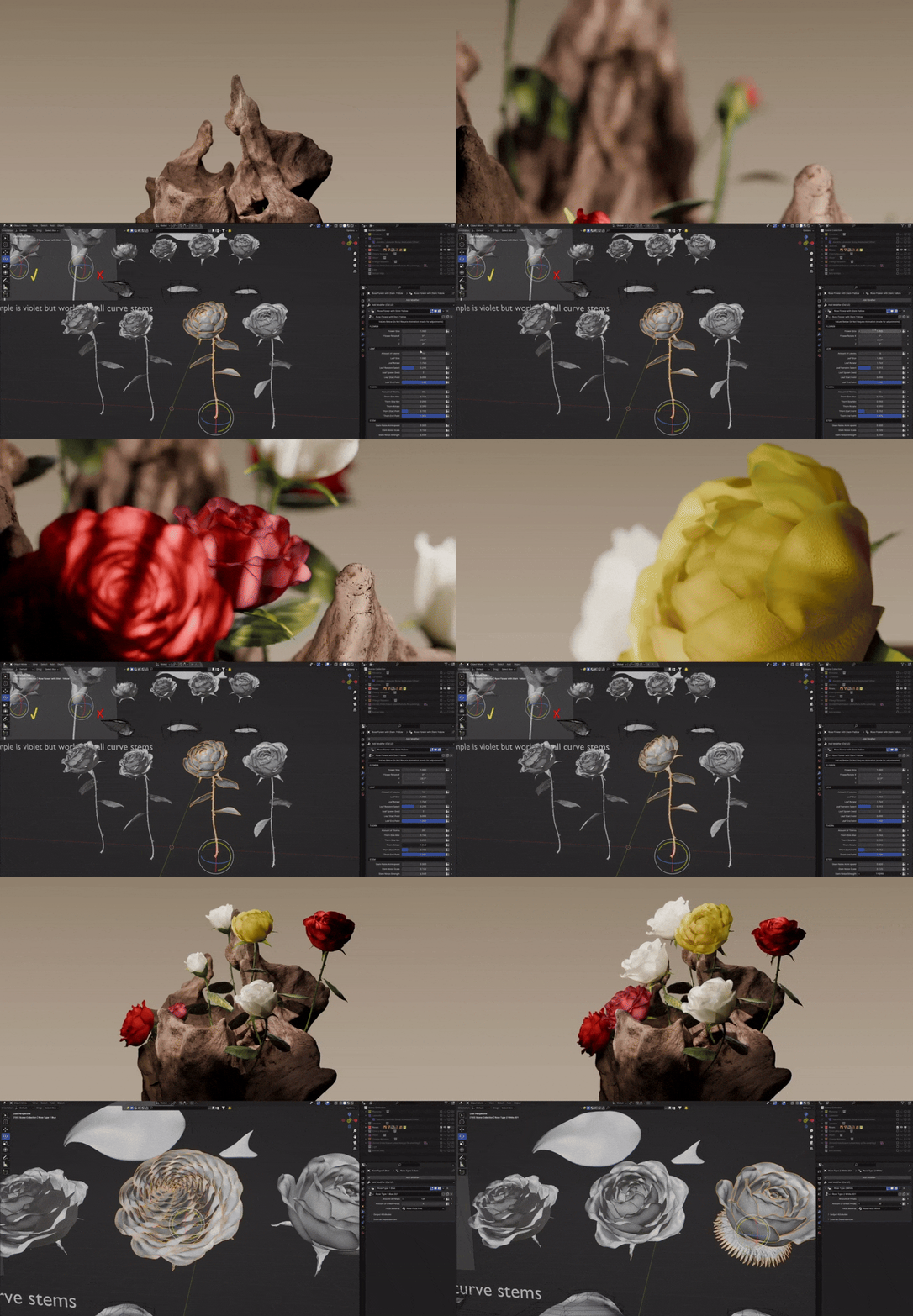
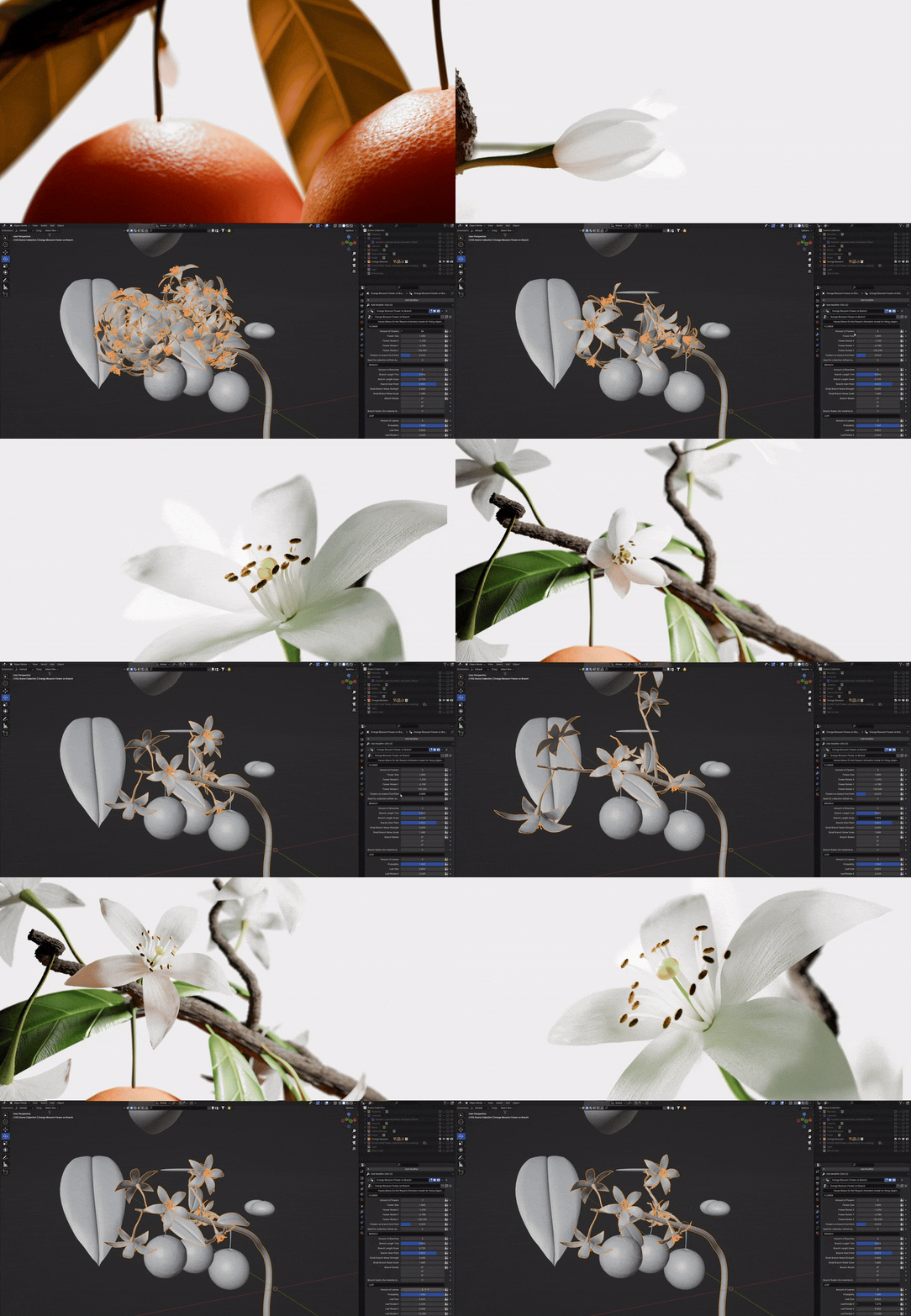
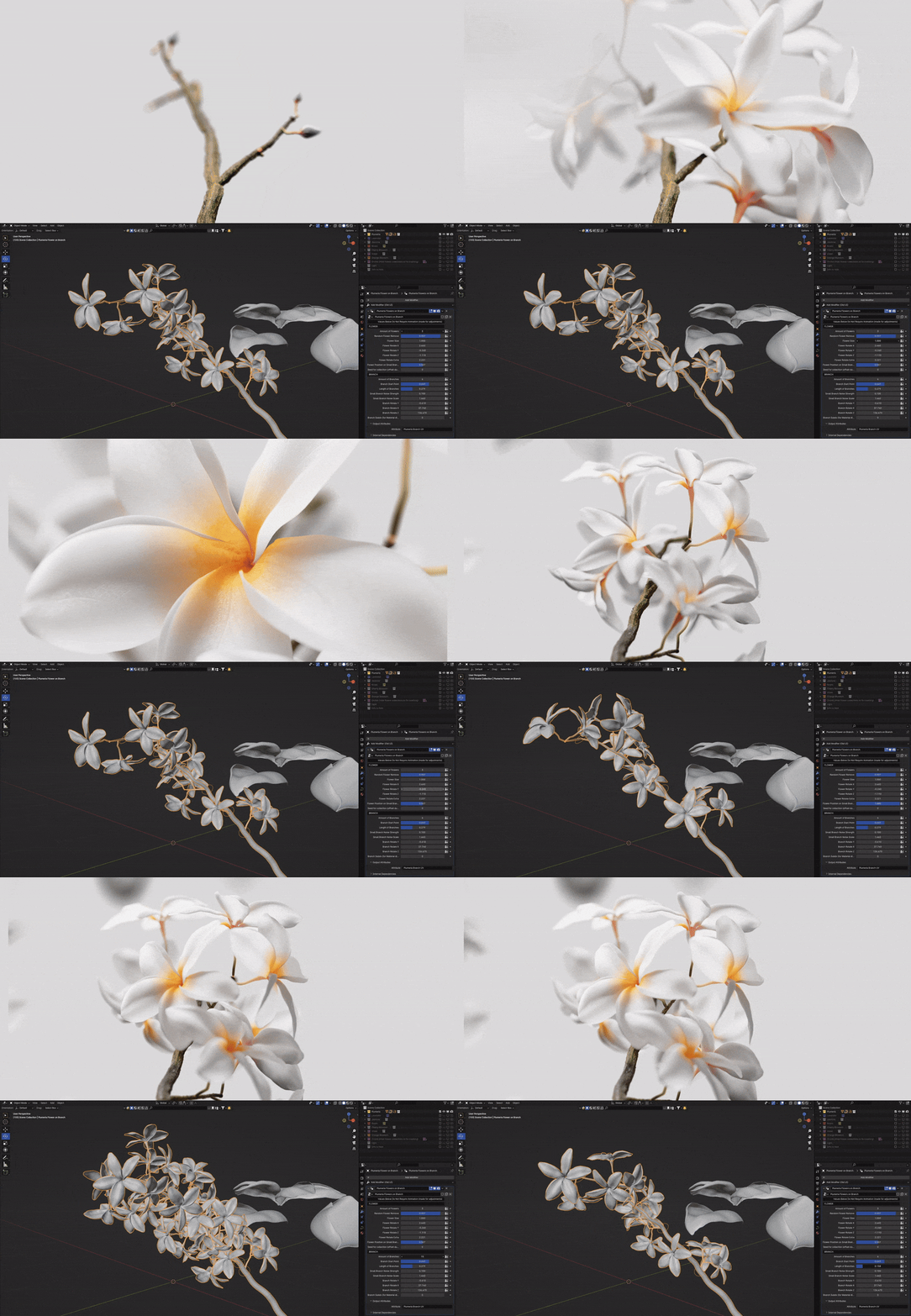
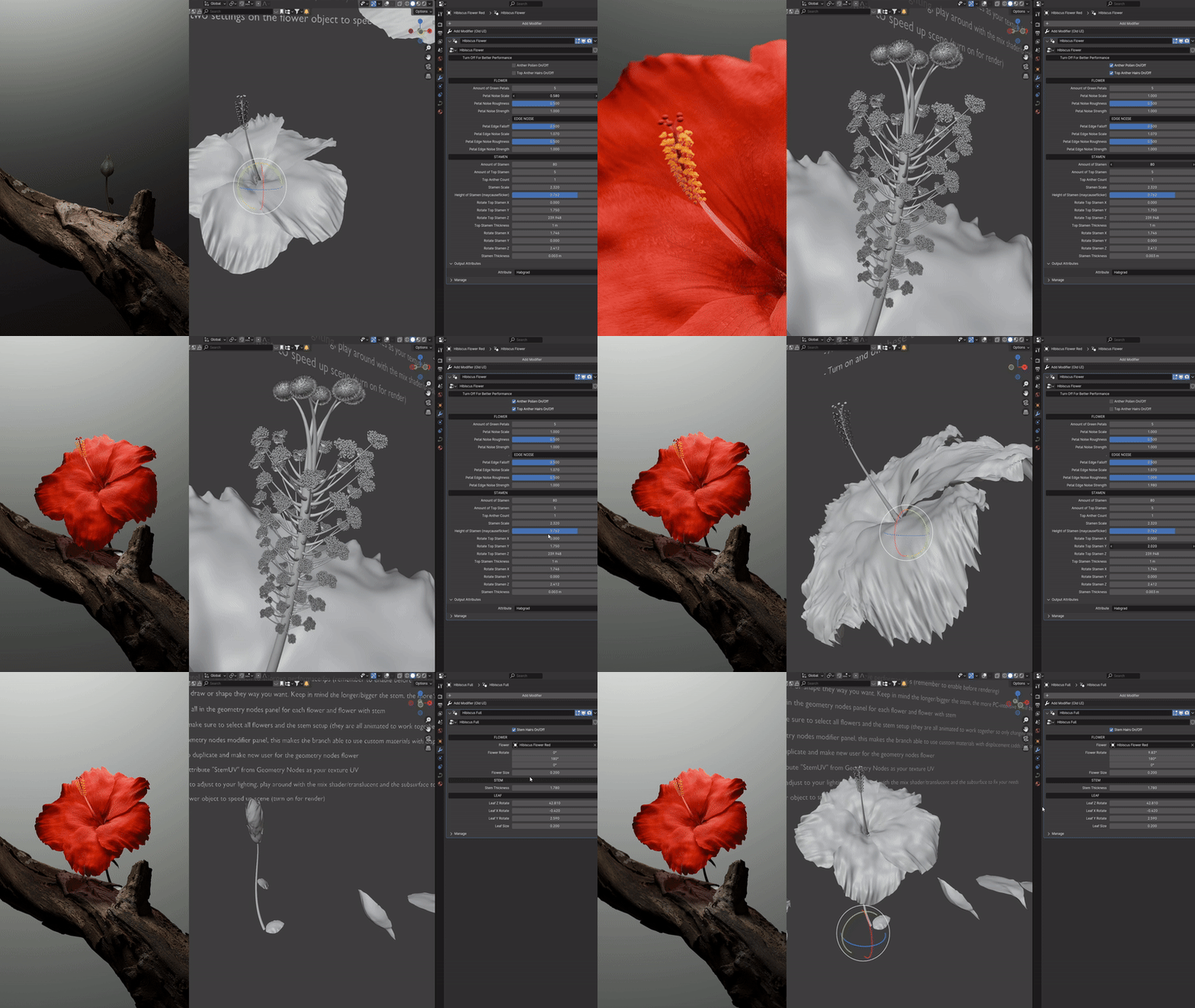
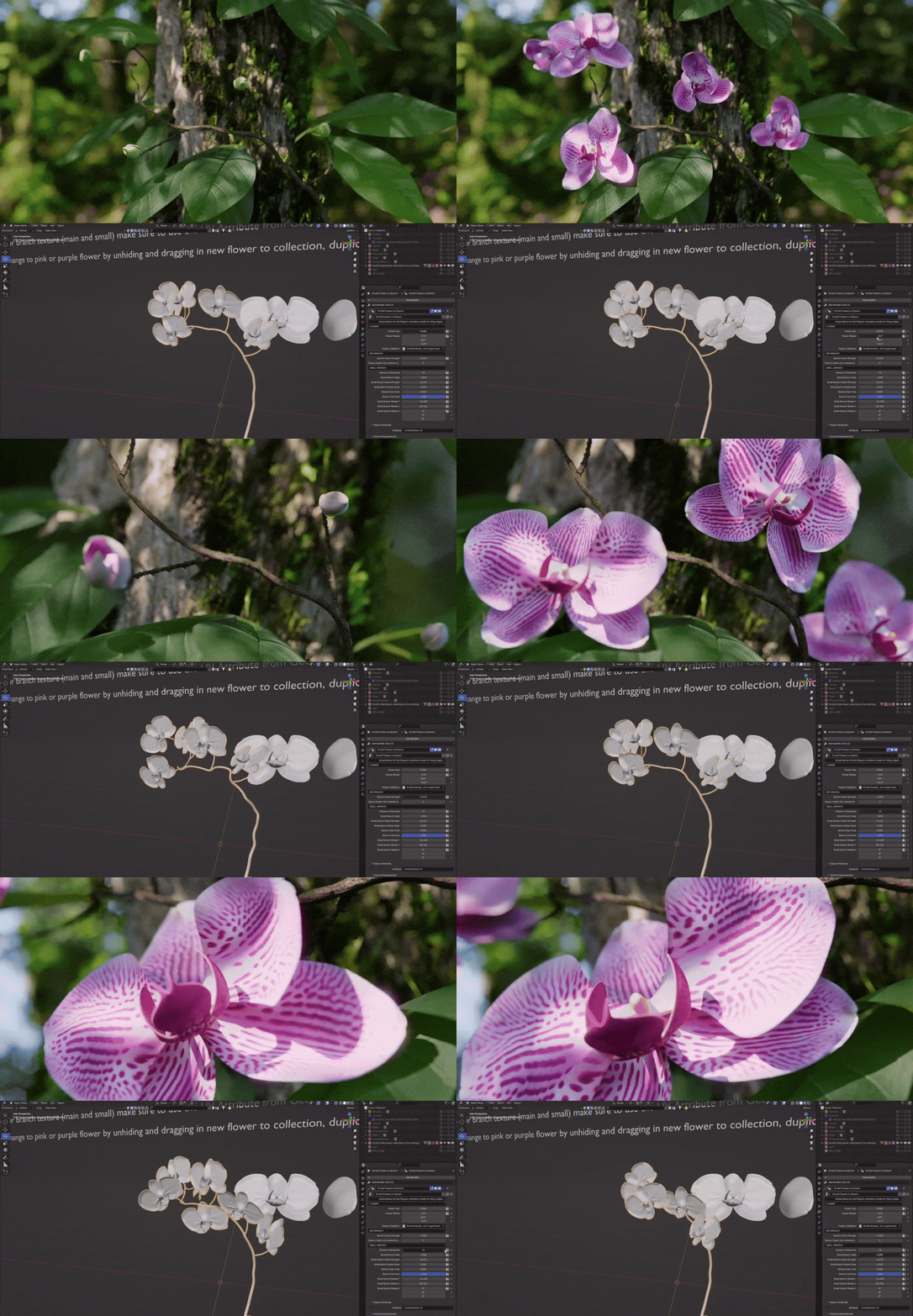
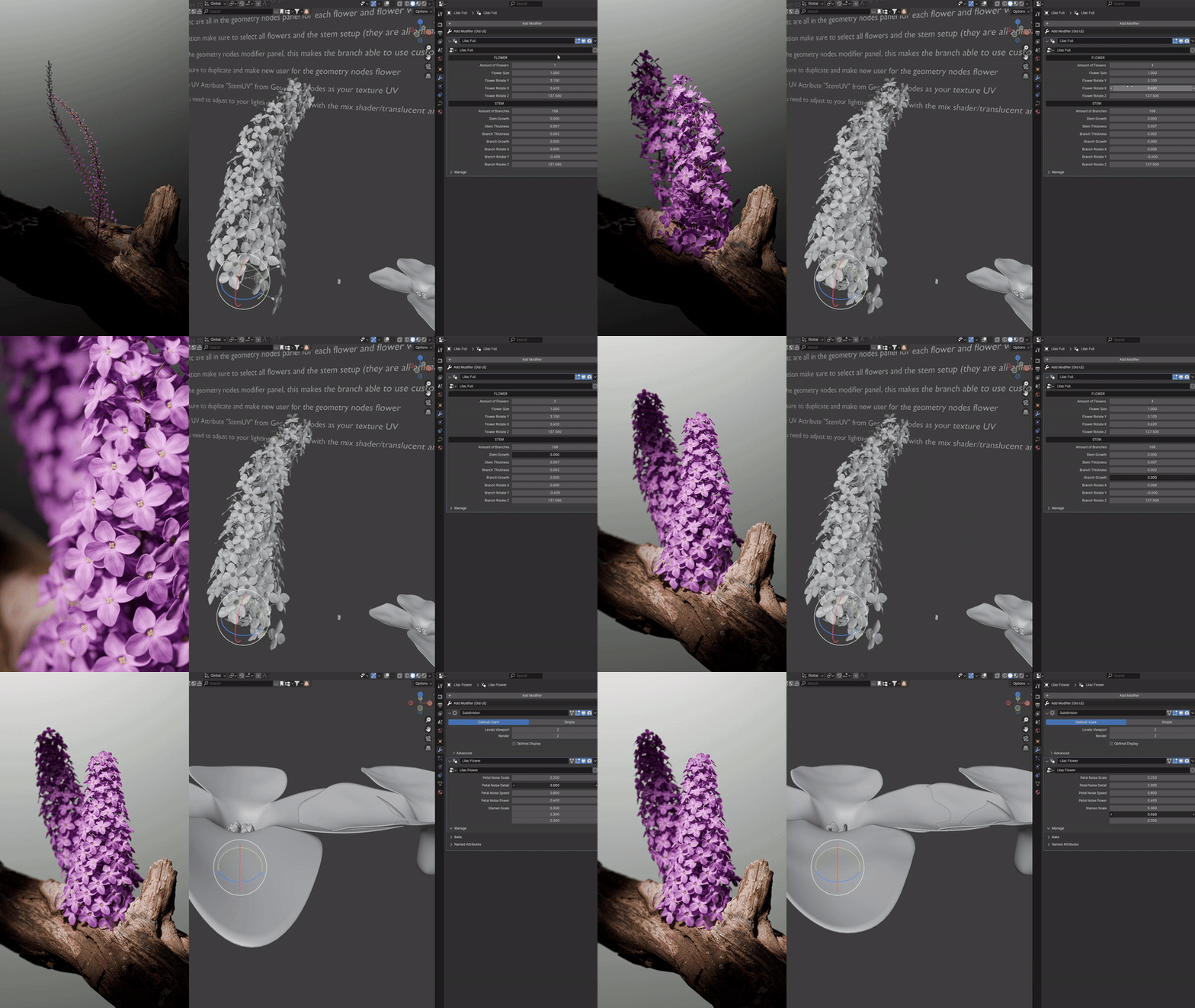
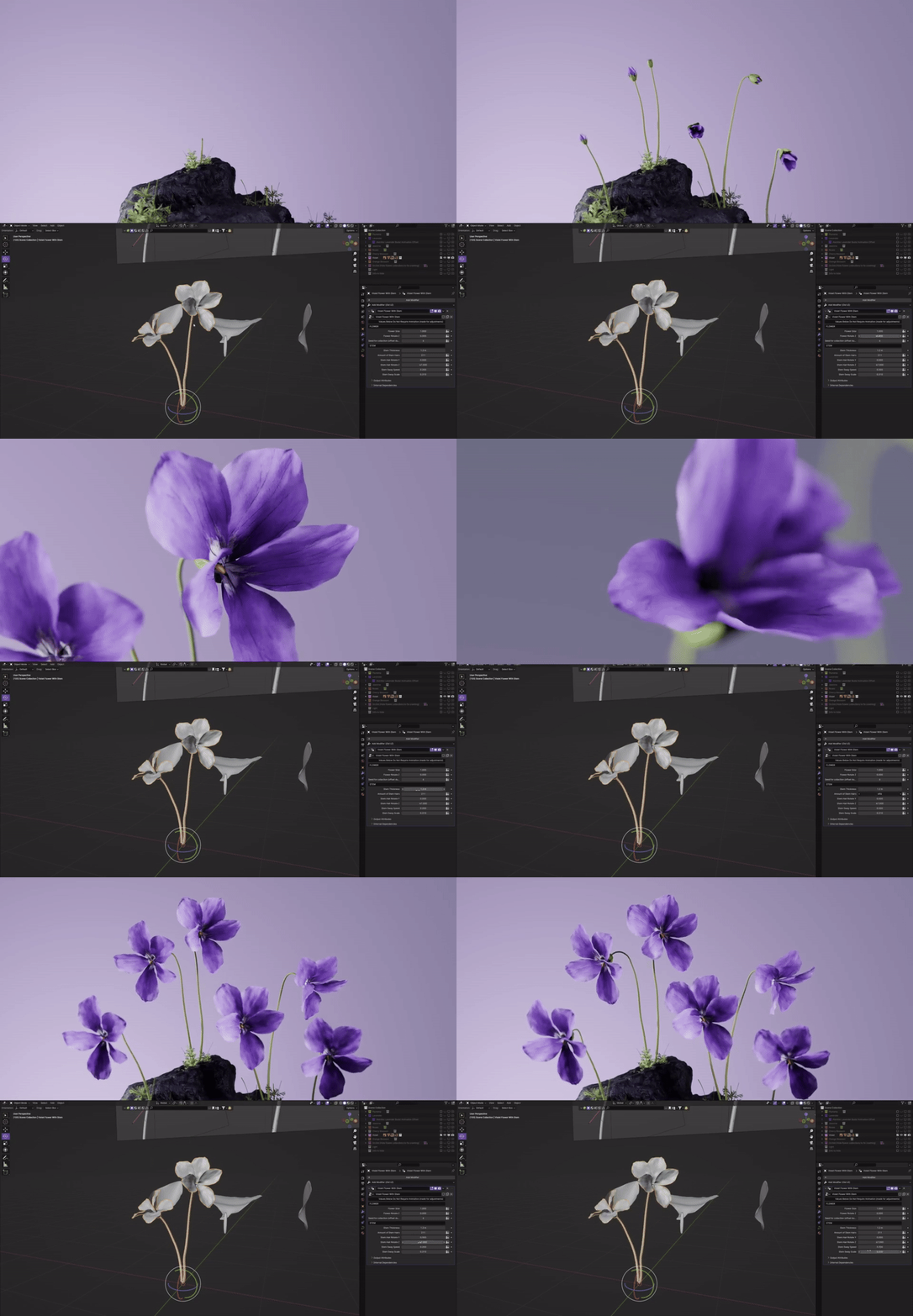
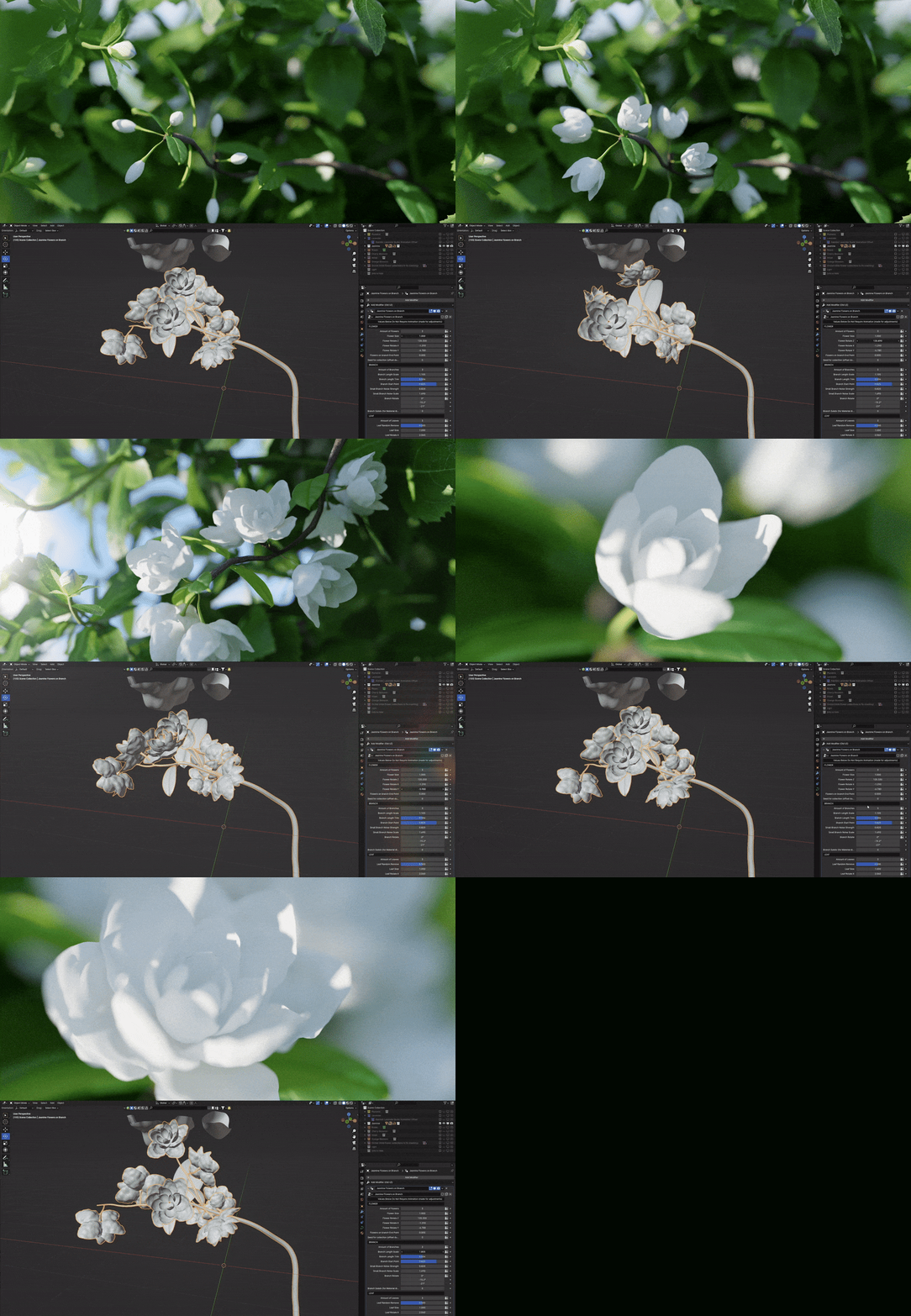
(V1) Cherry Blossom, Jasmine, Lavender, Orange Blossom, Orchids, Plumeria, Roses and Violet (V1)
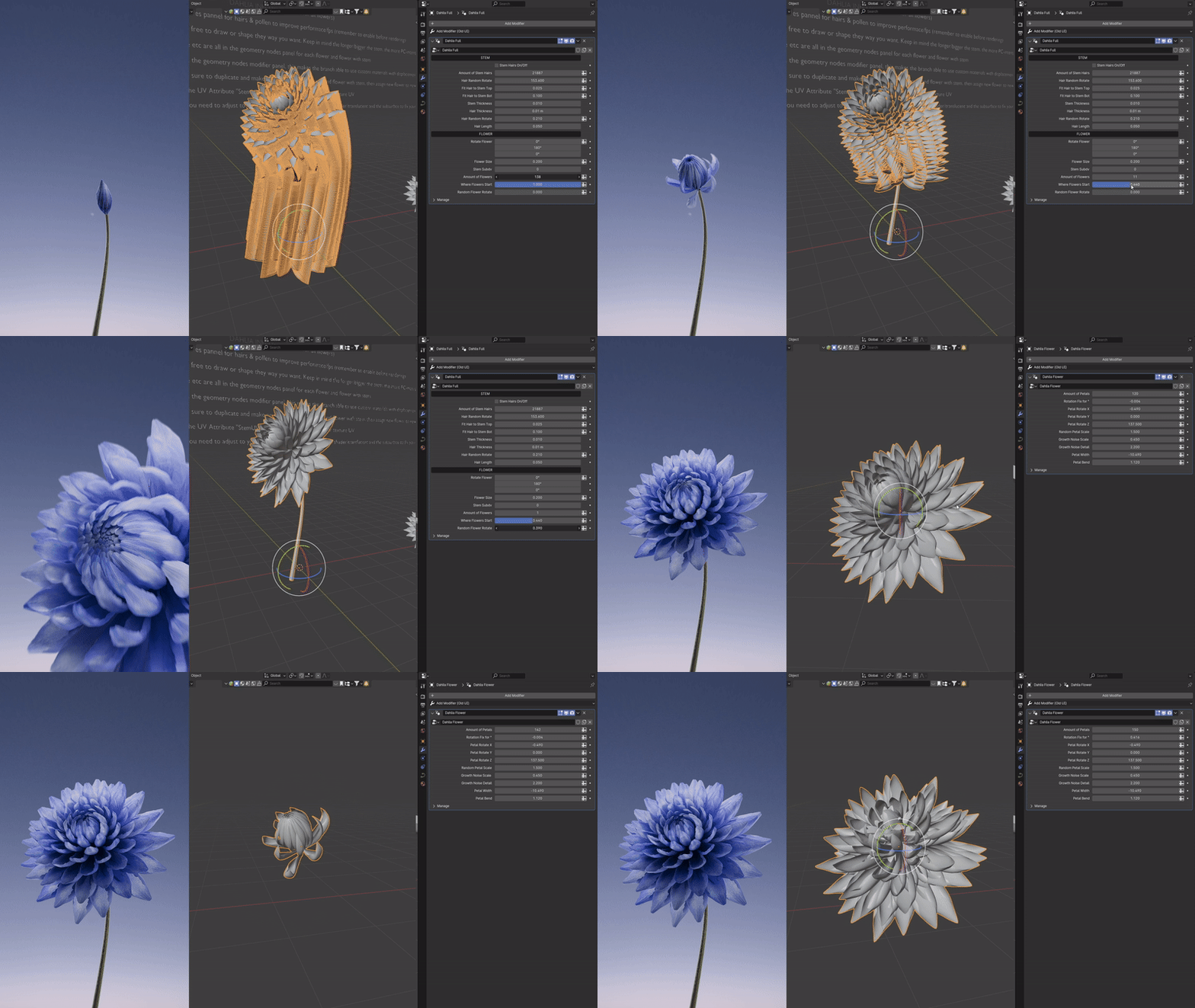
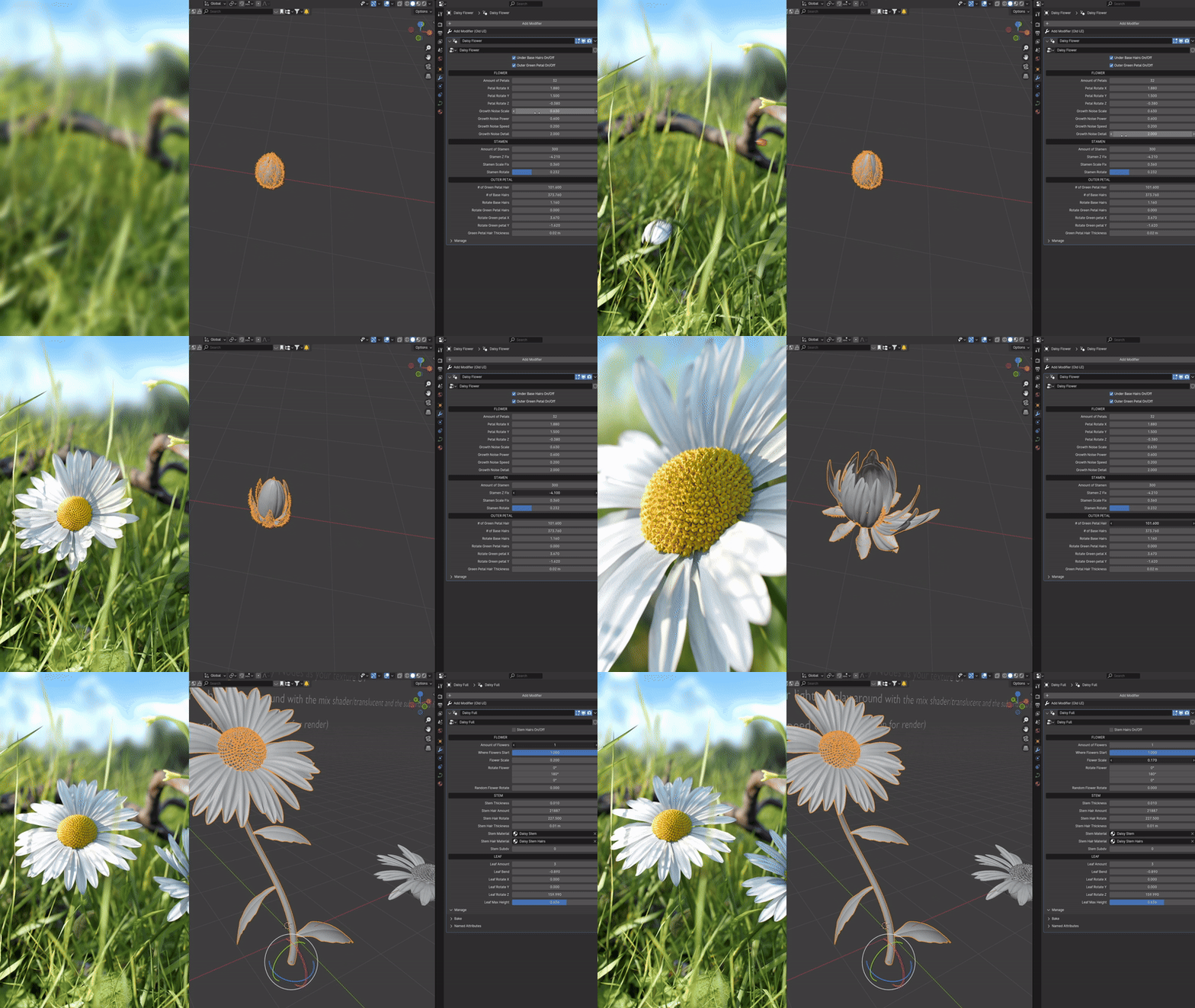
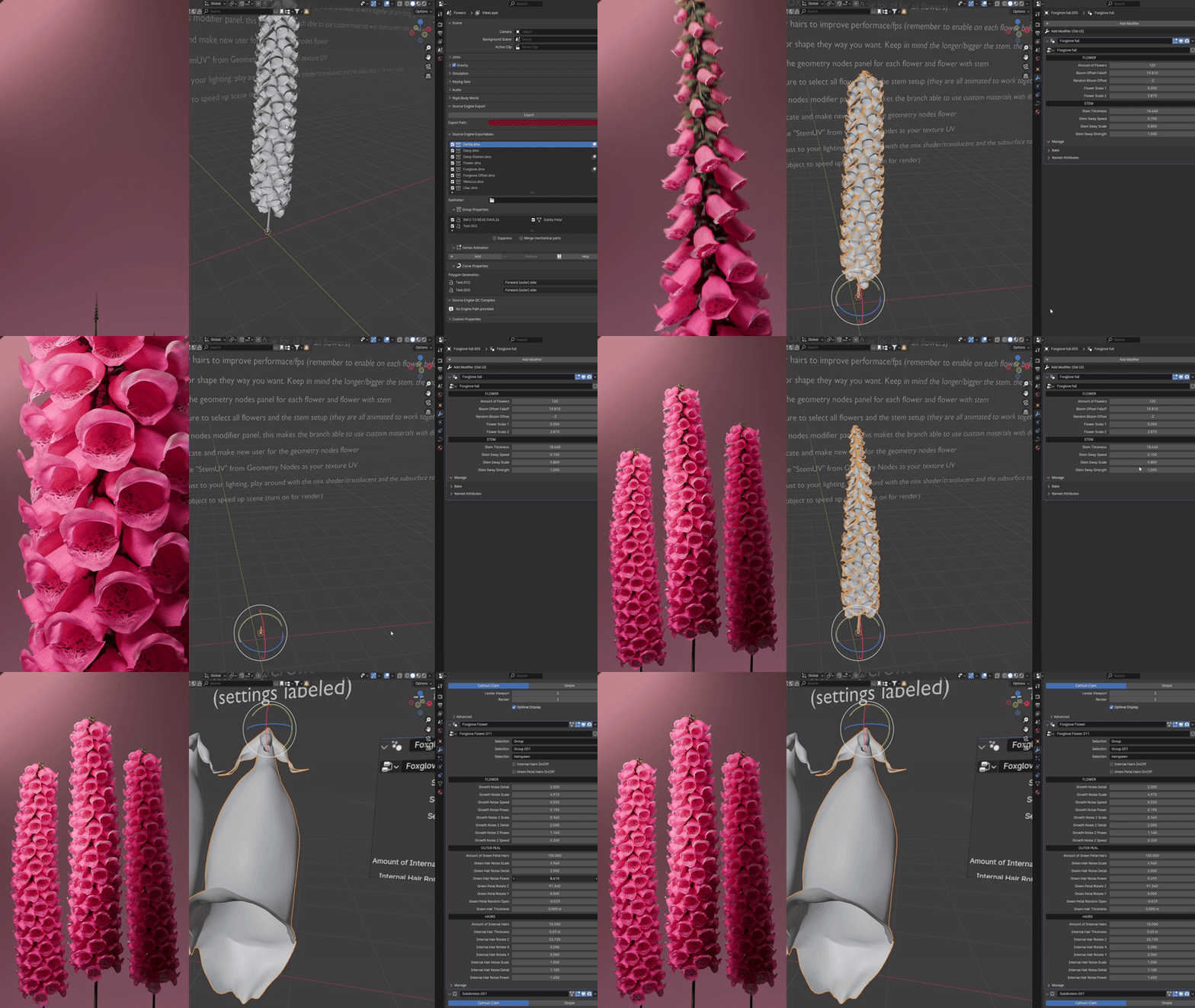
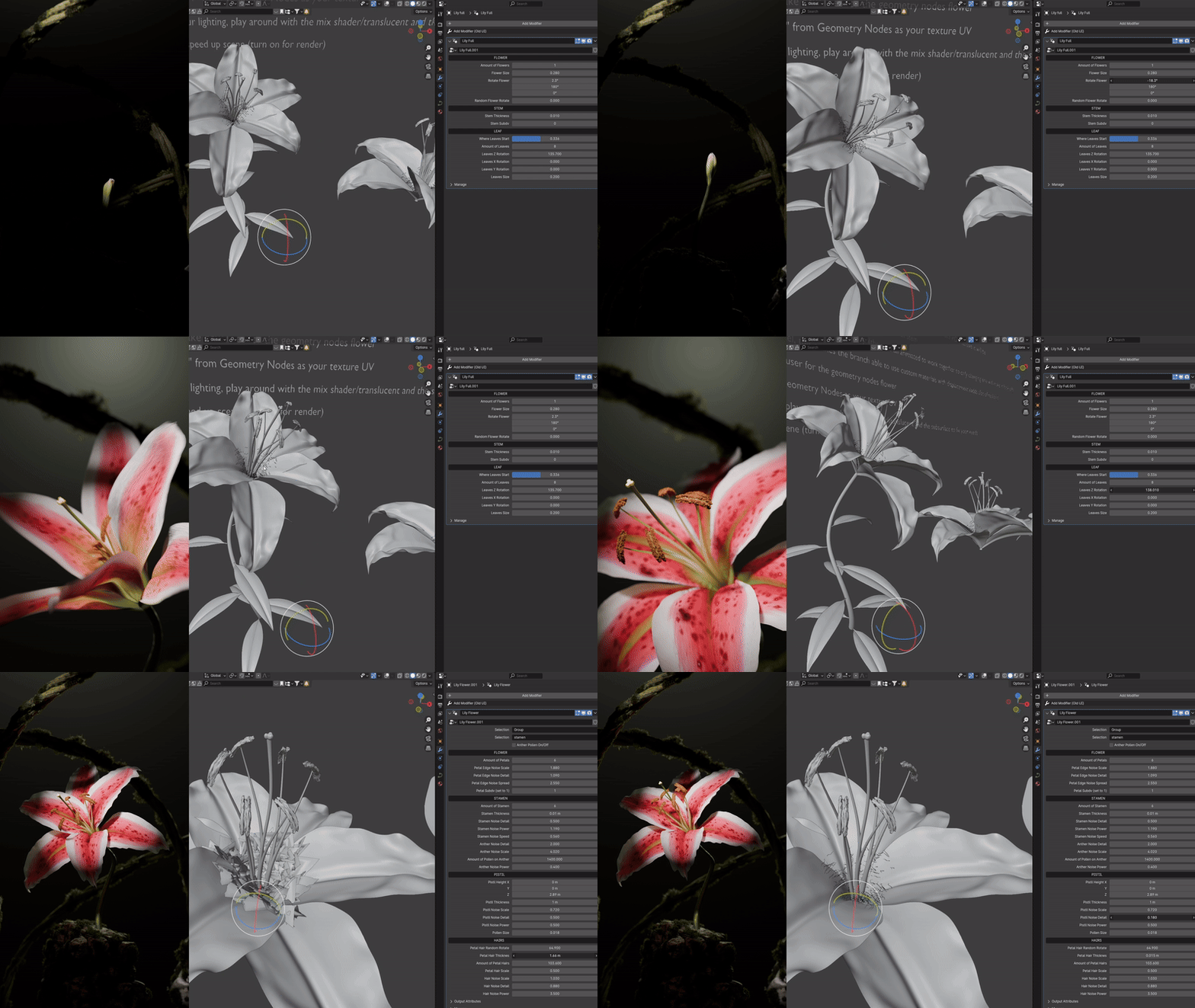
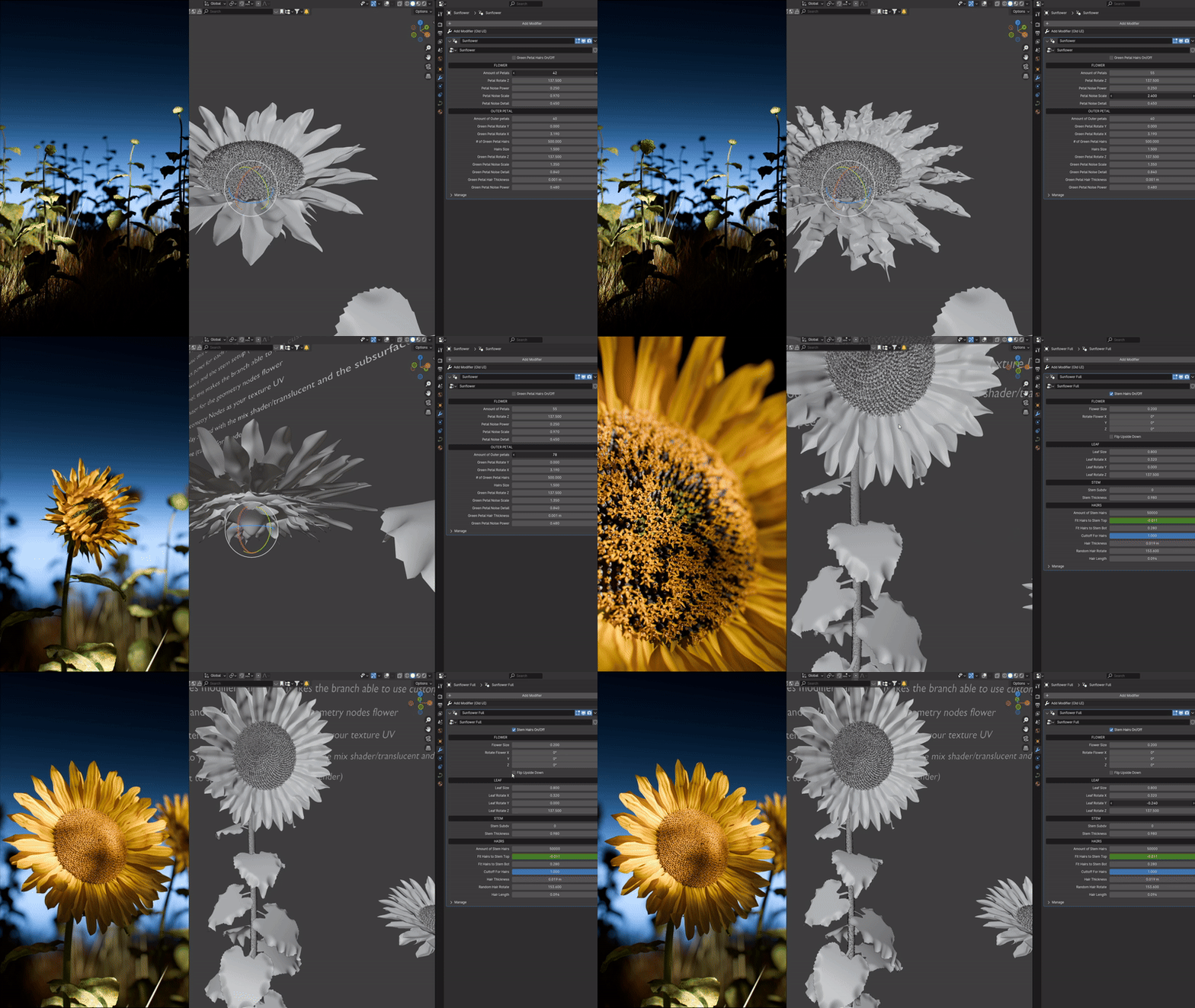
(V2) Dahlia, Daisy, Foxglove, Hibiscus, Lilac, Lily, Sunflower, Tulips (V2)
All are 100% animatable from a bulb to a full bloom flower with values that change the growth, rotation and randomness
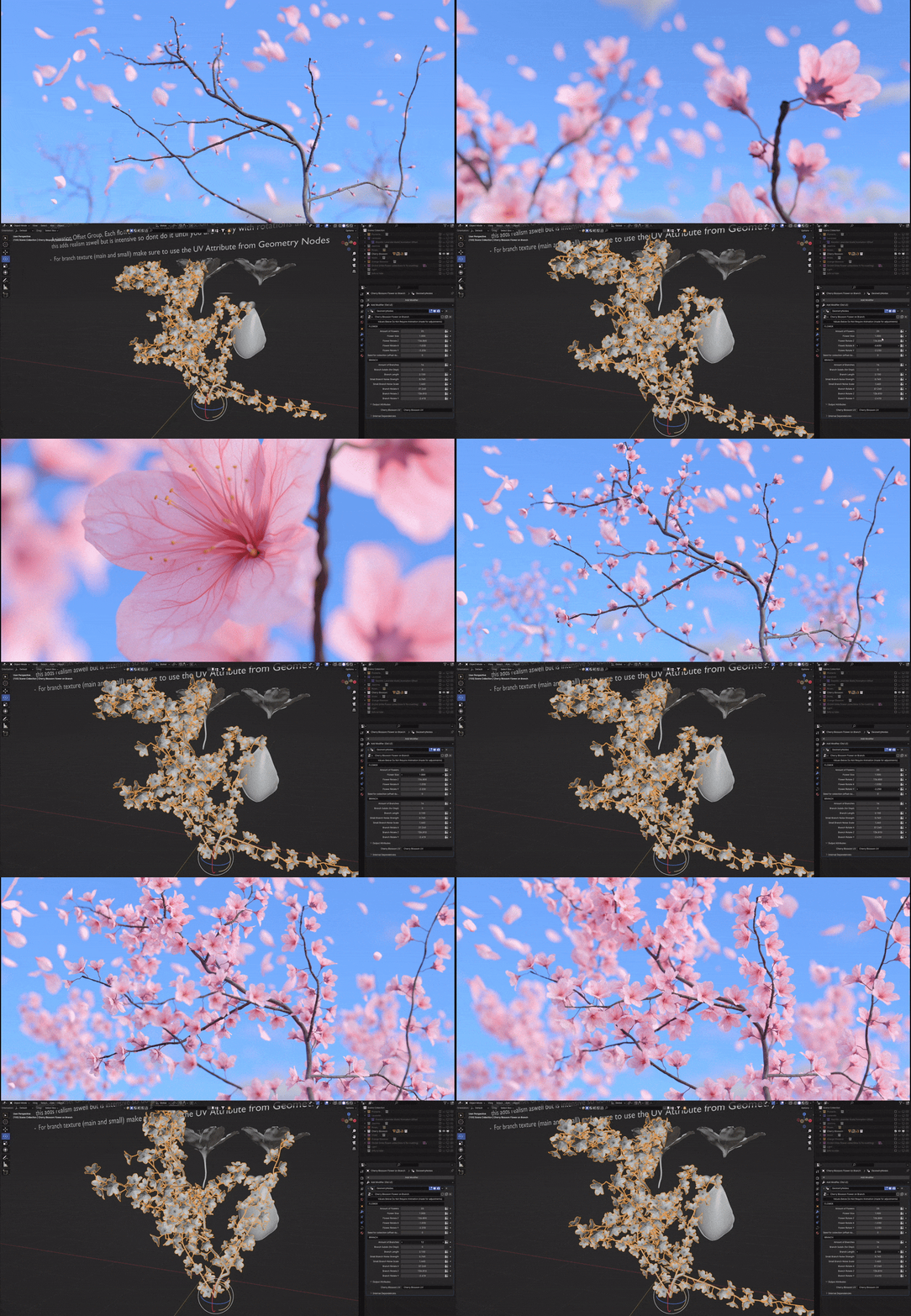
Some examples
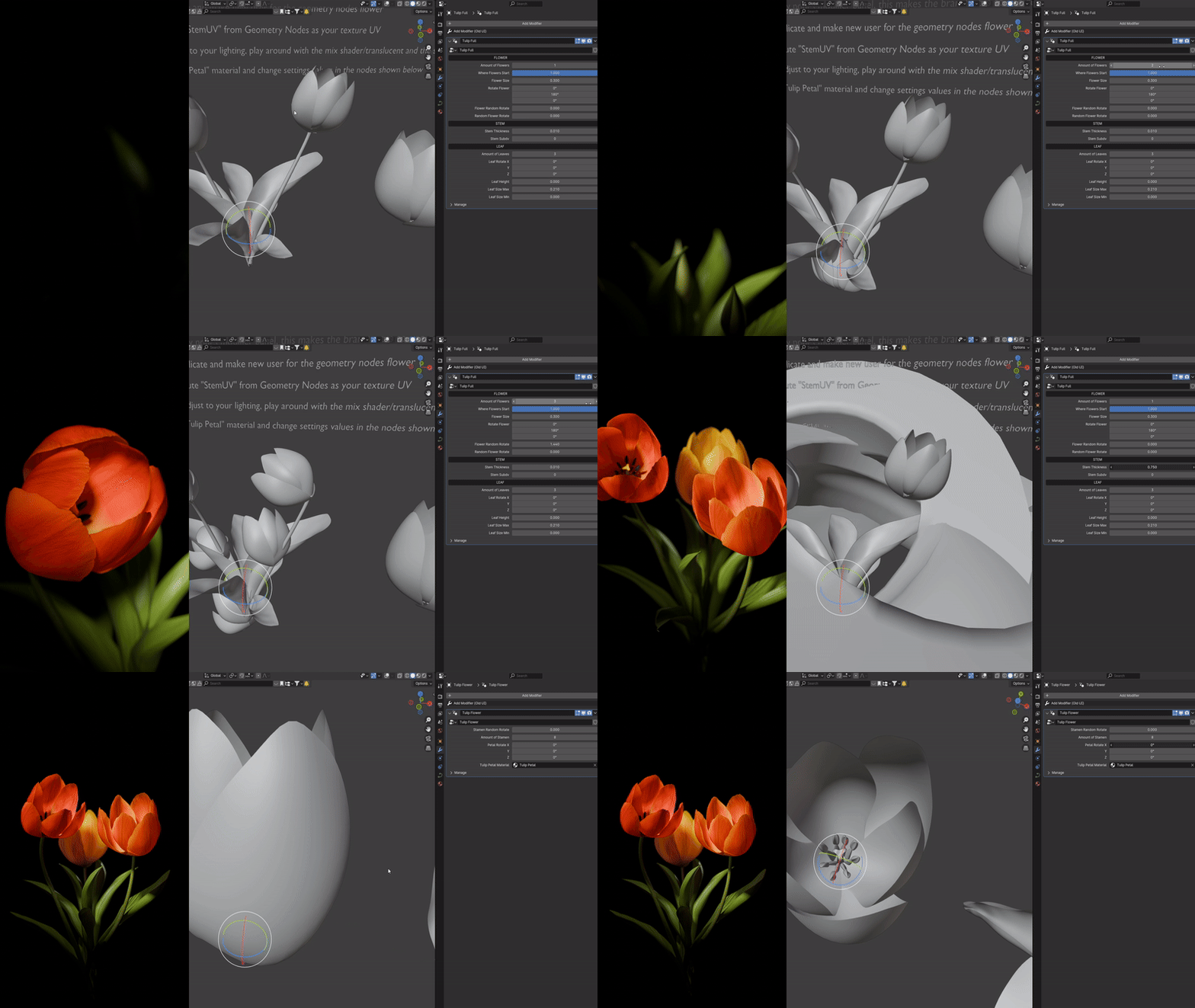
HOW TO USE
– All flowers are in collections and are hidden and disabled for better performance opening the file, just make sure you enable the viewport and render buttons to see the flowers
– When drawing Bezier curves for setups like lavender and any branches make sure to draw from the origin point, or else you may run into problems with rotation and instancing
– Flowers all have a pre animated bloom cycle, to change time or speed of when it blooms just open geometry nodes and press “A” to select all and then scale or move keyframes on the timeline
– If you are more experienced and want to change more details on the flowers all the nodes are grouped and named accordingly
– Some flowers attributes are not easily adjustable on the geometry nodes panel due to clipping when blooming. Branches and stems have settings for growth, rotation and more
– For extra realism, duplicate the flower you are using to instance and make a new Geometry Nodes user (number next to GN name), select all the nodes and shift all the keyframes on the timeline to offeset the bloom
this will make it look more natural when the flowers are blooming at different times
-IMPORTANT: if you are offsetting animation for Plumeria or Cherry blossom, you must duplicate and make a new user for both the (flower) and the (flower with stem)
then assign the new (flower) to the (flower with stem) geometry nodes panel. need to do this due to keyframes being on both the flower and the flower with stem objects
– More details on each flower in their collections titled “INFO TO READ”
THINGS TO KEEP IN MIND
– Materials for all objects were made in 4.0 with AGX (Look=None) so colors may not look the same in other versions
– If Blender crashes when moving or redrawing curves for any branches I found either hiding everything else or deleting the curve before drawing another fixes it (seems like a 4.0 issue though)
– All the systems are built off instancing so you may have some flowers intersecting, can fix by adjusting the rotation of whatever is intersecting or move the curve around to see what works
– Some flowers with branches like Plumeria, Orchids and Cherry Blossoms (Lavender too) are the most intensive as they are the most dense, I found that they still render at a reasonable time though
– All materials are custom made procedurally in Blender Cycles, petal and leaf textures are generated through Midjourney or sourced through Creazilla (CC0) (Branch texture form Polyhaven (CC0))
– If flowers rotate too fast/spin try selecting the last point on the curve and CNTRL+T to rotate in the opposite direction they are spinning, or changing amount of curve points.
Supercharge your 3D creation workflow with premium selection of Blender Add-ons. Whether you are modeling intricate characters, sculpting realistic environments, or animating cinematic sequences, the right add-on can transform how you work inside Blender. Our curated collection includes powerful tools for UV unwrapping, procedural texture generation, rigging automation, rendering optimization, and more—each rigorously tested for compatibility with the latest Blender versions. Eliminate tedious manual processes and unlock advanced functionality that lets you focus on what matters most: bringing your creative vision to life. Explore our full range of professional Blender plugins today and take your 3D projects to the next level.
➡️ ➡️ For more Blender Plugins 😀 😀
Reviews
There are no reviews yet.