
BookGen for Blender
BookGen v1.0.3 for Blender – The Ultimate Procedural Book & Magazine Generator
Versions: v1.0.3
File Size: 1.33 MB
Download BookGen v1.0.3 for Blender on Windows and Mac, a powerful Geometry Nodes-based addon that instantly creates realistic hardcover books, softcover paperbacks, magazines, and notebooks with fully customizable covers, spines, and page thickness. With automatic page curl simulation, realistic material assignment, and one-click title text generation, BookGen transforms how you populate scenes with reading materials, eliminating the need to manually model hundreds of pages or struggle with complex cloth simulations for covers.
Key Features of BookGen v1.0.3:
Instant Book Types: Generate Hardcovers, Softcovers, Spiral Notebooks, Magazines, and Comic Books with a single dropdown selection and preset configurations
Procedural Page System: Automatically generates hundreds of individual page layers with randomized edge imperfections, varying thickness, and realistic “block” texture without bloating polygon count
Dynamic Page Curl & Flex: Interactive controls to bend covers, curl open pages, or fan out sheets using non-destructive modifiers for natural, organic shapes
Smart Cover Customization: Easily swap cover textures, adjust spine width based on page count, add embossed titles, and modify corner rounding for worn or brand-new looks
Automatic Text & Logo Placement: Built-in tools to extrude 3D text onto spines and covers or project decal logos that automatically conform to the book’s curvature
Material Preset Library: Includes over 20+ ready-to-use PBR materials (leather, cloth, glossy paper, matte cardstock) optimized for Cycles and Eevee rendering
Randomization Engine: Scatter multiple books with randomized sizes, colors, rotations, and open/closed states to create realistic library shelves or messy desk piles in seconds
Optimized Performance v1.0.3: Improved geometry instancing for faster viewport navigation, better handling of high page counts (1000+ pages), and fixed UV stretching on curved covers
Cross-Platform Support: Works flawlessly on both Windows and Mac systems including Apple Silicon M1/M2/M3 chips
Perfect For:
Architectural visualization artists filling bookshelves and office desks with realistic details
Product designers creating mockups for book covers, magazines, and packaging
Game developers populating libraries, studies, and shops with interactive or static props
Motion graphics artists animating flipping pages or flying books for title sequences
Anyone tired of downloading low-quality static book models that can’t be customized
System Requirements:
Blender 3.6, 4.0, 4.1, 4.2, 4.3+ (Geometry Nodes required)
Windows 10/11 (64-bit) or macOS 10.15+
8GB RAM minimum (16GB+ recommended for scenes with hundreds of books)
Cycles or Eevee render engine supported
Installation:
Open Blender and go to Edit > Preferences > Add-ons:
Click “Install…” and select the downloaded .zip file for BookGen
Enable the checkbox next to “Geometry Nodes: BookGen”
Access via the Add Menu > Mesh > BookGen or the 3D Viewport Sidebar (N-panel) > BookGen Tab
Note: Version 1.0.3 introduces a new “Wear & Tear” module that allows you to procedurally add dog-eared corners, scuffed edges, and faded spines to give your books a unique, lived-in character instantly.
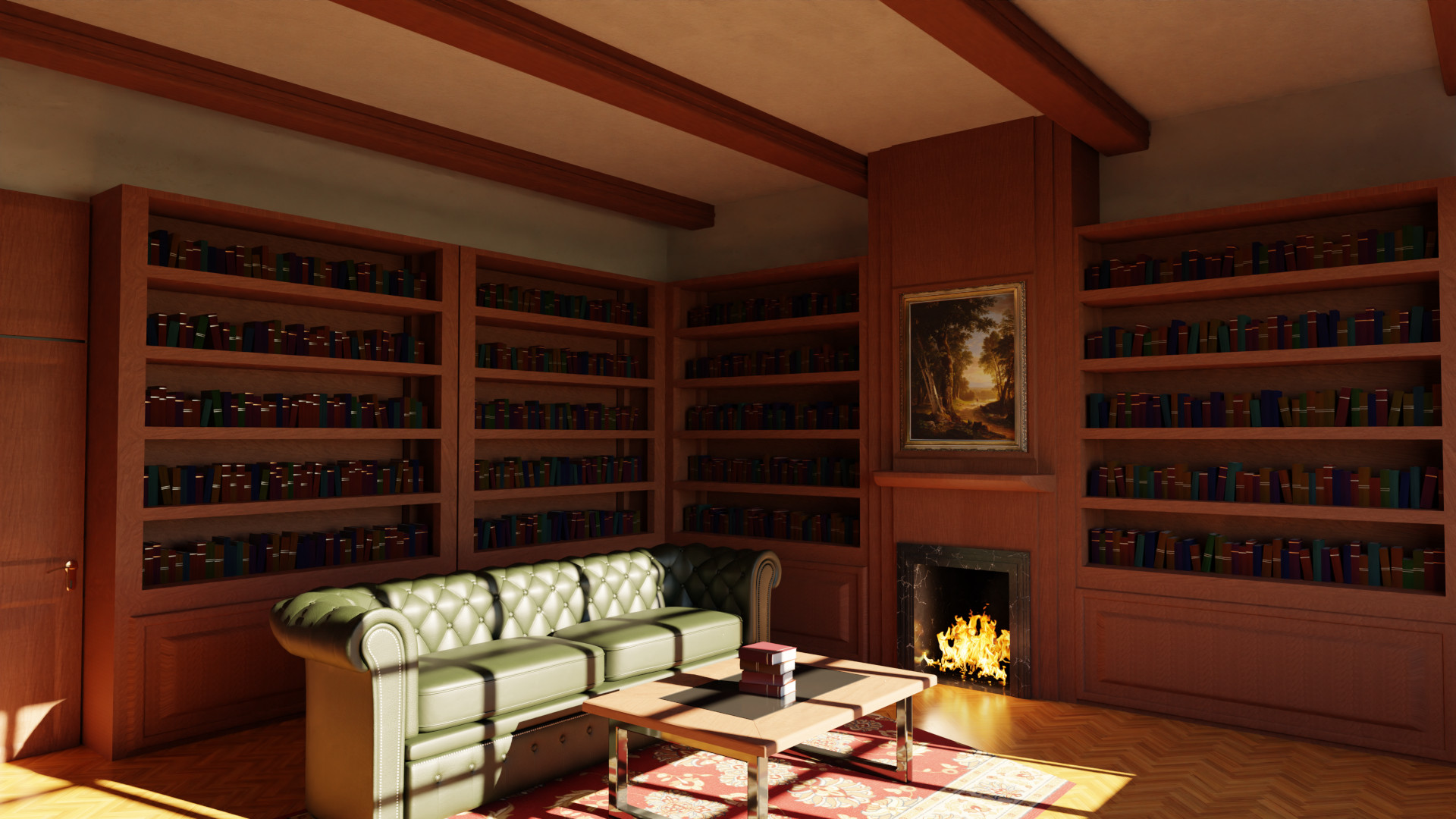
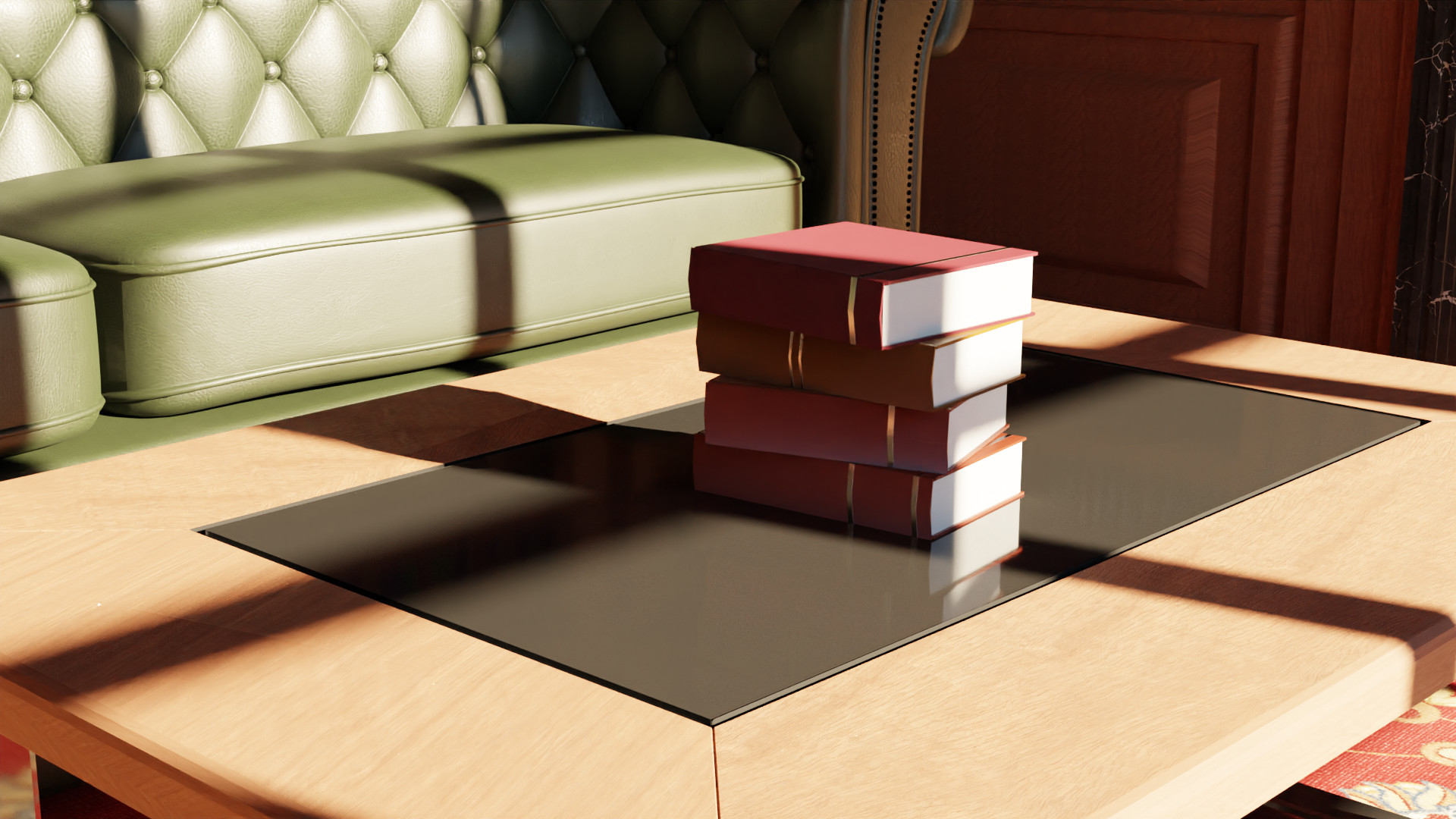
BookGen is a free book-generation addon for the open-source 3D-package Blender. It allows you to fill shelves or create stacks of books – fast and easily.
Features:
- Fill shelves or create stacks of books
- control width, height, depth, cover thickness and more parameters of the books
- use randomization to generate a variety of different books
- parametric UV-Map for texturing
Installation:
- Download the .zip
- Open Blender, click on “Edit” and open the “Preferences”
- Switch to the addons-tab and click on “install from File”
- Choose the .zip and click “install”
- Now Activate it by clicking on the checkbox next to it. Done.
Tutorial:
Getting started:
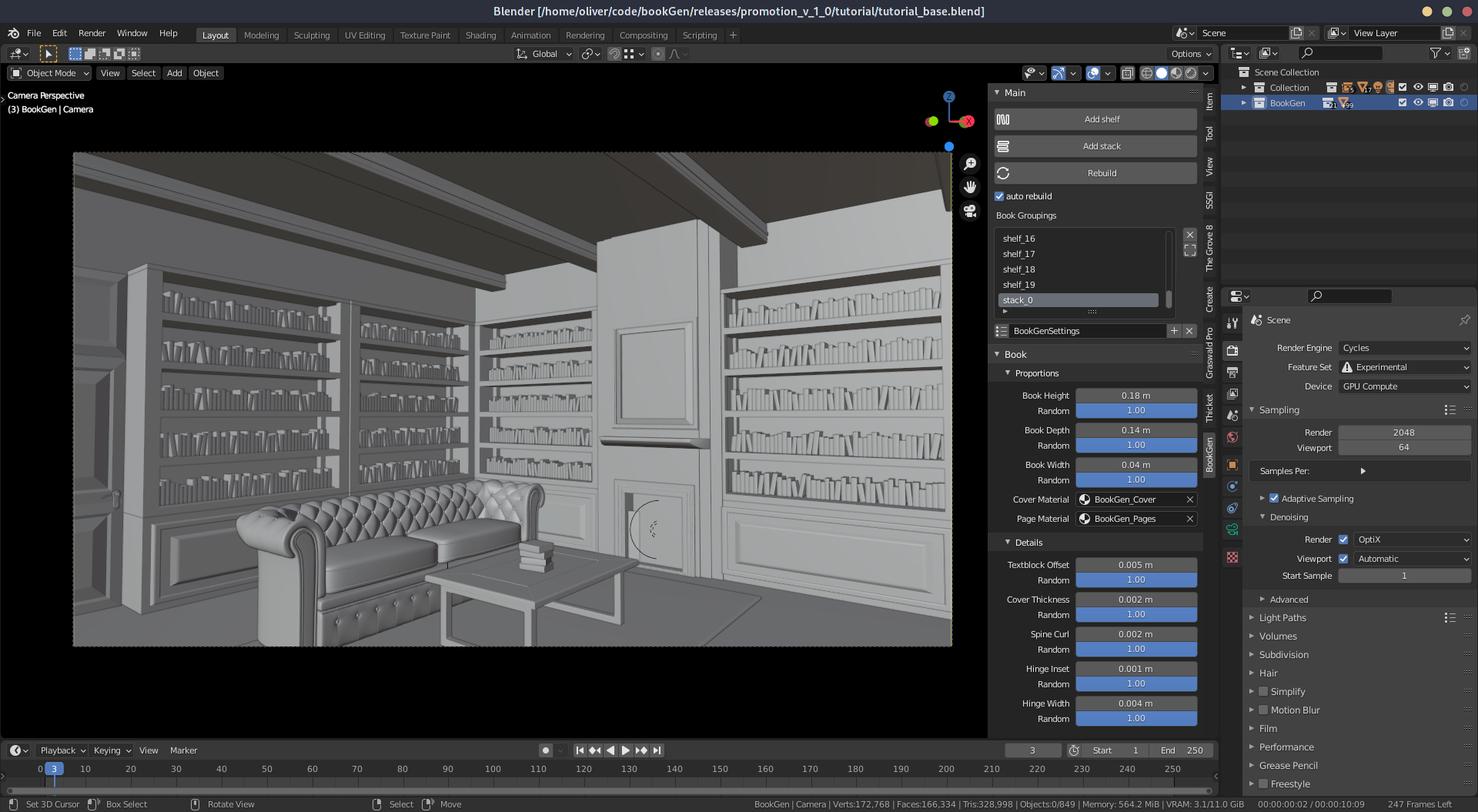
After you installed the Blender addon as described above you will find a new tab in the right hand sidebar of the 3D-Viewport.
You can define a new shelf by clicking on “Add shelf”. Now left click inside the 3D-View where you want your shelf to start, left click again to set the end point.
Books will automatically be generated to fill the selected shelf.
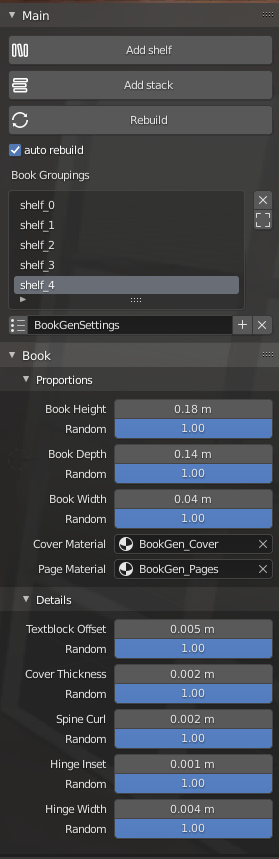
At any time the parameters of all shelfs can be adjusted by using the panels: “Properties”, “Leaning”, “Proportions” and “Details”.
Options:
Properties
At the top of the “Properties” panel you will find settings affecting all books:
Scale: Allows to change the overall size of the books
Seed: Allows to generate different variations from the same settings
Alignment: Allows to align the books at the spine, fore edge or center
Material: Allows to assign a existing material to all books
Leaning
In the “Leaning” panel you find settings to add books that have fallen over:
Lean Amount: Defines the overall number of leaning books. 1 means all books are leaning.
Lean Direction: Defines the direction in which books are leaning. 0 mean equally left and right.
Lean Angle: Define the average angle at which books are leaning.
Proportions
The “Proportions” panels contains settings to change the overall shape of your books:
height: changes the height of your books.
depth: changes the depth of your books.
width: changes the width of your individual books.
Details
The “Details” panel changes the smaller features of the generated books:
textblock-offset: changes the offset between cover size and textblock size
cover-thickness: changes the thickness of the books covers
spline-curl: changes how bulgy the back of the books are.
hinge-inset: changes the inset at the hinge
hinge-width: changes the width of the hinge
Add Subsurf-Modifier: adds a subdivision surface modifier to your books.
Supercharge your 3D creation workflow with premium selection of Blender Add-ons. Whether you are modeling intricate characters, sculpting realistic environments, or animating cinematic sequences, the right add-on can transform how you work inside Blender. Our curated collection includes powerful tools for UV unwrapping, procedural texture generation, rigging automation, rendering optimization, and more—each rigorously tested for compatibility with the latest Blender versions. Eliminate tedious manual processes and unlock advanced functionality that lets you focus on what matters most: bringing your creative vision to life. Explore our full range of professional Blender plugins today and take your 3D projects to the next level.
➡️ ➡️ For more Blender Plugins 😀 😀
Reviews
There are no reviews yet.