
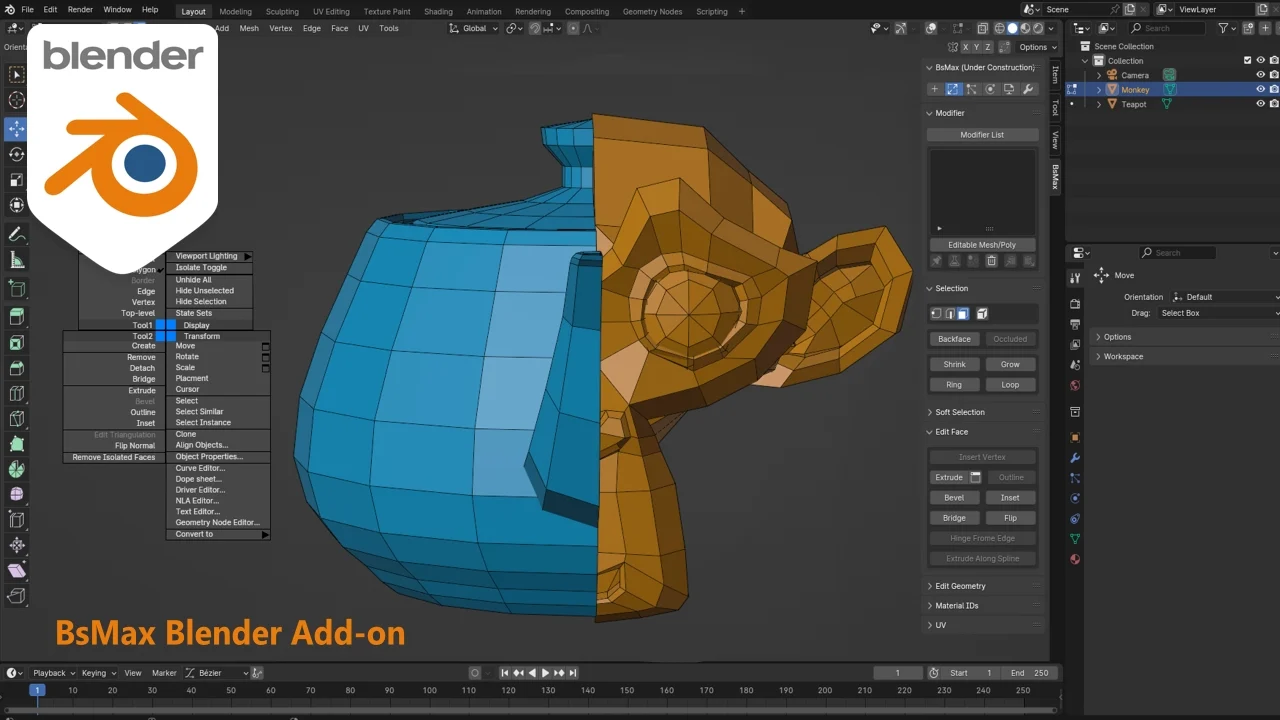
BsMax for Blender
BsMax v0.1.2 (20240326) for Blender – The Ultimate 3ds Max-Style Workflow Bridge
Versions: v0.1.2 20240326
File Size: 1.2 MB
Download BsMax v0.1.2 for Blender on Windows and Mac, a specialized addon designed to replicate the interface, tools, and workflow logic of Autodesk 3ds Max directly within Blender. With familiar modifier stacks, quad-menu navigation, and precise transform gizmos, BsMax transforms the transition for artists moving from Max to Blender, eliminating the steep learning curve and allowing you to work with the muscle memory and efficiency you already possess.
Key Features of BsMax v0.1.2:
3ds Max-Style Modifier Stack: Implements a non-destructive modifier list that functions exactly like Max, allowing for easy reordering, toggling, and parameter adjustment of effects like Bend, Twist, FFD, and Noise
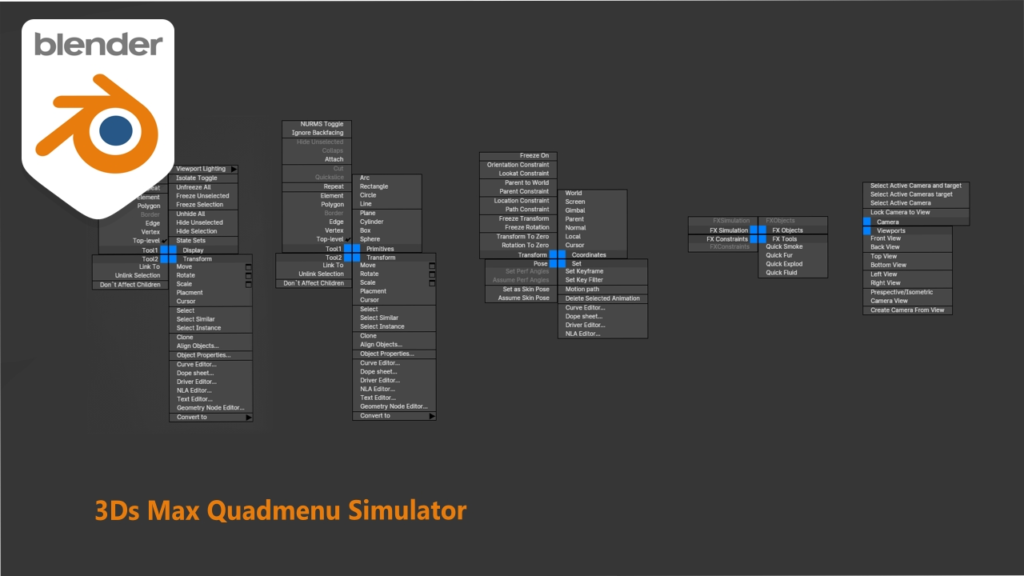
Quad-Menu Integration: Brings back the iconic right-click context menu with customizable quadrants, giving instant access to modeling tools, properties, and conversion options without hunting through top menus
Familiar Transform Gizmos: Replaces Blender’s default manipulators with Max-style move, rotate, and scale handles, including specific axis constraints and center-pivot behaviors that Max users expect
Editable Poly Workflow: Adapts Blender’s edit mode to mimic “Editable Poly” selection levels (Vertex, Edge, Border, Polygon, Element) with corresponding shortcut keys and soft-selection falloff curves
Material Editor Emulation: Provides a simplified material slot interface reminiscent of the Slate/Compact editors, streamlining the assignment of multi/sub-object materials
Scripting Compatibility Layer: Includes a translation layer for common MaxScript commands, allowing legacy tools and simple scripts to run or be easily ported to the Blender environment
Customizable Hotkey Map: Pre-configured keymap that mirrors standard 3ds Max shortcuts (e.g., F3 for wireframe, F4 for edged faces, Alt+Q for isolation) to maximize immediate productivity
Stability Update v0.1.2 (20240326): Fixed critical bugs in the FFD modifier deformation, improved performance of the Quad-Menu in high-density scenes, and enhanced compatibility with Blender 4.1+ API changes
Cross-Platform Support: Works flawlessly on both Windows and Mac systems including Apple Silicon M1/M2/M3 chips
Perfect For:
Veteran 3ds Max artists transitioning to Blender who want to retain their existing workflow
Studios migrating pipelines from Max to Blender needing to reduce retraining time for senior staff
Architectural visualizers accustomed to Max’s specific modeling and modifier tools
Freelancers who collaborate with Max users and need a familiar interface for file exchange
Anyone who prefers the logical structure of the Max modifier stack over Blender’s node-based modifiers
System Requirements:
Blender 3.6, 4.0, 4.1, 4.2, 4.3+ (Latest LTS recommended)
Windows 10/11 (64-bit) or macOS 10.15+
8GB RAM minimum (16GB+ recommended for complex modifier stacks)
No external dependencies required
Installation:
Open Blender and go to Edit > Preferences > Add-ons:
Click “Install…” and select the downloaded .zip file for BsMax
Enable the checkbox next to “Interface: BsMax”
Access via the Right-Click Quad-Menu or the Properties Panel > BsMax Tab
Note: Version v0.1.2 (dated 20240326) specifically addresses stability issues with the “Symmetry” modifier and introduces a new “Max-Style Viewport Navigation” option that replicates the orbit/pan/zoom behavior of the Autodesk viewport for a truly seamless experience.
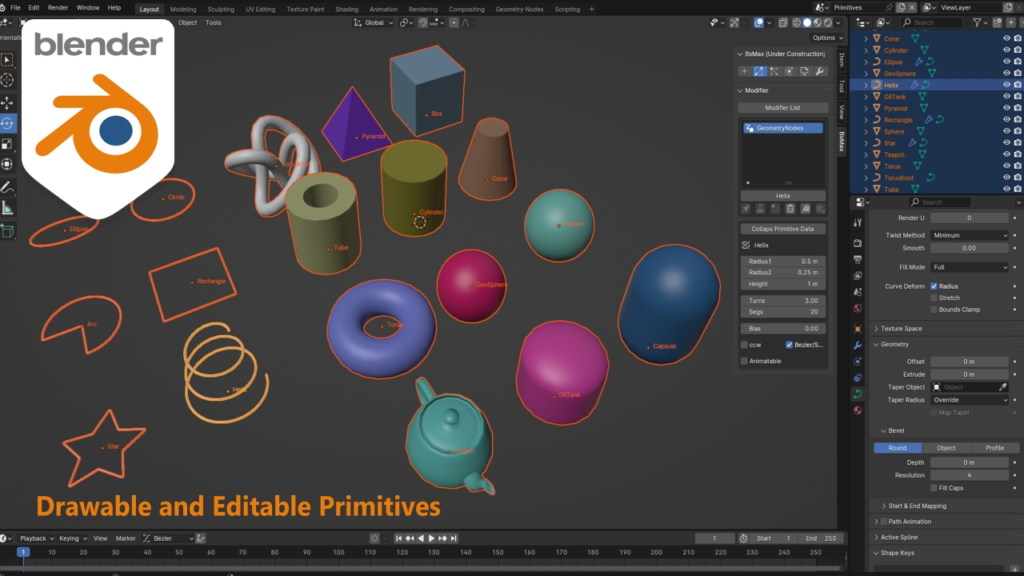
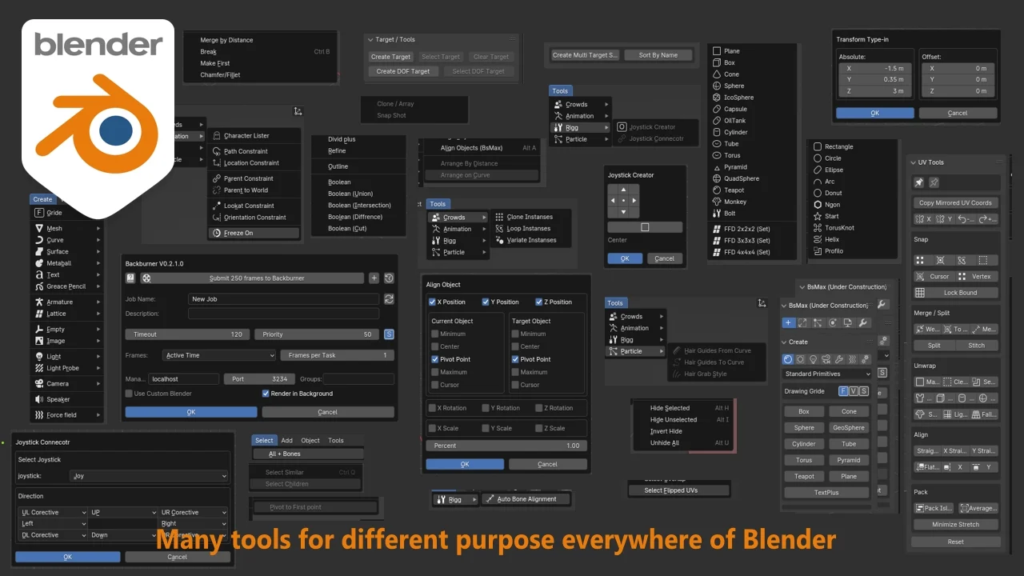
BsMax is a free add-on that makes Blender easier to use, especially if you’re coming from other 3D software.
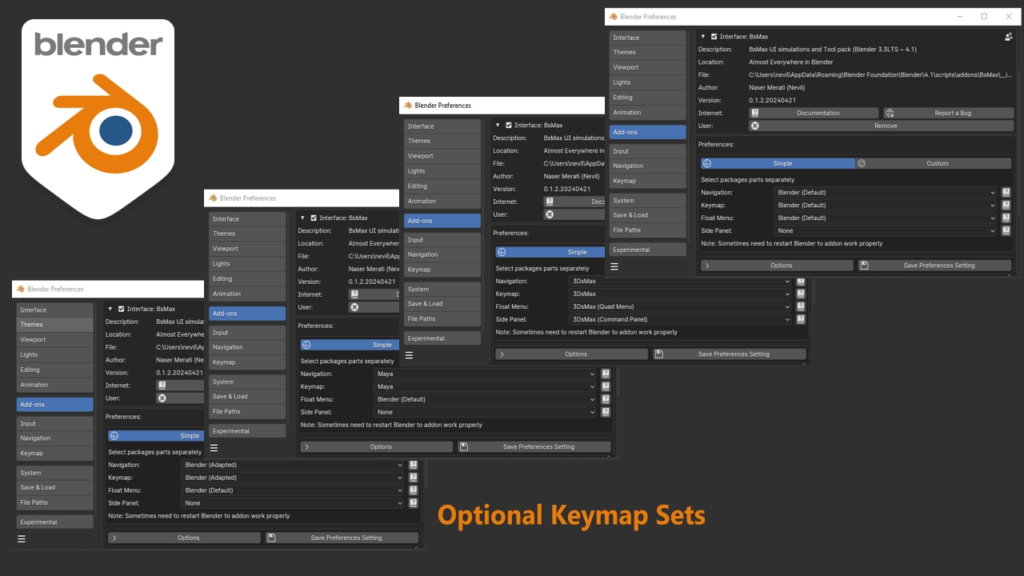
One of BsMax’s main features is its ability to switch Key-maps. This means you can make Blender feel more like the software you’re used to, so you can get right to work without missing a beat. This is optional and you can keep Blender Original Key-maps and just use tools.
But BsMax isn’t just about Key-maps. It’s also packed with handy tools for all sorts of tasks in Blender. Whether you’re modeling, animating, or rigging, BsMax has tools to make your life easier and your projects better. enjoy it.
Supercharge your 3D creation workflow with premium selection of Blender Add-ons. Whether you are modeling intricate characters, sculpting realistic environments, or animating cinematic sequences, the right add-on can transform how you work inside Blender. Our curated collection includes powerful tools for UV unwrapping, procedural texture generation, rigging automation, rendering optimization, and more—each rigorously tested for compatibility with the latest Blender versions. Eliminate tedious manual processes and unlock advanced functionality that lets you focus on what matters most: bringing your creative vision to life. Explore our full range of professional Blender plugins today and take your 3D projects to the next level.
➡️ ➡️ For more Blender Plugins 😀 😀
Reviews
There are no reviews yet.