
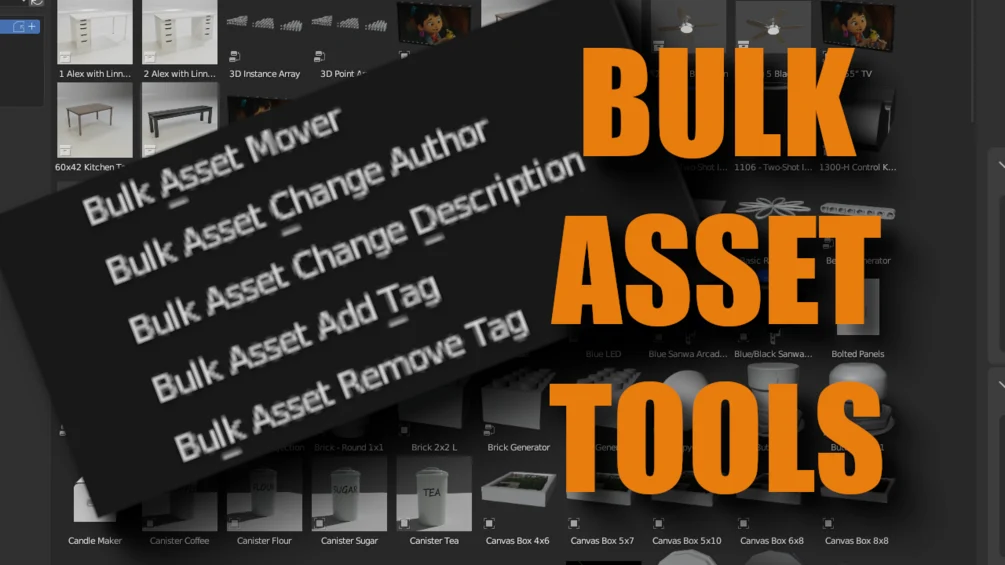
Bulk asset tools for Blender
Bulk Asset Tools v1.7.3 for Blender – The Ultimate Mass Processing & Library Manager
Versions: v1.7.3
File Size: 15 KB
Download Bulk Asset Tools v1.7.3 for Blender on Windows and Mac, a powerful productivity addon designed to automate repetitive tasks across hundreds of assets simultaneously. With batch renaming, bulk material assignment, automatic LOD generation, and one-click export pipelines, Bulk Asset Tools transforms how you manage large libraries, game kits, and architectural scenes, eliminating the need to manually select and process objects one by one.
Key Features of Bulk Asset Tools v1.7.3:
Batch Renaming & Organization: Instantly rename hundreds of objects, collections, or materials based on custom rules, prefixes, suffixes, or sequential numbering to keep massive projects tidy
Mass Material Assignment: Apply, replace, or randomize materials across multiple selected objects or entire collections in a single click, perfect for populating forests or cityscapes
Automatic LOD Generation: Create Level of Detail (LOD0, LOD1, LOD2) versions for entire batches of props automatically, with configurable decimation ratios and naming conventions for game engines
Bulk Export Pipeline: Export selected assets as individual FBX, OBJ, GLTF, or USD files with automatic folder organization, scaling correction, and axis conversion settings
Smart Collection Management: Automatically sort objects into new collections based on their name, type, material, or location, streamlining chaotic imported scenes
Texture Atlas Baking: Combine textures from multiple objects into a single atlas and re-UV them in batch, optimizing draw calls for real-time rendering and game performance
Metadata & Property Editing: Edit custom properties, physics settings, or render layers for hundreds of objects simultaneously without writing a single line of Python code
Enhanced Performance v1.7.3: Optimized multi-threading for faster processing of 10,000+ object scenes, improved memory handling during batch exports, and new presets for Unreal Engine 5 and Unity 6 workflows
Cross-Platform Support: Works flawlessly on both Windows and Mac systems including Apple Silicon M1/M2/M3 chips
Perfect For:
Game developers preparing large asset packs for marketplace submission or engine import
Architectural visualizers organizing furniture libraries and scattering thousands of plants
Environment artists needing to quickly generate LODs and atlases for open-world levels
Studios standardizing naming conventions and properties across legacy project files
Anyone tired of clicking “Export” hundreds of times or renaming objects manually
System Requirements:
Blender 3.6, 4.0, 4.1, 4.2, 4.3+ (Latest LTS recommended)
Windows 10/11 (64-bit) or macOS 10.15+
8GB RAM minimum (16GB+ recommended for heavy batch operations)
No external dependencies required
Installation:
Open Blender and go to Edit > Preferences > Add-ons:
Click “Install…” and select the downloaded .zip file for Bulk Asset Tools
Enable the checkbox next to “Object: Bulk Asset Tools”
Access via the Object Context Menu > Bulk Tools or the 3D Viewport Sidebar (N-panel) > Bulk Tab
Note: Version 1.7.3 introduces a new “Dry Run” preview mode that shows you exactly what changes will be made (renames, exports, deletions) before executing them, ensuring safety when working with critical production assets.
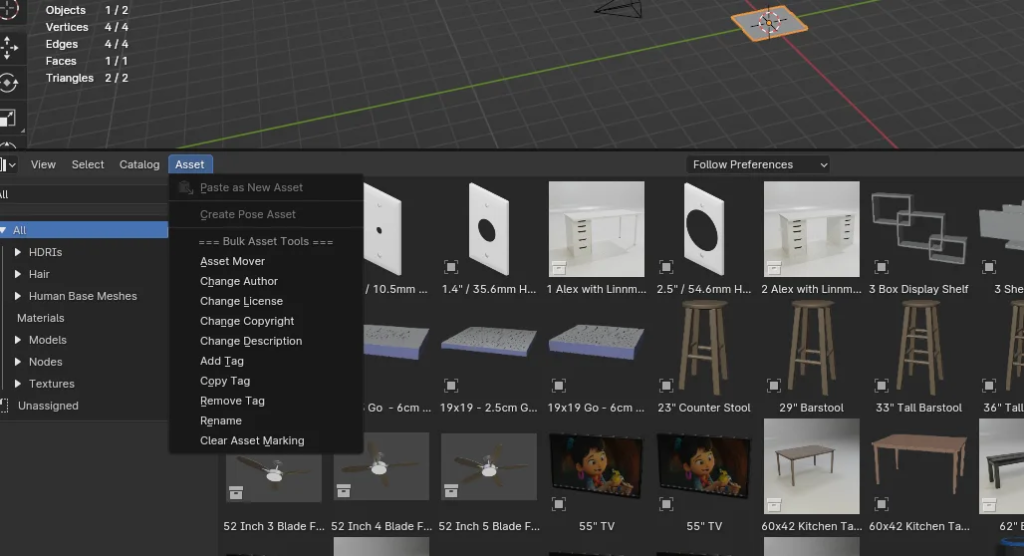
Bulk Asset Tools add options in the Asset Browser to allow editing the data of multiple assets at the same time, even if they do not exist in the same file. Add metadata, tags, etc. Move them between asset categories too.
Supercharge your 3D creation workflow with premium selection of Blender Add-ons. Whether you are modeling intricate characters, sculpting realistic environments, or animating cinematic sequences, the right add-on can transform how you work inside Blender. Our curated collection includes powerful tools for UV unwrapping, procedural texture generation, rigging automation, rendering optimization, and more—each rigorously tested for compatibility with the latest Blender versions. Eliminate tedious manual processes and unlock advanced functionality that lets you focus on what matters most: bringing your creative vision to life. Explore our full range of professional Blender plugins today and take your 3D projects to the next level.
➡️ ➡️ For more Blender Plugins 😀 😀
Reviews
There are no reviews yet.