
Cardboard Shader for Blender
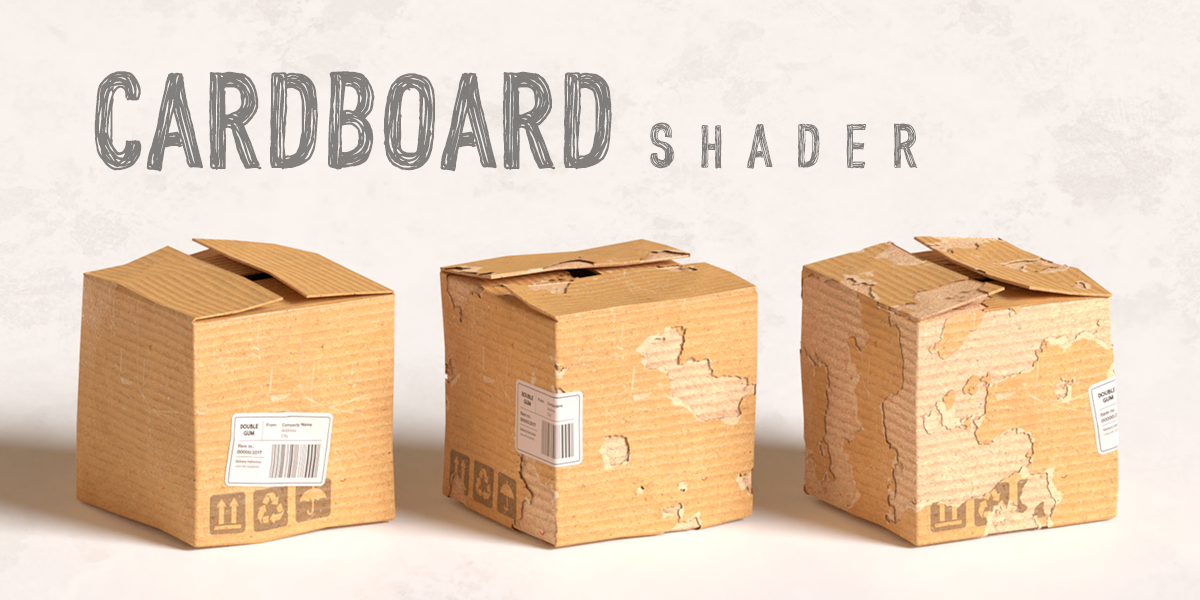
Cardboard Shader v1.1 for Blender – The Ultimate Procedural Packaging & Paper Material
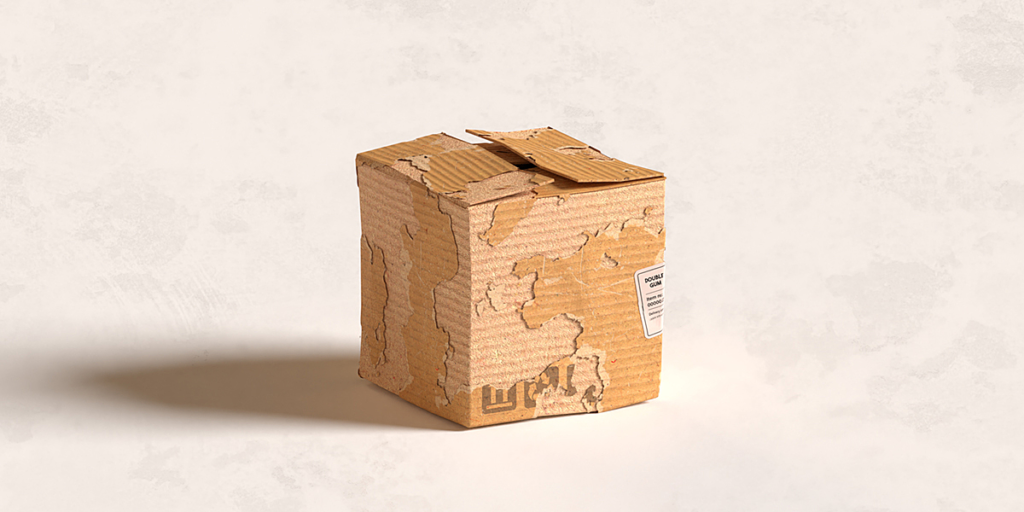
Download Cardboard Shader v1.1 for Blender on Windows and Mac, a highly specialized, fully procedural node group designed to replicate the unique optical and physical properties of corrugated cardboard, paperboard, and packaging materials. With realistic fluting simulation, customizable fiber textures, and accurate subsurface scattering for paper thickness, Cardboard Shader v1.1 transforms how you render product mockups, shipping boxes, and eco-friendly packaging, eliminating the need for high-resolution texture maps or complex manual displacement setups.
Key Features of Cardboard Shader v1.1:
Procedural Corrugated Fluting: Generates realistic internal wave patterns (A, B, C, E, and F flute profiles) entirely through math nodes, allowing for infinite resolution without pixelation
Customizable Fiber Texture: Controls for paper grain direction, roughness variation, and speckle density to mimic recycled pulp, kraft paper, or white linerboard finishes
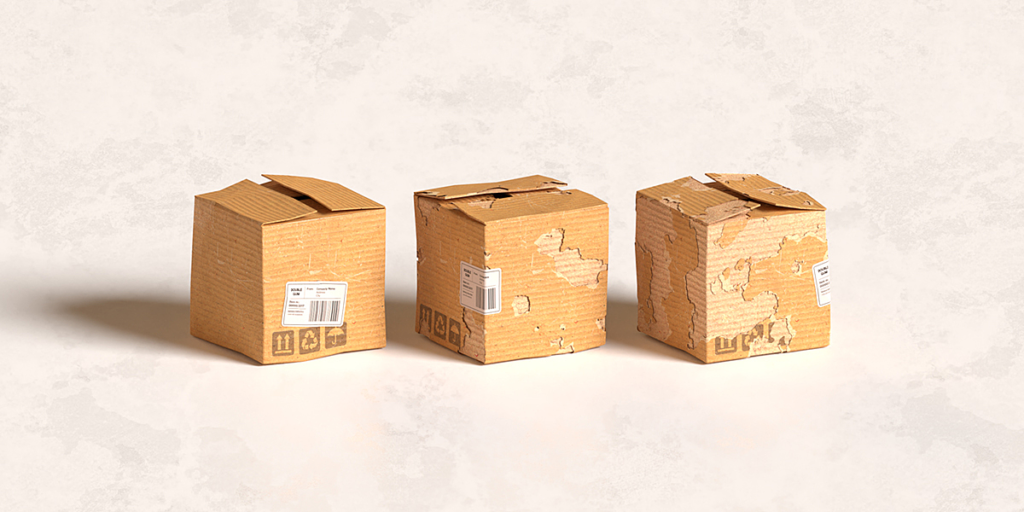
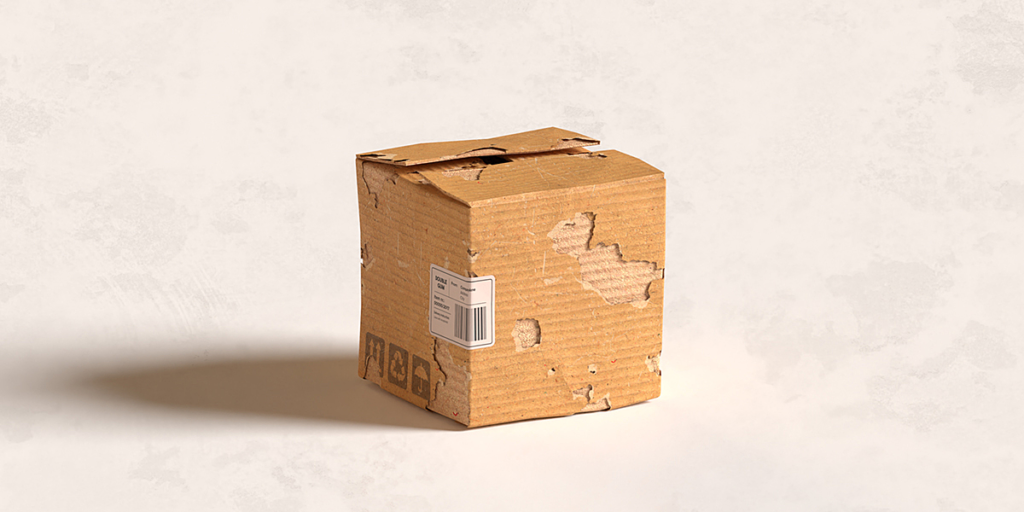
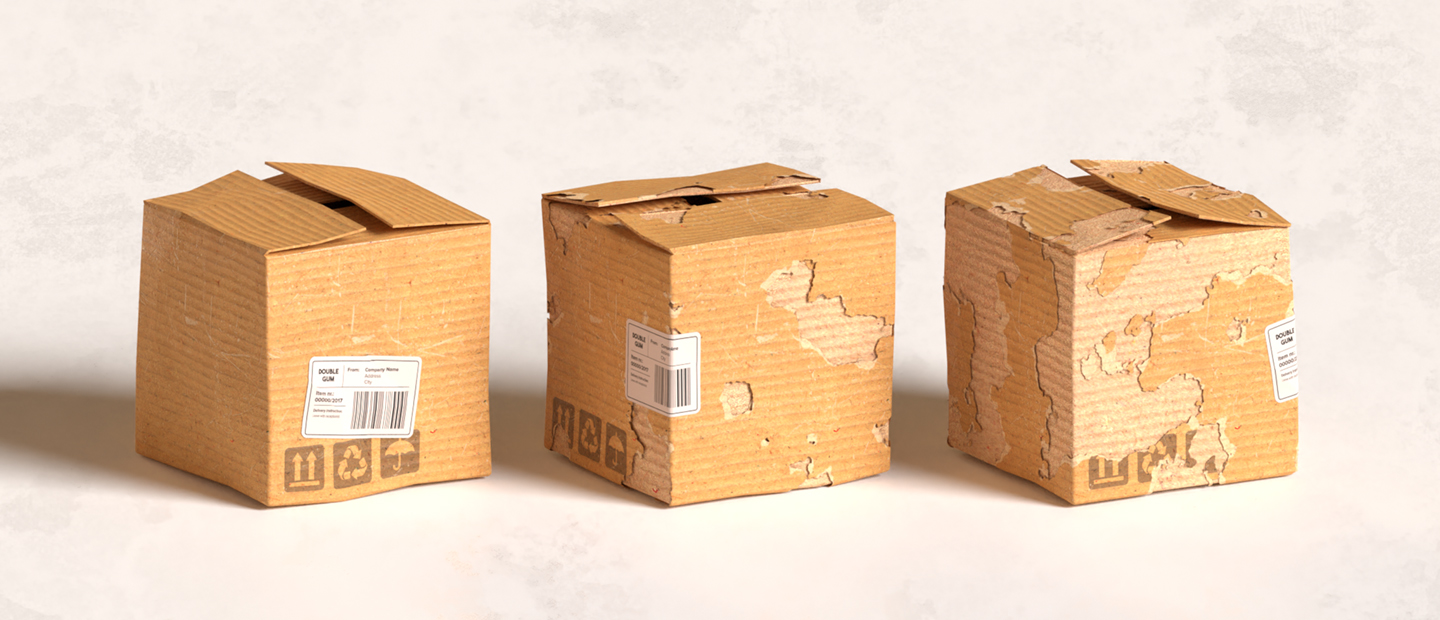
Realistic Edge Wear: Built-in parameters to simulate frayed edges, crushed corners, and exposed fluting on cut surfaces, adding immediate realism to box models
Physical Thickness & SSS: Accurate Subsurface Scattering settings that mimic light penetrating thin paper layers, essential for backlit packaging or thin cardstock renders
Print & Ink Simulation: Dedicated inputs to overlay logos, text, or barcodes with realistic ink absorption effects, preventing the “sticker” look common in basic shaders
Damage & Aging Controls: Sliders to add water stains, oil spots, tape residue, and general wear-and-tear for creating used shipping boxes or vintage props
UV Independent: Fully procedural design means the shader works perfectly on any UV layout or even unwrapped geometry, adapting automatically to object scale
Optimized Performance v1.1: Refined node tree structure for faster render times in Cycles, reduced noise in dark crevices, and improved viewport preview speed in Eevee
Cross-Platform Support: Works flawlessly on both Windows and Mac systems including Apple Silicon M1/M2/M3 chips
Perfect For:
Product designers creating realistic packaging mockups for client presentations
Architectural visualizers adding storage boxes, moving crates, and interior details
Game developers needing optimized, tiling materials for warehouse or industrial environments
Motion graphics artists animating unboxing sequences or eco-friendly branding concepts
Anyone tired of using generic brown plastic shaders that fail to capture the texture of real paper
System Requirements:
Blender 3.6, 4.0, 4.1, 4.2, 4.3+ (Latest LTS recommended)
Windows 10/11 (64-bit) or macOS 10.15+
Cycles recommended for best SSS and displacement results (Eevee supported with adjustments)
No external image textures required (100% procedural)
Installation:
Open Blender and go to Edit > Preferences > Add-ons:
Click “Install…” and select the downloaded .zip file for Cardboard Shader
Enable the checkbox next to “Shader: Cardboard Shader”
Access via the Shader Editor Add Menu > Shader > Cardboard Shader or the Asset Browser
Note: Version 1.1 includes a new “Double-Wall” preset that simulates heavy-duty industrial cardboard with two layers of fluting, perfect for rendering large shipping containers or furniture protection boxes.
WHAT’S INSIDE?
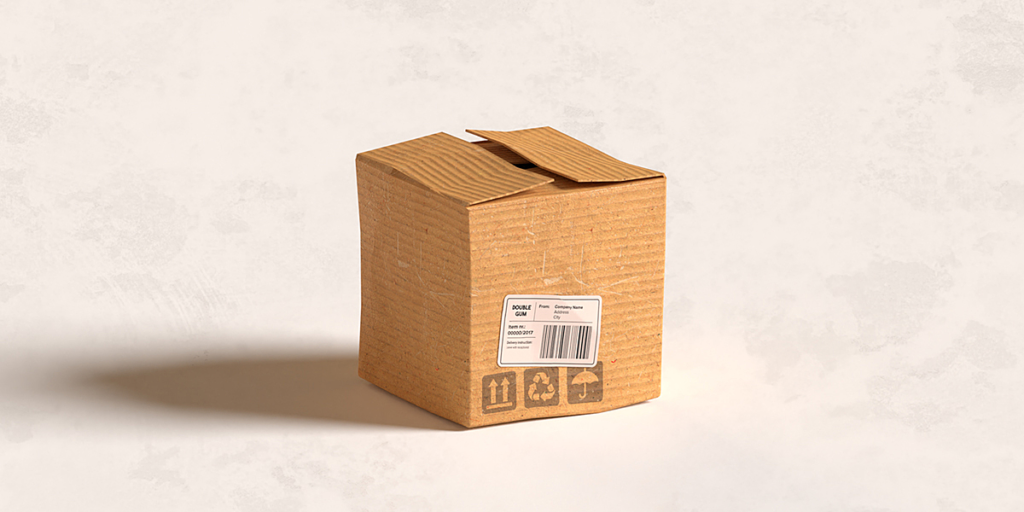
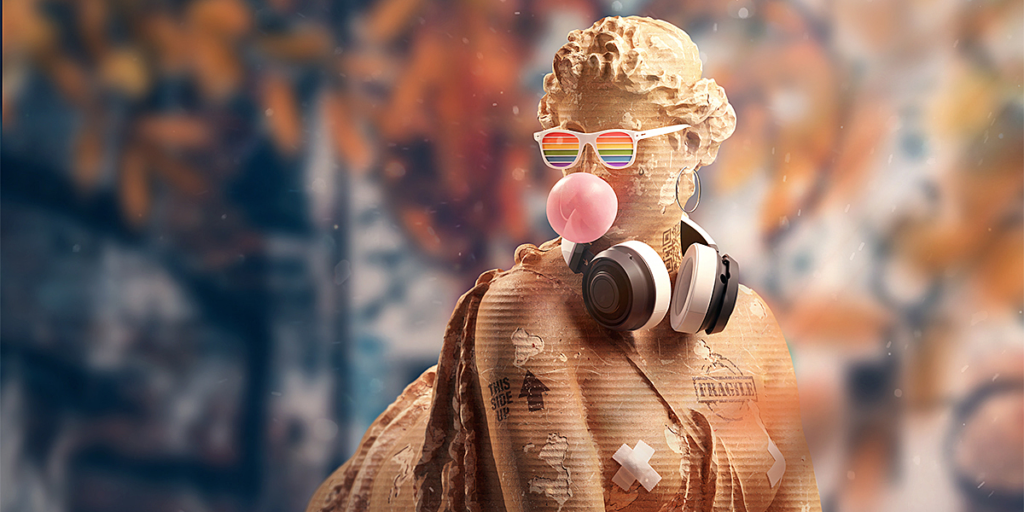
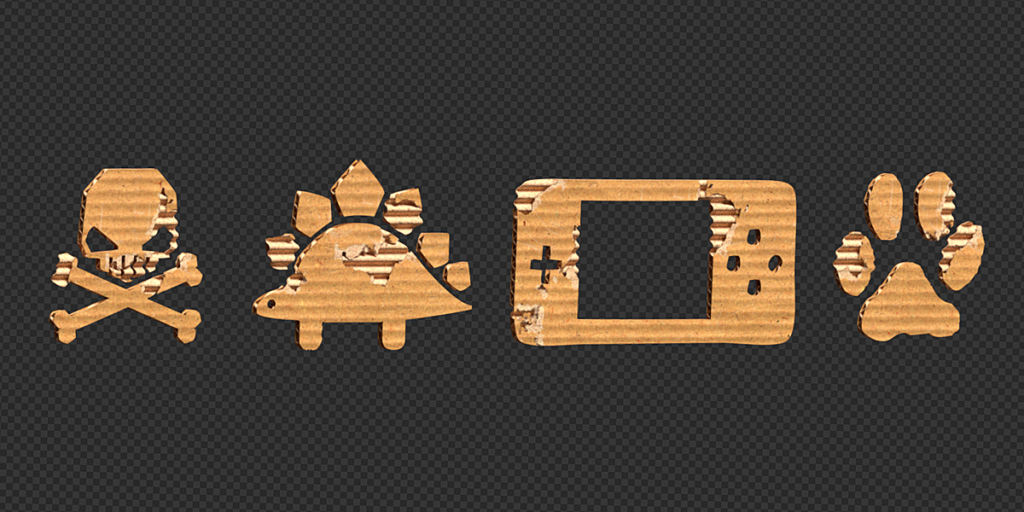
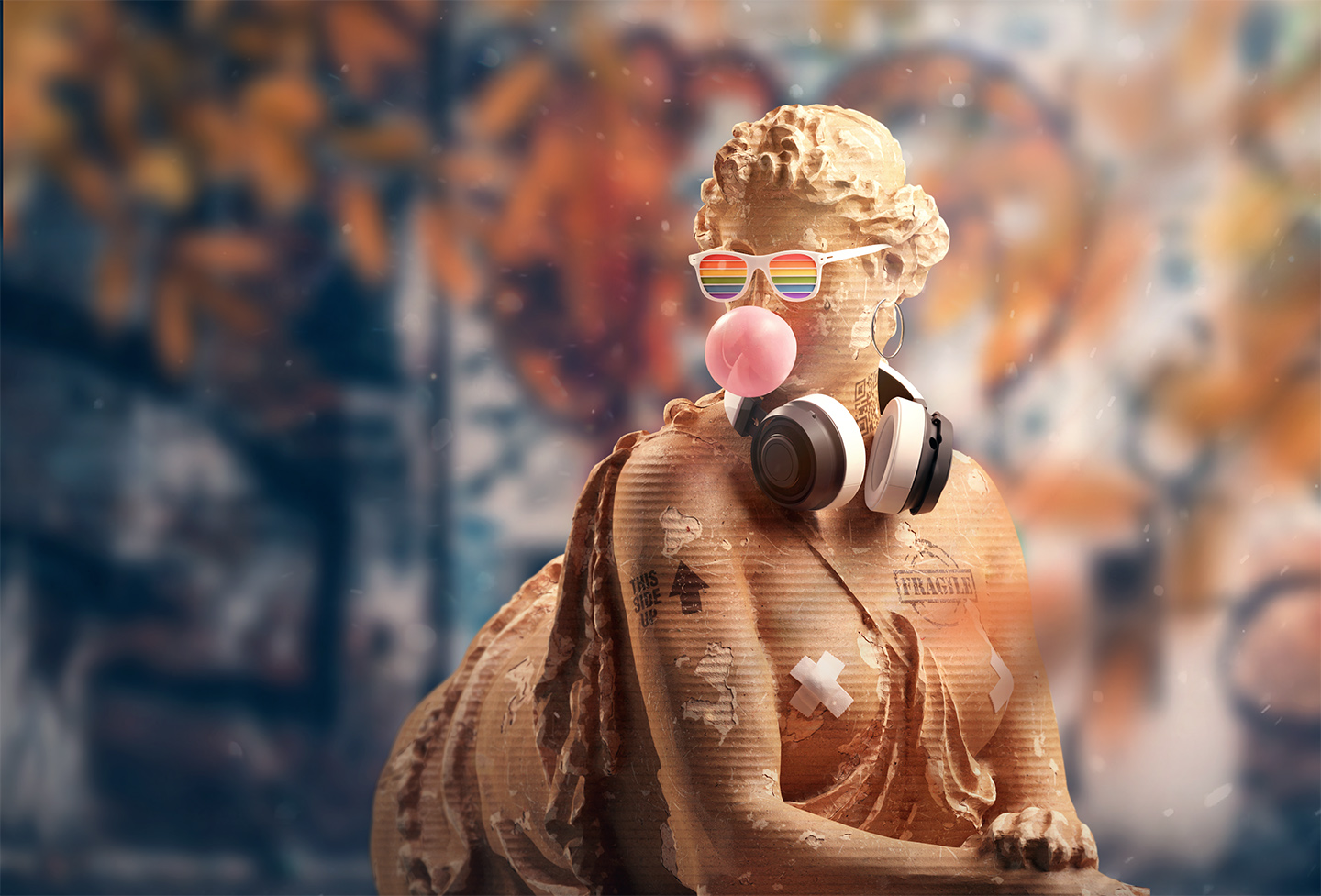
Easy-to-use shaders for Blender Cycles and Eevee. The perfect tool to make any 3d model look like it was made out of corrugated cardboard.
HOW TO USE?
- EASY CUSTOMIZATION
- NO UV UNWRAPPING REQUIRED
- WORKS IN CYCLES & EEVEE
Supercharge your 3D creation workflow with premium selection of Blender Add-ons. Whether you are modeling intricate characters, sculpting realistic environments, or animating cinematic sequences, the right add-on can transform how you work inside Blender. Our curated collection includes powerful tools for UV unwrapping, procedural texture generation, rigging automation, rendering optimization, and more—each rigorously tested for compatibility with the latest Blender versions. Eliminate tedious manual processes and unlock advanced functionality that lets you focus on what matters most: bringing your creative vision to life. Explore our full range of professional Blender plugins today and take your 3D projects to the next level.
➡️ ➡️ For more Blender Plugins 😀 😀
Reviews
There are no reviews yet.