
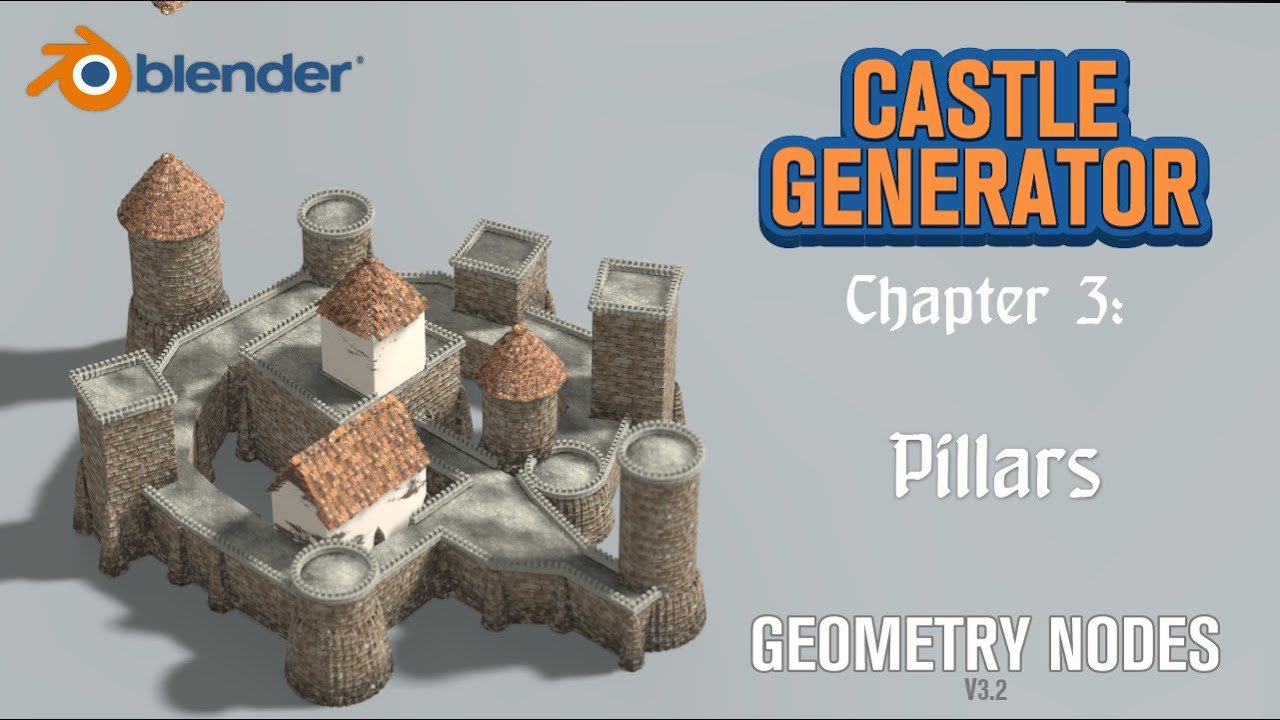
Castle Generator for Blender
Castle Generator v0.1 Geometry Nodes for Blender – The Ultimate Procedural Medieval Fortress Builder
Versions: v0.1
File Size: 2.8 MB
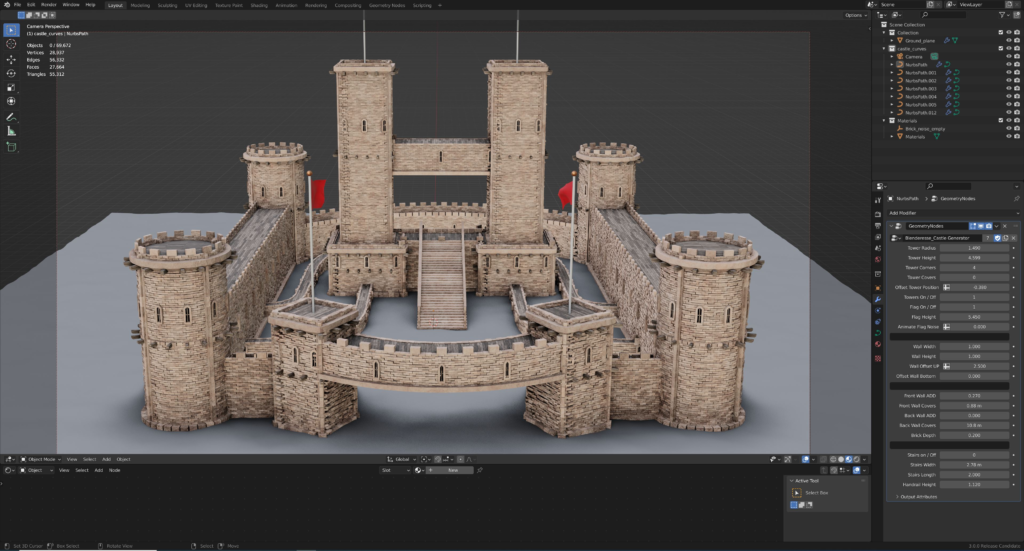
Download Castle Generator v0.1 Geometry Nodes for Blender on Windows and Mac, a cutting-edge procedural tool that instantly constructs complex medieval castles, fortresses, and ruins using only Geometry Nodes. With modular wall systems, randomized tower placements, and automatic terrain adaptation, Castle Generator v0.1 transforms how you create historical environments, eliminating the need for manual modeling of every stone and allowing you to generate entire strongholds in seconds with full non-destructive control.
Key Features of Castle Generator v0.1:
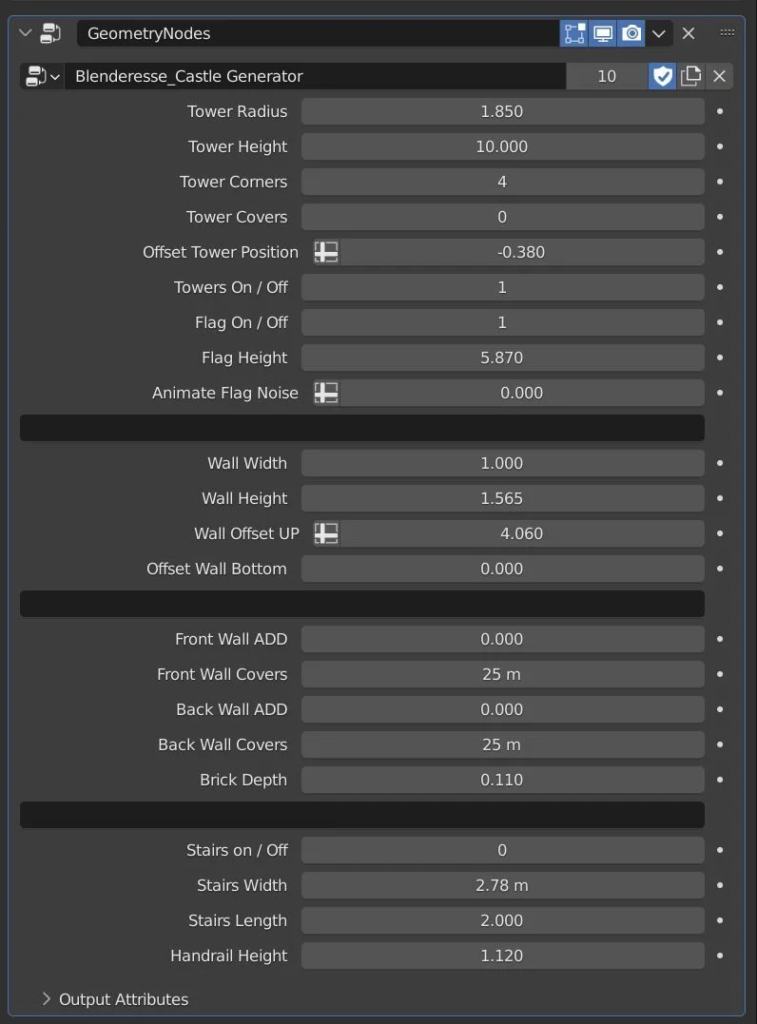
Modular Wall System: Automatically generates connecting curtain walls with adjustable height, thickness, and crenellation patterns (battlements) that seamlessly join towers and gates
Randomized Tower Placement: Places round, square, or hexagonal towers at corners and intervals with random variations in height, roof style, and window placement to avoid repetitive looks
Procedural Gatehouses & Bridges: Creates detailed entrance complexes with portcullises, drawbridges, and guard rooms that automatically align with wall segments and moats
Automatic Terrain Adaptation: The castle foundation intelligently conforms to uneven terrain, hills, or cliffs, adjusting wall heights and adding retaining structures where needed
Ruins & Weathering Mode: A dedicated slider to degrade the structure, creating collapsed sections, missing stones, overgrown vegetation, and crumbled battlements for instant atmospheric ruins
Interior Layout Generation: Optionally generates basic interior floor plans, staircases, and room divisions within towers, providing a solid base for further detailing
Material Variation: Automatically assigns different stone materials (granite, limestone, brick) to specific parts like foundations, walls, and roofs based on procedural rules
Optimized Performance v0.1: Efficient instancing of stone blocks and architectural elements ensures smooth viewport performance even when generating massive fortress complexes
Cross-Platform Support: Works flawlessly on both Windows and Mac systems including Apple Silicon M1/M2/M3 chips
Perfect For:
Game developers creating medieval fantasy worlds, RPG maps, and strategy game assets
Environment artists building historical reconstructions or fantasy kingdom backgrounds
VFX studios needing quick background castles for film and television sequences
Architectural visualizers exploring historical styles or creating theme park concepts
Anyone who wants to build epic fortresses without modeling thousands of individual stones by hand
System Requirements:
Blender 3.6, 4.0, 4.1, 4.2, 4.3+ (Geometry Nodes required)
Windows 10/11 (64-bit) or macOS 10.15+
8GB RAM minimum (16GB+ recommended for large castle generations)
GPU acceleration recommended for smooth viewport interaction with high instance counts
Installation:
Open Blender and go to Edit > Preferences > Add-ons:
Click “Install…” and select the downloaded .zip file for Castle Generator
Enable the checkbox next to “Geometry Nodes: Castle Generator”
Access via the Add Menu > Geometry Nodes > Castle Generator or drag the node group into your Geometry Nodes editor
Note: Version 0.1 is the initial release featuring a robust “Keep Growing” algorithm that allows you to expand the castle layout dynamically by adding new wings, courtyards, or outer bailes without rebuilding the entire structure from scratch.
Supercharge your 3D creation workflow with premium selection of Blender Add-ons. Whether you are modeling intricate characters, sculpting realistic environments, or animating cinematic sequences, the right add-on can transform how you work inside Blender. Our curated collection includes powerful tools for UV unwrapping, procedural texture generation, rigging automation, rendering optimization, and more—each rigorously tested for compatibility with the latest Blender versions. Eliminate tedious manual processes and unlock advanced functionality that lets you focus on what matters most: bringing your creative vision to life. Explore our full range of professional Blender plugins today and take your 3D projects to the next level.
➡️ ➡️ For more Blender Plugins 😀 😀
Reviews
There are no reviews yet.