
CGC Eevee Glass for Blender
CGC Eevee Glass for Blender – The Ultimate Real-Time Transparent Material Suite
Download CGC Eevee Glass for Blender on Windows and Mac, a specialized collection of optimized shader node groups designed to deliver photorealistic glass, crystals, and liquids specifically tuned for the Eevee render engine. With pre-configured Screen Space Refraction (SSR), accurate IOR presets, and built-in thickness simulation, CGC Eevee Glass transforms how you render transparent objects in real-time, eliminating the long bake times of Cycles while maintaining stunning visual fidelity for product viz and architectural walkthroughs.
Key Features of CGC Eevee Glass:
Eevee-Optimized Refraction: Pre-tuned settings for Screen Space Refraction and Reflections that eliminate common Eevee artifacts like missing refractions or black edges on thin geometry
Instant Material Presets: Over 30+ ready-to-use materials including Clear Glass, Frosted Glass, Stained Glass, Crystal, Diamond, Water, Oil, and Acrylic with physically accurate IOR values
Thickness Simulation Hack: Includes a clever node setup that fakes light absorption and color depth based on mesh thickness, solving Eevee’s native limitation in calculating volumetric density without heavy volume bounces
Caustics Approximation: Built-in procedural caustic patterns that can be projected onto nearby surfaces, adding that crucial “sparkle” to glass objects without requiring expensive photon mapping
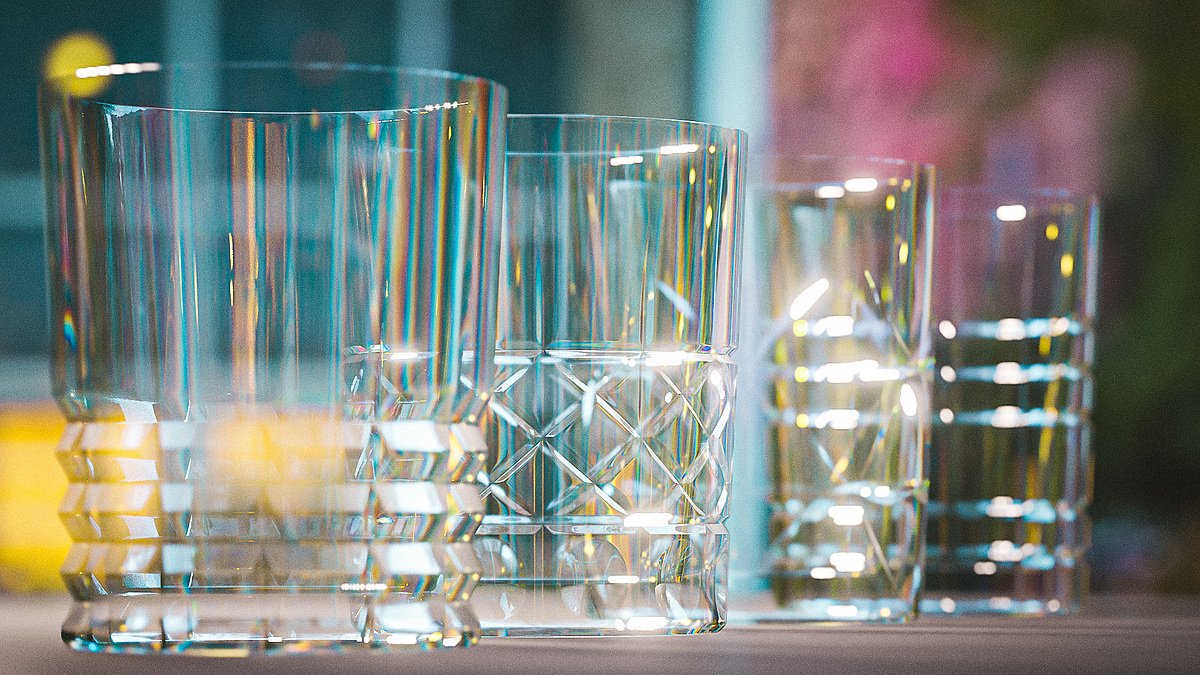
Dispersion (Chromatic Aberration): Optional controls to split light into spectral colors at sharp angles, mimicking the rainbow effect seen in high-quality crystal and prisms
Double-Sided & Thin-Glass Modes: Specific variants for single-plane geometry (like windows) and solid meshes (like bottles), ensuring correct refraction behavior regardless of your modeling style
Animated Distortion: Parameters to animate surface ripples or heat haze directly in the shader, perfect for liquid simulations or hot glass effects without extra geometry
Performance Friendly: Designed to run at interactive framerates in the viewport, making it ideal for real-time presentations, VR, and game asset previewing
Cross-Platform Support: Works flawlessly on both Windows and Mac systems including Apple Silicon M1/M2/M3 chips
Perfect For:
Architectural visualizers creating real-time walkthroughs with realistic windows and railings
Product designers rendering perfume bottles, drinkware, and tech gadgets instantly
Game developers needing high-quality, performant glass assets for Unreal/Unity export
Motion graphics artists requiring fast turnaround on liquid and crystal animations
Anyone who loves the speed of Eevee but misses the realistic glass look of Cycles
System Requirements:
Blender 3.6, 4.0, 4.1, 4.2, 4.3+ (Latest LTS recommended)
Windows 10/11 (64-bit) or macOS 10.15+
GPU with support for Screen Space Reflections/Refraction (Most modern NVIDIA, AMD, and Apple Silicon GPUs)
Eevee Render Engine selected (Settings: Screen Space Reflections > Refraction must be enabled)
Installation:
Open Blender and go to Edit > Preferences > Add-ons:
Click “Install…” and select the downloaded .zip file for CGC Eevee Glass
Enable the checkbox next to “Shader: CGC Eevee Glass”
Access via the Shader Editor Add Menu > Shader > CGC Eevee Glass or the Asset Browser
Note: To get the best results, ensure your scene has proper HDRI lighting and that “Screen Space Refraction” is checked in the Render Properties > Screen Space Reflections panel. This pack includes a one-click “Setup Scene” button that configures all necessary Eevee settings automatically.
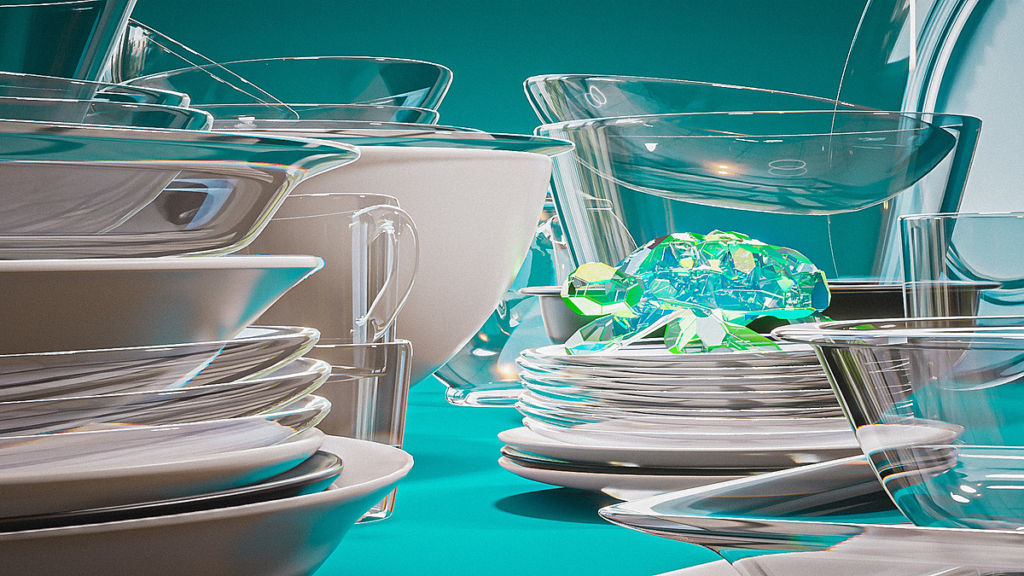
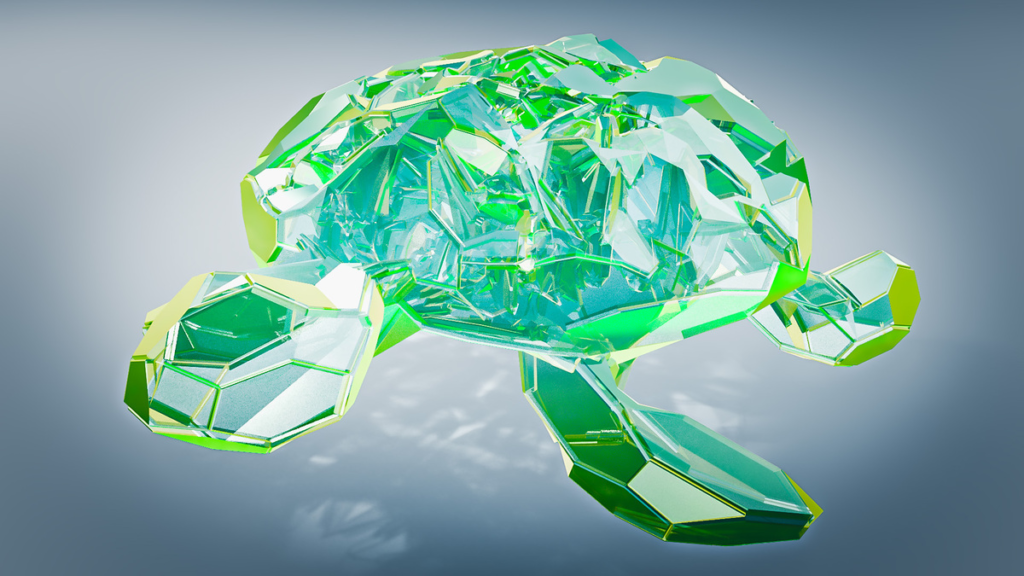
The Realistic Eevee Glass shader doesn’t fix that fundamental issue, but it does cleverly disguise it by giving you more control over which parts of your object are refractive or simply transparent. The result is glass that is much more believable!
See a breakdown of how it works in this video:
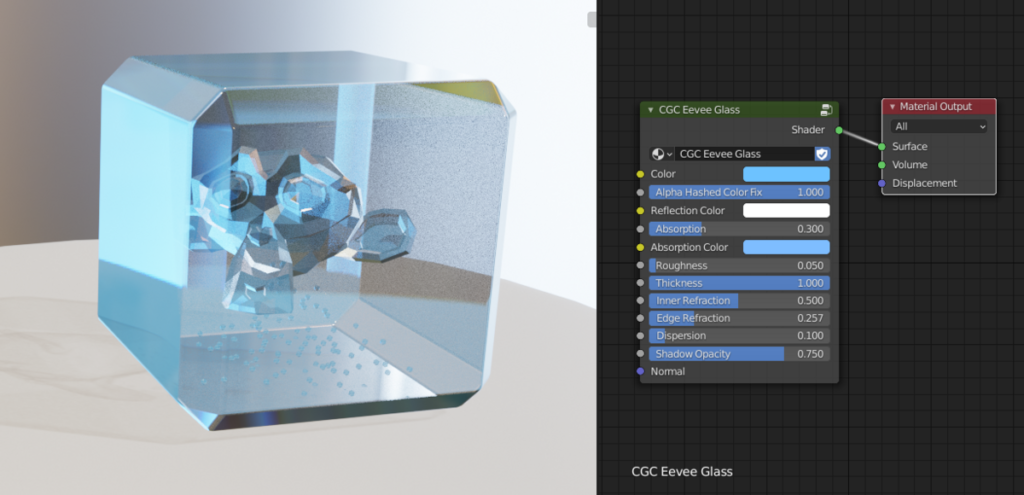
With the Smart Eevee Glass shader, you can:
- Change the color of the glass without changing the color of the reflections
- Tint the reflections if desired
- Increase or decrease the strength of the reflections
- Set the color and strength of faked volume absorption
- Blend between transparency and refraction to get the best of both effects
- Add refraction to just the edges (my favorite feature)
- Set how much the glass should refract
- Add dispersion
- Set the transparent shadow’s opacity
For the explanation of features, read the documentation.
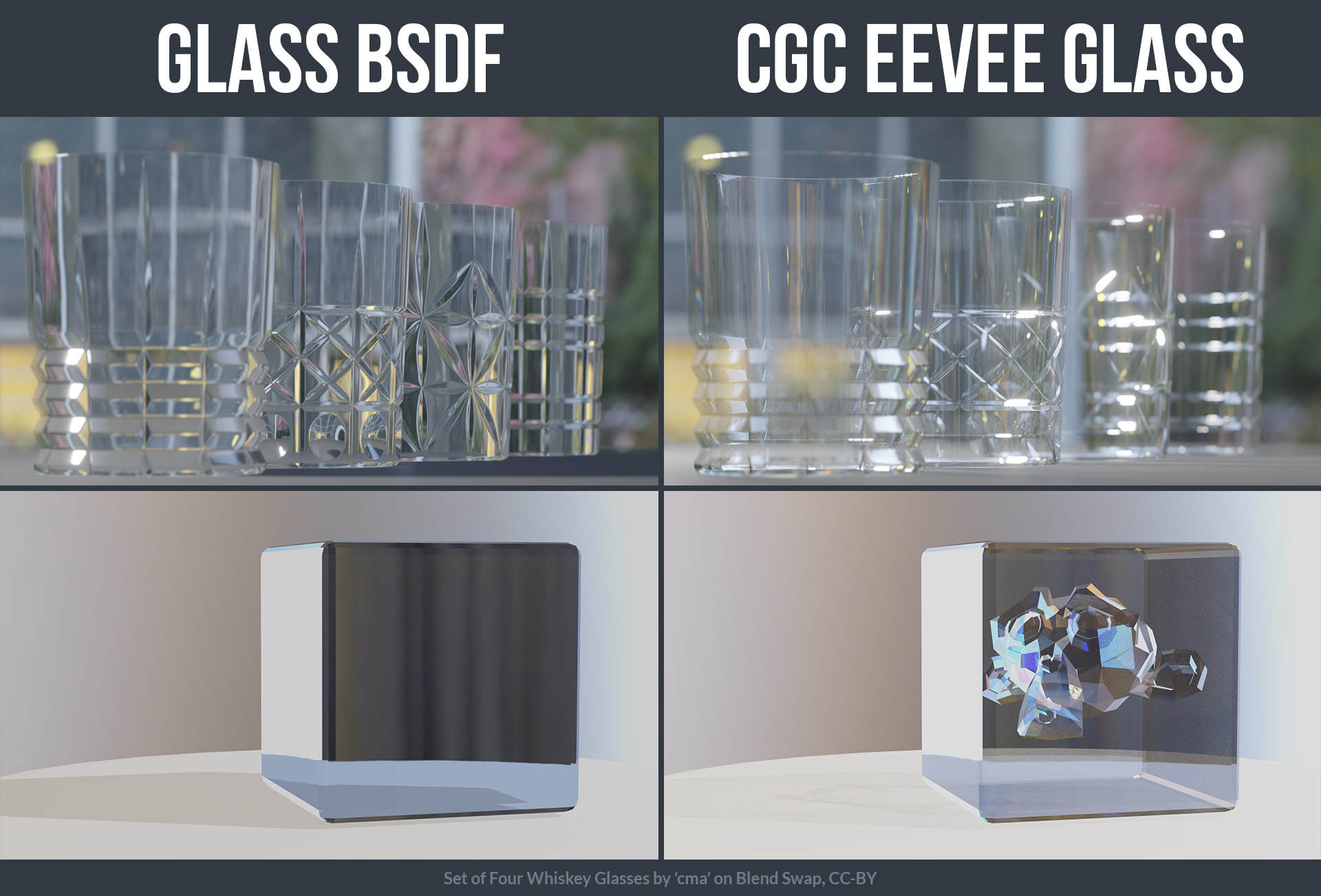
To use the Eevee Glass Shader:
- Append the shader to your scene by going to File / Append, navigating to the eevee-glass.blend file, choosing ‘NodeTree’, and then selecting ‘Eevee Glass BSDF’.
- In the Shader Editor, add the node by going to Add / Group / CGC Eevee Glass
- Make sure both the Blend Mode and the Shadow Mode for the material are set to Alpha Hashed
- Make sure that Backface Culling is off and that the Refraction Depth is set to 0.
- Turn on Refraction in both the material settings and in the render properties under Screen Space Reflections
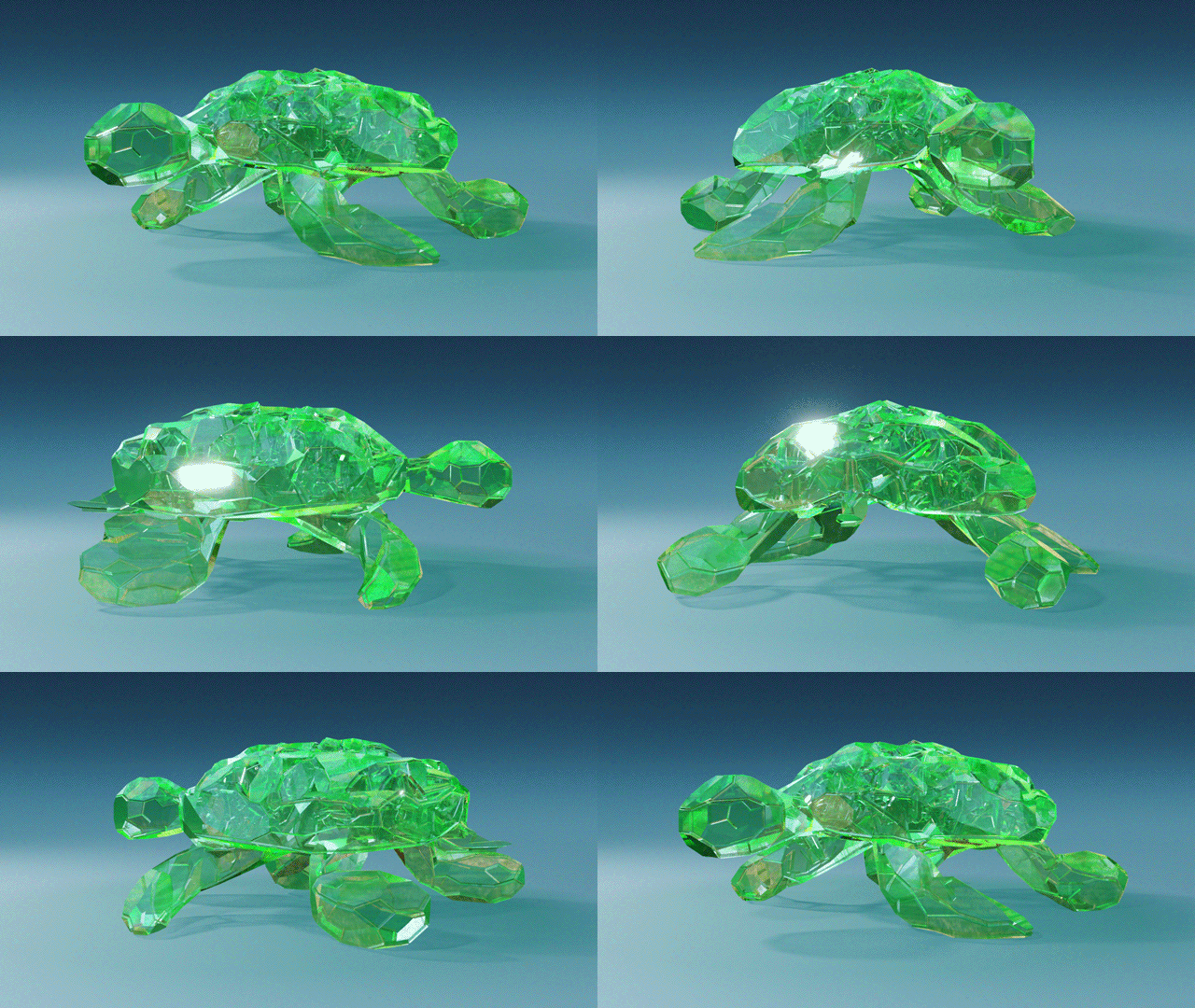
Supercharge your 3D creation workflow with premium selection of Blender Add-ons. Whether you are modeling intricate characters, sculpting realistic environments, or animating cinematic sequences, the right add-on can transform how you work inside Blender. Our curated collection includes powerful tools for UV unwrapping, procedural texture generation, rigging automation, rendering optimization, and more—each rigorously tested for compatibility with the latest Blender versions. Eliminate tedious manual processes and unlock advanced functionality that lets you focus on what matters most: bringing your creative vision to life. Explore our full range of professional Blender plugins today and take your 3D projects to the next level.
➡️ ➡️ For more Blender Plugins 😀 😀
Reviews
There are no reviews yet.