
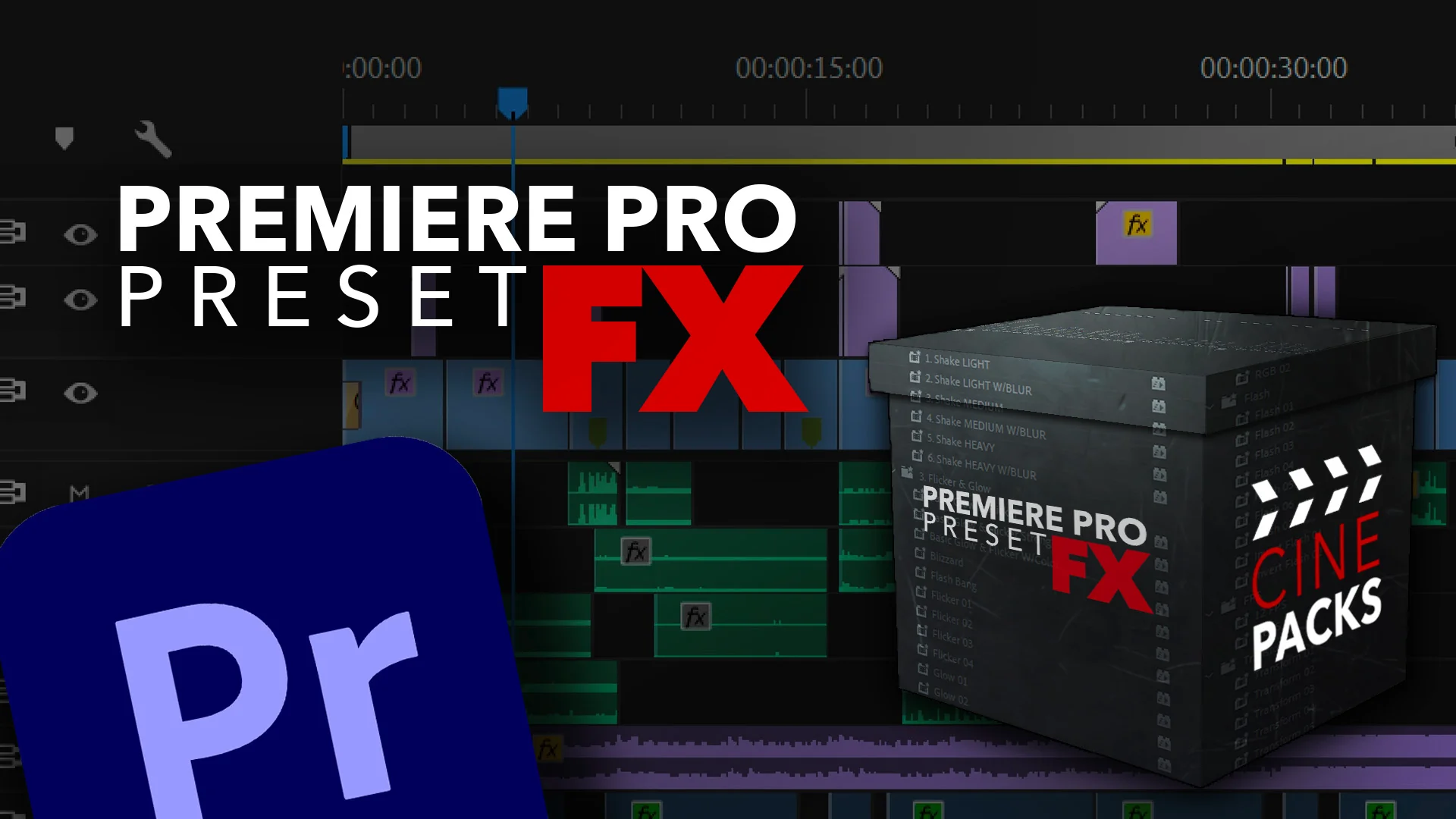
CinePacks Premiere Pro Preset FX
CinePacks Premiere Pro Preset FX – The Ultimate Cinematic Transitions, Overlays & Visual Effects Toolkit
Download CinePacks Premiere Pro Preset FX for Adobe Premiere Pro, a massive, all-in-one visual effects and transition library designed to instantly inject Hollywood-level polish into your video edits. Whether you are cutting a high-energy music video, a moody short film, a cinematic wedding highlight, or engaging YouTube content, achieving complex visual effects usually requires round-tripping to After Effects. CinePacks eliminates that bottleneck by bringing premium, broadcast-quality FX, seamless transitions, and authentic film overlays directly into your Premiere Pro timeline. It is the ultimate shortcut to a high-end, cinematic finish.
Key Features of CinePacks Premiere Pro Preset FX:
- Cinematic & Seamless Transitions: Ditch the basic cross-dissolve. This pack includes dozens of premium transitions, including Film Burns, Light Leaks, Zoom-Throughs, Glitch Distortions, Whip Pans, Iris Wipes, and In-Camera Masking transitions that make your cuts feel dynamic and professional.
- Authentic Film & Optical Overlays: A massive library of high-resolution, transparent
.PNGand.MP4overlays. Add realistic 16mm/35mm film grain, dust & scratches, anamorphic lens flares, bokeh light orbs, and practical light leaks to give your digital footage the soul of analog film. - Native MOGRT Integration: Many of the complex text and graphic animations are built as Motion Graphics Templates (MOGRTs). Access them directly in the Essential Graphics panel to edit text, colors, and sizing without ever leaving Premiere Pro.
- One-Click Color & FX Presets: Includes a robust collection of
.prfpset(Premiere Pro Preset) files. Apply complex, multi-layered effect stacks (like vintage VHS degradation, cinematic letterboxing with grain, or dreamy glow effects) with a single drag-and-drop. - Dynamic Text & Title Animators: Pre-animated kinetic typography presets. Instantly add stylish, animated lower thirds, cinematic quote cards, and glitchy title reveals that perfectly match the pacing of modern video content.
- Camera Shake & Stabilization FX: Hand-crafted camera shake presets that add organic, handheld energy to static tripod shots or drone footage. Includes smooth, jittery, and impact-based shake variations.
- Sound Design Ready (SFX Sync): The visual transitions and hits are perfectly timed and categorized, making it incredibly easy to layer your own sound effects (whooshes, impacts, risers) to maximize the impact of the visual cut.
- Non-Destructive Adjustment Layer Workflow: All color and global FX presets are designed to be applied to Adjustment Layers, allowing you to tweak the intensity, blend modes, and parameters at any time without altering your original footage.
Perfect For:
- Indie Filmmakers & Directors who need to add high-end visual flair, film emulation, and seamless transitions to their narrative projects without a massive VFX budget.
- Wedding & Event Videographers creating emotional, cinematic highlight reels that require beautiful light leaks, elegant text animations, and film grain.
- YouTube Content Creators & Vloggers increasing viewer retention with engaging zoom transitions, glitch effects, and dynamic text pop-ups.
- Music Video Editors crafting high-energy, stylized edits with VHS degradation, heavy film burns, and rhythmic camera shakes.
- Commercial & Brand Editors delivering polished, broadcast-ready social media ads and corporate videos with clean, modern graphic transitions.
- Travel & Documentary Videographers adding authentic film grain and light leaks to give their raw travel footage a nostalgic, storytelling aesthetic.
System Requirements:
- Software: Adobe Premiere Pro CC 2021 or newer (Required for full MOGRT and Essential Graphics compatibility).
- OS: Windows 10/11 (64-bit) or macOS 10.15+.
- File Formats Included:
.prfpset(Effect Presets),.mogrt(Motion Graphics Templates),.mp4/.mov(Alpha-channel Overlays), and.png(Static Overlays). - RAM: 8GB minimum (16GB+ highly recommended for smooth playback of 4K timelines with multiple overlay tracks and MOGRTs).
- GPU: Hardware acceleration enabled for optimal rendering of blend modes and Lumetri color effects.
- Storage: Approximately 3GB – 6GB for the fully uncompressed master files and 4K overlays.
Installation / How to Use:
- Download and extract the CinePacks Premiere Pro Preset FX
.ziparchive to a permanent folder on your hard drive. - Install Effect Presets (.prfpset): Open Premiere Pro, go to the Effect Controls panel, click the hamburger menu (or right-click inside the panel), select Import Presets, and navigate to the
.prfpsetfiles. They will now appear in your Effects panel under “Presets”. - Install MOGRTs: Open the Essential Graphics panel, click the “Install Motion Graphics Template” icon (the ‘+’ at the bottom), and select the
.mogrtfiles from the pack. - Using Overlays: Drag and drop the
.mp4or.movoverlay files directly onto a video track above your main footage. Change the Opacity Blend Mode to Screen, Linear Dodge (Add), or Overlay to remove the black background and blend the light/grain naturally. - Applying Presets: Simply drag a preset from the Effects panel onto your clip or an Adjustment Layer. Expand the Effect Controls to tweak the parameters (like intensity, scale, or speed).
- Pro-Tip for Transitions: Place your transition overlay exactly on the cut point. Trim the handles to adjust the timing, and use the “Opacity” keyframes to fade the overlay in and out smoothly for a flawless, custom transition every time.
What’s Included in the Pack?
- The Transition Vault: 50+ seamless transitions including Film Burns, Light Leaks, Zoom Whips, Glitch, and Digital Distortions.
- The Film Lab Overlays: 100+ high-res film grain, dust, scratches, and light leak overlays (in both 4K video and transparent PNG formats).
- The Optical FX Suite: 40+ anamorphic flares, bokeh orbs, lens smudges, and practical light leaks.
- The Colorist’s Presets: 30+
.prfpsetfiles combining LUTs, vignettes, and glow effects for instant cinematic grading. - The Typography Kit: 25+ MOGRTs for animated lower thirds, cinematic titles, and kinetic text.
- The Energy Module: 20+ camera shake, handheld, and impact presets to add organic movement to static shots.
- The Framing Tools: Cinematic letterbox bars, safe area guides, and split-screen presets.
Note:
CinePacks Premiere Pro Preset FX is built on the philosophy that your editing software should be as creative as your vision. Historically, adding premium film grain, complex light leaks, or seamless zoom transitions meant leaving Premiere Pro, opening After Effects, and spending hours rendering. CinePacks shatters that workflow barrier. By providing meticulously crafted, native Premiere Pro presets and MOGRTs, it puts the power of a full VFX pipeline directly onto your timeline. These assets aren’t just cheap tricks; they are carefully designed, color-accurate, and optically correct tools that elevate the emotional impact of your edit. Whether you are adding a subtle layer of 16mm grain to a documentary or a massive, glitchy zoom transition to a gaming montage, CinePacks ensures your final cut looks like a million bucks, in a fraction of the time.
SAVE TIME WITH EASY TO USE PRESETS
Level up your edits with these easy to use presets for Adobe Premiere Pro. Just import them in your presets folder and simply drag them on to your clips and BOOM, you are done!


Premiere Pro Presets FX Include:
• 45 Preset Transitions
• 6 Camera Shake Presets
• 12 Glow/Flicker Presets
• 6 Zoom Presets


Transform your video editing workflow with our professional Premiere Pro assets, designed to deliver cinematic quality in record time. Whether you are a seasoned filmmaker, a YouTube content creator, or a social media marketer, our premium collection of transitions, color grading LUTs, motion graphics templates, and sound effects will instantly elevate your productions. Say goodbye to tedious key framing and complex adjustments—our drag-and-drop assets are fully optimized for Adobe Premiere Pro, ensuring seamless integration and lightning-fast rendering. From sleek lower thirds and dynamic glitch effects to moody cinematic color presets, every asset is crafted to help you tell compelling visual stories that captivate your audience. Save hours of post-production work while maintaining a polished, professional finish that rivals high-budget studios. Join thousands of satisfied video editors who have already streamlined their creative process and unlocked new levels of efficiency. Download our Premiere Pro bundles today and start turning your raw footage into stunning masterpieces that stand out on any screen.
Reviews
There are no reviews yet.