
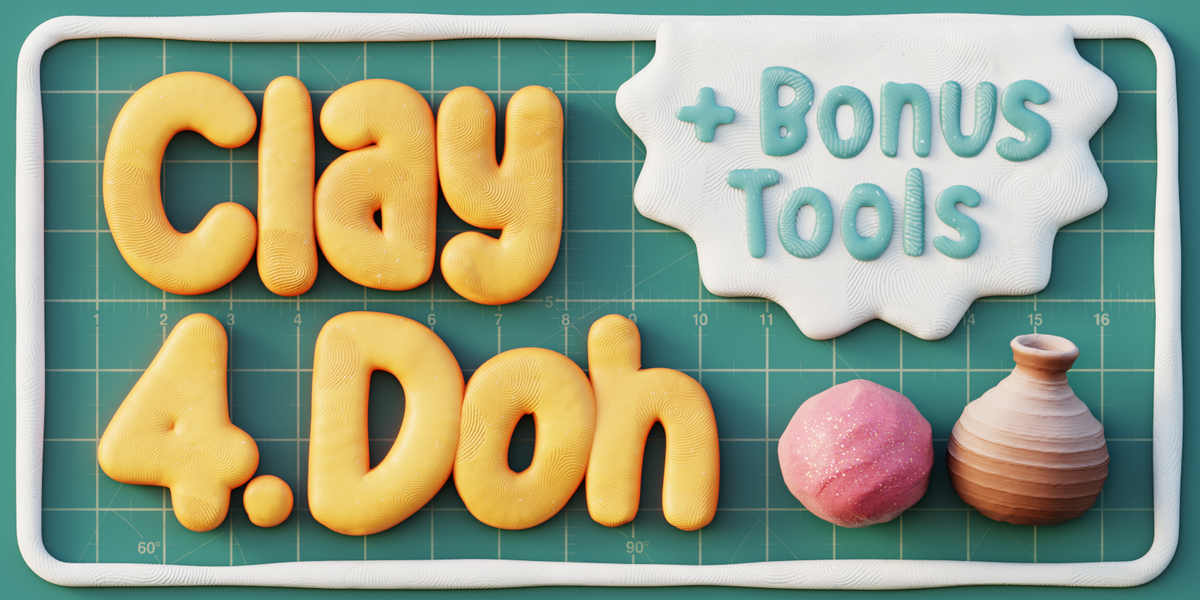
claydoh for Blender
ClayDoh for Blender – The Ultimate Non-Photorealistic Clay & Stop-Motion Shader
Download ClayDoh for Blender on Windows and Mac, a specialized shader suite designed to instantly transform any 3D model into a realistic stop-motion claymation or hand-sculpted aesthetic. With procedural fingerprint textures, organic surface imperfections, and soft subsurface scattering that mimics real polymer clay, ClayDoh transforms how you create stylized renders, eliminating the need for complex manual texturing or sculpting fake fingerprints to achieve that beloved “Aardman” or “Laika” studio look.
Key Features of ClayDoh:
Authentic Fingerprint Simulation: Procedurally generates unique, randomized fingerprint patterns (loops, whorls, arches) across the surface, ensuring no two areas look identical or tiled
Realistic Clay Material Types: Includes presets for Plasticine, Polymer Clay, Air-Dry Clay, and Modeling Wax, each with accurate roughness, softness, and color saturation levels
Soft Subsurface Scattering (SSS): Advanced SSS settings that simulate light penetrating the waxy/oily nature of real clay, giving models a soft, organic glow rather than a hard plastic look
Hand-Sculpted Imperfections: Built-in controls for adding thumbprints, tool marks, seam lines, and slight surface unevenness to break up perfect CG geometry and enhance the handmade feel
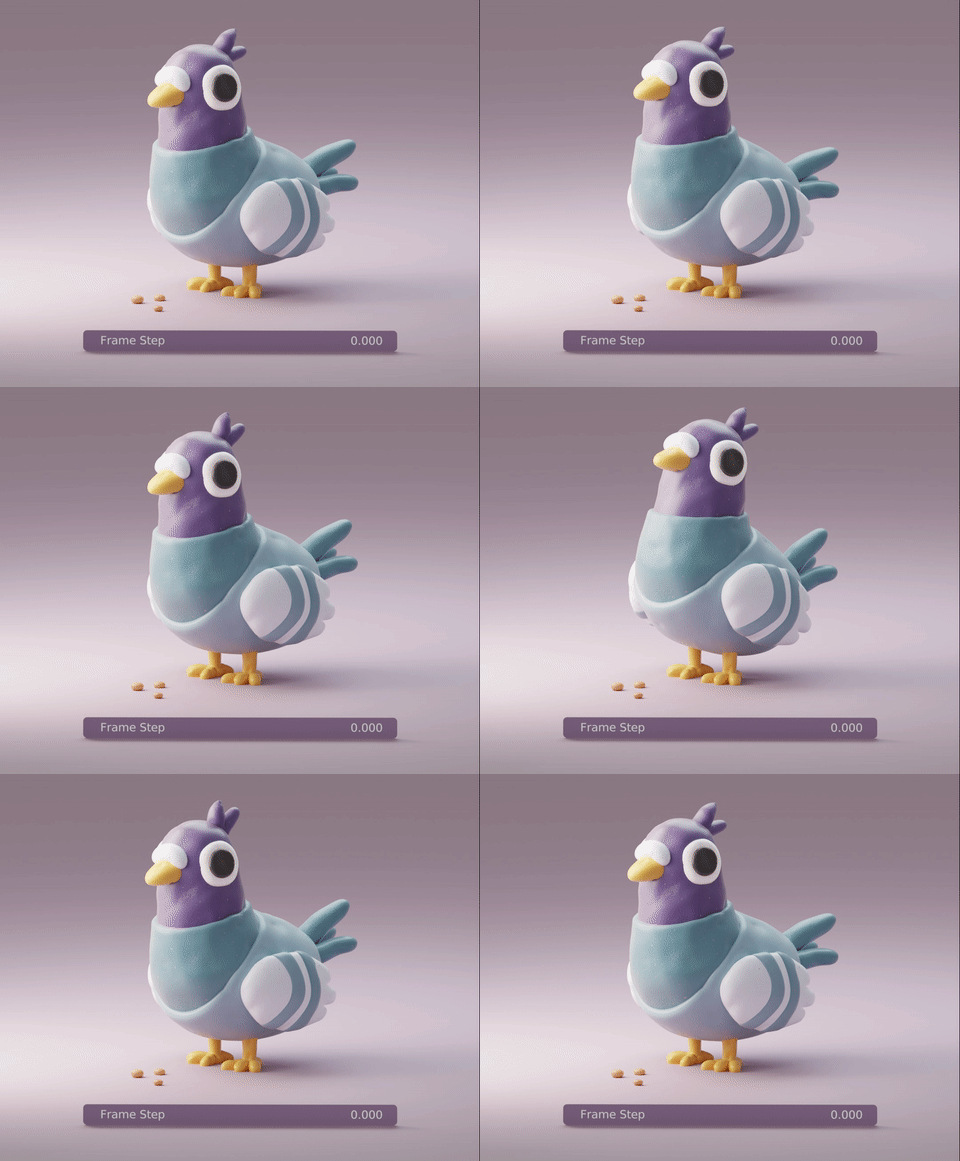
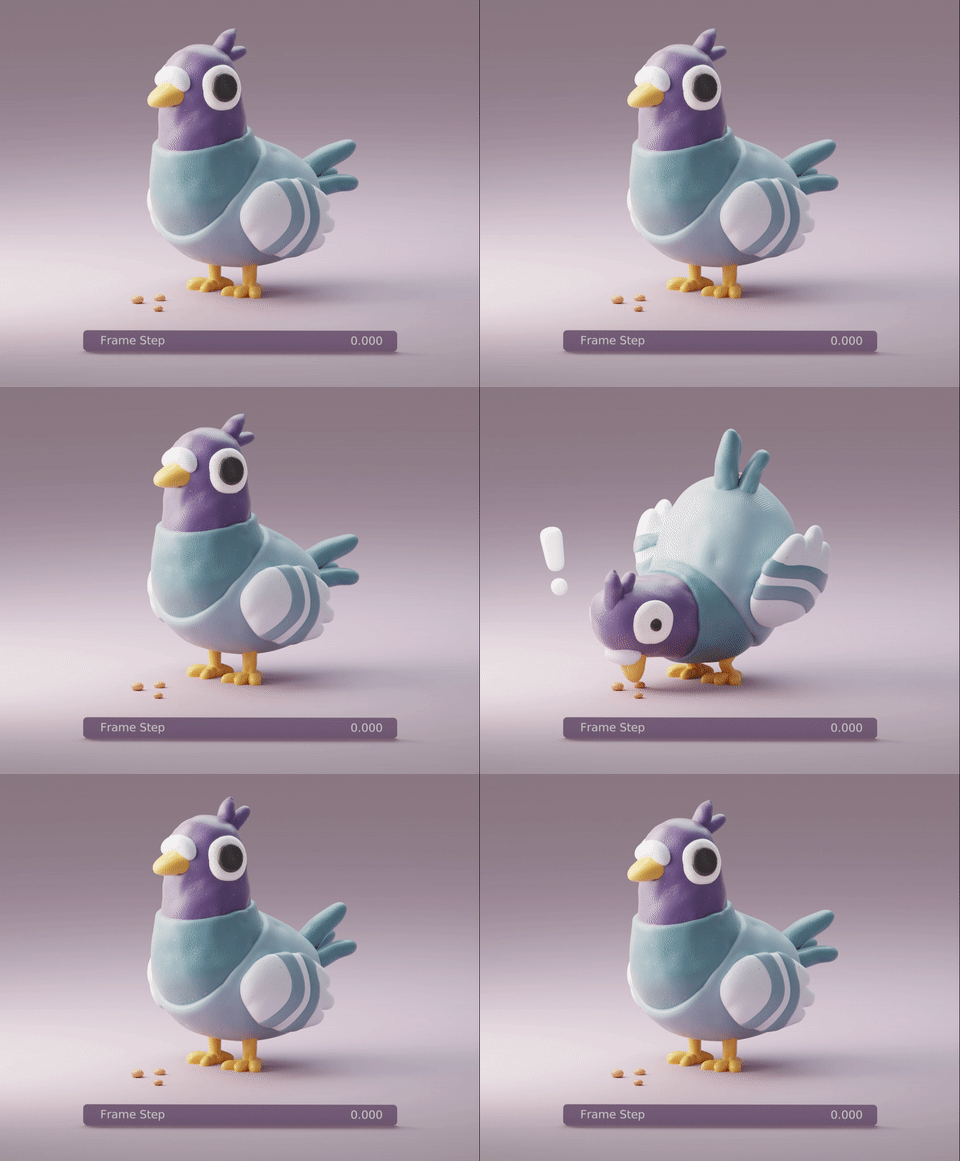
Animated “Malleable” Look: Optional drivers to slightly animate the surface normals or displacement, simulating the subtle movement of soft clay under hot lights or during stop-motion capture
Stylized Toon Shading Integration: Works seamlessly with Freestyle or Grease Pencil outlines to create a hybrid 2D/3D claymation style often seen in modern animated shorts
Color Mixing & Marbling: Unique nodes to simulate marbled clay effects where multiple colors are swirled together, perfect for creating abstract or fantasy clay creatures
Optimized for Eevee & Cycles: Lightweight node structure ensures fast viewport previews in Eevee while maintaining high-fidelity volumetric scattering in Cycles
Cross-Platform Support: Works flawlessly on both Windows and Mac systems including Apple Silicon M1/M2/M3 chips
Perfect For:
Animators creating stop-motion style shorts without the physical hassle of real clay
Motion designers looking for a warm, tactile aesthetic for logos and character intros
Game developers styling indie games with a unique, handcrafted visual identity
Illustrators rendering 3D characters that match 2D storybook aesthetics
Anyone wanting to escape the “perfect CG” look and add human touch to their renders
System Requirements:
Blender 3.6, 4.0, 4.1, 4.2, 4.3+ (Latest LTS recommended)
Windows 10/11 (64-bit) or macOS 10.15+
Cycles recommended for best SSS results (Eevee supported with Screen Space Refraction/SSS enabled)
No external image textures required (100% procedural)
Installation:
Open Blender and go to Edit > Preferences > Add-ons:
Click “Install…” and select the downloaded .zip file for ClayDoh
Enable the checkbox next to “Shader: ClayDoh”
Access via the Shader Editor Add Menu > Shader > ClayDoh or the Asset Browser library
Note: The shader includes a unique “Freshness” slider that controls how “new” or “worked” the clay looks—adjusting it can make the surface appear smooth and untouched or covered in heavy handling marks and dust, perfect for storytelling progression.

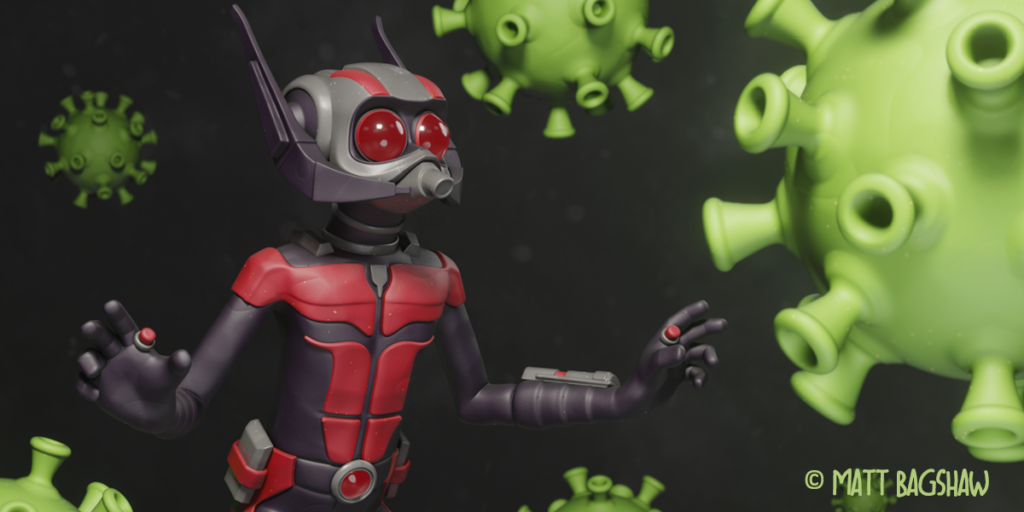
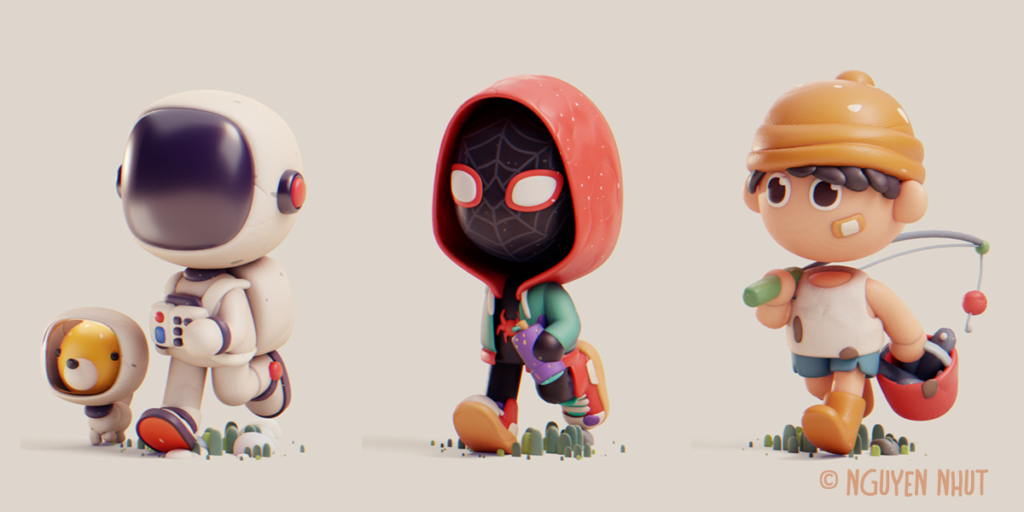
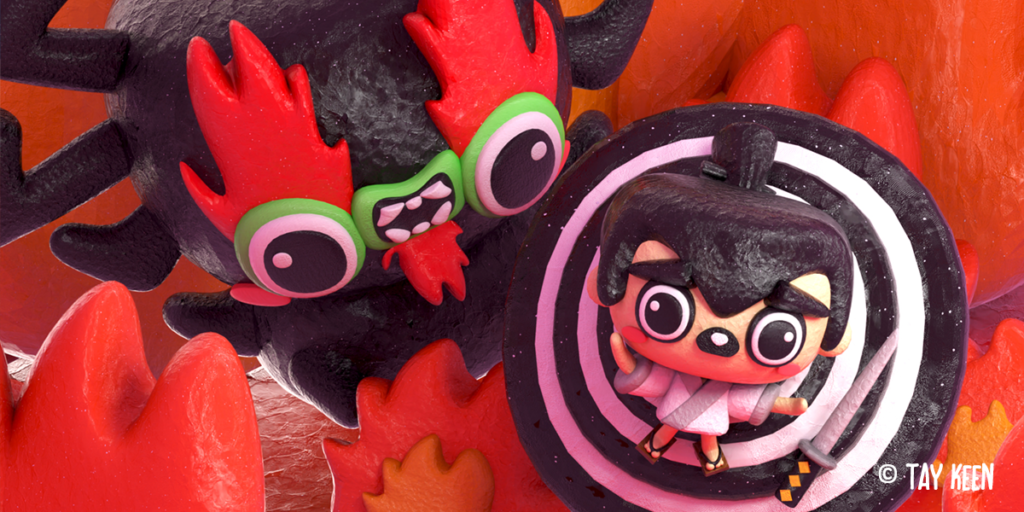
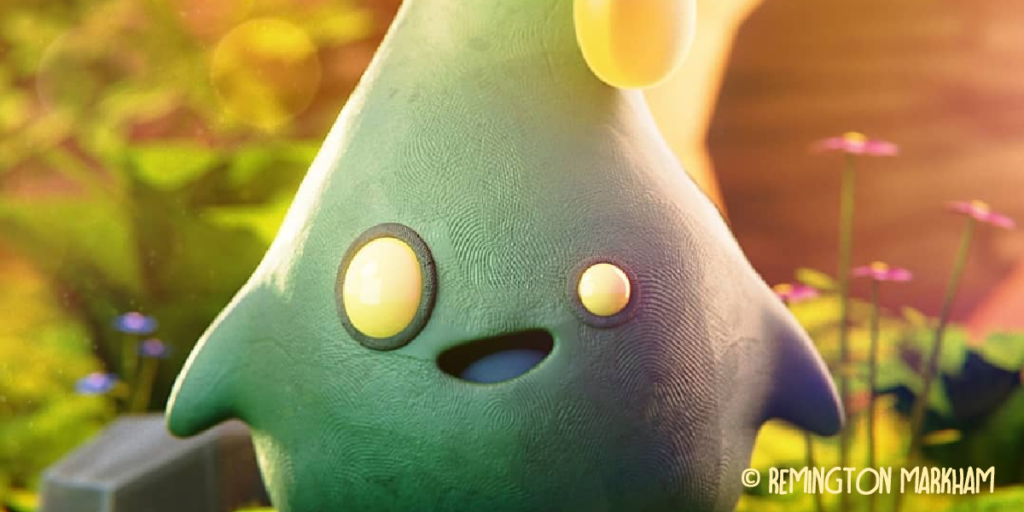
WHAT’S CLAY DOH
Realistic clay shaders and tools, with stop-motion features and details like fingerprints and cracks. It’s digital clay for Blender artists!
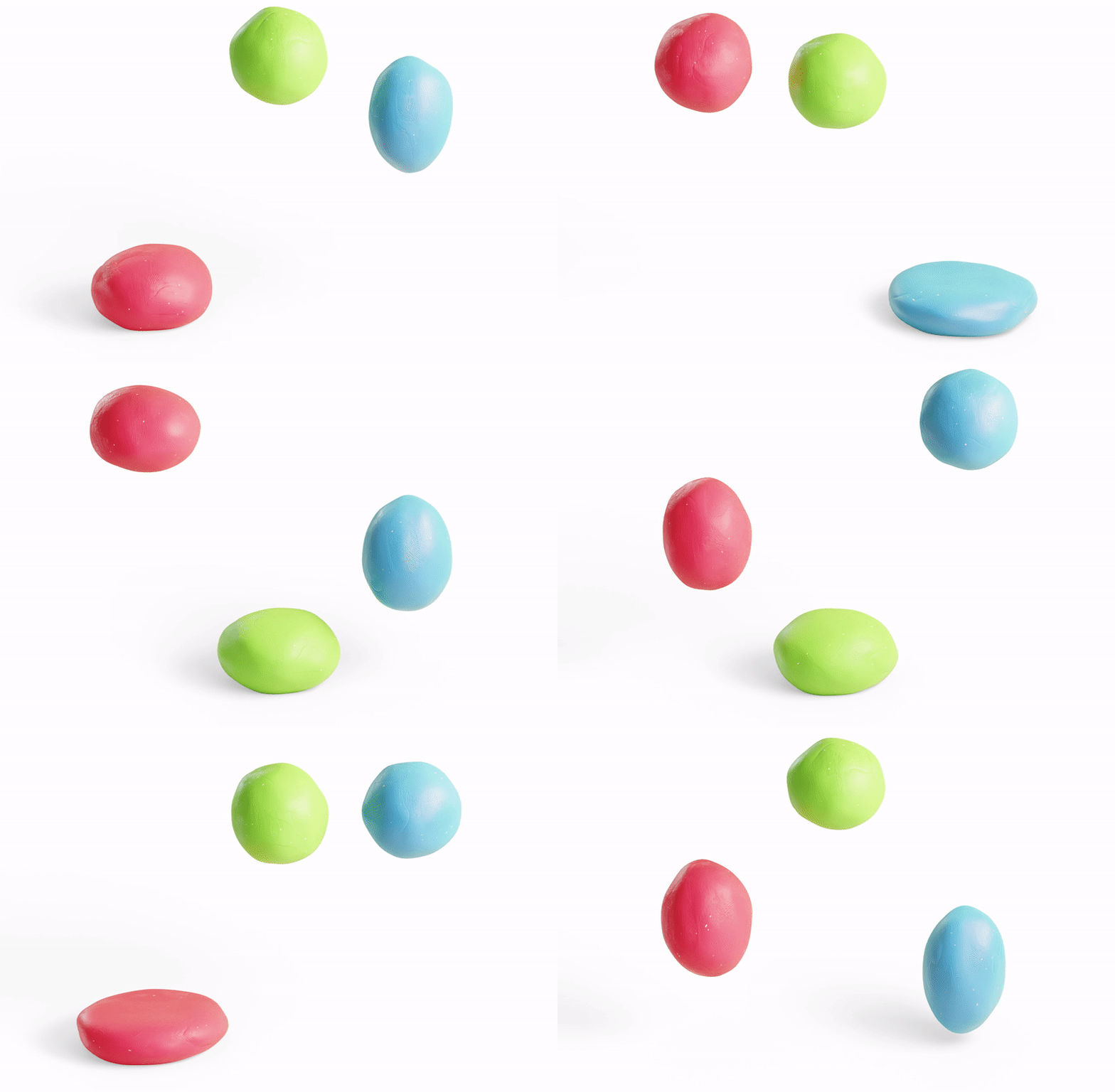
Clay Doh uses Principled BSDF, allowing flexible workflow and physically correct shading. This ensures that all assets will look great in any kind of lighting.
- No UV unwrapping or texturing needed
- Make all kinds of clay with a single master node
FEATURES
Sticky textures, animation/ stopmotion features, customizable fingerprints, cracks, stones, and more!
Check out some of the parameters from Clay Doh materials:
HOW TO USE
Clay Doh tools and shaders are simple to pick up, and I’ve included video tutorials and a detailed text Documentation as well.
If you ever need help, feel free to reach out to me here on Superhive. 🙂
MATERIAL PRESETS
Here some presets from Clay 3.Doh:

And these presets are from the new Clay 4.Doh update:
Just drag and drop from the Asset Browser on to your objects
TOOLS & MODIFIERS
The newest additions to the Clay Doh family are a Pottery tool, Clay Text, Eyes, and more!
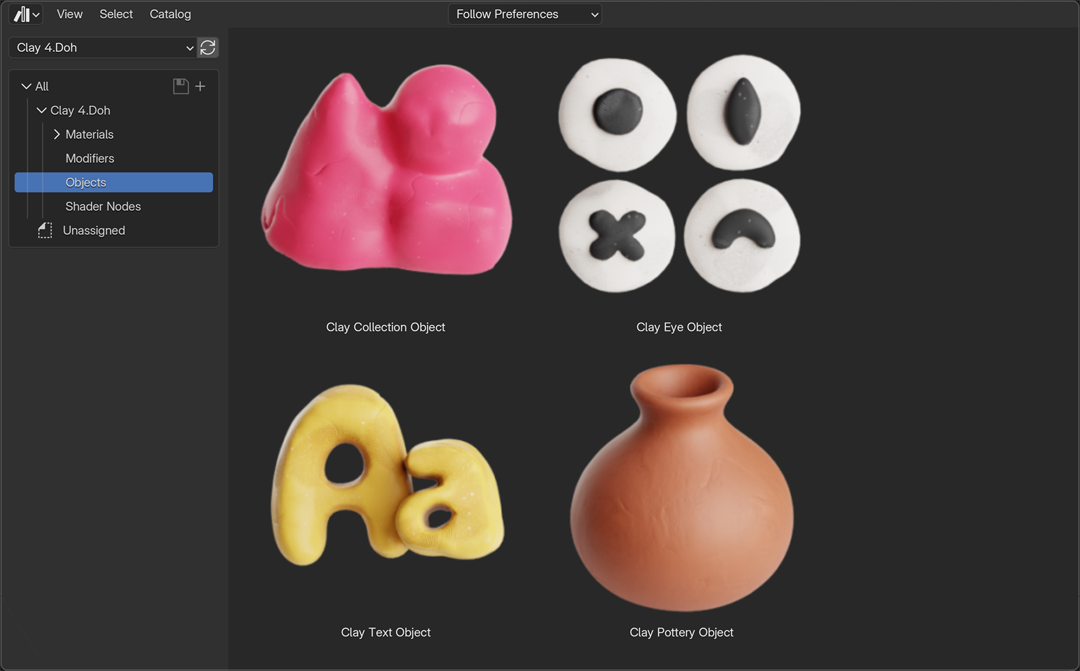
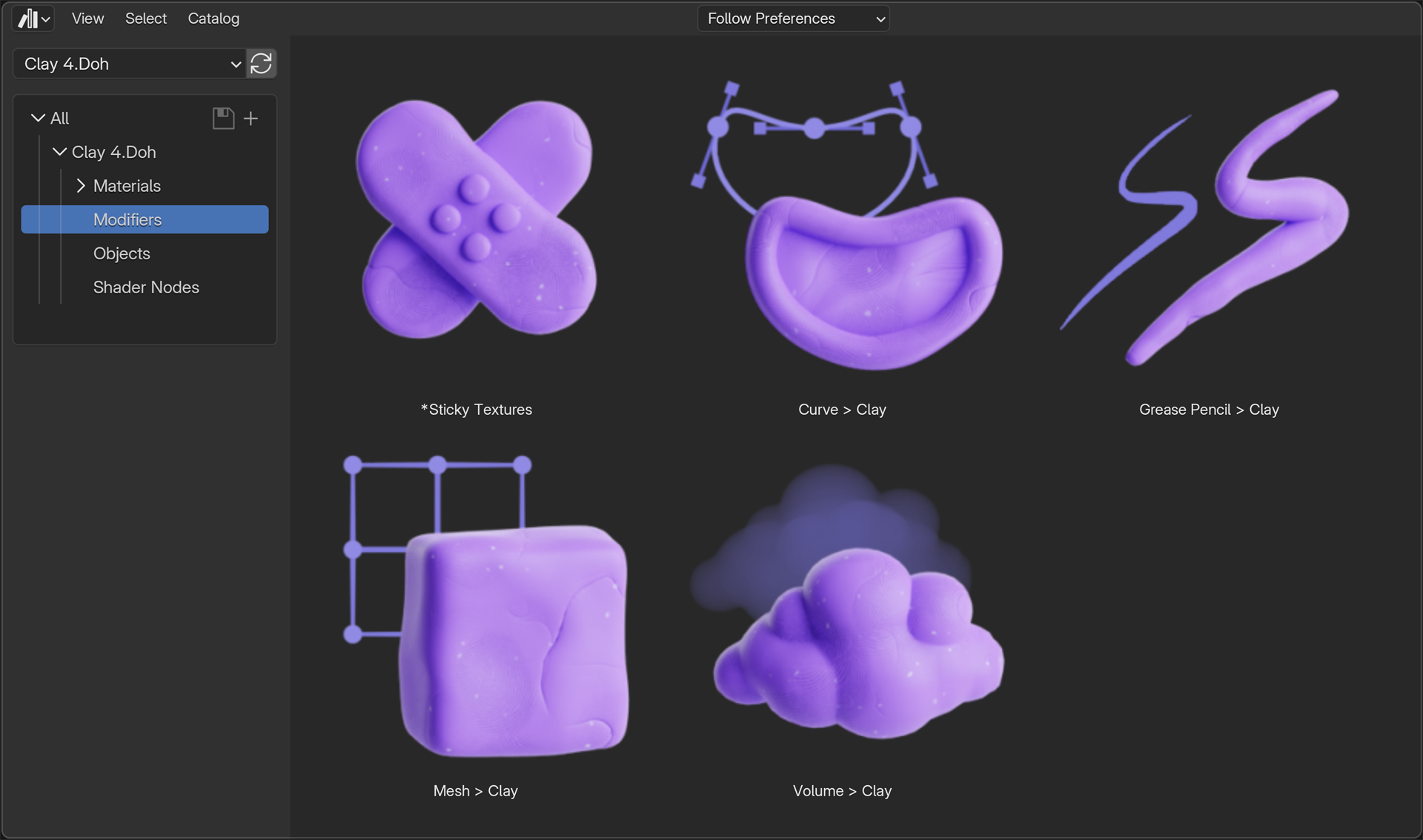

Works with all fonts, languages, and shapes supported by Blender.
HEAR THE ARTISTS
Join the community and see how Clay Doh transformed creative workflows across the globe.
Crisppyboat, 3D Illustrator/ Animator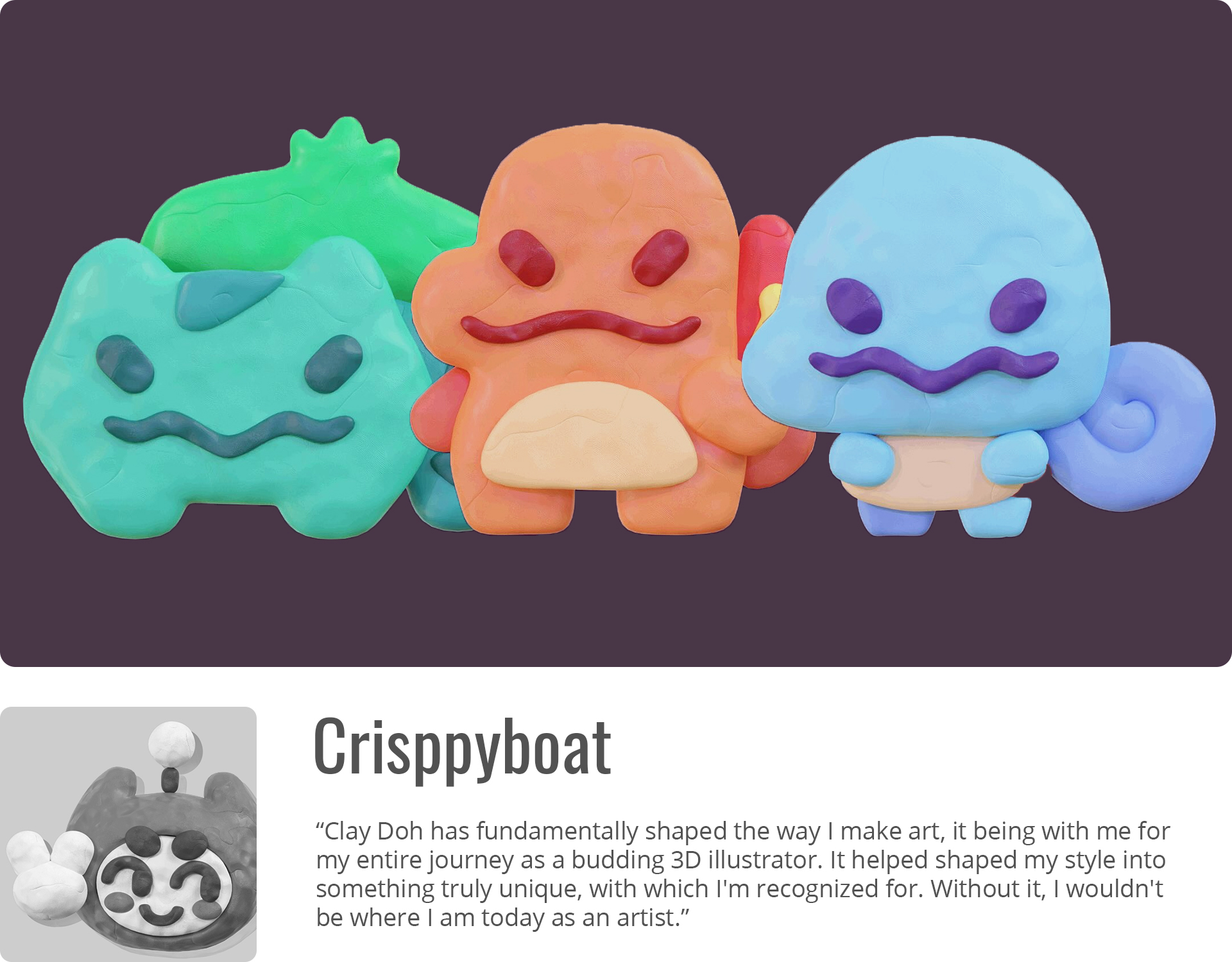
Savannah Shire, Animator/ Character Artist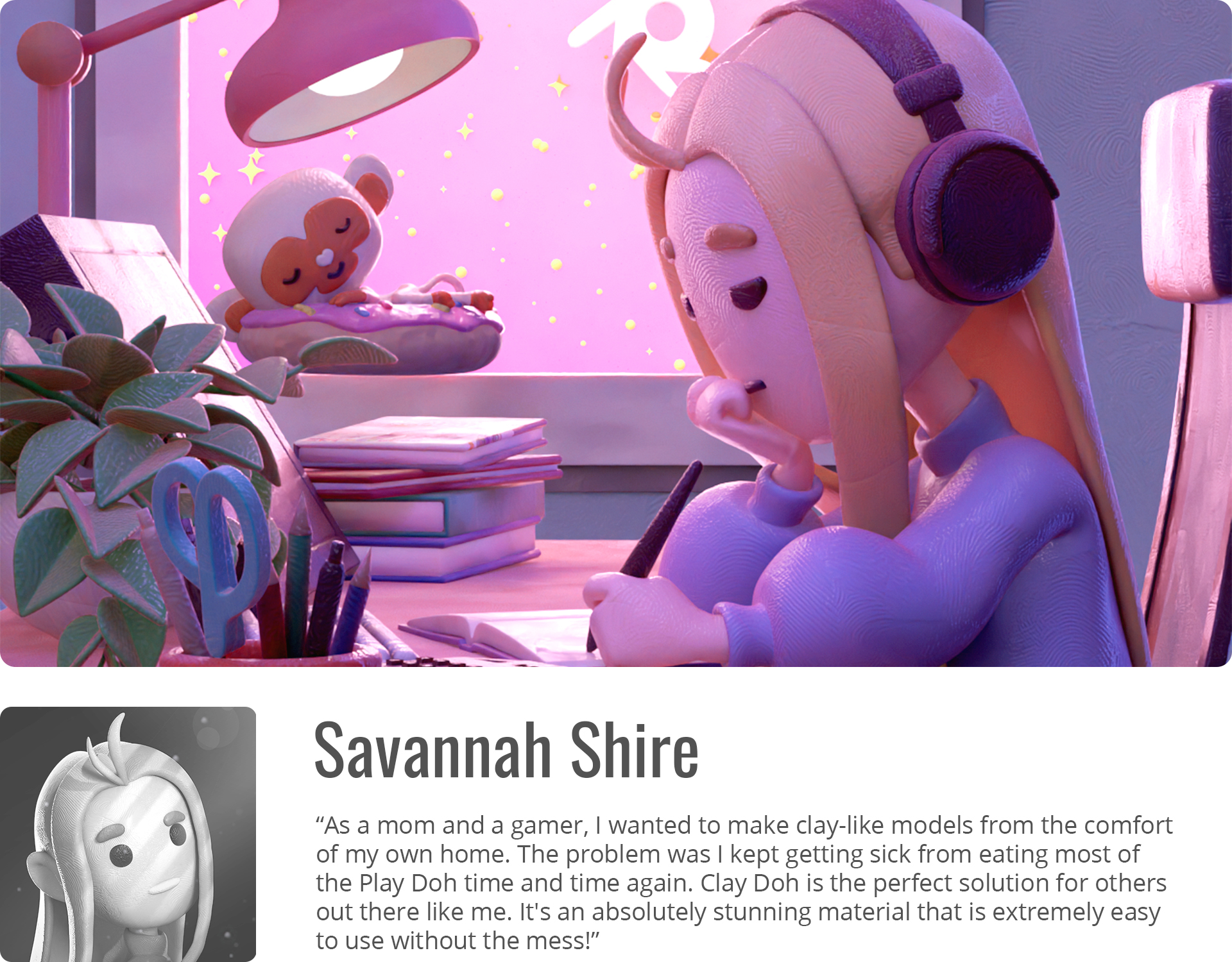
Nguyen Nhut, NFT Artist
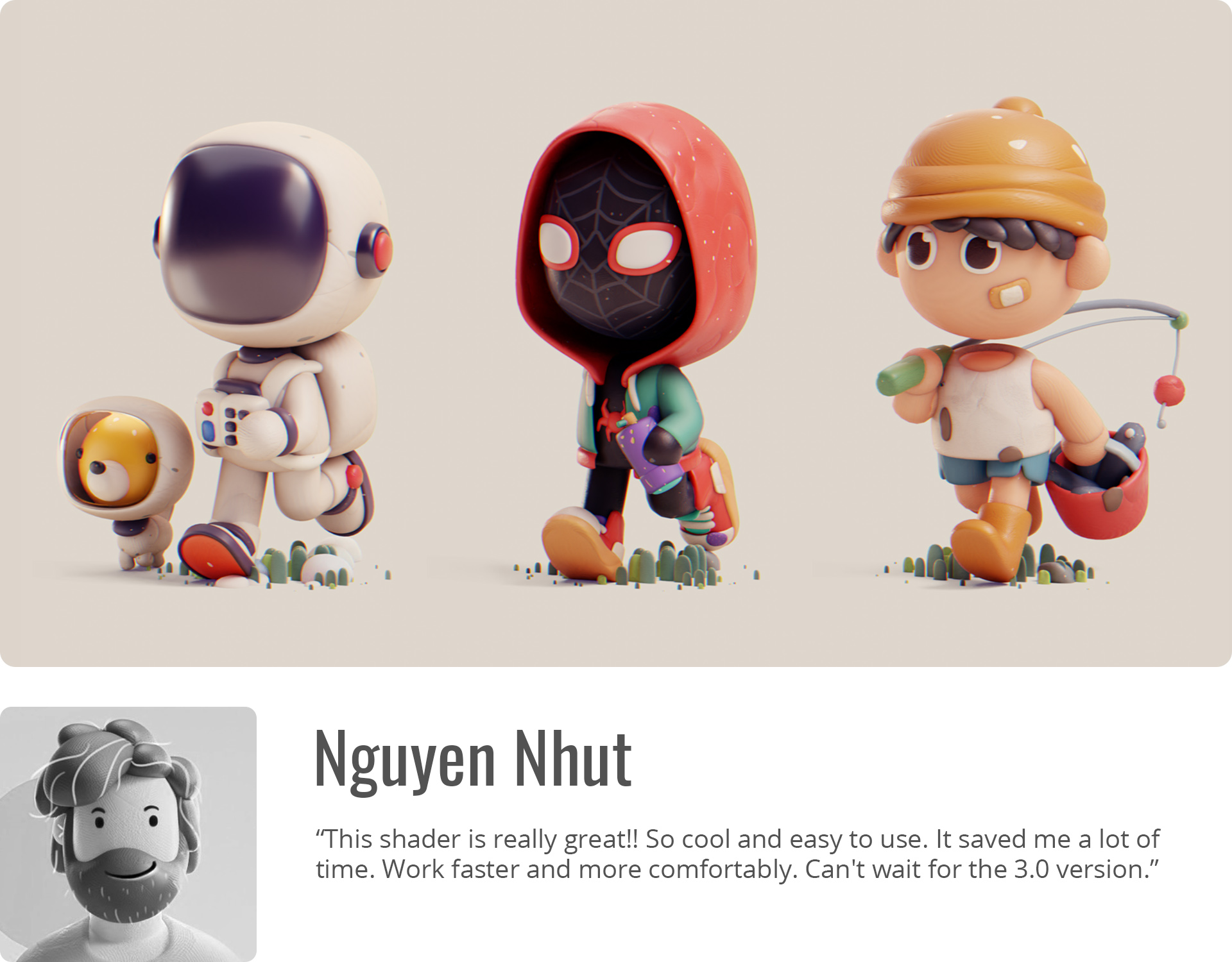
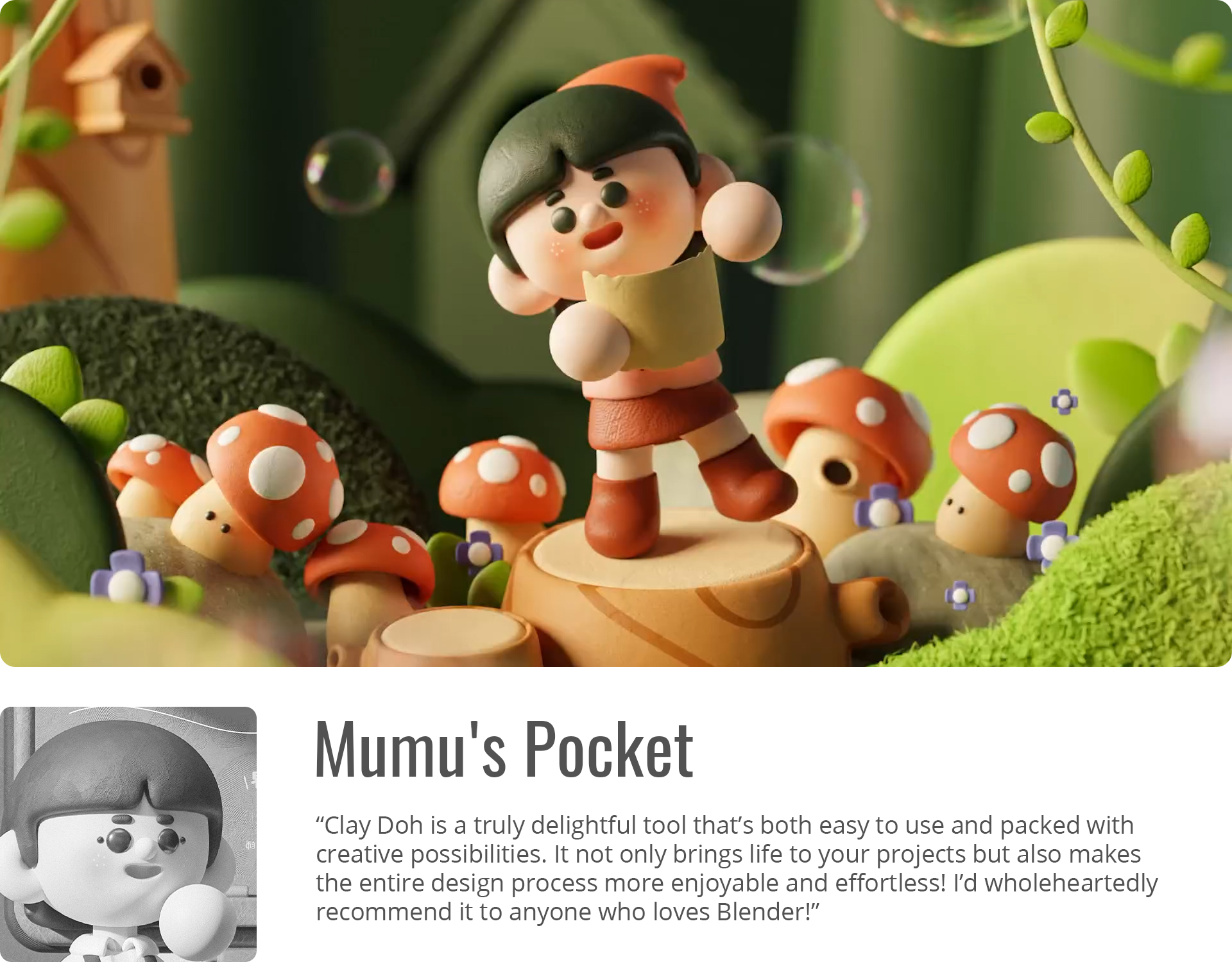
Mumu’s Pocket, Artist/ Animator
Mohamed Chahin, Senior Designer/ Artist

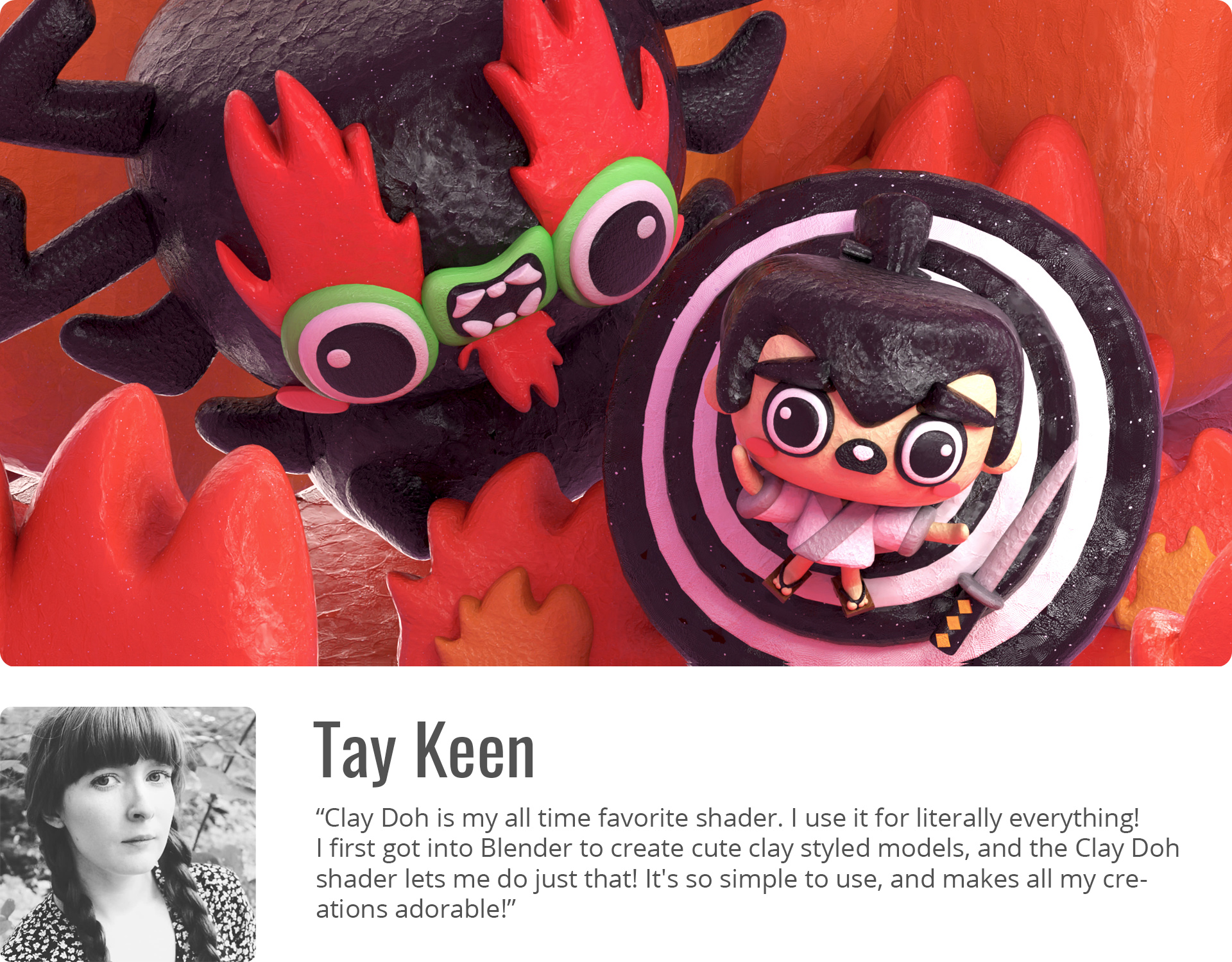
Tay Keen, Artist
Remington Markham, Creative Director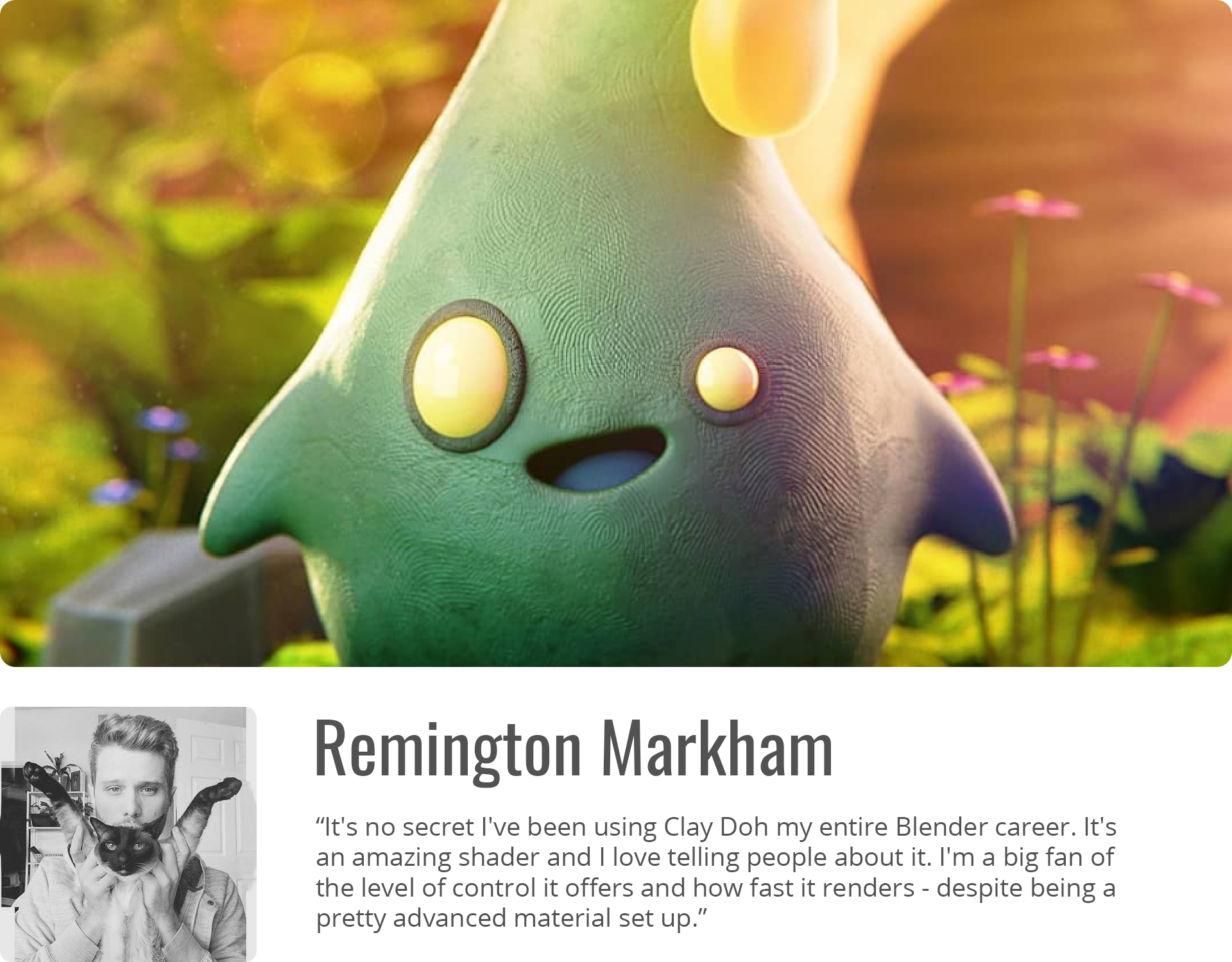
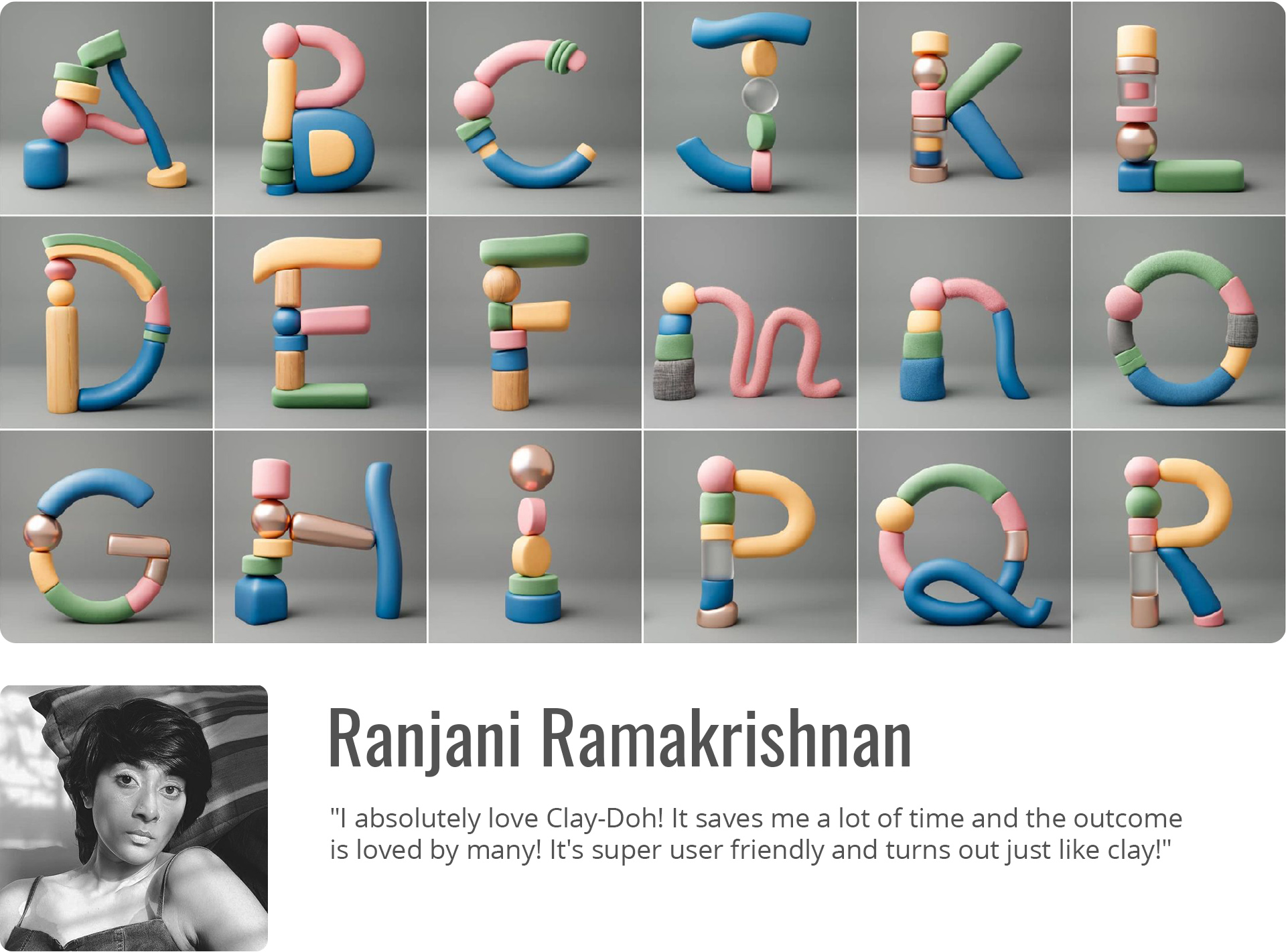
Ranjani Ramakrishnan, Artist
Matt Bagshaw, Freelance Artist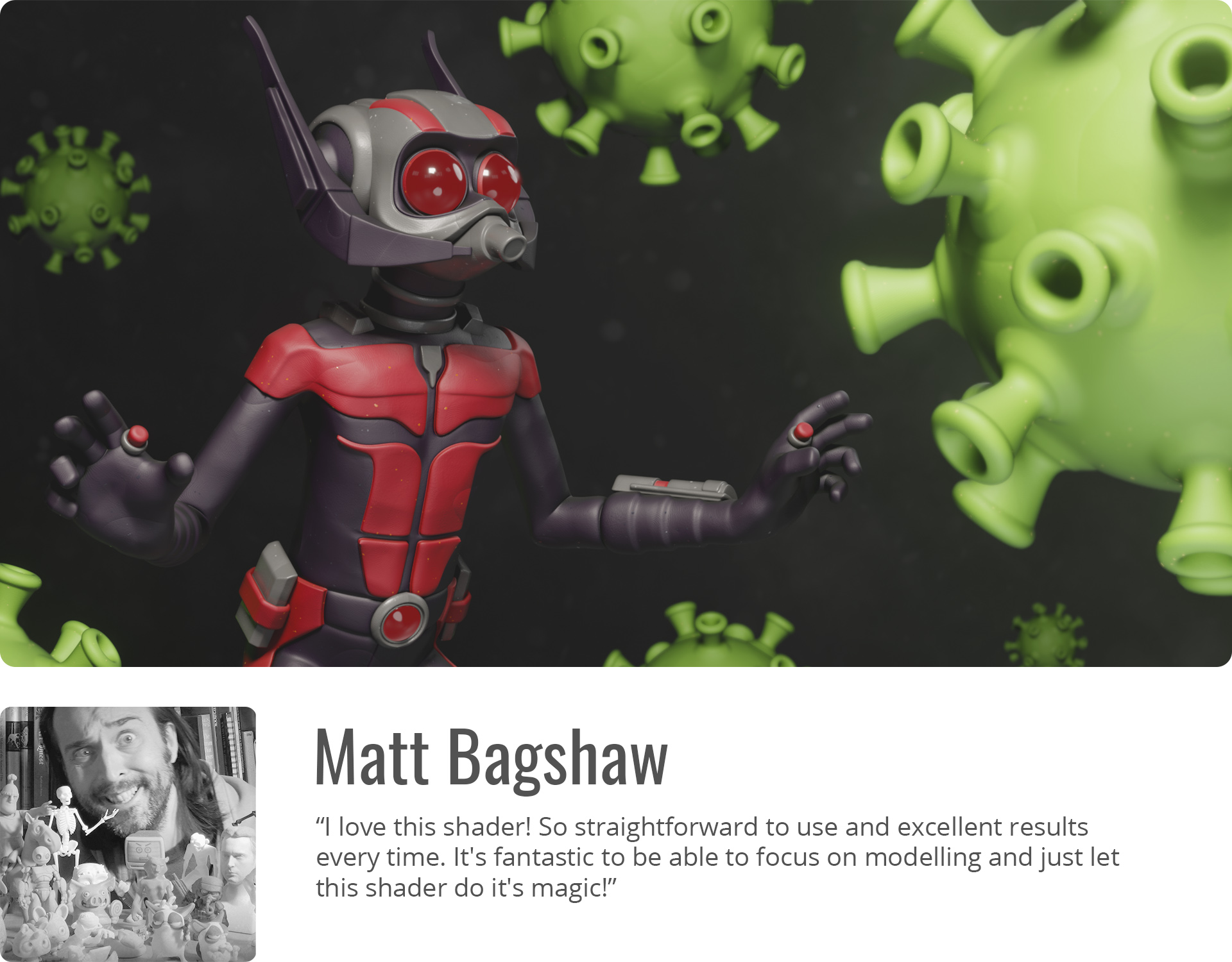
Javon Chan, Illustrator/ Animator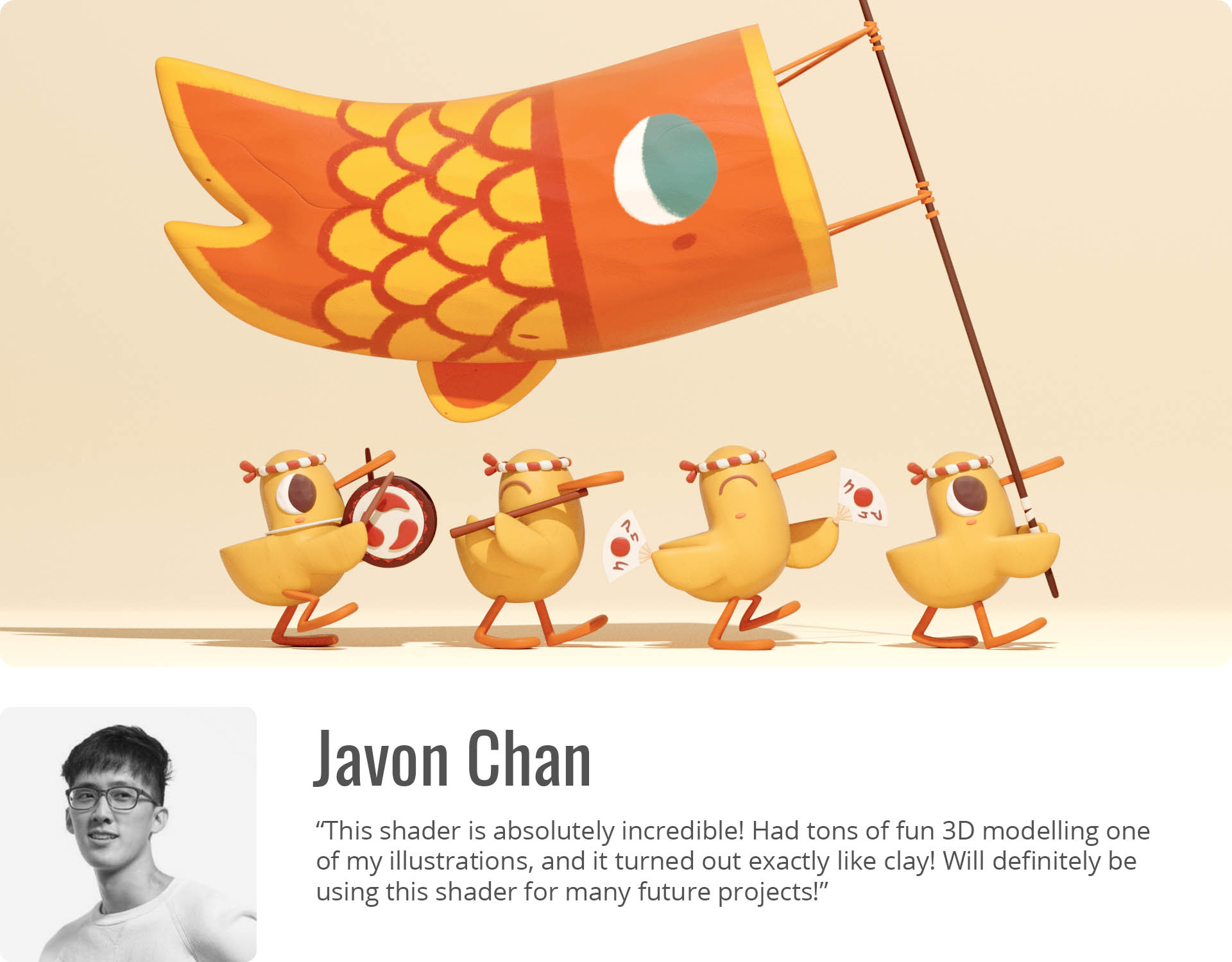
WHY CLAY DOH
- ARTIST FRIENDLY
- EASY TO CUSTOMIZE
- NO UV UNWRAPPING REQUIRED
- TEXTURES STICK TO MESH
- ANIMATION/ STOP MOTION FEATURES
- SUPPORTS CYCLES + EEVEE
- BONUS TOOLS
CONTENTS
- Clay Doh – The one shader to rule them all
- Materials – Glitter Clay, Slime, Terracotta, etc.
- Modifiers – Sticky Textures, Curve > Clay, Grease Pencil > Clay, etc.
- Bonus Tools – Clay Text, Pottery, Eyes, and more!
- Video Tutorials & Documentation
NOTE: Not for old Mac/ MacBooks! Animal models not included.
 |  |  |
Supercharge your 3D creation workflow with premium selection of Blender Add-ons. Whether you are modeling intricate characters, sculpting realistic environments, or animating cinematic sequences, the right add-on can transform how you work inside Blender. Our curated collection includes powerful tools for UV unwrapping, procedural texture generation, rigging automation, rendering optimization, and more—each rigorously tested for compatibility with the latest Blender versions. Eliminate tedious manual processes and unlock advanced functionality that lets you focus on what matters most: bringing your creative vision to life. Explore our full range of professional Blender plugins today and take your 3D projects to the next level.
➡️ ➡️ For more Blender Plugins 😀 😀
Reviews
There are no reviews yet.