
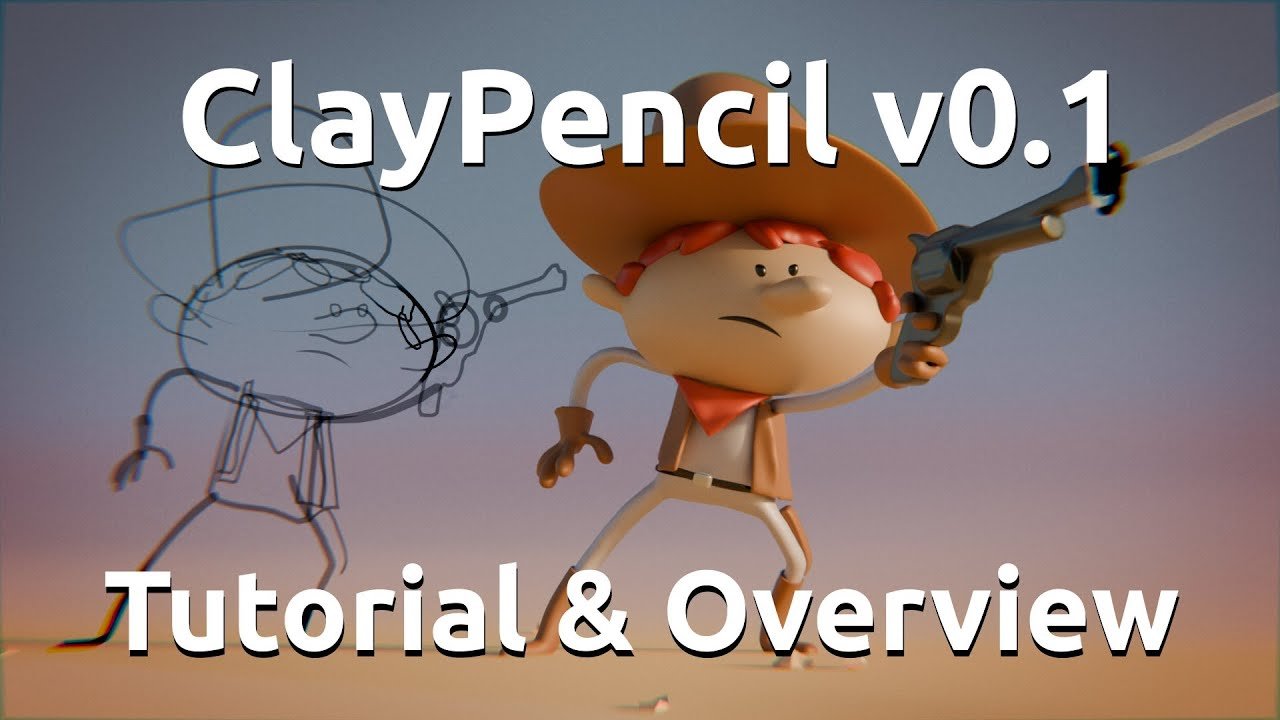
ClayPencil for Blender
clay pencil addon
ClayPencil v0.1 for Blender – Clay Sculpting & Digital Clay Tool
Veresions: v0.1
File Size: 2.2 MB
Download ClayPencil v0.1 for Blender on Windows, Mac, and Linux, a sculpting add-on that simulates real clay behavior with intuitive brush controls. Perfect for digital sculptors, character artists, and product designers who want authentic clay-like sculpting feel with adjustable firmness, smoothing, and additive/subtractive modes.
Key Features of ClayPencil v0.1:
- Clay Simulation: Realistic clay behavior with adjustable firmness and plasticity
- Additive Sculpting: Build up forms with clay-like additive strokes
- Subtractive Carving: Carve away material with natural clay removal
- Smoothing Tools: Smooth rough surfaces with adjustable smoothing strength
- Pinch Tool: Create sharp creases and details with pinch control
- Dynamic Topology: Adaptive subdivision during sculpting for detail preservation
- Brush Customization: Adjustable brush size, strength, and falloff
- Real-Time Preview: See sculpting results update instantly
- Multiresolution Support: Work across multiple subdivision levels
Perfect For:
- Digital sculptors wanting realistic clay simulation
- Character artists creating organic forms
- Product designers prototyping clay models
- 3D artists learning sculpting techniques
- Anyone who prefers clay-like sculpting feel
System Requirements:
- Blender 3.6, 4.0, 4.1, 4.2, 4.3
- Windows 10/11 (64-bit), macOS, or Linux
- 8GB RAM minimum (16GB+ recommended for high-res sculpting)
- Graphics tablet recommended for optimal experience
- 10MB available disk space
Installation:
- Download the add-on zip file
- In Blender, go to Edit > Preferences > Add-ons
- Click “Install” and select the downloaded zip file
- Enable the add-on by checking the box next to “ClayPencil”
Note: ClayPencil v0.1 is an early release sculpting add-on that simulates real clay behavior in Blender. The adjustable firmness and additive/subtractive modes provide an authentic sculpting experience for digital artists. This is version 0.1, under active development with more features planned. Designed for Blender 3.6 and above. Graphics tablet recommended for best results.
Collection of 3 demo files with ClayPencil v0.1 A Geometry Nodes setup ready to use in Blender 4.3+
- Cowboy Demo.blend
- Fire Demo.blend
- ClayPencil v0.1 – Start Here.blend
Supercharge your 3D creation workflow with premium selection of Blender Add-ons. Whether you are modeling intricate characters, sculpting realistic environments, or animating cinematic sequences, the right add-on can transform how you work inside Blender. Our curated collection includes powerful tools for UV unwrapping, procedural texture generation, rigging automation, rendering optimization, and more—each rigorously tested for compatibility with the latest Blender versions. Eliminate tedious manual processes and unlock advanced functionality that lets you focus on what matters most: bringing your creative vision to life. Explore our full range of professional Blender plugins today and take your 3D projects to the next level.
➡️ ➡️ For more Blender Plugins 😀 😀
Reviews
There are no reviews yet.