
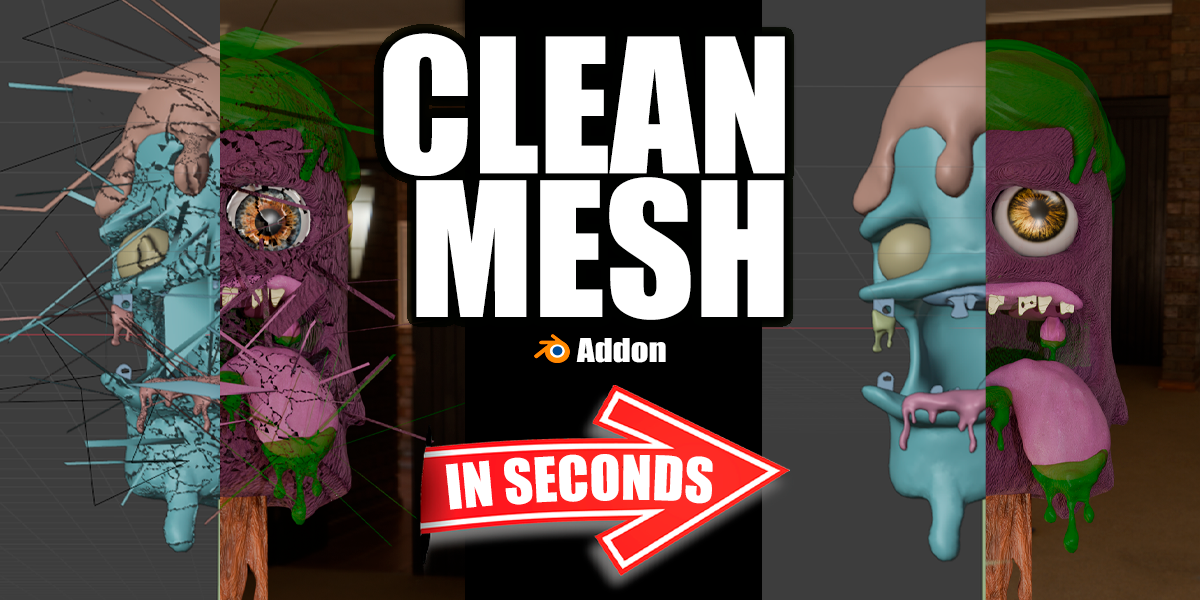
Clean Mesh for Blender
Clean Mesh for Blender
The Ultimate Geometry Cleanup Tool
Download the Clean Mesh addon today. Therefore, you can optimize 3D models instantly. Because game engines and 3D printers require flawless topology, you need proper tools. However, manual mesh cleanup takes many frustrating hours. Consequently, this powerful addon solves that problem completely. Furthermore, it provides a fast, automated workflow. Thus, you can fix broken geometry in seconds.
Fast Mesh Processing
First, the core of this addon is speed. Specifically, it removes intersecting faces and internal geometry instantly. Furthermore, you can merge vertices by distance easily. Additionally, the tool fixes inverted normals seamlessly. Thus, you can prepare endless assets for export quickly. Moreover, you can customize the cleanup thresholds perfectly. Consequently, your 3D models will remain highly professional.
Advanced Topology Management Features
Ultimately, complex models require advanced mesh control. Therefore, this addon includes smart cleaning tools. Specifically, you get easy degenerate face and ngon removal. Furthermore, the algorithms preserve original mesh shapes perfectly. Additionally, the tools simulate precise vertex merging and edge splitting. Consequently, your topology will look incredibly clean. Thus, the workflow reacts beautifully to your input.
Real-Time Optimization and Performance
However, heavy mesh data can slow down viewports. Therefore, the addon is perfectly optimized for performance. Specifically, it utilizes efficient native Blender bmesh systems. Consequently, you can process millions of polygons easily. Meanwhile, your viewport frame rate remains completely stable. Ultimately, this ensures a smooth and fast workflow.
Perfect for 3D Modelers and Game Artists
Additionally, this addon is ideal for hard surface modelers. Furthermore, it suits game environment artists and 3D printing enthusiasts perfectly. Moreover, technical artists will love the rapid cleanup. Ultimately, it accelerates your entire 3D production pipeline.
System Requirements and Formats
Specifically, the addon requires Blender 3.6 or newer. Furthermore, it supports standard mesh and sculpting workflows. Additionally, you get regular free updates from the developer. Therefore, it works across all major operating systems. Moreover, you will need a standard workstation. Thus, 16GB of RAM is highly recommended. Consequently, a modern GPU ensures smooth viewport playback.
Installation and Usage Guide
First, download the zip file from your library. Next, open Blender and go to Edit Preferences. Then, select Add-ons and click Install. After that, enable the Clean Mesh addon. Finally, select your messy mesh and click Clean. Thus, your optimized model will be ready quickly.
What is Included Inside?
Specifically, the pack contains multiple cleanup presets. Furthermore, it includes smart bmesh purging algorithms. Additionally, you get several normal recalculation and vertex merging variants. Moreover, there are detailed video tutorial guides. Ultimately, you receive everything for professional mesh optimization.
Final Thoughts on the Addon
Ultimately, clean geometry evokes profound professional quality. Therefore, this addon provides the ultimate creative foundation. Furthermore, you can build detailed game assets. Alternatively, you can create flawless 3D printing models. Consequently, your modeling vision becomes a stunning reality.
Clean Mesh: The Essential Tool for Flawless 3D Models
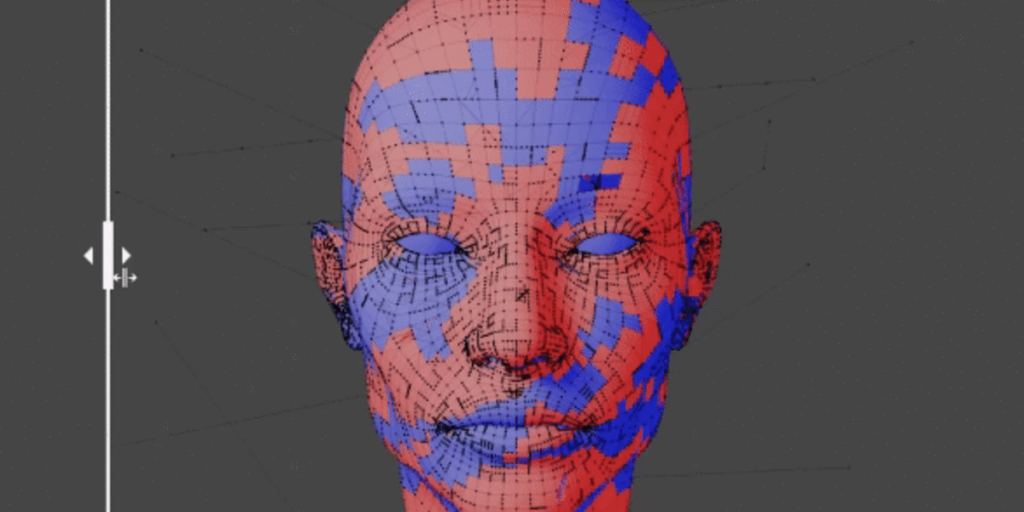
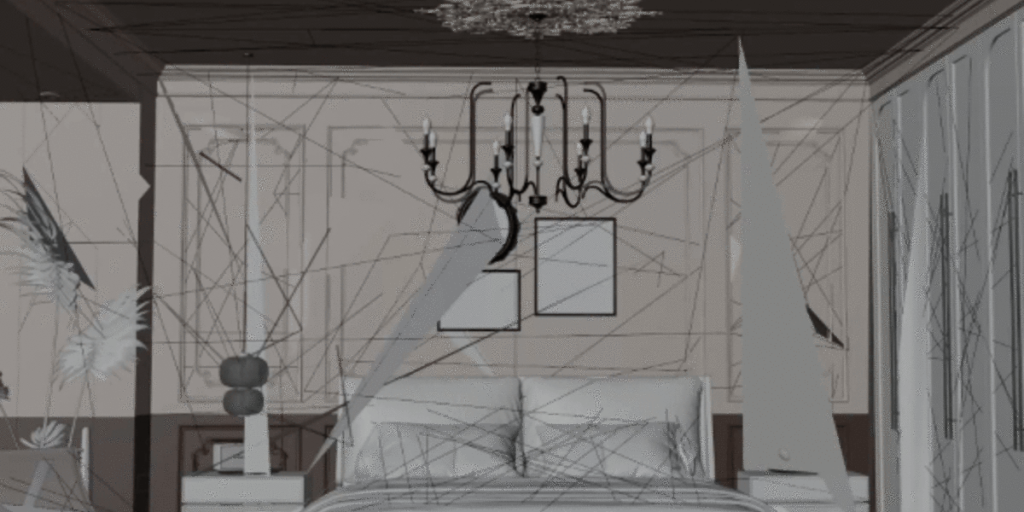
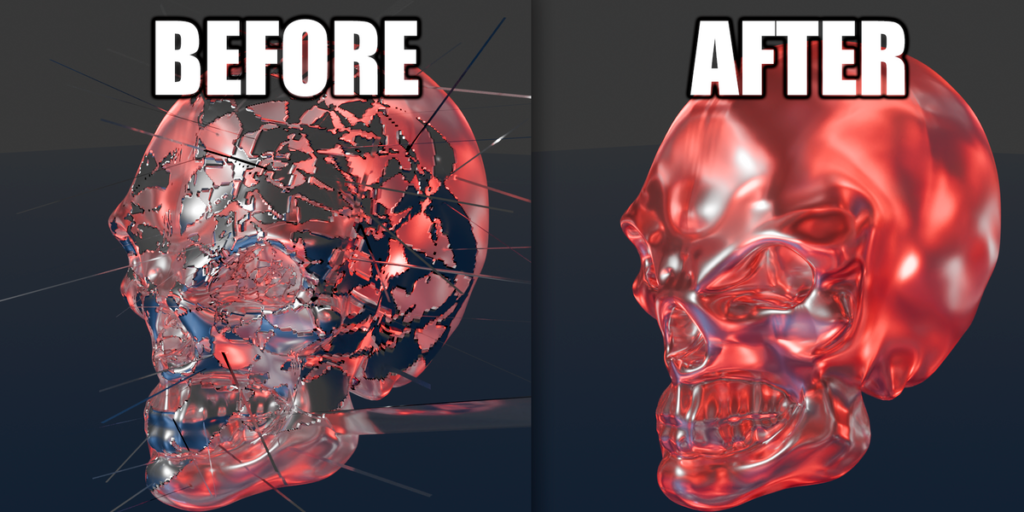
Clean Mesh is a Blender add-on designed to simplify and refine your 3D projects. Perfect for artists and modelers, this tool removes unnecessary vertices, edges, and faces, fixes misaligned normals, and ensures clean, efficient geometry for all type of mesh (Characters, environments, etc).
Why Choose Clean Mesh?
- Automatic Optimization: Simplify complex models by removing redundant geometry without sacrificing essential details.
- Normal Correction: Achieve accurate lighting and shading by aligning inconsistent normals.
- Efficient Geometry: Improve performance and reduce rendering times with perfectly optimized models.
- User-Friendly: Intuitive tools seamlessly integrated into Blender’s workflow.
Menus
- Full Analyze: Eliminate all errors with a single click based on certain configured preferences
- Vertex: Removes vertices that are in mid-air or that have been accidentally extruded and are not visible to the naked eye, etc.
- Edges: Removes accidentally extruded edges, vertices in the middle of edges that don’t have a defined end, etc.
- Face: Removes open faces that don’t close on any side, such as extruded faces or loops that aren’t fully closed, etc.
- Normals: Reorients the direction of normals as desired and adjusts their size.
All this without corrupting the original mesh; it only optimizes by removing errors.
Options
- Full Analyze: Eliminates absolutely all errors.
Mesh Only: Corrects only mesh errors without affecting normals.
Positive Normals: Corrects the mesh and shifts all normals to the positive side.
Negative Normals: Corrects the mesh and shifts all normals to the negative side.
Open objects: Corrects only vertices and edges; it does not correct faces if there is an open object that is not completely closed. This is because the . . . program considers an open object an error and deletes it. example (https://www.youtube.com/watch?v=lWTq132tMME) - Analyze object: Checks for errors in the mesh
- Correct: Removes the imperfections found
- View: Allows you to visualize the mesh problems before removing them
IMPORTANT
Once it starts correcting the mesh, it may take some time depending on the number of vertices in the model and the power of your PC. Be patient once it starts correcting.
Blender may freeze during the mesh correction process. Just wait; the add-on is doing all the work. Don’t close Blender.
Imagine having a clean, functional 3D model in seconds, free of mesh errors. Clean Mesh turns tedious processes into quick tasks, giving you more time to focus on your creativity.
Make Clean Mesh your go-to tool for every project and take your models to a professional level with ease. Transform your meshes today!
Supercharge your 3D creation workflow with premium selection of Blender Add-ons. Whether you are modeling intricate characters, sculpting realistic environments, or animating cinematic sequences, the right add-on can transform how you work inside Blender. Our curated collection includes powerful tools for UV unwrapping, procedural texture generation, rigging automation, rendering optimization, and more—each rigorously tested for compatibility with the latest Blender versions. Eliminate tedious manual processes and unlock advanced functionality that lets you focus on what matters most: bringing your creative vision to life. Explore our full range of professional Blender plugins today and take your 3D projects to the next level.
➡️ ➡️ For more Blender Plugins 😀 😀
Reviews
There are no reviews yet.