
Cobweb for Blender
Cobweb v2.1 for Blender – The Ultimate Procedural Spiderweb & Dust Generator
Version: V2.1
File Size: 10 MB
Download Cobweb v2.1 for Blender on Windows and Mac, a powerful Geometry Nodes-based addon that instantly generates realistic, physics-accurate spiderwebs, dust bunnies, and organic strands across any 3D surface. With advanced anchor point detection, customizable strand thickness, and integrated “aged” material presets, Cobweb v2.1 transforms how you add atmosphere to horror scenes, abandoned buildings, and fantasy dungeons, eliminating the need for manual particle hair grooming or tedious sculpting of individual threads.
Key Features of Cobweb v2.1:
Smart Anchor Detection: Automatically identifies corners, crevices, and concave areas on your mesh to place web anchor points naturally, ensuring webs span gaps and hang loosely like real silk
Procedural Strand Generation: Creates complex web structures (orb webs, sheet webs, tangle webs) using mathematical curves that adapt to the distance between anchors, with control over sag, tension, and randomness
Dust & Debris Accumulation: Integrated system to scatter tiny particles, dead insects, and dust clumps along the strands, simulating years of neglect and adding crucial scale references
Variable Thickness & Transparency: Adjusts strand width from invisible gossamer threads to thick, sticky ropes, with built-in shader nodes for accurate light refraction and subsurface scattering on silk
Wind & Animation Ready: Includes pre-rigged vertex animation groups to make webs sway gently in the wind or vibrate when touched, compatible with Blender’s wind force fields
Material Preset Library: Comes with 10+ ready-to-use shaders ranging from fresh, sticky white silk to old, gray, dusty, and broken webs, optimized for both Cycles and Eevee
Non-Destructive Workflow: Entirely procedural; change the density, pattern type, or decay level at any time without baking, allowing for rapid iteration during scene blocking
Optimized Performance v2.1: Improved curve instancing reduces viewport lag by 40% for dense web clusters, better handling of self-intersections, and new “Low-Poly Mode” for real-time game engine exports
Cross-Platform Support: Works flawlessly on both Windows and Mac systems including Apple Silicon M1/M2/M3 chips
Perfect For:
Horror game developers creating spooky atmospheres in abandoned asylums, caves, and haunted houses
Environment artists adding storytelling details to ruins, attics, and forgotten temples
VFX studios needing realistic web interactions for creature shots or magical effects
Architectural visualizers depicting neglected or derelict properties
Anyone tired of manually painting alpha textures that look fake in close-ups
System Requirements:
Blender 3.6, 4.0, 4.1, 4.2, 4.3+ (Geometry Nodes required)
Windows 10/11 (64-bit) or macOS 10.15+
8GB RAM minimum (16GB+ recommended for massive cave systems with heavy web coverage)
Cycles recommended for best light transmission through silk (Eevee supported with Screen Space Reflections)
Installation:
Open Blender and go to Edit > Preferences > Add-ons:
Click “Install…” and select the downloaded .zip file for Cobweb
Enable the checkbox next to “Geometry Nodes: Cobweb”
Access via the Add Menu > Geometry Nodes > Cobweb or the Object Context Menu
Note: Version 2.1 introduces a new “Decay Slider” that automatically breaks strands and adds holes to the web based on a percentage, allowing you to quickly transition from a “freshly spun” look to an “ancient ruin” aesthetic with a single drag.
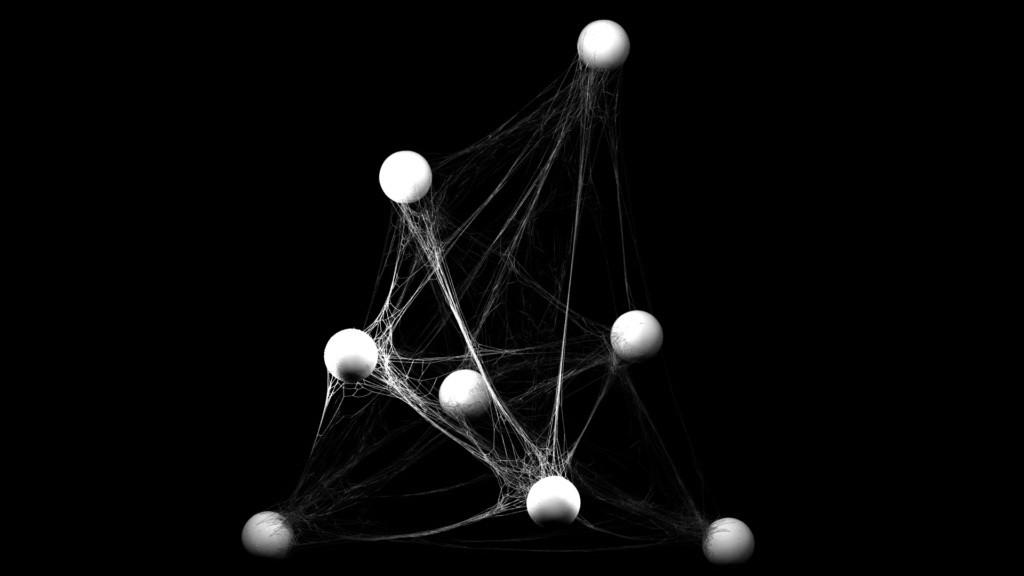
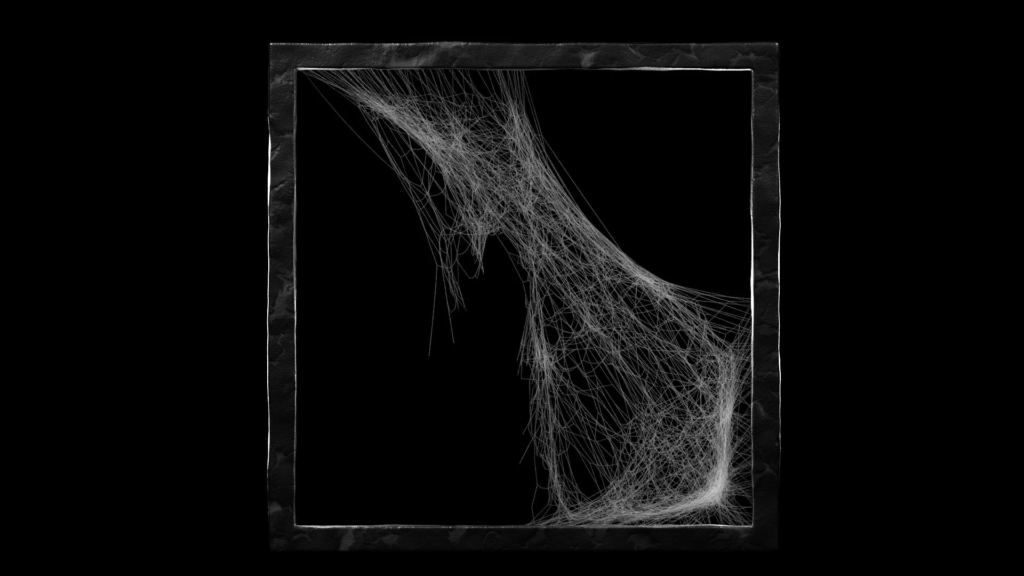
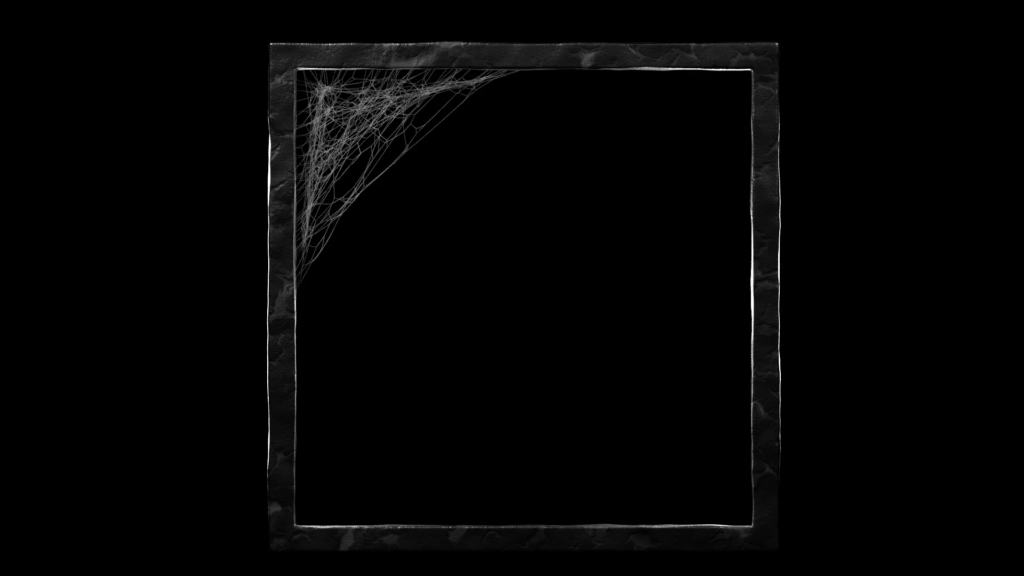
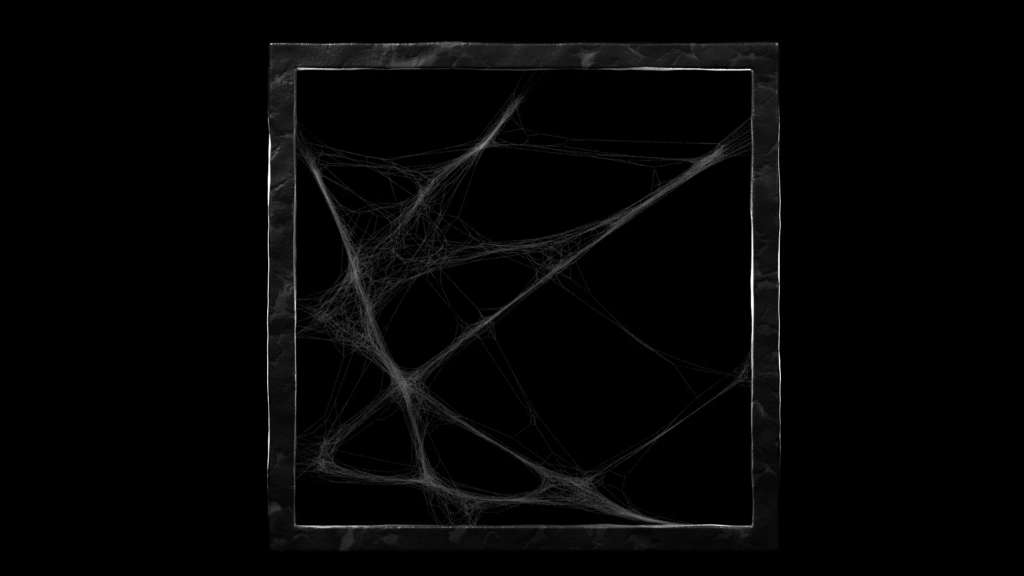
This procedural cobweb generator helps you quickly fill your scene with beautiful subtle cobwebs.
If you are doing any abandoned or fantasy interiors, this addon will save you a lot of time while improving the quality of your renders dramatically. Filling a scene with the customized cobwebs can take only minutes.
The addon:
– is very simple to use –
– creates a cobweb that can accommodate to your meshes
– you can paint the cobwebs, which is much faster – see last video in header.
– creates a simple but usefull material that is easy to tweak and renders relatively fast
Blender 2.8 Updates:
– simulation had to be removed, because new 2.8 cloth code doesn’t support single-edge meshes. You can still add cloth to the object with modifiers, but it will be a lot slower.
– ‘From face selection’ was removed, because painting the cobwebs is much faster and intuiitve.
Install as a standard blender addon.
Supercharge your 3D creation workflow with premium selection of Blender Add-ons. Whether you are modeling intricate characters, sculpting realistic environments, or animating cinematic sequences, the right add-on can transform how you work inside Blender. Our curated collection includes powerful tools for UV unwrapping, procedural texture generation, rigging automation, rendering optimization, and more—each rigorously tested for compatibility with the latest Blender versions. Eliminate tedious manual processes and unlock advanced functionality that lets you focus on what matters most: bringing your creative vision to life. Explore our full range of professional Blender plugins today and take your 3D projects to the next level.
➡️ ➡️ For more Blender Plugins 😀 😀
Reviews
There are no reviews yet.