

Color Box for Blender
color box addon
Color Box v2.0.1 for Blender – Advanced Color Palette Manager & Picker Tool
Versions: v2.0.1
File Size: 10 MB
Download Color Box v2.0.1 for Blender on Windows, Mac, and Linux, a powerful color management add-on that provides advanced color picking, palette management, and color scheme generation. Perfect for material artists, texture painters, and 3D designers who need precise color control in their workflow.
Key Features of Color Box v2.0.1:
- Color Picker: Advanced color picker with RGB, HSV, and HEX value displays
- Palette Management: Create, save, and organize unlimited color palettes
- Color Scheme Generator: Generate complementary, analogous, triadic, and monochromatic schemes
- Image Color Extraction: Extract color palettes from any image or texture
- Material Color Sync: Apply colors directly to selected materials and objects
- Gradient Generator: Create and edit custom color gradients
- Palette Import/Export: Share color palettes across projects and team members
- Real-Time Preview: See color updates instantly on selected materials
- v2.0.1 Updates: Enhanced color picker, new scheme generator, and Blender 4.0+ compatibility
Perfect For:
- Material artists managing color palettes for texturing
- 3D designers maintaining brand color consistency
- Game developers creating color schemes for assets
- Motion graphics artists selecting colors for animations
- Anyone needing advanced color management in Blender
System Requirements:
- Blender 3.6, 4.0, 4.1, 4.2, 4.3
- Windows 10/11 (64-bit), macOS, or Linux
- 4GB RAM minimum (8GB+ recommended)
- 15MB available disk space
Installation:
- Download the add-on zip file
- In Blender, go to Edit > Preferences > Add-ons
- Click “Install” and select the downloaded zip file
- Enable the add-on by checking the box next to “Color Box”
Note: Color Box v2.0.1 provides professional color management for Blender, with advanced color picking, palette organization, and scheme generation. The image color extraction and material sync make it essential for material artists, texture painters, and 3D designers. Designed for Blender 3.6 and above.
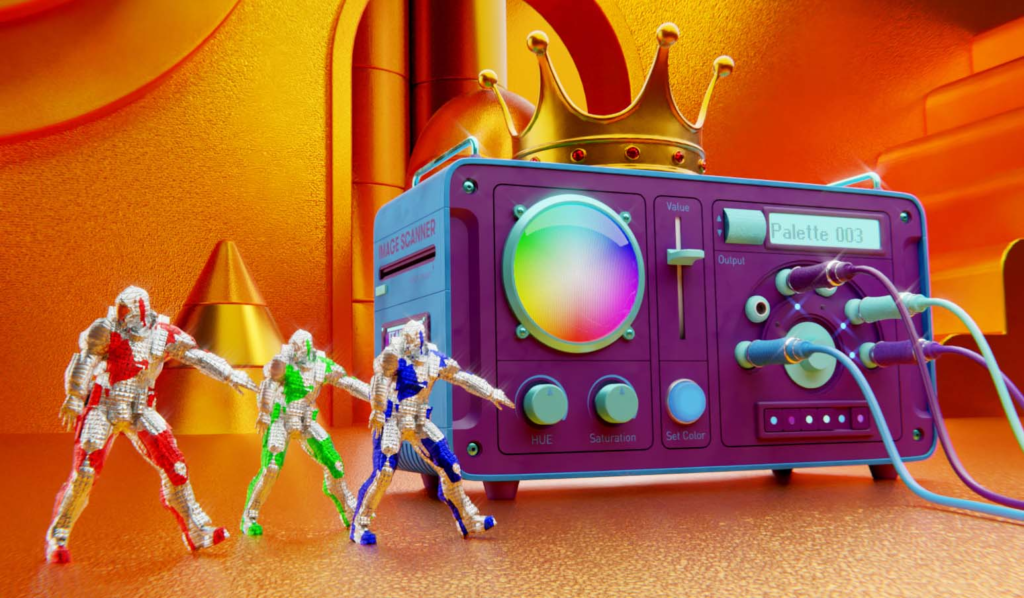







Colorbox is all about bringing full color control to Blender. We believe life should be colorful and that there are not many great options for handling all these hex cods and palettes we use on a daily basis. This is exactly why we built Colorbox! Welcome to the Swiss Army knife for color lovers everywhere. Rejoice!
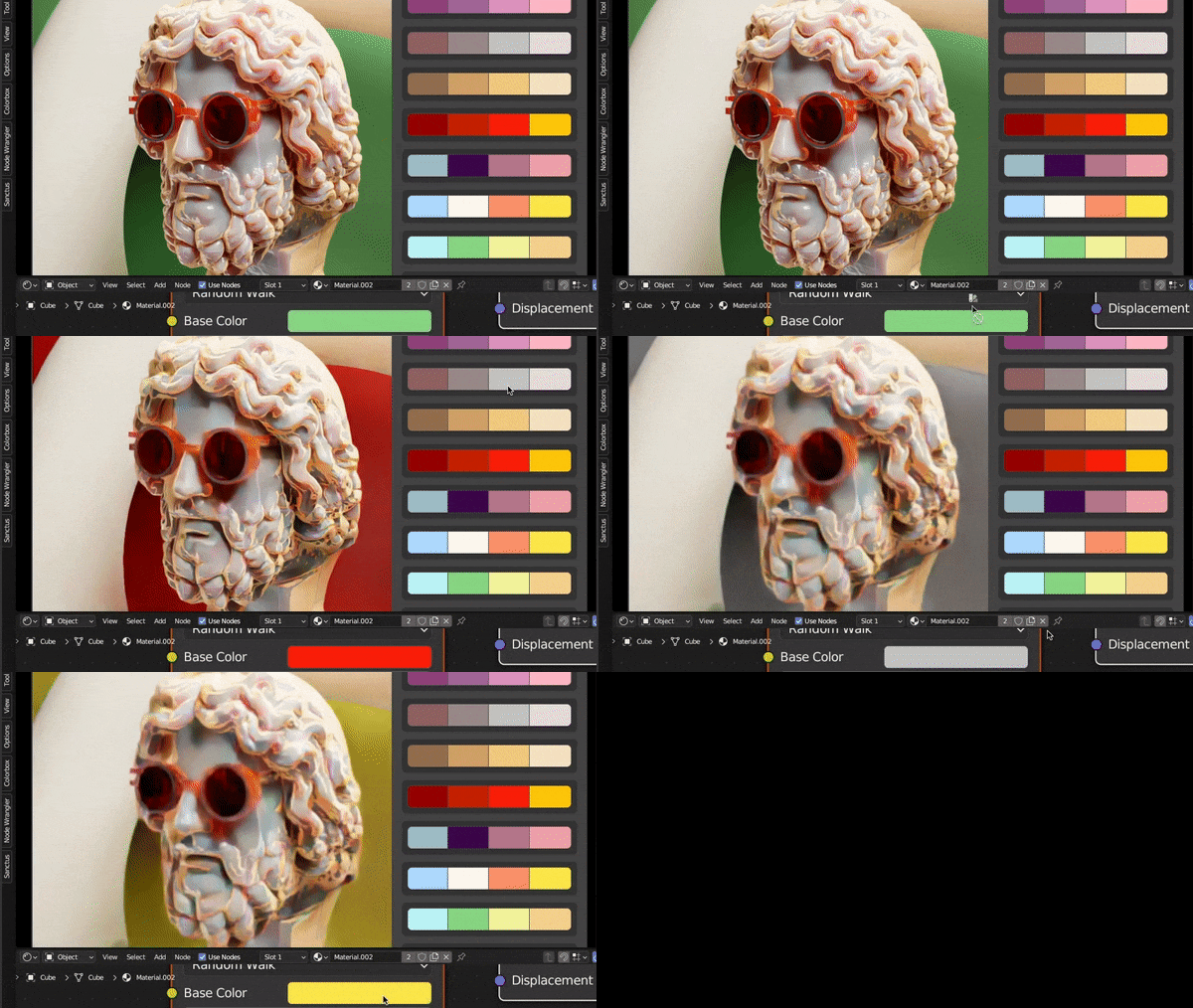
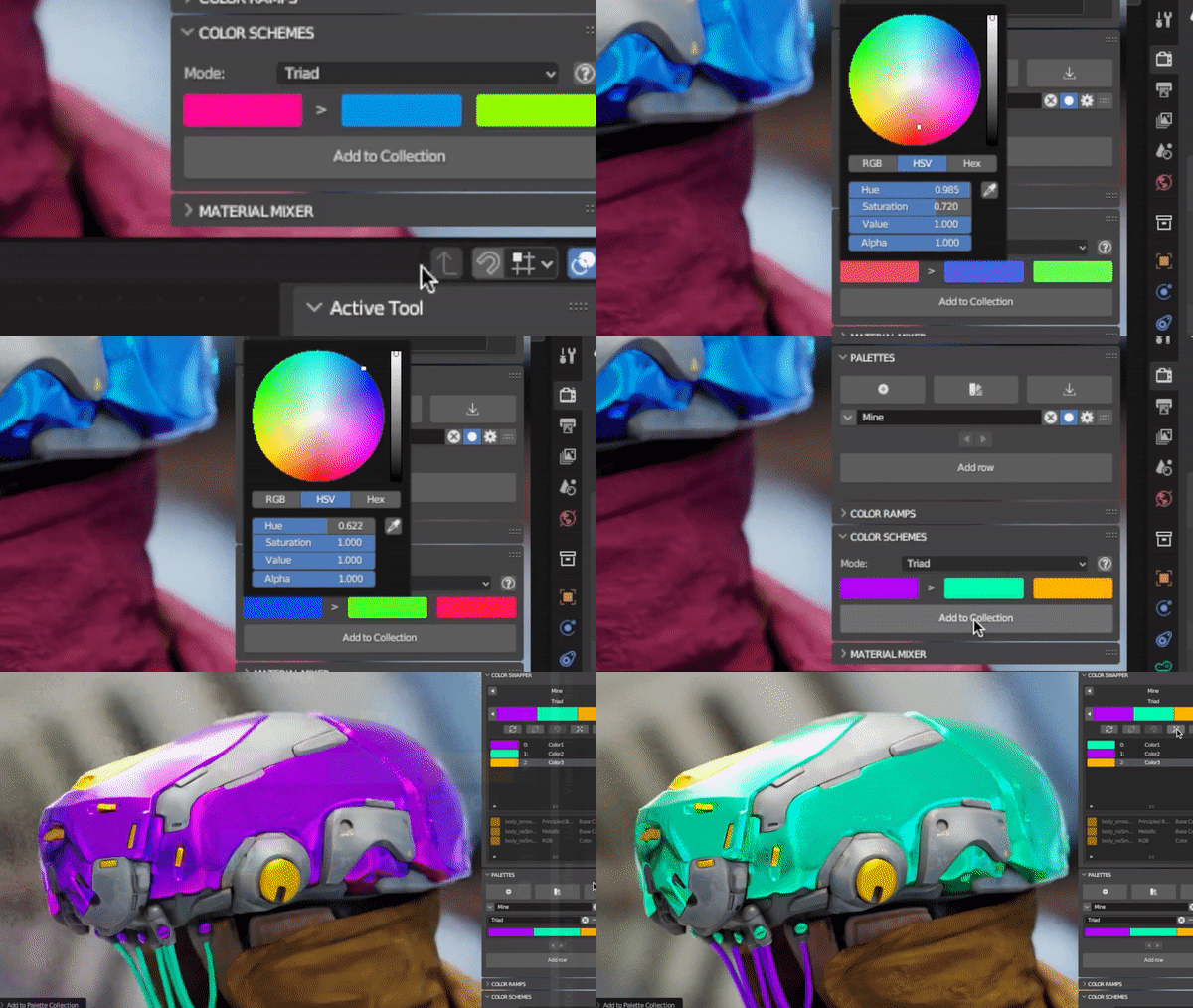
SWAP OUT PALETTES LIKE MAGIC
Fire up The Swapper and let loose!
You can explore endlessly and like never before unlocking true color bliss.

DRAG AND DROP
Drag colors right from your palettes to where they matter.Artists don’t just have a palette of colors in their hands for nothing!
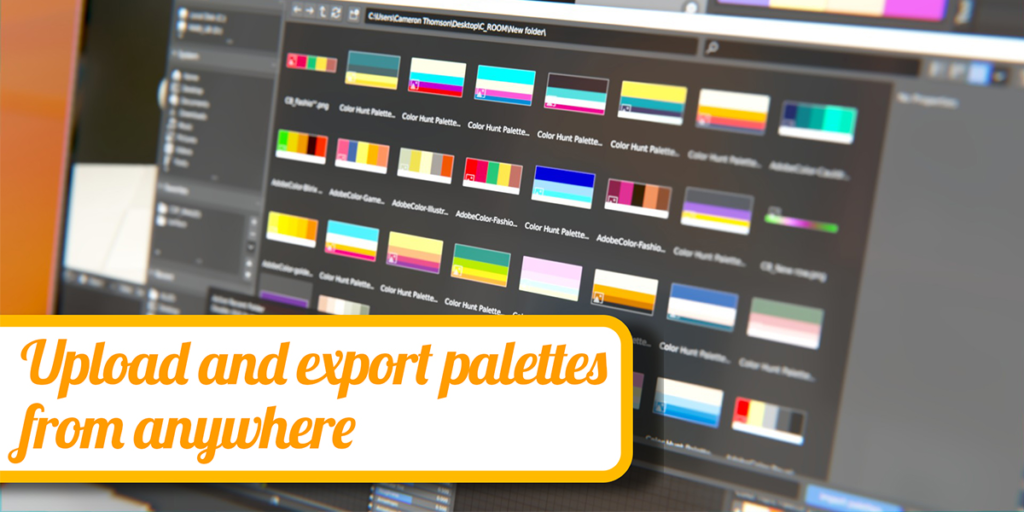
UPLOAD PALETTES
Head on over to Colorhunt.co, grab a palette, plug it into Colorbox, and start having fun!

CREATE COLOR SCHEMES
With the new Color Scheme Maker you can now create mathematical schemes right within Blender, then plug it in to your current scene and BOOM!
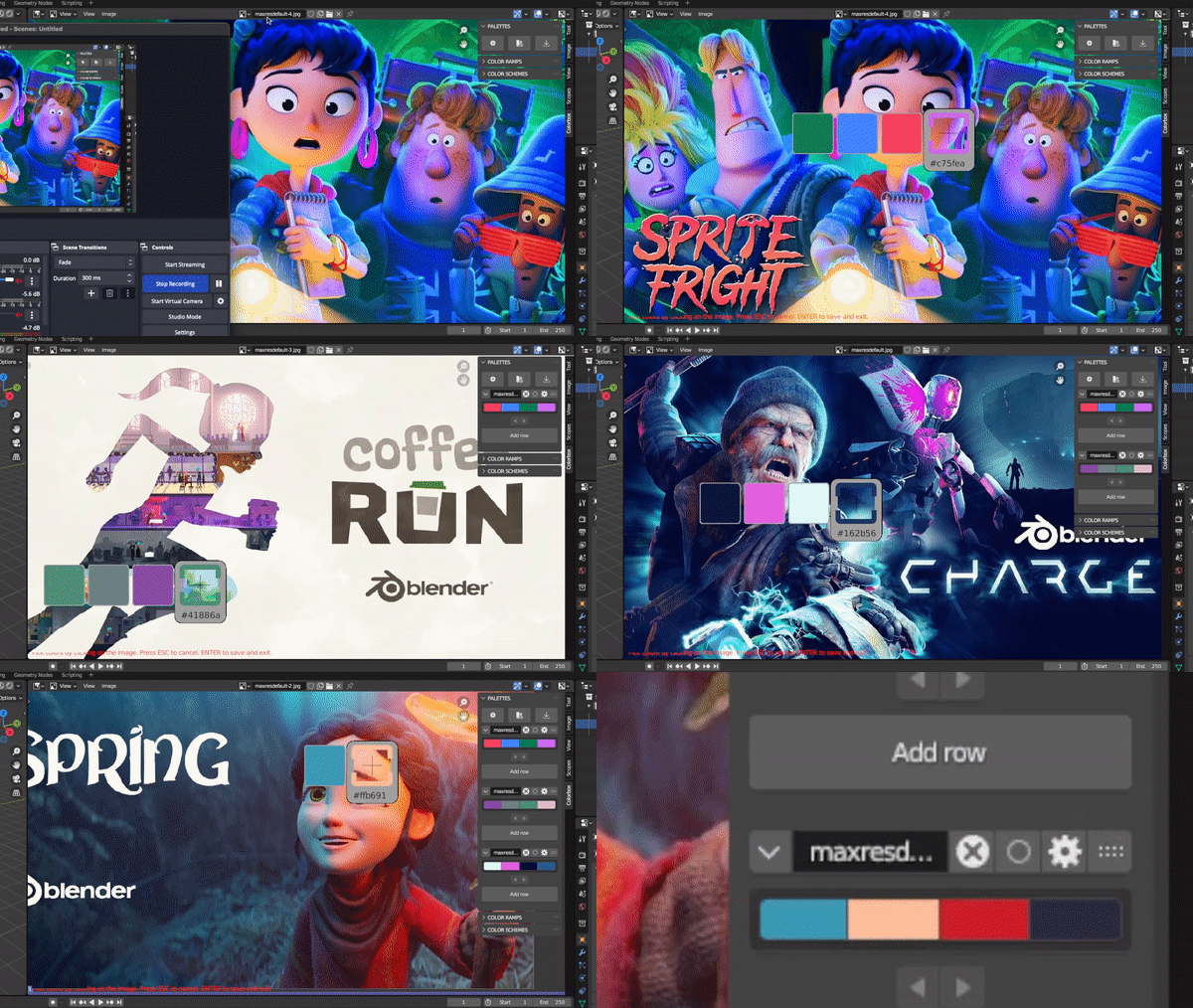
PICK ANYTHING
The Colorbox Selector allows you to take color from any image
and transform it into a palette!
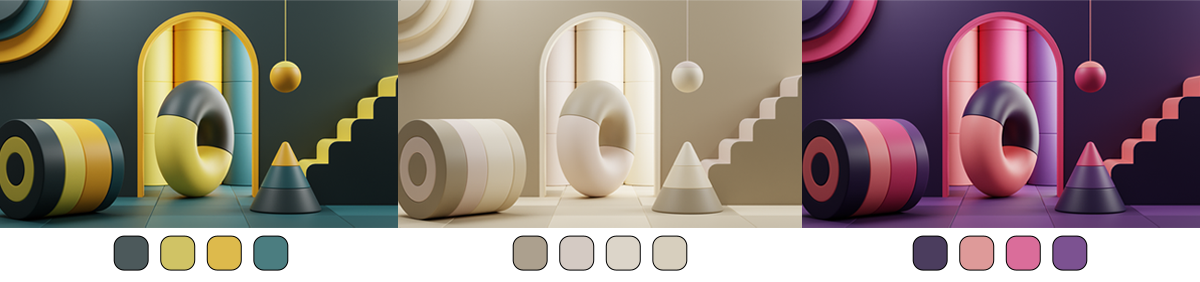
🤯 ENJOY COLOR LIKE NEVER BEFORE! 🤯


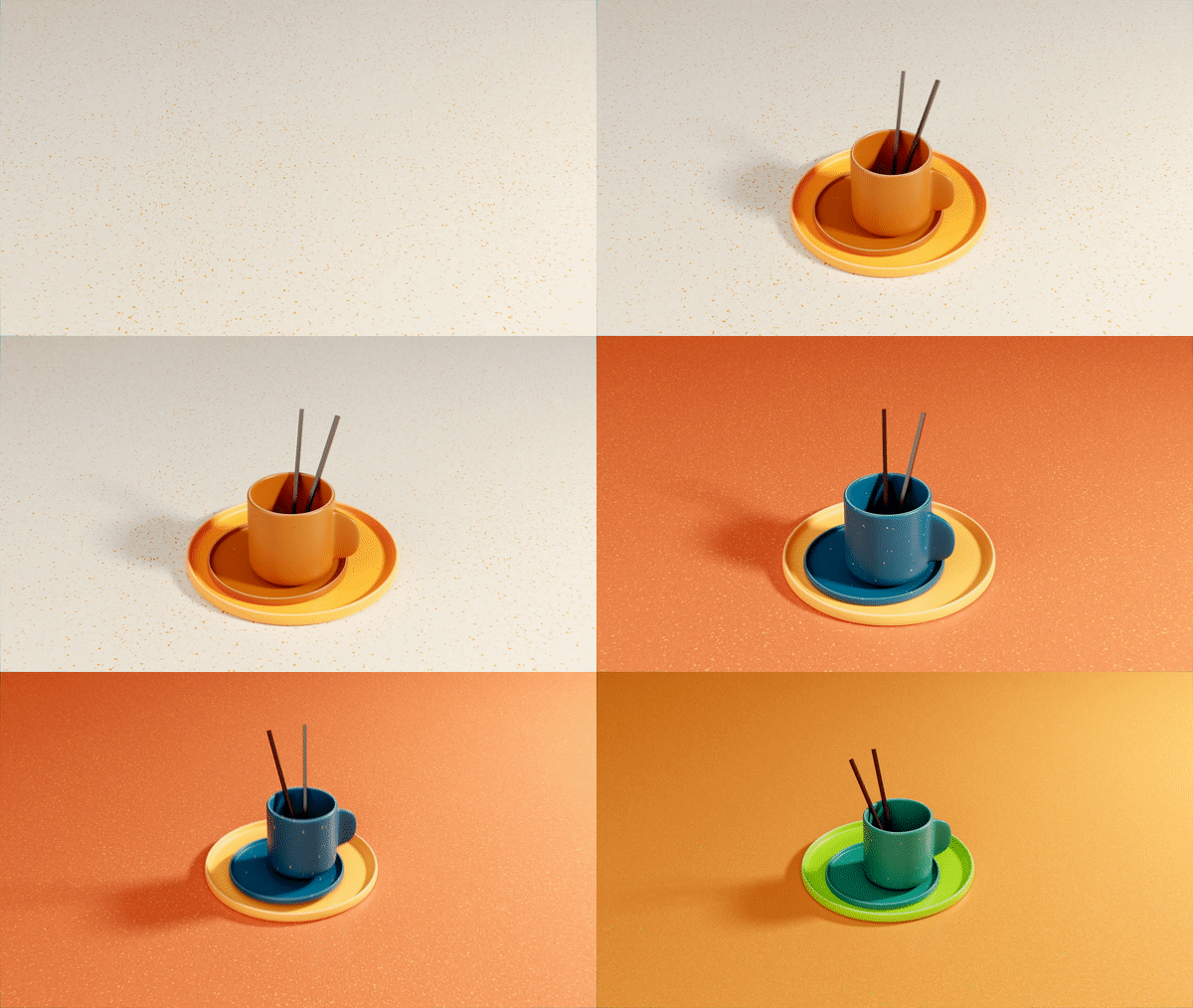
WANT EVEN MORE OUT OF COLORBOX?
Well guess what? It does more!
✅ Create your own collections of palettes
✅ Use effects to blend your palettes together
✅ Turn a palette into a color ramp with a few clicks and add it to your node editor
✅ Customize your workspace in our preference menu
✅ Sample colors from any image with our Color Picker
✅ Save all your palettes to your blend or to your disk for quick access
✅ Upload palettes from any website
✅ Upload images and have Colorbox pull out the dominant colors
✅ Store important Brand color Hex codes right in your file so they are never forgotten
Supercharge your 3D creation workflow with premium selection of Blender Add-ons. Whether you are modeling intricate characters, sculpting realistic environments, or animating cinematic sequences, the right add-on can transform how you work inside Blender. Our curated collection includes powerful tools for UV unwrapping, procedural texture generation, rigging automation, rendering optimization, and more—each rigorously tested for compatibility with the latest Blender versions. Eliminate tedious manual processes and unlock advanced functionality that lets you focus on what matters most: bringing your creative vision to life. Explore our full range of professional Blender plugins today and take your 3D projects to the next level.
➡️ ➡️ For more Blender Plugins 😀 😀
Reviews
There are no reviews yet.