

Color Shift for After Effects
Download Color Shift v1.0.3 for Windows, a powerful After Effects plugin that transforms your video’s colors by remapping pixel values such as hue, intensity, and lightness to customizable gradients. This versatile tool gives you complete creative control to generate entirely new color palettes for stunning visual effects.
Give your videos some new colors. Remap hue, intensity, and more to a color gradient to create a whole new color palette.
Compatibility
After Effects
2026, 2025, 2024, 2023
Key Features of Color Shift v1.0.3:
- Color Remapping: Remap pixel values (Intensity, Hue, Red/Green/Blue components, Alpha, and more) to a color gradient
- 15 Input Range Options: Choose from 15 different input sources for precise control over which pixel characteristics drive the gradient mapping
- Intuitive Gradient Controls: Keyframe color positions with an easy-to-use gradient UI for dynamic animations
- HDR & 32bpc Support: Full compatibility with high dynamic range projects and 32-bit per channel color depth
- Values Over 1 Modes: Three handling modes (Clamp, Wrap, Bounce) for controlling how HDR values are processed
- Alpha Gradient Control: Independent alpha channel gradient for creative transparency effects, with option to lock/unlock from color handles
- High Performance: Optimized code runs up to 2.5x faster than similar native effects
- Superior to Colorama: Keyframable color positions, true HDR support, gamma correction, and faster performance compared to After Effects’ built-in Colorama effect
- Stable Release: v1.0.3 fixes UI interaction bugs and ensures smooth performance on Windows systems
Perfect For:
- Motion graphics artists creating stylized color treatments
- Music video producers seeking unique visual aesthetics
- Colorists needing precise color remapping tools
- VFX artists requiring HDR-compatible color effects
- Content creators wanting to establish distinctive color palettes
System Requirements:
- Adobe After Effects 2023, 2024, or 2025
- Windows 10/11 (64-bit)
- 4GB RAM minimum (8GB+ recommended)
- 50MB available disk space

Shift that shift.
Transform your video’s colors into a new color palette.


Get Shifty
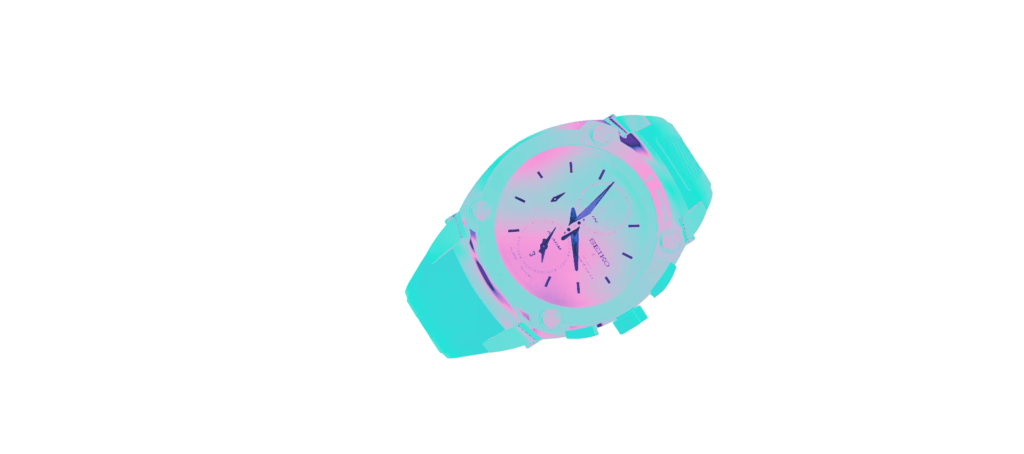
Color Shift lets you remap pixel values, such as Intensity or Hue, to a gradient.
How it works
Which part of the gradient is output to each pixel is based on the value of the “Input Range” for that pixel. There are 15 Input Range options to choose from, including light intensity, red component, alpha component, and many more.
Remap Input Range -> Gradient
The values of the selected Input Range (i.e. intensity, red, green, etc.) for each pixel are then remapped onto your gradient. For example, for the Intensity Input Range, a 50% gray pixel will output a color from the exact center of the gradient.

HDR Support
Color Shift supports 32bpc projects and HDR pixel values. You get to decide how HDR values behave by choosing from one of the three “Values Over 1” modes: Clamp, Wrap Back To 0, or Bounce.
These also change what happens when you drag the Input Range Offset slider, which can cause values to exceed one, since it just adds or subtracts from the Input Range value for each pixel.
Alpha Gradient
In addition to a color gradient, Color Shift allows you to have an alpha (transparency) gradient. By default, the alpha gradient handles are locked to the position of the color gradient handles, but they can be unlocked to enable you to give your videos a brand new alpha channel for all kids of practical and creative effects.
Color Shift vs. Colorama
| Colorama | Color Shift | |
| Remap pixel values to a gradient | ✅ | ✅ |
| Keyframe color positions | ❌ | ✅ |
| 32bpc/HDR support | ❌ | ✅ |
| Gamma correction | ❌ | ✅ |
| Easy to use gradient UI | ❌ | ✅ |
| Highly optimized | ❌ | 2.5x faster |
| Number of Input Range Modes | 10 | 15 |
What will you create?
Elevate your motion graphics workflow with premium collection of After Effects plugins. Whether you are a seasoned professional or just starting your VFX journey, powerful tools designed to streamline complex tasks, unlock creative possibilities, and save you hours of rendering time. From stunning glitch effects and seamless transitions to advanced 3D extrusion and text animation tools, each plugin in our library is rigorously tested for compatibility with the latest versions of Adobe after Effects. Enhance your video production value today and download industry-leading plugins that help you create breathtaking visuals without the technical headaches. Browse our full range and find the perfect extension to supercharge your editing suite now.
➡️ ➡️ For more after effects Plugins 😀 😀
➡️ ➡️ System requirements AE
Reviews
There are no reviews yet.