
Compositor Paint for Blender
Compositor Paint for Blender – The Ultimate 2D Post-Production & Roto-Painting Studio
Download Compositor Paint for Blender on Windows and Mac, a specialized addon that brings professional-grade 2D painting, rotoscoping, and image manipulation tools directly into Blender’s Compositor. With a full suite of brushes, layer support, and node-based integration, Compositor Paint transforms how you handle final touch-ups, matte painting extensions, and VFX cleanup, eliminating the need to round-trip your renders to Photoshop or Nuke for minor adjustments.
Key Features of Compositor Paint:
Integrated 2D Brush Engine: Access a wide variety of pressure-sensitive brushes (pencil, airbrush, smear, clone) directly within the Compositor node editor to paint over render passes instantly
Non-Destructive Layer System: Create unlimited paint layers above your image inputs, supporting blending modes (Multiply, Screen, Overlay), opacity controls, and mask groups without altering the original render data
Smart Rotoscoping Tools: Draw precise shapes and splines to isolate areas for color correction, blurring, or glow effects, with automatic feathering and animation keyframing capabilities frame-by-frame
Node-Based Painting Workflow: Treat every brush stroke as a node operation, allowing you to rearrange, disable, or animate paint effects just like any other compositor node (Blur, Color Balance, etc.)
Clone & Heal Functions: Advanced content-aware fill and cloning tools to remove wire rigs, sensor dust, or unwanted artifacts from your rendered sequences directly inside Blender
Texture Stamp Support: Import custom PNG stamps or alphas to project logos, decals, or complex patterns onto your footage with perspective correction
Real-Time Preview: See paint strokes and compositing changes update instantly in the Viewer Node, ensuring what you paint is exactly what you get in the final output
Batch Frame Painting: Apply paint strokes across a sequence of frames with interpolation, perfect for fixing flickering noise or animating 2D overlays over 3D renders
Enhanced Stability: Optimized memory handling for 4K/8K image buffers, improved undo/redo stack depth, and better compatibility with Blender 4.x compositor APIs
Cross-Platform Support: Works flawlessly on both Windows and Mac systems including Apple Silicon M1/M2/M3 chips
Perfect For:
VFX artists needing quick wire removal, rig cleanup, or spot fixes without leaving Blender
Matte painters extending background plates or adding 2D atmospheric elements to 3D renders
Motion graphics designers adding hand-drawn annotations or stylized 2D effects over 3D animation
Colorists performing localized grade adjustments using painted masks
Anyone tired of exporting EXR sequences just to paint out a small error in external software
System Requirements:
Blender 3.6, 4.0, 4.1, 4.2, 4.3+ (Latest LTS recommended)
Windows 10/11 (64-bit) or macOS 10.15+
8GB RAM minimum (16GB+ recommended for high-resolution sequence painting)
Graphics tablet highly recommended for precise brush control
Installation:
Open Blender and go to Edit > Preferences > Add-ons:
Click “Install…” and select the downloaded .zip file for Compositor Paint
Enable the checkbox next to “Compositor: Compositor Paint”
Access via the Compositor Editor > Add Menu > Paint > Compositor Paint or the Sidebar (N-panel) in the Compositor workspace
Note: The addon features a unique “Render Pass Linking” system that automatically detects active render layers (Beauty, Normal, AO) and allows you to paint specifically on those channels (e.g., painting extra dirt only on the Roughness pass) for maximum control over the final look.
Compositor Paint
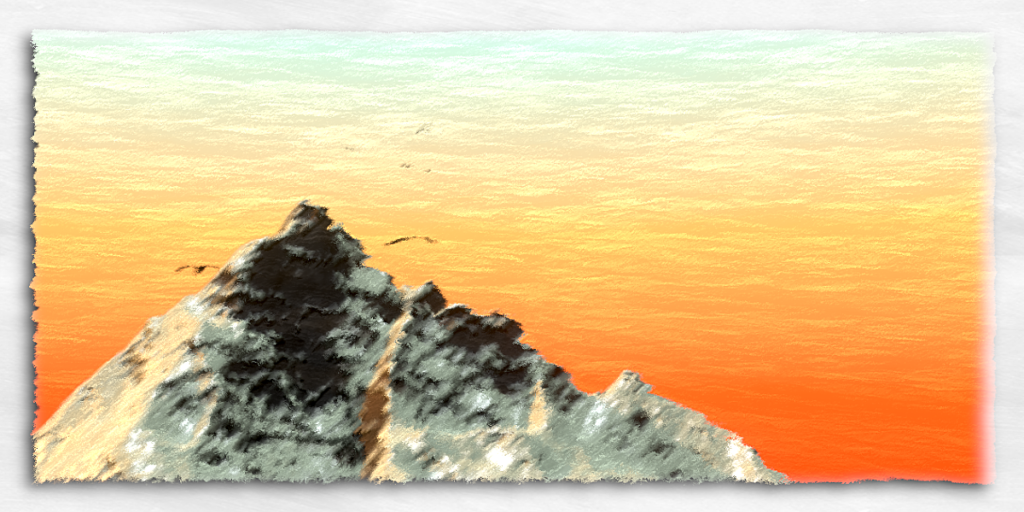
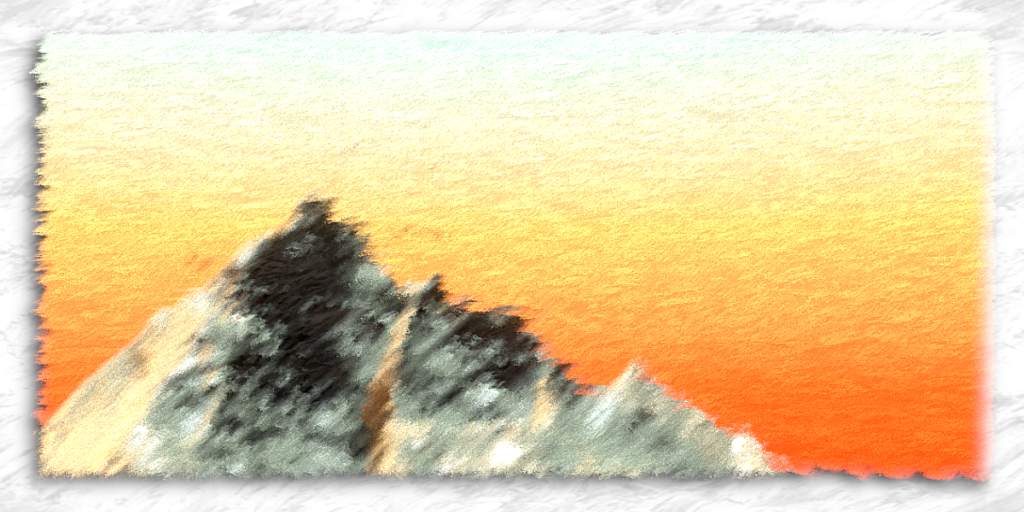
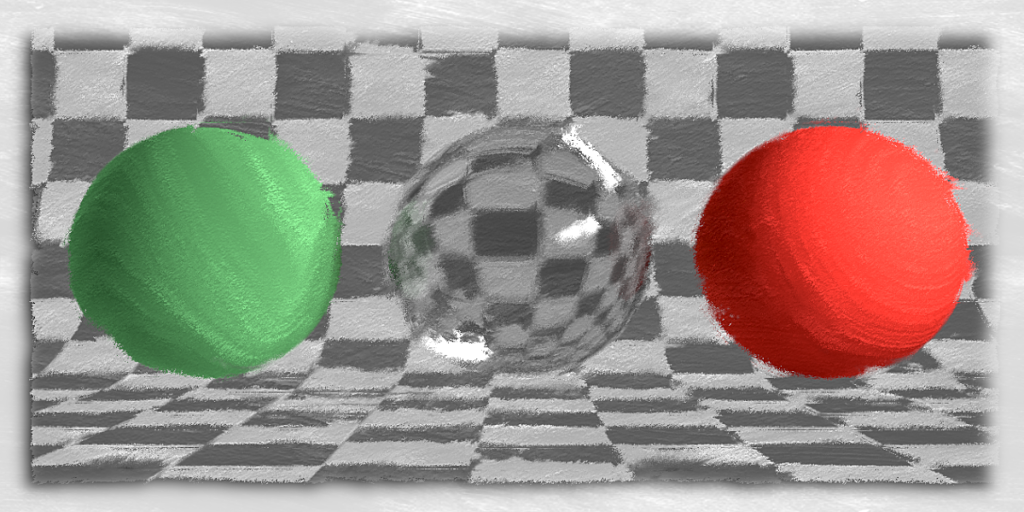
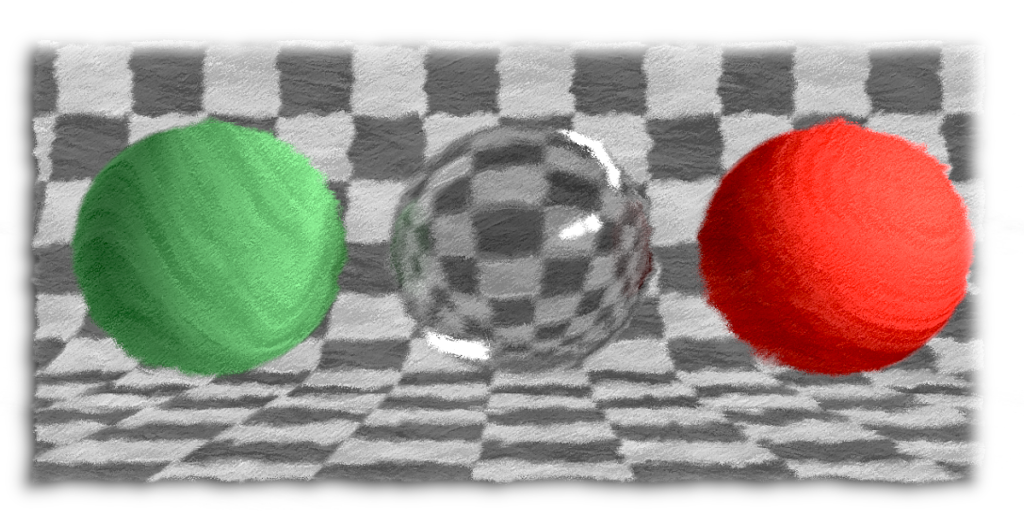
Compositor paint is a versatile node that can make almost any render, be it realistic or cartoony, look like a painting. The effect uses blurring, color-based mapping coordinates, and smart displacement all bundled up into one, easy to use node. Use the built in textures, procedurals, or any image you want to make your renders look more painted. You don’t have to change your models or materials, just plug in the node in the compositor and get great results. The product comes with the node, a demo scene, and two textures pre-packaged and ready to use to stylize renders.
Supercharge your 3D creation workflow with premium selection of Blender Add-ons. Whether you are modeling intricate characters, sculpting realistic environments, or animating cinematic sequences, the right add-on can transform how you work inside Blender. Our curated collection includes powerful tools for UV unwrapping, procedural texture generation, rigging automation, rendering optimization, and more—each rigorously tested for compatibility with the latest Blender versions. Eliminate tedious manual processes and unlock advanced functionality that lets you focus on what matters most: bringing your creative vision to life. Explore our full range of professional Blender plugins today and take your 3D projects to the next level.
➡️ ➡️ For more Blender Plugins 😀 😀
Reviews
There are no reviews yet.