
conform object for Blender
Conform Object for Blender – The Ultimate Surface Wrapping & Projection Tool
Version : v1.6.0
File Size: 10 MB
Download Conform Object for Blender on Windows and Mac, a powerful addon designed to instantly wrap one mesh onto the surface of another with perfect topology adherence. Whether you need to drape clothing over a character, project decals onto complex terrain, or fit armor plates onto organic shapes, Conform Object transforms how you handle surface interactions, eliminating the need for manual sculpting, complex shrinkwrap modifiers, or tedious vertex painting.
Key Features of Conform Object:
Instant Surface Projection: Projects the source object onto the target mesh along custom axes (Normal, Z-axis, or View direction) with a single click, ensuring immediate contact without gaps
Advanced Shrinkwrap Logic: Goes beyond the native modifier by offering intelligent handling of self-intersections, preventing the wrapped mesh from clipping through itself or the target in complex folds
Topology Preservation: Maintains the original edge flow and UV coordinates of the source object while adapting its shape, crucial for retaining texture alignment and deformation quality
Multi-Target Support: Conform a single object to multiple target surfaces simultaneously (e.g., a scarf wrapping around a neck and resting on shoulders) with automatic blending between targets
Offset & Thickness Control: Precise sliders to lift the wrapped mesh slightly off the surface (for clothing clearance) or push it inward (for engraving effects) without recalculating the projection
Vertex Group Masking: Use vertex groups to define which parts of the source object should conform and which should remain rigid, allowing for mixed hard/soft surface interactions
Non-Destructive Workflow: Applies conforming as a modifier or editable operation, letting you tweak parameters, swap targets, or remove the effect entirely at any stage
Smooth Transition Zones: Adjustable falloff settings to create soft, blended edges where the conforming effect fades out, preventing harsh seams on borders
Optimized Performance: Fast calculation engine handles high-poly targets efficiently, making it suitable for detailed characters and complex environments
Cross-Platform Support: Works flawlessly on both Windows and Mac systems including Apple Silicon M1/M2/M3 chips
Perfect For:
Character artists draping clothes, capes, and accessories over animated rigs
Hard surface modelers fitting panels, decals, and stickers onto curved vehicle bodies
Environment designers projecting roads, paths, or vegetation onto uneven terrain
Product designers wrapping labels and packaging around bottles and irregular containers
Anyone struggling to make flat or rigid meshes follow complex organic curves naturally
System Requirements:
Blender 3.6, 4.0, 4.1, 4.2, 4.3+ (Latest LTS recommended)
Windows 10/11 (64-bit) or macOS 10.15+
8GB RAM minimum (16GB+ recommended for high-poly conforming tasks)
No external dependencies required
Installation:
Open Blender and go to Edit > Preferences > Add-ons:
Click “Install…” and select the downloaded .zip file for Conform Object
Enable the checkbox next to “Mesh: Conform Object”
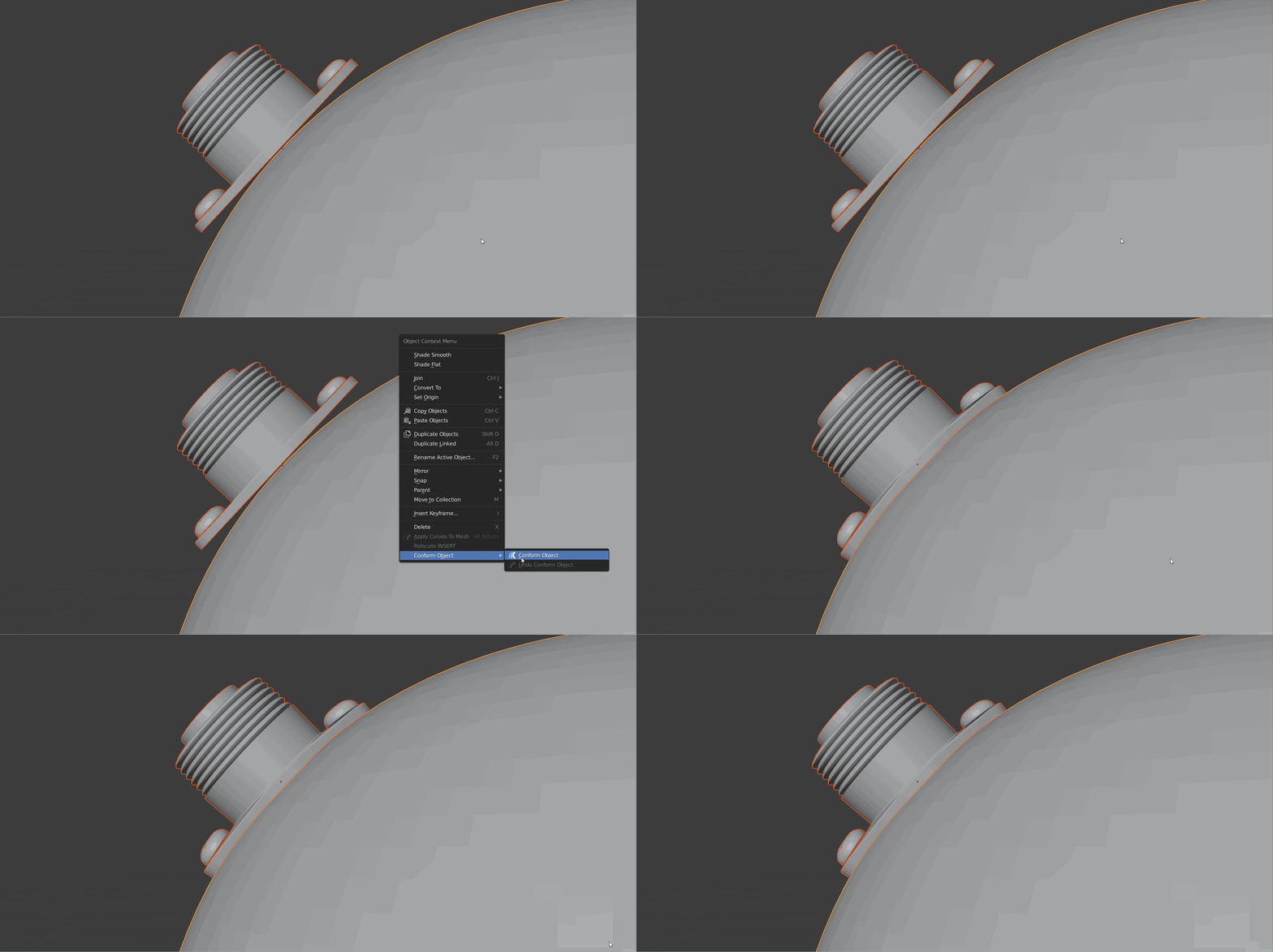
Access via the Object Context Menu > Conform Object or the 3D Viewport Sidebar (N-panel) > Conform Tab
Note: The addon includes a unique “Relax After Conform” feature that automatically smooths out stretched geometry immediately after projection, ensuring the wrapped mesh looks natural and isn’t overly distorted by the target’s sharp features.
What is Conform Object?
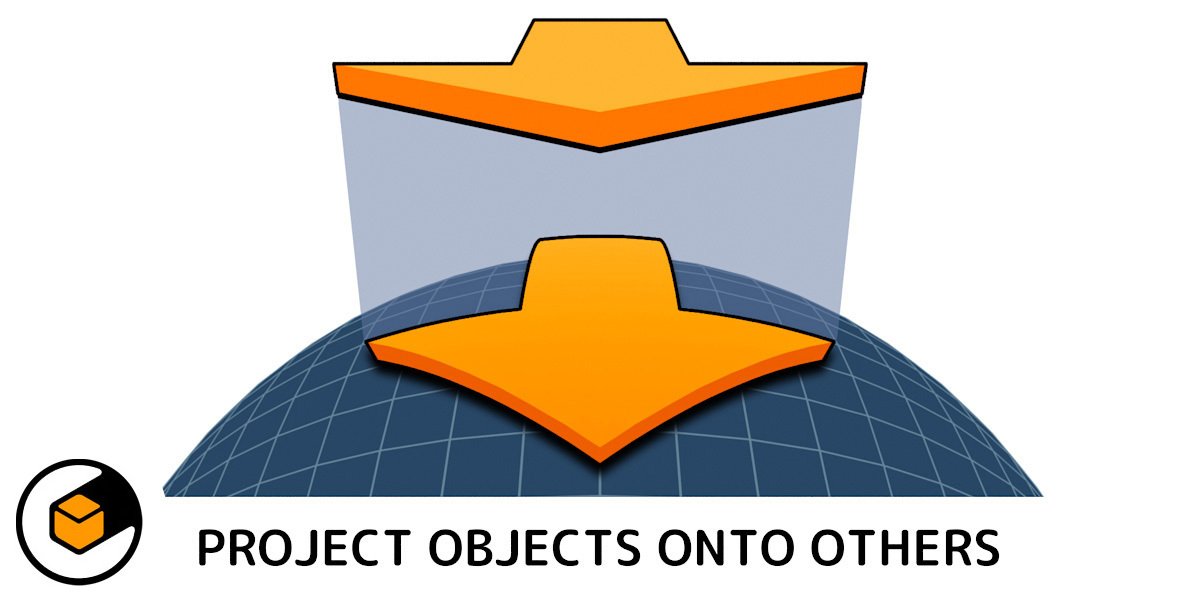
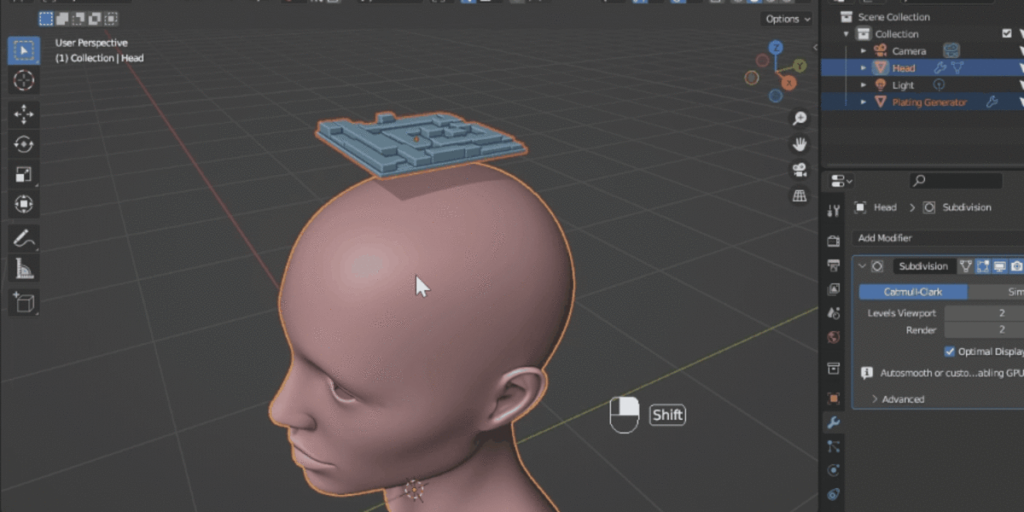
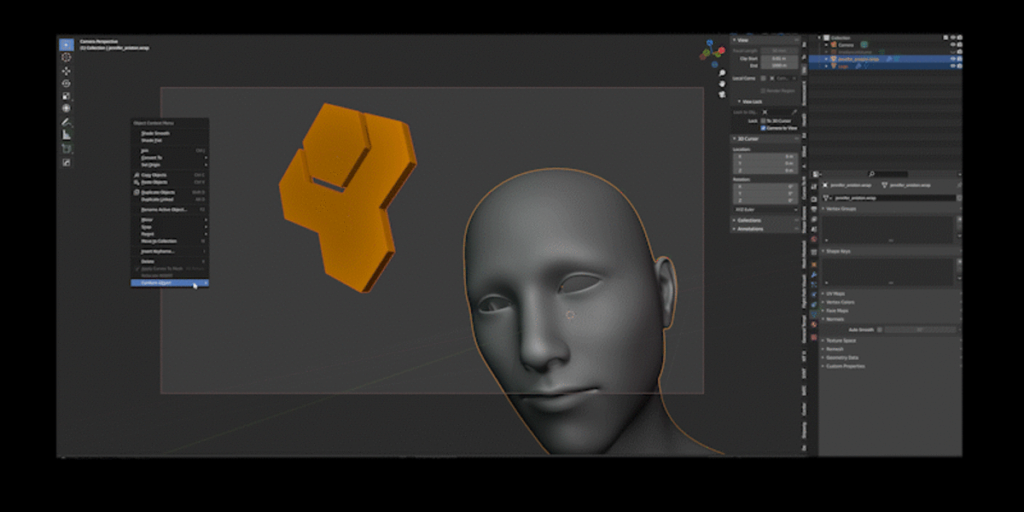
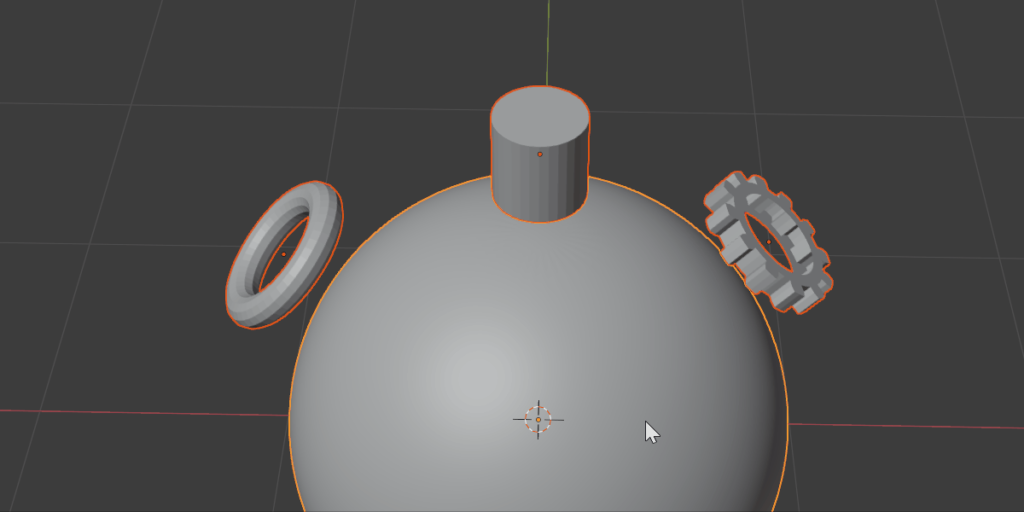
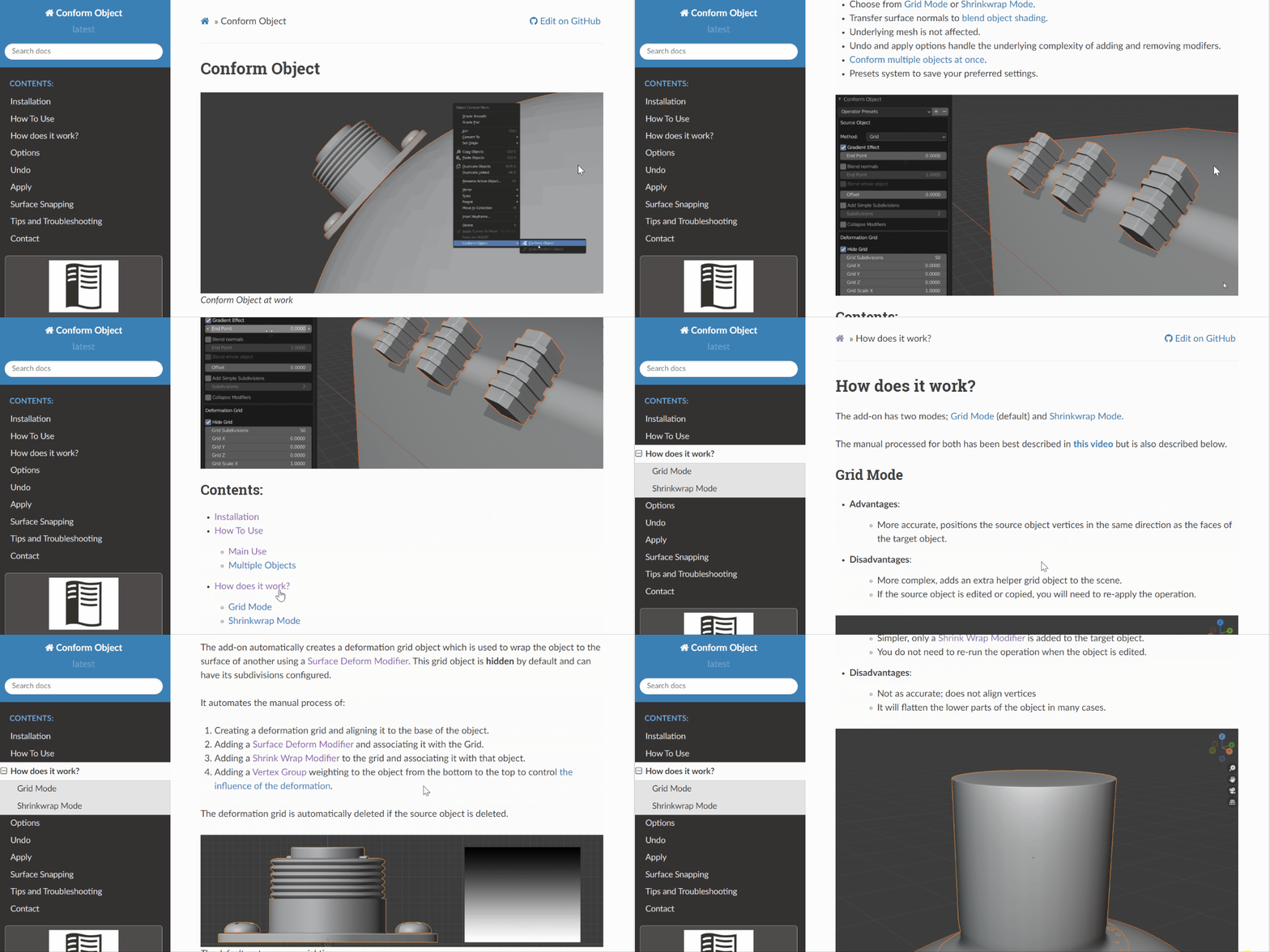
Conform Object is for any 3D modeler that needs to project smaller objects onto a larger object surface in one direction. Think of it like a slide projector: it shines the object straight onto a surface
The add-on handles the complexity of doing this for you in a non-destructive way, using the source object’s location and orientation to automatically project it onto the target object’s surface.
Read the Documentation and Watch the Overview Video.
Features
- Simple right-click menu option performs the operation in one go.
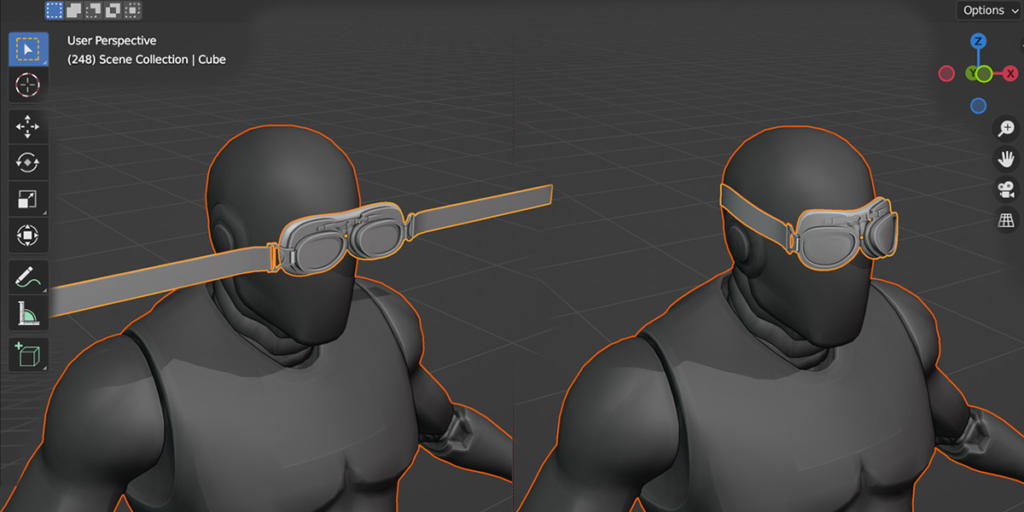
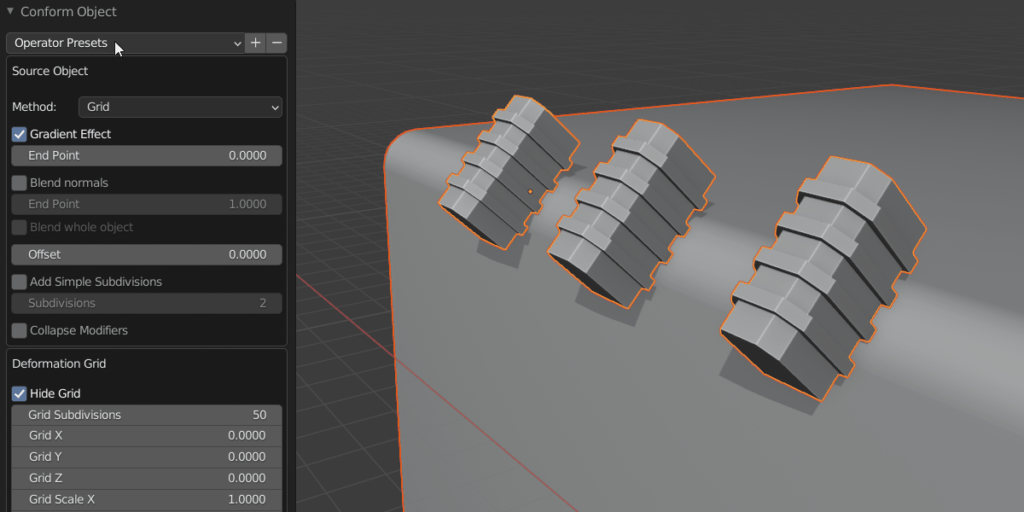
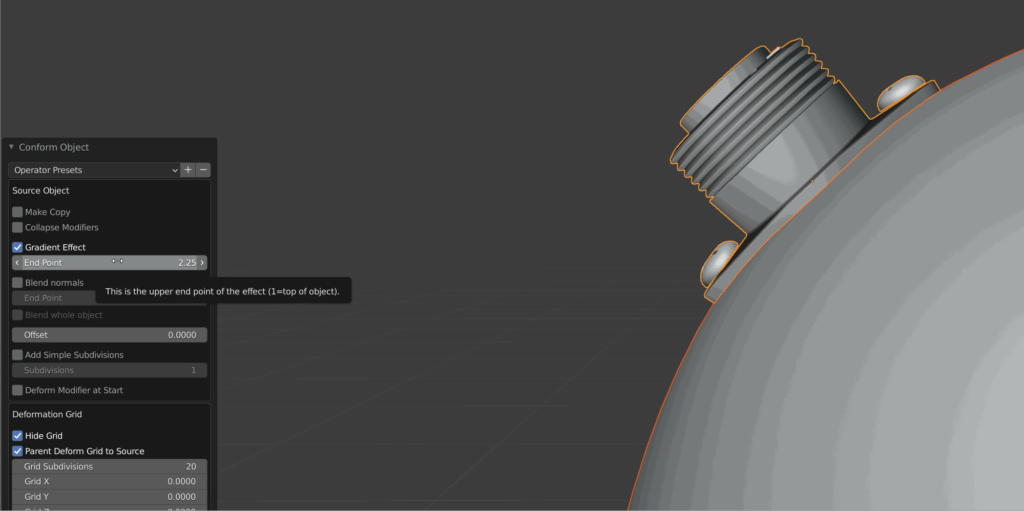
- Graduate the effect from the bottom to the top of the object.
- Choose from Grid Mode or Shrinkwrap Mode.
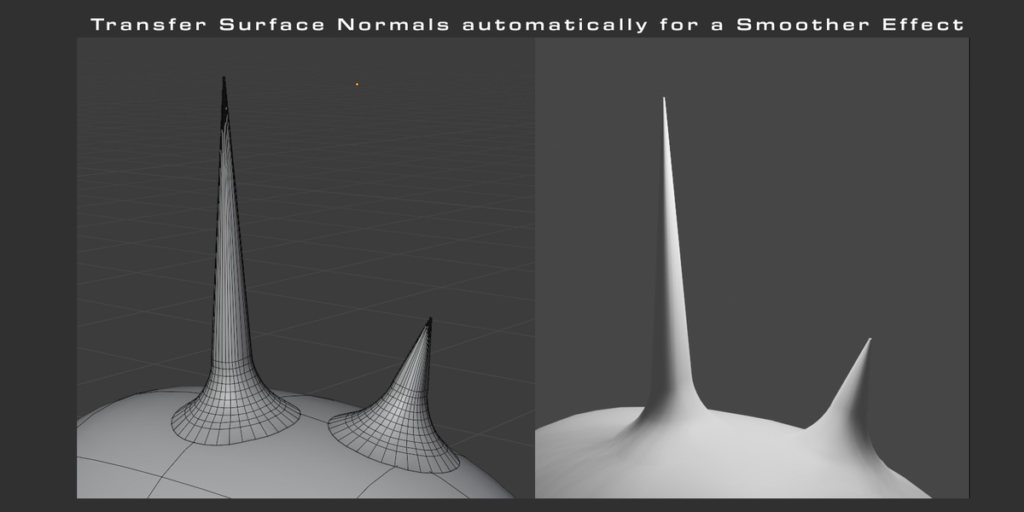
- Transfer surface normals to blend object shading.
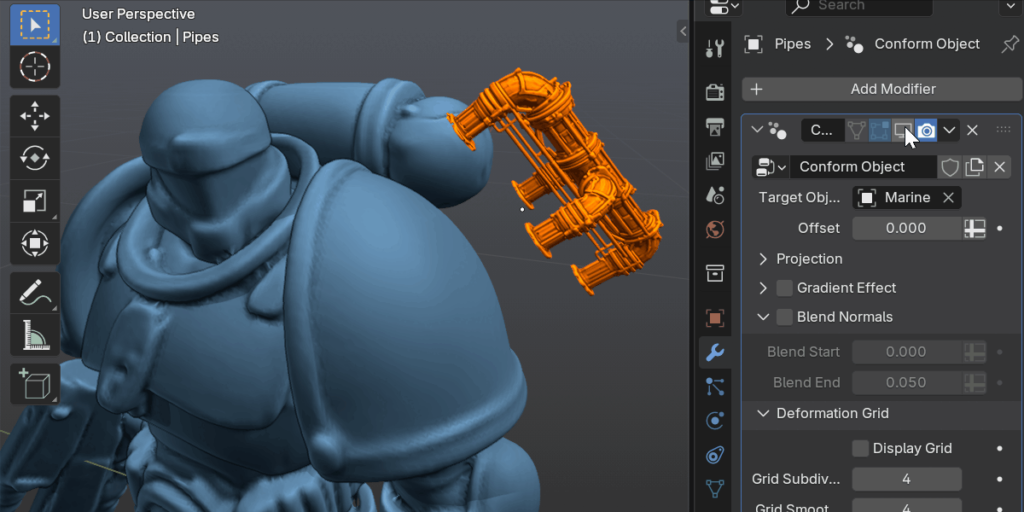
- Use a deformation lattice to stretch an object around the surface of another.
- Underlying mesh is not affected.
- Undo and apply options handle the underlying complexity of adding and removing modifers.
- Conform multiple objects at once.
- Presets system to save your preferred settings.
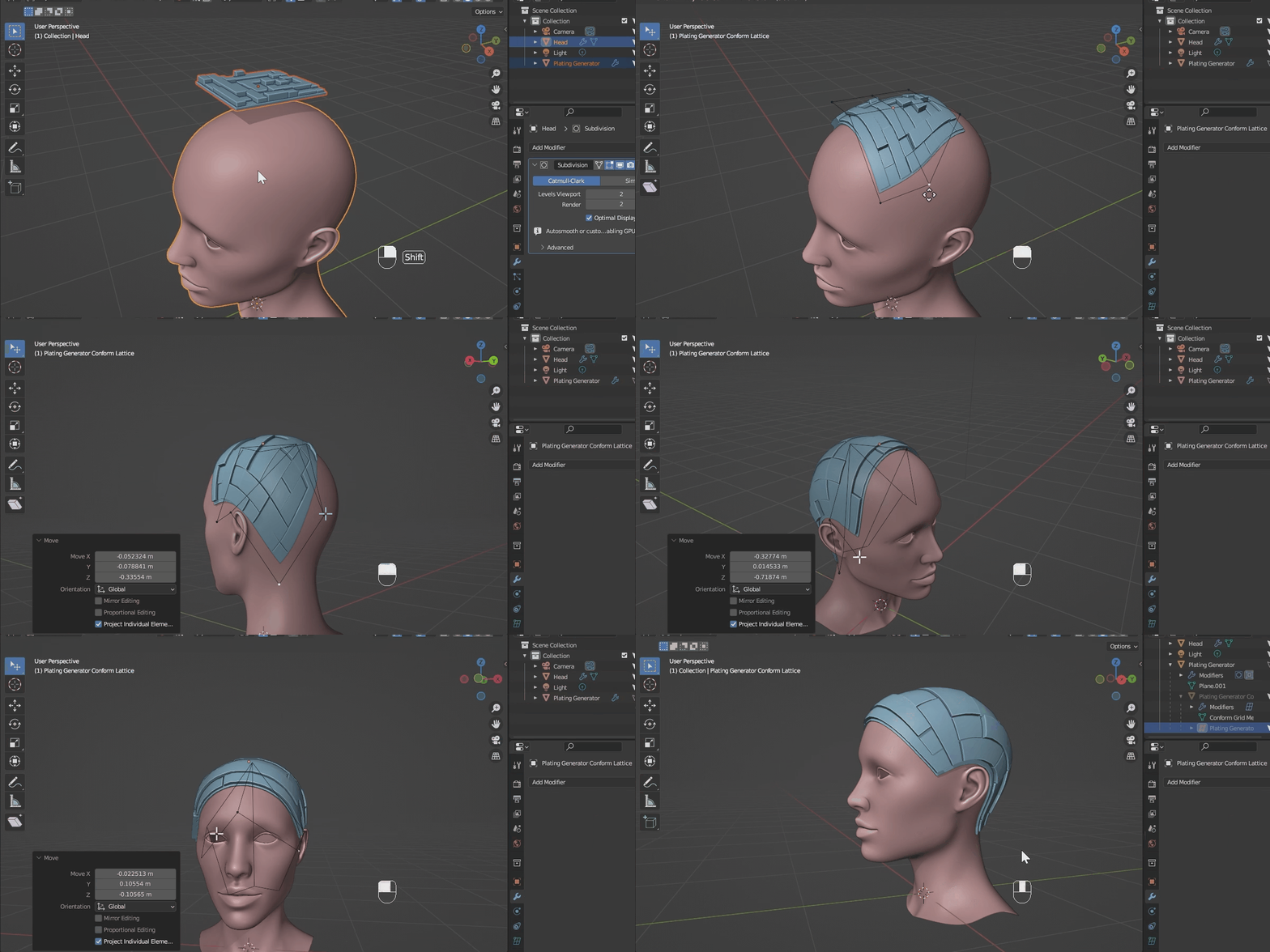
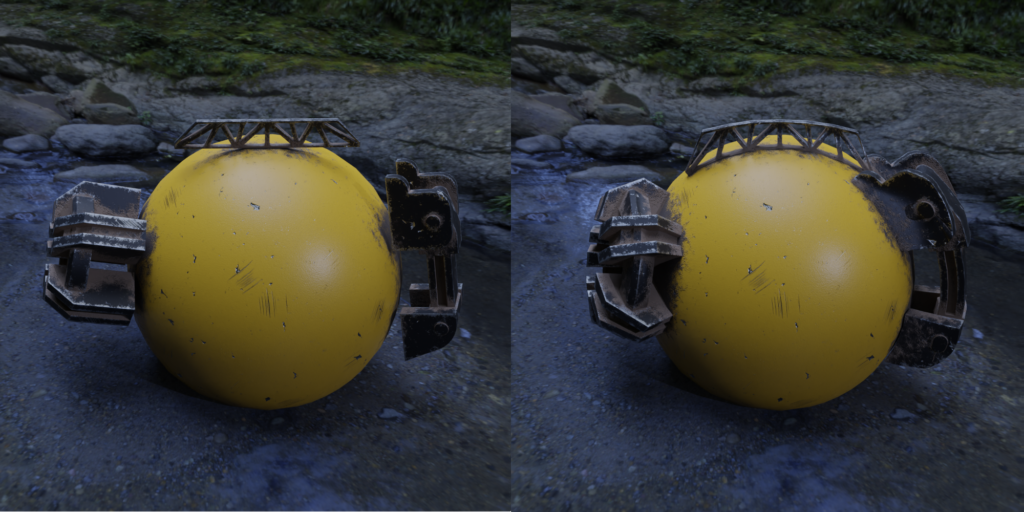
Using the advanced Lattice Deformation feature to wrap an object around another.
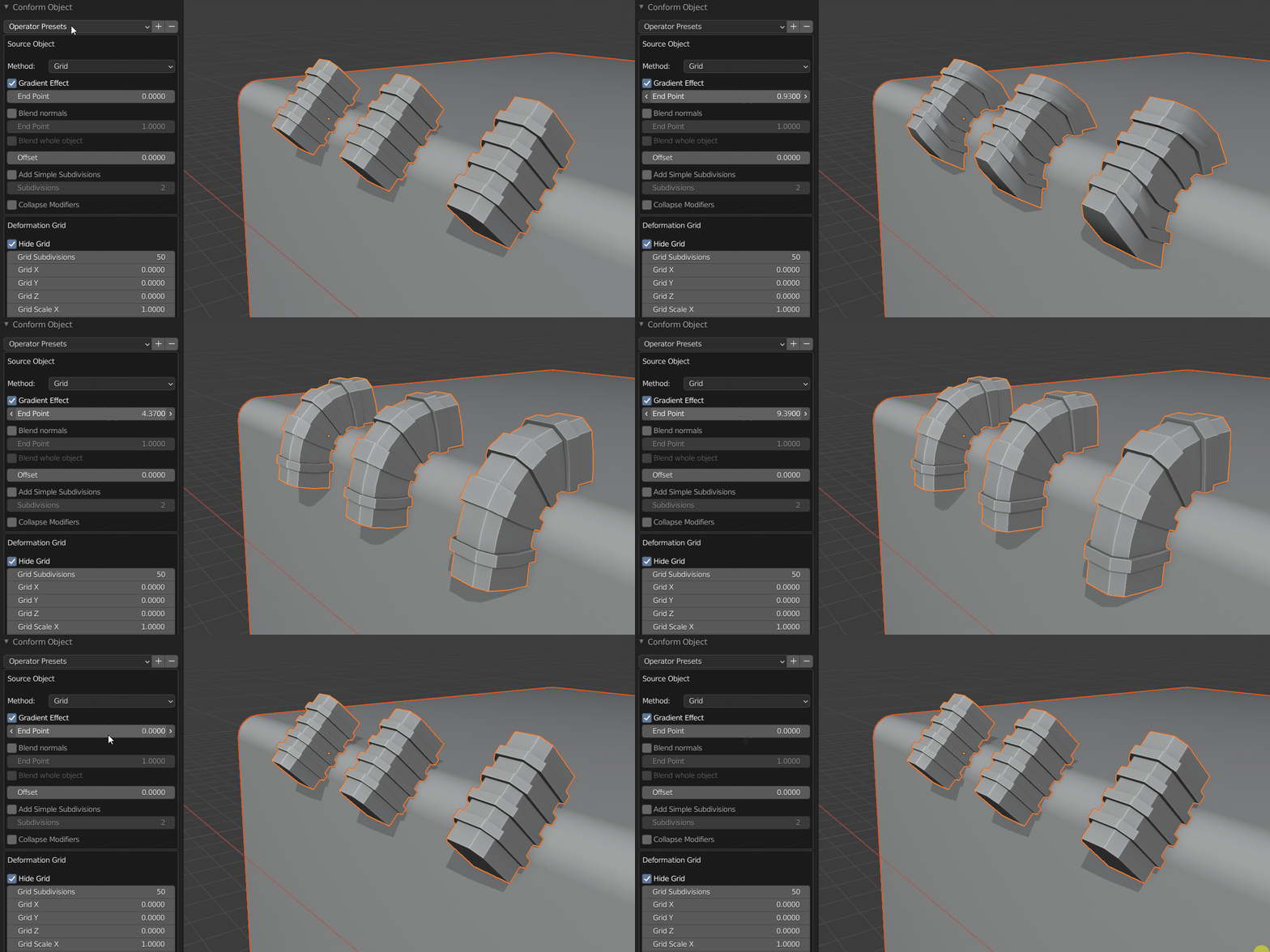
Here the Gradient Effect is used to affect the lower parts of the object, and leave the upper part unaffected.

Includes a new experimental Conform Object Modifier (enable ‘Go Experimental’ in the Add-on Preferences and watch the video here).
Supercharge your 3D creation workflow with premium selection of Blender Add-ons. Whether you are modeling intricate characters, sculpting realistic environments, or animating cinematic sequences, the right add-on can transform how you work inside Blender. Our curated collection includes powerful tools for UV unwrapping, procedural texture generation, rigging automation, rendering optimization, and more—each rigorously tested for compatibility with the latest Blender versions. Eliminate tedious manual processes and unlock advanced functionality that lets you focus on what matters most: bringing your creative vision to life. Explore our full range of professional Blender plugins today and take your 3D projects to the next level.
➡️ ➡️ For more Blender Plugins 😀 😀
Reviews
There are no reviews yet.