
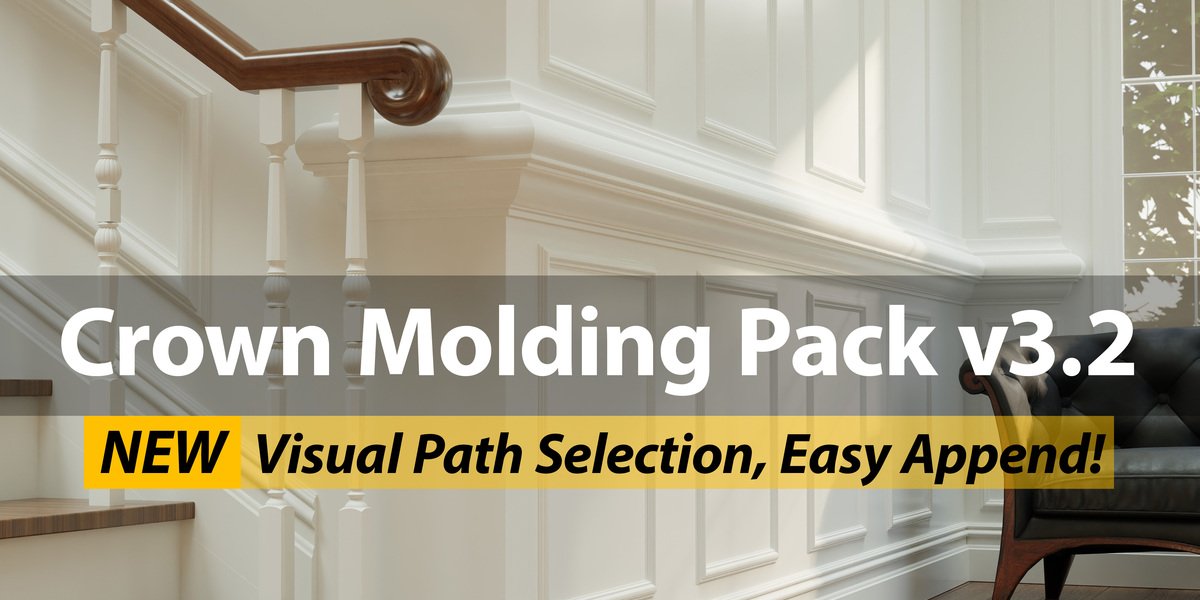
Crown Molding Pack for Blender
Crown Molding Pack v2.0 for Blender – The Ultimate Architectural Trim & Profile Generator
Version: V2.0
Download Crown Molding Pack v2.0 for Blender on Windows and Mac, a comprehensive library of procedural curves and geometry node setups designed to instantly generate intricate crown moldings, baseboards, chair rails, and decorative trims. With over 100+ classic and modern profiles, automatic corner mitering, and one-click wall adaptation, Crown Molding Pack v2.0 transforms how you detail interiors, eliminating the need to manually model complex profiles or struggle with boolean intersections at room corners.
Key Features of Crown Molding Pack v2.0:
Massive Profile Library: Includes 100+ high-quality profiles ranging from simple Victorian ogees to elaborate Baroque dentils, Art Deco geometries, and modern minimalist strips
Automatic Corner Mitering: Intelligently calculates and applies perfect 45-degree (or custom angle) miter cuts at internal and external corners, ensuring seamless joins without manual vertex tweaking
Wall & Ceiling Adaptation: One-click tool to project molding curves onto existing wall meshes, automatically adjusting height and follow-path constraints to match room dimensions
Parametric Control: Adjust profile depth, height, scale, and segmentation in real-time using simple sliders, allowing for infinite variation from a single base curve
Material Ready: Comes with pre-assigned PBR materials for painted wood, plaster, gold leaf, and stained oak, complete with normal maps for carved details
Baseboard & Chair Rail Included: Beyond crown molding, the pack includes matching baseboards, chair rails, and wainscoting profiles that coordinate perfectly for full room detailing
Non-Destructive Workflow: Built on Curve objects and Geometry Nodes, allowing you to edit the path, swap profiles, or update dimensions at any stage before final conversion to mesh
Batch Room Application: Select multiple wall loops and apply consistent molding styles across an entire floor plan simultaneously for rapid architectural visualization
Optimized Topology v2.0: Generates clean, quad-based geometry optimized for subdivision surface rendering and game engine export, with fixed UVs for seamless texturing
Cross-Platform Support: Works flawlessly on both Windows and Mac systems including Apple Silicon M1/M2/M3 chips
Perfect For:
Architectural visualizers adding realistic interior details to residential and commercial renders
Game developers creating modular interior kits with high-fidelity trim assets
Interior designers prototyping custom molding schemes for client presentations
Historical reconstruction artists needing period-accurate decorative elements
Anyone tired of modeling complex profiles by hand or fixing messy boolean cuts at corners
System Requirements:
Blender 3.6, 4.0, 4.1, 4.2, 4.3+ (Latest LTS recommended)
Windows 10/11 (64-bit) or macOS 10.15+
4GB RAM minimum (8GB+ recommended for large interior scenes)
No external dependencies required
Installation:
Open Blender and go to Edit > Preferences > Add-ons:
Click “Install…” and select the downloaded .zip file for Crown Molding Pack
Enable the checkbox next to “Curve: Crown Molding Pack”
Access via the Add Menu > Curve > Crown Molding or the 3D Viewport Sidebar (N-panel) > Molding Tab
Note: Version 2.0 introduces a new “Smart Gap filler” feature that automatically generates return caps or bridging geometry when molding stops abruptly against a wall or door frame, ensuring a professional finish every time.
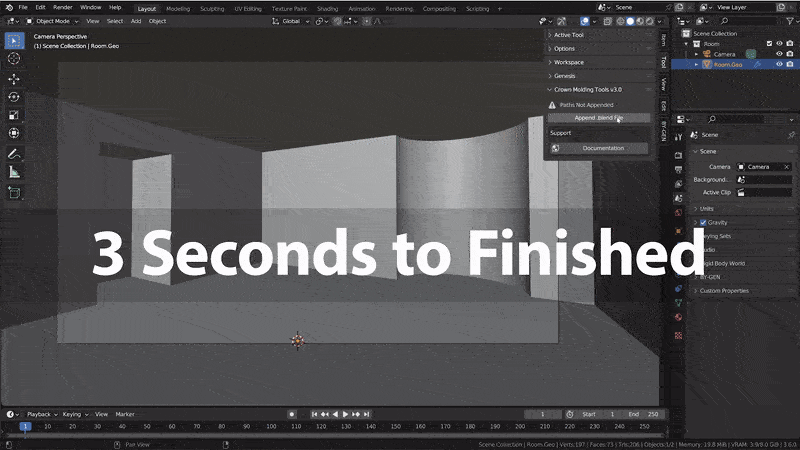
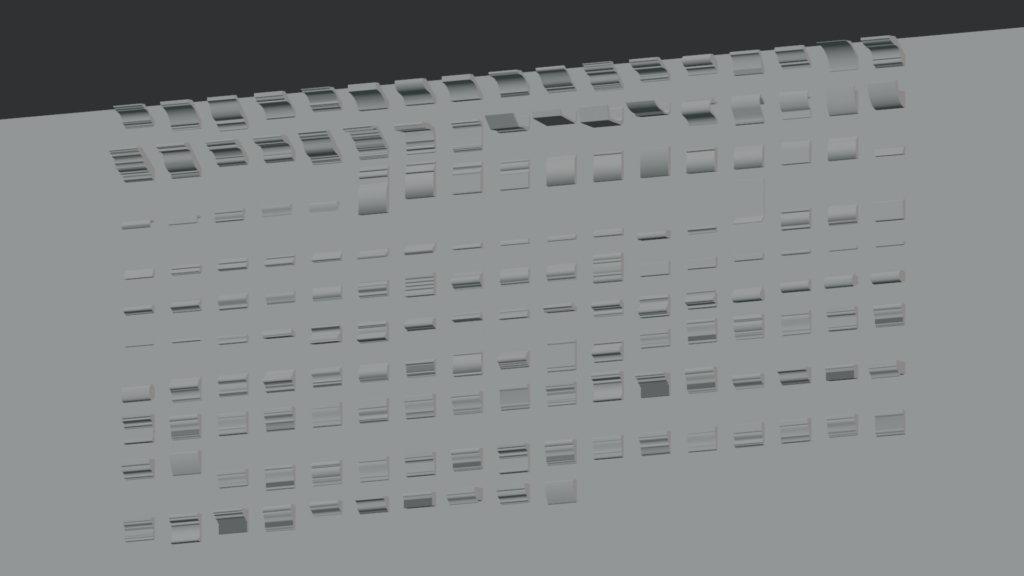
Custom Crown Molding in 3 seconds!
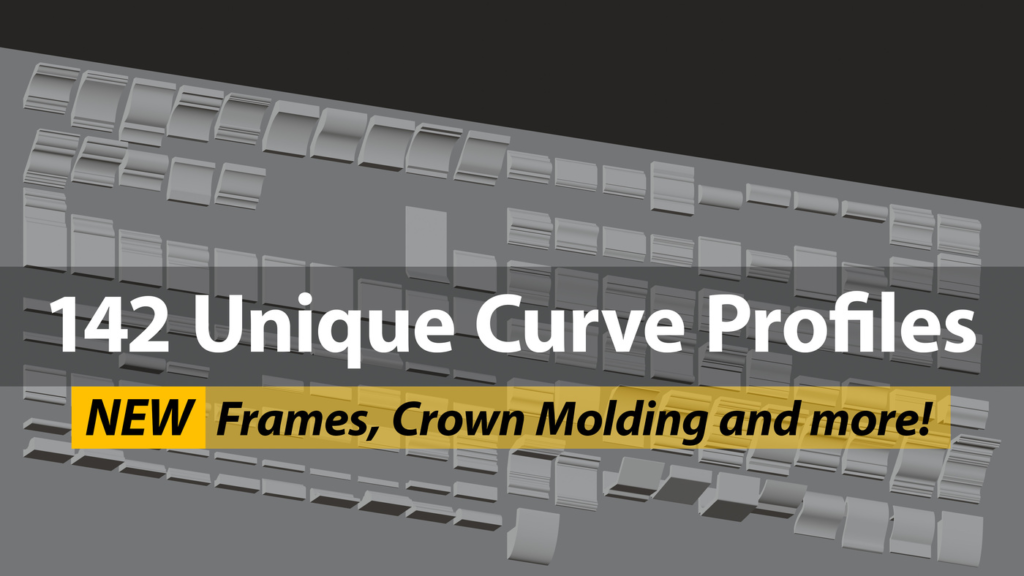
Blender Add-on with 17 custom helper functions, and 142 curves for quick, beautiful, easy to update crown molding and trim.
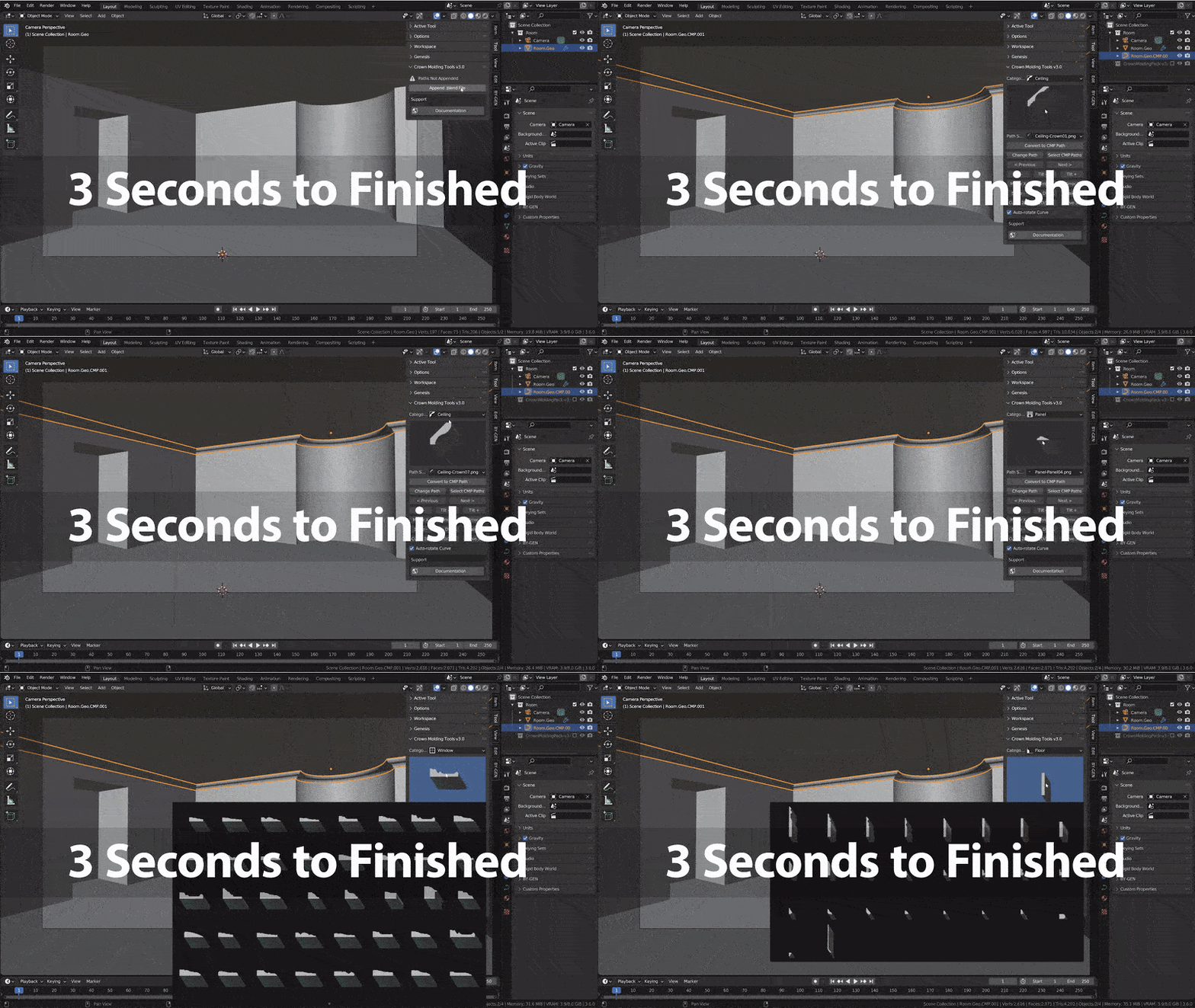
Super Fast Crown Molding
Adding Crown Molding into your scene takes 3 seconds with the Crown Molding Tools. The Crown Molding Pack offers 138 options, so you’ll find a crown molding or trim that fits your scene perfectly.
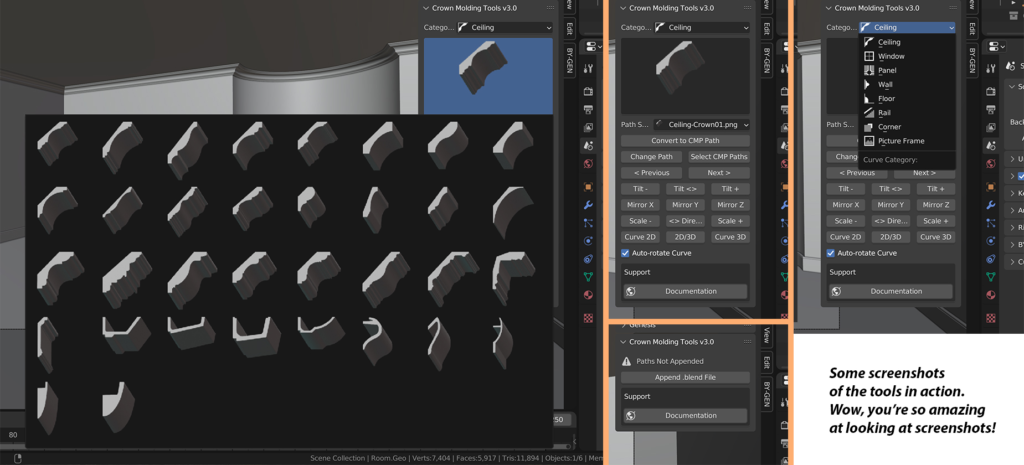
Helper Tools to Put You In Control
Curves are powerful, and with the Crown Molding Tools Add-on, you’ll be in full control of your scene.
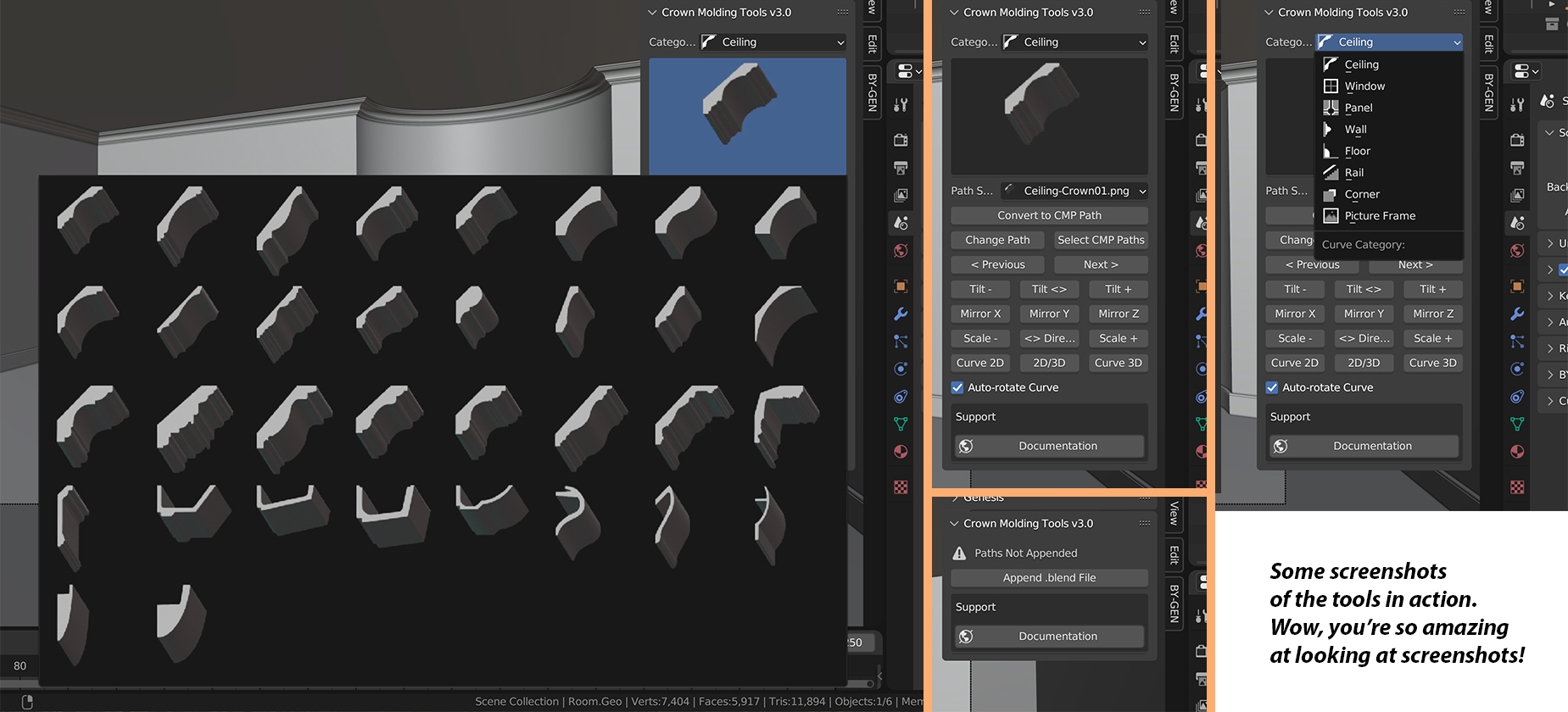
Features
- 142 Easy to change Paths
- 35 Crown Molding Paths
- 26 Wall Base Paths
- 25 Window Paths – great for picture frames, door frames, and tons more
- 14 Panel Trim Paths – great for walls
- 10 Wall Trim Paths – great for walls
- 4 Rail Paths – perfect handrails every time
- 20 Picture Frame Paths
- 8 Miscellaneous Trim Paths – corner guards and ply caps
- 17 Powerful Tools
- Make crown molding in 3 seconds, with easy adjustments to perfect your scene
- Video and Text Documentation
- Get up and running in 2 minutes
- Learn how each of the tools works
Supercharge your 3D creation workflow with premium selection of Blender Add-ons. Whether you are modeling intricate characters, sculpting realistic environments, or animating cinematic sequences, the right add-on can transform how you work inside Blender. Our curated collection includes powerful tools for UV unwrapping, procedural texture generation, rigging automation, rendering optimization, and more—each rigorously tested for compatibility with the latest Blender versions. Eliminate tedious manual processes and unlock advanced functionality that lets you focus on what matters most: bringing your creative vision to life. Explore our full range of professional Blender plugins today and take your 3D projects to the next level.
➡️ ➡️ For more Blender Plugins 😀 😀
Reviews
There are no reviews yet.