
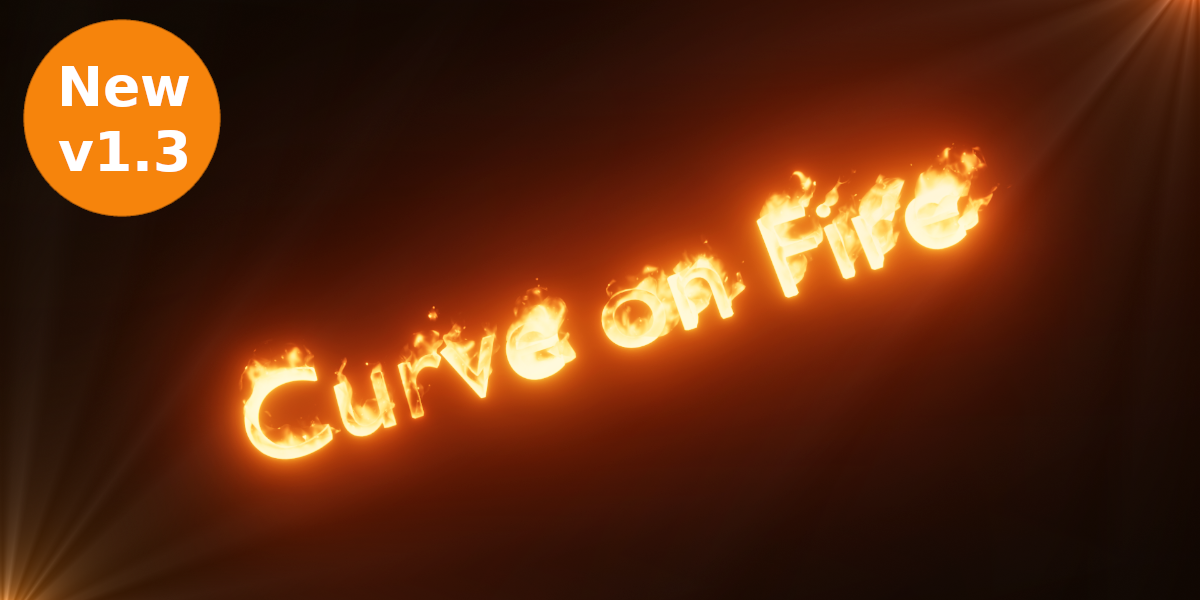
Curve Fire for Blender
Curve Fire v1.2 for Blender – The Ultimate Procedural Flame Path Generator
version: V1.2
Download Curve Fire v1.2 for Blender on Windows and Mac, a powerful Geometry Nodes-based addon that instantly transforms simple Bezier curves into dynamic, volumetric fire trails, torches, and magical effects. With real-time animation controls, customizable flame shapes, and integrated smoke simulation, Curve Fire v1.2 transforms how you create fire VFX, eliminating the need for complex fluid domain baking or manual particle system tweaking while keeping your scene lightweight and fully editable.
Key Features of Curve Fire v1.2:
Instant Curve-to-Fire Conversion: Draw any path (open or closed) and immediately generate a realistic fire stream that follows the curve’s geometry with perfect alignment
Procedural Flame Animation: Built-in noise drivers create natural flickering, rising, and swirling motions that loop seamlessly, requiring no keyframing or cache baking
Adjustable Flame Profile: Control the fire’s height, width, taper, and turbulence directly via sliders, allowing you to create anything from a small candle wick to a massive dragon breath
Integrated Smoke & Embers: Automatically generates synchronized volumetric smoke plumes and rising ember particles that react to the fire’s intensity and wind direction
Color & Temperature Control: Intuitive color ramps let you adjust core heat colors, tip fading, and smoke tinting for realistic orange/blue flames or stylized magical green/purple fires
Multiple Flame Styles: Presets for Candle, Torch, Wildfire, Gas Jet, and Magical Spell effects, each optimized for different visual storytelling needs
Physics Interaction Ready: Compatible with Blender’s Force Fields (Wind, Turbulence) to make the fire react dynamically to environmental changes in real-time
Optimized Performance v1.2: Improved volume sampling settings for faster renders in Cycles and Eevee, reduced memory usage for long curve paths, and better viewport responsiveness
Cross-Platform Support: Works flawlessly on both Windows and Mac systems including Apple Silicon M1/M2/M3 chips
Perfect For:
VFX artists creating torches, campfires, explosions trails, and magical spells for film and games
Motion designers animating fiery logos, text reveals, and abstract energy flows
Game developers needing performant, animated fire assets for real-time engines (via baked textures or direct export)
Architectural visualizers adding realistic fireplaces, pit fires, or dramatic lighting to scenes
Anyone tired of waiting hours for fluid simulations to bake just to get a simple fire effect
System Requirements:
Blender 3.6, 4.0, 4.1, 4.2, 4.3+ (Geometry Nodes required)
Windows 10/11 (64-bit) or macOS 10.15+
8GB RAM minimum (16GB+ recommended for heavy volumetric scenes)
Cycles recommended for best volumetric quality (Eevee supported with Volumetrics enabled)
Installation:
Open Blender and go to Edit > Preferences > Add-ons:
Click “Install…” and select the downloaded .zip file for Curve Fire
Enable the checkbox next to “Geometry Nodes: Curve Fire”
Access via the Add Menu > Curve > Curve Fire or drag the node group onto any Bezier curve object
Note: Version 1.2 introduces a new “Wind Map” feature that allows you to paint specific areas on the curve where the fire should bend or intensify, giving artists precise directional control over the flame’s behavior without affecting the entire path.
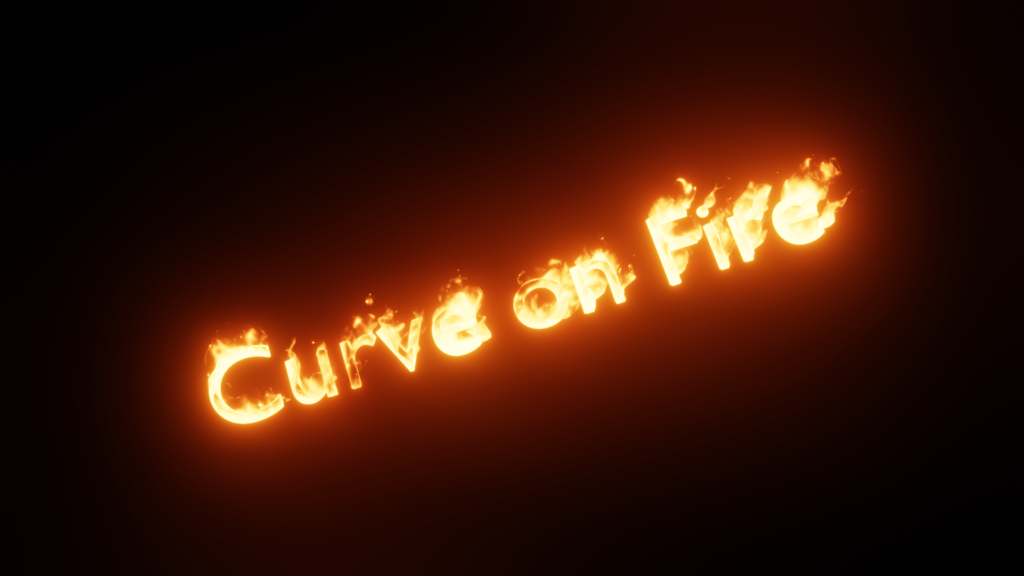
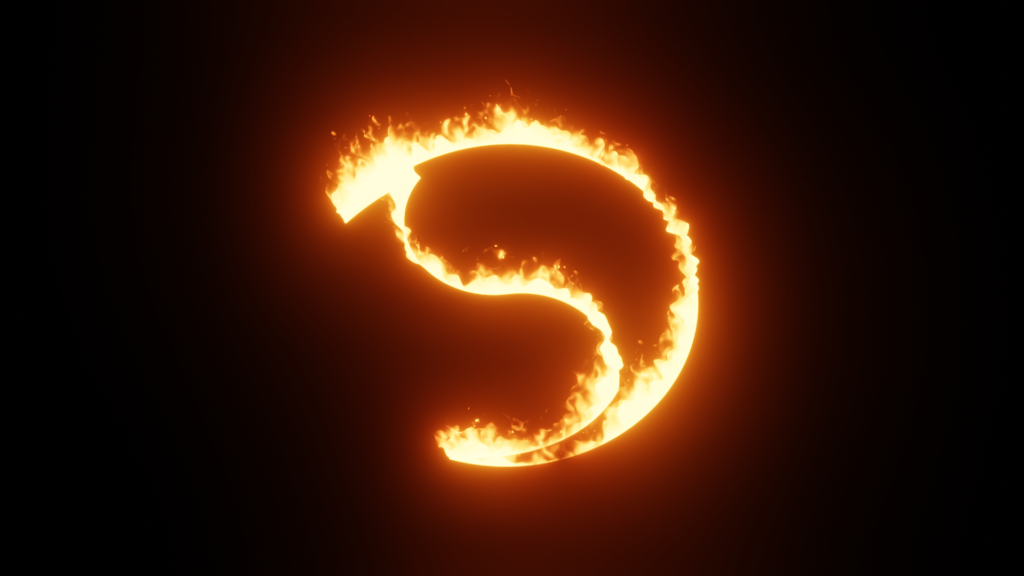
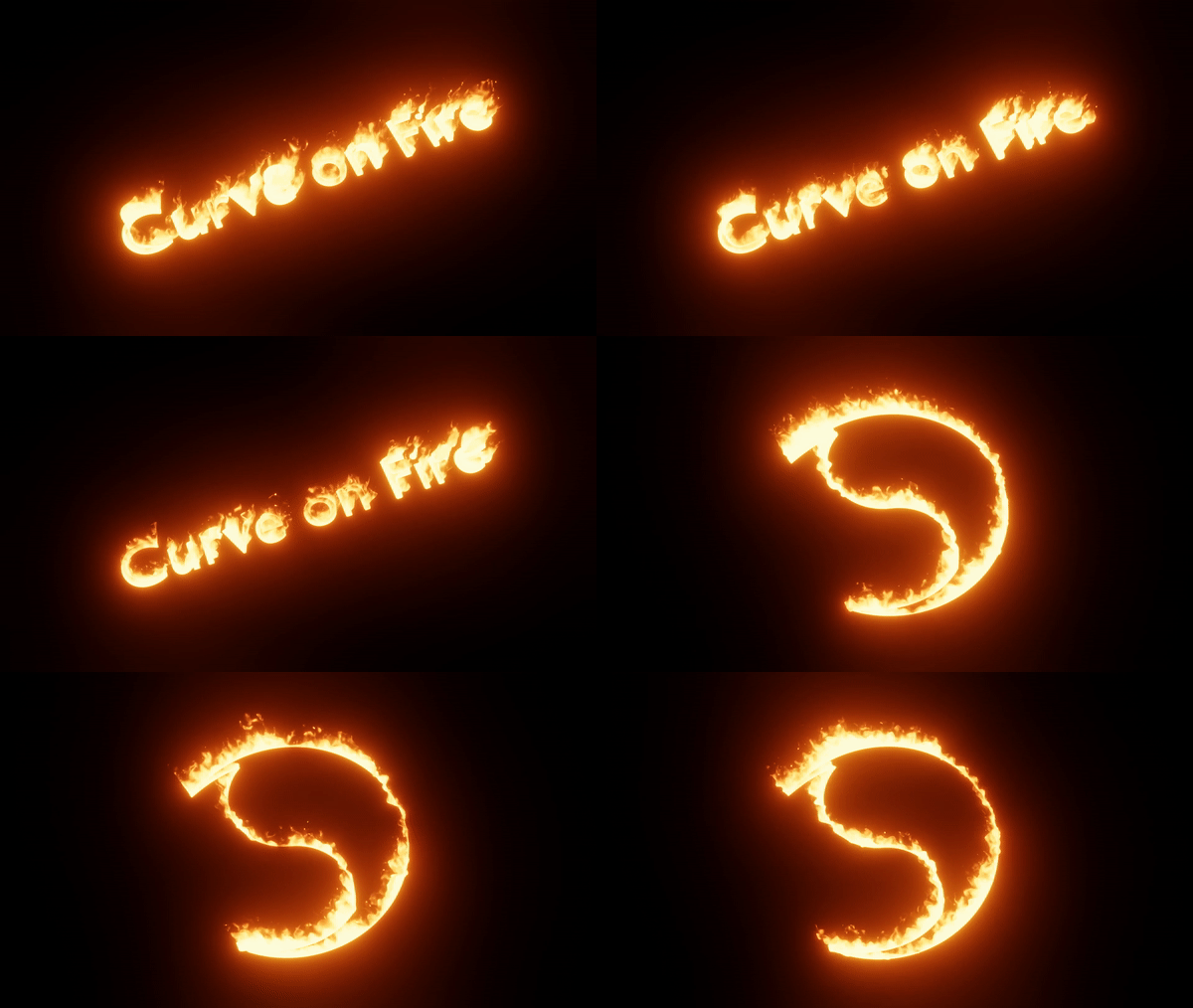
“It creates procedural fire with curves”
Features (New 1.3)
- Creates fire with any curve(s).
- Easy to control fire settings: Trim, Height, Turbulence, Wind, Color, etc.
Use
You can use this as an asset by assigning the Curve Fire folder as an Asset Library in Blender Preferences.
Documentation
Demo, Settings, How to Append or Use as an Asset:
https://player.vimeo.com/video/822899739
Another video demo is also available on my YouTube channel: 3D Singh VFX
Supercharge your 3D creation workflow with premium selection of Blender Add-ons. Whether you are modeling intricate characters, sculpting realistic environments, or animating cinematic sequences, the right add-on can transform how you work inside Blender. Our curated collection includes powerful tools for UV unwrapping, procedural texture generation, rigging automation, rendering optimization, and more—each rigorously tested for compatibility with the latest Blender versions. Eliminate tedious manual processes and unlock advanced functionality that lets you focus on what matters most: bringing your creative vision to life. Explore our full range of professional Blender plugins today and take your 3D projects to the next level.
➡️ ➡️ For more Blender Plugins 😀 😀
Reviews
There are no reviews yet.