
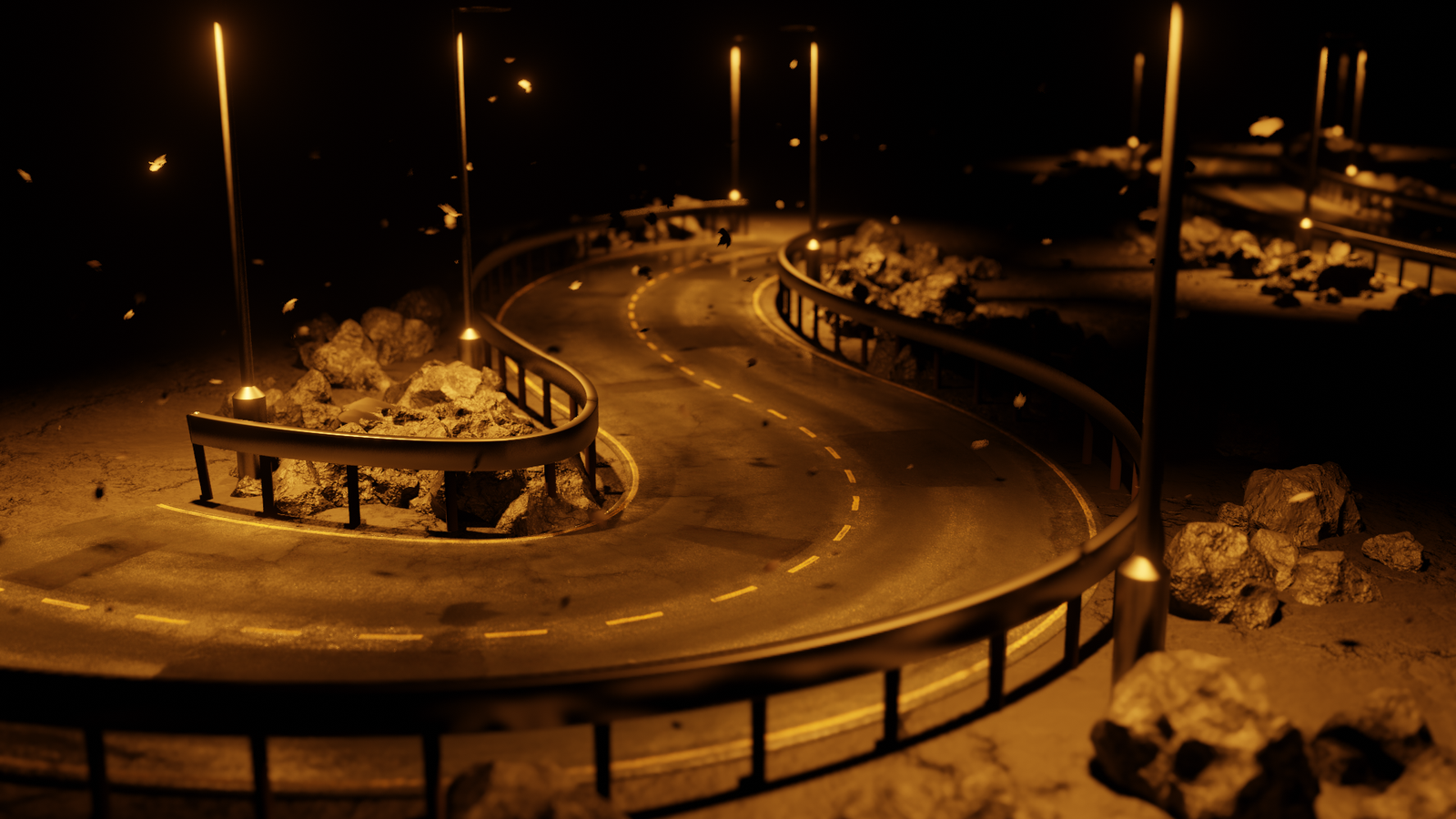
Curves To Roads for Blender
Curves To Roads V1 for Blender – The Ultimate Geometry Nodes Road Generator
Version: V1
File Size: 5 MB
Download Curves To Roads V1 for Blender, a powerful Geometry Nodes generator (not a traditional Python addon) that instantly transforms simple Bezier curves into fully detailed 3D roads. Designed specifically for Blender 3.2+, this tool allows you to manually place or draw curves using Blender’s native curve tools and immediately generates customizable road geometry with markings and guard rails directly in the modifier tab [[2]].
Key Features of Curves To Roads V1:
Curve-Based Generation: Converts any drawn or placed curve into a road mesh instantly, leveraging Blender’s intuitive curve drawing tools for rapid path creation [[7]].
Fully Customizable: All road parameters, including width, lane count, and surface details, can be edited non-destructively within the Geometry Nodes modifier panel without baking [[3]].
Procedural Markings & Rails: Automatically generates realistic road markings (dashed/solid lines) and optional guard rails that follow the curve’s curvature perfectly [[13]].
Non-Destructive Workflow: As a Geometry Nodes setup, the road remains editable; changing the underlying curve shape automatically updates the entire road model in real-time [[9]].
Lightweight & Fast: Since it relies on procedural generation rather than heavy simulation, it keeps viewport performance high even with long, complex road networks [[6]].
Easy Integration: Simply add the Geometry Nodes modifier to any curve object and select the “Curves To Roads” node group to activate the effect [[14]].
Version Compatibility: Specifically optimized for Blender 3.2 and later versions, ensuring stability with modern Geometry Nodes features [[2]].
Perfect For:
- Environment Artists needing quick highway, street, or path generation for game levels.
- Architectural Visualizers creating site plans and surrounding infrastructure rapidly.
- Game Developers prototyping race tracks or open-world road networks without manual modeling.
- Beginners who want to create roads without learning complex modeling techniques.
- Anyone looking for a lightweight, node-based alternative to heavy road-building addons.
System Requirements:
- Blender 3.2, 3.3, 3.4, 3.5, 3.6, 4.0+ (Geometry Nodes required) [[2]].
- Windows 10/11 (64-bit) or macOS 10.15+.
- 8GB RAM minimum (16GB+ recommended for large networks).
- No external dependencies or installation via Preferences needed (it’s a .blend asset/node group).
Installation:
- Download the
.blendfile containing the Geometry Nodes group [[1]]. - Open your project in Blender and go to the Geometry Nodes workspace.
- Select a Curve object (or add a new Bezier Curve).
- Open the downloaded file, locate the “Curves To Roads” node group in the Asset Browser or Outliner, and drag it into your node editor or apply it as a modifier [[6]].
- Adjust the road parameters in the Modifier Properties panel to customize width, materials, and details [[3]].
Note: Unlike full addons like City Road Builder Pro, Curves To Roads V1 is a preset/node group that requires Blender 3.2+ to function correctly due to specific Geometry Nodes updates introduced in that version [[2]]. It focuses on simplicity and speed, making it ideal for artists who prefer a node-based workflow over complex UI panels.
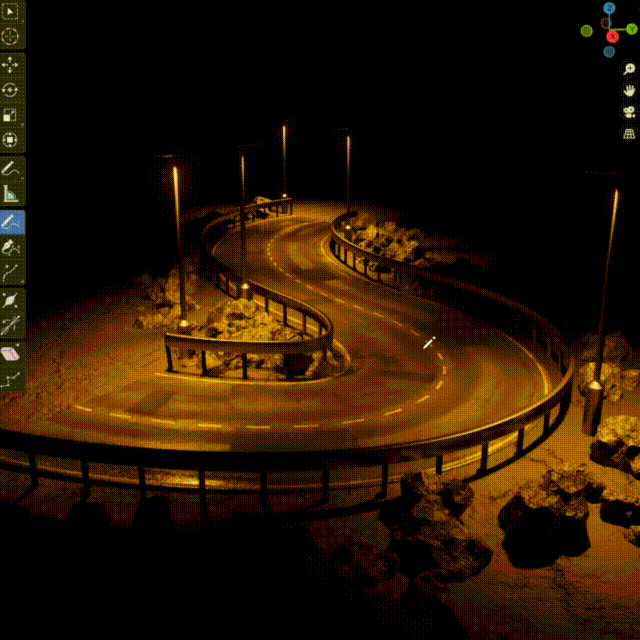
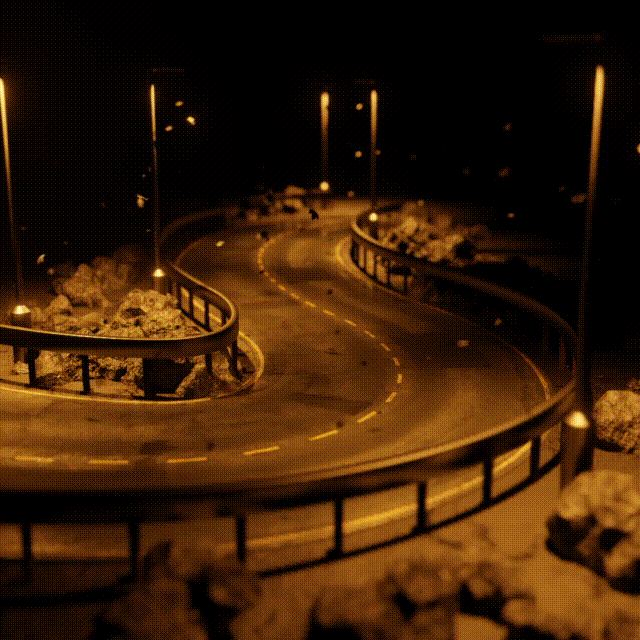
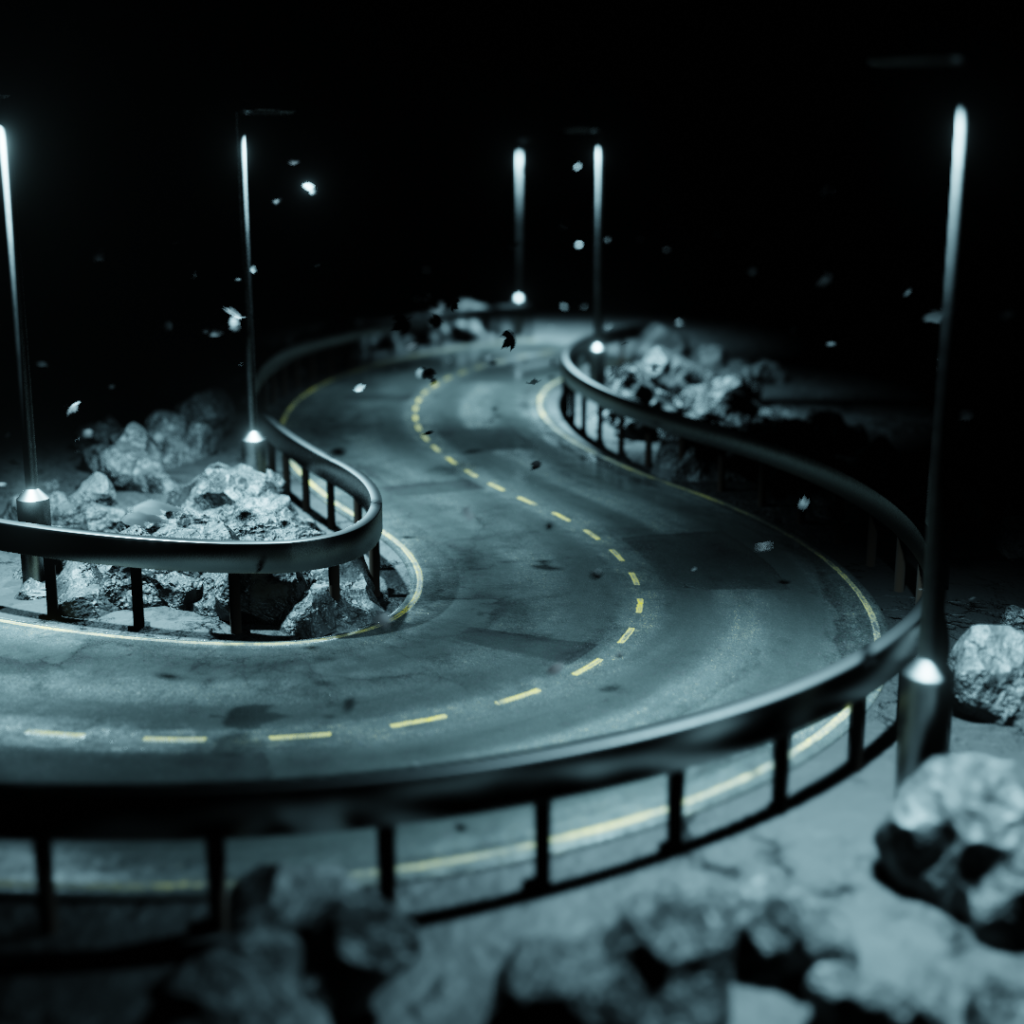
A geometry nodes generator that transforms curves into roads.
Curves can be placed manually or drawn using the curve draw tool.
The roads are customizable, and can be edited in the modifier tab.
*This will only work in Blender 3.2 or later*
*This is a Geometrynodes modifier, not an addon*
Supercharge your 3D creation workflow with premium selection of Blender Add-ons. Whether you are modeling intricate characters, sculpting realistic environments, or animating cinematic sequences, the right add-on can transform how you work inside Blender. Our curated collection includes powerful tools for UV unwrapping, procedural texture generation, rigging automation, rendering optimization, and more—each rigorously tested for compatibility with the latest Blender versions. Eliminate tedious manual processes and unlock advanced functionality that lets you focus on what matters most: bringing your creative vision to life. Explore our full range of professional Blender plugins today and take your 3D projects to the next level.
➡️ ➡️ For more Blender Plugins 😀 😀
Reviews
There are no reviews yet.