
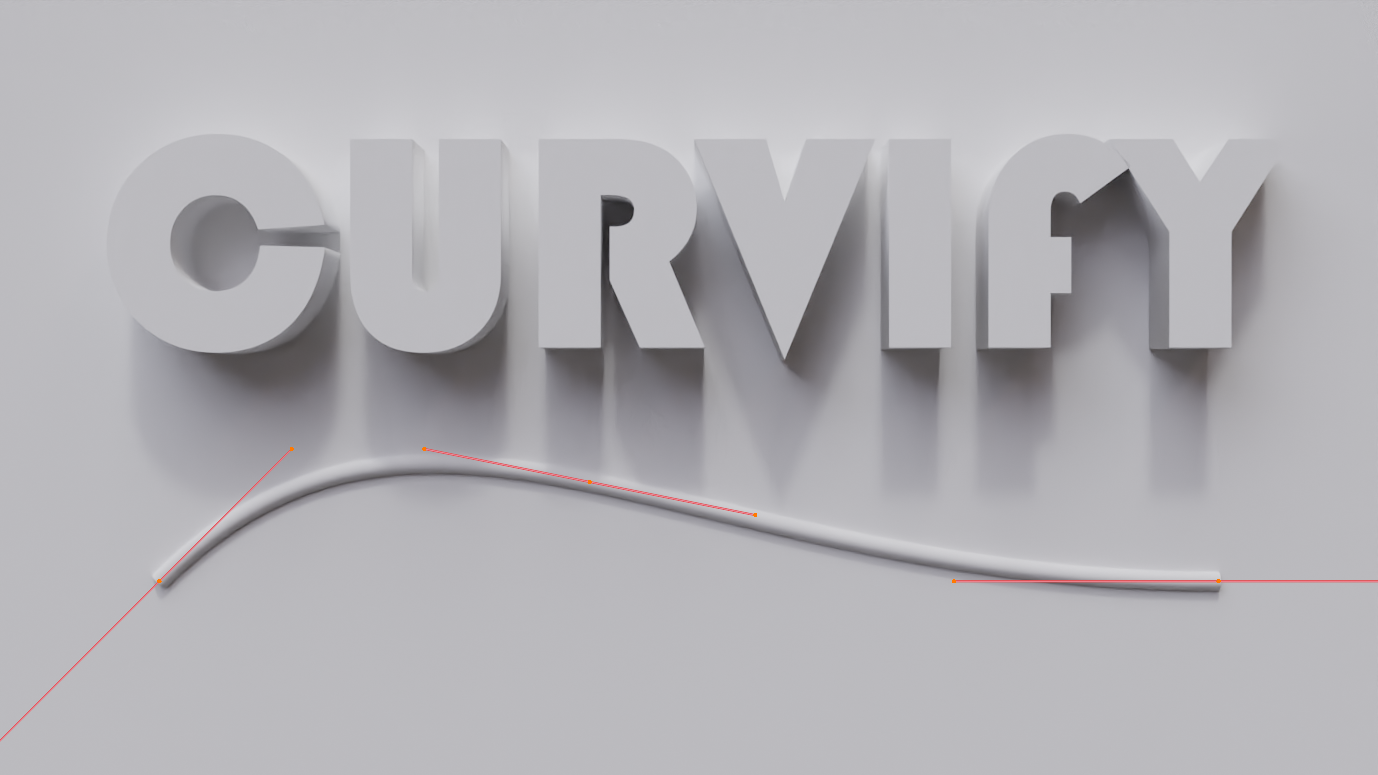
Curvify for Blender
Curvify v4.2 for Blender – The Ultimate Mesh Smoothing & Organic Shape Transformer
Download Curvify v4.2 for Blender on Windows and Mac, a specialized modeling addon designed to instantly transform hard-surface geometry into smooth, organic, and flowing forms with unprecedented control. With advanced curvature analysis, selective softening, and preservation of sharp features, Curvify transforms how artists create stylized characters, fluid architecture, and ergonomic product designs, eliminating the need for tedious manual sculpting or complex subdivision surface workflows to achieve perfect curves.
Key Features of Curvify v4.2:
Intelligent Curvature Smoothing: Analyzes mesh topology and applies adaptive smoothing based on local curvature values, turning jagged edges into silky flows while maintaining overall volume
Selective Feature Preservation: Advanced masking tools allow you to protect sharp corners, creases, and specific edge loops from smoothing, ensuring critical details remain crisp while surrounding areas soften
Volume Conservation Algorithm: Unlike standard smoothing operators that often shrink models, Curvify’s engine actively compensates to maintain the original object’s mass and silhouette during transformation
Gradient Control Sliders: Fine-tune the intensity of the effect from subtle rounding to extreme liquid-like deformation using intuitive global and local strength sliders
Topology-Aware Flow: Respects existing edge flow patterns, guiding the smoothing process along natural lines to prevent unwanted distortion or pinching in complex meshes
Iterative Refinement: Apply the effect in multiple passes with different settings to build up complex organic shapes layer by layer without losing control
Non-Destructive Preview: Visualize the smoothed result in real-time before committing changes, with an easy toggle to compare before/after states instantly
Batch Processing Mode: Apply consistent curvification settings across multiple selected objects simultaneously, perfect for standardizing styles in asset packs or character sets
Optimized Performance v4.2: Rewritten calculation core for 50% faster processing on high-poly meshes, improved handling of non-manifold geometry, and better compatibility with Blender 4.x modifier stacks
Cross-Platform Support: Works flawlessly on both Windows and Mac systems including Apple Silicon M1/M2/M3 chips
Perfect For:
Stylized character artists creating “clay-like” or soft-body aesthetics for animation and games
Product designers refining ergonomic shapes for consumer electronics, tools, and furniture
Architectural visualizers generating fluid, parametric building forms and organic structures
Concept artists rapidly blocking out smooth, flowing shapes from rough block-outs
Anyone struggling to get perfect, continuous curves using only Subdivision Surface modifiers
System Requirements:
Blender 3.6, 4.0, 4.1, 4.2, 4.3+ (Latest LTS recommended)
Windows 10/11 (64-bit) or macOS 10.15+
8GB RAM minimum (16GB+ recommended for high-poly organic smoothing)
No external dependencies required
Installation:
Open Blender and go to Edit > Preferences > Add-ons:
Click “Install…” and select the downloaded .zip file for Curvify
Enable the checkbox next to “Mesh: Curvify”
Access via the Object Context Menu > Curvify or the 3D Viewport Sidebar (N-panel) > Curvify Tab
Note: Version 4.2 introduces a new “Flow Direction” brush that allows you to paint specific vectors on the mesh, guiding the smoothing algorithm to flow in desired directions rather than just averaging neighbors, giving artists sculptor-level control over the final form.
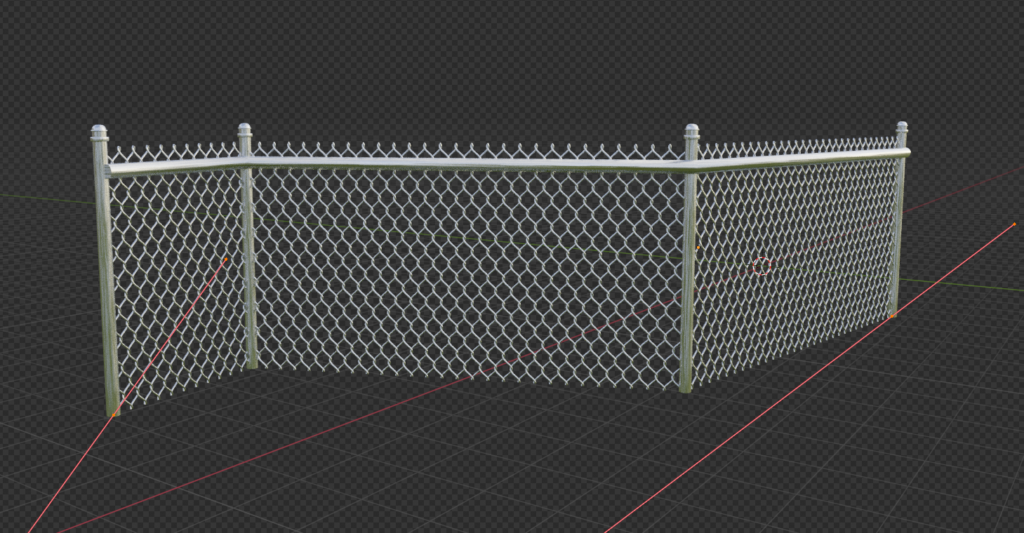
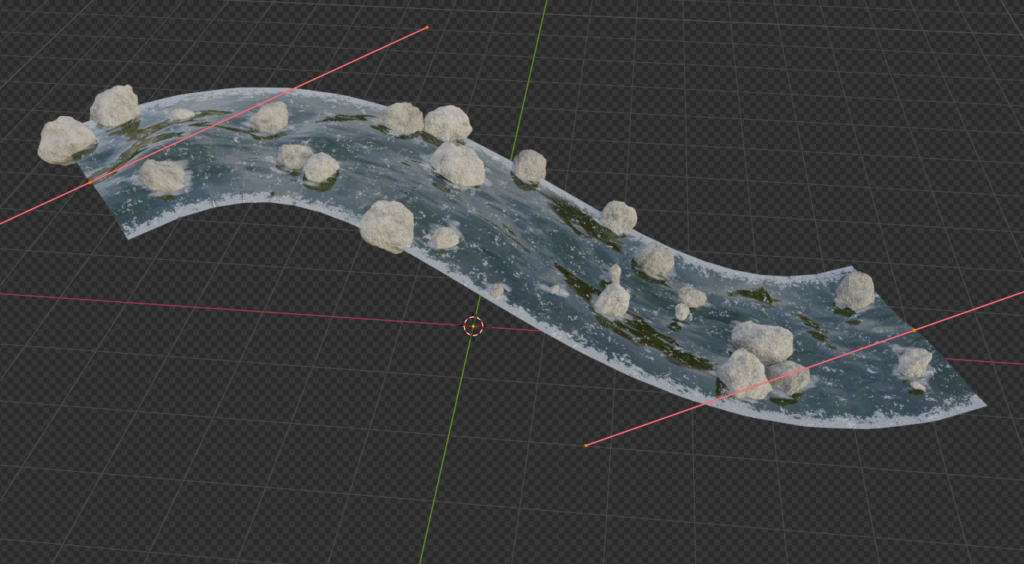
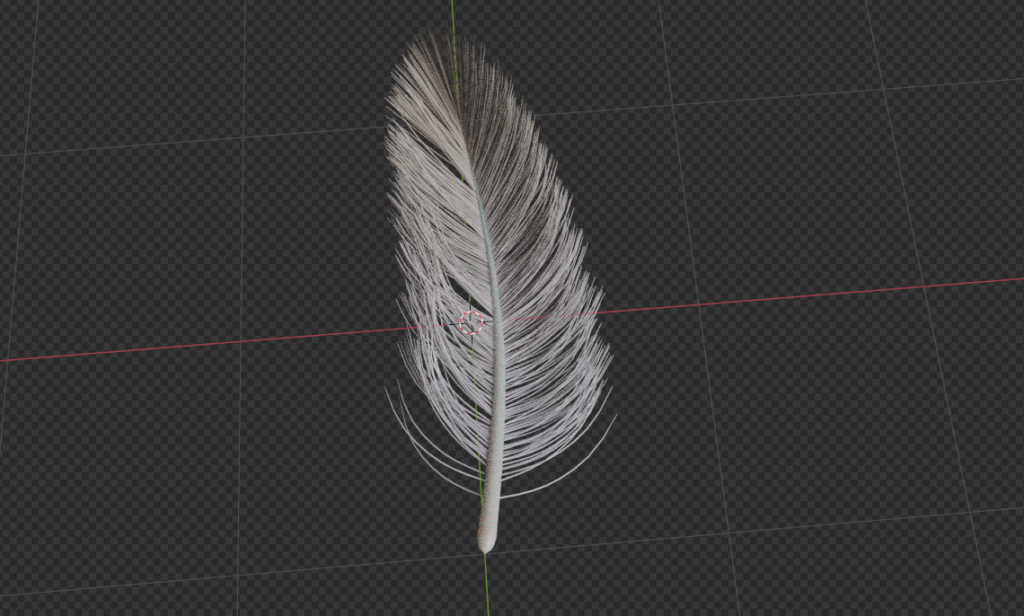
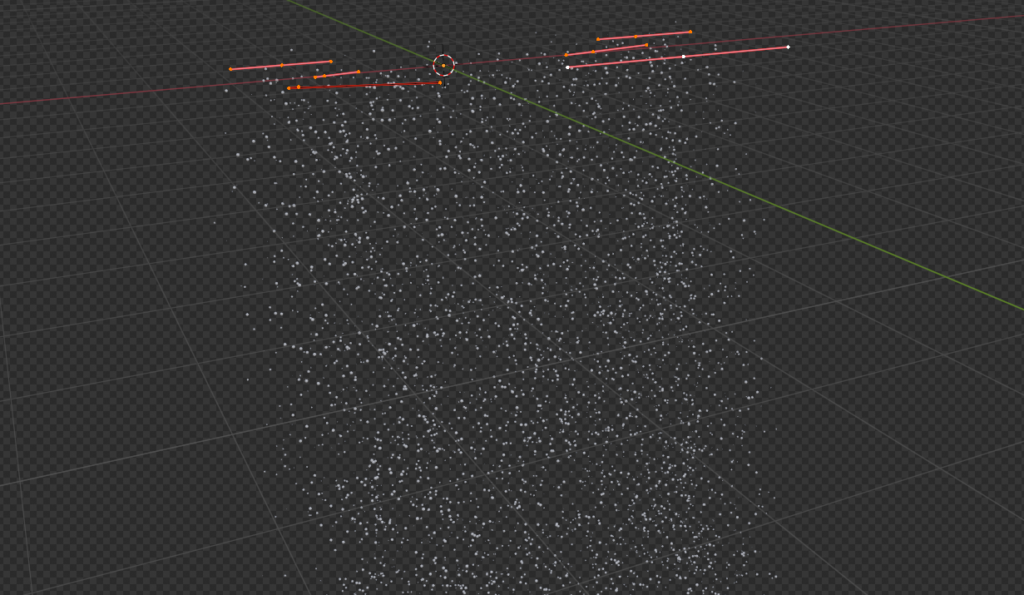
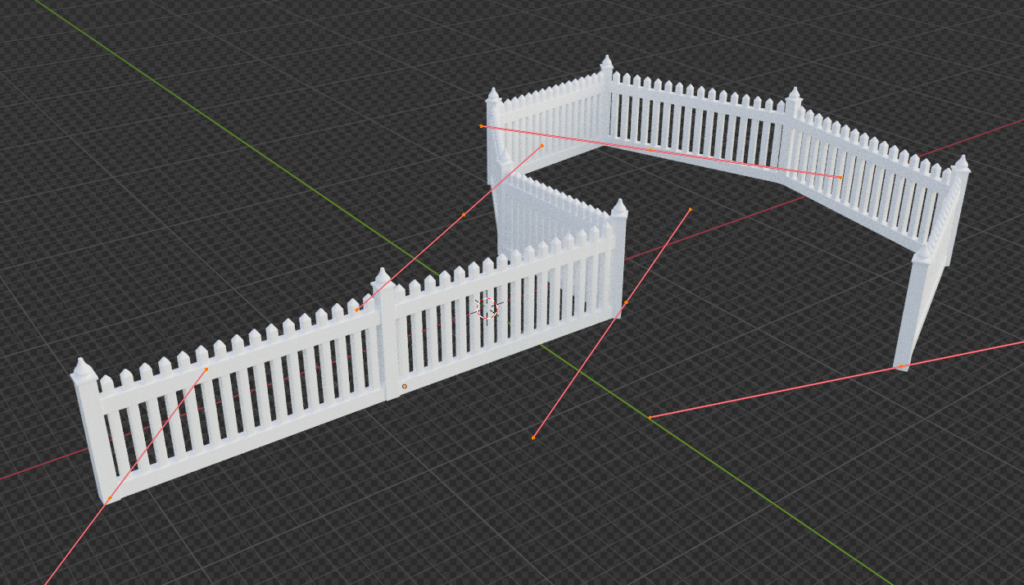
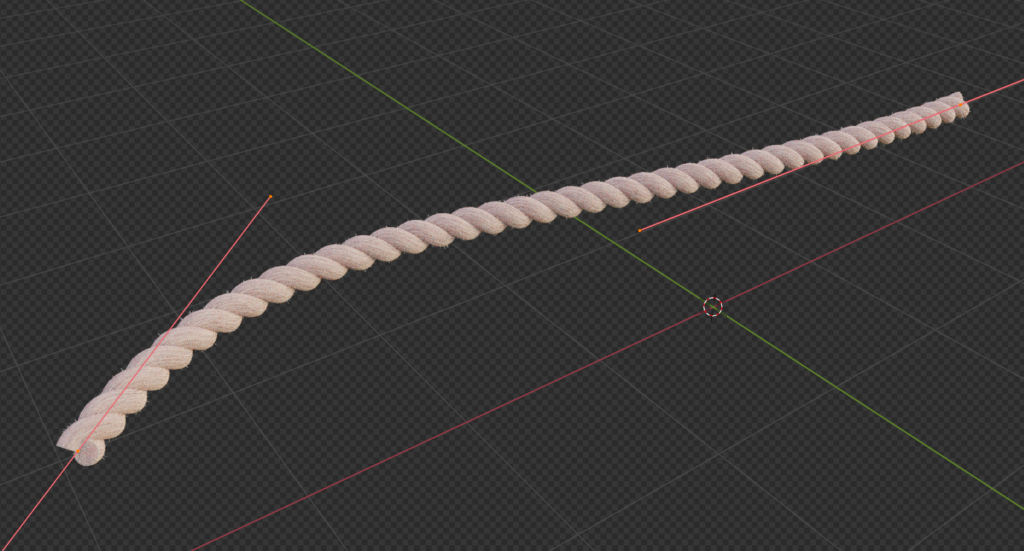
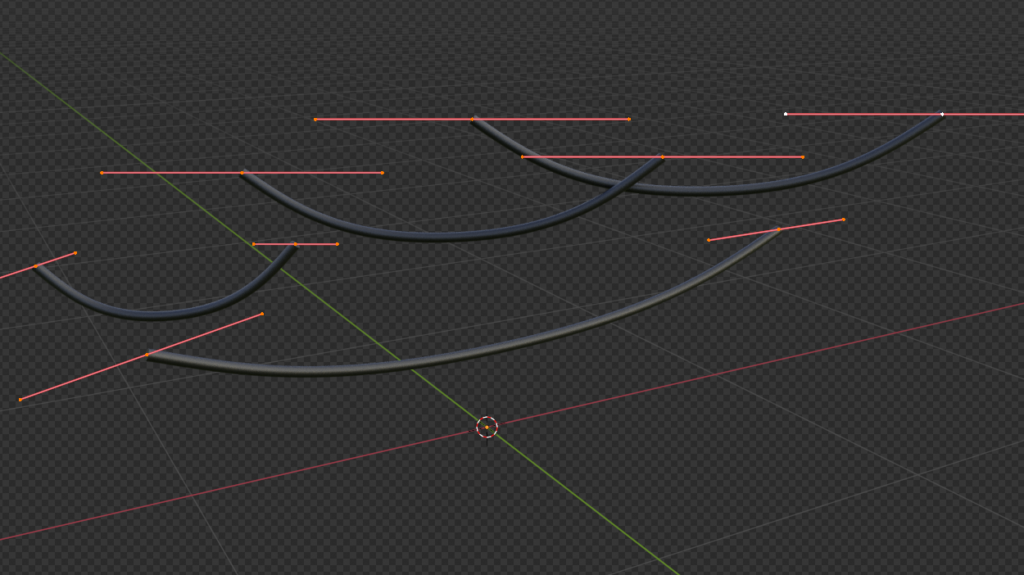
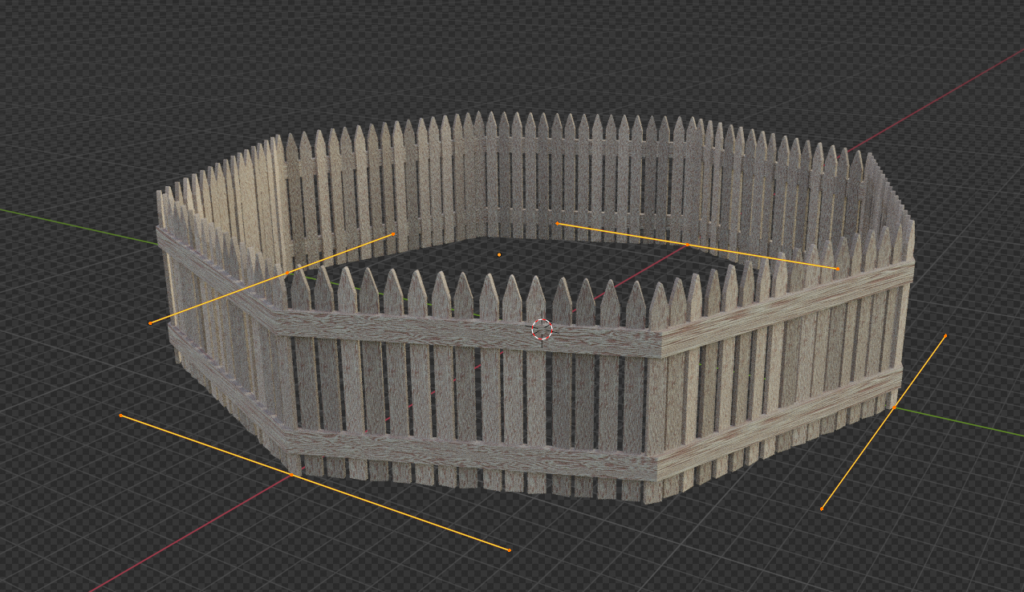
Curvify is a geometry nodes based curve generation tool letting you make procedural:
Barbed Wire, Chains, Clouds, Curtains, Feathers, Fences x3, Dangling Cables, Rainbows, Roads, “RollAlongCurve”, Rope, Rivers, Snow, Tentacles, Flow, Screws, Decals, Vines, Running Stitches, Trees, Hedges, Springs, Bricks, Caution Tape, Icicles, Rock Path, Water Along Path [3.5 only!], Suture x7
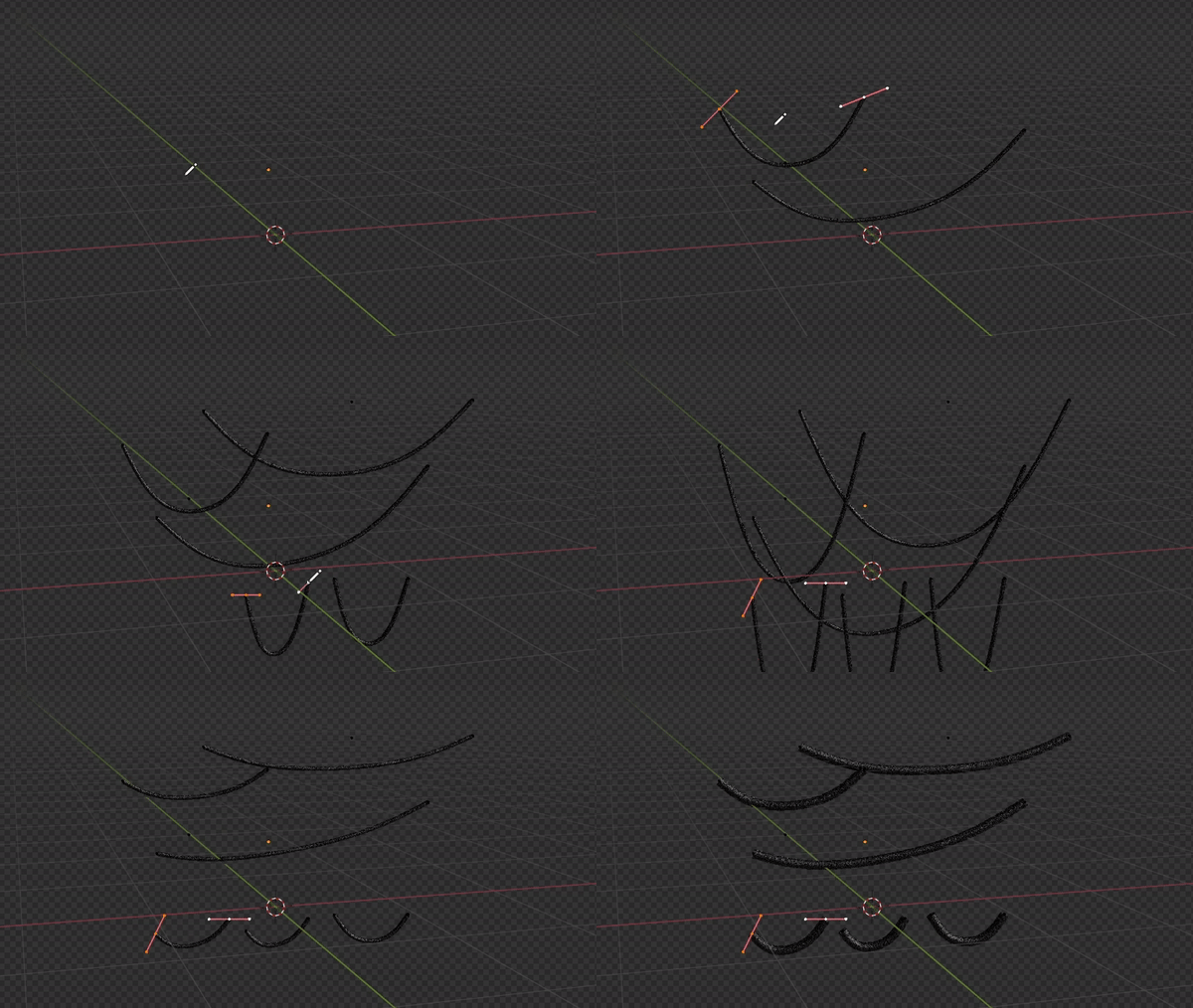
Here are just a few examples:
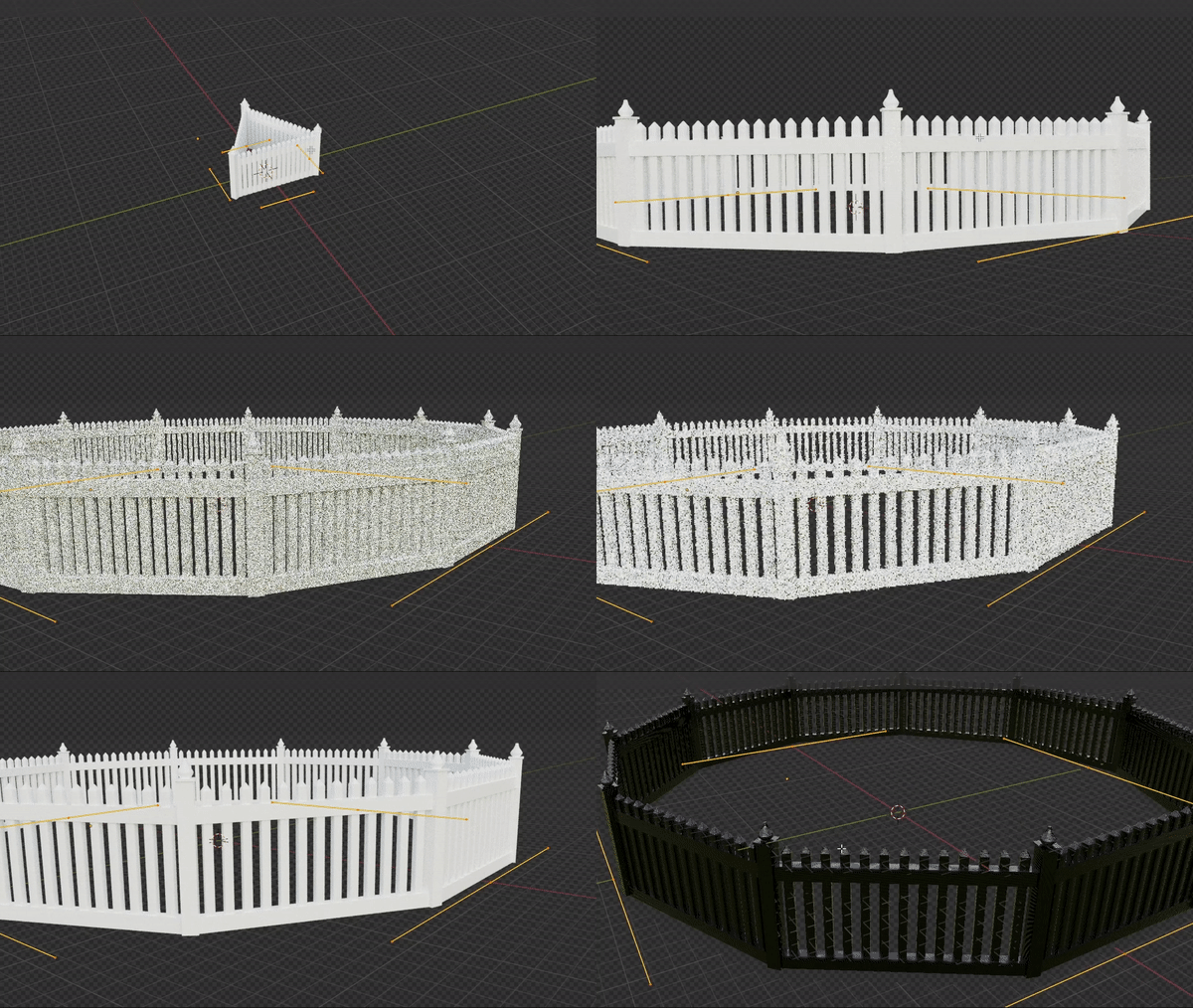
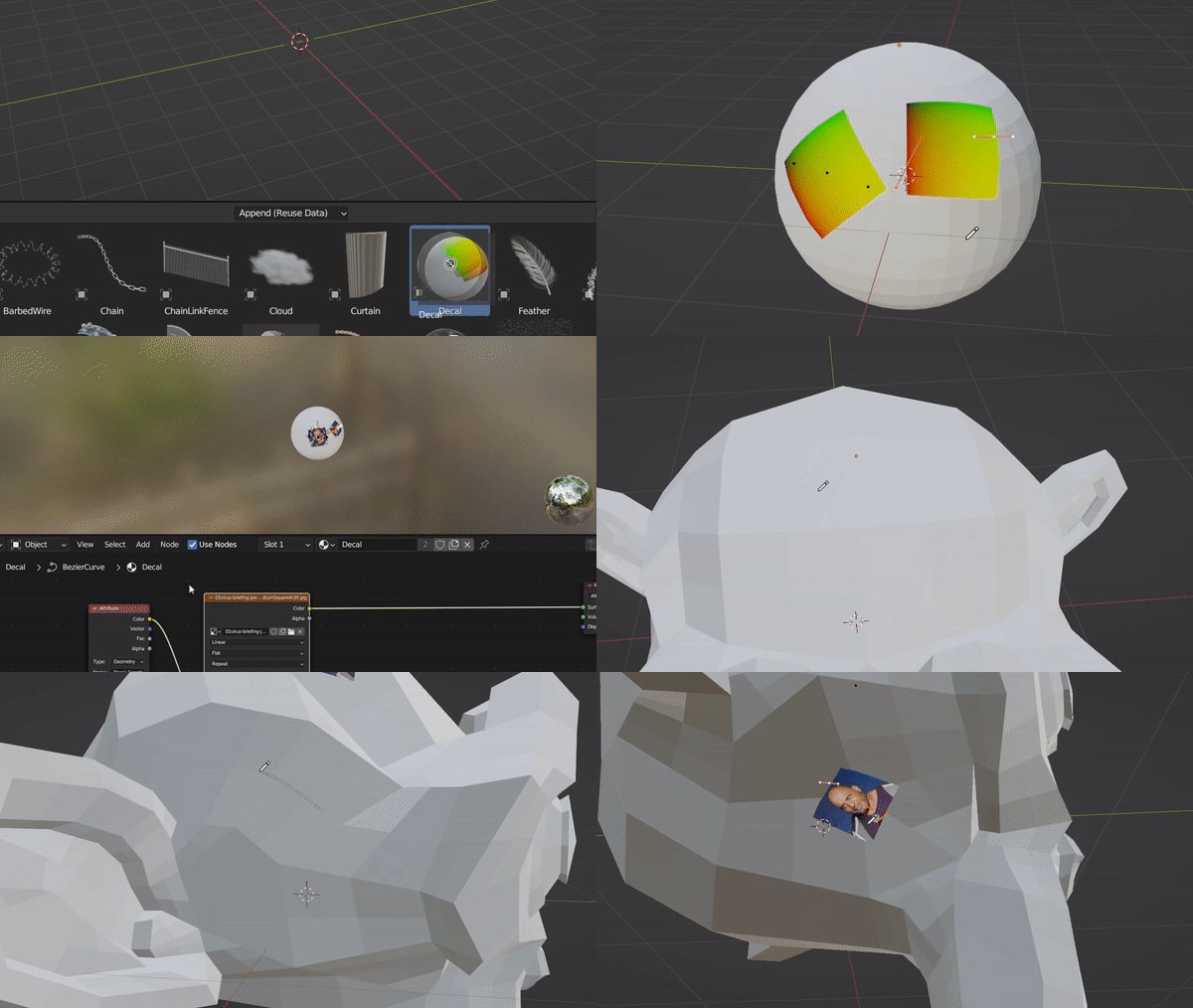
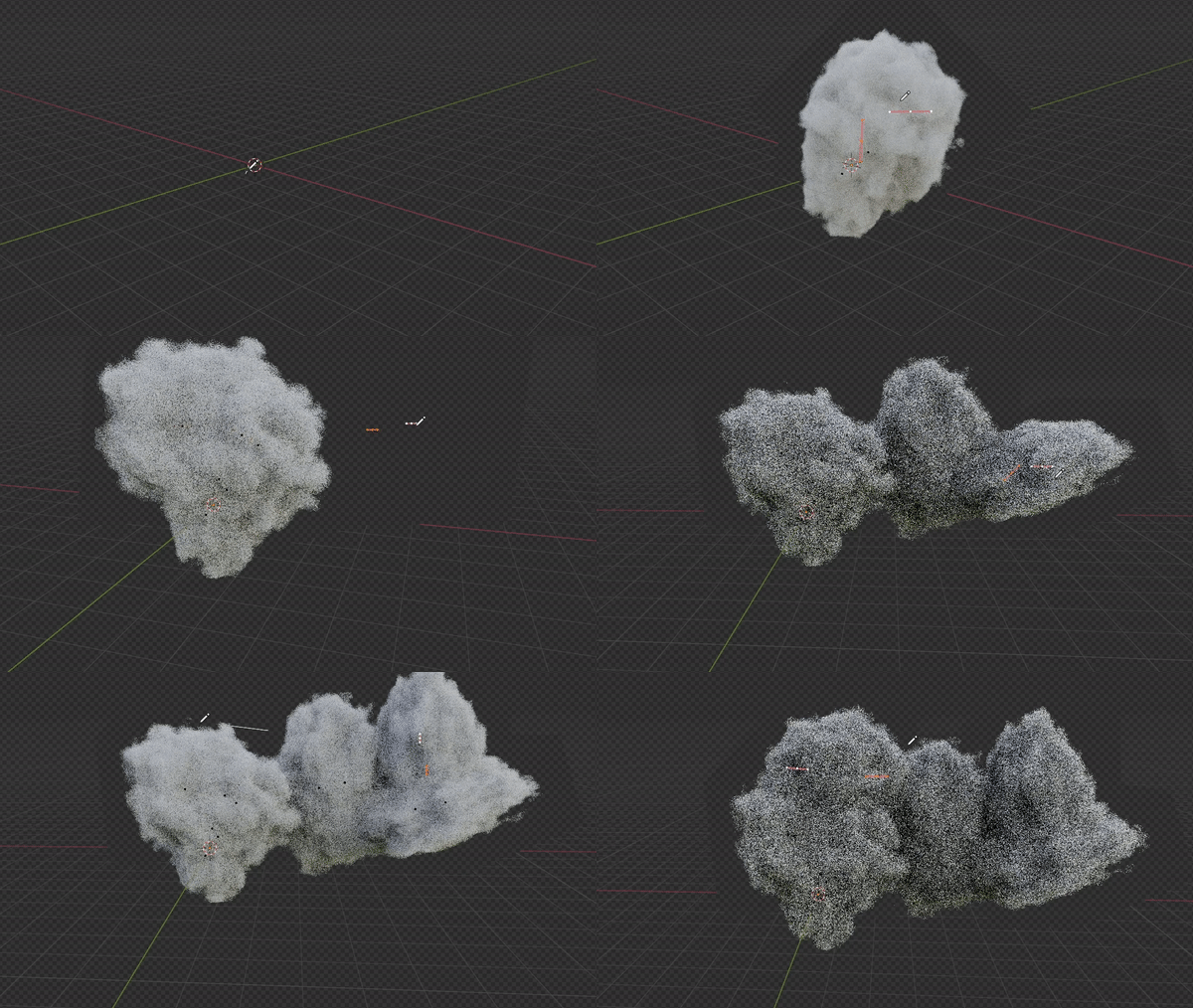
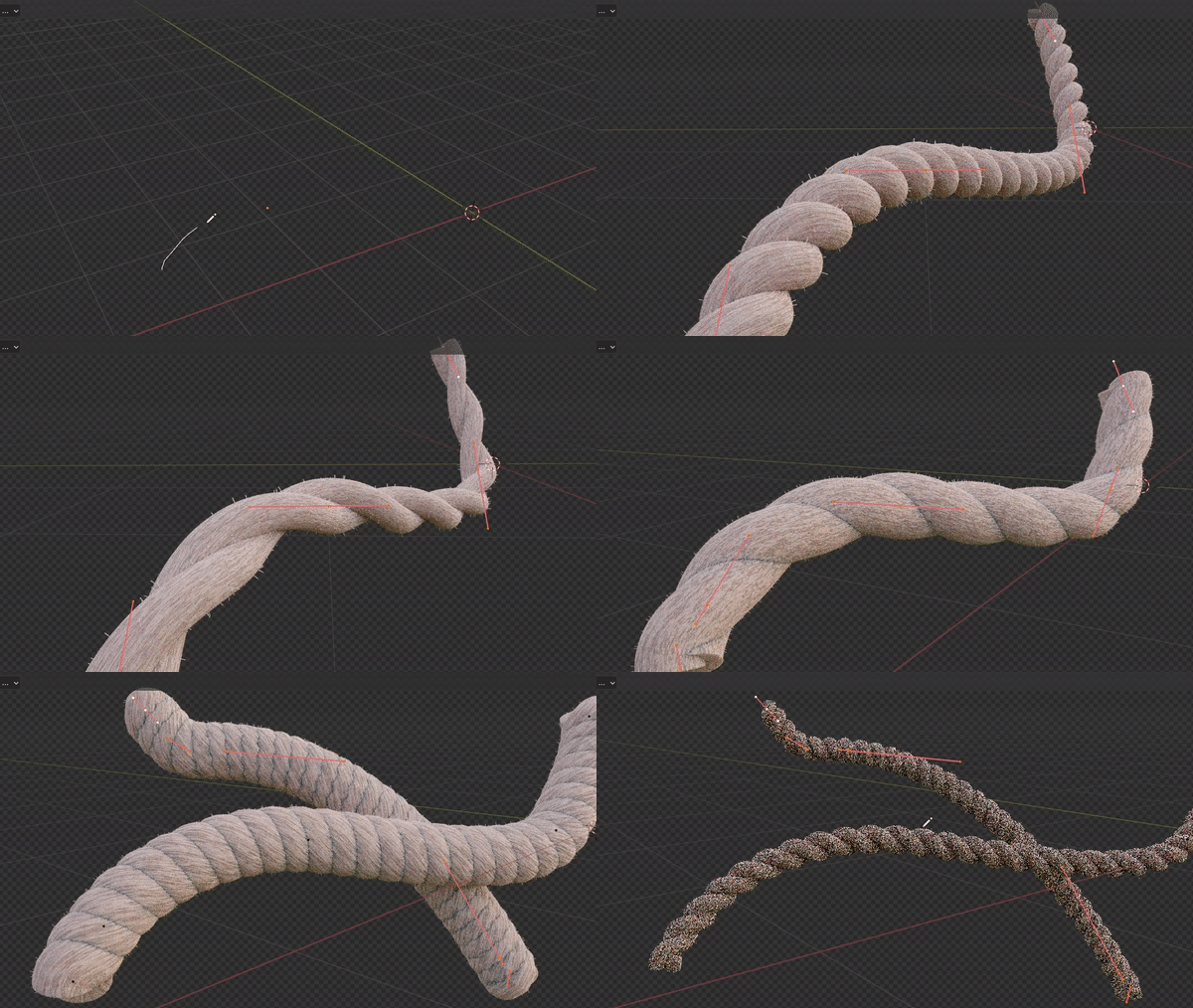
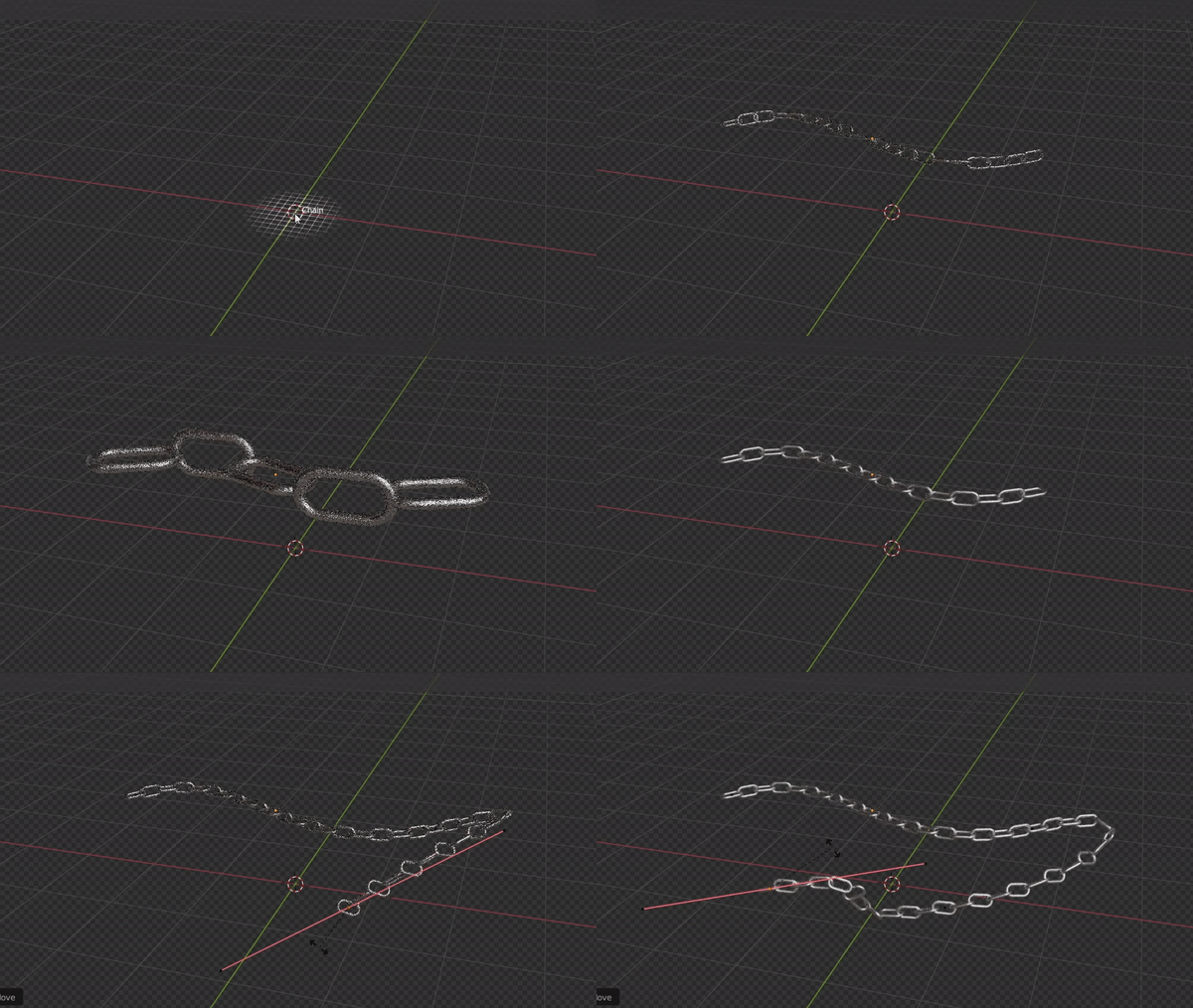
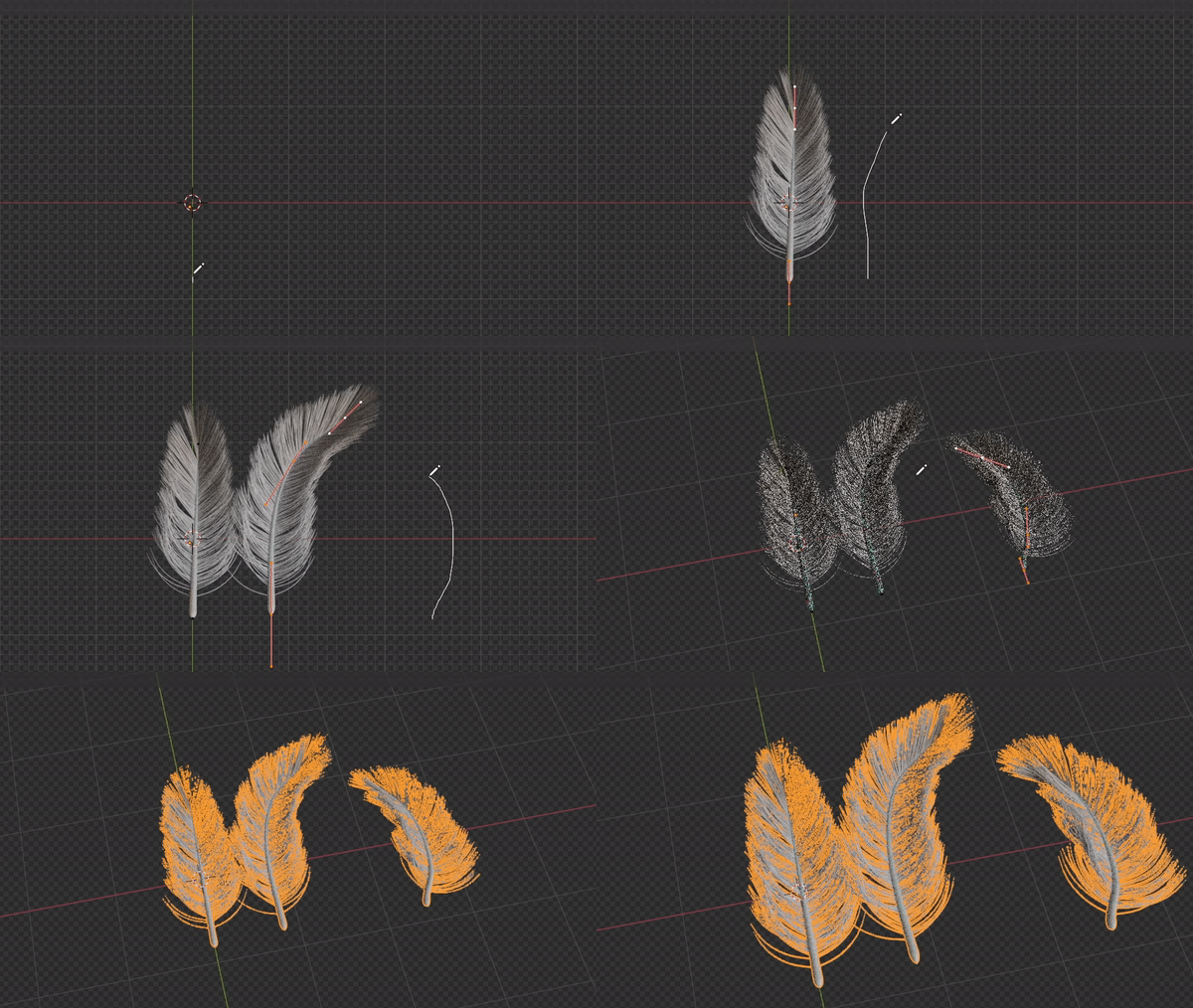
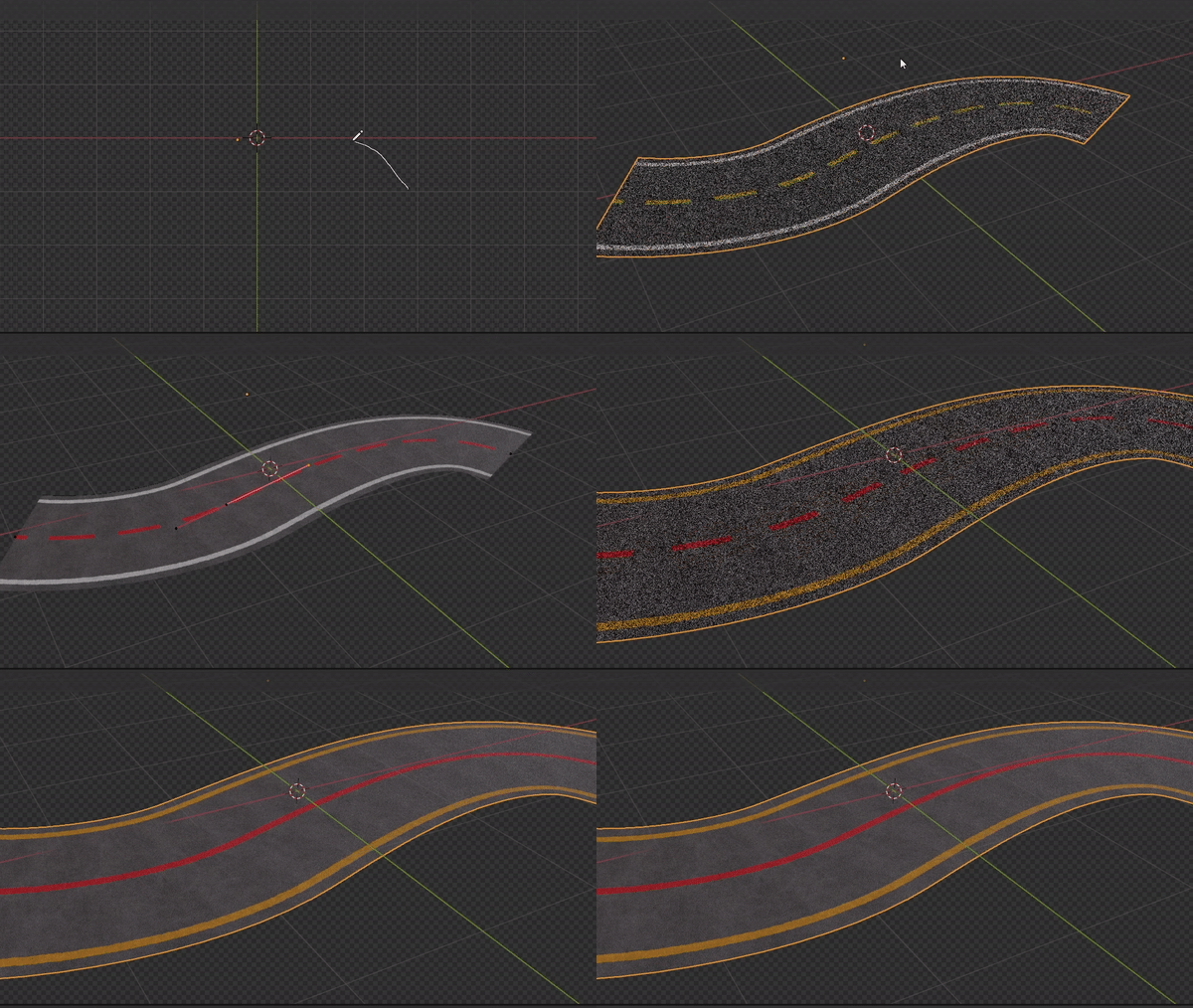
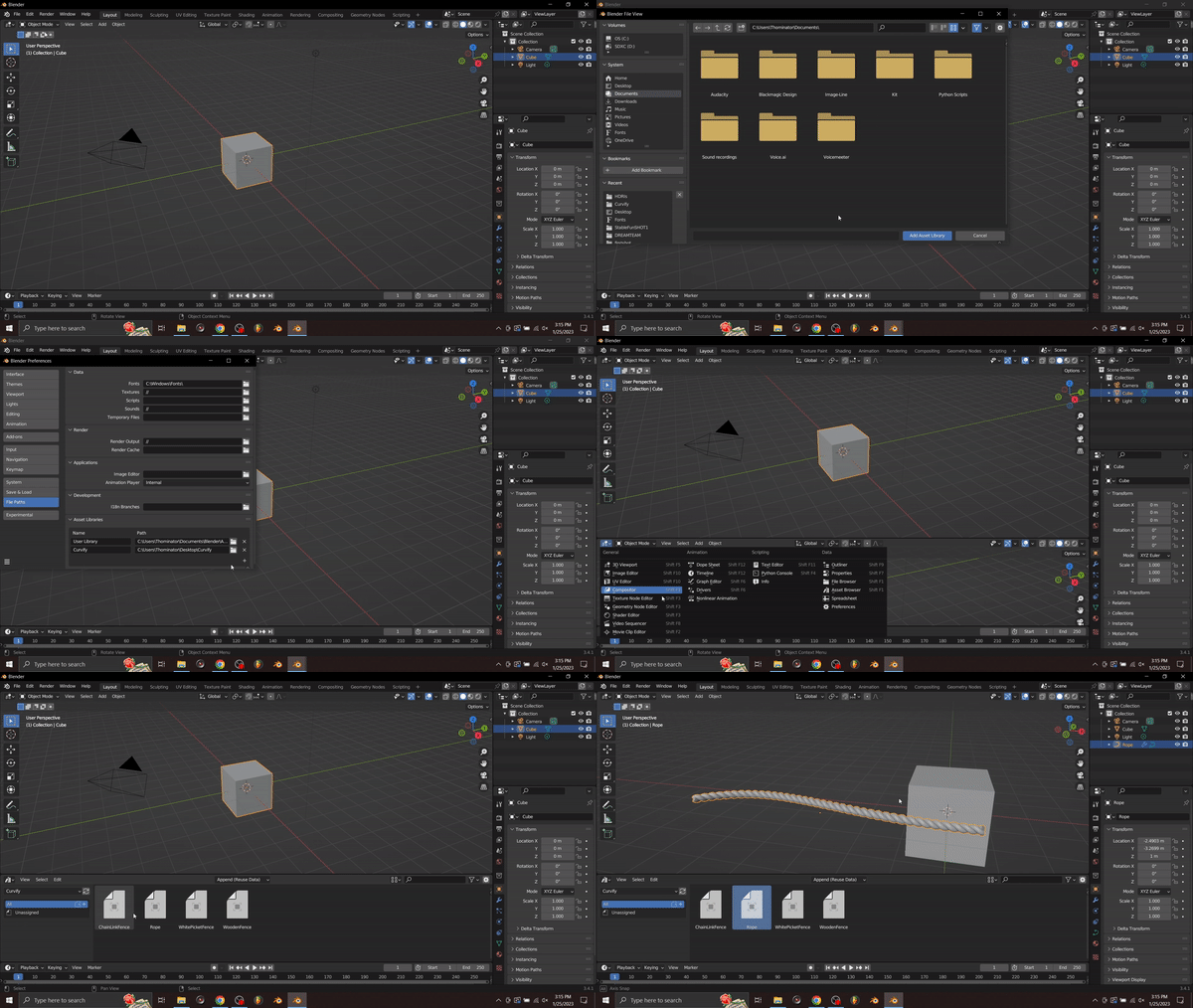
To install Curvify simply download the files, add it to the Assets file path, and drag in your asset!
Supercharge your 3D creation workflow with premium selection of Blender Add-ons. Whether you are modeling intricate characters, sculpting realistic environments, or animating cinematic sequences, the right add-on can transform how you work inside Blender. Our curated collection includes powerful tools for UV unwrapping, procedural texture generation, rigging automation, rendering optimization, and more—each rigorously tested for compatibility with the latest Blender versions. Eliminate tedious manual processes and unlock advanced functionality that lets you focus on what matters most: bringing your creative vision to life. Explore our full range of professional Blender plugins today and take your 3D projects to the next level.
➡️ ➡️ For more Blender Plugins 😀 😀
Reviews
There are no reviews yet.