
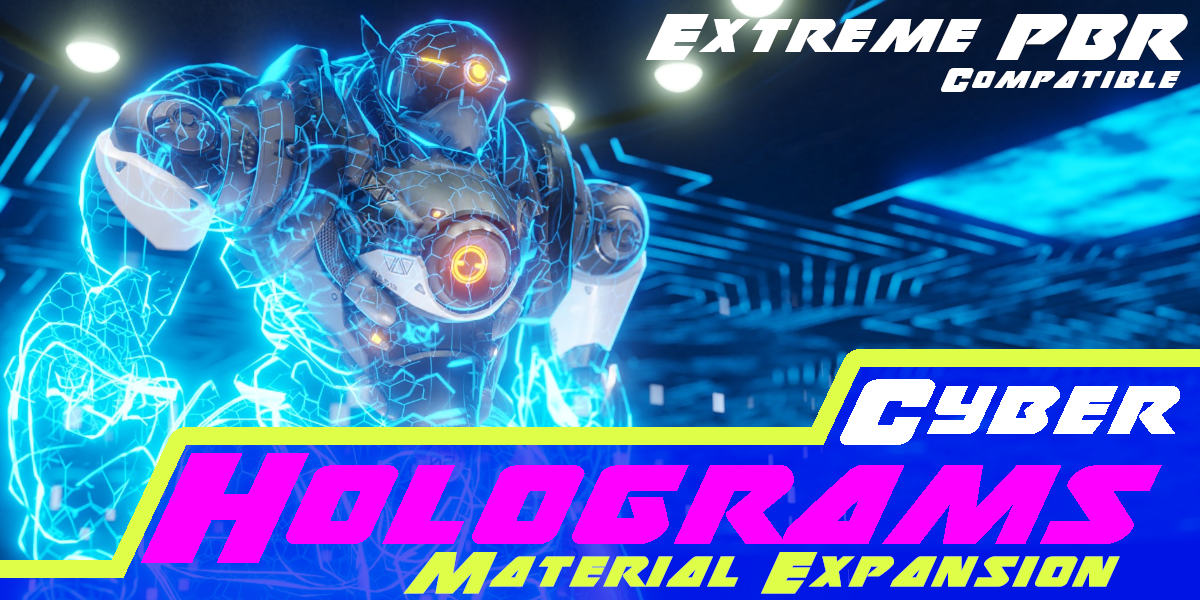
Cyber Holograms for Blender
Cyber Holograms for Blender – The Ultimate Sci-Fi Interface & Projection Suite
Download Cyber Holograms for Blender on Windows and Mac, a comprehensive collection of procedural shaders, geometry nodes, and particle systems designed to instantly create futuristic holographic displays, floating UI elements, and data projections. With authentic scanline effects, volumetric light cones, and flickering glitch animations, Cyber Holograms transforms how you build sci-fi environments, eliminating the need for complex compositing or manual texture painting to achieve that high-tech “Holodeck” aesthetic.
Key Features of Cyber Holograms:
Volumetric Light Cones: Generates realistic projection beams with adjustable density, dust motes, and light falloff, simulating the physical path of light from emitter to image
Authentic Scanline & Grid Effects: Built-in procedural noise patterns create classic horizontal scanlines, hexagonal grids, and pixelation artifacts that react dynamically to camera movement
Holographic Shader Library: Over 20+ pre-configured materials including Blue Data Stream, Red Alert Systems, Green Wireframes, and Transparent Glass UIs, all with accurate transmission and emission settings
Animated Glitch & Flicker: Non-destructive drivers to simulate signal instability, causing random frame drops, color channel separation (RGB split), and digital noise bursts for storytelling impact
Floating UI Elements: Ready-to-use geometric primitives (circles, arcs, bars) that automatically face the camera (billboarding) or align to surfaces, perfect for building complex HUDs and control panels
Particle Data Streams: Integrated particle systems that emit flowing digits, binary code, or abstract glyphs rising through the hologram volume, adding depth and motion
Emissive Glow Control: Advanced bloom-friendly emission setups that ensure holograms pop in both Eevee (with Bloom enabled) and Cycles without washing out the scene
Interactive Node Groups: Fully modular node trees allow you to swap colors, change grid patterns, or adjust animation speeds easily without breaking the shader structure
Optimized Performance: Lightweight procedural textures replace heavy image sequences, ensuring fast viewport playback and quick render times even in complex scenes
Cross-Platform Support: Works flawlessly on both Windows and Mac systems including Apple Silicon M1/M2/M3 chips
Perfect For:
Sci-fi environment artists creating command centers, laboratories, and spaceship bridges
Motion designers animating futuristic title sequences, logo reveals, and tech intros
Game developers building immersive UI overlays and interactive terminal props
VFX studios adding background holographic advertisements or data visualizations to cyberpunk cities
Anyone wanting to add instant “future tech” flair to their renders without learning complex VFX pipelines
System Requirements:
Blender 3.6, 4.0, 4.1, 4.2, 4.3+ (Latest LTS recommended)
Windows 10/11 (64-bit) or macOS 10.15+
GPU with support for Screen Space Reflections/Glow (for best Eevee results)
Cycles or Eevee render engine supported
Installation:
Open Blender and go to Edit > Preferences > Add-ons:
Click “Install…” and select the downloaded .zip file for Cyber Holograms
Enable the checkbox next to “Shader: Cyber Holograms”
Access via the Shader Editor Add Menu > Shader > Cyber Hologram or the Asset Browser library
Note: The pack includes a unique “Projector Emitter” object that automatically generates the cone geometry and links it to a target plane, ensuring the hologram always appears correctly positioned relative to its source device.
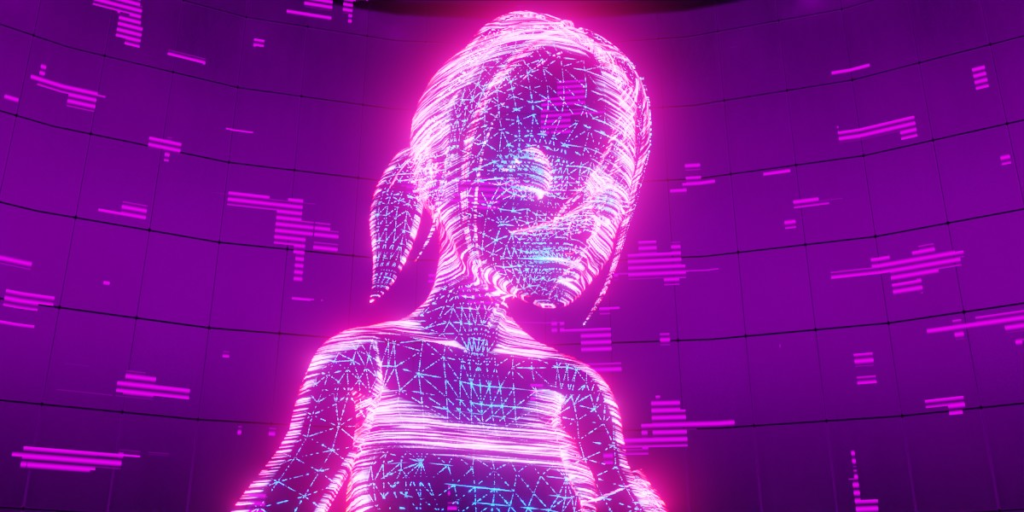
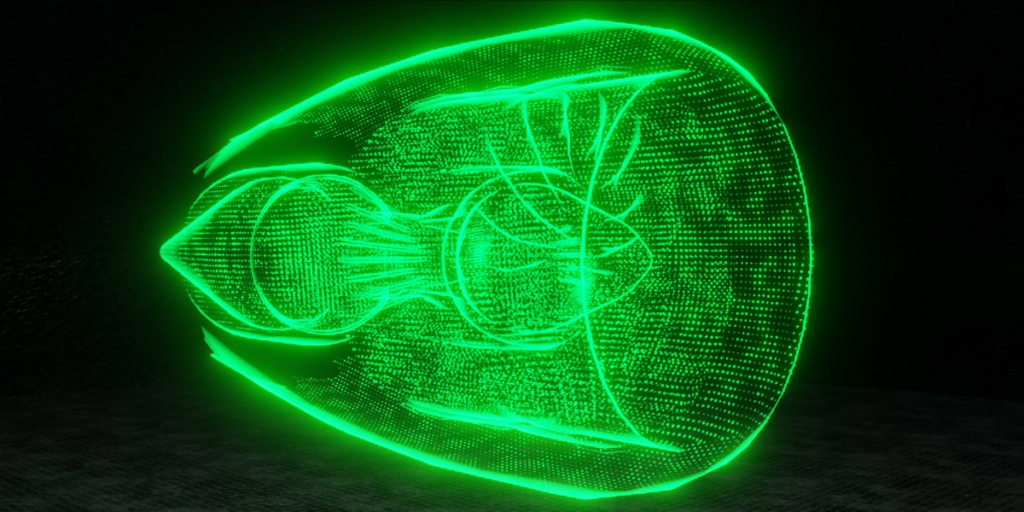
What is Cyber Holograms
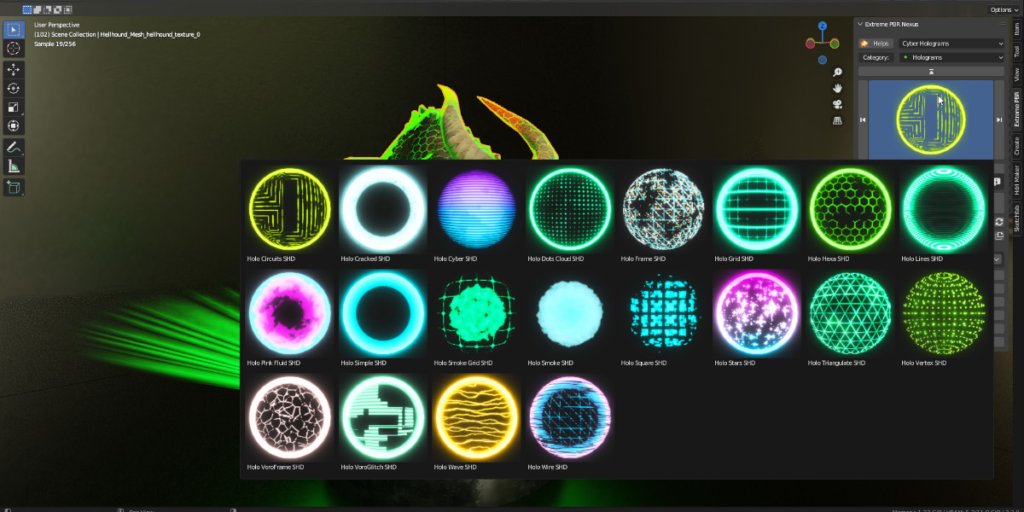
Cyber Holograms is a pack of Holographic materials available in 2 versions, One version for Extreme PBR Nexus, and one version for Asset Browser included in the same package
All materials are procedural, animatable, and work perfectly on Eevee and Cycles
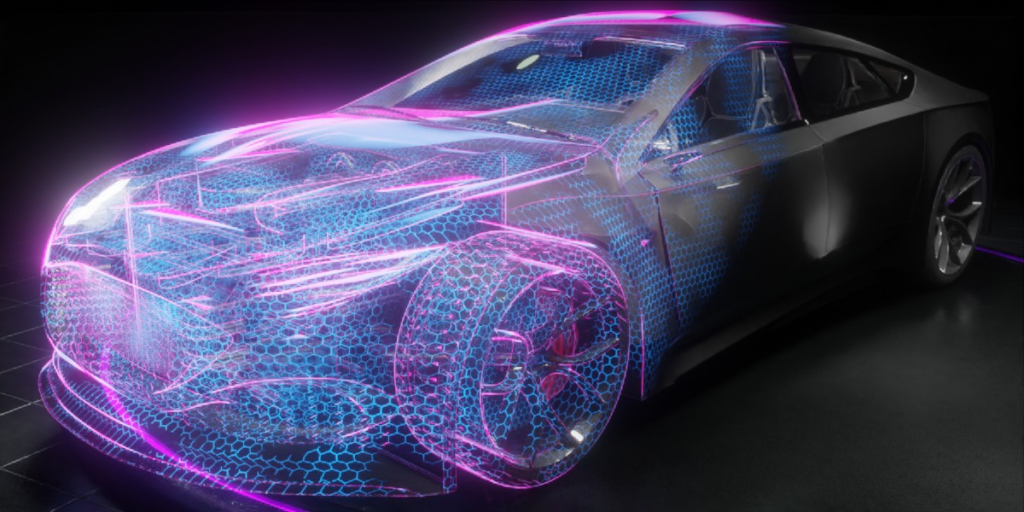
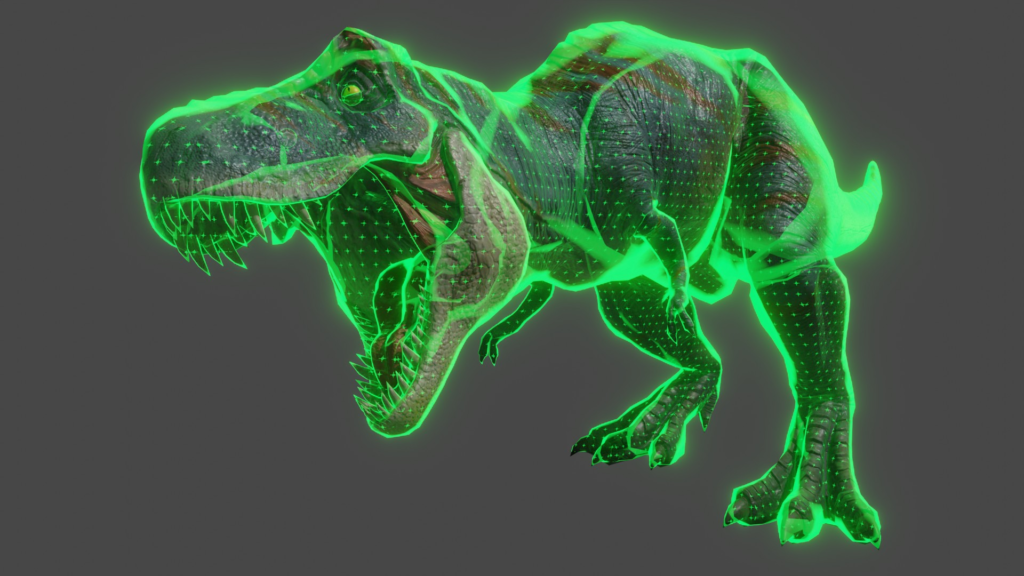
Turn your models into holograms
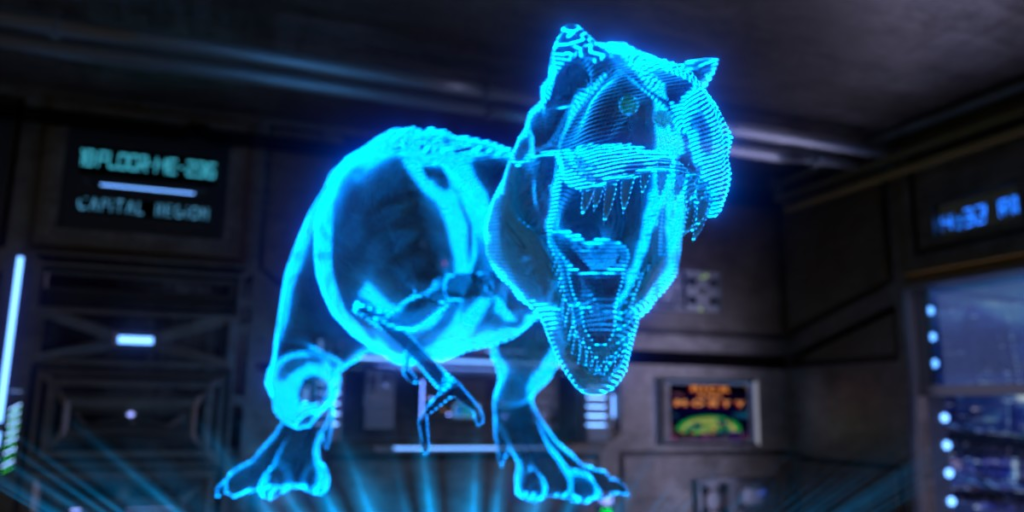
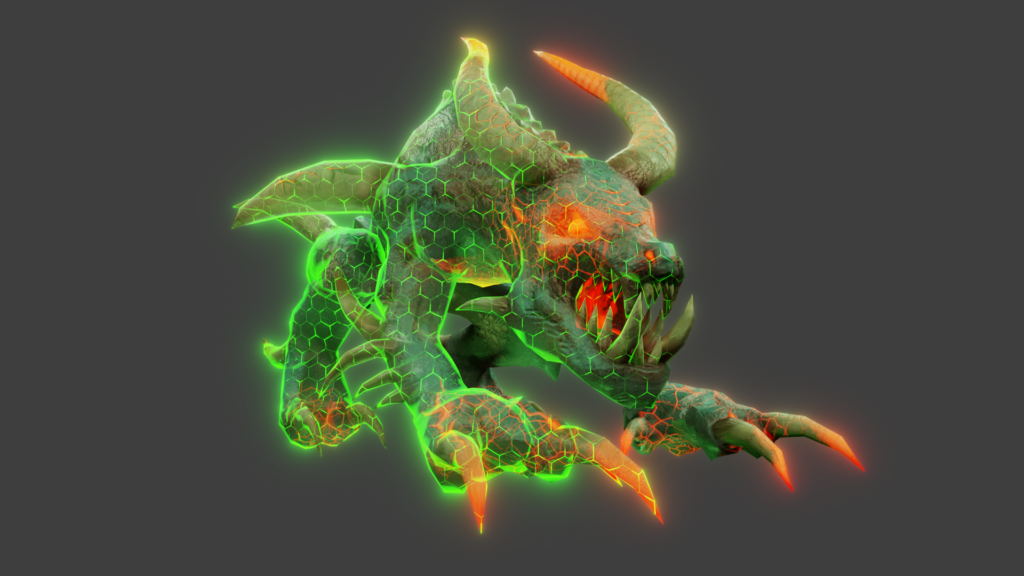
The dinosaur model shown in the video already has a material applied: Cyber Holograms can be applied to any object that already contains a material, overlaying or blending with the existing material to produce the visual effect you see in this video — procedural, animatable and compatible with Eevee and Cycles.
Randalierender T- Rex (Modified) — From: https://sketchfab.com/3d-models/randalierender-t-rex-38dcdd25024c41fb9f33cd1d5b9e623b — License: CC BY 4.0
Cyber Holograms Materials
All materials are procedurally animable and editable, They have been made to work well in both Eevee and Cycles!

Gradient animations
All materials in the Asset Browser version are also supplied with a gradient to perform an animation of sliding mixed material
If you use Cyber Holograms in Extreme PBR Nexus, this will be much easier:
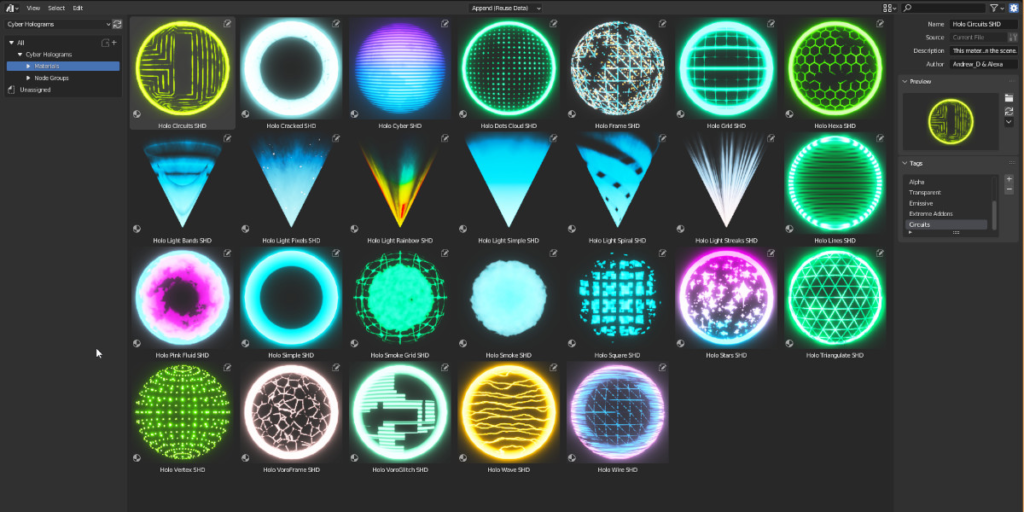
Asset Browser Ready
All the materials are ready also in the version for Blender Asset Browser. Complete with tags and categories

Extreme PBR Nexus Expansion pack included
This is very convenient for Extreme PBR Nexus owners (Version 4.0.200 and up). All materials are well organized in the Extreme PBR panel, they are easily editable thanks to a special handmade design of each layout.
Extreme PBR Nexus (Addon), is not included, but you can find it here: Extreme PBR Nexus (Link)
✨ Cyber Holograms also works without Extreme PBR ✨

Main difference between “Asset Browser” Version and “Extreme PBR Nexus” Expansion version
In Extreme PBR Nexus, you will not need to enter the Node Shader Editor to edit Holograms, Here is an example of the difference of a Material handled by Extreme PBR Nexus and Blender’s Normal Shader editor:

Apply Cyber Holograms With Blender Asset Browser
This clip demonstrates applying Cyber Holograms via Blender’s Asset Browser
Apply Hologram With Extreme PRB Nexus
Extreme PBR Nexus is sold separately. You can find it here: Extreme PBR Nexus
Example with Shader Overlay into Extreme PBR Nexus Addon
In this example, I apply the Holographic material, via the Extreme PBR Nexus addon (Not included in Cyber Holograms)
Then you can mix the Base material, with the hologram you applied
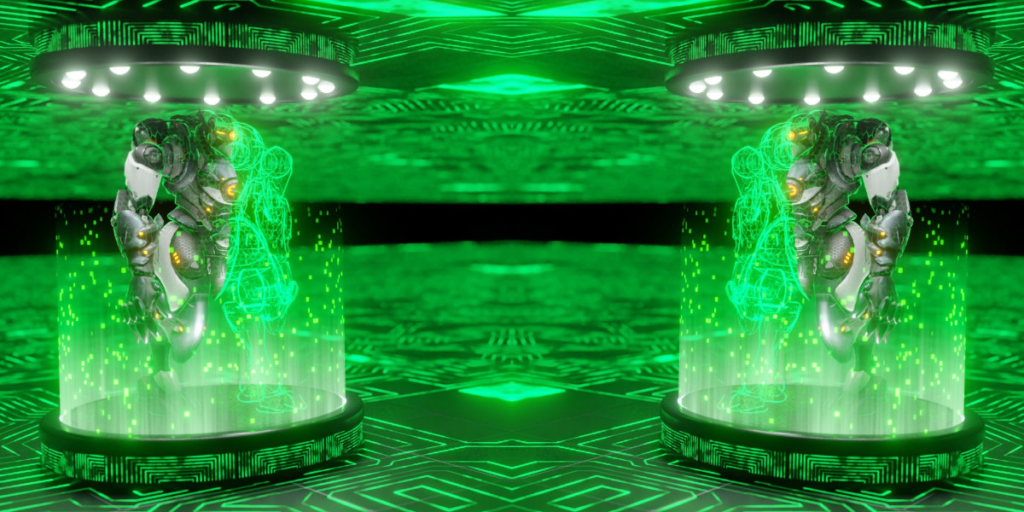
Six hologram projector lights
Included in the package are 6 different types of hologram light beams to simulate a projector. You can easily apply them to Cones or Cylinders objects to have the “Cone of Light” effect
Documentation and tutorials
Here is the online Cyber Holograms documentation: DOCS
Supercharge your 3D creation workflow with premium selection of Blender Add-ons. Whether you are modeling intricate characters, sculpting realistic environments, or animating cinematic sequences, the right add-on can transform how you work inside Blender. Our curated collection includes powerful tools for UV unwrapping, procedural texture generation, rigging automation, rendering optimization, and more—each rigorously tested for compatibility with the latest Blender versions. Eliminate tedious manual processes and unlock advanced functionality that lets you focus on what matters most: bringing your creative vision to life. Explore our full range of professional Blender plugins today and take your 3D projects to the next level.
➡️ ➡️ For more Blender Plugins 😀 😀
Reviews
There are no reviews yet.