
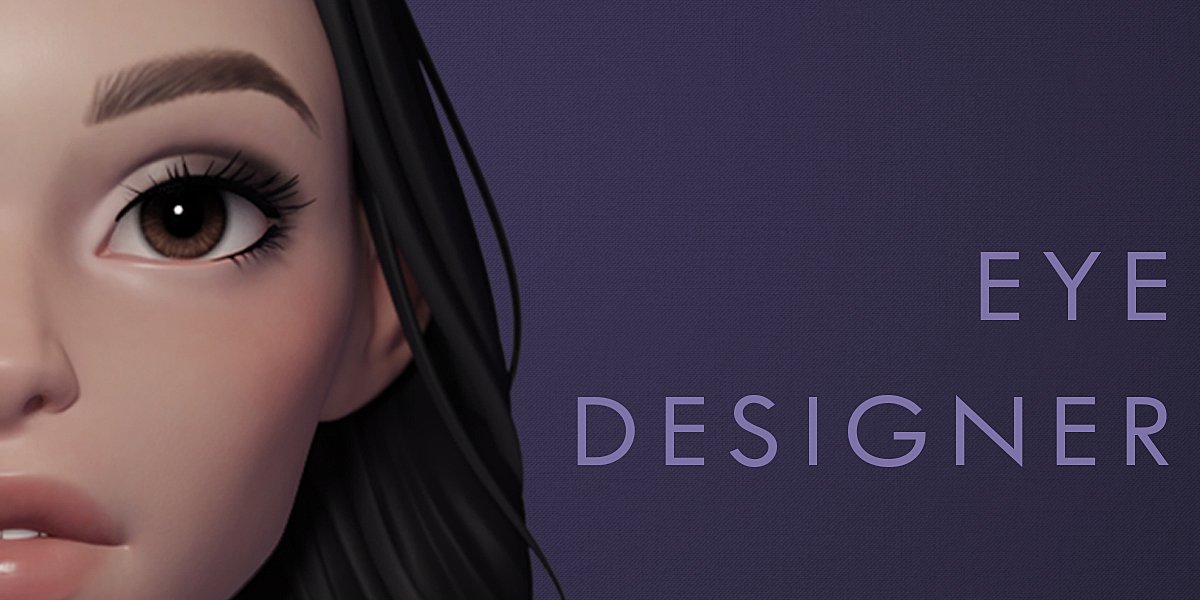
Danny MacEye Designer for Blender
Danny Mac Eye Designer for Blender – The Ultimate Character Eye Generator
Download Danny Mac Eye Designer for Blender on Windows and Mac, a versatile and user-friendly addon designed to simplify the creation of detailed, lifelike eyes for 3D characters. With a fully procedural workflow, extensive customization sliders, and one-click generation, this tool transforms the often tedious process of eye modeling into an instant task, allowing artists to create stunning eyes for cartoony, stylized, and semi-realistic characters in seconds [[1]].
Key Features of Danny Mac Eye Designer:
- One-Click Generation: Instantly adds a complete, high-quality eye model to your scene with a single button press, eliminating the need to model spheres, corneas, and irises from scratch [[9]].
- Fully Procedural Shaders: All textures (iris patterns, veins, specular highlights) are generated mathematically, meaning they are resolution-independent and can be tweaked infinitely without pixelation [[6]].
- Extensive Customization: Offers a wide range of sliders to control iris size, pupil dilation, eye color, sclera (white) variation, blood vessel density, and moisture levels [[5]].
- Multiple Eye Shapes: Includes presets for various eye shapes and styles, suitable for everything from anime and low-poly game assets to more detailed human characters [[4]].
- Eevee & Cycles Compatible: The shaders are optimized to look great in both Blender’s real-time Eevee engine and the path-tracing Cycles engine, ensuring consistent results across workflows [[2]].
- Anatomy Accuracy: Automatically generates realistic internal structures like the cornea bump, limbal ring, and proper refraction indices for glass-like transparency [[6]].
- Non-Destructive Workflow: Since the materials are procedural, you can return at any time to adjust colors, patterns, or geometry parameters without losing your work [[8]].
- Easy Animation Ready: The generated eyes come with properly named parts and pivot points, making them easy to rig for blinking and looking animations [[13]].
Perfect For:
- Character artists needing to populate a cast of unique characters quickly.
- Game developers creating stylized or low-poly assets with expressive eyes.
- Animators who want to avoid the complexity of shading eyes from scratch.
- Beginners who find manual eye modeling and texturing overwhelming.
- Anyone looking to add immediate life and personality to their 3D models.
System Requirements:
- Blender 2.80, 2.81, 2.82, 2.83, 2.90, 3.0+ (Compatible with modern versions) [[3]].
- Windows 10/11 (64-bit) or macOS 10.15+.
- No external image textures required (100% procedural).
Installation:
- Download the
.zipfile from Gumroad or Blender Market [[1]]. - Open Blender and go to Edit > Preferences > Add-ons.
- Click Install… and select the downloaded file.
- Enable the checkbox next to Mesh: Eye Designer.
- Access via the Add Menu > Mesh > Eye Designer or the dedicated panel in the 3D Viewport Sidebar (N-panel) [[7]].
Note: While highly praised for stylized and semi-realistic work, users seeking hyper-realistic human eyes for close-up film production may still prefer custom sculpting and texturing, though this addon serves as an excellent base or starting point .
Please watch the Video Demo for more information.
Creating eyes can be a pain. You’ve seen a tutorial and you get it, but wouldn’t it be nice if you could just press a button and save yourself all that time? Just move a few sliders around until you find the look you’re going for? The eye designer addon is what you’re looking for!
Simply click a button and the eyes are imported into your scene. No stress, No drama.
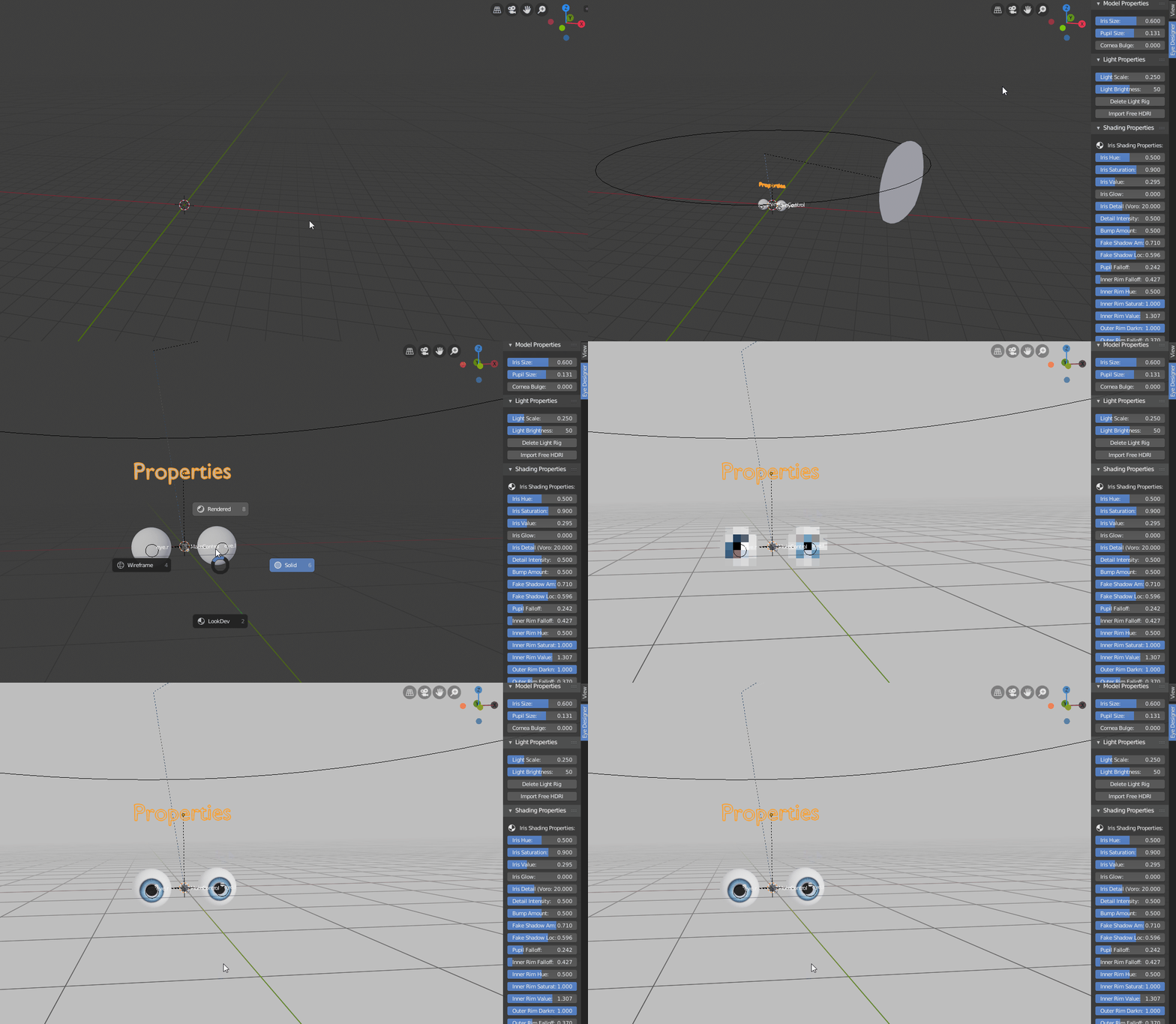
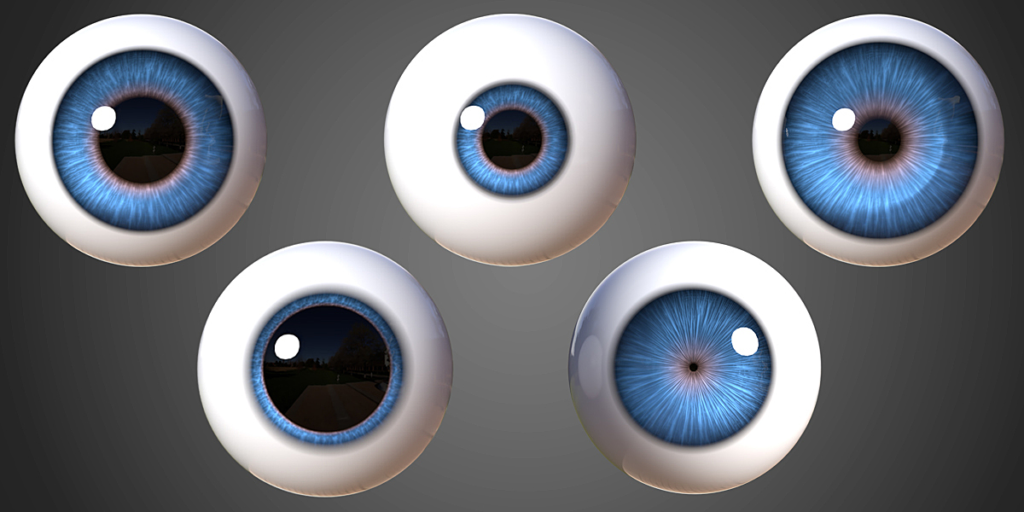
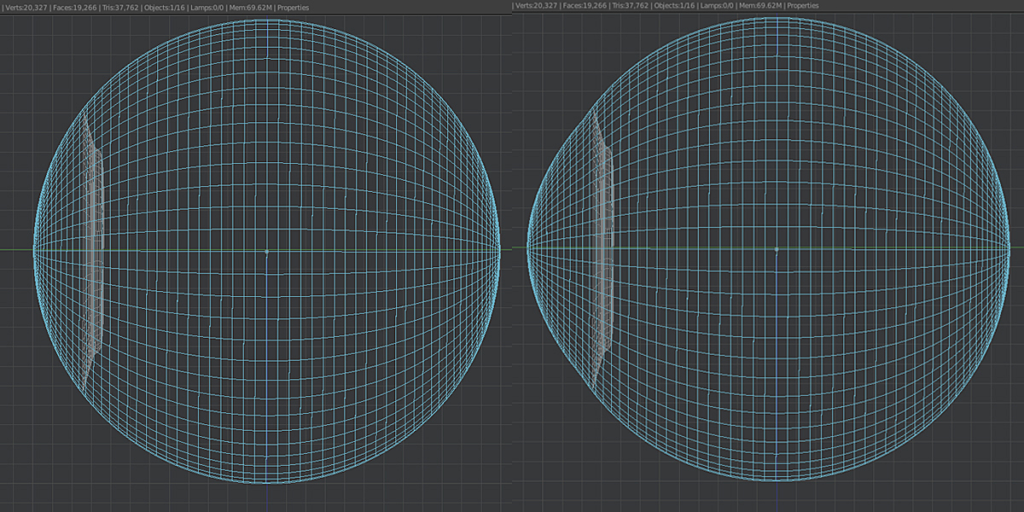
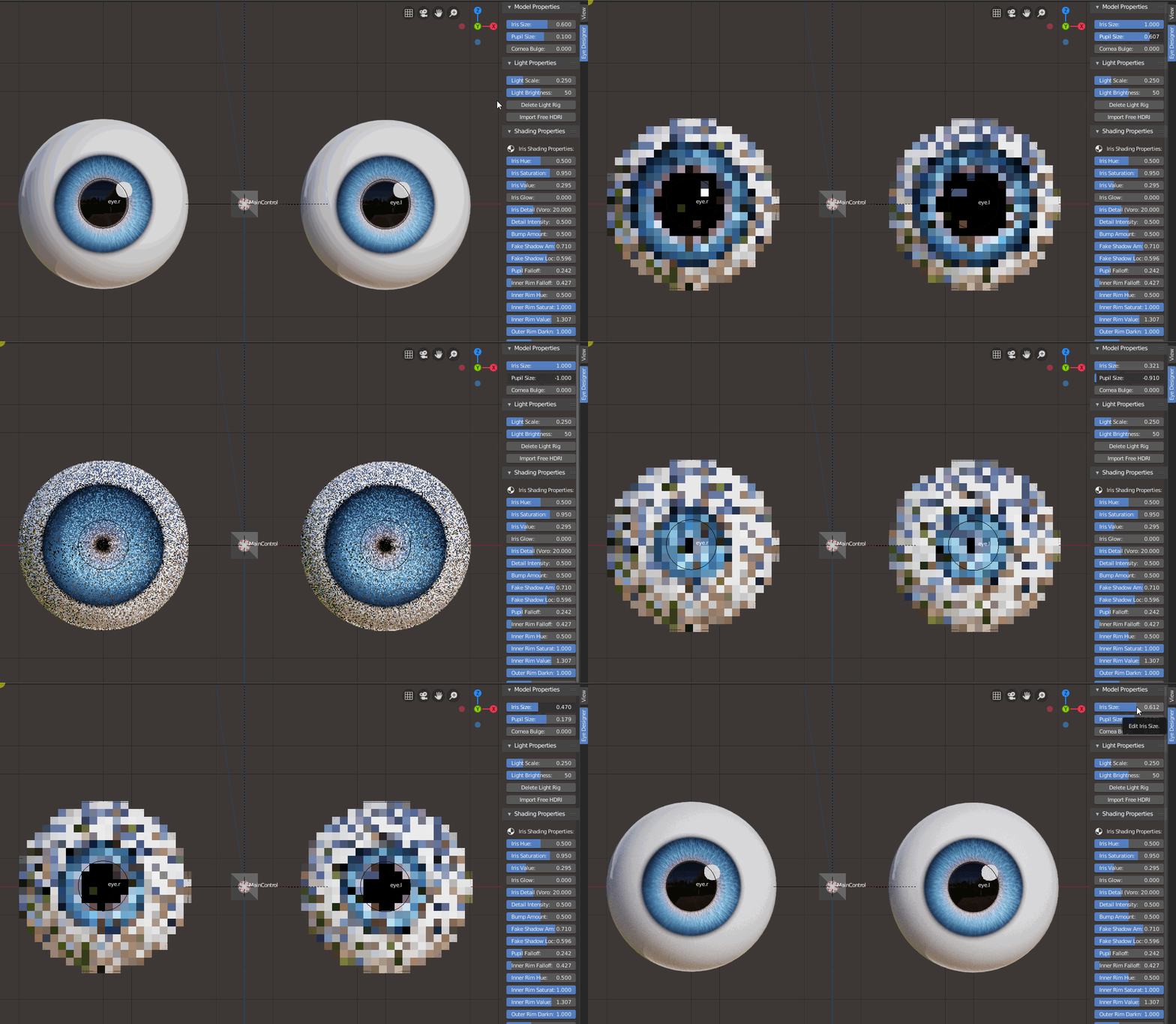
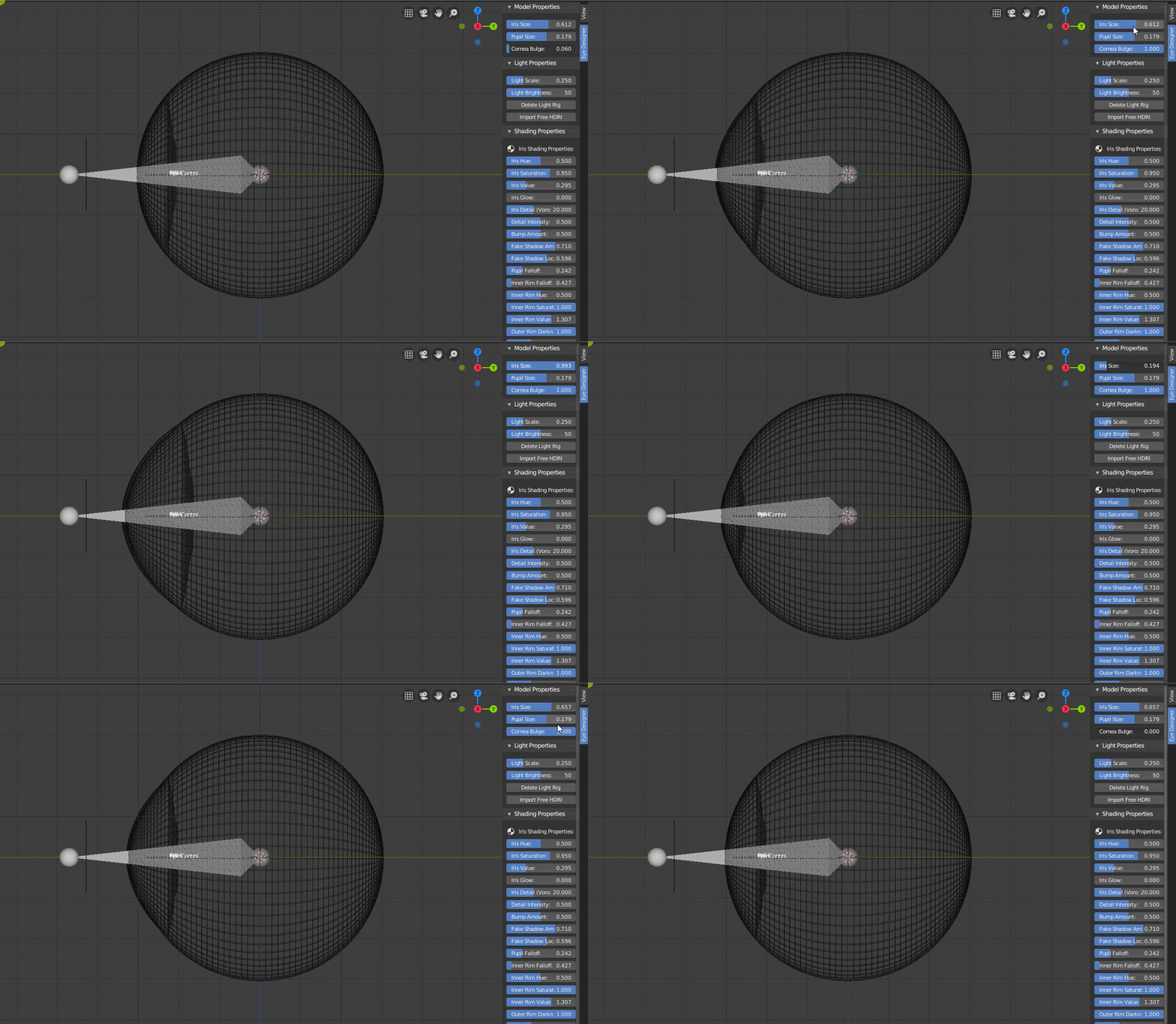
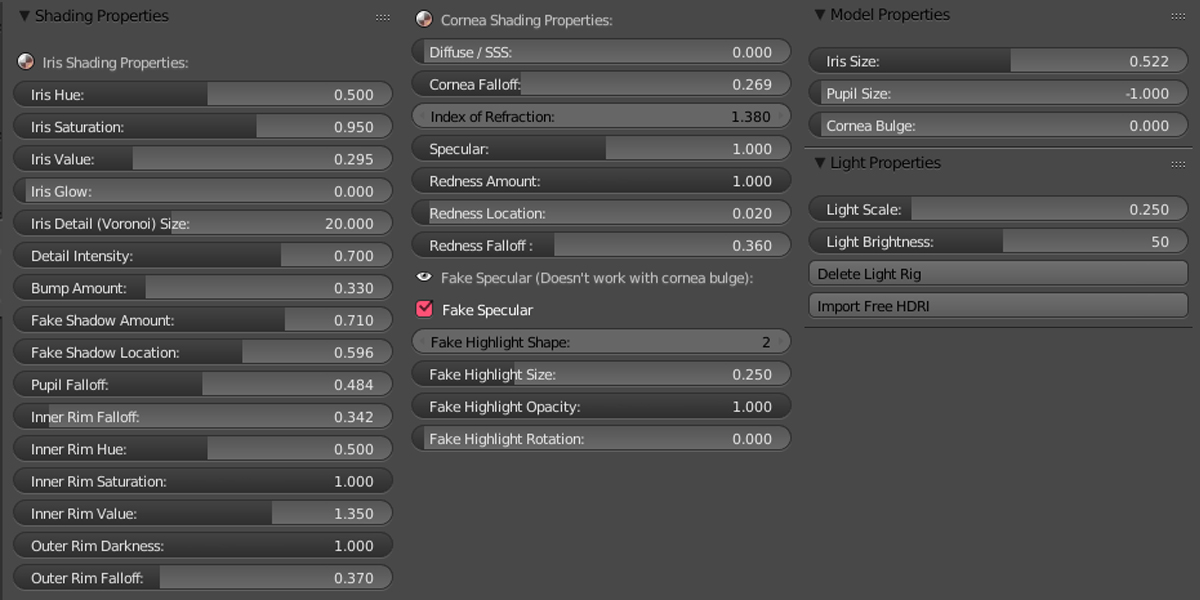
From here you can tweak the iris size, pupil size and apply a realistic cornea bulge by the tweak of a few sliders.
Cornea Bulge
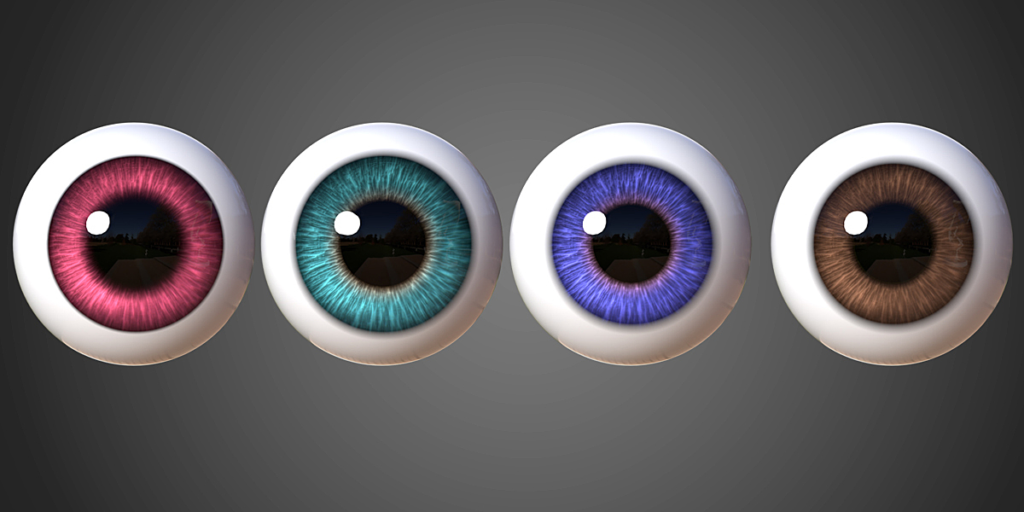
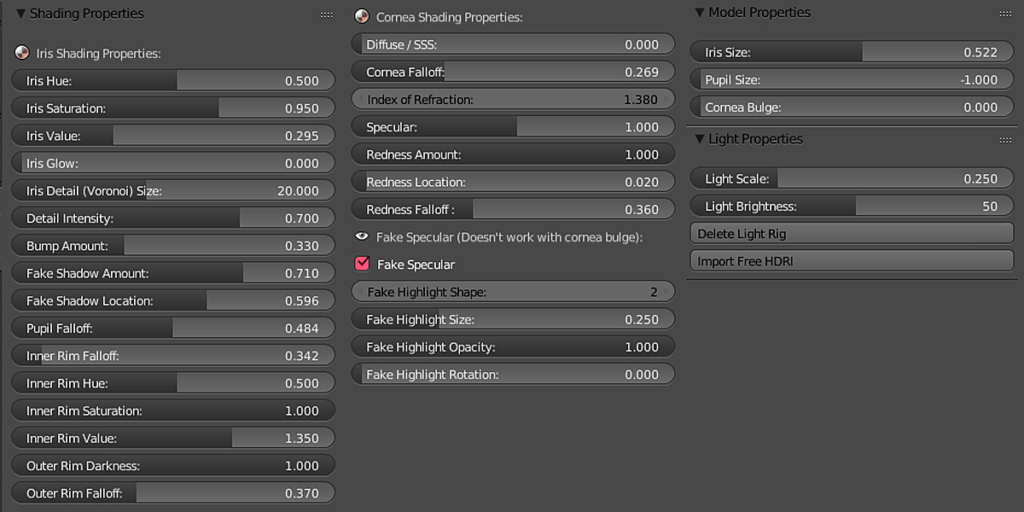
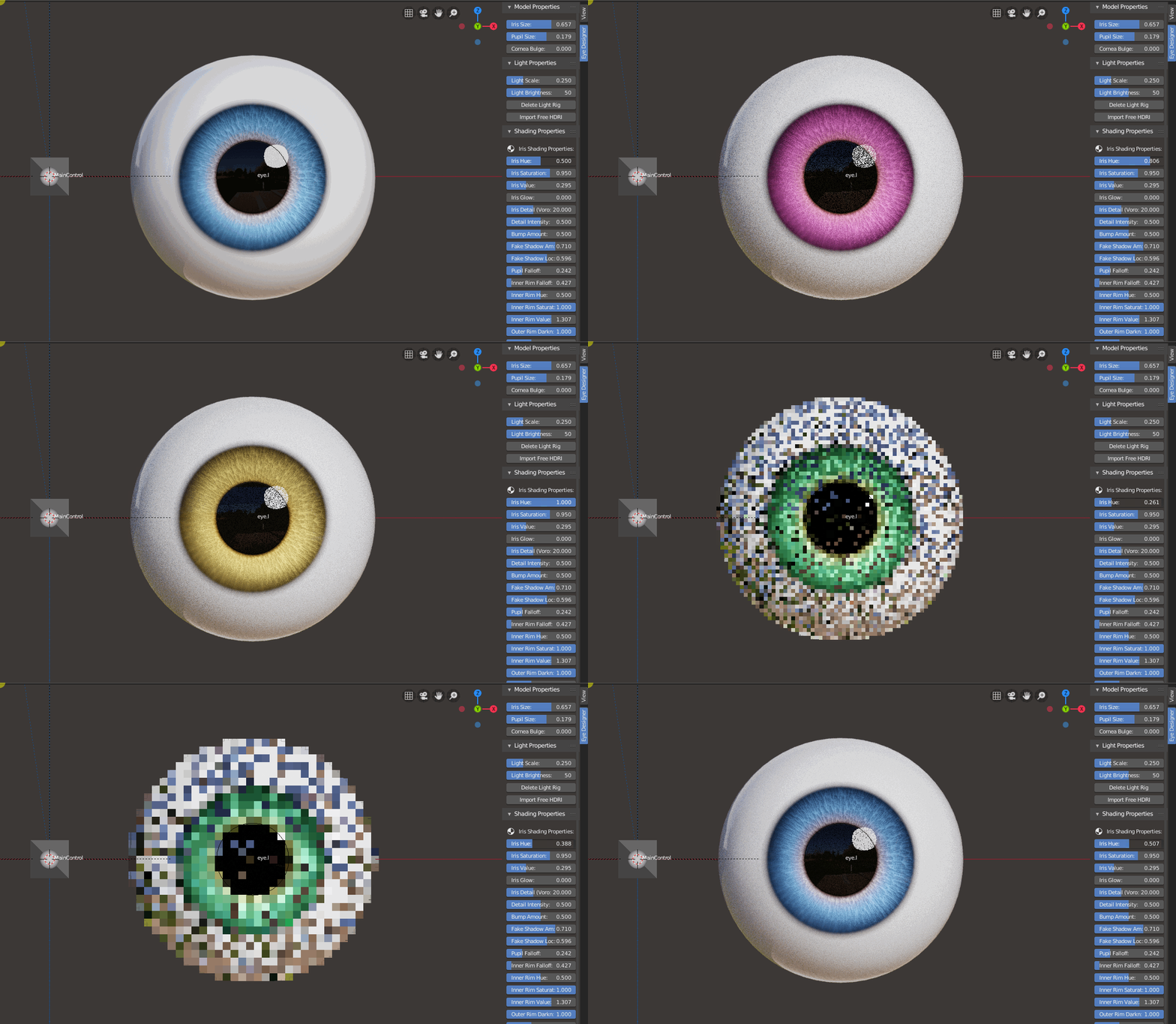
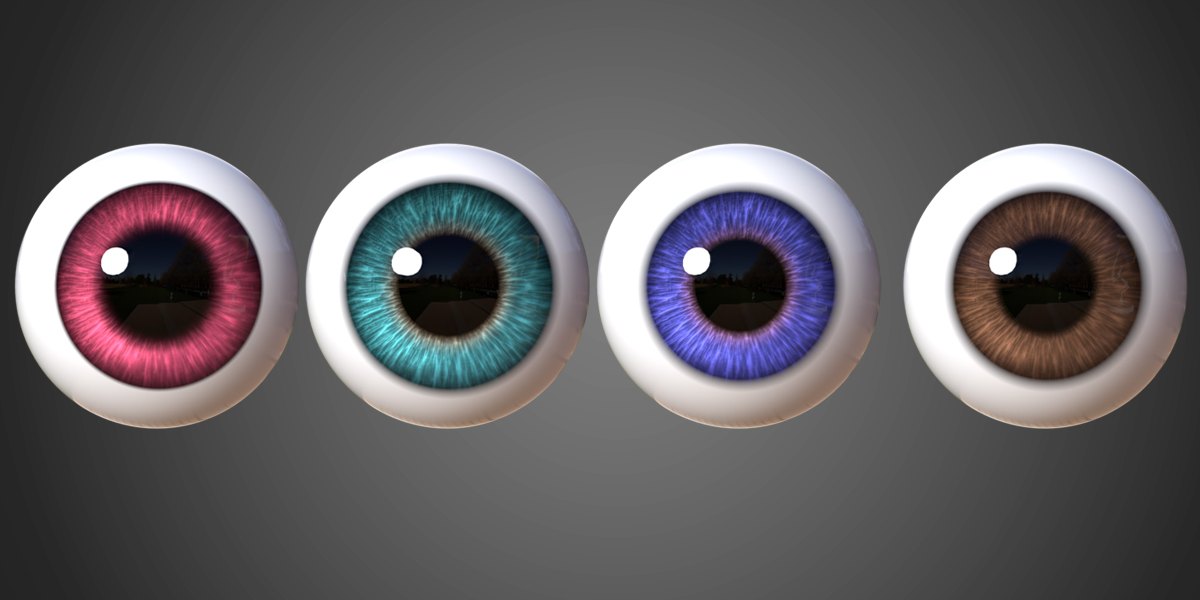
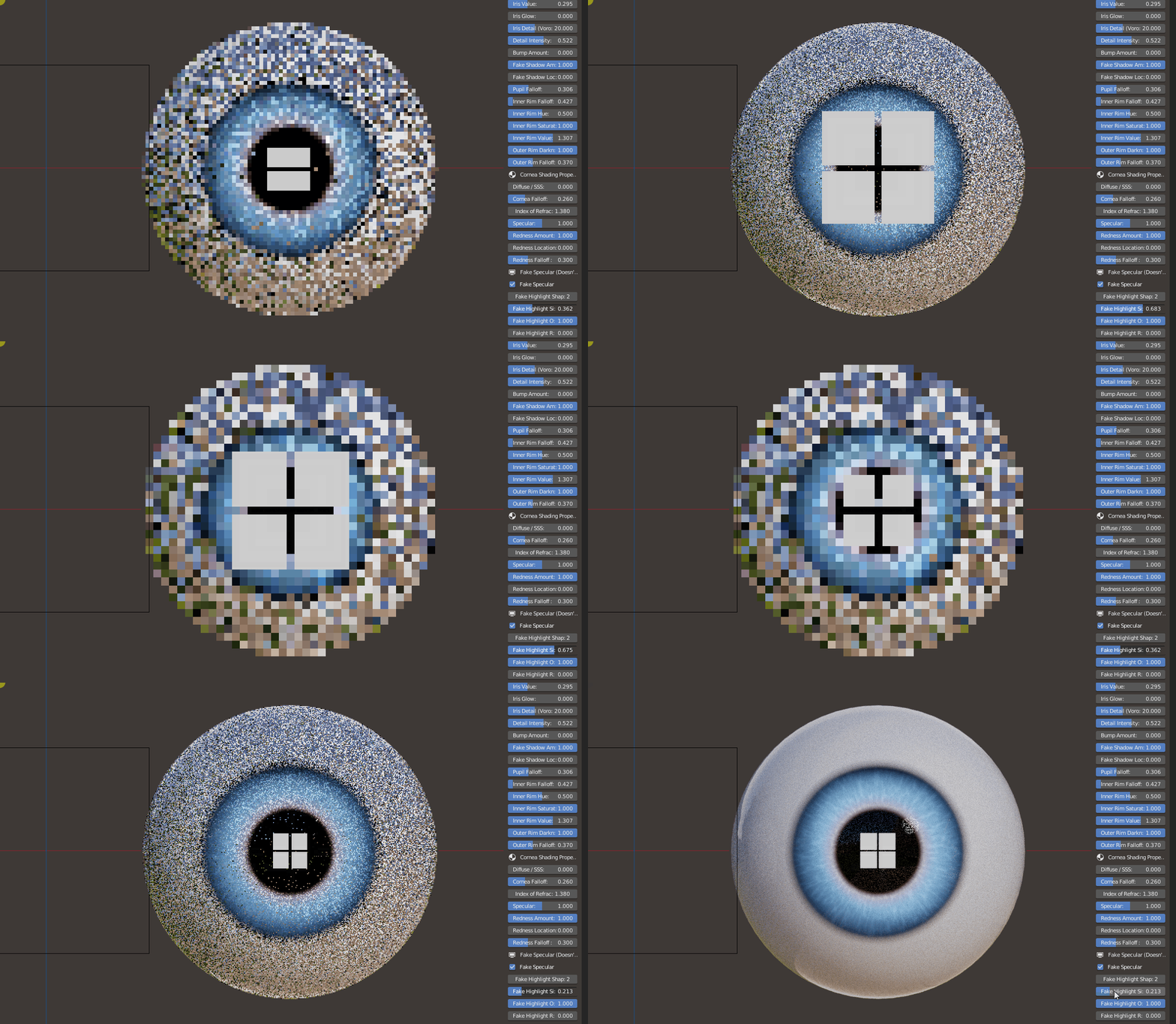
There’s also a host of different controls for the iris and cornea shading properties as demonstrated in the video.
Iris Hue
Iris Glow
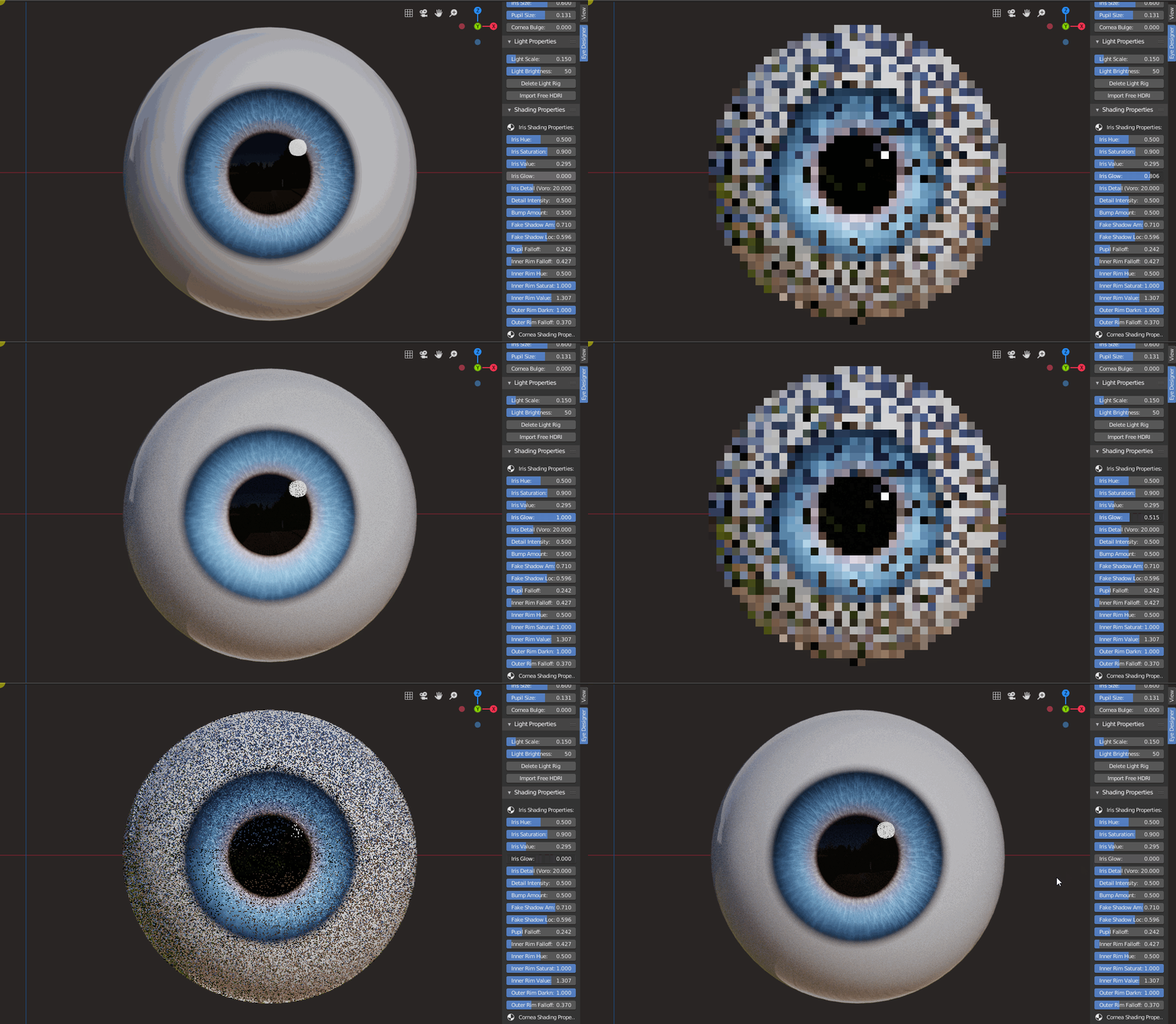
Iris Detail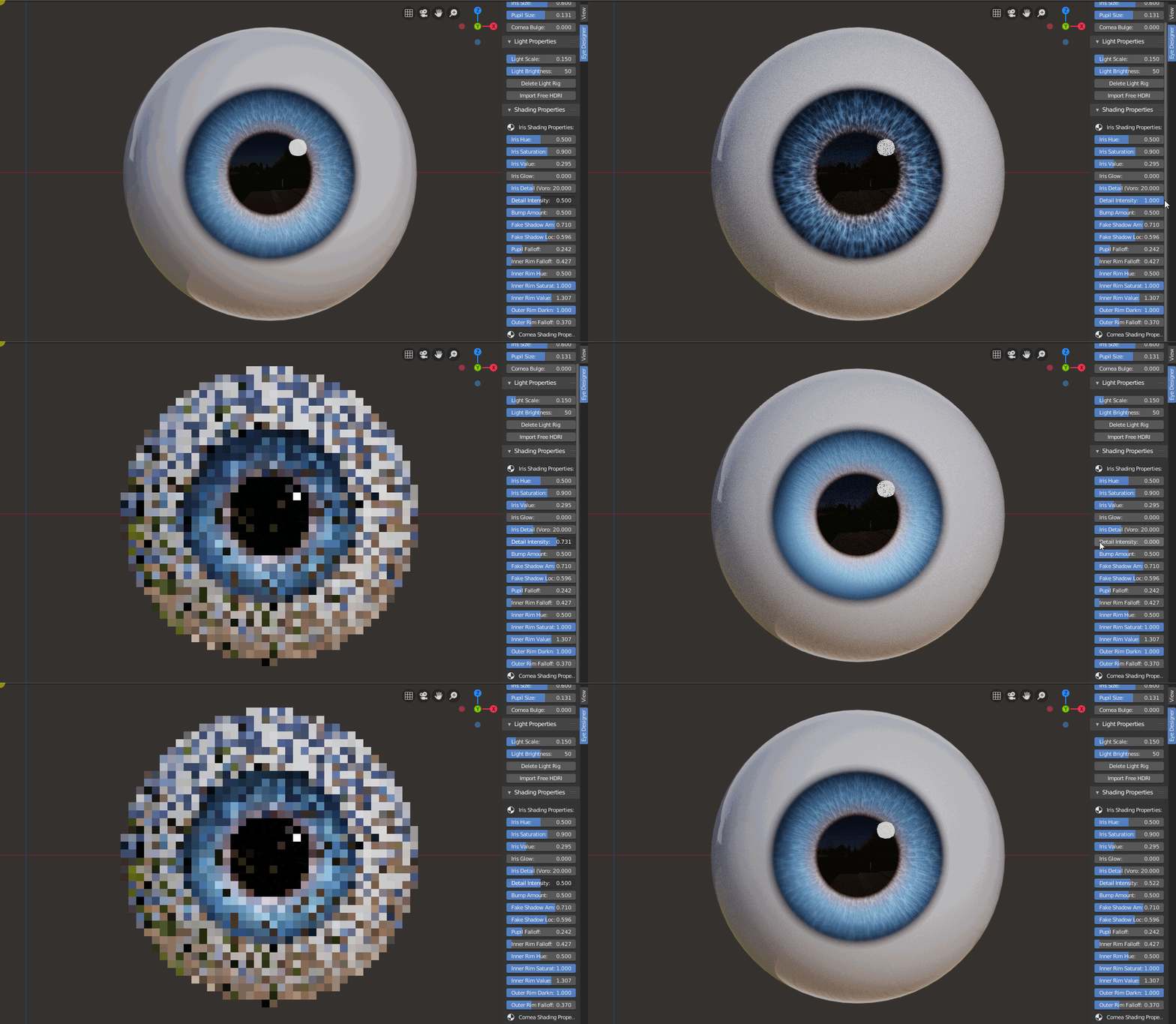
Iris Bump
Fake Shadow Amount
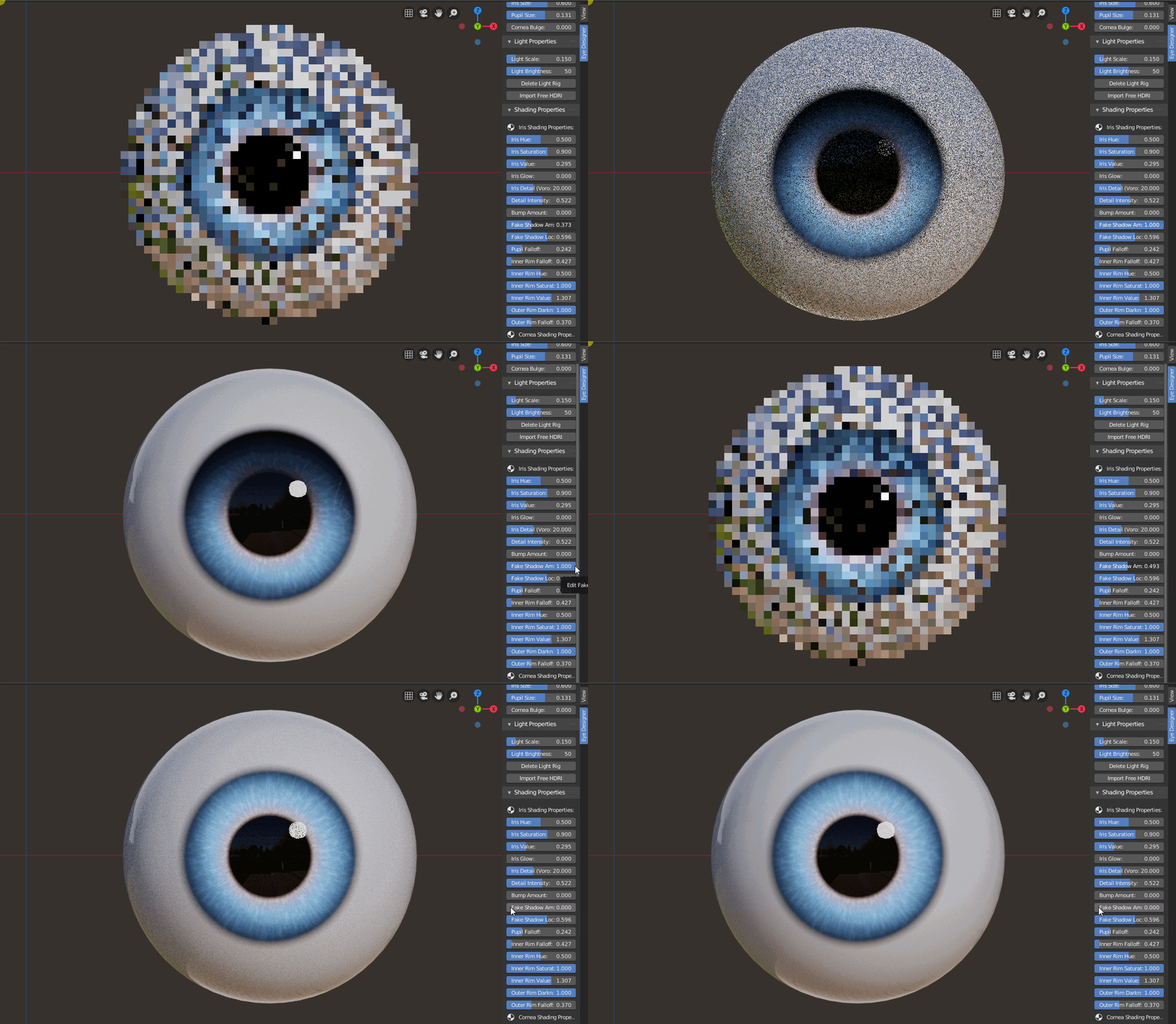
Fake Shadow Location
Pupil Falloff
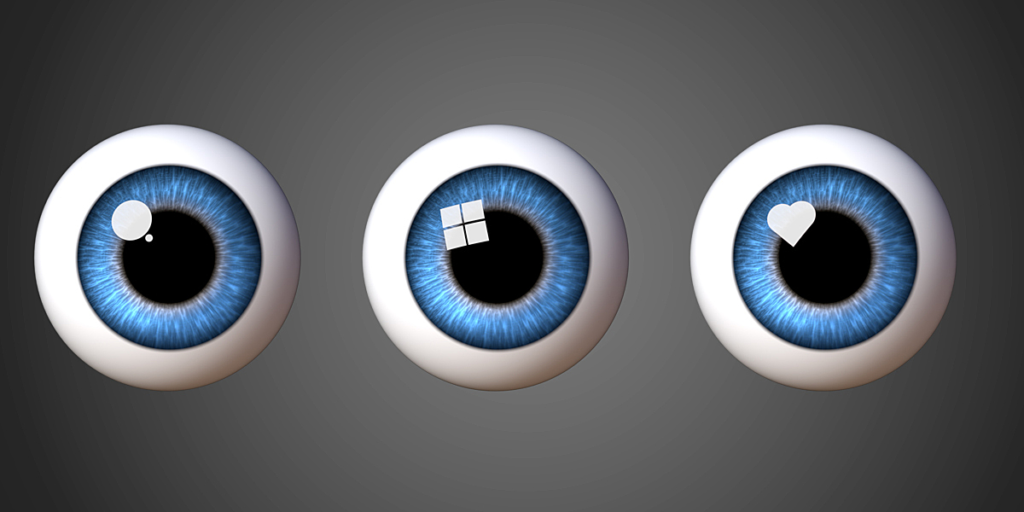
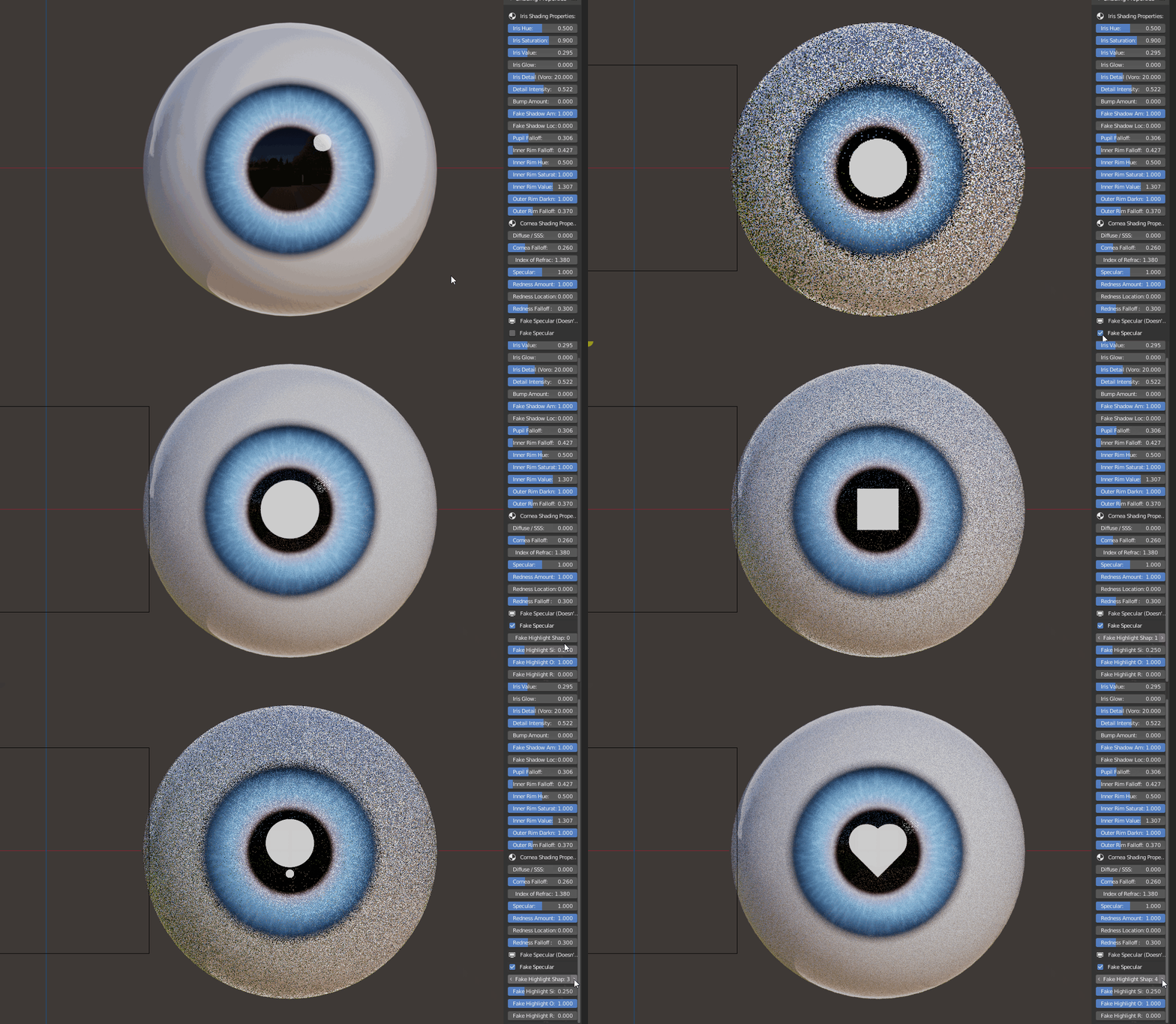
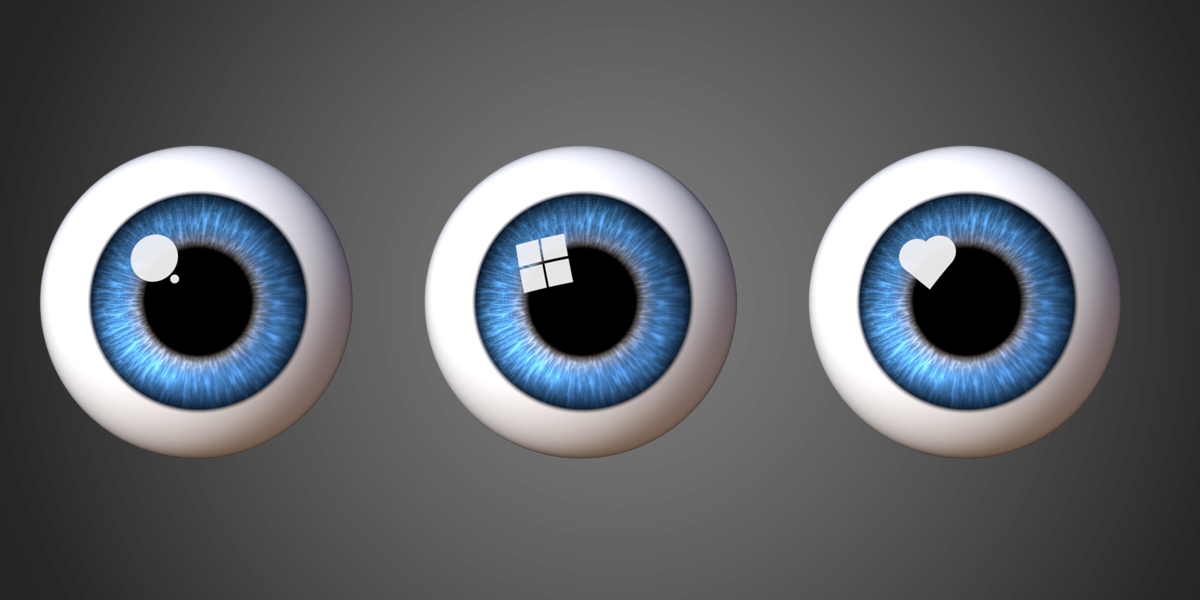
A bonus feature is the variety of fake specular highlights to give your eyes that extra pop!
Supercharge your 3D creation workflow with premium selection of Blender Add-ons. Whether you are modeling intricate characters, sculpting realistic environments, or animating cinematic sequences, the right add-on can transform how you work inside Blender. Our curated collection includes powerful tools for UV unwrapping, procedural texture generation, rigging automation, rendering optimization, and more—each rigorously tested for compatibility with the latest Blender versions. Eliminate tedious manual processes and unlock advanced functionality that lets you focus on what matters most: bringing your creative vision to life. Explore our full range of professional Blender plugins today and take your 3D projects to the next level.
➡️ ➡️ For more Blender Plugins 😀 😀
Reviews
There are no reviews yet.