
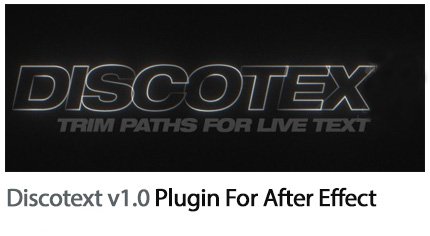
Discotext v1.0 Plugin For After Effect
Discotext plugin v1.1.2 to create various effects for text in After Effects
Discotext v1.0 Plugin For After Effect
Discotext is a trim paths plugin for live text layers, allowing you to trim, offset, stagger and clone your text layers with controls that feel familiar to every After Effects user.
Video tutorial
Discotext is a trim paths plugin for live text layers.
Inspired by the trim paths controls for shape layers, Discotext allows you to trim, offset, stagger and clone your text layers with controls that feel familiar to every After Effects user.
Features Include:
|
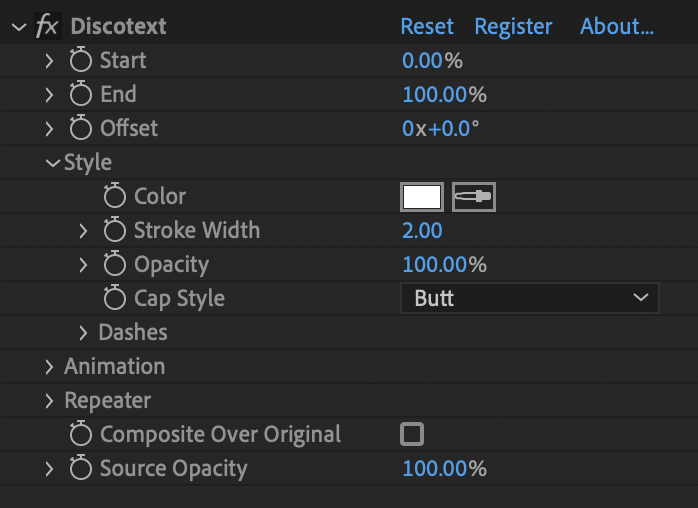
Discotext compact UI
|
Emulate 3D text using powerful repeat, offset and transform controls
Quantity has a quality of it’s own
Dash settings familiar to AE users
Emulate variable-width strokes with customizable motion blur controls
Easily create stylish reveals with flexible trim path and stagger parameters
Discotext is compatible with most inbuilt text animator properties
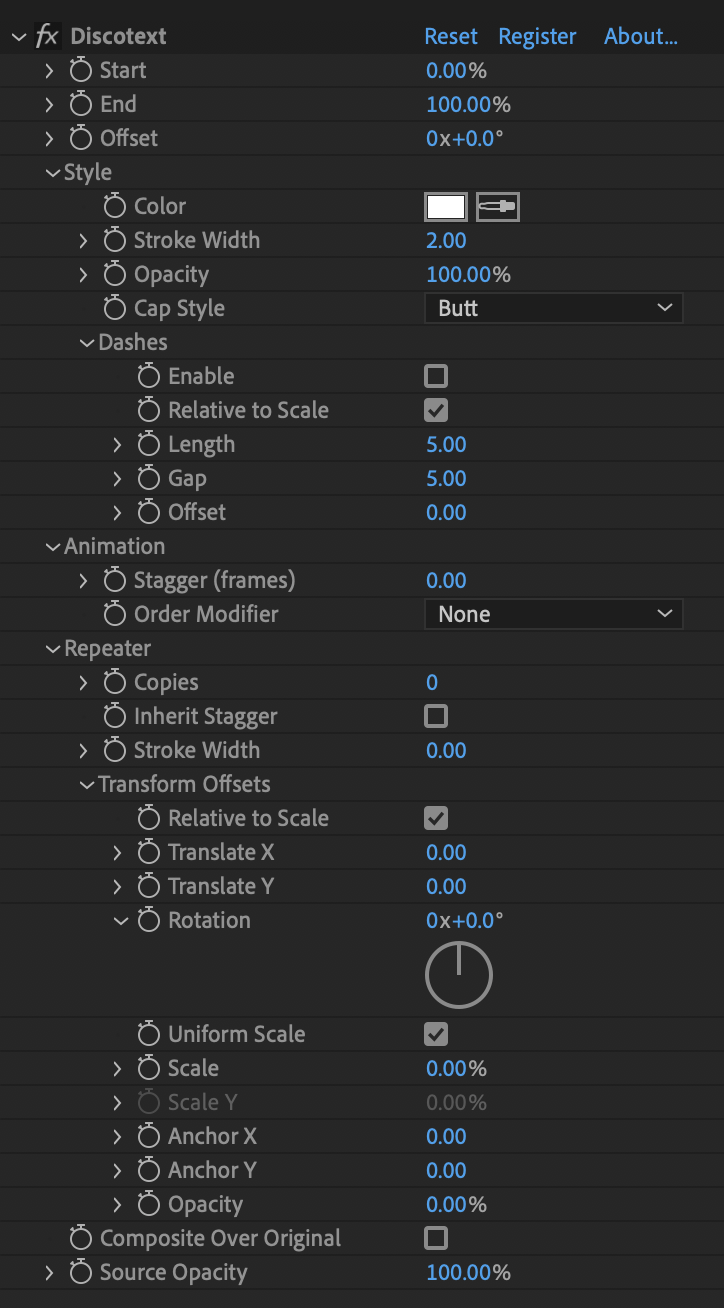
Discotext expanded UI
Limitations:
-
- In AE versions below CC2018, text layers with parented transforms may not behave as expected (depending on the parented transform). This is a technical limitation that has been resolved in CC2018 and newer.
- 3D text must be precomposed before being offset in Z
After effects templates
Amazing clips to use and help you create your own unique projects from AE templates or to improve the design of your existing broadcasts.
We have a wide range of templates for you to choose from. You can find PowerPoint Video Templates, Motion Graphics Templates, and After Effects Logo Templates, Scripts, Promos, news, fashion, sports, social media, titles…
After Effects Templates, Wedding Templates as well, After Effects Intro Templates, Transitions, Products Promos, Instagram stories, Scripts, Call Titles, Elements 3D, Corporate , and many more.
With After Effects project files, or templates, your work with motion graphics and visual effects will get a lot easier. In short, they are customizable After Effect files, neatly organized and labelled. You can easily change colors, text and other design elements without having to spend time on creating timelines and effects. It’s all there-you just need to customize it to fit your project.
What you waiting for? Hurry up and download the best after effects templates
➡️ ➡️ For more Ready Project Files Templates 😀 😀
System Requirement For adobe after effects


Reviews
There are no reviews yet.