
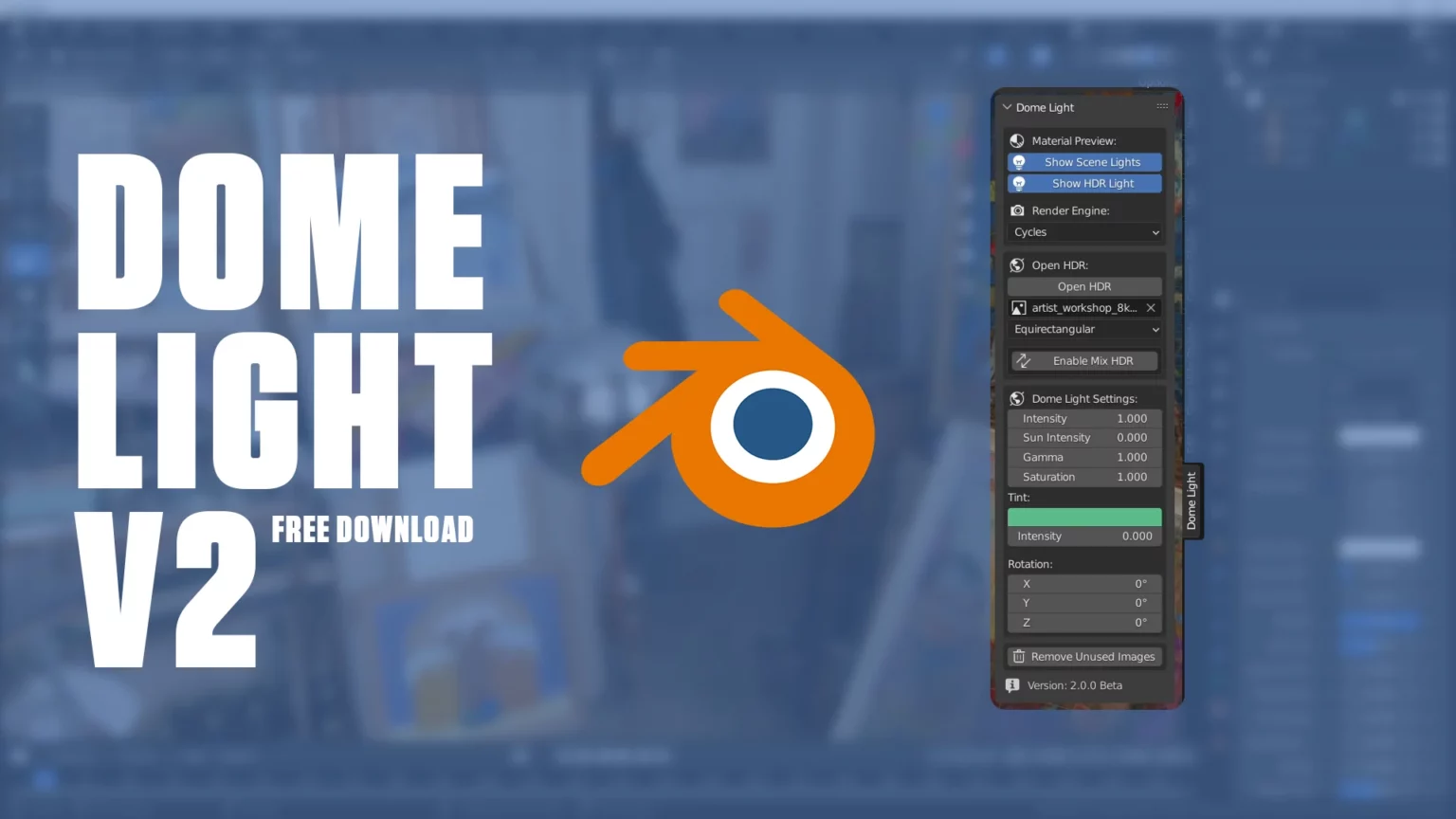
Dome Light for Blender
Dome Light v2.0.2 and Dome Light v3 for Blender – The Ultimate HDRI & Environment Lighting Manager
Versions: v2.0.2
Versions: v3
File Size: 1.25 MB
Download Dome Light v2.0.2 and Dome Light v3 for Blender on Windows and Mac, a streamlined addon designed to simplify the setup, management, and manipulation of HDRI environment maps and procedural sky domes. With one-click HDRI loading, interactive rotation gizmos, and automatic exposure balancing, Dome Light transforms how you light scenes for architectural visualization and product rendering, eliminating the tedious process of manually configuring World Nodes and struggling with invisible environment textures.
Key Features of Dome Light v2.0.2:
- One-Click HDRI Loading: Instantly loads high-dynamic-range images from your local drive or integrated free libraries (like Poly Haven) directly into the World shader with optimal settings pre-applied.
- Interactive Rotation Gizmo: Provides a visual 3D handle in the viewport to rotate the HDRI dome intuitively, allowing you to align reflections and lighting angles precisely without guessing numerical values.
- Smart Exposure & Strength Control: Dedicated sliders to adjust global intensity, exposure compensation, and gamma correction in real-time, ensuring perfect brightness balance between your subject and the background.
- Background Visibility Toggles: Easily switch between showing the HDRI in the render, hiding it while keeping the lighting (transparent background), or replacing it with a solid color for compositing flexibility.
- Procedural Sky Generator: Includes built-in options to generate realistic physical skies (Hosek/Wilkie models) with controls for sun elevation, turbidity, and ground albedo when no HDRI is available.
- Texture Projection Modes: Supports Equirectangular, Mirror Ball, and Angular map projections automatically, detecting the file type or allowing manual override for unusual formats.
- Sun Tracker: Automatically aligns the strongest light source in the HDRI to a specific axis or allows you to lock the sun position while rotating the rest of the environment.
- Optimized Performance v2.0.2: Improved caching for large 16K/32K HDRIs to prevent viewport lag, faster preview updates in Eevee, and better memory management for scenes with multiple lighting setups.
Perfect For:
- Architectural Visualizers needing quick, realistic outdoor lighting for building exteriors and interiors.
- Product Designers creating studio-style renders with perfect reflections on cars, jewelry, and electronics.
- Concept Artists rapidly blocking out moods and times of day using different HDRI presets.
- Beginners who find the native Blender World Node editor confusing or overwhelming.
- Anyone tired of manually plugging in Image Texture nodes and adjusting Mapping coordinates for every new scene.
System Requirements:
- Blender: 3.6, 4.0, 4.1, 4.2, 4.3+ (Latest LTS recommended).
- OS: Windows 10/11 (64-bit) or macOS 10.15+.
- RAM: 8GB minimum (16GB+ recommended for handling large 16K/32K HDRI files).
- Render Engine: Compatible with both Cycles and Eevee.
Installation:
- Download the Dome Light v2.0.2
.zipfile. - Open Blender and go to Edit > Preferences > Add-ons.
- Click Install…, select the downloaded file, and enable the checkbox next to World: Dome Light.
- Access via the World Properties panel or the dedicated Dome Light tab in the 3D Viewport Sidebar (N-panel).
Note:
Version 2.0.2 introduces a new “HDRI Mixer” feature that allows you to blend two different environment maps together (e.g., mixing a sunny sky with a cloudy one) using a opacity slider, creating unique lighting conditions not found in standard libraries. It also includes a “Quick Save Preset” button to store your favorite lighting setups for instant recall in future projects.
The Dome Light is an addon/plugin for Blender 4 that automates the creation of HDR/EXR lights, allowing you to create environments natively and interactively with just a few clicks.
Now, version 3 has been completely redesigned and supports multiple lighting environments.
This version has a new interactive menu where you can call it at any time in the 3D view with the standard keys Ctrl + Shift + Right Button.
These keys can be changed in Blender’s “Keymap” menu, just search for “Dome Light Menu” in the search field and use the shortcut you prefer!
Version 3 Updates:
- Support for multiple lighting environments
- New modal menu (Ctrl + Shift + Right Button). Only view 3D
- Now choose folders of images instead of individual files
- Save your HDR folders as favorites
- Option to rename environments and favorites
- Mix HDR now supports individual rotation
- Preview Settings in a separate panel for a cleaner interface
- Support only for Blender version 4 or higher
Supercharge your 3D creation workflow with premium selection of Blender Add-ons. Whether you are modeling intricate characters, sculpting realistic environments, or animating cinematic sequences, the right add-on can transform how you work inside Blender. Our curated collection includes powerful tools for UV unwrapping, procedural texture generation, rigging automation, rendering optimization, and more—each rigorously tested for compatibility with the latest Blender versions. Eliminate tedious manual processes and unlock advanced functionality that lets you focus on what matters most: bringing your creative vision to life. Explore our full range of professional Blender plugins today and take your 3D projects to the next level.
➡️ ➡️ For more Blender Plugins 😀 😀
Reviews
There are no reviews yet.