
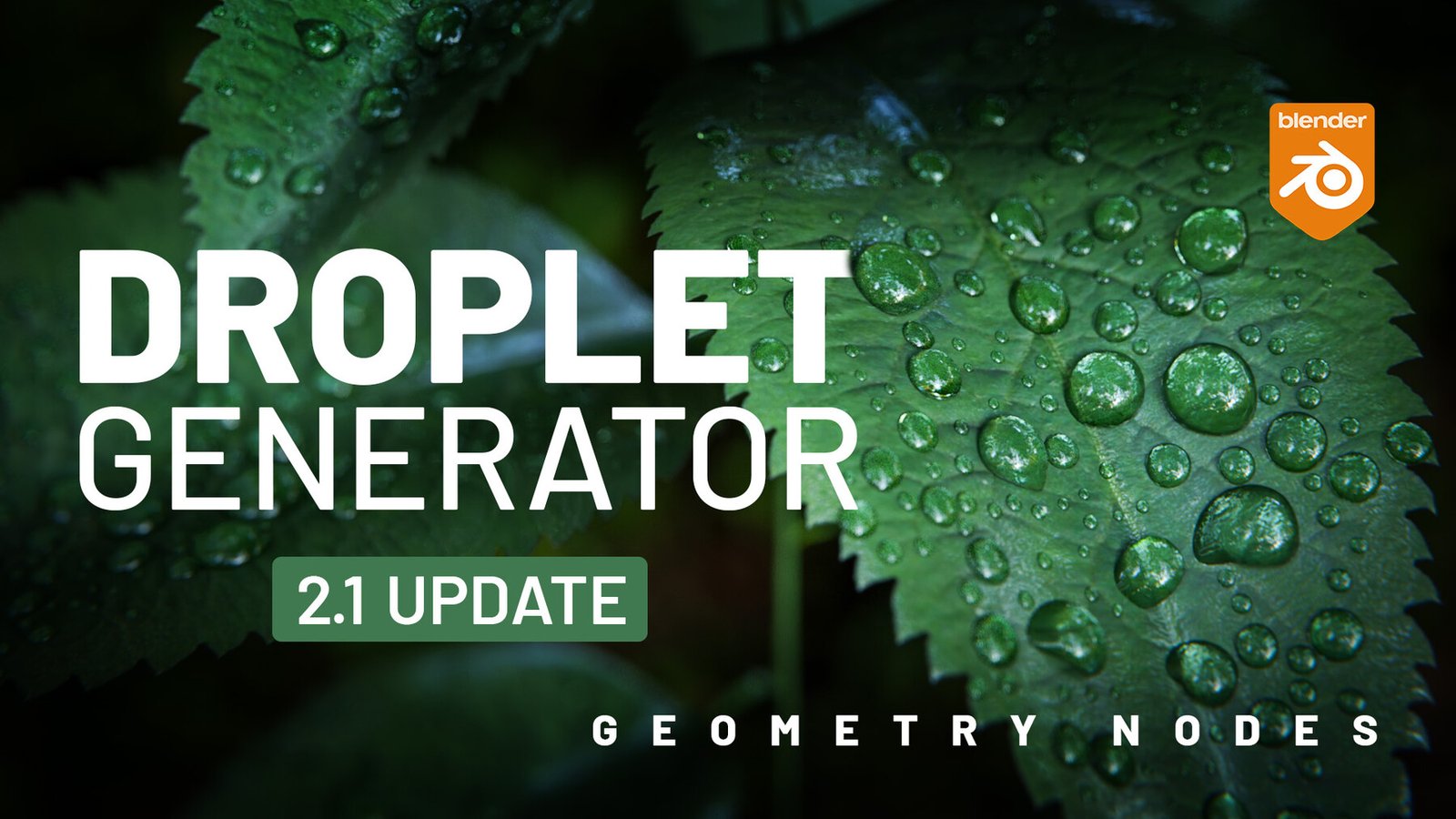
Droplet Generator for Blender
Droplet Generator v3.1 Geometry Nodes for Blender – The Ultimate Procedural Water & Liquid Simulator
Download Droplet Generator v3.1 for Blender on Windows and Mac, a cutting-edge Geometry Nodes-based addon that instantly populates any 3D surface with realistic, physically accurate water droplets, dew, condensation, or oil beads. With advanced collision detection, variable size distribution, and integrated glass shaders, Droplet Generator transforms how you add moisture to leaves, glasses, skin, and industrial surfaces, eliminating the need for manual particle scattering or complex fluid simulations for static shots.
Key Features of Droplet Generator v3.1:
- Surface Conformity & Collision: Automatically detects the underlying mesh topology and places droplets that perfectly conform to the surface curvature, ensuring no floating artifacts or unnatural intersections.
- Procedural Size Variation: Generates a natural distribution of droplet sizes using noise drivers, from microscopic mist to large heavy beads, with controls for density and clustering based on surface angle or vertex groups.
- Realistic Glass Shader Included: Comes with a pre-configured, physically accurate water shader featuring correct IOR (1.33), subsurface scattering for volume thickness, and anisotropic highlights for wet looks.
- Gravity & Flow Simulation: Optional settings to simulate droplets sliding down vertical surfaces, creating elongated tear-drop shapes and trailing tails based on surface normal direction.
- Merge & Overlap Logic: Advanced algorithm allows nearby droplets to visually merge or overlap realistically, simulating surface tension effects where water beads coalesce.
- Animation Ready: Fully animated parameters allow droplets to grow over time (condensation), slide down (rain), or evaporate, perfect for timelapse or macro photography styles.
- Material Masking: Use vertex colors or texture maps to control where droplets appear (e.g., only on hydrophobic areas or specific material zones), offering precise artistic control.
- Optimized Performance v3.1: Utilizes efficient instancing to handle hundreds of thousands of droplets with minimal viewport lag, making it suitable for close-up macro renders and wide environmental shots alike.
Perfect For:
- Product Visualizers creating refreshing beverage cans, wet cosmetics bottles, or rain-covered electronics.
- Architectural Visualizers adding morning dew to garden plants, rain on windows, or wet pavement after a storm.
- Character Artists simulating sweat on skin, tears on faces, or wet hair strands for emotional or action scenes.
- Macro Photographers (CG) generating extreme close-up shots of nature, insects, or textures with hyper-realistic water details.
- Anyone wanting to add instant realism and atmosphere to dry scenes without learning complex fluid dynamics.
System Requirements:
- Blender: 3.6, 4.0, 4.1, 4.2, 4.3+ (Geometry Nodes required).
- OS: Windows 10/11 (64-bit) or macOS 10.15+.
- RAM: 8GB minimum (16GB+ recommended for high-density droplet fields).
- Render Engine: Cycles recommended for best refraction/caustic results (Eevee supported with Screen Space Refraction).
Installation:
- Download the Droplet Generator v3.1
.blendfile or.zipaddon. - If an addon: Go to Edit > Preferences > Add-ons, click Install, select the file, and enable Geometry Nodes: Droplet Generator.
- If a node group: Open the file, append the “Droplet Generator” node group, and connect it to your target mesh in the Geometry Nodes editor.
- Access via the Modifier Properties panel or the Geometry Nodes workspace.
Note:
Version 3.1 introduces a new “Surface Tension Slider” that dynamically adjusts the contact angle of the droplets, allowing you to simulate different liquids (like mercury vs. water) or different surface treatments (hydrophobic vs. hydrophilic) instantly. It also includes a “Dirt Accumulation” feature that subtly darkens the base of the droplets where they touch the surface, adding a layer of micro-detail often missed in standard CG water.
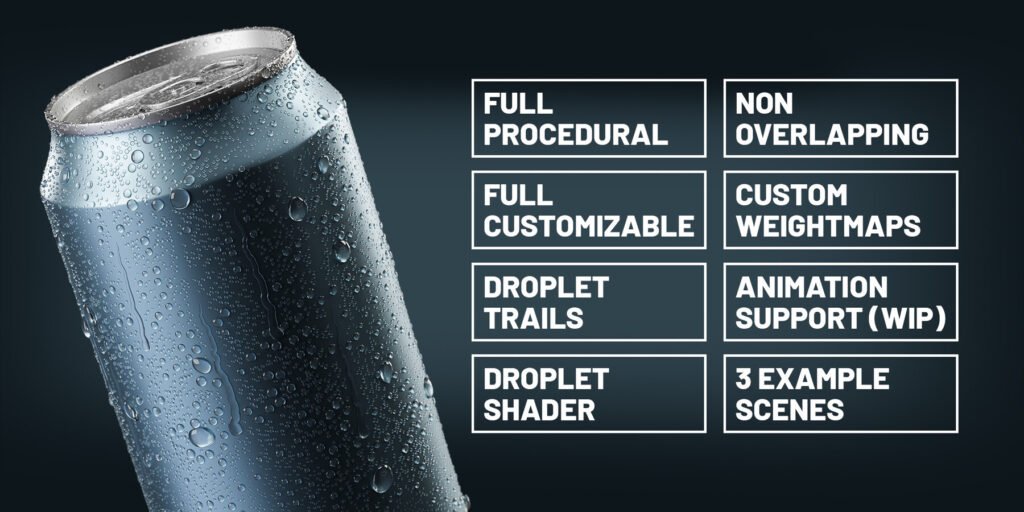

Full procedural droplet generator for Blender 3.1 and upwards.
Quick Start & Tutorial Video
New Features for version 2.1:
- install and use like a regular addon (no need to append the node tree manually each time)
- Draw Custom Droplet path option (sticks to surface)
- set maximum droplet count option (crash safe)
- more shape customizations
- new example scene (leaf droplets)
New Features for version 2:
- Much more control over the shapes
- More advanced settings
- Better performance
- Long Droplets
- Animation Support (Wip)
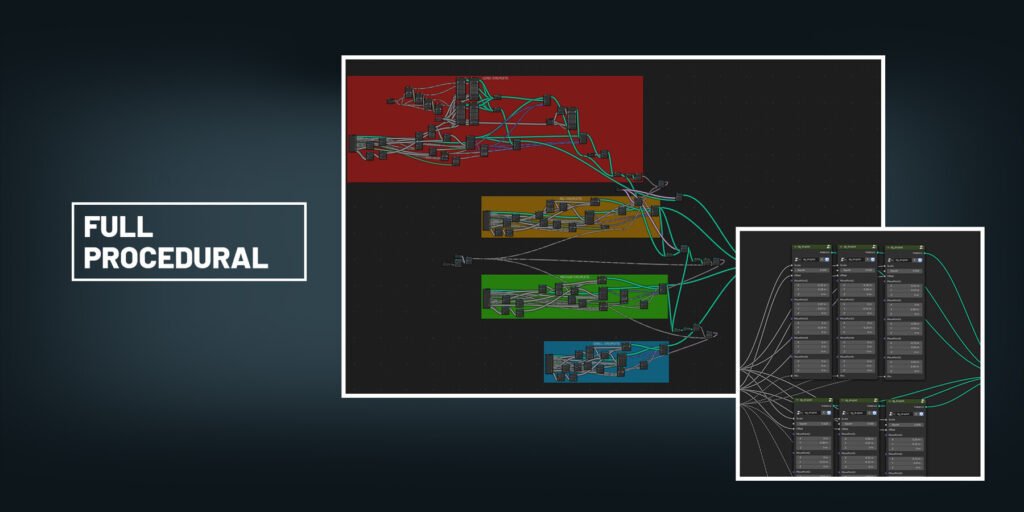
Full Procedural
All geometry is being created %100 procedurally, which enables great customization and performance.
Full Customizable
Made to be easy to use, all settings are self-explanatory. You have tons of options to make your own versions of droplets. Modify it even further with the newly added “advanced settings” section.
Droplet Trails
Add an extra bit of realism to your droplets with the trail option.
Droplet Shader
Render the best looking droplets with the included custom droplet shader, where you can limit ray depth and shadows.
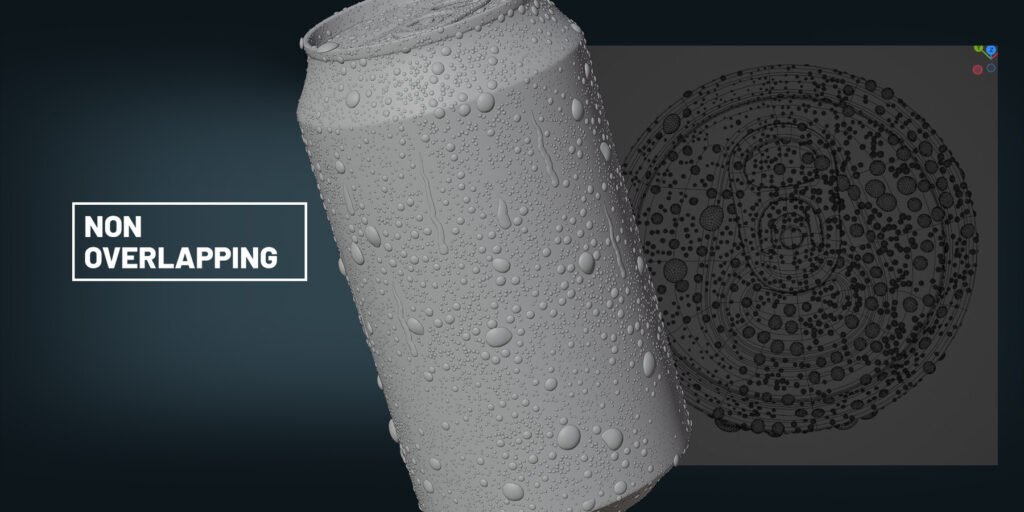
Non-Overlapping
Using proximity between the droplets, all distribution happens without any unrealistic looking overlapping droplets. You can of course change the proximity value to your liking.
Custom Weightmaps
Create custom weightmaps to limit the distribution of the droplets on your mesh. You can also limit each dropletgroup on its own (long, big, medium, small).
Animation Support (Wip)
Bring life to your renders with animated long droplets, customize the shapes and make everything look more realistic. This feature is still in development, so currently it only works on flat surfaces.
3 Example Scenes (updated)
Dropletgenerator comes with 3 completely ready-to-render example scenes with all necessary models, textures, light, cameras and scene settings.
Easy to export
Generate your droplets, convert to mesh and export them to be used in other 3D programs like Keyshot/3dsMax/C4D etc.
Supercharge your 3D creation workflow with premium selection of Blender Add-ons. Whether you are modeling intricate characters, sculpting realistic environments, or animating cinematic sequences, the right add-on can transform how you work inside Blender. Our curated collection includes powerful tools for UV unwrapping, procedural texture generation, rigging automation, rendering optimization, and more—each rigorously tested for compatibility with the latest Blender versions. Eliminate tedious manual processes and unlock advanced functionality that lets you focus on what matters most: bringing your creative vision to life. Explore our full range of professional Blender plugins today and take your 3D projects to the next level.
➡️ ➡️ For more Blender Plugins 😀 😀
Reviews
There are no reviews yet.