
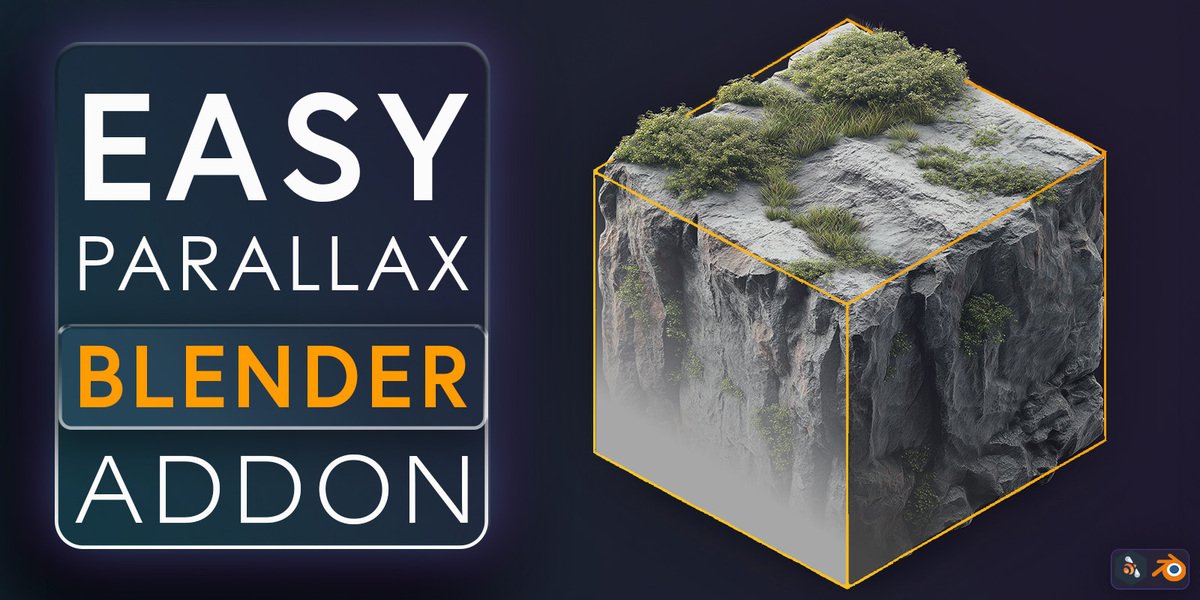
Easy Parallax for Blender
Easy Parallax v1.0.0 for Blender
The Ultimate Depth and Parallax Tool
Download the Easy Parallax v1.0.0 addon today. Therefore, you can create stunning 2.5D depth effects instantly. Because dynamic motion graphics and compositing require realistic spatial separation, you need proper tools. However, manual layer separation and camera rigging take many frustrating hours. Consequently, this powerful addon solves that problem completely. Furthermore, it provides a fast, automated workflow. Thus, you can generate professional parallax animations in seconds.
Fast Parallax Generation
First, the core of this addon is speed. Specifically, it separates your scene into foreground, midground, and background layers instantly. Furthermore, you can adjust depth multipliers and camera travel distance easily. Additionally, the tool applies smooth Z-axis offsets seamlessly. Thus, you can build endless depth variations quickly. Moreover, you can customize the parallax intensity perfectly. Consequently, your 3D renders and animations will look highly professional.
Advanced Depth Management Features
Ultimately, complex compositions require advanced layer control. Therefore, this addon includes smart depth tools. Specifically, you get easy focal plane and blur mapping features. Furthermore, the algorithms preserve original object scaling perfectly. Additionally, the tools simulate realistic optical depth and perspective shifts. Consequently, your parallax effects will look incredibly dynamic. Thus, the workflow reacts beautifully to your creative input.
Real-Time Optimization and Performance
However, heavy multi-layered scenes can slow down viewports. Therefore, the addon is perfectly optimized for performance. Specifically, it utilizes efficient native Blender camera and collection systems. Consequently, you can process complex 2.5D setups easily. Meanwhile, your viewport frame rate remains completely stable. Ultimately, this ensures a smooth and fast workflow.
Perfect for Motion Graphics and Compositing Artists
Additionally, this addon is ideal for motion designers. Furthermore, it suits UI/UX animators and 2.5D illustrators perfectly. Moreover, compositors will love the rapid depth setup for static images. Ultimately, it accelerates your entire visual production pipeline.
System Requirements and Formats
Specifically, the addon requires Blender 3.6 or newer. Furthermore, it supports both Cycles and Eevee render engines. Additionally, you get regular free updates from the developer. Therefore, it works across all major operating systems. Moreover, you will need a standard workstation. Thus, 16GB of RAM is highly recommended. Consequently, a modern GPU ensures smooth viewport playback.
Installation and Usage Guide
First, download the zip file from your library. Next, open Blender and go to Edit Preferences. Then, select Add-ons and click Install. After that, enable the Easy Parallax addon. Finally, select your objects or image planes and apply the parallax setup. Thus, your dynamic depth scene will be ready quickly.
What is Included Inside?
Specifically, the pack contains multiple parallax intensity presets. Furthermore, it includes smart depth-separation algorithms. Additionally, you get several camera rig and motion path variants. Moreover, there are detailed video tutorial guides. Ultimately, you receive everything for professional 2.5D creation.
Final Thoughts on the Addon
Ultimately, precise depth manipulation evokes profound visual quality. Therefore, this addon provides the ultimate creative foundation. Furthermore, you can build detailed animated illustrations. Alternatively, you can create complex product showcase reveals. Consequently, your motion vision becomes a stunning reality.
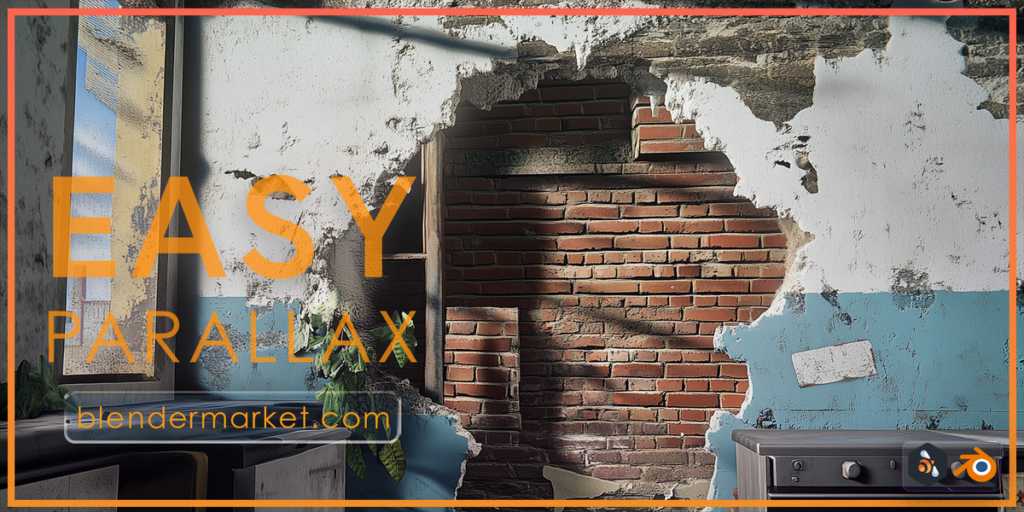
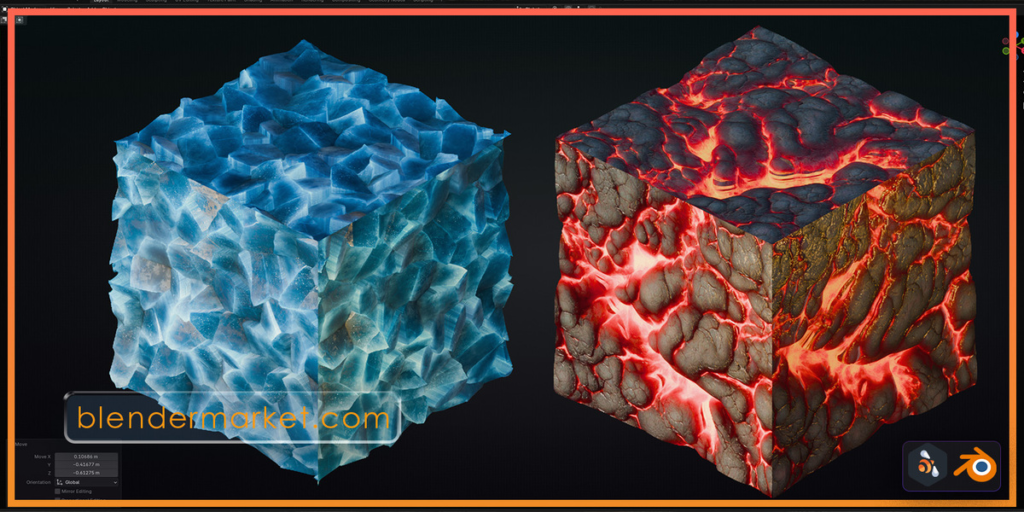
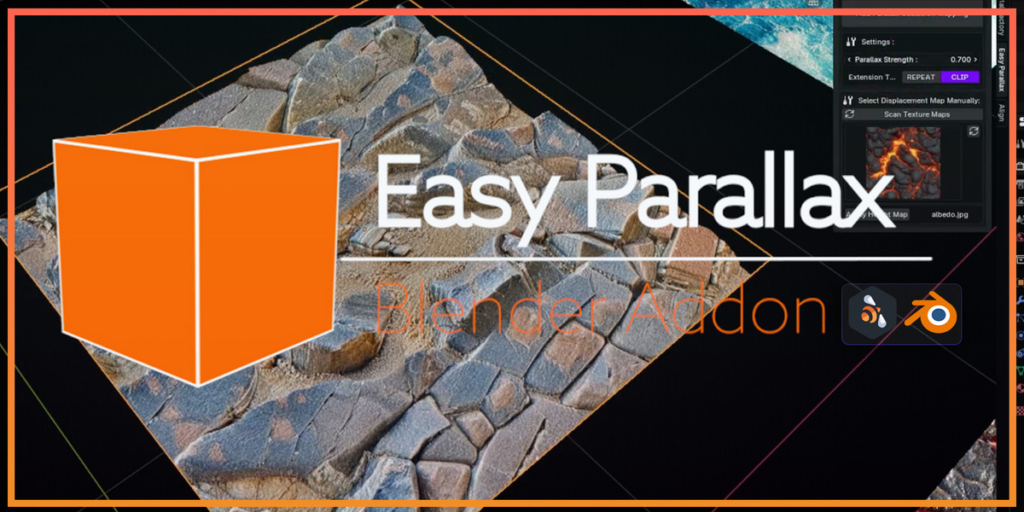
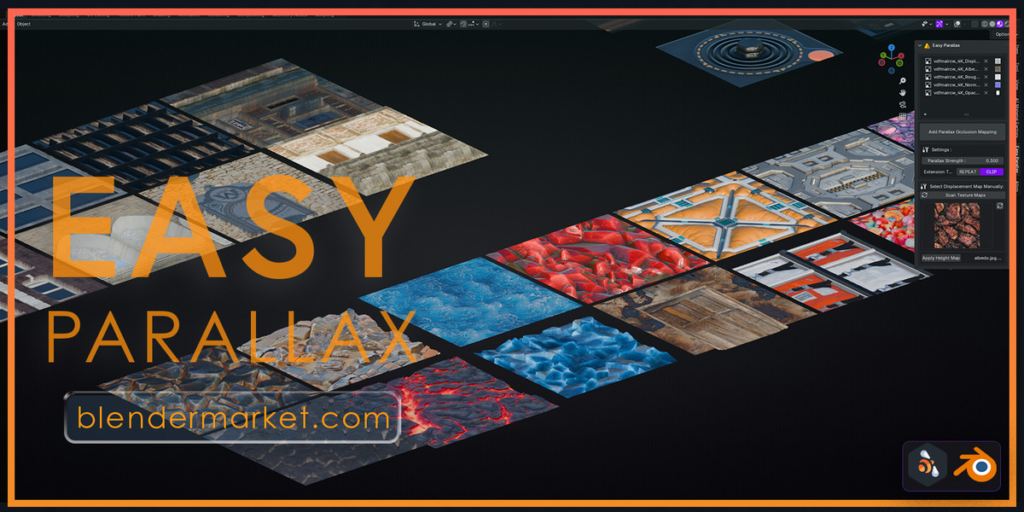
Easy Parallax Addon for Blender
Transform your existing materials into stunning, real-time Parallax Occlusion Mapping shaders with just one click! The Easy Parallax Addon simplifies your workflow, allowing you to achieve realistic depth and displacement effects on a single face, making it super fast and performance-friendly.
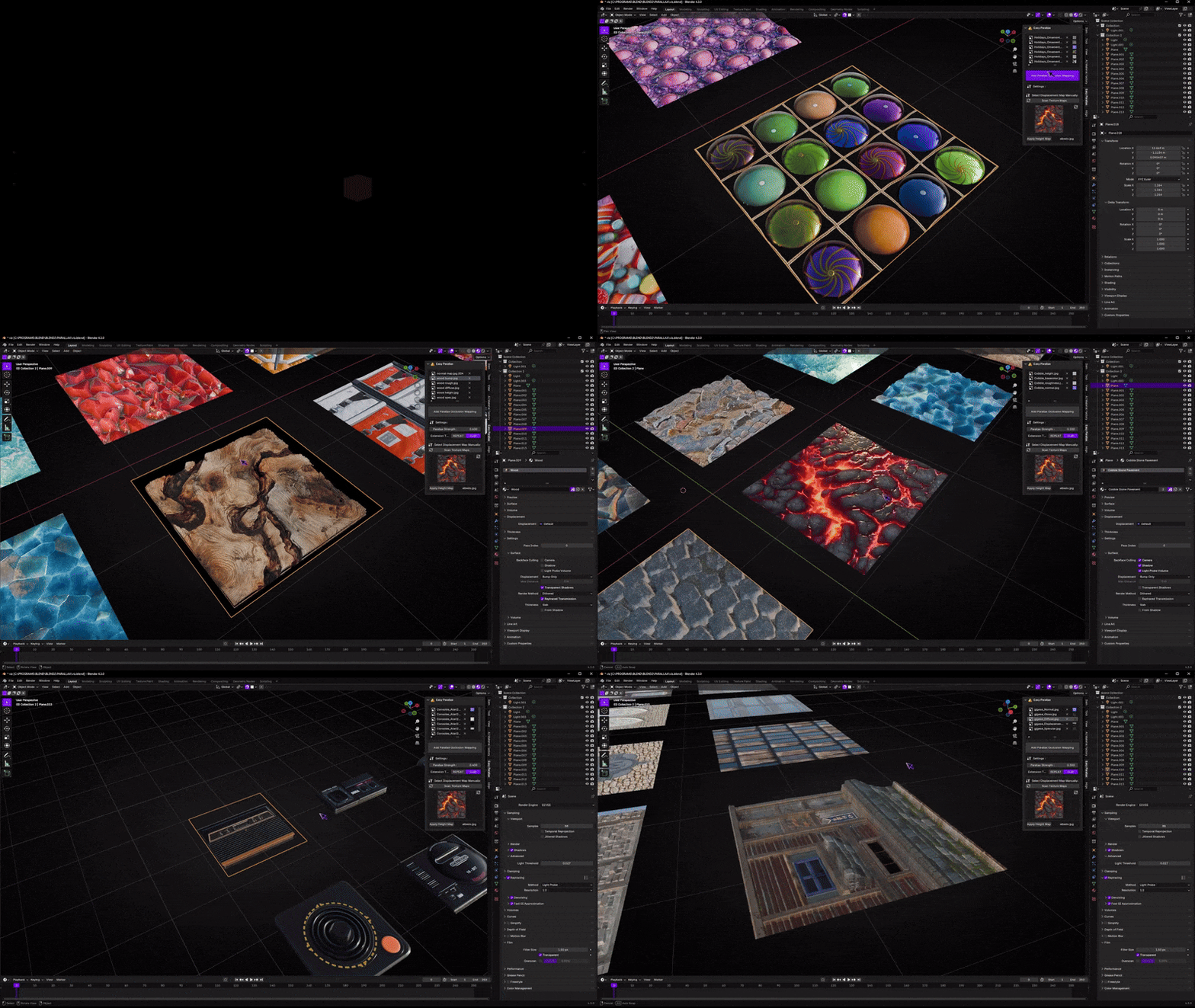
Key Features
- One-click Parallax Occlusion Mapping setup.
- Real-time displacement effects with minimal geometry.
- Works seamlessly with existing materials.
- Customizable parallax strength for fine-tuned results.
- Super lightweight and performance-optimized for large scenes.
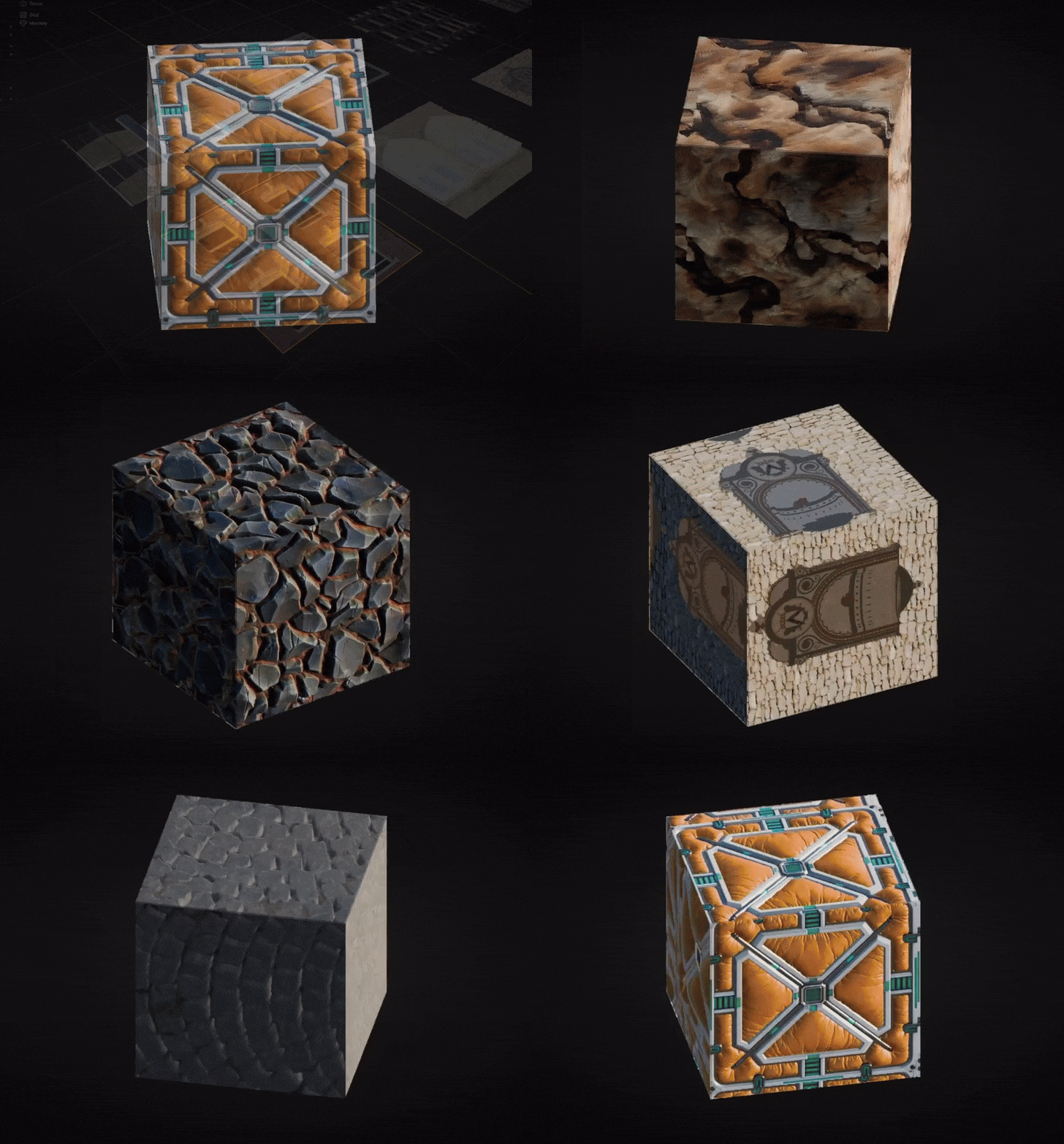
How It Works
The Easy Parallax Addon converts your material setup into a Parallax Occlusion Mapping shader. By utilizing your existing texture maps (Normal, Albedo, Displacement, and Roughness), it generates real-time displacement effects with no need for complex geometry or node setups.
Simple Workflow
- Load your Normal, Albedo, Displacement, and Roughness maps into the addon panel.
- Click Add Parallax Occlusion Mapping to apply the shader to your material.
- Adjust Parallax Strength to control the intensity of the displacement effect.
- Fine-tune your material with texture extensions like Repeat or Clip.
Why Choose Easy Parallax?
Unlike traditional displacement methods that require dense geometry, the Easy Parallax Addon creates depth and detail with just one face, making it perfect for:
- Games and real-time applications.
- Low-poly or performance-intensive scenes.
- Quick, high-quality visualizations.
Get Started Today
Bring your Blender materials to life with the Easy Parallax Addon. Transform flat textures into realistic, detailed surfaces in seconds. Try it now and elevate your 3D projects!
Easy Parallax Addon Documentation
The Easy Parallax addon for Blender allows you to convert existing materials into Parallax Occlusion Mapping shaders, enabling real-time displacement effects with minimal geometry. This lightweight, performance-oriented solution is perfect for adding depth and realism to your textures.
1. Interface Overview
Panel Layout
Input Textures:
Normal Map: Load your material’s normal map.
Albedo Map: Load your material’s color/albedo map.
Displacement Map: Load the displacement map for depth.
Roughness Map: Load the roughness map for surface detail.
Add Parallax Occlusion Mapping:
A button to automatically set up the Parallax Occlusion Mapping shader for the selected material.
Settings:
Parallax Strength: Adjust the strength of the displacement effect. Default is 0.5.
Extension Type:
Repeat: Extends the texture by repeating it.
Clip: Crops the texture edges.
Select Displacement Map Manually:
Scan Texture Maps: Automatically detects and lists available displacement maps in your material.
Apply Height Map: Allows you to manually select and apply a height map.
2. How to Use
Prepare Your Material:
Ensure your material has the necessary texture maps: Normal, Albedo, Displacement, and Roughness.
Add Parallax Occlusion Mapping:
In the Easy Parallax panel, load the respective textures in the input slots.
Click the Add Parallax Occlusion Mapping button.
Adjust Parallax Settings:
Use the Parallax Strength slider to control the intensity of the displacement effect.
Choose an Extension Type for how textures handle boundaries.
Optional: Manual Displacement Map Selection:
Click Scan Texture Maps to detect all available displacement maps.
Use the dropdown to manually select a height map and click Apply Height Map.
3. Tips for Best Results
Use high-resolution texture maps for better quality.
Adjust the Parallax Strength based on the scale of your object to avoid over-displacement.
Combine with Blender’s lighting to enhance the depth effect.
4. Performance Benefits
Unlike traditional displacement, this method requires only one face, making it extremely fast and resource-efficient. Ideal for real-time applications like game engines or viewport rendering.
5. Troubleshooting
Textures Not Displaying Properly:
Check if the correct maps are loaded in their respective slots.
Displacement Too Intense or Weak:
Adjust the Parallax Strength slider.
Shader Looks Flat:
Ensure the Displacement Map is loaded and applied correctly.
Supercharge your 3D creation workflow with premium selection of Blender Add-ons. Whether you are modeling intricate characters, sculpting realistic environments, or animating cinematic sequences, the right add-on can transform how you work inside Blender. Our curated collection includes powerful tools for UV unwrapping, procedural texture generation, rigging automation, rendering optimization, and more—each rigorously tested for compatibility with the latest Blender versions. Eliminate tedious manual processes and unlock advanced functionality that lets you focus on what matters most: bringing your creative vision to life. Explore our full range of professional Blender plugins today and take your 3D projects to the next level.
➡️ ➡️ For more Blender Plugins 😀 😀
Reviews
There are no reviews yet.