
Easy Smoothies for Blender
Easy Smoothies v1.0.0 for Blender – The Ultimate One-Click Mesh Relaxer
Version: V1.0.0
File Size:1 MB
Download Easy Smoothies v1.0.0 for Blender on Windows and Mac, a lightweight, user-friendly addon designed to instantly smooth out rough geometry, remove noise from scans, and relax hard-surface meshes with a single click. By wrapping Blender’s native smoothing operators into an intuitive interface with preset strengths and iterative controls, Easy Smoothies transforms how artists clean up models, eliminating the need to manually adjust Laplacian smooth settings or repeatedly press Shift+Right Click in sculpt mode.
Key Features of Easy Smoothies v1.0.0:
- One-Click Smoothing: Applies an optimized “Smooth Vertices” operation instantly to the selected object or vertex group, perfect for quickly relaxing noisy topology from 3D scans or dynamic topology sculpts.
- Adjustable Strength & Iterations: Simple sliders to control the intensity of the smooth (Factor) and how many times it is applied (Iterations), allowing for subtle relaxation or aggressive softening without losing overall shape.
- Boundary Preservation: Smart algorithm options to prevent the smoothing effect from shrinking or distorting open boundaries and sharp edges, crucial for maintaining the silhouette of hard-surface models.
- Vertex Group Masking: Restrict the smoothing effect to specific vertex groups, enabling you to smooth only rough areas (like a scanned face) while keeping detailed areas (like eyes or teeth) perfectly sharp.
- Non-Destructive Preview: A “Preview” mode lets you see the result in the viewport before committing the changes to the mesh data, ensuring you don’t accidentally over-smooth critical details.
- Sculpt Mode Integration: Works seamlessly in both Object and Edit modes, and includes a shortcut to apply smoothing directly while in Sculpt mode without switching contexts.
- Batch Processing: Select multiple objects and apply consistent smoothing settings to all of them simultaneously, ideal for cleaning up asset packs or scattered vegetation.
- Undo Friendly: Fully integrated with Blender’s undo stack, allowing you to step back instantly if the result isn’t quite right.
Perfect For:
- 3D Scanning Artists cleaning up noisy point cloud conversions and photogrammetry meshes.
- Sculptors relaxing dynamic topology (Dyntopo) artifacts or smoothing out brush strokes without blurring fine details.
- Hard Surface Modelers softening slightly jagged edges after boolean operations or decimation.
- Game Developers optimizing low-poly assets by removing unnecessary micro-variations in vertex positions.
- Beginners who want a simple “Make it Smooth” button without understanding the math behind Laplacian smoothing.
System Requirements:
- Blender: 2.80, 2.90, 3.0, 3.6, 4.0, 4.1, 4.2, 4.3+ (Wide compatibility).
- OS: Windows 10/11 (64-bit) or macOS 10.15+.
- No external dependencies required.
Installation:
- Download the Easy Smoothies v1.0.0
.zipfile. - Open Blender and go to Edit > Preferences > Add-ons.
- Click Install…, select the downloaded file, and enable the checkbox next to Mesh: Easy Smoothies.
- Access via the Object Context Menu (Right-Click) > Easy Smooth or the dedicated panel in the 3D Viewport Sidebar (N-panel) under the Tool tab.
Note:
Version 1.0.0 is designed as a “set and forget” utility. Unlike complex sculpting brushes that require pressure sensitivity and steady hands, Easy Smoothies applies a mathematically consistent relaxation across the selection, making it the perfect tool for standardizing surface quality across a team’s assets or quickly fixing “shaky” geometry before baking normal maps. It includes a “Preserve Volume” toggle that attempts to maintain the original mesh volume during aggressive smoothing passes.
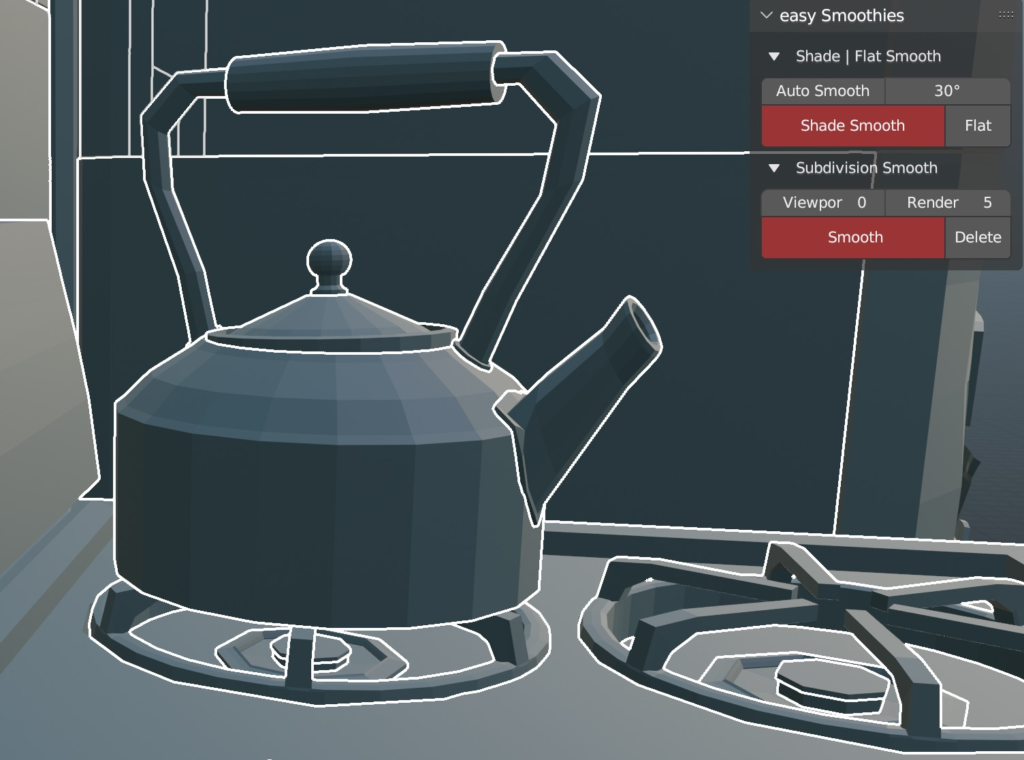
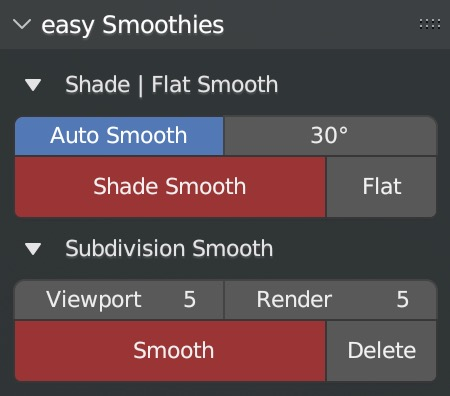
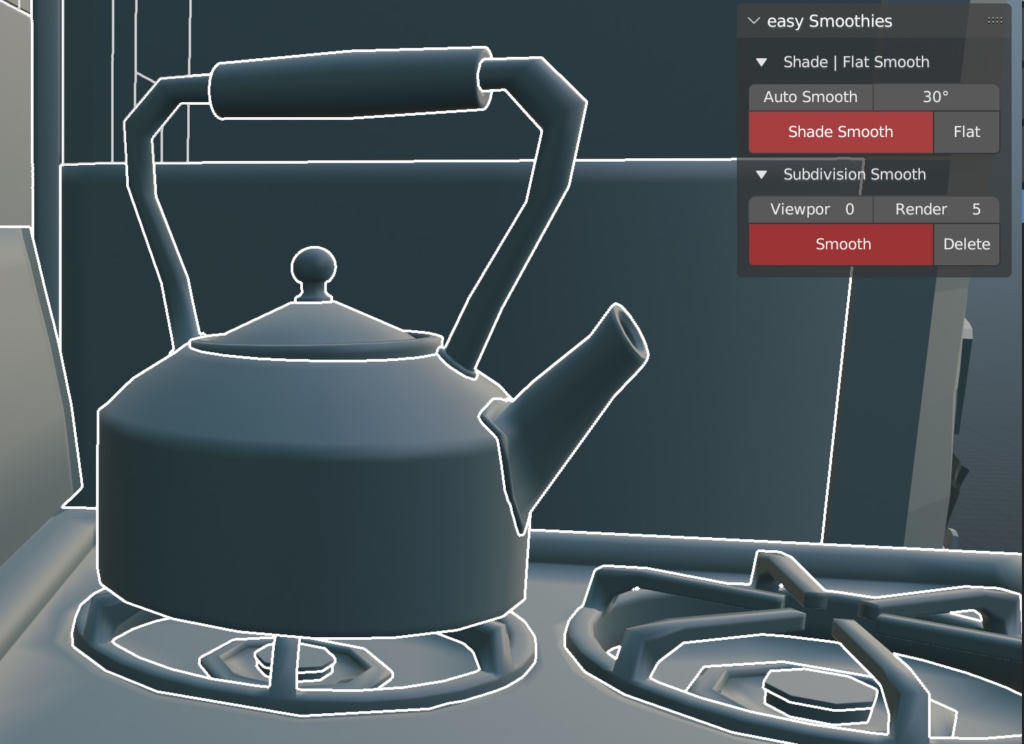
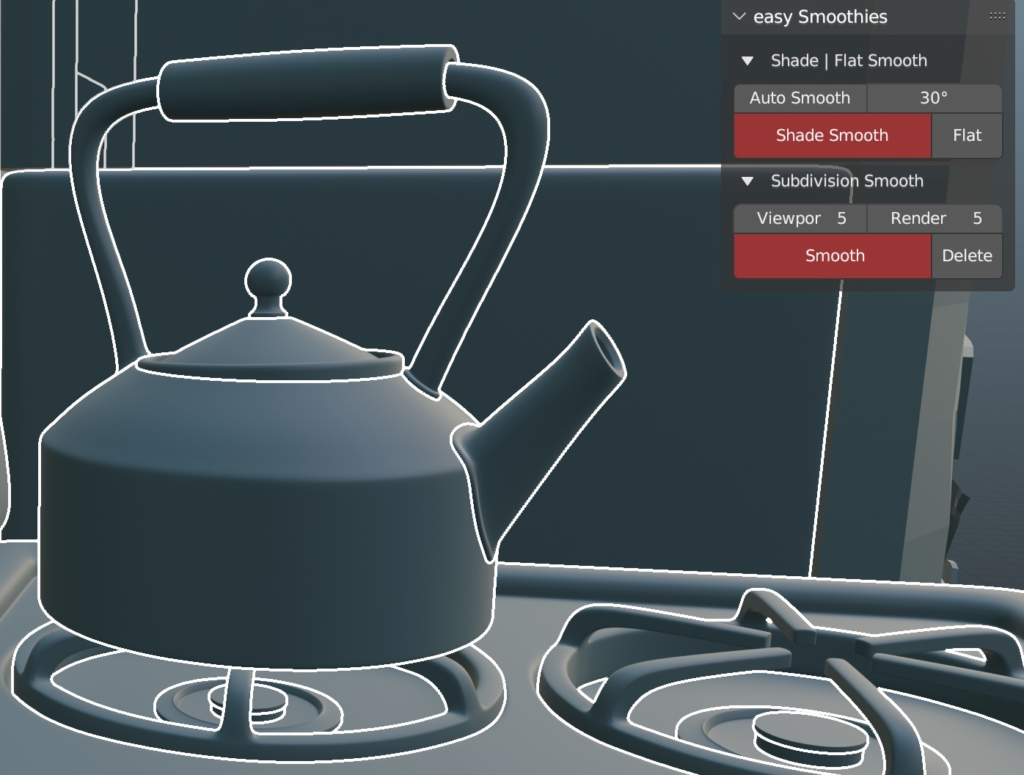
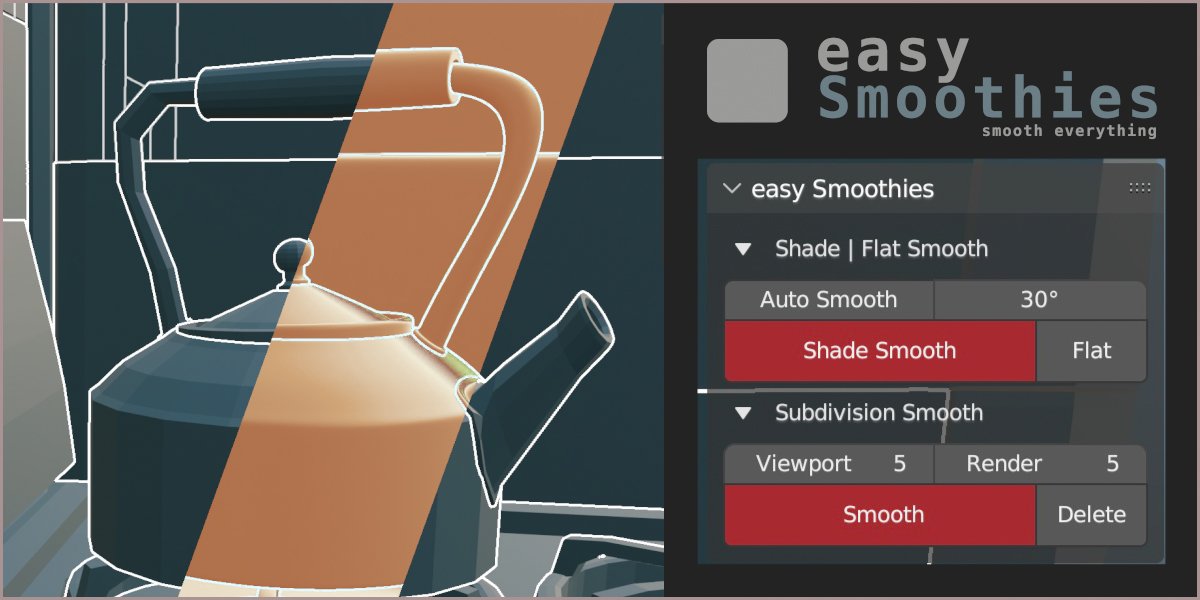
the quickest way to smooths many many objects
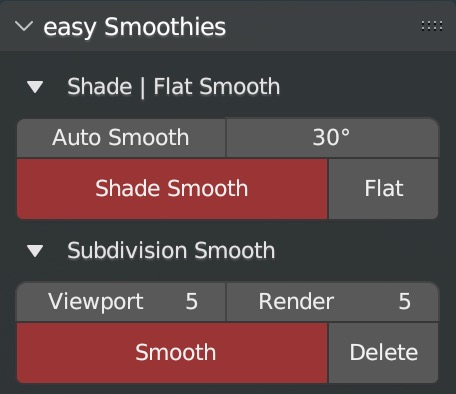
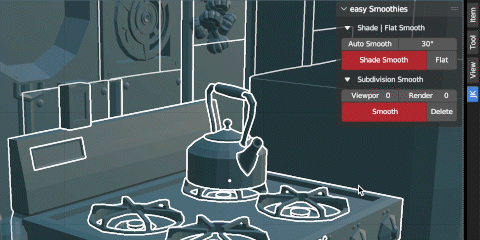
A quick way to Shade | Flat Smooth or use Subdivision modifiers with custom values on multiple objects
In one clic you’ll be able to :
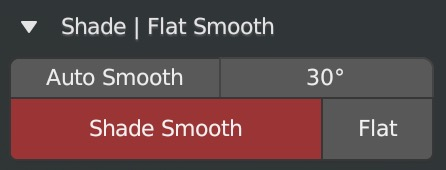
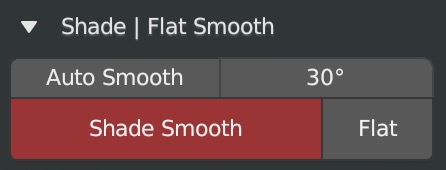
1 – Apply Shade Smooth on selected objects (“A” shortcut to select all objects if needeed).
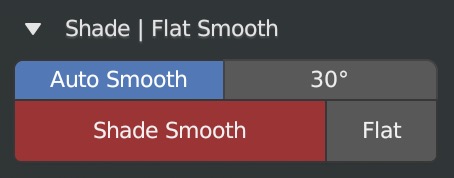
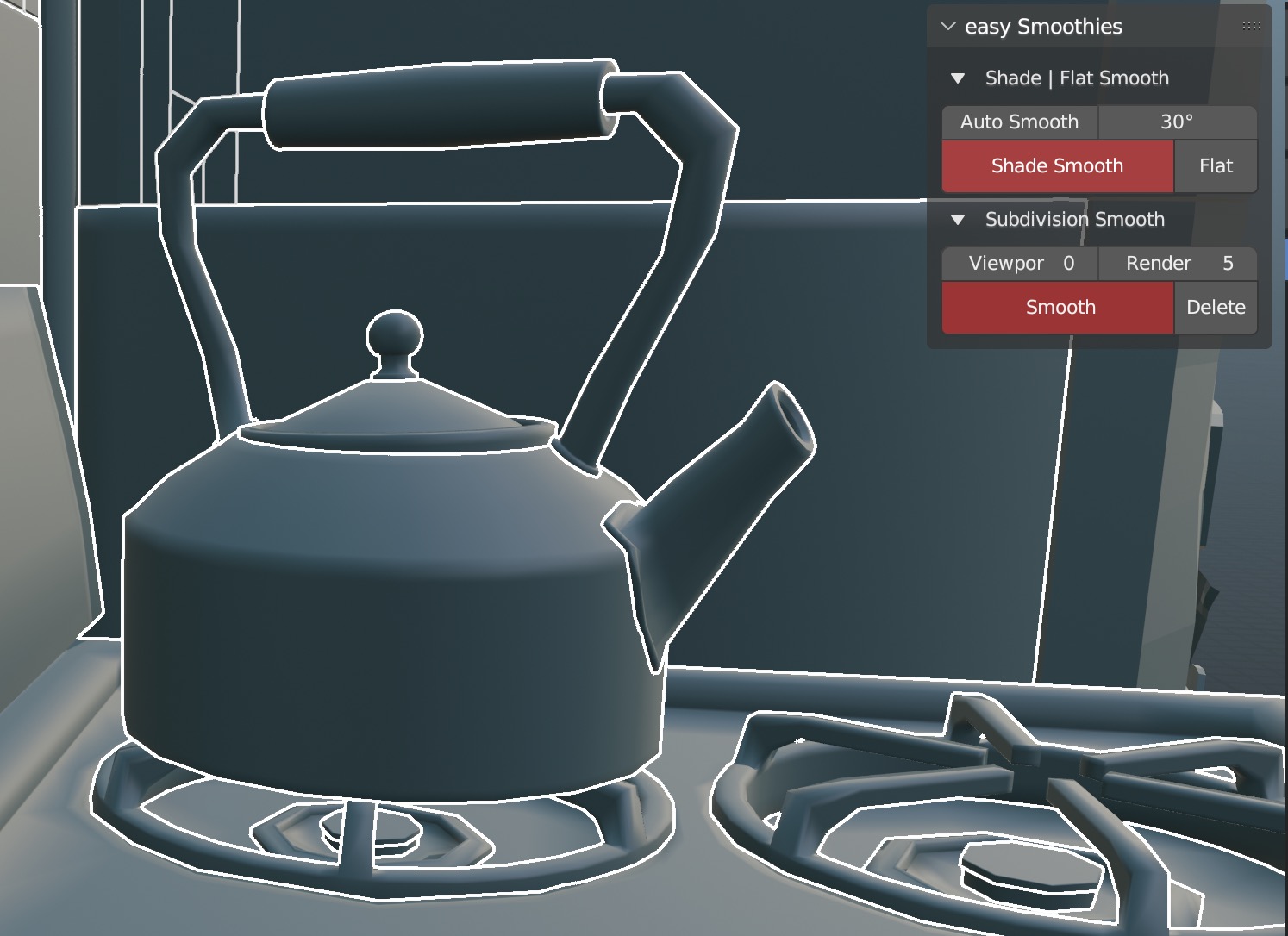
(If Autosmooth button is checked, same value of Autosmooth will be apply on all selected objects too !)
2 – Apply Flat Shade on selected objects
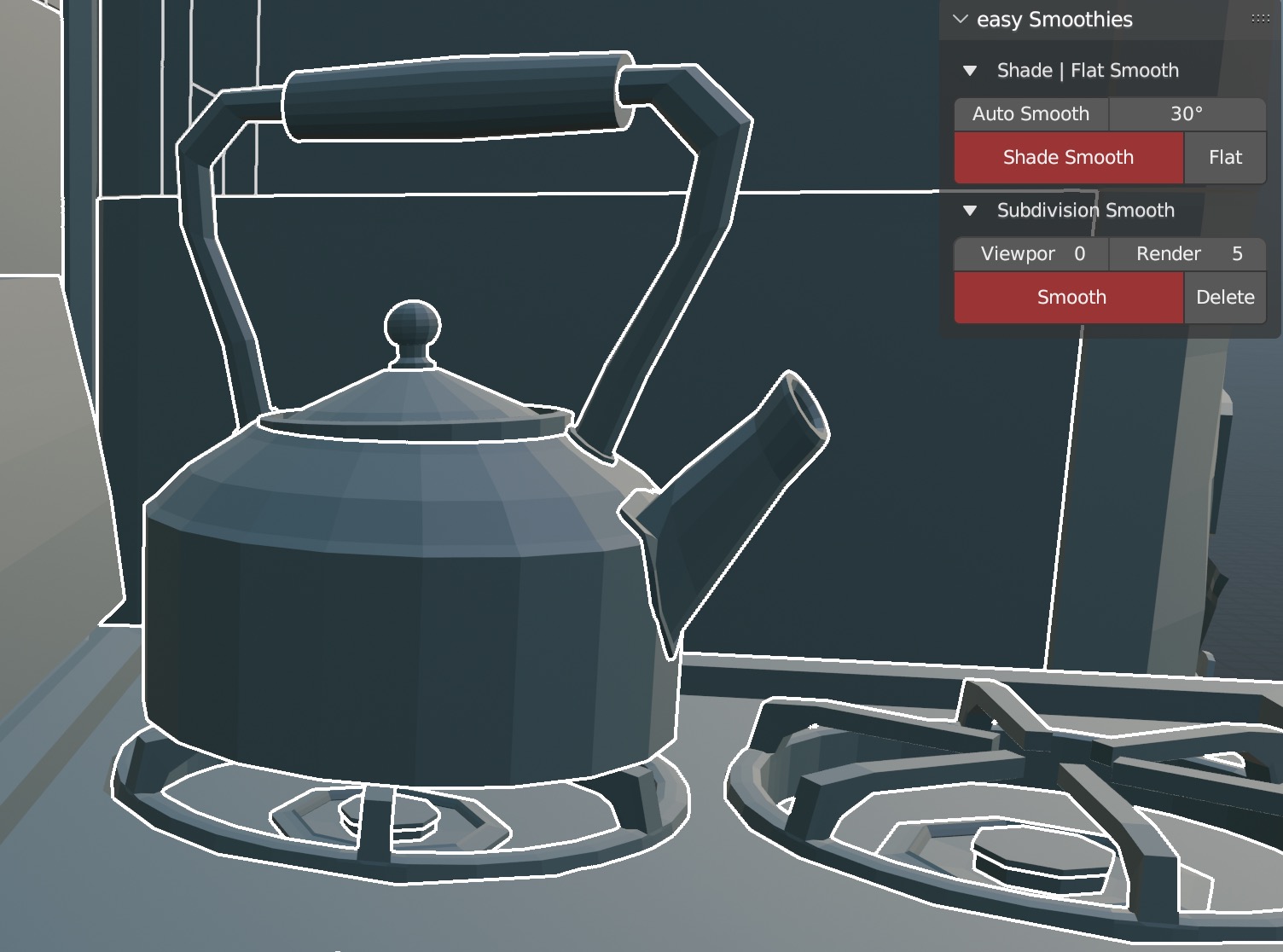
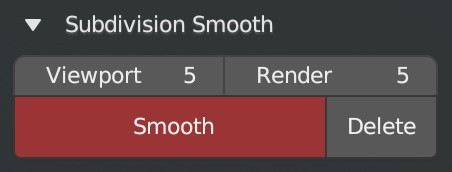
3 – Add a Subdivision Surface Modifier on selected objects base on Viewport and Render choices.
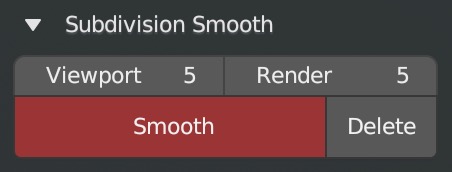
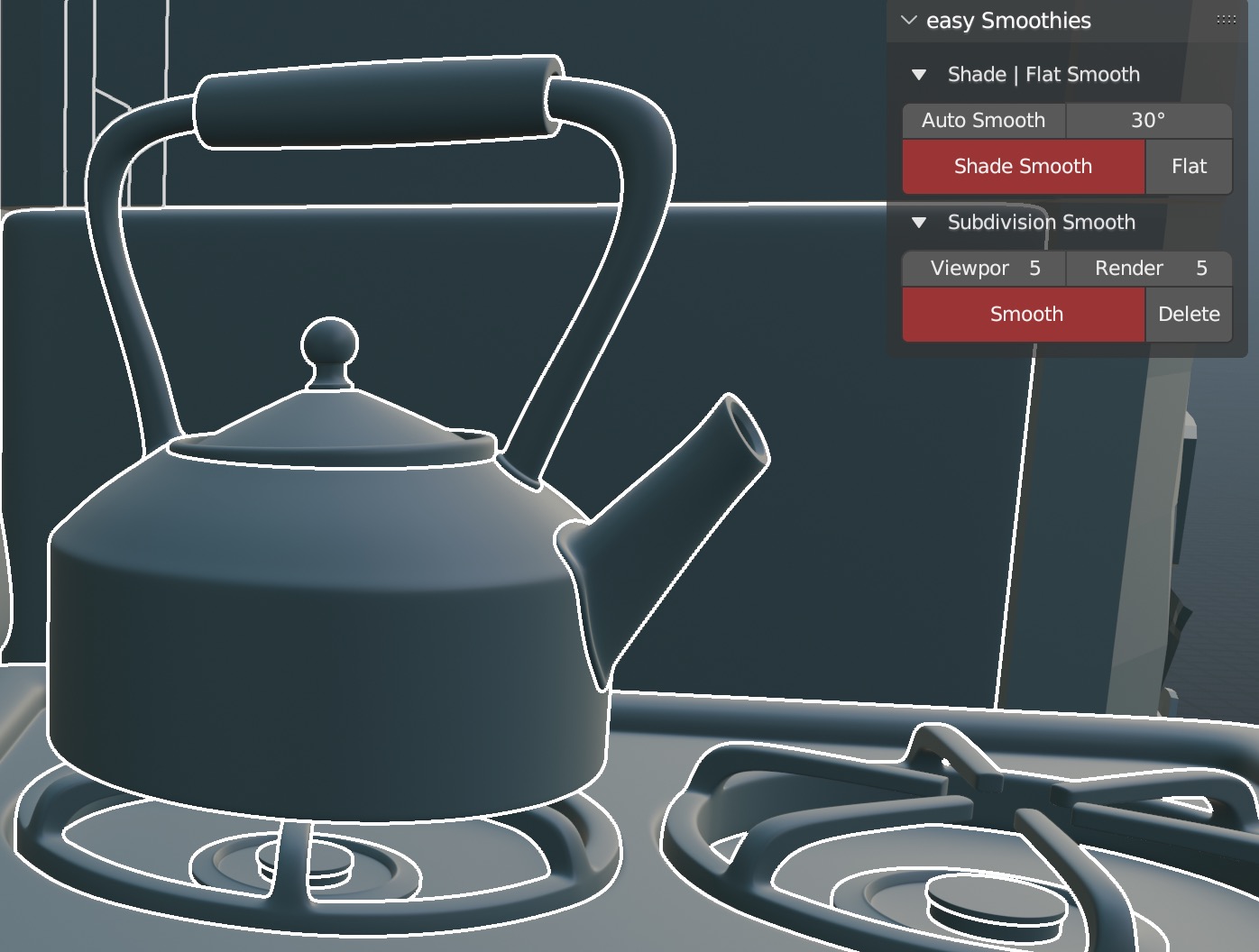
4 – Delete Subdivision Surface Modifiers on selected objects
Key Features of easy Smoothies
Change many objects with same smooth at the same time (even for 1000 objects)
Definitly usefull if you want to render in high quality (with a sudbivision modifier) but work in low poly (like Pixar/Disney does !)
Supercharge your 3D creation workflow with premium selection of Blender Add-ons. Whether you are modeling intricate characters, sculpting realistic environments, or animating cinematic sequences, the right add-on can transform how you work inside Blender. Our curated collection includes powerful tools for UV unwrapping, procedural texture generation, rigging automation, rendering optimization, and more—each rigorously tested for compatibility with the latest Blender versions. Eliminate tedious manual processes and unlock advanced functionality that lets you focus on what matters most: bringing your creative vision to life. Explore our full range of professional Blender plugins today and take your 3D projects to the next level.
➡️ ➡️ For more Blender Plugins 😀 😀
Reviews
There are no reviews yet.