
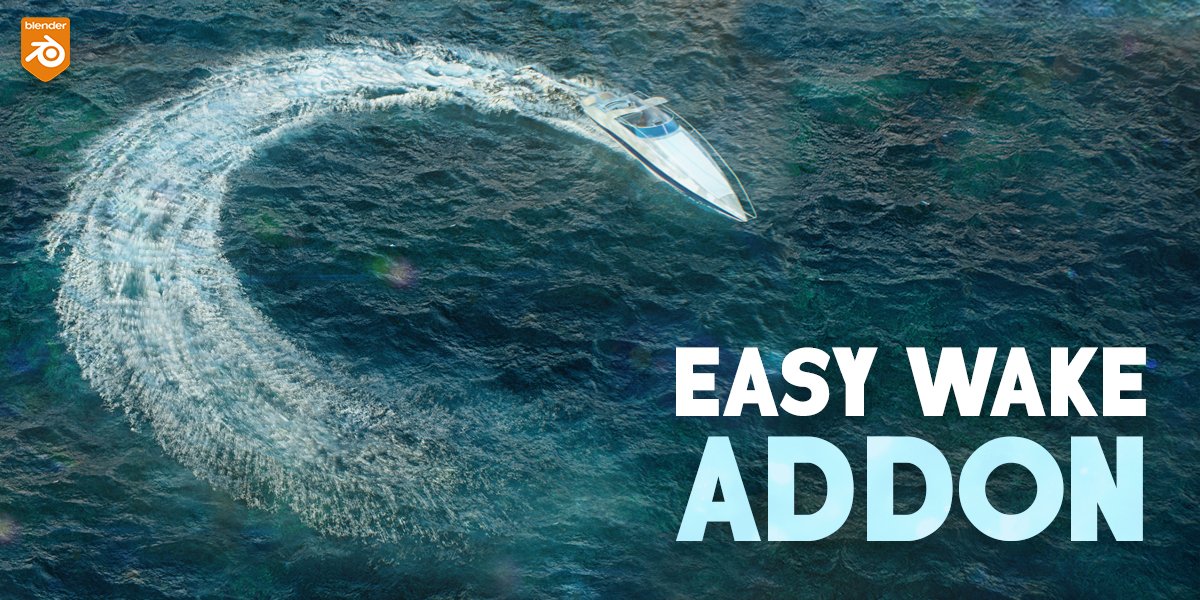
Easy Wake for Blender
Easy Wake v1.0.0 for Blender – The Ultimate Instant Boat Wake & Water Trail Generator
Versions: v1.0
File Size: 53 MB
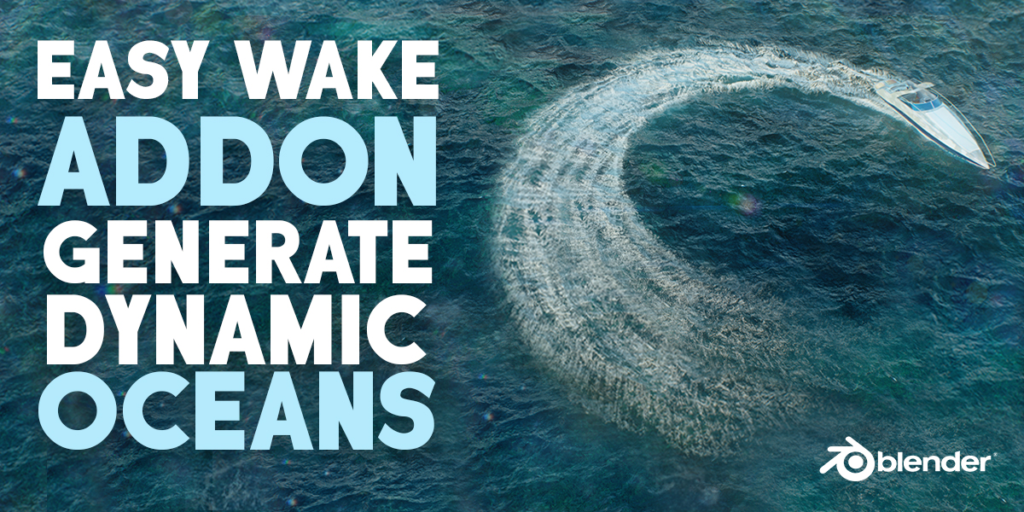
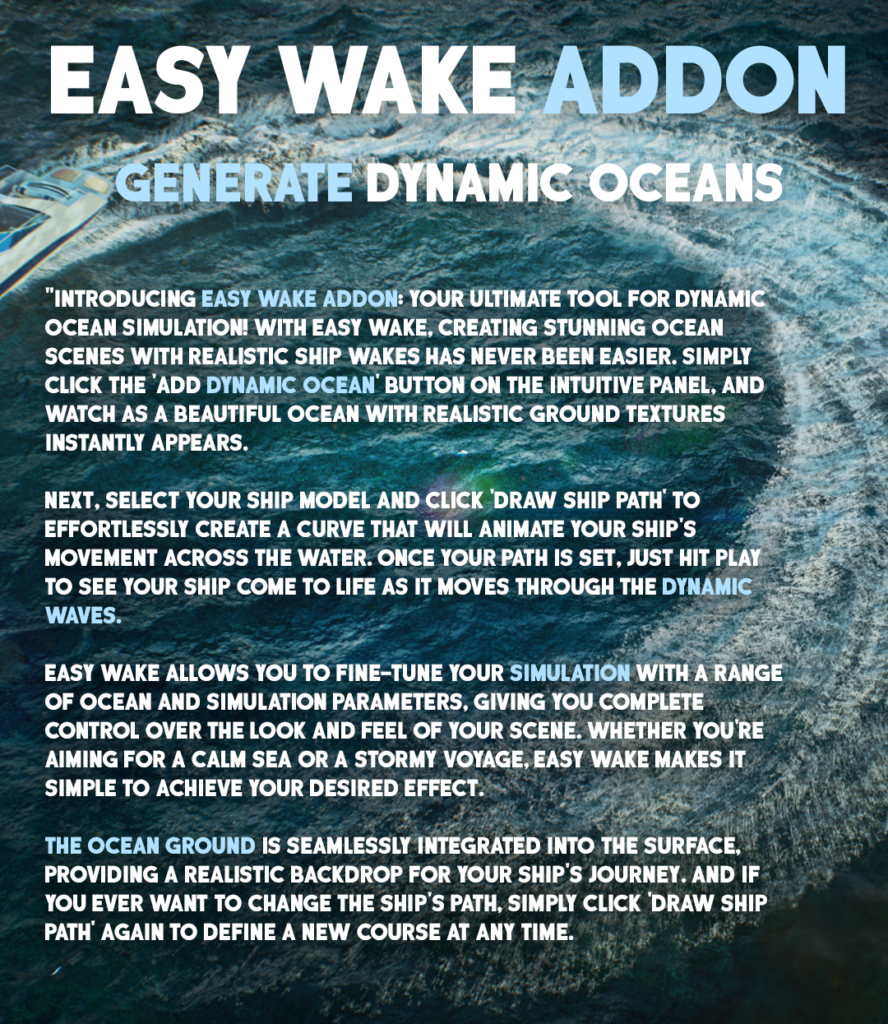
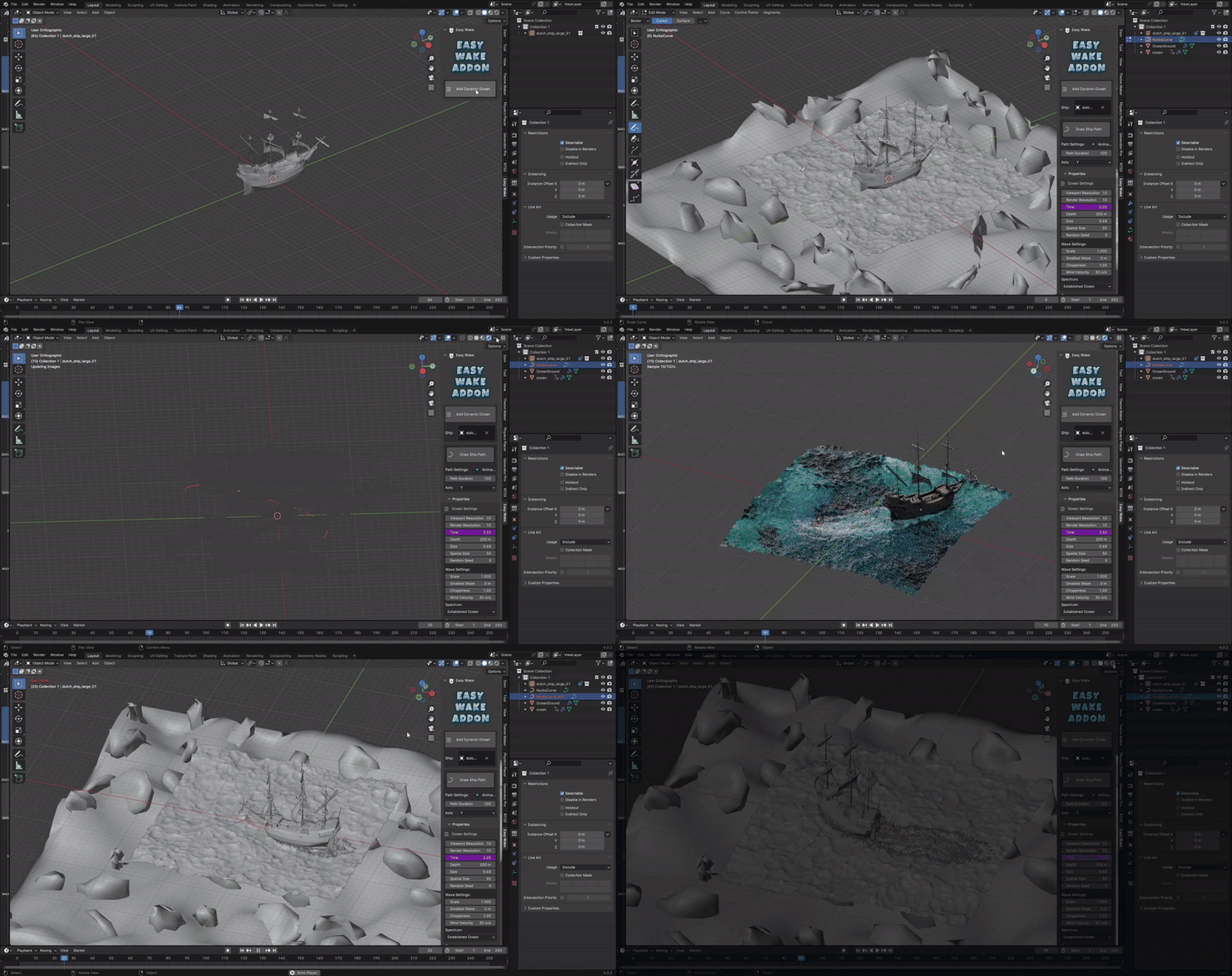
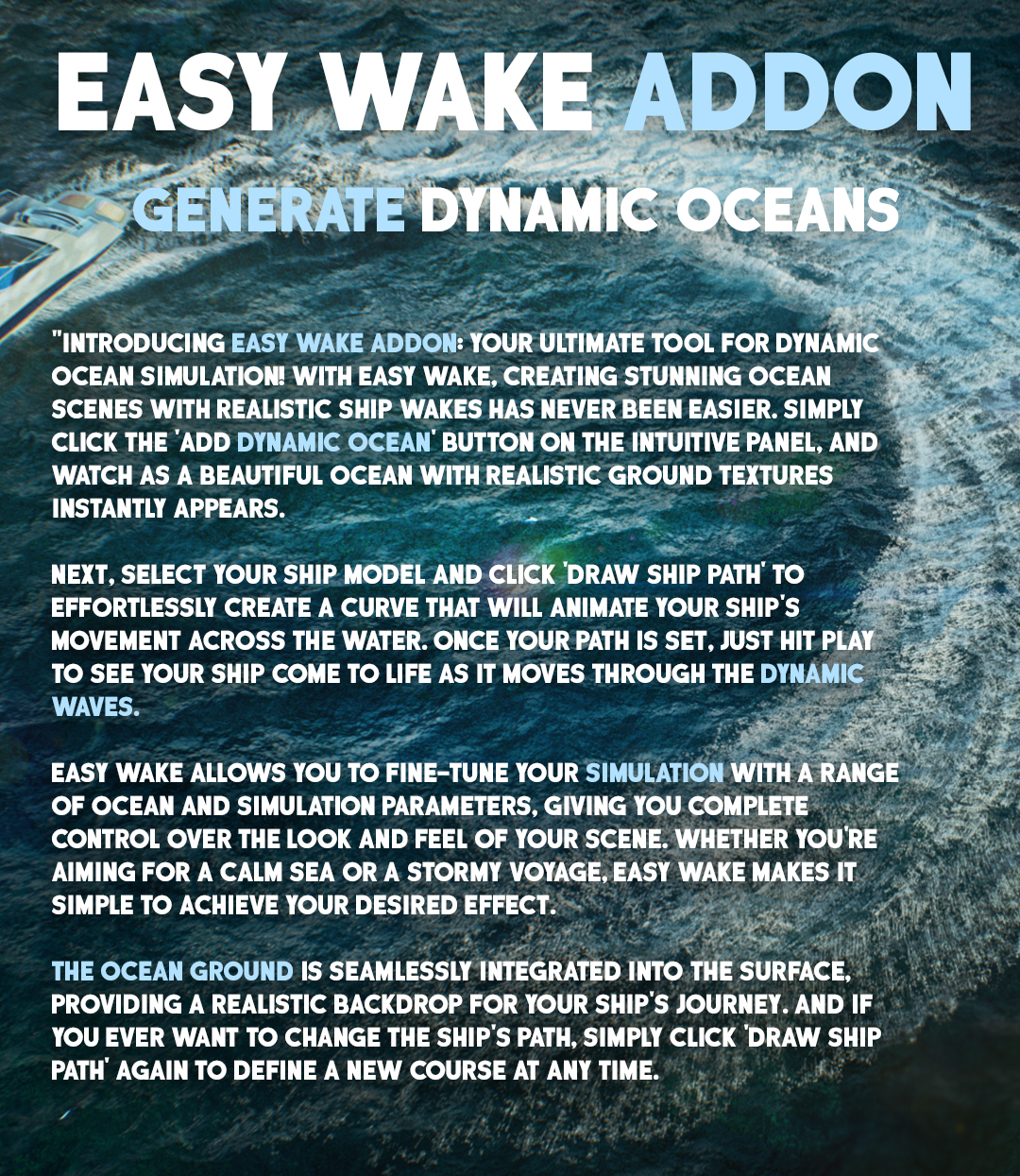
Download Easy Wake v1.0.0 for Blender on Windows and Mac, a specialized Geometry Nodes-based addon designed to instantly generate realistic boat wakes, ship trails, and hydrodynamic water disturbances behind moving vessels. With automatic path following, customizable foam dispersion, and integrated wake shaders, Easy Wake transforms how you create maritime VFX, eliminating the need for complex fluid domain simulations or manual particle grooming to achieve convincing water movement.
Key Features of Easy Wake v1.0.0:
- Path-Based Generation: Automatically detects the motion path of your boat object (or uses a drawn curve) to generate a continuous wake trail that follows the vessel’s trajectory perfectly.
- Dynamic Foam & Spray: Creates layered effects including the primary V-shaped hull wake, turbulent propeller churn, and fine mist spray at the stern, all adjustable via simple sliders.
- Procedural Wake Shader: Includes a pre-configured, physically based water shader with correct foam density, transparency, and anisotropic highlights that react dynamically to the wake geometry.
- Speed-Dependent Scaling: The wake size, angle, and turbulence intensity automatically adjust based on the simulated speed of the boat, ensuring realistic physics for slow barges vs. fast speedboats.
- Decay & Dissipation: Controls for how quickly the wake fades out over distance, allowing you to simulate calm lakes (long trails) or choppy seas (rapid dissipation).
- Animation Ready: Fully animated by default; as the boat moves, the wake extends and evolves in real-time without requiring expensive fluid cache baking.
- Collision Awareness: Optional settings to make the wake interact with nearby static objects (like docks or bridges), splitting the flow naturally around obstacles.
- Optimized Performance: Uses efficient instancing for foam particles and procedural displacement for the water surface, keeping viewport FPS high even for long ocean sequences.
Perfect For:
- VFX Artists creating cinematic boat chases, naval battles, or serene sailing scenes.
- Architectural Visualizers adding life to marina renders, yacht presentations, or coastal resort animations.
- Game Developers generating performant, animated wake assets for real-time water systems.
- Motion Designers animating product shots for marine vehicles or aquatic sports branding.
- Anyone who needs a realistic water trail without waiting hours for a Mantaflow fluid simulation to bake.
System Requirements:
- Blender: 3.6, 4.0, 4.1, 4.2, 4.3+ (Geometry Nodes required).
- OS: Windows 10/11 (64-bit) or macOS 10.15+.
- RAM: 8GB minimum (16GB+ recommended for large ocean scenes with heavy foam).
- Render Engine: Cycles recommended for best water refraction/foam results (Eevee supported with Screen Space Reflections).
Installation:
- Download the Easy Wake v1.0.0
.zipfile or.blendasset. - If an addon: Go to Edit > Preferences > Add-ons, click Install, select the file, and enable Geometry Nodes: Easy Wake.
- If a node group: Open the file, append the “Easy Wake” node group, and connect it to your boat object or a curve path.
- Access via the Modifier Properties panel or the Geometry Nodes workspace.
Note:
Version 1.0.0 features a unique “Propeller Turbulence” module that specifically simulates the chaotic bubbling and churning directly behind the boat’s engine, distinct from the smooth hull wake. It also includes a “Wind Drift” parameter that subtly bends the wake trail based on wind direction, adding an extra layer of environmental realism to your maritime scenes.


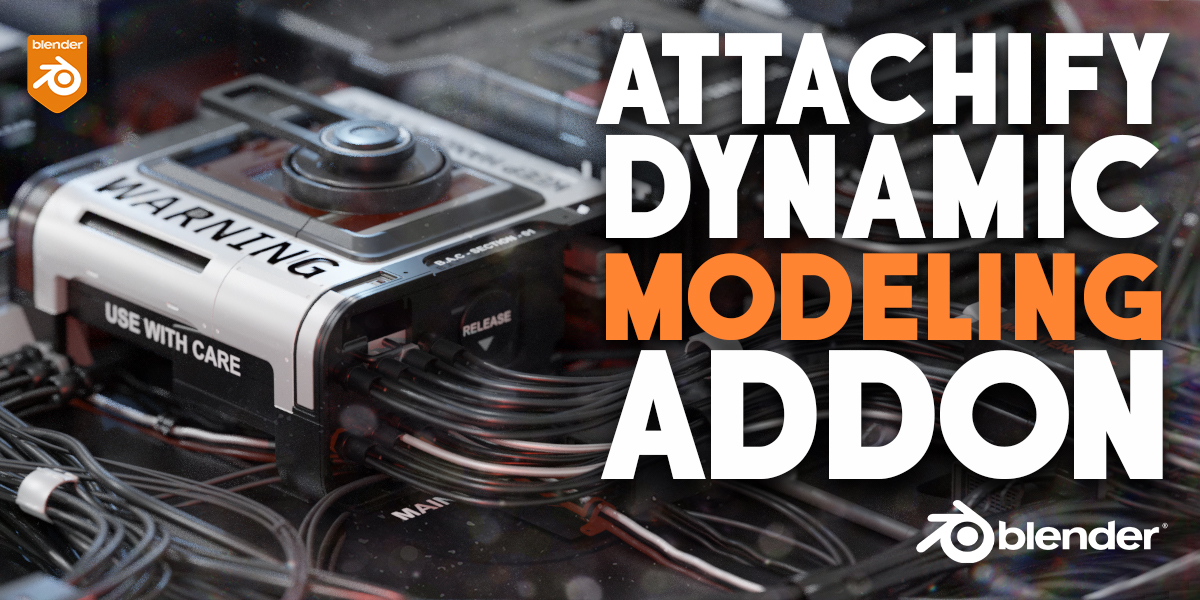
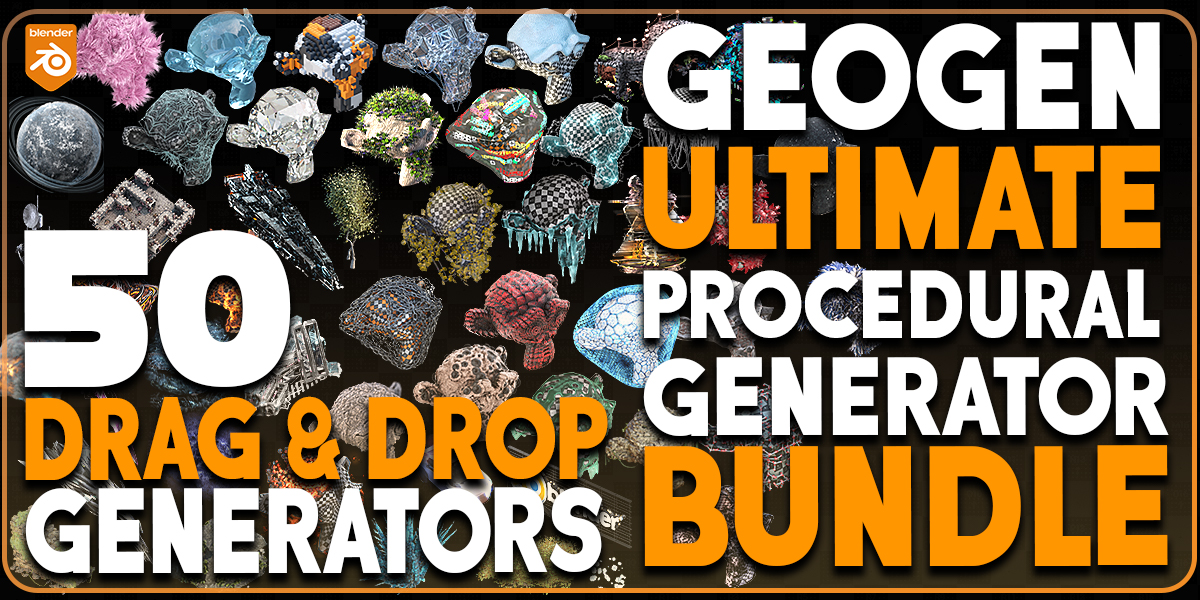
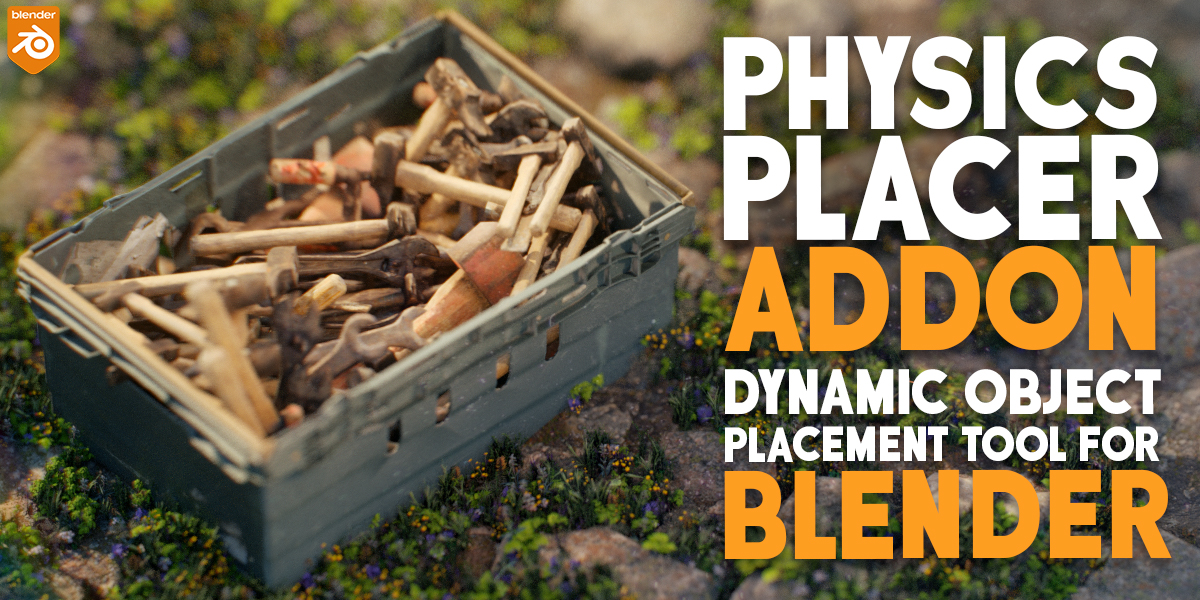
You Can Check My Other Blender Procedural Addons Below:

Supercharge your 3D creation workflow with premium selection of Blender Add-ons. Whether you are modeling intricate characters, sculpting realistic environments, or animating cinematic sequences, the right add-on can transform how you work inside Blender. Our curated collection includes powerful tools for UV unwrapping, procedural texture generation, rigging automation, rendering optimization, and more—each rigorously tested for compatibility with the latest Blender versions. Eliminate tedious manual processes and unlock advanced functionality that lets you focus on what matters most: bringing your creative vision to life. Explore our full range of professional Blender plugins today and take your 3D projects to the next level.
➡️ ➡️ For more Blender Plugins 😀 😀
Reviews
There are no reviews yet.