
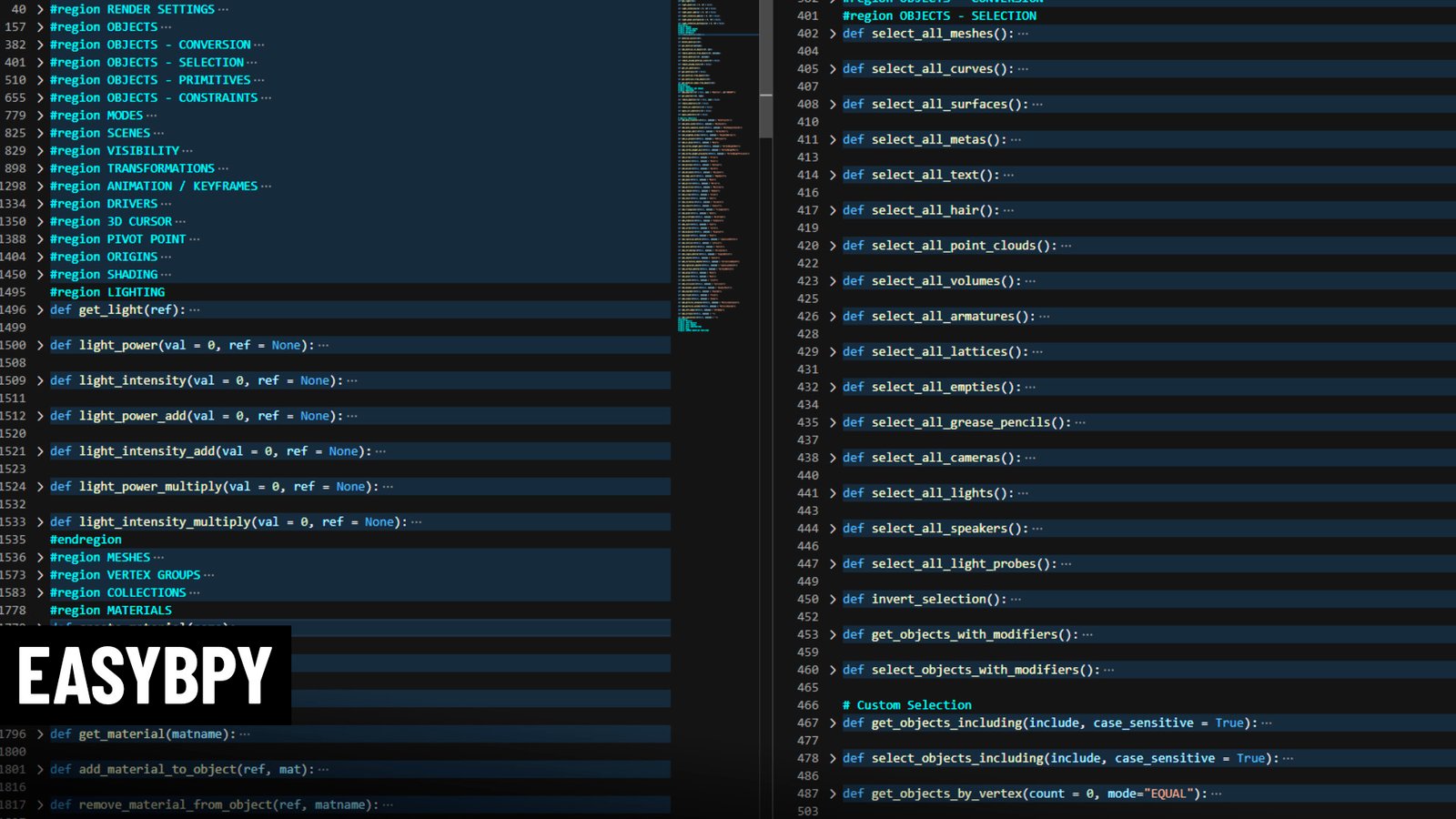
easybpy for Blender
easybpy for Blender – The Ultimate Python Scripting Simplifier
Download easybpy for Blender on Windows and Mac, a lightweight yet powerful Python library designed to drastically reduce the boilerplate code required for Blender API (bpy) scripting. By providing intuitive, high-level wrapper functions for common tasks like object creation, material assignment, collection management, and scene setup, easybpy transforms how technical artists and developers write tools, eliminating verbose syntax and accelerating prototype development for custom addons and automation pipelines.
Key Features of easybpy:
- Simplified Object Creation: One-line functions to create meshes, curves, lights, cameras, and empties with automatic naming, linking to collections, and selection handling (e.g.,
easybpy.create_cube()vs. 10 lines of native bpy code). - Smart Material Handling: Instantly create, assign, or modify materials with single commands, including automatic node setup for Principled BSDF shaders without manually navigating node trees.
- Collection & Layer Management: Easy functions to create nested collections, move objects between them, and toggle visibility/renderability states without complex hierarchy traversal.
- Modifier Shortcuts: Add common modifiers (Subdivision, Mirror, Boolean, Array) with default optimal settings in a single line, bypassing the need to configure operator properties manually.
- Context-Aware Selection: Robust helpers to select/deselect objects by name, type, or pattern, ensuring scripts run reliably regardless of the current viewport state.
- Unit & Scale Utilities: Built-in converters to handle Blender’s internal units seamlessly, making it easier to script precise dimensions without manual conversion math.
- Error Handling Wrappers: Includes safe-execution contexts that catch common bpy errors (like missing data blocks) and provide clear feedback, making scripts more robust for end-users.
- Documentation & Examples: Comes with extensive docstrings and a repository of ready-to-use snippets for common automation tasks like batch renaming, UV unwrapping, and export pipelines.
Perfect For:
- Technical Artists building custom tools and pipelines who want to focus on logic rather than API syntax.
- Addon Developers looking to speed up their coding workflow and reduce codebase size.
- Beginners to Python who find the official
bpydocumentation overwhelming and need a gentler entry point. - Pipeline TDs writing quick scripts for scene cleanup, asset preparation, or batch processing.
- Anyone tired of copying and pasting the same 20 lines of boilerplate code for every new script.
System Requirements:
- Blender: 2.80, 2.90, 3.0, 3.6, 4.0, 4.1, 4.2, 4.3+ (Compatible with all modern Python 3 versions bundled with Blender).
- OS: Windows 10/11 (64-bit), macOS 10.15+, Linux.
- No external dependencies required (Pure Python, runs inside Blender’s embedded interpreter).
Installation:
- Via Pip (Recommended for external IDEs):
- Open your terminal/command prompt.
- Run:
pip install easybpy(Note: Ensure you are using the Python version matching your Blender installation if running scripts externally).
- Internal Use (Copy/Paste or Module):
- Download the
easybpy.pyfile from the repository. - Place it in your Blender Scripts directory (
<Blender Version>/scripts/modules/) or simply copy the code into the top of your text editor block within Blender. - Import in your script:
import easybpyorfrom easybpy import *.
- Download the
Note:
easybpy is not a traditional “addon” with a UI panel but rather a developer library meant to be imported into your Python scripts within Blender’s Text Editor or external IDEs (like VS Code with Blender integration). It acts as a “syntax sugar” layer over the standard bpy module, making code more readable and maintainable. For example, instead of writing complex context overrides to add an object to a scene collection, you simply call easybpy.link_to_collection(obj, "MyCollection"). It is highly recommended for anyone looking to streamline their Blender automation workflow.
This purpose of this module is to simplify the use of the Blender API (bpy) by creating an extra layer of abstraction that is more human-readable, memorable and reduces the user’s exposure to complex code paths.
EasyBPY can be added to Blender by installing it into the (../scripts/modules) folder in the user preferences. The file can also be re-packaged with any other addon, so long as the developer respects the limitations of the GPL license.
Supercharge your 3D creation workflow with premium selection of Blender Add-ons. Whether you are modeling intricate characters, sculpting realistic environments, or animating cinematic sequences, the right add-on can transform how you work inside Blender. Our curated collection includes powerful tools for UV unwrapping, procedural texture generation, rigging automation, rendering optimization, and more—each rigorously tested for compatibility with the latest Blender versions. Eliminate tedious manual processes and unlock advanced functionality that lets you focus on what matters most: bringing your creative vision to life. Explore our full range of professional Blender plugins today and take your 3D projects to the next level.
➡️ ➡️ For more Blender Plugins 😀 😀
Reviews
There are no reviews yet.