
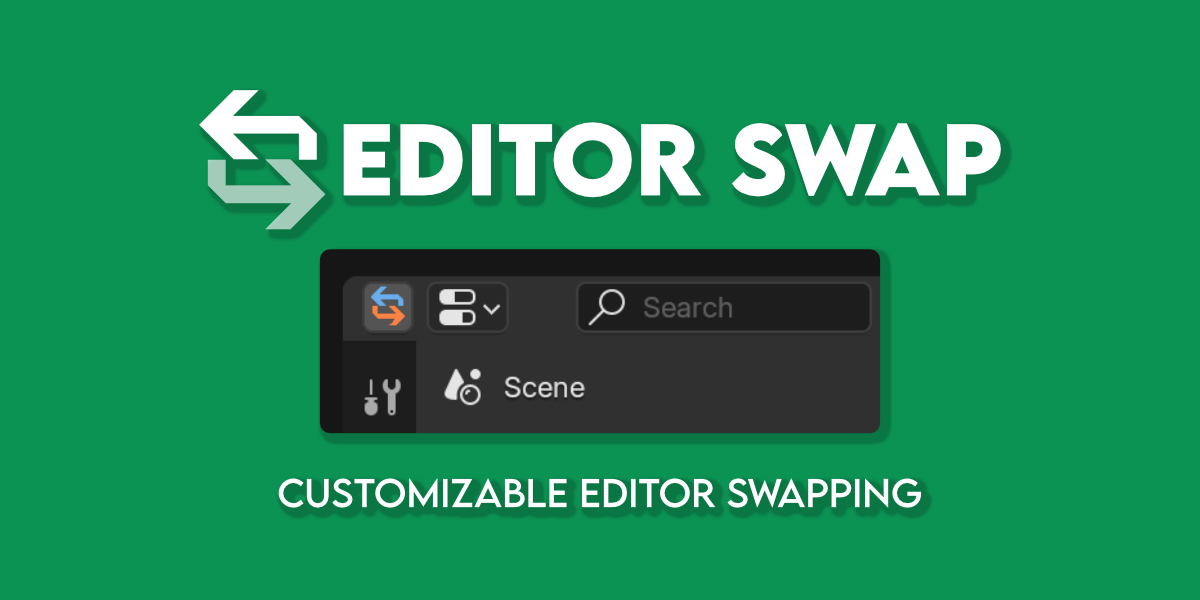
Editor Swap for Blender
editor swap addon
Editor Swap v1.3.0 for Blender – Quick Workspace & Editor Type Switcher
Versions: v1.3.0
File Size: 14 KB
Download Editor Swap v1.3.0 for Blender on Windows, Mac, and Linux, a productivity add-on that lets you quickly switch between editor types and workspace layouts with customizable hotkeys. Instantly swap between 3D viewport, shader editor, UV editor, compositor, and geometry nodes editor—perfect for artists who frequently switch between different editing contexts.
Key Features of Editor Swap v1.3.0:
- Quick Editor Switching: Instantly change the active editor type in any area
- Customizable Hotkeys: Assign hotkeys for your most-used editor types
- Workspace Presets: Save and load complete workspace layouts
- Editor Groups: Group related editor types for quick access
- Fullscreen Toggle: Toggle any editor to fullscreen with one click
- Area Management: Split, join, and resize editor areas quickly
- Recent Editors: Track and switch between recently used editor types
- Cross-Editor Selection: Maintain object selection when switching contexts
- v1.3.0 Updates: New editor types, enhanced hotkeys, and Blender 4.0+ compatibility
Perfect For:
- Artists who frequently switch between modeling, shading, and UV editing
- Technical artists working across multiple node editor types
- Motion designers moving between viewport and compositor
- Game developers switching between modeling and UV mapping
- Anyone wanting faster workspace navigation in Blender
System Requirements:
- Blender 3.6, 4.0, 4.1, 4.2, 4.3
- Windows 10/11 (64-bit), macOS, or Linux
- 4GB RAM minimum (8GB+ recommended)
- 5MB available disk space
Installation:
- Download the add-on zip file
- In Blender, go to Edit > Preferences > Add-ons
- Click “Install” and select the downloaded zip file
- Enable the add-on by checking the box next to “Editor Swap”
Note: Editor Swap v1.3.0 speeds up Blender navigation by providing quick editor switching and workspace management. The customizable hotkeys and editor groups make it essential for artists who frequently switch between modeling, shading, UV editing, and node editing contexts. Designed for Blender 3.6 and above. Good. Finish. End
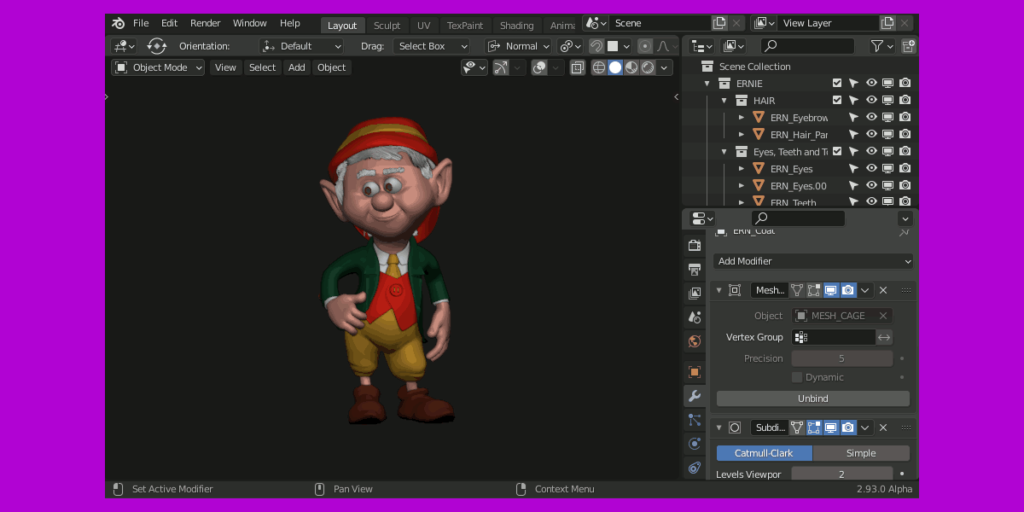
Looking for a quick way to switch between editors? Need more space by combining the Outliner and Properties Editor? Look no further—try Editor Swap now!
What is this addon for?
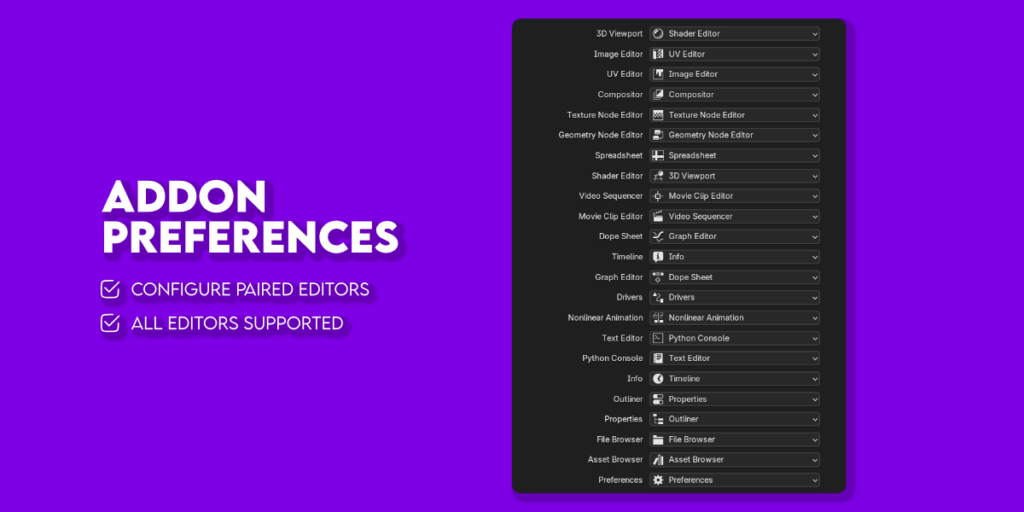
This addon lets you switch between editors with a button or a shortcut. The linking between editors is fully customizable, allowing you to swap sequentially between two or more editors. Additionally, you can hide the button if you prefer to use only the shortcut, and you can assign the shortcut of your choice.
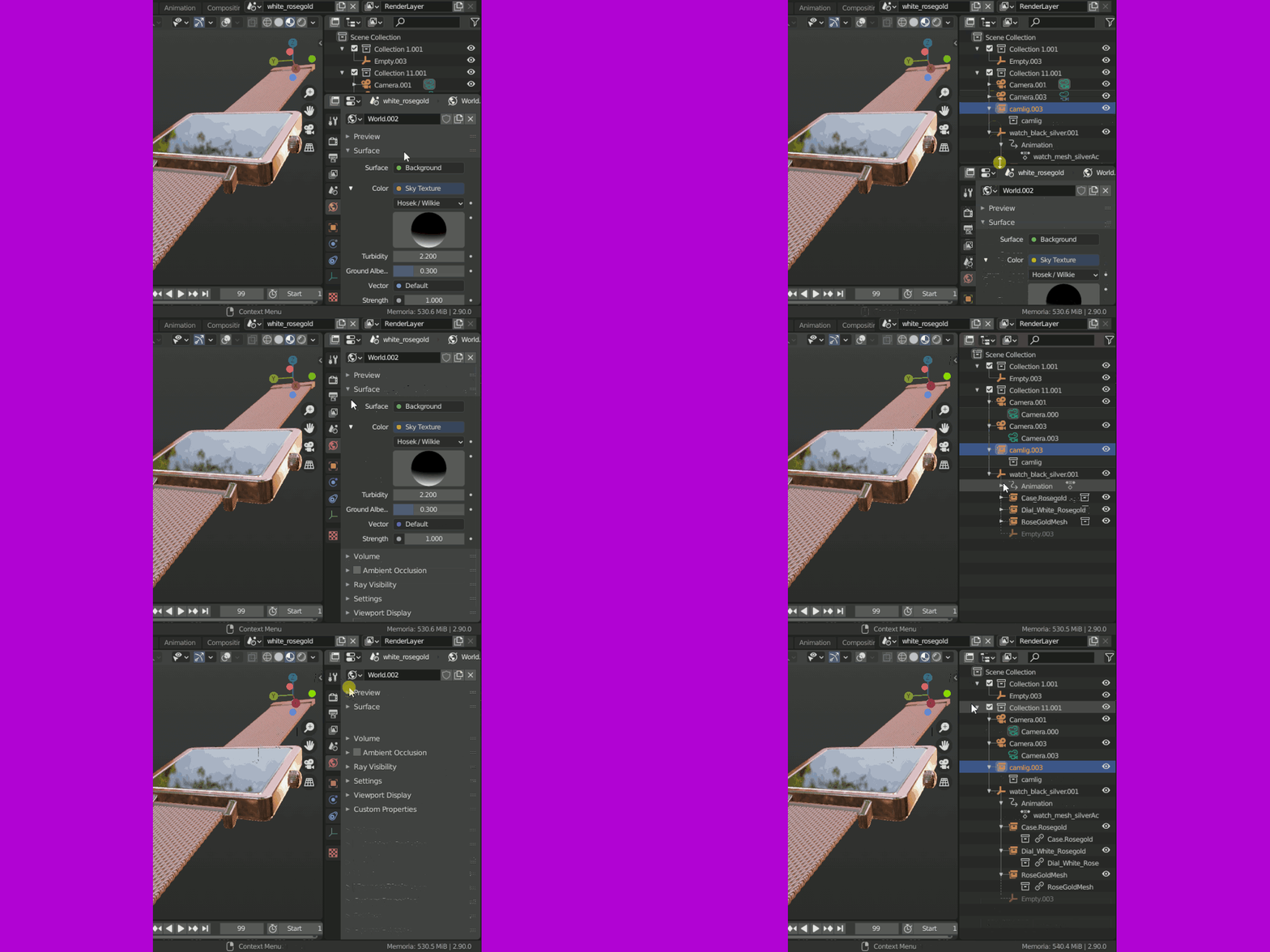
Usage
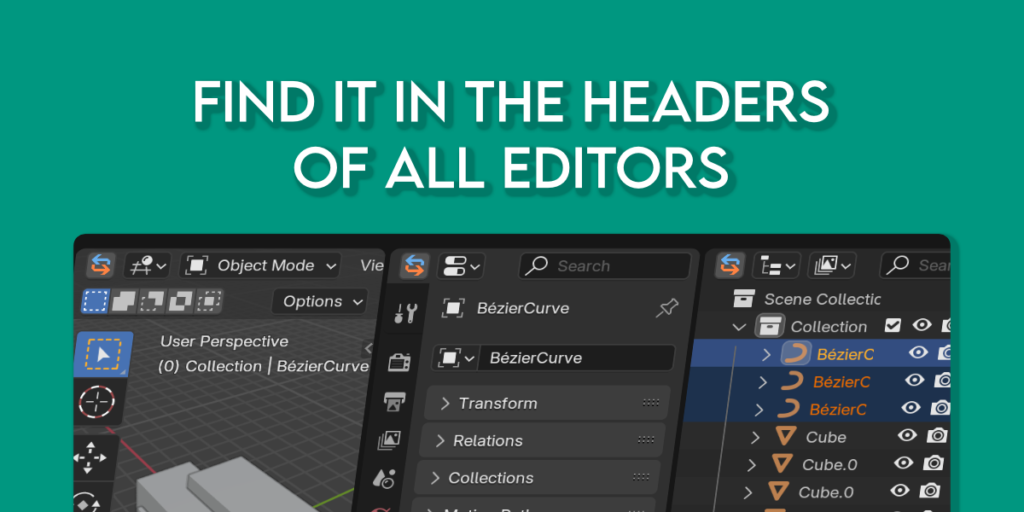
Click on button on headers of editors, or use the shortcut.
Which is the default shortcut?
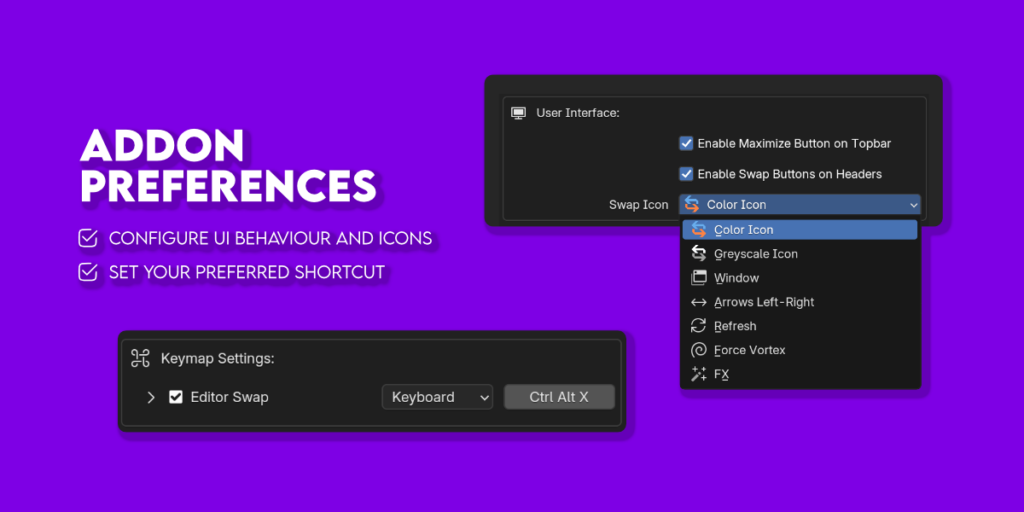
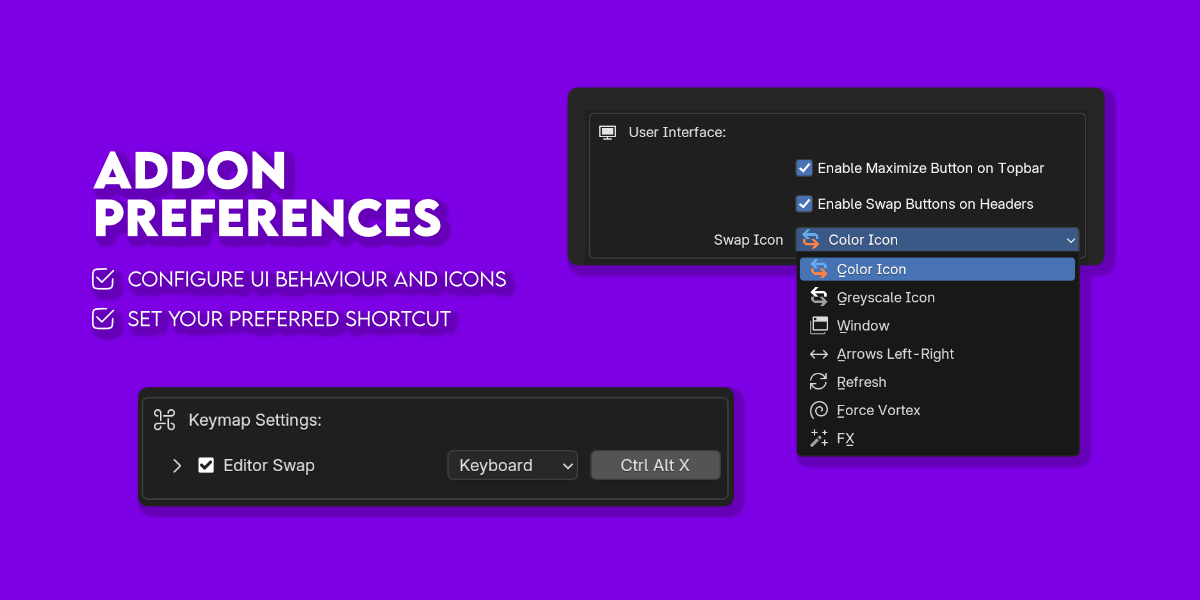
CTRL + ALT + X
Also you can change the shortcut on addon preferences. And you can change icons and behaviour.
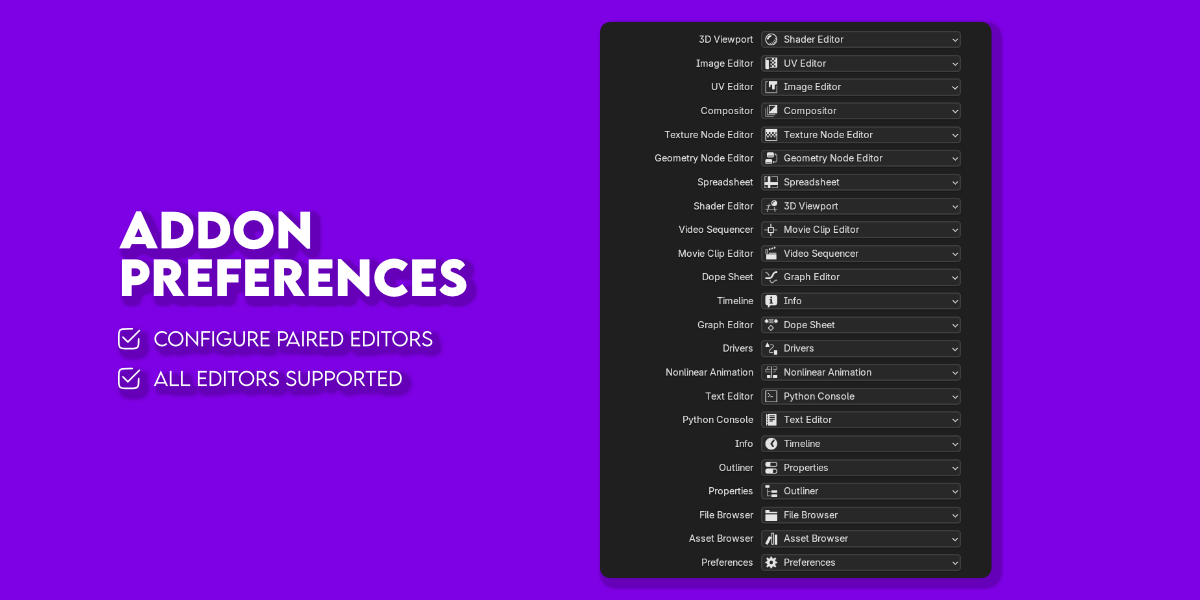
Fully customizable
Switch between two or more editors as you prefer. Use the button or just the shortcut. Choose the icon that you like best.
Installation
- Like any add-on, just download the zip and install it from Edit> Preferences> Add-ons.
- Since Blender 4.2 you can install the addon by dragging the zip file into the blender interface.
Supercharge your 3D creation workflow with premium selection of Blender Add-ons. Whether you are modeling intricate characters, sculpting realistic environments, or animating cinematic sequences, the right add-on can transform how you work inside Blender. Our curated collection includes powerful tools for UV unwrapping, procedural texture generation, rigging automation, rendering optimization, and more—each rigorously tested for compatibility with the latest Blender versions. Eliminate tedious manual processes and unlock advanced functionality that lets you focus on what matters most: bringing your creative vision to life. Explore our full range of professional Blender plugins today and take your 3D projects to the next level.
➡️ ➡️ For more Blender Plugins 😀 😀
Reviews
There are no reviews yet.