
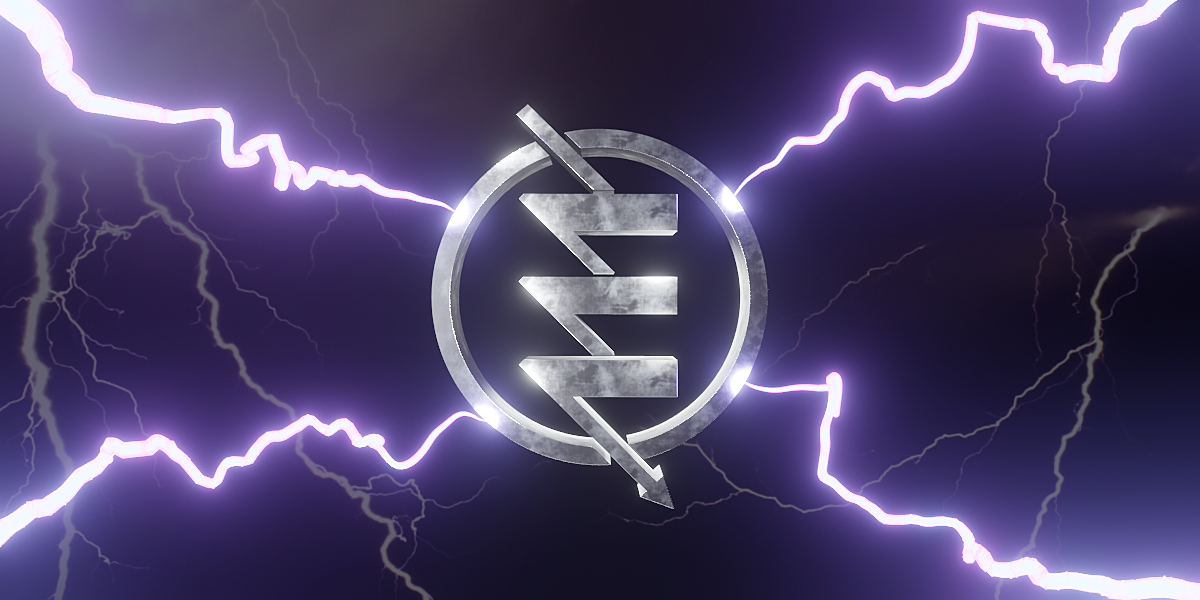
Electrify for Blender
Electrify v4.0 for Blender – The Ultimate Procedural Lightning & Energy Arc Generator
Versions: v4.0
File Size: 780 KB
Download Electrify v4.0 for Blender on Windows and Mac, a high-performance Geometry Nodes-based addon designed to create stunning, dynamic lightning bolts, electrical arcs, plasma streams, and magical energy effects instantly. With real-time animation controls, customizable branching logic, and integrated glow shaders, Electrify transforms how you create VFX for sci-fi, fantasy, and horror scenes, eliminating the need for complex particle simulations or manual curve modeling to achieve realistic electricity.
Key Features of Electrify v4.0:
- Procedural Bolt Generation: Creates complex, jagged lightning paths between any two points (or objects) using advanced noise algorithms, ensuring every bolt looks unique and organic without tiling artifacts.
- Dynamic Branching System: Automatically generates secondary forks and sub-arcs that react to the main bolt’s intensity, with full control over branch count, length, angle, and randomness for realistic high-voltage looks.
- Real-Time Animation: Built-in time drivers make the electricity flicker, surge, and crawl along the path instantly. No keyframing or cache baking required—just play the timeline to see the effect.
- Smart Connection Logic: Automatically connects moving objects (e.g., from a Tesla coil to a moving target), updating the arc path frame-by-frame as the source or destination moves.
- Volumetric Glow & Core: Includes a dual-layer shader setup with a bright, solid core and a soft, volumetric outer glow that reacts correctly to Bloom in Eevee and light scattering in Cycles.
- Color & Temperature Control: Intuitive ramps to adjust the core heat color (white/blue) and outer aura (purple/green/red), allowing for everything from natural lightning to magical spell effects.
- Sound Sync Ready: Parameters can be driven by audio frequencies (via drivers) to make lightning pulse in rhythm with music or sound effects, perfect for music videos and rhythm games.
- Optimized Performance v4.0: Rewritten node structure reduces evaluation time by 50%, allowing for dozens of simultaneous lightning strikes in a single scene without crashing the viewport. Supports GPU acceleration for faster previews.
Perfect For:
- VFX Artists creating storm scenes, electrical explosions, and power line failures for film and TV.
- Game Developers designing real-time spell effects, trap triggers, and weapon impacts for Unity/Unreal export.
- Motion Designers animating energetic logo reveals, tech transitions, and abstract background loops.
- Fantasy Illustrators rendering wizards, dragons, and supernatural phenomena with dramatic lighting.
- Anyone who needs instant, high-quality electricity effects without learning complex simulation physics.
System Requirements:
- Blender: 3.6, 4.0, 4.1, 4.2, 4.3+ (Geometry Nodes required).
- OS: Windows 10/11 (64-bit) or macOS 10.15+.
- RAM: 8GB minimum (16GB+ recommended for scenes with heavy branching and volumetrics).
- Render Engine: Cycles recommended for best volumetric glow (Eevee supported with Bloom enabled).
Installation:
- Download the Electrify v4.0
.zipfile or.blendasset. - If an addon: Go to Edit > Preferences > Add-ons, click Install, select the file, and enable Geometry Nodes: Electrify.
- If a node group: Open the file, append the “Electrify” node group, and connect it to a Curve or Empty objects defining the start/end points.
- Access via the Modifier Properties panel or the Add Menu > Geometry Nodes > Electrify.
Note:
Version 4.0 introduces a revolutionary “Continuous Arc” mode that allows electricity to flow along a drawn Bezier curve path rather than just straight lines, perfect for creating energy whips, circular shields, or flowing river-like plasma. It also includes a new “Heat Distortion” feature that subtly warps the air around the bolt using refractive shaders, adding a layer of thermal realism often missed in standard CG lightning.


Electrify – Quick Lightning
Generate an amazing customizable lightning with just one click of a button!
This product is intended for people who require precise control of their lighting.
Add the finishing touch to your scene with this easy-to-use lightning generator. Any type of electrical object will come to life with just one click.
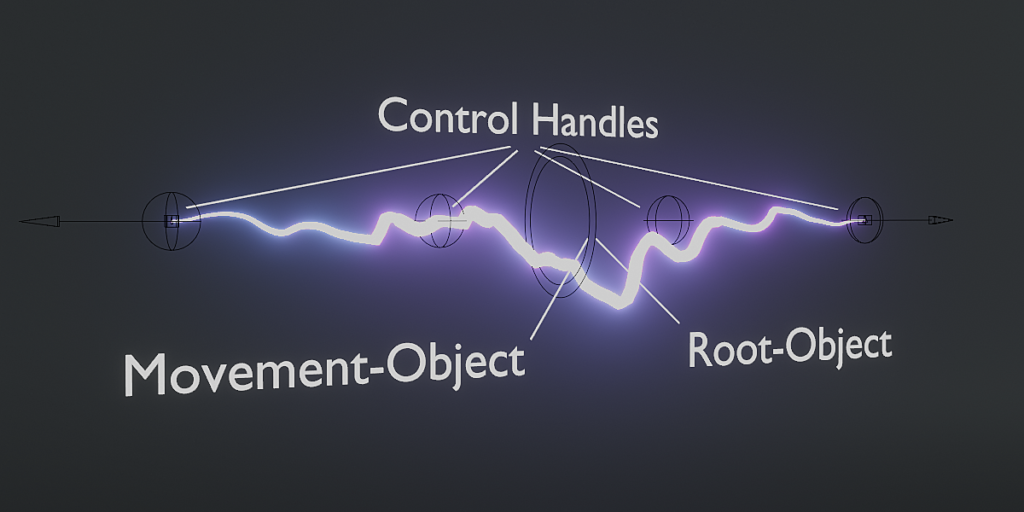
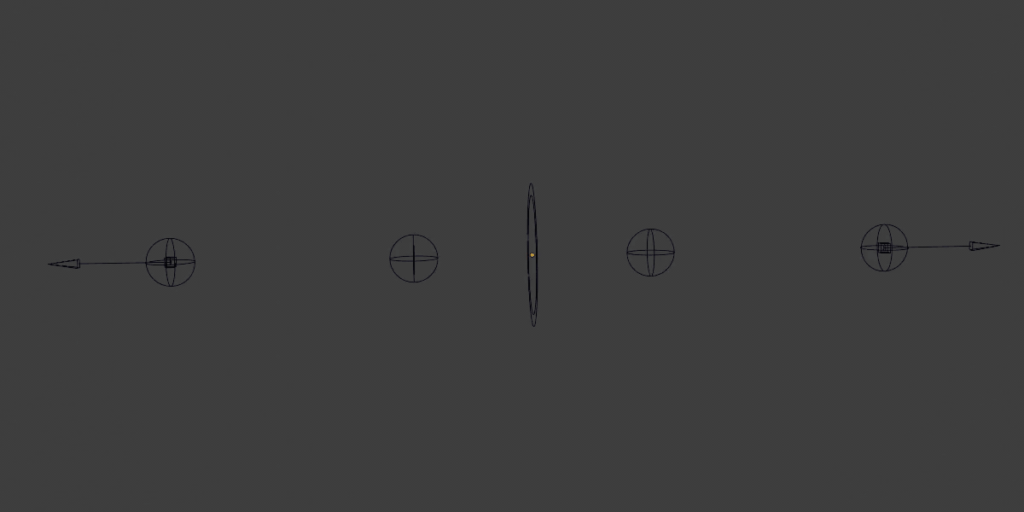
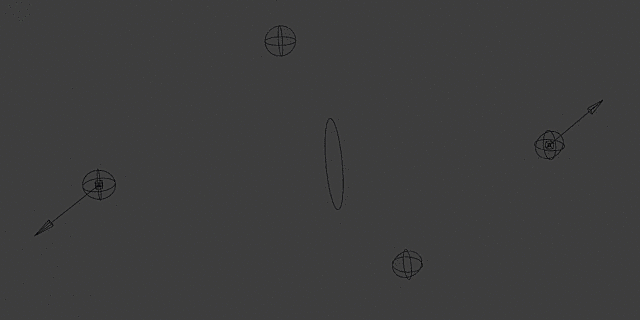
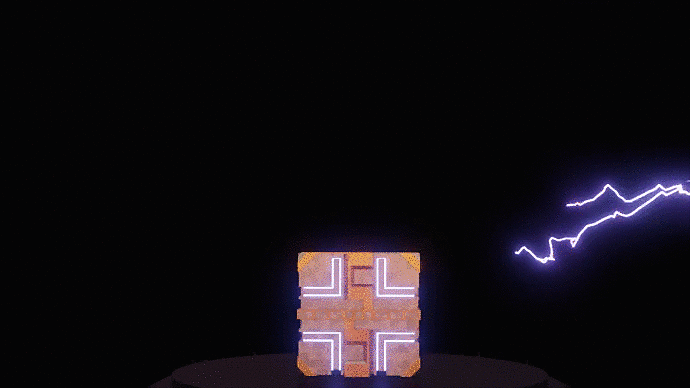
It’s flexible, customizable, animatable and procedural. Thanks to many parameters and control objects you can animate the lightning objects exactly as you want. Plus, you can spawn as many of them as you want.
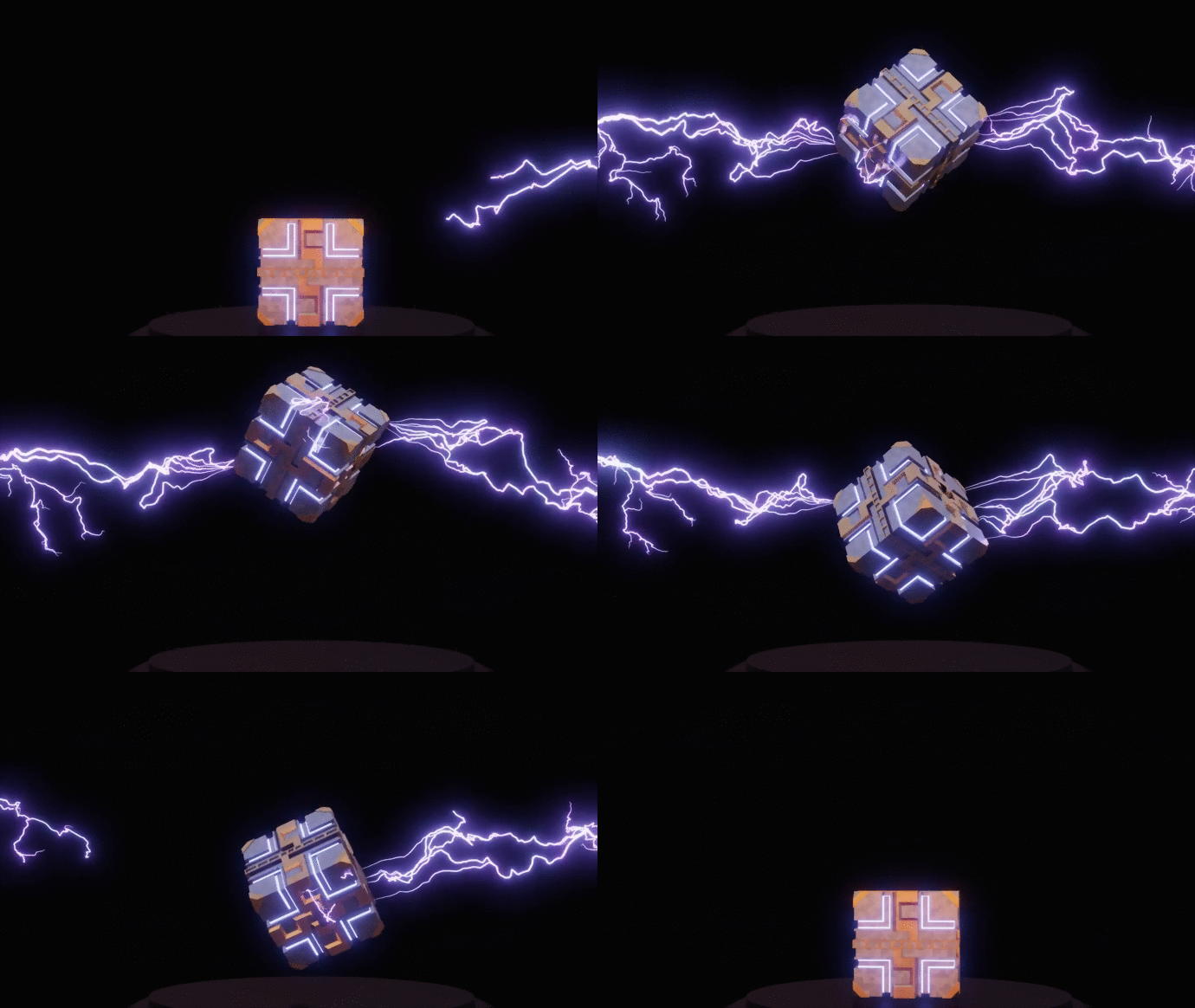
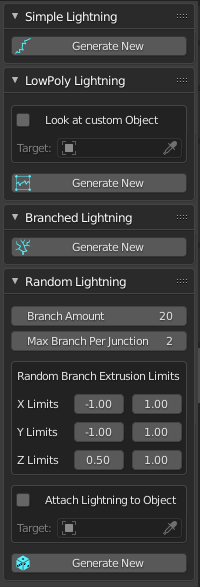
Currently there are 4 lightning types you can add to your scene:
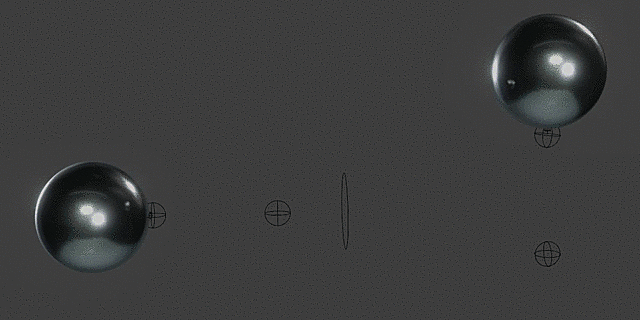
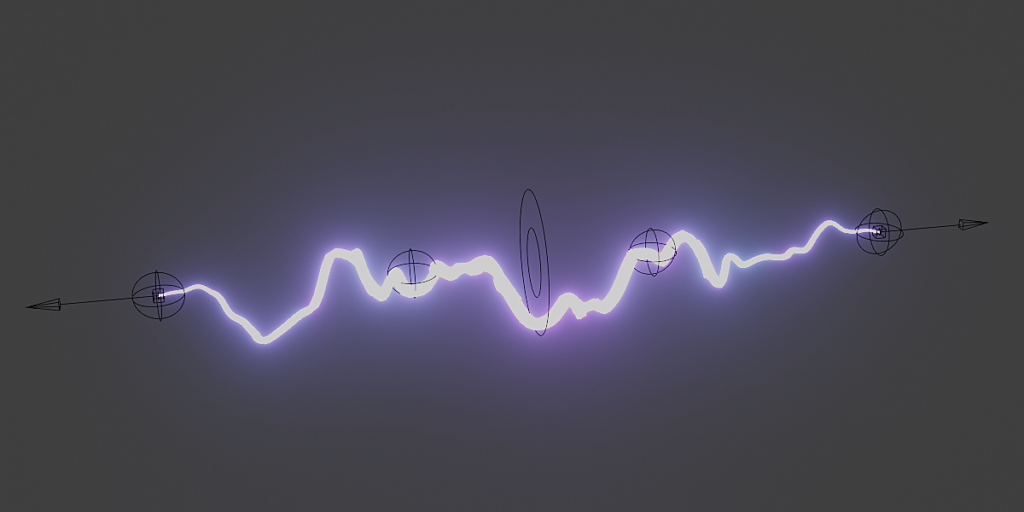
- “Simple Lightning”: A lightning without any branches – shapeable like a bezier curve. The tips can be connected to objects.
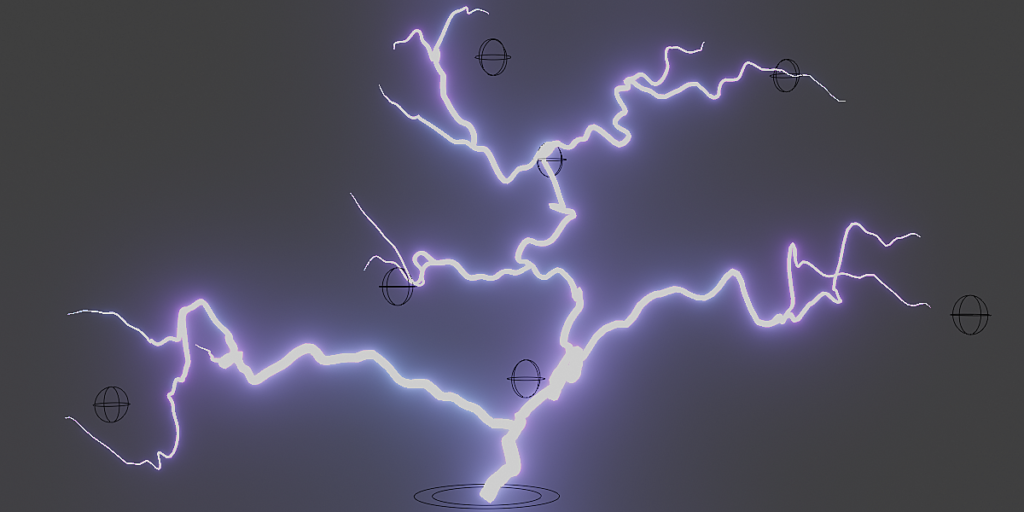
- “Branched Lightning”: A lightning with branches. Each branch is controlled by a control object.
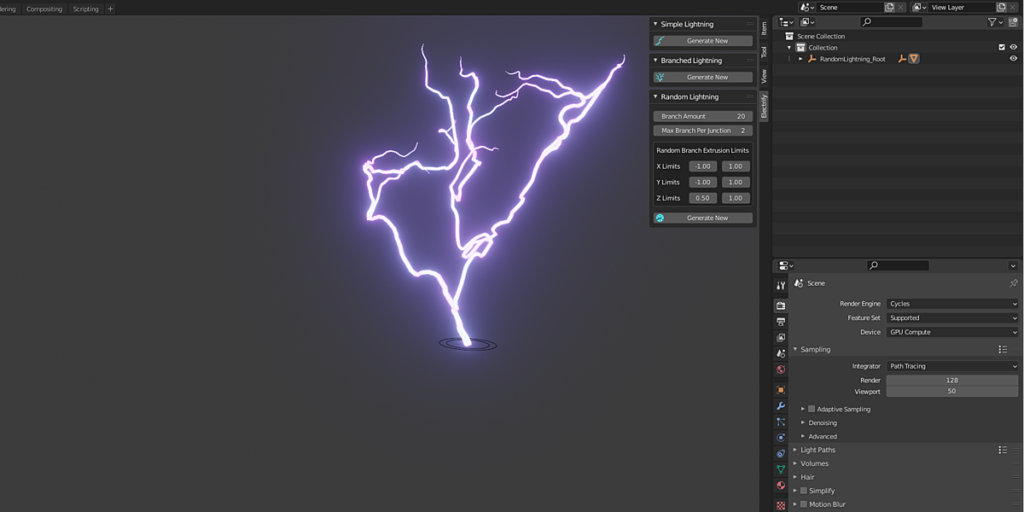
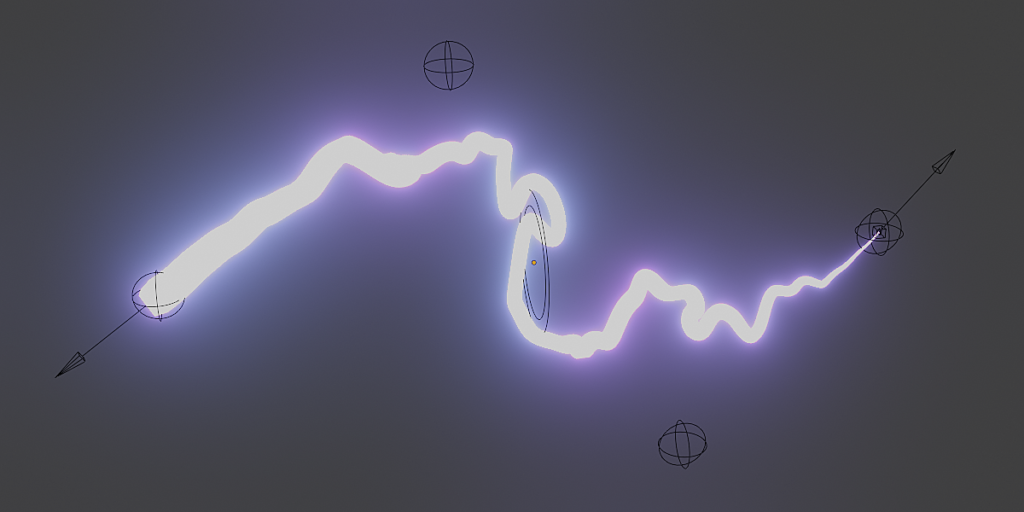
- “Random Lightning”: A random shaped lightning – different every time you hit the “Generate New” button. Change some spawn settings to get interesting results. The tips can be connected to objects.
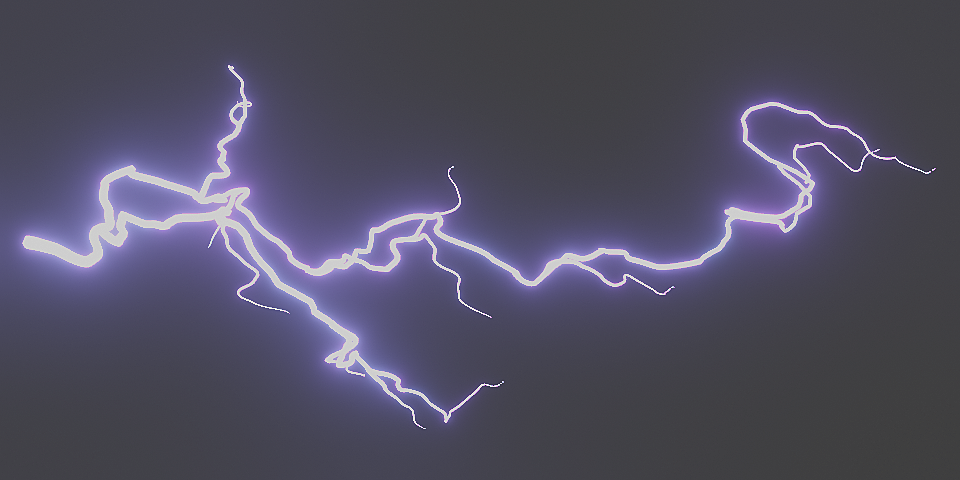
- “LowPoly Lightning”: A plane with a lightning material – works like grass planes in games. You can specify an object the plane will always look at, so it won’t look flat.
Your benefits?
✅ For Blender 2.8 and above
✅ Eevee and Cycles support
✅ Automatic applied lightning material
✅ One click setup & ready to render
✅ Easy to use
✅ LowPoly lightnings possible
✅ Animatable
✅ Example file with easy-to-understand instructions
✅ 19 page user guide PDF document
✅ Get every future update for free
✅ And also…. You can save yourself a lot of time
Shape and position the “Simple” Lightning” like a Bezier curve and animate it with user-friendly control objects. You can determine the rest of the appearance of the lightning with 10 additional parameters (Distortion strength, Thickness,….).
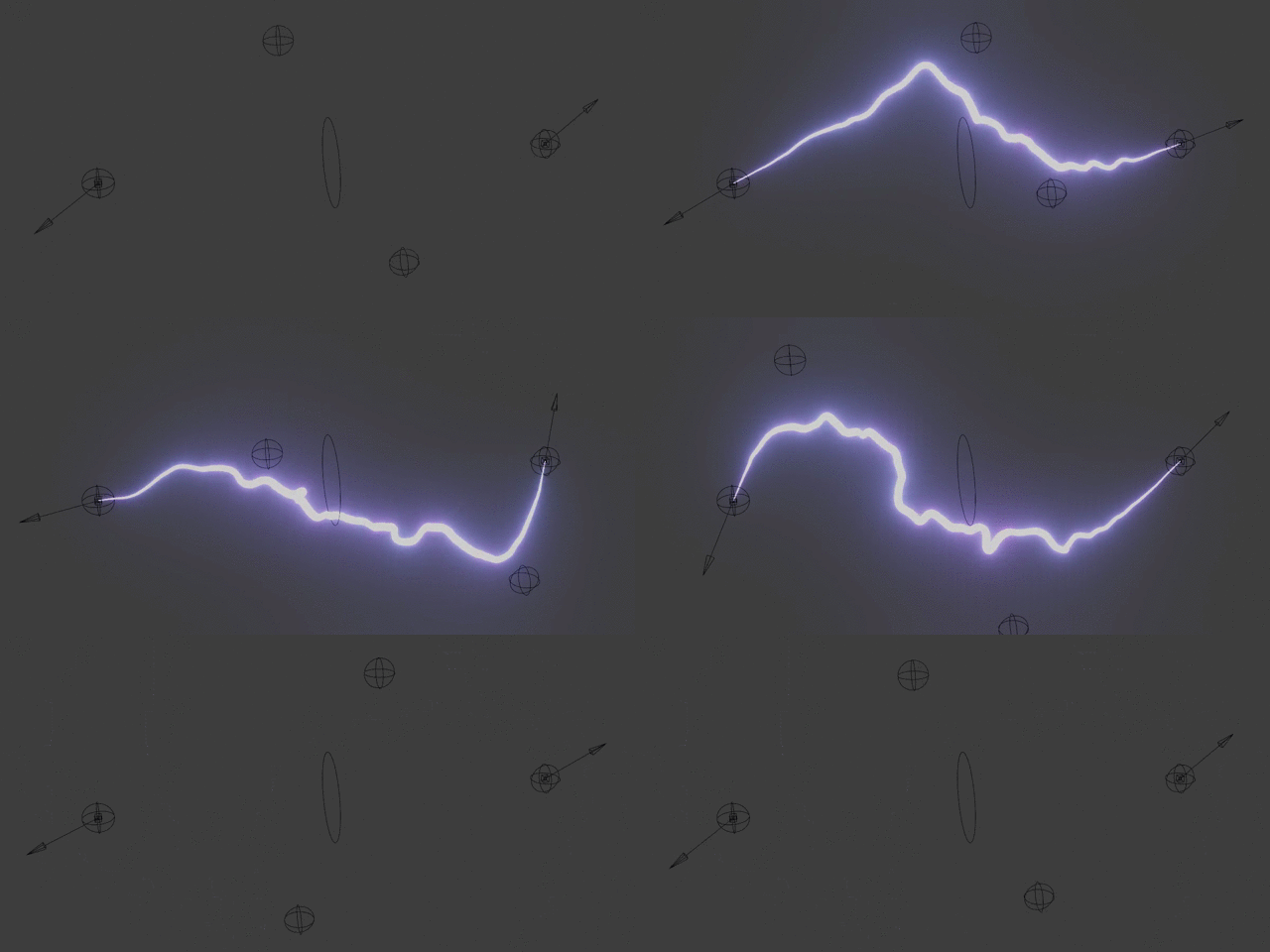
You want the lightning to come from an object and maybe even connect to another?
Easy – An already prepared shrink wrap modifier provides a realistic connection to whatever object you choose! All you have to do is select the object.
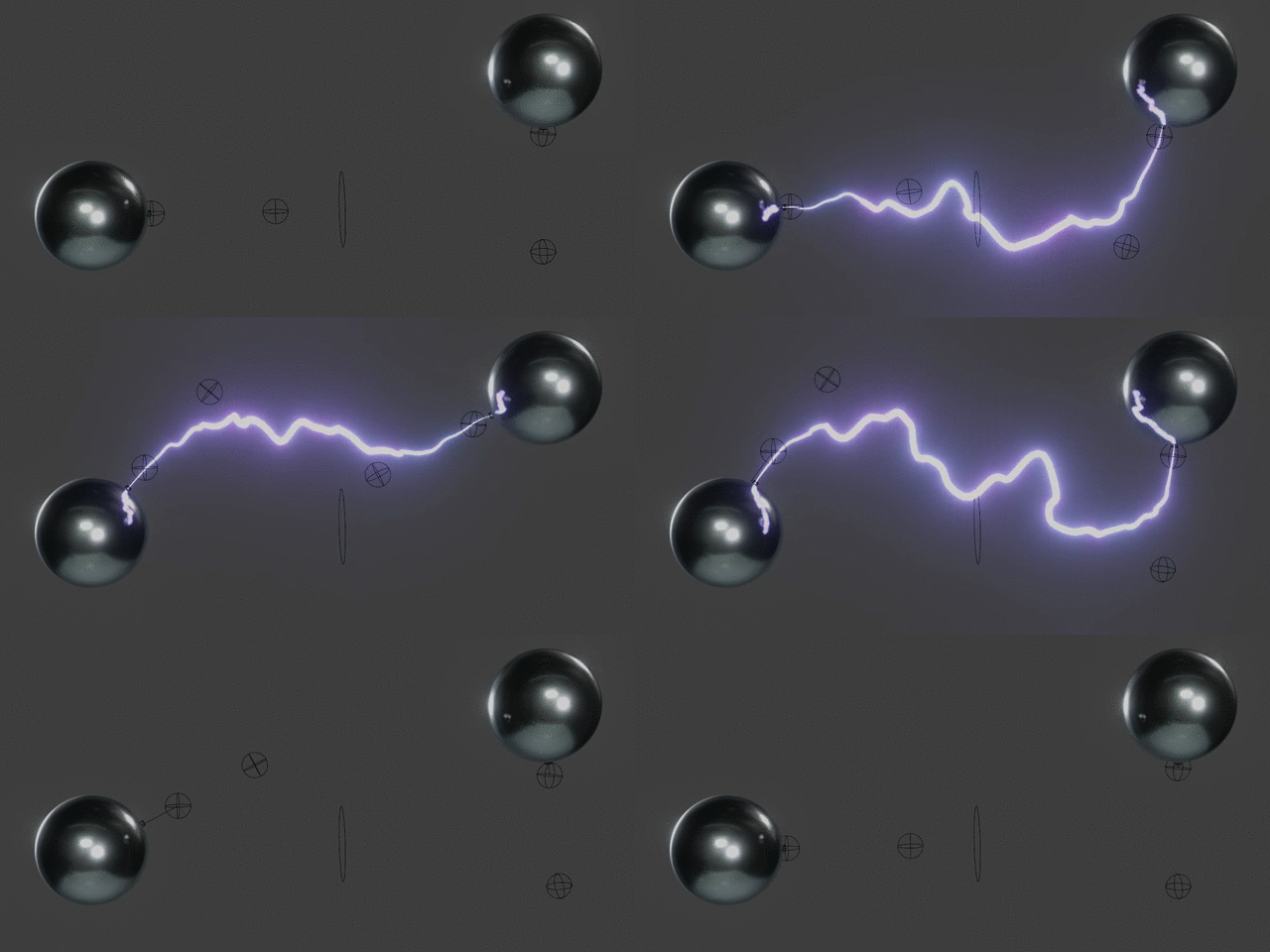
Update 3.2 brought a new lightning to the addon: The “LowPoly Lightning”. If you need lots of lightnings but don’t want to kill your computer this is the right one for you. It only adds 4 verts per lightning to your scene with a node-based, customizable lightning material. This kind of lightning works like grass planes in games. You can specify an object the plane will always look at, so it won’t look flat.
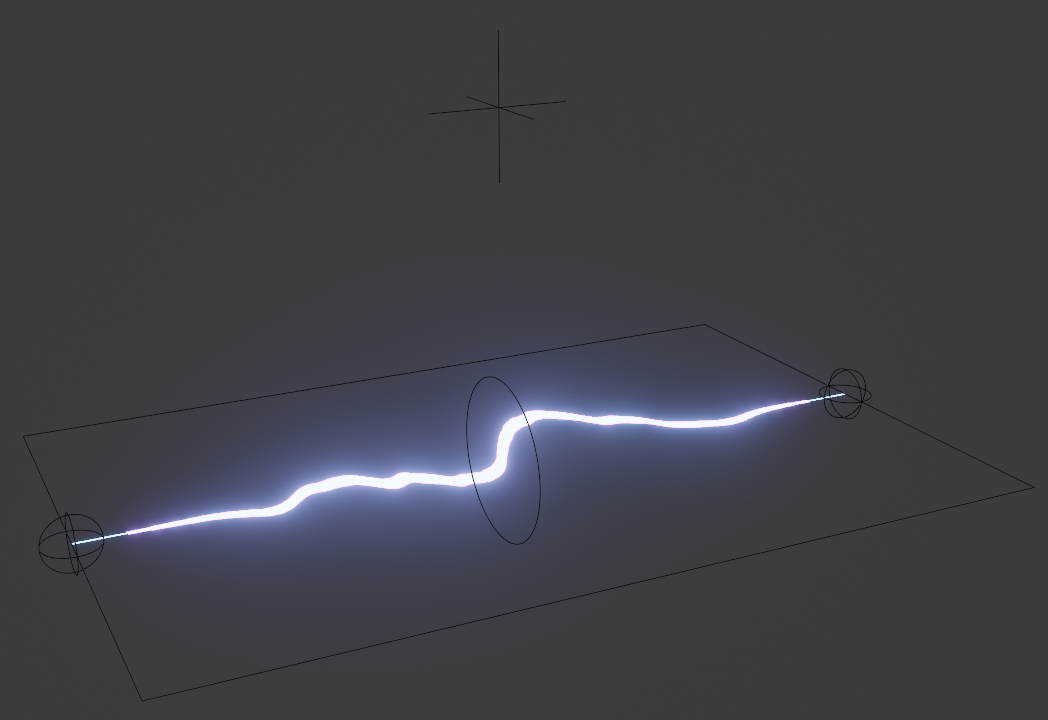
If a single line is too boring for you, you can also spawn a “Branched Lightning”. You got full control over your lightning with 9 control objects and 9 additional parameters to shape the Lightning.

Since version 3.0 you can also spawn a “Random Lightning”! Just click the generate button until you like how it looks! Of course you can also change some values to suit your needs and attach the lightning to objects in your scene!

Supercharge your 3D creation workflow with premium selection of Blender Add-ons. Whether you are modeling intricate characters, sculpting realistic environments, or animating cinematic sequences, the right add-on can transform how you work inside Blender. Our curated collection includes powerful tools for UV unwrapping, procedural texture generation, rigging automation, rendering optimization, and more—each rigorously tested for compatibility with the latest Blender versions. Eliminate tedious manual processes and unlock advanced functionality that lets you focus on what matters most: bringing your creative vision to life. Explore our full range of professional Blender plugins today and take your 3D projects to the next level.
➡️ ➡️ For more Blender Plugins 😀 😀
Reviews
There are no reviews yet.