
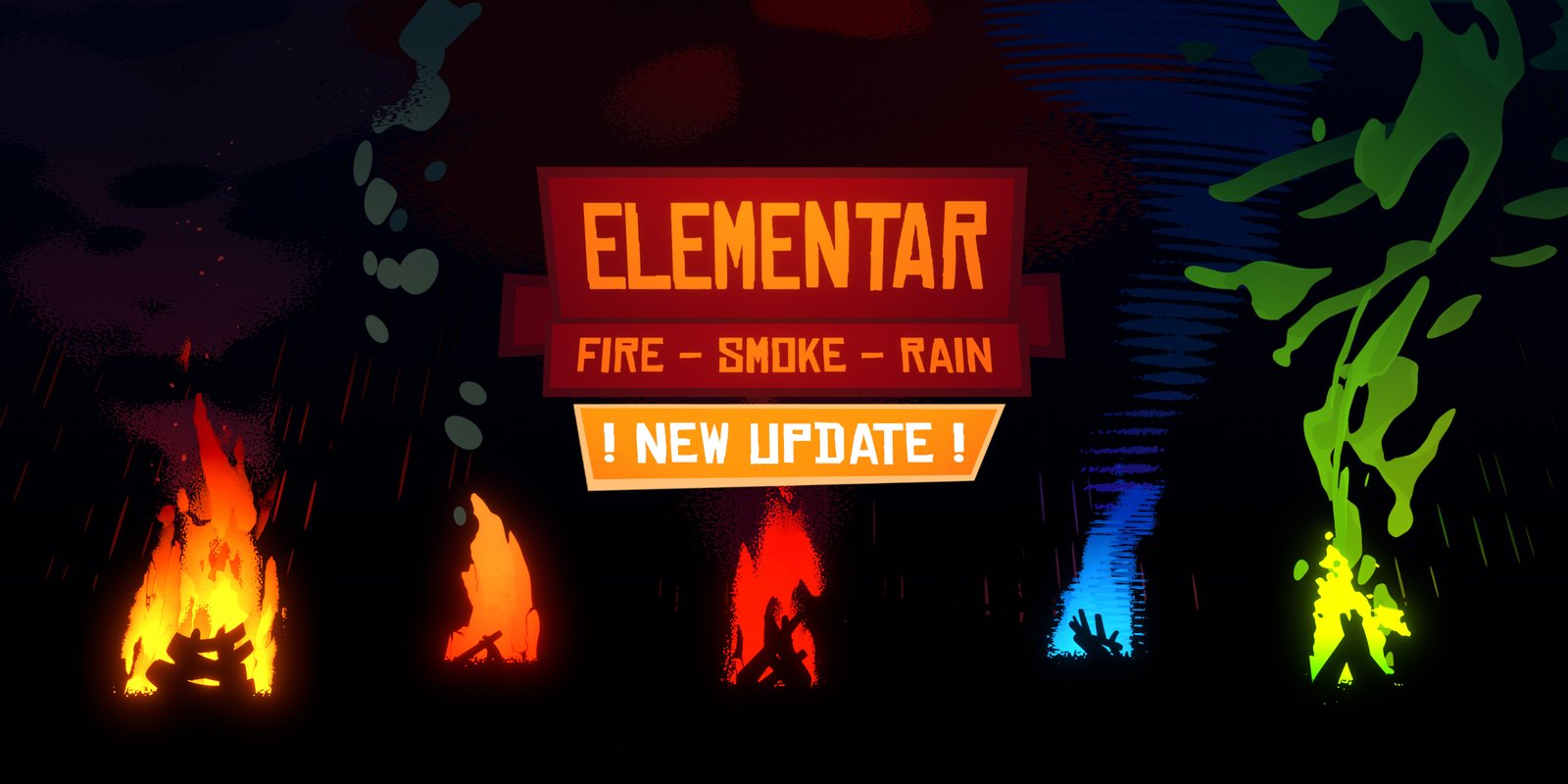
Elementar Shader Pack for Blender
elementar shader pack addon
Elementar Shader Pack v1.0 for Blender – Procedural Natural Elements Material Library
versions: v2.0
File Size: 765 KB
Download Elementar Shader Pack v1.0 for Blender on Windows, Mac, and Linux, a comprehensive procedural material library for natural elements including fire, water, smoke, earth, stone, ice, and lava. Perfect for environment artists, VFX professionals, and motion designers who need realistic natural element materials without complex node setup.
What’s Included in Elementar Shader Pack v1.0:
- Fire Shaders: Procedural fire, flames, embers, and heat distortion effects
- Water Shaders: Ocean, lake, river, pond, and underwater materials
- Smoke & Steam: Volumetric smoke, mist, fog, and steam materials
- Earth & Soil: Dirt, mud, sand, clay, and soil surface materials
- Stone & Rock: Granite, limestone, slate, cobblestone, and cliff faces
- Ice & Snow: Glacial ice, frost, packed snow, and fresh powder
- Lava & Magma: Flowing lava, cooled rock, and volcanic surfaces
- Atmospheric Effects: Clouds, haze, aurora, and atmospheric scattering
Key Features:
- Fully Procedural: All materials are node-based with no external textures
- One-Click Apply: Browse and apply materials from organized categories
- Animation Ready: Animate fire flicker, water flow, and lava movement
- Eevee & Cycles Optimized: Materials work in both render engines
- Real-Time Preview: See material updates instantly in the viewport
- Adjustable Parameters: Control color, intensity, scale, and movement for each material
Perfect For:
- Environment artists creating natural scenes with fire, water, and earth
- VFX professionals adding elemental effects to shots
- Motion designers creating elemental motion graphics
- Game developers prototyping natural environment materials
- Anyone needing realistic natural element shaders
System Requirements:
- Blender 3.6, 4.0, 4.1, 4.2, 4.3
- Windows 10/11 (64-bit), macOS, or Linux
- 4GB RAM minimum (8GB+ recommended)
- 30MB available disk space
Installation:
- Download the add-on zip file
- In Blender, go to Edit > Preferences > Add-ons
- Click “Install” and select the downloaded zip file
- Enable the add-on by checking the box next to “Elementar Shader Pack”
Note: Elementar Shader Pack v1.0 provides a comprehensive library of procedural natural element materials for Blender, including fire, water, smoke, earth, stone, ice, and lava. The animation-ready parameters and real-time preview make it essential for environment artists, VFX professionals, and motion designers. Designed for Blender 3.6 and above.
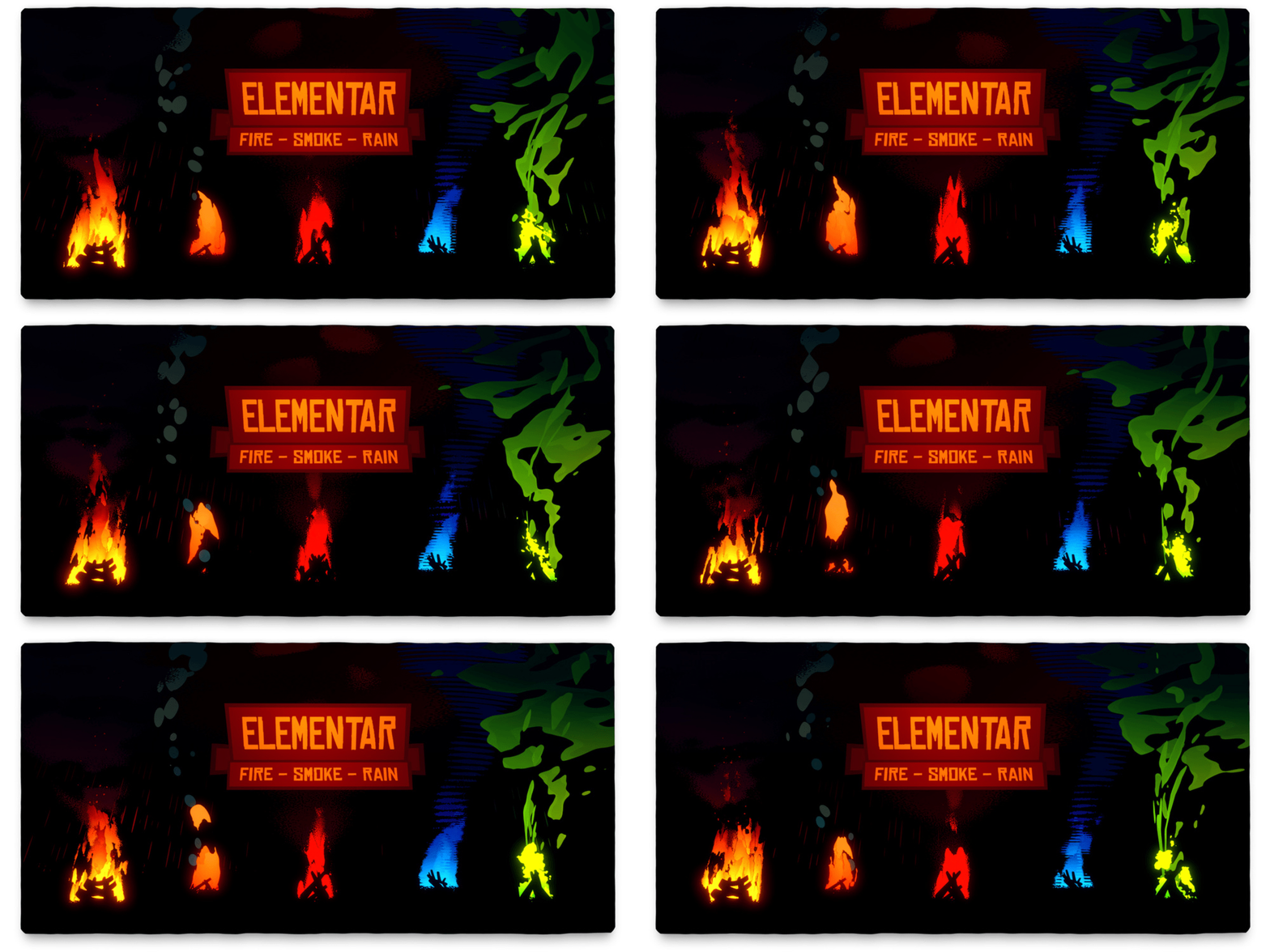
WHAT IS ELEMENTAR?
Elementar shaders help you to fill your stylized scenes with great-looking, procedurally generated fire, smoke, and rain effects. You simply make your scene, put some planes with Elementar material there, play a bit with the sliders and it’s ready to render!
Working very well in Blender 3.0!
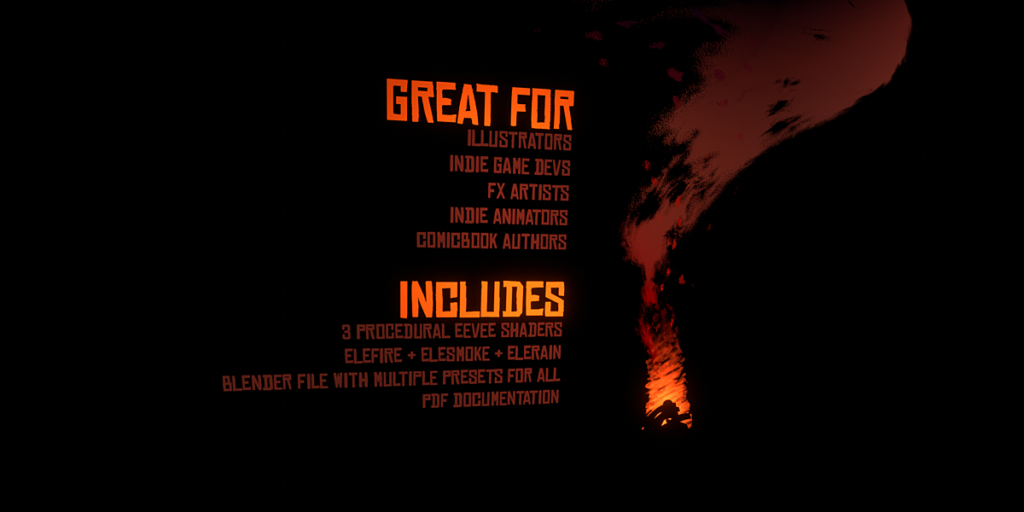
Elementar is primarily made for illustrators, indie game devs, fx artists, indie animators, comic book authors, and anybody interested in stylized CGI.
I started making procedural elements for my project and in the process, I learned how many possible fire and smoke variations can one make just with a few sliders, so I decided to wrap my shaders into this pack and share it with you.
NEW UPDATE! 2.0 + N-Menu Addon!
The new 2021 update brings a brand new N-Menu Addon DarthManager, which allows you to add Elementar materials to your scene without manual appending + offers a great Material Manager to keep track of all the imported material copies.
Making stylized elements is now even easier. There are thumbnails and many small features to make your work more efficient. Check out the 2.0 documentation for more details!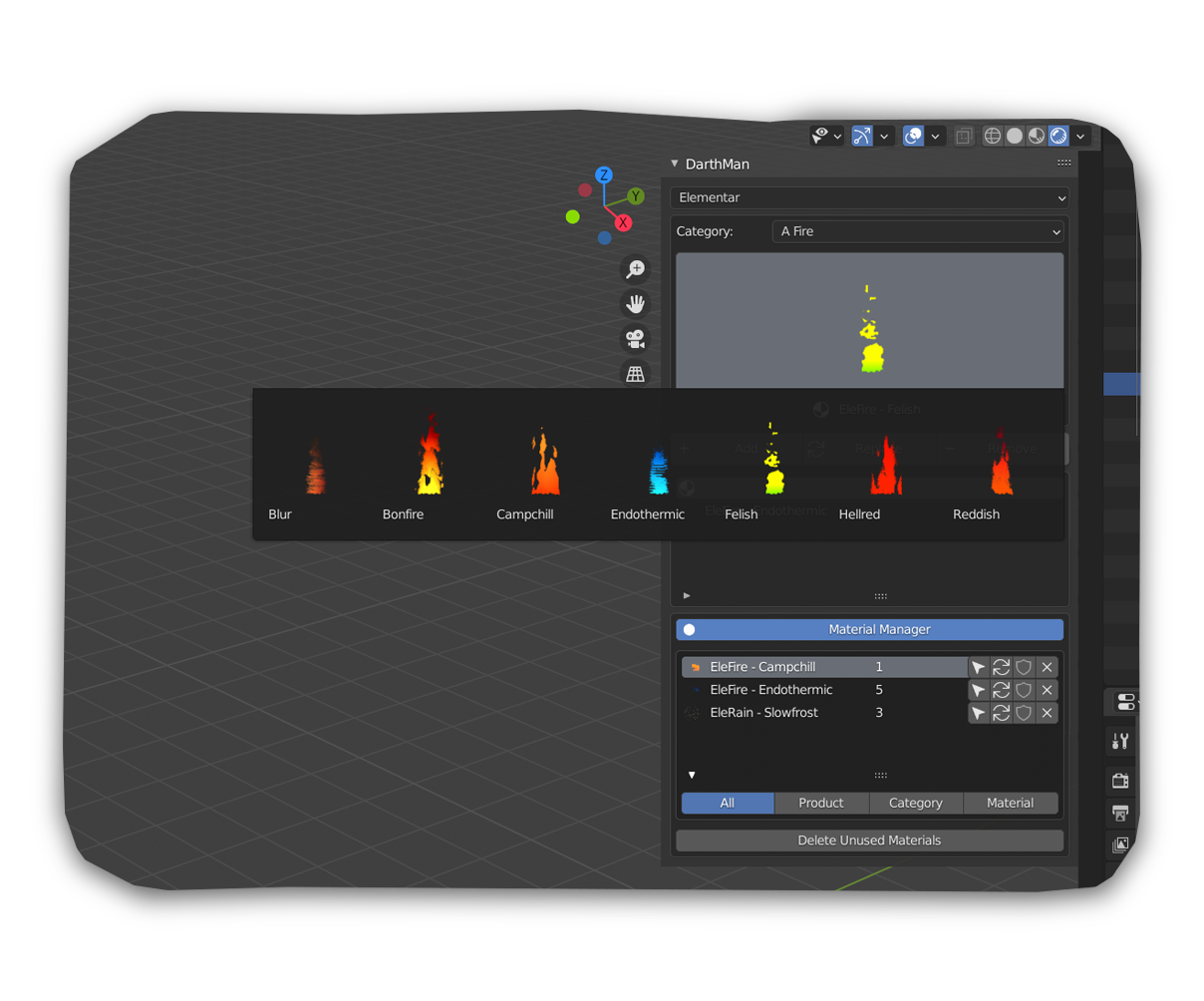
DEMONSTRATION AND PRESETS
To help you in the beginning, I created presets for all the shaders you can choose from.
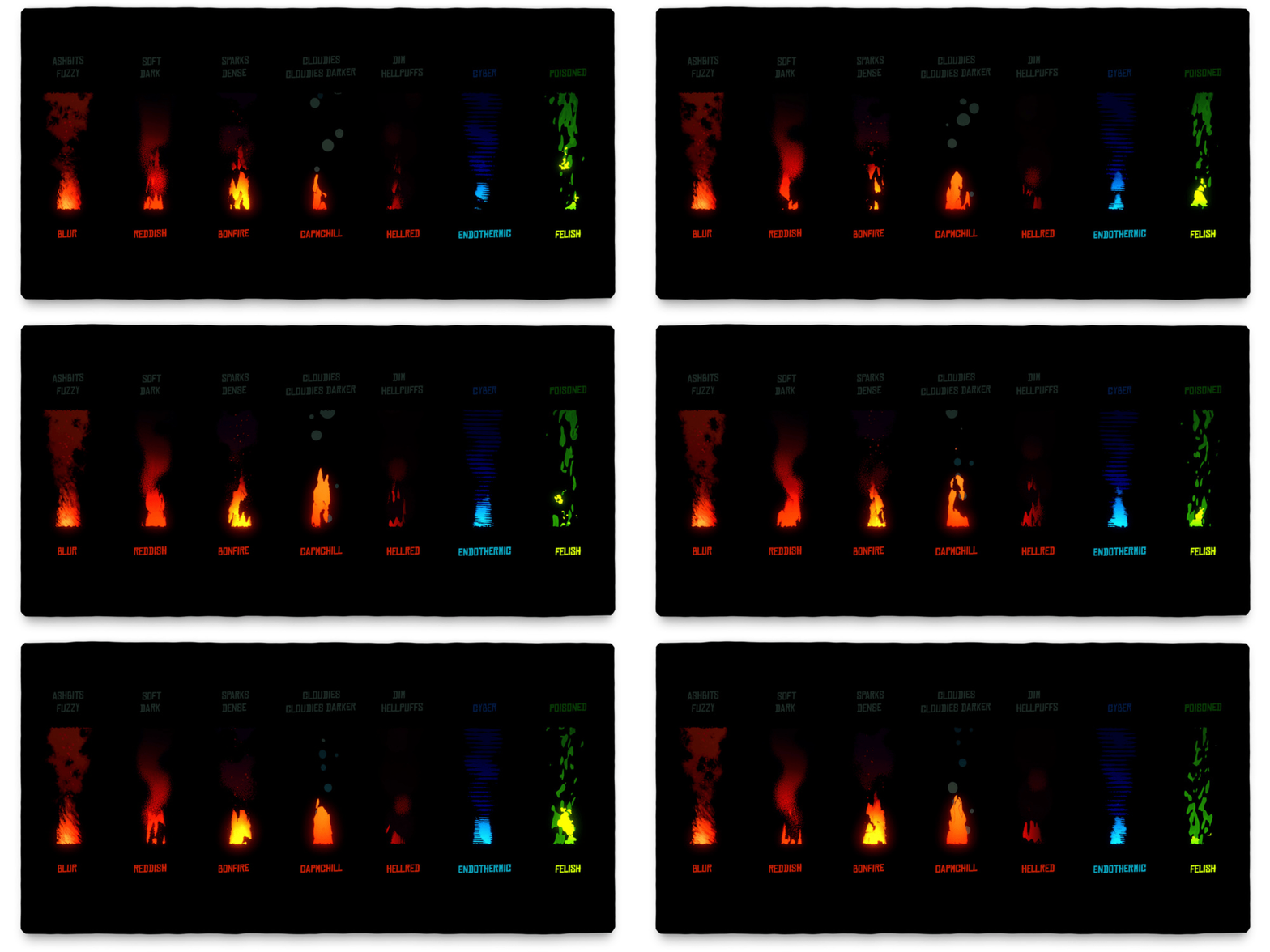
ELEFIRE (7 presets)
Elefire is the most dramatic shader in the pack and it’s great for anything in the range from a little cute candle to burning cities. Colors are up to you and you can easily handle its speed and shape.
ELESMOKE (12 presets)
Elesmoke is probably the most useful one, because it both looks fine in combination with ELEFIRE and solo, serving as whatever type of smoke/dust/mist you need. If you deform the plane, it looks cool when used as a vehicle exhaust gas. You can easily switch from emission to diffuse, so it can be adjusted with lights.
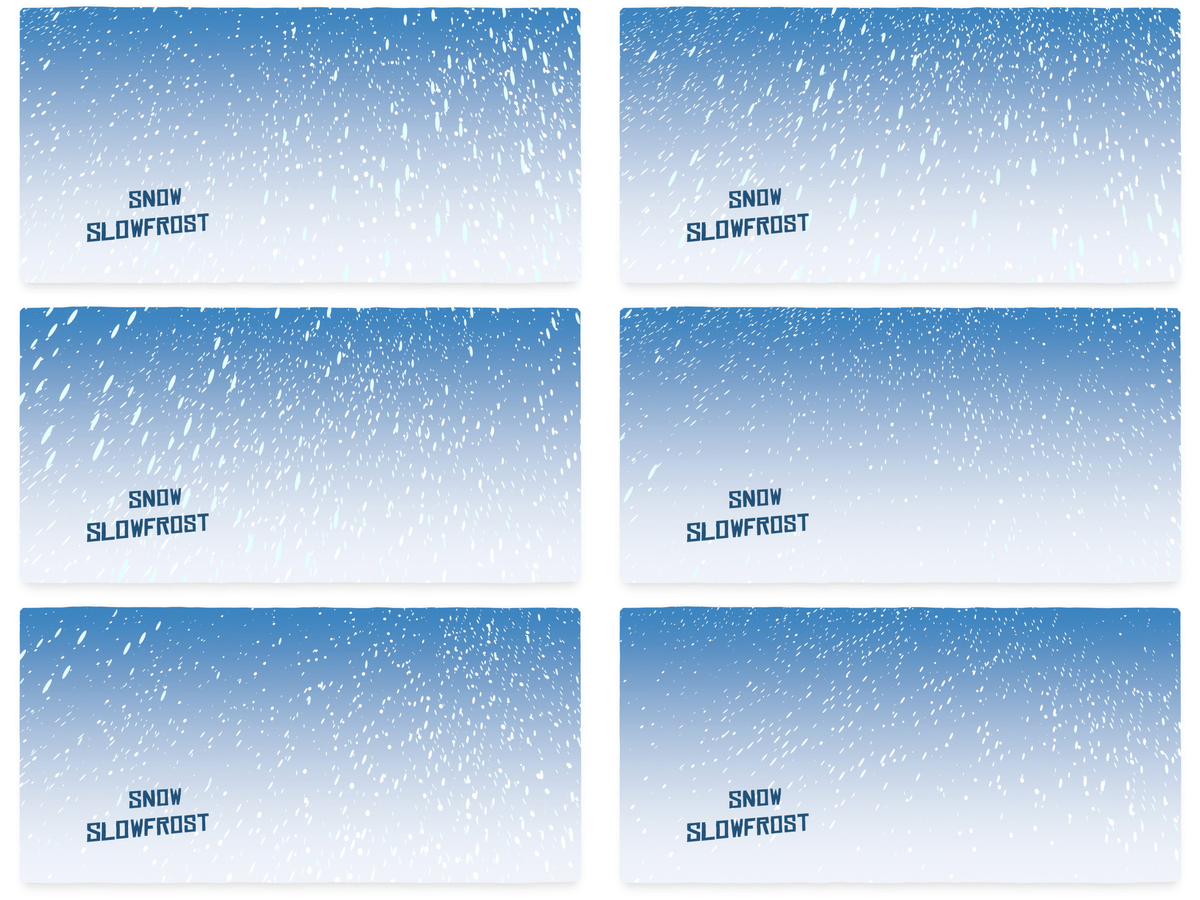
ELERAIN (4 presets)
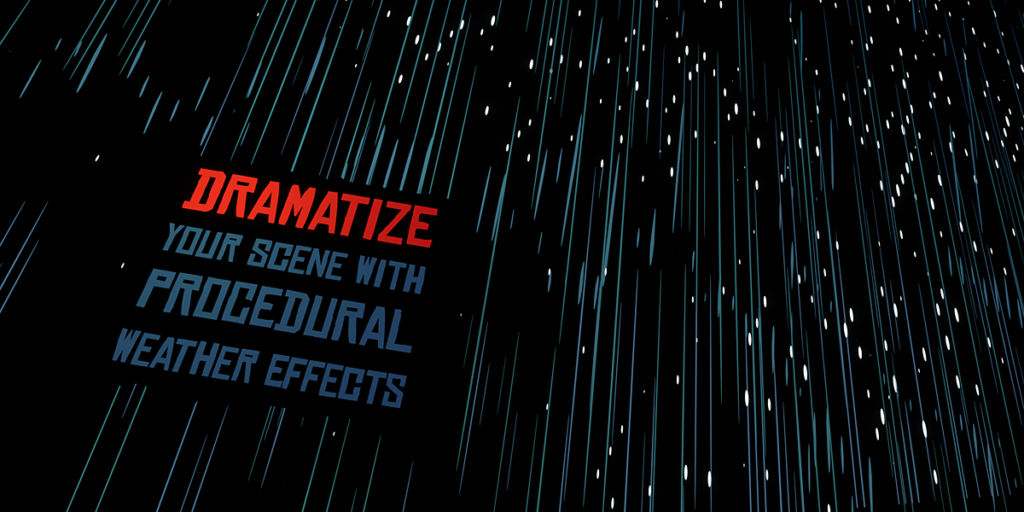
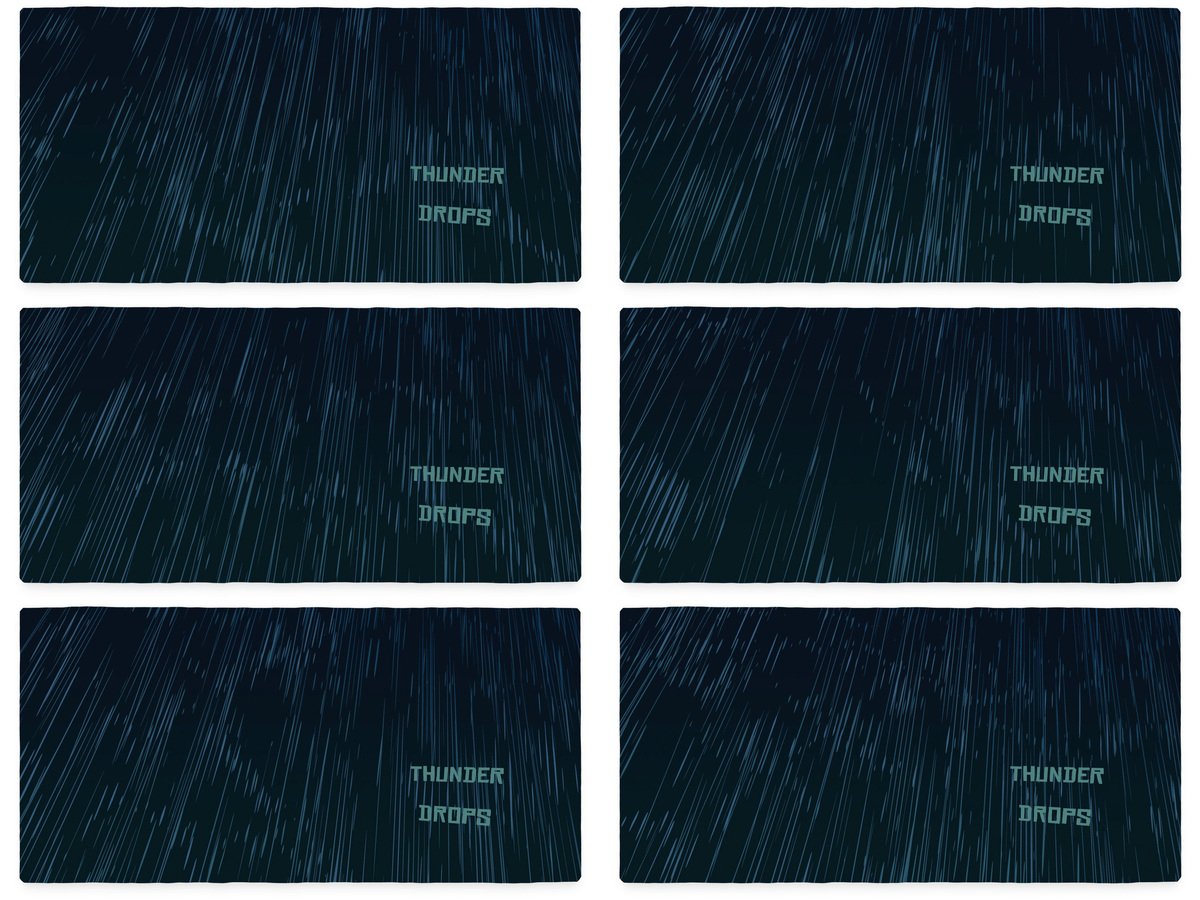
Elerain planes can really quickly add weather effects to your scene. To make it more random, it’s great to deform the planes with animated shape keys and use multiple planes with different sizes and settings. This shader is cool both for rain and snow.
SHADER CONTROL
MASK AND UVS
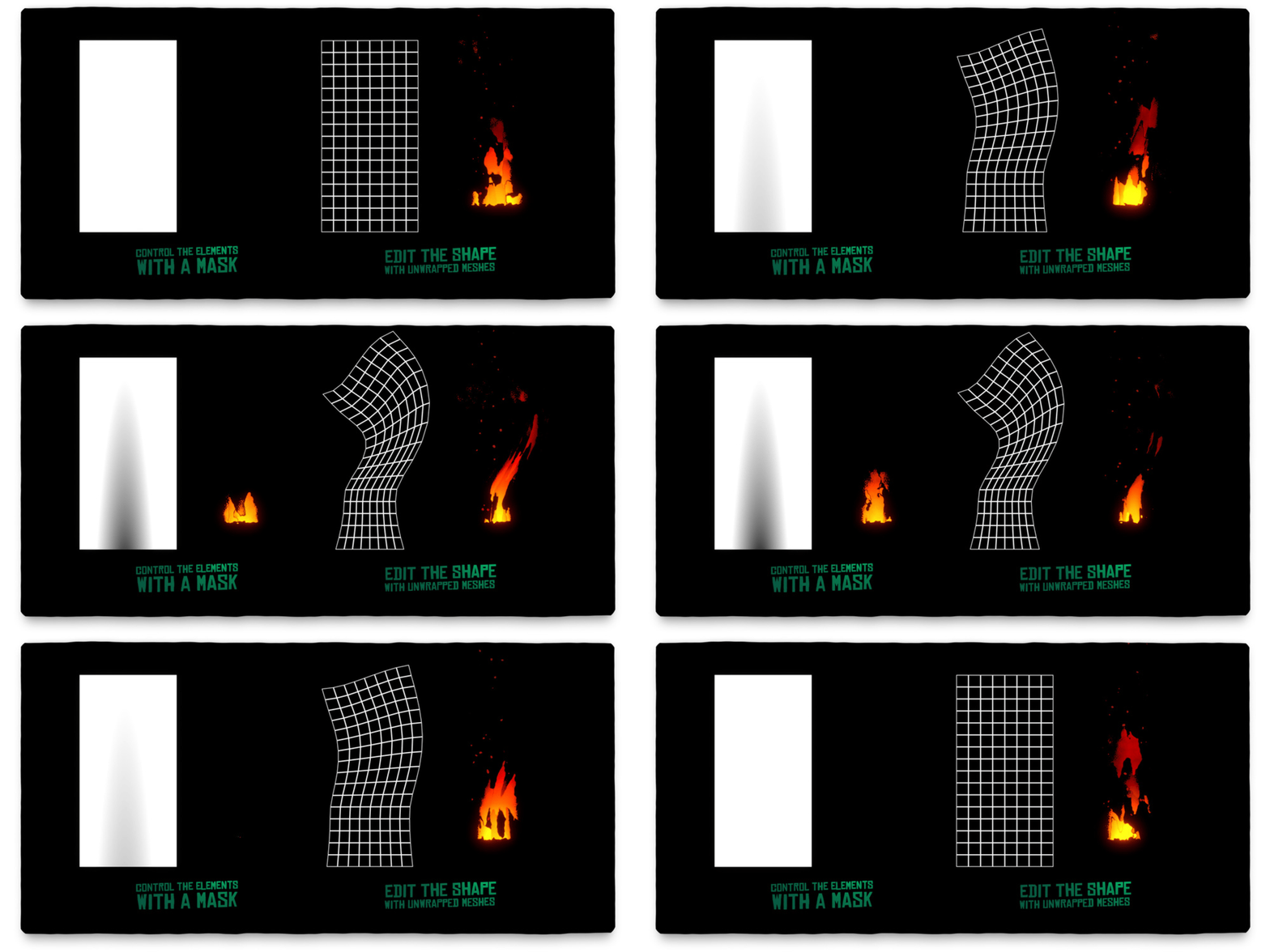
You can control the shape of the effects with a mask, which is UV mapped to a plane (or any other object). This way you can easily edit and animate the elements exactly according to your ideas. The mask is one of the inputs – there’s a procedural gradient one connected, but you can easily unplug it and change it to a premade bitmap one (made, generated, or hand-painted in photoshop, substance designer, or any other software) or create your own procedural setup, that better suits your scene.
SPEED AND STEP FRAMES
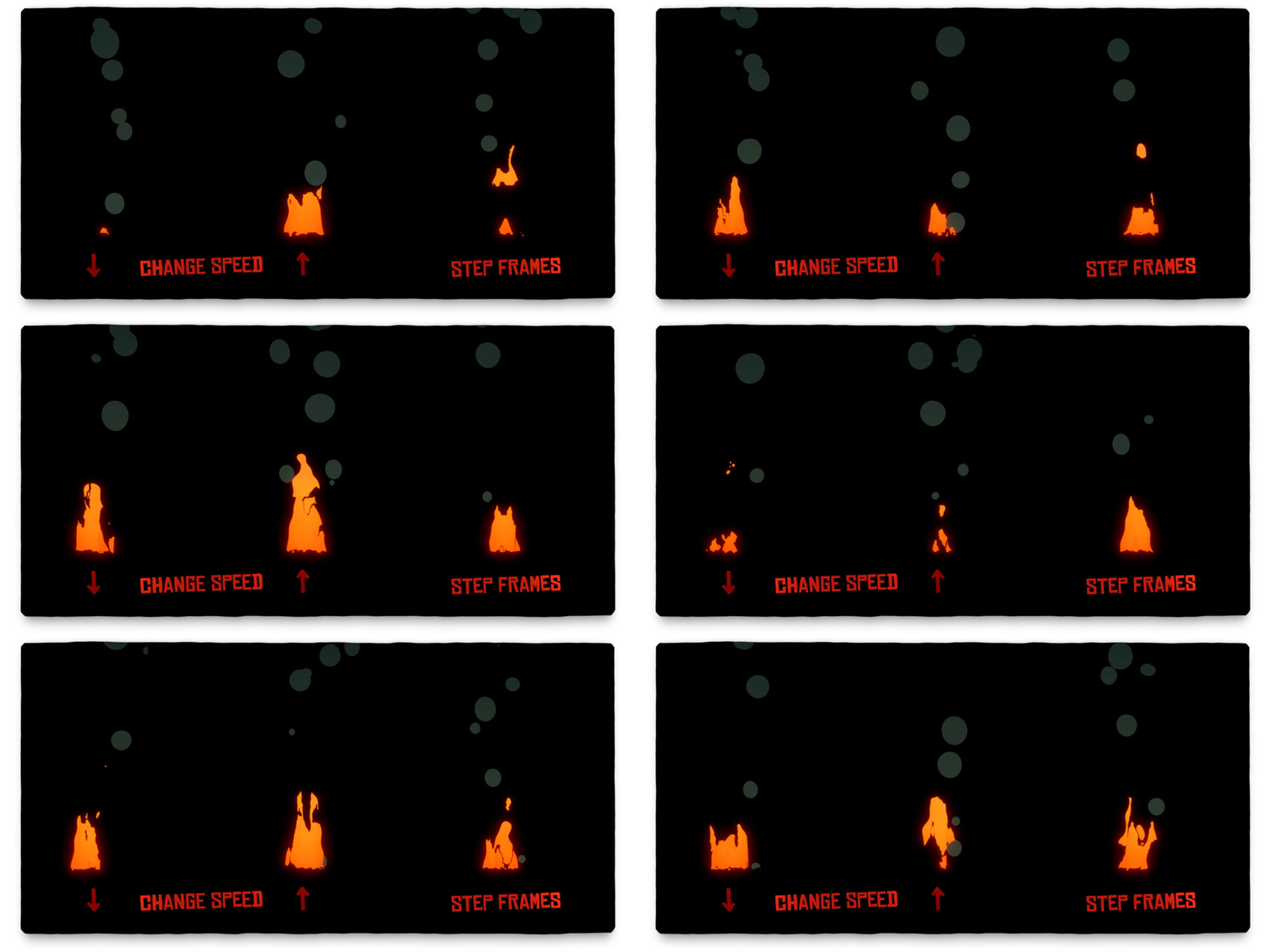
I made the pack with animations in mind. All the shaders are just a bunch of textures overlapping and creating the final effects – and you can set speed for the most important of them, which gives you real creative freedom. I’m a real fan of traditional-looking styles and sometimes having a lowered FPS helps, so I put in a step-frame option, which doesn’t make the animation slower.
RANDOM COPIES
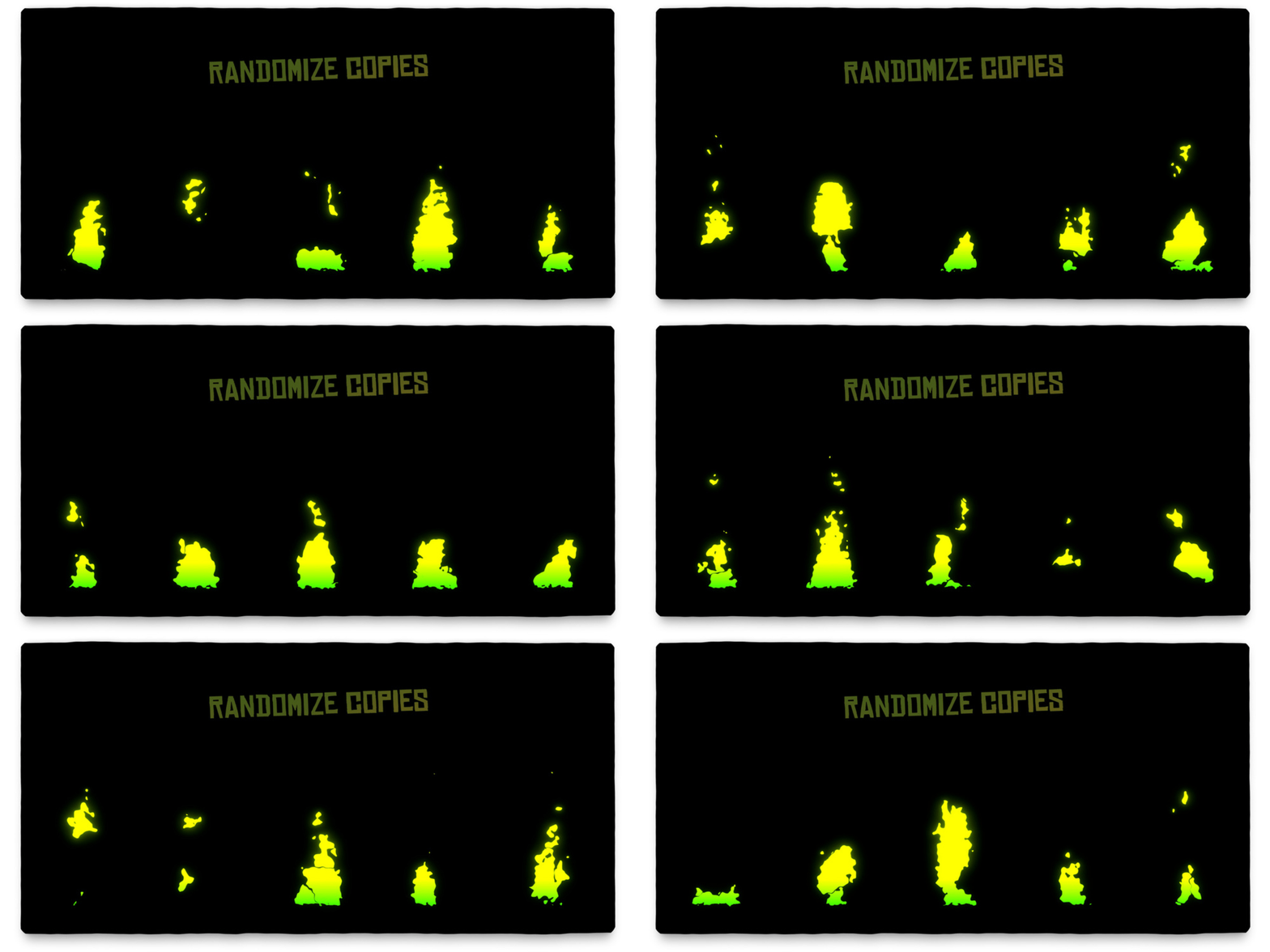
It would look pretty boring if all copies looked totally alike. That’s why I constructed the shaders with a smart system that changes copies a bit when you move them. You can also randomize the speed and the seed of copies, so you can set up the shader once and then just duplicate the planes 100x and make your scene more epic.
WHY YOU MAY WANT IT
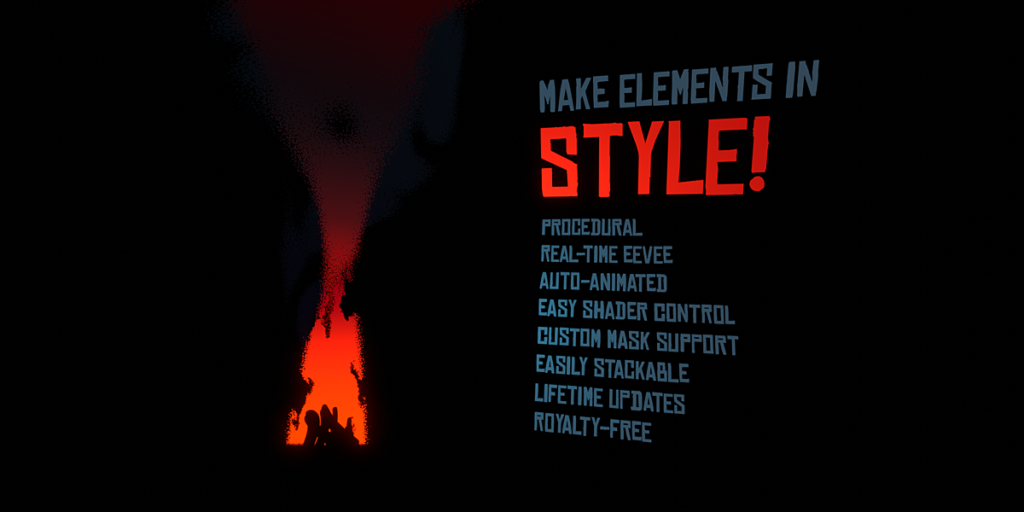
- Controlled with N-Menu addon DarthMan
- Fully procedural
- Auto-animated with frame count
- Real-time Eevee
- Easy node setup and control
- Free updates lifelong
- Royalty-Free
WHAT’S INCLUDED?
- Source .blend file with 3 procedural node trees (Elefire, Elesmoke, Elerain)
- 7 presets for Elefire, 10 presets for Elesmoke, 4 presets for Elerain (21 materials total)
- PDF documentation
- Darth Manager N-Menu Addon and Elementar source folder
ADDITIONAL INFO / DISCLAIMER
Before using, please, check the documentation. It will not only help you with the installation, but it will also give you some great headstart tips!
- The shaders are made in Eevee and they will NOT probably work well in Cycles
- The shaders are always only one node – so you can combine them and experiment!
- Real-time playback speed depends on your PC’s configuration and with multiple Elementar material instances, you can experience FPS drops
Supercharge your 3D creation workflow with premium selection of Blender Add-ons. Whether you are modeling intricate characters, sculpting realistic environments, or animating cinematic sequences, the right add-on can transform how you work inside Blender. Our curated collection includes powerful tools for UV unwrapping, procedural texture generation, rigging automation, rendering optimization, and more—each rigorously tested for compatibility with the latest Blender versions. Eliminate tedious manual processes and unlock advanced functionality that lets you focus on what matters most: bringing your creative vision to life. Explore our full range of professional Blender plugins today and take your 3D projects to the next level.
➡️ ➡️ For more Blender Plugins 😀 😀
Reviews
There are no reviews yet.