

Face 3D for After Effects
Face 3D v1.3.0 for After Effects
The Ultimate AI-Powered Photo-to-3D Model Conversion Tool for After Effects
Download Face 3D v1.3.0 today. Consequently, you can transform any ordinary 2D photograph into a fully animatable, true 3D model with realistic depth and volume in just a few clicks. Because professional motion designers and VFX artists constantly need to bring still images to life for commercials, music videos, and social media content, having access to a powerful 3D conversion tool is absolutely essential. Nevertheless, traditional 2.5D parallax techniques in After Effects rely on layered cutouts and simulated depth, which quickly break down when camera movement becomes more pronounced. Fortunately, Face 3D eliminates this bottleneck completely. Moreover, this powerful AI-driven extension uses Blender for background processing to generate real 3D meshes from your photos, allowing for natural head rotation, scene relighting, and cinematic camera moves without image deformation. In short, you can turn static portraits into dynamic 3D experiences with unprecedented speed and realism.
AI-Powered Depth Map Generation and 3D Mesh Creation
The core of this plugin lies in its intelligent depth analysis and mesh generation pipeline. For instance, you can use the integrated Depth Maps Manager to generate depth information from your images, either by downloading maps online or by connecting to AI depth tools like Blace Depth Scanner, Quick Depth 3, or the built-in Depth-Anything-V2 model. Furthermore, the plugin converts your photo and its depth map into a real OBJ 3D model, complete with a smooth mesh and significantly reduced file size compared to earlier versions. Since the entire process is automated, you simply select your image and depth map, click “Make 3D,” and watch as a fully volumetric model is created directly within your composition. Consequently, your 3D models will maintain accurate facial details and natural proportions, ready for animation from any angle.
Real 3D Volume and Natural Head Rotation
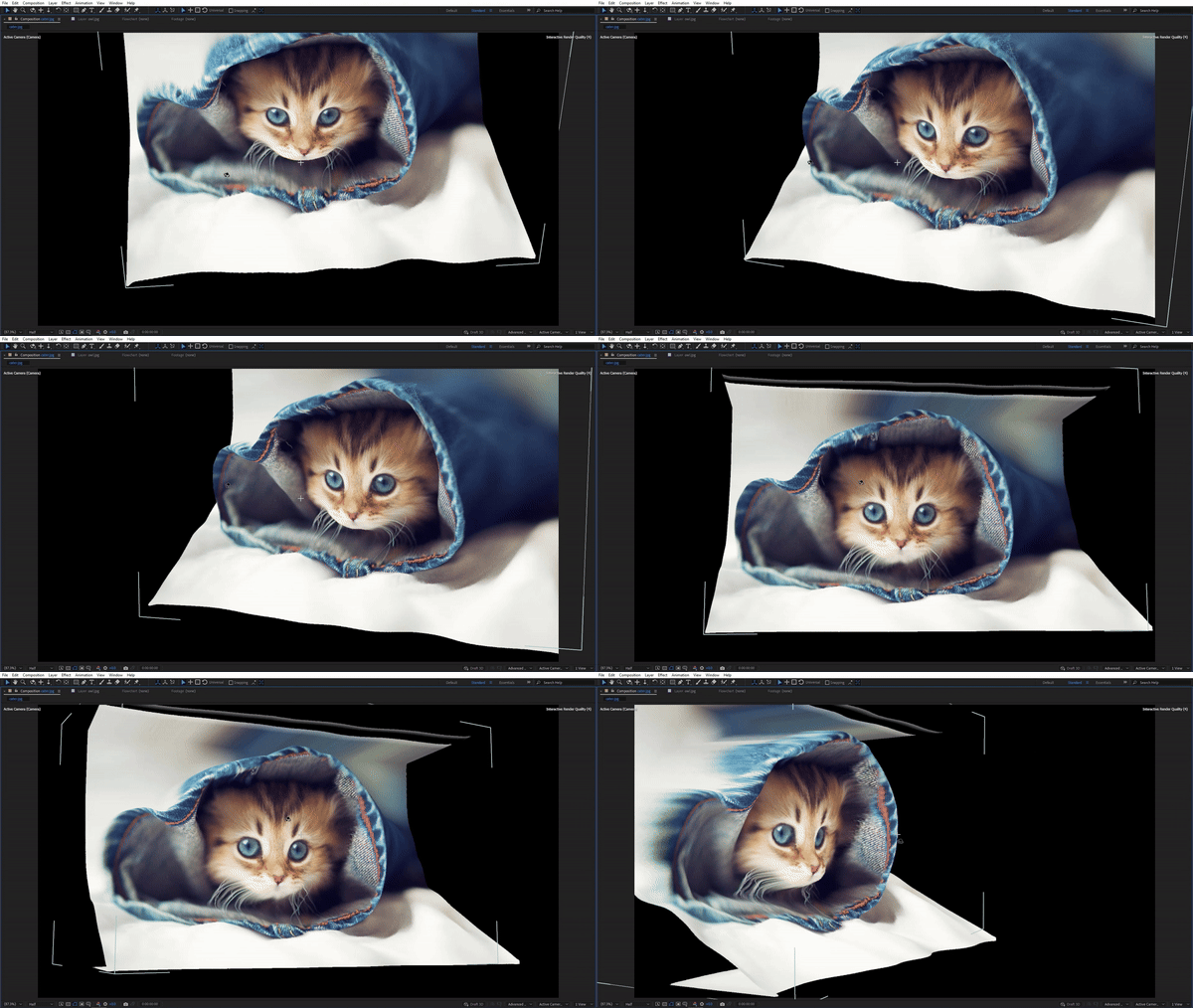
Unlike traditional 2.5D techniques that merely fake depth, Face 3D creates genuine 3D geometry that interacts naturally with light and perspective. For example, when you rotate the camera or animate the model, there is no stretching, deformation, or breaking of the image—a common failure point with layered approaches. Additionally, the plugin includes a relighting feature that lets you change the scene’s lighting after the photo has been converted, creating cinematic effects that would be impossible with a flat image. Since the model exists as a true 3D object, you can view it from multiple angles and integrate it seamlessly into complex camera moves. Thus, your animated portraits will exhibit the depth and presence of a real 3D subject.
Broad Compatibility and Required Setup
Face 3D is designed to integrate into modern After Effects workflows. The plugin supports After Effects versions 2024, 2025, and 2026 on both Windows and macOS. A critical requirement is that you must install the free Blender application for your operating system, as Face 3D uses it for background processing. After installing Blender, you need to link it to Face 3D by selecting the Blender executable within the plugin’s panel. Additionally, your composition’s 3D renderer must be set to Advanced 3D, as Face 3D does not function with the Classic 3D or Cinema 4D renderers. You will need a standard workstation with at least 8GB of RAM and a graphics card that supports the Advanced 3D Renderer.
Perfect for Motion Designers, VFX Artists, and Content Creators
This plugin is particularly well-suited for motion designers creating cinematic title sequences, photo montages, and social media content. Similarly, VFX artists and compositors will appreciate the ability to integrate still photos into live-action plates with realistic depth and parallax. Additionally, content creators and archivists can use Face 3D to bring historical photographs or family portraits to life with natural camera movements. Ultimately, Face 3D v1.3.0 accelerates your entire motion design and post-production pipeline.
System Requirements and Compatibility
Face 3D v1.3.0 supports After Effects 2024, 2025, and 2026 on both Windows and macOS operating systems. The plugin requires the free Blender application to be installed and linked before use. Your After Effects composition must use the Advanced 3D renderer, and your graphics card must support it. You will need a standard workstation with at least 8GB of RAM.
Installation and Usage Guide
To install, first download the plugin installer from your library. Next, close Adobe After Effects if it is running. Then, install the plugin following the standard aescripts + aeplugins installation process using the Manager App. After installation, you must download and install Blender from the official website. Launch After Effects, open the Face 3D panel, click the Blender icon, and select the Blender executable (blender.exe on Windows or Blender.app on macOS) to link the two applications. Finally, import your photo into a composition, ensure the 3D renderer is set to Advanced 3D, use the Depth Maps Manager to generate or load a depth map, select both the photo and the depth map, and click “Make 3D” to generate your animatable model. Thus, your professional photo-to-3D workflow will be ready instantly.
What is Included Inside?
The pack contains the complete Face 3D v1.3.0 extension for After Effects. Furthermore, it includes the AI-powered depth map generation system, OBJ 3D model creation, scene relighting capabilities, and the Depth Maps Manager with support for multiple AI depth tools. Ultimately, you receive everything needed for professional photo-to-3D conversion and animation.
Final Thoughts on the Plugin
Effortless photo-to-3D conversion evokes profound creative freedom. Therefore, this plugin provides the ultimate foundation for your motion design and VFX workflows. You can transform static images into fully animatable 3D models with unprecedented speed and realism. Consequently, your creative vision becomes a stunning reality.
Bring your photos to life! A powerful 3D portrait and photo animation tool that is incredibly easy to use, fast and powered by AI. It turns photos into real 3D models that can be fully animated! New: Ability to relight scene, OBJ improvement and more!
Bring your photos to life!
A powerful 3D portrait and photo animation tool that is incredibly easy to use, fast and powered by AI. It turns photos into real 3D models that can be fully animated!
Important Requirement
This plugin uses Blender for background processing. To make it work you need to install the fully free Blender application for your operating system.
System requirements: After Effects v24.2 and above with Advanced 3D Renderer.
System requirements for Advanced 3D renderer
BRING YOUR PHOTOS TO LIFE


CREATE YOUR OWN 3D MODEL IN A FEW CLICKS


3D Selfie


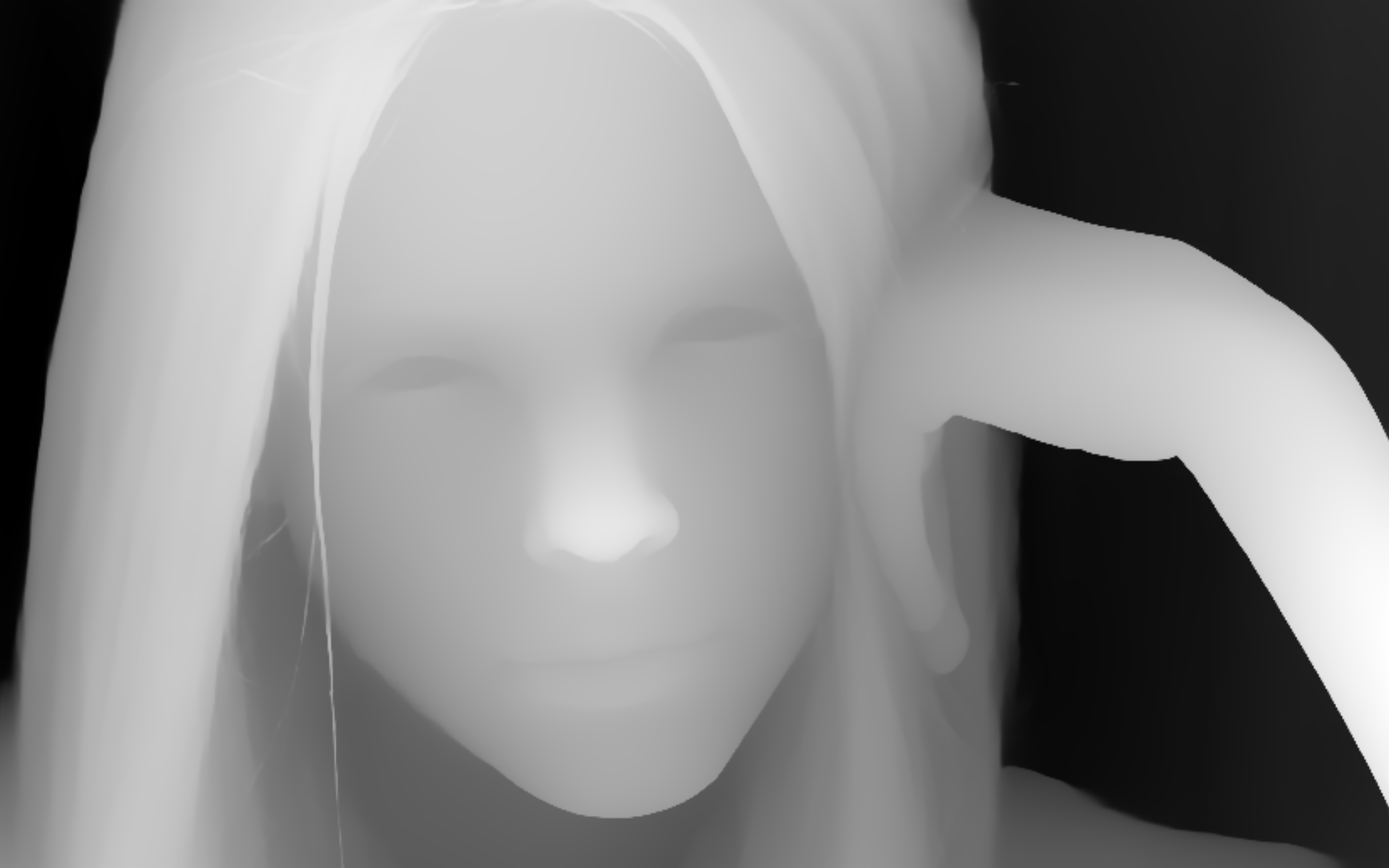
AI POWERED DEPTH MAP
To turn photos into real 3D models, you need to use depth maps. Depth Maps Manager allows you to download depth maps online, as well as offline using one of the aescripts AI depth matte plugins

INCREDIBLY FAST, EVEN IN 4K
Thanks to all the artists who let us use their work in our product page.

TUTORIALS
Elevate your motion graphics workflow with premium collection of After Effects plugins. Whether you are a seasoned professional or just starting your VFX journey, powerful tools designed to streamline complex tasks, unlock creative possibilities, and save you hours of rendering time. From stunning glitch effects and seamless transitions to advanced 3D extrusion and text animation tools, each plugin in our library is rigorously tested for compatibility with the latest versions of Adobe after Effects. Enhance your video production value today and download industry-leading plugins that help you create breathtaking visuals without the technical headaches. Browse our full range and find the perfect extension to supercharge your editing suite now.
➡️ ➡️ For more after effects Plugins 😀 😀
➡️ ➡️ System requirements AE
Reviews
There are no reviews yet.