
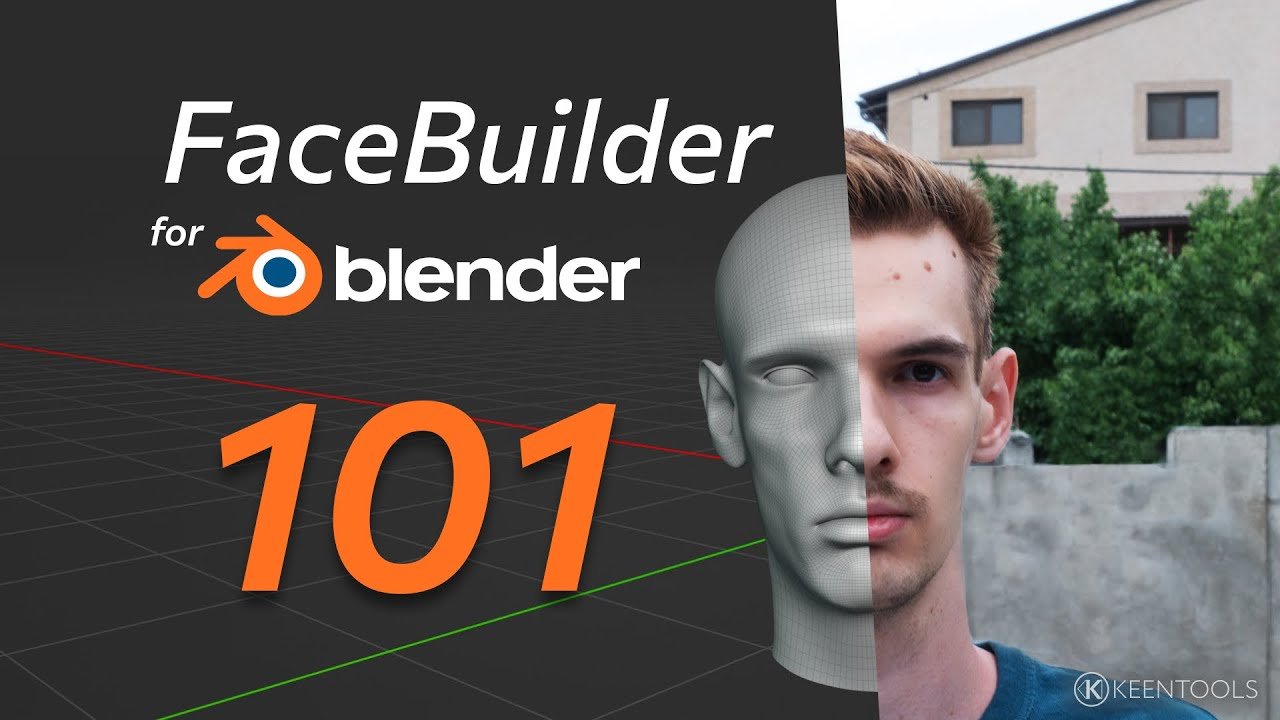
FaceBuilder kentools for Blender
facebuilder kentools addon
FaceBuilder Kentools v2024.3.0 for Blender – Professional Head & Face Modeling Toolkit
Versions: v2024.3.0
File Size: 108 MB
Download FaceBuilder Kentools v2024.3.0 for Blender on Windows, Mac, and Linux, a professional head modeling add-on that creates realistic human heads and faces from photo references. Build anatomically accurate 3D heads using multiple reference images with precise fitting and edge flow control—perfect for character artists, game developers, and portrait creators.
Key Features of FaceBuilder Kentools v2024.3.0:
- Photo-to-3D Head Creation: Build realistic 3D heads from front, side, and back reference photos
- Anatomically Correct Topology: Pre-built edge flow optimized for facial animation and deformation
- Interactive Fitting: Adjust head shape interactively using reference image overlays
- Facial Feature Control: Fine-tune eyes, nose, mouth, ears, and jawline independently
- Texture Generation: Generate UV maps and bake textures from reference photos
- Morph Targets: Create blend shapes for facial expressions and animation
- Export Ready: Models are rigging-ready with proper edge flow
- v2024.3.0 Updates: Enhanced fitting tools, improved topology, and Blender 4.0+ compatibility
Perfect For:
- Character artists creating realistic human heads for animation
- Game developers building player characters and NPCs
- Portrait artists creating 3D sculpting bases
- VFX professionals preparing facial models for effects
- Anyone needing professional head modeling tools in Blender
System Requirements:
- Blender 3.6, 4.0, 4.1, 4.2, 4.3
- Windows 10/11 (64-bit), macOS, or Linux
- 8GB RAM minimum (16GB+ recommended)
- 100MB available disk space
Installation:
- Download the add-on zip file
- In Blender, go to Edit > Preferences > Add-ons
- Click “Install” and select the downloaded zip file
- Enable the add-on by checking the box next to “FaceBuilder Kentools”
Note: FaceBuilder Kentools v2024.3.0 provides professional head modeling tools for Blender, allowing artists to build realistic 3D heads from photo references with anatomically correct topology. The interactive fitting and facial feature controls make it essential for character artists, game developers, and portrait creators. Designed for Blender 3.6 and above.
Photorealistic 3D portrait
Create look-alike digital faces with accurate geometry from several photos
Facial expressions support
Capture face identity even from photos with non-neutral expressions
Auto align
Save time with AI-powered mesh alignment
Intuitive workflow
Сreate and drag reference points to match 3D mesh with the image
Real-time sculpting
Instantly see result in 3D
One-click texturing
Create texture blended from different views
Levels of detail
Switch your model to high, mid and low poly any time when sculpting or exporting
Diversity of faces
Model human faces from any part of the world
3D face from a single image
Create a digital copy of a face even with just one image
Configurable model
Turn head parts on and off
FaceBuilder in your pipelines
Track with FaceTracker for Blender
Capture facial performance using only reference video and a matching face geometry. Without leaving Blender!
Create MetaHumans
Transfer unique shape and skin texture with compatible UV map directly to MetaHuman Creator.
Integration with Character Creator 4
Export FaceBuilder head to CC4 with just one click.
Head tracking
Supercharge your 3D creation workflow with premium selection of Blender Add-ons. Whether you are modeling intricate characters, sculpting realistic environments, or animating cinematic sequences, the right add-on can transform how you work inside Blender. Our curated collection includes powerful tools for UV unwrapping, procedural texture generation, rigging automation, rendering optimization, and more—each rigorously tested for compatibility with the latest Blender versions. Eliminate tedious manual processes and unlock advanced functionality that lets you focus on what matters most: bringing your creative vision to life. Explore our full range of professional Blender plugins today and take your 3D projects to the next level.
➡️ ➡️ For more Blender Plugins 😀 😀
Reviews
There are no reviews yet.