
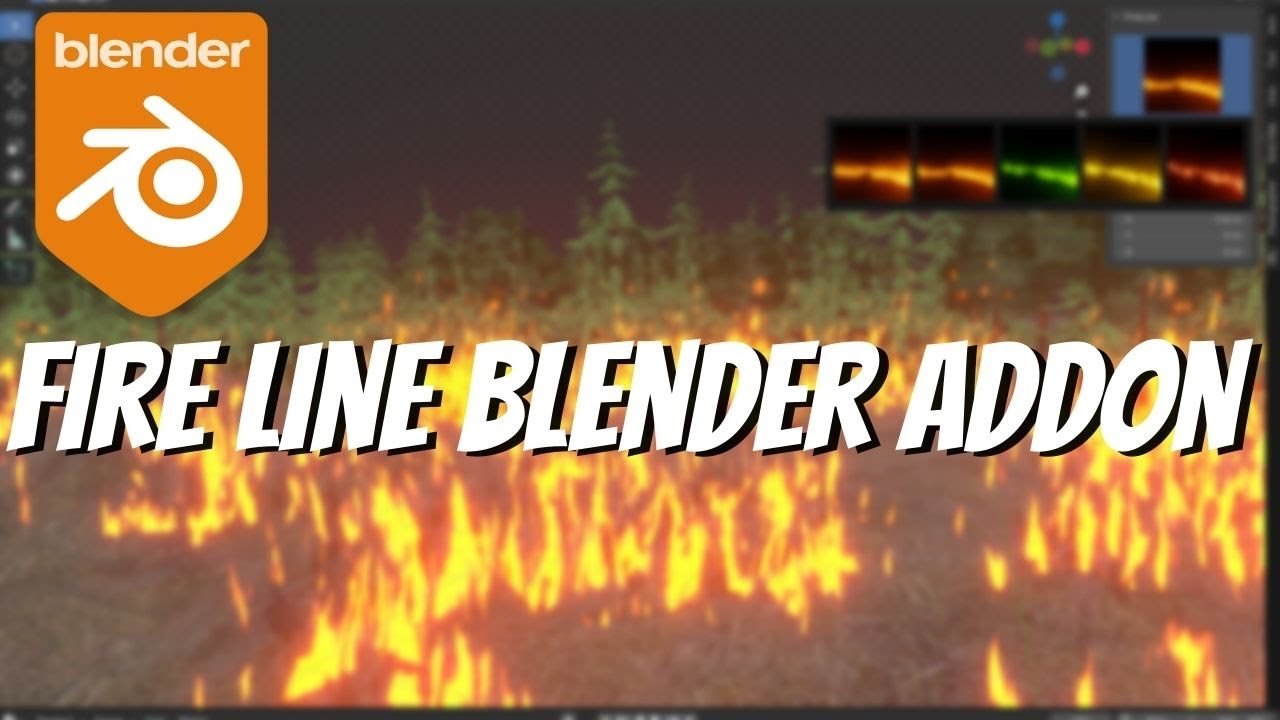
Fire Line Blender Addon for Blender
Fire Line Blender Addon v1.0.0 – The Ultimate Animated Fire Path & Edge Burn Tool
Version: V1.0.0
File Size: 20 MB
Download Fire Line Blender Addon v1.0.0 for Blender on Windows and Mac, a specialized Geometry Nodes-based addon designed to create dynamic, animated fire effects that trace along curves, edges, and mesh boundaries. Whether you need realistic fuse burning, stylized magical sigils, or energetic UI elements, Fire Line transforms how artists create linear fire VFX, eliminating the need for complex particle simulations or manual frame-by-frame animation to achieve perfect flame propagation.
Key Features of Fire Line v1.0.0:
- Curve & Edge Tracing: Instantly converts any Bezier curve or selected mesh edge loop into a animated fire path, with controls for start point, end point, and propagation speed.
- Dual Render Modes: Switch between Realistic Volumetric mode (for cinematic fire) and Stylized Emissive mode (for anime, games, and motion graphics) with a single click.
- Progressive Burn Animation: Built-in drivers to animate the fire “traveling” along the line, perfect for simulating fuses, spreading cracks, or casting spells without keyframing.
- Variable Thickness & Intensity: Adjust the width of the fire line and its brightness along the path using noise textures or vertex groups, creating organic flickering and hot spots.
- Smoke & Ember Trails: Automatically generates synchronized smoke plumes and rising ember particles that follow the fire line’s movement, adding depth and atmosphere.
- Loop & Cycle Options: Configure the animation to loop seamlessly for background elements, play once for explosions, or ping-pong for oscillating energy effects.
- Color Ramp Control: Fully customizable color gradients to shift from natural orange/yellow flames to magical blue, green, or purple energy lines.
- Mesh Boundary Detection: Unique feature that automatically detects open edges on a mesh and applies fire lines to them, ideal for creating burning paper, melting ice, or corroding metal effects.
- Optimized Performance v1.0.0: Lightweight node structure ensures smooth viewport playback even with multiple fire lines active, optimized for both Eevee (real-time) and Cycles (render).
Perfect For:
- VFX Artists creating fuse burns, explosion triggers, and spreading fire effects for film and TV.
- Motion Designers animating fiery logos, text reveals, and energetic transitions for broadcast.
- Game Developers designing spell effects, weapon trails, and environmental hazards for real-time engines.
- Stylized Animators crafting anime-style attack lines, magic circles, and supernatural energy beams.
- Anyone needing precise control over linear fire animation without the chaos of fluid simulations.
System Requirements:
- Blender: 3.6, 4.0, 4.1, 4.2, 4.3+ (Geometry Nodes required).
- OS: Windows 10/11 (64-bit) or macOS 10.15+.
- RAM: 8GB minimum (16GB+ recommended for heavy particle trails).
- Render Engine: Cycles recommended for volumetrics; Eevee supported with Bloom enabled.
Installation:
- Download the Fire Line Blender Addon v1.0.0
.zipfile. - Open Blender and go to Edit > Preferences > Add-ons.
- Click Install…, select the downloaded file, and enable the checkbox next to Geometry Nodes: Fire Line.
- Access via the Add Menu > Curve > Fire Line or the dedicated panel in the 3D Viewport Sidebar (N-panel) under the VFX tab.
Note:
Version 1.0.0 introduces a unique “Ignition Point” system that allows you to place multiple empty objects along a curve to start fires from specific locations, enabling complex effects like a fuse lighting from both ends simultaneously. It also includes a “Heat Distortion” shader pass that subtly warps the air around the fire line, adding a layer of thermal realism often missed in standard CG fire effects. This initial release focuses on stability and ease of use, making it the perfect entry point for procedural fire workflows.
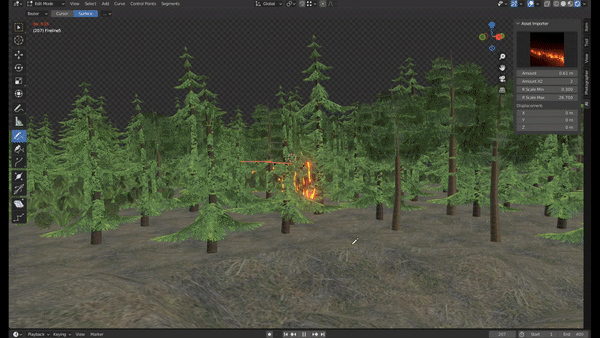
Creating Photorealistic Fire in Blender
Fire Line Add-on is a blender addon, that is an easy tool for creating procedural Fire line on blender 3d, the addon has easy tools like fire draw and more parameters that will make you able to create fire easily on blender for your environment, or if you are trying to make a good animation that addon will help you for that.
($0= Give it a rating) :
Usage:
The Fire Line Add-on, panel is located in a section of the N-Panel.
Easy Controls :
What you’ll get?
- The add-on zip file
Requires Blender 3+
Supercharge your 3D creation workflow with premium selection of Blender Add-ons. Whether you are modeling intricate characters, sculpting realistic environments, or animating cinematic sequences, the right add-on can transform how you work inside Blender. Our curated collection includes powerful tools for UV unwrapping, procedural texture generation, rigging automation, rendering optimization, and more—each rigorously tested for compatibility with the latest Blender versions. Eliminate tedious manual processes and unlock advanced functionality that lets you focus on what matters most: bringing your creative vision to life. Explore our full range of professional Blender plugins today and take your 3D projects to the next level.
➡️ ➡️ For more Blender Plugins 😀 😀
Reviews
There are no reviews yet.