
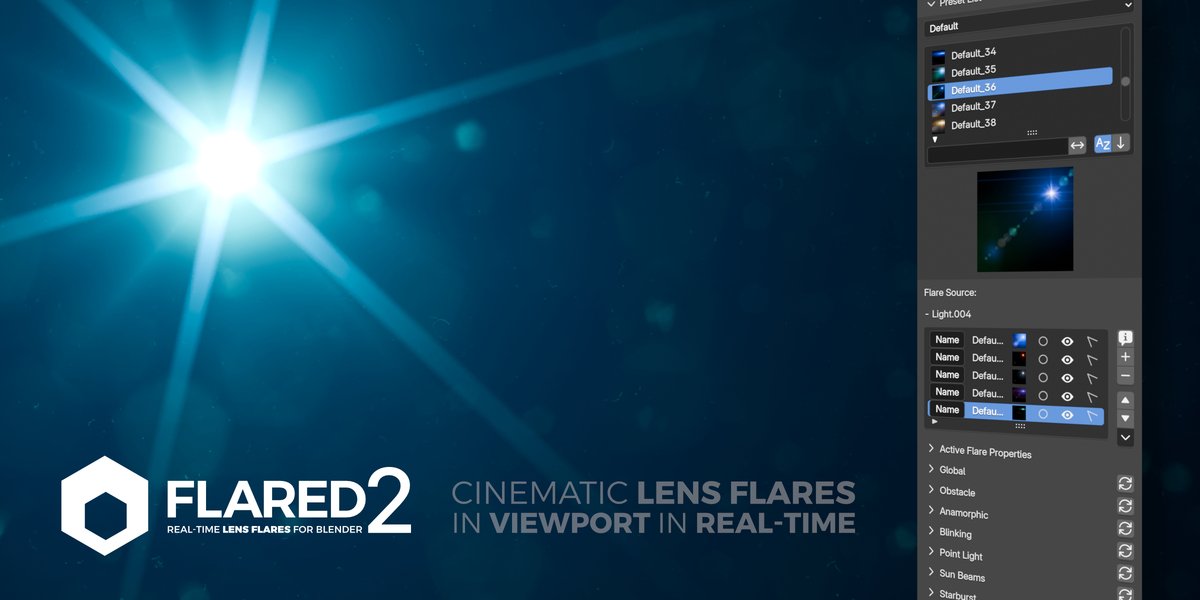
Flared Lens Flares for Blender
flared lens flares addon
Flared Lens Flares Blender Addon v1.9.54 – Realistic Lens Flare & Light Effects Generator
Version : v1.9.54
File Size: 29MB
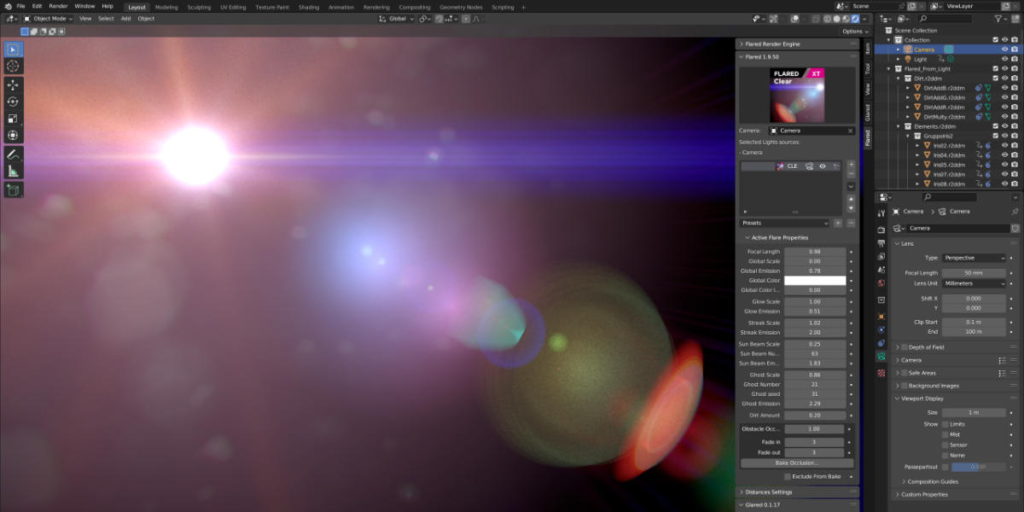
Download Flared Lens Flares Blender Addon v1.9.54 for Blender on Windows, Mac, and Linux, a professional lens flare generator that creates realistic light effects for cameras and light sources. Add cinematic lens flares, anamorphic streaks, glowing highlights, and optical artifacts—perfect for motion graphics, VFX, and cinematic lighting.
Key Features of Flared Lens Flares v1.9.54:
- Real-time Lens Flares: Generate flares that react to light position and camera angle in real-time
- Anamorphic Flares: Create horizontal streak flares characteristic of anamorphic lenses
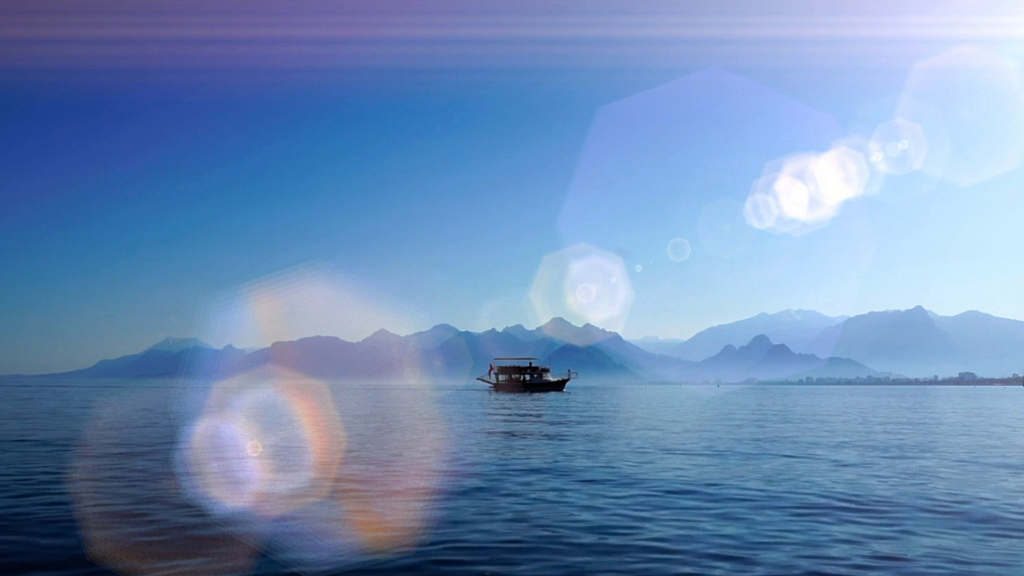
- Ghost Artifacts: Add optical ghosting and internal reflection effects
- Glow & Diffusion: Soft light diffusion and glowing highlights
- Customizable Elements: Adjust flare position, intensity, color, and element count
- Light Tracking: Flares automatically track light sources or can be placed manually
- Preset Library: Multiple flare styles including cinematic, sci-fi, and vintage
- Performance Optimized: Efficient real-time preview in viewport
- v1.9.54 Updates: New flare elements, enhanced anamorphic controls, and Blender 4.0+ compatibility
Perfect For:
- Motion graphics artists adding cinematic lens effects
- VFX professionals creating optical artifacts for shots
- Product designers adding studio lighting effects
- Game developers previewing lens flare effects
- Anyone needing realistic lens flares in Blender
System Requirements:
- Blender 3.6, 4.0, 4.1, 4.2, 4.3
- Windows 10/11 (64-bit), macOS, or Linux
- 4GB RAM minimum (8GB+ recommended)
- 20MB available disk space
Installation:
- Download the add-on zip file
- In Blender, go to Edit > Preferences > Add-ons
- Click “Install” and select the downloaded zip file
- Enable the add-on by checking the box next to “Flared Lens Flares”
Note: Flared Lens Flares Blender Addon v1.9.54 provides professional lens flare generation for Blender, with real-time flares, anamorphic streaks, and ghost artifacts. The light tracking and preset library make it essential for motion graphics artists, VFX professionals, and anyone needing realistic lens effects. Designed for Blender 3.6 and above.
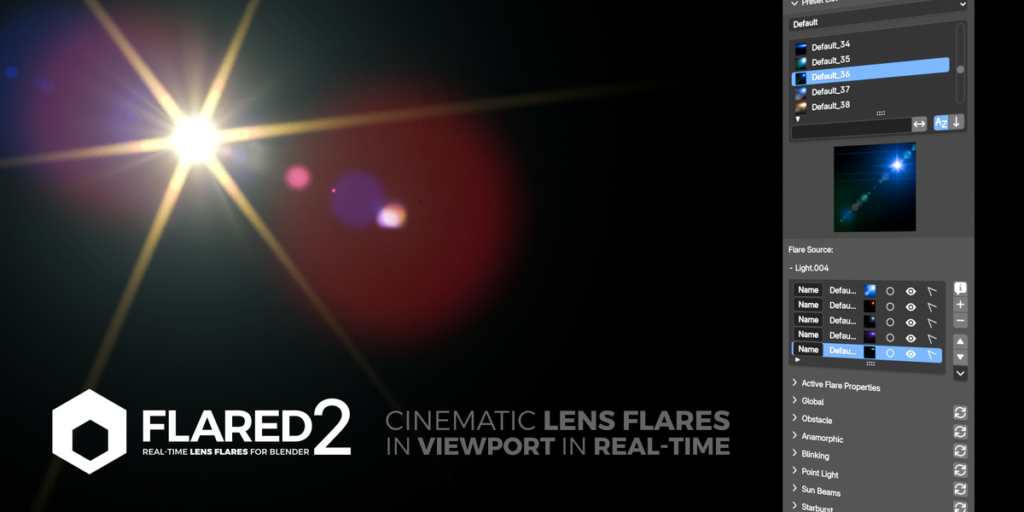
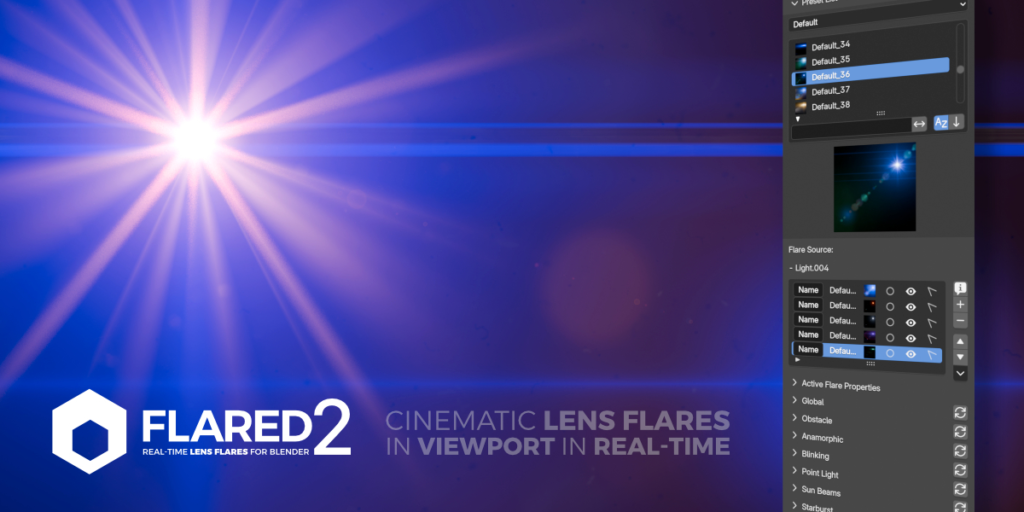
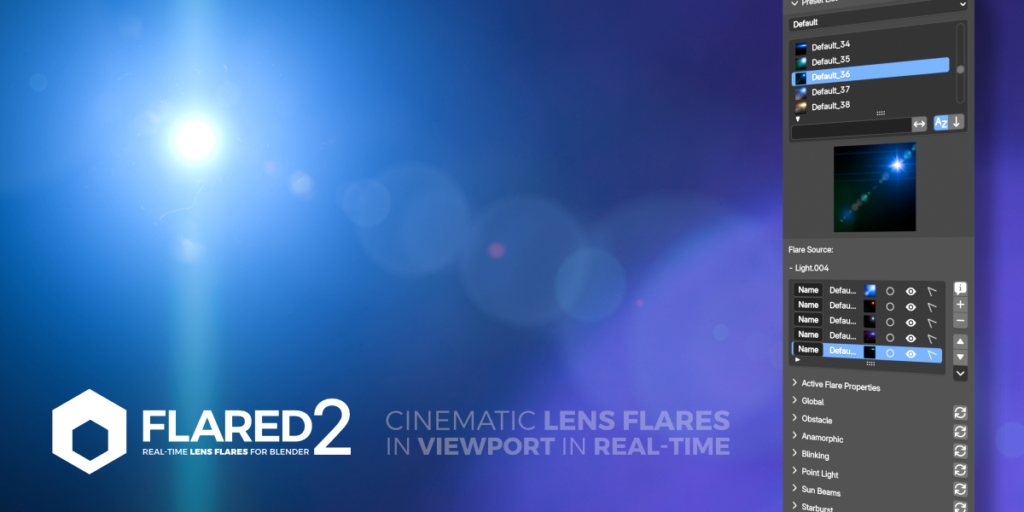

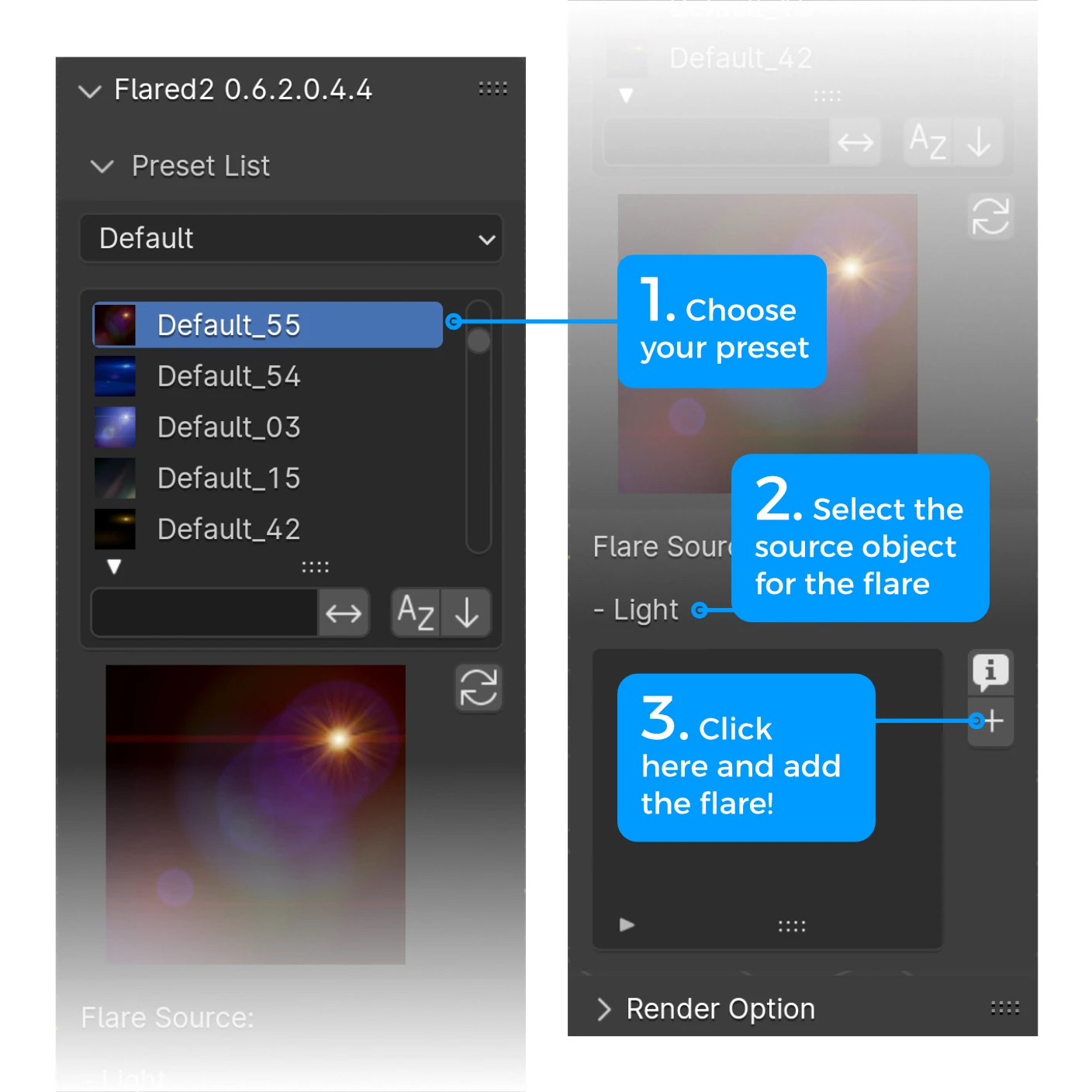
Add a flare in just 3 clicks!
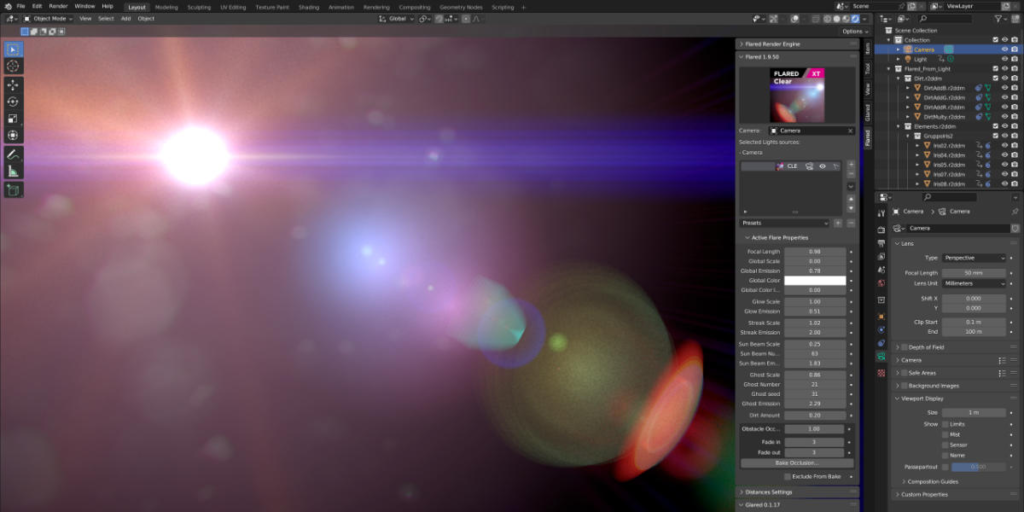
Thanks to the simple and streamlined interface. You can add as many flares as you need to your scene.


Real-Time Visualization
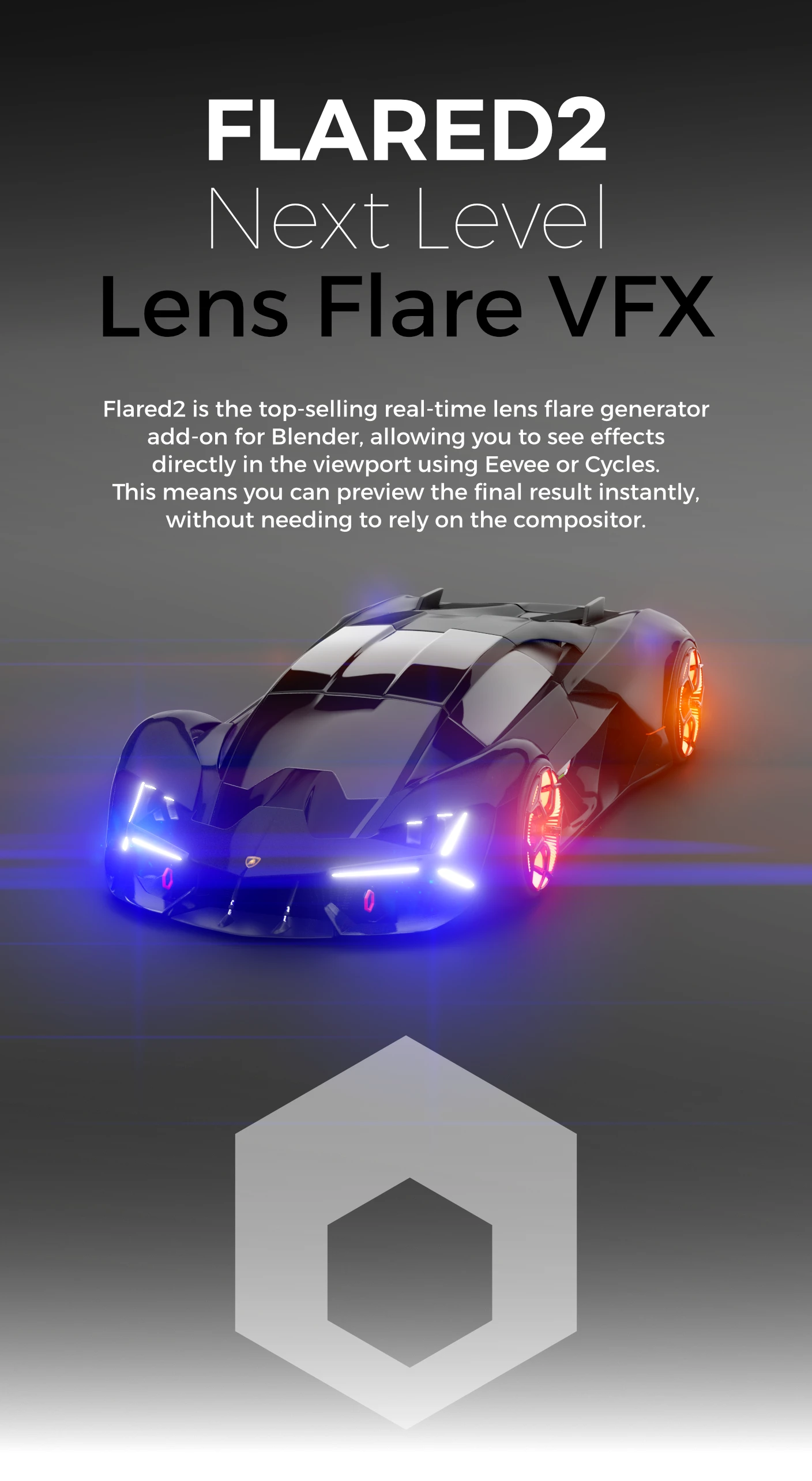
Flared2 provides instant feedback directly in the viewport, allowing users to see lens flare effects in real time. This feature enables precise, quick adjustments, significantly enhancing productivity.

Feature Comparison by License Type
| Lite | Solo | Team | Studio | |
| Default Presets | 60+ | 60+ | 60+ | 60+ |
| Free Updates | ● | ● | ● | ● |
| Support | Limited | Full | Full | Full |
| Users | 1 | 1 | up to 5 | up to 10 |
| 2D mode | ● | ● | ● | ● |
| 3D mode | ● | ● | ● | ● |
| Obstacle Detection | ● | ● | ● | ● |
| Anamorphic Factor | ● | ● | ● | ● |
| Point Light Generator | ● | ● | ● | ● |
| Sun Beams Generator | ● | ● | ● | ● |
| Glow Generator | ● | ● | ● | ● |
| Streaks Generator | ● | ● | ● | ● |
| Ghosts Generator | ● | ● | ● | ● |
| Custom Color Selector | ● | ● | ● | ● |
| Flare Blinking | No | ● | ● | ● |
| Starburst Generator | No | ● | ● | ● |
| Hoop Generator | No | ● | ● | ● |
| Halo Generator | No | ● | ● | ● |
| Light Reflection Generator | No | ● | ● | ● |
| Horizontal Ghosts Generator | No | ● | ● | ● |
| Other Streaks Generator | No | ● | ● | ● |
| Lens Dirt Generator | No | ● | ● | ● |
Please note that Flared2 Lite is a reduced version of the addon. As a result, both the user manual and online tutorials may showcase features not included in Flared2 Lite. If you enjoy the product and would like to support its development, consider upgrading to Flared2 Solo, the full version.

No Compositor Needed
Flared2 operates directly in the viewport in both Eevee and Cycles, eliminating the need for a compositor. This allows off-camera lights to influence the effect, making it naturally responsive to scene lighting.
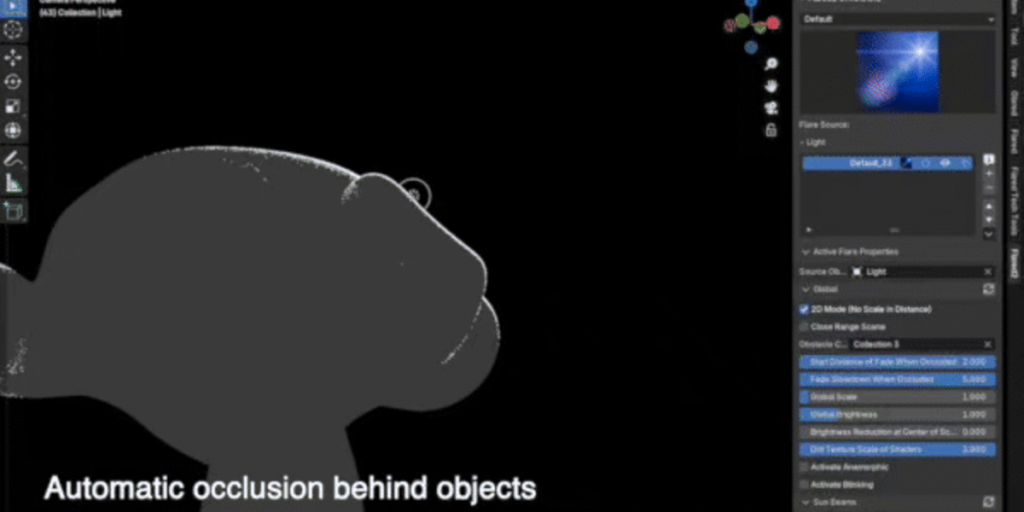

Real-time Obstacle Detection
Flared2 operates directly in the viewport in both Eevee and Cycles, eliminating the need for a compositor. This allows off-camera lights to influence the effect, making it naturally responsive to scene lighting.
Updated Features of Flared2
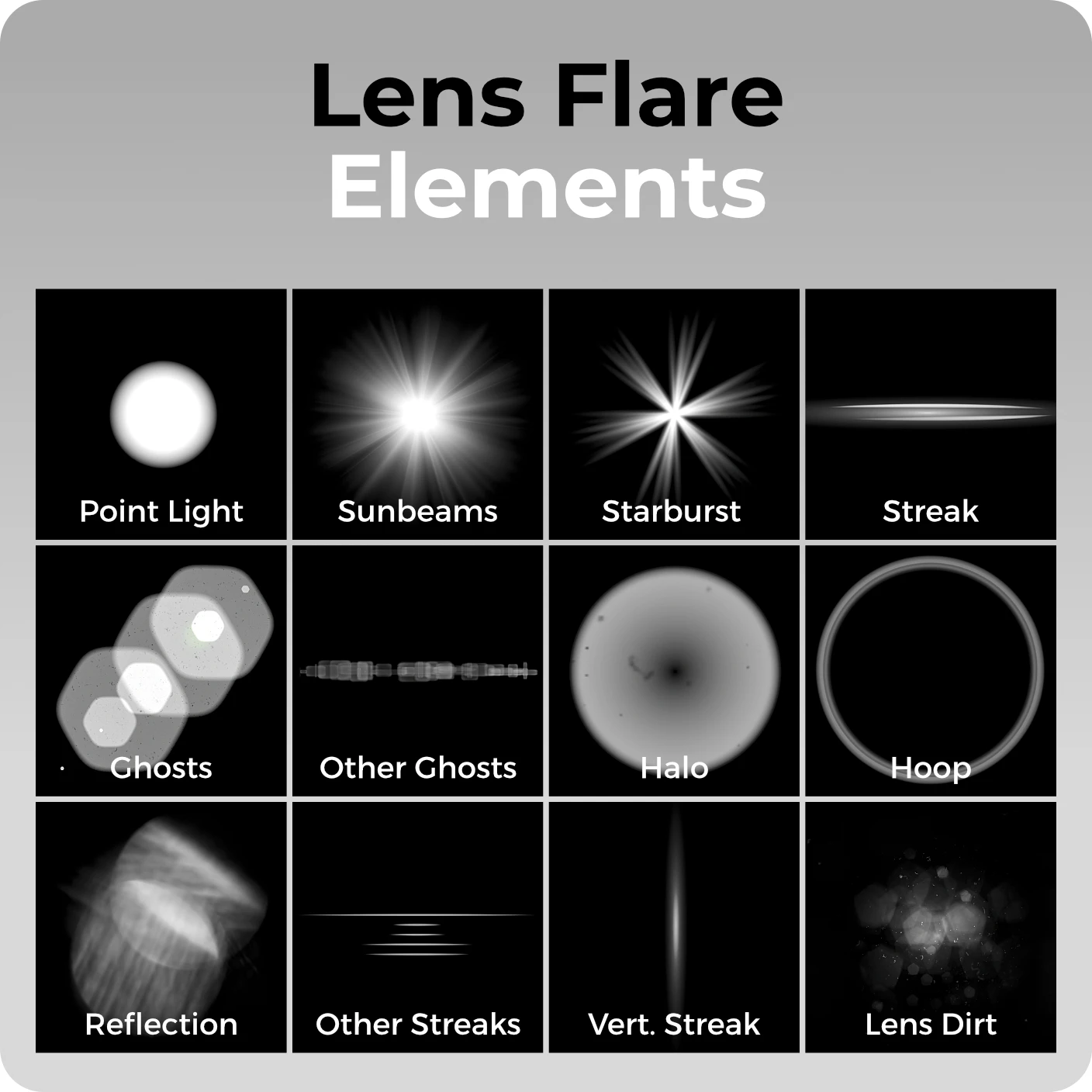
| Rebuilt Core | Completely rewritten using geometry nodes |
| Obstacle Detection | Real-time obstacle detection |
| Anamorphic Mode | Parametric anamorphic mode |
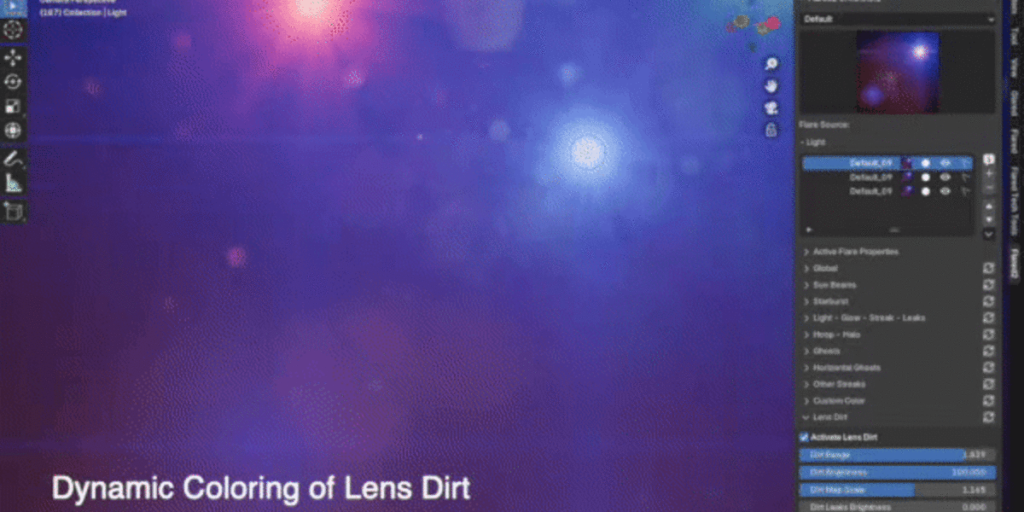
| Lens Dirt Simulation | Advanced lens dirt simulation |
| Designer-Approved Presets | Over 60 default presets created with valuable input from designers and art directors |
| Customization | Customization of the flare through a hundred parameters |
| Presets Sharing | Ability to create and share your own presets |
| Visual Quality | The flares are more beautiful, convincing, immersive, and sophisticated |
| Addon-Free Operation | Flares work even without the addon |
| Separate Layer Rendering | Ability to render flares on a separate layer |
| Parameter Copying | Simplified parameter copying between flare groups |
| No Baking Required | No function requires baking |
| 2D Mode | 2D mode (fixed size) |

| 3D Mode | 3D mode (size varies based on distance) |
| Blinking Control | Advanced blinking control |
Watch Flared2 In Action
Create and Share Custom Presets
Users can create and share their own presets from scratch without needing coding skills or complex steps. This simplicity makes the tool accessible to everyone, from beginners to professionals.
Intuitive Interface
Despite its wide range of options, Flared2’s Montserratface is designed to be user-friendly, making advanced settings easily accessible.
Seamless Workflow Integration
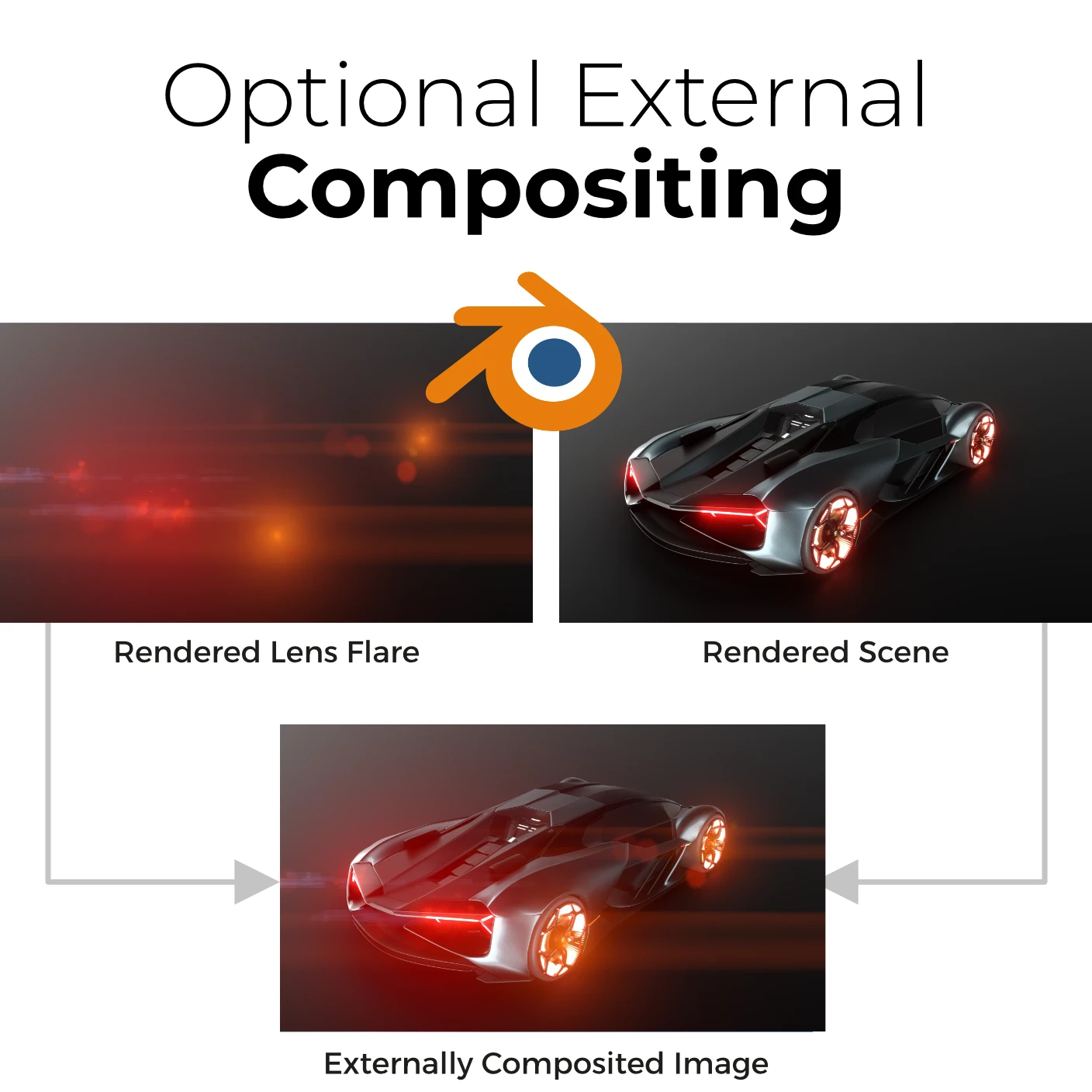
Flared2 integrates smoothly with other software and tools by allowing rendered flares to be exported as separate files, enabling users to complete compositing in their preferred programs. This enhances workflow efficiency and project consistency
Built on 6 Years of Proven Success
With six years of experience from the previous version of Flared, which has nearly 3,000 users, Flared2 benefits from a foundation of extensive user feedback. As the top-selling add-on for creating lens flares in Blender, Flared2 continues to lead the market with trusted functionality and performance.
Fully Procedural with Essential Controls
Built entirely with Geometry Nodes, Flared 2 is a fully procedural tool, theoretically editable in every detail. However, to ensure ease and immediacy, we have exposed only the essential parameters needed to achieve stunning artistic effects.
Ongoing Support and Updates
The Flared2 development team provides updates and technical support for free, ensuring that the software remains current with industry standards and follows the users’ needs.
Additional Features of Flared2
| Real-Time Rendering | Everything in real-time, directly in the viewport |
| No Compositor Needed | Everything happens directly in the viewport, including contributions from out-of-view lights to create realistic lens flares. |
| User-Friendly | Enhanced ease of use |
| Multi-Camera Support | Automatic multi-camera mode |
| Compatibility | Available in both Eevee and Cycles |
| Expertise | Based on six years of experience |
| User Base | The Blender lens flare addon chosen by over 3,000 users worldwide |
| Free Compatibility Updates | Free compatibility upgrades |
| Free Feature Updates | Free feature upgrades |
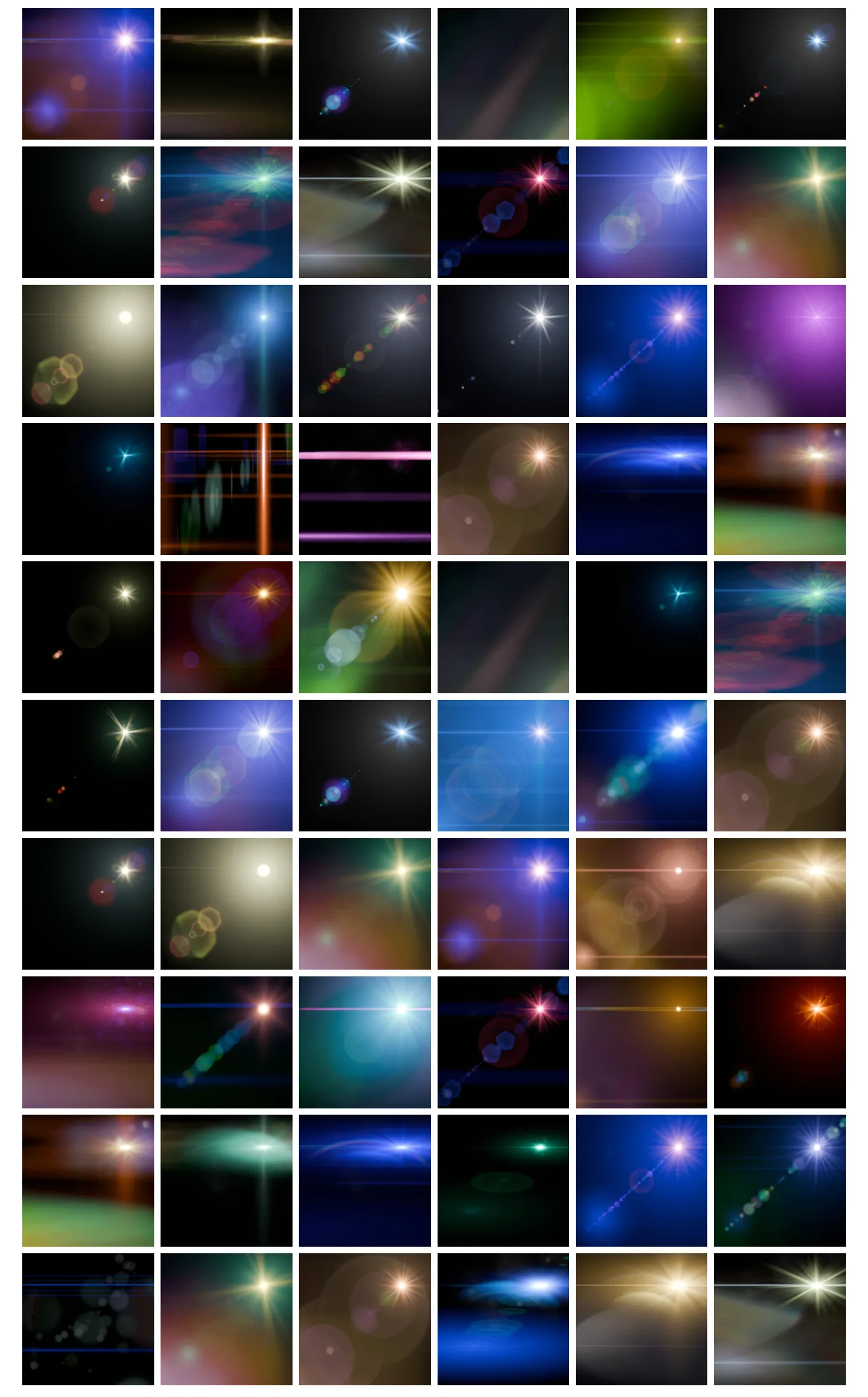
More than 60 Presets
Flared2 comes with a curated set of default presets, designed by graphic designers and artists, ranging from fantasy and sci-fi to surreal and realistic flares, emphasizing its role as an artistic tool rather than a physics simulator.
Supercharge your 3D creation workflow with premium selection of Blender Add-ons. Whether you are modeling intricate characters, sculpting realistic environments, or animating cinematic sequences, the right add-on can transform how you work inside Blender. Our curated collection includes powerful tools for UV unwrapping, procedural texture generation, rigging automation, rendering optimization, and more—each rigorously tested for compatibility with the latest Blender versions. Eliminate tedious manual processes and unlock advanced functionality that lets you focus on what matters most: bringing your creative vision to life. Explore our full range of professional Blender plugins today and take your 3D projects to the next level.
➡️ ➡️ For more Blender Plugins 😀 😀
Reviews
There are no reviews yet.