
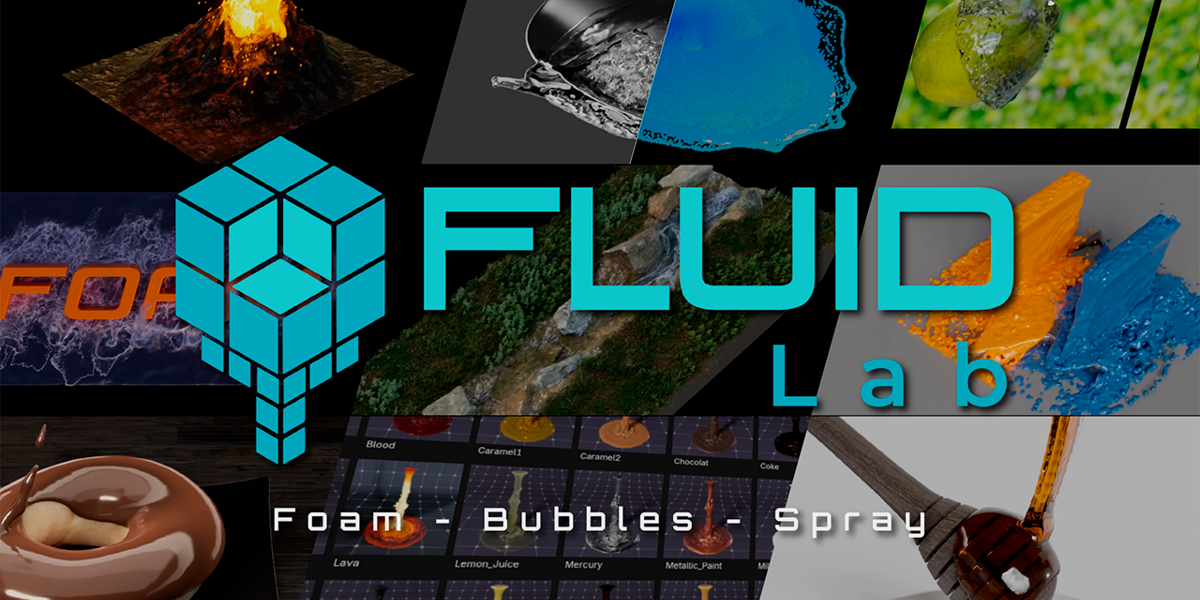
FluidLab for Blender
fluidlab addon
FluidLab v1.2.0 for Blender – Professional Fluid Simulation & Liquid Effects Toolkit
Versions: v1.2.0
File Size: 5.1 MB
Download FluidLab v1.2.0 for Blender on Windows, Mac, and Linux, a powerful fluid simulation add-on that creates realistic liquid, water, and fluid effects with intuitive controls. Generate splashes, waves, dripping liquids, and viscous flows for product visualization, VFX, and motion graphics.
Key Features of FluidLab v1.2.0:
- Liquid Simulation: Create water, oil, honey, and custom fluid types with adjustable viscosity
- Splash Generation: Realistic splashes and droplet effects
- Surface Tension: Control fluid cohesion and droplet formation
- Viscosity Control: Simulate thin liquids like water or thick fluids like honey
- Obstacle Interaction: Fluids interact with scene geometry
- Mesh Export: Export fluid meshes for rendering or 3D printing
- Simulation Caching: Cache simulations for faster playback
- Real-Time Preview: See fluid behavior update in viewport
Perfect For:
- Product designers creating liquid product visualizations
- VFX artists adding water and fluid effects to shots
- Motion graphics artists creating fluid animations
- Game developers prototyping liquid effects
System Requirements:
- Blender 3.6, 4.0, 4.1, 4.2, 4.3
- Windows 10/11 (64-bit), macOS, or Linux
- 8GB RAM minimum (16GB+ recommended)
- 50MB available disk space
Installation:
- Download the add-on zip file
- In Blender, go to Edit > Preferences > Add-ons
- Click “Install” and select the downloaded zip file
- Enable the add-on by checking the box next to “FluidLab”
Note: FluidLab v1.2.0 provides professional fluid simulation for Blender with realistic liquid behavior, splashes, and viscosity control. Designed for Blender 3.6 and above.

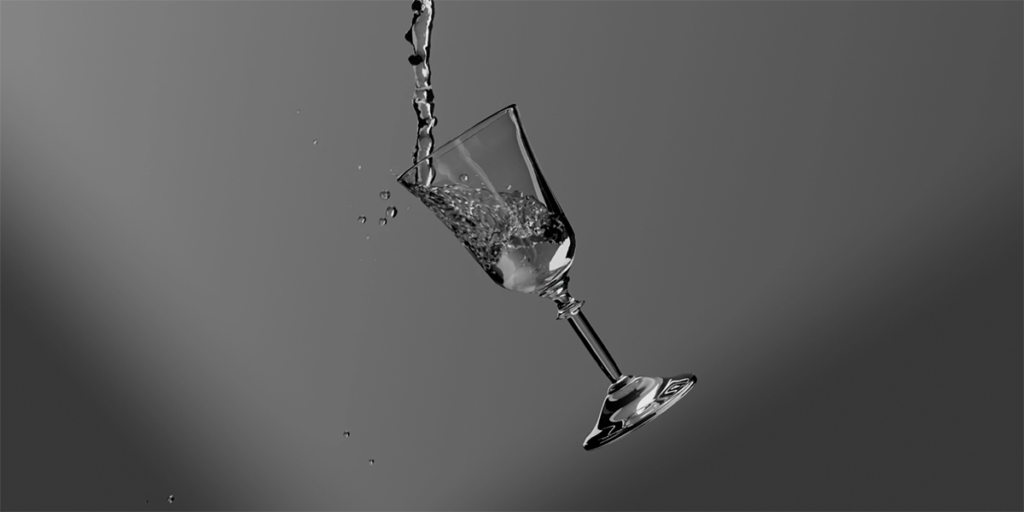
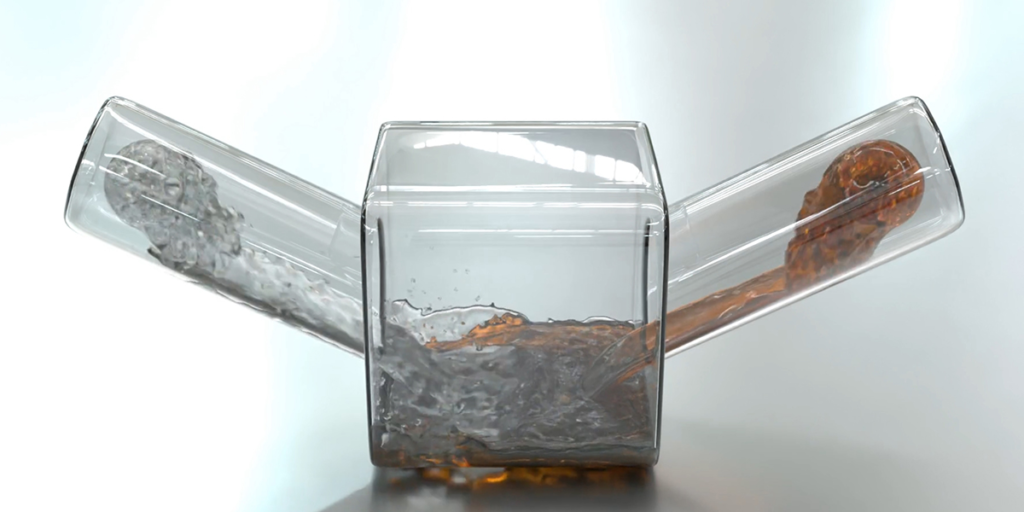
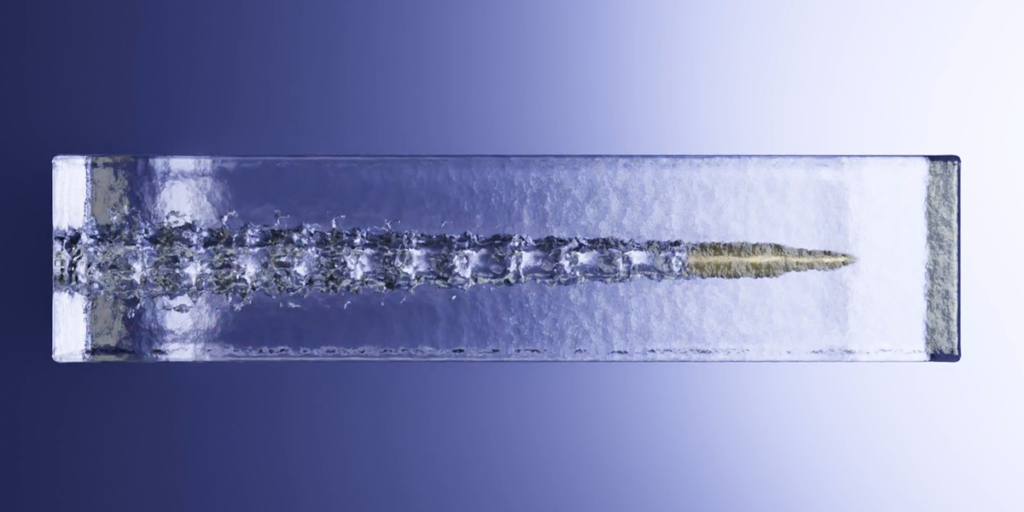
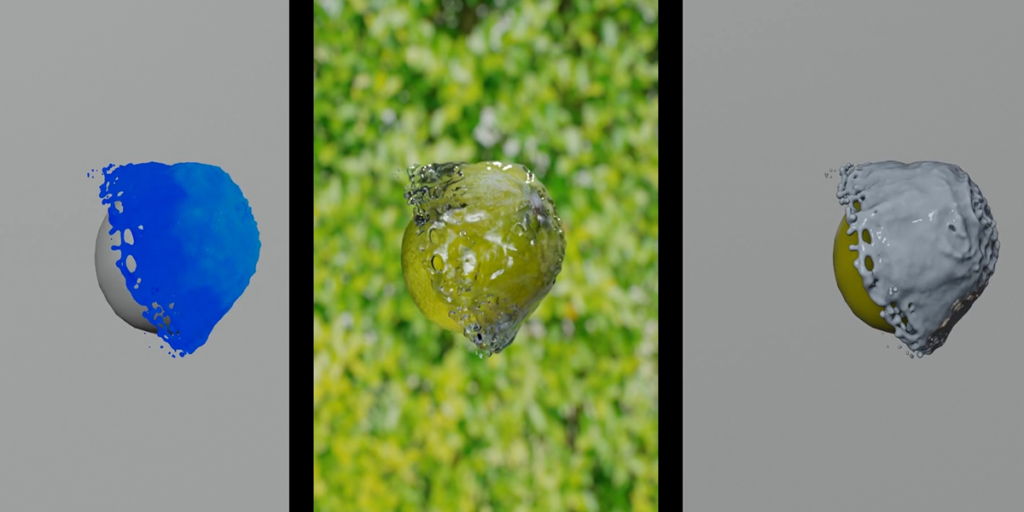
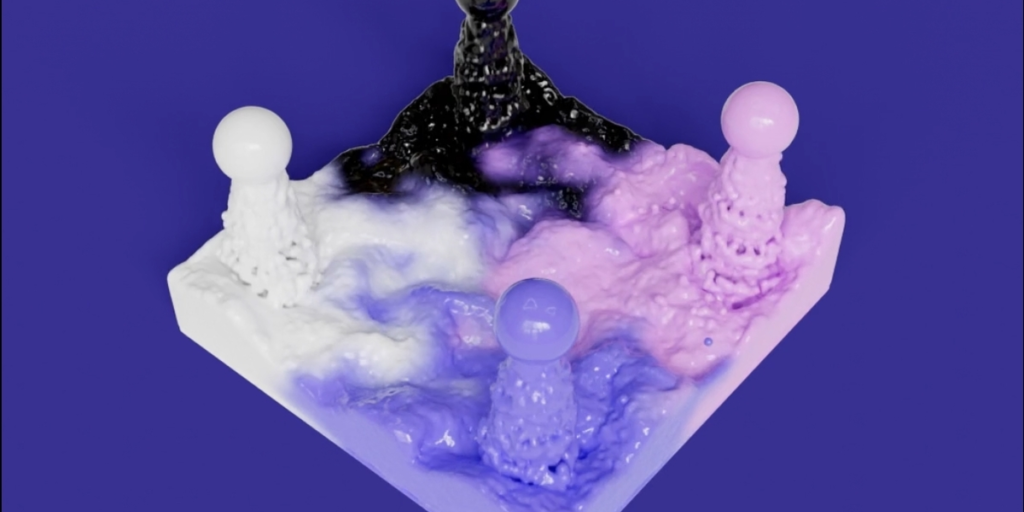
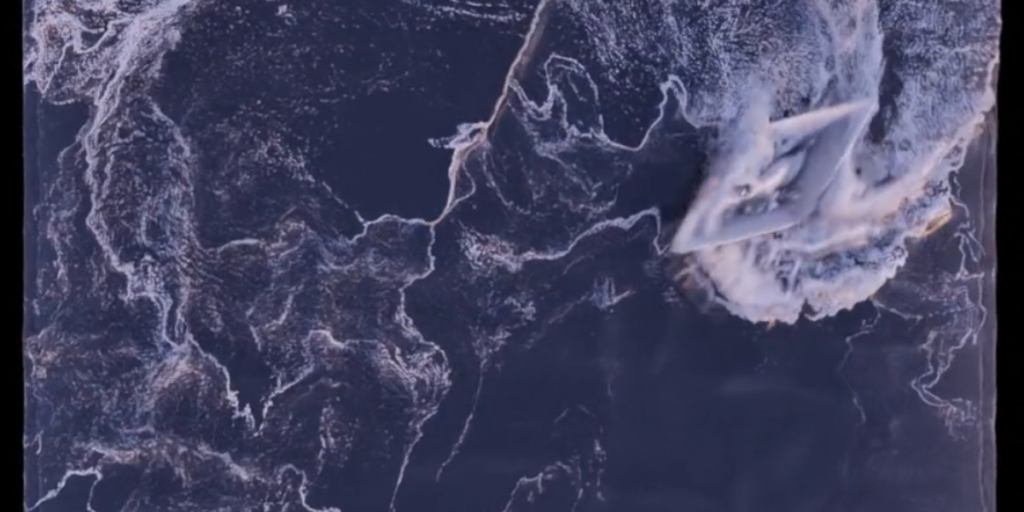
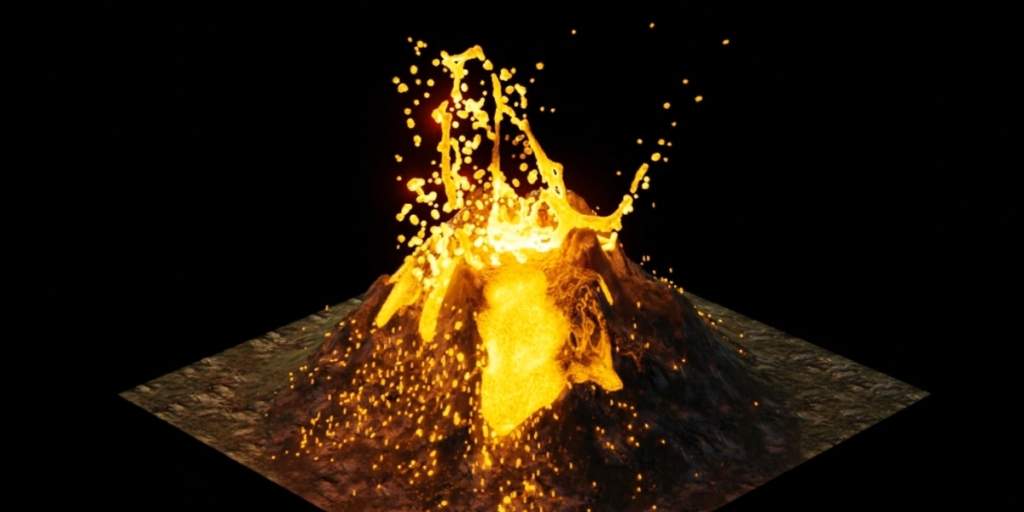
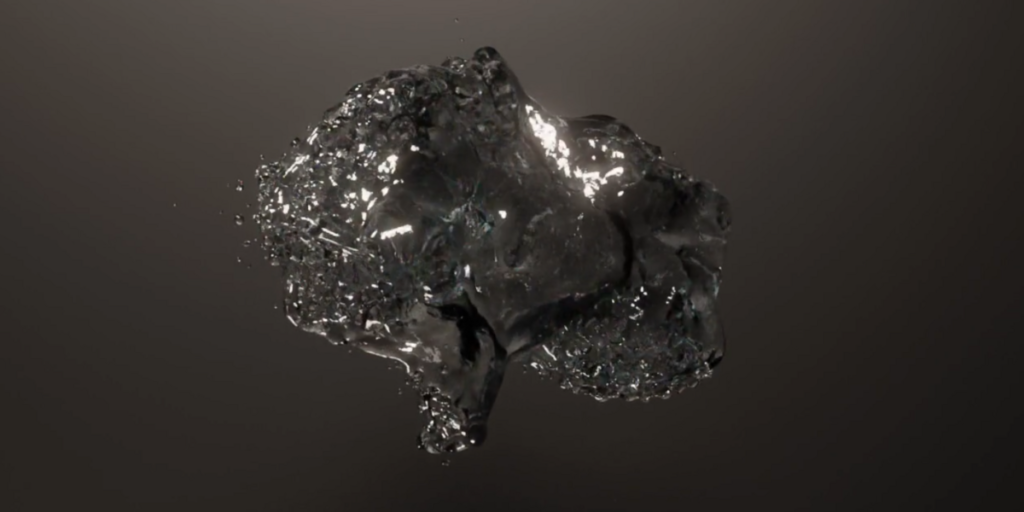

FLUIDLAB 1.2 is more than just an update!
What’s New in FluidLab 1.2:
- Foam, Bubbles, and Spray creation systems have been added, allowing the realism of scenes to be increased a thousandfold. In addition, many other new features have been introduced.
- The demoscene launcher will help users to examine various types of effects created with FluidLab and gain a better understanding of how the tools work.
- Numerous new shaders have been added, and the previous ones have been improved.
- There are many interface and overall functionality improvements.
FLUIDLAB
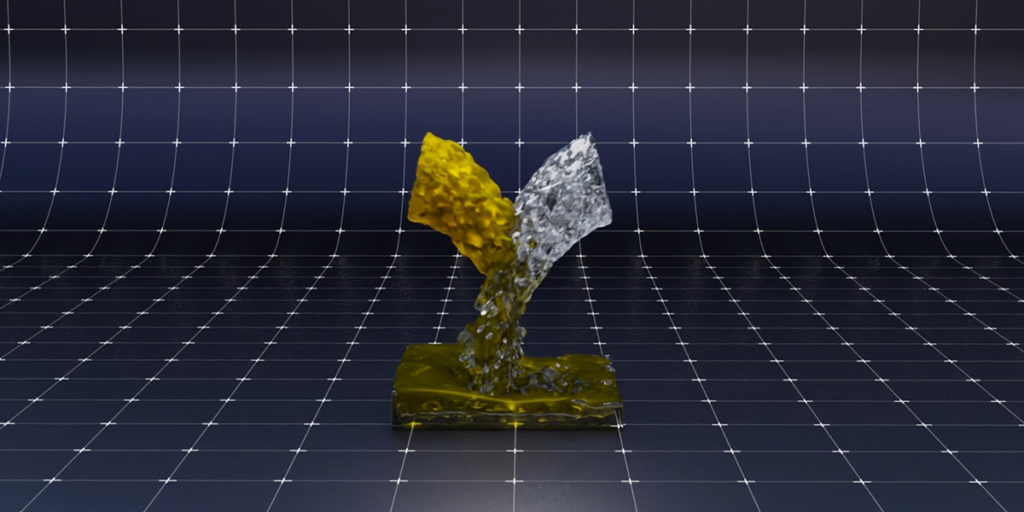
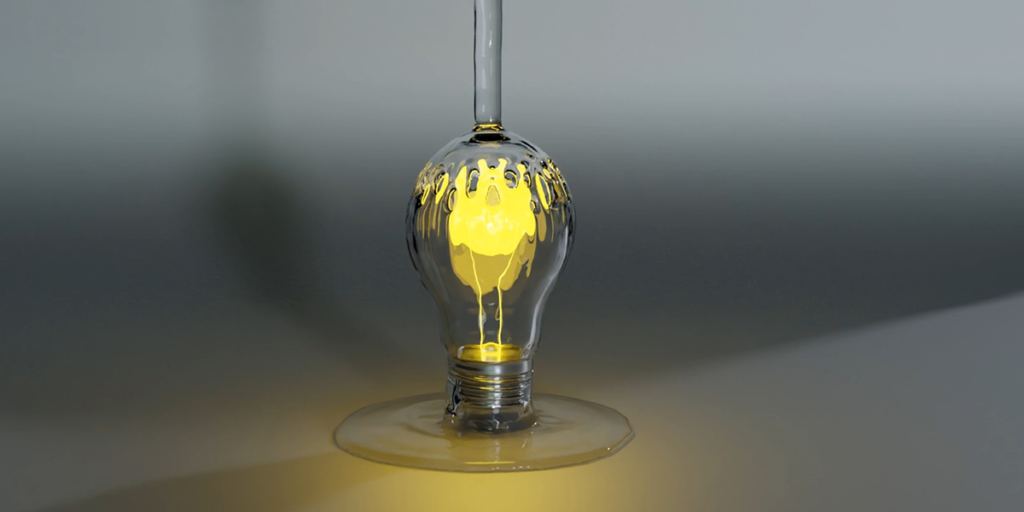
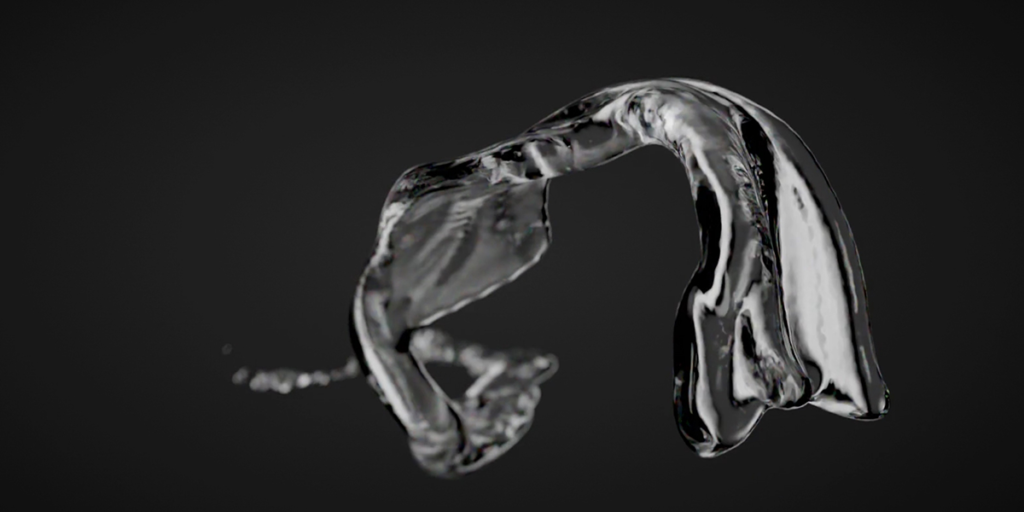
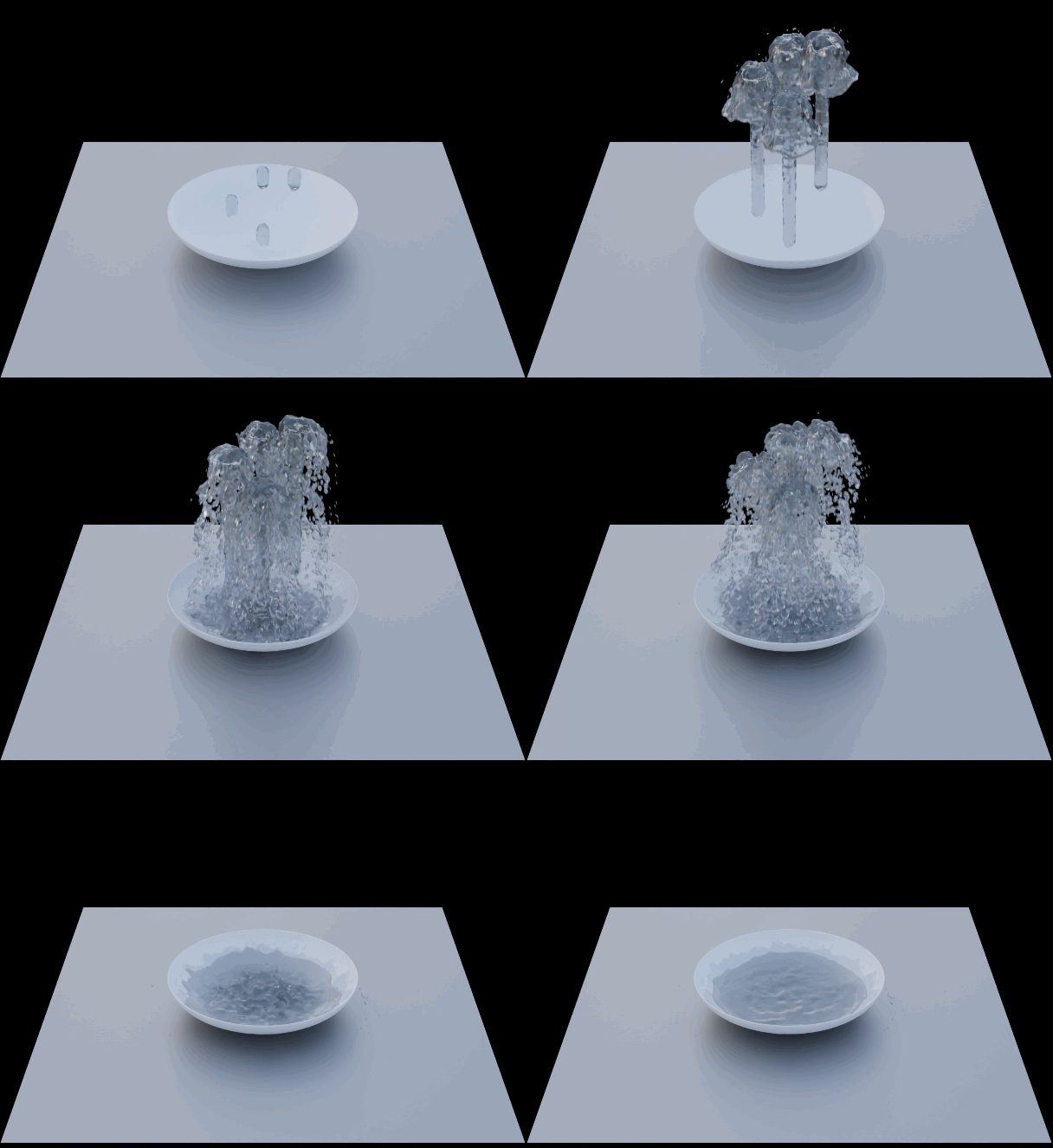
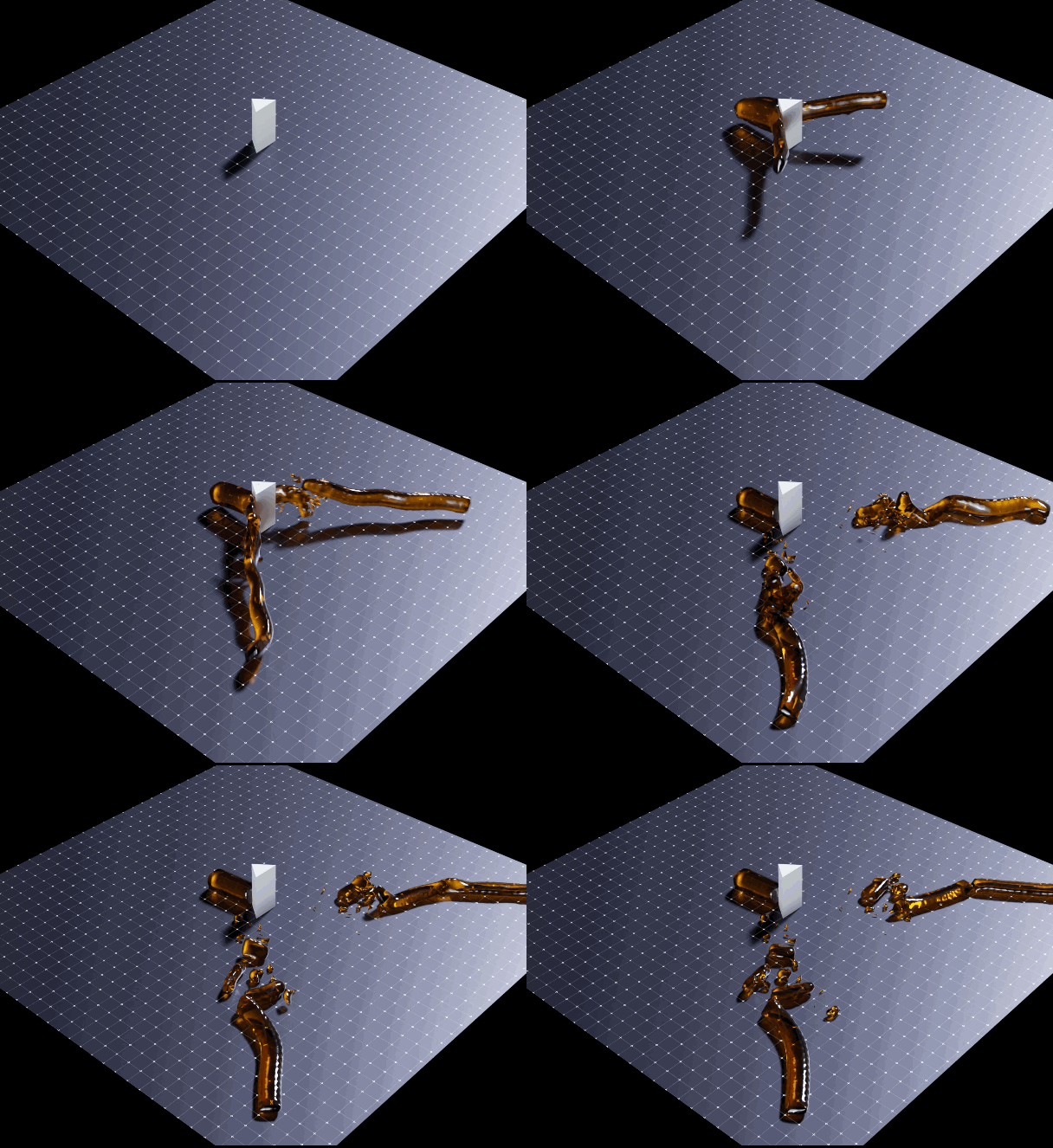
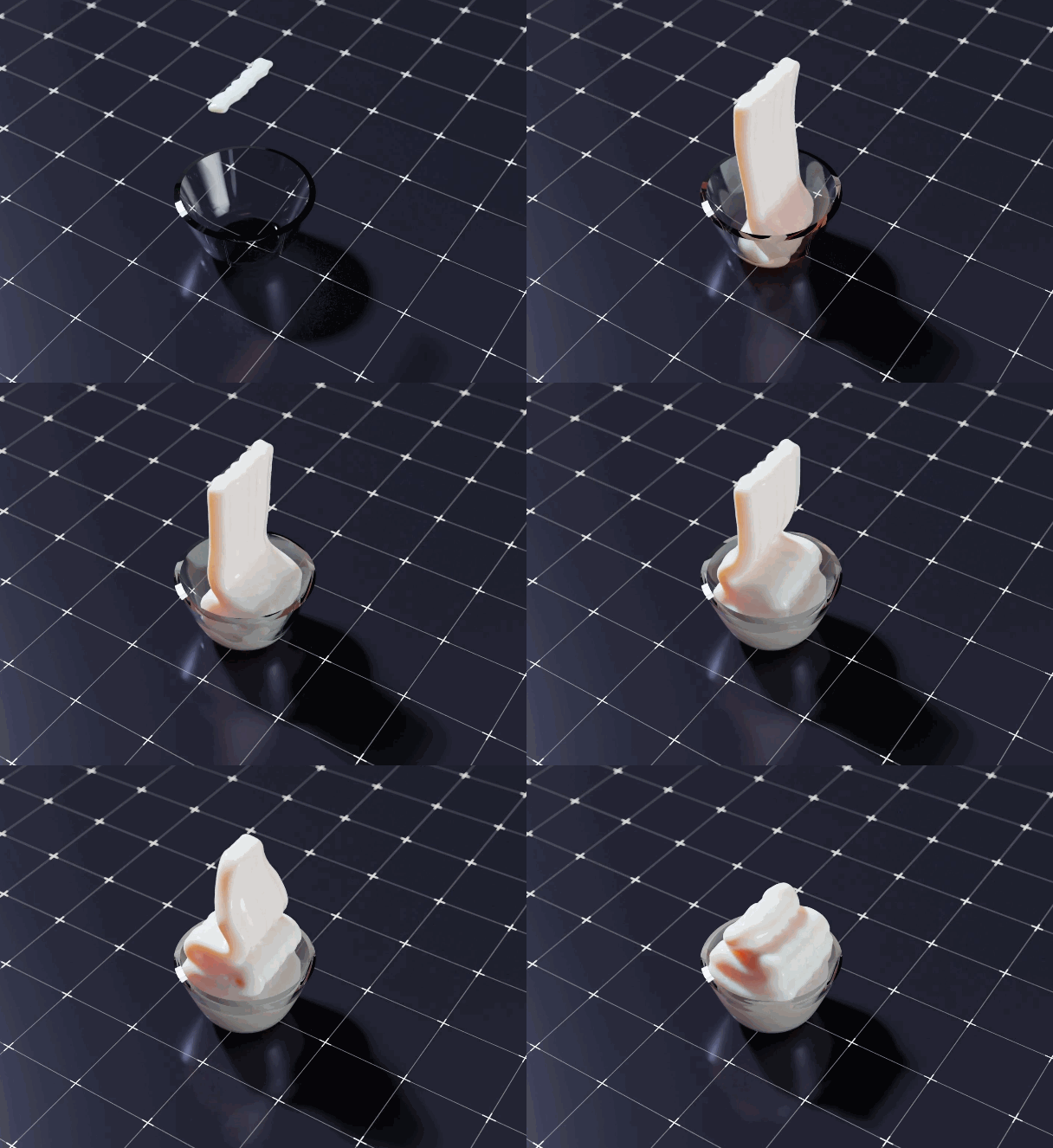
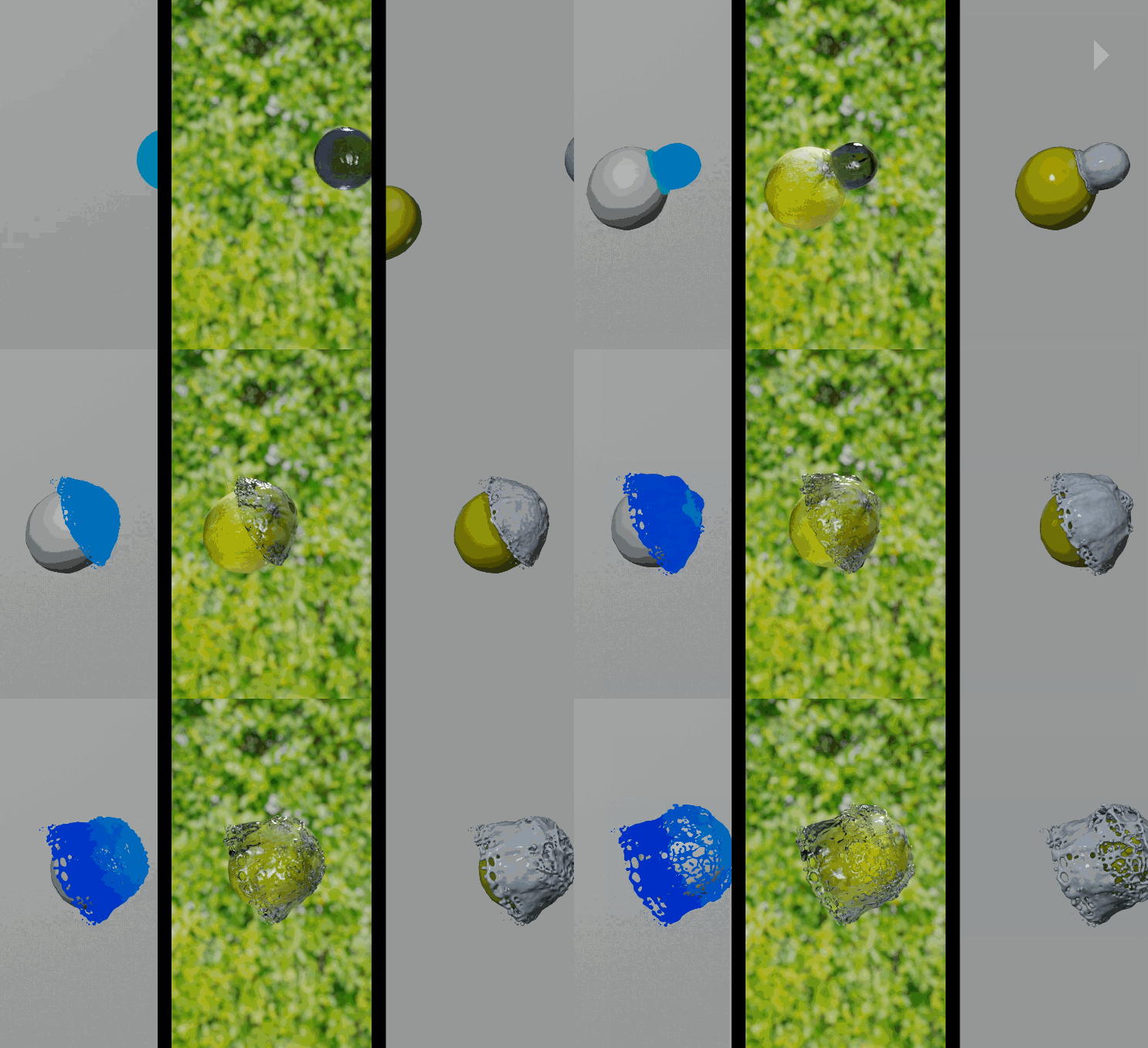
FluidLab is a powerful tool for generating realistic simulations of fluids, viscous bodies, slimes and other fluids. You don’t need a “Domain”, you can create your simulations in real time in viewport, no need to wait for an “invisible” bake. You can interact different emitters with different densities, viscosities or behaviors.
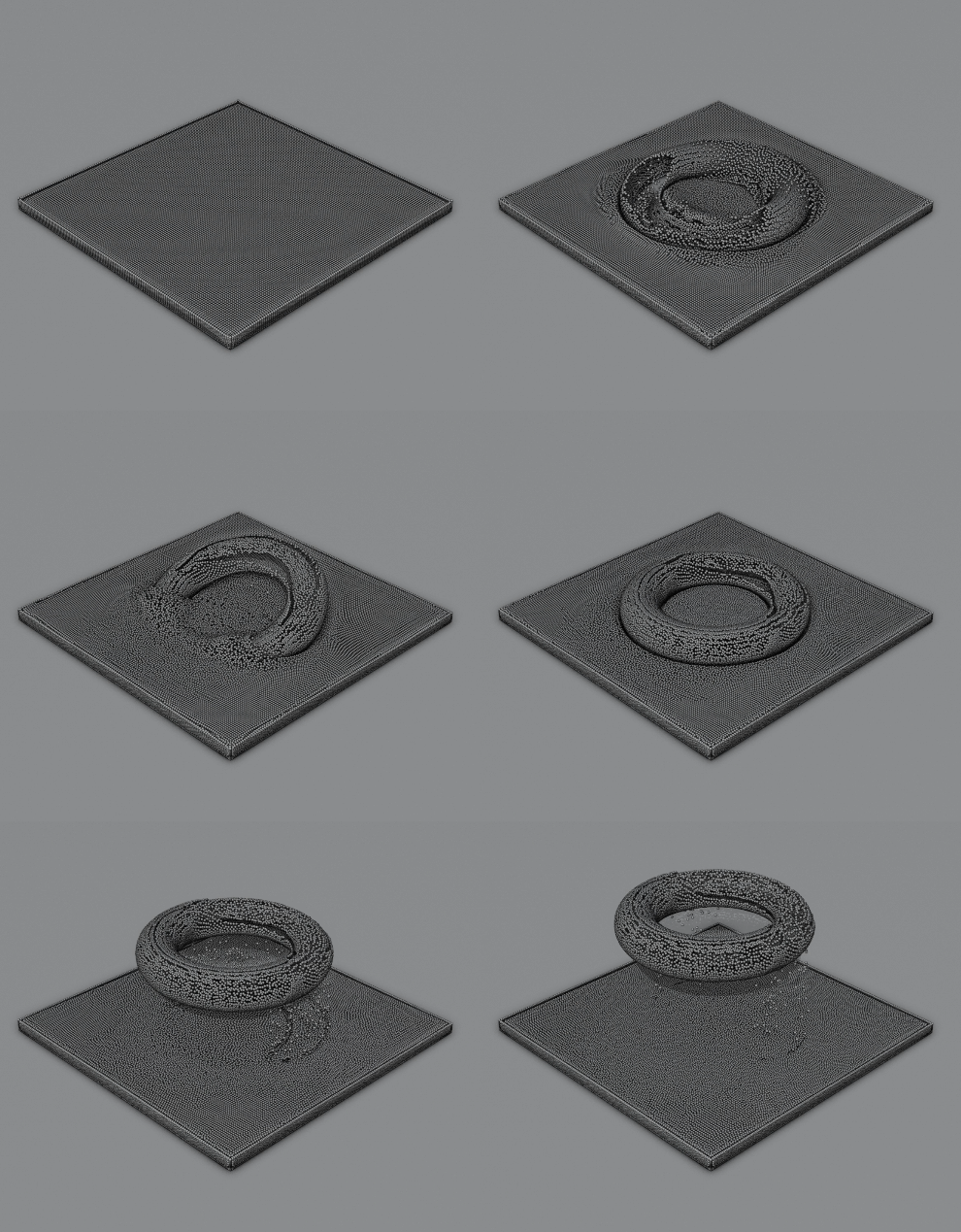
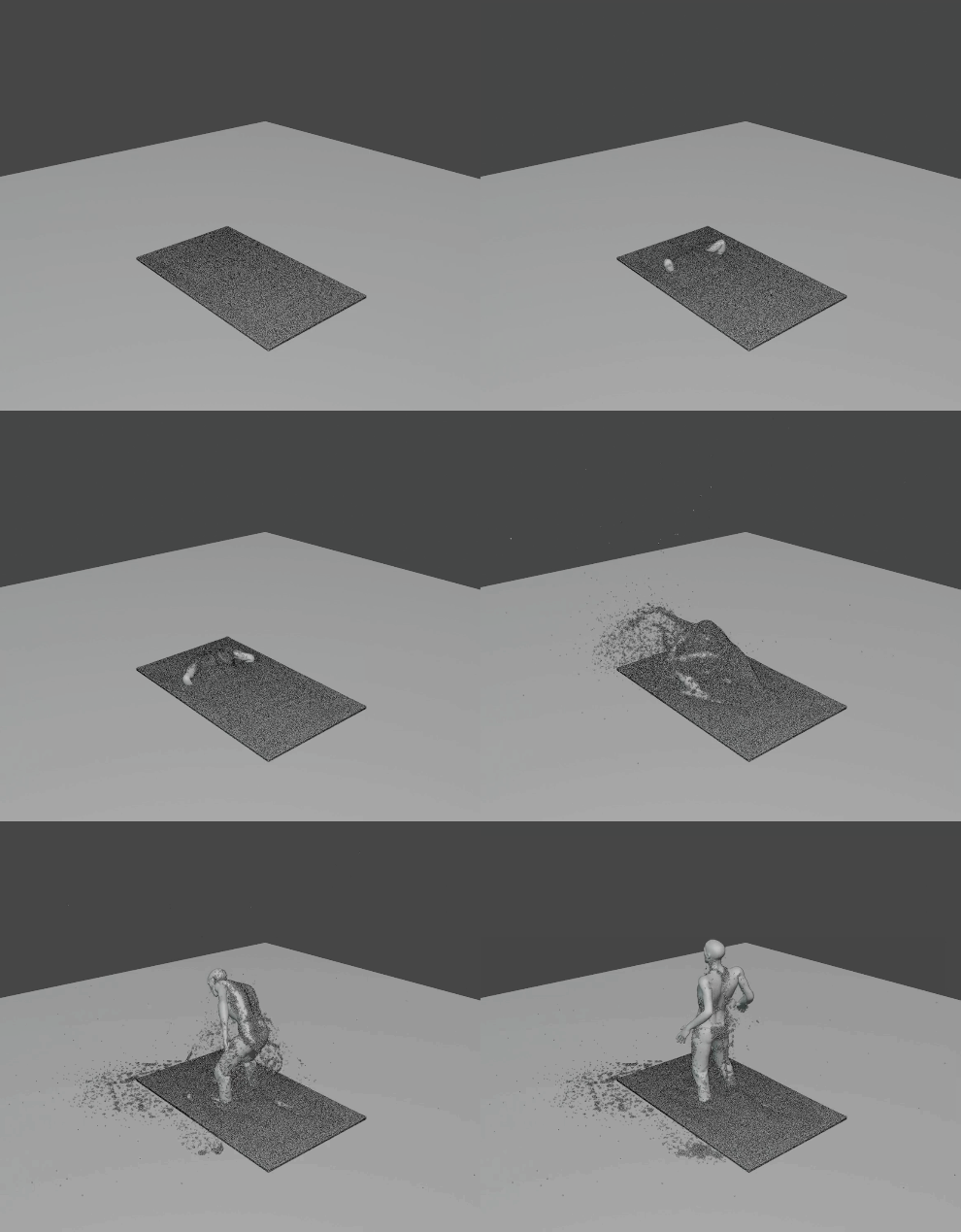
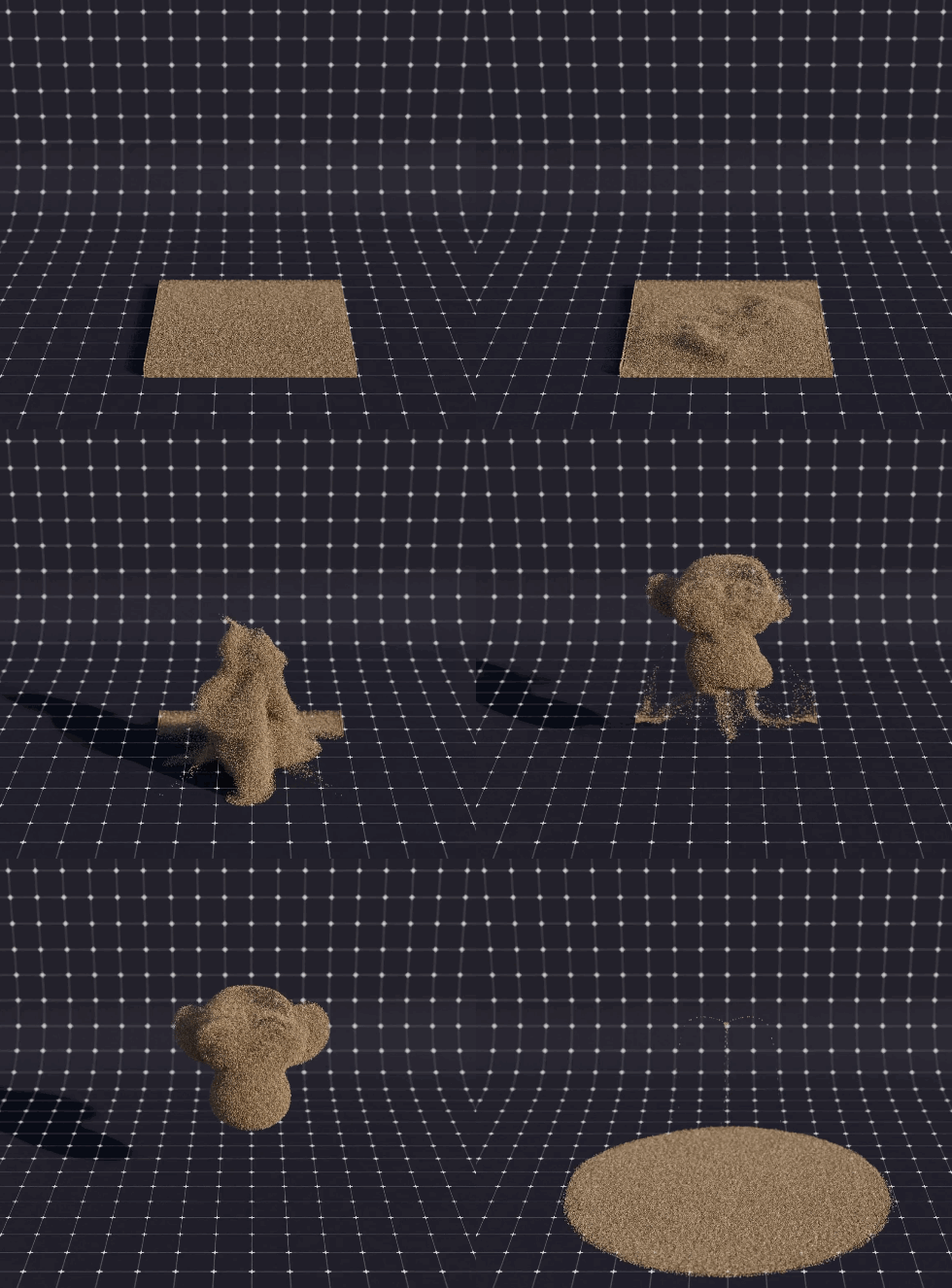
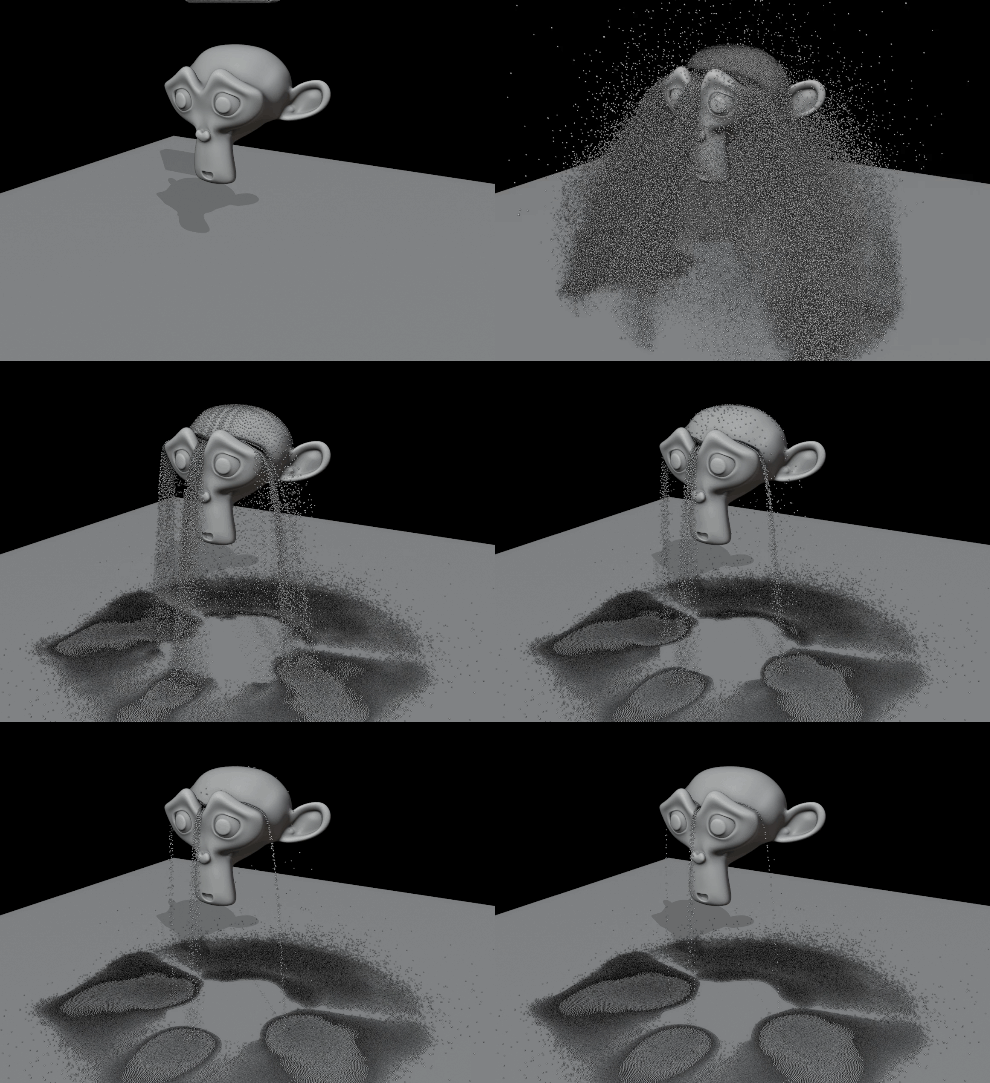
You can also create amazing effects with particles, such as sand, mud… etc.
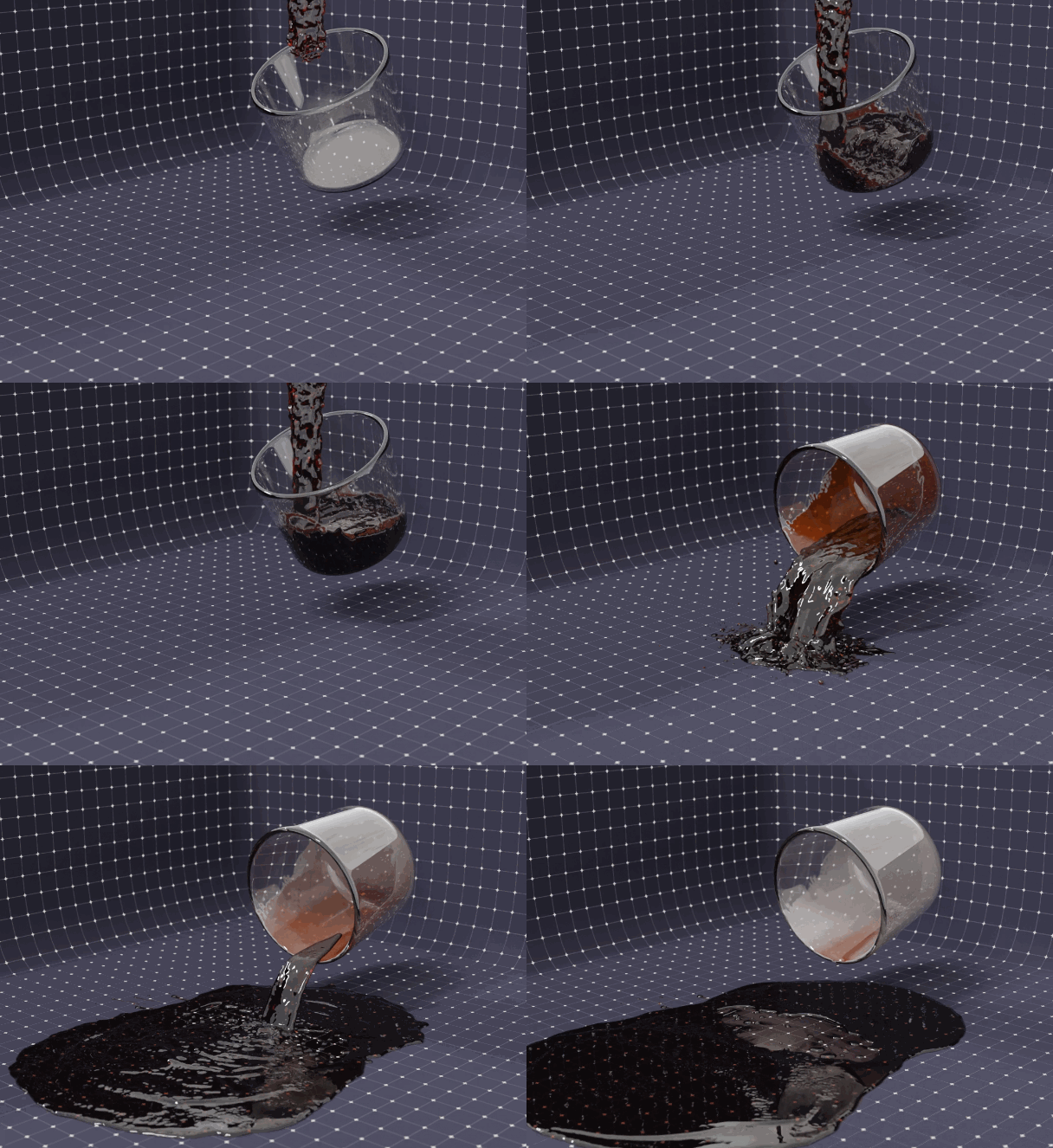
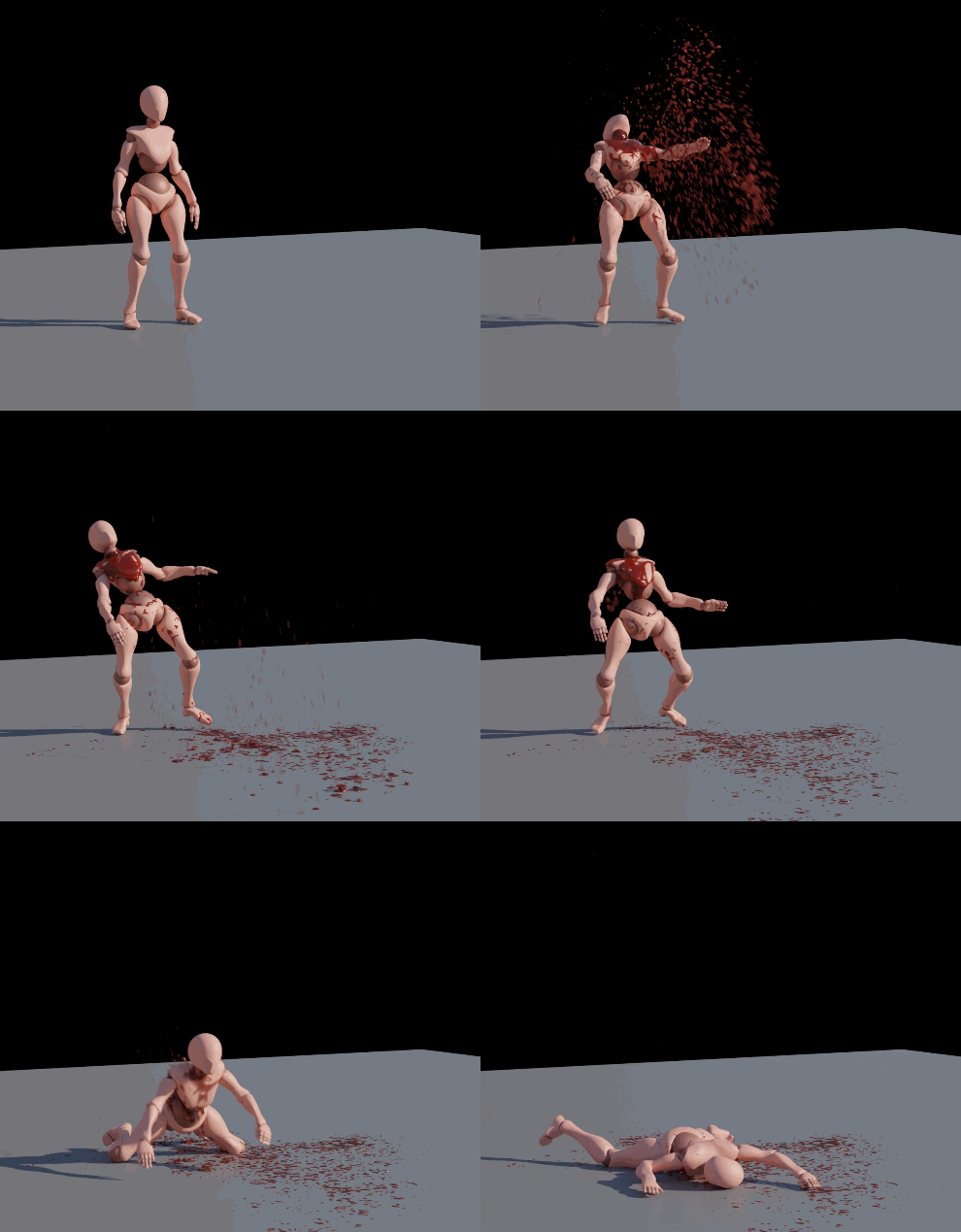
FluidLab is designed to work optimally with small and medium scale fluids. You will have access to presets (and you can create your own presets) and different shaders, water, lava, blood, etc… and you can export them in Alembic in a simple way to use your simulations wherever you want..
We use the SPH (Smoothed-particle hydrodynamics) system that Blender particles have to generate the simulation, and Geometry Nodes to generate the mesh and many attributes that will be used to improve the appearance of your fluid.
A complete Forces module allows you to create amazing simulations using all kinds of forces.
FluidLab is compatible with RBDLab and can interact in amazing ways. Break a glass full of wine, or shatter a metal can and the liquid inside will disperse.
Our Social Media:
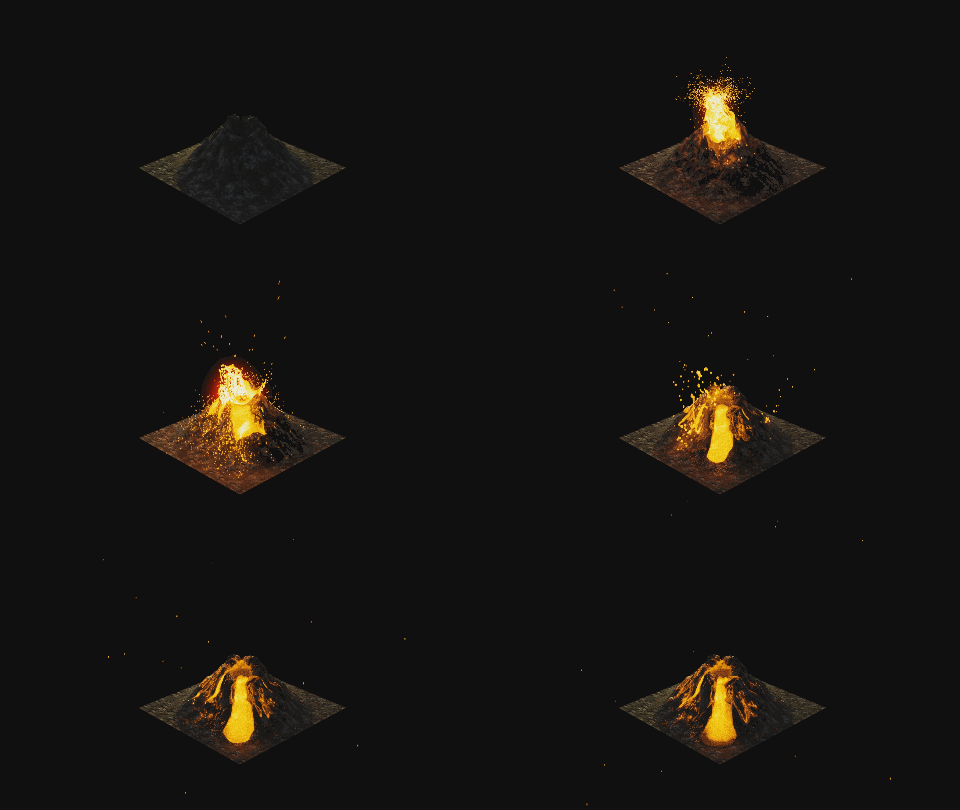
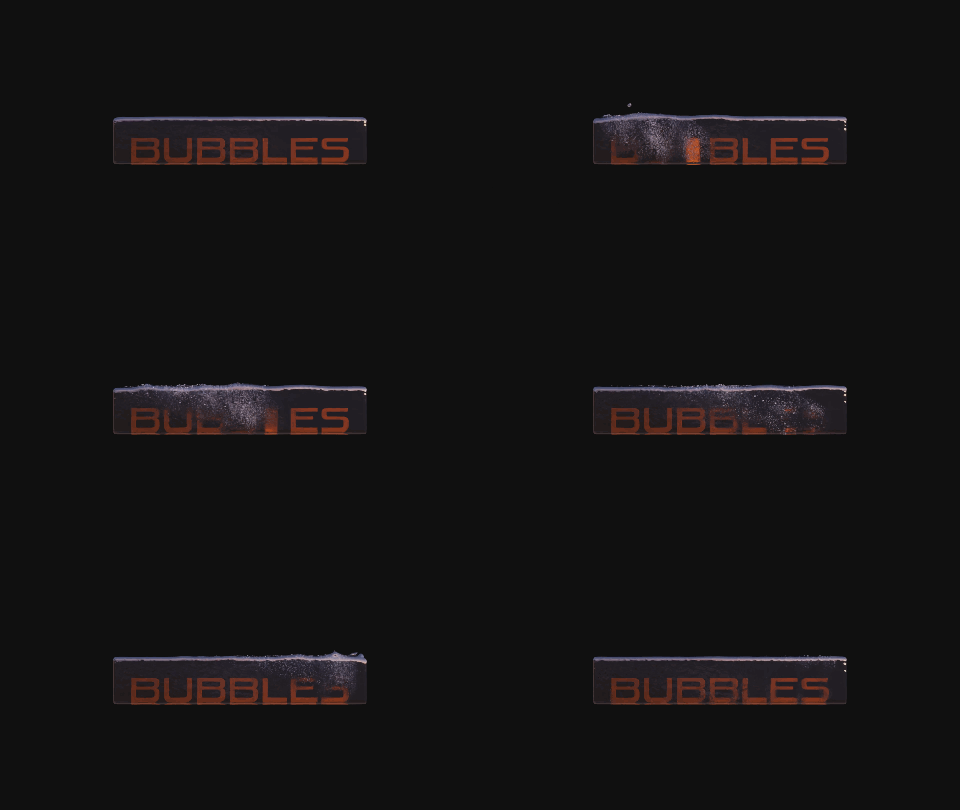
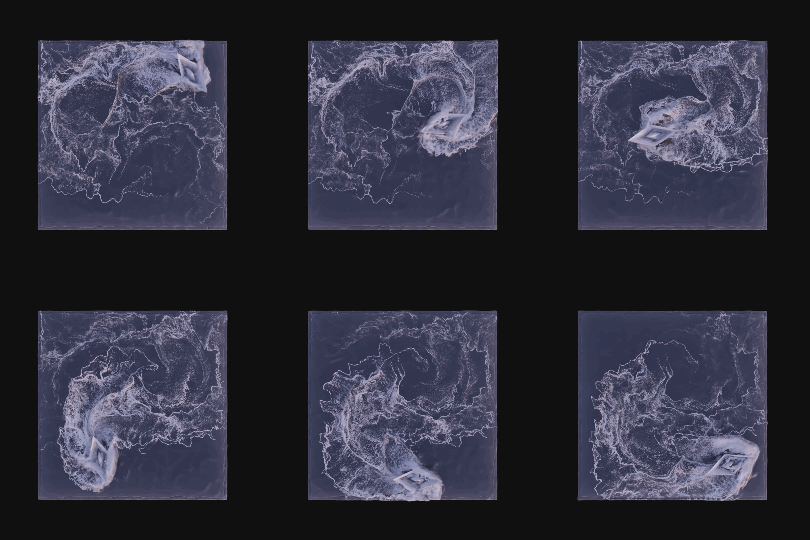
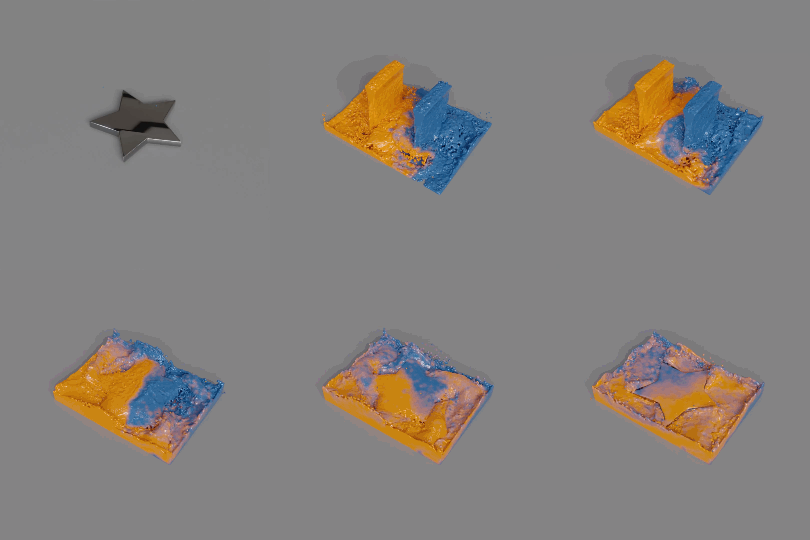
Fluids like water, honey, blood…


Sand, Particles…
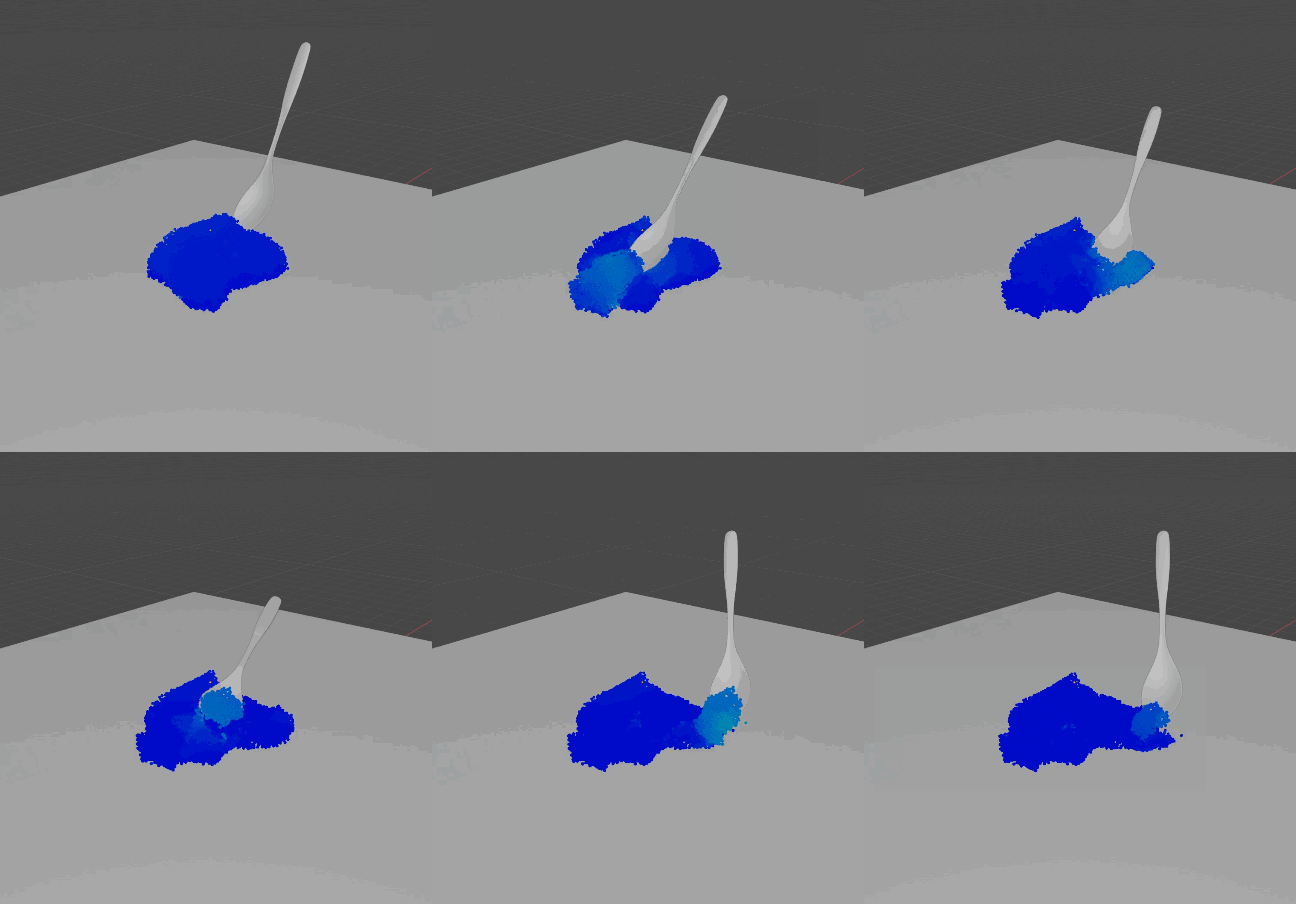
Slimes, Mixed Viscosity…
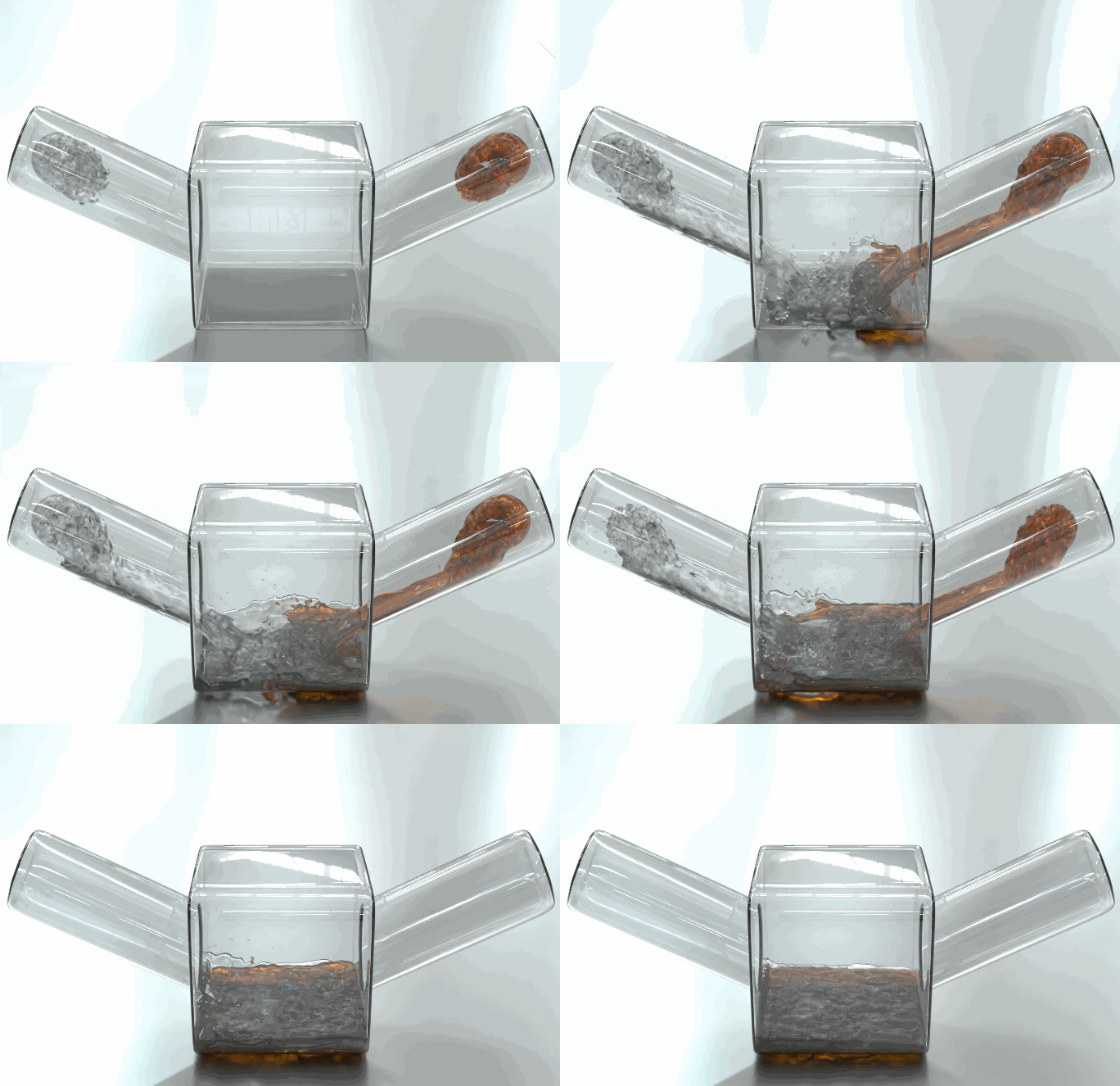
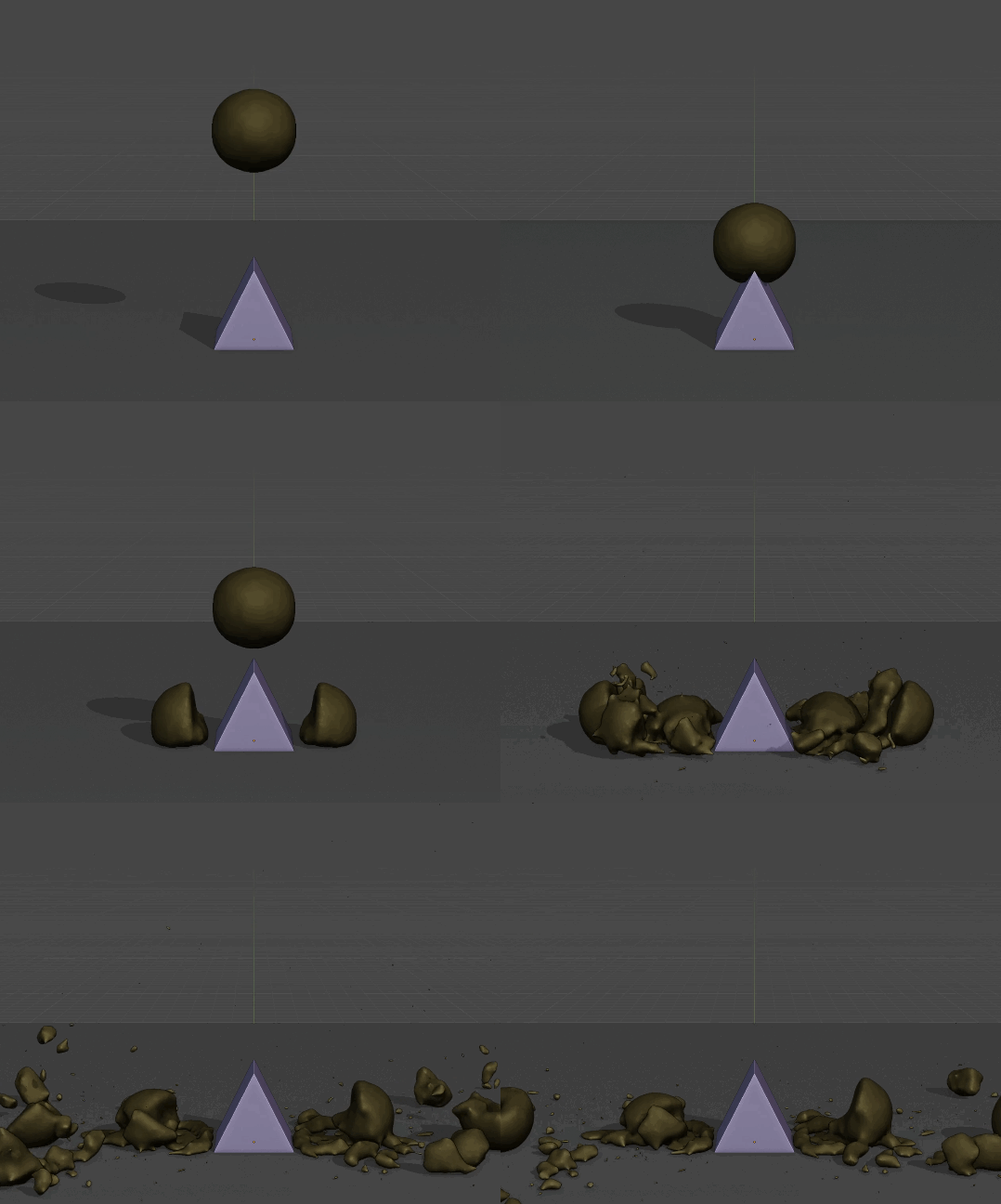
Interactions with RBDLab!
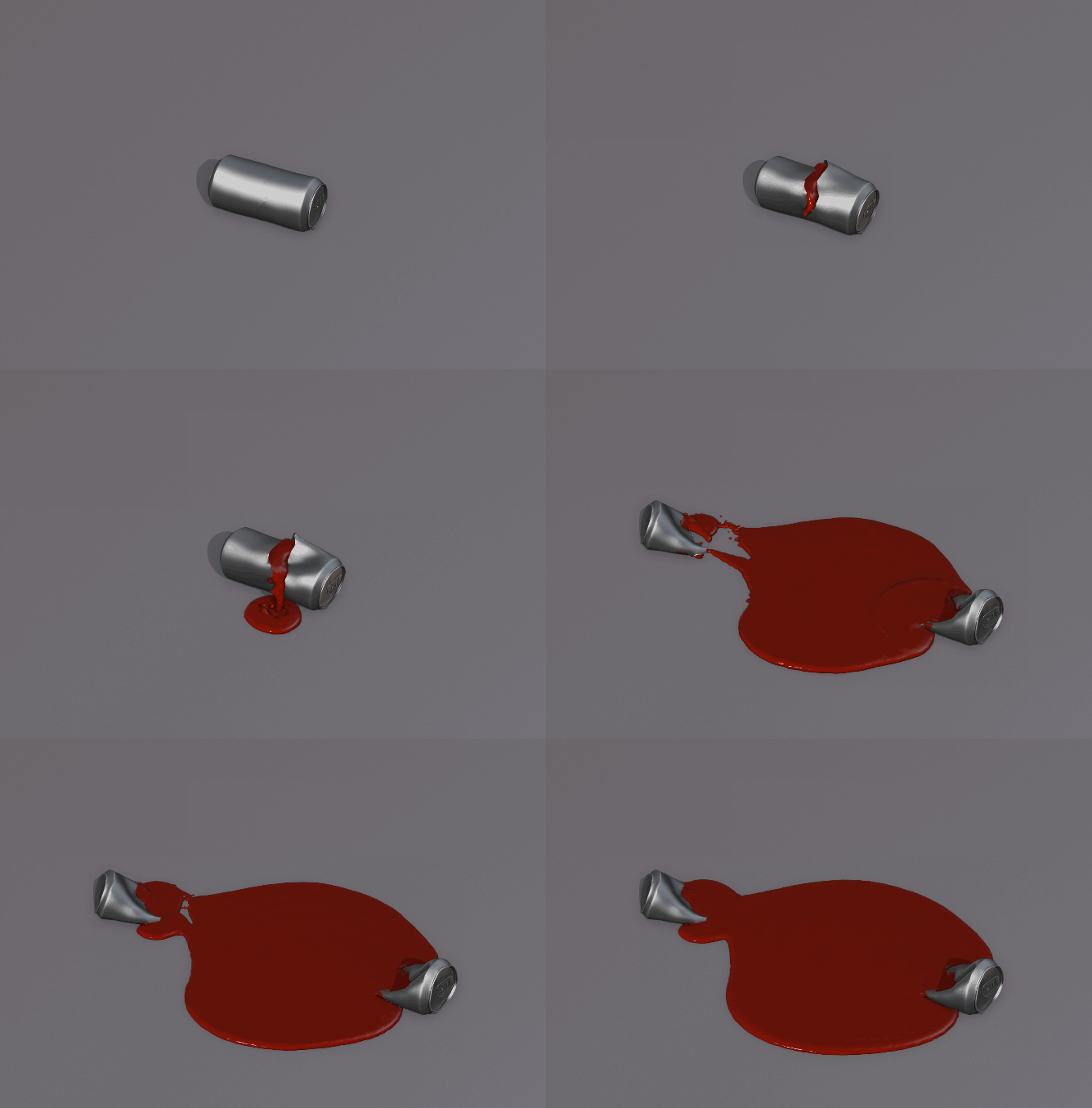
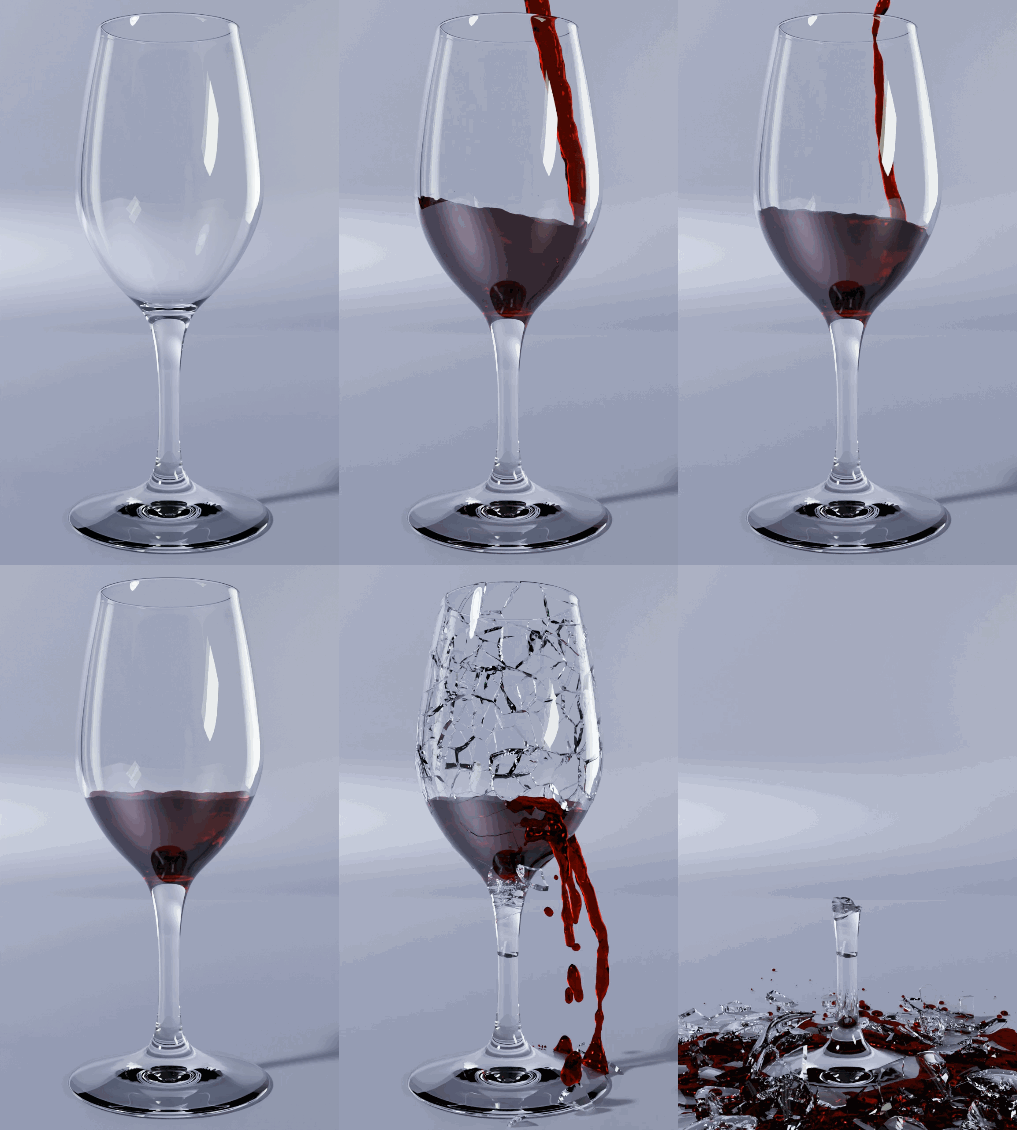
Others examples…

Supercharge your 3D creation workflow with premium selection of Blender Add-ons. Whether you are modeling intricate characters, sculpting realistic environments, or animating cinematic sequences, the right add-on can transform how you work inside Blender. Our curated collection includes powerful tools for UV unwrapping, procedural texture generation, rigging automation, rendering optimization, and more—each rigorously tested for compatibility with the latest Blender versions. Eliminate tedious manual processes and unlock advanced functionality that lets you focus on what matters most: bringing your creative vision to life. Explore our full range of professional Blender plugins today and take your 3D projects to the next level.
➡️ ➡️ For more Blender Plugins 😀 😀
Reviews
There are no reviews yet.